
July 7, 2026•17 min read
6 Best AI Fashion Photography Tools That Replace Traditional Photoshoots in 2026
A 50-look photoshoot runs $4,000 or more per season. These 6 AI fashion photography tools cover on-model product shots, campaign imagery, and fashion video at a fraction of the cost, with pricing and a decision framework to pick the right one.
Picture of 6 Best AI Fashion Photography Tools That Replace Traditional Photoshoots in 2026 article
A 50-look traditional fashion photoshoot costs between $4,250 and $9,750, before seasonal refreshes, reshoots, or licensing renewals. Zalando, Europe's largest online fashion retailer, cut its imagery costs by up to 90% after shifting the majority of its editorial campaign imagery to AI-generated photography. Its production cycle dropped from six to eight weeks to three to four days.
These are not projections. They are operational outcomes from a brand that already made the switch.
The tools that made this possible are accessible to brands of every size in 2026, not just enterprise retailers. Whether you need on-model product shots for an Amazon listing, campaign imagery for a paid social campaign, or fashion video content for TikTok, there is now an AI tool purpose-built for each use case.
This guide covers the six best AI fashion photography tools available in 2026, what each one does, and which is the right fit for your brand's specific workflow.
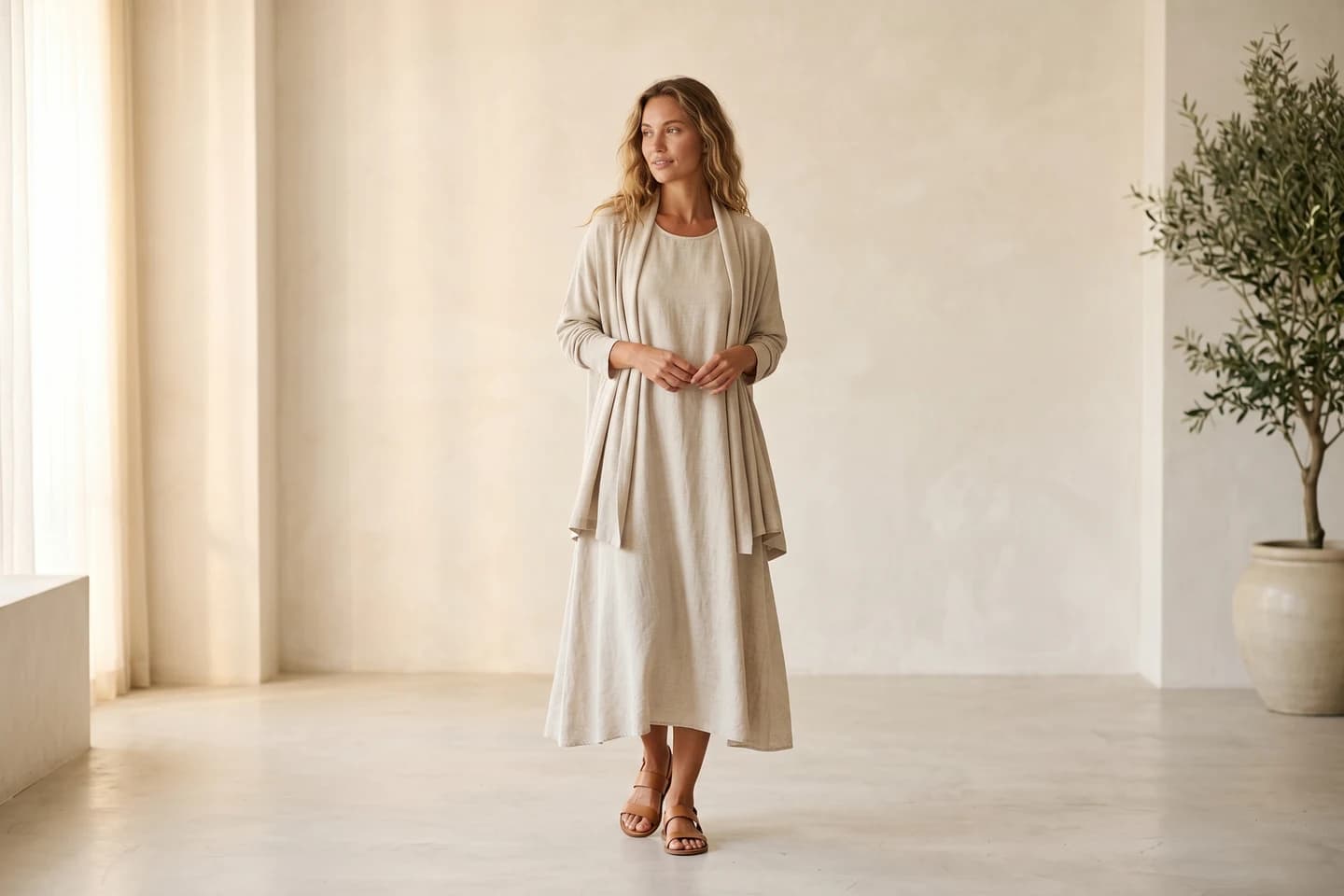
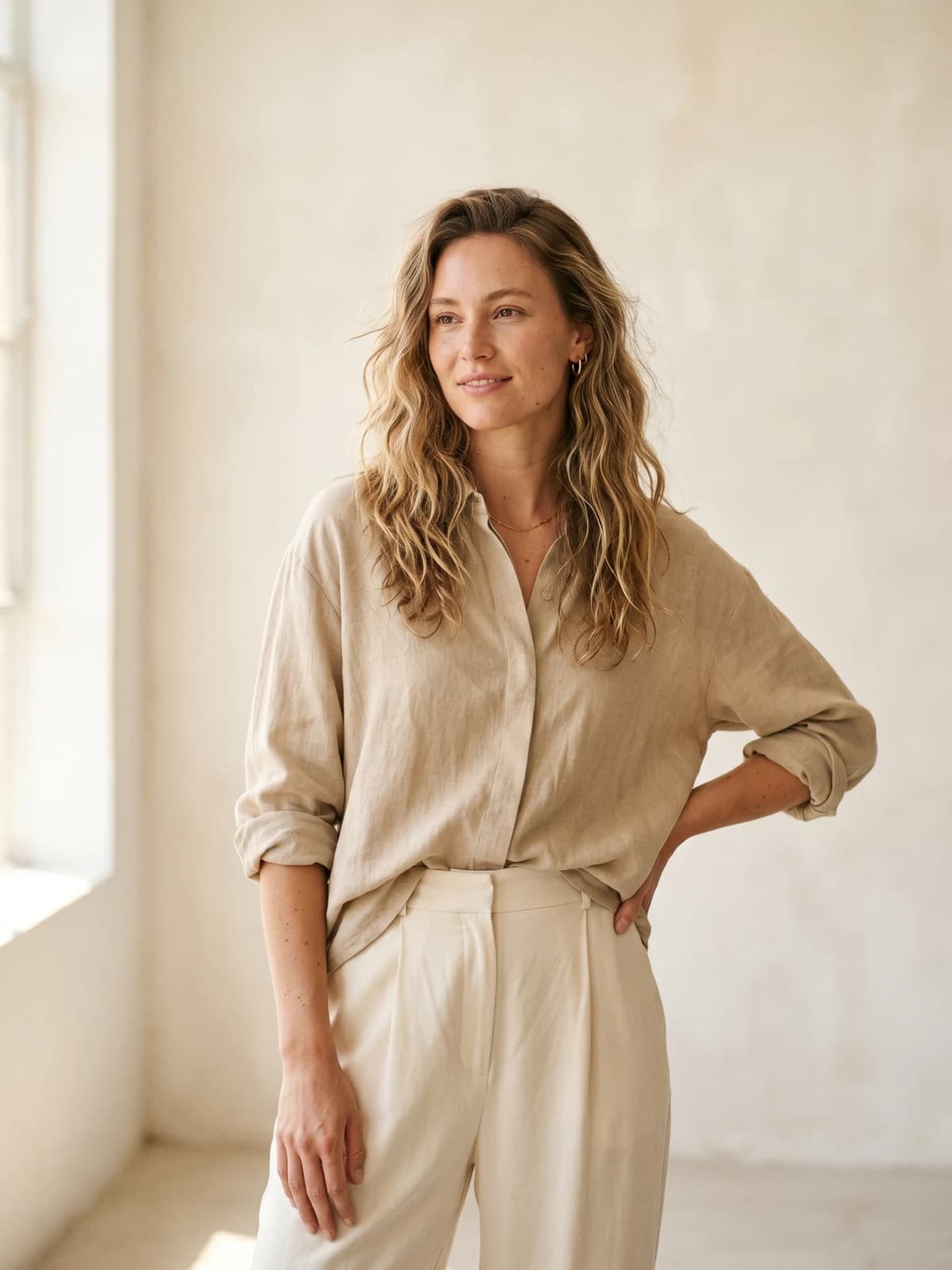
Replace your next photoshoot with AI
Professional on-model fashion photography in seconds — at a fraction of the cost of a studio shoot.
What a traditional photoshoot costs: the baseline
Before comparing tools, the financial context matters. A standard on-model fashion photoshoot carries the following typical costs:
- Photographer day rate: $800 to $3,000
- Model fees: $500 to $2,500 per day (plus 20-50% for commercial usage rights)
- Studio rental: $500 to $1,500 per day
- Stylist, hair, and makeup: $700 to $2,000 per day combined
- Post-production and retouching: $25 to $75 per image
At scale, that adds up fast:
| Catalog size | Traditional cost (per season) |
|---|---|
| 50 looks | $4,250-$9,750 |
| 200 looks | $15,000-$37,000 |
| 500 looks | $37,500-$92,500 |
Multiply by two to four for annual seasonal refreshes.
Every tool listed below operates at a fraction of these figures. The AI cost for a 50-look catalog typically runs $150 to $400 per season, a 95%+ reduction. The comparison isn't close.
Best AI fashion photography tools: a brief overview
- WearView: Best for on-model ecommerce product photography: converts flat-lay, hanger, or mannequin shots into photorealistic on-model images with consistent model identity across the whole catalog.
- ImagineArt: Best for AI fashion imagery and campaign content: multiple top image models (Flux, GPT Image 2, Recraft, Seedream) in one platform for campaign, lookbook, and ad creative.
- Midjourney: Best for stylized and editorial fashion imagery: the image-quality benchmark for cinematic campaign and lookbook concepts.
- Adobe Firefly: Best for design teams on Adobe Creative Cloud: AI generation inside Photoshop, Illustrator, and Express, trained on licensed content.
- Canva AI: Best for social media content and marketing materials: AI generation plus a full design suite, so imagery ships as finished posts and ads.
- Runway: Best for AI fashion video content: text-to-video and image-to-video generation strong enough for social ads and campaign clips.
| Tool | Primary use | On-model product shots | Campaign imagery | Fashion video | Starting price |
|---|---|---|---|---|---|
| WearView | Ecommerce catalog photography | Excellent | No | Yes (basic) | $24/month |
| ImagineArt | AI image generation | No | Excellent | No | Free / tiered subscription |
| Midjourney | Stylized image generation | No | Excellent | No | $10/month |
| Adobe Firefly | Design-integrated AI imagery | No | Good | No | $9.99/month |
| Canva AI | Design plus AI for social content | No | Good | Basic | Free / $15/month |
| Runway | AI video generation | No | Good | Excellent | Free / $15/month |
1. WearView, best for on-model ecommerce product photography
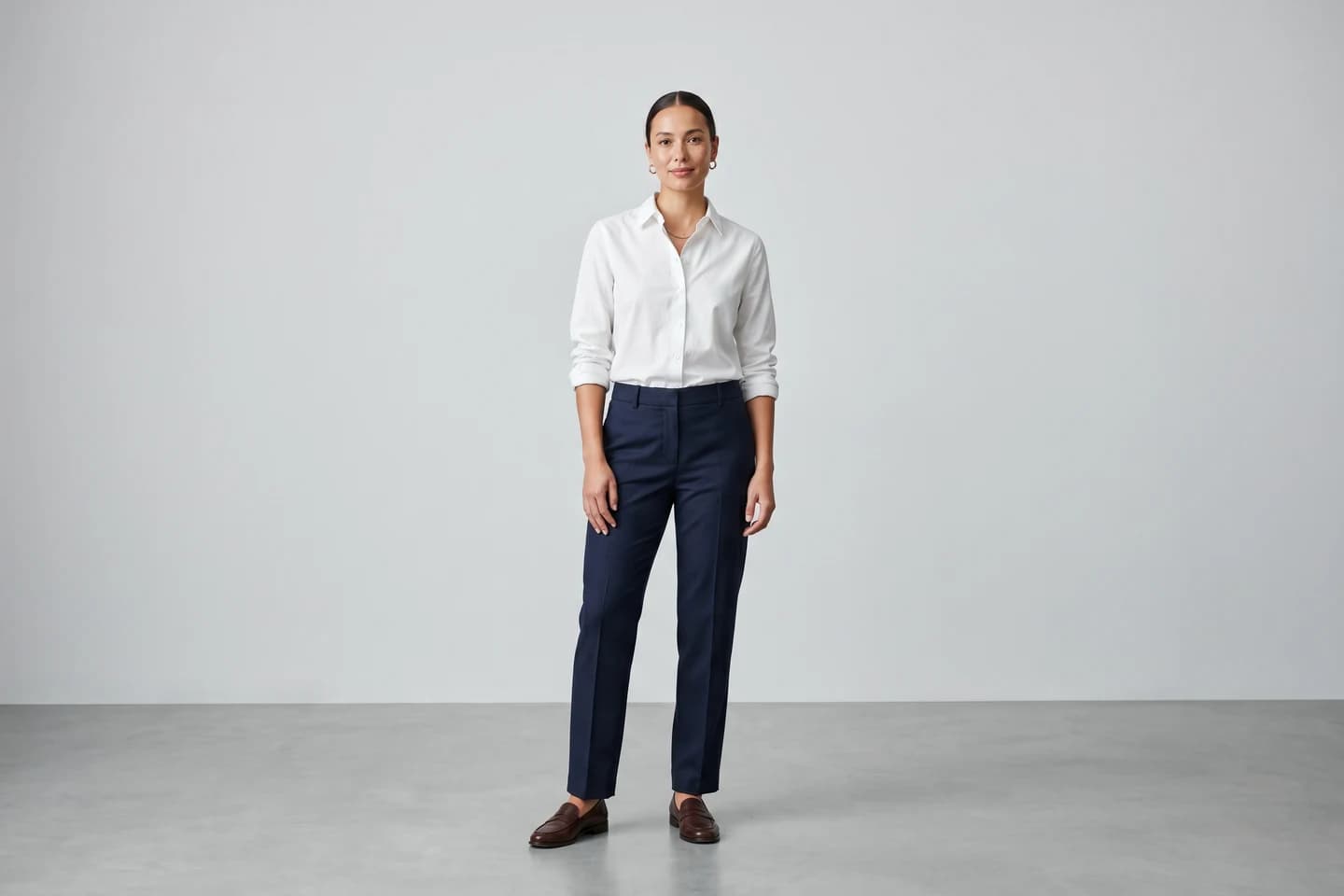
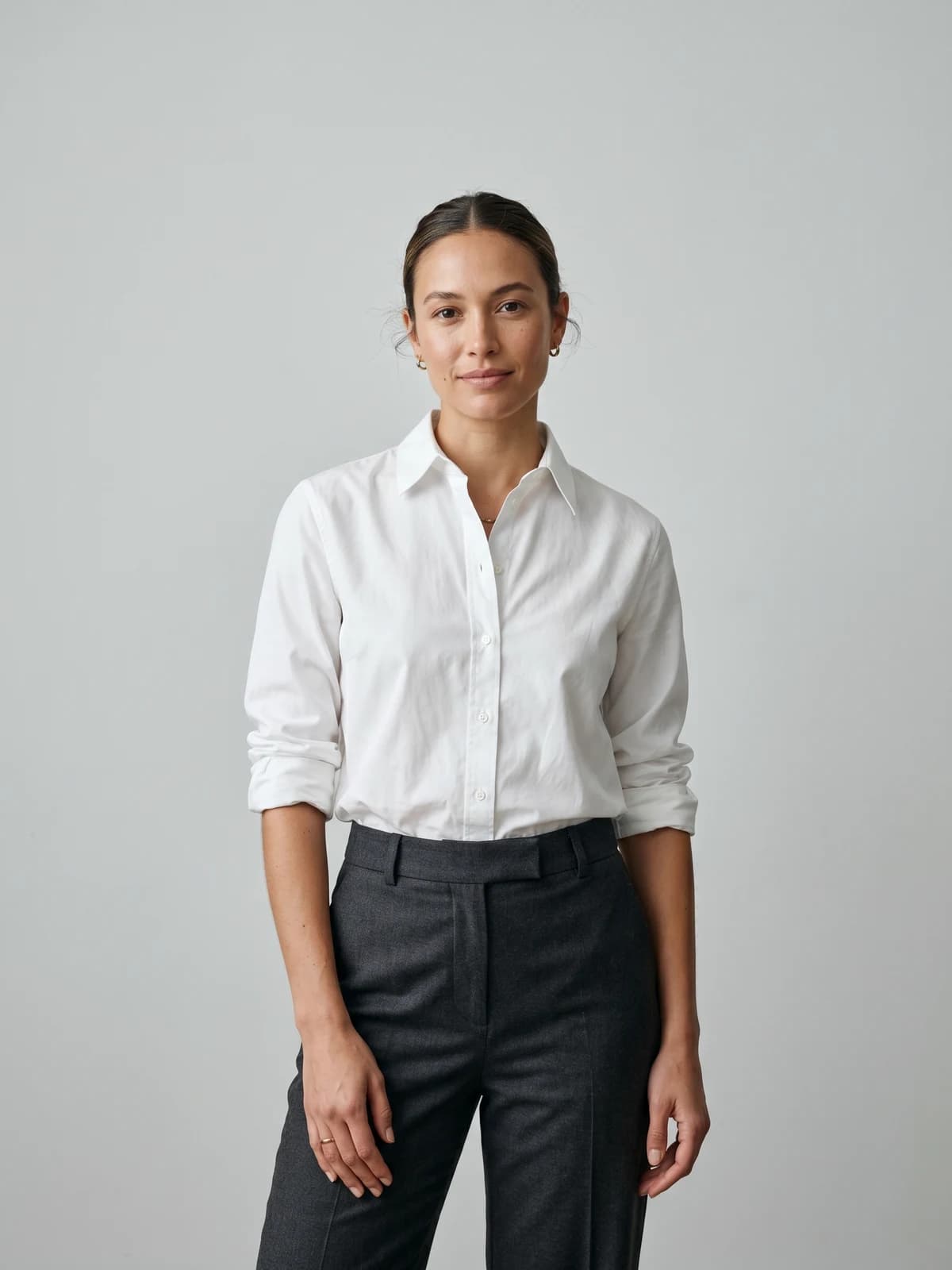
WearView is purpose-built for the most common and costly fashion photography use case: on-model product shots for ecommerce catalog listings. Upload a garment photo, whether flat-lay, hanger, or mannequin, and WearView generates a photorealistic on-model image in around 30 seconds. No studio, no model booking, no shoot day.
What separates WearView from general AI image tools is the depth of its ecommerce-specific features. The consistent models feature locks the same AI model appearance across an entire product catalog, something traditional photography across multiple shoot days cannot reliably deliver. For a full guide on maintaining visual consistency from the first product to the five-hundredth, WearView's product image consistency guide covers the approach in detail.
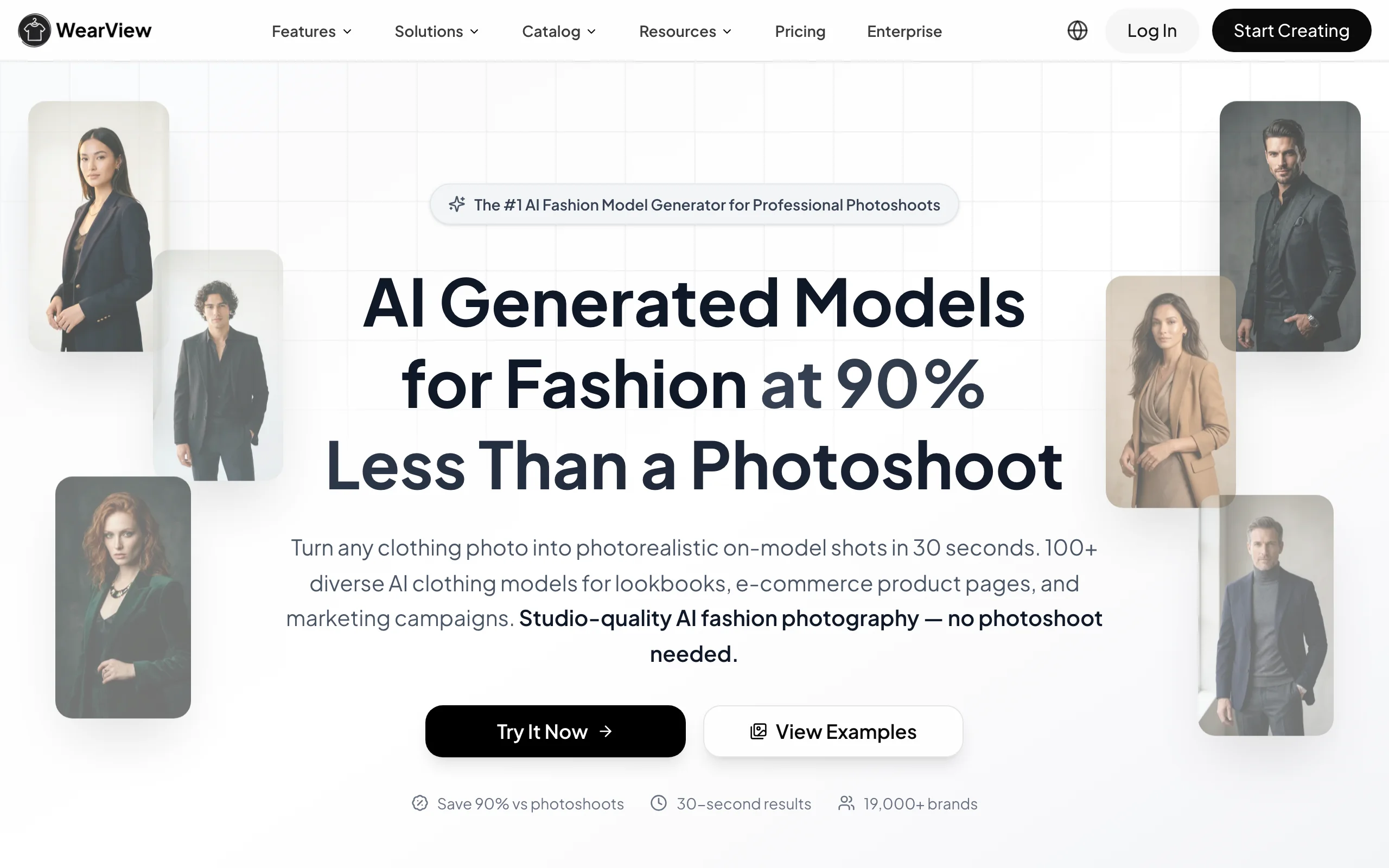
AI Fashion Photography with WearView
Key features
- Flat-lay, hanger, or mannequin to on-model conversion in around 30 seconds
- Diverse AI model library across ethnicities, body types, and age groups
- Consistent model appearance maintained across full catalogs
- Pose control for directing AI model positioning
- Ghost mannequin generation and removal
- Fashion video generation from static product images
- HD, 2K, and 4K output with commercial usage rights included
For brands new to AI model photography, WearView's step-by-step guide to creating your first AI fashion model covers the setup process from garment upload to published image. For getting the most realistic output, the guide to fixing AI skin texture covers the adjustments that make AI model shots indistinguishable from studio photography.
Best for
- Ecommerce brands, Amazon and Shopify sellers, boutiques, and vintage resellers
- Teams that need high-volume, consistent on-model product photography
- Brands that want to skip the cost and logistics of a traditional shoot entirely
Pricing
- Lite: $24 per month (50 credits)
- Pro: $40 per month (200 credits, team seats included)
- Advanced: $82 per month (500 credits, up to 15 team seats)
- Annual billing saves up to two months per year
Pros
- The only tool in this list purpose-built for commerce-ready on-model product photography
- Consistent model identity across the catalog is rare among competitors and crucial for brand coherence
- Full commercial usage rights on every paid plan
Cons
- No free tier, only a money-back guarantee on paid plans
- Focused on product photography rather than freeform creative generation
2. ImagineArt, best for AI fashion imagery and campaign content
ImagineArt's AI image generator gives fashion brands access to multiple high-performance AI image models, including Flux, GPT Image 2, Recraft, and Seedream, from a single platform. Where WearView is built around the product listing use case, ImagineArt covers the broader creative layer: campaign imagery, lookbook content, ad creatives, and social visuals generated from a text prompt.
For fashion brands that need imagery beyond the product page, such as seasonal campaign assets, editorial content, paid social creatives, or lookbook photography, ImagineArt produces high-quality outputs at a volume and speed that replaces agency or studio production for most brand content needs. The range of available models means brands can match output style to creative brief, from photorealistic to stylized.
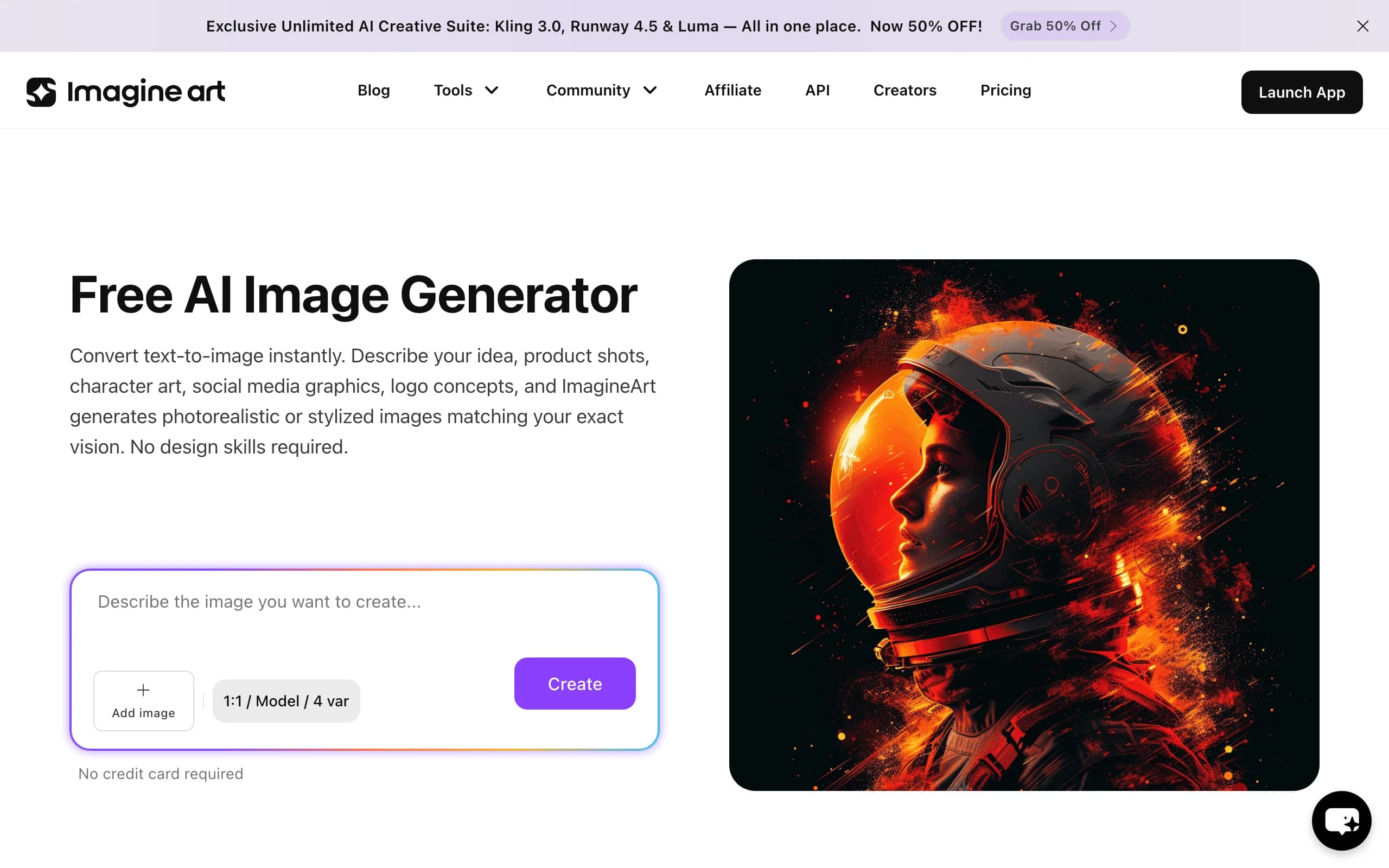
AI Fashion Photography with ImagineArt
Key features
- Multiple AI image generation models in one platform (Flux, GPT Image 2, Recraft, Seedream, and more)
- Text prompt to high-quality fashion image generation
- Style Reference and image editing tools (Inpaint, Magic Text, Upscale)
- Ad Studio for campaign creatives and UGC-style content
- Workflows for automating creative pipelines at volume
- Team collaboration and enterprise plans
Best for
- Fashion brands that need AI-generated campaign imagery and editorial content
- Marketing teams producing ad creatives and lookbook photography at volume
- Brands that want to match output style to creative brief across multiple AI models
Pricing
- Free tier available
- Paid subscription plans tiered by model access and generation volume
Pros
- Access to multiple frontier image models under one subscription
- Covers the full creative layer from prompt to campaign-ready asset
- Automation workflows scale creative production without added headcount
Cons
- Not built for on-model product listing conversion, so catalog photography needs a dedicated tool
- Output consistency across a large catalog requires careful prompt management
3. Midjourney, best for stylized and editorial fashion imagery
Midjourney is the benchmark for image quality in AI generation. It does not offer video-first workflows, on-model product conversion, or ecommerce-specific tools, but for pure image output quality, particularly stylized, cinematic, or editorial fashion imagery, it consistently produces results that set the standard for the category.
Fashion brands and editorial teams use Midjourney for campaign mood boards, lookbook concept development, and high-fidelity visual references that guide art direction. Its prompt system rewards specificity: detailed prompts covering lighting, composition, model pose, garment texture, and visual style produce output that rivals editorial photography in creative range.

AI Fashion Photography with Midjourney
Key features
- Industry-leading image quality and artistic range
- Latest model versions with improved photorealism and prompt adherence
- Strong control over lighting, composition, and stylistic direction
- Active community with extensive prompt reference library
- Standalone web app plus the original Discord interface
Best for
- Creative directors and editorial teams developing campaign concepts
- Fashion brands that prioritize image quality and stylistic range
- Lookbook and hero content where art direction matters more than catalog volume
Pricing
- Basic plan from $10 per month
- No free tier
Pros
- Consistently the strongest raw image quality in the category
- Deep stylistic range from photorealistic to editorial and cinematic
- Large community means prompts and techniques are easy to learn from
Cons
- No on-model product conversion or ecommerce workflow
- Keeping the same model face across many images takes deliberate prompt work
4. Adobe Firefly, best for design teams on Adobe Creative Cloud
Adobe Firefly is Adobe's native AI image generation model, integrated directly into Photoshop, Illustrator, and Adobe Express. For fashion brands and agencies already operating within the Adobe ecosystem, Firefly is the most frictionless AI option: generation happens inside the tools the team already uses, with no export or platform switching required.
Firefly's commercial safety is a meaningful differentiator. Adobe's own Firefly models are trained exclusively on licensed and public-domain content, which removes the usage rights ambiguity that affects some other AI image tools. For brands with legal review requirements on creative assets, this matters.
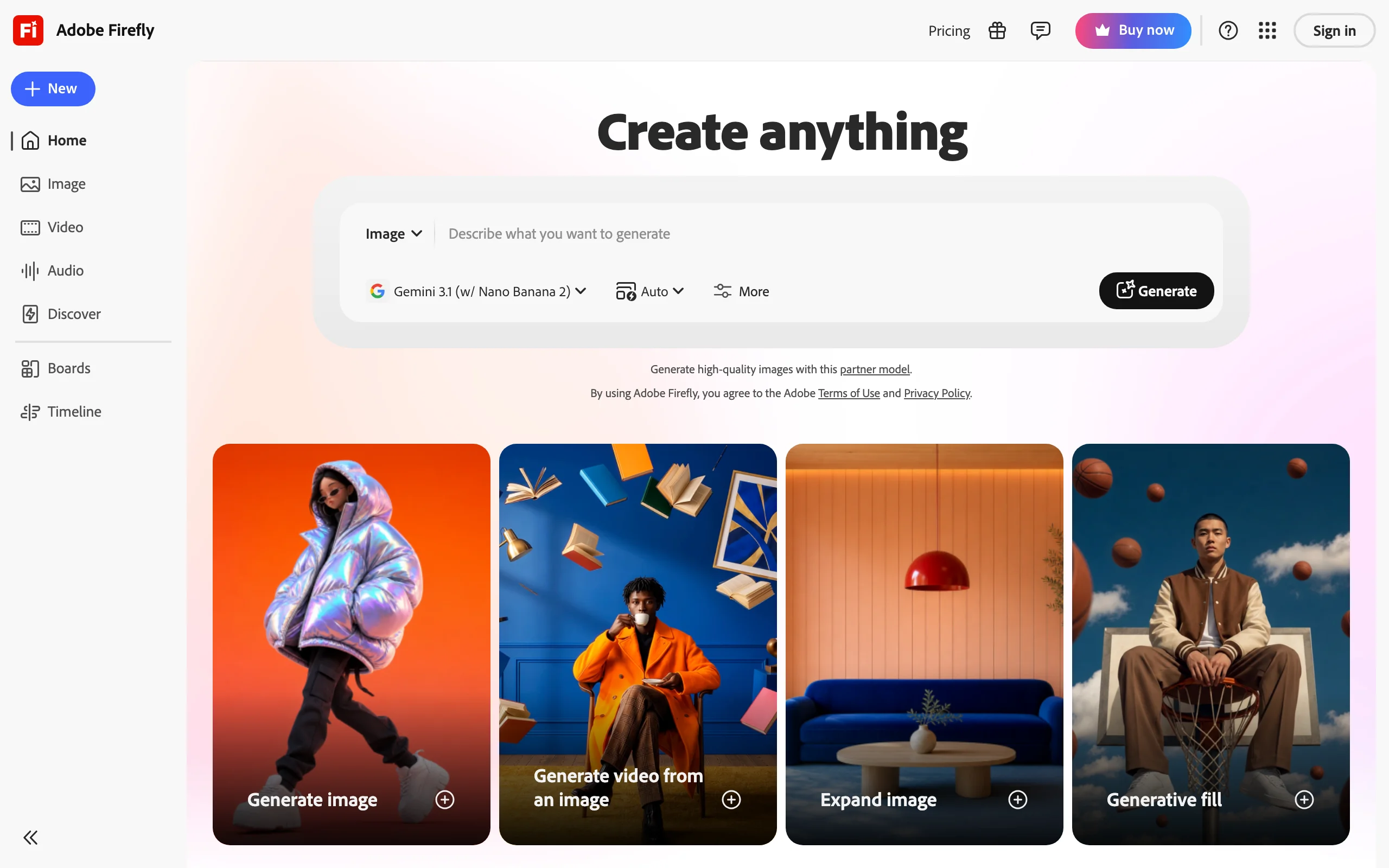
AI Fashion Photography with Adobe Firefly
Key features
- Generative Fill and Generative Expand natively in Photoshop
- Text-to-image generation within Adobe Express and Illustrator
- Commercially safe outputs from Adobe's own models, trained on licensed content
- Style Reference tools for brand-consistent generation
- Firefly Vector for scalable AI-generated graphics
Best for
- Design-led fashion teams and agencies already using Adobe Creative Cloud
- Brands with legal review requirements on creative assets
- Teams that want AI generation inside their existing retouching workflow
Pricing
- Included with Adobe Creative Cloud subscriptions
- Standalone Firefly plans from $9.99 per month
Pros
- Zero workflow friction for teams already in Photoshop and Illustrator
- The clearest commercial-safety story of any tool in this list
- Generative Fill is a practical daily tool for retouching product imagery
Cons
- Raw generation quality trails Midjourney for editorial-grade imagery
- Tied to the Adobe ecosystem, so non-Adobe teams pay for more than they need
5. Canva AI, best for social media content and marketing materials
Canva AI combines AI image and video generation with a full design suite, making it a strong option for fashion brands that need to design with AI rather than generate standalone assets. Where other tools on this list produce imagery, Canva produces finished design outputs: social posts, ad creatives, email headers, and campaign materials, all built around the generated imagery in the same interface.
For small fashion brands and boutiques without a dedicated design resource, Canva AI removes the gap between AI generation and publication-ready content. Brand kits maintain consistent fonts, colors, and logos across all outputs, and one-click platform resizing prepares assets for TikTok, Instagram, Meta ads, and more in seconds.
AI Fashion Photography with Canva AI
Key features
- AI image and video generation via Magic Media within the design canvas
- Magic Write for AI copy generation alongside visual content
- Brand Kit for consistent visual identity across all outputs
- One-click resize for TikTok, Instagram, Meta, YouTube, and more
- Thousands of fashion, ecommerce, and social media templates
- Direct publish to social platforms from within Canva
Best for
- Small to mid-size fashion brands and boutiques without a dedicated designer
- Teams that need design-ready social content and ad creatives, not raw imagery
- Brands publishing across many social formats every week
Pricing
- Free tier available
- Canva Pro from $15 per month
Pros
- Generation and design live in one interface, so assets ship publication-ready
- Brand Kit keeps visual identity consistent without a design team
- The most accessible learning curve in this list
Cons
- Raw image generation quality trails dedicated generators like Midjourney and ImagineArt
- Not suitable for on-model product photography
6. Runway, best for AI fashion video content
Runway is the strongest dedicated AI video platform for fashion content production. Where static imagery covers product listings and campaign visuals, video drives performance on TikTok, Instagram Reels, Meta ads, and YouTube. Runway's latest generation models produce cinematic fashion video from text prompts or static image inputs at a quality level that rivals traditional video production for most social media applications.
Fashion brands use Runway to animate campaign imagery into video assets, generate product showcase clips from still photography, and produce social-first video content without a video production crew. The production cycle for a social video that previously required a shoot day, crew, and edit drops to hours.
AI Fashion Photography with Runway
Key features
- Text-to-video and image-to-video generation with Runway's latest Gen models
- Motion controls for directing movement within a frame
- Camera controls for cinematic camera movement
- Character and performance tools for animation from reference footage
- 4K video upscaling and editing tools
For brands focused specifically on fashion content for TikTok and Instagram Reels, WearView's best AI fashion Reels and TikTok generators guide covers the dedicated short-form video tools in more detail. If you want product video inside the same platform that handles your catalog stills, WearView's AI fashion video generator turns a single product image into a short video clip.
Best for
- Fashion brands that need AI-generated video for social media and paid ads
- Teams animating existing campaign imagery into video assets
- Brands producing social-first video without a production crew or budget
Pricing
- Free tier with limited credits
- Paid plans from $15 per month
Pros
- The strongest dedicated AI video toolset for fashion content
- Turns existing still imagery into usable video assets in hours
- Granular motion and camera controls for creative direction
Cons
- Video generation credits burn quickly at higher resolutions
- Not a fit for static catalog or product listing photography
Turn flat-lays into on-model photos
Drop in a flat-lay or product shot and get professional on-model photography ready for your store.
How to choose the right AI fashion photography tool
The tools on this list solve different problems. The right choice depends on which part of your content workflow is the bottleneck.
1) Is product listing photography your bottleneck?
If your primary need is on-model shots for your Shopify store, Amazon listings, or ecommerce catalog at scale, WearView is the only purpose-built tool on this list for that use case. The others generate creative content; WearView's AI fashion photography workflow generates commerce-ready product photography with the same model identity across every SKU.
2) Do you need campaign imagery or design output?
- If you need campaign imagery, ad creatives, or lookbook content: ImagineArt or Midjourney covers this layer. ImagineArt gives you a broader platform with multiple models and an Ad Studio; Midjourney gives you maximum image quality for editorial and hero content.
- If you are on Adobe Creative Cloud: Firefly integrates AI directly into your existing workflow without adding a new platform.
- If you need everything in one place for social media: Canva AI covers design, AI generation, and publishing in a single interface, which makes it the most accessible option for brands without a dedicated design resource.
3) Is video the priority?
Runway is the strongest dedicated option for fashion video production at a fraction of traditional video shoot costs. If you only need short product clips alongside catalog stills, a basic video feature inside your catalog tool may be enough before you add a dedicated video platform.
4) Build a stack, not a single-tool setup
Most brands running a real fashion ecommerce operation will use more than one tool. A typical stack looks like this: WearView for catalog product photography, ImagineArt for campaign and ad creative imagery, and Runway for social video content. Each tool handles the part of the content pipeline it was built for.
For a deeper look at how brands are structuring AI imagery workflows across their catalog at scale, WearView's producing fashion imagery at scale playbook covers the full operational model. For documented examples of how Zalando, Mango, and H&M made the transition, the brands using AI fashion models roundup covers each case with outcome data.
FAQ
How much do AI fashion photography tools cost compared to a traditional photoshoot? A traditional 50-look fashion photoshoot costs $4,250 to $9,750 per season before hidden costs and seasonal refreshes. The AI equivalent, using a platform like WearView for on-model product shots, typically costs $150 to $400 for the same volume. That is a 90-95% cost reduction, consistent with Zalando's independently reported figures following its AI imagery transition.
Can AI fashion photography tools produce quality good enough for ecommerce listings? Yes, for standard on-model product listing photography. AI output in 2026 is commercially indistinguishable from traditional photography for most garment types on platforms like WearView. The quality gap is most visible in complex fabric movement and hero campaign imagery requiring human creative direction, areas where traditional photography still holds an advantage for specific use cases.
Which AI tool is best for replacing a traditional fashion photoshoot? It depends on the use case. For on-model product catalog photography, the most common photoshoot replacement need, WearView is purpose-built for this workflow. For campaign imagery and ad creatives, ImagineArt or Midjourney covers the creative layer. Most ecommerce brands benefit from using both: a catalog tool for product listings and an AI image generator for campaign content.
How long does it take to generate AI fashion product photos? On WearView, a single on-model image generates in around 30 seconds from a garment upload. A 50-look catalog takes hours. Compare that to two to three traditional shoot days plus six to eight weeks of post-production. The speed difference has direct revenue implications for how quickly products go live.
Do I need design skills to use AI fashion photography tools? No. Tools like WearView and ImagineArt are designed for non-technical users: you upload a product photo or enter a text prompt and receive a publish-ready image. Canva AI is the strongest option for brands that also need design capabilities built into the same workflow.
Are AI-generated fashion photos safe to use commercially? It depends on the tool and plan. WearView includes commercial usage rights on every paid plan, and Adobe Firefly is trained exclusively on licensed content, which gives it the clearest legal position for enterprise review. Always verify the usage rights terms for your specific tier, and check regional disclosure rules for AI-generated model imagery before high-volume rollouts.
What is the ROI of switching from traditional photography to AI for fashion ecommerce? At catalog scale, cost reduction runs 90-97% versus traditional photography. The indirect ROI from speed-to-market improvement adds further value: brands moving from a six-to-eight-week production cycle to same-day turnaround can respond to trend cycles and inventory changes in near real-time, a competitive advantage that doesn't appear in a direct cost comparison but has measurable revenue impact.

WearView Team
WearView Content & Research Team
WearView Team is a group of fashion technology specialists focused on AI fashion models, virtual try-on, and AI product photography for e-commerce brands. We publish in-depth guides, case studies, and practical insights to help fashion businesses improve conversion rates and scale faster using AI.


