
July 2, 2026•17 min read
7 best AI fashion Reels & TikTok generators (2026)
Short-form social runs on motion, but daily Reels and TikToks are hard to shoot. These 7 AI tools turn product and model shots into vertical 9:16 clips, walk-throughs, and trend edits. Here's pricing, strengths, and how to choose.
Picture of "7 best AI fashion Reels & TikTok generators (2026)" article
Instagram Reels and TikTok reward one thing above all: motion. A still product photo gets scrolled past, but a model turning, a fabric swishing, or an outfit reveal stops the thumb. The problem is cadence. The platforms want several vertical posts a week, and shooting that volume with a videographer and a model is slow and expensive.
AI fashion video tools close that gap. They turn product photos and AI model shots into vertical 9:16 clips: walk-throughs, turn-arounds, outfit reveals, and trend-style edits ready for the feed. In this guide we compare the seven best AI fashion Reels and TikTok generators for 2026. We go through pricing, what each one is actually good at for short-form social, and a decision framework so you can pick the right one for your posting schedule.
This is specifically about short-form social video, the vertical clips you publish to Reels and TikTok. If you want a broader look at long-form and product-page video, see our best AI fashion video generators guide. And if you want the full workflow from source photo to published clip, our step-by-step guide on how to make an AI video for your clothing brand walks it end to end.
Best AI fashion Reels & TikTok generators: a brief overview
If you sell fashion and need social clips from your products:
- Start with WearView to turn product or model shots into on-model fashion clips built for vertical feeds
- Add Kling AI when you want realistic model walks and turns from a single image
- Use Runway for cinematic, film-style fashion Reels with controllable camera moves
If you make a lot of short-form content and need speed:
- Use Higgsfield for viral, preset camera moves that match TikTok trends
- Use OpusClip to slice a long video (a haul, a lookbook walkthrough) into ready-to-post clips
- Use CapCut for trend templates, captions, and the final edit
- Use Canva to batch, brand, and schedule social video in one place
Each tool below gets a short profile, key features for social video, pricing, and honest pros and cons.
| Tool name | Key strength | Pricing | Platforms |
|---|---|---|---|
| WearView | Turns product and model shots into on-model fashion clips for social | From $29/month; no free plan | Web |
| Kling AI | Realistic model motion (walks, turns) from one image | From $10/month; free daily credits | Web, app |
| Runway | Cinematic, controllable image-to-video for film-style Reels | From $12/month (annual); free credits | Web, API, app |
| Higgsfield | Preset viral camera moves tuned to TikTok trends | From $15/month (annual); free tier | Web |
| OpusClip | Cuts long fashion videos into captioned vertical clips | From $15/month; free tier | Web |
| CapCut | Trend templates, captions, and final social edit | From $9.99/month; free plan | Web, desktop, mobile |
| Canva | Batch, brand, and schedule social video in one workspace | From $15/month; free plan | Web, mobile |
1. WearView, best overall for fashion social clips
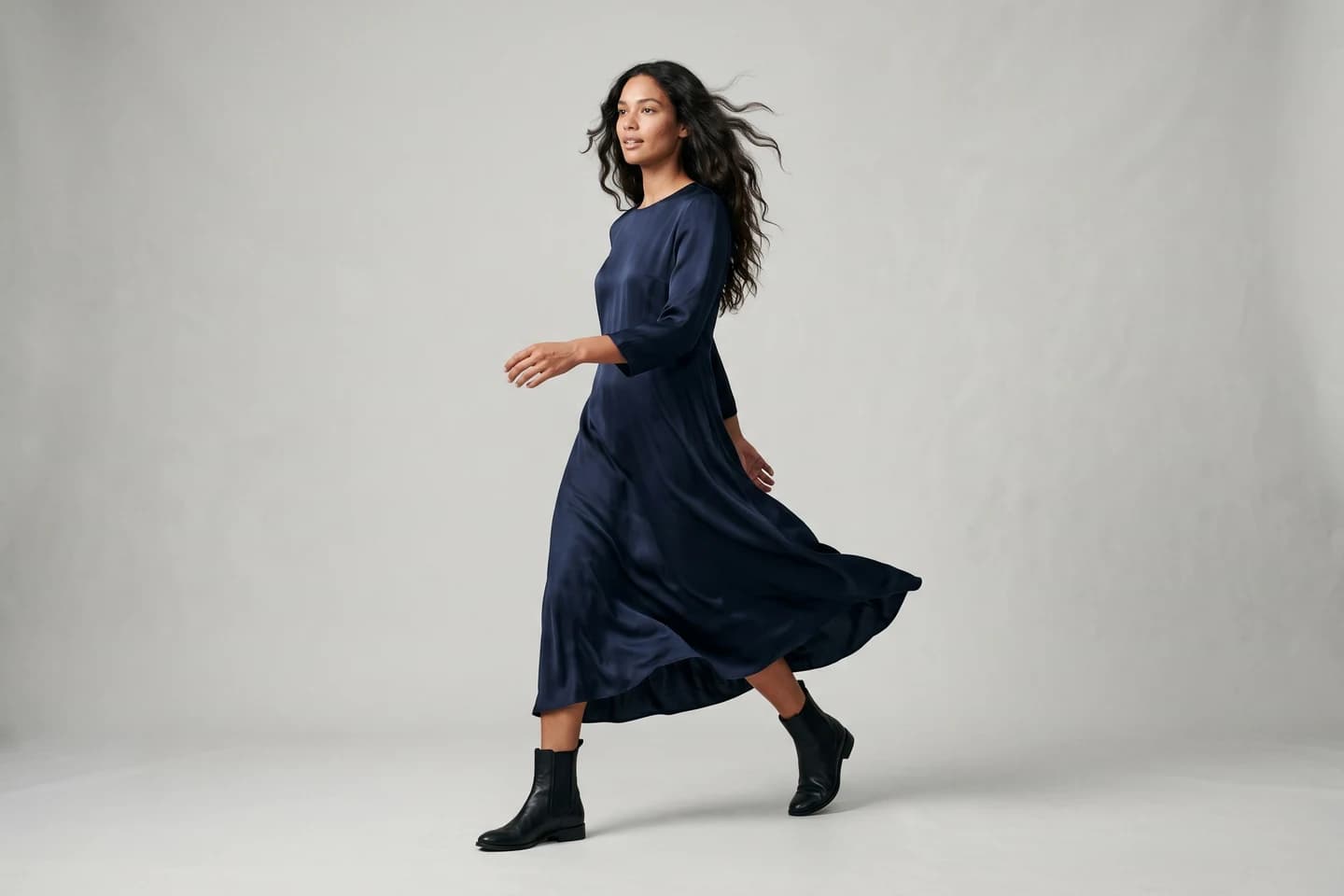
WearView's AI video generator is the part that matters for Reels and TikTok: it takes a single still, a product shot or an on-model image, and animates it into a short vertical clip. You pick the motion you want, a model turn, a walk toward camera, an outfit reveal, or fabric catching the light, and it renders the movement that makes a feed stop scrolling. Video comes out in 720p or 1080p, framed in 9:16 so it drops straight into the social ratio without recropping.
What makes it work for a posting schedule rather than a one-off clip is identity. You can hold the same model across a whole series of clips with consistent AI models, so week three of a TikTok run still features the same recognizable face as week one. The stills feeding those clips come from the same place: start from a flat-lay with product to model AI, or build the look with try on clothes with AI, AI model creation, pose control, and ghost mannequin. Paid plans carry full commercial usage rights.
AI Fashion Reels TikTok with WearView
Key features
- Animates a single still into a vertical clip: model turn, walk, outfit reveal, or fabric motion
- AI fashion video output in 720p and 1080p, exported in 9:16 social format
- Same model identity held across a whole series of clips for recurring TikTok and Reels runs
- Source stills from product-to-model, virtual try-on, AI model creation, pose control, and ghost mannequin
- Full commercial usage rights on all paid plans
Best for
- Fashion brands and boutiques posting weekly Reels and TikToks
- Sellers who want social clips that match their existing product catalog
- Creators who need the same model across a content series
Pricing
- No free plan or free credits
- Lite: $29/month (50 credits)
- Pro: $49/month (200 credits); Advanced: $99/month (500 credits)
- Annual billing saves up to $198/year
Pros
- Goes from raw product photo to on-model social clip without juggling separate tools
- Consistent model identity keeps a series recognizable post to post
- Broadest fashion toolkit of any tool here, so stills and video stay on-brand
Cons
- Built for fashion, not a general-purpose video editor (no trend-template library or caption auto-styling)
- Credit-based plans mean heavy daily posters should map their volume to a tier first
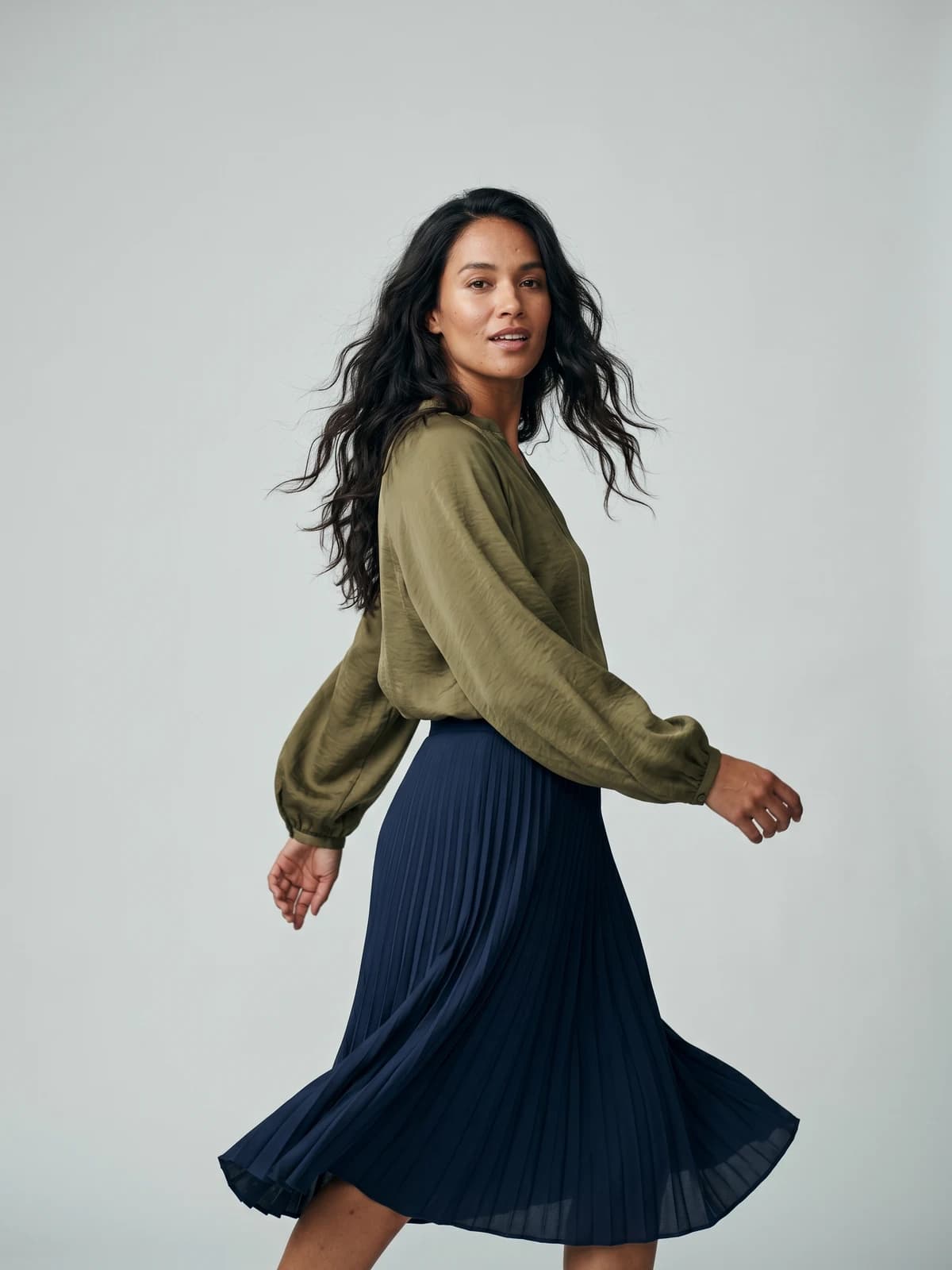
Bring your products to life on video
Turn a single image into a scroll-stopping fashion video for social feeds and product pages.
2. Kling AI, best for realistic model walks and turns
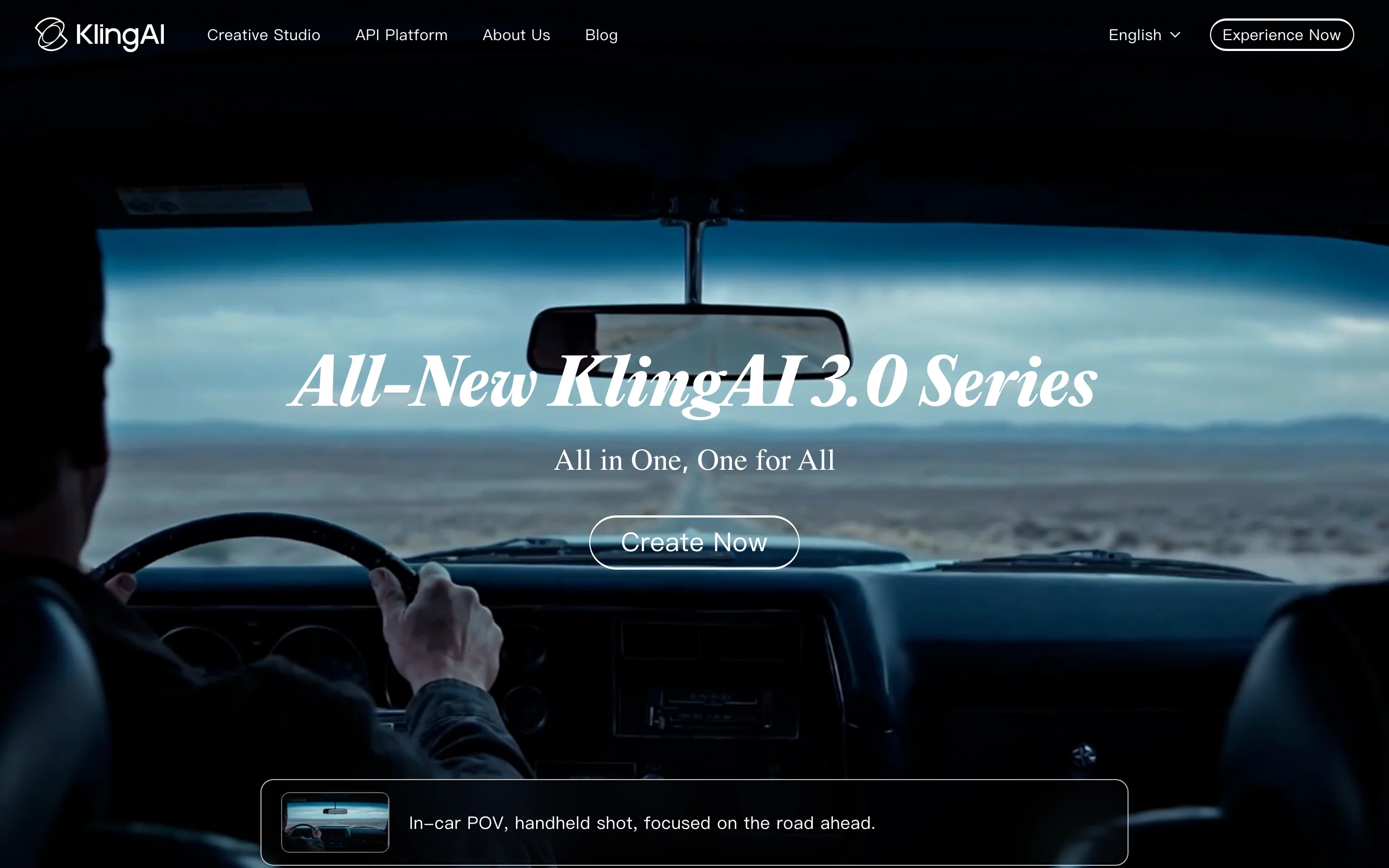
Kling AI is a text-to-video and image-to-video model known for natural human motion. For fashion social, that matters: a model walking toward camera or doing a slow turn reads as believable rather than warped, which is the difference between a Reel that converts and one that looks like an AI gimmick. You feed it a single on-model image plus a short motion prompt and it produces a vertical clip you can post directly or edit further.
It is a pure generation engine, not a fashion workflow, so you bring your own model and garment images and handle catalog consistency yourself. But for the raw quality of body movement and cloth dynamics in a short clip, it is one of the strongest options on this list.
AI Fashion Reels TikTok with Kling AI
Key features
- Image-to-video and text-to-video with realistic human motion
- Vertical and standard aspect ratios for Reels and TikTok
- 720p and 1080p output depending on model and tier
- Optional native audio on newer models
Best for
- Creators who want lifelike model movement from a single shot
- Brands generating standalone hero clips rather than full catalog workflows
Pricing
- Free tier with daily credits
- Standard: around $10/month (660 credits/month)
- Pro: around $37/month (3,000 credits/month); higher tiers above that
Pros
- Among the most natural human motion for short clips
- Affordable entry tier and a usable free allowance for testing
Cons
- No fashion-specific tooling (no model library, no catalog consistency)
- Subscription credits expire at the end of each billing month
3. Runway, best for cinematic, film-style Reels
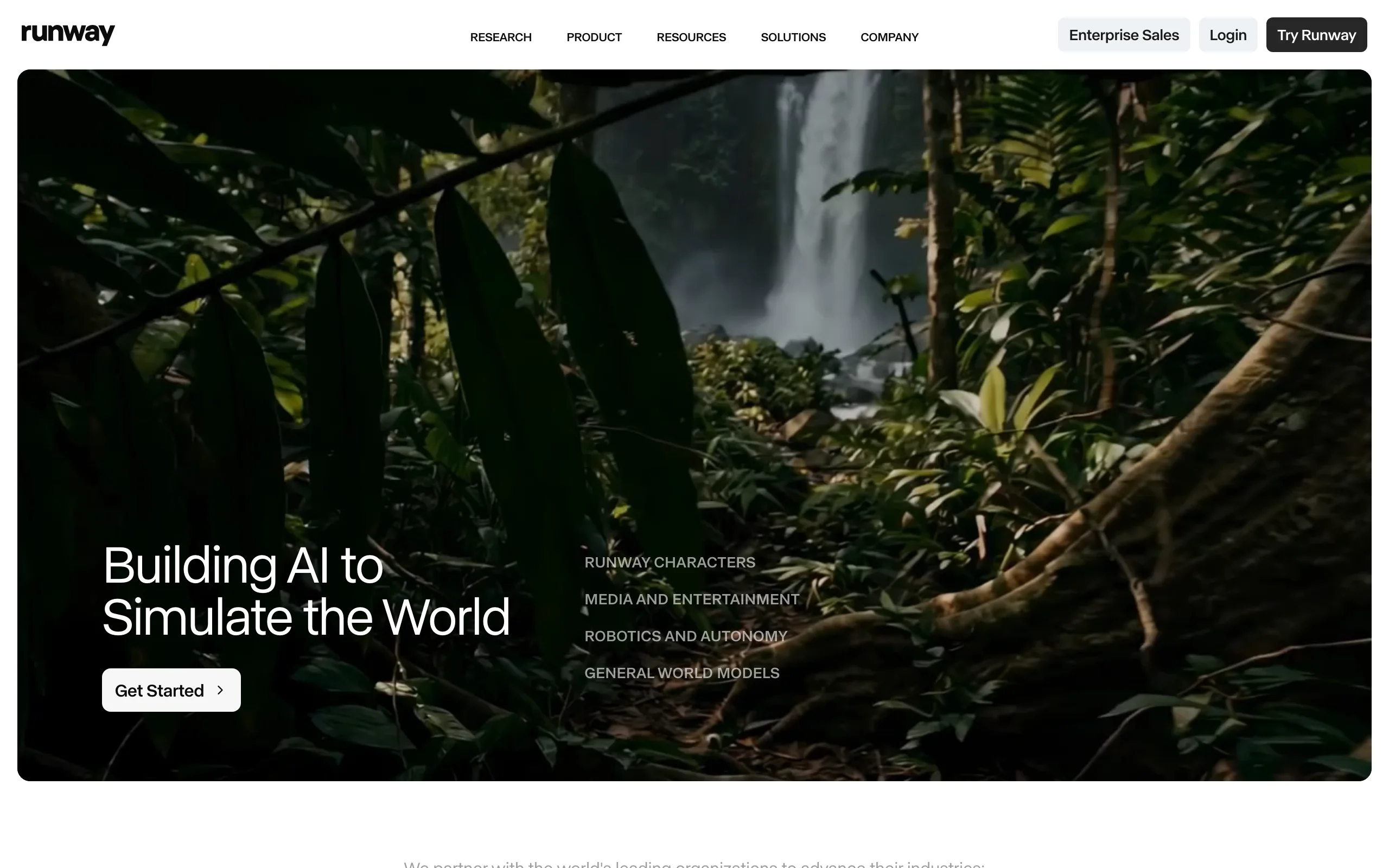
Runway is a creative suite built around its Gen video models, and it is the pick when you want a Reel that feels like a fashion film rather than a product demo. Its strength for short-form is control: you can direct camera moves, motion, and pacing, which lets you build moody, editorial clips that stand out in a feed full of templated edits. Pair it with an on-model still and you can create a vertical teaser for a drop or a campaign.
Runway is general-purpose, so there is no garment fidelity guarantee or fashion model library. It rewards creators who are comfortable directing shots and iterating on prompts, and the credit cost of its highest-quality video models adds up quickly at volume.
AI Fashion Reels TikTok with Runway
Key features
- Image-to-video and text-to-video with directable camera and motion
- Multiple video models for different quality and speed trade-offs
- Vertical export for Reels and TikTok
- API access for teams building it into a pipeline
Best for
- Brands and creators producing editorial, campaign-style vertical teasers
- Teams comfortable directing camera moves and iterating on prompts
Pricing
- Free plan with 125 one-time credits
- Standard: $12/month billed annually ($15 monthly), 625 credits/month
- Pro: $28/month billed annually, 2,250 credits/month; Max: $76/month billed annually
Pros
- Strong creative control for distinctive, non-templated Reels
- Clear tier ladder from hobbyist to heavy production
Cons
- No fashion-specific features; garment detail is not guaranteed
- High-quality video models consume credits fast
4. Higgsfield, best for trend-driven camera moves
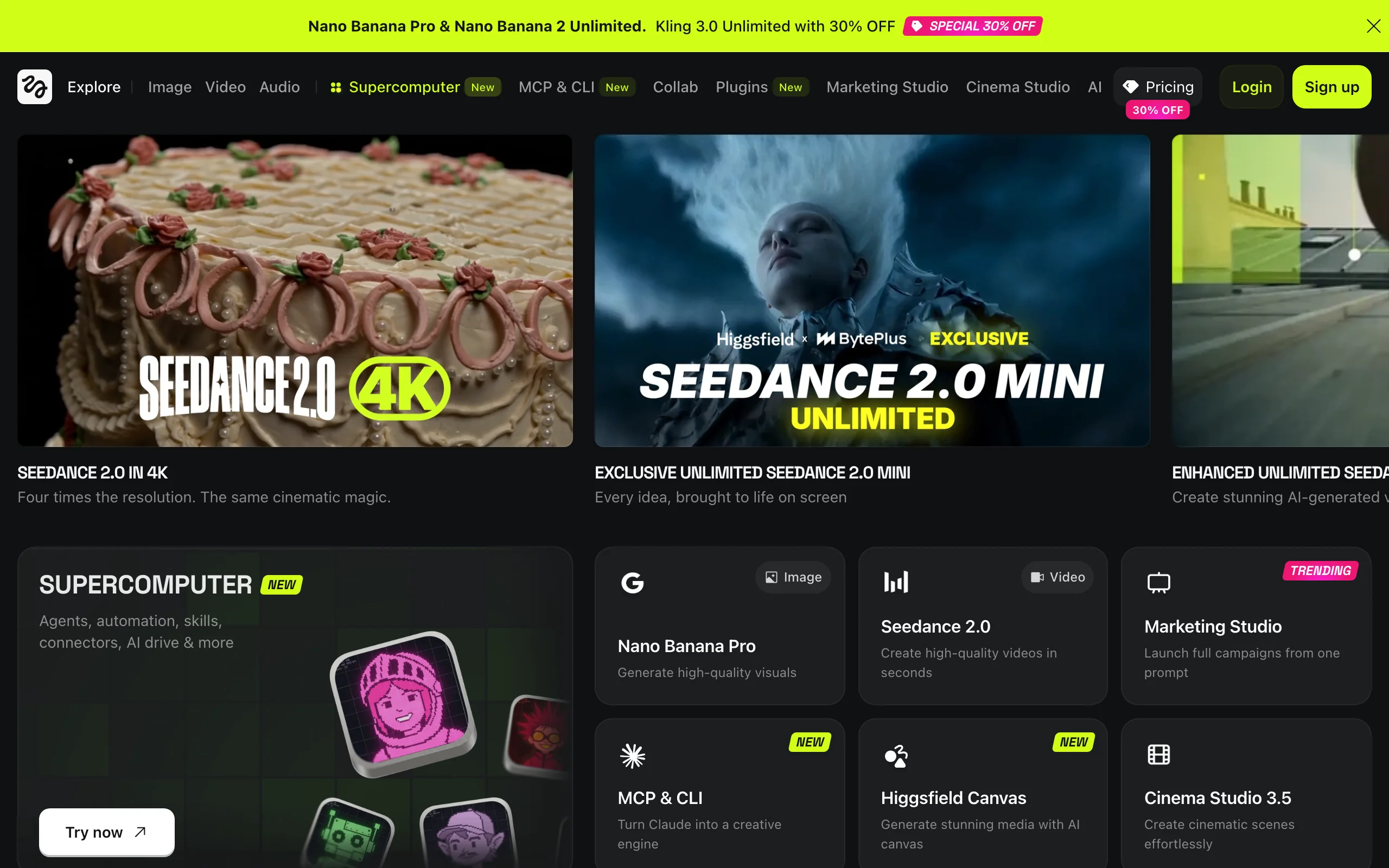
Higgsfield leans into the one thing TikTok loves: dramatic, recognizable camera motion. It offers preset moves (zooms, dolly shots, orbits, and effect-style transitions) that map to viral short-form formats, so you can take a single fashion image and turn it into a clip that matches whatever motion trend is circulating. For brands chasing reach rather than catalog polish, that is a fast way to ride a format.
It is a generation tool, not a fashion workflow, and it routes through several underlying video models, so credit math depends on which one you pick. Top-tier models burn credits quickly, but the preset library makes it genuinely fast to produce trend-shaped clips.
AI Fashion Reels TikTok with Higgsfield
Key features
- Preset camera-motion templates tuned to short-form trends
- Image-to-video and text-to-video across multiple underlying models
- Vertical 9:16 output for Reels and TikTok
- Effect and transition presets for fast trend matching
Best for
- Creators and brands optimizing for reach with trend-style motion
- Anyone who wants viral camera moves without manual keyframing
Pricing
- Free tier available
- Starter: $15/month annual (200 credits/month)
- Plus: $39/month annual (1,000 credits); Ultra: $99/month annual (3,000 credits)
Pros
- Fastest path to trend-shaped, motion-heavy clips
- Big library of camera-move presets
Cons
- Premium models consume credits quickly; top-up credits expire after 90 days
- No fashion-specific tooling or garment fidelity controls
5. OpusClip, best for repurposing long videos into clips
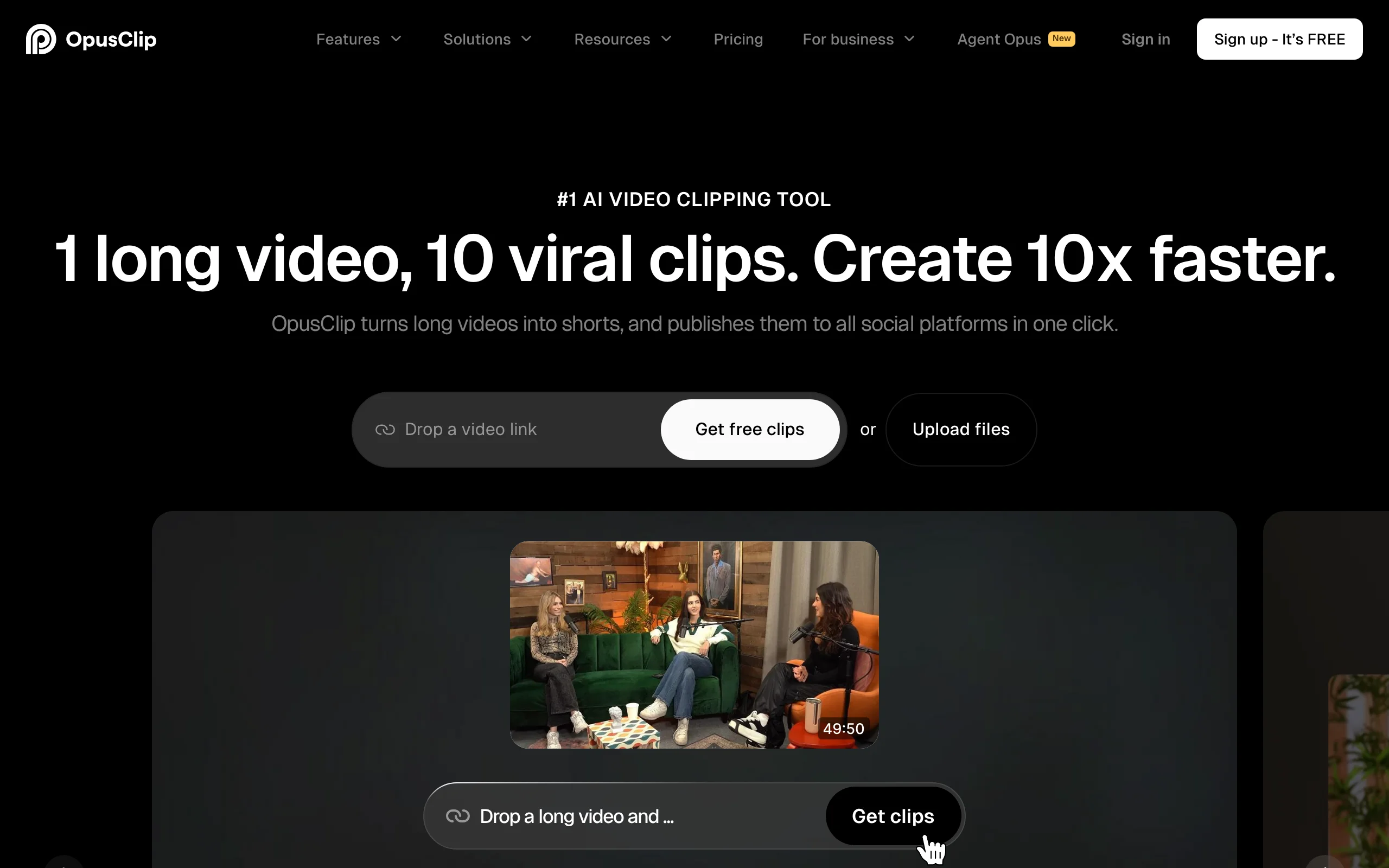
OpusClip solves a different part of the social workflow: you already have long footage (a haul, a lookbook walkthrough, a livestream, a behind-the-scenes), and you need it sliced into postable vertical clips. It uses AI to find the most engaging moments, reframe them to 9:16, add animated captions, and assign a virality score so you know which cuts to post first. For fashion creators who film themselves, it is the fastest way to feed a posting calendar.
It does not generate new footage, so it pairs naturally with a generation tool: make the on-model clips elsewhere, then use OpusClip to repackage longer content. The free plan watermarks exports and clips expire quickly, so consistent posters will want a paid tier.
AI Fashion Reels TikTok with OpusClip
Key features
- AI clip detection from long videos, auto-reframed to vertical 9:16
- Animated captions and virality scoring
- Direct posting to TikTok, Reels, and YouTube Shorts on paid plans
- Brand templates for consistent caption styling
Best for
- Creators who film long-form fashion content and need it cut into Reels
- Teams repurposing livestreams or hauls into a weekly clip schedule
Pricing
- Free plan: 60 processing minutes/month, watermarked, clips expire after 3 days
- Starter: $15/month (150 minutes, watermark-free)
- Pro: $29/month (300 minutes, 1080p, auto-posting); annual Pro around $174/year
Pros
- Turns one long video into many ready-to-post clips fast
- Captions and reframing handled automatically
Cons
- Repurposes existing footage, does not generate new on-model video
- Free plan watermarks exports and expires clips after three days
6. CapCut, best for trend templates and final edits
CapCut is the editor most short-form fashion creators already use to finish a clip. Whatever generates your raw footage, CapCut is where you add trending audio, apply a template that matches a current format, layer captions, and export in the right aspect ratio. Its template library is tied closely to TikTok trends, which makes it easy to drop your outfit reveal into a format that is already getting reach.
It is an editing app, not an AI fashion generator, so it does not create on-model footage. But as the last step before posting, it is hard to beat for trend-aligned edits and speed. Note that pricing was restructured in early 2026 and varies between web and in-app checkout.
AI Fashion Reels TikTok with CapCut
Key features
- Large library of TikTok-trend templates and transitions
- Auto-captions and trending audio integration
- Vertical export presets for Reels, TikTok, and Shorts
- AI editing tools on the Pro tier
Best for
- Creators finishing and styling clips before posting
- Anyone who wants to slot footage into a current trend template fast
Pricing
- Free plan available
- Standard: $9.99/month
- Pro: $19.99/month (4K export, full AI toolkit); annual Pro around $179.99/year
Pros
- Deep, trend-aligned template and audio library
- Familiar editor with a capable free tier
Cons
- Does not generate on-model fashion footage
- In-app (mobile) subscription prices run higher than web checkout
7. Canva, best for batching and scheduling social video
Canva is the all-in-one option for teams that want to design, brand, and schedule short-form video without leaving one tool. Its video editor handles vertical formats, brand kits keep fonts and colors consistent, and the built-in scheduler can push clips to social channels. For a small fashion brand running its own marketing, that consolidation (design plus publish in one place) is the main draw.
Canva's AI video generation is lighter than the dedicated models above, so it is better as an assembly-and-publish hub than a source of high-fidelity on-model footage. Bring your generated clips and product shots in, brand them, batch a week of posts, and schedule.
AI Fashion Reels TikTok with Canva
Key features
- Vertical video editor with brand kit and templates
- Social scheduler for Reels, TikTok, and more
- Background remover and Magic Studio AI tools
- Team collaboration on a shared workspace
Best for
- Small fashion brands running design and publishing themselves
- Teams that want to batch and schedule a week of clips in one place
Pricing
- Free plan available
- Pro: $15/month or $120/year (about $10/month annual)
- Business: $20/user/month
Pros
- One workspace for designing, branding, and scheduling clips
- Generous free plan and affordable Pro tier
Cons
- AI video generation is light versus dedicated fashion video tools
- Better for assembly and publishing than producing on-model footage
How to choose the best AI fashion Reels & TikTok generator
The right tool depends on where your clips come from and how often you post. Here is how to narrow it down.
1) Do you start from product photos or from existing footage?
This is the first fork. If you start from flat-lays, packshots, or AI model stills and need them turned into motion, you want a generator: WearView for fashion-native clips that match your catalog, or Kling AI, Runway, and Higgsfield for raw image-to-video. If you already film long content (hauls, walkthroughs, livestreams), OpusClip is the fastest way to cut it into vertical clips.
2) How important is brand and model consistency?
If a TikTok series should feature the same recognizable model week after week, consistency is the deciding factor. WearView is built for this: its AI fashion model generator and consistent-identity feature keep the same face across a content run, and its AI video generator animates those shots for the feed. General models like Runway and Kling produce strong one-off clips but do not lock model identity across posts, so a series can drift.
3) Are you chasing reach or producing catalog-quality content?
For trend reach, Higgsfield's preset camera moves and CapCut's trend templates let you match a viral format quickly. For polished, on-brand content that mirrors your product photography, a fashion-native pipeline (WearView) keeps stills and video consistent. Many brands run both: a generator for the on-model clip, then CapCut or Canva to add captions, audio, and schedule.
4) What does your posting volume cost?
Map your weekly clip count to credits before committing. Generation models (Kling, Runway, Higgsfield) charge credits per second of high-quality video, so daily posters burn through entry tiers fast. WearView's credit tiers (50, 200, 500) and editors like CapCut and Canva that price by subscription rather than per-clip can be more predictable for high-cadence accounts. Run a single week of your real posting plan through a tool first and check the credit burn against the result before you commit a whole quarter to it.
FAQ
What is an AI fashion Reels generator? It is a tool that turns fashion images, such as product photos or AI model shots, into short vertical videos for Instagram Reels and TikTok. The best ones create model walks, turns, and outfit reveals in 9:16 format. WearView, for example, animates on-model fashion shots into social clips that match your catalog.
Which AI tool is best for fashion TikTok videos? For brands that want clips matching their product catalog, WearView is the strongest pick because it combines product-to-model, consistent model identity, and AI video in one workspace. For raw motion quality on standalone clips, Kling AI and Runway are excellent, and Higgsfield is best for trend-driven camera moves.
Can I make vertical 9:16 video for Reels and TikTok with AI? Yes. Every tool in this guide supports vertical 9:16 export, which is the native format for Reels, TikTok, and Shorts. Generation tools produce vertical clips directly, while editors like CapCut and Canva let you reframe and export to the right ratio.
Is there a free AI fashion video tool for social media? Several tools here have free tiers: Kling AI offers daily free credits, Runway includes 125 one-time credits, and OpusClip, CapCut, and Canva all have free plans (often watermarked or limited). WearView does not have a free plan; its paid plans start at $29/month.
Do I need separate tools to generate and edit clips? Often, yes, and that is a normal workflow. Many creators generate the on-model clip with a tool like WearView or Kling, then finish it in CapCut or Canva with captions, trending audio, and scheduling. WearView covers the generation and consistency side; editors handle the trend-format polish.
How do I keep the same model across a TikTok series? Use a tool with consistent model identity. WearView lets you reuse the same AI model across multiple clips and products, so a series stays recognizable. General-purpose video models regenerate the subject each time, which can cause the face to drift between posts.
How long should a fashion Reel or TikTok be? Keep it short enough to loop but long enough to show a turn, a reveal, or a transition. AI generation tools typically produce clips in a few-second range, which you can stitch or extend in an editor like CapCut, then test a few lengths against your own audience to see what holds attention.
Can I use AI-generated fashion videos commercially? It depends on the tool's license. WearView includes full commercial usage rights on all paid plans. For other tools, check the terms for your tier, since commercial rights and watermark removal are often gated behind paid plans. For a wider comparison of fashion video options, see our top AI fashion video generators roundup.

WearView Team
WearView Content & Research Team
WearView Team is a group of fashion technology specialists focused on AI fashion models, virtual try-on, and AI product photography for e-commerce brands. We publish in-depth guides, case studies, and practical insights to help fashion businesses improve conversion rates and scale faster using AI.


