
November 18, 2026•10 min read
Lifestyle Product Photography for Clothing Brands: Shot Types, Planning and AI (2026 Guide)
Lifestyle product photography shows a garment worn in a real setting. Here is what counts as a lifestyle shot, the six types clothing brands use, how to plan a shoot, and how to create them with AI.
Picture of Lifestyle Product Photography for Clothing Brands article
Lifestyle product photography shows a product being worn or used in a real setting: a cardigan at a café table, a rain jacket on a wet trail, a linen shirt by a window. For a clothing brand it answers the two questions a white-background shot cannot. How does this piece look on a person, and where would I wear it?
Shoppers lean on images to make that call. In Salsify's 2026 consumer survey of 2,712 shoppers, 61% said product images and videos are the most important part of a product page for completing a purchase. Baymard Institute's product-page research found that 42% of users try to judge the size of a product from the images alone.
This guide covers what counts as a lifestyle shot, how it differs from studio photography, the shot types clothing brands use most, how to plan and shoot them, and how to make them with AI when a location day is out of reach.
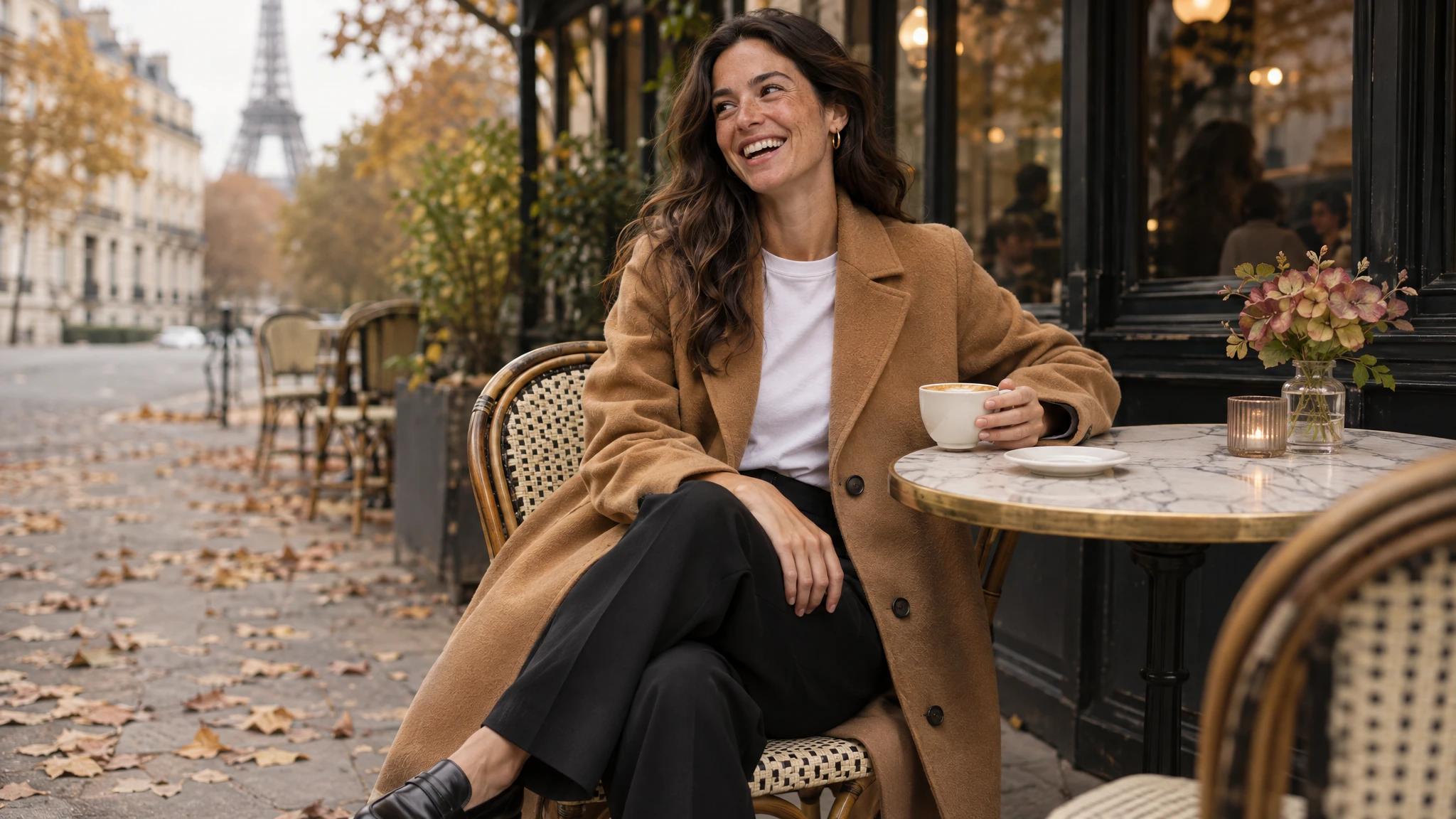
Lifestyle product photography example: a woman in a camel wool coat at a Paris café table
The example photos in this guide are AI-generated.
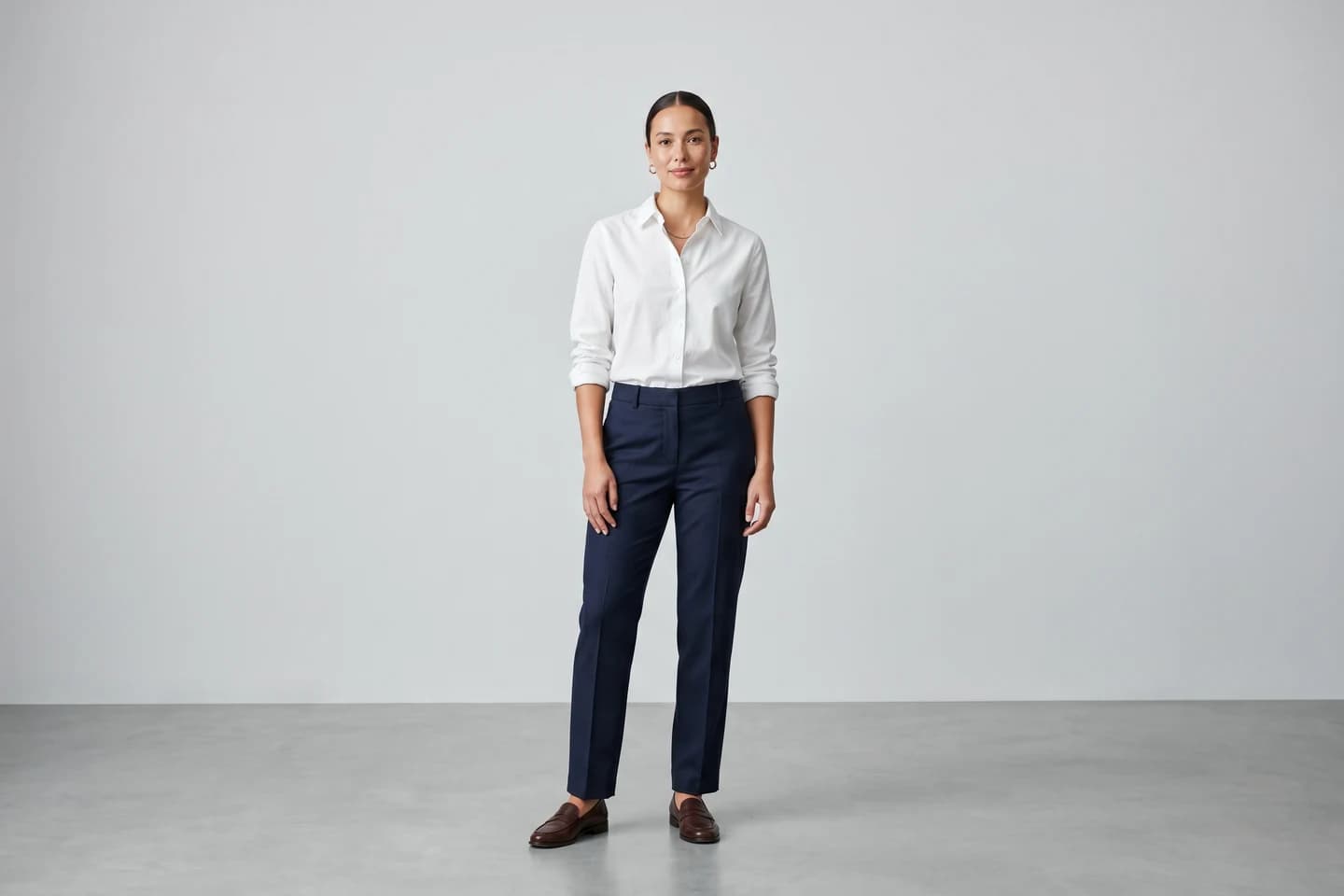
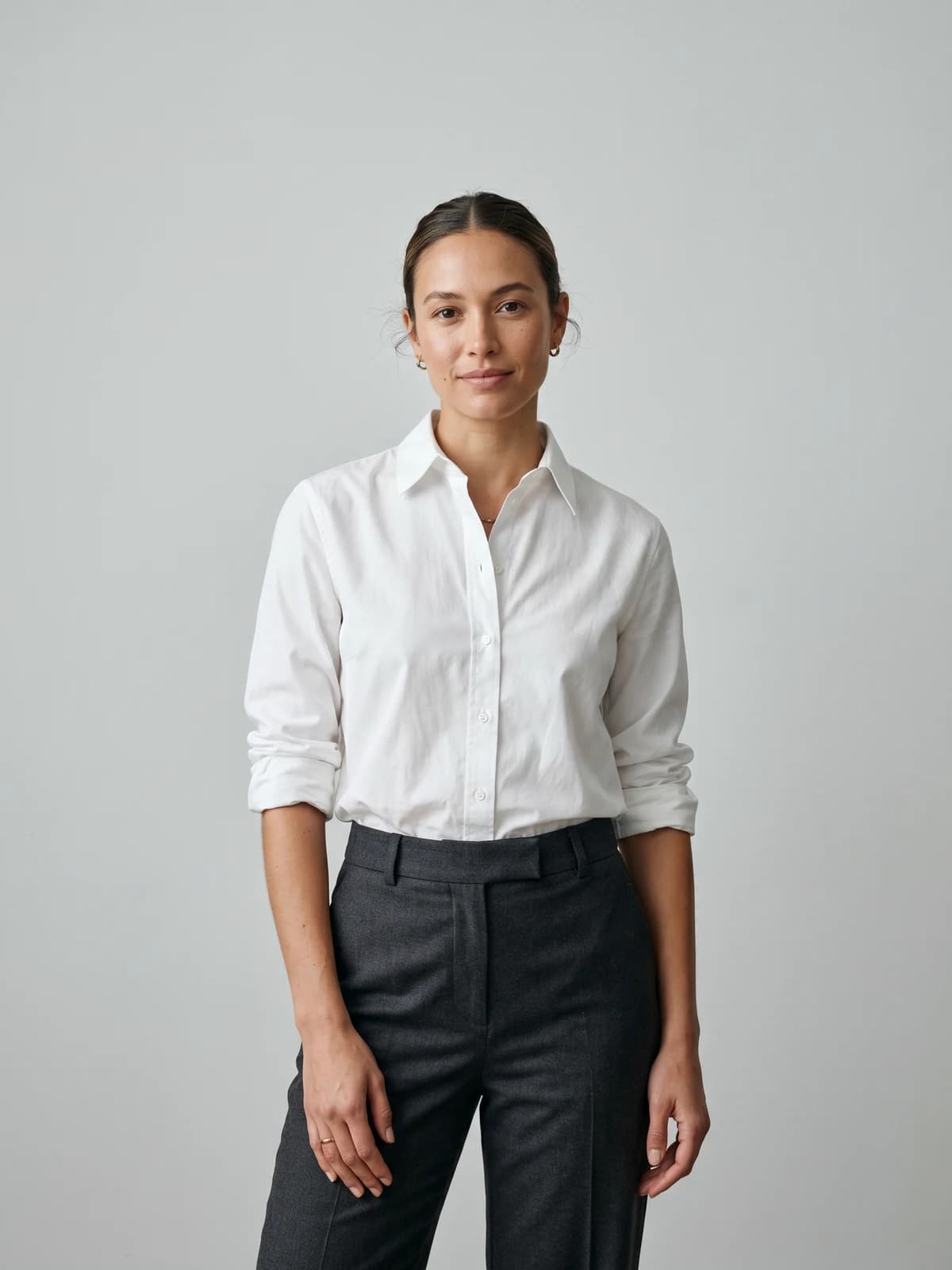
Turn flat-lays into on-model photos
Drop in a flat-lay or product shot and get professional on-model photography ready for your store.
What is lifestyle product photography?
Lifestyle product photography places a product in the context of someone's life. The product stays the subject, but the frame also carries a person, a place and a moment. Wikipedia describes the wider genre as photography that captures people "in situations, real-life events, or milestones in an artistic manner". Product lifestyle work borrows that candid feel and points it at something for sale.
Three things make a photo read as lifestyle:
- A believable setting: a street, a kitchen, a beach, a gym, not a seamless backdrop
- A person doing something: walking, laughing, pouring coffee, tying a shoe
- Natural-looking light: window light, open shade, golden hour, or studio light built to look that way
For clothing, the person matters more than in most categories. A candle can sit on a shelf and still tell its story. A dress needs a body to show its length, drape and movement.
Lifestyle vs studio product photography
Studio and lifestyle photos do different jobs, and most product pages need both. The studio shot proves what the garment is. The lifestyle shot sells the reason to own it.
| Studio (white or plain background) | Lifestyle | |
|---|---|---|
| Main job | Show the product accurately | Show the product in a life |
| Setting | Seamless backdrop, even light | Real or realistic location |
| Model | Neutral pose, facing camera | Candid, mid-action |
| Best for | Listings, marketplaces, colour and fit checks | Hero banners, ads, social, email, collection pages |
| Marketplace rules | Usually required for the main image | Usually allowed as secondary images |
| Cost to shoot | Lower per image, repeatable | Higher: location, travel, styling, weather |
| Shelf life | Long, works every season | Shorter, tied to season and mood |
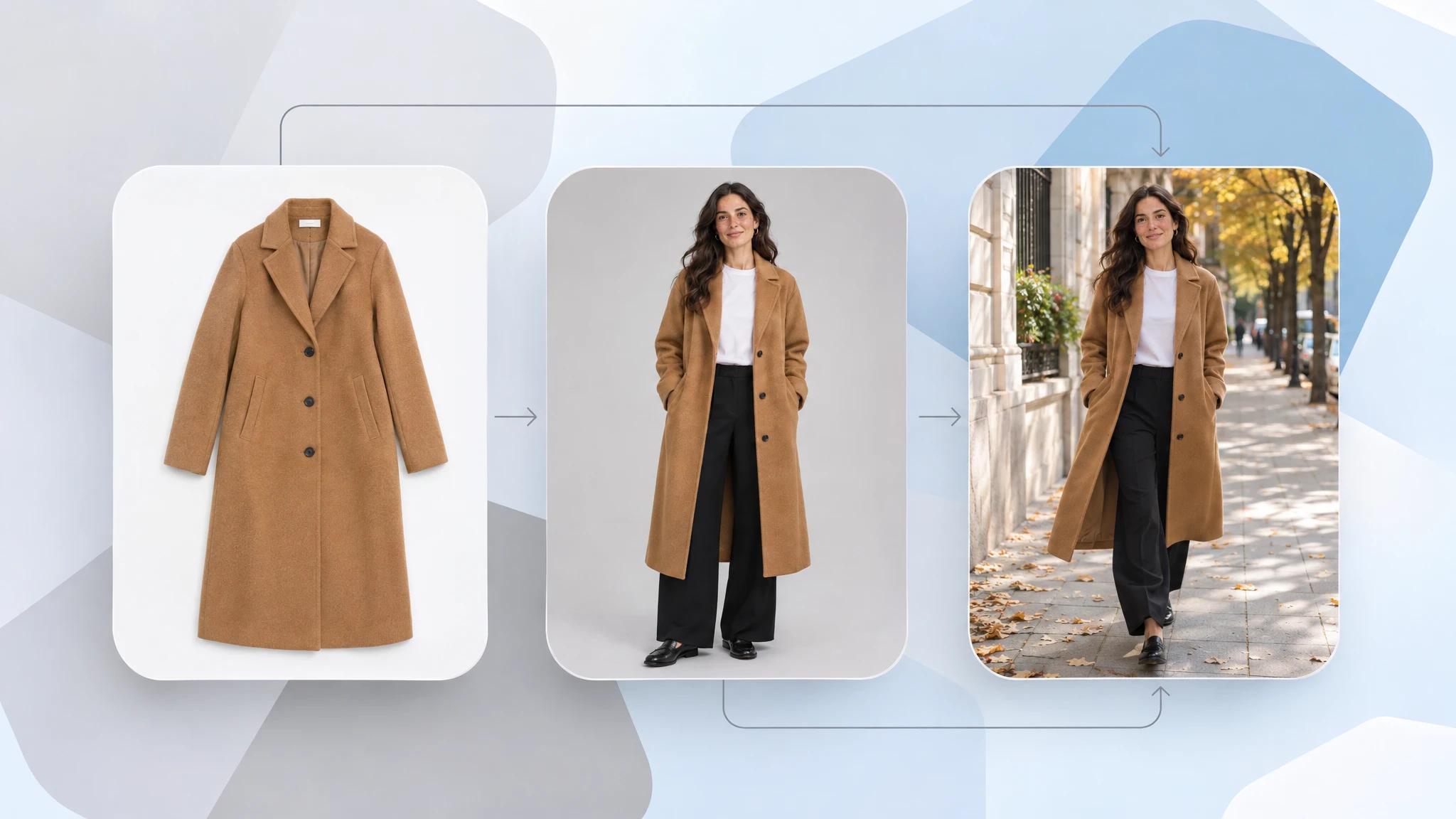
The same camel coat as a product shot, a studio shot and a lifestyle product photo
A practical split for a clothing product page is one clean front shot, one back or side, one detail, and one or two lifestyle images. If your catalog still relies on flat product shots, on-model shots for listings are the first gap to close, because Baymard's apparel benchmark found 21% of sites show no human-model image at all or only a single one.
Six lifestyle shots clothing brands use most
You do not need thirty concepts. These six cover almost every use, from a product page to a paid ad.
1. The in-use shot
The garment doing its job: a shell jacket in rain, leggings mid-stretch, a suit at a wedding. This is the strongest proof for technical or occasion wear.
2. The everyday moment
Coffee, commute, groceries, a walk with the dog. Low drama, high relatability. It tells the shopper the piece fits into an ordinary week.
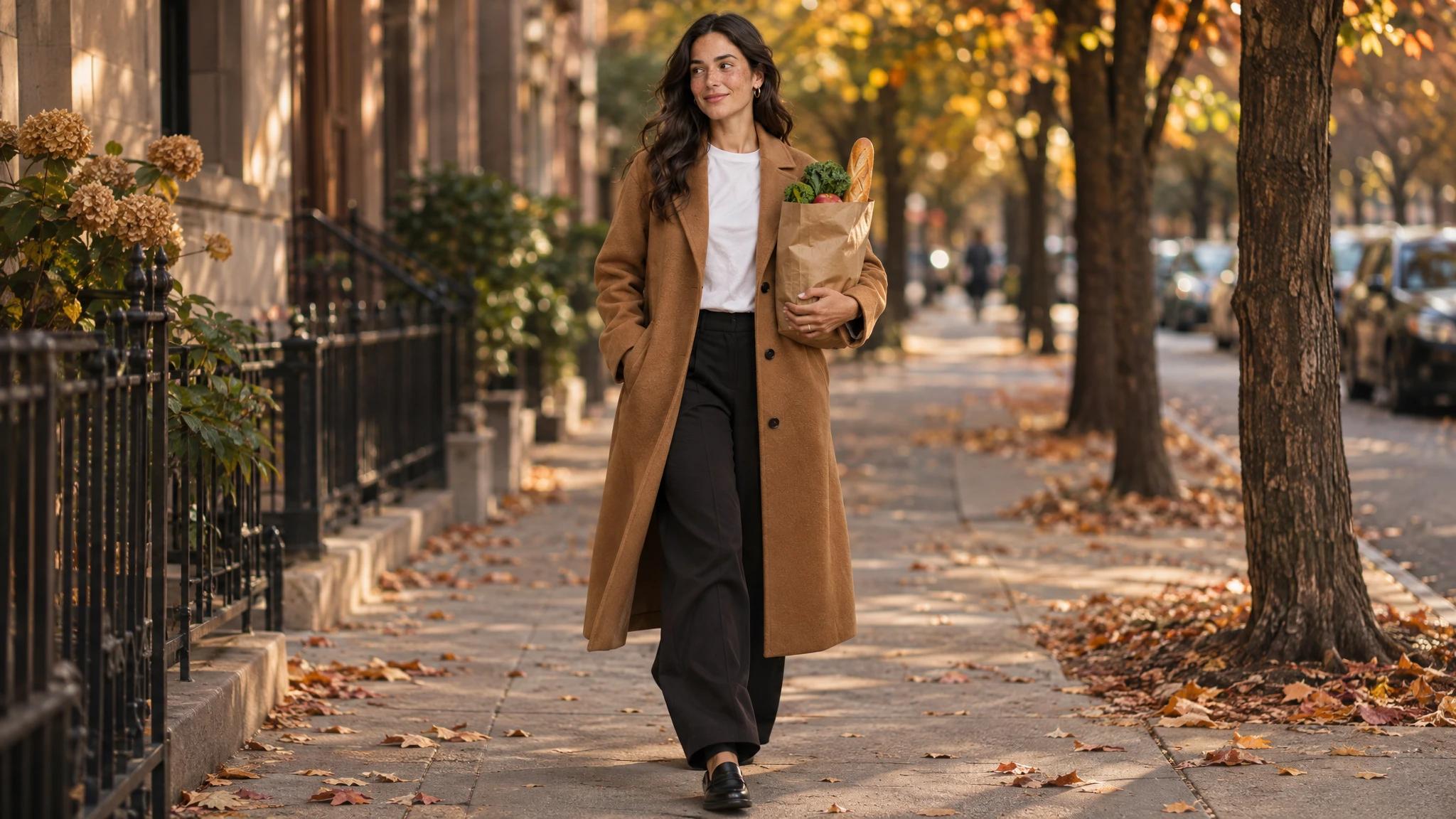
Lifestyle product photo of an everyday moment: walking home with groceries in a camel coat
3. The detail in context
A close crop of a cuff, collar, pocket or fabric, but on a body and in a place. It carries the texture information of a studio detail with the warmth of a lifestyle frame.
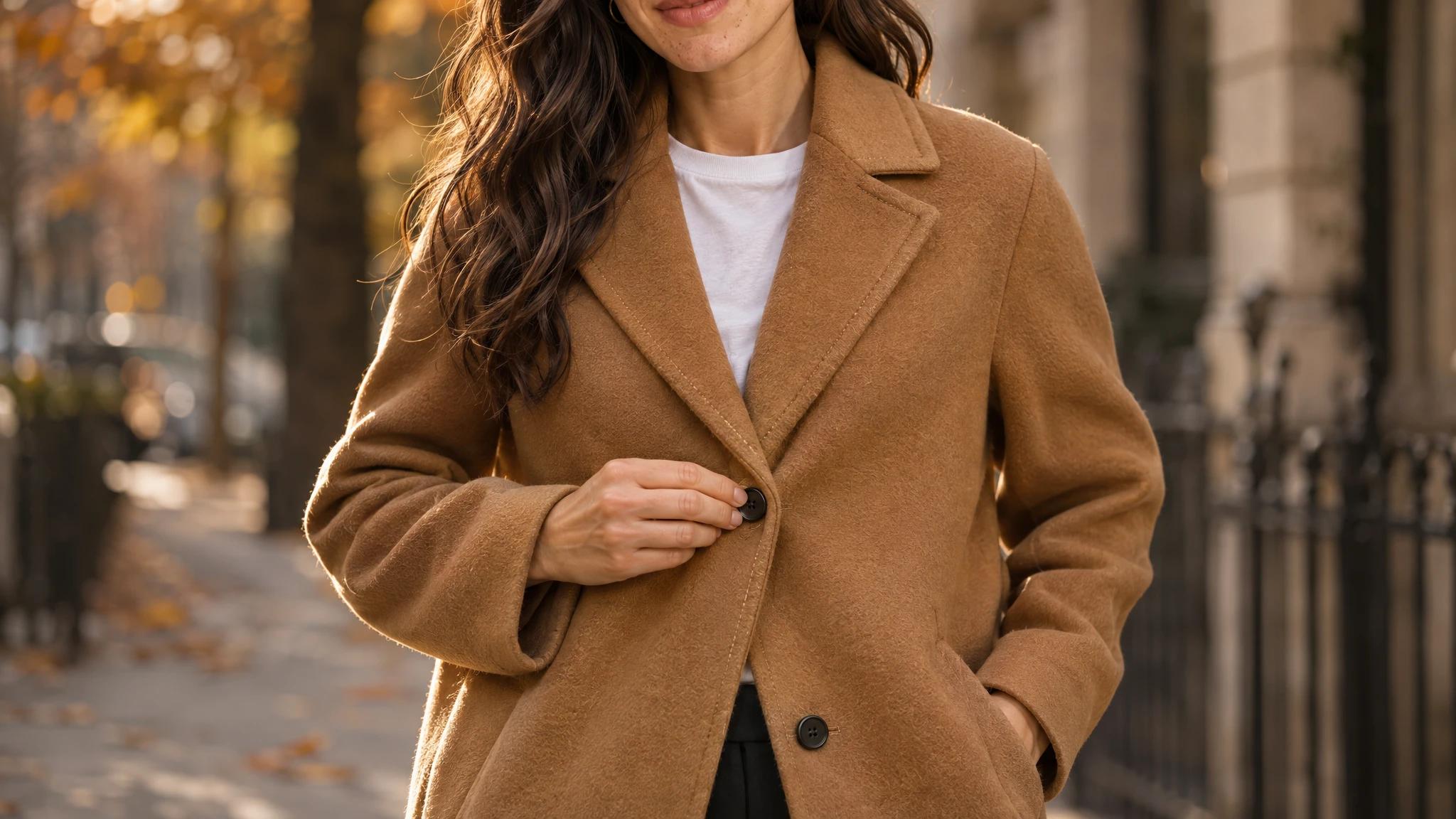
Close-up lifestyle product photo of a camel wool coat being buttoned on an autumn street
4. The full-outfit look
Several of your pieces styled together on one person. It raises basket size because the shopper sees the trousers that go with the jacket.
5. The scale and fit shot
A full-length frame where the body, the hem and the surroundings are all visible. It answers "how long is it on someone like me?" without a size chart.
6. The group or social shot
Two or three people wearing the collection together. It works for launches and community-led brands, and it is the hardest to shoot well.
How to plan a lifestyle shoot for clothing
Good lifestyle photos look effortless because the planning was not. Work through these steps before anyone picks up a camera.
- Pick the job for each image. Hero banner, product page, ad, email. The crop, the amount of empty space and the mood all follow from where the image will live
- Choose one setting per story. A linen collection belongs near water or in warm stone streets. Outerwear belongs in weather. Two or three settings per collection is plenty
- Write a shot list. Garment, setting, action, framing (full, half, detail), orientation. Twenty planned frames beat two hundred improvised ones
- Cast for your customer. The model should look like the person you sell to, in age, build and style
- Plan the light. Outdoors, shoot in the first and last two hours of the day or in open shade. Midday sun flattens fabric and hardens faces
- Bring the studio kit anyway. A steamer, clips, lint roller and spare pieces. Creases show more in lifestyle frames, not less
Keep the product readable in every frame. If a viewer cannot tell which item is for sale within a second, the scene has taken over.
What a lifestyle shoot costs
A location day stacks costs that a studio day does not: a photographer, a model, a stylist, travel, permits and a weather backup. Our breakdown of what a fashion photoshoot really costs in 2026 walks through each line. For most small and mid-sized brands the total is the reason lifestyle images get made once a season, for a handful of hero products, and never for the rest of the catalog.
That gap is where AI has moved fastest. Zalando told Reuters in May 2025 that generative AI cut its image production time from six to eight weeks to around three to four days, and that around 70% of its editorial campaign images in the last quarter of 2024 were AI-generated.
How to create lifestyle product photos with AI
AI lifestyle tools fall into two groups, and the difference matters for clothing.
- Product-in-scene tools place a cut-out product into a generated setting: a bottle on a counter, a chair in a living room. They suit hard goods
- On-model tools take a photo of your garment and render it worn by a model in a scene. This is what a clothing brand needs, because the garment has to drape on a body
The on-model workflow is short. In WearView, the Editorial Photos studio works like this:
- Upload a photo of the garment: a flat lay, a hanger shot or a mannequin photo. You can add up to four pieces to build an outfit
- Pick a model, use one of your own, or let the AI cast one
- Choose a scene preset (a street, a café, a beach) or describe the place, pose and light in your own words
- Set how many images you want, the shape and the quality (HD, 2K or 4K)
- Generate. Each image takes about 90 seconds
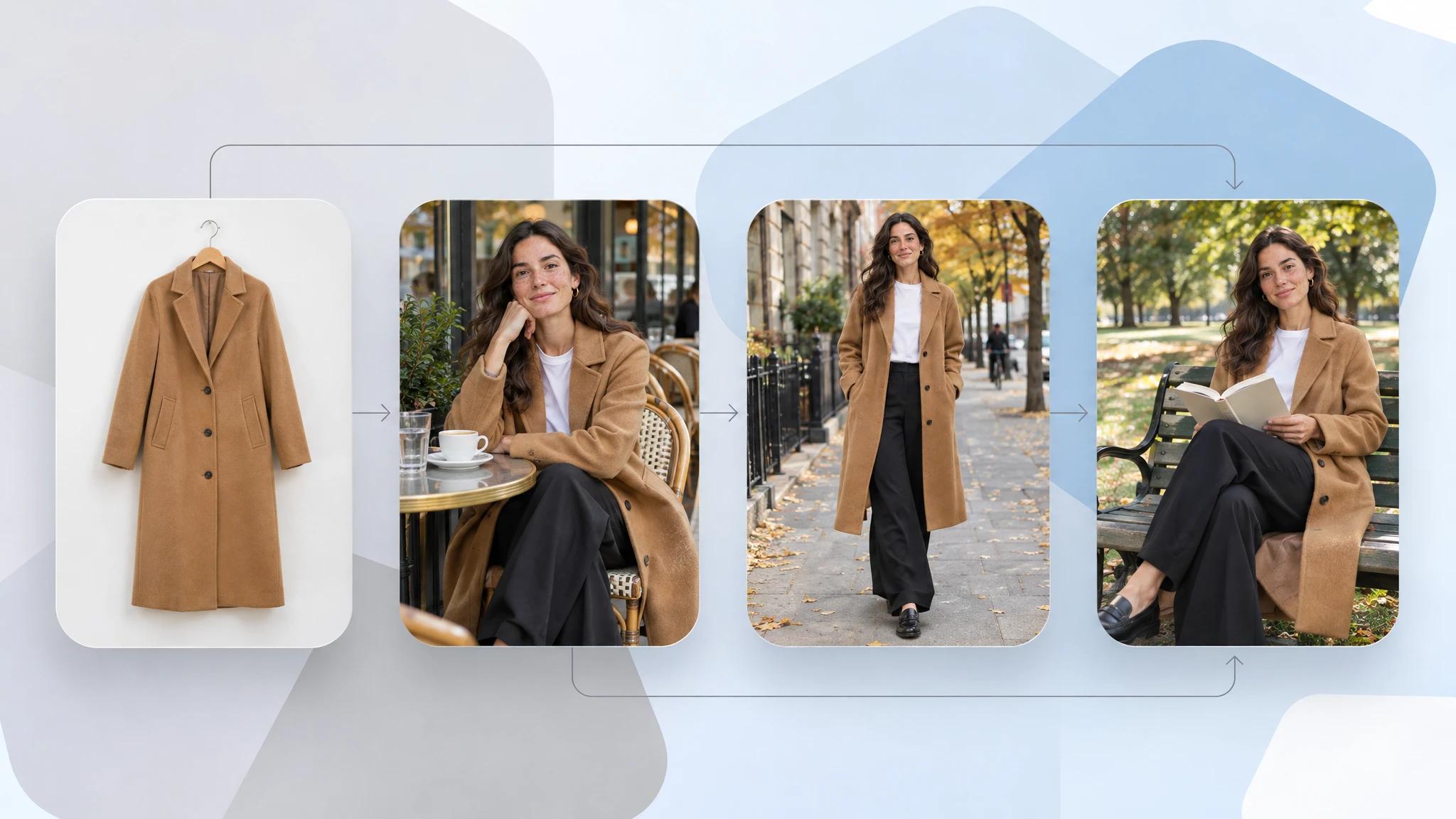
One garment photo turned into three AI lifestyle product photos of the same coat
Because the garment comes from your own photo, the print, colour and cut carry over. That is the difference between turning flat-lays into on-model photos and a text-to-image tool that invents a similar-looking piece.
Two habits keep AI lifestyle sets usable:
- Reuse the scene. Save a look as a preset so every product in the collection is shot in the same place and light
- Check the garment first. Compare each result with the product photo before publishing: hem length, buttons, print scale, colour
If you want one look carried through several places in a single session, you can run a fashion photoshoot with AI and keep the model and outfit fixed while the scene changes. For a wider view of the tools in this category, see our comparison of AI lifestyle photo generators for product and fashion brands.
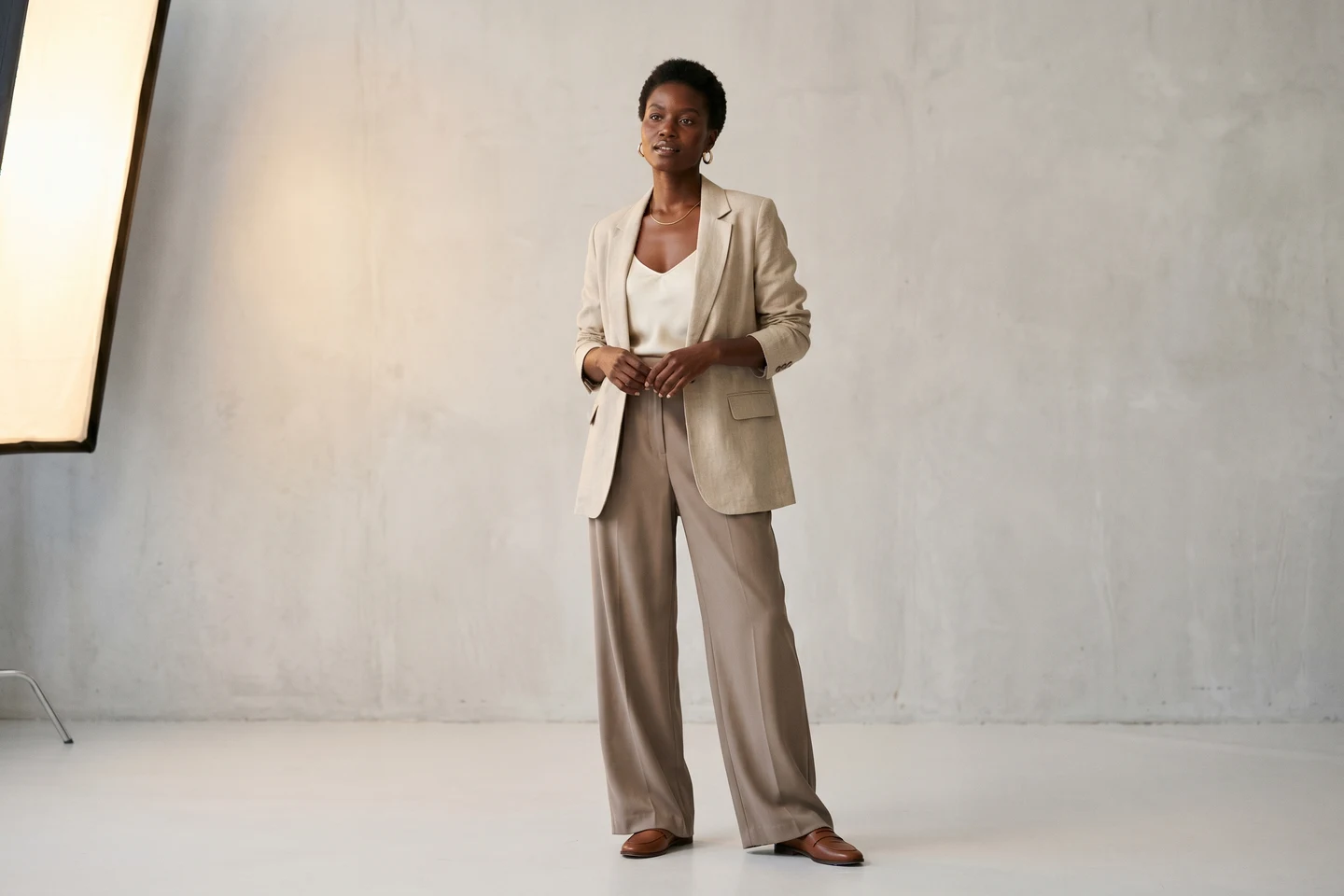
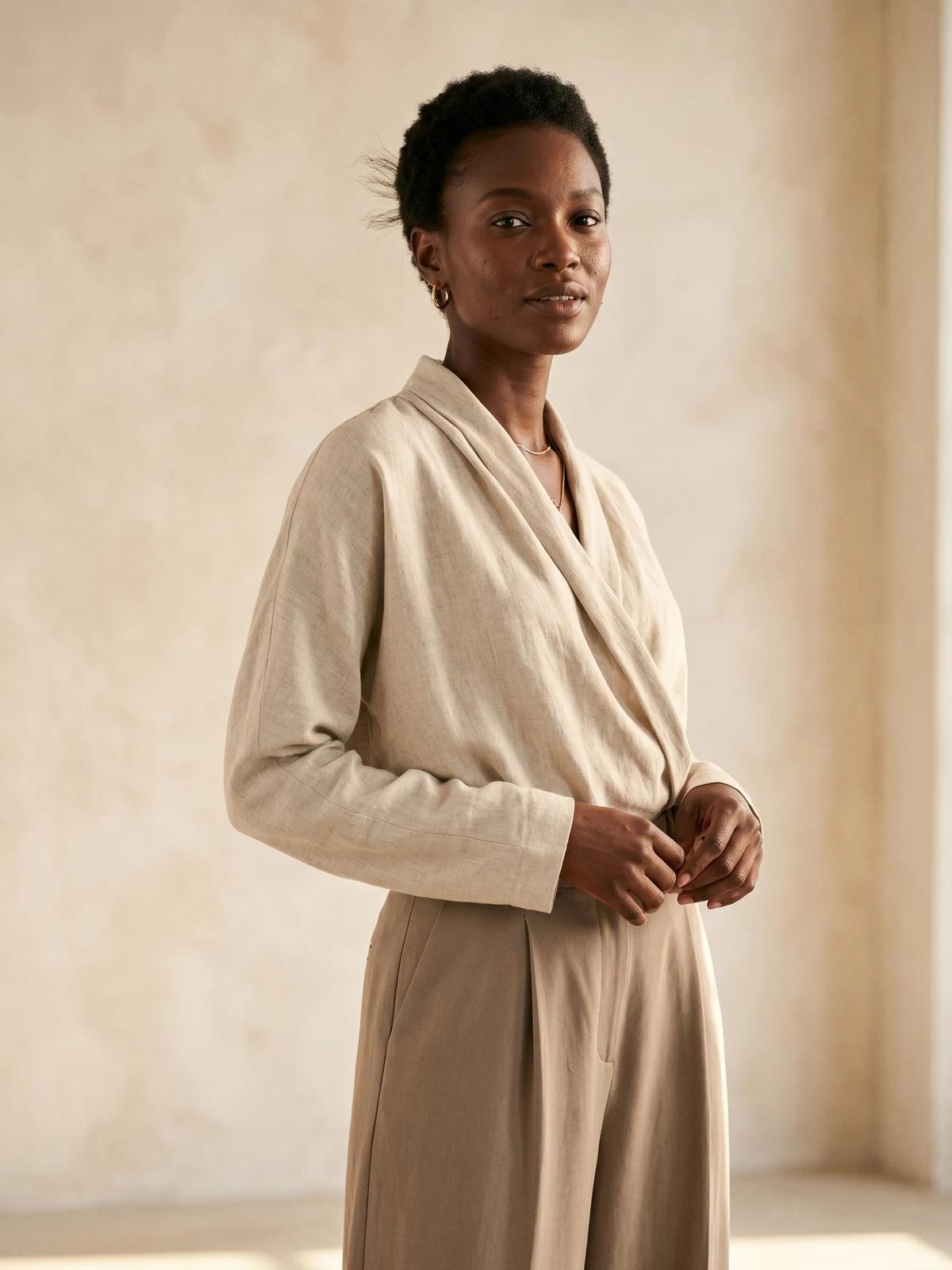
A fashion studio that fits in your browser
Cast the models, set the scene and the light, and shoot a whole collection without booking a room or a crew.
Common mistakes in lifestyle product photography
- The scene beats the product. A stunning location with a tiny, shadowed garment sells the location
- Every image is a different world. Five unrelated settings on one product page read as stock photos. Keep the light and palette consistent
- Lifestyle replaces the studio shot. Shoppers still need the plain, accurate view. Add lifestyle images; do not swap them in
- Wrong crop for the channel. A wide banner frame cropped to a vertical ad loses the garment. Plan orientation in the shot list
- Over-styling. Hats, bags and layers that are not for sale hide the piece that is
Key takeaways
- Use both kinds of image. Studio shots prove the product, lifestyle shots give it a setting
- Start with six shot types. In-use, everyday, detail in context, full outfit, scale and fit, group
- Plan the image's job first. Channel decides crop, mood and empty space
- Keep one scene per collection. Consistency reads as a brand, variety reads as stock
- Use AI for the long tail. Shoot hero products on location if you can, and generate lifestyle images for the rest of the catalog from the product photos you already have
FAQ
What is lifestyle product photography? Lifestyle product photography shows a product being worn or used in a real-life setting, with a person, a place and a moment in the frame. It complements plain studio shots by showing how the product fits into daily life.
What is the difference between lifestyle and studio product photography? Studio photography shows the product accurately on a plain background with even light. Lifestyle photography shows it in context, on a person and in a location. Product pages usually need both: studio images for accuracy and lifestyle images for desire.
Do I need models for lifestyle product photography? For clothing, yes in almost every case. Garments need a body to show fit, length and movement. You can hire models for a location shoot or use AI models that wear your actual garment from a product photo.
How many lifestyle photos should a product page have? One or two per product is enough alongside the front, back and detail shots. Use more on collection pages, banners and ads, where the lifestyle image carries the message.
Can AI create lifestyle product photos for clothing? Yes. On-model AI tools take a photo of your garment and render it worn by a model in a chosen scene. Check each result against the original product photo for colour, print and cut before you publish it.
Can I use lifestyle images on Amazon and other marketplaces? Most marketplaces require a plain-background main image and allow lifestyle images in the secondary slots. Check the current image rules of each marketplace before uploading.
What settings work best for clothing lifestyle photos? Pick settings that match where the piece is worn: city streets for everyday wear, coast or warm stone for linen and resort wear, trails and weather for outerwear, a gym or track for activewear. One or two settings per collection keep the set consistent.
WearView Team
WearView Content & Research Team
WearView Team is a group of fashion technology specialists focused on AI fashion models, virtual try-on, and AI product photography for e-commerce brands. We publish in-depth guides, case studies, and practical insights to help fashion businesses improve conversion rates and scale faster using AI.