
June 30, 2026•12 min read
How to Keep Product Images Consistent Across Your Catalog (2026)
Inconsistent product shots make a catalog look unprofessional and cost conversions. This guide covers the five variables to lock (model, lighting, background, framing, color) and the workflow to keep every SKU on-brand.

Picture of How to Keep Product Images Consistent Across Your Catalog (2026) article
Scroll any well-run online store and you will notice something before you read a single price: every product photo looks like it belongs to the same set. Same crop, same light, same distance, same background, often the same model. That visual rhythm is not an accident. It is the result of a documented standard that someone enforces shot after shot.
Images carry the decision. In Baymard Institute usability testing, 56% of test subjects began exploring a product's images first, before reading the title, the description, or scrolling at all. If those images are inconsistent across your catalog, you are undermining the exact thing shoppers look at most. Consistent product images fix that. They make a catalog feel trustworthy, speed up comparison, and let a shopper focus on the garment instead of the photography.
This guide walks through how to keep product images consistent across an entire catalog: the five variables that actually matter, the standard you write down once, the production process, and the QA checklist you run before anything goes live. It also covers where AI removes the hardest part, holding one model and one look steady across hundreds of SKUs.
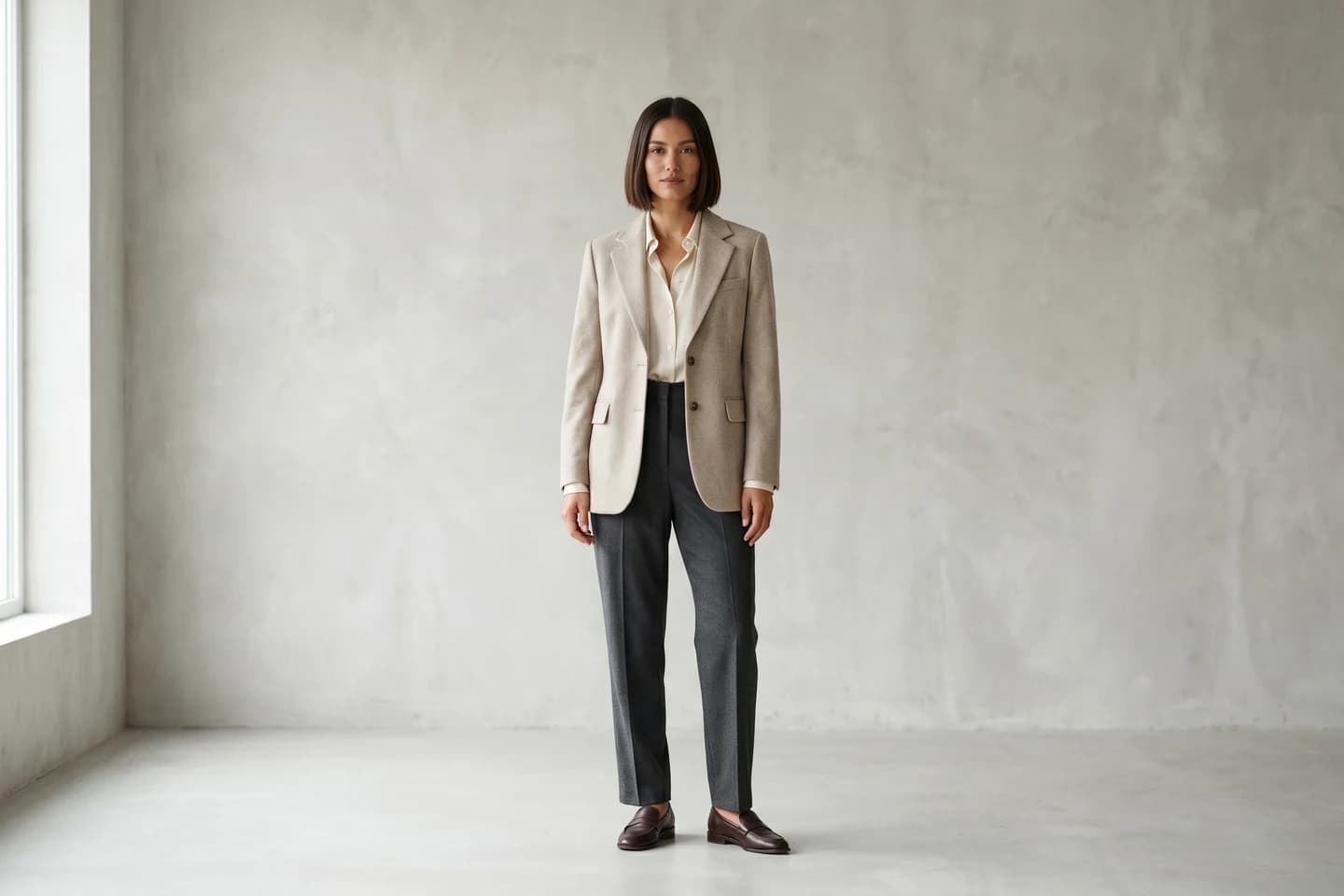
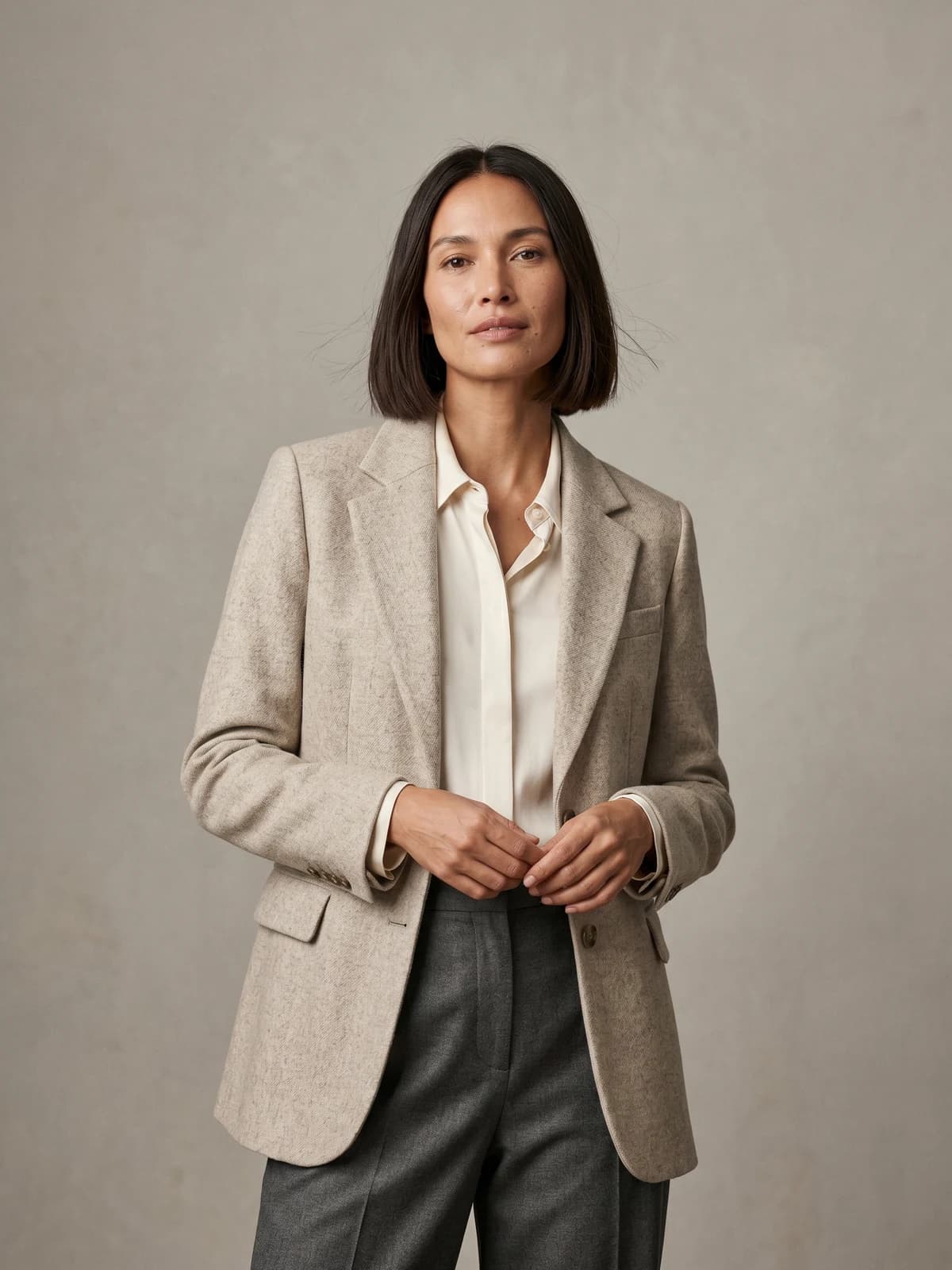
The same model across your whole catalog
Keep one signature model consistent across every product, pose, and collection.
Why consistent product images matter
Consistency is a conversion lever, not a vanity project. When every image follows the same rules, shoppers can compare items side by side without recalibrating their eyes for each photo. That lowers the cognitive load of browsing and makes the store feel professionally run.
The business reasons stack up fast:
- Trust. A uniform grid signals an established brand. Mismatched lighting and crops read as amateur or, worse, as a scam.
- Faster comparison. Shoppers judge fit, color, and silhouette by comparing thumbnails. Consistency makes those comparisons valid.
- Lower returns. When color and proportion are reproduced the same way every time, the product the customer receives matches the photo they bought from.
- Brand recognition. A signature look (one model, one background palette) makes your imagery recognizable the moment it appears in a feed or ad.
- Cheaper production. A documented standard removes guesswork on every shoot, which means fewer reshoots and faster turnaround.
The hard part is not knowing that consistency matters. It is reproducing the same conditions across dozens of shoots, seasons, and people. That is where a written standard does the heavy lifting.
The five variables you must control
Catalog consistency comes down to five things. Lock these and 90% of your inconsistency disappears.
| Variable | What to standardize | Common failure |
|---|---|---|
| Model identity | Same face, body, hair, and skin tone across a product line | Different freelance models per shoot |
| Lighting | Same key light angle, softness, and color temperature | Window light on day one, studio strobe on day two |
| Background | One background color or scene, edge to edge | Slightly different greys that clash in the grid |
| Framing & crop | Same camera distance, aspect ratio, and subject placement | One shot full-body, the next cropped at the knee |
| Color accuracy | Same white balance and color profile so garments are true to life | Reds that shift between warm and cool |
1. Model identity
For on-model photography, the model is the most visible source of inconsistency. Swap the person between shoots and the whole line looks disjointed, even if everything else is identical. The goal is one recognizable model (or a small, fixed roster) used consistently across a product line so the customer's eye stays on the clothes.
2. Lighting
Lighting controls mood, texture, and how color reads. Pick one lighting setup and document it: key light position, height, and angle; fill ratio; and color temperature (commonly around 5000-5600K for neutral daylight). The same fabric photographed under two different lights can look like two different colors.
3. Background
Decide on one background and never drift. For catalog grids, a clean white or a single consistent neutral is the safe default; see our glossary on white-background-photography if you are weighing options. If you use a lifestyle scene, keep the same set, palette, and camera height across the run.
4. Framing and crop
Choose a single aspect ratio (many stores favor a tall ratio like 4:5 or 3:4 for apparel because it shows more of the garment) and one subject placement. Keep the camera at the same distance and height so the garment occupies the same share of the frame in every shot. This is what makes thumbnails line up cleanly in a grid.
5. Color accuracy
Color is the variable shoppers feel most when a return arrives. Use a fixed white balance, shoot with a color reference card, and apply the same color profile in editing. The aim is true-to-size fit communicated honestly and color reproduced the same way on every product, including across every colorway of the same style.
Step 1: Write a photography style guide
Before you shoot anything, write the standard down. A one-page style guide is the single highest-leverage thing you can do for catalog consistency, because it turns "we'll match it by eye" into a rule anyone can follow.
Your style guide should specify:
- Shot list per product. For example: hero front, back, side, detail close-up, plus one lifestyle or on-model shot.
- Aspect ratio and resolution. One ratio for the whole catalog, with a minimum pixel size.
- Background spec. Exact color (a hex value or named seamless), or the exact lifestyle set.
- Lighting diagram. Light positions, modifiers, and color temperature.
- Model spec. Which model or model type, hair and makeup direction, and styling rules.
- Framing rules. Camera distance, subject placement, where the crop falls.
- Editing recipe. White balance, color profile, retouching dos and don'ts, file naming.
Treat this document as the source of truth. Every shooter, editor, and tool follows it, and you update it deliberately rather than letting it drift shot by shot.
Step 2: Build a repeatable production setup
A style guide only works if the setup behind it is repeatable. The point is to remove the variables that change between sessions.
- Mark your set. Tape the floor for camera position, light stands, and where the model or product sits. Same marks every time.
- Lock the camera. Fixed focal length, fixed aperture, fixed distance. Note the settings in your style guide.
- Use templates. A grid overlay or guides in your capture and editing software keep framing identical.
- Standardize editing. Build a preset or action that applies your white balance, color profile, and crop in one click.
This is straightforward for flat-lay and packshot work. It gets harder the moment a human model enters the frame, because no two shoot days, models, or moods are ever truly identical. That unpredictability is exactly the gap AI now closes.
Step 3: Use AI to lock model identity and look
The single hardest part of catalog consistency is keeping the same model and the same conditions across a large run. Traditional shoots fight this with strict call sheets and reshoots. AI removes the problem at the source by generating images from a fixed standard every time.
With AI fashion models, you define a model once and reuse that exact identity across your entire catalog. The same face, body, and skin tone appear on every product, so a 200-SKU drop looks like one cohesive shoot instead of twelve different ones. It is not a fringe tactic either; you can see brands already running full catalogs on AI models today. This is what WearView's consistent AI models feature is built for, holding one signature model steady across poses, products, and collections.
The workflow looks like this:
- Create or choose a model. Generate a model from a text prompt with AI model creation, or reuse a model identity you have already locked in.
- Apply it to every product. Use product to model to drop a flat-lay or packshot onto that same model, producing on-model photography in under 15 seconds per image.
- Hold lighting and background steady. Because the scene is generated to a fixed spec, the light angle, background, and color stay identical across the run by default, not by luck.
- Control pose deliberately. When you do want variation, change it on purpose with pose control rather than hoping a freelance model repeats a stance.
The advantage over traditional production is reproducibility. A studio shoot drifts a little every session: a new model, slightly different light, a background swapped without anyone noticing. A generated pipeline reproduces the same standard on demand, which is the whole point of consistency.
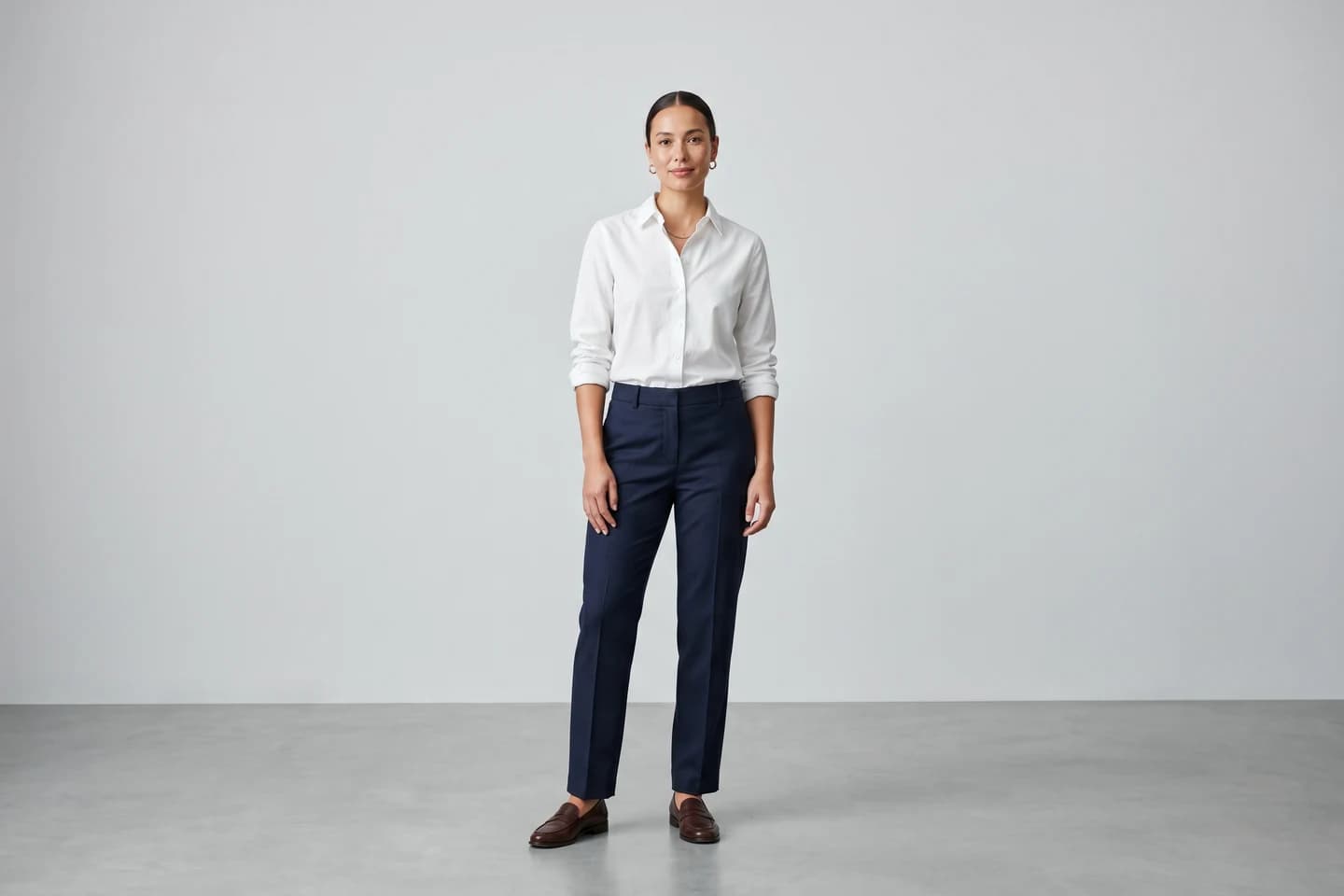
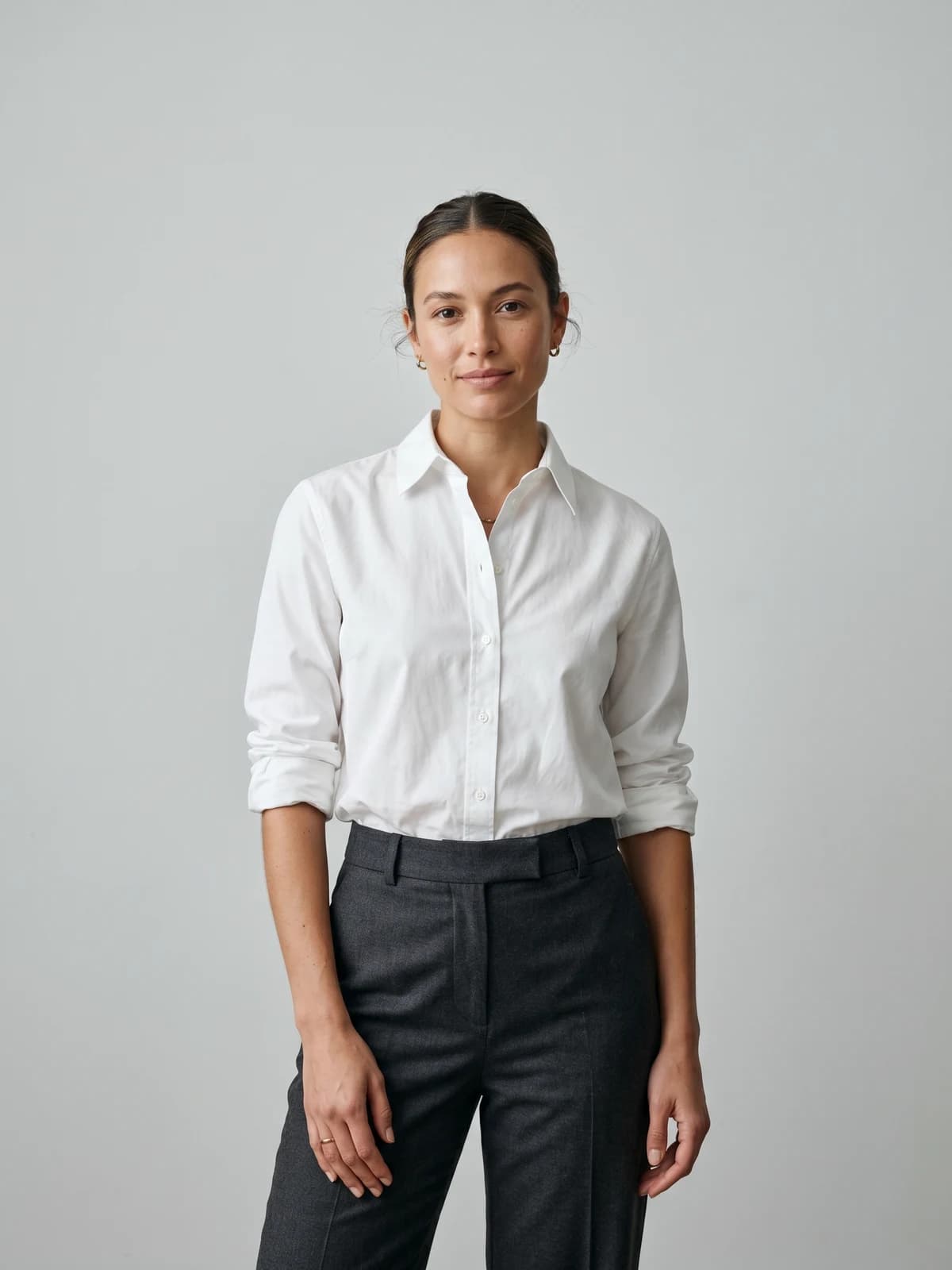
Turn flat-lays into on-model photos
Drop in a flat-lay or product shot and get professional on-model photography ready for your store.
For garment-led visualization where you want to preview a piece on a model without a flat-lay conversion, virtual try-on follows the same principle: one model, one look, applied to many garments. Whether you shoot, generate, or mix both, the rule is the same, every image conforms to the standard you wrote in Step 1.
Step 4: QA every image before it ships
Consistency lives or dies at the final check. Build a quick QA pass that someone runs on every image before it touches a product detail page. It takes seconds per shot and catches the drift that erodes a catalog over time.
Run this checklist on each image:
- Model. Same model identity, hair, and styling as the rest of the line?
- Crop and ratio. Correct aspect ratio, subject in the standard position?
- Background. Exact background color or scene, clean edges, no stray shadows?
- Lighting. Same direction and softness, no hot spots that others lack?
- Color. White balance matches, garment color true to the physical product?
- Resolution. Meets your minimum pixel size and is sharp where it counts?
- File naming. Follows your naming convention so it lands in the right place?
If the images are generated rather than shot, add the AI-specific checks (garment prints intact, hands natural, fit true to the real drape) from our guide to using AI models across a clothing brand. A simple pass/fail gate here is more valuable than any amount of fine-tuning later. One off-standard image in a grid is the one a shopper notices.
What this means for you
- Write the standard first. A one-page style guide covering model, lighting, background, framing, and color is the cheapest consistency fix you can make. Do it before the next shoot.
- Pick your five variables and lock them. Decide one model approach, one light setup, one background, one aspect ratio, and one color recipe, then never drift without a deliberate update.
- Use AI for the hardest variable. Reproducing the same model and conditions across hundreds of SKUs is exactly where AI-generated models outperform traditional shoots, generating to a fixed spec every time.
- Gate everything with QA. Run a short checklist on every image before it ships. The grid is only as consistent as its weakest photo.
- Treat the catalog as one set. Whether you shoot in a studio or generate with AI fashion photography, judge each new image against the whole catalog, not against itself.
Sources: Baymard Institute, image resolution and zoom (56% explore images first), Baymard Institute, Product Page UX best practices, Baymard Institute, Product Page Usability study (2026)
FAQ
What does it mean to have consistent product images? Consistent product images follow the same rules across an entire catalog: the same model identity, lighting setup, background, framing and aspect ratio, and color treatment. The goal is a grid where every photo looks like part of one cohesive shoot so shoppers can compare items easily.
Why is image consistency important for ecommerce? It builds trust, speeds up product comparison, and reduces returns by reproducing color and proportion the same way every time. A uniform catalog signals an established brand, while mismatched photos read as amateur and slow shoppers down.
What are the five most important variables to control? Model identity, lighting, background, framing and crop, and color accuracy. Lock these five with a written standard and most catalog inconsistency disappears, because they are the variables most visible when thumbnails sit side by side.
How do I keep the same model across hundreds of products? Define a single model identity and reuse it on every product instead of booking different freelancers per shoot. AI tools built for consistent model identity hold one face, body, and skin tone steady across your whole catalog, which is far more reliable than asking a human model to recreate the same look across many sessions.
Can AI keep product images consistent across a large catalog? Yes. Because AI generates each image from a fixed standard, the model, lighting, background, and color stay identical by default across hundreds of SKUs. Tools like product to model apply your locked model and scene to every flat-lay, producing on-model photography in seconds per image.
What aspect ratio should I use for catalog images? Pick one ratio and apply it everywhere. Many stores favor a tall ratio such as 4:5 or 3:4 for apparel because it shows more of the garment, but the specific choice matters less than using the same ratio across every product so thumbnails align in the grid.
How do I make sure colors are accurate and consistent? Use a fixed white balance, shoot with a color reference card, and apply the same color profile in editing. Reproduce every colorway of a style the same way so the product a customer receives matches what they saw, which keeps return rates down.
What is a photography style guide and do I need one? A photography style guide is a short document that specifies your shot list, aspect ratio, background, lighting diagram, model spec, framing rules, and editing recipe. It is the single highest-leverage thing you can do for consistency because it turns matching by eye into a repeatable rule anyone on your team or any tool can follow.

WearView Team
WearView Content & Research Team
WearView Team is a group of fashion technology specialists focused on AI fashion models, virtual try-on, and AI product photography for e-commerce brands. We publish in-depth guides, case studies, and practical insights to help fashion businesses improve conversion rates and scale faster using AI.


