September 25, 2026•11 min read
7 best AI tools for content creators in 2026
Some AI tools collapse a whole production step into one click, others only make a step you still do slightly faster. We compared 7 AI tools for content creators by the step each one removes, with honest limitations and a simple way to pick the two or three you need.
Picture of 7 best AI tools for content creators in 2026 article
Publishing has turned into a volume game. The platforms reward accounts that post consistently, and a single short can still eat an evening once you count scripting, recording, editing and captions.
AI tools have not removed that work evenly. Some collapse an entire production step into one click, and some just make a step you still have to do slightly faster. That difference decides whether a subscription earns its place in your stack.
This guide compares the seven AI tools worth a creator's money in 2026, judged by the production step each one removes. You get what each tool does, who it suits, where it falls short, and a decision framework for picking the two or three you actually need.
Best AI tools for content creators: a brief overview
ClipNova: Best for content creators and faceless reels. Turns a topic, a script or a single photo into a finished video with hook, footage, voiceover, captions and music in one pass, with nobody on camera.
Descript: Best for talking-head and podcast creators. Cut video by deleting words from the transcript, which turns editing into proofreading.
OpusClip: Best for repurposing long-form. Finds the moments worth clipping in an upload you have already made and crops them vertically.
ElevenLabs: Best for a signature voice. Clones your voice from a short sample and reads any script in it, across a long list of languages.
Canva: Best for thumbnails and graphics. The fastest route from idea to a thumbnail, carousel or title card without a designer.
CapCut: Best for the manual finish. The free timeline editor creators keep for the last ten percent no automation gets right.
ChatGPT or Perplexity: Best for research before writing. Finds what has already been said on your topic so you can find an angle that has not.
| Tool | Best for | Production step it removes | Needs footage you shot? |
|---|---|---|---|
| ClipNova | Content creators and faceless reels | Script, footage, voiceover, captions, music, export | No |
| Descript | Talking-head and podcast editing | Timeline editing and cutting | Yes |
| OpusClip | Turning long-form into shorts | Clip selection and vertical cropping | Yes |
| ElevenLabs | Cloned and multilingual narration | Voice recording | No |
| Canva | Thumbnails, carousels, title cards | Graphic design | No |
| CapCut | Final trims and platform presets | None, it is the finish | Either |
| ChatGPT or Perplexity | Angle research before writing | Desk research | No |
1. ClipNova, best for content creators and faceless reels
Most AI video tools hand you a clip, and a clip is not content. You still need a hook that stops the scroll, a script, a voice, captions, a music bed and a file sized for each platform. That chain is where the evening actually goes.
ClipNova runs the whole chain in one pass. Give it a topic, a script, or a single image, and it writes the hook, generates the scenes, records the narration, syncs word-by-word captions, adds a music bed that ducks under the voice, and exports a finished file. Every quality tier sits behind the same composer, so you can draft on a fast tier and render the final at full quality without switching products or paying for a second subscription.
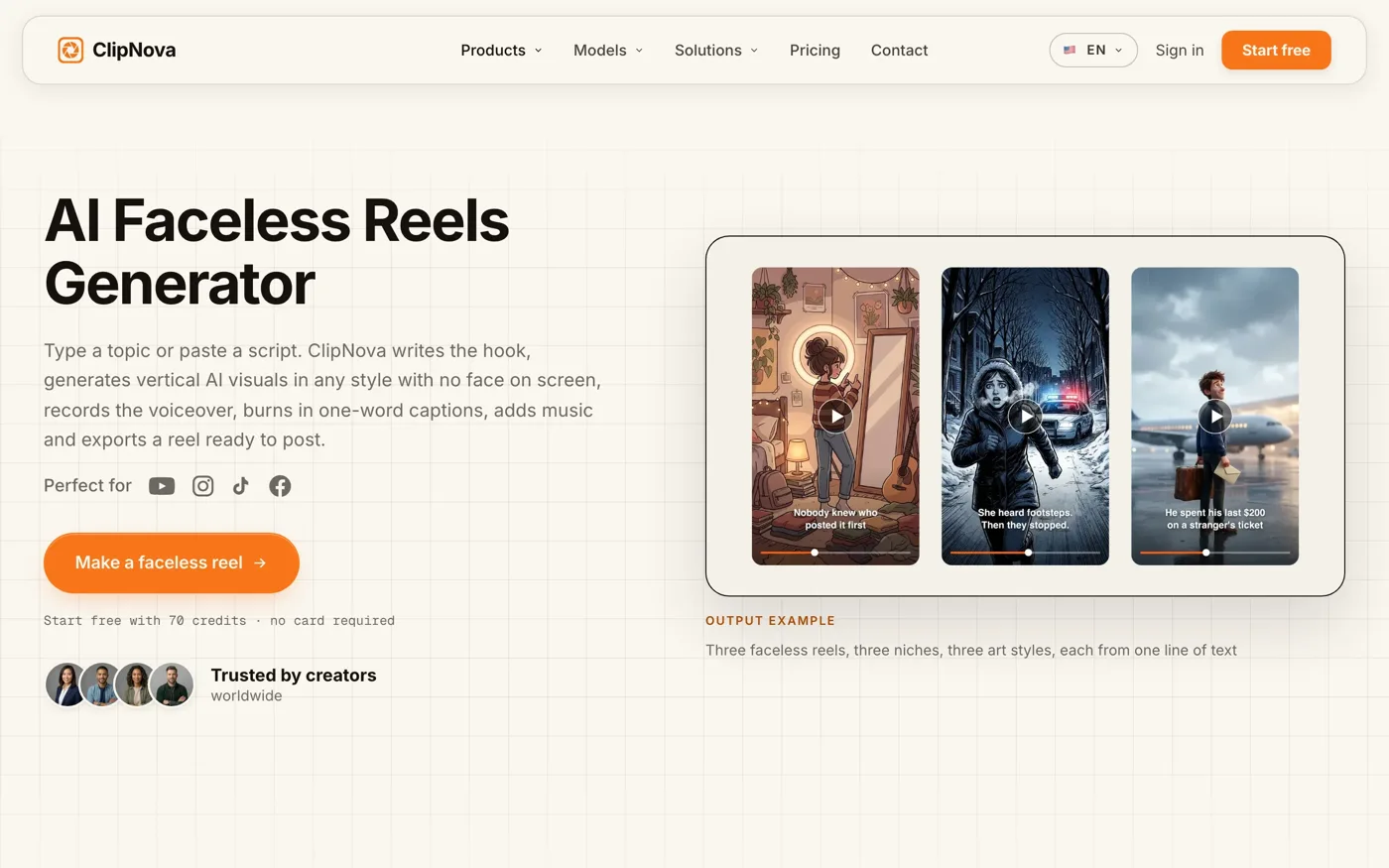
Best AI Tools for Content Creators with ClipNova
Key features
- Topic, script or photo as the starting point, not just a text prompt
- Hook and script written for you, not just footage generated
- Narration and word-by-word synced captions built in
- Draft and final quality tiers behind one composer
- Exports sized for Reels, TikTok and Shorts in one click
- Watermark-free output with full commercial rights on paid plans
Best for
- Faceless reels and shorts, where nobody appears on camera
- Creators shipping several videos a week rather than one
- Small teams without an editor or a voice actor on payroll
Pricing, verified September 2026
- Free trial: 70 credits on signup, no card required
- Hobby $19/mo for 1,000 credits, Starter $49/mo for 2,600, Growth $99/mo for 5,750, Ultra $199/mo for 12,000
- Annual billing takes roughly twenty percent off every tier
Pros
- Replaces a stack of four or five single-purpose subscriptions
- The free trial is enough to judge output quality before paying
- Drafting on a cheaper tier keeps iteration from burning a month of credits
Cons
- A single render tops out at five minutes, so long-form has to be assembled in sections
- Credit-based pricing takes a week of use before you can predict your monthly consumption
2. Descript, best for talking-head and podcast creators
Descript transcribes your footage and lets you cut the video by deleting words from the text. Remove a sentence and the footage goes with it. For anyone who films themselves talking, this is the single biggest time saving available, because it turns editing into proofreading.
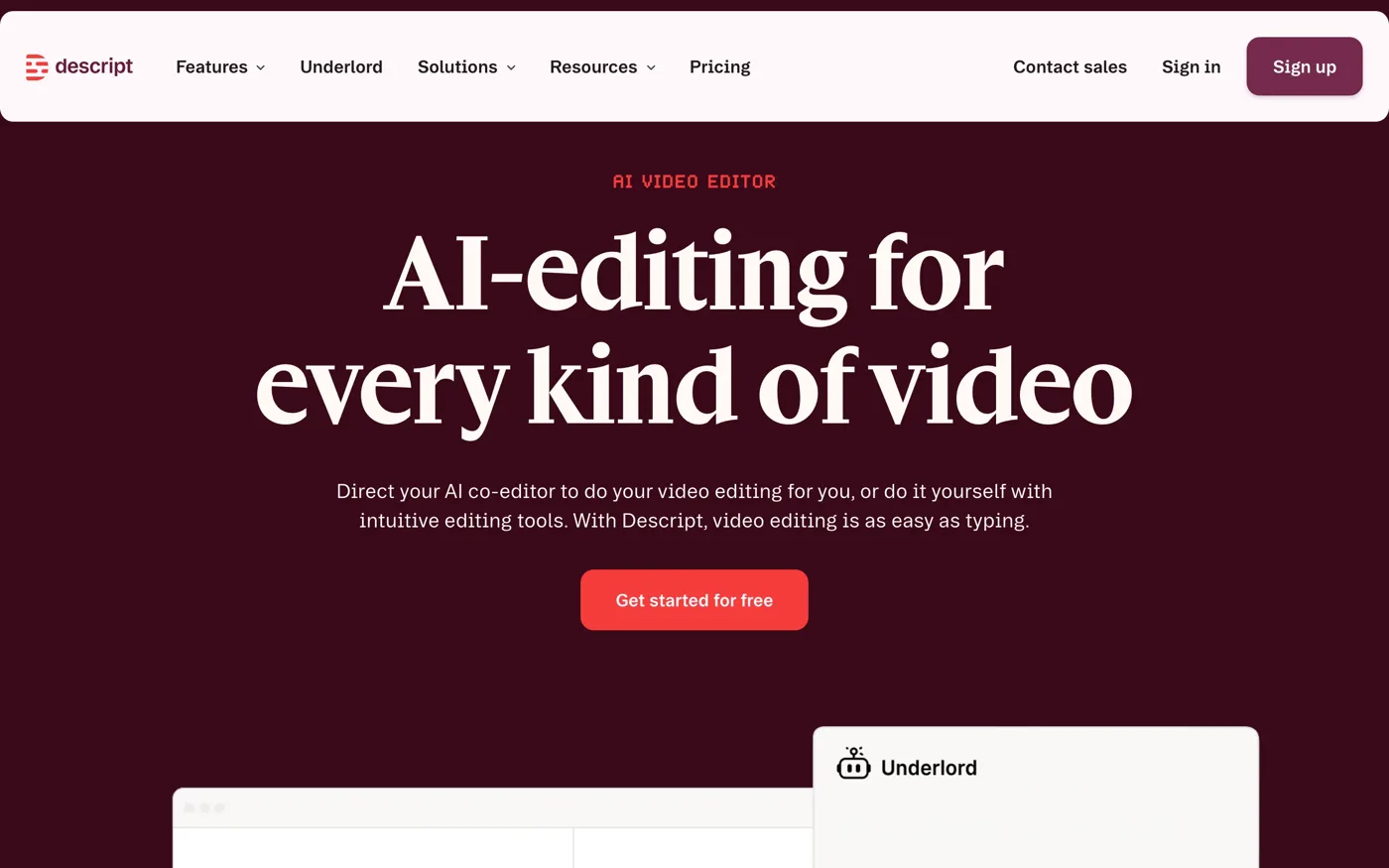
Best AI Tools for Content Creators with Descript
Best for: podcasters, interview channels and creators who film themselves and edit the result.
Limitation: it is built around footage you already shot. It shortens the edit, it does not remove the filming.
3. OpusClip, best for repurposing long-form
OpusClip scans a long upload, picks the moments most likely to travel, crops them vertically and adds captions. If you already publish long-form, it is the cheapest way to get a week of short-form out of work you have already done.
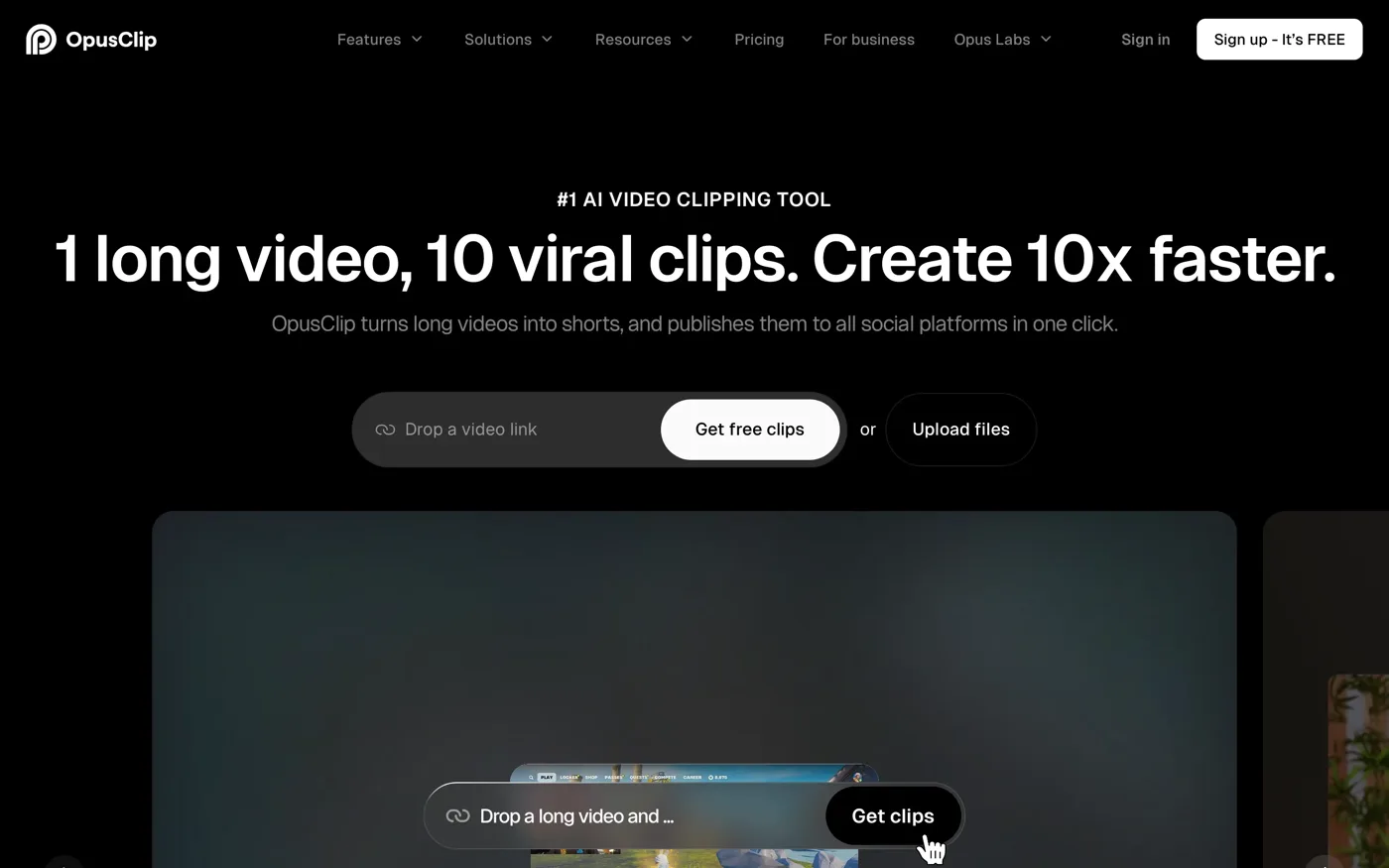
Best AI Tools for Content Creators with OpusClip
Best for: YouTubers and streamers sitting on a back catalogue.
Limitation: it can only surface moments that exist in the source. If the long video has no strong hook in it, no clipping tool will invent one.
4. ElevenLabs, best for a signature voice
ElevenLabs clones a voice from a short sample and reads any script in it, across a long list of languages. Synthetic narration stopped sounding synthetic somewhere in 2024, and this is the tool most creators noticed it with.
Best AI Tools for Content Creators with ElevenLabs
Best for: creators localising into other languages, and anyone who wants their own voice on videos they did not record.
Limitation: if your video tool already generates narration, a separate voice subscription is a duplicate cost. Add it when you specifically need your own cloned voice rather than a stock one.
5. Canva, best for thumbnails and graphics
Canva remains the fastest route from idea to a thumbnail, a carousel or a title card. Thumbnails still decide whether anyone watches, and no generation tool has replaced a designer's eye for one.
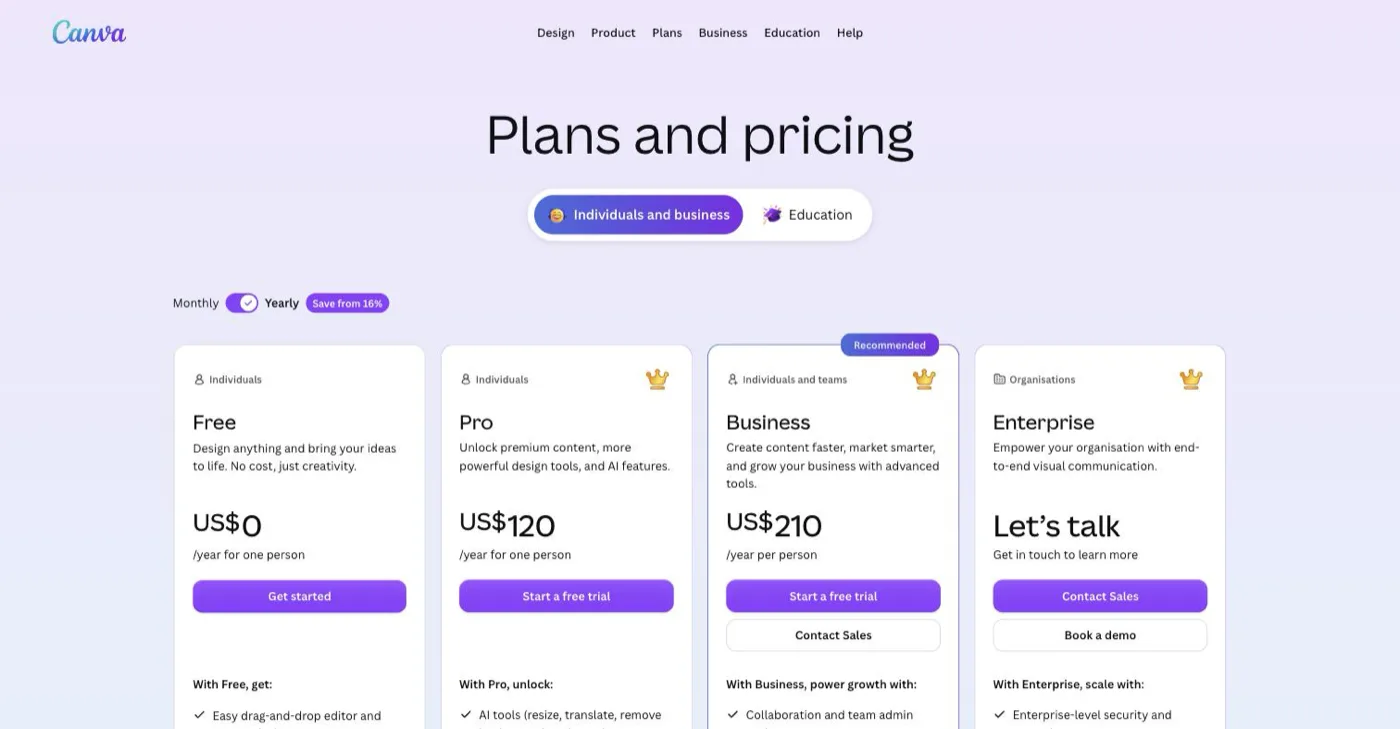
Best AI Tools for Content Creators with Canva
Best for: creators who need a publishable graphic in ten minutes without opening design software.
Limitation: the free tier is genuinely usable for static graphics, so most creators upgrade later than they expect. Judge the paid tier on brand kits, not on templates.
6. CapCut, best for the manual finish
CapCut is the free timeline editor most creators keep installed for one job: the clip that needs a human to trim three frames off the front. Its caption and effect presets track what currently performs on TikTok and Reels.
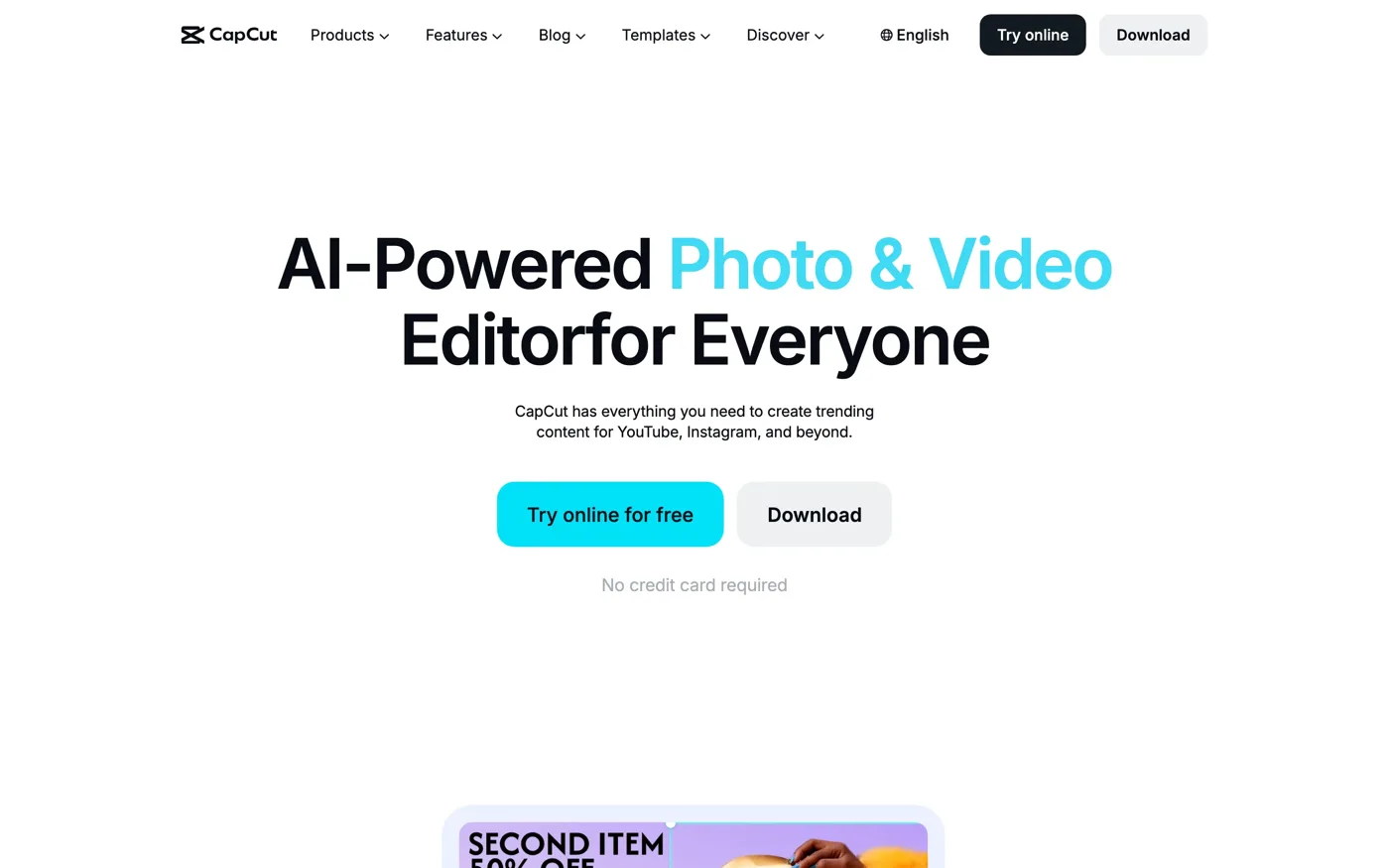
Best AI Tools for Content Creators with CapCut
Best for: the last ten percent of any video, whatever produced the first ninety.
Limitation: it is a finishing tool. Building a whole video in it by hand is precisely the workflow the rest of this list exists to replace.
7. ChatGPT or Perplexity, best for research before writing
A general assistant will not write a video you can publish unedited, and creators who try produce the flat, hedge-everything script audiences now recognise instantly. Used properly, it handles the two steps before writing: finding what has already been said about your topic, and stress-testing your angle against it.
Best for: the twenty minutes before you start writing, not the writing itself.
Limitation: treat the output as a first draft of your thinking, not a first draft of your script.
How to choose the right AI tools for your workflow
1) Do you film yourself, or start from nothing?
- If you film yourself: start with Descript, because your bottleneck is the edit, then add OpusClip to turn each episode into clips.
- If you start from a topic or a photo: start with ClipNova, because your bottleneck is production itself, and no editor helps with footage that does not exist yet.
2) How often do you publish?
- Once or twice a week: one tool plus Canva is enough. Adding more subscriptions buys idle capacity.
- Daily: you need an end-to-end tool, because the failure point stops being quality and becomes throughput.
3) Are you paying twice for the same capability?
- List what you pay for now: generation, voice, captions, music licensing, stock footage.
- Cross off anything your main tool already includes. Most creators find two or three lines they can cancel today.
4) Does your content feature physical products?
- If it does, product visuals are a separate problem from video, and no tool on this list solves it. Dedicated tools such as WearView generate on-model shots from a flat product photo, and its AI video generator puts those stills into motion.
- If it does not, skip this entirely and spend the budget on the production step you actually repeat every week.
5) Have you tested it on your own work?
- Run three real topics from your own calendar through any tool before subscribing, not the demo the vendor suggests.
- Free tiers exist for this. ClipNova gives 70 credits with no card, and Canva and CapCut have free tiers most creators never outgrow.
Frequently asked questions
What is the best AI tool for content creators in 2026?
For creators publishing regularly, and for faceless channels in particular, an end-to-end video tool such as ClipNova removes the most work, because it handles script, footage, voiceover, captions and export in one pass rather than solving a single step. Creators who mainly edit footage they filmed themselves get more from Descript.
Are there genuinely free AI tools for content creators?
Canva and CapCut have free tiers most creators never outgrow for design and editing. AI video generation is different, because every render costs the provider real compute, so free tiers there are trials rather than plans. ClipNova gives 70 credits with no card, which is enough to judge output quality before paying.
How many AI tools does a content creator actually need?
Two or three. One that produces the content, one that finishes it, and one for graphics. Creators running more than that are usually paying for overlapping features rather than covering genuine gaps.
Do I own the videos an AI tool generates?
On paid plans from the major tools, yes, including commercial use. Check two specifics before relying on it: whether the rights survive if you cancel, and whether the free tier grants commercial use at all, since many grant it only on paid plans.
Can AI replace a video editor?
For short-form built from a script or a photo, largely yes. For anything depending on footage you filmed, on performance, or on a specific edit rhythm, AI shortens the work rather than removing it. The realistic 2026 position is that AI handles the generative half and a human still handles the last ten percent.
What is the difference between an AI video generator and an AI video editor?
A generator creates footage that never existed, starting from a prompt, a script or a photo. An editor rearranges footage you already have. ClipNova is a generator, Descript and CapCut are editors, and OpusClip sits between the two. Buying the wrong category is the most common mistake creators make.
Which AI tool should I use for faceless channels?
A generator, because there is no footage to edit. ClipNova covers the full chain for faceless content, and ElevenLabs is worth adding once you want a consistent signature voice across every video on the channel.
If I only want one subscription, what should it be?
The one that covers the step you cannot do yourself. If you cannot film, that is ClipNova. If you can film but cannot edit, that is Descript. Everything else on this list is an optimisation you can add later.

WearView Team
WearView Content & Research Team
WearView Team is a group of fashion technology specialists focused on AI fashion models, virtual try-on, and AI product photography for e-commerce brands. We publish in-depth guides, case studies, and practical insights to help fashion businesses improve conversion rates and scale faster using AI.