
May 26, 2026•22 min read
7 best AI tools for fashion lookbooks in 2026
Lookbooks used to require a stylist, a photographer, a model, and a studio day. In 2026 a small AI stack can deliver an editorial-quality lookbook in an afternoon. Here are the seven best AI tools for generating fashion lookbooks, with pricing and a clear decision framework.
Picture of 7 best AI tools for fashion lookbooks in 2026 article
A lookbook used to mean a studio day. A stylist, a photographer, a model, an art director, a location scout, and a long edit at the end. The cheapest indie lookbook still ran a few thousand dollars; a real seasonal lookbook for a small brand could run twenty. In 2026, an AI stack can produce a lookbook with the same finish in an afternoon, for the cost of a monthly subscription. The shift isn't just about money. It's about what a lookbook is for: testing positioning, briefing wholesale buyers, anchoring a campaign, and feeding social. AI lets a brand iterate on all of those without rebooking the team.
This guide covers the seven best AI tools for generating fashion lookbooks in 2026. We compare what each tool does well, where it falls short, what it costs, and which workflow it fits. Some are full lookbook platforms; others are narrow tools that solve one part of the lookbook stack. For broader context on the AI fashion photography ecosystem, see our best AI on-model photography tools guide.
Best AI tools for fashion lookbooks: a brief overview
- WearView: Best overall for AI lookbook generation: combines on-model imagery, consistent model identity across drops, pose control, and AI fashion video in one workspace.
- Midjourney: Best for editorial and mood-board imagery: strongest text-to-image generator for concept lookbooks, mood references, and stylized seasonal direction.
- Adobe Photoshop with Firefly: Best for refining and finishing AI lookbook frames: Generative Fill, Generative Expand, and the Remove Tool inside the canvas every design team already uses.
- Browzwear: Best for enterprise brand-specific AI models: the 3D apparel platform that acquired Lalaland.ai and now builds custom AI fashion models trained on a brand's own visual identity.
- VModel.ai: Best budget-friendly AI fashion photography: lower-cost on-model imagery with strong garment fidelity for indie brands and resellers.
- Leonardo AI: Best for stylized generative editorial: fine-tuned models, prompt control, and a strong ecosystem for high-style editorial and concept lookbooks.
- Pebblely: Best for lookbook backgrounds and scene generation: AI-generated backgrounds, lifestyle settings, and product scenes that turn a packshot into a styled lookbook frame.
| Tool | Key strength | Pricing | Platforms |
|---|---|---|---|
| WearView | Full AI lookbook stack: on-model, consistent models, pose, video | From $29/month (Lite); Pro $49/month; Advanced $99/month | Web |
| Midjourney | Strongest text-to-image generator for editorial and mood-board imagery | Basic ~$10/month; Standard ~$30/month; Pro ~$60/month; Mega ~$120/month | Web, Discord |
| Adobe Photoshop (Firefly) | Industry-standard image editor with Firefly Generative Fill and Expand | Photography plan from ~$9.99/month; Photoshop single app from ~$22.99/month | Desktop (Win/Mac), Web, iPad |
| Browzwear | Custom brand-trained AI models + 3D garment simulation (acquired Lalaland) | Enterprise contracts (Request a Demo); no public pricing | Web |
| VModel.ai | Budget-friendly AI fashion photography with strong garment fidelity | Basic from ~$25/month; Pro ~$50/month; Premier ~$100/month | Web |
| Leonardo AI | Fine-tuned models for stylized editorial and concept imagery | Free tier; Apprentice ~$12/month; Artisan ~$30/month; Maestro ~$60/month | Web |
| Pebblely | AI backgrounds and lifestyle scenes for lookbook frames | Free (40 photos/month); Pro ~$19/month; Premium ~$39/month | Web |
1. WearView, best overall for AI fashion lookbooks
WearView is the most complete AI platform for fashion lookbooks in 2026 because a lookbook isn't one image: it's a set. Twelve to thirty looks that need to feel like the same brand, the same season, the same casting decision. That's exactly the problem WearView is built around. You generate (or upload) an AI model, lock that model's identity, and then run the full collection through the same look in different garments, poses, and settings. The output reads as one campaign, not seven tools stitched together.
The workflow has three modes. You can start with a packshot or flat-lay and generate on-model imagery through the product-to-model tool. You can start with a styled outfit and try it on an AI model through virtual try-on. Or you can write a brief and generate the model and look together. The same model across campaigns feature is the unlock for lookbooks specifically: it lets a brand maintain casting consistency across drops, ad creative, and seasonal lookbooks without re-shooting. Pose variation is handled through the AI pose control tool, and motion lookbooks (videos) are handled through the AI fashion video generator at 720p or 1080p.
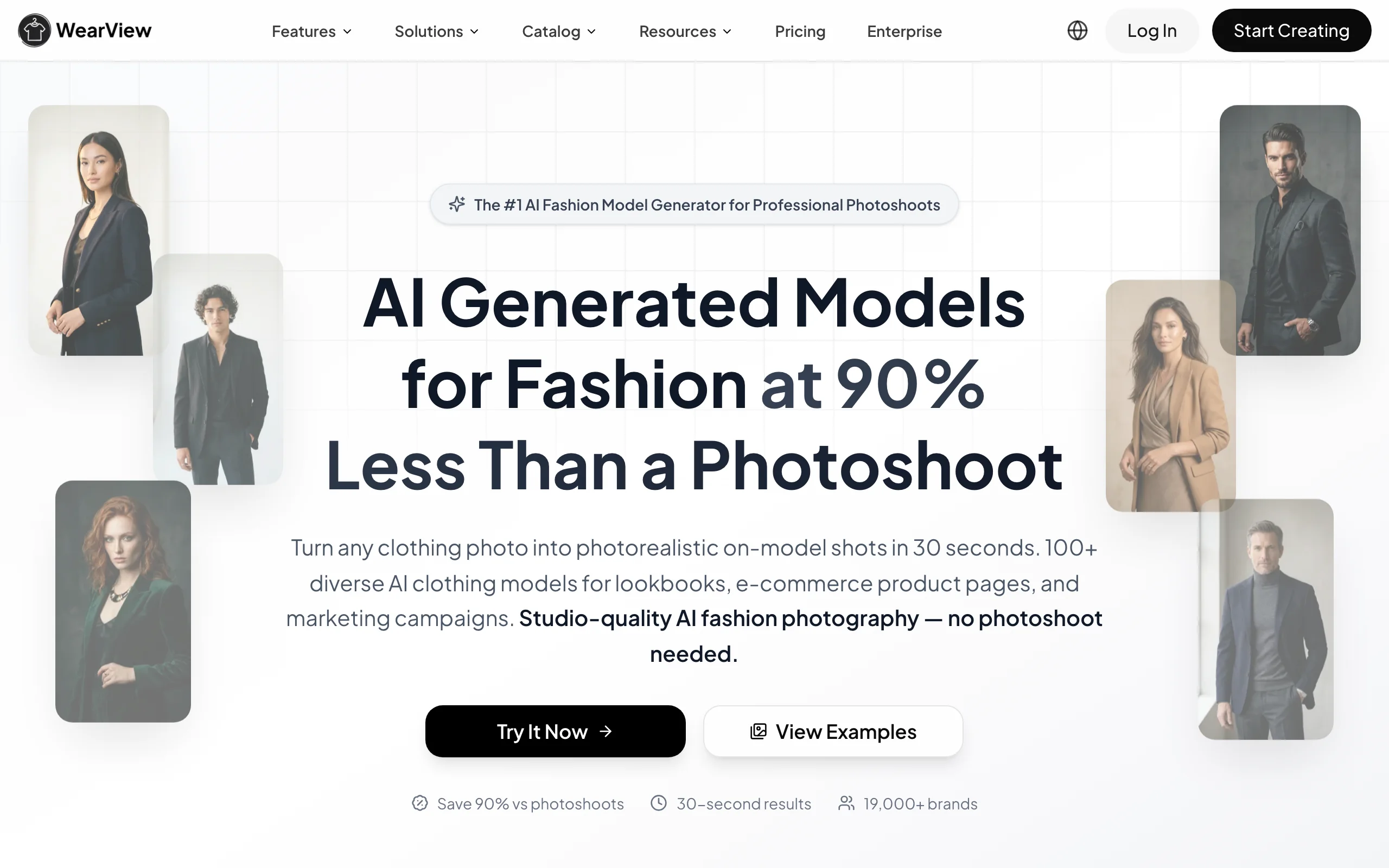
AI Tools For Fashion Lookbooks with WearView
Key features
- Full AI model library across ethnicities, body types, and ages
- Consistent model identity locked across an entire lookbook or season
- Pose control via reference images for varied lookbook angles
- Product-to-model for translating packshots into editorial frames
- Background and setting control via text prompts
- AI fashion video generation for motion lookbooks at 720p and 1080p
- HD, 2K, and 4K output with full commercial usage rights
Best for
- Fashion brands producing seasonal lookbooks with 10+ looks
- Marketing teams building wholesale lookbooks and pitch decks
- Indie and DTC brands skipping the studio shoot for early-collection lookbooks
- Agencies producing lookbook content for multiple fashion clients
Pricing
- Lite: $29/month (50 credits) — virtual try-on, product-to-model, AI model creation
- Pro: $49/month (200 credits) — premium AI engine, AI Fashion Video at 720p, up to 4 team members, priority support
- Advanced: $99/month (500 credits) — credit rollover, AI Fashion Video at 1080p, up to 15 team members, VIP support
- Annual billing saves up to 30%
Pros
- Only tool on this list that pairs consistent model identity with full pose and video control, which is the actual definition of a lookbook problem
- Seven AI tools in one workspace, so a lookbook doesn't require three subscriptions glued together
- Commercial usage rights on all paid plans
- Output quality is good enough to use directly as final lookbook frames, not just concept
Cons
- Credit-based pricing means high-volume lookbooks (50+ looks) may need a top-up or annual plan
- Edge garments (sheer fabrics, intricate hardware) sometimes need a QA pass
- No free plan; paid tiers start at $29/month
2. Midjourney, best for editorial and mood-board imagery
Midjourney is the most-used text-to-image generator in fashion creative direction in 2026. For lookbooks specifically, Midjourney's job is upstream: the mood board, the editorial concept frames, the seasonal direction images that anchor the brief. It's not where you generate the final lookbook frames of your actual garments. It's where you generate the world they live in.
Designers and creative directors use Midjourney for things like "what does this collection feel like in a Parisian rooftop scene at golden hour" or "give me ten editorial concepts in a 1990s Helmut Lang aesthetic." The output is too stylized and too non-specific to your actual product to be a real lookbook, but it's the strongest tool in this list for the creative direction layer above the lookbook.
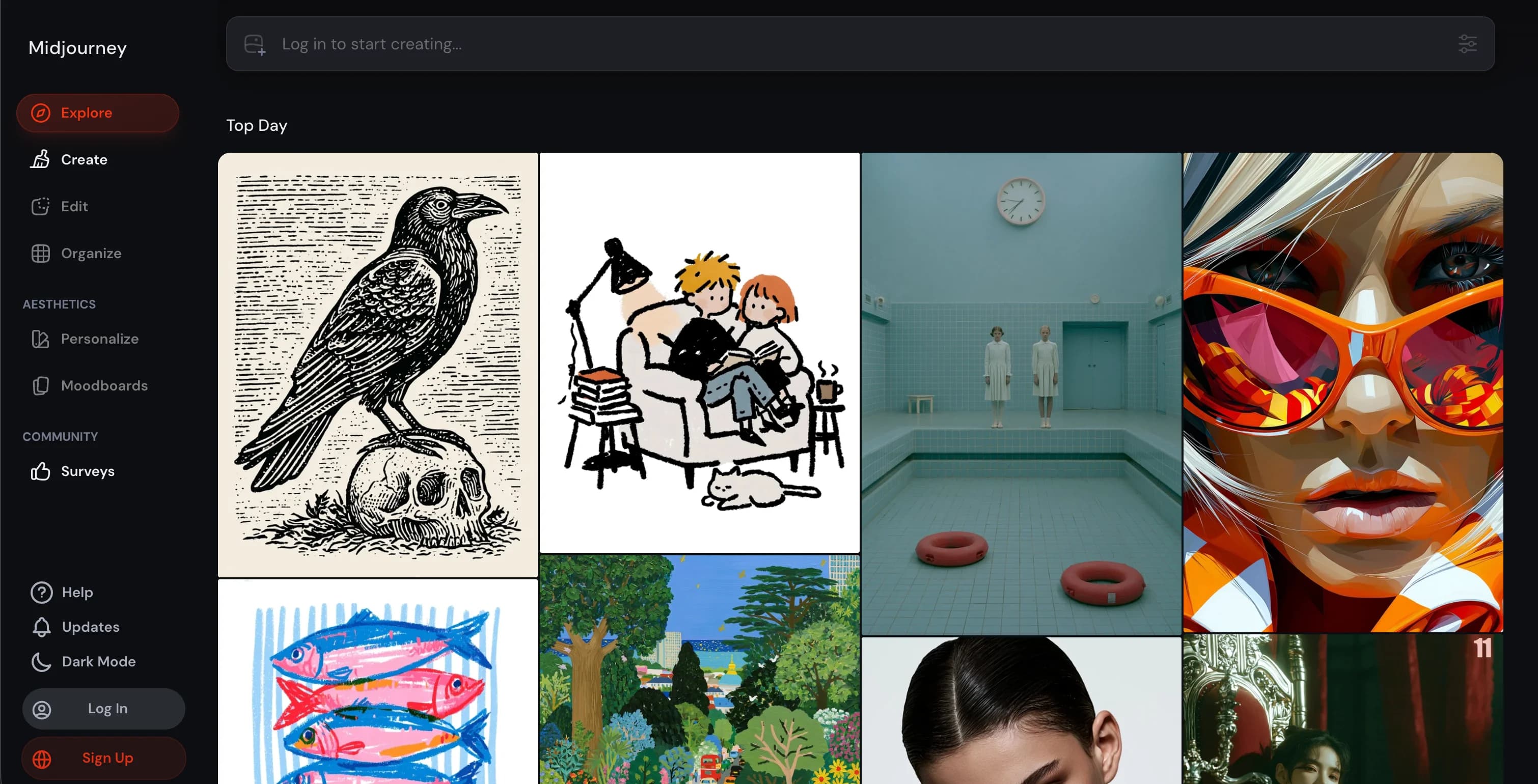
AI Tools For Fashion Lookbooks with Midjourney
Key features
- Industry-leading text-to-image generation with strong fashion aesthetics
- Style references and image prompts for visual consistency
- Image-to-image and inpainting via the Editor
- Personalization profiles to lock a brand aesthetic across generations
- Robust community and prompt-sharing ecosystem
- High-resolution output suitable for mood boards and pitch decks
Best for
- Creative directors building seasonal mood boards and concept lookbooks
- Stylists exploring editorial directions for an upcoming shoot
- Brand teams generating reference imagery for designers and agencies
- Content creators building stylized editorial concept work
Pricing
- Basic: ~$10/month — limited generations, suitable for individuals
- Standard: ~$30/month — more generations, relaxed mode
- Pro: ~$60/month — stealth mode, higher concurrency
- Mega: ~$120/month — highest concurrency and generations
- Annual plans offer ~20% discount
Pros
- Best aesthetic quality on the market for editorial and stylized fashion imagery
- Style and personalization references make consistent brand aesthetic possible
- Active community shares fashion-specific prompts and references
- Output quality is genuinely usable in pitch decks and mood boards
Cons
- Doesn't preserve your actual product: you can't generate a lookbook frame of your garment
- Hands, complex prints, and brand-specific details remain weak
- Discord-based workflow (with a web interface available) is slower than dedicated fashion tools
3. Adobe Photoshop with Firefly, best for refining and finishing lookbook frames
Photoshop is where most lookbooks live their final form. Every other tool on this list generates raw frames; Photoshop is where those frames become a finished lookbook. Crop a portrait shot to a landscape spread. Extend a background to bleed across a two-page layout. Clean a stray distraction out of an on-model photo. Composite a hero garment into a different scene. Color-grade the whole lookbook to a single seasonal palette. With Adobe Firefly integrated as Generative Fill, Generative Expand, and the Remove Tool, the canvas now does generative AI without leaving the tool every art director already uses.
For lookbooks specifically, the highest-leverage Firefly features are Generative Expand (for adapting a single AI frame to web, social, and print aspect ratios without re-generation) and Generative Fill (for swapping backgrounds, removing distractions, or compositing accessories into a frame). Photoshop isn't a fashion AI tool in the sense the rest of this list is, which is exactly why it belongs here: it's the general-purpose layer that turns raw AI output into shippable lookbook frames.
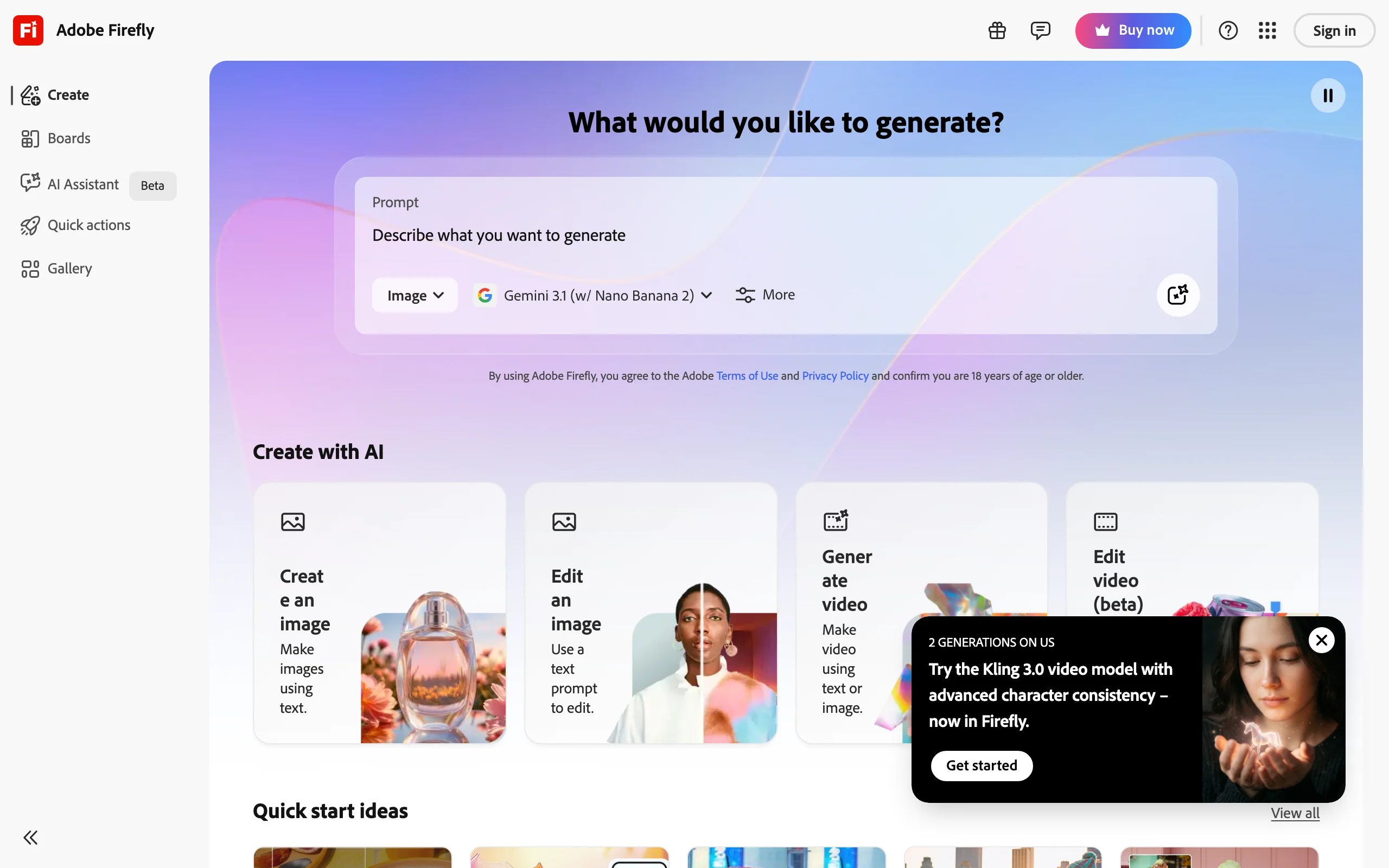
AI Tools For Fashion Lookbooks with Adobe Photoshop
Key features
- Generative Fill: replace, add, or remove objects via text prompts
- Generative Expand: extend the canvas with AI-generated content matching the original
- Remove Tool: one-stroke distraction and object removal with content-aware fill
- Adobe Firefly powered, with commercial-safe licensing on Adobe-trained models
- Full Photoshop layer, mask, and color toolset for finishing work
- Integrates with Illustrator, Lightroom, and the rest of Creative Cloud
Best for
- Art directors and designers refining raw AI lookbook frames before publication
- Teams already on Creative Cloud who want generative AI without a new subscription
- Brands needing aspect-ratio adaptation for web, social, and print lookbook formats
- Designers who need pixel-level control alongside AI edits
Pricing
- Photography plan: from ~$9.99/month (Photoshop + Lightroom + 20 GB storage)
- Photoshop single app: from ~$22.99/month
- Creative Cloud All Apps: from ~$59.99/month
- 7-day free trial typically available
- Pricing varies by region and promotional cycle
Pros
- Industry standard, with the deepest plugin and tutorial ecosystem
- Generative Fill outputs are commercial-safe under Adobe Firefly terms
- Non-destructive layer workflow that AI-only tools can't match
- Pairs naturally with the rest of Creative Cloud (Lightroom, Illustrator, InDesign)
Cons
- Steepest learning curve on this list, especially for non-designers
- Not a lookbook generator: it refines frames produced by the other tools, not creates them
- Generative AI credits are metered on lower tiers; overage charges apply above the monthly limit
4. Browzwear, best for enterprise brand-specific AI models
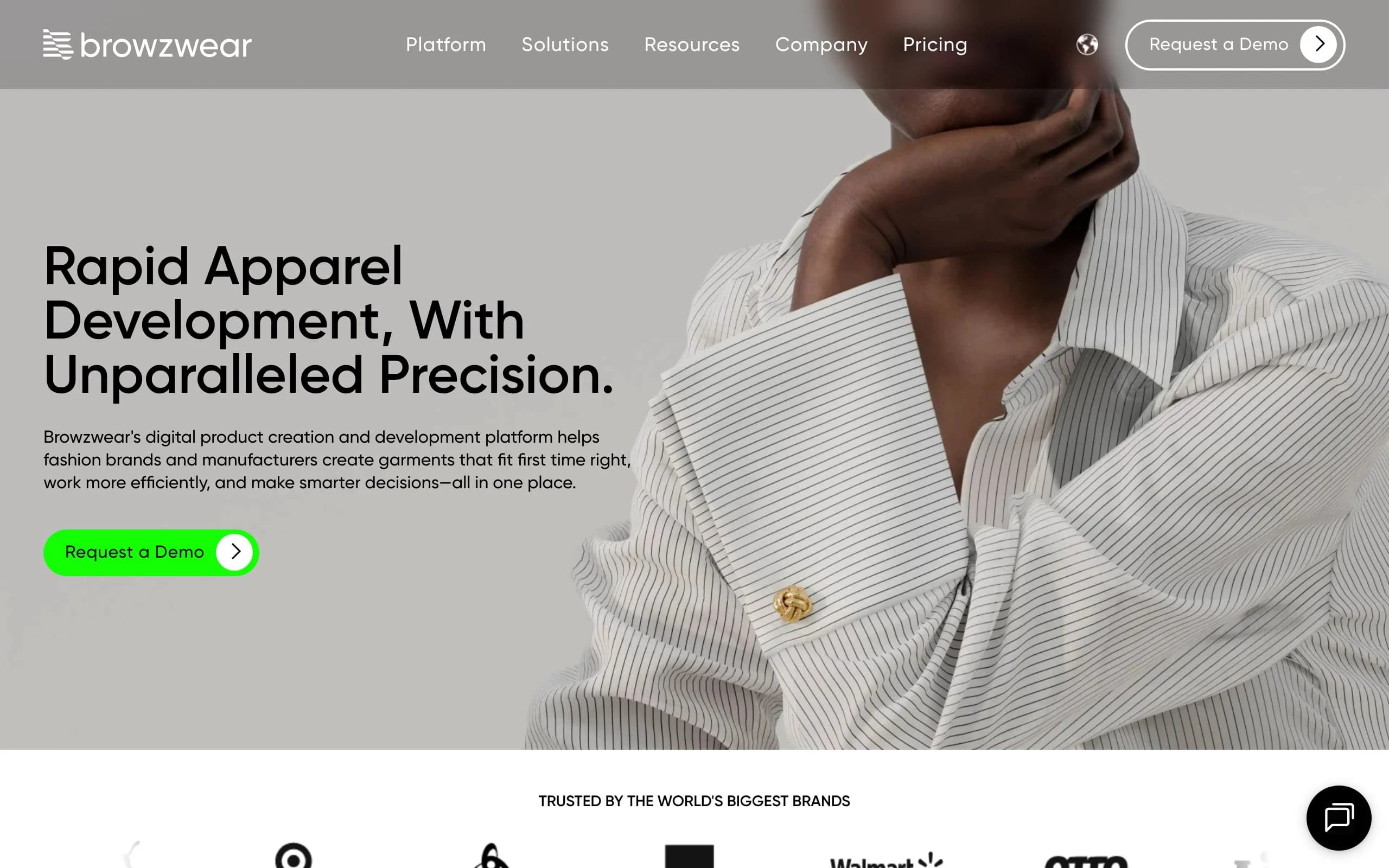
Browzwear is the 3D apparel design platform that acquired Lalaland.ai in 2024 and folded its AI fashion model technology into the Browzwear Stylezone workflow. For lookbook generation, the angle is different from every other tool on this list: instead of picking a model from a stock library, an enterprise team commissions Browzwear to build custom AI models trained on the brand's own aesthetic — same face DNA, body proportions, and styling cues as the brand's existing campaign casting, available on demand for every future lookbook.
The workflow is enterprise-first. A brand defines a small roster of custom AI models, then uses them across seasons of lookbooks, ecommerce imagery, and B2B/wholesale assets. The 3D garment simulation pipeline inherited from Browzwear's VStitcher and Lotta tools means technical fabrics, drape, and material physics also render with real accuracy — a meaningful edge for performance or tailored garments where diffusion-based tools sometimes flatten the silhouette. The trade-off is scope: there's no $19/month tier and no self-serve onboarding. It's a Request-a-Demo, enterprise-contract platform.
AI Tools For Fashion Lookbooks with Browzwear
Key features
- Custom AI fashion models trained on a brand's existing visual identity
- 3D garment simulation and physics from Browzwear's VStitcher/Lotta heritage
- Stylezone hub for sharing AI assets across validation, production, wholesale, and ecommerce
- Diverse model roster inherited from the Lalaland.ai acquisition (size, age, ethnicity)
- Tight integration with Browzwear's existing 3D product development workflow
- Enterprise SLAs, account management, and team collaboration
Best for
- Established fashion brands needing brand-DNA consistency across lookbooks and campaigns
- Wholesale-heavy brands using the same AI models in line sheets and retail pitches
- Brands with technical garments where 3D drape and material physics matter
- Teams already on Browzwear VStitcher for 3D garment design, extending into AI imagery
Pricing
- No public pricing — Browzwear runs on enterprise contracts via "Request a Demo"
- Custom AI model creation, Stylezone licenses, and team seats are quoted per engagement
- Expect enterprise pricing (well above the indie-tier tools elsewhere on this list)
Pros
- Custom brand-trained models are genuinely unique on the market for lookbook consistency
- 3D garment simulation handles technical fabrics better than any diffusion tool here
- Plays well with existing Browzwear-using design teams as a single end-to-end workflow
- Inherited the Lalaland inclusive casting library while adding brand-specific customization
Cons
- Enterprise-only: no self-serve onboarding, no public pricing, no monthly indie tier
- Custom model creation has a longer setup curve than picking from a stock library
- Overkill for small brands that just need a handful of on-model frames for a first drop
5. VModel.ai, best budget-friendly AI fashion photography
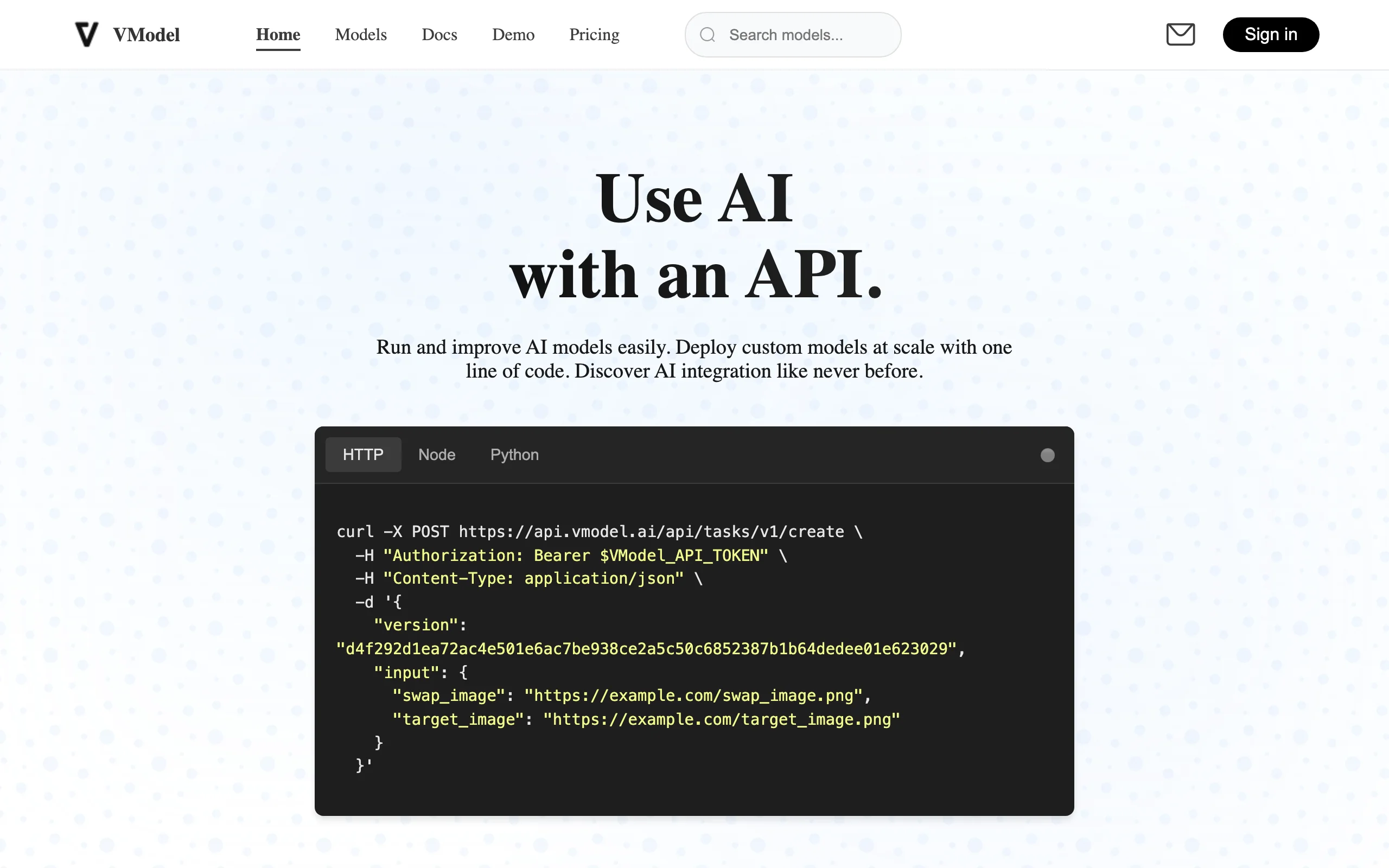
VModel.ai is the value option for AI fashion photography in lookbook workflows. Pricing is among the most accessible on this list, and the core workflow (upload a garment image, generate an on-model result) is fast and easy. For indie brands, resellers, and creators who need a complete lookbook on a tight budget, VModel is a credible starting tool.
For lookbook generation specifically, VModel's strength is throughput at low cost. You can generate dozens of looks per month on the entry tier without burning through credits. Output quality is solid for catalog and social, though the editorial polish lags higher-tier tools. Use VModel for the volume layer of a lookbook (the catalog frames, the social cutdowns) and pair it with Midjourney or Leonardo for the hero editorial frames if the budget allows.
AI Tools For Fashion Lookbooks with VModel
Key features
- AI fashion photography from garment image input
- Model library with ethnicity, body type, and age options
- Background selection and prompt-based scene control
- Batch generation for catalog and lookbook frames
- API access on higher tiers
- Affordable pricing on the entry tiers
Best for
- Indie brands and resellers running first lookbooks on a tight budget
- Print-on-demand and dropshipping stores needing on-model imagery at scale
- Content creators and stylists experimenting with AI fashion workflows
- Marketing freelancers managing multiple small brand clients
Pricing
- Basic from ~$25/month — entry tier with monthly generations
- Pro from ~$50/month — more generations and faster processing
- Premier from ~$100/month — highest tier with priority and API access
- Free trial available with limited credits
Pros
- Among the most affordable AI fashion photography tools on this list
- Workflow is fast and straightforward for non-technical users
- Garment fidelity is good enough for catalog and social lookbook frames
- Free trial lets you test before subscribing
Cons
- Editorial polish is lower than higher-tier tools like WearView or Browzwear
- Model consistency across a full lookbook is harder to maintain
- API and team features are gated to the highest tiers
6. Leonardo AI, best for stylized generative editorial
Leonardo AI is a generative image platform with strong fine-tuned models for fashion and product photography. Like Midjourney, it generates stylized editorial imagery from text prompts; unlike Midjourney, it offers more control over composition, fine-tuned models for specific aesthetics, and a more flexible canvas workflow. For lookbooks, Leonardo sits in the same category as Midjourney: the creative-direction layer, not the final-frame layer.
Leonardo's edge for fashion lookbooks is the model fine-tuning ecosystem. There are community-trained models specifically for editorial fashion photography, streetwear, runway, and product photography styles. A creative director can pick a model that already matches the season's aesthetic and generate fifty mood-board frames in an afternoon. The Image Guidance and ControlNet features also offer more compositional control than pure text-to-image tools.
AI Tools For Fashion Lookbooks with Leonardo
Key features
- Library of fine-tuned models across editorial, streetwear, and product aesthetics
- Image Guidance and ControlNet for compositional control
- Canvas workflow with inpainting and outpainting
- Real-time generation and live editing in the canvas
- Strong text-to-image, image-to-image, and prompt-driven workflows
- API access on higher tiers
Best for
- Creative directors building stylized editorial and mood-board lookbooks
- Designers exploring concept frames for seasonal direction
- Agencies generating high-volume editorial concept work
- Brands wanting tighter compositional control than pure text-to-image
Pricing
- Free: 150 daily tokens for individuals
- Apprentice ~$12/month — 8,500 tokens, premium feature access
- Artisan ~$30/month — 25,000 tokens, longer queues, priority generation
- Maestro ~$60/month — 60,000 tokens, fastest queue, premium support
Pros
- More compositional control than pure text-to-image tools
- Fine-tuned models speed up reaching a specific aesthetic
- Generous free tier for testing
- Image Guidance is strong for matching a brand's existing visual language
Cons
- Like Midjourney, doesn't preserve your actual garments accurately
- The fine-tuned model ecosystem has a learning curve
- Output quality varies more than dedicated fashion tools
7. Pebblely, best for lookbook backgrounds and scene generation
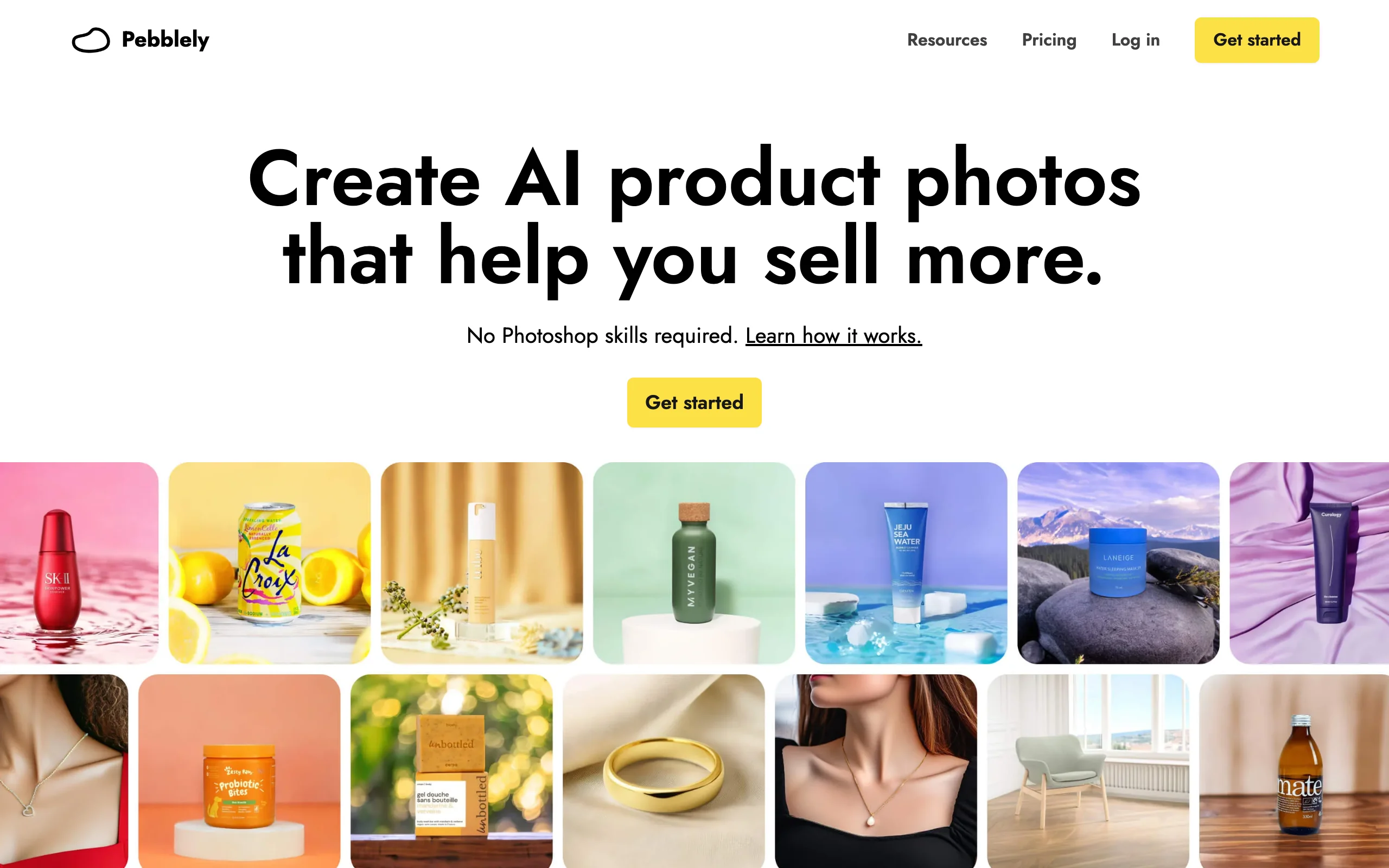
Pebblely is narrower in scope than the other tools on this list. Instead of generating models or full editorial scenes, it generates backgrounds and lifestyle settings to drop a product (or a product-on-model image) into. For lookbooks, Pebblely's role is the scene layer: turn a clean packshot or a flat on-model image into a styled environment that reads as part of a coherent lookbook.
The workflow is simple. Upload a product image with a clean background (or use the built-in background removal), pick or prompt a scene, and Pebblely generates dozens of variations of the product in that environment. For a lookbook built around a seasonal location concept (a Marrakech rooftop, a Tokyo alley, a Brutalist interior), Pebblely lets a brand visualize the entire collection in that setting without booking travel or a location scout.
AI Tools For Fashion Lookbooks with Pebblely
Key features
- AI background and scene generation from product or model input
- Pre-built scene library across lifestyle, editorial, and seasonal moods
- Custom scene generation via text prompts
- Batch processing for catalog and lookbook refresh
- Built-in background removal and basic editing
- Brand kit features for consistent scene aesthetics
Best for
- Brands building lookbooks around a seasonal location or scene concept
- Marketing teams needing consistent backgrounds across a collection
- Ecommerce teams pairing on-model images with styled environments
- Solo founders and creators producing lifestyle lookbook content
Pricing
- Free: 40 photos per month, basic features
- Pro ~$19/month — 1,000 photos, priority processing, watermark removal
- Premium ~$39/month — unlimited photos, advanced editing, team features
Pros
- Free tier is generous enough to evaluate seriously
- Background and scene generation quality is best in class for the price
- Workflow is fast and approachable for non-technical users
- Strong fit alongside other tools for the scene layer of a lookbook
Cons
- Doesn't generate models or full editorial scenes from scratch
- Workflow assumes you already have product or on-model imagery to start with
- Higher tiers are priced for hobbyists, not enterprise brands
How to choose the best AI tool for your fashion lookbook
1) Decide what type of lookbook you're building
Lookbook is a single word with three very different meanings. Pick yours first.
- Catalog lookbook (DTC and ecommerce): cleaner, product-forward, designed to drive PDP traffic. Pick WearView or VModel.ai for the on-model frames; Pebblely for the scene layer; Photoshop with Firefly for finishing.
- Editorial lookbook (campaign photography, runway, press): stylized, mood-led, often less product-accurate. Pick Midjourney or Leonardo AI for the editorial frames; WearView for the looks that need product accuracy.
- Wholesale lookbook (B2B, line-sheet adjacent): clean, professional, casting-consistent, garment-accurate. Pick WearView for the full stack; Browzwear if you're an enterprise brand that needs custom AI models trained on your existing casting.
A brand that doesn't make this call ends up with a lookbook stitched out of three aesthetics that don't read as one campaign.
2) Solve the consistency problem before the volume problem
The single hardest thing about an AI lookbook isn't generating any one image. It's generating thirty images that look like one campaign. Same model. Same lighting. Same aesthetic. Most AI tools fail this test. The two on this list that solve it directly are:
- WearView's consistent AI models feature, which locks model identity across the entire lookbook
- Browzwear's custom-trained AI models (built on the acquired Lalaland.ai stack), which can be reused across the collection and future seasons
If you're generating more than five looks for one lookbook, solve casting consistency first. Don't generate fifty images and then realize half of them are different models in slightly different lighting.
3) Pair an editorial layer with a product layer
The strongest AI lookbooks in 2026 use three layers, not one. An editorial layer (Midjourney, Leonardo) for the hero frames and mood, a product layer (WearView, VModel) for the actual garment-accurate frames, and a finishing layer (Photoshop with Firefly) to harmonize the result and adapt frames to web, social, and print formats. The editorial layer sets the visual world; the product layer fills it with your actual collection; the finishing layer makes the whole lookbook read as one piece. Brands that try to do everything with one tool either lose product accuracy (Midjourney problem) or lose editorial polish (VModel problem).
4) Match cost to lookbook frequency
A one-off seasonal lookbook can run on a $29 to $50 monthly subscription. A brand producing a new lookbook every six weeks (DTC fast cycle, drop culture, content-heavy brands) needs to budget for the $99 to $200 monthly tier so volume doesn't bottleneck creative.
A reasonable lookbook stack for a small brand:
- WearView Lite or Pro ($29 to $49/month) for product-accurate frames and consistent casting
- Leonardo Apprentice ($12/month) or Midjourney Basic (~$10/month) for editorial concept work
- Pebblely Free or Pro ($0 to $19/month) for scene generation
Total: $20 to $80/month for a complete AI lookbook stack. The same lookbook traditionally would have cost $3,000 to $15,000 per season.
FAQ
What AI tool generates the best fashion lookbook? For the full lookbook stack (model, pose, video, consistent casting), WearView is the most complete tool because it pairs garment-accurate on-model imagery with consistent model identity across an entire collection. For editorial and mood-board layers, Midjourney and Leonardo AI are stronger. Most professional teams use two tools: an editorial layer and a product layer.
Can AI replace a real photoshoot for a lookbook? For most lookbook use cases in 2026, yes. AI fashion photography tools (sometimes called virtual photoshoot platforms) generate garment-accurate on-model imagery at HD, 2K, or 4K with full commercial usage rights. The exception is campaigns where the model's likeness, location authenticity, or live action is the point of the imagery; those still benefit from a real shoot. For catalog, wholesale, and most DTC seasonal lookbooks, AI delivers comparable results in a fraction of the time and budget.
How long does it take to make a lookbook with AI? A 20-to-30-look lookbook can be generated in an afternoon with the right stack. The slowest part is usually creative direction and curation, not generation. Compare that to a traditional shoot: 4 to 8 weeks from booking to final files, plus editing time.
Do I need consistent models across a lookbook? Yes, if you want it to read as one campaign. Lookbooks where every frame has a different AI model feel like a moodboard, not a coherent collection. WearView and Browzwear are the two tools on this list that solve casting consistency directly. For deeper comparison, see our best AI fashion model generators guide.
Can I use AI lookbook images commercially? Yes, on most paid plans. WearView, Browzwear, VModel.ai, and most other dedicated fashion AI tools include commercial usage rights on paid tiers. Adobe Firefly outputs through Photoshop are also commercial-safe under Creative Cloud terms. Always check the specific terms for each tool — free tiers and trial outputs often have usage limitations.
What about video lookbooks? Video lookbooks are increasingly common in 2026, especially for social and brand pages. WearView's AI fashion video generator produces 720p or 1080p motion content from a generated image, suitable for social, ads, and digital lookbook pages. Tools like Pika, Runway, and Sora can also generate fashion video, though they're more general-purpose than fashion-specific.
Is Midjourney enough on its own for a lookbook? For an editorial concept or mood board, yes. For an actual product lookbook where buyers or customers need to see your real garments, no. Midjourney doesn't preserve garment details accurately enough to serve as a product-facing lookbook. Pair it with a fashion-specific tool like WearView for the product frames.
How do I pick between WearView, VModel.ai, and Browzwear? WearView is the most complete self-serve platform (consistent casting, video, pose control, broader feature set) and works for any brand size. VModel.ai is the most affordable for indie brands and creators on a tight budget. Browzwear is the enterprise option — custom AI models trained on your brand plus 3D garment simulation — best for established brands that need tight brand-DNA consistency and are willing to sign an enterprise contract. If you want a self-serve full stack, choose WearView. If budget is the binding constraint, start with VModel.ai. If you're an enterprise brand willing to commit to custom model training, talk to Browzwear.

WearView Team
WearView Content & Research Team
WearView Team is a group of fashion technology specialists focused on AI fashion models, virtual try-on, and AI product photography for e-commerce brands. We publish in-depth guides, case studies, and practical insights to help fashion businesses improve conversion rates and scale faster using AI.


