
March 3, 2026•25 min read
9 best AI fashion model generators for ecommerce (2026 guide)
Compare the 9 best AI fashion model generators for ecommerce in 2026. Covers pricing, key features, output quality, and a decision framework to help you choose.
Picture of 9 best AI fashion model generators for ecommerce article
AI fashion model generators let you create photorealistic on-model product images without booking photographers, hiring models, or renting studio space. Upload a garment photo or write a text prompt, and get catalog-ready model shots in seconds.
The tools have matured fast. In 2026, the best options produce images that are difficult to distinguish from real photoshoots, with accurate fabric rendering, natural poses, and diverse model representation built in. The question is no longer whether AI model generators are good enough. It is which one fits your workflow, budget, and catalog size.
In this guide, we compare the 9 best AI fashion model generators for ecommerce in 2026. We cover pricing, key features, output quality, and a decision framework to help you pick the right tool.
Best AI fashion model generators: a brief overview
If you need a full AI content pipeline (models, try-on, video, poses):
- Use WearView if you want to generate on-model product photos from text prompts or garment images and handle your entire catalog content pipeline in one place, including an AI fashion model video generator that puts those models in motion
- Consider Midjourney if you want to generate stylized model concepts from text prompts, keep a consistent character across images, and turn stills into short video clips
- Try Uwear if you process hundreds or thousands of SKUs and need batch generation with pay-as-you-go pricing
If you need fast, affordable model photos for your store:
- Use Canva if you want an affordable all-in-one design app with AI image generation and background removal that works on both web and mobile
- Go with Pixa if you create social media content and want model photos plus runway animations at the best per-image value
- Try Cloudinary if you need a developer-focused, API-first image pipeline with background removal, generative editing, and upscaling at scale
If you need Shopify integration or social commerce video:
- Go with SellerPic if you sell on Shopify and want model photos plus lip-sync video for TikTok and Instagram
If you need a budget-friendly option with no commitment:
- Start with VModel.ai for generous free credits, no subscription, and credits that never expire
- Try Fotor if you already use a design platform and want fashion AI added to your existing editing workflow
| Tool | Key strength | Pricing | Platforms |
|---|---|---|---|
| WearView | All-in-one: model creation, try-on, video, pose control | From $29/month | Web |
| Canva | All-in-one design suite with AI image generation + background removal | Free tier; Pro from ~$15/month | Web, iOS, Android, desktop |
| Pixa | Fashion model photos + runway walk animation for social content | From $10/month; free tier available | Web, iOS, Android |
| Cloudinary | API-first media pipeline: background removal, generative editing, upscaling | Free tier; Plus from $99/month | Web, API, SDKs |
| Midjourney | Text-to-image with character reference + image-to-video | From $10/month; no free tier | Web, Discord |
| Uwear | Batch processing up to 10,000 items, pay-per-use | $0.10/credit; no subscription required | Web, API |
| VModel.ai | No subscription, credits never expire, generous free tier | Pay-per-use; $10 free on signup | Web, Chrome extension, API |
| SellerPic | Native Shopify app with AI lip-sync video for social commerce | From $29/month; 20 free credits | Web, Shopify |
| Fotor | Full design suite with AI fashion model generation included | From $8.99/month; free tier available | Web |
1. WearView, best overall for ecommerce
WearView is an AI fashion photography platform that combines AI model generation, virtual try-on, flatlay to model conversion, video generation, and pose control in a single workspace. Write a text prompt describing your ideal model (ethnicity, age, body type, pose, outfit, setting) and get a photorealistic fashion photo in about 30 seconds. You can also upload garment images and generate on-model shots from flat-lays, ghost mannequin shots, or packshots.
What sets WearView apart is the breadth of its toolset. Most competitors focus on one workflow. WearView covers the full content pipeline: create AI models from text prompts, swap garments onto models, generate consistent model identities across your entire catalog, control poses using reference images, and turn stills into video. Output resolution goes up to 4K, which is higher than most alternatives at this price point.
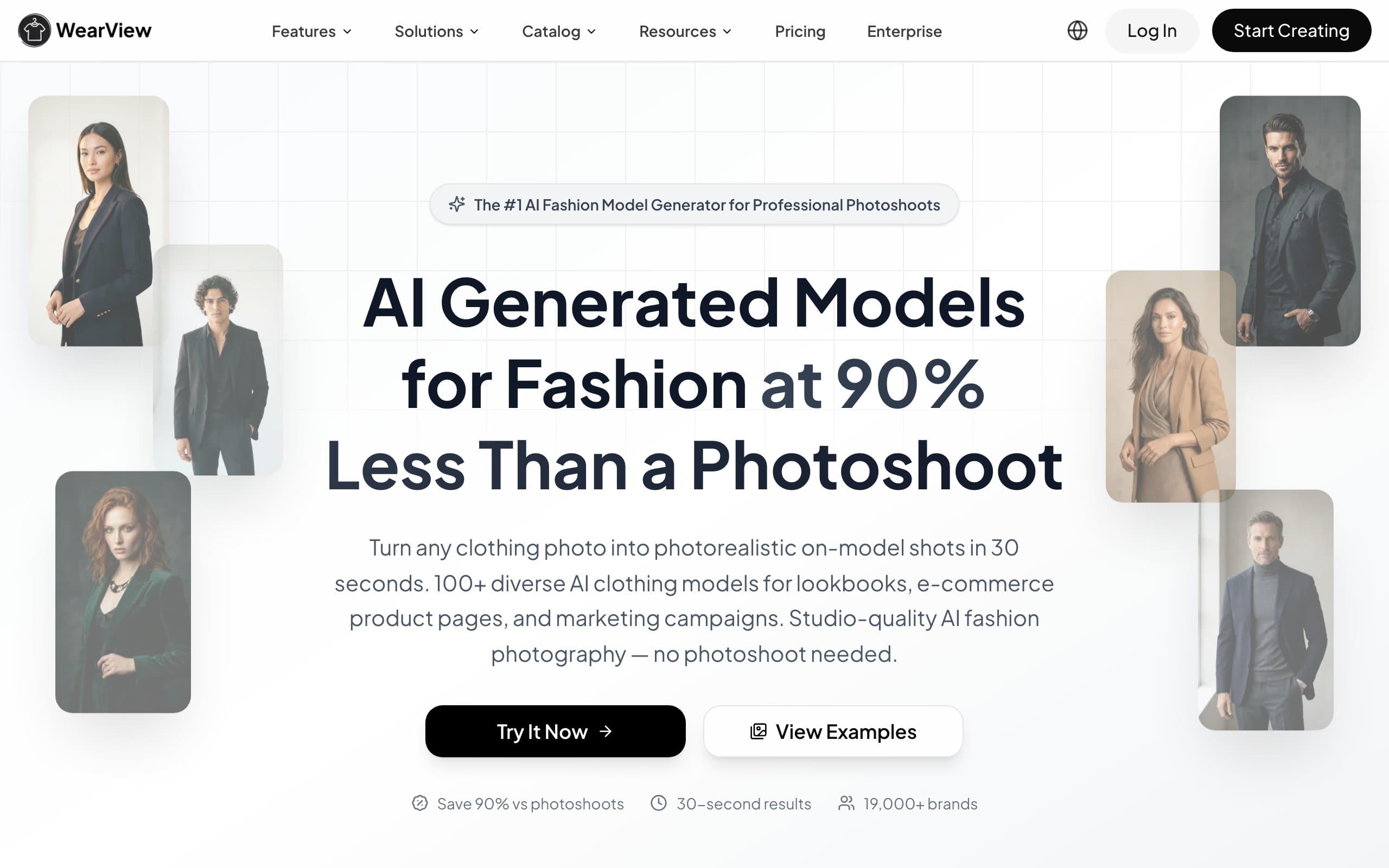
AI Fashion Model Generator with WearView
Key features
- Text-to-model generation with full control over appearance, pose, outfit, and setting
- AI virtual try-on from any garment format (flat-lay, packshot, mannequin, on-person)
- 100+ diverse AI models with different ethnicities, body types, and ages
- Up to 4K output resolution with fabric texture and print preservation
- AI video generation from still images (Pro and Advanced plans)
- Consistent model identity across multiple garment generations
- Pose control using reference images for catalog consistency
Best for
- Ecommerce brands that need a full content pipeline (text-to-model, try-on, video, pose control) in one tool
- Teams managing 50+ SKUs that want consistent model imagery without photographers
- Agencies producing content for multiple fashion clients who need creative flexibility
Pricing
- Lite plan at $29/month (50 credits, HD resolution)
- Pro plan at $49/month (200 credits, 2K resolution, video access)
- Advanced plan at $99/month (500 credits, 4K resolution, team seats)
Pros
- Broadest feature set in one platform (model creation, try-on, video, pose control, consistent models)
- Text-to-model generation gives full creative control without needing reference images
- 4K resolution output, higher than most competitors at this price point
- Commercial usage rights included on all paid plans
Cons
- No native Shopify or WooCommerce app yet (standalone web platform)
- Credits do not roll over on monthly plans (credit packs available separately)
2. Canva, best for all-in-one design and mobile editing
Canva is a general-purpose online design and editing platform used by hundreds of millions of people for everything from social graphics to presentations. It is not a dedicated fashion try-on tool, but its Magic Studio AI suite can generate model-style images from text prompts (through Dream Lab and Magic Media), remove and replace backgrounds, and clean up product photos, all inside one interface. For sellers who want a familiar, affordable design app rather than a specialized generator, Canva covers a lot of adjacent ground.
Its strongest advantage is reach and polish across devices. Canva runs on the web, desktop (Mac and Windows), and full-featured iOS and Android apps, so you can shoot on your phone, drop the image into a template, remove the background, and export a finished product graphic without switching tools. What it will not do is place your exact garment onto an AI model with accurate drape and print fidelity, which is the job of the specialized tools higher and lower on this list.
AI Fashion Model Generator with Canva
Key features
- Dream Lab and Magic Media text-to-image generation (commercially licensed on paid plans)
- Background remover, Magic Eraser, and Magic Expand for product photo cleanup
- Thousands of templates for social posts, ads, and marketing graphics
- Style transfer to match a reference image's look and palette
- Brand kit for consistent colors, fonts, and logos
- Available on web, desktop, iOS, and Android
Best for
- Sellers who want one affordable design app for graphics, edits, and AI images
- Mobile-first creators who photograph products on their phone
- Small teams that need marketing design more than garment-accurate on-model shots
Pricing
- Free plan with basic design and limited AI features
- Canva Pro from ~$15/month (around $120/year) with 500 monthly AI credits
- Teams and Enterprise plans for larger organizations
- Annual billing lowers the effective monthly cost
Pros
- Familiar, easy-to-learn interface with a massive template library
- Strong mobile and desktop apps for editing anywhere
- AI image generation and background removal bundled with full design tools
- Commercial usage rights on paid plans
Cons
- No garment-accurate virtual try-on or on-model product placement
- Text-to-image cannot reliably reproduce your exact garment's print or fit
- AI credits are shared across all Magic Studio features and can run out
- Not built for ecommerce catalog workflows or batch model generation
3. Pixa, best for content creators and social media visuals
Pixa (formerly Pixelcut) is an AI product photography platform that has expanded into dedicated fashion model generation and animation tools. Upload a flat-lay or mannequin shot, and Pixa generates on-model photos with customizable poses, backgrounds, and styling. What makes it stand out is the runway walk animation feature: turn any static model photo into a short animated clip of the model walking, which is purpose-built for TikTok, Instagram Reels, and social media ads.
With over 100 million images processed per month, Pixa has proven scale. The Pro plan at $10/month with 300 daily generations and a commercial license is arguably the best per-image value in the category. The platform also includes background removal, lifestyle shot generation, outfit changing, and 4K upscaling, all accessible from web and mobile.
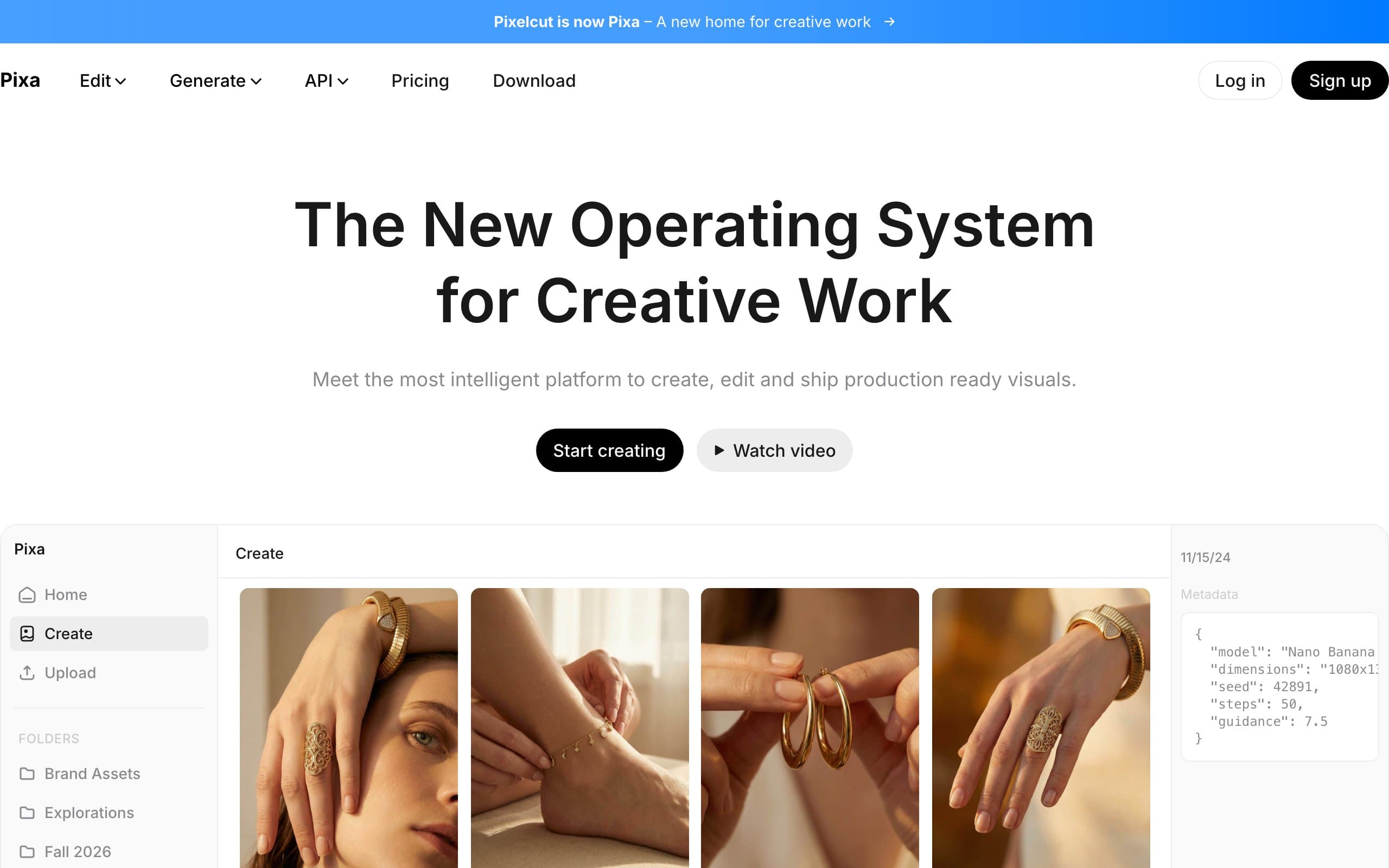
AI Fashion Model Generator with Pixa
Key features
- Runway walk animation from static model photos (unique in the category)
- Virtual try-on and AI fashion model generation from flat-lays and mannequin shots
- Text-to-model generation for custom model creation
- Lifestyle shot generation with AI-generated backgrounds and settings
- 4K upscaling for high-resolution output
- Available on web, iOS, and Android
Best for
- Content creators and influencers producing fashion content for TikTok and Instagram
- Small brands that need animated model content without video production budgets
- Sellers who want the best per-image value with 300 daily generations at $10/month
Pricing
- Free plan with basic editing features
- Pro plan at $10/month (600 monthly AI credits, up to 300 daily generations, commercial license)
- Business plan at $30/month (3,600 monthly AI credits, up to 1,200 daily generations)
Pros
- Runway walk animation is unique and valuable for social media content
- Best per-image value in the category ($10/month for 300 daily generations)
- Strong mobile app for on-the-go content creation
- 100M+ images processed monthly demonstrates proven reliability
Cons
- Rebranded from Pixelcut to Pixa in March 2026, so some documentation still references the old name
- Fashion model generation is newer compared to its core product photography features
- No native Shopify or ecommerce platform integration
- No consistent character feature for catalog-wide model identity
4. Cloudinary, best for developers who need an API-first image pipeline
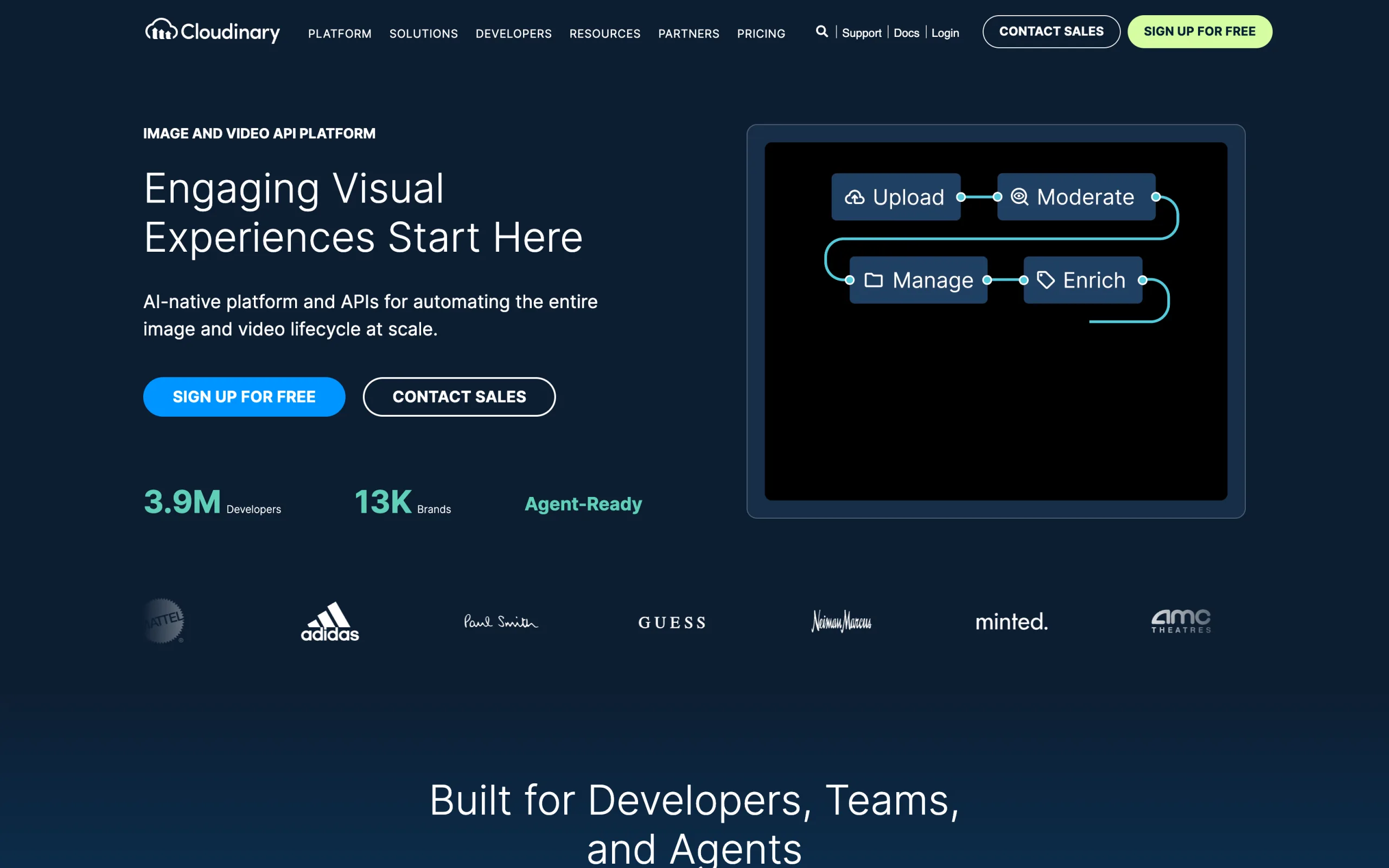
Cloudinary is a developer-focused media management and delivery platform, not a fashion model generator. It sits one layer below the specialized tools on this list: instead of creating on-model shots, it automates what happens to your images at scale, including background removal, generative editing, upscaling, format conversion, and fast delivery, all through an API with SDKs for major programming languages. If your team already builds its own product workflows, Cloudinary is the pipeline that processes and serves the images.
Its AI transformations are genuinely useful for ecommerce: generative fill to extend images to new dimensions, generative background replace and remove, generative recolor and restore, and content-aware auto-cropping. These run on demand through the API, so you can wire them into an existing catalog system. What Cloudinary does not do is generate an AI model wearing your garment. You would pair it with one of the dedicated generators above for that step, then use Cloudinary to clean up and deliver the results.
AI Fashion Model Generator with Cloudinary
Key features
- API-first architecture with SDKs across major programming languages
- AI background removal and generative background replace
- Generative fill, recolor, remove, and restore transformations
- Content-aware auto-cropping and image upscaling
- Automatic format, quality, and responsive delivery optimization
- Digital asset management for large media libraries
Best for
- Development teams that want to automate image processing and delivery
- Brands pairing a dedicated model generator with a programmable pipeline
- Engineering-led ecommerce operations that need media handling at scale
Pricing
- Free developer tier (25 monthly credits) for prototypes
- Plus from $99/month ($89/month billed annually, 225 credits)
- Advanced from $249/month (600 credits)
- Enterprise with custom pricing and volume commitments
Pros
- One of the most mature, well-documented media APIs available
- Powerful generative editing and background tools on demand
- Scales cleanly from prototype to high-volume delivery
- SDKs and integrations for virtually any tech stack
Cons
- Does not generate AI fashion models or virtual try-on images
- Large jump from the free tier to the $99/month Plus plan
- Premium AI transformations consume credits faster than standard operations
- Requires developer resources, not a point-and-click tool for non-technical sellers
5. Midjourney, best for creative model concepts and character consistency
Midjourney is one of the most capable text-to-image generators available, and it is a strong choice for creative, editorial, and campaign imagery rather than garment-accurate catalog shots. Describe the model, wardrobe, setting, and mood in a prompt and it produces striking, stylized fashion visuals. Its Character Reference feature (the --cref parameter) lets you carry the same face and features across new images, which is useful for building a recurring brand persona or lookbook character.
In 2025 Midjourney added image-to-video, turning a still into a short five-second clip with adjustable motion, handy for social teasers and mood pieces. The trade-off is control: Midjourney generates imaginative models beautifully, but it cannot reproduce your exact garment's print, logo, and fit the way a dedicated try-on tool can, and it has no official ecommerce integration or public API. Treat it as a creative concepting tool alongside the specialized generators, not a replacement for them.

AI Fashion Model Generator with Midjourney
Key features
- High-quality text-to-image generation with strong photographic styles
- Character Reference (
--cref) and Omni Reference for consistent characters - Image-to-video: five-second clips with low or high motion settings
- Style and image prompting for precise creative direction
- Web app and Discord interfaces
- Fast and Relax generation modes depending on plan
Best for
- Brands creating campaign, editorial, or concept imagery from prompts
- Creators who want a recurring stylized model character across visuals
- Teams that value creative flexibility over garment-accurate reproduction
Pricing
- Basic from $10/month (limited fast generation hours)
- Standard at $30/month, Pro at $60/month, Mega at $120/month
- 20% discount on annual billing
- No permanent free tier
Pros
- Best-in-class image quality and creative control from text prompts
- Character Reference keeps a consistent model across generations
- Image-to-video adds motion content without another tool
- Commercial usage rights on paid plans
Cons
- Cannot reproduce your exact garment's print, texture, or fit (no true try-on)
- No official API or native ecommerce/Shopify integration
- No free tier, so a paid plan is required to use it at all
- Learning curve for prompt syntax and reference parameters
6. Uwear, best for high-volume catalog generation
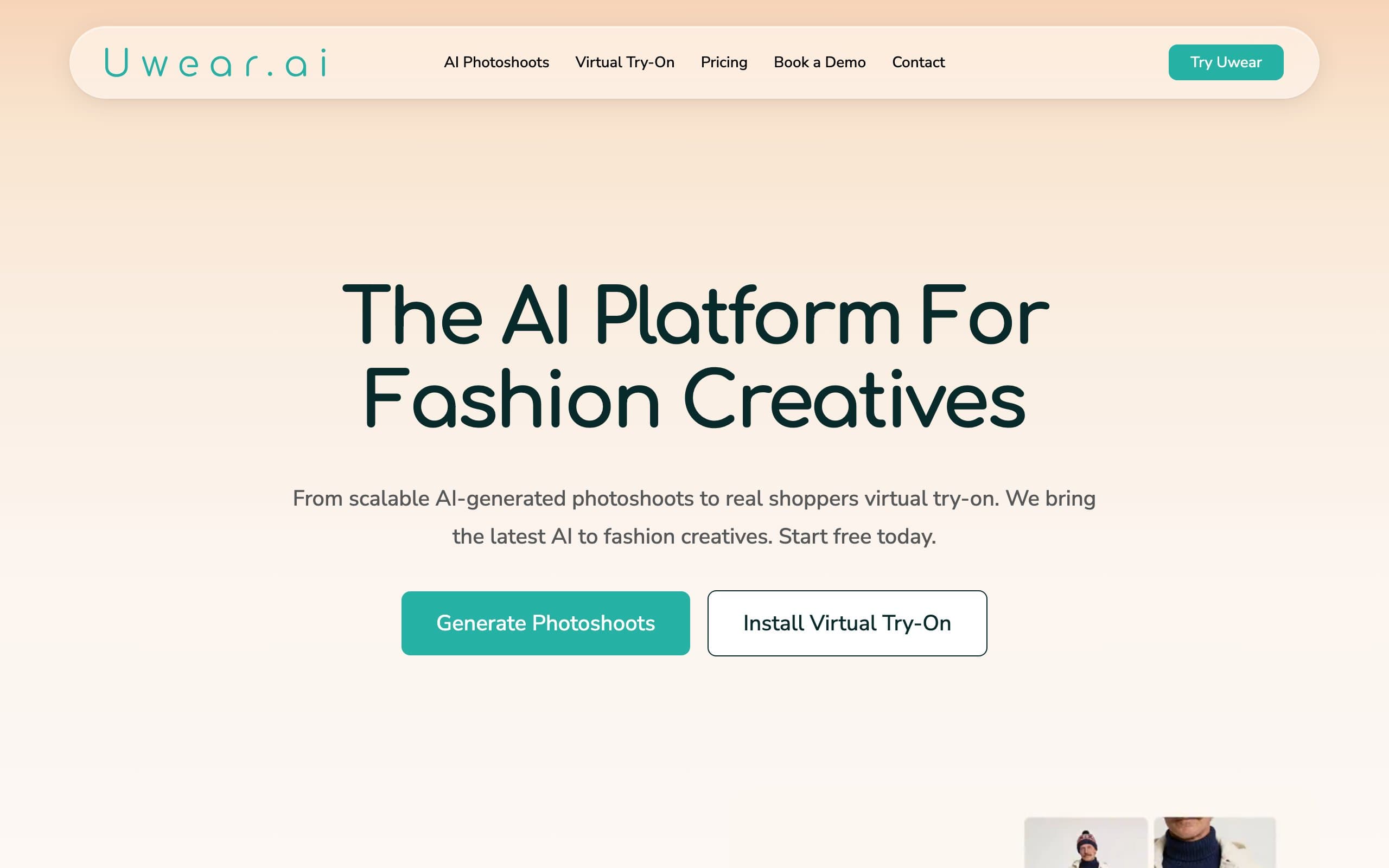
Uwear is built around Drape, a proprietary AI model designed specifically for garment rendering. Unlike models that "paint" clothes onto a person, Drape regenerates the entire image from scratch, producing more coherent lighting, shadows, and fabric textures. The result is some of the most accurate garment reproduction in the category, especially for detailed prints, logos, and textures.
What makes Uwear unique for high-volume sellers is its batch processing capability. Upload up to 10,000 items in a single CSV batch and let the system process your entire catalog automatically. The pay-as-you-go pricing at $0.10 per credit (with no expiration and no subscription required) means you only pay for what you use, which suits brands with seasonal volume spikes.
AI Fashion Model Generator with Uwear
Key features
- Proprietary Drape AI model built specifically for garment fidelity and accuracy
- Batch processing for up to 10,000 items via CSV upload
- Pay-as-you-go pricing at $0.10 per credit, credits never expire
- Video generation from model photos (6-24 credits depending on resolution)
- Up to 4K resolution with image upscaling (base resolution 704x1024)
- API access for developer integrations and workflow automation
Best for
- Brands with large catalogs (500+ SKUs) that need to generate model images at scale
- Agencies and developers needing API access with transparent, usage-based pricing
- Teams with variable monthly volume that benefit from non-expiring credits and no subscription
Pricing
- Free credits for new users, no credit card required
- Pay-as-you-go at $0.10 per credit (credits never expire, no subscription required)
- Minimum credit purchase of 170 credits ($17)
- Enterprise plans with volume pricing, invoice billing, and implementation support
Pros
- 10,000-item batch processing via CSV is unmatched in the category
- Drape AI produces highly accurate garment rendering with minimal artifacts
- Pay-per-use with non-expiring credits is the most flexible pricing model available
- No subscription required makes it risk-free for seasonal or irregular usage
Cons
- Base resolution is 704x1024 (upscaling required for higher quality output)
- B2B-focused interface lacks the polish of consumer-friendly tools
- Requires clean, well-lit flat-lay input photos for best results
- No text-to-model generation from scratch (requires garment photo input)
7. VModel.ai, best budget option with no subscription
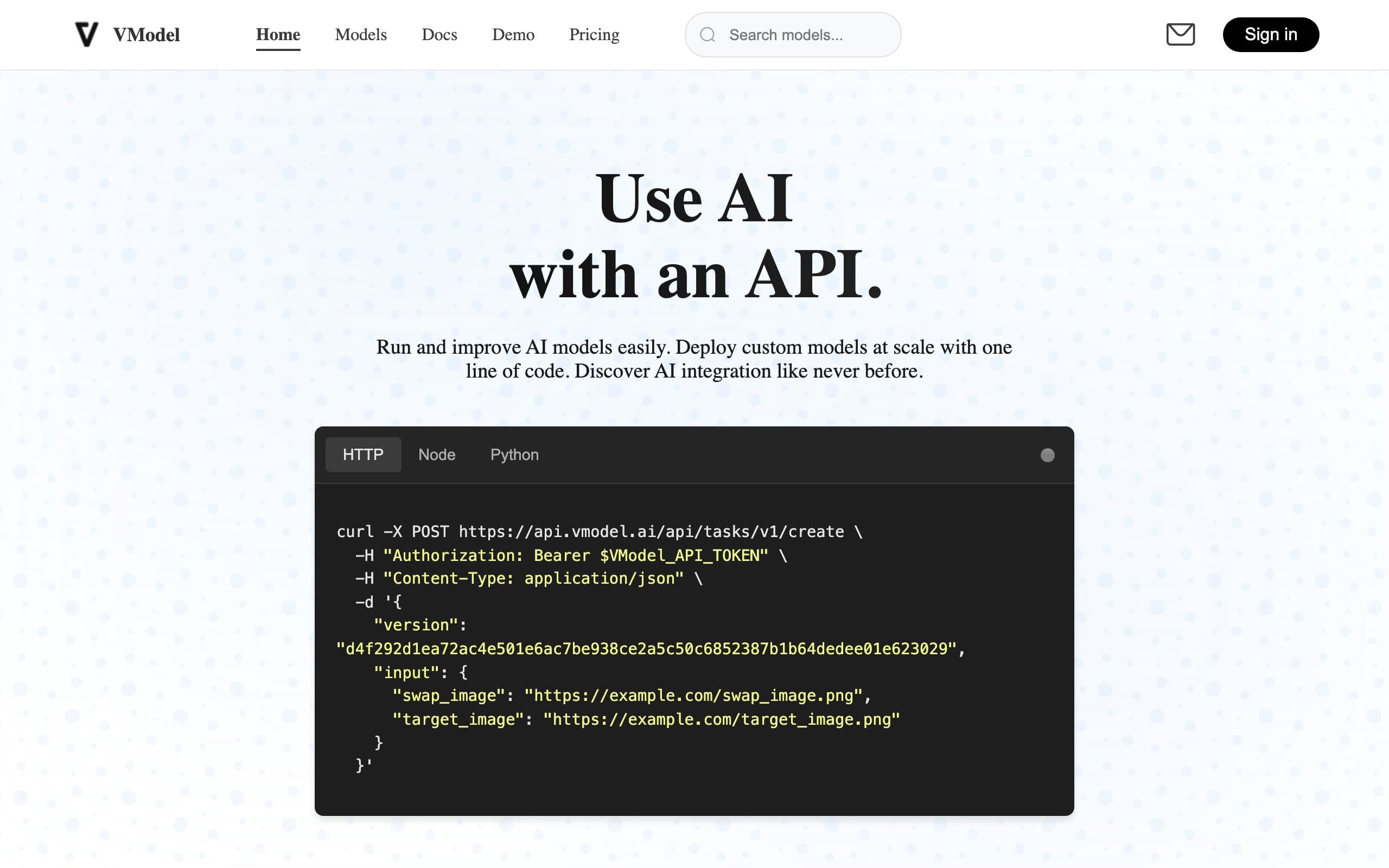
VModel.ai specializes in generating photorealistic digital fashion models for ecommerce. The platform offers mannequin-to-model conversion, AI try-on, AI clothing change, and an AI dress description tool that auto-generates SEO-optimized product copy from garment images. A Chrome extension provides quick access to model generation without switching tabs.
The biggest draw is the pricing model. VModel.ai gives $10 in free credits on signup (enough for 200-500 generations depending on the tool), charges only for what you use, and credits never expire. There is no subscription required, which makes it the lowest-risk option for sellers who want to test AI fashion model generation without a monthly commitment.
AI Fashion Model Generator with VModel.ai
Key features
- Mannequin-to-model and flat-lay-to-model conversion
- AI Try-On and AI Clothing Change tools
- AI Dress Description: auto-generates SEO-optimized product copy from images
- Chrome extension for quick model generation without switching tabs
- Customizable model attributes (age, ethnicity, gender, body type)
- API access for developer integrations
Best for
- Small sellers and individual entrepreneurs testing AI model generation for the first time
- Budget-conscious ecommerce operators who want no monthly commitment
- Developers building fashion tools who need API access with simple pricing
Pricing
- $10 in free credits on signup (200-500 generations depending on the tool)
- Pay-per-use pricing, credits never expire
- No subscription required
- Each AI tool has its own per-use credit cost
Pros
- Most generous free tier in the category ($10 credit, 200-500 generations)
- No subscription requirement eliminates monthly cost pressure
- AI Dress Description feature is unique (auto-generated product copy from images)
- Chrome extension adds convenience for quick, ad-hoc model generation
Cons
- Limited batch processing compared to Uwear or SellerPic
- No video generation capability
- Mixed customer service reviews in user feedback
- Fewer model customization options than dedicated fashion AI platforms
8. SellerPic, best for Shopify sellers and social commerce video
SellerPic is an AI fashion suite built for ecommerce sellers who need both model photos and video content for social commerce. Upload a flat-lay or ghost mannequin photo, and SellerPic generates on-model lifestyle shots with diverse AI models. What makes it unique is the AI lip-sync video maker: animate any static model photo to "speak" a script or voiceover, producing ready-to-post TikTok and Instagram Reels content without video production.
The native Shopify app pulls product images directly from your store and pushes edited versions back with one click. SellerPic also supports scheduled social media posting (5-10 posts per day depending on plan), making it the most complete social commerce content pipeline on this list. With 4.8 stars from over 30,000 users and a 5/5 on Trustpilot, it has strong user satisfaction.

AI Fashion Model Generator with SellerPic
Key features
- Native Shopify app with one-click product image pull and push
- AI lip-sync video maker: animate model photos to speak a voiceover
- 1,248+ AI fashion models with diverse body types, ethnicities, and ages
- Image-to-video conversion (10-second product videos from static photos)
- Virtual try-on for apparel and jewelry (necklaces, earrings, rings, watches)
- Scheduled social media posting to TikTok, Instagram, and Facebook
Best for
- Shopify sellers who want AI model photos and video ads without leaving their store dashboard
- DTC brands creating TikTok Shop and Instagram Reels content at scale
- Sellers who need social commerce content (lip-sync videos, product animations) alongside model photos
Pricing
- Free tier with 20 credits (no commercial use)
- Starter plan at $29/month (200 credits, commercial license, 10-second dynamic videos)
- Growth plan at $79/month (600 credits, lip-sync video creation)
- Advanced plan at $99/month (3,000 credits, batch processing, unlimited own models)
- Annual billing saves 50%
Pros
- Only tool on the list with native Shopify app that pulls and pushes product images directly
- AI lip-sync video is a unique feature no other tool in this category offers
- Social media scheduling built in, eliminating the need for a separate posting tool
- Strong user reviews (4.8 stars from 30,000+ users, 5/5 on Trustpilot)
Cons
- Free tier is limited (20 credits, no commercial use)
- Annual billing is charged upfront (no true month-to-month on discounted pricing)
- No consistent model persona feature (cannot reuse the same AI model across your catalog)
- Some users report needing to regenerate images, which consumes extra credits
9. Fotor, best for designers who need fashion models inside a full editing suite
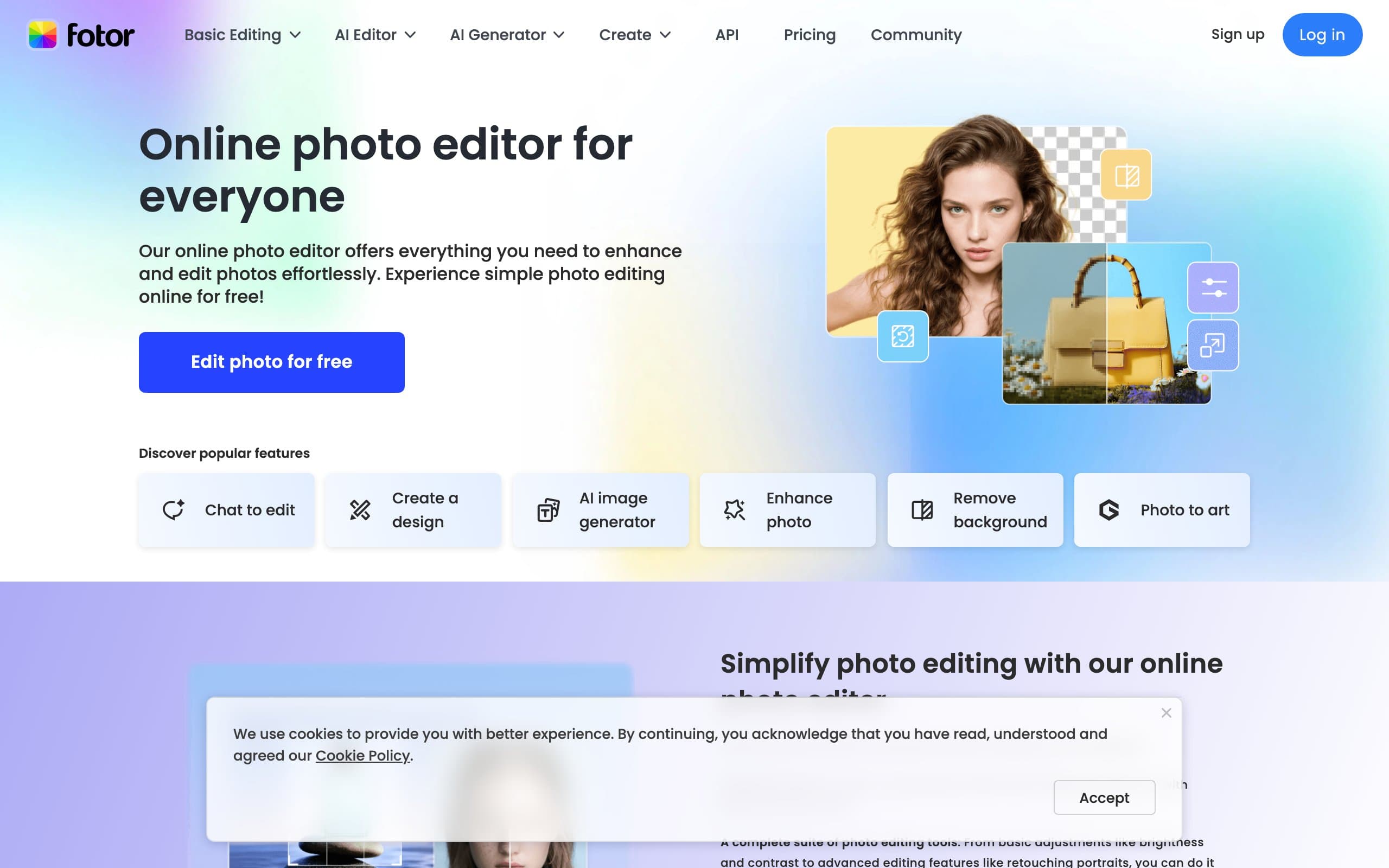
Fotor is a comprehensive online photo editor and design platform that includes AI fashion model generation as part of its broader creative toolkit. The AI model generator lets you create fashion model photos from text prompts or transform existing product images, while the rest of the platform provides photo editing, graphic design, collage making, and batch processing. For teams that already use Fotor for design work, adding fashion model generation is a natural extension.
The platform offers multiple AI style engines beyond photorealistic fashion (including anime, vector, 3D, and illustration styles), which is useful for brands creating diverse marketing materials. The Pro plan at $8.99/month with 100 credits is affordable, though the AI fashion model feature is not as specialized as dedicated tools.
AI Fashion Model Generator with Fotor
Key features
- AI fashion model generation from text prompts and product images
- Full photo editing suite (crop, resize, retouch, filters, effects)
- Graphic design tools with templates for social media, ads, and marketing
- Multiple AI style engines (photorealistic, anime, vector, 3D, illustration)
- Background removal and replacement
- Batch processing for editing multiple images
Best for
- Design teams that already use Fotor and want to add fashion model generation to their workflow
- Small brands that need a design platform and fashion AI in one subscription
- Marketers creating diverse visual content (model photos, social graphics, ad creatives) in one tool
Pricing
- Free tier with limited AI features
- Pro plan at $8.99/month (100 credits, full editing tools)
- Pro+ plan at $19.99/month (300 credits, priority generation)
- Max plan at $39.99/month (1,000 credits, advanced features)
Pros
- Full design and editing suite included (not just model generation)
- Multiple AI style engines for diverse creative needs beyond photorealistic fashion
- Affordable entry point at $8.99/month for teams that need both design and AI tools
- Well-established platform with a large user base and proven reliability
Cons
- Fashion model generation is not the core product, so output quality is less specialized
- Not optimized for ecommerce-specific workflows (no Shopify integration, no catalog management)
- AI model customization options are more limited than dedicated fashion AI tools
- No video generation capability
How to choose the best AI fashion model generator
1) What type of model generation do you need?
If you want to create AI models from text descriptions (specifying ethnicity, pose, clothing, background, and mood), WearView is the strongest option with its text-to-model feature. If you already have product photos (flat-lays, mannequin shots, or packshots) and want to place them on AI models, most of the specialized tools on this list support that workflow. Pixa, Uwear, VModel.ai, SellerPic, and Fotor all work from garment input images. General-purpose tools like Canva, Cloudinary, and Midjourney are better for adjacent tasks (design, image editing and delivery, and creative text-to-image), not garment-accurate on-model placement. If you also need background editing, retouching, and scene generation beyond just model shots, see our best AI fashion photography tools comparison.
Some brands need both: text-to-model for hero and campaign imagery, and garment-to-model for catalog pages. WearView is the only AI fashion model generator platform on this list that covers both workflows natively.
2) How important is brand consistency across your catalog?
If you want the same AI model appearing across your entire collection (same face, body, and style), look at tools with consistent character features. WearView and Midjourney both offer a way to keep a consistent character. Midjourney's Character Reference (--cref) carries the same face and features into new images, though it is a creative generator rather than a garment-accurate catalog tool. WearView offers consistent model identity across unlimited generations.
For brands where each product page can have a different model, consistency matters less, and any tool on this list will work.
3) What is your monthly volume and budget?
Credit math varies significantly across tools:
- Under 30 images/month: Fotor ($8.99/month) or VModel.ai's free $10 credit cover this affordably
- 30-100 images/month: WearView Lite ($29/month, 50 credits) or Pixa Pro ($10/month, 300 daily generations)
- 100-500 images/month: WearView Pro ($49/month, 200 credits) or Uwear pay-as-you-go (350 credits for $35, no subscription)
- 500+ images/month: WearView Advanced ($99/month, 500 credits) or Uwear pay-as-you-go ($0.10/credit, non-expiring)
- Variable or seasonal volume: Uwear or VModel.ai (pay-per-use, no subscription, non-expiring credits)
Always test with 5-10 of your hardest SKUs (detailed prints, sheer fabrics, layered outfits) before committing to a paid plan. Every tool handles edge cases differently.
4) Does platform integration or API access matter?
If you run a Shopify store and want the simplest setup, SellerPic has a native Shopify app that pulls and pushes product images directly from your store. Canva and Pixa work on mobile (iOS and Android) for sellers who photograph products on their phone. WearView, Uwear, VModel.ai, and Fotor are standalone web platforms.
For programmatic access, Cloudinary offers the most developer-focused API with SDKs across major languages, though it handles image transformation and delivery rather than model generation. Uwear provides API access with pay-as-you-go pricing. VModel.ai also offers API access with simple per-use pricing.
FAQ
What is an AI fashion model generator? An AI fashion model generator uses artificial intelligence to create photorealistic images of models wearing your clothing products. You provide a garment photo (or a text description), and the AI generates realistic on-model images suitable for product pages, social media, and marketing materials. This replaces or supplements traditional photoshoots for ecommerce content creation.
How much does AI fashion model generation cost compared to traditional photography? Traditional fashion photoshoots cost $5,000-$15,000 per session when you factor in model fees, photographer fees, studio rental, styling, and post-production. AI fashion model generators range from $0.10-$1.00 per image. For a brand with 200 SKUs, AI generation can reduce photography costs by 90-95% while delivering images in hours instead of weeks.
Are AI-generated fashion model images realistic enough for product pages? In 2026, the best tools produce images that are very difficult to distinguish from real photoshoots, especially for standard garment types (t-shirts, dresses, jackets, pants). Challenging items like sheer fabrics, intricate embroidery, and small text logos still require quality review. Testing with your specific product mix during a free trial is the best way to evaluate quality.
Can I use AI-generated model images commercially? Yes. WearView, Canva, Pixa, Cloudinary, Midjourney, Uwear, VModel.ai, SellerPic, and Fotor all grant commercial usage rights on paid plans. You can use the generated images on product pages, social media, ads, and marketing materials. Always check each tool's terms of service for specific restrictions, but commercial use is standard across paid plans.
Which AI fashion model generator is best for Shopify? SellerPic has a native Shopify app. It pulls product images directly from your store and pushes edited versions back, plus offers lip-sync video for social commerce. WearView, Canva, Pixa, Cloudinary, Midjourney, Uwear, VModel.ai, and Fotor work alongside Shopify stores but require manual image upload or custom integration.
Is there a free AI fashion model generator? Several tools offer free tiers or credits. Pixa offers a free plan with basic features. VModel.ai gives $10 in free credits on signup (200-500 generations). Canva has a free plan with basic design and AI features. Cloudinary provides a free developer tier (25 monthly credits). SellerPic gives 20 free credits. Fotor has a free tier with limited AI features. These free tiers are enough to test each tool before committing.
What image inputs produce the best AI fashion model results? Clean, well-lit images on plain backgrounds produce the best results across all tools. Flat-lay photos on white or light backgrounds are the most reliable input format. Ghost mannequin shots also work well. Wrinkled, poorly lit, or cluttered images reduce output quality. Most tools accept JPEG and PNG formats. WearView additionally supports text-to-model generation, which requires no image input at all.
Can I generate the same AI model across my entire product catalog? Yes, but not all tools support this. WearView offers consistent model identity that maintains the same face and body type across generations. Midjourney's Character Reference can carry the same character across new images, though it is a creative generator rather than a garment-accurate catalog tool. Other tools generate a new model for each image, which can create visual inconsistency across your catalog. If brand consistency matters, prioritize tools with this feature.

WearView Team
WearView Content & Research Team
WearView Team is a group of fashion technology specialists focused on AI fashion models, virtual try-on, and AI product photography for e-commerce brands. We publish in-depth guides, case studies, and practical insights to help fashion businesses improve conversion rates and scale faster using AI.


