June 15, 2026•15 min read
Best AI tools for editorial fashion images: 7 top picks (2026)
Want magazine-quality fashion visuals without a studio? Here are the 7 best AI tools for editorial fashion images in 2026, compared on look, control, pricing, and how well each keeps your garment true to the original.
Best AI tools for editorial fashion images: 7 top picks (2026)
Editorial fashion images are the high-concept shots you see in magazine spreads, lookbooks, and campaign hero pages: strong art direction, dramatic lighting, styled sets, and a clear point of view. They sell a feeling, not just a product. Producing them traditionally means a creative director, a location, a model, and a full crew.
AI tools for editorial fashion images let you reach that look without booking a shoot, which matters when you need a campaign-grade visual on a tight timeline or budget. The catch is that not every tool is built for fashion. Some generate beautiful images but invent the garment; others keep your product accurate but render flatter, catalog-style frames.
In this guide we compare the seven best AI tools for editorial fashion images, covering what each one does well, where it falls short, pricing, and a decision framework so you can pick the right fit for your brand.
Best AI tools for editorial fashion images: a brief overview
- WearView: Best overall for fashion brands: keeps your real garment accurate while placing it on AI models in editorial settings, poses, and lighting.
- Midjourney: Best for pure concept and mood: generates striking fashion art when garment accuracy is not the priority.
- Higgsfield: Best for cinematic, motion-led editorials and campaign video sequences.
- Flair AI: Best for art-directed product staging and brand-controlled scene composition.
- Magnific (formerly Freepik): Best all-in-one creative suite for teams that want multiple models in one place.
- Ideogram: Best for editorial layouts that need readable text, like cover lines and typographic campaigns.
- remove.bg: Best for fast, automated background removal to drop clean cutouts into new scenes.
| Tool name | Key strength | Pricing | Platforms |
|---|---|---|---|
| WearView | Editorial on-model images that keep the real garment accurate | From a paid monthly plan; no free tier | Web |
| Midjourney | High-concept fashion art and mood when fidelity is optional | Paid subscription tiers | Web, Discord |
| Higgsfield | Cinematic, motion-driven editorial scenes and video | Credit-based paid plans | Web |
| Flair AI | Art-directed product staging and scene control | Paid plans; free option to start | Web |
| Magnific (formerly Freepik) | All-in-one suite with multiple image models | Paid plans; limited free use | Web |
| Ideogram | Editorial imagery with reliable rendered text | Paid plans; limited free use | Web |
| remove.bg | Fast, automated background removal and clean cutouts | Free low-res tier; paid credits | Web, API, desktop, mobile |
1. WearView, best overall for fashion brands
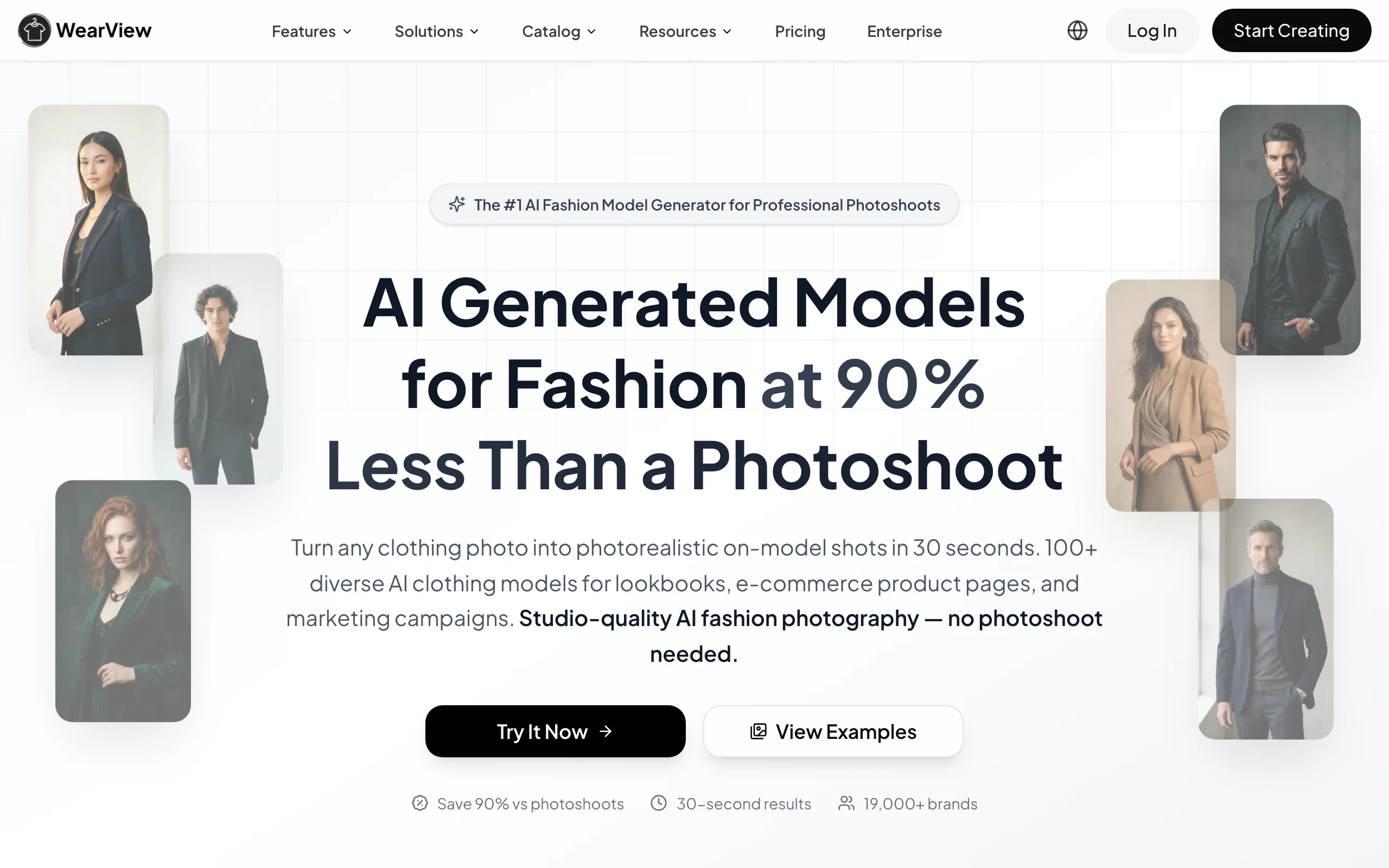
WearView is a complete AI fashion photography platform built around your actual products. For editorial work you start in Product to Model or virtual try on clothes: you upload a garment, flat-lay, or packshot, choose from a diverse range of AI models across ethnicities, body types, and ages, then describe the setting, lighting, and mood you want, from a concrete studio backdrop to a styled location scene. The tool renders the garment on the model while preserving prints, textures, seams, and text, usually in under 15 seconds.
What separates WearView from generic image generators is fidelity plus art direction in one pass. Most editorial-style generators invent a plausible outfit; WearView keeps the real product on the model so the spread you shoot is the product you sell. You can push toward an editorial look through prompts (dramatic side light, golden hour, concrete loft, motion blur), control framing with AI pose control, and hold one face steady across a whole story with consistent AI models. Beyond on-model shots, the platform includes AI fashion model generation, ghost mannequin, and AI fashion video, all in one workspace. If you want a wider view of the category, see our best AI fashion photography tools guide.
Ai Tools For Editorial Fashion Images with WearView
Key features
- Garment-accurate on-model rendering that preserves prints, texture, and text
- Editorial control via prompts: lighting, background, mood, and location scenes
- Pose control from reference images for art-directed framing
- Consistent model identity across a full editorial story
- HD, 2K, and 4K output with commercial usage rights
Best for
- Fashion brands and boutiques producing campaign and lookbook imagery from real products
- Ecommerce teams that need editorial hero shots without losing garment accuracy
- Agencies running multiple fashion clients who need a consistent model across a story
Pricing
- Paid monthly plans with credit allowances; no free tier or free credits
- Annual billing available at a discount, plus one-off credit packs
- Team seats included on higher tiers
Pros
- Keeps your real garment accurate, unlike pure text-to-image generators
- Editorial look and catalog accuracy in the same workflow
- One platform covers stills, consistent models, and video
Cons
- No free plan to test before subscribing
- Built around real garment inputs, so it is not a free-form concept-art generator for fully imagined outfits
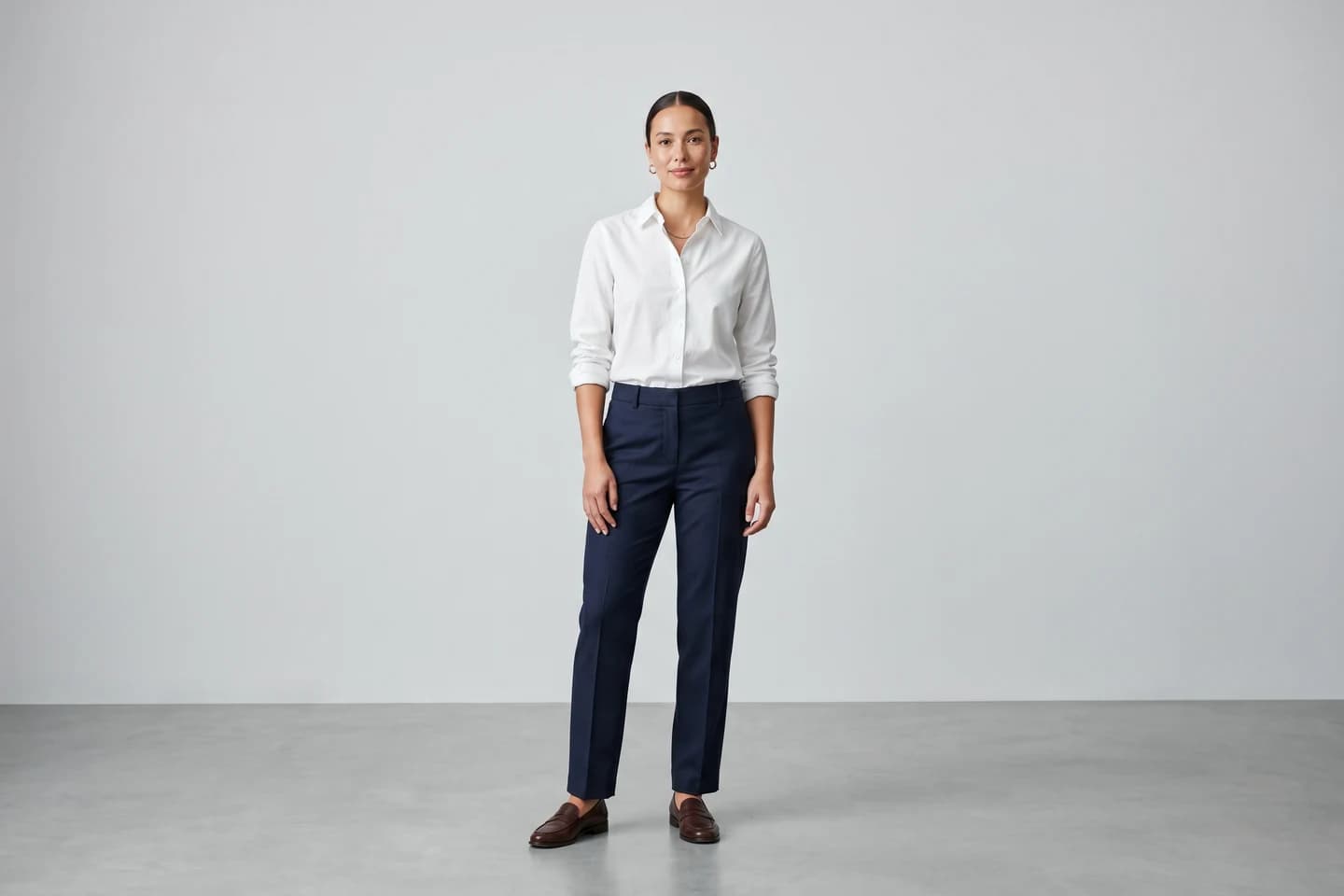
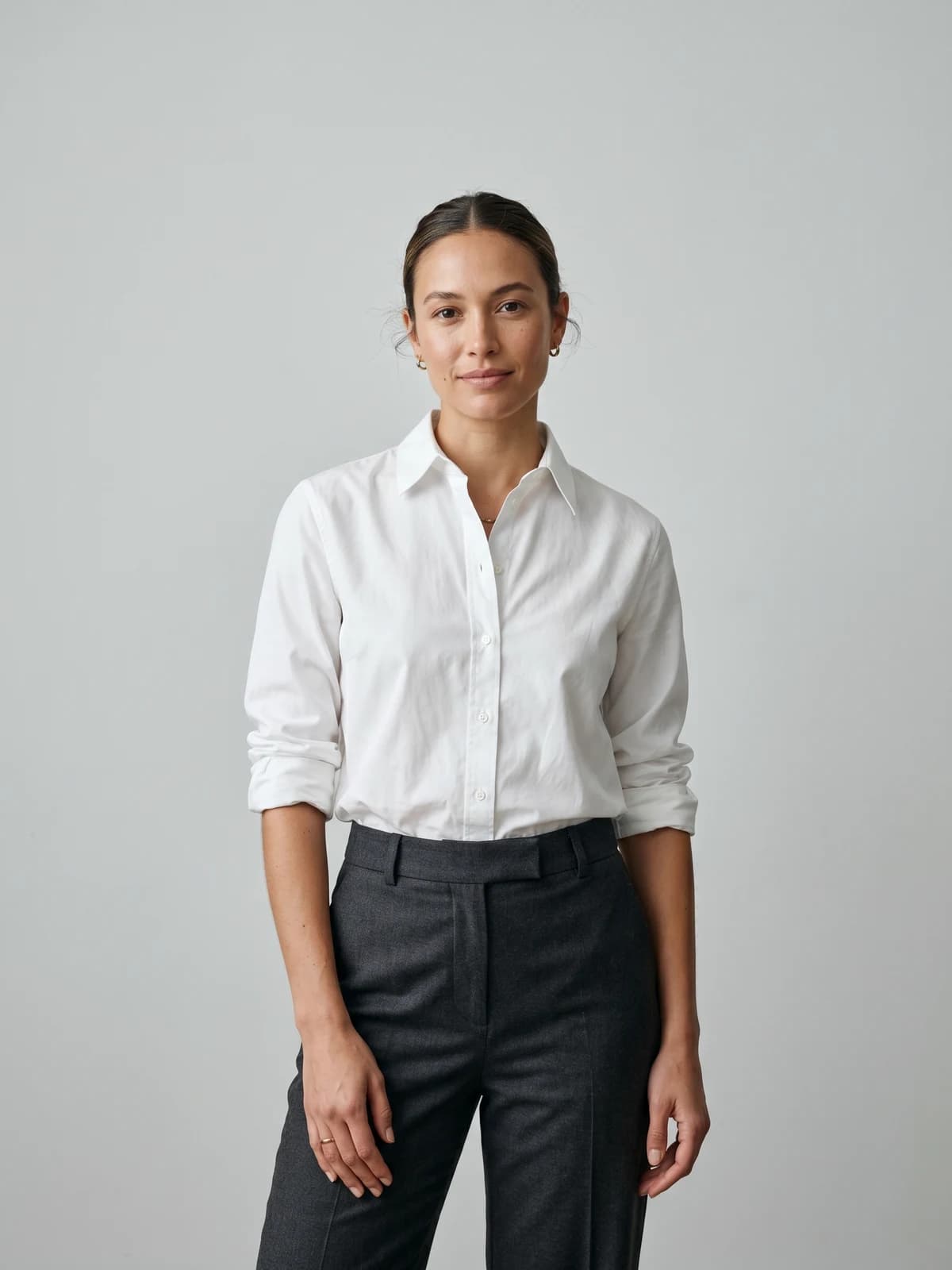
Turn flat-lays into editorial on-model photos
Drop in a flat-lay or product shot and get art-directed on-model photography ready for your campaign.
2. Midjourney, best for pure concept and mood
Midjourney is a text-to-image generator known for some of the most striking aesthetic output in the space. For fashion, it shines at concept work: mood boards, imagined collections, atmospheric campaign directions, and editorial scenes where the exact garment does not need to be accurate. Art directors often use it to explore a visual language before a real shoot, or to produce purely conceptual fashion art.
The trade-off is control. Because it generates from prompts rather than your product photo, it invents the clothing, so it cannot reproduce your real garment, print, or logo. Recent versions improved consistency and editing, but it remains a creative ideation tool rather than a product-accurate one.
Ai Tools For Editorial Fashion Images with Midjourney
Key features
- High-quality, stylized text-to-image generation
- Strong aesthetic range for mood, lighting, and composition
- Style and character reference options for more consistent looks
- Web editor and Discord-based generation
Best for
- Art directors exploring a campaign concept before a real shoot
- Creators making purely conceptual or imagined fashion editorials
Pricing
- Paid subscription tiers; verify current pricing on their site
Pros
- Best-in-class aesthetic quality for concept imagery
- Fast exploration of many directions in minutes
Cons
- Cannot reproduce your real garment accurately
- Prompt-driven control is less precise than product-input tools
3. Higgsfield, best for cinematic editorial motion
Higgsfield focuses on cinematic, motion-led visuals. For editorial fashion it stands out when you want movement: a model turning toward camera, fabric in motion, or a campaign sequence that reads like a film still rather than a static frame. It offers camera-style controls and motion presets that give output a directed, cinematic feel, which suits social-first campaigns and video-leaning editorials.
It is strongest as a motion and cinematic-look tool. For accurate, garment-true product stills you will likely pair it with a fashion-specific tool. If video is central to your editorial, also see our best AI fashion video generators roundup.
Ai Tools For Editorial Fashion Images with Higgsfield
Key features
- Cinematic camera and motion controls
- Image and video generation for campaign sequences
- Presets for directed, film-style looks
Best for
- Brands building motion-first or video-led editorial campaigns
- Creators who want a cinematic feel for social channels
Pricing
- Credit-based paid plans; verify current pricing and any free allowance on their site
Pros
- Strong cinematic and motion direction
- Good for editorial video and dynamic frames
Cons
- Not built for product-accurate garment rendering
- Credit usage can add up for heavy video work
4. Flair AI, best for art-directed product staging
Flair AI is a design tool for branded product imagery, with a canvas-style workflow that lets you stage products, place props, and compose scenes with more art direction than a single prompt allows. For editorial fashion it works well when you want to build a controlled set around a product and dictate composition, lighting, and background elements rather than accept whatever a generator produces.
Its strength is scene control and brand staging. It leans toward product and still-life staging, so for full on-model editorial stories that keep one model consistent across frames, a dedicated fashion model tool gives you more.
Ai Tools For Editorial Fashion Images with Flair AI
Key features
- Canvas-based scene composition and product staging
- Control over props, backgrounds, and lighting
- Brand-focused creative workflow
Best for
- Brands that want hands-on art direction over scene composition
- Teams staging styled product and still-life editorials
Pricing
- Paid plans with a free option to start; verify current tiers on their site
Pros
- More compositional control than single-prompt tools
- Good for staged, art-directed brand imagery
Cons
- Stronger on product staging than on-model editorial stories
- Learning curve for the canvas workflow
5. Magnific (formerly Freepik), best all-in-one creative suite
Magnific (formerly Freepik) has grown from a stock library into a broad AI creative suite, offering access to multiple image models (including Flux and Seedream) plus editing, upscaling, and asset tools in one subscription. For editorial fashion, the appeal is breadth: you can try different model engines for different looks, then upscale and refine, without juggling several separate apps.
Because it is a general suite rather than a fashion-specific tool, it does not preserve your real garment the way a product-input platform does. It is best for teams that want flexibility and a deep asset library alongside generation.
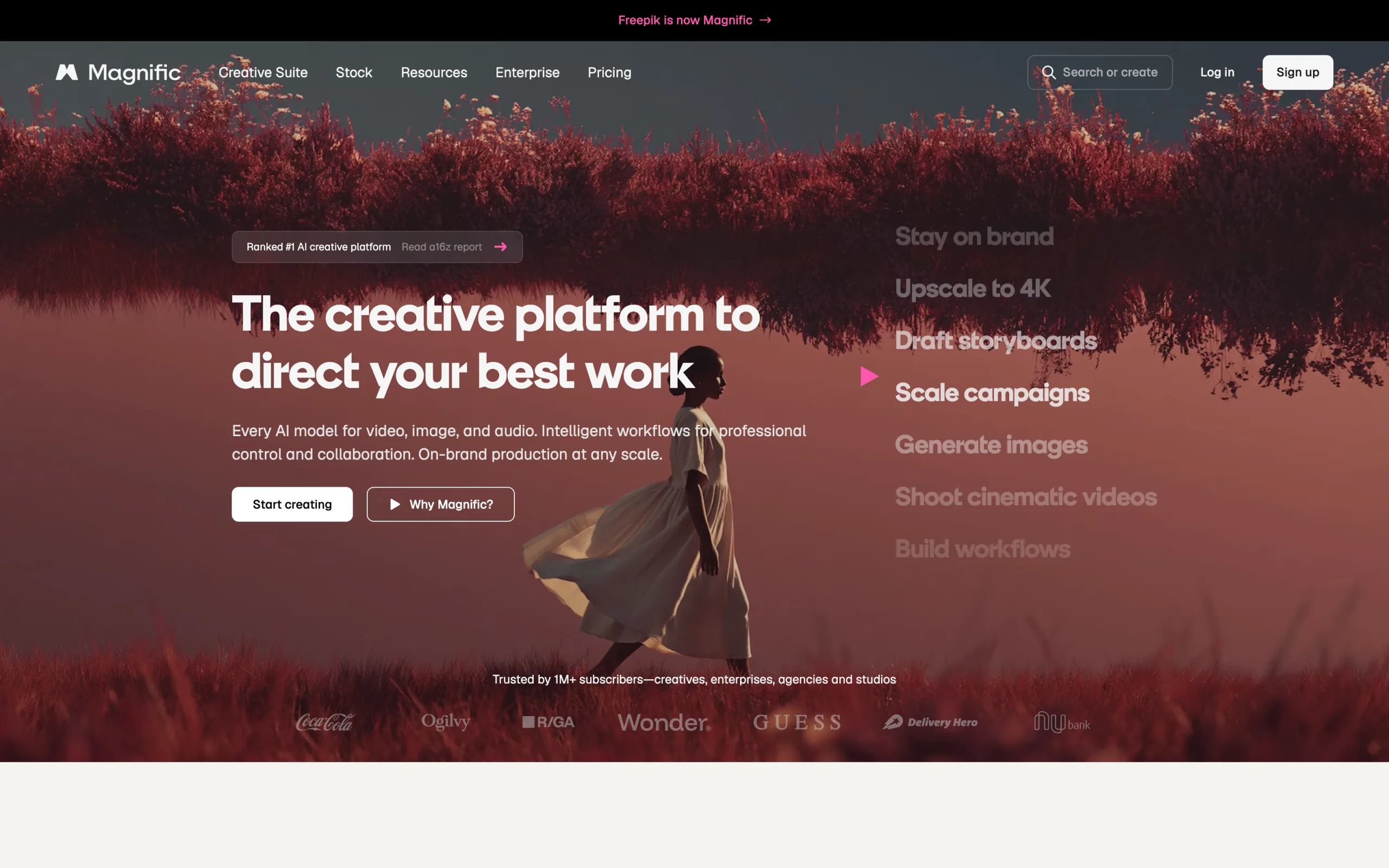
Ai Tools For Editorial Fashion Images with Magnific
Key features
- Access to multiple AI image models in one place
- Editing, upscaling, and refinement tools
- Large stock and asset library alongside generation
Best for
- Teams that want several image models under one subscription
- Creators who also need stock assets and editing in one workspace
Pricing
- Paid plans with a limited free allowance; verify current pricing on their site
Pros
- Wide model choice and creative range
- Good value for general-purpose creative work
Cons
- Not fashion-specific, so garment accuracy is limited
- Output quality varies by which model you choose
6. Ideogram, best for editorial layouts with text
Ideogram is a text-to-image generator known for rendering legible text inside images, which most generators struggle with. For editorial fashion that matters when your concept includes typography: cover lines, campaign slogans, magazine-style layouts, or graphic overlays baked into the image. It produces clean, stylized imagery with readable type.
Like other prompt-based tools, it generates rather than preserves, so it is for imagined editorial concepts, not accurate reproduction of your garment. Use it when typography and layout are central to the look.
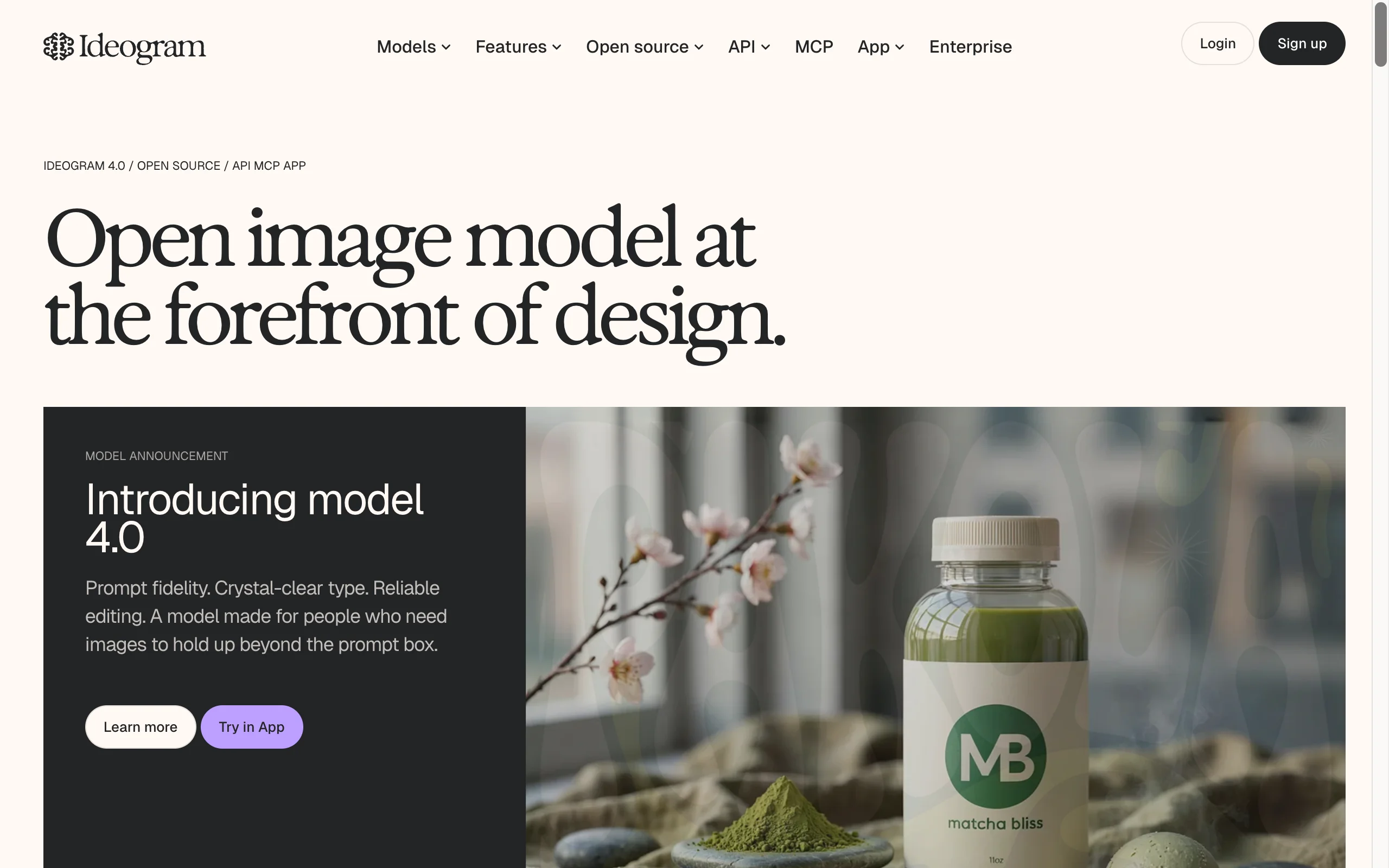
Ai Tools For Editorial Fashion Images with Ideogram
Key features
- Reliable text rendering inside generated images
- Stylized, layout-friendly output
- Prompt-based control over composition and type
Best for
- Editorial concepts that need readable cover lines or slogans
- Creators making typographic, magazine-style fashion art
Pricing
- Paid plans with a limited free allowance; verify current pricing on their site
Pros
- Best-in-class text rendering for editorial layouts
- Clean, stylized aesthetic
Cons
- Generates rather than preserving your real garment
- Less suited to product-accurate catalog work
7. remove.bg, best for fast background removal
remove.bg is a specialized utility focused on one job done well: removing the background from an image automatically in a few seconds, then placing the clean cutout on white, a transparent PNG, or your own backdrop. For editorial fashion it is most useful as a finishing and staging step, isolating a product or model cutout so you can drop it into a fresh scene or campaign layout quickly, including in bulk through its API.
It is a background utility rather than a from-scratch fashion generator, so it does not create models or full editorial scenes the way the other tools here do. It pairs well with a generation tool for fast scene swaps and marketplace-ready cutouts.
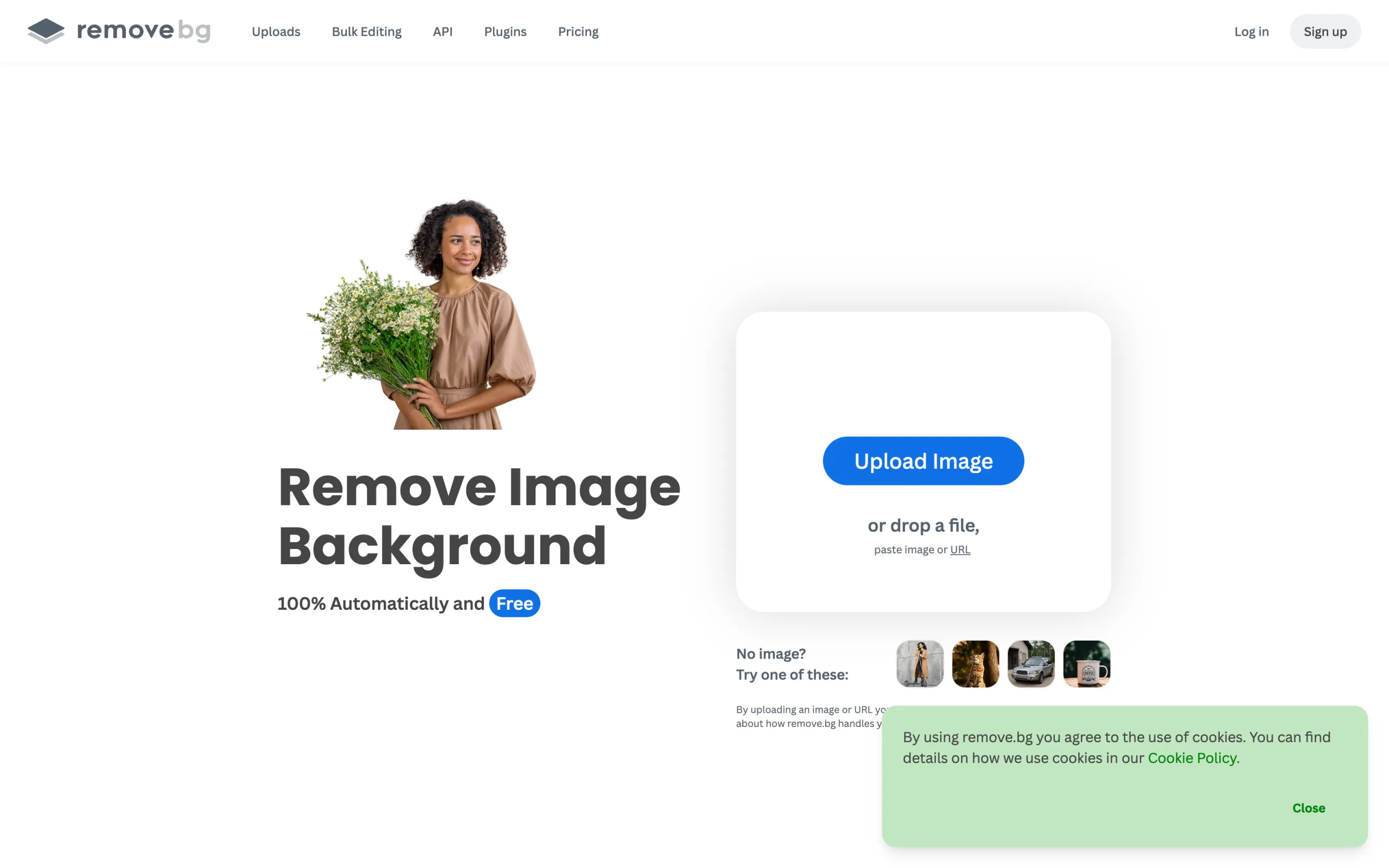
Ai Tools For Editorial Fashion Images with remove.bg
Key features
- Fast, automated background removal in seconds
- Cutouts to transparent PNG, a solid color, or your own background
- Web app, desktop app, mobile app, Photoshop extension, and API
Best for
- Sellers who need quick, clean cutouts and background swaps
- Teams automating background removal at volume via API
Pricing
- Free tier with low-resolution exports; paid credits and subscriptions for full resolution. Verify current pricing on their site
Pros
- Extremely fast and accurate at isolating subjects
- API for batch and automated workflows
Cons
- A background utility, not a full editorial scene or model generator
- Limited art direction compared with generation tools
How to choose the best AI tool for editorial fashion images
The right tool depends on whether you need your real product to be accurate, how much art direction you want, and whether motion is part of the story.
1) Do you need the real garment to be accurate?
This is the first fork. If the editorial spread has to show the exact product you sell (prints, logos, fabric texture), you need a product-input tool that preserves the garment.
- If accuracy matters: use WearView, which renders your real garment on AI models in editorial settings.
- If the look is purely conceptual: Midjourney or Ideogram generate imagined fashion art quickly.
2) How much art direction do you want?
Some tools accept a prompt and surprise you; others let you control the scene element by element.
- For hands-on scene composition and staging: Flair AI gives you a canvas to direct props and backgrounds.
- For directed framing on real products: use WearView pose control to set the model's stance and crop, or describe the scene in a prompt.
- For typographic, layout-led editorials: Ideogram renders readable cover lines and slogans.
3) Do you need motion or just stills?
Editorial increasingly lives on social, where movement performs.
- For cinematic, motion-led campaigns: Higgsfield is built for it.
- For stills now and video later in one platform: WearView covers on-model stills and AI fashion video together.
4) What is your budget and volume?
Run the credit math against your real output. Generate or edit five hard pieces first: a busy print, a logo, a dark fabric, a sheer texture, and a complex pose. Tools with free tiers (Flair AI, Magnific, Ideogram, remove.bg) let you test before paying, while WearView has no free tier but keeps editorial output garment-accurate. Pick the tool that handles your hardest items, not the easy ones. For broader options, see our best AI tools for clothing brands guide, or explore the full AI fashion photography workflow on the WearView homepage.
FAQ
What are editorial fashion images? Editorial fashion images are high-concept, magazine-style visuals with strong art direction: styled sets, dramatic lighting, intentional poses, and a clear creative point of view. They are made to sell a mood or story, the way a magazine spread, lookbook, or campaign hero shot does, rather than to document a product plainly.
Can AI create editorial-quality fashion images? Yes. The best AI tools for editorial fashion images can produce campaign-grade lighting, poses, and styled scenes. The main difference between tools is whether they invent the outfit (pure generators like Midjourney) or preserve your real garment on a model (product-input tools like WearView). For a brand, garment accuracy usually decides which one fits.
Which AI tool keeps my real garment accurate? WearView is built around your actual product, so it preserves prints, textures, and logos while placing the garment on AI models in editorial settings. Pure text-to-image tools generate a plausible outfit instead, so they cannot reproduce your specific product reliably.
Is there a free AI tool for editorial fashion images? Several tools offer free tiers or limited free use to start, including Flair AI, Magnific, Ideogram, and remove.bg (with low-resolution exports). WearView does not have a free tier, but it is purpose-built to keep editorial output accurate to your real garment, which the free general-purpose tools are not.
What is the difference between editorial and catalog images? Catalog images document a product clearly and consistently, usually on a clean background or a neutral on-model frame. Editorial images add concept, mood, and art direction to tell a story. Many brands use the same tool for both: clean PDP shots and styled editorial scenes from the same garment input.
Which tool is best for fashion video, not just stills? For motion-led editorials, Higgsfield is built for cinematic sequences. If you want both stills and video in one platform, WearView covers on-model images, consistent models, and AI fashion video together. See our best AI fashion video generators comparison for more.
Do AI editorial images come with commercial usage rights? Rights vary by tool and plan, so always check each tool's terms before publishing a campaign. WearView includes commercial usage rights on its paid plans. For other tools, confirm the license tied to your subscription tier.
What inputs produce the best editorial results? Start with a clean, well-lit garment or product image and a clear creative brief: lighting direction, setting, mood, and pose. With product-input tools like WearView, a sharp flat-lay or packshot plus a descriptive prompt gives the most usable, accurate editorial output.

WearView Team
WearView Content & Research Team
WearView Team is a group of fashion technology specialists focused on AI fashion models, virtual try-on, and AI product photography for e-commerce brands. We publish in-depth guides, case studies, and practical insights to help fashion businesses improve conversion rates and scale faster using AI.