
May 30, 2026•20 min read
7 best AI t-shirt design tools in 2026
From AI text-to-image generators that produce print-ready graphics to mockup makers and on-model visualization, here are the 7 best AI t-shirt design tools in 2026, with pricing, key strengths, and a decision framework to match each tool to your workflow.
Picture of 7 best AI t-shirt design tools in 2026 article
Designing a t-shirt used to mean opening Illustrator, sourcing fonts, and either drawing the artwork yourself or briefing a freelancer. In 2026 a different workflow has taken over: AI t-shirt design tools that turn a text prompt into a print-ready graphic, generate dozens of layout variations in seconds, render legible slogan typography, and then place the finished shirt on a model for the storefront and ads.
That speed matters because merch is a volume game. The faster you can get from idea to a design you can list and advertise, the more products you can test and the lower your cost per design. This guide covers the seven best AI t-shirt design tools in 2026. We start with WearView, our pick for turning a finished design into the on-model imagery that actually sells it, then cover the AI design generators and mockup platforms print-on-demand sellers use to create the artwork. We cover pricing, key strengths, the workflow each tool fits, and a decision framework so you can match the tool to your stage and budget.
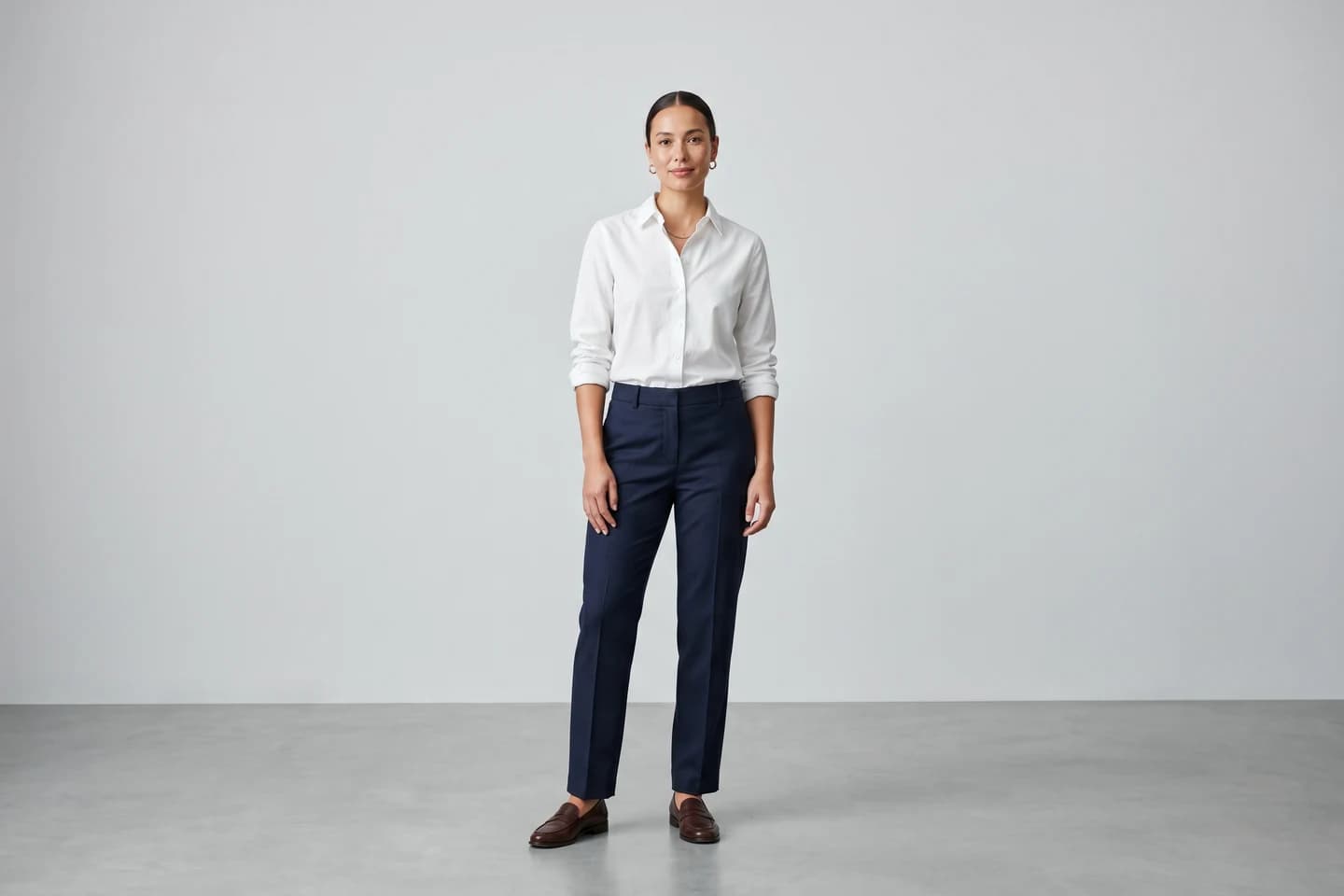
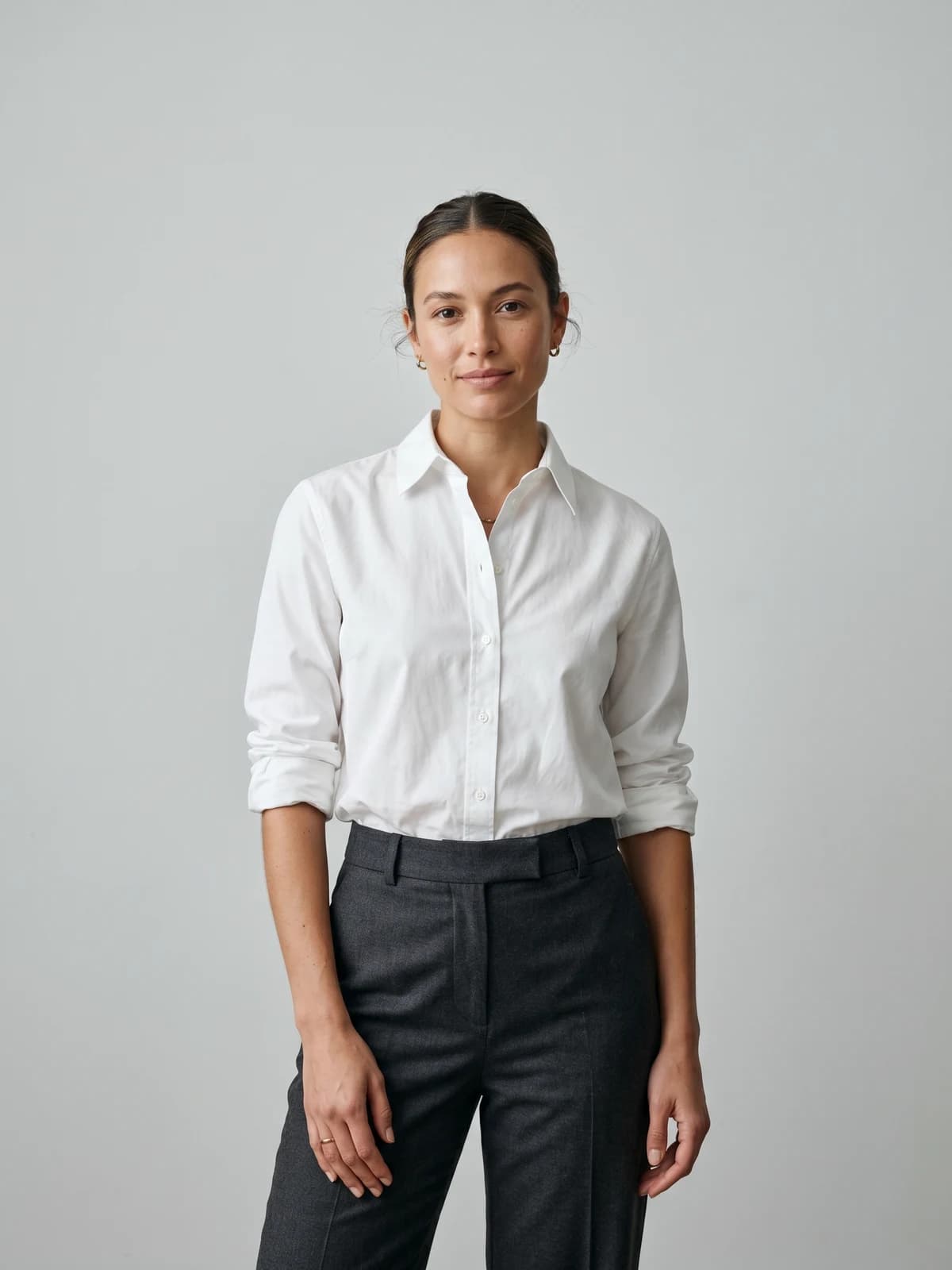
Turn flat-lays into on-model photos
Drop in a flat-lay or product shot and get professional on-model photography ready for your store.
Best AI t-shirt design tools: a brief overview
- WearView: Best overall for visualizing and selling your designs: place a finished, printed shirt on realistic AI models for product pages, ad creative, and lookbooks in seconds (a visualization tool, not a graphic generator).
- Kittl: Best AI design generator for merch: an AI-first design platform with text-to-image, vector generation, text effects, and print-ready vector exports built for merch sellers.
- Placeit by Envato: Best for fast t-shirt mockups and templates: tens of thousands of customizable designs and mockup templates with one simple unlimited plan.
- Ideogram: Best for legible text and slogans on shirts: the strongest text-to-image generator for getting typography and lettering right.
- Canva Magic Media: Best for all-in-one design with a free tier: AI image generation inside the design editor most people already know.
- Midjourney: Best for high-quality artwork and illustration: the benchmark text-to-image model for distinctive graphic styles.
- Printful design maker: Best for designing and selling in one place: a free built-in editor tied directly to print-on-demand fulfillment.
| Tool | Key strength | Pricing | Platforms |
|---|---|---|---|
| WearView | Visualization: place finished t-shirts on realistic AI models | From $24/month (annual); $29/month standard | Web |
| Kittl | AI-first design platform with print-ready vector exports for merch | Free plan; Pro from $10/month (annual), $15/month (monthly) | Web |
| Placeit by Envato | T-shirt mockups and templates with one unlimited plan | From $7.47/month (annual); $14.95/month monthly | Web |
| Ideogram | Strongest text-to-image generator for legible shirt typography | Free (10/day); Plus from $15/month (annual); Pro from $42/month | Web, API |
| Canva Magic Media | AI image generation inside an all-in-one design editor | Free tier; Pro from $12.99/month | Web, mobile, desktop |
| Midjourney | Benchmark text-to-image model for distinctive artwork | From $10/month (Basic); up to $120/month (Mega) | Web, Discord |
| Printful design maker | Free built-in editor tied to print-on-demand fulfillment | Free; optional Growth plan $24.99/month | Web, app integrations |
1. WearView, best for turning t-shirt designs into on-model photos that sell
WearView earns the top spot on this list for the part of the t-shirt workflow that most directly drives sales: turning a finished design into a realistic on-model photo. It is honest to say up front that WearView is not a graphic generator. It will not write your slogan, draw your illustration, or vectorize artwork. What it does is the step right after the design is locked, the one most merch sellers under-resource: taking the finished shirt (the printed sample, a flat product photo, or a mockup) and placing it on a realistic AI model for lookbooks, ad creative, and ecommerce product pages.
A design only sells once a shopper can picture it worn. A flat graphic on a white tee converts far worse than the same shirt on a model in context, and traditionally that meant booking a photoshoot for every drop. With WearView, you upload the shirt image, choose an AI model and setting, and generate the on-model visual in under 15 seconds.
WearView's product to model tool turns a flat-lay or product photo of your printed shirt into a new on-model photo, with the AI model wearing it in a chosen pose and background. You can describe the look via text or pick from a model library spanning different ethnicities, body types, and ages. For sellers who want to preview a design on a person before printing samples, AI virtual try-on and the AI fashion model generator cover those adjacent workflows, and consistent model identity keeps the same face across a whole merch line.
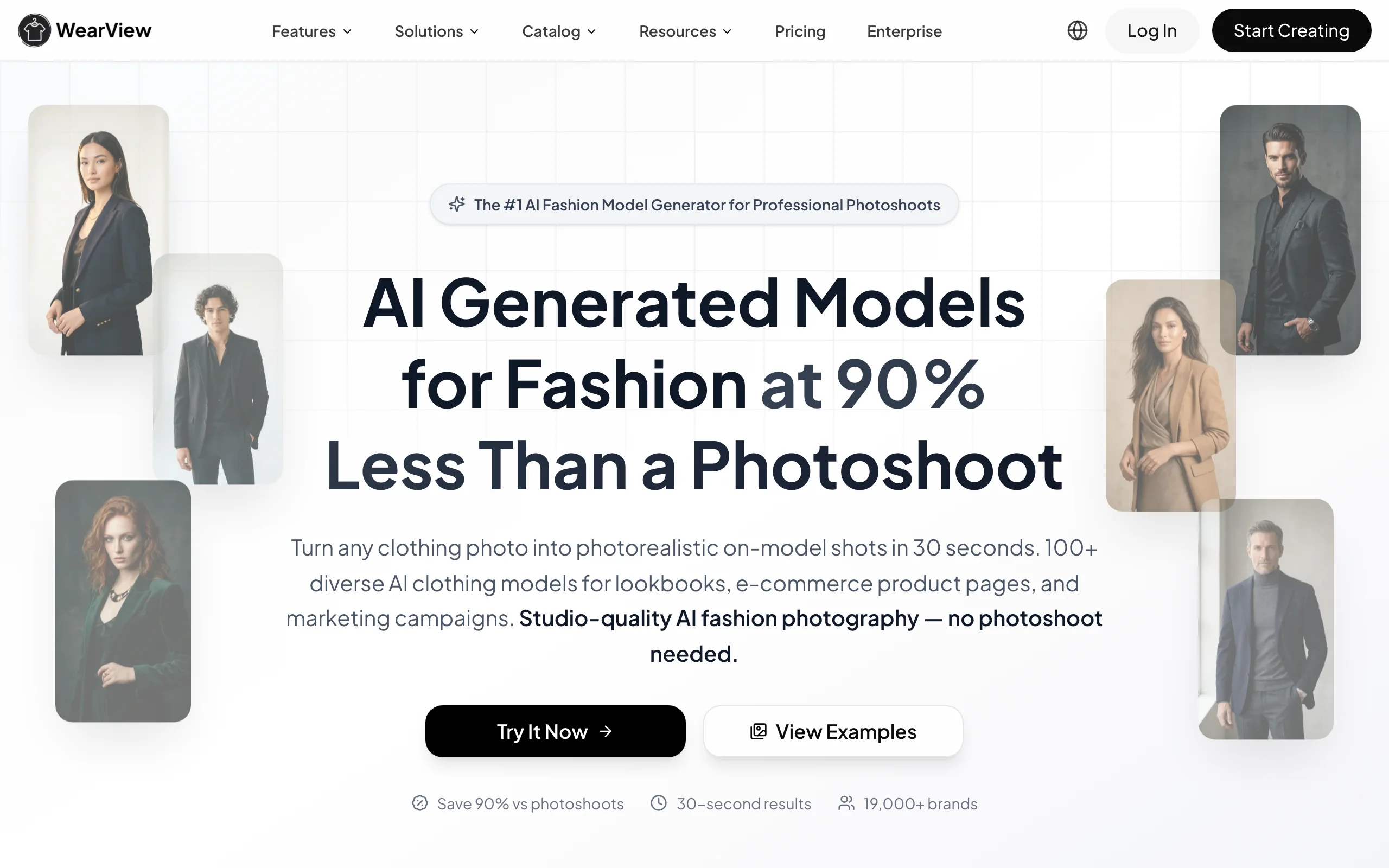
AI T Shirt Design with WearView
Key features
- Product-to-model visualization: turn a printed shirt photo into on-model imagery in under 15 seconds
- AI model library with control over ethnicity, body type, age, and pose
- Pose control via reference images for varied lookbook angles
- Consistent model identity across a merch line or collection
- Ghost mannequin and AI fashion video (720p and 1080p) in the same workspace
- HD, 2K, and 4K output with full commercial usage rights on paid plans
Best for
- Print-on-demand sellers who want on-model shots without a photoshoot
- Merch brands building ad creative and product-page imagery for every drop
- Creators selling shirts who need a consistent model across listings
Pricing
- No free tier or free credits
- Lite: $24/month annually (regularly $29), 50 credits per month
- Pro: $40/month annually (regularly $49), 200 credits per month, up to 5 team seats (most popular)
- Advanced: $82/month annually (regularly $99), 500 credits per month, up to 15 team seats
- Enterprise: custom pricing with API, team management, and dedicated support
- Credit usage: HD 2, 2K 3, 4K 5 per image; 720p video 10, 1080p video 20. Annual billing adds two months free
Pros
- Closes the gap between a finished design and a store-ready visual without a photoshoot
- Fashion-tuned AI that handles the garment in context, not just a flat graphic
- 4K output with full commercial usage rights on paid plans
- Consistent model identity is hard to replicate with general AI image tools
Cons
- Not a design tool: it does not create the graphic or print artwork, so pair it with a design generator like Kittl or Ideogram
- No free tier; paid plans start at $24/month billed annually
2. Kittl, best AI design generator for merch
Kittl is the AI-first design platform built for the exact people designing t-shirts: print-on-demand sellers, merch brands, and creators who need print-ready artwork without an Illustrator background. It combines a template-driven editor with a stack of AI tools (AI Image Generator, AI Vector Generator, AI Video Generator, text effects, background remover, image upscaler, and a vectorizer) so you can go from prompt to a layered, editable, export-ready design in one place.
What sets Kittl apart for shirts specifically is the vector workflow. You can generate or vectorize artwork, apply distressed and retro text effects that are popular in merch, and export as a high-resolution vector that holds up at print size. You upload or generate the graphic, arrange your typography with Kittl's text tools, and export a print-ready file with a commercial license on paid tiers.
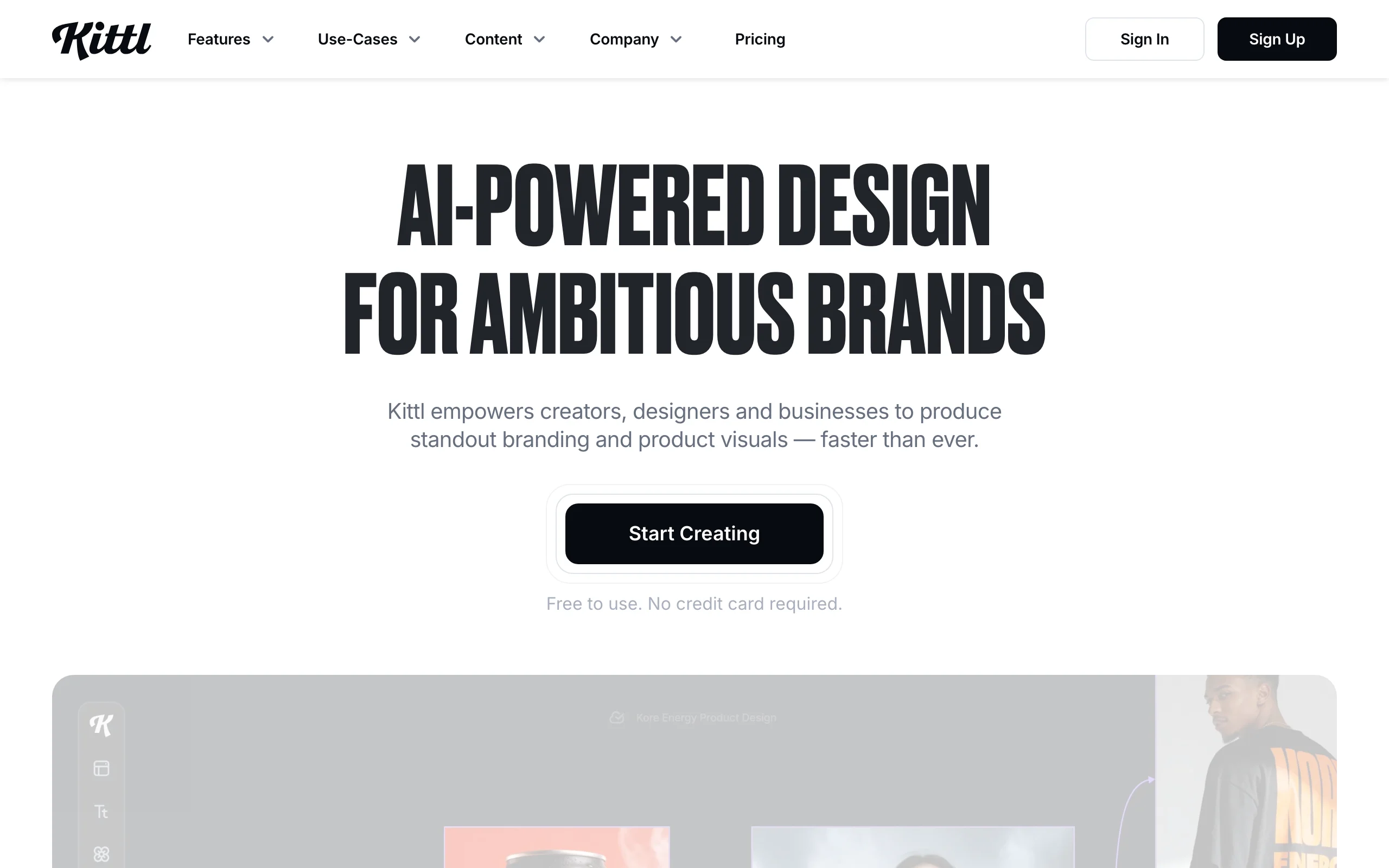
AI T Shirt Design with Kittl
Key features
- AI Image Generator and AI Vector Generator for print-ready artwork
- Text effects (distressed, retro, curved) tuned for merch typography
- One-click vectorizer to turn raster art into scalable vectors
- Background remover and image upscaler built in
- High-resolution and vector exports on paid tiers
- Commercial licensing on Pro and above
Best for
- Print-on-demand sellers who need print-ready vector files
- Merch brands building typography-heavy slogan designs
- Creators without Illustrator who still need pro-quality output
Pricing
- Free: 20 AI credits (single use), up to 20 projects, low-resolution exports, commercial use with attribution only
- Pro: $10/month billed annually or $15/month monthly, 2,000 monthly AI tokens, full exports, commercial license
- Expert: $24/month billed annually or $30/month monthly, 6,000 monthly AI tokens, brand kits, unlimited projects
- Business tier with enhanced licensing for teams
Pros
- Purpose-built for merch with vector output, not just raster images
- Text effects library covers the styles t-shirt buyers actually want
- Affordable Pro tier at $10/month annually
- Full design workflow (generate, edit, export) in one app
Cons
- AI tokens are metered; heavy generation runs need a higher tier
- Free plan adds attribution and blocks high-resolution exports
- Not a fulfillment platform; pair with a print-on-demand service to sell
3. Placeit by Envato, best for fast t-shirt mockups and templates
Placeit is the fastest route from "I have a graphic" to "I have a listing-ready design and mockup." Owned by Envato, it offers tens of thousands of customizable t-shirt designs, logos, and mockup templates you can edit in the browser with no design software. For sellers who want to drop a graphic onto a template, tweak the text, and export a clean mockup, Placeit removes almost all friction.
The trade-off is that Placeit is template-led rather than a from-scratch AI generator. You are customizing existing designs and mockups rather than prompting brand-new artwork. For high-volume print-on-demand sellers who value speed and a deep template library over original AI generation, that is exactly the point.
AI T Shirt Design with Placeit
Key features
- 30,000+ customizable templates for t-shirt designs and mockups
- Browser-based editor with no design skills required
- Photorealistic apparel mockups for listings and ads
- Commercial use rights on everything you create
- No watermarks on downloads
Best for
- High-volume print-on-demand sellers who need designs and mockups fast
- Sellers who prefer customizing templates over prompting from scratch
- Etsy and marketplace sellers who need listing-ready mockups quickly
Pricing
- Monthly: $14.95/month, cancel anytime
- Annual: $89.69/year (about $7.47/month), unlimited downloads
- Both plans include the full template and mockup library with commercial rights
Pros
- Massive template and mockup library covers most merch niches
- One simple unlimited plan, no tiered feature gating
- Mockups and designs in the same subscription
Cons
- Template-led rather than true from-scratch AI generation
- Designs can look similar to other sellers using the same templates
- No permanent free plan, only paid tiers
4. Ideogram, best for legible text and slogans on shirts
Ideogram is the text-to-image generator that solved the one thing most AI image models fail at: rendering readable, correctly spelled text. For t-shirt design, that is decisive. So much merch is typography (slogans, band-style lettering, puns, stacked text layouts) and most general models still produce garbled letters. Ideogram gets the words right, which makes it the strongest pick when your design is built around text.
You prompt the slogan and the visual style, and Ideogram generates layouts with legible typography you can iterate on. It is less of a full editor than Kittl or Canva, so you typically generate the artwork in Ideogram and finish layout or vectorization elsewhere. For text-heavy designs, the typography accuracy is worth that extra step.
AI T Shirt Design with Ideogram
Key features
- Industry-leading legible text rendering for slogans and lettering
- Multiple style options per prompt for fast exploration
- Priority and slow credit system for flexible volume
- API access on the Pro tier for automated workflows
Best for
- Sellers building typography-heavy and slogan-based shirt designs
- Creators who need correctly spelled, readable text in artwork
- Teams that want to automate generation via the API
Pricing
- Free: 10 slow generations per day
- Plus: $20/month monthly, or $15/month billed annually, 1,000 priority credits per month
- Pro: $60/month monthly, or $42/month billed annually, 3,200 credits plus API access
- Team plans available at around $20/user/month annually
Pros
- Best-in-class text legibility for merch typography
- Usable free tier for testing before paying
- API on the Pro tier for high-volume generation
Cons
- Not a full layout or vector editor; finish work in another tool
- Credit-based pricing requires planning for heavy runs
- The legacy Basic tier is no longer available to new users
5. Canva Magic Media, best for all-in-one design with a free tier
Canva is the design editor most people already know, and Magic Media is its built-in text-to-image and AI generation suite. For t-shirt design, the appeal is that everything lives in one place: generate artwork with Magic Media, drop it onto a t-shirt template, add and style your text, remove backgrounds, and export, all without leaving Canva. The learning curve is close to zero.
The trade-off is that Canva is a generalist. Its AI image quality and merch-specific features are good rather than best-in-class, and print-ready vector output is weaker than a dedicated tool like Kittl. But for sellers who want a free starting point and one familiar tool for everything from social posts to shirt graphics, Canva is hard to beat on convenience.
AI T Shirt Design with Canva
Key features
- Magic Media text-to-image generation inside the editor
- 1.6M+ templates including t-shirt and apparel layouts
- Background remover and Magic Studio AI tools on Pro
- Brand kit and resize tools for multi-channel assets
- Web, desktop, and mobile apps
Best for
- Sellers who want one familiar tool for design and marketing assets
- Beginners who want a free tier to start designing shirts
- Creators making social content and merch from the same workspace
Pricing
- Free: limited AI credits (roughly 50 Magic Media generations per month), 5 GB storage
- Pro: from $12.99/month (or about $120/year), roughly 500 monthly AI credits, background remover, 1 TB storage
- Teams: around $10/user/month billed annually, minimum three users
Pros
- Generous free tier to start with no spend
- Everything (artwork, layout, text, export) in one editor
- Familiar interface with a near-zero learning curve
Cons
- AI image quality trails dedicated generators like Midjourney and Ideogram
- Print-ready vector export is weaker than Kittl
- AI credits are metered and renew monthly
6. Midjourney, best for high-quality artwork and illustration
Midjourney remains the benchmark text-to-image model for sheer artwork quality. When a shirt design hinges on a distinctive illustration, a painterly graphic, or a strong aesthetic that has to look original, Midjourney's output is still the standard the rest of the industry chases. Sellers reach for it when the design is art-led rather than text-led.
The trade-off is control and workflow. Midjourney historically struggled with legible text (Ideogram is the better pick for slogans), and its Discord-and-web workflow is less of a structured design editor than Kittl or Canva. You generate the artwork in Midjourney, then bring it into a layout tool to finish and export for print. For original illustration, the extra step is worth it.
AI T Shirt Design with Midjourney
Key features
- Industry-leading aesthetic quality for illustration and graphic art
- Style references and personalization to lock a visual signature
- Inpainting and outpainting for targeted edits
- Stealth mode on higher tiers for private generations
- Web and Discord interfaces
Best for
- Sellers building art-led, illustration-heavy shirt designs
- Creators who want a distinctive original aesthetic
- Designers exploring wide-net visual directions fast
Pricing
- Basic: $10/month, around 3.3 fast GPU hours
- Standard: $30/month ($24/month annual), 15 fast hours plus unlimited Relax mode
- Pro: $60/month, 30 fast hours, stealth mode
- Mega: $120/month, 60 fast hours, stealth mode
- Annual billing saves about 20%; no free trial
Pros
- Highest aesthetic quality among general text-to-image models
- Strong style controls for a consistent visual signature
- Stealth mode on Pro and Mega for private design work
Cons
- Weaker legible text than Ideogram, a problem for slogan shirts
- Discord-centric workflow is not a structured design editor
- No free tier; verify commercial terms for each tier
7. Printful design maker, best for designing and selling in one place
Printful is a print-on-demand fulfillment platform with a free built-in design maker, which makes it the most seamless option when you want to design and sell in the same place. You build the graphic in Printful's editor (with built-in assets, an AI image upscaler, and a free logo maker), apply it to one of 450+ products, and connect it straight to your Shopify, Etsy, WooCommerce, or Amazon store. There is no design subscription; you only pay when a customer orders.
The design tools are more basic than Kittl or Canva, and there is no full text-to-image generator on par with Ideogram or Midjourney. But for sellers who want zero upfront cost and a single workflow from design to fulfillment, Printful's editor is the path of least resistance.
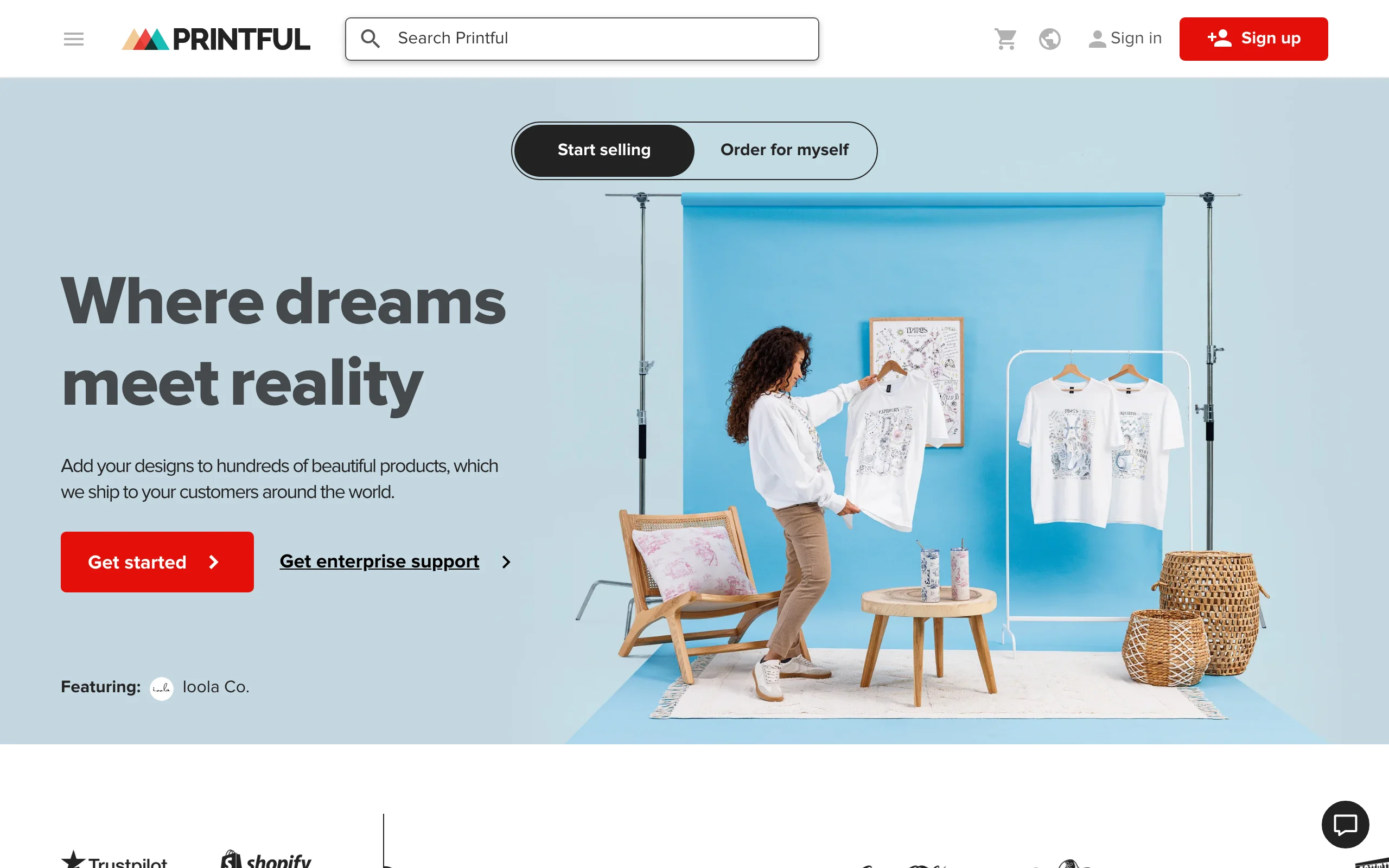
AI T Shirt Design with Printful
Key features
- Free built-in design maker with editing tools and assets
- AI image upscaler and a free logo maker with 100+ templates
- 450+ products and 20+ ecommerce integrations
- No monthly fee for core design and selling tools
- Direct print-on-demand fulfillment
Best for
- New sellers who want zero upfront cost
- Print-on-demand sellers who want design and fulfillment in one place
- Shopify, Etsy, and WooCommerce stores adding custom apparel
Pricing
- Free: full access to the design maker, products, and integrations
- Growth: $24.99/month (free once you reach $12K/year in sales), up to 33% off product pricing
- You pay only for fulfillment when a customer orders
Pros
- Free to design and list, no design subscription
- Design and fulfillment in a single platform
- Deep ecommerce integrations across major platforms
Cons
- Design tools are basic compared with dedicated design apps
- No full text-to-image generator like Ideogram or Midjourney
- Tied to Printful fulfillment and product catalog
How to choose the best AI t-shirt design tool
1) Is your design text-led or art-led?
If your shirts are built around slogans, puns, or stacked typography, legible text rendering is the deciding factor: Ideogram gets words right where most models fail, and Kittl's text effects finish the layout. If your shirts are illustration-led (a distinctive graphic or painterly style), Midjourney's artwork quality is the benchmark. Many sellers use both: Ideogram or Kittl for typography, Midjourney for the art, then a layout tool to combine and export.
2) Do you need a full design platform or just a generator?
If you want one tool that generates artwork and produces a print-ready file, Kittl is the strongest all-in-one for merch (with vector export), and Canva Magic Media is the most convenient if you already live in Canva. If you only need raw artwork and will finish layout elsewhere, a pure generator like Ideogram or Midjourney is enough. If you want to design and sell in the same place with no upfront cost, the Printful design maker covers both ends. And if you design garments in 3D rather than printing graphics on blanks, see how the two leading tools compare in CLO3D vs Marvelous Designer.
3) What is your budget and volume?
For the lowest entry cost, Printful's design maker is free, Canva has a free tier, and Ideogram offers 10 free generations per day. Among paid plans, Kittl Pro ($10/month annually), Placeit ($7.47/month annually), and Midjourney Basic ($10/month) are all under $15/month. High-volume sellers should plan around credit limits: token-metered tools (Kittl, Ideogram, Canva) need a higher tier for heavy runs, while Placeit's unlimited downloads suit template-driven volume. For more tooling across a full merch operation, see our roundup of the best AI tools for clothing brands.
4) How will you show the design once it is finished?
Designing the graphic is only half the job. A flat graphic on a blank tee converts worse than the same shirt worn by a model in context. Once the design is locked, WearView is the specialist for placing the printed shirt on AI models for product pages, ad creative, and lookbooks, with consistent model identity across a whole line. For more on turning product shots into on-model imagery, see our guide to the best flatlay-to-model AI tools.
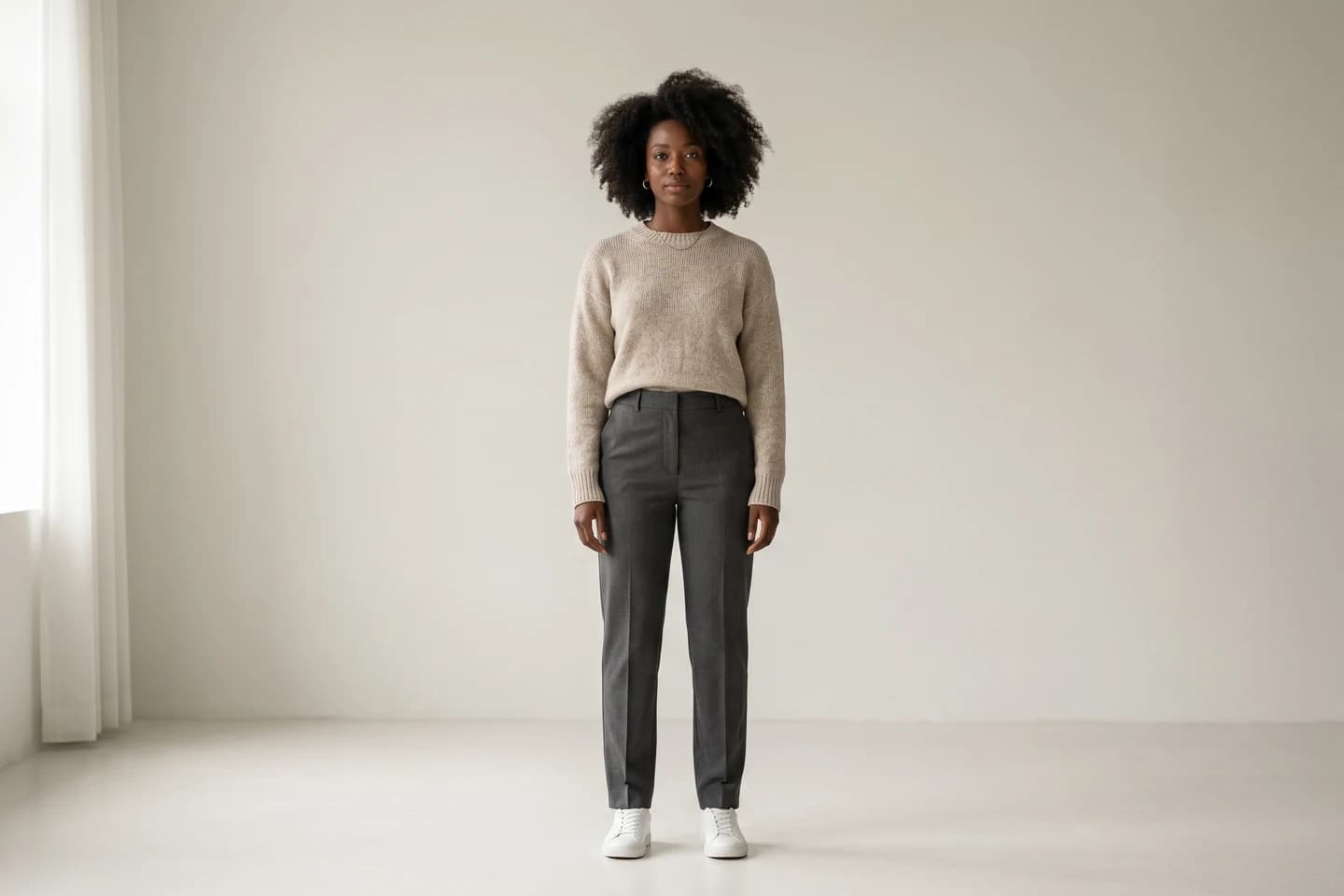
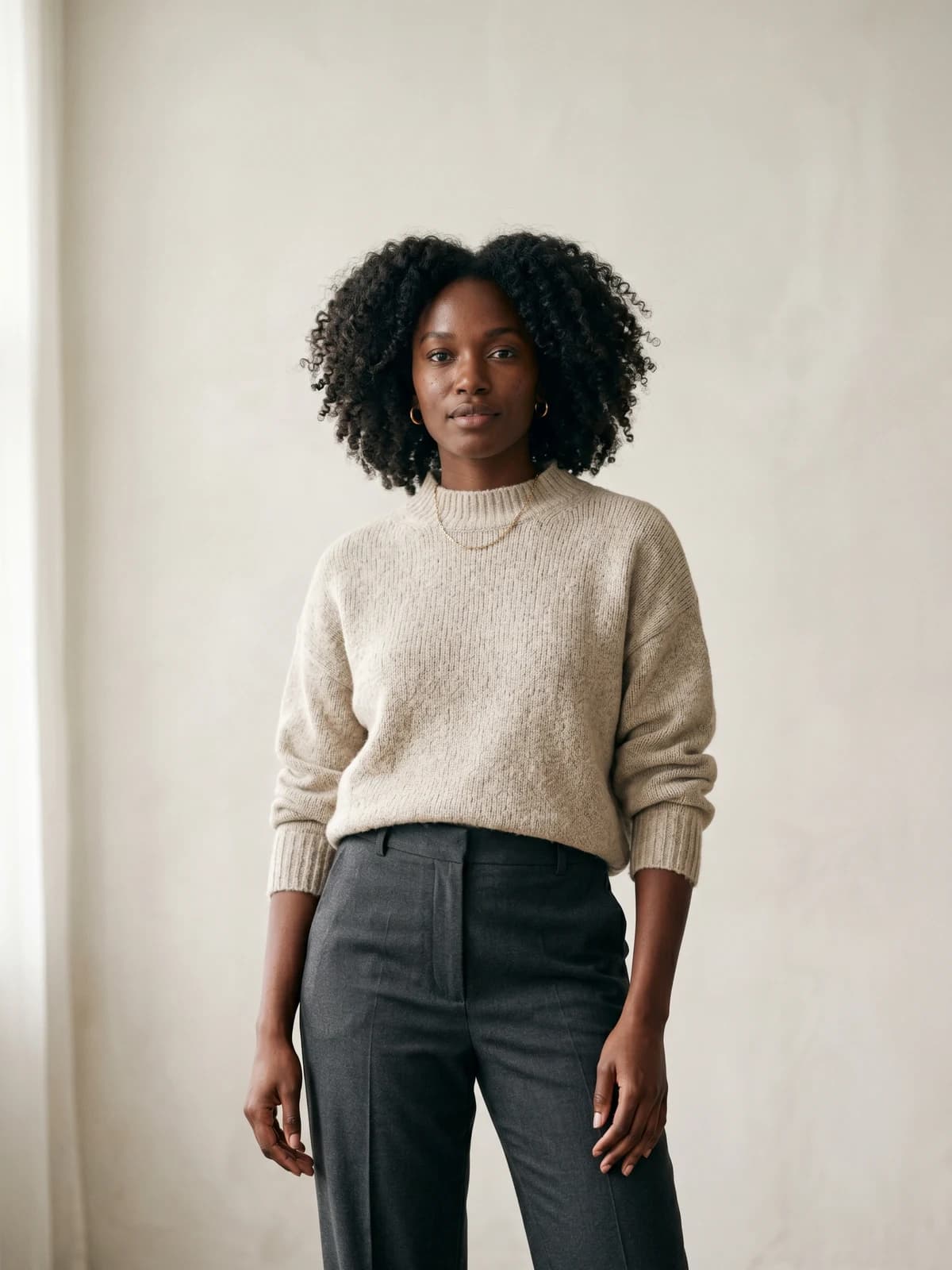
Create your own AI fashion models
Generate diverse, brand-consistent models from a simple prompt and reuse them across every campaign.
FAQ
What is AI t-shirt design? AI t-shirt design uses generative AI to create or accelerate t-shirt artwork: turning a text prompt into a print-ready graphic, rendering legible slogan typography, generating layout variations, or producing mockups. The category spans from idea generation to print-ready files, and most sellers combine more than one tool across the workflow.
Which is the best AI t-shirt design generator? For generating the artwork itself, Kittl is the best overall pick for most sellers because it pairs a text-to-image and vector generator with merch-specific text effects and print-ready vector exports. For text-heavy slogan designs, Ideogram has the most legible typography, and for art-led illustration, Midjourney has the highest aesthetic quality. Once the design is finished, WearView is the best tool for visualizing it on AI models for your store and ads.
Is there a free AI t-shirt design tool? Yes. The Printful design maker is free, Canva has a free tier with limited AI credits, Ideogram offers 10 free generations per day, and Kittl has a free plan (with attribution and low-resolution exports). Midjourney has no free tier, and WearView does not offer a free tier; paid plans start at $24/month billed annually.
Can AI design a t-shirt that is ready to print? Some tools can. Kittl exports high-resolution vector files suitable for print on paid tiers, and Canva exports high-resolution files on Pro. Pure generators like Ideogram and Midjourney produce raster artwork that often needs upscaling or vectorizing before print. Always check the resolution and file format against your print provider's requirements.
How do I get legible text on an AI t-shirt design? Use Ideogram, which is built for accurate, readable text rendering and outperforms most general image models on typography. Kittl's text tools and effects are also reliable for laying out and styling type. Avoid relying on Midjourney for text-heavy designs, as it historically struggles with spelling and letterforms.
Can I sell t-shirts I design with AI? Yes, on paid tiers in most cases, but check each tool's commercial license. Kittl grants commercial use on paid plans (the free plan requires attribution), Placeit includes commercial rights, and Printful designs are yours to sell. Canva and Midjourney commercial terms depend on the tier, so verify before listing.
How do I show an AI t-shirt design on a model? Use a product-to-model tool. WearView takes a flat photo or mockup of your printed shirt and places it on a realistic AI model in a chosen pose and setting in under 15 seconds, producing product-page and ad imagery without a photoshoot. This is a visualization step that happens after the design is finished, not a way to create the graphic itself.
Do I need design skills to use these tools? No. Canva, Kittl, Placeit, and the Printful design maker are built for non-designers, with templates and guided editors. Pure generators like Ideogram and Midjourney need prompt-writing rather than design software skills. WearView needs no design skill at all; you upload a shirt image and describe the model and setting.

WearView Team
WearView Content & Research Team
WearView Team is a group of fashion technology specialists focused on AI fashion models, virtual try-on, and AI product photography for e-commerce brands. We publish in-depth guides, case studies, and practical insights to help fashion businesses improve conversion rates and scale faster using AI.


