June 16, 2026•16 min read
Best AI Tools for Print-on-Demand Designs (2026 Guide)
Print-on-demand lives or dies on the design and how you show it. Here are the 7 best AI tools for print-on-demand designs in 2026, from artwork generators to on-model mockups, with pricing, strengths, and a quick way to pick the right one.
Best AI Tools for Print-on-Demand Designs (2026 Guide)
Print-on-demand has a low barrier to entry, which means the design and the way you present it are what separate a store that sells from one that stalls. AI now handles two distinct jobs in that workflow: generating the artwork that goes on the product, and producing the photos that show that product on a real-looking person.
Both matter for conversion. Original artwork keeps you out of the saturated template pool, and on-model imagery makes a blank-mockup listing look like a real brand. This guide compares the best AI tools for print-on-demand designs in 2026, covering artwork generators and visualization tools side by side. We will go through pricing, key strengths, the file outputs each one gives you, and a simple framework for choosing which to use for your store.
Best AI tools for print-on-demand designs: a brief overview
Print-on-demand splits into two design problems: making the graphic, and showing the finished product convincingly. Use this map to find the right starting point.
If you need on-model and product photography for your POD listings:
- Start with WearView for turning finished POD designs into on-model photos and clean product shots that look studio-shot
If you need to generate the artwork or graphics:
- Start with Kittl for editable, print-ready text-based and graphic designs
- Use Ideogram when your design depends on clean, legible typography inside the image
- Use Canva when you want AI plus a full template library and easy team editing
- Use Adobe Express if you want generative AI tied to commercial-safe assets and brand kits
If you need ready-made POD mockups or free editing:
- Use Placeit for a large library of apparel and product mockup templates
- Use Photopea as a free, browser-based editor for cleaning up and finalizing artwork
| Tool name | Key strength | Pricing | Platforms |
|---|---|---|---|
| WearView | Turns POD designs and products into on-model photos and clean product shots | From around $29/month; no free tier | Web |
| Kittl | Editable, print-ready text and graphic designs with AI assists | Free tier available; paid from a low monthly price | Web |
| Ideogram | AI image generation with strong, legible in-image typography | Free tier available; paid plans available | Web, mobile |
| Canva | AI generation inside a full template and editing suite | Free tier available; paid from a low monthly price | Web, mobile, desktop |
| Placeit | Large library of apparel and product mockup templates | Subscription; some free assets | Web |
| Adobe Express | Generative AI with commercial-safe assets and brand kits | Free tier available; paid plans available | Web, mobile |
| Photopea | Free browser-based Photoshop-style editor for finalizing art | Free; optional ad-free premium | Web |
1. WearView, best for turning POD designs into on-model photos that sell
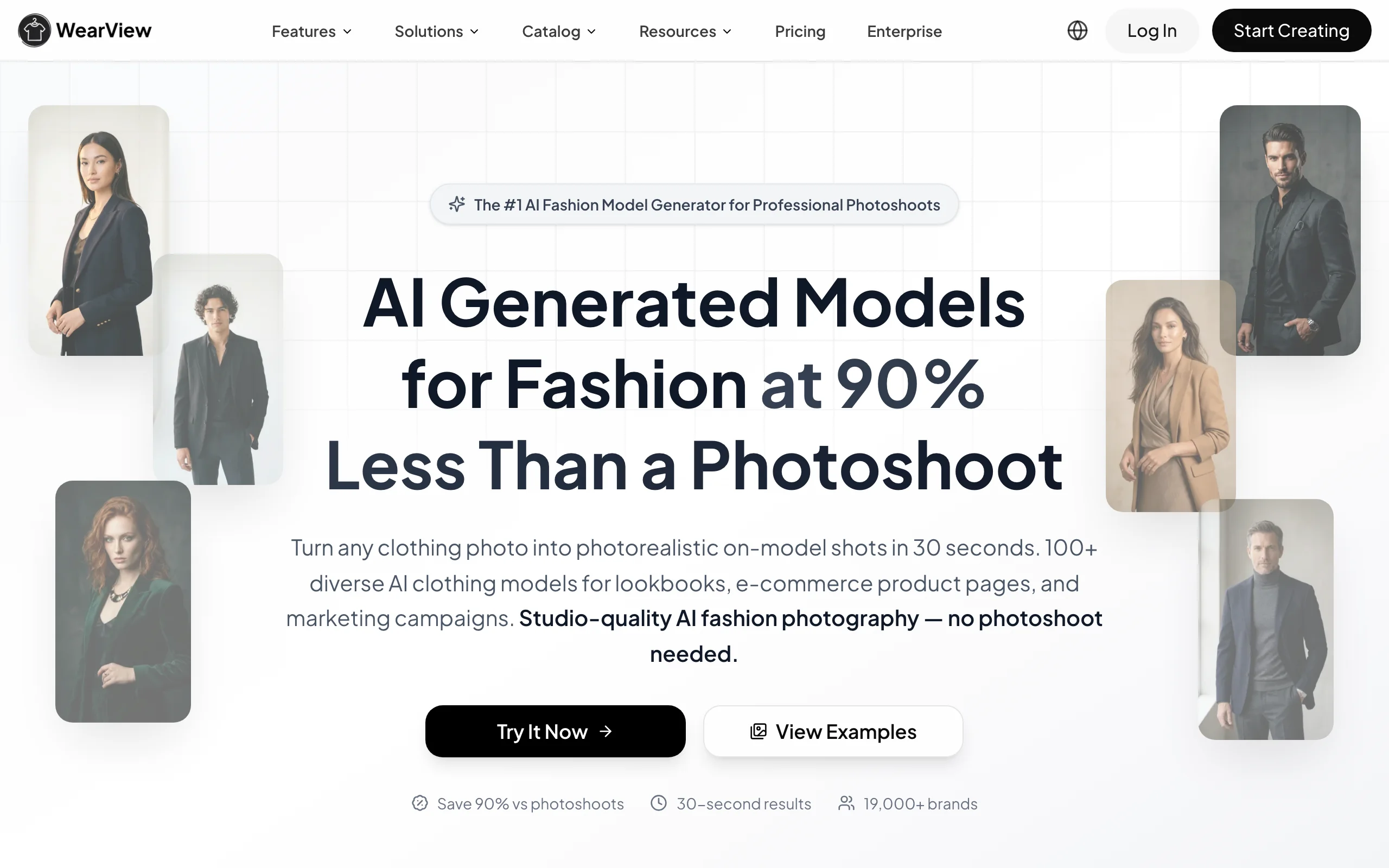
WearView is an AI fashion photography platform built to show your finished print-on-demand products on realistic models. Once you have a design on a shirt, hoodie, or tote, you upload the product or garment image, choose from a range of AI models across different ethnicities, body types, and age groups, and describe the background or setting you want. The tool generates professional on-model photos in seconds, so a plain mockup listing turns into something that reads like a real brand.
WearView covers the parts of POD that artwork generators do not. You can run virtual try on clothes on a model, convert flat-lays into model shots with product photography with AI models, keep one consistent AI models identity across an entire collection, and create ghost mannequin photography shots for clean product detail images. Beyond stills, the platform also generates AI fashion video for social feeds and product pages, all in one workspace. For sellers, the value is presentation: better imagery on a print-on-demand listing usually moves conversion more than another design variant.
Best Ai Tools For Print On Demand Designs with WearView
Key features
- On-model photos from your product or garment image in seconds
- Flat-lay and packshot to model conversion for POD apparel
- Diverse AI model library across ethnicities, body types, and ages
- Consistent model identity to keep one face across a whole collection
- Ghost mannequin shots for clean product detail images
- AI fashion video from a single image for social and PDPs
Best for
- POD sellers who want on-model lifestyle imagery without a photoshoot
- Apparel brands building a consistent look across a large catalog
- Shopify, Etsy, and Amazon sellers refreshing listing photos at scale
Pricing
- Paid plans start from around $29 per month for the entry tier
- Higher tiers add more monthly credits and team seats
- Credit packs available for one-off top-ups; no free plan
Pros
- Solves the presentation half of POD that design generators ignore
- Consistent model identity is rare among AI fashion tools
- One workspace for try-on, product-to-model, ghost mannequin, and video
Cons
- Not a graphic or artwork generator; pair it with a design tool like Kittl or Ideogram to create the print itself
- Focused on fashion and apparel, so it fits clothing POD better than mugs or stickers
- No free tier, so you commit to a paid plan to test at volume
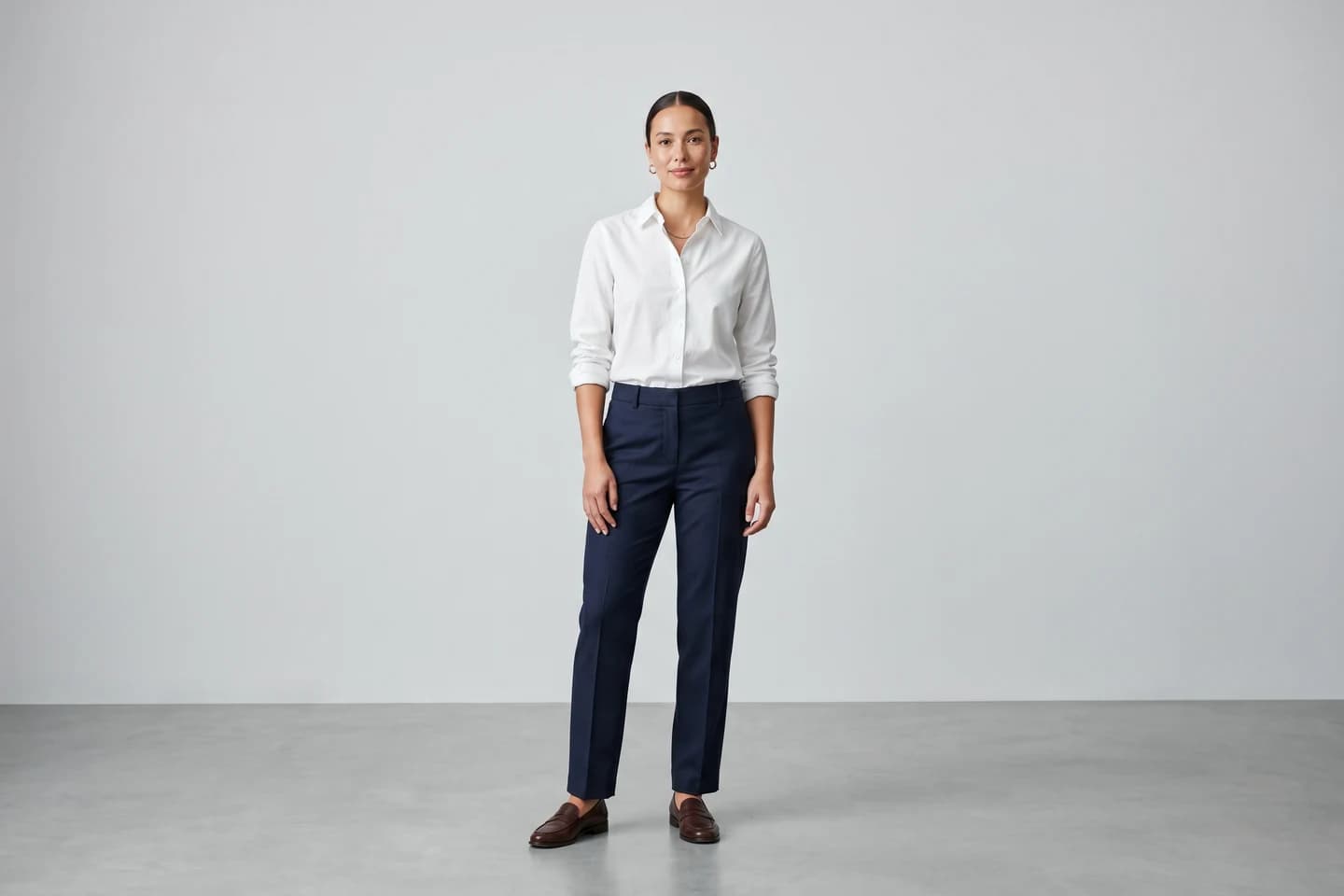
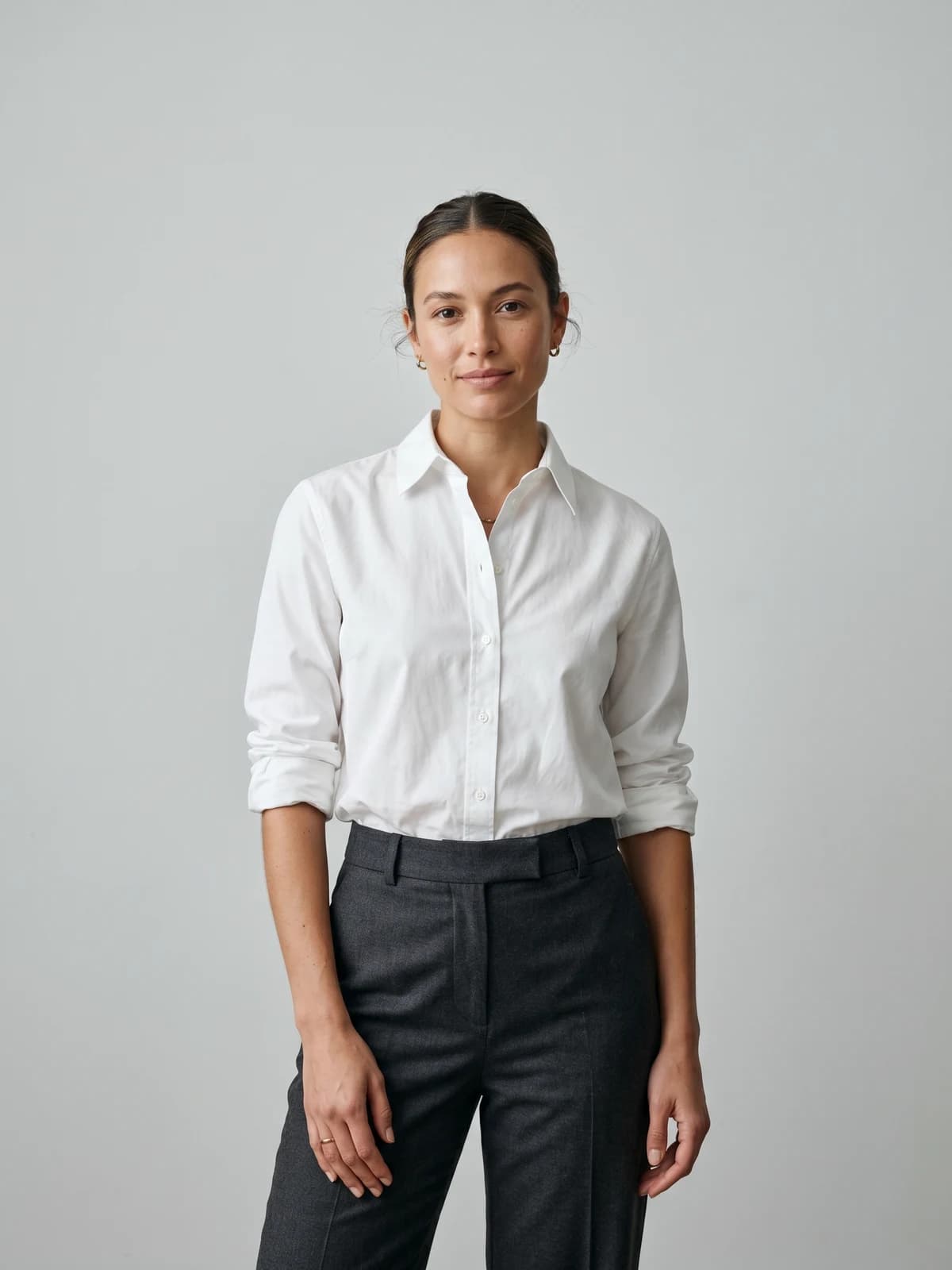
Turn flat-lays into on-model photos
Drop in a flat-lay or product shot and get professional on-model photography ready for your store.
2. Kittl, best for editable, print-ready graphic designs
Kittl is a browser-based design platform aimed at creators who sell merch and print products. It pairs a vector and text-effect editor with AI generation, so you can produce typographic designs, badges, and illustrations that are genuinely editable rather than flattened images. That editability matters for print-on-demand, where you often need to adjust a layout, swap a color, or resize for a different product.
Kittl is popular with t-shirt and apparel sellers because it leans into the text-heavy, retro, and badge styles that perform on merch. It also exports in formats suited to printing, which removes a common headache when moving from a generator to a POD platform.
Best Ai Tools For Print On Demand Designs with Kittl
Key features
- AI text-to-image and AI background removal
- Strong text effects, fonts, and vector editing
- Large template library tuned for merch and apparel
- Print-ready export formats
Best for
- T-shirt and merch sellers who want editable, on-trend designs
- Creators who need typography-led designs, not just illustrations
Pricing
- Free tier available with limited credits and exports
- Paid plans available at a low monthly starting price (verify current tiers)
Pros
- Designs stay editable, so iterating on a winner is fast
- Built for the merch aesthetic POD buyers actually want
Cons
- Less suited to photorealistic or complex illustration styles
- Output quality on AI generation depends heavily on prompt skill
3. Ideogram, best for designs that depend on legible text
Ideogram is an AI image generator known for handling typography better than most general models. For print-on-demand, that is a real differentiator: many designs are slogans, quotes, or logos where garbled lettering kills the product. Ideogram lets you generate images with readable words baked in, which cuts down the cleanup work in a separate editor.
It is a strong fit when your concept is text-forward or needs a specific style with a tagline. You still typically finish the file in an editor for sizing and transparency, but it gets you closer to a usable design than image models that mangle text.
Best Ai Tools For Print On Demand Designs with Ideogram
Key features
- Text-to-image generation with strong in-image typography
- Style controls and prompt-based aesthetic direction
- Web and mobile access
Best for
- Slogan tees, quote designs, and typography-led merch
- Creators who want fewer text artifacts to fix afterward
Pricing
- Free tier available with limited generations
- Paid plans available for more generations and features (verify current tiers)
Pros
- Best-in-class in-image text among general AI generators
- Fast way to explore many concept directions
Cons
- A pure generator, so no built-in print export or layout tools
- Transparency and exact sizing usually need a separate editor
4. Canva, best for AI plus an all-in-one template suite
Canva combines AI generation with the template library and drag-and-drop editor that made it a default for non-designers. For print-on-demand, that means you can generate an element, drop it into a layout, remove backgrounds, and export, all in one place. It also has direct connections and apps for some POD and print workflows, which shortens the path from design to product.
Canva is the safe pick when you want speed and breadth over specialized output. It is less about pushing the frontier of AI art and more about getting a clean, on-brand design done quickly with collaboration built in.
Best Ai Tools For Print On Demand Designs with Canva
Key features
- AI image generation and Magic editing tools
- Huge template and element library
- Background remover and one-click resizing
- Team collaboration and brand kits on paid plans
Best for
- Sellers who want one tool for design, edits, and exports
- Teams that need easy collaboration and reusable brand assets
Pricing
- Free tier available with limited AI usage
- Paid plan available at a low monthly starting price (verify current tiers)
Pros
- Lowest learning curve of the design tools here
- One workspace covers generation, editing, and export
Cons
- AI generation is more general-purpose than specialized POD tools
- Free-tier AI credits and some assets are limited
5. Placeit, best for ready-made apparel and product mockups
Placeit, by Envato, is a mockup and template library rather than a from-scratch generator. You upload your design, drop it onto thousands of apparel and product templates, and export a polished mockup. For print-on-demand, it is a fast way to fill a listing with multiple product views and lifestyle-style mockups without arranging your own shoot.
It also includes logo makers and design templates, but the mockup library is the main draw. The trade-off is that the imagery is template-based, so many other sellers use the same mockups, which can make listings look generic.
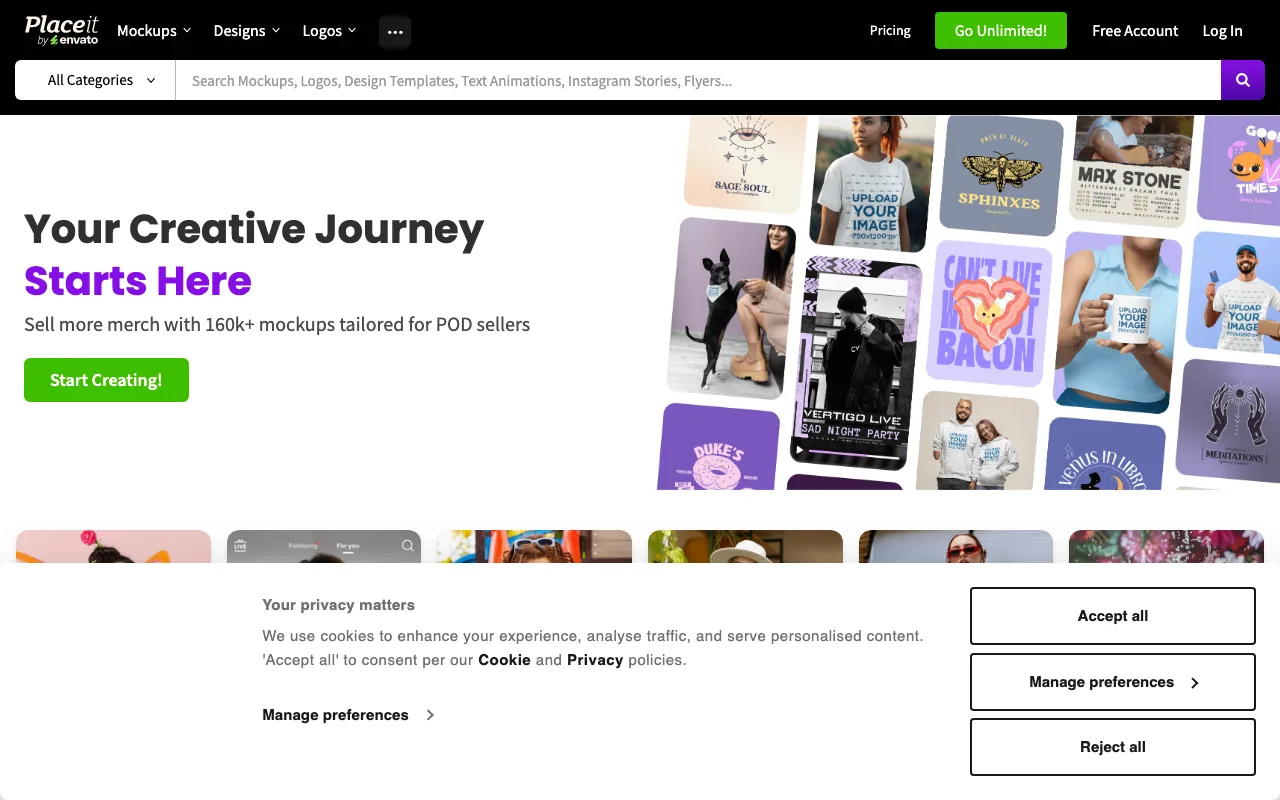
Best Ai Tools For Print On Demand Designs with Placeit
Key features
- Large library of apparel and product mockup templates
- Logo maker and design templates
- Quick upload-to-mockup workflow
- Video and animated mockup options
Best for
- Sellers who want many product mockups fast
- Stores that need consistent template imagery on a budget
Pricing
- Subscription required for full library access
- Some free assets available (verify current plans)
Pros
- Huge selection of ready-to-use mockups
- No photography or editing skill needed
Cons
- Template mockups are shared, so listings can look generic
- Static templates lack the realism of true AI on-model photos
6. Adobe Express, best for commercial-safe AI and brand kits
Adobe Express brings Adobe Firefly generative AI into a lighter, web-friendly editor. Firefly is trained with commercial use in mind, which matters for sellers worried about the licensing of AI-generated artwork on products they sell. You get text-to-image, generative fill, background removal, and brand kits in a tool that is easier to pick up than full Photoshop.
For print-on-demand, Express is a sensible middle ground: more generative power than a basic template tool, with the Adobe asset and font ecosystem behind it. It suits sellers who want polish and want to keep licensing simple.
Key features
- Firefly text-to-image and generative fill
- Background removal and quick editing tools
- Brand kits, fonts, and stock asset access
- Templates for social and product graphics
Best for
- Sellers who want commercial-minded AI generation
- Creators already in the Adobe ecosystem
Pricing
- Free tier available with limited generative credits
- Paid plans available for more credits and premium assets (verify current tiers)
Pros
- Firefly is built with commercial use in mind
- Strong asset and font library behind the editor
Cons
- Generative credits are capped per tier
- Deeper edits may still push you toward full Photoshop
7. Photopea, best free editor for finalizing artwork
Photopea is a free, browser-based image editor that closely mirrors Photoshop, including support for PSD files. It has added AI helpers like one-click background removal and prompt-based content replacement, but it shines as the workhorse for finishing the files your generators produce: setting transparency, fixing resolution, separating colors, and exporting print-ready PNGs. For POD sellers on a budget, it removes the cost barrier of a paid editor.
Because it runs in the browser with no install, it is easy to pair with any generator on this list. You create the artwork elsewhere, then bring it into Photopea to make it print-ready.
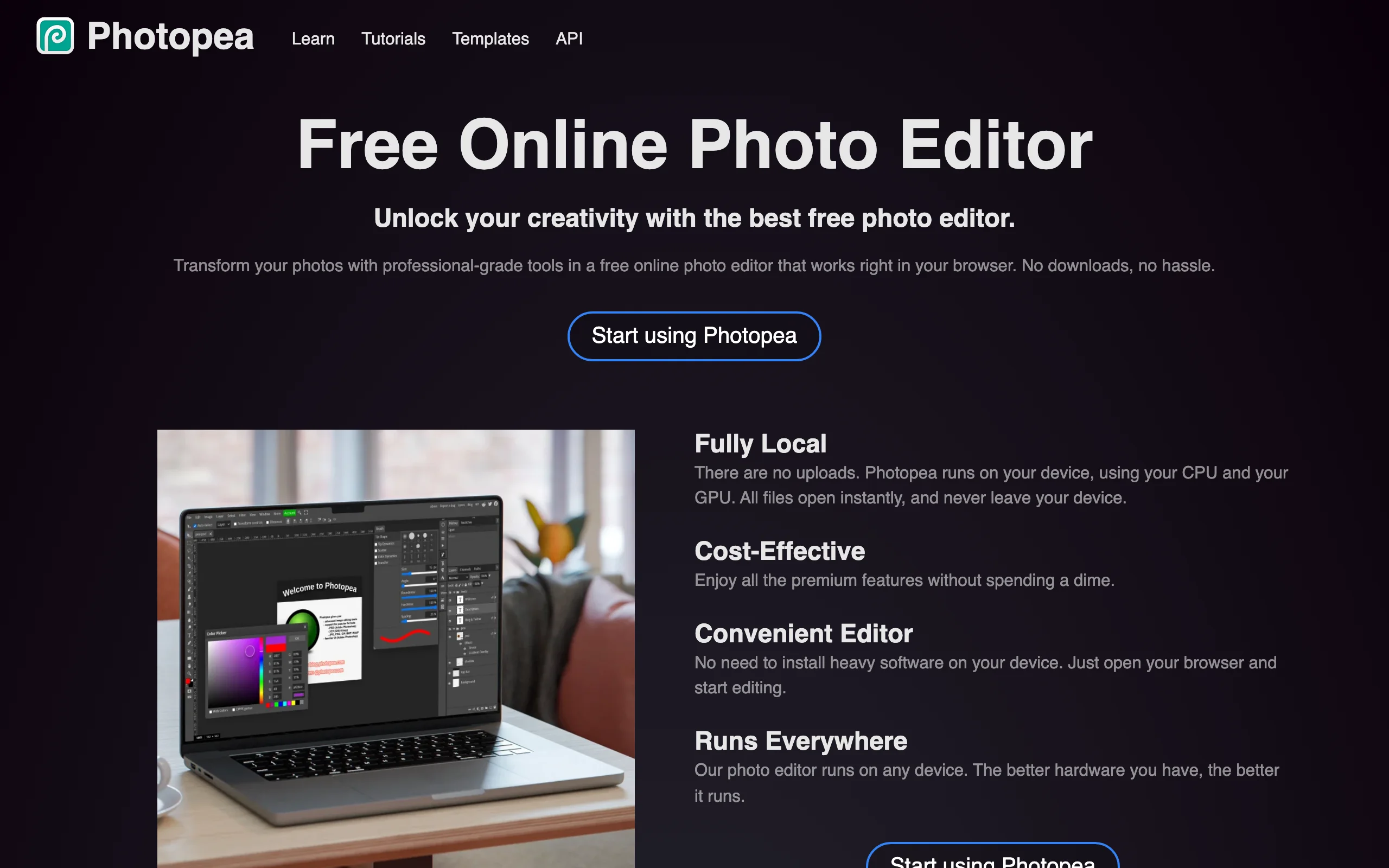
Best Ai Tools For Print On Demand Designs with Photopea
Key features
- Photoshop-style layers, masks, and tools
- PSD and common file format support
- Runs entirely in the browser, no install
- Free to use with optional ad-free premium
Best for
- Sellers who need a free way to finalize and export designs
- Anyone cleaning up AI-generated artwork for print
Pricing
- Free with ads
- Optional low-cost premium removes ads (verify current pricing)
Pros
- Powerful editing at no cost
- Handles PSD files most free editors cannot
Cons
- AI tooling is limited to editing helpers, not a full art generator
- Steeper learning curve than drag-and-drop tools
How to choose the best AI tool for print-on-demand designs
The right tool depends on which part of the POD workflow you are solving. Most sellers end up using two or three together, not one.
1) Are you making the design or showing the product?
This is the first fork, and it decides everything.
- If you need the artwork itself: start with a generator. Use Ideogram for text-heavy designs, Kittl for editable merch graphics, and Canva or Adobe Express when you want generation plus layout in one place.
- If you need to present a finished product: use WearView to put your design on a realistic model or to create clean product shots, which usually lifts conversion more than another design variant.
2) How much does typography and editability matter?
POD designs are often text-led, and printers need clean, resizable files.
- If your design centers on words: Ideogram reduces text artifacts, and Kittl keeps the typography fully editable.
- If you need to adjust files before printing: keep Photopea on hand to set transparency, fix resolution, and export print-ready PNGs.
3) What is your budget and licensing comfort?
Free tools get you started, but check the licensing on anything you sell.
- On a tight budget: Photopea is free, and Canva, Ideogram, Kittl, and Adobe Express all have free tiers to test before paying.
- If licensing worries you: Adobe Express runs on Firefly, which is built with commercial use in mind. For imagery, WearView grants commercial usage rights on paid plans.
- A practical workflow: generate the artwork in one tool, finalize it in Photopea, then create on-model and product photos in WearView for the listing. For more on listing imagery, see our guide to the best AI fashion photography tools.
The takeaway: design generators and visualization tools are not competitors, they are two halves of the same workflow. Pick one to create the print and one to present it. You can start putting products on models with WearView and slot a graphic generator in alongside it.
FAQ
What are the best AI tools for print-on-demand designs? It depends on the job. For generating artwork, Ideogram, Kittl, Canva, and Adobe Express are strong picks. For showing your finished product on models and creating clean product shots, WearView is the best fit. Most sellers combine one generator with one visualization tool.
Can AI design a full print-on-demand product? AI can generate the graphic and create the listing imagery, but the two are usually separate steps. A generator like Ideogram or Kittl makes the artwork, and a tool like WearView produces the on-model and product photos. You still review files for print readiness before publishing.
Is there a free AI tool for print-on-demand designs? Yes. Photopea is fully free for editing and exporting files, and Canva, Ideogram, Kittl, and Adobe Express all offer free tiers with limited credits. WearView does not have a free plan, since it focuses on commercial-grade fashion imagery.
Which AI tool is best for t-shirt and apparel designs? For the artwork, Kittl is built for editable merch and t-shirt styles, and Ideogram is best when the design is text-led. To show the finished shirt on a model instead of a flat mockup, use WearView. For more options, see our roundup of the best apps for clothing design.
How do I make my POD listings look more professional? Move past blank or template mockups. On-model photos and clean product shots make a listing read like a real brand. WearView turns a product image into on-model photos in seconds, and a consistent model across your catalog adds polish. You can also create AI fashion video for product pages and social feeds.
Is AI-generated artwork safe to sell on print-on-demand products? Licensing varies by tool, so always check terms before selling. Adobe Express runs on Firefly, which is designed with commercial use in mind. WearView grants commercial usage rights for its generated imagery on paid plans. Confirm current terms with each provider.
Do I need design skills to use these tools? Less than before. Canva and Placeit are built for non-designers, and AI generators turn a text prompt into a starting design. WearView only needs your product image plus a short description of the model and setting. Some finishing in an editor like Photopea still helps for print-ready files.
Can these tools handle products beyond apparel? Generators like Ideogram, Canva, and Adobe Express can design for mugs, stickers, posters, and more. Placeit has mockups across many product types. WearView is focused on fashion and apparel, so it fits clothing POD best rather than non-wearable products.

WearView Team
WearView Content & Research Team
WearView Team is a group of fashion technology specialists focused on AI fashion models, virtual try-on, and AI product photography for e-commerce brands. We publish in-depth guides, case studies, and practical insights to help fashion businesses improve conversion rates and scale faster using AI.