May 8, 2026•29 min read
10 best AI tools for clothing photoshoots in 2026
Compare the 10 best AI tools for clothing photoshoots in 2026. Pricing, features, and a decision framework for fashion brands and ecommerce teams.
Picture of 7 best AI tools for clothing photoshoots in 2026 article
Real clothing photoshoots cost thousands per session, take weeks to coordinate, and rarely keep pace with weekly drops or expanding SKU counts. Booking models, photographers, studios, and stylists for every collection adds friction at every step. AI tools now handle most of that workflow: on-model imagery from a packshot, styled flat-lays with branded backgrounds, lifestyle staging, ghost mannequin shots, and even fashion video, all in seconds.
In this guide, we compare the 10 best AI tools for clothing photoshoots in 2026. We cover pricing, key strengths, ideal user profiles, fact-checked review scores, and a practical decision framework so you can pick the right tool for your catalog and workflow.
Best AI tools for clothing photoshoots: a brief overview
- WearView: Best overall for fashion brands and ecommerce: a complete AI fashion photography platform with virtual try-on, AI model creation, product-to-model, ghost mannequin, and AI fashion video in one workspace.
- Pebblely: Best for budget-friendly clothing staging: 100+ scene templates and styled backgrounds for flat-lays at the lowest entry price on this list.
- Flair.ai: Best for branded editorial compositions: drag-and-drop canvas for tightly art-directed flat-lay and editorial clothing imagery, with a permanent free plan.
- Adobe Photoshop: Best for professional editing and compositing: the industry-standard image editor with Firefly-powered Generative Fill and Generative Expand for retouching and background work across any product category.
- Fotor: Best for budget mobile and marketplace editing: an all-in-one AI photo editor with background removal, AI PhotoShoot, and Flatlay to Model on web and mobile.
- Topaz Photo AI: Best for image enhancement: AI upscaling, sharpening, and noise removal that takes real or AI-generated clothing photos to print quality.
- Midjourney: Best for original fashion concepts: high-end AI image generation for editorial imagery, moodboards, and campaign directions (not product-accurate try-on).
- Mokker: Best for instant one-click staging: zero-prompt AI scene generation for sellers who want speed over creative control.
- VModel.ai: Best for API-first developer workflows: pay-as-you-go API platform that deploys a wide range of AI models, including fashion model generation.
- Canva: Best for finishing AI clothing photos into marketing assets: design platform with Magic Studio AI features, used by most ecommerce brands for social, ads, and email creative.
| Tool | Key strength | Pricing | Platforms |
|---|---|---|---|
| WearView | All-in-one AI fashion platform with 7 photoshoot tools | From $29/month | Web |
| Pebblely | 100+ scene templates with low entry price | From $9/month; no free tier | Web |
| Flair.ai | Drag-and-drop canvas with permanent free plan | Free plan; Pro from $8/month | Web |
| Adobe Photoshop | Industry-standard editing with Firefly Generative Fill | Photography plan $19.99/month; single app ~$22.99/month | Web, Windows, macOS, iPad |
| Fotor | All-in-one AI editor with background remover and AI PhotoShoot | Free plan; Pro from ~$8.99/month (annual) | Web, iOS, Android, Windows, macOS |
| Topaz Photo AI | AI upscaling, sharpening, and denoising to print quality | From ~$25/month (annual) or $199/year; no free tier | Windows, macOS, plugin |
| Midjourney | High-end AI image generation for fashion concepts | From $10/month; no free tier | Web, Discord |
| Mokker | One-click zero-prompt AI staging | From $13/month; one-time free 20 photos | Web |
| VModel.ai | Pay-as-you-go API platform with fashion AI models | $10 free credits; pay-per-use | Web, API |
| Canva | Magic Studio AI inside the most-used design platform | Free; Pro from $15/month | Web, iOS, Android |
1. WearView, best overall for clothing photoshoots
WearView is a complete AI fashion photography platform that handles the full clothing photoshoot workflow. The core feature for replacing a clothing photoshoot is Product to Model. You upload a flat-lay, ghost mannequin, packshot, hanged garment, or existing on-model image, choose from a diverse range of AI models across different ethnicities, body types, and age groups, and describe the background or setting you want. The tool generates professional on-model photos in under 15 seconds.
WearView lets you build full clothing campaigns from studio shots to lifestyle imagery. You can style complete outfits by manually pairing garments with models or by describing the look in a text prompt. Each model can be customized with specific poses through reference images via the AI pose changer, and you can also describe any pose and setting via text. Beyond product-to-model, the platform includes AI virtual try-on, AI fashion model creation from text prompts, AI ghost mannequin generation that turns flat product images into 3D-effect on-mannequin shots, and AI fashion video that animates product photos into short clips for ads and social, all in one workspace.
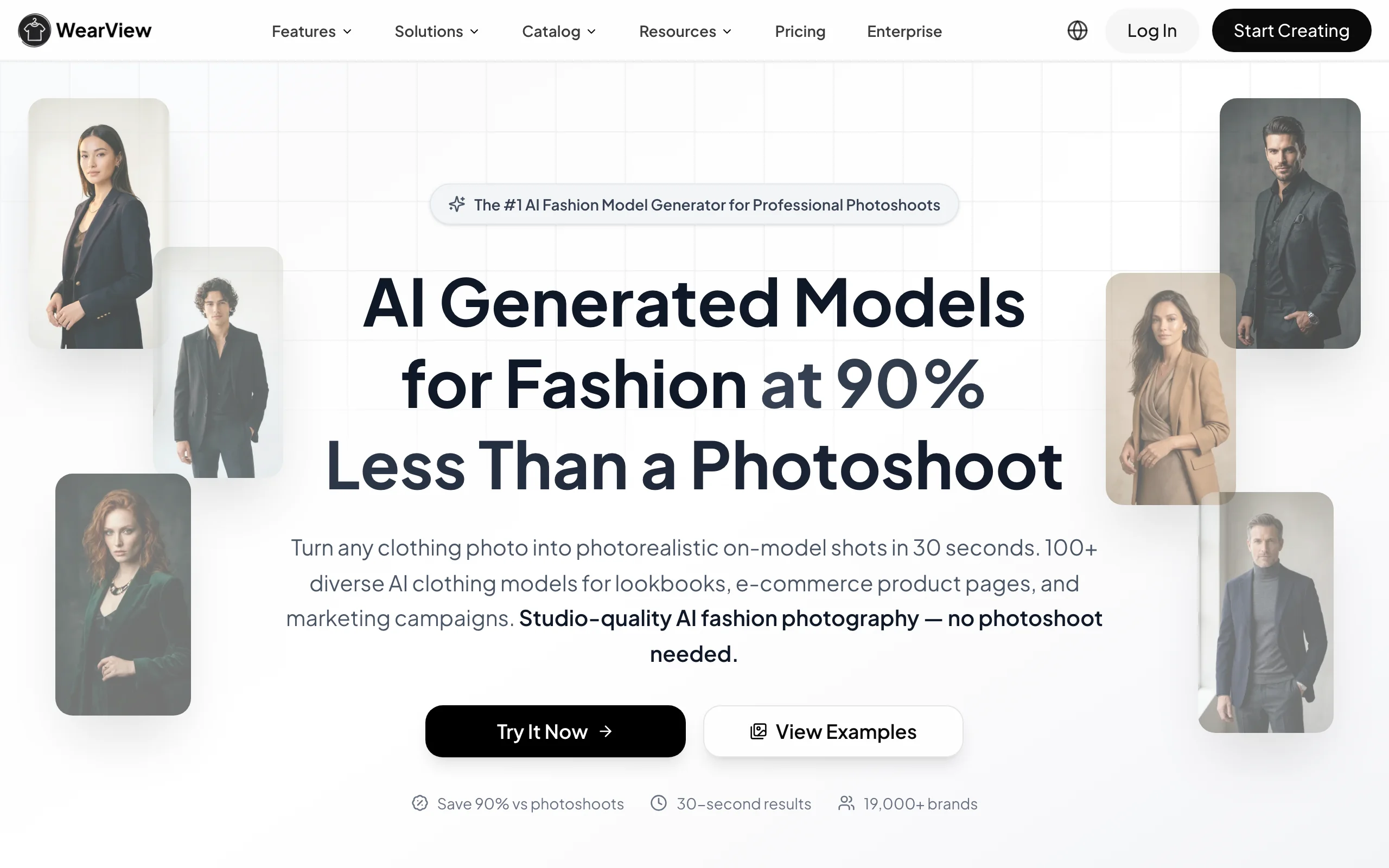
Clothing Photoshoot with WearView
Key features
- Product to Model: turn flat-lays, mannequin shots, or packshots into on-model photos in under 15 seconds
- Diverse AI model library with control over ethnicity, body type, age, and pose
- Consistent model identity across product lines for cohesive campaigns
- Virtual try-on for visualizing garments on AI models
- AI fashion video generation at 720p (Pro) and 1080p (Advanced) from product photos
- HD, 2K, and 4K output with full commercial usage rights
Best for
- Fashion brands replacing studio photoshoots with AI-generated on-model images from existing flat-lays
- Ecommerce teams managing full catalogs across multiple visual formats (PDP, hero, lifestyle, video)
- Agencies producing photoshoot content for several fashion clients simultaneously
Pricing
- Lite: $29/month (50 credits) — standard AI engine, virtual try-on, product-to-model
- Pro: $49/month (200 credits) — premium AI engine, AI Fashion Video at 720p, AI Ghost Mannequin, up to 4 team members, priority support
- Advanced: $99/month (500 credits) — credit rollover, AI Fashion Video at 1080p, up to 15 team members, VIP support
- Enterprise: custom pricing with API integration and dedicated account manager
- Annual billing saves 2 months free (up to $198/year on Advanced)
Reviews and ratings
- Trustpilot: 4.5 out of 5 ("Excellent"), 80+ reviews
- Common praise points: catalog refresh speed, garment accuracy, 4K output quality, responsive customer support
- Common critique points: occasional video output stiffness on complex motion, no Shopify app yet
Pros
- Most complete feature set on this list: 7 AI photoshoot tools in one platform instead of stitching together multiple subscriptions
- Garment fidelity preserves prints, textures, and fabric drape across the full catalog
- 4K output with full commercial rights, suitable for PDPs, paid ads, and print
- Team collaboration with up to 15 members on the Advanced plan
Cons
- Credit-based pricing means very high-volume users may need the Advanced plan or top-ups
- No native Shopify app or public API yet for fully automated catalog workflows
2. Pebblely, best for budget-friendly clothing staging
Pebblely turns a flat-lay or packshot into a styled scene with minimal effort. Upload your clothing image, pick from 100+ scene templates, and Pebblely generates a styled background in seconds. You can also describe custom scenes via text prompts.
Pebblely doesn't do on-model generation, but for sellers who want clean, scene-staged flat-lay photos for listings, social, or product detail pages, it's the cheapest credible entry point on this list. Note that Pebblely does not currently offer a free tier (a free trial may be available to test the product), and the previous Shopify app listing is not currently available on the Shopify App Store.
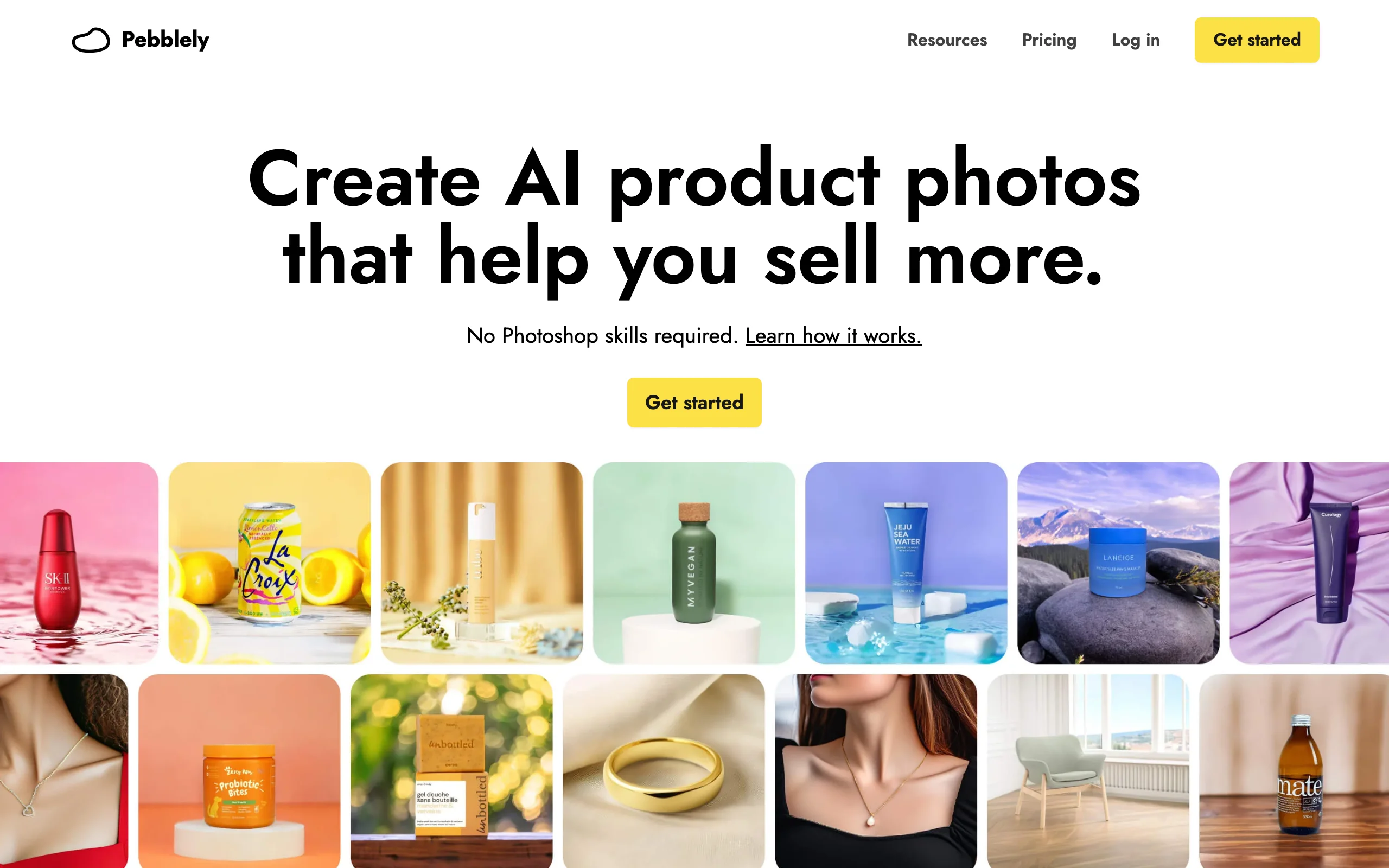
Clothing Photoshoot with Pebblely
Key features
- 100+ scene templates spanning lifestyle, studio, seasonal, and minimalist looks
- Custom scene generation via text prompts
- Built-in background removal before scene generation
- Bulk generation for processing multiple products at once
- Yearly plans include 2+ months free
Best for
- Small ecommerce sellers who want styled clothing photos at the lowest paid entry point on this list
- Etsy, Poshmark, and Depop resellers who need themed backgrounds for flat-lay listings
- Sellers testing styled clothing imagery before committing to a more advanced platform
Pricing
- Lite: $9/month (30 images, custom prompts)
- Basic: $19/month (200 images, bulk generate)
- Pro: $39/month (500 images, marked "Best value")
- No free tier currently displayed on the pricing page; a free trial may be available
- Yearly billing offers 2+ months free
Reviews and ratings
- Product Hunt: 4.5 out of 5 (12 reviews)
- Trustpilot: only 1 review at last check, so no statistically meaningful aggregate
- Common praise points: low entry price, simple interface, broad template library
- Common critique points: no on-model generation, output quality drops on cluttered or low-resolution input photos, recent reviews note slowed product development
Pros
- Lowest paid entry tier on this list ($9/month)
- 100+ templates make scene selection fast and intuitive
- Bulk generation works well for catalogs of 30-500 products
Cons
- No on-model generation: works for flat-lay and packshot styling, not garments on models
- No free tier and Shopify app currently unavailable
- Limited customization compared to canvas-based tools like Flair.ai
3. Flair.ai, best for branded editorial compositions
Flair.ai takes a different approach from prompt-driven tools. Instead of describing a scene in text, you design it on a canvas. Drag your clothing flat-lay onto the workspace, position it where you want, add AI-generated props and surfaces, and Flair generates a styled composition around your arrangement.
This canvas-based workflow gives creative teams more control over composition than any other tool on this list. You decide exactly where the garment sits, what props surround it, and how the scene is framed. Flair offers a permanent free plan, which makes it easy to test before committing.
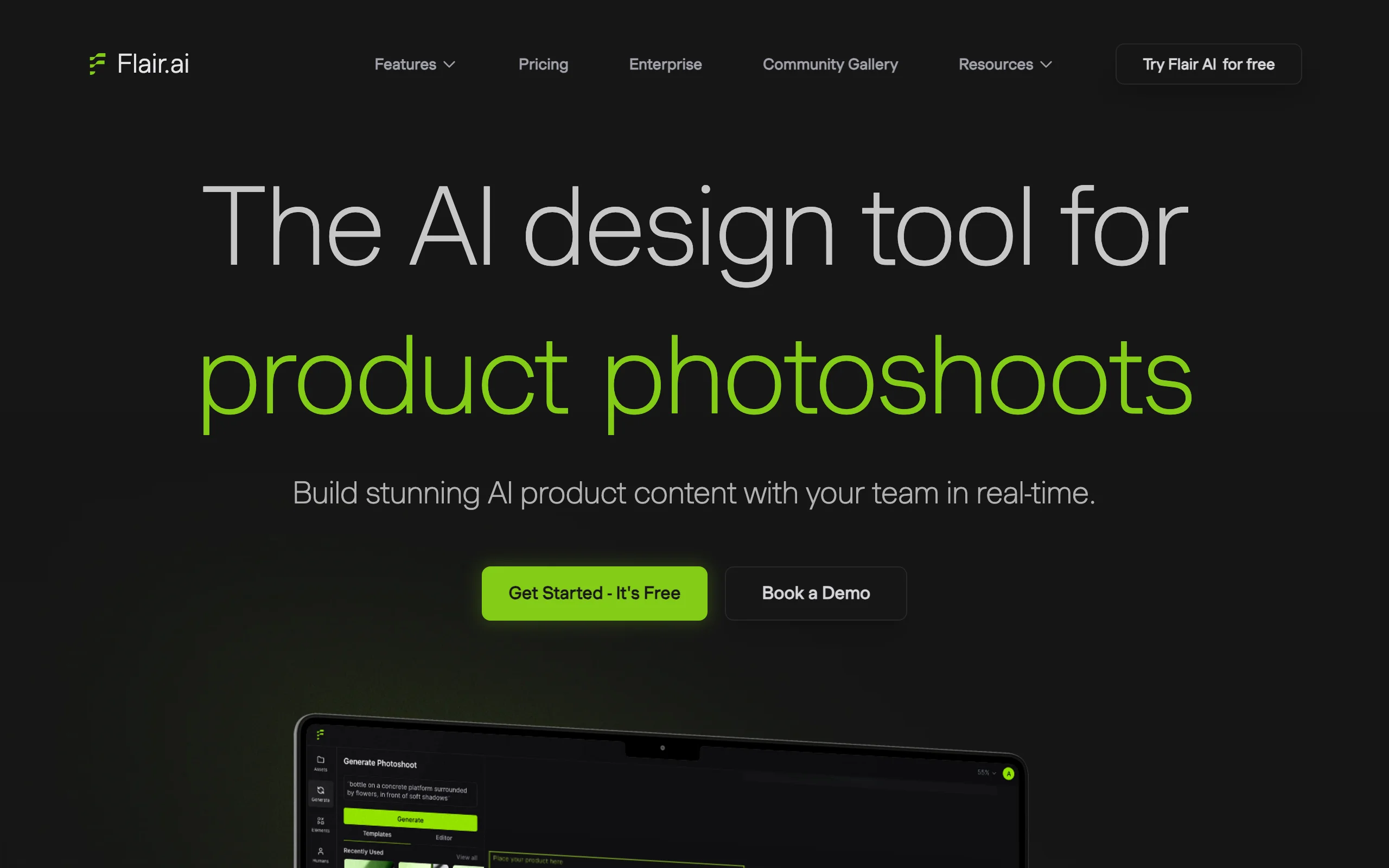
Clothing Photoshoot with Flair.ai
Key features
- Drag-and-drop canvas for precise composition control
- AI-generated props, surfaces, and styling elements
- Custom Models (training your own model on a dataset)
- Image and video generation in the same workflow
- Commercial licensing on Pro+ and higher tiers
Best for
- Brand marketing teams producing styled lookbook content with specific composition needs
- Editorial fashion brands where flat-lay arrangement drives visual appeal
- Creative agencies managing styled photography for multiple clients
Pricing
- Free: $0 — 1 Custom Model, 5 generated images, 1 video generation
- Pro: $8/month — faster rendering, image upscales and variations, 2 video generations
- Pro+: $26/month — up to 8 standard or 2 fast Custom Models, 80 images, 3 videos, priority rendering, commercial licensing
- Scale Tier 1: $38/month — up to 15 standard or 4 fast Custom Models, 150 images, 5 videos, API early access
- Enterprise: custom — unlimited API, SAML SSO, dedicated success manager
Reviews and ratings
- Trustpilot: 2.9 out of 5 ("Average"), 29 reviews
- Common praise points: drag-and-drop interface, customer service responsiveness, free plan availability
- Common critique points: pricing relative to output quality, occasional rendering errors
Pros
- Permanent free plan to test before paying
- Canvas interface gives precise control over flat-lay arrangement that prompt-only tools can't match
- Custom Model training is unusual at this price point
- Commercial licensing kicks in at Pro+ ($26/month)
Cons
- No on-model generation: designed for flat-lay and styled compositions
- Canvas workflow takes more time than one-click generators for simple backgrounds
- Free and Pro tiers do not include commercial licensing (Pro+ required)
4. Adobe Photoshop, best for professional editing and compositing
Adobe Photoshop is the industry-standard image editor, and while it isn't a one-click clothing photoshoot generator, it remains the most powerful tool on this list for manually editing, retouching, and compositing clothing photos across any product category. Its Firefly-powered Generative Fill and Generative Expand let you replace or extend backgrounds, remove distractions, add props, and outpaint a cramped packshot into a full scene, all with pixel-level control.
For clothing photoshoots specifically, Photoshop shines in the finishing and compositing stage rather than model generation. You can drop a real or AI-generated garment photo onto a new background, color-match the lighting, retouch fabric and fit, and build layered composites that prompt-only tools can't match. It works across fashion, beauty, home, and electronics equally, so multi-category sellers get one editor for every product line. The honest caveat: it does not generate on-model imagery from a flat-lay automatically, so it complements rather than replaces a dedicated fashion AI tool.
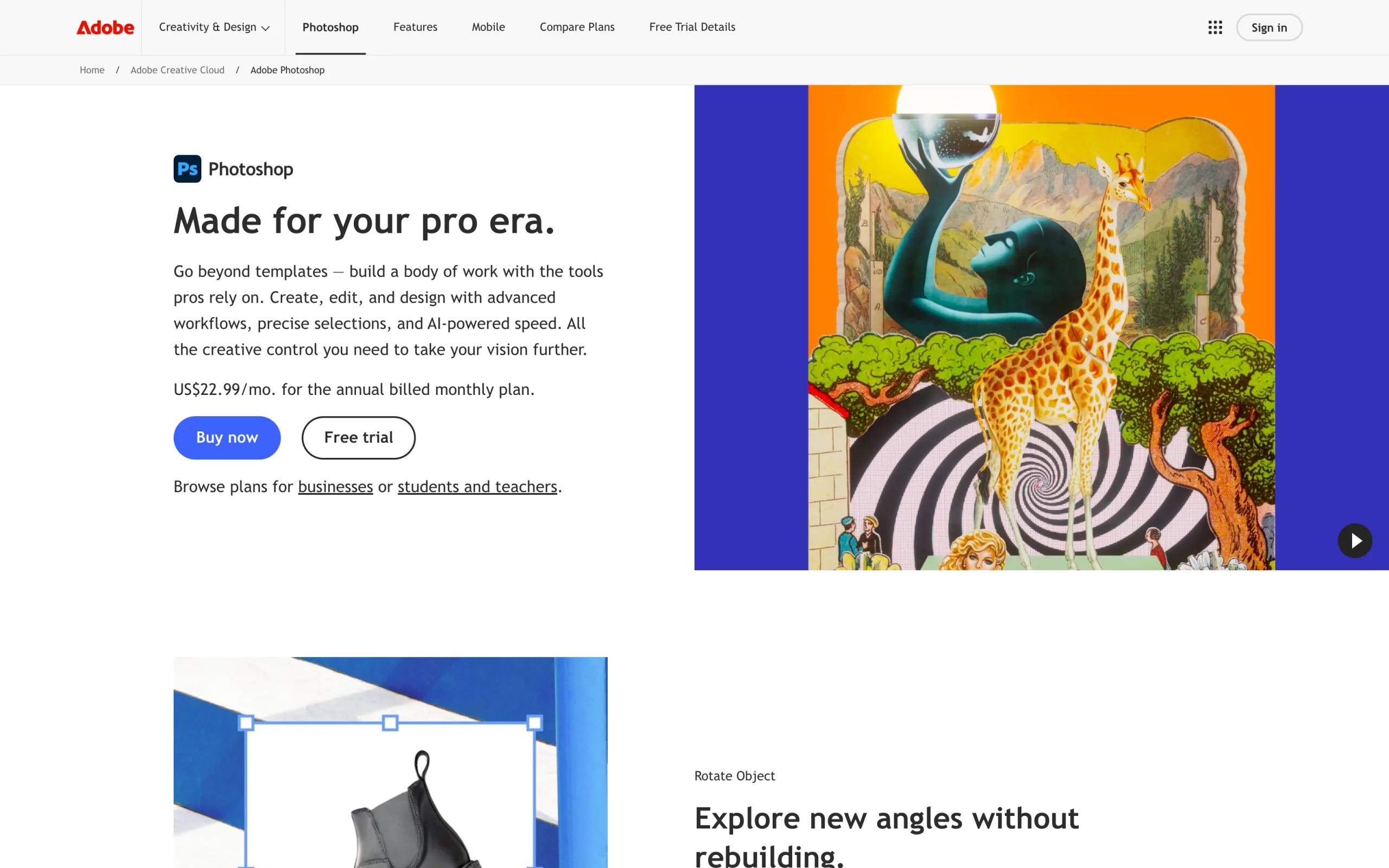
Clothing Photoshoot with Adobe Photoshop
Key features
- Firefly-powered Generative Fill and Generative Expand (background replace, outpaint, object add/remove)
- Pixel-level manual retouching, compositing, and layer control
- Neural Filters plus AI selection and masking tools
- Works across any product category (fashion, beauty, home, electronics)
- Plugin ecosystem, including Topaz and third-party AI models
- HD to print-resolution output with full manual control
Best for
- Brands and designers who want full manual control over every clothing photo
- Multi-category sellers needing one editor for fashion plus other products
- Teams finishing and compositing AI-generated garment images into polished assets
Pricing
- Photography plan: $19.99/month — Photoshop plus Lightroom, 1TB storage, and 1,000 monthly AI credits
- Photoshop single-app: around $22.99/month (annual) with a smaller monthly generative-credit allotment
- Firefly standalone plans from $9.99/month for extra generative credits
- 7-day free trial; pricing varies by region
- Generative Fill uses roughly 1 credit per generation
Reviews and ratings
- G2: 4.6 out of 5 (9,000+ reviews)
- Capterra: 4.7 out of 5 (2,000+ reviews)
- Common praise points: unmatched editing depth, Generative Fill quality, plugin ecosystem
- Common critique points: steep learning curve, subscription-only pricing, generative credits cap heavy AI use
Pros
- Most powerful and precise editing tool on this list
- Firefly Generative Fill and Expand handle background, outpaint, and object edits well
- Works across every product category
- Integrates with Lightroom, Topaz, and other pro tools
Cons
- No automatic on-model generation from a flat-lay: it's a manual editor, not a fashion AI engine
- Steep learning curve compared with one-click tools
- Generative credits are capped and can run out for heavy AI users
5. Fotor, best for budget mobile and marketplace editing
Fotor is an all-in-one AI photo editor available on web, iOS, Android, Windows, and macOS, which makes it a natural fit for marketplace sellers who edit on their phone. Upload a flat-lay or packshot and Fotor's Background Remover, AI PhotoShoot, and Flatlay to Model features can strip the background, drop the product into a styled scene, or place a garment on a lightweight AI model, alongside its standard design and template tools. The mobile app and the web platform share the same account.
For sellers on Etsy, Poshmark, Depop, eBay, or Shopify who want a quick lift in image quality without opening a desktop suite, Fotor covers the basics cheaply. The free plan includes limited AI credits, and paid tiers unlock watermark-free high-resolution exports, batch editing, and more AI generations. The honest caveat: its Flatlay to Model output is a consumer-grade feature, less specialized than dedicated fashion AI, but it's flexible and inexpensive.
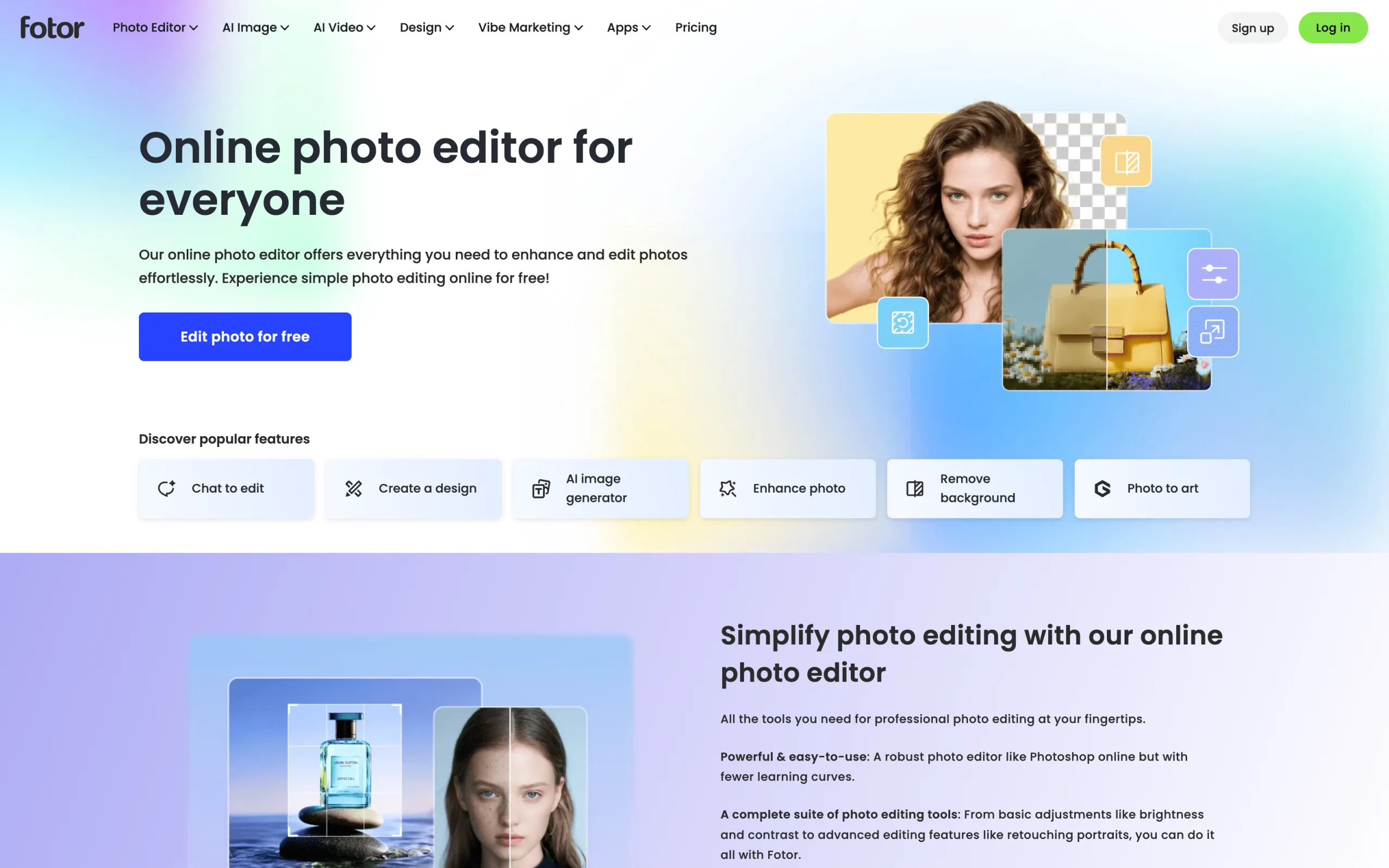
Clothing Photoshoot with Fotor
Key features
- Background Remover and AI background replacement
- AI PhotoShoot: generate product-in-scene imagery from a single product photo
- Flatlay to Model and Ghost Mannequin AI features
- Batch photo editing on higher tiers
- Design templates, collage maker, and resizing for social and marketplaces
- Apps for web, iOS, Android, Windows, and macOS
Best for
- Solo sellers on Etsy, Poshmark, or Depop editing on mobile
- Small brands wanting background removal plus light AI product imagery in one tool
- Budget-conscious sellers who want design and editing together
Pricing
- Free: basic editing plus limited AI credits and one AI enhancement per day
- Pro: from ~$8.99/month (annual) or $12.99/month monthly — watermark-free, high-res exports, batch editing, more AI credits
- Pro+: ~$19.99/month — commercial stock, multiple brand kits, 100 AI generation credits/month, expanded batch (500 images)
- Yearly billing offers a meaningful discount
- Pricing varies by region
Reviews and ratings
- G2: 4.5 out of 5 (100+ reviews)
- Capterra: 4.5 out of 5 (150+ reviews)
- Common praise points: low price, ease of use, breadth of AI and design tools in one app
- Common critique points: AI output quality below specialized tools, credit limits on lower tiers, occasional upsell prompts
Pros
- One of the cheapest all-in-one AI editors with a genuine free plan
- Works on mobile and desktop with synced accounts
- Combines editing, background removal, and light AI product imagery in one place
Cons
- Flatlay to Model output is consumer-grade, not fashion-specialized
- AI credits are limited on lower tiers
- Not built specifically for high-fidelity garment reproduction
6. Topaz Photo AI, best for upscaling and sharpening to print quality
Topaz Photo AI (now branded simply Topaz Photo) does one thing exceptionally well: it enhances image quality. It combines the upscaling of the old Gigapixel AI, the sharpening of Sharpen AI, and the noise removal of Denoise AI into a single desktop app. For clothing photoshoots, it's the finishing step, taking a real or AI-generated garment photo and upscaling it to 4K or larger while sharpening fabric texture and removing grain.
Topaz doesn't generate scenes or place garments on models; it makes the photos you already have sharper, cleaner, and print-ready. It runs natively on Mac and Windows and as a plugin for Photoshop, Lightroom, and Capture One, so it slots into an existing editing pipeline rather than replacing it. Batch processing lets you enhance an entire catalog folder at once.
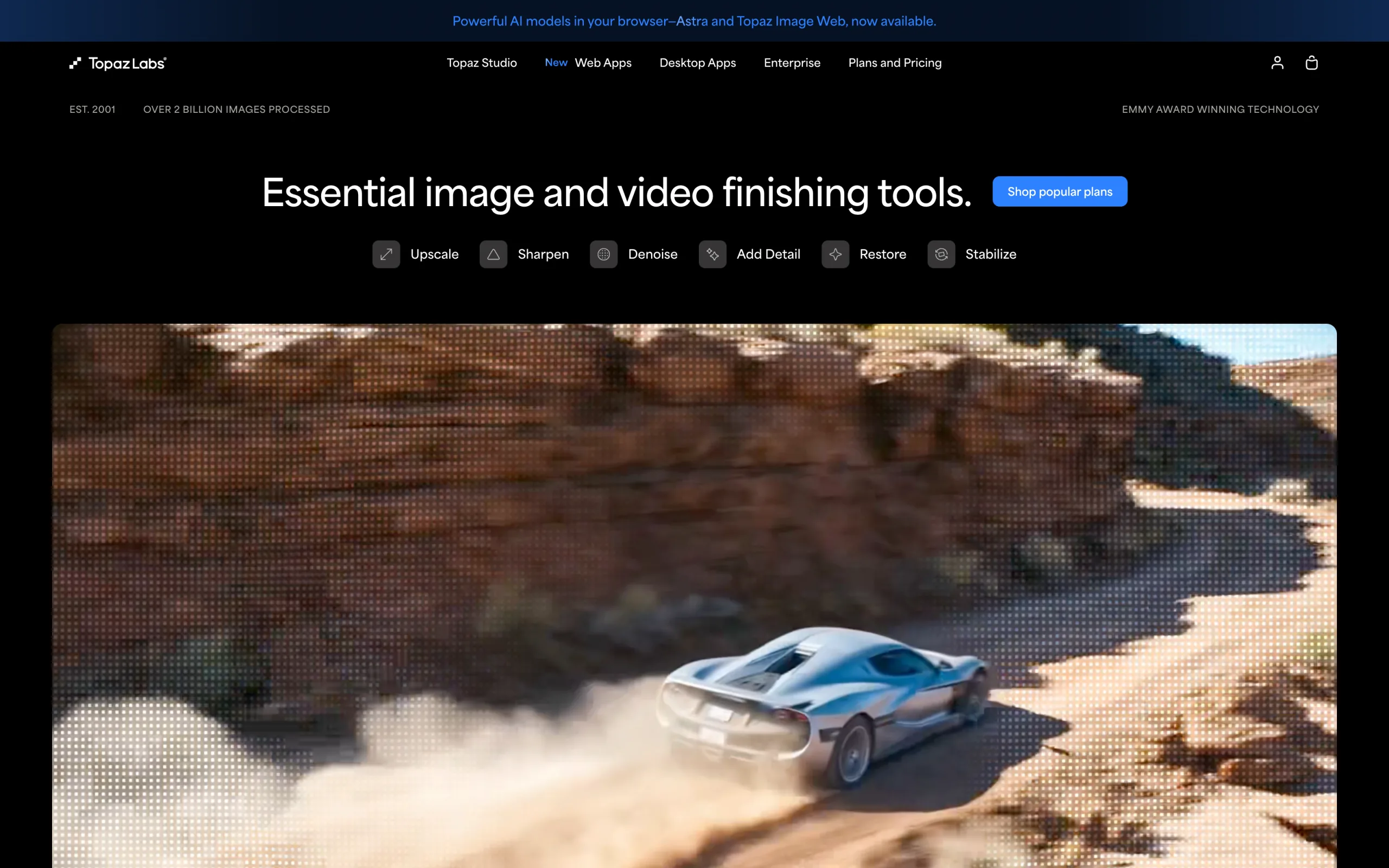
Clothing Photoshoot with Topaz Photo AI
Key features
- AI upscaling to 4K and beyond (former Gigapixel engine)
- AI sharpening and motion-blur recovery (former Sharpen AI)
- AI noise and grain removal (former Denoise AI)
- Batch processing of whole folders
- Native Mac and Windows apps plus a Photoshop, Lightroom, and Capture One plugin
- Unlimited local and cloud rendering
Best for
- Brands preparing clothing photos for print catalogs or large-format use
- Sellers upscaling low-resolution or AI-generated garment images to PDP quality
- Editors who want one enhancement tool inside their existing Photoshop or Lightroom workflow
Pricing
- Topaz Photo: from ~$25/month (annual, billed monthly) or $199/year upfront; $39/month month-to-month
- Pro tier: around $63/month (annual) or $599/year for full commercial rights
- No free tier; a free trial with watermarked output is typically available
- Perpetual one-time licenses were retired in 2025 (now subscription-only)
Reviews and ratings
- Highly rated for enhancement quality across photography communities
- No single dominant SaaS aggregate; strong reputation on photography forums and YouTube
- Common praise points: best-in-class upscaling and sharpening, plugin integration, batch speed
- Common critique points: move to subscription-only pricing, desktop-only (no mobile), niche scope
Pros
- Best-in-class image upscaling, sharpening, and denoising
- Slots into Photoshop and Lightroom as a plugin
- Batch processing handles full catalogs
Cons
- No scene, background, or on-model generation: it's an enhancement tool only
- Subscription-only since 2025 (one-time license retired)
- Desktop-only, with no mobile app
7. Midjourney, best for original fashion concepts and editorial imagery
Midjourney is the best-known AI image generator for high-end, editorial-quality visuals, and it's a strong tool for fashion concepting. From a text prompt it can generate striking model imagery, moodboards, campaign directions, seasonal lookbook concepts, and stylized backgrounds. Now available through both a web app at midjourney.com and Discord, it's easier than ever to iterate on fashion ideas.
The crucial honest caveat: Midjourney cannot reproduce your exact garment on a model. It generates imaginative fashion imagery from prompts, not a faithful on-model shot of the specific product you're selling. Use it for creative direction, editorial inspiration, and background or scene ideation, then produce product-accurate on-model shots in a dedicated tool like WearView. For brands that want to explore a visual concept before a shoot, it's unmatched.
Clothing Photoshoot with Midjourney
Key features
- Text-to-image generation with leading aesthetic quality
- Web app (midjourney.com) plus Discord interface
- Style references, image prompts, and variation tools for iterating a look
- High-resolution output and upscaling
- Video generation on newer versions
- Relax mode for unlimited slow generations on Standard and above
Best for
- Brands and designers exploring campaign and editorial concepts
- Creating moodboards, lookbook directions, and stylized backgrounds
- Content teams that need original fashion imagery (not product-accurate try-on)
Pricing
- Basic: $10/month — about 3.3 fast GPU hours
- Standard: $30/month — 15 fast GPU hours plus unlimited relax generations
- Pro: $60/month — more fast hours plus Stealth (private) mode
- Mega: $120/month — highest fast-hour allotment
- 20% discount on annual billing; companies over $1M revenue need Pro or Mega for commercial use
Reviews and ratings
- No standard Trustpilot, G2, or Capterra aggregate (community-driven product)
- Widely regarded as the quality leader among AI image generators
- Common praise points: image quality, aesthetic control, fast iteration
- Common critique points: can't reproduce a specific garment, learning curve on prompting, no product-accurate on-model output
Pros
- Best-in-class aesthetic quality for fashion concept imagery
- Web and Discord access with fast iteration
- Excellent for moodboards, editorial direction, and backgrounds
Cons
- Cannot reproduce your exact product on a model (not a try-on tool)
- Subscription-only with no free tier
- Output is creative and generative, not catalog-accurate
8. Mokker, best for instant one-click staging
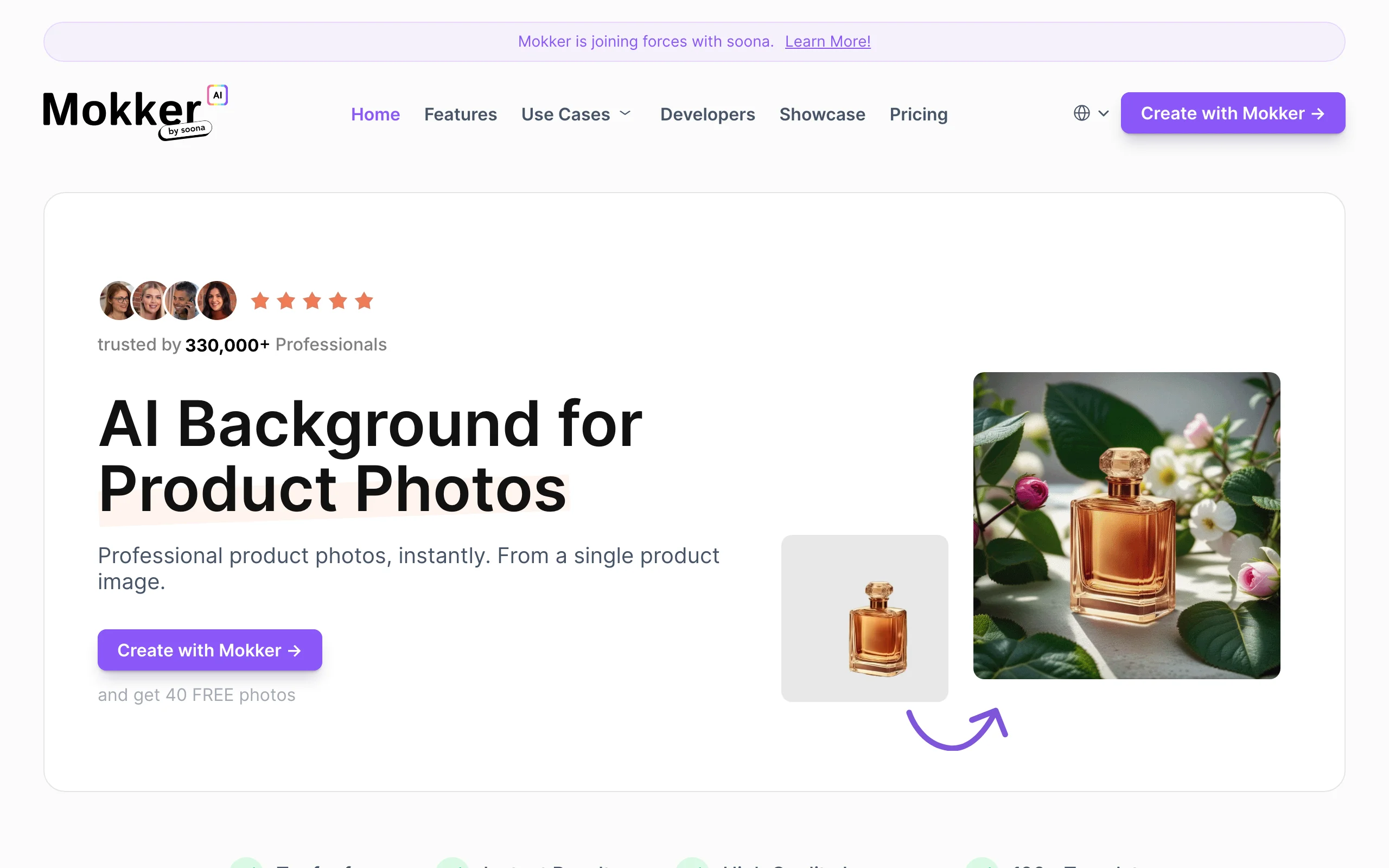
Mokker strips clothing photo enhancement down to its simplest form. Upload a flat-lay or packshot and Mokker automatically removes the background and generates a styled scene around it. No prompts, no canvas, no presets to browse. The AI picks a contextual setting based on the product category and generates variations you can choose from.
This zero-configuration approach works well for sellers who want clean clothing photos fast and don't need granular control over the scene. Mokker doesn't do on-model generation, but for fast catalog refresh of styled flat-lays, it's the lowest-effort option on this list.
Clothing Photoshoot with Mokker
Key features
- Zero-prompt scene generation: AI auto-selects contextual settings
- Automatic background removal before scene generation
- Category-aware scene selection (apparel, accessories, footwear)
- High-resolution output for print and web
- Simple one-step workflow
Best for
- Sellers who want clothing photos without learning prompt engineering or design tools
- High-volume dropshipping and print-on-demand stores that need styled images fast
- Sellers testing styled clothing imagery who want speed over creative control
Pricing
- Free: 20 photos one-time (full studio access, all templates) — not a recurring monthly free tier
- Starter: $13/month — single-person plan, high-quality export, custom prompts
- Team: $29/user/month — 500 photos/month, includes a 3-seat Teams Account, small-team features
- Organization: $83.25/user/month — 5+ seats minimum, unlimited photos, custom AI model (coming soon), priority support
- Annual billing: save up to 35%
Reviews and ratings
- G2 Score: 4.8 (positive sentiment, exact star count not consistently published)
- No public Trustpilot listing
- Common praise points: ease of use, no learning curve, multiple variations per upload
- Common critique points: no creative control, no on-model generation, output quality on niche or unusual product types
Pros
- Lowest single-user paid tier on this list ($13/month)
- Fastest path from flat-lay to styled image: no prompts or design work needed
- Annual savings up to 35% are among the deepest in this category
Cons
- No creative control: you can't describe or design the scene
- No on-model generation
- Free tier is one-time only (20 photos), not recurring
9. VModel.ai, best for API-first developer workflows
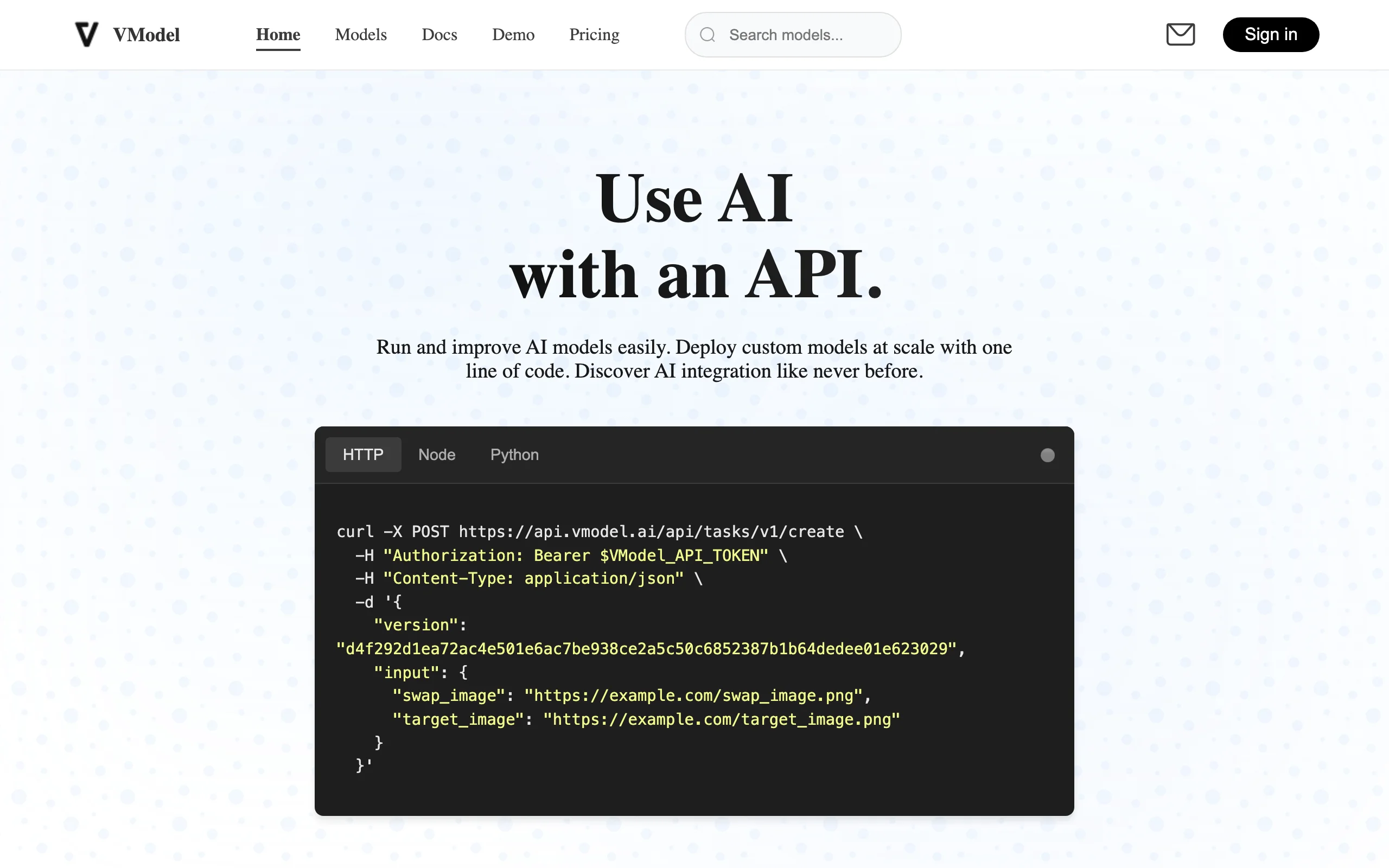
VModel.ai is a unified AI model API platform. Rather than focusing on a single feature, VModel deploys a wide range of pre-trained AI models accessible through one REST API: face swap, image upscaling, background tools, style transfer, fashion model generation, and more. The pricing model is pay-as-you-go credits with no monthly subscriptions, which fits developer teams building custom photoshoot pipelines, agencies running variable-volume projects, and stores that don't generate enough volume to justify a SaaS subscription.
The web interface covers the basics: upload an image, pick a model, get the output. The real value is the API, which integrates into custom backends and automation tools. Output quality varies by underlying model.
Clothing Photoshoot with VModel.ai
Key features
- Unified REST API for many AI models (fashion, face swap, upscaling, style transfer, more)
- Pay-as-you-go credit model with no subscription requirement
- Credits don't expire
- Each model priced individually (e.g., specific face swap models priced per use or per second)
- Web interface for non-technical team members
Best for
- Developers building custom AI photoshoot pipelines
- Agencies running one-off photoshoot projects with variable volume
- Stores that want photoshoot AI without monthly subscription overhead
Pricing
- $10 free credits to start (about 330 seconds of video face swap or many image swaps depending on model)
- Pay-per-use across the model library (e.g., Photo Face Swap Pro $0.02/use, Standard $0.04/use; Video Face Swap Pro $0.03/sec, Standard $0.04/sec)
- Universal credit system across the entire library
- No monthly subscription required
- Credits never expire
Reviews and ratings
- Chrome Web Store (VModel browser extension): 4.8 out of 5
- No public Trustpilot, G2, or Capterra aggregate score for the main platform
- Common praise points: API documentation, fast integration, predictable per-image cost
- Common critique points: less polished web interface than subscription competitors, output quality varies by underlying model
Pros
- No subscription lock-in: you pay only for what you use
- Strong API documentation for developer integration
- Universal credits work across the entire model library
Cons
- Less polished web interface than dedicated subscription tools
- Output quality varies by underlying model (the platform aggregates many)
- Limited brand consistency features
10. Canva, best for general design and marketing assets around clothing photos
Canva is not a fashion-specific tool, but most ecommerce and DTC brands already use it. The Magic Studio AI suite (Magic Edit, Magic Eraser, Magic Expand, Dream Lab image generation, Magic Write) lets you take a clothing photo (whether real or AI-generated by another tool on this list) and turn it into a full marketing asset: Instagram post, Pinterest pin, Facebook ad, email banner, lookbook PDF. Canva handles the layout, copy, branded colors, and export sizing in one place.
For clothing brands, the most practical use is the second step of the workflow: generate the on-model or flat-lay image in WearView, Pebblely, Flair.ai, or another tool, then bring it into Canva to add typography, brand kit elements, and platform-specific resizing. The Background Remover and Magic Edit features can also handle light edits to the underlying photo without leaving the Canva canvas.
Clothing Photoshoot with Canva
Key features
- Magic Studio AI suite: Magic Edit, Magic Eraser, Magic Expand, Dream Lab AI image generation, Magic Write
- Brand Kit for consistent fonts, colors, and logos across assets
- Background Remover built into the canvas
- Platform-specific resizing for Instagram, Pinterest, Facebook, TikTok, email
- Templates for social posts, ad creative, lookbooks, presentations
- Real-time team collaboration on Pro and Teams plans
Best for
- Fashion brands turning AI-generated clothing photos into finished social, ad, and email assets
- DTC teams who need design and AI image work in one tool
- Small brands without a dedicated designer
Pricing
- Free: limited templates, basic editing
- Pro: $15/month or $120/year — 500 monthly AI credits across Magic Studio, Brand Kit, 1 TB storage, premium templates
- Teams: $10/user/month annual or $20/user/month monthly — 3-seat minimum, multiple Brand Kits, admin controls
- Enterprise: custom pricing
- Pricing varies by region
Reviews and ratings
- G2: 4.7 out of 5 (~6,800 reviews)
- Trustpilot: low aggregate score driven mostly by billing and cancellation complaints, a common pattern among SaaS design tools
- Common praise points: ease of use, template depth, Brand Kit, Magic Studio AI features
- Common critique points: 500 AI credits/month feel limited at scale, billing/cancellation friction, AI image generation quality below dedicated tools
Pros
- Most widely used design tool in this list, so brand teams already know the interface
- Magic Studio gives basic AI clothing photo edits without a separate subscription
- Brand Kit ensures every asset stays on-brand
- Free tier is genuinely usable for testing
Cons
- Not built for clothing photoshoots: AI image gen is general-purpose, not fashion-specialized
- 500 AI credits/month on Pro caps heavy AI users
- For dedicated on-model fashion imagery, you still need one of the fashion-AI tools above
How to choose the best AI tool for clothing photoshoots
1) Do you need on-model imagery or styled flat-lays?
This is the most important split. If you sell apparel and need garments shown on models (the traditional clothing photoshoot output), you want a tool with on-model generation, and ideally one that lets you cast the model and direct the pose instead of accepting whatever body the AI picks. WearView covers this with the most complete feature set across product-to-model, virtual try-on, ghost mannequin, and AI fashion video. VModel.ai offers AI fashion model generation via its API, and Fotor includes a lightweight Flatlay to Model feature. Midjourney can generate fashion model imagery from text prompts, though it can't reproduce your exact garment.
If styled flat-lays, ghost mannequin shots, or product-in-scene imagery cover your need (common for editorial brands, accessories, and many Etsy sellers), Pebblely, Flair.ai, Fotor, and Mokker all handle this well without full on-model capabilities. For finishing and enhancement, Adobe Photoshop handles manual editing and compositing while Topaz Photo AI upscales and sharpens the result. For a deeper look at on-model conversion specifically, see our guide to the best flatlay-to-model AI tools.
2) How important is garment and brand fidelity?
For brands selling fashion, the AI must preserve garment details (prints, textures, fit, fabric drape) without distortion. WearView prioritizes garment fidelity in on-model output, faithfully reproducing the exact product you upload. Flair.ai's canvas ensures composition and color consistency across flat-lay assets, Adobe Photoshop gives pixel-level manual control over any garment detail, and Canva's Brand Kit handles fonts, colors, and logo consistency in marketing assets built around AI-generated photos. Note that generative tools like Midjourney invent garments rather than reproducing yours, so they're for concepts, not catalog accuracy.
If fidelity matters less and you just need varied imagery for testing or marketplace listings (Etsy, Poshmark), Pebblely's template library, Fotor's AI backgrounds, and Mokker's zero-prompt workflow all work fine.
3) What's your budget and volume profile?
Run the unit economics. If you generate fewer than 30 images a month, Pebblely's $9/month Lite tier, Fotor's free plan or ~$8.99/month Pro, and Midjourney's $10/month Basic are the cheapest options. Test 5 hard SKUs (complex prints, layered outfits, reflective fabrics) before committing.
For 50-200 images a month, WearView's $29-49/month tiers, Flair.ai's Pro+ ($26/month), Fotor Pro+ ($19.99/month), and Midjourney's Standard ($30/month with unlimited relax generations) work well. For 500+ images a month, look at WearView Advanced ($99/month, 500 credits), Midjourney Pro ($60/month) or Mega ($120/month), Pebblely Pro ($39/month, 500 images), or VModel.ai bulk credit usage. For high-volume editing and enhancement, Adobe's Photography plan ($19.99/month, 1,000 AI credits) and Topaz Photo's batch processing scale across a full catalog.
4) What platform do you sell on?
The general tools on this list don't ship native Shopify apps the way dedicated commerce plugins do, so you upload and export manually. WearView, Fotor, and Mokker all work through manual or batch upload on any platform (Shopify, WooCommerce, BigCommerce, or standalone). For developer-built stacks with custom PIM or DAM systems, VModel.ai's API is the practical option for automated pipelines. Adobe Photoshop and Topaz Photo AI fit into professional editing pipelines instead (Topaz also runs as a Photoshop and Lightroom plugin), so they slot in wherever your team already edits.
FAQ
What is an AI tool for clothing photoshoots? An AI tool for clothing photoshoots takes a clothing image (flat-lay, ghost mannequin, packshot, or even an existing model photo) and generates fashion imagery in seconds. Some tools produce on-model shots (a model wearing the garment), others create styled flat-lays with branded backgrounds, and some do both. The shared goal is replacing or supplementing the studio, photographer, and casting needed for traditional shoots.
Are AI clothing photos good enough for product pages and ads? For most use cases, yes. Tools like WearView produce up to 4K output with full commercial usage rights. Brands have used AI-generated imagery on PDPs, paid social, Google Shopping, and even print catalogs. The key is testing with your hardest SKUs (complex prints, layered outfits, reflective fabrics) before rolling out at scale.
Can AI tools replace a real fashion photoshoot completely? For most catalog and ecommerce work, yes. Brands like Mansour have replaced full studio shoots with AI workflows, dropping production costs by up to 90%. Editorial campaigns and high-fashion editorial work still benefit from human direction, but day-to-day catalog refresh, ad creative, and PDP imagery are well within AI's reach today.
What input produces the best AI clothing photos? Clean, well-lit flat-lay or ghost mannequin shots on a neutral background give the AI the cleanest starting point. Avoid cluttered backgrounds, low resolution, or extreme angles. For on-model generation, packshots with the garment laid flat or on a hanger work best. For flat-lay styling tools (Pebblely, Flair.ai, Mokker), a clean cutout of the garment delivers the most usable output.
Is there a free AI tool for clothing photoshoots? Flair.ai offers a permanent free plan (1 Custom Model, 5 images, 1 video). Fotor has a free plan with limited AI credits, and Mokker offers a one-time 20-photo free pass. VModel.ai includes free trial credits, and Adobe offers a 7-day Photoshop trial (with Firefly's own limited free generations). Midjourney and Topaz Photo AI have no free tier. WearView and Pebblely don't have permanent free tiers, but Pebblely starts at $9/month and WearView at $29/month.
Can I use AI clothing photos for Meta and Google ads? Yes, on paid plans for most tools. AI-generated clothing photos work particularly well for paid social because you can generate dozens of variants quickly and A/B test poses, models, and backgrounds without booking another shoot. Note that some tools (like Flair.ai) gate commercial licensing behind their Pro+ tier, so check the licensing terms on your plan.
Which AI clothing photoshoot tool is best for Shopify? For Shopify, WearView produces the highest-quality on-model output on this list and works with Shopify catalogs through manual or batch upload. Fotor and Mokker also fit Shopify sellers through manual upload, and VModel.ai offers API integration for automated, developer-built workflows. If you specifically need a native Shopify app that syncs product data automatically, you'll want a dedicated commerce plugin, but for image quality the tools above cover most catalog needs.
How long does AI take to generate a clothing photoshoot image? Most tools deliver an output image in 10-30 seconds. WearView's Product to Model averages under 15 seconds. Pebblely and Mokker often return results in 5-10 seconds because they're staging-only rather than full model generation. Midjourney renders a still in roughly a GPU minute. Compared to a studio shoot (typically 1-3 weeks from booking to delivery), the speed difference is the entire point.
How should I read Trustpilot vs G2 ratings for these tools? Trustpilot scores for SaaS products often skew low because most reviews come from frustrated customers (billing disputes, cancellation issues, refund requests). G2 and Capterra reviews are typically left by active users invited by the vendor, which skews scores higher and usually reflects product satisfaction more than support experience. When ratings disagree, a tool can sit near 4.7/5 on G2 while its Trustpilot score is dragged down by billing complaints, so read sample reviews on both platforms before deciding. Ratings cited above are accurate as of mid-2026 and can change. Always check the source pages for current numbers.

WearView Team
WearView Content & Research Team
WearView Team is a group of fashion technology specialists focused on AI fashion models, virtual try-on, and AI product photography for e-commerce brands. We publish in-depth guides, case studies, and practical insights to help fashion businesses improve conversion rates and scale faster using AI.