
May 26, 2026•22 min read
7 best apps to start a clothing brand in 2026
Starting a clothing brand in 2026 means stitching together a small stack of apps: an ecommerce platform, a design tool, a fulfillment partner, an AI photography tool, and a marketing channel. Here are the seven best apps to start a clothing brand, with pricing and a clear decision framework.
Picture of 7 best apps to start a clothing brand in 2026 article
Starting a clothing brand used to mean a sample room, a sourcing trip, a packshot photographer, and a separate web agency. In 2026 it's a small stack of apps. One app to design garments, one to manufacture or print on demand, one to run the storefront, one to generate product imagery, and one to talk to customers. The right stack lets a founder ship a first drop in weeks, not quarters, with five-figure budgets instead of six.
This guide covers the seven best apps to start a clothing brand in 2026, ranging from the ecommerce platform most new brands launch on to the AI photography tool that replaces the first photoshoot. We compare pricing, key strengths, the workflow each app fits, and finish with a decision framework so you can build the right stack for your stage, budget, and product type. For a broader playbook on the business side, see our how to start a clothing brand online guide.
Best apps to start a clothing brand: a brief overview
- WearView: Best for AI product photography: replaces the launch photoshoot by turning flat-lays or packshots into on-model imagery in under 15 seconds, so a new brand can build a full catalog before sampling is finished.
- Shopify: Best overall ecommerce platform for new clothing brands: the default storefront, payments, shipping, and apps ecosystem most clothing founders launch on.
- Canva: Best for branding and marketing design: logos, hang tags, lookbook layouts, social posts, and pitch decks without hiring a designer.
- Printful: Best for print-on-demand fulfillment: launch with zero inventory by printing T-shirts, hoodies, and accessories on order and shipping from regional facilities.
- CLO 3D: Best for 3D garment design and prototyping: industry-standard tool for designing patterns, simulating fabric, and reviewing fit before cutting a real sample.
- Procreate: Best for sketching garment designs on iPad: low-cost, one-time-purchase drawing app most fashion designers use for croquis, flats, and concept art.
- Klaviyo: Best for email and SMS marketing: the ecommerce-native marketing platform clothing brands use for welcome flows, abandoned cart recovery, and launch announcements.
| Tool | Key strength | Pricing | Platforms |
|---|---|---|---|
| WearView | AI product photography replacing the launch photoshoot | From $29/month (Lite); Pro $49/month; Advanced $99/month | Web |
| Shopify | Default ecommerce storefront for new clothing brands | Basic from $39/month; Shopify $105/month; Advanced $399/month | Web, iOS, Android |
| Canva | All-in-one branding and marketing design | Free; Pro $14.99/month; Teams from $42/month for 5 users | Web, iOS, Android, Desktop |
| Printful | Print-on-demand fulfillment with no inventory | Free to sign up; Printful Growth at $24.99/month for discounts | Web, integrations |
| CLO 3D | Industry-standard 3D garment design and pattern tool | Individual from ~$50/month or ~$480/year; education plans available | Desktop (Win/Mac) |
| Procreate | Low-cost iPad sketching app for fashion designers | One-time purchase ~$12.99 | iPad only |
| Klaviyo | Ecommerce-native email and SMS marketing | Free up to 250 contacts; email plans from ~$45/month | Web, integrations |
1. WearView, best for AI product photography
WearView is an AI fashion photography platform built for clothing brands that need product imagery before, during, and after launch. New brands almost always underestimate the photography problem: even a small first drop of ten SKUs at two angles is twenty studio shots, before lifestyle and lookbook imagery. Photoshoots cost thousands per day and lock the brand into one casting decision. WearView replaces that step with AI.
The workflow is simple. You upload a flat-lay, ghost mannequin shot, or packshot of your garment, choose from a library of AI fashion models across ethnicities, body types, and ages, and describe the setting or pose you want. The product to model AI tool returns a finished on-model photo in under 15 seconds. You can also start with an AI model and a separate garment image to see how the look comes together using AI virtual try-on, or generate a brand-consistent face from a text prompt with the AI fashion model generator. Output is HD, 2K, or 4K with full commercial usage rights.
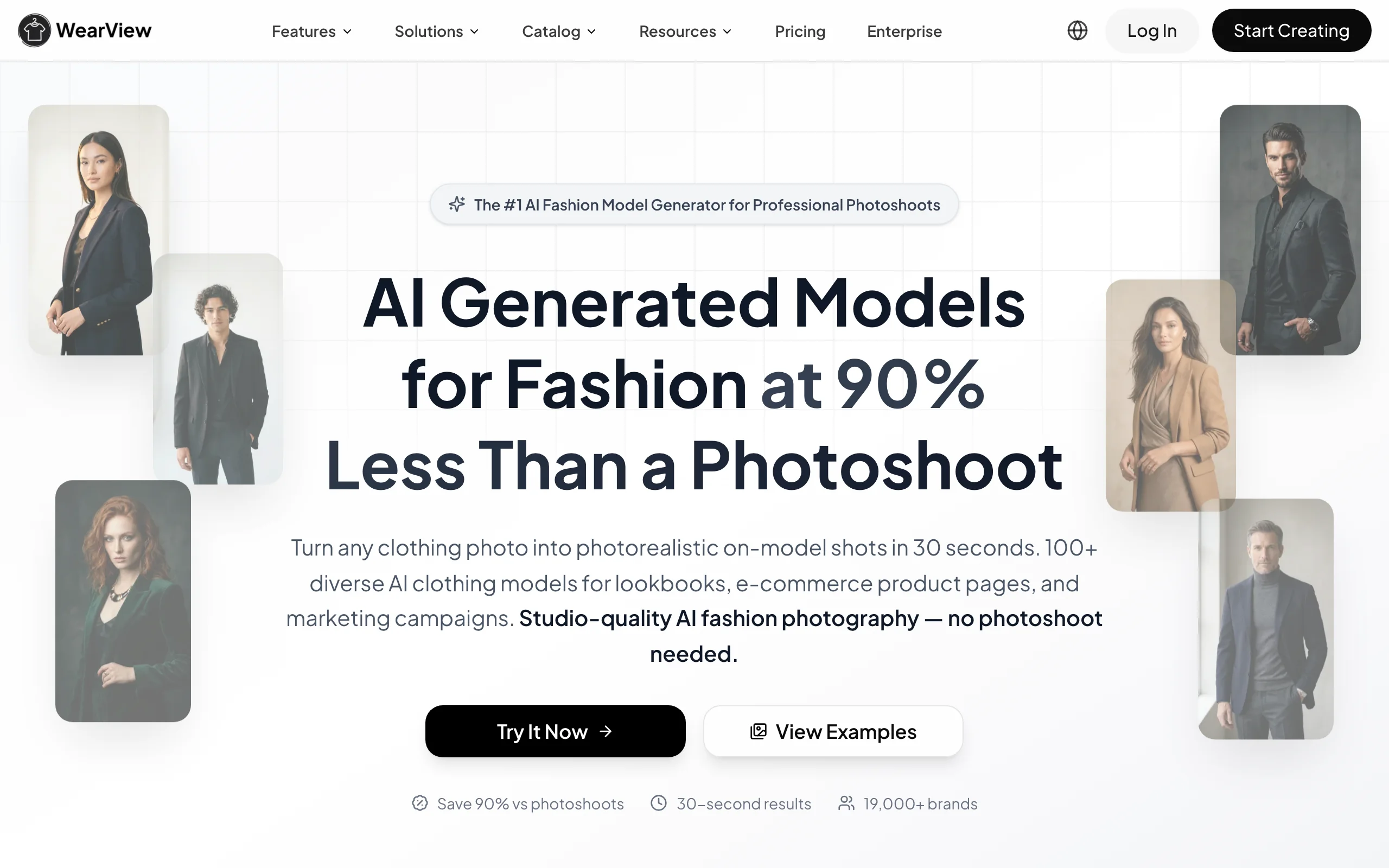
Apps To Start A Clothing Brand with WearView
Key features
- Product-to-model: turn a flat-lay or packshot into on-model imagery in under 15 seconds
- AI model library with control over ethnicity, body type, age, and pose
- Pose control via reference images for varied lookbook angles
- Consistent model identity across drops, so a season's imagery looks like one campaign
- Ghost mannequin generation for PDP-ready cutouts
- AI fashion video generation at 720p and 1080p for social and ads
- HD, 2K, and 4K output with commercial usage rights
Best for
- New clothing brands launching a first drop without budget for a photoshoot
- Print-on-demand sellers needing on-model imagery for blank-product mockups
- Indie founders building a lookbook before sampling is complete
- Marketing teams scaling content for ads and social across many SKUs
Pricing
- Lite: $29/month (50 credits) — virtual try-on, product-to-model, AI model creation
- Pro: $49/month (200 credits) — premium AI engine, AI Fashion Video at 720p, up to 4 team members, priority support
- Advanced: $99/month (500 credits) — credit rollover, AI Fashion Video at 1080p, up to 15 team members, VIP support
- Annual billing saves up to 30%
Pros
- Replaces the highest-cost item in a clothing launch budget: the photoshoot
- Consistent model identity is genuinely unique on the market and matters for brand building
- Seven AI tools in one workspace, so the founder isn't gluing five subscriptions together
- Commercial usage rights on all paid plans
Cons
- Credit-based pricing means very high-volume catalogs may need top-ups
- Some hard-to-render garments (sheer fabrics, intricate hardware) still need QA passes
- No free plan, only paid tiers starting at $29/month
2. Shopify, best ecommerce platform for new clothing brands
Shopify is the default storefront for new clothing brands and the reason is structural: it bundles the website, checkout, payments, shipping labels, taxes, and a deep app ecosystem into one subscription. Most other choices (WooCommerce, custom builds, Squarespace) ask the founder to assemble those pieces. For a clothing brand that needs to launch in weeks, Shopify removes that work.
The clothing-brand-specific reason to use Shopify is the ecosystem. Print-on-demand apps like Printful, sizing apps like Kiwi Sizing, review apps like Judge.me, and shipping apps like Easyship are all one-click installs. Shopify also handles variant management (sizes, colors) better than competing platforms, which is the most-used feature in any clothing store.
Apps To Start A Clothing Brand with Shopify
Key features
- Hosted storefront with themes designed for clothing brands (Dawn, Sense, Studio, Crave)
- Shopify Payments and Shop Pay accelerated checkout
- Variant management for sizes, colors, and custom options
- Built-in shipping label printing and discounted carrier rates
- Vast app ecosystem for POD, reviews, sizing, marketing
- Inventory and order management across channels (Shopify, Instagram, TikTok Shop, wholesale)
- Built-in analytics and customer accounts
Best for
- New brands shipping a first online store in days or weeks, not months
- Founders without a developer who still want a professional-looking storefront
- Brands planning to integrate with print-on-demand or third-party fulfillment
- Wholesale, retail, and DTC brands needing multi-channel inventory
Pricing
- Shopify Starter: ~$5/month (sell through social and messaging only, no full storefront)
- Basic: $39/month — full online store, 2 staff accounts, basic reports
- Shopify: $105/month — 5 staff accounts, professional reports, lower transaction fees
- Advanced: $399/month — 15 staff accounts, custom reports, lowest transaction fees
- Plus: from $2,300/month — enterprise tier
- 3-day free trial, then $1/month for the first 3 months on standard plans (promotional)
Pros
- Fastest path from idea to live storefront for a non-technical founder
- The app ecosystem solves nearly every adjacent need without custom dev
- Variant and inventory handling is best in class for clothing
- Shop Pay accelerated checkout measurably lifts mobile conversion
Cons
- Transaction fees apply if you don't use Shopify Payments
- Monthly cost climbs once apps are added (POD, email, reviews, etc.)
- Theme customization beyond defaults requires Liquid or a developer
3. Canva, best for branding and marketing design
Canva is how non-designer founders build a brand identity that looks like it cost more than it did. Logo, color palette, hang tag, care label, lookbook layout, Instagram grid, pitch deck, wholesale line sheet: all of it can be assembled in Canva using templates and brand kits, with no Adobe subscription and no design background. For a clothing founder, that compresses what used to be weeks of agency work into a weekend.
The clothing-brand use cases that matter most are the brand kit (so every asset uses the same fonts and colors), Magic Resize for adapting one layout into ten social formats, and the new Magic Studio AI features for backgrounds, edits, and copywriting. Canva isn't a replacement for a real brand designer if you're building a luxury label, but for the first 12 to 24 months of an indie clothing brand, it covers 90% of design needs.
Apps To Start A Clothing Brand with Canva
Key features
- Brand kits for logos, colors, fonts, and templates
- Thousands of templates for social, lookbooks, pitch decks, and print
- Magic Resize for adapting one design into multiple formats
- Magic Studio AI tools: background removal, generative fill, copy generation
- Print-ready exports for hang tags, care labels, and packaging inserts
- Team collaboration with comments and approvals on Pro and Teams
Best for
- Founders building a brand identity without hiring a designer
- Small teams needing fast turnaround on social and ad creative
- Brands building wholesale line sheets and pitch decks for retailers
- Anyone who needs print-ready hang tags, care labels, and packaging design
Pricing
- Free: unlimited basic features, limited Magic Studio
- Canva Pro: $14.99/month or $119.99/year for one user
- Canva Teams: from $42/month for 5 users (then per additional user)
- Canva for Education: free for verified educators and students
Pros
- Lowest learning curve of any design tool on this list
- Brand kits enforce consistency across founders, contractors, and team members
- Print-ready exports remove the friction of preparing files for printers
- The Pro tier pays for itself the first time you avoid a Fiverr designer
Cons
- Not a substitute for Adobe Illustrator if you need precise vector control
- Heavy template reliance can produce generic-looking brand assets if you're not careful
- AI features burn through credits faster than on dedicated AI platforms
4. Printful, best for print-on-demand fulfillment
Printful is the way to launch a clothing brand without inventory risk. You design the print, upload it, and Printful prints the garment, packs it, and ships it on order. The brand never holds stock, never books a manufacturer, and never has to commit to a minimum order quantity. For founders testing demand or running graphic-led brands (streetwear, niche slogans, fan merch), print-on-demand through Printful is the lowest-risk entry path.
Printful's catalog covers T-shirts, hoodies, sweatshirts, polos, hats, tote bags, all-over-print apparel, and accessories. Quality varies by base garment (their Bella + Canvas and Gildan blanks are strong; some lower-cost blanks aren't). For clothing brands moving past tee-and-hoodie graphic merch, Printful is best treated as a starting line, not the long-term fulfillment plan.
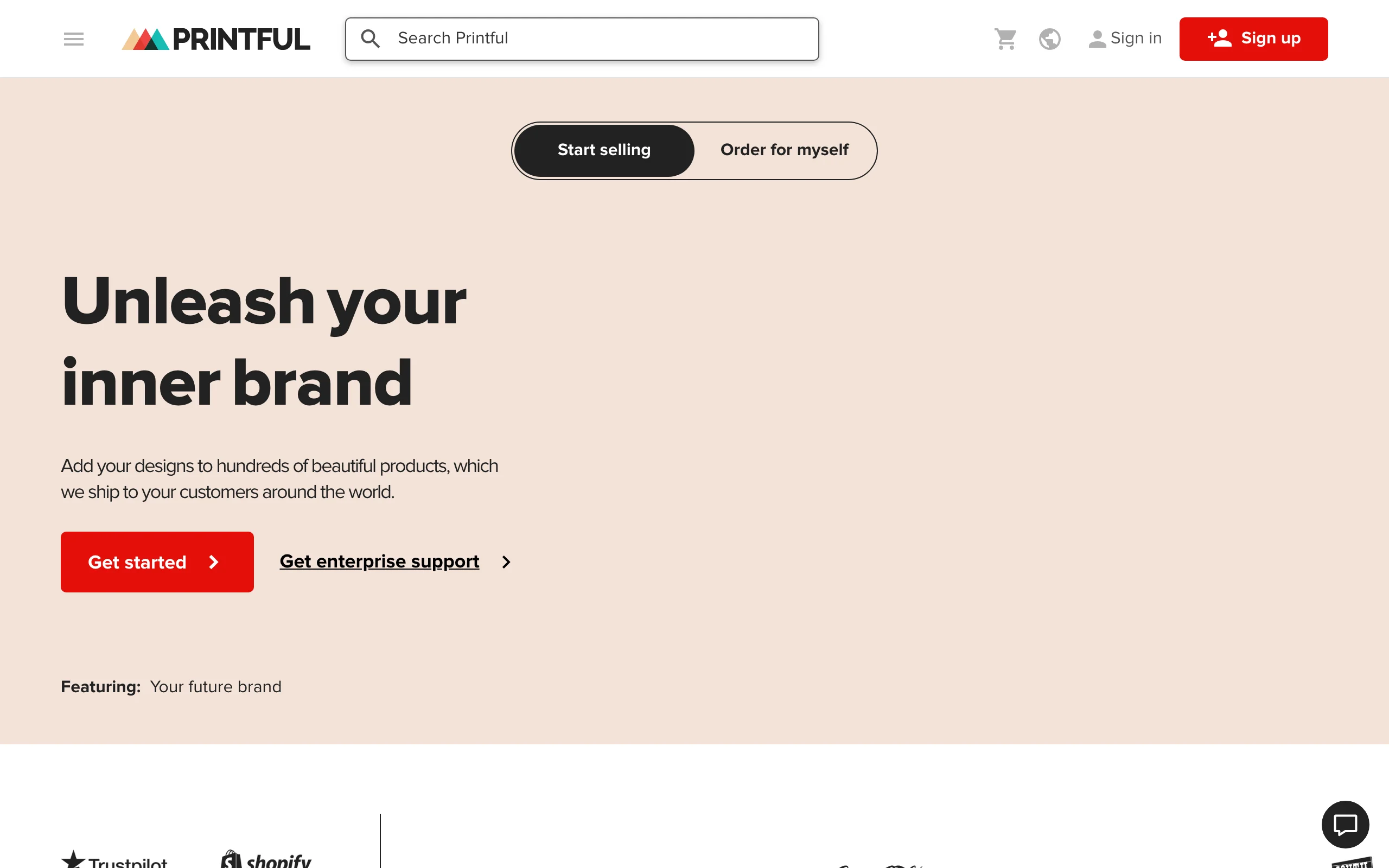
Apps To Start A Clothing Brand with Printful
Key features
- Print-on-demand for apparel and accessories with regional fulfillment in the US, Mexico, EU, UK, and Japan
- Integrations with Shopify, Etsy, WooCommerce, Amazon, eBay, Wix, and more
- Mockup generator for product images on common bases
- Embroidery, DTG, sublimation, and all-over-print methods
- White-label packing slips and pack-ins on higher tiers
- Branded labels and tags on selected products
Best for
- Founders testing demand before committing to manufacturing
- Graphic-led brands (streetwear, slogans, fan merch) where the print is the product
- Side projects and creator merch lines integrated with existing storefronts
- Multi-region sellers needing US and EU fulfillment without holding inventory
Pricing
- Free to sign up; you pay only per fulfilled order (garment cost + printing + shipping)
- Printful Growth: $24.99/month — up to 30% off select products, premium tools, dedicated support
- Printful Business: $49.99/month — larger discounts, more team seats, advanced analytics
Pros
- True zero-inventory launch: no MOQs, no upfront stock, no warehouse
- Native integrations into every major ecommerce platform
- Regional fulfillment shortens shipping times in the US, EU, and UK
- Mockup generator removes the need for early product photography on blanks
Cons
- Per-unit cost is high compared to wholesale manufacturing, so margins compress at scale
- Quality is bound to the blank you choose; cheap blanks produce cheap garments
- Limited custom-cut-and-sew options; works best for printed apparel, not original patterns
5. CLO 3D, best for 3D garment design and prototyping
CLO 3D is the industry-standard 3D fashion design tool used by Nike, Adidas, Levi's, Lululemon, and most major fashion houses. It lets a designer build a pattern, simulate it on a 3D avatar, drape fabric with realistic physics, and review fit and silhouette before cutting a single sample. For founders going past graphic tees into actual cut-and-sew garments, CLO 3D collapses what used to be three rounds of physical samples into one or two.
CLO 3D is not a beginner tool. It assumes pattern-making knowledge, and the learning curve is real (most designers report 40+ hours before being productive). The payoff is significant. You can show a manufacturer a 3D-rendered garment with full pattern files, a tech pack, and fabric specifications, which dramatically reduces the back-and-forth and the cost of bad samples.
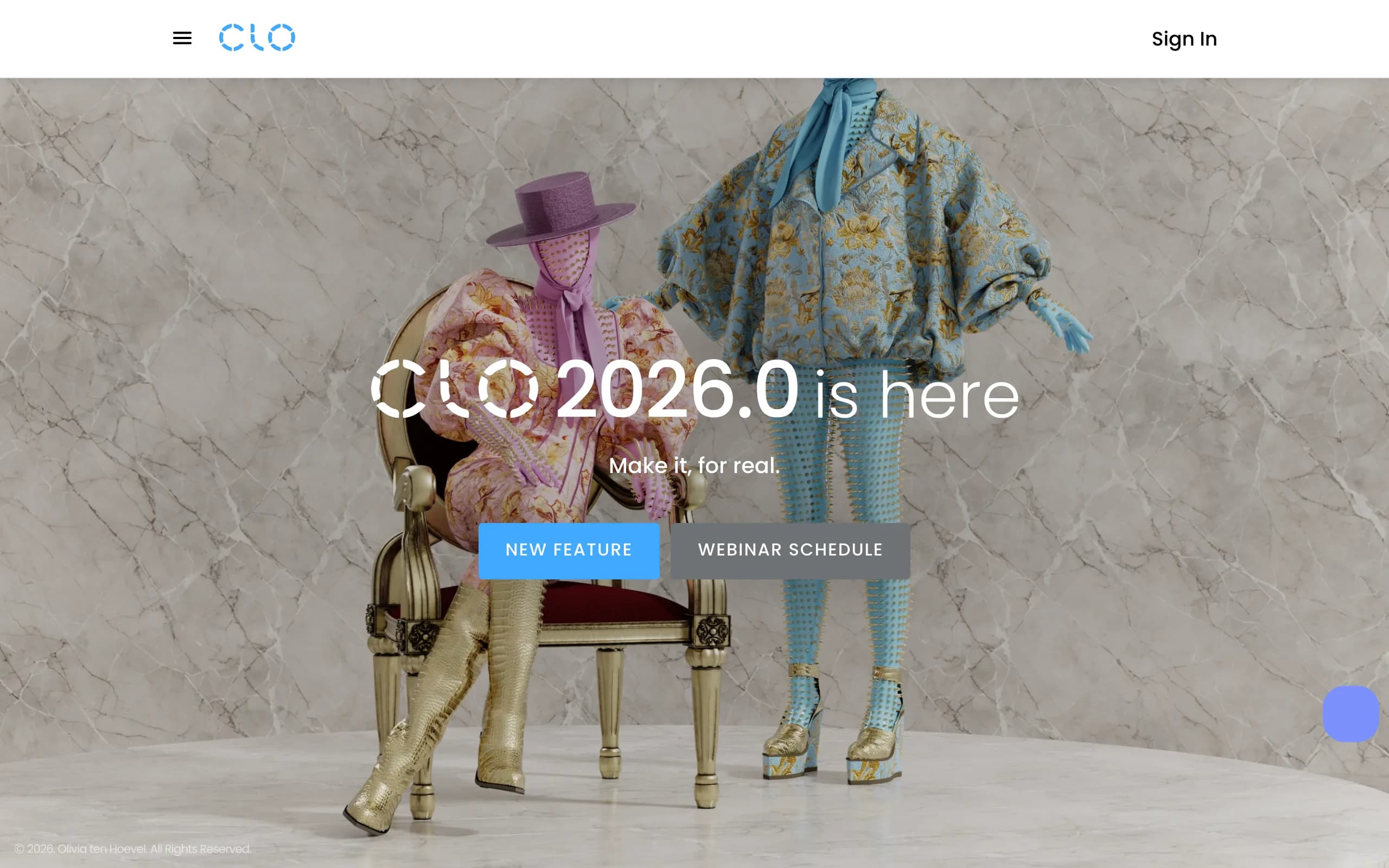
Apps To Start A Clothing Brand with CLO 3D
Key features
- 2D pattern drafting and 3D garment simulation on customizable avatars
- Realistic fabric physics, drape, and animation
- Texture, color, and print application with PBR-quality rendering
- Fit analysis tools to identify pull, stretch, and pressure points before sampling
- Marker-making and grading tools for production
- Integration with Adobe Illustrator, Photoshop, and 3D rendering tools
Best for
- Designers building original cut-and-sew patterns, not just graphic apparel
- Founders working with overseas manufacturers who want clearer tech packs
- Schools and individual designers learning industry-standard 3D fashion software
- Brands wanting to review fit and silhouette before paying for physical samples
Pricing
- Individual subscription: from ~$50/month or ~$480/year
- CLO Standalone (perpetual license): one-time purchase plus optional maintenance
- Enterprise: custom pricing for larger teams and studios
- Education plans available for verified students and instructors at reduced rates
Pros
- Industry-standard tool that manufacturers and pattern makers already understand
- Cuts physical sampling cycles, which is the most expensive line item in cut-and-sew product development
- Realistic enough that 3D renders can stand in for early lookbook imagery
- Strong community, training, and YouTube tutorials reduce the learning curve
Cons
- Steep learning curve; not usable on day one without pattern-making background
- Pricing is the highest on this list for individual creators
- Hardware-hungry: needs a capable GPU and dedicated workstation
6. Procreate, best for sketching garment designs on iPad
Procreate is the iPad drawing app most fashion designers actually use day to day. Croquis, technical flats, print artwork, mood-board sketches, hang tag concepts, packaging illustrations: Procreate handles all of it on a single iPad with an Apple Pencil. For under $15, one-time purchase, no subscription. That price point is the single biggest reason it's on this list.
For clothing founders without an Adobe background, Procreate is the most natural drawing tool to start with. The interface is responsive, the brush engine rivals desktop tools, and exporting flats as PDFs or layered PSDs lets you hand off to a pattern maker, manufacturer, or print supplier without friction. Brand identity sketches, print design, and even early packaging mockups all work well in Procreate.
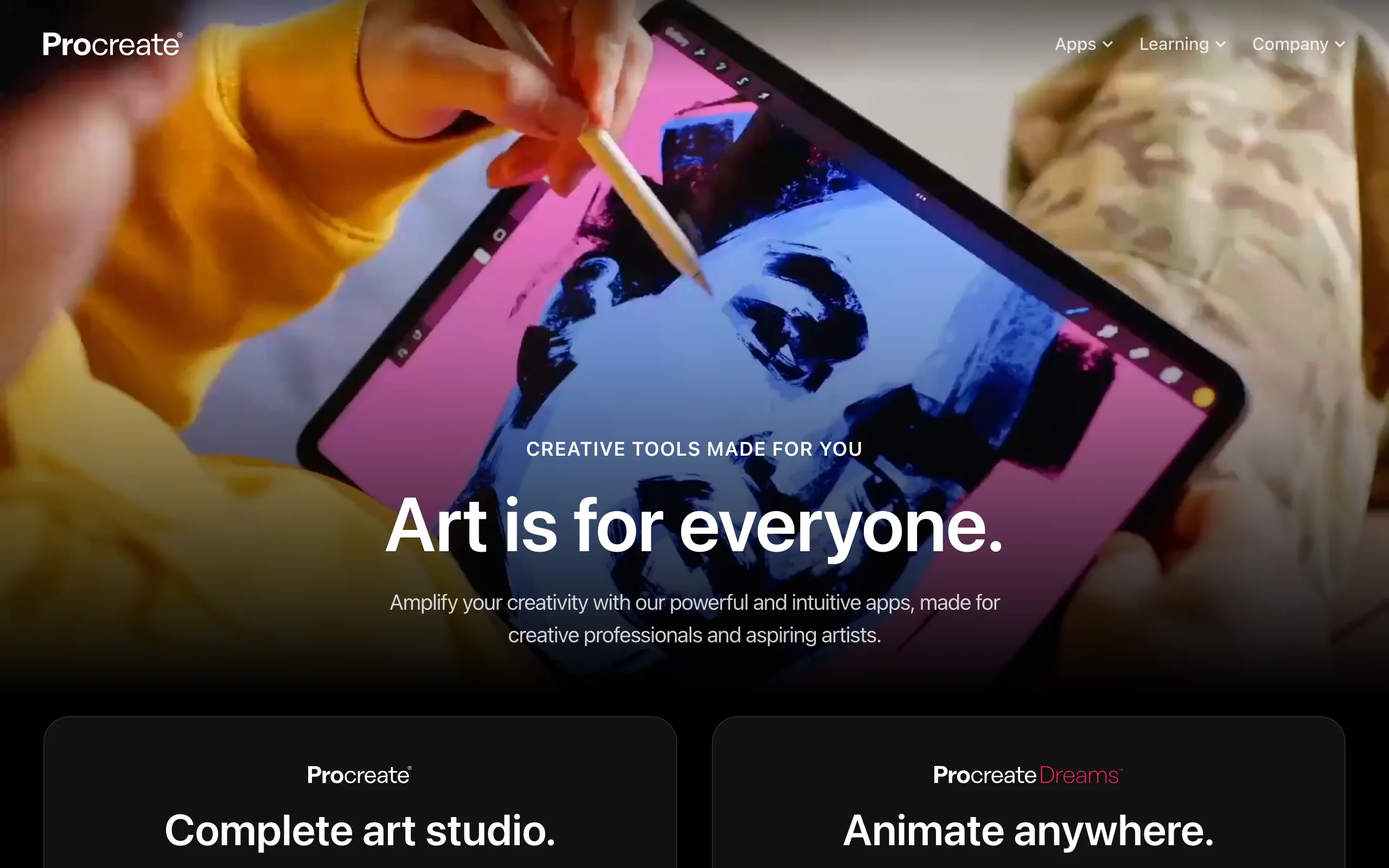
Apps To Start A Clothing Brand with Procreate
Key features
- High-performance brush engine optimized for Apple Pencil
- 200+ included brushes plus a huge community of custom brush packs
- Layered PSD export for handoff to manufacturers, pattern makers, or designers
- Animation Assist for short loops (useful for social and product GIFs)
- 4K and beyond canvas sizes for print-ready artwork
- Color profile control for accurate print color matching
Best for
- Designers sketching croquis, flats, and print artwork on iPad
- Founders with a drawing background who don't want a subscription tool
- Print and graphic-led brands creating original artwork for tees and hoodies
- Anyone who wants Adobe-level creative output without the Adobe price tag
Pricing
- One-time purchase of ~$12.99 on the iPad App Store
- Procreate Dreams (animation app): separate one-time purchase ~$19.99
- No subscriptions, no in-app upgrades, no per-seat licensing
Pros
- One-time price is unmatched on this list
- The drawing experience on iPad with Apple Pencil is best in class
- PSD export means smooth handoff to anyone working in Photoshop
- No subscription lock-in or surprise price hikes
Cons
- iPad only, with no desktop or Android version
- Requires an iPad and Apple Pencil, which is a real hardware cost
- Not a vector tool, so brand logos still need Illustrator or Affinity Designer for final files
7. Klaviyo, best for email and SMS marketing
Klaviyo is the ecommerce-native marketing platform clothing brands use to talk to customers. Welcome flows, abandoned cart recovery, back-in-stock alerts, post-purchase follow-ups, launch announcements, and SMS campaigns all run through Klaviyo. The platform is built specifically for ecommerce, integrates deeply with Shopify, and uses purchase and browse data to segment customers in ways generic email tools (Mailchimp, ConvertKit) can't.
For a new clothing brand, the highest-leverage email work is not the weekly newsletter. It's automated flows: welcome series for new subscribers, abandoned cart and abandoned browse sequences, post-purchase thank-yous, and replenishment reminders for repeat-buy products. Klaviyo's templates and benchmarks for clothing brands make these flows fast to set up and measurable from day one.
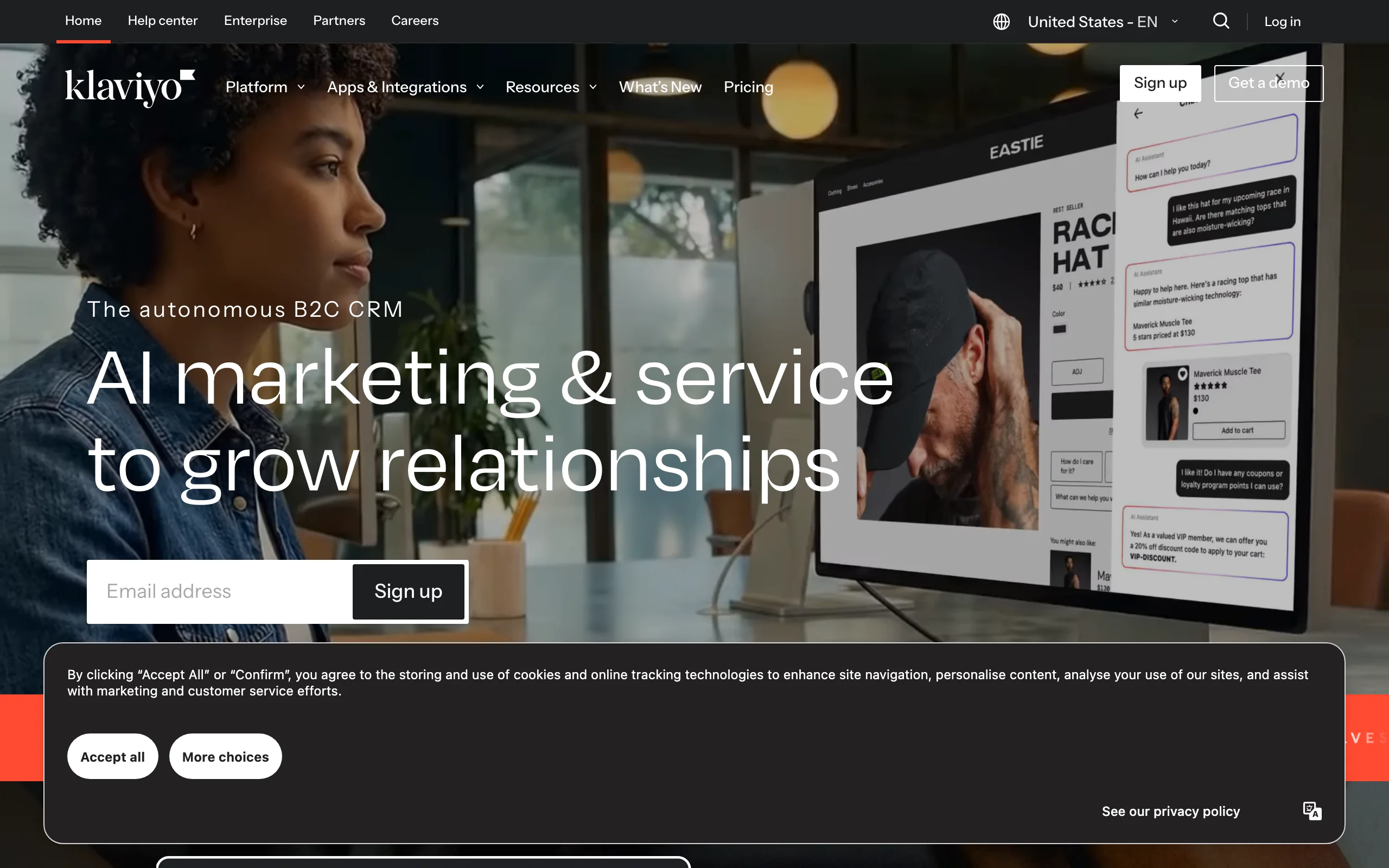
Apps To Start A Clothing Brand with Klaviyo
Key features
- Ecommerce-specific flows: welcome, abandoned cart, browse abandon, post-purchase, back-in-stock
- Deep Shopify integration with real-time product, order, and customer sync
- SMS marketing in the same platform as email
- Segmentation based on purchase behavior, browse history, and predictive analytics
- A/B testing on subject lines, content, and send times
- Benchmarks for clothing and apparel categories
Best for
- Clothing brands on Shopify wanting one platform for email and SMS
- Founders who want to set up high-leverage flows before scaling broadcast email
- Brands using purchase data to segment VIPs, lapsed buyers, and new subscribers
- DTC brands moving past Mailchimp who want more powerful flows
Pricing
- Free: up to 250 contacts and 500 emails per month
- Email plans: from ~$45/month for 1,500 contacts, scaling with list size
- SMS: separate per-message pricing, available on top of email plans
- Pricing scales aggressively with list size, so $1,000+/month is common past 50,000 contacts
Pros
- Ecommerce-native: flows, segments, and reports are built for online stores, not generic newsletters
- Free tier is generous enough to run the first 6 to 12 months for a small brand
- Shopify integration is more than a connector; it's real-time product and order sync
- SMS in the same platform removes a second subscription
Cons
- Cost scales fast once the list grows past 10,000 to 20,000 contacts
- The interface is feature-dense and can overwhelm first-time users
- For brands with under 250 contacts, Shopify Email may be enough until you grow
How to choose the best apps to start a clothing brand
1) Decide on your product type first
The biggest fork in app choice is whether your first products are graphic-print apparel (T-shirts, hoodies, hats) or original cut-and-sew garments (dresses, denim, outerwear, technical fabrics).
- Graphic-print apparel: Start with Printful for fulfillment, Canva or Procreate for the artwork, Shopify for the storefront, and WearView for on-model imagery of the printed blanks.
- Original cut-and-sew: You'll need CLO 3D (or a pattern maker who does), a real manufacturer instead of POD, Shopify for the store, and WearView to build a lookbook before samples are finished.
A brand that doesn't make this decision up front ends up with a stack that doesn't match the product, and either burns money on tools it doesn't need or hits a ceiling on what the stack can support.
2) Solve the photography problem before the launch date
Photography is the single biggest hidden cost in a clothing launch. A small first drop of ten SKUs across flat, on-model, and lifestyle shots can easily run $5,000 to $15,000 with a real photoshoot. That's also the line item most new brands underestimate, then panic about a month before launch.
Solve it before launch by either:
- Booking the photoshoot at least 6 to 8 weeks before drop date, with budget locked
- Or using WearView's product-to-model tool to generate on-model images from flat-lays or packshots, which lets you build the full PDP and social library in days instead of weeks
For brands without a $10K photoshoot budget, the AI route is the only way to launch with a complete catalog. For deeper comparisons, our best AI tools for clothing brands guide covers more options.
3) Match your marketing stack to your launch volume
A new brand with under 250 email subscribers doesn't need Klaviyo yet. Shopify Email (free, basic) covers welcome and broadcast emails on day one. Move to Klaviyo when:
- The contact list passes 500 to 1,000
- You're ready to set up an abandoned cart flow
- You want SMS in the same platform
Same logic applies to the design stack. Canva covers 90% of design work for the first 12 to 24 months. Add CLO 3D only when you're designing original cut-and-sew patterns and working with a manufacturer who can read 3D files. Adding tools before they're needed inflates monthly cost without adding revenue.
4) Budget realistically for the first 12 months
A reasonable monthly stack for a new brand looks like this:
- Shopify Basic: $39
- WearView Lite: $29 (or Pro at $49 if you're shooting more than 50 looks per month)
- Canva Pro: $15
- Klaviyo Free (under 250 contacts)
- Printful: free, pay per order
- Procreate: $13 one-time
Total: ~$85 to $105/month, plus per-unit Printful costs. That's the lean indie clothing brand stack. Add CLO 3D ($50/month) only if you're building original patterns. You can build a real brand on under $1,500/year in software, which is dramatically less than what the same brand would have spent on agencies, photoshoots, and freelancers a decade ago.
FAQ
What apps do I actually need to start a clothing brand in 2026? At minimum: an ecommerce platform (Shopify), a fulfillment partner (Printful for POD or a manufacturer for cut-and-sew), a design tool (Canva and/or Procreate), and a photography tool. For photography, WearView is the fastest way to get on-model images of your products without booking a photoshoot. Email marketing (Klaviyo) can wait until you have your first 250+ contacts.
How much do I need to budget for apps when starting a clothing brand? A lean indie stack runs about $85 to $105/month for the essentials (Shopify Basic, Canva Pro, WearView Lite, free Klaviyo and Printful tiers), plus a one-time $13 for Procreate. That's under $1,500/year in software. If you add CLO 3D ($50/month) or move up to Shopify and Klaviyo paid tiers, expect $200 to $400/month at the next stage.
Can I start a clothing brand without inventory? Yes. Print-on-demand through Printful lets you sell T-shirts, hoodies, hats, and accessories without holding any stock. Garments are printed and shipped on order. This is the lowest-risk way to test demand, especially for graphic-led brands. Margins are tighter than wholesale manufacturing, but the upside is zero inventory risk.
Do I need professional product photography to launch a clothing brand? You need product imagery, but not necessarily a professional photoshoot. AI fashion photography tools like WearView generate on-model imagery from flat-lays or packshots in under 15 seconds, with HD, 2K, and 4K output and full commercial usage rights. For new brands without a $10K shoot budget, this is the most practical way to launch with a complete catalog. You can read more in our best AI fashion model generators comparison.
What's the difference between Printful and Shopify? Shopify is the storefront where customers shop and check out. Printful is the back-end service that prints and ships the garment after an order. They work together: Shopify takes the order, Printful fulfills it. A brand using POD typically runs both. You can't replace Shopify with Printful or vice versa; they cover different parts of the stack.
Is Procreate or Canva better for clothing brand design? They serve different purposes. Canva is for branded marketing assets (logos, social, lookbooks, pitch decks, hang tags), where templates and a brand kit speed up production. Procreate is for original drawing (croquis, technical flats, print artwork), where you need a real brush engine and freehand control. Most clothing founders use both: Canva for layout and templates, Procreate for original artwork.
Do I need CLO 3D to start a clothing brand? No, especially not at the start. CLO 3D is for designers building original cut-and-sew patterns. If your first products are print-on-demand T-shirts, slogan hoodies, or graphic apparel, you don't need it. Add CLO 3D when you're designing original garments, working with a manufacturer who can read 3D files, and the cost of physical sampling makes 3D prototyping pay off.
What's the fastest way to launch a clothing brand from scratch? The fastest stack: Shopify (storefront), Printful (POD fulfillment), Canva (branding and marketing design), WearView (on-model product imagery), and Klaviyo Free (welcome email flow). With those five tools and an iPad with Procreate for any custom artwork, a founder can go from idea to first sale in two to four weeks, without holding inventory or booking a photoshoot.

WearView Team
WearView Content & Research Team
WearView Team is a group of fashion technology specialists focused on AI fashion models, virtual try-on, and AI product photography for e-commerce brands. We publish in-depth guides, case studies, and practical insights to help fashion businesses improve conversion rates and scale faster using AI.


