
July 8, 2026•15 min read
How to Use AI Models for Your Clothing Brand: Beginner's Guide
AI models let clothing brands produce on-model photos without a shoot. Here is the operator playbook: where they fit in your content, the garment-to-listing workflow, real costs, and the disclosure rules to know in 2026.
Picture of How to Use AI Models for Your Clothing Brand: Beginner's Guide article
More than 35% of fashion executives now say they already use generative AI for tasks like image creation, product discovery, and copywriting, according to McKinsey and the Business of Fashion in their State of Fashion 2025 report. A big slice of that spending goes to on-model imagery. Using AI models for clothing brand catalogs, brands skip the studio for every drop: they feed a garment photo into software and get back a realistic person wearing it.
If you run a clothing label or manage an ecommerce catalog, you have probably seen the tools. What almost nobody explains is the part that comes after you generate your first model: how to actually roll this out across a real brand. This guide is that operator playbook. It covers where AI models for your clothing brand belong in your content (product pages, ads, social, lookbooks, and email), the workflow from a flat garment photo to a published listing, the honest cost math against a traditional shoot, and the disclosure rules you need to follow in 2026. Big names like H&M and Shein already run AI models at scale, so the question for smaller brands is no longer "does this work" but "how do I deploy it without wasting credits or breaking a law."
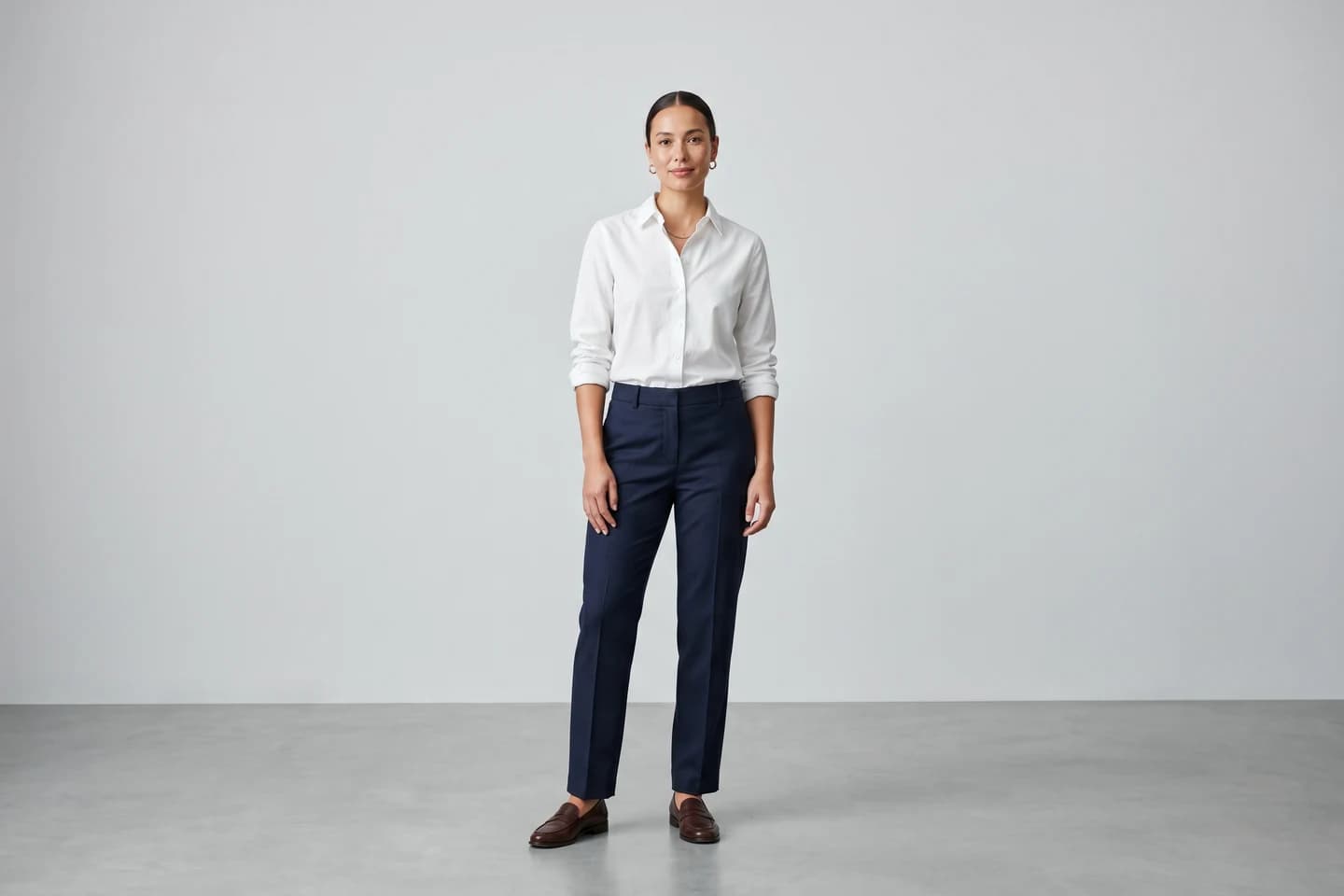
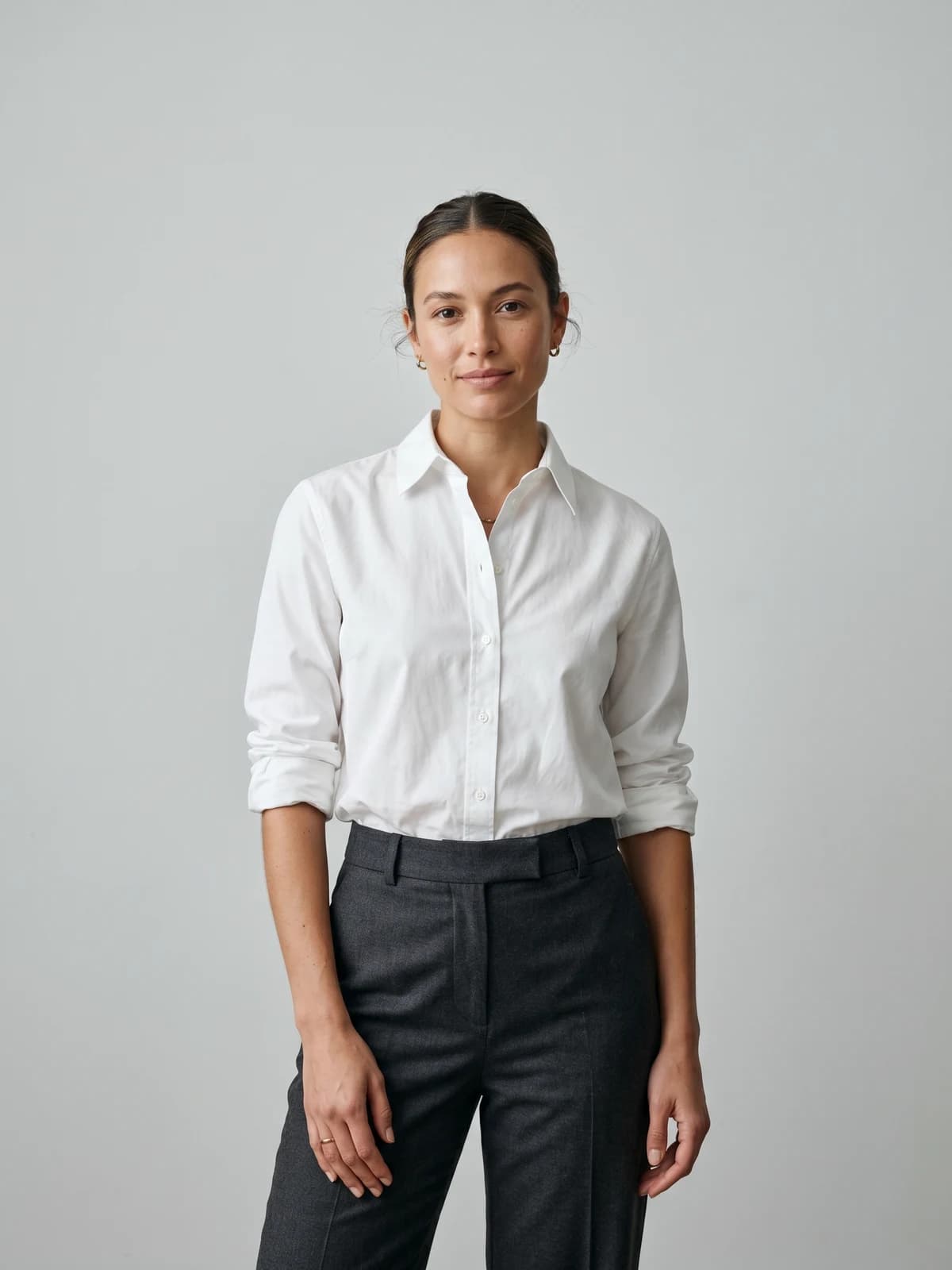
Turn flat-lays into on-model photos
Drop in a flat-lay or product shot and get professional on-model photography ready for your store.
What AI models for clothing brand catalogs actually replace
An AI fashion model is a computer-generated person who wears your product in a photo or video. It is not a stock photo and not a filter. The software builds a realistic human, dresses them in your garment, and places them in a setting you choose.
Here is what that swaps out of your production line:
- The casting call and the day rate for a human model
- The photographer, the studio rental, and the lighting kit
- The travel, catering, and the scheduling back-and-forth
- Most of the retouching that happens after a shoot
What it does not replace is your product itself, your brand taste, or your judgment about what a good photo looks like. You still direct the shoot. You just do it with prompts and reference images instead of a call sheet.
One thing to keep straight before you spend a credit: this guide starts after a model exists. Generating the model is its own task with its own prompts and settings. If you want the step-by-step on building your first one, read our guide on the real examples of brands using AI fashion models to see how peers approach it, then come back here for deployment.
Where AI models for clothing brand content fit in your pipeline
The mistake most brands make is treating AI models as a single output. In practice, one garment feeds five very different content needs, and each one wants a different shot. Map your model images to the channel before you generate, not after.
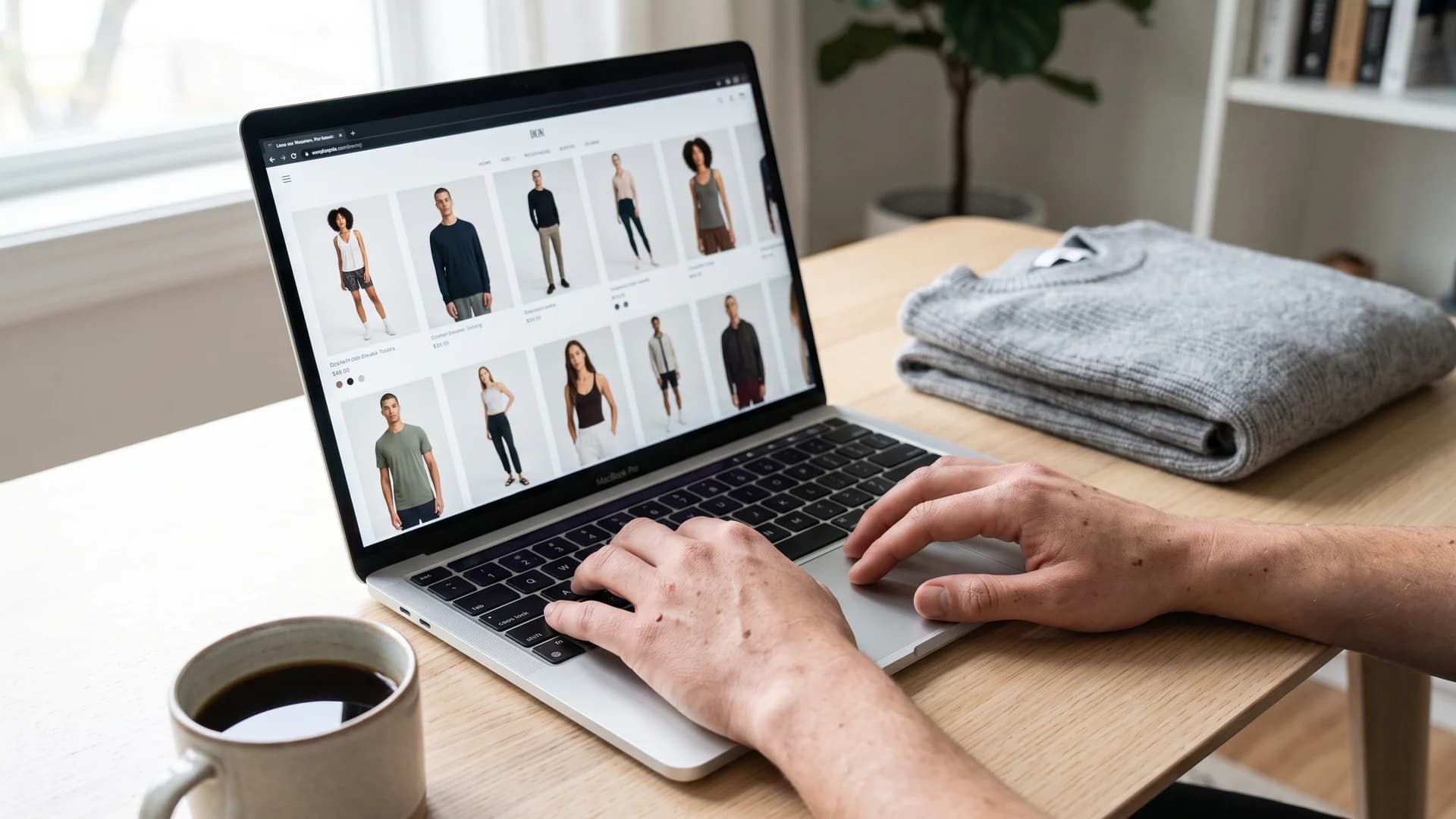
Ecommerce clothing catalog of AI model photos displayed on a laptop
- Product detail pages (PDP): clean, well-lit, front and back, neutral or plain background. The shopper is deciding to buy, so clarity beats mood.
- Paid ads: scroll-stopping, higher contrast, a clear focal point, room for text overlay. The job is to earn a click.
- Social (Reels, TikTok, feed posts): vertical, casual, movement, real-feeling settings. This is where lifestyle beats studio.
- Lookbooks: a cohesive set of styled looks on one consistent model, telling the season's story.
- Email: a hero image that reads at a glance in a small preview, plus a couple of supporting shots.
Because the same garment serves all five, the payoff of AI is not one photo. It is the ability to re-shoot the same piece for every channel without paying five times. Tools like product to model let you start from a single flat-lay and generate the different crops each surface needs.
From garment photo to published listing: the workflow
This is the part the tool pages skip. Here is the actual sequence, start to finish, for one product.
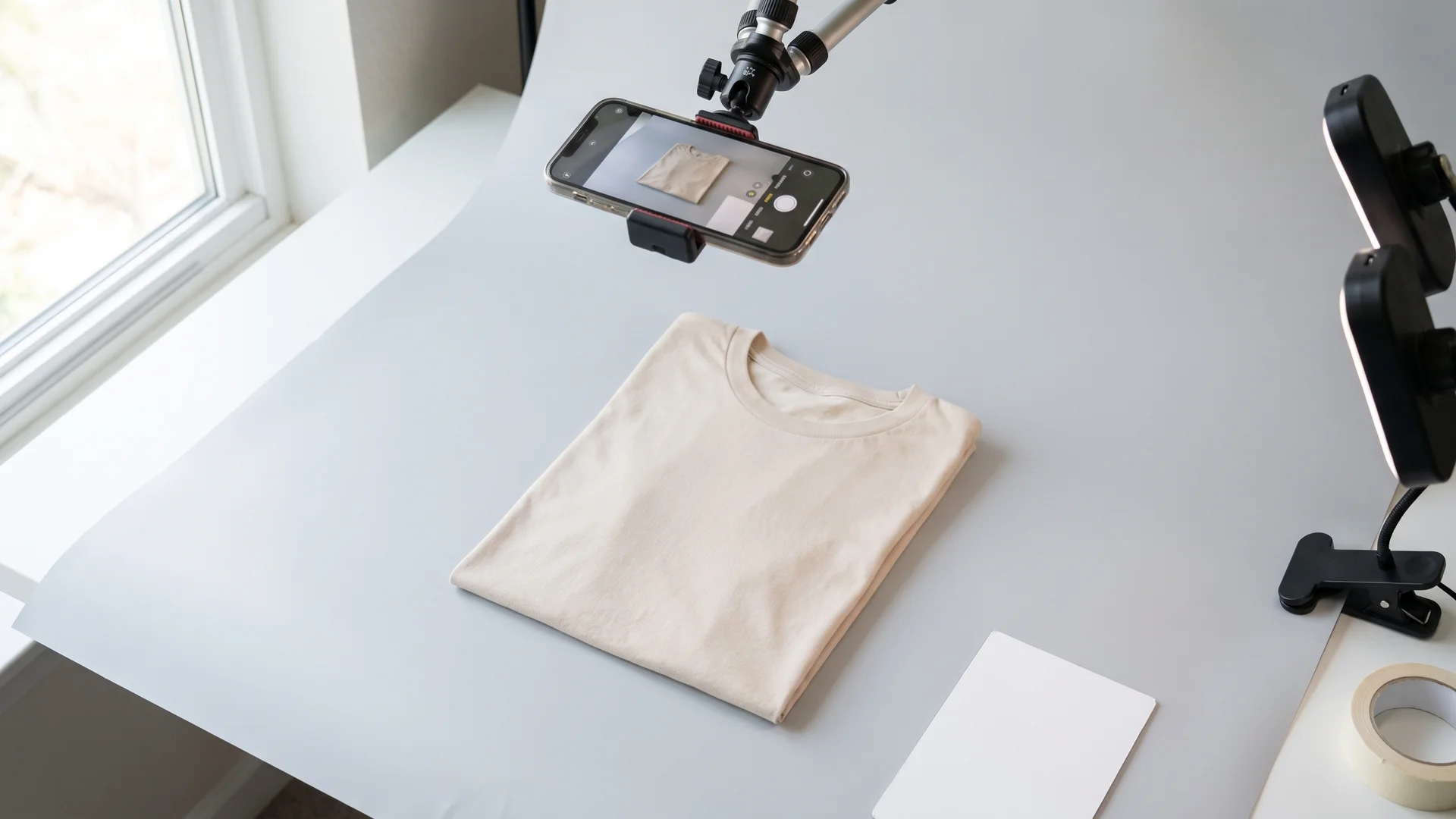
Flat-lay garment photo being shot for an AI clothing model workflow
- Shoot or export a clean garment photo. A flat-lay on a plain surface, a ghost-mannequin shot, or an on-body reference all work. Even lighting and no harsh shadows matter more than resolution.
- Pick or generate your model. Choose a model that matches your customer. Reuse the same one across the collection so the catalog looks like one brand.
- Generate the on-model image. Upload the garment, select the model, set the pose and background, and generate. With WearView's product-to-model, this runs in under 15 seconds per image.
- Review against a checklist. Check that prints, seams, logos, and text on the garment survived the generation intact. This is where most rejects happen.
- Upscale and export. Output at the resolution your channel needs, with commercial rights attached.
- Add alt text and disclosure. Write descriptive alt text for SEO and accessibility, and note AI use where your ad platform or local law requires it.
- Publish and tag. Push to your PDP, ad manager, or scheduler, and label the asset internally so you can find it for the next campaign.
A tip that saves credits: batch by garment, not by model. Generate every shot you need for one product in a single session while the settings are dialed in, rather than coming back to it three times.
Choosing the right AI model for your audience
The model is a brand decision, not a technical one. Pick badly and even a flawless photo will feel off to your customer.
A few things to get right:
- Match your buyer. If your customer is a 40-year-old plus-size shopper, a 22-year-old sample-size model undersells the fit. Diversity here is a sales lever, not a checkbox.
- Show the fit honestly. Choose body types that represent how the garment actually sits on real people. Returns go up when the on-model photo misleads.
- Keep the face consistent. Across a collection, a shifting face reads as a different brand on every product. Locking one identity is what makes a catalog feel intentional.
Consistency is the hard part with most tools, because each generation tends to produce a slightly different person. If keeping one signature model across every product matters to you, that is exactly what consistent AI models are built for. For the initial model design and prompt work, our tools to create AI fashion models handle the creation side.
Matching AI model shots to each channel's format
Different channels want different specs. Generating one square studio shot and forcing it everywhere is why a lot of AI catalogs look flat. Use this map as a starting brief.
| Channel | Aspect ratio | Model shot style | Background | What to prioritize |
|---|---|---|---|---|
| Product detail page | 3:4 or 4:5 | Front, back, detail crops | Plain or soft studio | Fit accuracy, true color |
| Paid ads | 1:1 and 4:5 | Bold, single focal point | Clean with text space | Thumb-stopping contrast |
| Social / Reels | 9:16 | Casual, in motion | Real-world lifestyle | Authentic, native feel |
| Lookbook | 4:5 or 2:3 | Styled, editorial | Themed to the season | One consistent model |
| 16:9 or 1:1 | Simple hero | Brand-colored | Reads at preview size |
For the PDP specifically, on-model shots do the heaviest lifting for conversion, so give that page the most attention. If you also want shoppers to picture themselves in the garment, virtual try-on clothes adds an interactive layer on top of your static model photos.
Legal and disclosure basics for AI fashion models
This is the section the listicles ignore, and it is the one that can cost you real money. Using AI models is legal, but how you present them is now regulated in places, and the rules tightened in 2026.
Three things every brand operator should know:
- The FTC treats AI origin as a material fact. The FTC's Endorsement Guides, updated in June 2023 with AI-specific guidance in 2025, mean photorealistic AI-generated campaign imagery used in advertising should be disclosed as AI-generated, no matter how convincing it looks, according to compliance analysis from Dynamis LLP.
- New York now has a specific disclosure law. New York's AI disclosure law, effective June 9, 2026, requires brands to disclose when AI-generated synthetic performers appear in advertising, with penalties of $5,000 for a first violation and $10,000 for each one after that, per the National Law Review.
- Rights still apply to the source, not just the output. If your reference image includes a real person, you need a proper model release. AI does not erase that obligation.
Practical takeaways: keep a simple internal log of which assets are AI-generated, add a plain-language disclosure ("model is AI-generated") where you run paid ads, and check your own state or country rules since this area is moving fast. Disclosure done well does not hurt performance. Being caught hiding it does.
AI models vs a traditional photoshoot: the real cost
The cost gap is the reason most brands try this in the first place, so here is the honest math rather than a marketing number.
A traditional fashion photoshoot runs roughly $1,500 to $25,000 or more per day depending on scale, with model fees alone at $800 to $3,000 per day and photographer rates at $1,000 to $2,000 for a full day, according to Adstronaut's 2026 breakdown. That is before you count studio rental, styling, and post-production.
| Factor | Traditional photoshoot | AI models |
|---|---|---|
| Cost per shoot day | $1,500 to $25,000+ | $29 to $99 / month (plan) |
| Model fees | $800 to $3,000 / day | Included |
| Turnaround | 1 to 3 weeks | Minutes |
| Reshoots | New shoot day + cost | Re-generate, same plan |
| Diversity of models | Extra casting cost | Swap in seconds |
| Commercial rights | Negotiated per contract | Included on paid plans |
WearView pricing sits well under a single shoot day: Lite is $29 a month for 50 credits, Pro is $49 for 200 credits, and Advanced is $99 for 500 credits, all with commercial usage rights. There is no free tier, so treat it as a production line replacement, not a toy. For a full teardown of what studios actually charge and where the savings come from, see our piece on the real cost of fashion photoshoots.
The savings here are not marginal. A full month of unlimited re-shoots often costs less than a single hour of a traditional shoot day.
Common mistakes and a quality-control checklist
Speed is the trap. When each image takes 15 seconds, it is easy to publish 40 of them without looking closely. Slow down at the review step. Run every generated image through this before it goes live:
- Garment integrity: prints, logos, buttons, and text on the piece are intact and not warped
- Hands and fingers: count them, and check they hold the garment naturally
- Fit truth: the drape and length match how the real garment sits
- Skin realism: no plastic or airbrushed look that screams AI (see our guide on fixing AI skin texture if it does)
- Consistency: the model matches the rest of the collection
- Background: no stray artifacts, warped shelves, or nonsense text in the scene
- Lighting match: shots for the same PDP share a consistent light direction and color
Two mistakes worth naming directly. First, over-styling: piling on dramatic backgrounds for a PDP where the shopper just wants to see the shirt. Second, ignoring returns data: if a garment's return rate climbs after you switch to AI photos, the model probably misrepresents the fit, and you should re-generate with a truer body type.
Getting started with AI models for your clothing brand
You do not need to convert your whole catalog on day one. Start narrow, prove it, then scale.
- Pick one product line with 5 to 10 items, ideally simple garments to build confidence.
- Generate one consistent model that matches your target customer.
- Produce PDP shots first, since that is where photos move revenue most directly.
- A/B test the AI photos against your existing ones and watch conversion and return rate.
- Expand to ads and social once the PDP results hold up.
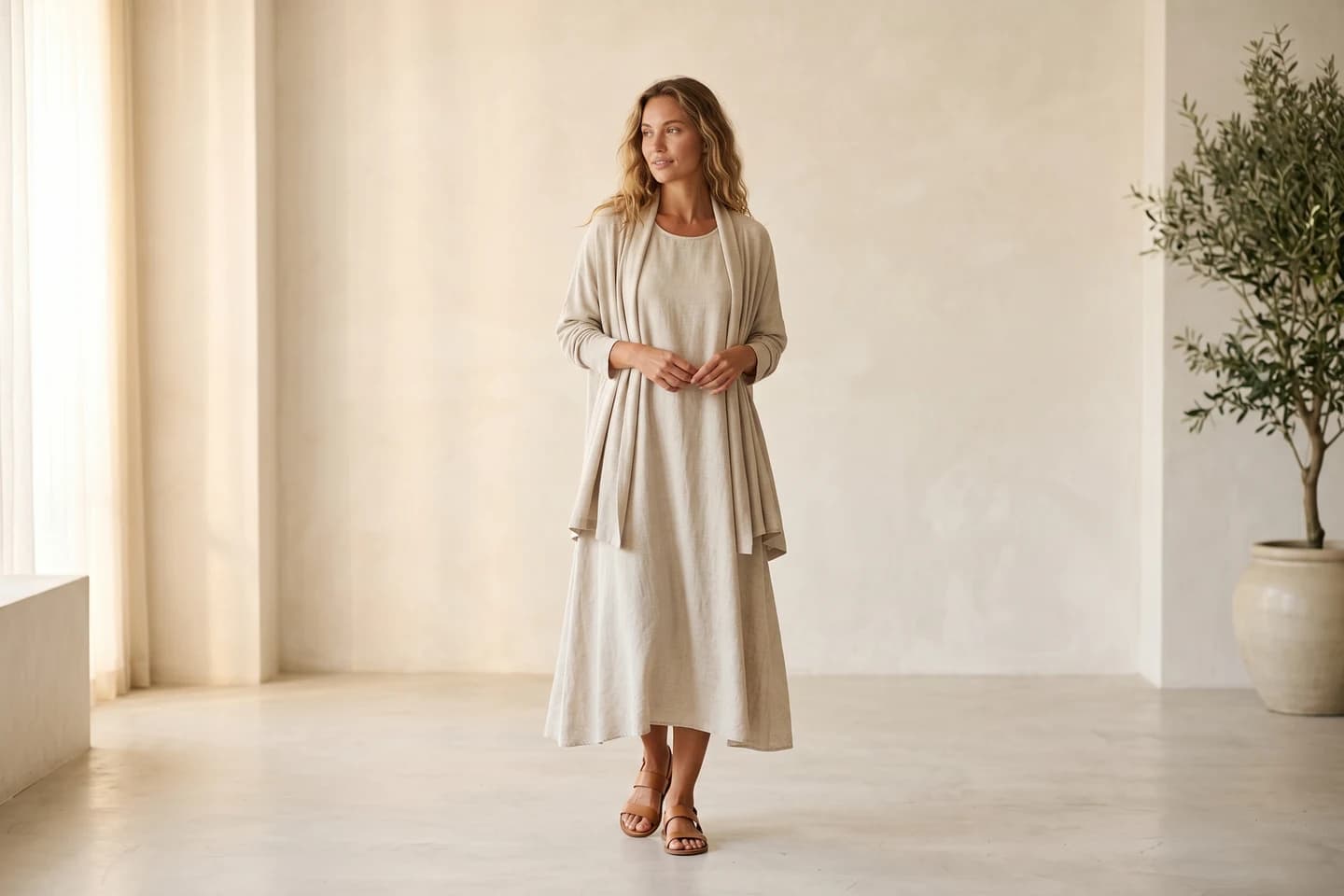
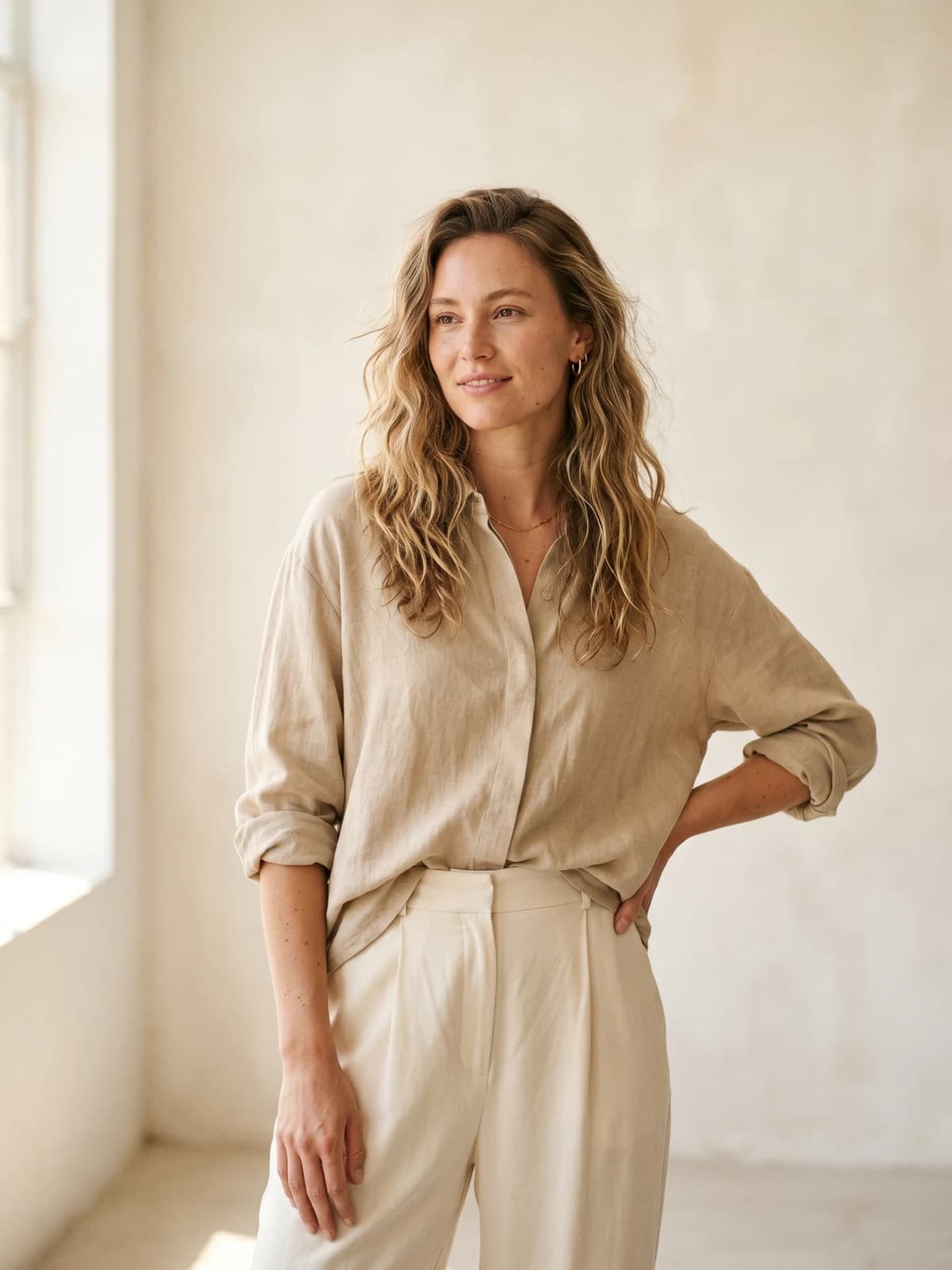
When you are ready to run a real shoot without a studio, WearView is a purpose-built AI fashion model generator that takes a garment photo to a finished on-model image in seconds, with the consistency and commercial rights a growing brand needs.
Replace your next photoshoot with AI
Professional on-model fashion photography in seconds, at a fraction of the cost of a studio shoot.
Key takeaways
- Map before you generate. One garment feeds PDP, ads, social, lookbooks, and email, and each wants a different crop and style. Brief the channel first.
- Start with the PDP. On-model product page shots move revenue most directly, so prove the workflow there before scaling to ads.
- Lock one model. Consistency across a collection is what makes an AI catalog look like a real brand instead of a stock library.
- Disclose AI use. The FTC treats AI origin as material, and New York's law carries $5,000-plus penalties from June 2026. Log your AI assets and label paid ads.
- Treat it as a production line. A full month of re-shoots on a paid plan often costs less than one hour of a traditional shoot day.
Sources: McKinsey and Business of Fashion, State of Fashion 2025, Adstronaut, How Much Does a Fashion Photoshoot Cost in 2026, National Law Review, New York AI Disclosure Law, Dynamis LLP, AI Disclosure Compliance for Fashion Brands, MockIt AI, Clothing Brands Using AI Models
FAQ
Is it legal to use AI models for a clothing brand? Yes. Generating and selling with AI fashion models is legal in the US and most markets. The rules govern how you present them, mainly advertising disclosure, and how you source reference images that contain real people. Follow FTC guidance and any state law that applies to you, and you are on solid ground.
Do I have to disclose that a fashion model is AI-generated? For advertising, increasingly yes. The FTC treats AI origin as a material fact, and New York's law effective June 9, 2026 requires disclosure of AI-generated synthetic performers in ads. Organic PDP photos are less regulated today, but a short label like "AI-generated model" is a low-cost way to stay ahead of the rules and keep customer trust.
How much do AI models cost compared to a real photoshoot? A traditional shoot runs roughly $1,500 to $25,000 or more per day, with model fees at $800 to $3,000 alone. AI model plans like WearView run $29 to $99 a month with unlimited re-shoots inside your credits. For most small and mid-size brands, a month of AI costs less than one hour of a studio day.
Can AI models keep the same face and body across an entire collection? Yes, with the right tool. Basic generators produce a slightly different person each time, which breaks catalog consistency. Features built for consistent model identity lock one face and body so every product in a collection looks like the same brand shoot.
Will AI models hurt my brand's authenticity or customer trust? Only if you hide it or misrepresent fit. Shoppers care most that the photo shows the garment accurately. Choose body types that match your real customers, disclose AI use where appropriate, and authenticity holds. Misleading fit photos, AI or not, are what erodes trust and drives returns.
What kind of garment photos do I need to start, flat lay, mannequin, or on-body? Any of the three work. A flat-lay on a plain surface, a ghost-mannequin shot, or an on-body reference all generate well. Even, shadow-free lighting matters more than camera quality. Clean input gives you clean on-model output.
Can I use AI model images on Shopify and Amazon product listings? Yes. AI-generated on-model images are standard product photos once exported, and they work on Shopify, Amazon, Etsy, and other platforms. Check each marketplace's image rules (Amazon wants a plain white background on the main image, for example) and keep your commercial rights on file.
Are AI fashion models good enough for paid ads and campaigns? For most brands, yes. Major labels already run AI models in campaigns. Ad creative rewards contrast and a clear focal point, which AI generation handles well. Run your usual A/B tests against human-model creative, and disclose AI use per the platform and legal rules where you advertise.

WearView Team
WearView Content & Research Team
WearView Team is a group of fashion technology specialists focused on AI fashion models, virtual try-on, and AI product photography for e-commerce brands. We publish in-depth guides, case studies, and practical insights to help fashion businesses improve conversion rates and scale faster using AI.


