
July 10, 2026•16 min read
AI vs Traditional Fashion Design Software: Which to Use in 2026
Should you learn CLO 3D and Illustrator or switch to AI design tools in 2026? We compare both workflows across speed, control, learning curve, cost, and output quality, with a clear pick for each type of brand.
Picture of AI vs Traditional Fashion Design Software: Which to Use in 2026 article
McKinsey estimates that generative AI could add $150 billion to $275 billion to the operating profits of the apparel, fashion, and luxury sectors over the next three to five years. That number is why every designer is now facing the same question: keep investing time in CLO 3D, Browzwear, and Adobe Illustrator, or move the workflow over to AI design tools. The choice between AI vs traditional fashion design software is not obvious, and most of the articles ranking for it are written by tool vendors selling you their own answer.
This is a straight comparison instead. We put the AI-native workflow next to the traditional CAD and 3D stack across five things that actually decide your budget and your calendar: speed, control, learning curve, cost, and output quality. There is an honest section on where traditional software still wins, because it does. And there is a concrete 2026 hybrid stack broken down by who you are, whether that is a student, an indie label, an e-commerce seller, or an established brand.
AI vs traditional fashion design software: the quick verdict
If you only read one section, read this table. It is the summary of everything below.
| Axis | Traditional software (Illustrator, CLO 3D, Browzwear, Optitex) | AI design tools | Practical winner |
|---|---|---|---|
| Speed | Slow, high manual effort per style | 75-85% faster on ideation and variations | AI for volume, traditional for the final pattern |
| Control and precision | Exact seams, grading, fit, tech specs | Approximate, hard to constrain | Traditional |
| Learning curve | 1,000+ hours for CLO 3D mastery | Hours to days for prompt-based tools | AI |
| Cost | High software plus prototyping | Lower prototyping, cheap iteration | AI on iteration cost |
| Output quality | Production-accurate specs and patterns | Great concepts and visuals, weak specs | Depends on the job |
The short read: AI wins on the front end (ideas, variations, mockups, and on-model visuals) and traditional CAD wins on the back end (patterns, grading, fit, and factory-ready tech packs). Almost nobody should pick one and delete the other. The teams pulling ahead in 2026 run both.
What counts as traditional fashion design software in 2026
"Traditional" does not mean paper and pencil. It means the mature, precision-first tools the industry has standardized on. They split into three jobs.
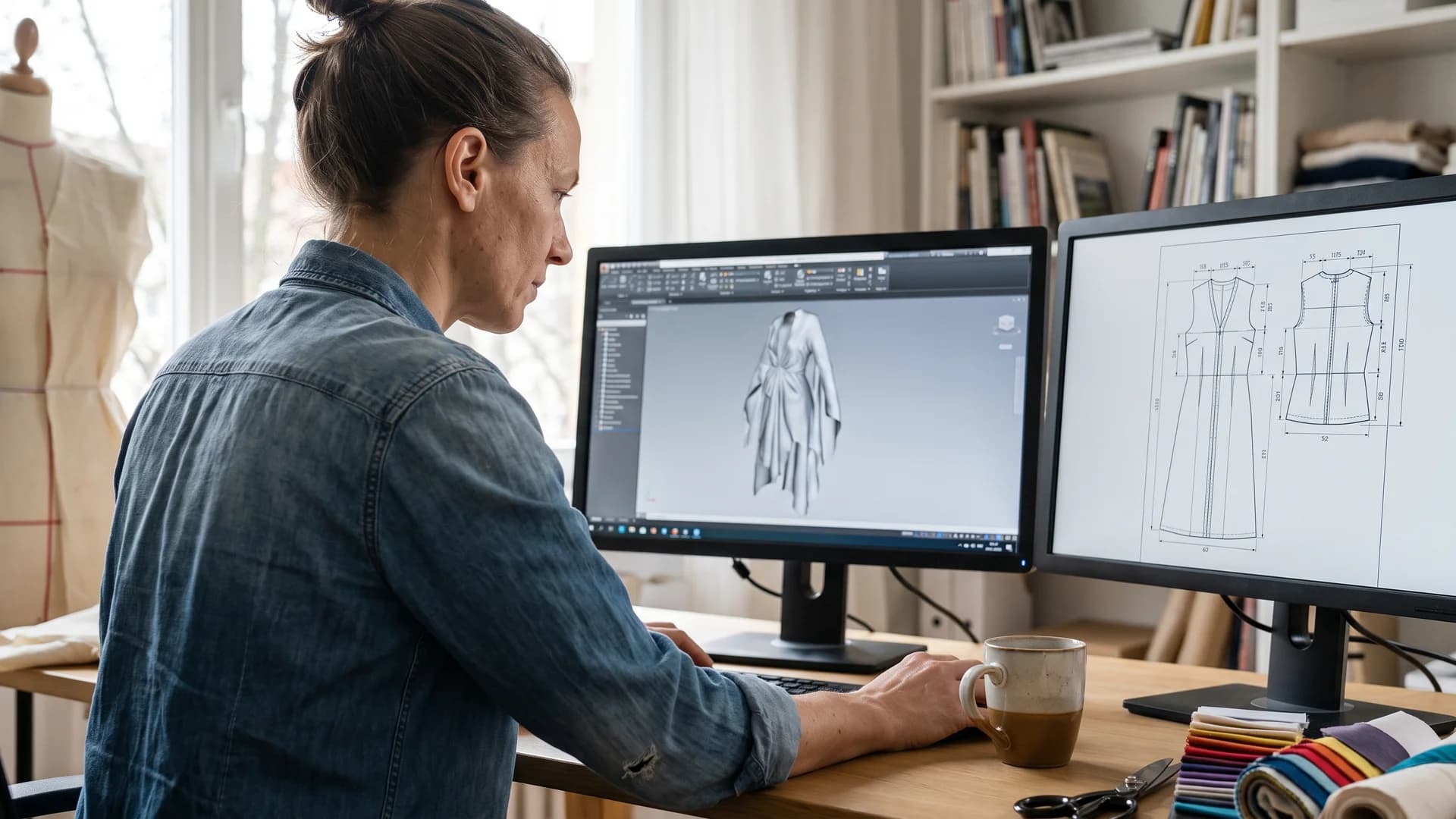
Designer using traditional fashion design software at a dual-monitor CAD workstation
- 2D flats and artwork. Adobe Illustrator is still the backbone here. It draws technical flats, repeat prints, and line sheets. Illustrator remains the number one foundational fashion design skill and shows up in more than 800 job listings, per NextInFashion's 2026 review.
- 3D simulation and virtual sampling. CLO 3D, Browzwear (VStitcher), and Style3D drape a real pattern on a digital avatar so you see fit and fabric behaviour before cutting cloth. This is 3D clothing design software territory, and it is where digital sampling lives.
- Pattern making, grading, and PLM. Gerber (now Lectra), Optitex, and similar CAD systems handle production patterns, size grading, markers, and the technical accuracy a factory needs.
What ties them together is that they were built for precision and production, not for guessing. A seam allowance is exactly what you set it to. A graded size run follows real rules. That reliability is the whole point, and it is also why they take so long to learn.
What AI fashion design tools actually do (and don't)
AI design tools are strong at a narrower set of jobs than the marketing implies. Be precise about the categories so you buy the right thing.
- Ideation and moodboarding. Text-to-image models turn a prompt into dozens of design directions in minutes. Good for exploring silhouettes, prints, and colorways before you commit.
- Pattern and print variation. AI can spin one print into fifty colorways or restyle a base garment, which compresses the early "what if" phase.
- Tech pack drafting. Some tools now auto-populate a first-draft tech pack from a sketch. Treat it as a starting point a human corrects, not a final spec.
- On-model visualization. This is the most reliable AI win. Take a finished garment or flat-lay and put it on a realistic model, in any pose or setting, without a photoshoot.
Here is what AI does not do well yet. It does not produce a sewable production pattern with correct seam allowances. It does not grade a size run you can trust on the cutting floor. It does not understand fabric behaviour the way a CLO 3D simulation does. If a vendor tells you AI replaces your pattern maker, that is the part to be skeptical about.
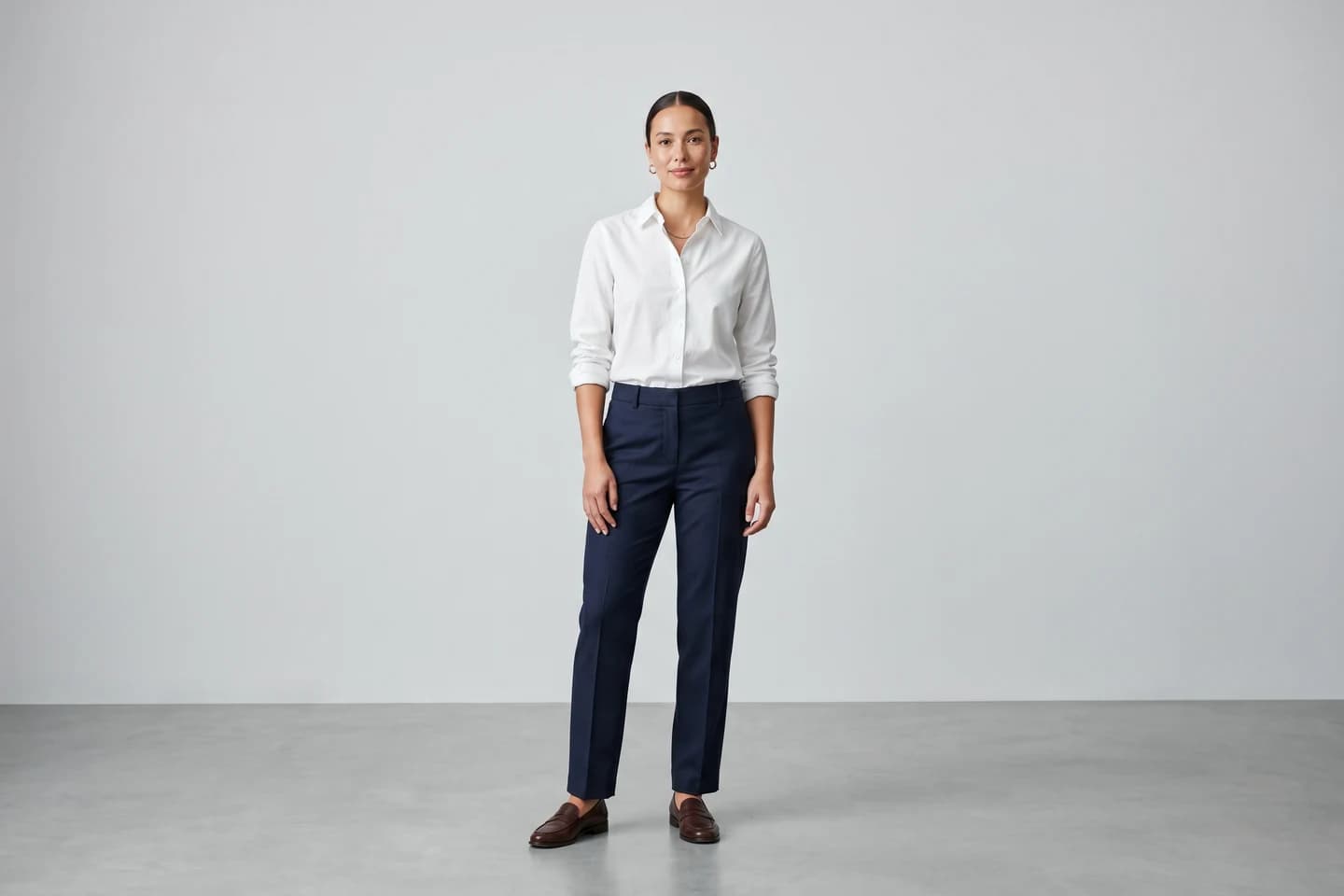
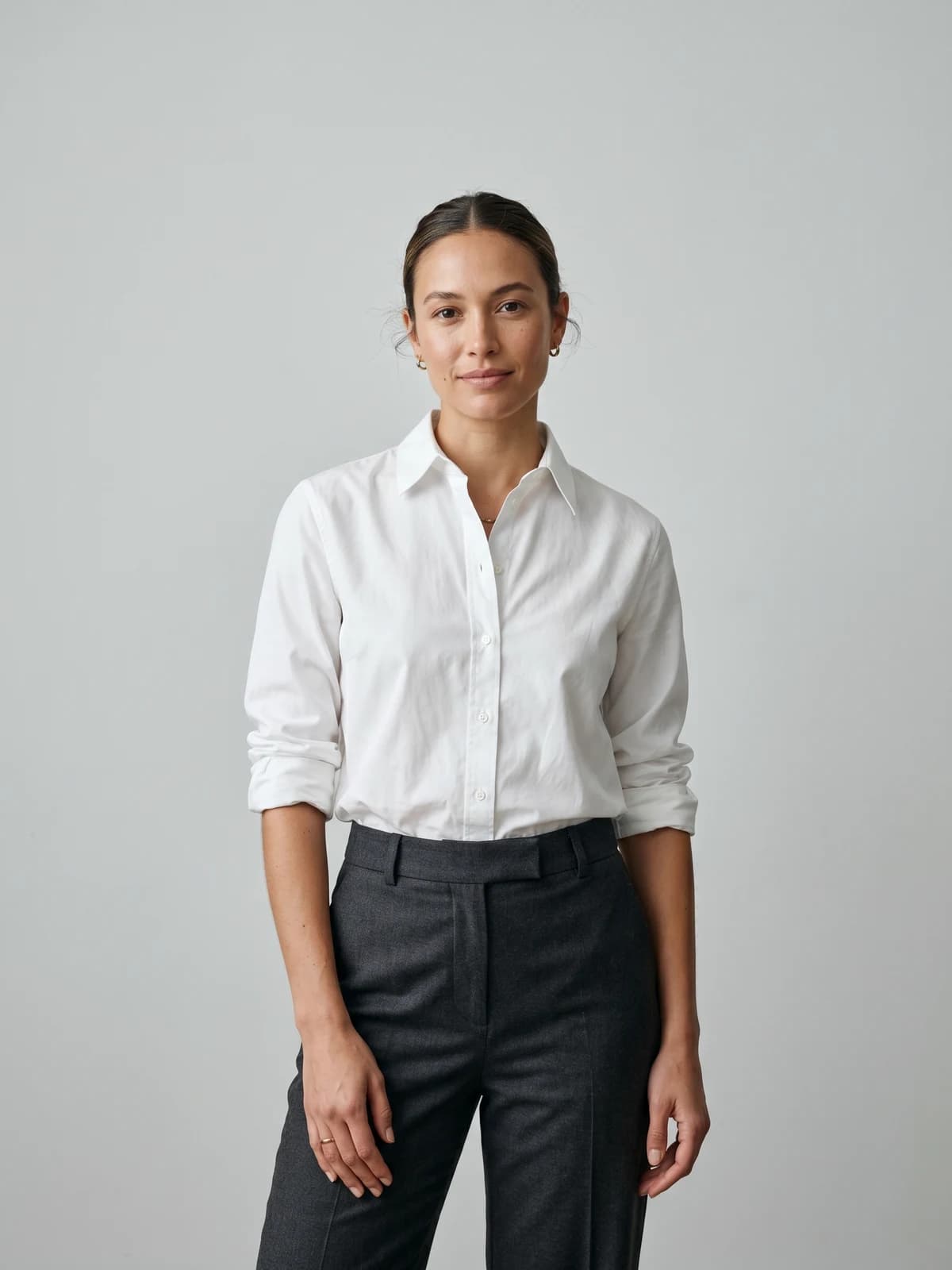
Turn flat-lays into on-model photos
Drop in a flat-lay or product shot and get professional on-model photography ready for your store.
Speed and turnaround: where AI collapses timelines
Speed is the axis where AI has the clearest edge. AI-driven design tools can deliver 75 to 85 percent faster turnaround than traditional methods. That takes a development cycle that used to run roughly six months and shrinks it to two to eight weeks, according to FashionINSTA's 2026 analysis. The same source puts prototyping cost reductions at up to 70 percent.
Where does that time actually go under the old model? A single garment pattern can take 8 to 40 hours to draft by hand, which makes pattern making a real bottleneck across a 50 to 200 style collection. AI cannot yet remove that step for production, but it removes almost all of the exploration time that comes before it. You reach a decision on which ten styles to develop far faster when you can look at a hundred AI concepts in an afternoon.
Where AI does not save time: the moment you need a correct, gradable, factory-ready pattern, you are back in CAD, and that step takes as long as it always did. So the honest version of the speed claim is that AI collapses the front half of the timeline and leaves the back half roughly where it was.
Control, precision and production-readiness: why traditional CAD still wins
This is the section the pro-AI comparison articles skip. Traditional software still wins any job that touches manufacturing.
- Exact measurements. A production pattern needs seam allowances, notches, grainlines, and tolerances that hold. CAD gives you that to the millimeter. AI gives you an approximation.
- Size grading. Grading a base size across a full run follows strict rules per measurement point. This is deterministic work, and deterministic is exactly what generative models are not.
- Fit and fabric simulation. CLO 3D and Browzwear simulate how a specific fabric weight and stretch will drape and pull. That physical accuracy is what lets brands cut sample counts, and AI image tools do not model it.
- Tech accuracy for the factory. A flat sketch and spec sheet has to be unambiguous. A slightly-wrong AI draft that a factory misreads costs more than doing it right the first time.
If your output has to be cut and sewn at scale, precision beats speed, and traditional CAD is still the safer tool for that part of the job.
Learning curve and team skills compared
The gap here is large and it cuts in AI's favor, at least for getting started.
| Tool type | Time to basic competence | Time to mastery |
|---|---|---|
| Prompt-based AI design tool | A few hours | Days to weeks |
| Adobe Illustrator (flats) | Weeks | Months |
| CLO 3D / Browzwear (3D simulation) | Months | 1,000+ hours |
| Production CAD (Gerber, Optitex) | Months | Years |
CLO 3D has a famously steep learning curve, with most designers needing more than 1,000 hours to reach mastery, per NextInFashion. AI tools flip that: a beginner can produce a usable concept on day one. The catch is a ceiling. AI is easy to start and hard to control precisely, while CAD is hard to start and rewards the investment with total control. For a small team with no CAD training, that difference alone can decide the stack, and a beginner is usually better off starting with the free fashion design software beginners should learn first than paying for CLO3D on day one.
Cost breakdown: software, prototyping and photography compared
Software licences are only part of the real cost. The bigger line items are prototyping and photography, and that is where the two workflows separate.
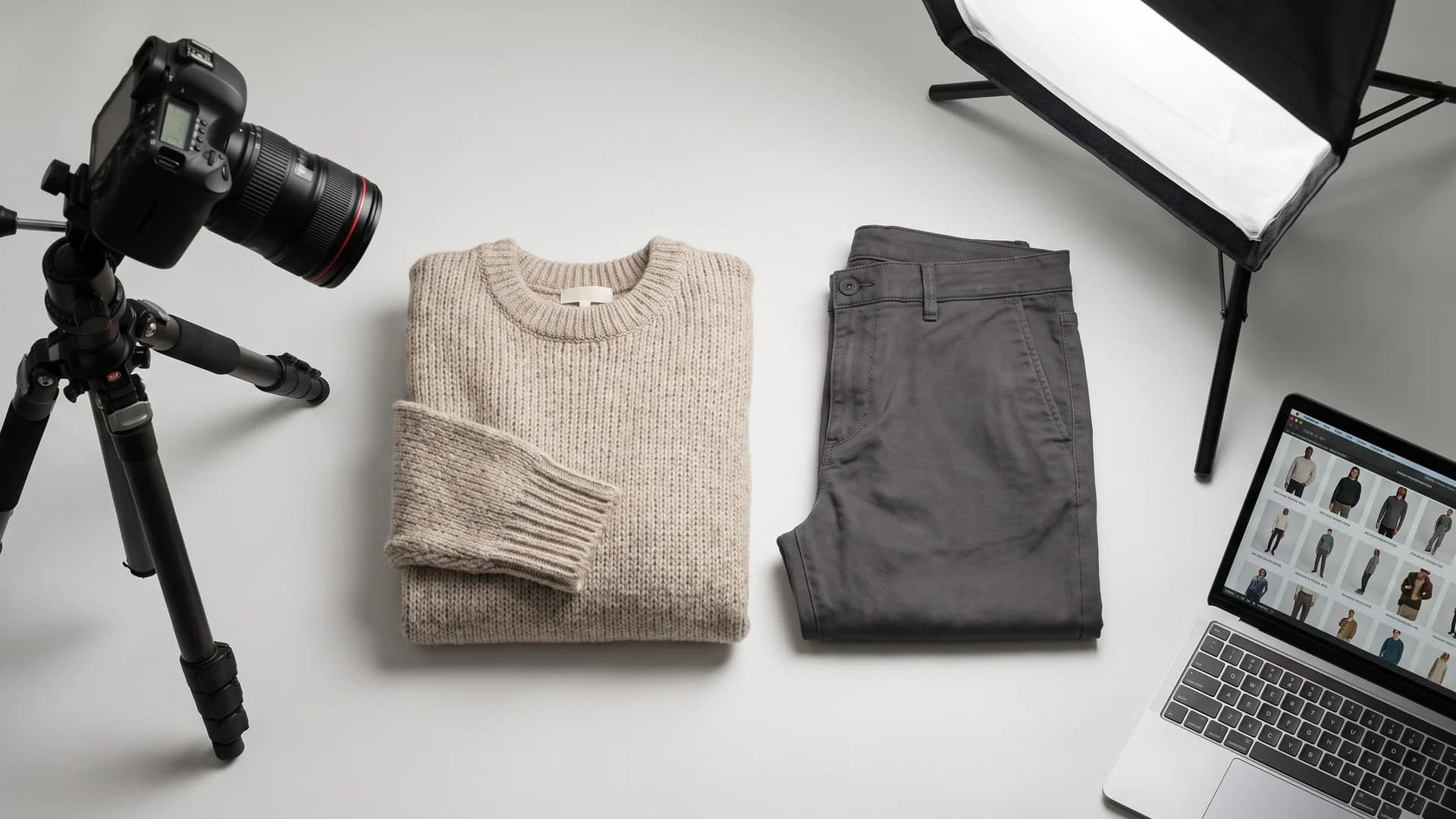
Flat-lay product shoot showing where AI fashion photography cuts studio costs
| Cost area | Traditional workflow | AI-assisted workflow |
|---|---|---|
| Design software | Illustrator subscription plus CLO 3D or CAD seats | Lower monthly tool cost, cheaper per iteration |
| Physical prototyping | High, multiple sample rounds | Up to 70% lower with digital and AI sampling |
| Iteration | Expensive, each change is slow | Near-free to try many variations |
| Product photography | Studio, models, photographer per shoot | AI on-model images at a fraction of the cost |
The prototyping saving (up to 70 percent, per FashionINSTA) is the headline, but for e-commerce brands the photography line is just as big. Traditional on-model shoots run into thousands per collection once you add a studio, model, and photographer. Replacing even part of that with AI-generated on-model imagery changes the unit economics of launching a product.
Output quality and commercial rights
Quality depends entirely on what you are measuring. For technical output (patterns, specs, gradable files), traditional CAD produces the higher-quality, more usable result. For visual output (concepts, mockups, marketing and on-model photos), AI now produces work that is good enough to sell with.
And visual quality is not a soft metric. 67 percent of online shoppers say product image quality is the single most important factor in their purchase decision, ranked above descriptions, reviews, and price, according to GrabOn's e-commerce photography data. So the on-model images your AI tool produces are not a nice-to-have. They move conversion directly.
On rights, read the fine print of whatever you use. Reputable AI tools grant commercial usage rights on their paid plans so you can use the output in your store and ads. WearView, for example, includes full commercial usage rights on all paid plans. Free consumer image generators often do not, so do not build a catalog on a tool whose terms are unclear.
The hybrid fashion design workflow that beats AI or traditional software alone
The verdict most vendor articles dance around: the winning 2026 setup is a hybrid. A good hybrid beats either pure workflow outright, so treating it as a reluctant compromise gets it backwards. The reason 92 percent of fashion organizations plan to increase generative AI investment, and 35 percent of executives already use it for tasks like image creation, is that they are bolting AI onto the tools they already trust, not throwing those tools out.
A clean hybrid pipeline looks like this:
- Ideate with AI. Generate directions, prints, and colorways fast. Narrow a hundred ideas to ten.
- Refine flats in Illustrator. Turn the chosen concepts into clean technical drawings.
- Sample in 3D CAD. Draft and simulate the real pattern in CLO 3D or Browzwear, then grade in production CAD.
- Visualize with AI. Once the garment exists (physical or digital sample), generate on-model photos, poses, and video for the store and social, then keep consistent AI models across the whole collection.
AI covers the two ends (idea and image). Traditional CAD owns the precise middle (pattern, fit, grading). Each tool does the part it is best at.
AI vs traditional fashion design software: which should you choose?
There is no single answer, so here is the pick by who you are.
| You are a… | Lead with | Why |
|---|---|---|
| Student | Illustrator plus one AI tool | Learn the foundational skill employers list; use AI to move fast |
| Indie brand / solo designer | AI-first, minimal CAD | You need concepts and sellable images cheaply; outsource production patterns |
| E-commerce seller | AI visualization, little design software | You are not drafting patterns; you need on-model photos that convert |
| Established brand / manufacturer | Full CAD plus AI layer | Precision is non-negotiable; add AI for speed and content |
- Students: learn Illustrator because it is still the number one hireable skill, and add an AI AI fashion model generator style tool to build a portfolio fast.
- Indie brands: go AI-first for ideation and imagery, and buy pattern making as a service rather than spending 1,000 hours in CLO 3D. For graphic-led pieces you can skip the pattern step entirely and go straight to a print-on-demand factory, which is how an AI design becomes a sellable physical product without inventory risk.
- E-commerce sellers: you rarely design from scratch. Your leverage is turning existing products into strong on-model images, so a virtual try-on or product-to-model tool matters more than CAD.
- Established brands: keep the full traditional stack for production accuracy and layer AI on top for speed and marketing content.
Where WearView fits: from finished design to on-model photos
WearView is deliberately not a CLO 3D or Illustrator replacement. It does not draft patterns, grade sizes, or write tech packs, and it should not pretend to. It sits at the last step of the hybrid pipeline: once your garment exists, WearView turns it into professional on-model photography.
- Product-to-model converts a flat-lay or packshot into an on-model image in under 15 seconds.
- Virtual try-on previews a garment on realistic AI models without a sample shipped anywhere.
- AI model creation builds diverse, brand-consistent models from a prompt.
- Consistent model identity keeps the same face across an entire catalog and every campaign.
- Output runs up to 4K with full commercial usage rights on every paid plan.
Pricing is straightforward: Lite is $29 a month for 50 credits, Pro is $49 a month for 200 credits, and Advanced is $99 a month for 500 credits, with annual billing saving up to $198 a year. You can see the full platform at WearView. It complements your design software instead of competing with it, which is exactly why it belongs in the hybrid stack rather than replacing half of it.


Replace your next photoshoot with AI
Professional on-model fashion photography in seconds, at a fraction of the cost of a studio shoot.
Key takeaways
- Split the timeline, not your loyalty. AI owns ideation and visualization; traditional CAD owns patterns, grading, and fit. Use each where it is strongest.
- Do not expect AI to draft production patterns. For anything cut and sewn at scale, CLO 3D, Optitex, and Gerber still produce the trustworthy output.
- Learn Illustrator if you want a job. It is the number one listed fashion design skill and pairs well with a fast AI tool for concepts.
- The biggest AI saving is often photography, not patterns. With image quality driving 67 percent of purchase decisions, AI on-model images move revenue, not just costs.
- Match the stack to your role. Indie brands and e-commerce sellers lean AI-heavy; manufacturers keep full CAD and add AI on top.
Sources: McKinsey & Company, McKinsey State of Fashion 2025 via Fashion Dive, FashionINSTA, FashionINSTA production patterns, NextInFashion, GrabOn, AI fashion design software comparison (2026)
FAQ
Can AI replace traditional fashion design software like CLO 3D or Illustrator? Not for production work. AI is excellent for ideation, variations, and on-model visuals, but it does not yet draft sewable patterns, grade size runs, or simulate fabric behaviour the way CLO 3D and CAD do. The realistic path is running both, with AI on the front and back ends and traditional software in the precise middle.
Is Adobe Illustrator still necessary for fashion design in 2026? Yes, if you want to draw technical flats and work in industry. Illustrator remains the number one foundational fashion design skill and appears in more than 800 job listings, per NextInFashion. AI tools speed up ideation around it, but they do not replace clean vector flats and line sheets.
How long does it take to learn CLO 3D versus an AI design tool? CLO 3D typically needs 1,000-plus hours to master, while most prompt-based AI tools take a few hours to get useful results from. The trade-off is that AI is easy to start but hard to control precisely, and CLO 3D is hard to start but gives you full technical control.
Is AI fashion design software cheaper than traditional CAD? On iteration and prototyping, yes, with prototyping costs reported up to 70 percent lower. Physical sampling and studio photography are the expensive line items, and AI cuts both. Full production CAD still carries higher licence and training costs, which is why brands keep it only where precision is required.
Which software do professional fashion designers actually use in 2026? Most professionals use a hybrid stack: Illustrator for flats, CLO 3D or Browzwear for 3D sampling, production CAD like Gerber or Optitex for patterns and grading, plus AI tools for concepts and on-model imagery. Pure AI-only workflows are common among indie and e-commerce brands that outsource pattern making.
Can AI tools produce production-ready patterns and tech packs? AI can draft a first-pass tech pack and rough pattern, but treat it as a starting point a human corrects. Seam allowances, grading, and factory tolerances still need traditional CAD to be reliable, so a pattern maker or CAD file remains the source of truth for manufacturing.
What is the best AI fashion design software for a small brand or beginner? For a small brand, lead with AI ideation plus an on-model image tool and outsource production patterns rather than learning full CAD. If your main need is turning products into images that sell, a product-to-model or virtual try-on tool matters more than a pattern-making suite. See our roundup of the best apps for clothing design for options.
Do you own the commercial rights to AI-generated fashion designs and images? It depends on the tool, so check the terms before you build a catalog on it. Reputable paid platforms grant full commercial usage rights, and WearView includes them on all paid plans. Free consumer image generators often restrict commercial use, which makes them risky for store and ad content.

WearView Team
WearView Content & Research Team
WearView Team is a group of fashion technology specialists focused on AI fashion models, virtual try-on, and AI product photography for e-commerce brands. We publish in-depth guides, case studies, and practical insights to help fashion businesses improve conversion rates and scale faster using AI.


