May 1, 2026•18 min read
7 best AI tools for changing clothes in photos (2026 guide)
Compare the 7 best AI tools for changing clothes in photos in 2026. Covers pricing, key strengths, and a decision framework for ecommerce teams.
Picture of 7 best AI tools for changing clothes in photos (2026 guide) article
Changing clothes in photos used to mean a reshoot, a Photoshop session, or both. AI clothing swap tools now let ecommerce teams put a new garment on an existing model image in under a minute, while keeping the pose, lighting, and background intact. That cuts catalog production time and costs by an order of magnitude.
In this guide, we compare the seven best AI tools for changing clothes in photos in 2026, with a focus on what fashion brands and ecommerce teams actually need: garment fidelity, batch capacity, fair pricing, and commercial usage rights. We cover what each tool does well, where it falls short, and how to pick the right one for your workflow. This guide covers still photos; for swapping outfits in footage, see our separate roundup of the best AI video clothes changer tools.
Best AI clothing swap tools: a brief overview
- WearView: Best overall for ecommerce catalogs: covers the full clothing swap workflow with virtual try-on, model swap, flatlay-to-model, and consistent model identity in one platform.
- Photta: Best for affordable custom brand models: includes a Model Maker for saving reusable brand personas, plus an AI clothes changer and pose changer at an entry price of $14 per month.
- VModel.ai: Best for seasonal or low-volume brands: pay-as-you-go credits that do not expire, ideal for brands with inconsistent photography needs.
- Pincel: Best for quick one-off clothes-swap edits: a simple two-image workflow that gets you a swapped photo in under a minute.
- Uwear.ai: Best for combining catalog generation with shopper-facing try-on: pairs an AI photo studio with a virtual fitting room widget you can embed on product pages.
- Cloudinary: Best for developers automating image edits via API: a developer-first media platform whose generative AI transformations, including Generative Replace, can be scripted into a product pipeline, with a free tier to start.
- Canva: Best for DIY design and quick photo edits: a familiar design platform whose Magic Edit can recolor or restyle garments in a photo, with an official Shopify integration.
| Tool name | Key strength | Pricing | Platforms |
|---|---|---|---|
| WearView | Full clothing swap workflow with virtual try-on, model swap, and flatlay-to-model in one platform | From $24/month | Web |
| Photta | Custom Model Maker for reusable brand personas plus AI clothes changer | From $14/month; free trial | Web |
| VModel.ai | Pay-as-you-go credits that never expire, built for seasonal volume | Pay-as-you-go; free credits | Web |
| Pincel | Quick one-off clothes-swap edits with a simple two-image workflow | 2 credits per generation; 20 free credits | Web |
| Uwear.ai | Combines AI catalog generation with shopper-facing virtual fitting room | Pay-as-you-go from $17; credits never expire | Web, Shopify |
| Cloudinary | Developer-first media platform with generative AI transformations (Generative Replace) via API | Free tier; Plus from ~$89/month | Web, API, SDKs |
| Canva | General design tool with Magic Edit for quick photo restyling, plus Shopify integration | Free; Pro from ~$15/month | Web, Desktop, iOS, Android |
1. WearView, best overall for ecommerce catalogs
WearView is a complete AI fashion photography platform with dedicated tools for changing clothes in photos. You can swap a garment on an existing model image with the virtual clothes try on tool, replace the model on an existing product photo with the AI model swap tool, or generate a brand-new on-model image from a flat-lay using flatlay to model. For each tool, you upload your inputs, choose from a diverse library of AI models across ethnicities, body types, and age groups, describe the background or styling, and get a finished photo in under 15 seconds.
WearView lets you build full catalogs without reshoots. You can pair garments with models manually, describe the look in a prompt, control poses with reference images, or lock the same model identity across an entire collection so your brand stays visually consistent. Beyond clothing swap, the platform includes ghost mannequin generation, AI fashion video, pose control, and team collaboration, all in one workspace with full commercial usage rights on every paid plan.
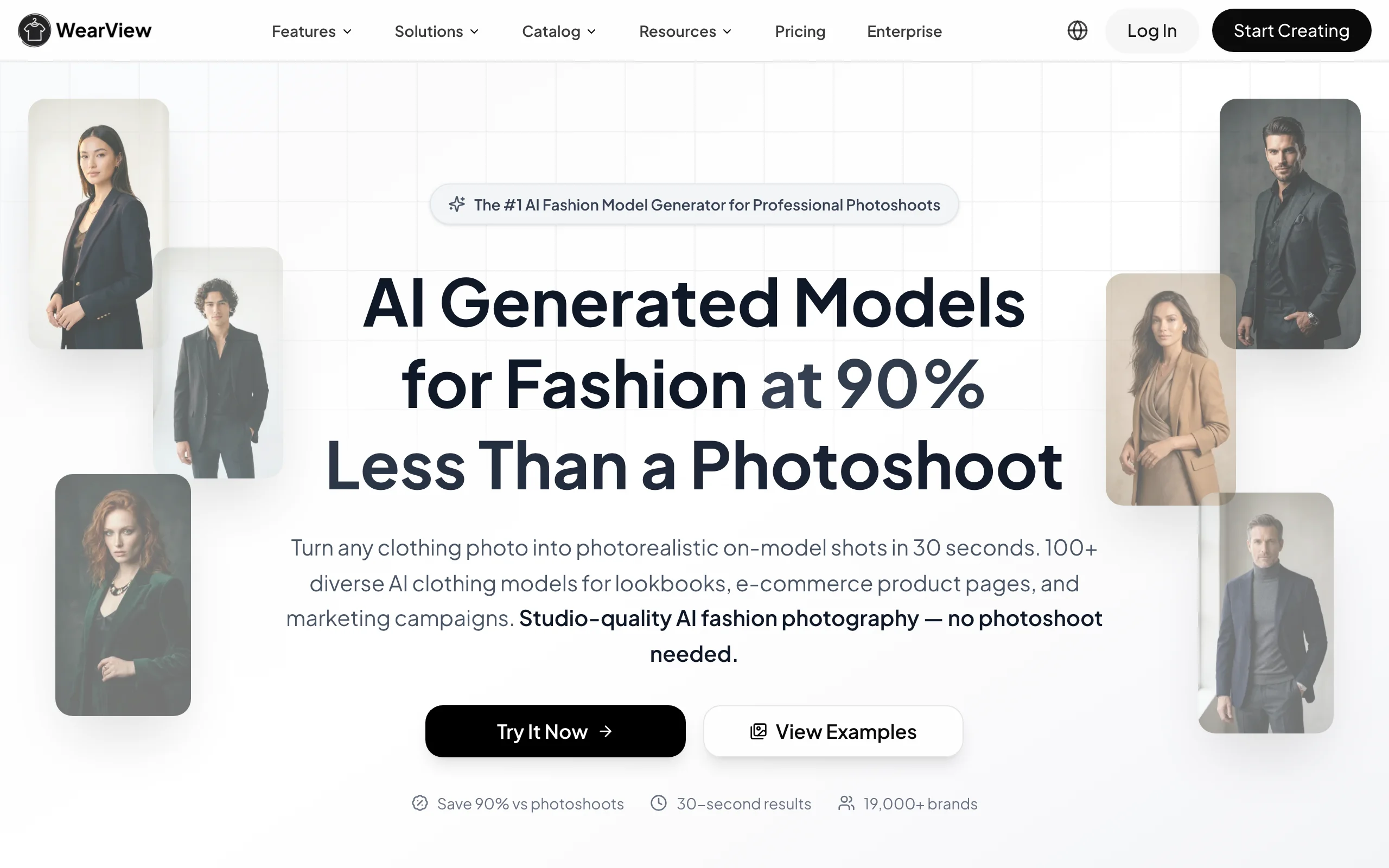
Changing Clothes in Photos with WearView
Key features
- Garment swap on existing model photos while preserving pose, lighting, and background
- Model swap to replace the person without reshooting the product
- Flatlay-to-model conversion in under 15 seconds
- Consistent model identity across product lines and campaigns
- Pose control with reference images or prompts
- HD, 2K, and 4K output with full commercial rights
Best for
- Fashion brands building seasonal catalogs across many SKUs
- Ecommerce teams that need garment swap, model swap, and flatlay-to-model in one place
- Marketing agencies managing multiple fashion clients
Pricing
- Lite: $24 per month (50 credits)
- Pro: $40 per month (200 credits, up to 4 team seats)
- Advanced: $82 per month (500 credits, up to 15 team seats)
- Annual billing saves up to two months per year
Pros
- Covers the full clothing swap workflow without juggling multiple tools
- Consistent model identity is rare among competitors and crucial for brand-aligned catalogs
- 4K output and commercial rights are included on every paid plan
Cons
- No free tier, only a money-back guarantee on paid plans
- Credit-based pricing means heavy-volume teams should plan around the Advanced tier
2. Photta, best for affordable custom brand models
Photta is an AI fashion photography platform built around a feature called Model Maker, which lets you create custom AI models, save them, and reuse them across your entire catalog. That gives smaller brands a path to model consistency that usually requires enterprise pricing elsewhere. The platform also includes a dedicated AI clothes changer for swapping garments on existing photos, a pose changer, ghost mannequin removal, and 2x to 4x upscaling.
Photta's pricing is the lowest entry point in this list, starting at $14 per month for the Hobby tier (around 30 photos). For brands that want to test custom branded models without committing to a $50+ monthly subscription, Photta is a sensible starting point. Higher tiers unlock more poses per shoot, simultaneous batch processing, and video generation.
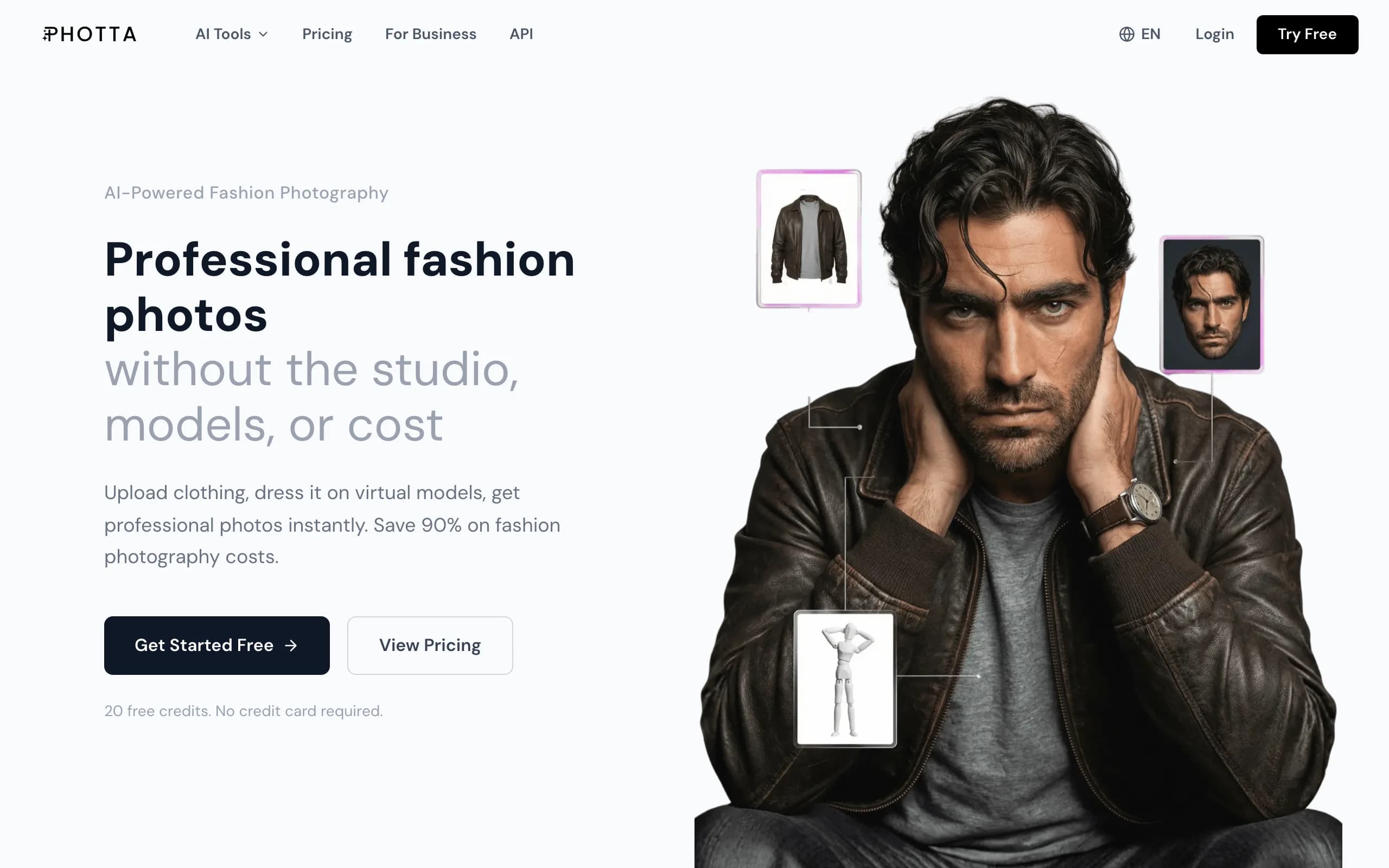
Changing Clothes in Photos with Photta
Key features
- AI clothes changer for swapping garments on existing model photos
- Custom Model Maker for saving and reusing brand personas
- Pose Changer for repositioning models without a reshoot
- 2x and 4x upscaling, ghost mannequin removal, video generation
- 19-language interface
Best for
- Smaller brands and startups that want custom models without enterprise pricing
- Teams testing branded AI personas before scaling up
- International sellers needing localized interfaces
Pricing
- Free trial available (no credit card)
- Hobby: $14 per month (150 credits, ~30 photos)
- Seller: $29 per month (500 credits, ~100 photos)
- Brand: $79 per month (1,500 credits, ~300 photos)
- Studio: $249 per month (5,000 credits, ~1,000 photos)
Pros
- Lowest entry price in this list
- Reusable Model Maker is unusual at this price point
- Wide language support for non-English ecommerce teams
Cons
- Lower credit ceilings on Hobby and Seller tiers limit high-SKU catalog work
- Garment fidelity on complex prints lags behind WearView
3. VModel.ai, best for seasonal brands and pay-as-you-go credits
VModel.ai takes a different pricing approach: pay-as-you-go credits that never expire. For brands with seasonal photography spikes (holiday, back-to-school, swim season) or one-off campaigns, this model fits better than a monthly subscription where unused credits roll away. You buy a pack, draw it down whenever you need it, and only top up when you run out.
The toolset covers the essentials: AI model generation, clothing swap on existing photos, and on-model conversion from flat-lays. The output quality is competitive in the mid-tier, and the lack of subscription pressure makes VModel attractive for smaller teams that do not generate hundreds of images every month.
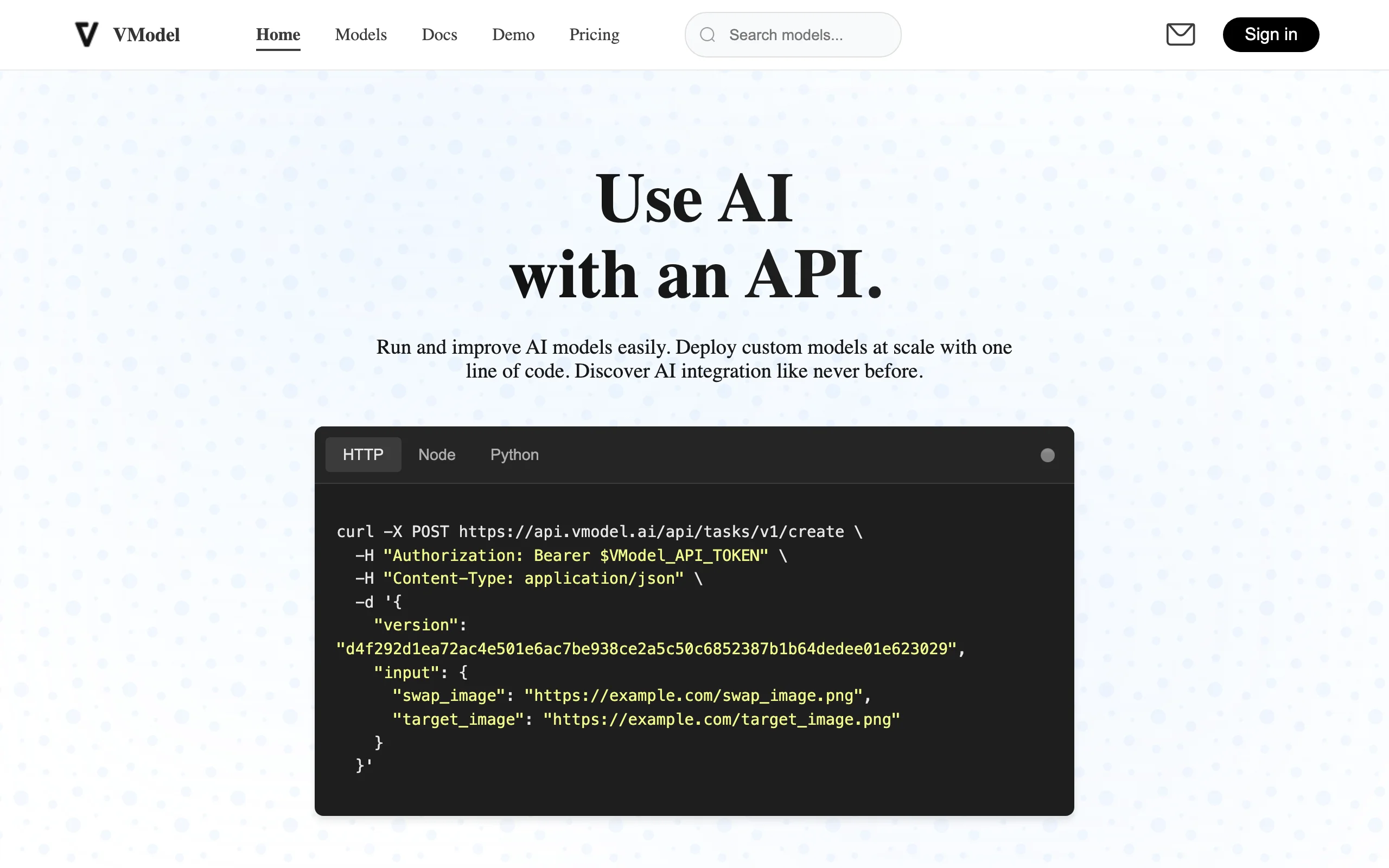
Changing Clothes in Photos with VModel.ai
Key features
- AI model generation with customizable attributes
- Clothing swap on existing model photos
- Flatlay-to-model conversion
- Credits that never expire
- API access for higher-volume customers
Best for
- Seasonal or campaign-driven fashion brands
- Small ecommerce teams with inconsistent monthly volume
- Brands that prefer to pay only for what they use
Pricing
- Pay-as-you-go credit packs (no subscription required)
- Free credits on signup
- API pricing available for higher volumes
Pros
- No "use it or lose it" pressure on monthly credits
- Friendly to brands that ramp up around launches and seasons
- Straightforward credit math
Cons
- Per-image cost is higher than dedicated subscription plans at high volume
- Fewer brand workflow features (team roles, brand kits) than larger platforms
4. Pincel, best for quick one-off clothes-swap edits
Pincel is a lightweight AI photo tool with a dedicated clothes-swap feature. The flow is the simplest in this list: upload a model photo, upload a garment, and Pincel generates a swapped image in 30 to 50 seconds. There is no model library, no subscription pressure, and no campaign workflow. You pay two credits per generation, and you keep full commercial rights to whatever you produce.
For ecommerce teams, Pincel is best as an add-on rather than a core platform. It works well for quick edits, prototyping new SKU variations, or testing how an existing model would look in a new colorway before booking a shoot. It is less suited to building out an entire catalog.
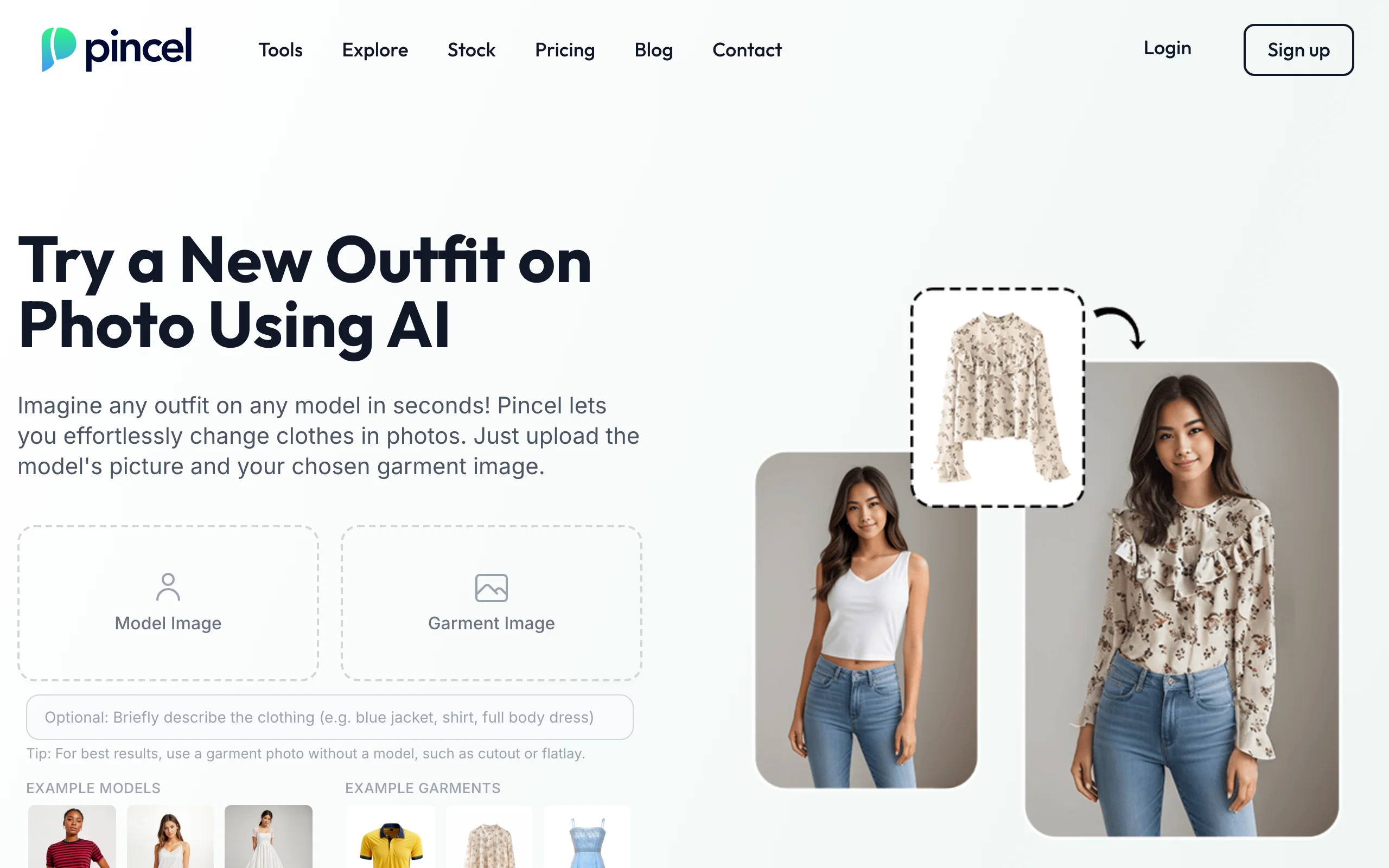
Changing Clothes in Photos with Pincel
Key features
- Two-image clothes-swap workflow (model + garment)
- 30-50 second turnaround per generation
- Commercial usage rights on every output
- Handles a range of garment types (shirts, dresses, pants, jackets)
Best for
- Quick one-off swaps and visual prototyping
- Solo sellers and small Etsy or marketplace sellers
- Teams already using a primary AI tool that need a backup for quick edits
Pricing
- Free: 20 credits on signup (no card)
- Per generation: 2 credits
- Paid plans from $19 per month (Creator, 1,000 credits)
Pros
- Lowest friction onboarding in this list
- Pay only for what you generate
- Commercial rights included on every plan
Cons
- Best results on plain garments; complex prints can degrade
- Not built for high-SKU catalog production
5. Uwear.ai, best for combining catalog generation with shopper-facing try-on
Uwear.ai bundles two products under one roof. The AI Photo Studio handles catalog-side work (model generation, clothing swap, on-model conversion), while Virtual Try-On is a shopper-facing widget that you embed on your product pages so customers can see themselves in your garments before buying. For DTC brands chasing both production efficiency and conversion lift, that two-in-one positioning is unique.
Pricing runs on a single pay-as-you-go credit balance, which keeps onboarding low-risk. Credits cost $0.10 each with a minimum purchase of 170 credits ($17), they never expire, and the same balance covers the Studio, the API, and try-on, so there is no second subscription to manage.
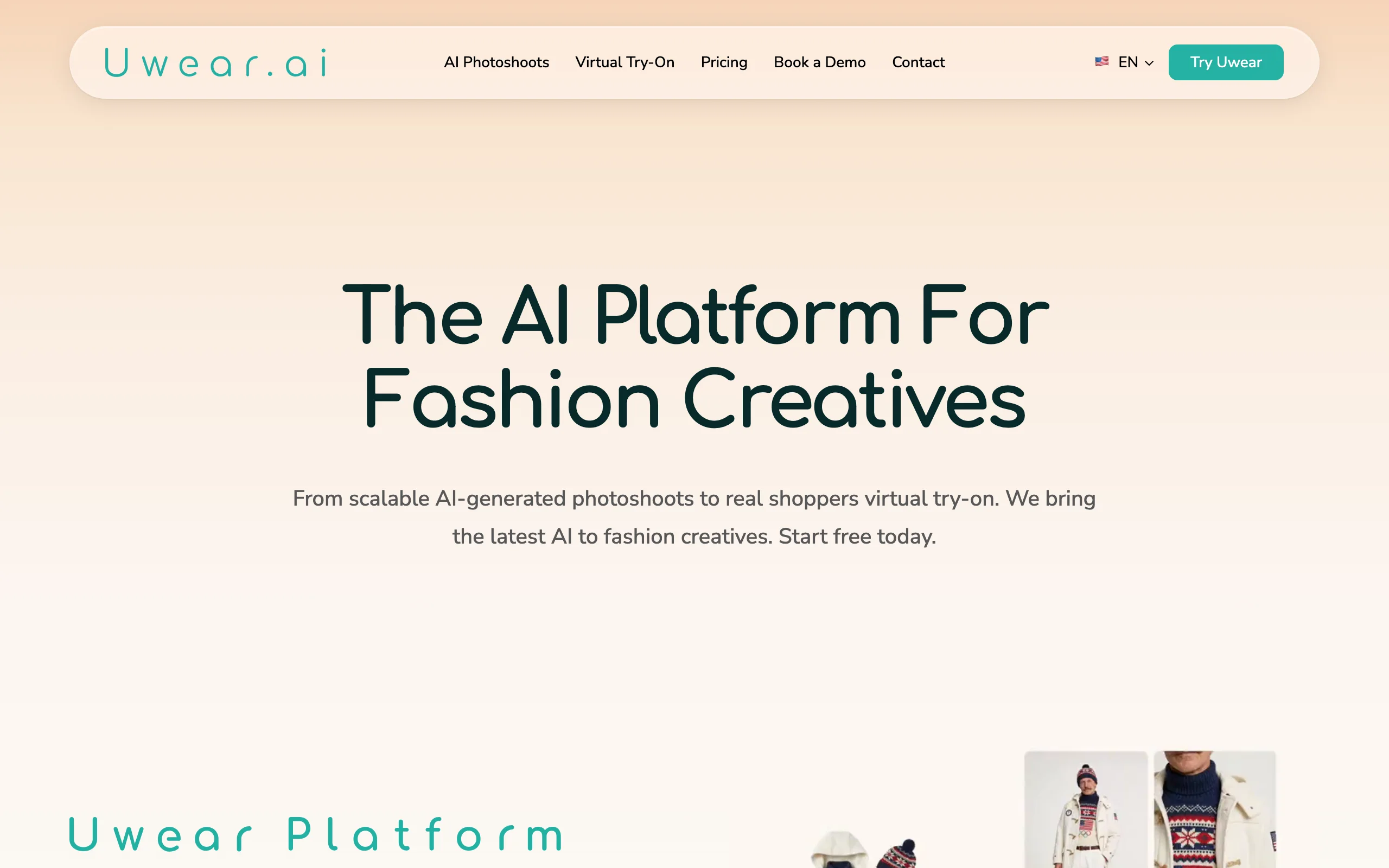
Changing Clothes in Photos with Uwear.ai
Key features
- AI photo studio for catalog generation
- Shopper-facing virtual try-on widget
- Pay-as-you-go credits at $0.10 each that never expire
- One credit balance shared across Studio, API, and try-on
Best for
- DTC brands wanting both production and conversion features
- Teams running A/B tests on virtual try-on placements
- Mid-size ecommerce stores with steady traffic
Pricing
- Pay-as-you-go credits at $0.10 each (no subscription)
- Minimum purchase of 170 credits ($17)
- Credits never expire and work across Studio, API, and try-on
Pros
- Rare two-in-one positioning (catalog + storefront try-on)
- Pay-as-you-go avoids subscription lock-in
- Credits never expire, so nothing is wasted between drops
Cons
- Two-product setup means two billing dashboards to manage
- Less depth on creative controls than dedicated photo studios
6. Cloudinary, best for developers automating image edits via API
Cloudinary is a developer-first media platform for storing, transforming, and delivering images and video at scale. Alongside its optimization and CDN features, it offers a set of generative AI transformations, and one of them, Generative Replace, can swap an object in a photo, including a garment, using a natural-language prompt. Because every transformation is expressed as a URL parameter or SDK call, an engineering team can script clothing edits directly into a product feed, PIM, or CMS instead of clicking through a studio.
It is important to be clear about what Cloudinary is and is not. It is a general-purpose media pipeline, not a fashion-tuned virtual try-on tool, so garment fidelity on complex prints and textures varies more than with dedicated platforms. But if you already use Cloudinary to host and deliver your catalog imagery, adding AI edits in the same pipeline can be far more efficient than exporting to a separate tool. A free tier lets you prototype before you scale.
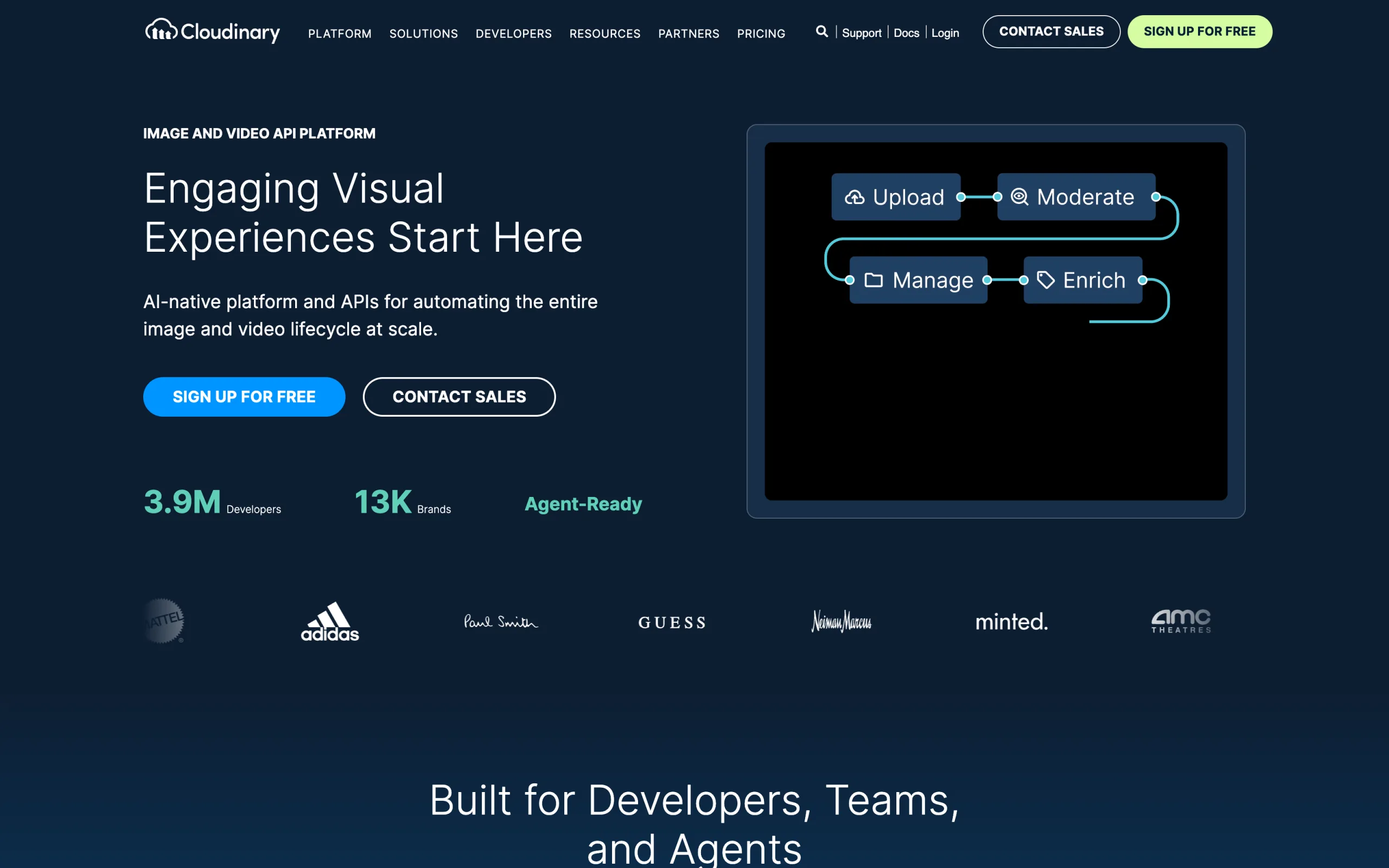
Changing Clothes in Photos with Cloudinary
Key features
- Generative Replace to substitute objects (including garments) via a natural-language prompt
- Generative Recolor, Generative Fill, Generative Remove, and background replace
- REST API and SDKs for most major languages
- Automatic optimization and CDN delivery for product imagery
- Free tier to prototype before committing
Best for
- In-house dev teams embedding image edits into a product feed or CMS
- Brands already using Cloudinary to store and deliver catalog imagery
- Engineering-led teams that prefer scripting over a manual studio
Pricing
- Free: 25 monthly credits (enough to prototype)
- Plus: from ~$89 per month (225 monthly credits)
- Advanced: from ~$224 per month (600 monthly credits)
- Enterprise: custom pricing
- Generative AI transformations consume more credits than standard operations
Pros
- API-first, so edits slot straight into an automated pipeline
- Handles storage, optimization, and delivery in the same platform
- Generous free tier to test before committing
Cons
- General-purpose generative editing, not a fashion-tuned try-on, so garment fidelity varies on complex prints
- Requires developer resources; there is no point-and-click fashion studio
7. Canva, best for DIY design and quick photo edits
Canva is a general-purpose design platform that a huge number of small sellers and DTC brands already use for social posts, banners, and product graphics. Its Magic Studio AI suite includes Magic Edit, which lets you brush over part of a photo, or click an element, and describe a change in plain language. That means you can recolor or restyle a garment in an existing product image without opening a full photo editor. It is not a dedicated on-model generator, but for fast, manual tweaks it is approachable and familiar.
For ecommerce teams, Canva works best as a design and light-editing layer rather than a catalog engine. It connects to Shopify through the official Canva Connect app, so you can pull product images in, edit them, and push finished graphics back to your store. If you need to generate full on-model catalogs at scale you will still want a dedicated fashion tool, but Canva covers the marketing and quick-edit side well.
Changing Clothes in Photos with Canva
Key features
- Magic Edit to brush over and restyle parts of a photo with a prompt
- Magic Studio suite: background remover, Magic Eraser, Magic Expand, text-to-image
- Official Shopify integration (Canva Connect) to import and export product graphics
- Thousands of templates for social, ads, and product marketing
- Web, desktop, and mobile apps
Best for
- Small sellers and DTC brands already designing marketing assets in Canva
- Quick manual edits and recolors on individual product photos
- Teams that want design, editing, and social graphics in one familiar tool
Pricing
- Free: permanent plan with basic tools and limited AI usage
- Pro: from ~$15 per month (or ~$120 per year), unlocks Magic Studio and a monthly AI allowance (up to 2,000 standard, 200 premium, or 20 ultra AI uses)
- Teams: per-seat pricing for larger organizations
Pros
- Familiar, beginner-friendly interface most sellers already know
- Magic Edit handles quick garment recolors and touch-ups
- Official Shopify integration for moving assets in and out
Cons
- A general design tool, not an on-model or garment-swap engine
- Magic Edit results on complex garments are less reliable than dedicated fashion tools
How to choose the best AI clothing swap tool for your needs
There is no single best tool for every team. The right pick depends on three questions: what part of the workflow you are solving, how much volume you push through, and how much creative control you need.
1) Are you swapping clothes on existing photos, or generating new on-model shots?
The label "AI clothes changer" gets used for two different jobs. Be clear about which one you need before comparing tools.
- If you have model photos already and want to put new garments on them, prioritize tools strong at virtual try-on and model swap: WearView, Photta, and Uwear.ai lead here.
- If you have flat-lays or ghost mannequin shots and want to generate new on-model images, prioritize tools strong at flatlay-to-model: WearView, VModel.ai, and Uwear.ai are the cleanest options.
- If you need both (most ecommerce catalogs do), look for a unified platform so you are not stitching tools together. WearView covers both paths with consistent model identity across them.
For a deeper look at the swap-on-existing-photos angle, see our best AI model swap tools guide.
2) How much volume do you push through every month?
Pricing models in this category split into three groups:
- Subscription-first (WearView, Photta): best for teams generating dozens to hundreds of images monthly with predictable demand.
- Pay-as-you-go with rollover (VModel.ai, Pincel, Uwear.ai): best for seasonal brands or low-volume teams under 50 images per month.
- API-first (Cloudinary, VModel.ai): best for brands embedding image edits into a product feed or app.
Run the per-image math for your real volume before signing up. A $19/month plan can be more expensive than $0.20/image if you only generate ten images that month, and a $99/month plan can be much cheaper than per-image billing if you push 800 images.
3) Do you need consistent model identity across the catalog?
If your brand depends on running the same models across an entire collection, social campaign, or seasonal drop, model consistency is non-negotiable. Most tools in this list generate fresh models each time, which leads to a fragmented look across your PDPs.
WearView is built around consistent model identity, which is a meaningful differentiator if you are scaling beyond a handful of one-off generations. If you are doing one-off edits, this matters less and a lighter tool like Pincel or VModel.ai will get the job done.
A practical tip: test five hard SKUs first (a printed dress, a textured knit, a translucent fabric, a dark garment with subtle detail, and a piece with text or logos). Tools that hold up across those five will hold up across most of your catalog.
FAQ
What is AI clothing swap? AI clothing swap is the process of using a generative AI model to replace the garment a person is wearing in a photo with a different garment, while preserving the model, pose, lighting, and background. It is sometimes called outfit change, garment swap, or virtual try-on. Modern tools complete a swap in under a minute.
Which tool is best for swapping clothes on existing photos? For ecommerce catalog work, WearView and Photta produce the strongest results. WearView is the broadest fit because it combines clothing swap, model swap, and flatlay-to-model in a single workspace with consistent model identity. Photta stands out for affordable custom branded models with a built-in clothes changer, while Uwear.ai adds a shopper-facing try-on layer on top of catalog generation.
Can I change clothes in photos for free? Several tools offer a free starting balance: Pincel gives 20 credits on signup, VModel.ai includes free credits, and Photta offers a free trial with no card required. The same pattern holds across the free AI virtual try-on tools we tested: these are enough to evaluate quality on your real SKUs but not enough for ongoing catalog work. Canva also has a permanent free plan for basic design edits, though its Magic Edit AI requires a Pro subscription. WearView does not offer a free tier but includes a money-back guarantee on paid plans.
Does AI clothing swap work for prints and patterns? Yes, but quality varies significantly by tool. WearView preserves prints and complex patterns more reliably than lighter general-purpose tools. Plain fabrics and simple silhouettes work well across all seven tools in this guide. Translucent fabrics, sequins, and very small text or logos remain the hardest cases for any AI swap tool.
Is AI-generated catalog imagery safe to use commercially? All seven tools in this guide grant commercial usage rights on paid plans. Verify the specific terms for your tier before launching, especially if you use AI-generated models that resemble real people. Disclosure rules vary by region (the EU AI Act and FTC guidance both touch on this), so consult your legal team for high-volume rollouts.
Which tool is best for Shopify stores? WearView and Uwear.ai work well for Shopify stores, with WearView covering the broader catalog workflow and Uwear adding a shopper-facing try-on widget for product pages. Canva also integrates directly with Shopify through the official Canva Connect app, though it is a design and editing tool for product graphics rather than an on-model generator.
What about virtual try-on for storefront use? If you want shoppers to try on garments themselves on a product page, you need a virtual try-on widget rather than a catalog tool. Uwear.ai bundles both. For a fuller comparison, see our best virtual try-on tools guide.
How long does an AI clothing swap take? Most tools generate a swapped image in 15 to 60 seconds. WearView averages under 15 seconds per generation, and Pincel runs 30-50 seconds. Expect longer waits during peak hours or for higher resolution outputs.
Can I use my own model photos? Yes. Most tools in this guide accept user-uploaded model photos. WearView and Pincel are explicit about this in their workflows, and Uwear.ai also supports custom uploads. If you have established brand models, this lets you reuse them across an entire campaign without scheduling new shoots.
What inputs produce the best results? Three tips work across every tool: use front-facing model photos with good lighting, use garment shots on plain backgrounds (flat-lay or ghost mannequin), and avoid heavily layered or accessory-stacked source images. Tools like WearView provide reference guides for input prep, which is worth ten minutes before you start a large batch.

WearView Team
WearView Content & Research Team
WearView Team is a group of fashion technology specialists focused on AI fashion models, virtual try-on, and AI product photography for e-commerce brands. We publish in-depth guides, case studies, and practical insights to help fashion businesses improve conversion rates and scale faster using AI.