
July 24, 2026•19 min read
8 Best Free AI Virtual Try-On Tools in 2026 (Honestly Reviewed)
Most "free" try-on tools stop being free the moment you click generate. We tested the ones that actually work in 2026, from Google's built-in try-on to open-source demos, and wrote down the exact limits: credits, watermarks, queues, and licenses.
Picture of 8 Best Free AI Virtual Try-On Tools in 2026 (Honestly Reviewed) article
Search for free AI virtual try on clothes and you get pages of tools that call themselves free right up until you click generate. Then it's a sign-up wall, a credit counter, or a watermark the size of a bumper sticker. We tested what's free in mid-2026, and the honest answer is: some useful things, with real limits attached.
This guide covers 8 tools where the free part actually works today. For each one, we list exactly what you get before you pay: how many credits, whether outputs are watermarked, how long the queues run, and whether you're allowed to use the results commercially. One transparency note before we start: WearView (that's us) is not in this list, because we don't have a free tier. There's a clearly labeled section at the end about what paid tools add when you outgrow the free ones.
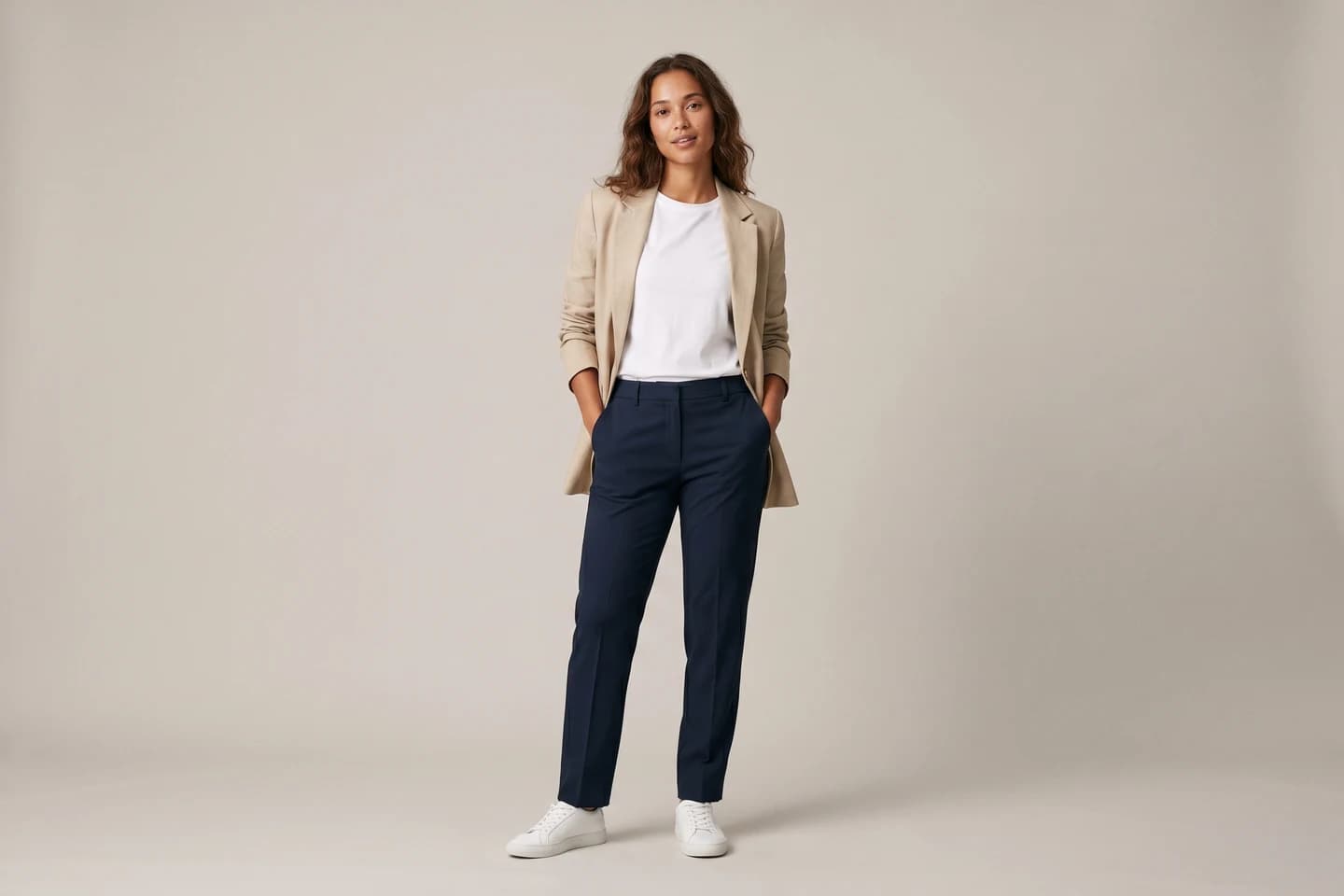
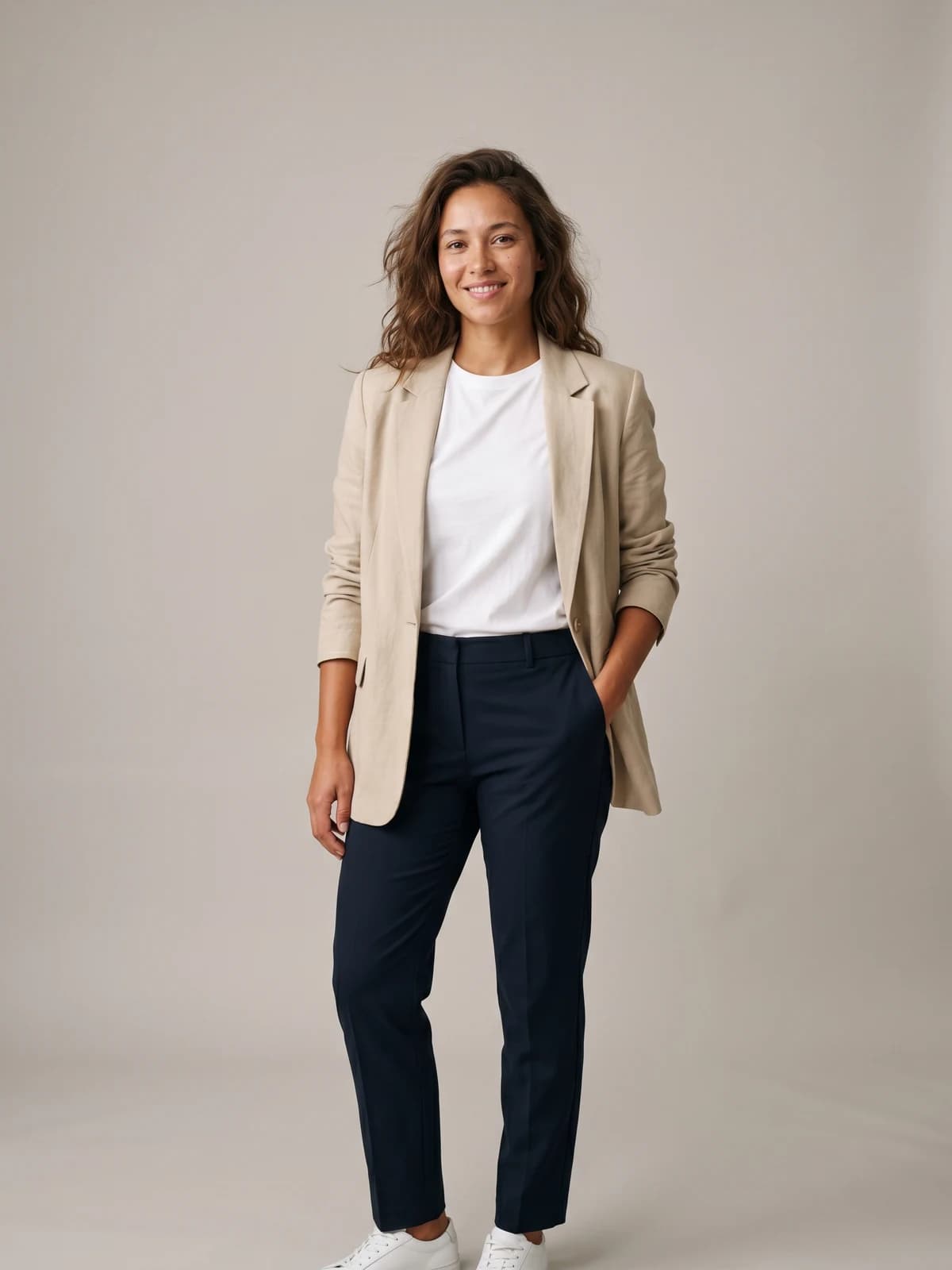
See any outfit on a real-looking model
Upload one garment photo and preview it on lifelike AI models in seconds — no studio, no samples to ship.
Best free AI virtual try-on tools: a quick overview
- Google Try-On: Best free way to try on clothes you can actually buy. Built into Google Search and Shopping, works from a single selfie, completely free.
- Kolors Virtual Try-On: Best free demo with no account required. Upload your photo and a garment on Hugging Face and press Run. Expect queues.
- YouCam AI Clothes Changer: Best guided, app-style experience for beginners. Free credits on sign-up, though the exact limits aren't published.
- Pincel: Best free credit allowance without a card. 20 credits on sign-up, straightforward model-plus-garment workflow.
- IDM-VTON: Best open-source try-on if you want control. Free Hugging Face demo with auto-masking, code you can run yourself.
- OOTDiffusion: Best free demo for dresses and lower-body garments, with separate half-body and full-body models.
- The New Black: Best free taste of a full fashion design suite. Only 3 free credits, but the cheapest paid upgrade on this list.
- Outfit Anyone: Best free preview of research-grade try-on quality, with one big catch: you can't upload your own photo.
| Tool | Key strength | Free tier | Platforms |
|---|---|---|---|
| Google Try-On | Try on real products from billions of listings using one selfie | Fully free (Google account, supported countries only) | Google Search, Shopping, AI Mode, mobile |
| Kolors Virtual Try-On | Highest-quality free demo, no sign-up | Free demo, shared queue | Hugging Face Space (web) |
| YouCam AI Clothes Changer | Beginner-friendly editor with preset styles | Free credits on sign-up (count not published) | Web, iOS, Android |
| Pincel | 20 free credits, no card required | 20 credits on sign-up | Web |
| IDM-VTON | Open-source, auto-masking, self-hostable | Free demo on ZeroGPU (daily GPU quota); non-commercial license | Hugging Face Space, GitHub |
| OOTDiffusion | Upper-body, lower-body, and dress categories | Free demo on ZeroGPU (daily GPU quota); non-commercial license | Hugging Face Space, GitHub |
| The New Black | Try-on inside a full design platform | 3 free credits; paid packs from $5 | Web |
| Outfit Anyone | Research-grade quality from Alibaba | Free demo; preset models only | Hugging Face Space (web) |
1. Google Try-On, best free way to try on clothes you can actually buy
Google's virtual try-on is the most complete free option in 2026, and it's the one we'd point most shoppers to first. It lives inside Google Search, Google Shopping, and AI Mode rather than a separate app. When you're browsing shirts, pants, skirts, or dresses, you tap the "try it on" icon on a product listing, and Google generates an image of that exact garment on you. Since December 2025 it works from a single selfie, so you no longer need a careful full-body photo to get started.
A bit of history explains why this matters. Google Labs ran a standalone try-on app called Doppl, and it shut down on April 30, 2026. The try-on tech didn't die with it; it moved into Search, where the catalog is. That's the real advantage here: you're not trying on stock garment photos, you're trying on things with a price and a buy button attached.
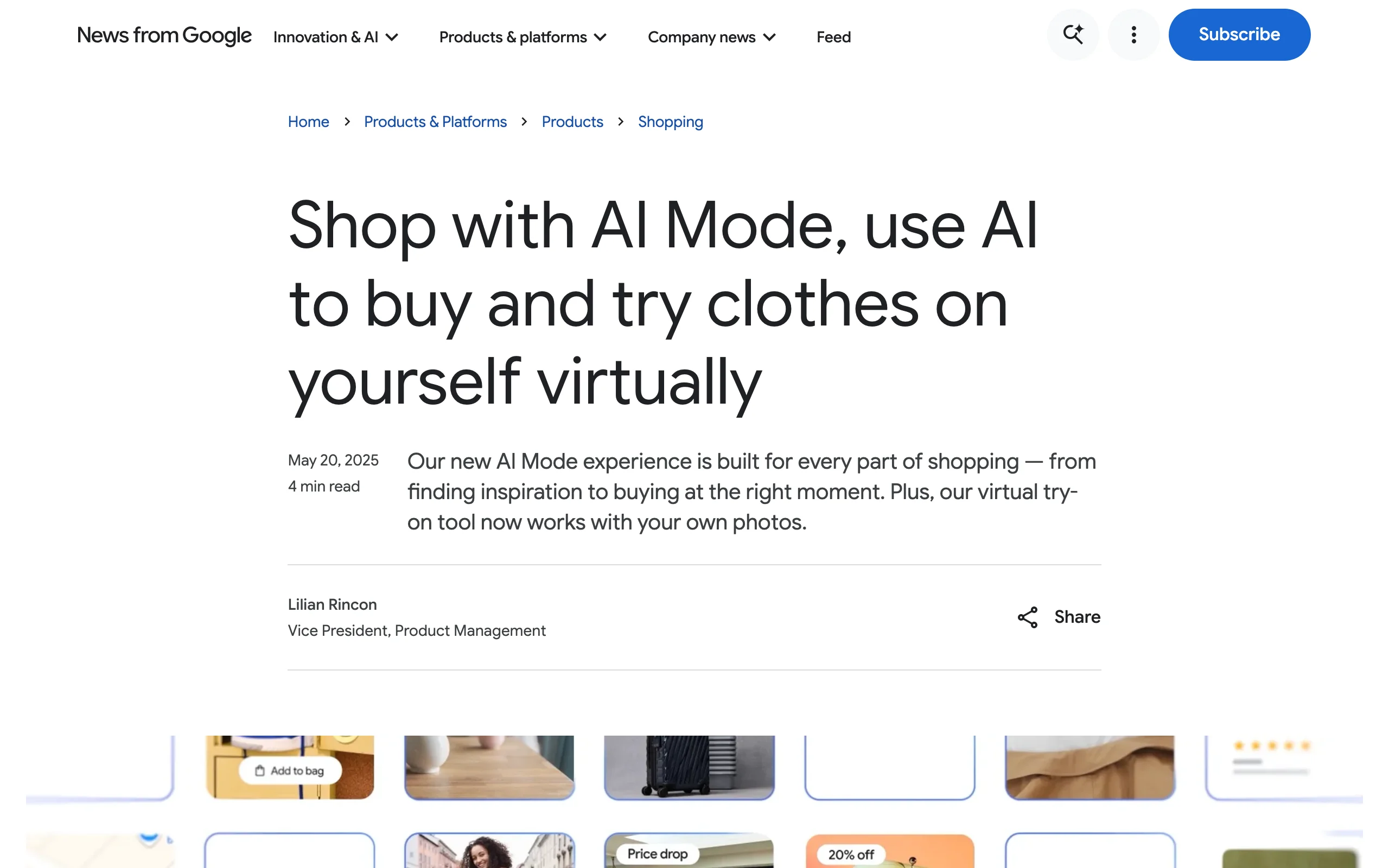
Free Virtual Try On with Google Try-On
Key features
- Try-on across billions of apparel listings in Google's Shopping Graph
- Works from one selfie, with a saved default try-on photo
- Renders drape, folds, stretch, and shadows on your body shape
- Every listing you try on comes with a price and a buy link attached
- Available in the US, UK, Canada, Australia, Japan, India, and several other countries
Best for
- Shoppers who want to preview real, purchasable clothes before ordering
- Anyone who wants zero setup: no new app, no credits, no watermark
Pricing
- Free. There is no paid tier for the try-on feature itself
Pros
- Free with no credit system or watermark, which nothing else on this list matches
- The garment you try on is the garment you can buy
Cons
- Only works on items in Google's shopping listings; you can't upload a random garment photo from your camera roll
- Not available in every country, and you need to be signed in to a Google account
2. Kolors Virtual Try-On, best free demo with no sign-up at all
Kolors Virtual Try-On is a free demo from Kuaishou's Kolors team hosted on Hugging Face, and it's the tool we'd pick for "I have a photo of me and a photo of a jacket, make it happen." The flow is three steps: upload a person image, upload a garment image, press Run. No account, no email, no credit card. Output quality is the best of the free demos we tested, especially on prints and fabric texture.
The catch is capacity. It's a shared public demo with over 10,000 likes on Hugging Face, so at peak hours you wait in a queue, and heavy traffic sometimes means a generation quietly fails and you try again. The Space itself carries a disclaimer worth repeating: the demo is free, and anyone charging money for access to it is running a scam.
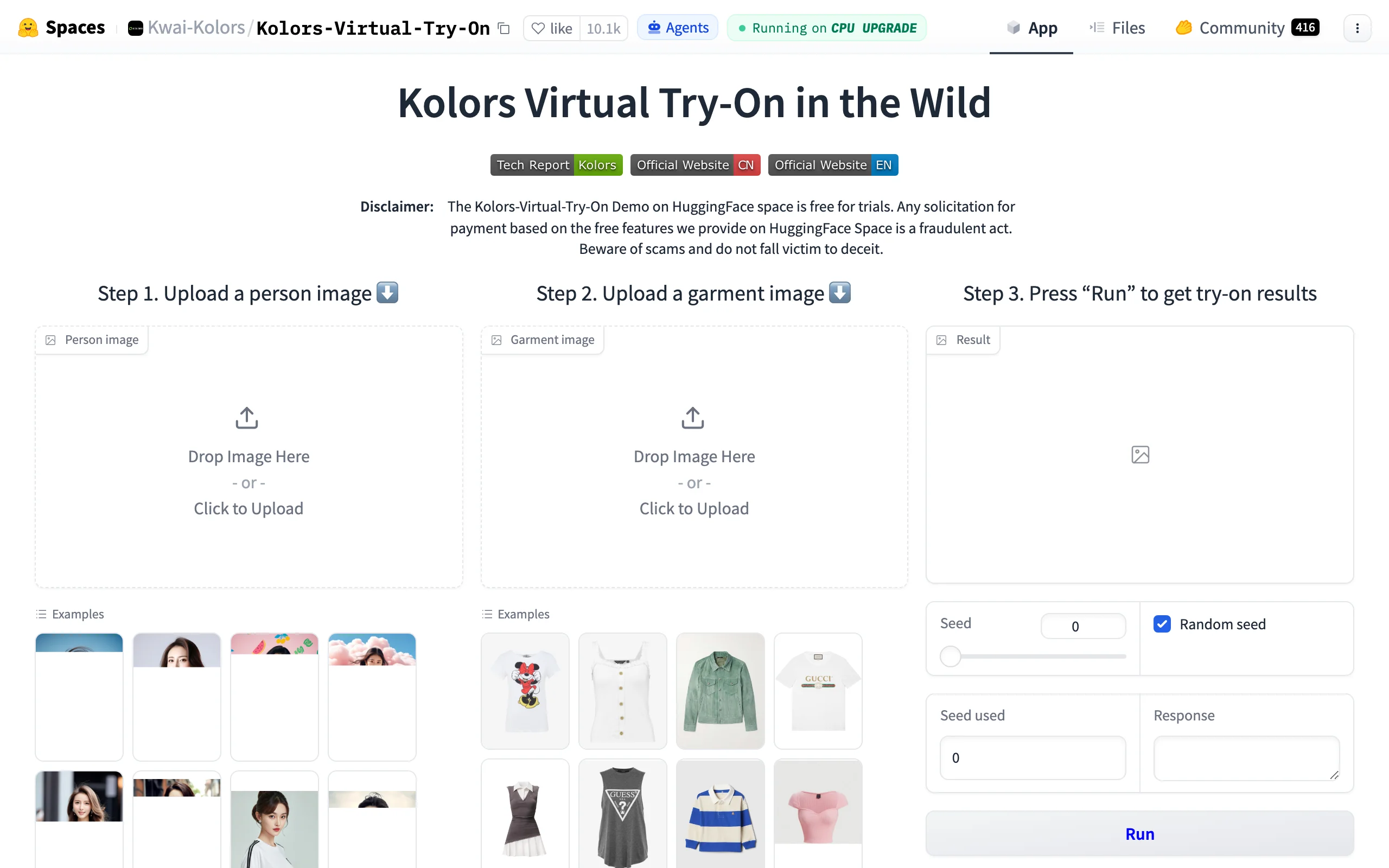
Free Virtual Try On with Kolors Virtual Try-On
Key features
- Person photo + garment photo in, single try-on image out
- No account or sign-up required
- Example galleries for both person and garment inputs
- Seed control for reproducible results
Best for
- One-off personal try-ons where you already have both photos
- Quick "will this print look ridiculous on me" checks before buying
Pricing
- Free demo. No paid tier exists for the hosted Space
Pros
- Zero friction: no registration of any kind
- Strong garment detail preservation for a free tool
Cons
- Queue waits at busy times, occasionally failed generations
- One image at a time, no batch processing, no history
3. YouCam AI Clothes Changer, best free app-style experience
YouCam (by Perfect Corp) approaches try-on from the consumer photo-editor side. The AI Clothes Changer on the YouCam online editor lets you upload a photo and either swap in a garment or pick from a library of 50+ preset styles, from office wear to evening gowns. It's the most hand-holding experience on this list: guided upload, example photos, and mobile apps if you'd rather work on your phone.
The free tier is real but thin, and unusually opaque. You get a small batch of free credits when you sign up, but YouCam doesn't publish the exact count or the watermark policy anywhere on the tool page, and the third-party reviews we checked disagree on both. Treat it as enough to find out whether the tool suits you, not enough to style a wardrobe.
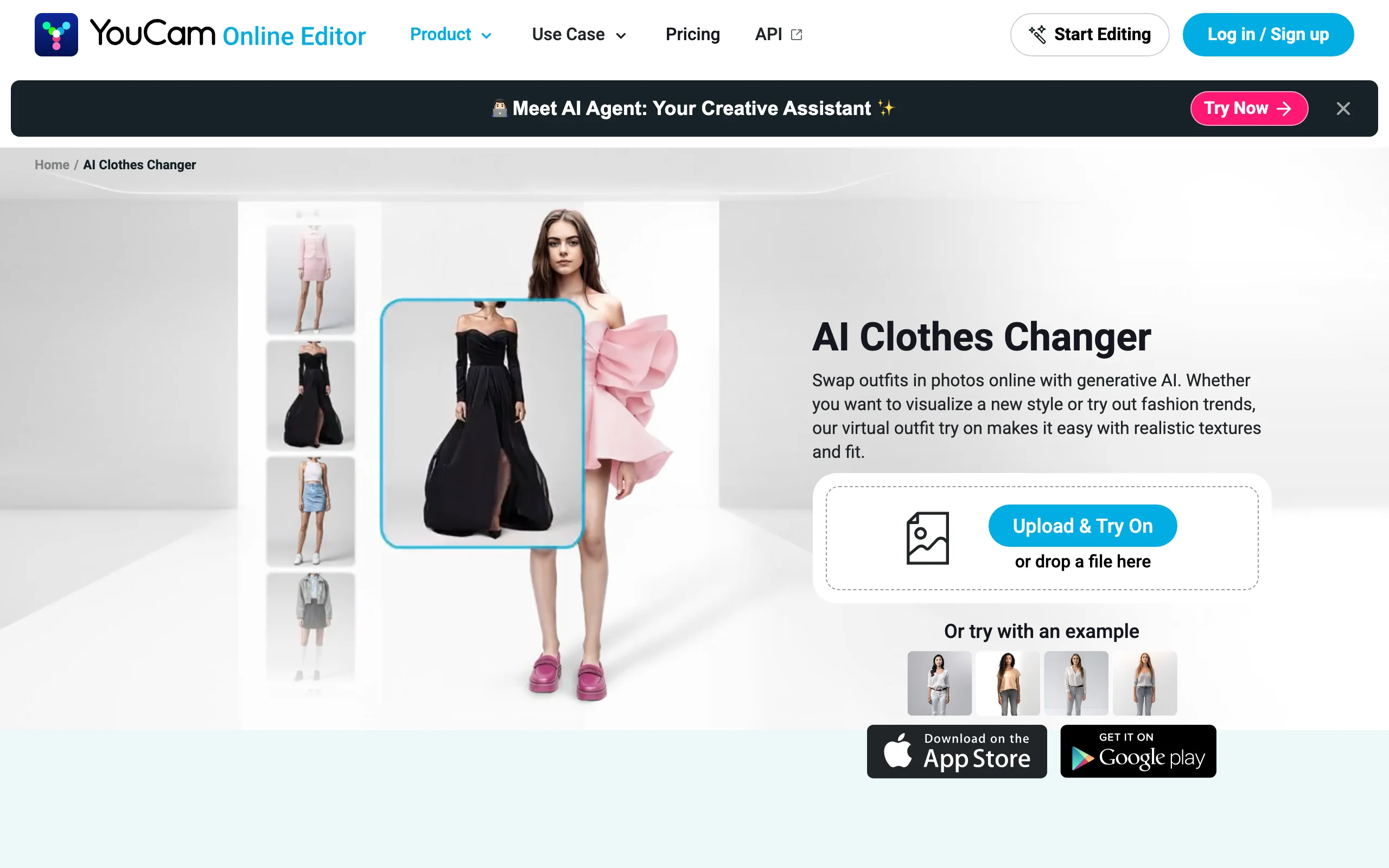
Free Virtual Try On with YouCam
Key features
- AI outfit swap from an uploaded photo
- 50+ preset clothing styles, updated regularly
- Body-shape-aware fitting ("AI Smart Fit")
- iOS and Android apps alongside the web editor
Best for
- Beginners who want a guided flow instead of a research demo
- Phone-first users trying styles rather than specific garments
Pricing
- Free credits on sign-up (exact count not published)
- Paid plans add credits and lift free-tier limits (pricing varies by app and platform)
Pros
- The easiest on-ramp of any tool here
- Preset style library means you don't need a garment photo
Cons
- Free-tier terms (credit count, watermark policy) aren't published, and reviews disagree on them
- The small free credit batch runs out fast
4. Pincel, best free credits without a card
Pincel is a web-based AI photo editor whose Clothes Swap tool does exactly what this article is about: upload a model photo, upload a garment photo, optionally describe the clothing in a sentence, and get the swapped result in 30 to 50 seconds. What earns it a spot on a "genuinely free" list is the sign-up deal: 20 free credits with no credit card required. Each swap costs 2 credits, so that's exactly 10 free try-ons, the most generous no-card allowance we found in 2026.
It's a general-purpose editor rather than a dedicated fashion platform, so you won't find model libraries or pose options. But for a small seller who wants to test a handful of product photos on a person before paying for anything, 20 credits is enough to learn something useful.
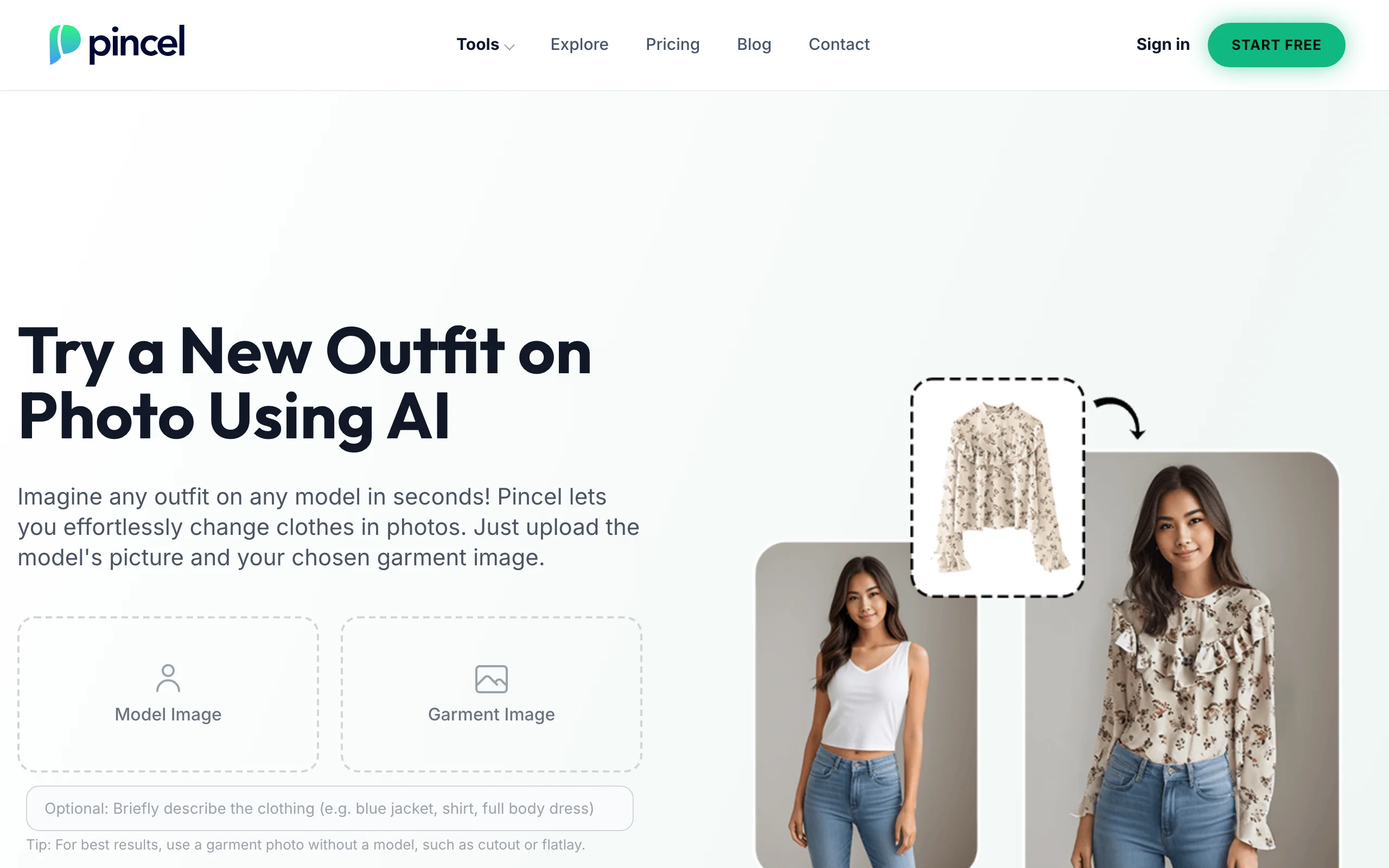
Free Virtual Try On with Pincel
Key features
- Model photo + garment photo workflow with an optional text hint
- Results in 30-50 seconds
- Part of a wider AI editing toolkit (background edits, retouching)
- Works best with flat-lay or cutout garment images
Best for
- Small sellers testing a few listings on a real-person photo
- Anyone burned by "free trial, card required" sign-ups
Pricing
- 20 free credits on sign-up, no card
- Paid plans start at $19/month for 1,000 credits (Creator), then $79/month for 5,000 (Premium)
Pros
- Most generous no-card free credits in this roundup
- Simple, fast, and doesn't bury try-on inside a bigger workflow
Cons
- At 2 credits per swap, the free allowance disappears fast once you start iterating on tricky garments
- No fashion-specific extras like model or pose selection
5. IDM-VTON, best free open-source try-on you can run yourself
IDM-VTON is a research model (from academic authors, published with code) that consistently ranks among the best open-source try-on models for realism. The free Hugging Face demo takes your photo and a garment image, auto-generates the mask in about 5 seconds, and lets you add a short garment description to help the model. Because the demo runs on Hugging Face's ZeroGPU infrastructure, every visitor gets a small daily GPU allowance. Signing in to a free Hugging Face account raises it, and when you hit the ceiling you wait until it resets.
The bigger deal is that the code and weights are public on GitHub. If you have a decent GPU, you can run unlimited try-ons locally for the cost of electricity. One honest caveat: the model is released under a non-commercial license (CC BY-NC-SA), so outputs are for personal and research use, not for your store's product pages.
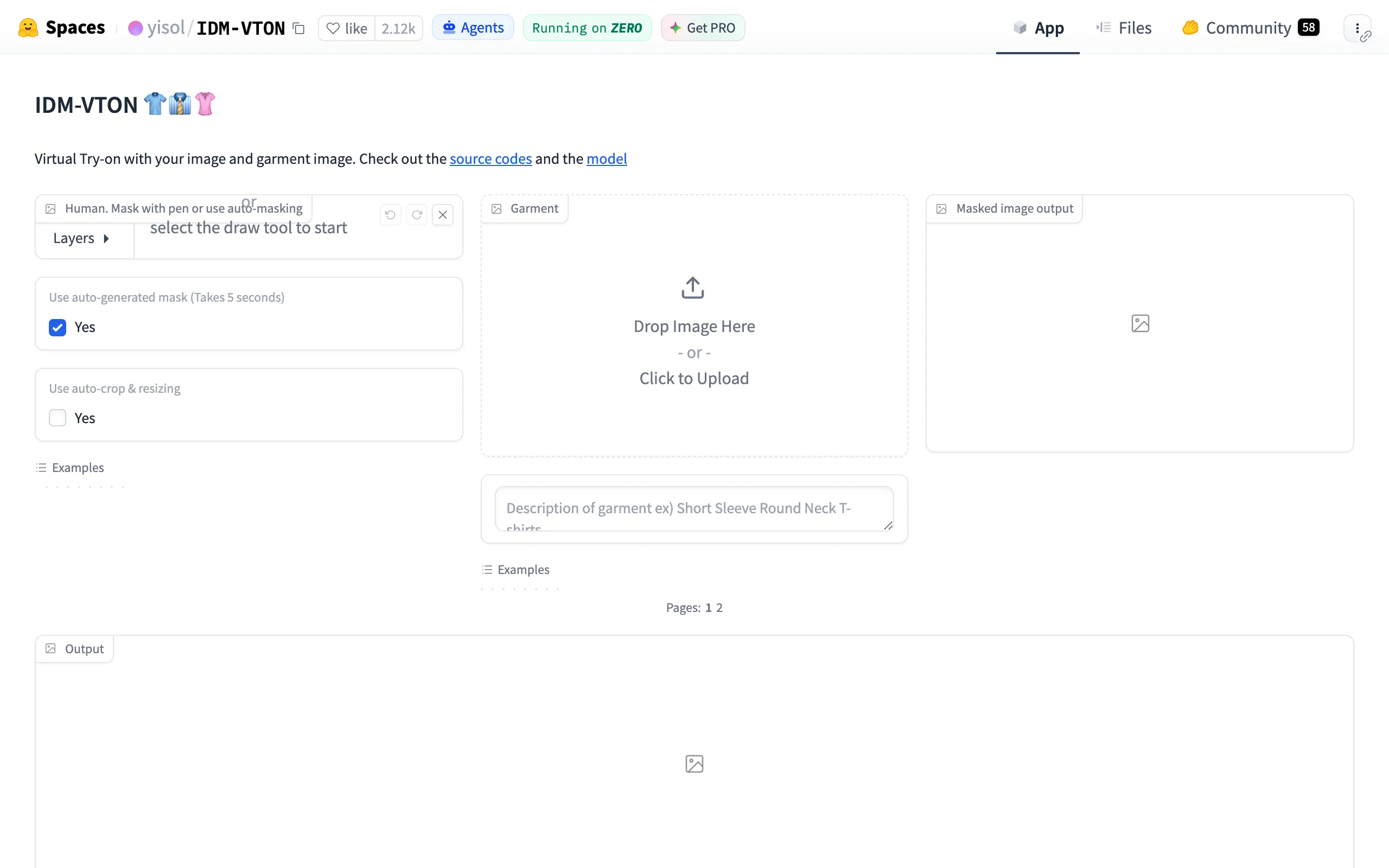
Free Virtual Try On with IDM-VTON
Key features
- Auto-masking with optional manual mask drawing
- Garment text description improves accuracy on tricky pieces
- Full source code and model weights on GitHub
- Free hosted demo on ZeroGPU hardware
Best for
- Technical users who want unlimited free try-ons via a local install
- Tinkerers comparing open-source model quality
Pricing
- Free demo (daily ZeroGPU quota); free to self-host if you have the hardware
Pros
- Among the best garment realism of any open model
- Self-hosting removes every quota and queue
Cons
- Non-commercial license rules out store or marketing use
- Upper-body garments are its comfort zone; dresses and bottoms are hit-or-miss
6. OOTDiffusion, best free demo for dresses and lower-body garments
OOTDiffusion is the other open-source heavyweight, and it fills IDM-VTON's biggest gap. Its full-body model explicitly supports three garment categories: upper body, lower body, and dresses. The free Hugging Face demo exposes both a half-body model (upper-body garments) and the full-body one, so it's the free tool to reach for when the thing you want to try on is a skirt, trousers, or a dress rather than a t-shirt.
Like IDM-VTON, it runs on ZeroGPU with a shared daily quota, and the code is public on GitHub under a non-commercial license (CC BY-NC-SA). Results are a notch less photorealistic than Kolors on average in our testing, but category coverage is the point here.
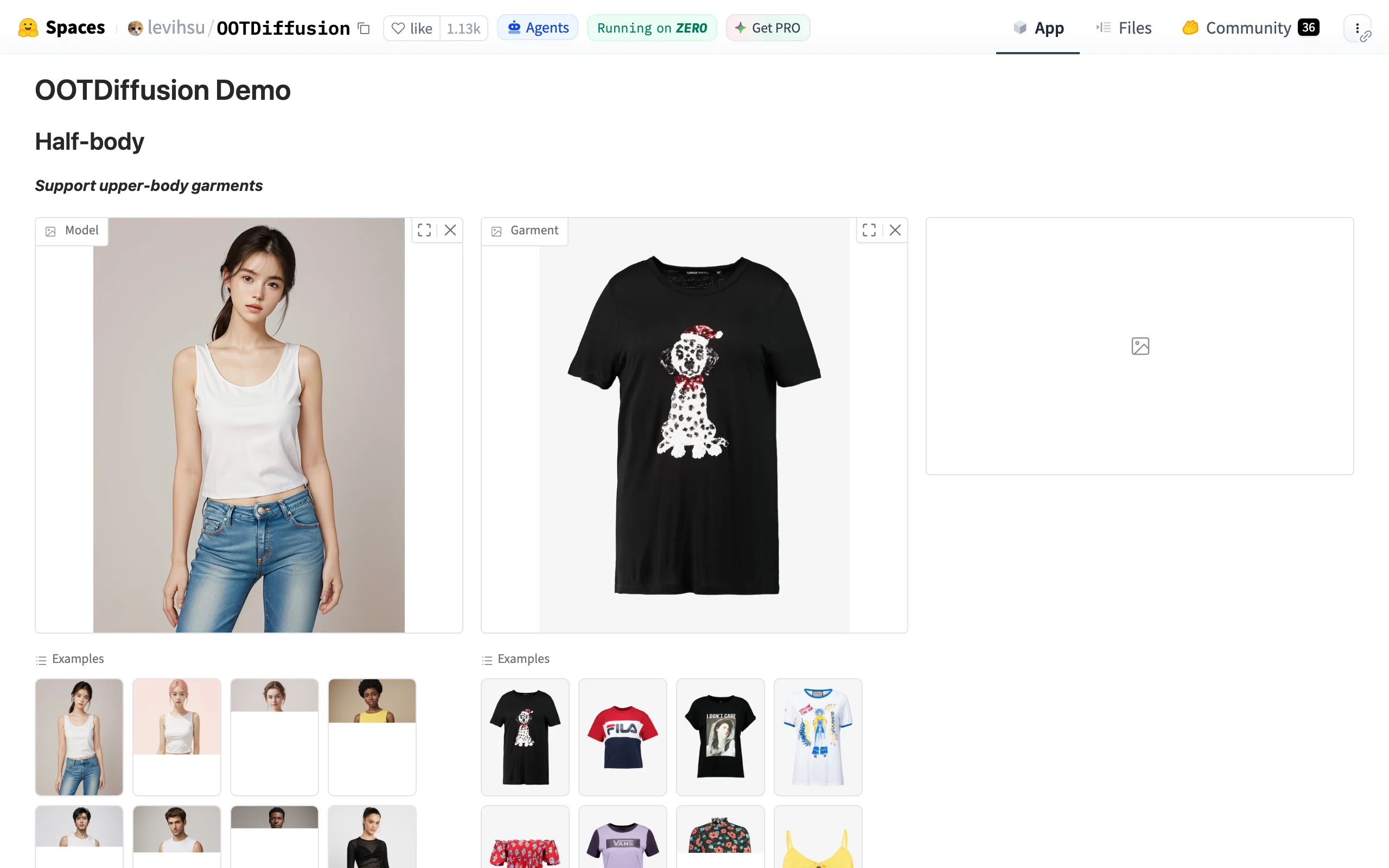
Free Virtual Try On with OOTDiffusion
Key features
- Separate half-body and full-body models
- Upper-body, lower-body, and dress garment categories
- Example model and garment galleries built into the demo
- Open code and weights on GitHub
Best for
- Trying on dresses, skirts, and trousers for free
- Developers who want a category-aware open model to build on
Pricing
- Free demo (daily ZeroGPU quota); free to self-host
Pros
- The only free demo here with proper lower-body and dress support
- The hosted demo is still live and free in 2026
Cons
- Non-commercial license, same as IDM-VTON
- Development has slowed: the GitHub repo hasn't been updated since mid-2024
- Photorealism trails Kolors, especially on faces and hands
7. The New Black, best free taste of a full fashion design suite
The New Black is an AI fashion design platform aimed at brands: clothing design generation, AI fashion models, tech packs, and a virtual try-on tool that puts your garment on a model image. The free trial gives you 3 credits. That's one or two meaningful tests, not a workflow, so treat it as a preview rather than a free tool you'll live in.
What makes it worth listing anyway is the price of the next step. Credit packs start at $5 for 40 credits, and monthly plans start around $8 for 100 credits, which is the cheapest paid upgrade path in this roundup. For a designer who wants occasional try-ons plus design tools in one place, that's a low-risk ladder.
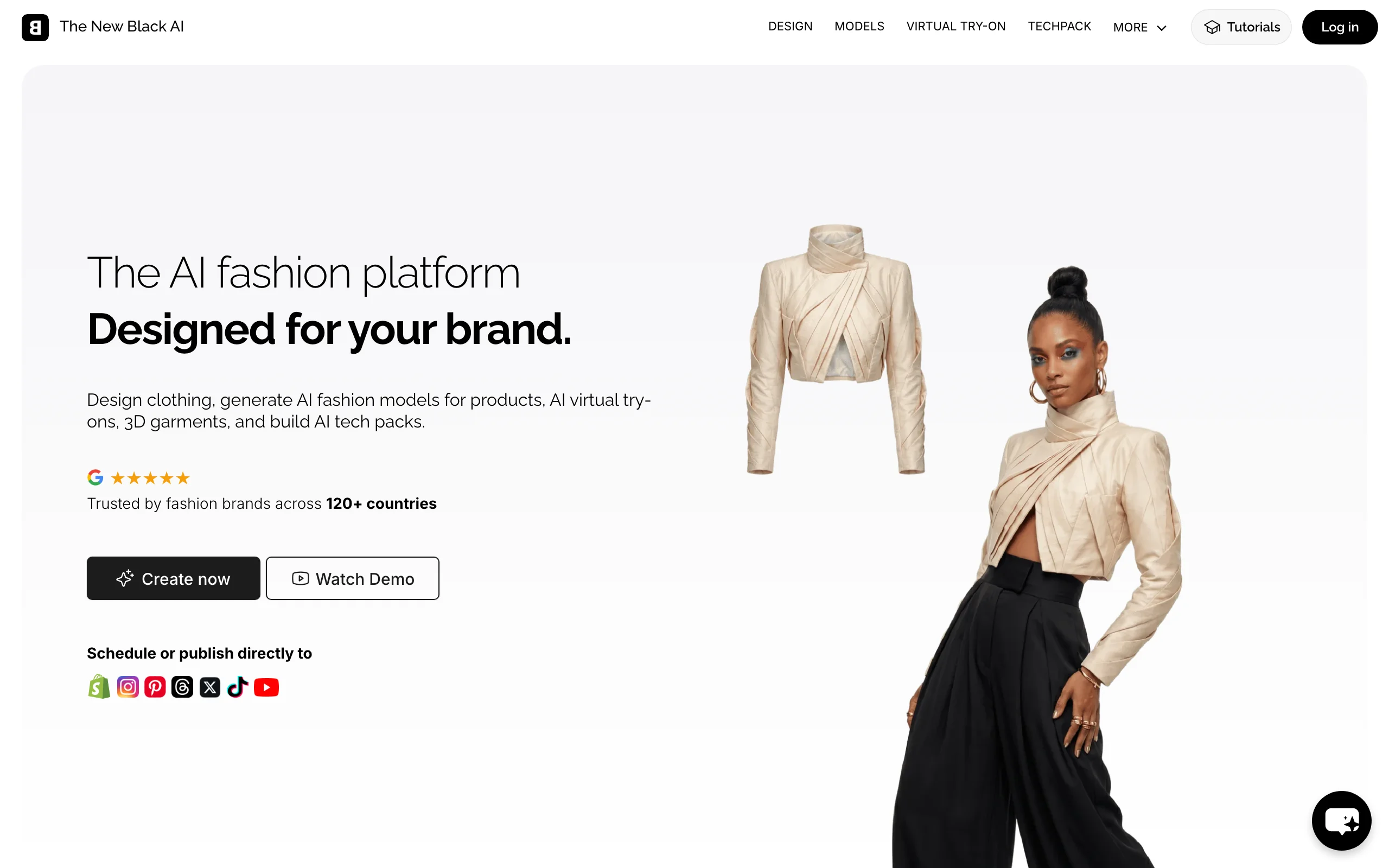
Free Virtual Try On with The New Black
Key features
- Virtual try-on alongside AI clothing design and tech pack tools
- Publish or schedule outputs directly to Shopify and social channels
- One-time credit packs, no subscription required
Best for
- Indie designers who want try-on plus design generation in one tool
- Users who prefer $5 credit packs over monthly subscriptions
Pricing
- 3 free trial credits
- Credit packs from $5 (40 credits); monthly plans from roughly $8 for 100 credits
Pros
- Cheapest paid entry point on this list once the trial ends
- Broadest feature set of the small tools here
Cons
- 3 free credits is barely a test drive
- Interface is dense; expect a learning curve for the try-on flow
8. Outfit Anyone, best free preview of research-grade try-on
Outfit Anyone comes from Alibaba's Institute for Intelligent Computing, and when it launched it set the bar for try-on image quality. The free Hugging Face demo is still running and still impressive, with one restriction that defines the whole experience: you cannot upload a photo of yourself. The team locked person uploads for privacy and safety reasons, so you pick from preset AI models and upload only the garment (top, bottom, or a one-piece dress in the top slot).
That makes it useless for "how would this look on me" and surprisingly decent for "how would this garment look on a model." If you sell clothes and want a free glimpse of your product on a human figure, this is one way to get it, within the demo's preset constraints.
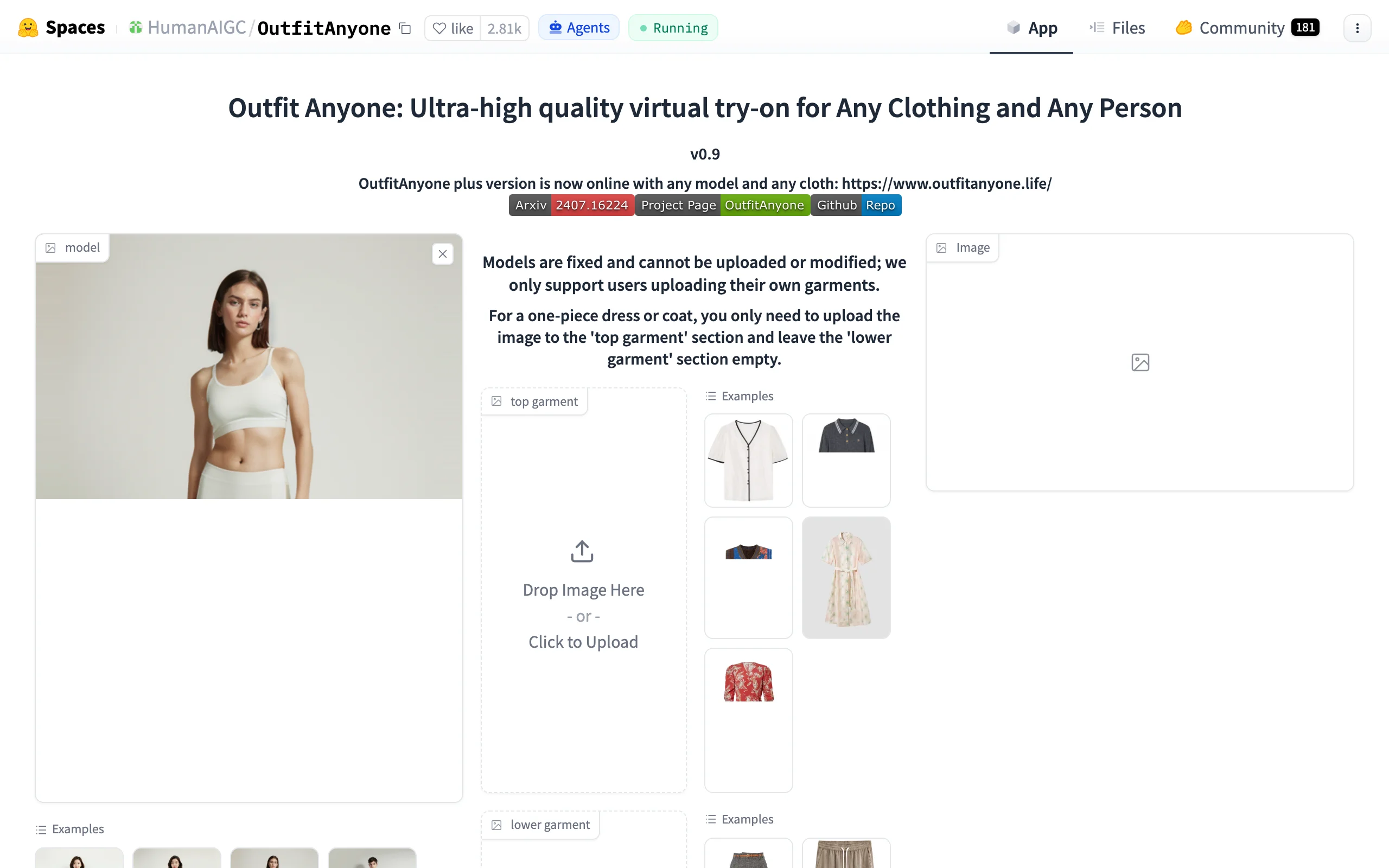
Free Virtual Try On with Outfit Anyone
Key features
- Top and bottom garment slots, with dresses handled in the top slot
- Preset diverse AI models to try garments on
- Research-grade rendering quality from the Alibaba team
Best for
- Sellers who want a free peek at a garment on a model figure
- Anyone curious what state-of-the-art research try-on looks like
Pricing
- Free demo
Pros
- High output quality with zero cost
- No account needed
Cons
- No custom person photos, full stop
- Preset models only, so results can't match your brand's look or your own body
How to choose a free AI virtual try-on tool
1) Trying clothes on yourself, or on a model for your store?
These are different jobs. If you're shopping and want clothes on your own body, Google Try-On is the obvious first stop because the catalog is attached; Kolors is the fallback for garments Google doesn't list. If you're a seller who wants garments on a model for listings, Outfit Anyone gives you a free preview, and The New Black or Pincel give you a few free credits with commercial-friendly terms. For a deeper comparison that includes the paid, store-focused options, see our guide to the best virtual try-on tools.
2) How much friction will you tolerate?
There's a spectrum. Kolors, OOTDiffusion, IDM-VTON, and Outfit Anyone need no account but make you wait in shared queues. YouCam, Pincel, and The New Black want a sign-up but respond instantly. Google needs an account you almost certainly already have. If you're doing one try-on this month, queues are fine. If you're doing twenty, sign up somewhere.
3) Check the license before using free outputs commercially
This is the trap most roundups skip. IDM-VTON and OOTDiffusion are released under non-commercial licenses, so putting their outputs on a product page violates the terms even though the tools are free. Watermarked free outputs look unprofessional on listings anyway. If the images are for your business, use a tool that grants commercial rights, even if that means paying. Free is only cheap when it doesn't cost you a takedown or a rebuild later.
4) Count what your real monthly volume would cost
Free tiers here range from 3 credits to unlimited-with-queues. Before committing to any paid upgrade, test 5 of your hardest photos (busy prints, layered outfits, unusual poses) on the free tier and count failures. Then price the paid plan against your actual monthly image needs, not the marketing page's happy path.
When free stops being enough
Every tool above really is free to try, and for personal use they may be all you ever need. Sellers usually hit a wall within a week, and it's the same wall each time: garment details drift (logos warp, buttons vanish), each generation puts your product on a different-looking person, resolution tops out too low for zoomable product pages, and the license fine print says non-commercial.
That's the gap paid platforms exist to close. WearView, our own product, is built for exactly this handoff. To be clear about the money: there is no free tier, and plans start at $29/month (Lite, 50 credits). What you get for that is virtual try on clothes with garment fidelity that preserves prints, textures, and text, consistent AI models so your whole catalog features the same face, output up to 4K, and full commercial usage rights on everything you generate. The platform also covers model creation from text prompts, flat-lay conversion, ghost mannequin shots, and fashion video. If you've validated the idea on free tools and now need listing-grade images, that's the moment AI generated models for fashion earn their subscription.
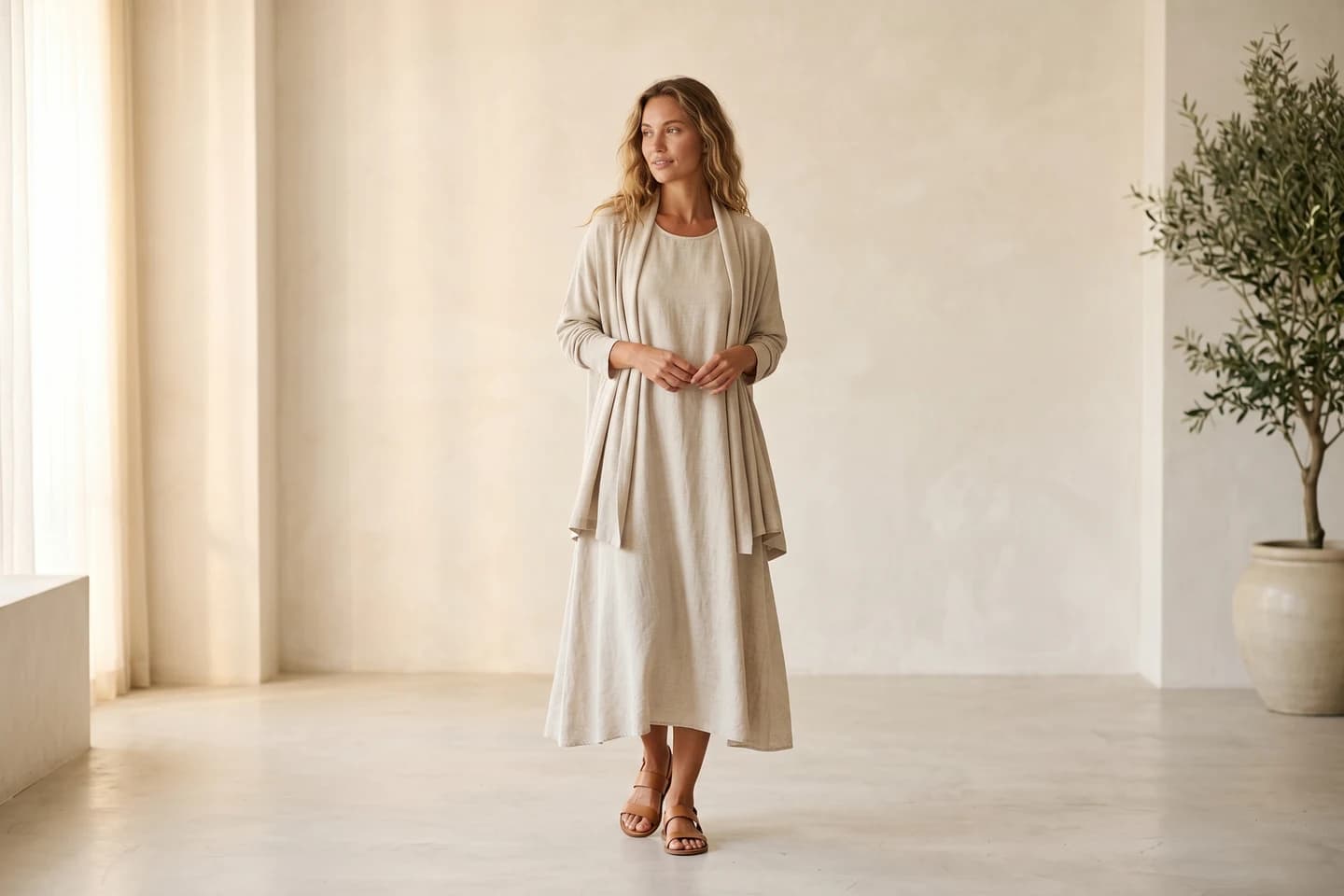
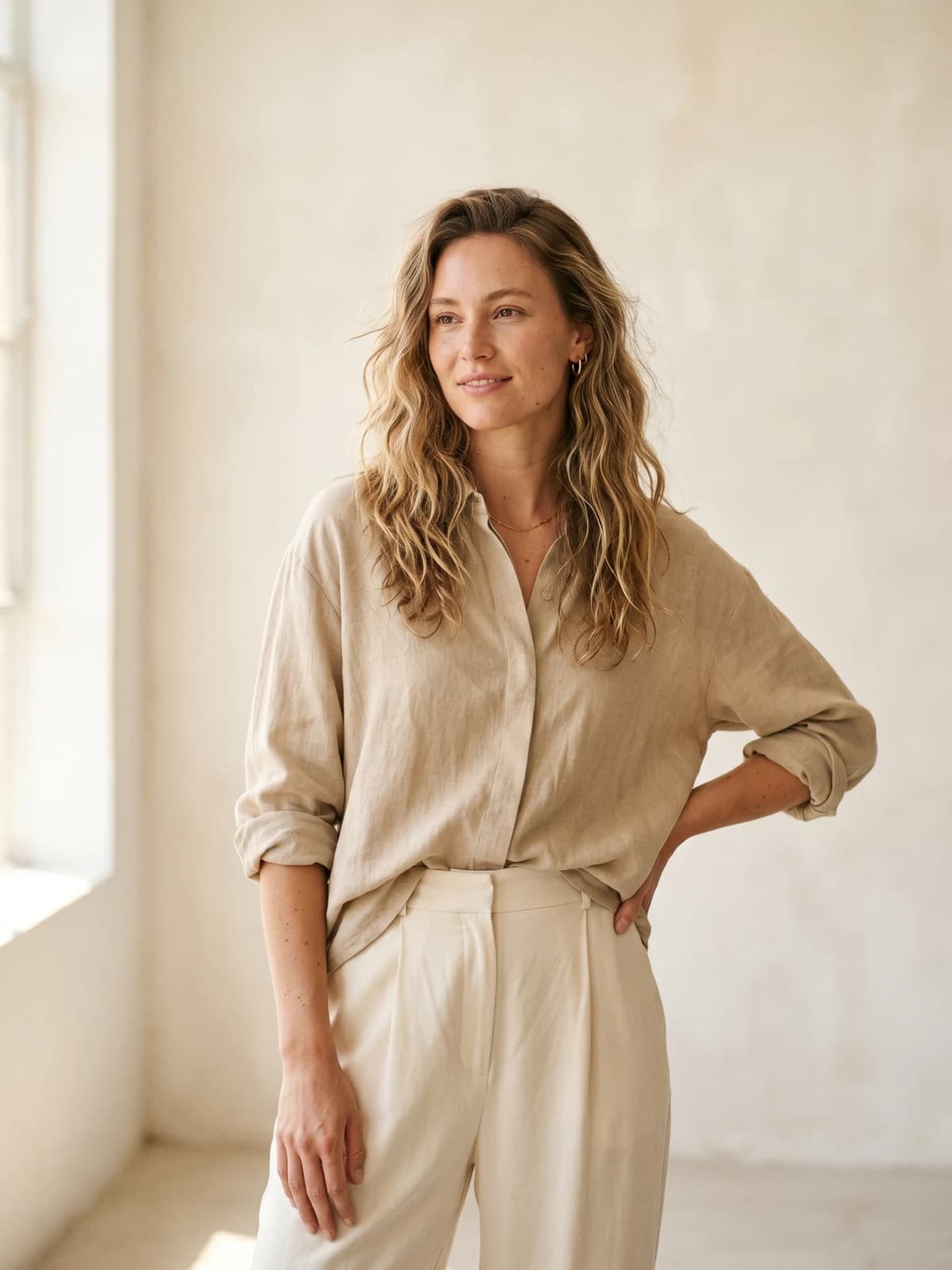
Ready for on-model photos you can actually sell?
WearView is a paid platform starting at $29/month for 50 credits, with 4K output, consistent models, and full commercial rights.
FAQ about free AI virtual try-on
What is the best free AI virtual try on clothes tool in 2026?
For trying on clothes you can buy, Google Try-On, because it's free, has no credit counter, and is tied to real listings. For putting an arbitrary garment photo on your own photo, Kolors Virtual Try-On on Hugging Face is the best free option, with queues as the trade-off.
Can I try on clothes with AI for free without creating an account?
Yes. Kolors Virtual Try-On, IDM-VTON, OOTDiffusion, and Outfit Anyone all run as free Hugging Face demos with no sign-up. Expect shared queues at busy times, and note that Outfit Anyone only works with preset models, not your own photo.
What happened to Google's Doppl app?
Google Labs shut Doppl down on April 30, 2026, and removed it from the app stores. The virtual try-on capability moved into Google Search, Shopping, and AI Mode, where it now works from a single selfie on billions of product listings.
Are free virtual try-on images safe to use in my online store?
Often not. IDM-VTON and OOTDiffusion outputs are non-commercial by license, YouCam's free outputs are watermarked, and most free demos cap resolution below what product pages need. For store imagery, use a tool that explicitly grants commercial rights.
Is WearView free?
No. WearView has no free tier or free credits. It's a paid platform starting at $29/month (Lite, 50 credits), aimed at sellers who need garment-accurate, high-resolution on-model photos with commercial usage rights rather than one-off personal try-ons.
Why do free try-on tools have watermarks and queues?
Each try-on image costs real GPU time, typically several seconds on a data-center card. Free tools recover that cost by limiting throughput (queues, daily quotas) or by using your output as advertising (watermarks). When a tool seems free without limits, it's usually a shared research demo, which is why the open-source Spaces slow down at peak hours.
What photos give the best results with free AI try-on tools?
A front-facing, well-lit photo of the person with the target clothing area fully visible, plus a garment image on a plain background (a flat-lay or catalog cutout works best). Busy backgrounds, crossed arms, and garment photos already worn by someone else are the three most common causes of weird results.

WearView Team
WearView Content & Research Team
WearView Team is a group of fashion technology specialists focused on AI fashion models, virtual try-on, and AI product photography for e-commerce brands. We publish in-depth guides, case studies, and practical insights to help fashion businesses improve conversion rates and scale faster using AI.


