
July 22, 2026•19 min read
7 Best AI Video Clothes Changer Tools in 2026
Want to change an outfit in a video without reshooting? We compared the 7 best AI video clothes changer tools of 2026, from prompt-based footage editors like Runway Aleph to full on-model video generation, with verified pricing and honest trade-offs.
Picture of 7 Best AI Video Clothes Changer Tools in 2026 article
Changing an outfit in a video used to mean one thing: reshoot the whole clip. An AI video clothes changer skips that. Some of these tools edit your existing footage directly, swapping the garment while the person, motion, and background stay put. Others generate a brand-new on-model video from a garment photo, which is often the smarter route when the video itself, not the original footage, is what you actually need.
The difference matters for fashion brands. A try-on video on a product page can lift conversions, but filming one for every SKU is expensive. In this guide we compare the 7 best tools for changing clothes in video in 2026, with verified pricing, what each one does well, and a short framework for picking between them.
Best AI video clothes changer tools: a quick overview
- WearView: Best overall for fashion brands: instead of editing old footage, it puts your garment on a realistic AI model and generates the finished on-model video, with clean garment detail and commercial rights.
- Runway (Aleph 2.0): Best for editing clothes in real footage: describe the change in a prompt or edit one frame, and it carries the new outfit across a clip up to 30 seconds at 1080p.
- Kling AI (Kling O1): Best for prompt-driven edits and generation in one model: type "replace the main character's outfit" and it handles the masking and tracking itself.
- Pika (Pikaswaps): Best budget option for short clips: swap a garment in existing footage from a reference image, starting at 20 credits per swap.
- Viggle AI: Best for full character swaps: replaces the entire person in a video (outfit included) with a character from a single photo, motion intact.
- Vidu: Best for quick outfit videos from two photos: a garment shot plus a face photo becomes a short fashion video of that person wearing the piece.
- Higgsfield: Best for social outfit-transition clips: swap the outfit on a photo, then animate it into beat-synced TikTok-style videos.
| Tool name | Key strength | Pricing | Platforms |
|---|---|---|---|
| WearView | Generates finished on-model fashion videos from a garment photo | From $29/month (no free tier) | Web |
| Runway | Prompt-based clothing edits in existing footage, 30s at 1080p | From $12/month annual; free trial credits | Web, API |
| Kling AI | Unified generation and editing, outfit swaps via plain-text prompts | From $10/month; free daily credits | Web, API, mobile |
| Pika | Reference-image object and garment swaps in short clips | From $8/month; free tier (80 credits) | Web, API |
| Viggle AI | Full character replacement with motion transfer | Free tier (5 videos/day); paid tiers with 80 to 800 credits | Web, API |
| Vidu | Outfit video templates from a garment photo and a face photo | From $8/month annual; free credits | Web, API |
| Higgsfield | Photo outfit swap plus animated outfit-transition videos | From $15/month annual | Web |
1. WearView, best overall for fashion brands
WearView is an AI fashion photography and video platform, and it takes a different route from every other tool on this list. It is worth being upfront: WearView does not edit your existing footage. There is no frame-by-frame swap of a jacket in a clip you already filmed. Instead, you upload a photo of the garment, put it on a realistic AI model using the built-in AI virtual try-on or product to model AI tool, and then animate that image with the AI fashion video generator into an on-model video at 720p or 1080p, ready in about two minutes.
For most brands, that is the job to be done anyway. You rarely need your old footage fixed. You need a video of the new outfit, on a model that fits your brand, with the print and text on the garment intact. Generating fresh avoids the warping and flicker that footage editors still produce on detailed garments, and you can keep the same model identity across a whole collection. The platform also covers AI model creation from text prompts, pose control, ghost mannequin shots, and 4K stills, all in one workspace.
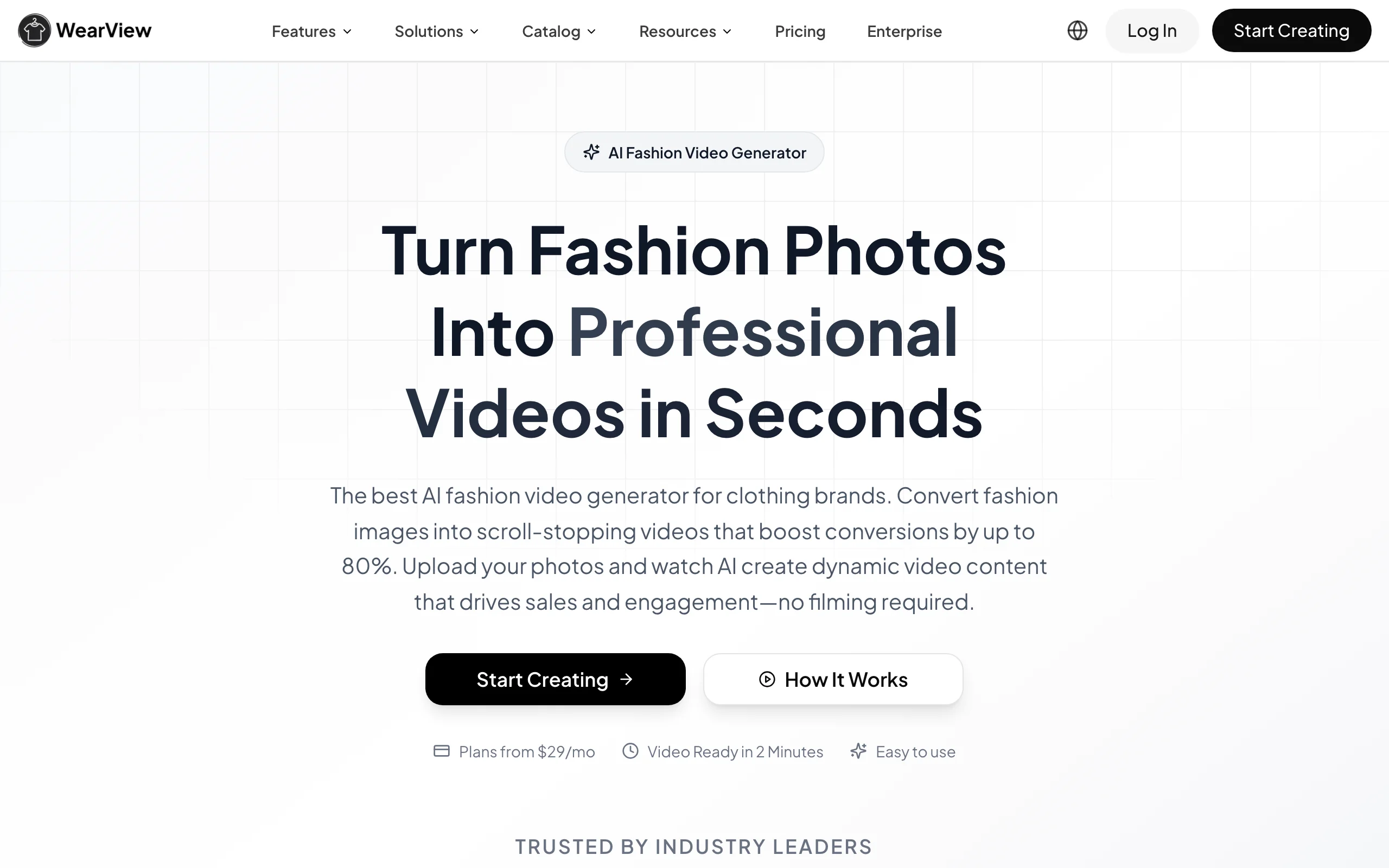
AI Video Clothes Changer with WearView
Key features
- On-model fashion video generation at 720p and 1080p
- Virtual try-on and product-to-model conversion from a single garment photo, in under 15 seconds
- Consistent model identity across products and campaigns
- Diverse AI model library plus custom models from text prompts
- HD, 2K, and 4K image output with commercial usage rights
Best for
- Fashion brands and boutiques that need try-on style videos for product pages and ads without filming
- Ecommerce sellers producing on-model video at catalog scale from flat-lays or packshots
- Agencies that need one consistent model across a client's whole drop
Pricing
- No free tier; Lite starts at $29/month with 50 credits
- Pro at $49/month (200 credits) and Advanced at $99/month (500 credits), with annual billing saving up to $198/year
- Credit packs available for one-off top-ups
Pros
- Clean garment fidelity because the video is generated from your product photo, not reconstructed frame by frame
- Full workflow in one place: model, try-on, poses, backgrounds, then video
- Commercial rights on all paid plans
Cons
- Not a true video clothes changer for existing footage; if you must keep a specific filmed clip, use Runway or Kling instead
- Credit-metered, and there is no free plan to test with
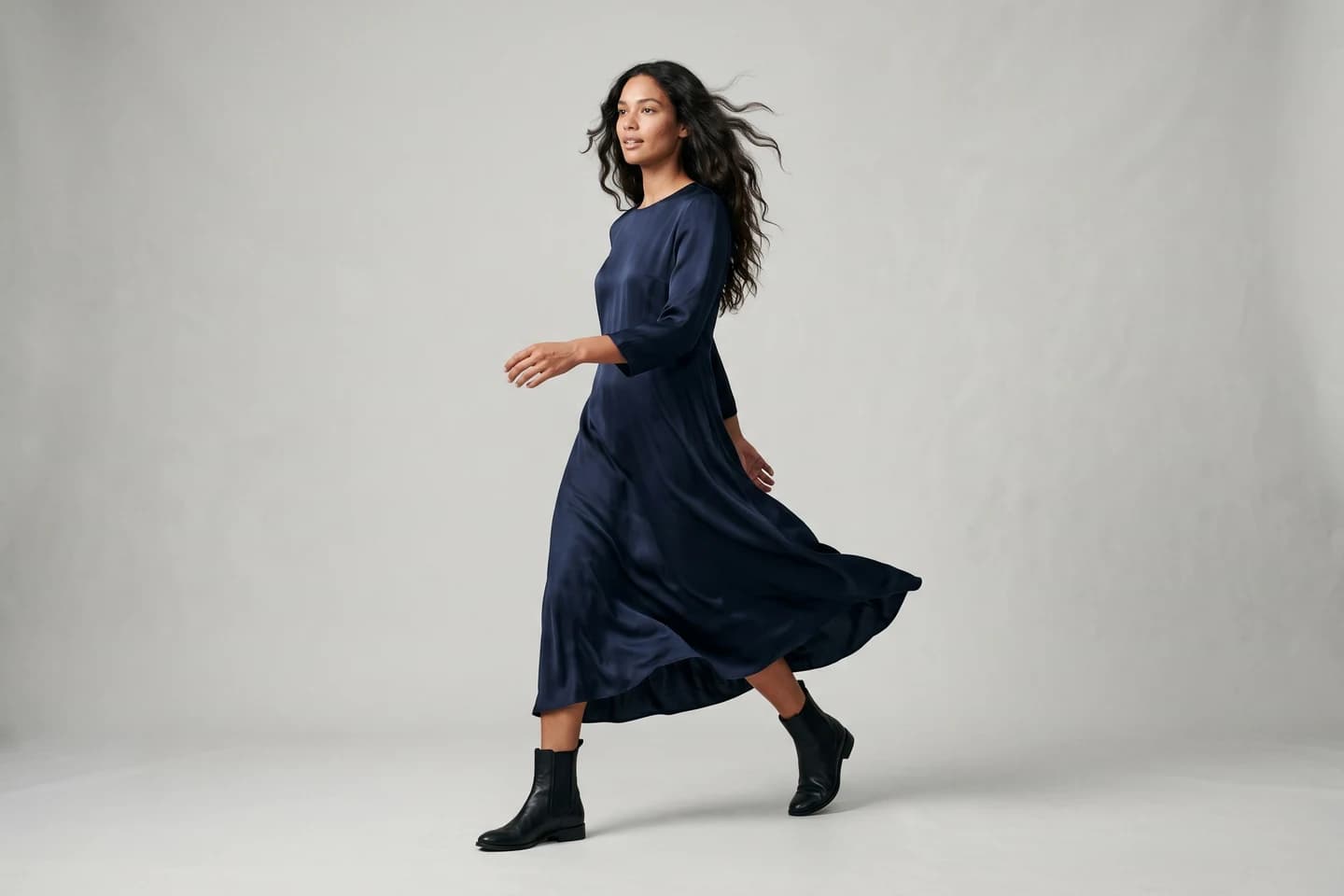
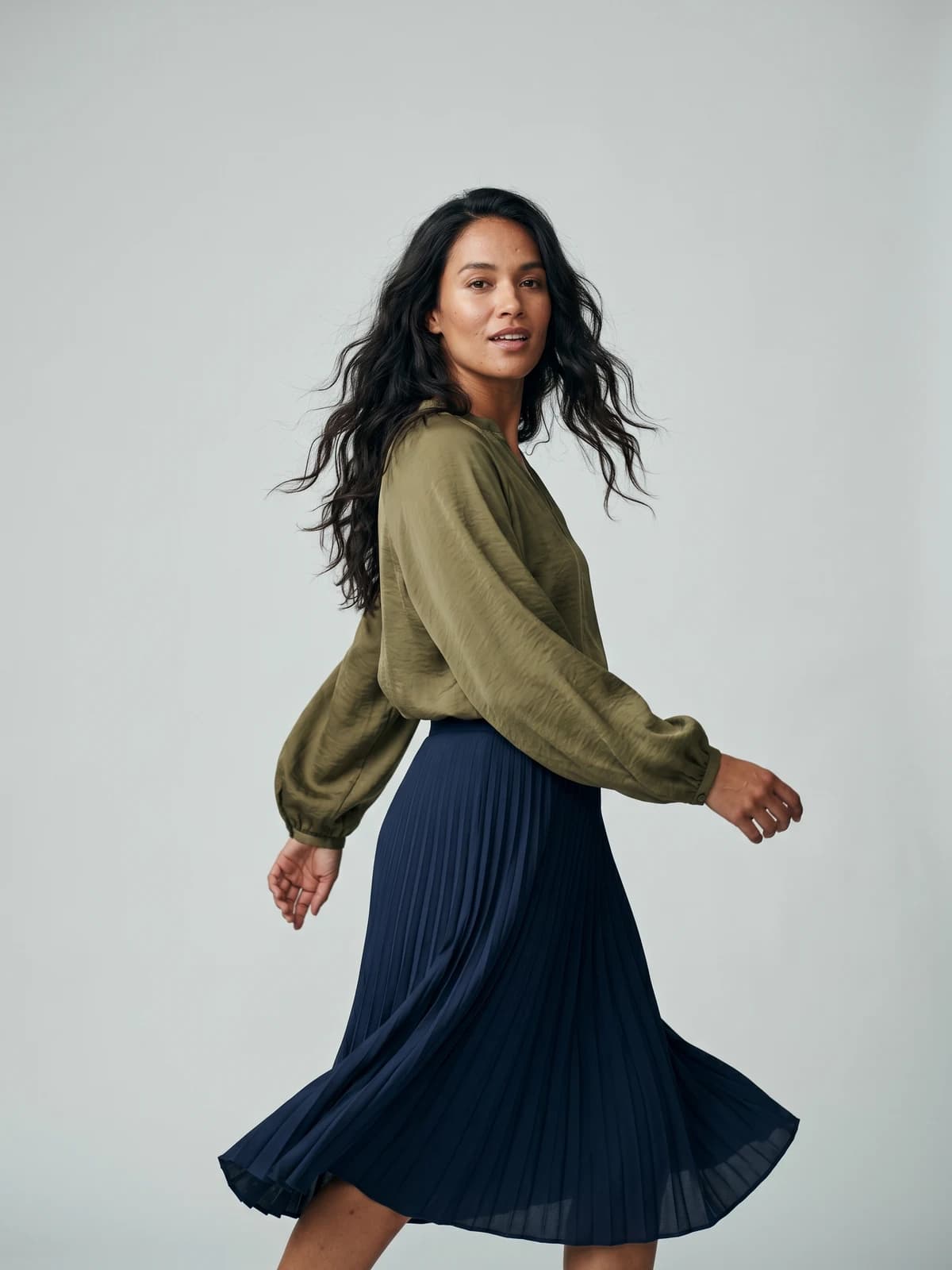
Bring your products to life on video
Turn a single garment image into a scroll-stopping on-model fashion video for product pages and social feeds.
2. Runway (Aleph 2.0), best for editing clothes in real footage
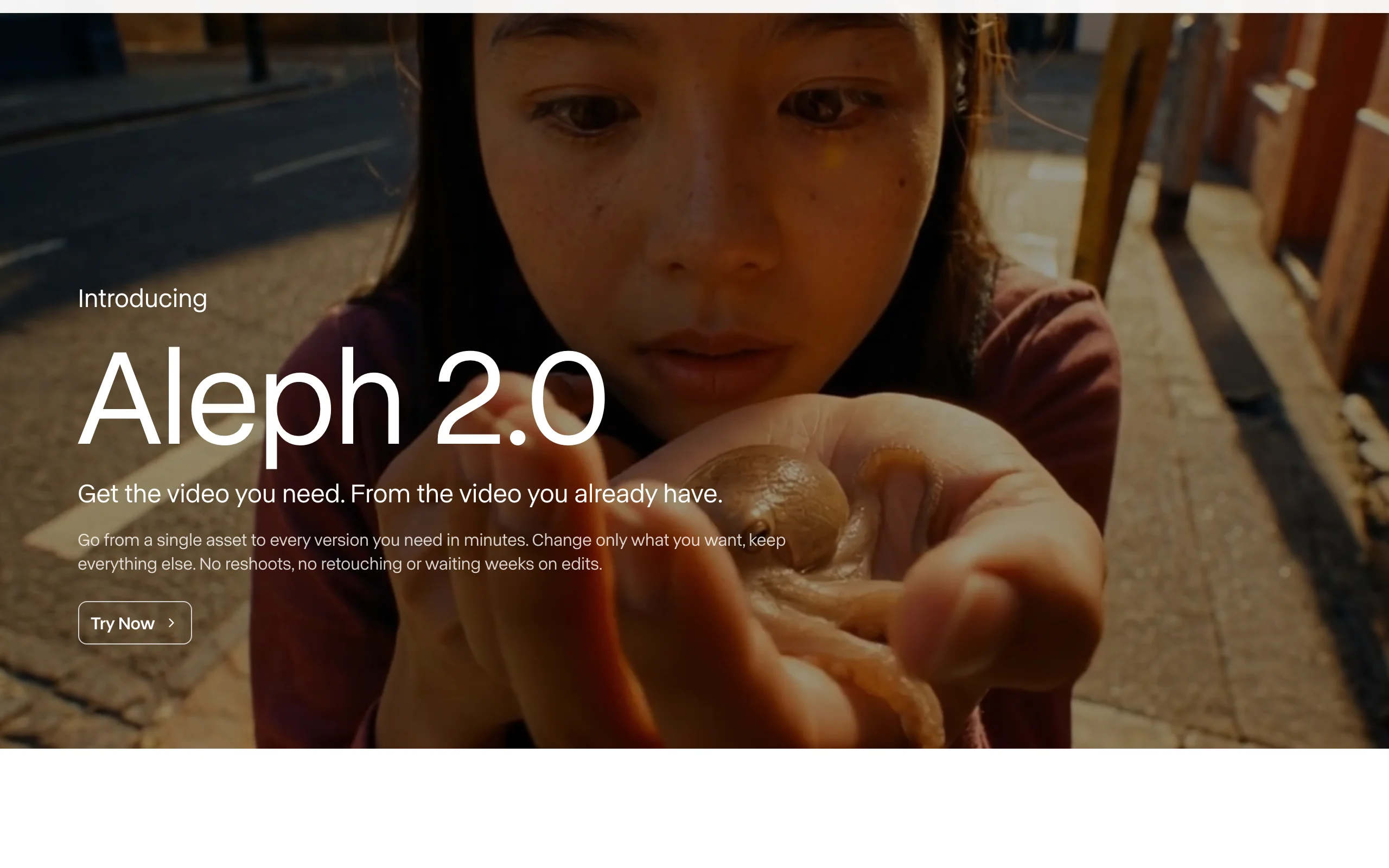
If you need a genuine AI video clothes changer, one that takes footage you already filmed and swaps the outfit inside it, Runway's Aleph 2.0 is the strongest option right now. You describe what you want changed ("swap the denim jacket for a black leather coat") or edit a single frame, and the model propagates that change across the clip while the person, motion, lighting, and background stay as they were. The current version handles clips up to 30 seconds at 1080p and can apply an edit across multi-shot sequences.
Runway built its reputation with filmmakers, and it shows. Aleph is not a fashion-specific tool, so there is no garment library or model picker. But for reworking a hero campaign clip, testing a colorway on filmed footage, or fixing wardrobe in post, nothing else on this list matches its control.
AI Video Clothes Changer with Runway
Key features
- Prompt-based edits to existing video: clothing, hairstyles, product colors, objects
- Edit one frame and Aleph 2.0 matches the rest of the video to it
- Clips up to 30 seconds at 1080p, with multi-shot support
- Changes only the requested element; background and lighting are preserved
- API access for pipeline integration
Best for
- Brands and studios that must keep specific filmed footage and change the wardrobe in it
- Video editors doing wardrobe fixes or colorway tests in post-production
Pricing
- Free plan with 125 one-time credits to test
- Standard at $15/month ($12/month billed annually) with 625 monthly credits; all paid plans include Aleph
- Pro at $35/month (2,250 credits) and Max at $95/month (9,500 credits)
Pros
- The most capable footage editor here; edits feel surgical rather than regenerated
- One frame edit propagating across a full clip saves real time
- Generous model access across plans
Cons
- Credits drain fast when you iterate on a stubborn shot
- No fashion workflow: fine garment prints and logos may still need several attempts and QA
3. Kling AI (Kling O1), best for prompt-driven edits plus generation
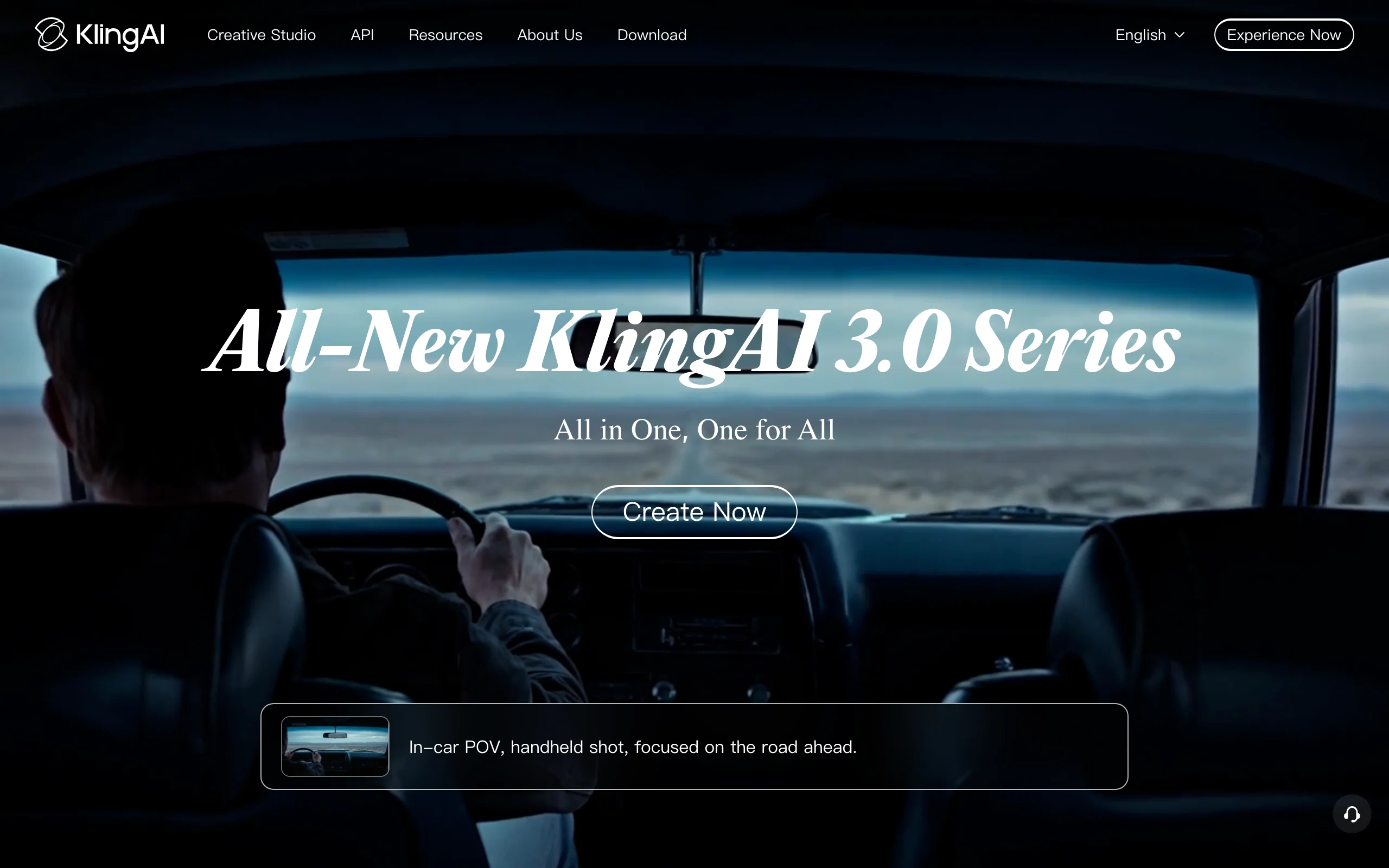
Kling started as a text-to-video model and has grown into a full creative suite. Its Kling O1 model is the interesting part for this article: it is a unified model that both generates video and edits existing video from plain-text instructions. Prompts like "replace the main character's outfit with a red dress" work without manual masking, rotoscoping, or keyframes. The engine is multimodal, so it accepts image inputs alongside text, though matching an exact product garment in edit mode is less documented than Runway's frame-edit approach.
The trade-off is polish. Kling's editing is newer than Runway's and results on fast motion or complex garments are less predictable. In exchange you get one subscription that covers outfit edits, image-to-video for fashion stills, and straight generation, at a lower entry price. For creators who want to experiment across all three, that bundle is hard to argue with.
AI Video Clothes Changer with Kling AI
Key features
- Kling O1 unified model: generate new clips or edit uploaded ones in the same tool
- Plain-text edit commands: swap outfits, add or remove objects, change backgrounds
- Multimodal engine that takes image inputs alongside text prompts
- Virtual try-on tools for building outfit images that feed video generation
- API access for developers
Best for
- Creators who want outfit edits, try-on images, and video generation under one subscription
- Teams testing prompt-based editing before committing to a pricier pipeline
Pricing
- Free tier with 66 daily credits (expire every 24 hours)
- Standard at $10/month with 660 monthly credits; annual billing discounts around 34%
- Pro at $37/month (3,000 credits) and higher tiers up to Ultra at $180/month
Pros
- One model handles both editing existing footage and generating new footage
- Low-cost entry tier for experimentation
- No masking or keyframing needed for edits
Cons
- Edit quality on detailed garments and fast motion trails Runway
- Daily free credits expire, so testing on the free tier is drip-fed
4. Pika (Pikaswaps), best budget swap for short clips
Pika's Pikaswaps feature does exactly what the name suggests: you upload a short clip, select what to replace, and swap it using a text prompt or a reference image. That reference-image input is the useful part for fashion, because you can point it at an actual product photo rather than describing the garment and hoping. Its sibling feature, Pikadditions, inserts new objects into footage instead of replacing existing ones.
Pika is built for short-form content, and its pricing reflects that. Swaps cost 20 credits at 480p, 35 at 720p, or 65 at 1080p, and even the free plan includes 80 monthly credits, enough to actually try the feature before paying. This is the cheapest way on this list to test whether swapping clothes in your existing footage is good enough for your use case. Just keep expectations calibrated: it is a social-clip tool, not a production pipeline.
AI Video Clothes Changer with Pika
Key features
- Pikaswaps: replace a garment, object, or background in uploaded footage
- Swap from a text prompt or a reference image of the real product
- Pikadditions for inserting new elements into a clip
- Output up to 1080p on paid plans
- API available
Best for
- Creators making short-form outfit-swap content for TikTok, Reels, and Shorts
- Anyone who wants to test video garment swapping for free before committing
Pricing
- Free plan with 80 monthly credits at 480p
- Standard at $8/month (700 credits) and Pro at $28/month (2,300 credits), billed annually
- Pikaswaps cost 20 to 65 credits per swap depending on resolution
Pros
- Cheapest genuine video clothes swap to start with
- Reference-image swaps beat prompt-only tools for matching a real garment
- Simple, fast interface
Cons
- Short clips only; not suited to longer product or campaign videos
- 480p free output is preview quality at best
5. Viggle AI, best for full character swaps
Viggle attacks the problem from a different angle. Rather than editing the clothes on a person, it replaces the whole person. Upload one photo of a character (say, your AI model wearing your garment) and a video, and Viggle maps the character onto the video's motion: face, body, outfit, and all. Its JST-1 model tracks expressions and full-body movement frame by frame, and there is a large template library of trending clips to drop characters into.
For fashion use, the workflow is indirect but genuinely useful: create a still of a model wearing your product, then let Viggle transfer it into moving footage, a dance, a runway walk, a meme format. The catch is that garment fidelity depends entirely on how well the swap preserves your source photo, and results lean stylized. This is a creator tool that went viral for memes, not a catalog production tool, and it is best used as one.
Key features
- Full character replacement in any video from a single photo
- Motion transfer that preserves expressions, body movement, and hair
- Thousands of ready-made video templates
- Real-time swap features on higher tiers
- API priced per second of output video
Best for
- Creators and social teams putting a branded character or dressed model into trending video formats
- Fast, playful outfit content where perfect garment accuracy is not the point
Pricing
- Free plan with 5 videos per day, watermarked
- Paid tiers (Pro, Live, Max) with 80, 200, and 800 monthly credits and no watermark; current prices are listed at viggle.ai/pricing
- API on-demand rendering at roughly $0.01 per second of video
Pros
- The easiest way to get a fully dressed character into existing footage
- Motion transfer quality is strong for a one-photo input
- Genuinely free daily allowance
Cons
- Swaps the entire person, so you cannot keep the original model and change only the outfit
- Output leans stylized; fine garment details often drift
6. Vidu, best for outfit videos from two photos
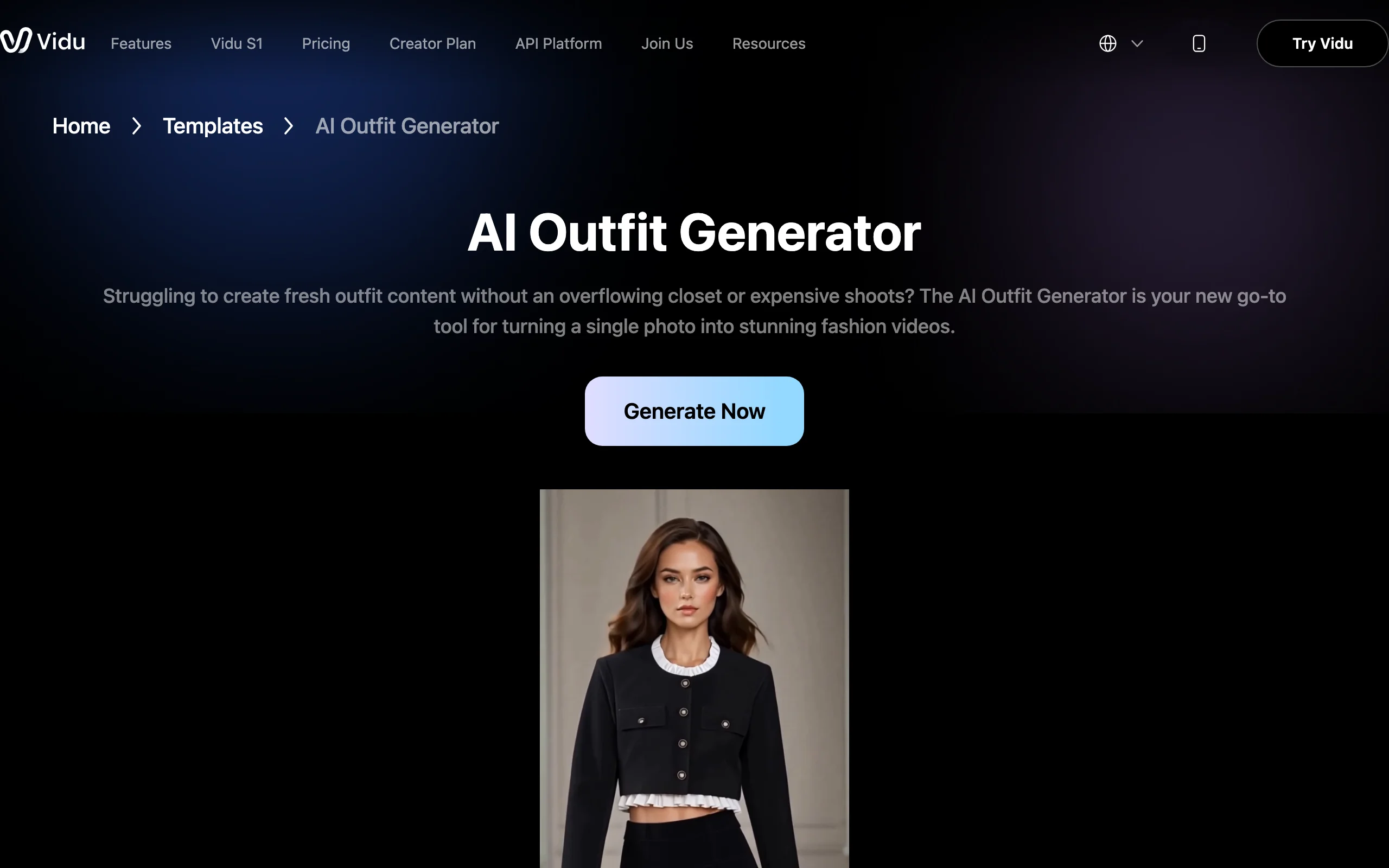
Vidu's AI Outfit Generator template is the most consumer-friendly tool here. You upload a photo of the clothing (flat-lay or on a mannequin) and a clear head-and-neck photo of the person, and it generates a short video of that person wearing the outfit, with fabric movement and lighting handled for you. Like WearView, this is generation rather than footage editing: it does not touch an existing clip, it produces a new one.
That makes Vidu a neat middle option for solo sellers and creators. There is no model library or brand workflow, but if the goal is "show me (or my customer) wearing this piece, in motion, today," the template gets there in a couple of clicks. Vidu is also a capable general video model, so the same subscription covers image-to-video and reference-to-video work beyond outfits.
AI Video Clothes Changer with Vidu
Key features
- Outfit template: garment photo plus face photo in, short outfit video out
- Realistic fabric movement and lighting in generated clips
- General image-to-video and reference-to-video modes included
- Template library for other trending formats
- API platform for developers
Best for
- Resellers and creators showing a garment on themselves without filming
- Quick personalized try-on clips for social proof or customer requests
Pricing
- Free plan with 80 credits plus off-peak generations
- Standard from $8/month billed annually ($10 billed monthly)
- Higher tiers add larger monthly credit pools; check vidu.com for current allocations
Pros
- Fastest path from two photos to a wearable-looking video
- Cheap entry price and a usable free tier
- Solid general video model behind the template
Cons
- No control over model identity beyond the face photo you provide
- Garment accuracy on prints and logos varies clip to clip
7. Higgsfield, best for outfit-transition social clips
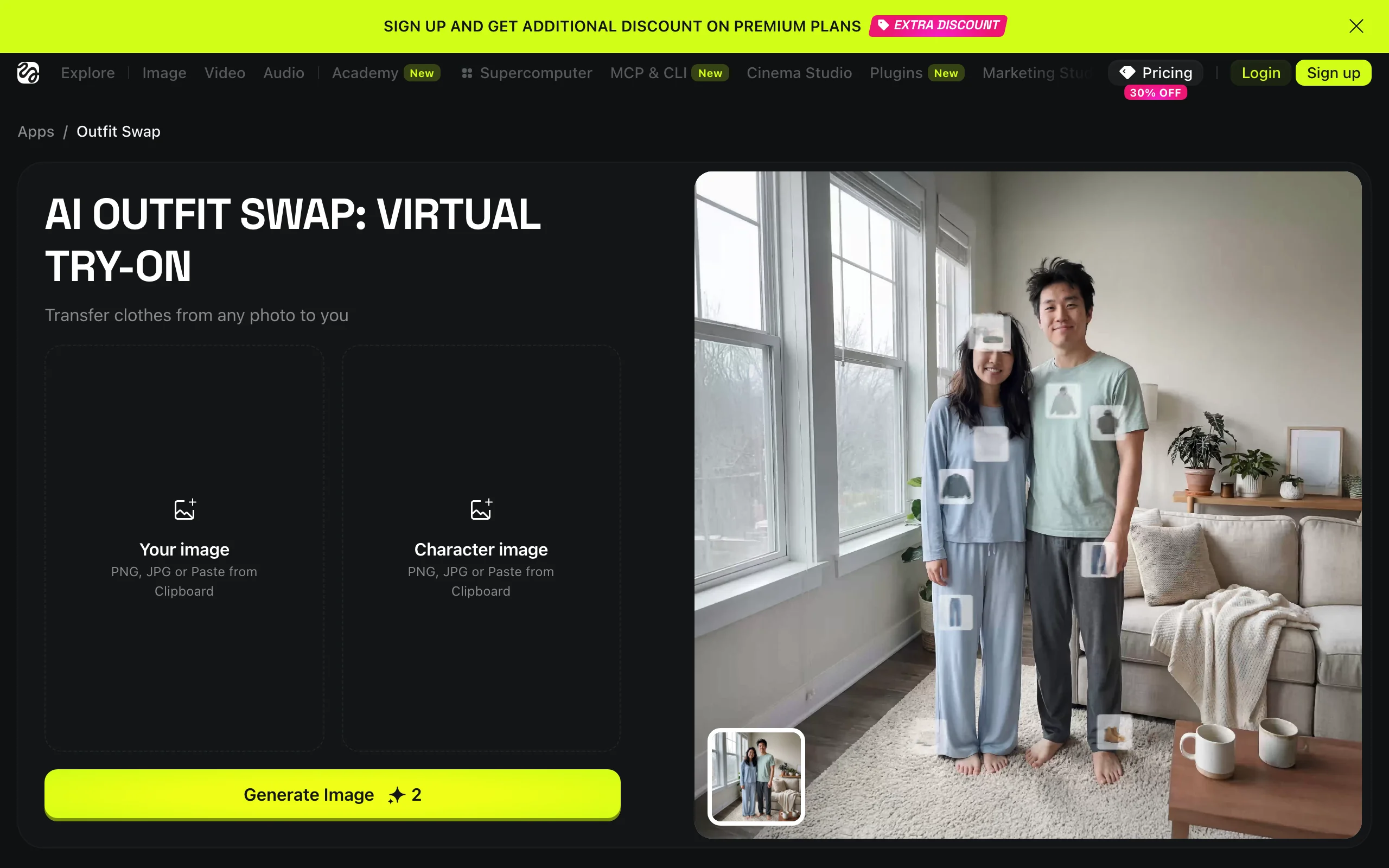
Higgsfield is a fast-moving AI creative suite, and its clothing tools chain two steps together: first an Outfit Swap app that transfers clothes from any photo onto your photo at the image level, then video models and templates that animate the result. Its Urban Cuts app generates beat-synced outfit-transition videos, the format where a creator snaps their fingers and the wardrobe changes, which is one of the most-watched fashion formats on TikTok.
So while Higgsfield does not edit clothing inside an uploaded video frame by frame, it is arguably the quickest route to the "outfit change video" as a social format. The platform bundles a long list of image and video models under one subscription, which suits creators who bounce between formats weekly.
AI Video Clothes Changer with Higgsfield
Key features
- Outfit Swap: transfer clothing from any reference photo onto a person's photo
- Urban Cuts: beat-synced outfit-transition video generation
- One-click path from swapped image to animated video
- Access to multiple third-party image and video models in one place
- 4K export on image tools
Best for
- Fashion creators producing outfit-transition and styling content for TikTok and Reels
- Users who want many AI models under a single subscription
Pricing
- Starter at $15/month billed annually with 200 monthly credits
- Plus at $39/month (1,000 credits) and Ultra at $99/month (3,000 credits), billed annually
Pros
- Purpose-built for the outfit-transition format that performs on social
- Wide model access for the price
- Image-level swap first means you can check the outfit before spending video credits
Cons
- No true in-video clothing edit of uploaded footage
- Credit costs across chained steps (swap, then animate) add up
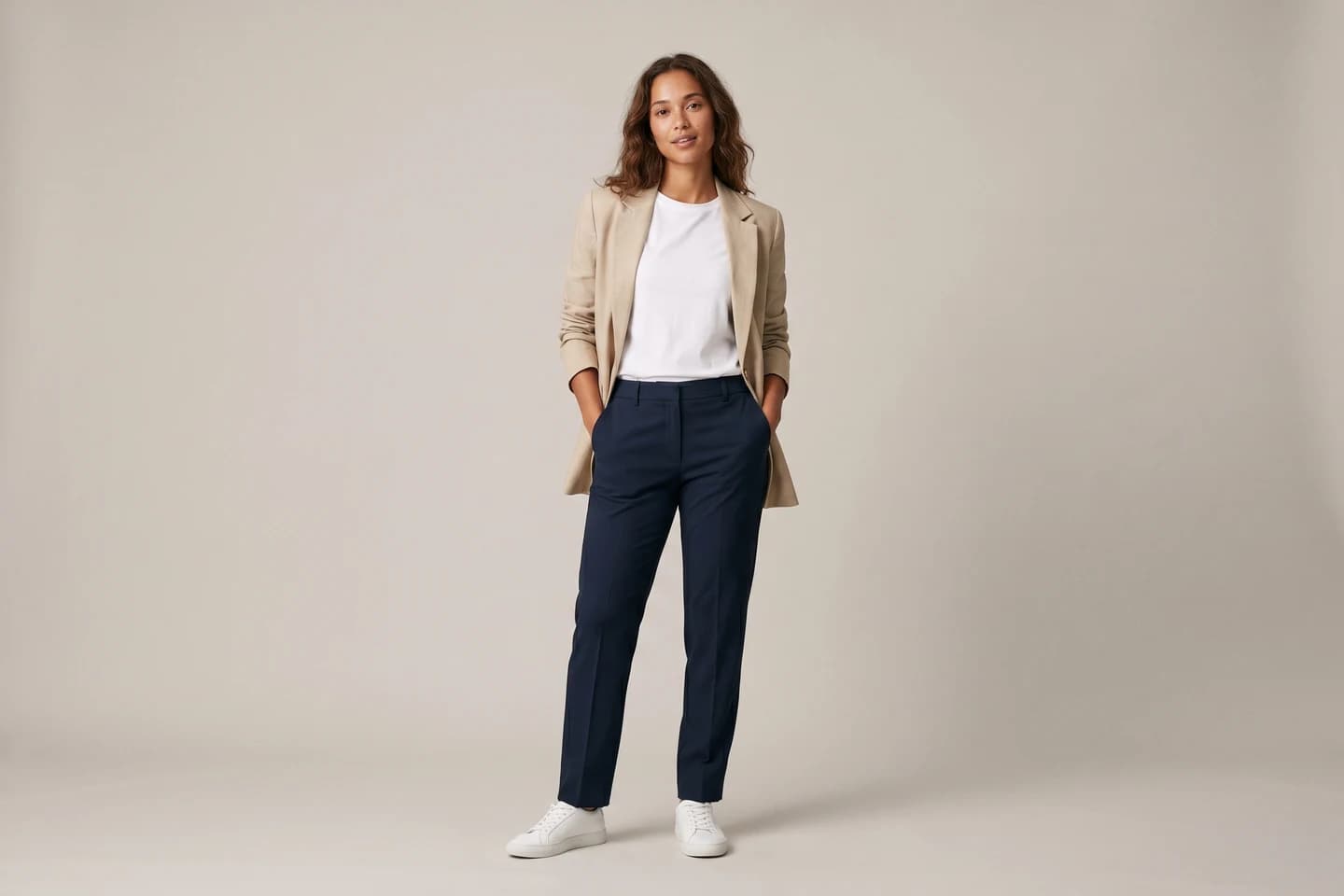
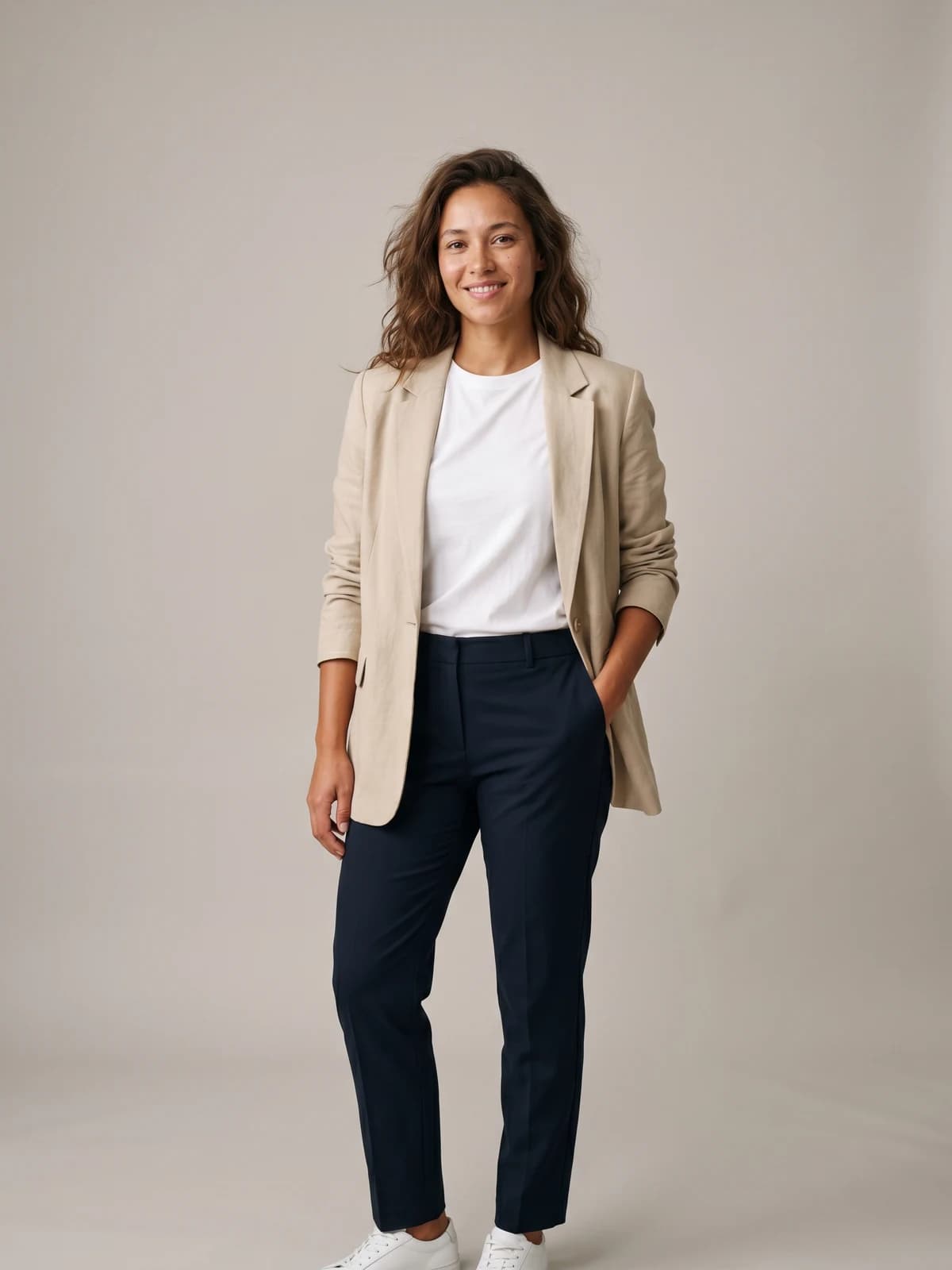
See any outfit on a real-looking model
Upload one garment photo and preview it on lifelike AI models in seconds, then turn the best shot into video.
How to choose the best AI video clothes changer for your workflow
1) Do you need to keep existing footage, or just get a video?
This is the fork that decides everything. If a specific filmed clip must survive (a campaign shot, influencer footage you licensed, a clip with your storefront in it), you need a true footage editor: Runway for the highest quality, Kling for a cheaper unified option, Pika for short social clips. If what you actually need is a video of your garment on a model, generating fresh is usually faster and cleaner. WearView is built for exactly that, Vidu covers the personal two-photo version, and Higgsfield covers the social-format version. Be honest about which case you are in; most brand requests we see are the second one wearing the costume of the first.
2) How much garment fidelity does the use case demand?
A product-page video has to show the real garment: the print, the buttons, the exact colorway. Footage editors reconstruct the garment from a prompt or reference and can drift on details, so budget QA time and retries. Generation from your own product photo holds detail better, which is why a platform built around AI generated models for fashion makes sense for catalog work. For meme-adjacent social content, fidelity matters less and Viggle or Higgsfield are more fun per dollar.
3) Run the credit math before you commit
Sticker prices mislead in this category because every tool meters differently. A single Pikaswap costs 20 to 65 credits from a 700-credit monthly pool. Runway's 625 Standard credits disappear quickly once you iterate on a hard shot. Kling's free credits expire daily. Before subscribing anywhere, price out one realistic week: how many SKUs or clips, how many retries per clip (assume 2 or 3), at what resolution. Then test five of your hardest garments, patterned, reflective, or layered pieces, on the cheapest plan that allows it. The tool that survives your worst SKUs is the right one, not the tool with the best demo reel.
FAQ
What is an AI video clothes changer?
It is a tool that changes the clothing a person wears in a video using AI. Some work by editing existing footage frame by frame (Runway, Kling, Pika), while others generate a brand-new video of a garment on a model (WearView, Vidu, Higgsfield). Both end with the same thing: a video of a different outfit, without a reshoot.
Can AI change clothes in an existing video?
Yes. Runway's Aleph 2.0 and Kling's O1 model can replace an outfit in uploaded footage from a text prompt, and Pikaswaps does it from a reference image on short clips. Quality depends heavily on the footage: steady shots with one visible person work well, while fast motion, occlusion, and complex prints still cause artifacts.
Is it better to edit footage or generate a new video?
If the footage itself has value you cannot recreate, edit it. For everything else, generation usually wins on garment accuracy, model consistency, and rights. Editing tools reconstruct the garment and can warp logos or prints, while generation from your own product photo keeps the details you are trying to sell.
Is there a free AI video clothes changer?
Pika's free plan includes 80 monthly credits, enough for a few 480p swaps. Kling gives 66 free credits daily, and Viggle allows 5 watermarked videos per day. WearView has no free tier; plans start at $29/month. Free tiers are fine for testing, but watermarks and low resolution rule them out for store content.
How do I keep garment details accurate in AI video?
Start from the best possible garment input: a sharp, well-lit product photo beats a text description every time. Use tools that accept a reference image of the real product (Pikaswaps) or that generate directly from your product photo (WearView, Vidu). Then review every clip at full resolution before publishing; prints, text, and buttons are where errors hide.
Can I use these videos commercially?
Check each tool's license before putting a clip on a product page or in ads. WearView includes commercial usage rights on all paid plans. Most competitors grant commercial use on paid tiers too, but free-tier output often carries watermarks or restricted terms, so read the specific plan you are on.
What about changing clothes in photos instead of video?
That is a separate tool category with different strengths, and photo tools are further along on fidelity. We compared the options in our guide to the best AI tools for changing clothes in photos. A common workflow is to perfect the outfit in a photo first, then animate that photo into video.
How long can AI clothes-changed videos be?
Runway's Aleph 2.0 edits clips up to 30 seconds at 1080p, currently the longest true edit window in this list. Pika targets short social clips, and generated on-model videos from WearView or Vidu are short-form by design, which fits product pages and social feeds where a few seconds is all you get anyway.

WearView Team
WearView Content & Research Team
WearView Team is a group of fashion technology specialists focused on AI fashion models, virtual try-on, and AI product photography for e-commerce brands. We publish in-depth guides, case studies, and practical insights to help fashion businesses improve conversion rates and scale faster using AI.


