
May 13, 2026•19 min read
7 best virtual try-on tools for ecommerce (2026 guide)
Compare the 7 best virtual try-on tools for ecommerce in 2026. Covers pricing, key strengths, platform integrations, and a decision framework to help you choose.

Picture of 7 best virtual try-on tools for ecommerce (2026 guide) article
Virtual try-on tools let you generate realistic on-model product images from flat-lay photos, packshots, or ghost mannequin shots, without booking a single photoshoot. Some also let your customers see clothes on themselves before buying, cutting return rates and boosting conversion.
In this guide, we compare the 7 best virtual try-on tools for ecommerce in 2026. We cover pricing, key strengths, platform integrations, and which option fits your workflow best, whether you need catalog-ready model photos or a customer-facing fitting room on your store.
Best virtual try-on tools: a brief overview
If you need on-model product images for your catalog:
- Start with WearView for the broadest feature set: virtual try-on, AI model creation, product-to-model, video, and pose control in one platform
- Add Canva to clean up and brand those shots: one-click background removal, resizing for each marketplace, and Magic Studio AI editing in a free-to-start design app (it edits images, it does not generate on-model try-ons)
- Reach for Adobe Photoshop when you want pixel-level manual control: Generative Fill for backgrounds, professional retouching, and compositing (a hands-on editor, not an automated try-on generator)
- Try Uwear if you want a proprietary AI model (Drape2) built specifically for garment fidelity, plus pay-as-you-go pricing
If you need a customer-facing try-on experience on your store:
- Start with Genlook for a plug-and-play Shopify try-on widget that lets shoppers upload their photo
- Consider Veesual if you are an enterprise brand looking for a high-conversion "switch model" experience
- Look at Style.me if size recommendation and 3D fitting matter more than photorealistic imagery
| Tool | Key strength | Pricing | Platforms |
|---|---|---|---|
| WearView | All-in-one: try-on, model creation, video, pose control | From $29/month | Web |
| Canva | General design suite with AI editing and background removal | Free tier; Pro from $15/month | Web, iOS, Android, desktop |
| Photoshop | Professional manual editing with AI Generative Fill | From ~$22.99/month; free trial | Windows, macOS, iPad, Web |
| Uwear | Proprietary Drape2 AI with garment fidelity focus | From $27/month; pay-as-you-go at $0.10 | Web, API, iOS, Android |
| Veesual | Enterprise "switch model" with 75% conversion lift | Custom enterprise pricing | Enterprise integration |
| Genlook | Customer-facing try-on widget for Shopify stores | From $14.99/month for 100 try-ons | Shopify |
| Style.me | 3D fitting room with size recommendations | Custom pricing | Shopify, Magento plugin |
1. WearView, best overall for ecommerce
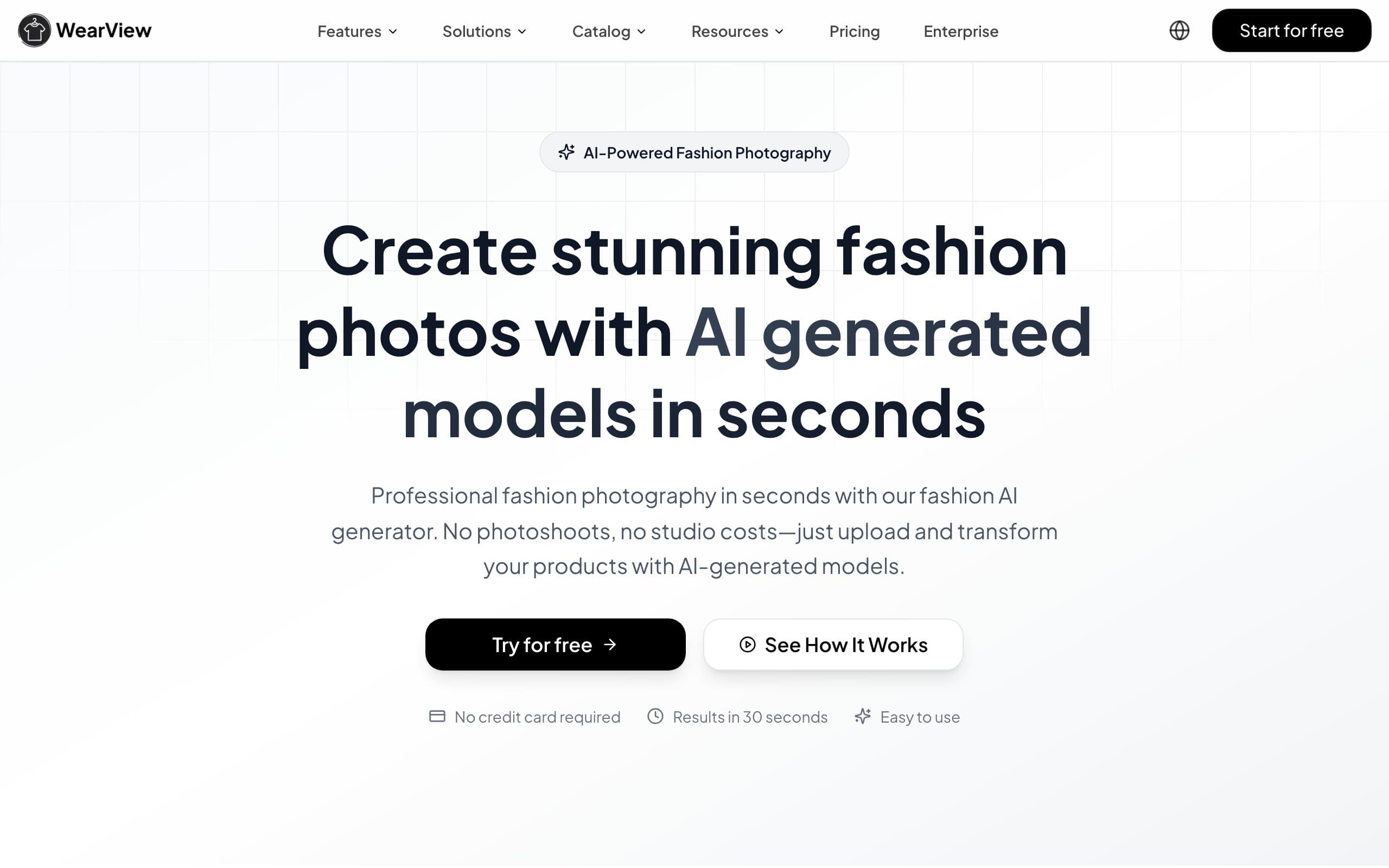
WearView is an AI fashion photography platform that bundles virtual try-on, AI model creation, product-to-model, video generation, and pose control in a single workspace. Upload a garment image in any format (flat-lay, ghost mannequin, on-hanger, or even a photo on a person) and get a professional on-model shot in about 15 seconds.
What sets WearView apart is the breadth of its toolset. Most competitors focus on one workflow. WearView covers the full content pipeline: generate model photos, swap poses, create consistent model identities across your catalog, and turn stills into video, all from the same dashboard. Output resolution goes up to 4K, which is higher than most alternatives in this price range.
Virtual Try On with WearView
Key features
- Virtual try-on from any garment image format (flat-lay, packshot, mannequin, on-person)
- 100+ diverse AI models with different ethnicities, body types, and poses
- Up to 4K output resolution with fabric texture and print preservation
- AI video generation from still images (Pro and Advanced plans)
- Pose control using reference images for consistent catalog shoots
- Consistent model identity across multiple garment generations
Best for
- Ecommerce brands that need a full content pipeline (photos, videos, model variations) in one tool
- Teams managing 50+ SKUs that want consistent model imagery without hiring photographers
- Agencies and studios producing content for multiple fashion clients
Pricing
- Plans starting from $29/month with no long-term commitment
- Lite plan at $29/month (50 credits, HD resolution)
- Pro plan at $49/month (200 credits, 2K resolution, video access)
- Advanced plan at $99/month (500 credits, 4K resolution, team seats)
Pros
- Broadest feature set in one platform (try-on, model creation, video, pose control, consistent models)
- 4K resolution output, higher than most competitors at this price point
- Commercial usage rights included on all paid plans
- Fast generation (around 15 seconds per image)
Cons
- No native Shopify or WooCommerce app yet (standalone web platform)
- Credits do not roll over on monthly plans (credit packs available separately)
2. Canva
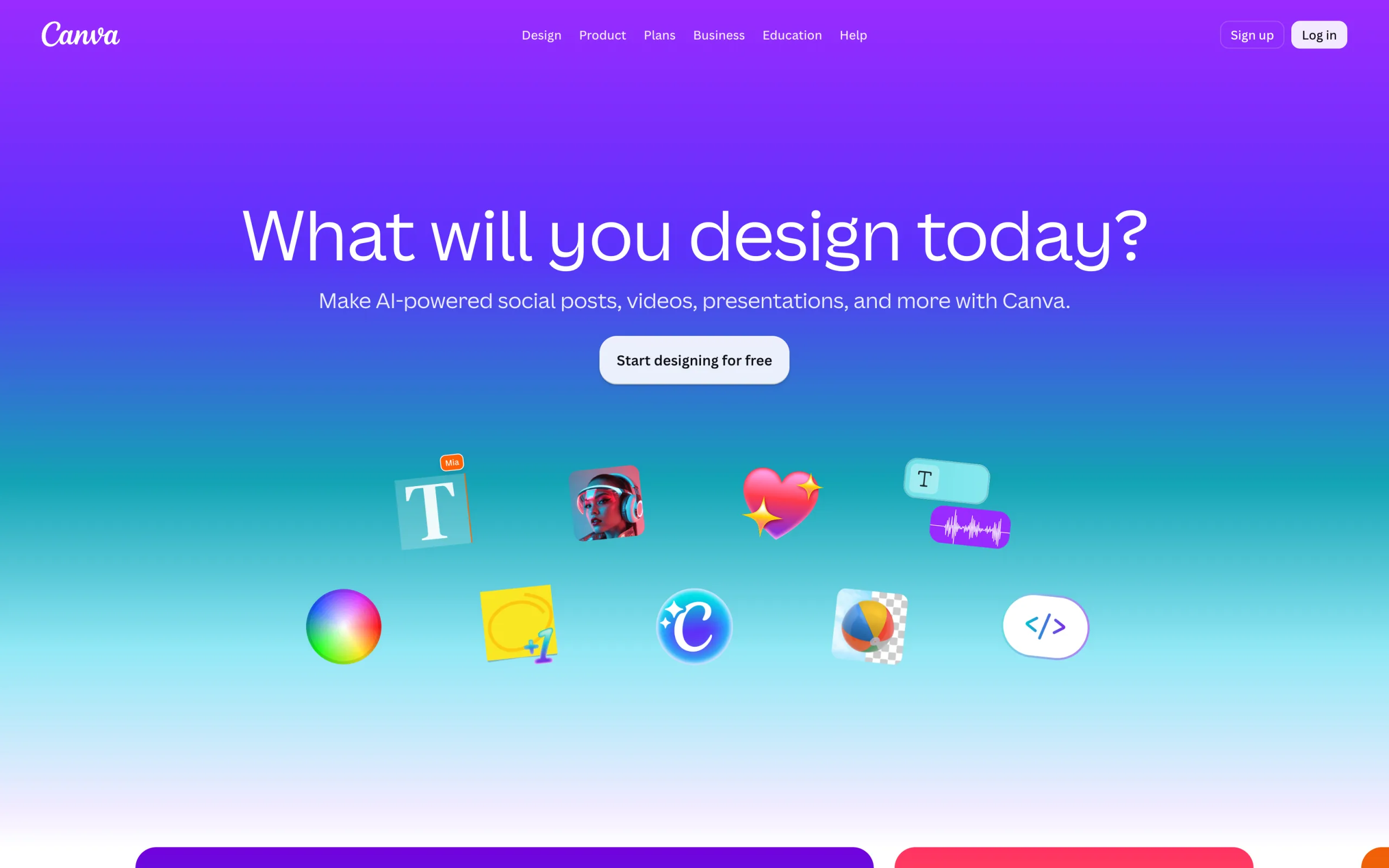
Canva is a general-purpose design and photo-editing platform used by millions of teams and sellers. It won't generate a garment onto an AI model for you (that is what the dedicated try-on tools on this list do), but it is the fastest way to clean up, resize, and brand the product images you already have. Its Magic Studio AI suite includes a one-click Background Remover, Magic Eraser, Magic Expand, and Dream Lab image generation, plus thousands of templates for product listings, ads, and social posts.
For marketplace and social sellers, Canva slots neatly next to a try-on generator: produce your on-model shots elsewhere, then use Canva to remove or swap backgrounds, resize a single image into every marketplace and social format, add price tags or promo text, and keep a consistent brand kit across your catalog. The mobile apps (iOS and Android) mean you can do all of this from your phone, and a genuinely usable free tier lets you start without paying.
Virtual Try On with Canva
Key features
- Magic Studio AI: Background Remover, Magic Eraser, Magic Expand, and Dream Lab image generation
- Thousands of templates for product listings, ads, social posts, and marketing graphics
- One-click Magic Resize into every marketplace and social format
- Brand Kit to keep fonts, colors, and logos consistent across a catalog
- Transparent PNG export plus scheduling and bulk tools for content teams
- Available on web, desktop, iOS, and Android
Best for
- Sellers who need to polish, resize, and brand product images rather than generate on-model shots
- Social-first brands producing ads, listings, and posts around their product photos
- Small teams that want an affordable, all-in-one design tool with a free tier
Pricing
- Free tier with core editing and templates
- Canva Pro at $15/month (or $120/year, roughly $10/month billed annually)
- Teams/Business tier at around $20/month per person for shared brand controls
- 500 monthly AI credits on Pro for Dream Lab and other generative features
Pros
- Extremely easy to learn, with a polished mobile app
- Strong free tier and affordable Pro pricing
- Background removal and Magic Studio AI cover most everyday editing needs
Cons
- Does not do AI virtual try-on or on-model image generation (an editor, not a generator)
- No customer-facing try-on widget for ecommerce stores
- AI credits on Pro can run out quickly with heavy image generation
- Fashion product photography is not its focus, which means less specialization
3. Adobe Photoshop
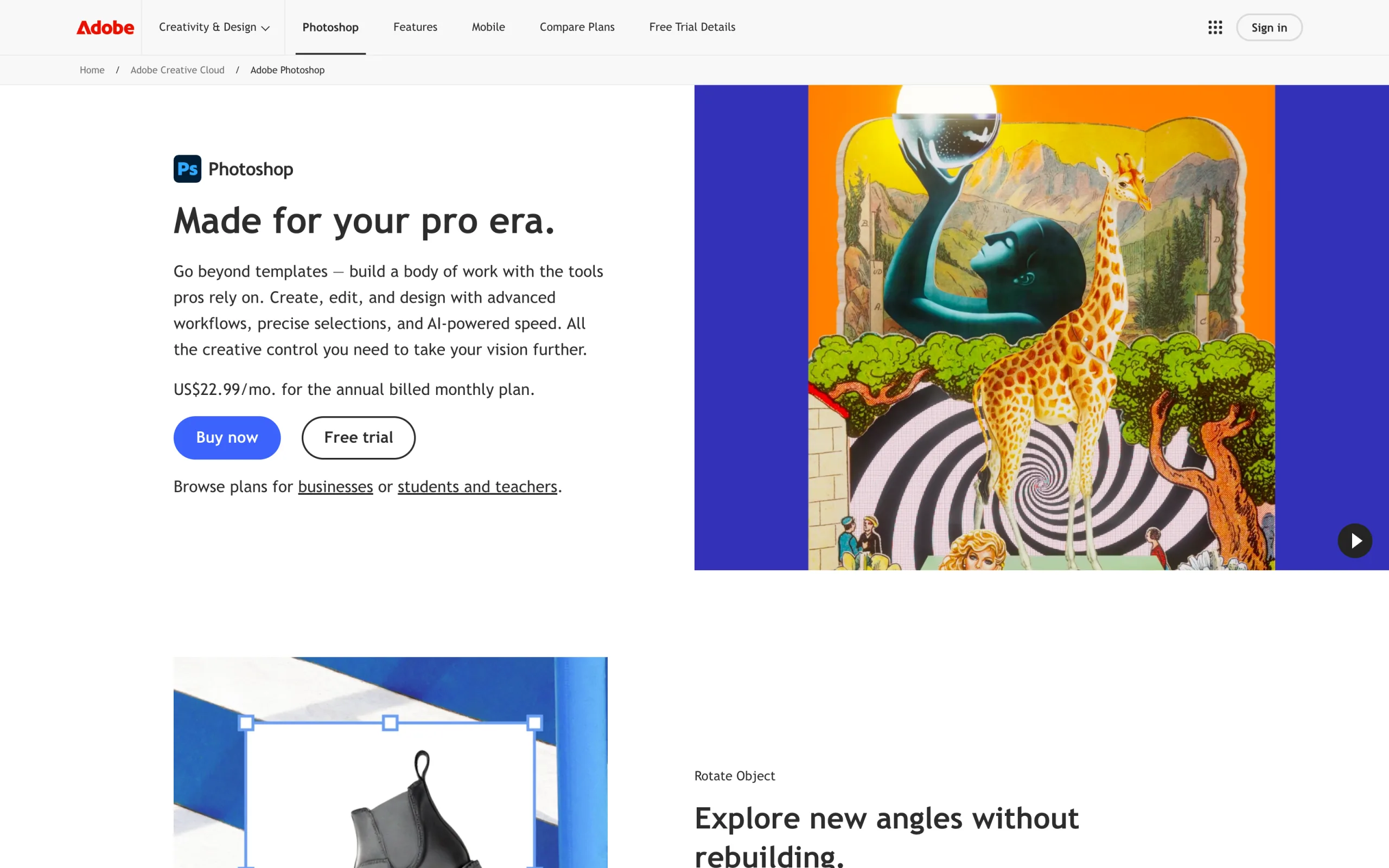
Adobe Photoshop is the professional standard for hands-on image editing, and it belongs on this list as the full-control option rather than an automated try-on tool. It will not place a garment on an AI model for you, but when you want to manually retouch a product shot, composite a garment onto a background, or extend a scene, nothing offers more precision. Its Generative Fill and Generative Expand features (powered by Adobe Firefly) add AI-assisted background edits and scene extension directly on the canvas.
For fashion sellers, Photoshop is the tool you reach for when a generated image needs finishing that automation cannot handle: cleaning up fabric artifacts, correcting colors to match the real garment, removing distractions, or building a custom background. It has the steepest learning curve here and is subscription-only, but for teams that already retouch photography in-house, it is the most capable manual editor available. It runs on Windows, macOS, iPad, and a lighter web version.
Virtual Try On with Adobe Photoshop
Key features
- Pixel-level manual editing, retouching, masking, and compositing
- Generative Fill and Generative Expand (Firefly AI) for background edits and scene extension
- Precise color correction to match real garment colors
- Layer-based, non-destructive editing workflow
- Neural Filters and AI selection tools for faster masking
- Available on Windows, macOS, iPad, and web
Best for
- Teams that want full manual control over product-image retouching and compositing
- Photographers and studios already working in a professional editing workflow
- Finishing and fixing images that automated tools cannot perfect on their own
Pricing
- Free trial available (no permanent free plan; a limited free web version exists)
- Standalone Photoshop from ~$22.99/month (annual, billed monthly)
- Photography plan from ~$19.99/month (Photoshop plus Lightroom and 1TB storage)
- Generative Fill uses metered "generative credits" (25/month on the standalone plan)
Pros
- The most capable manual image editor available, with unmatched precision
- Generative Fill adds AI background edits and scene extension on the canvas
- Runs across desktop, iPad, and web with a mature, deep feature set
Cons
- Does not do AI virtual try-on or on-model image generation
- Steepest learning curve of any tool on this list
- Subscription-only with limited generative AI credits on lower tiers
- Manual editing is far slower than automated on-model generation
4. Uwear
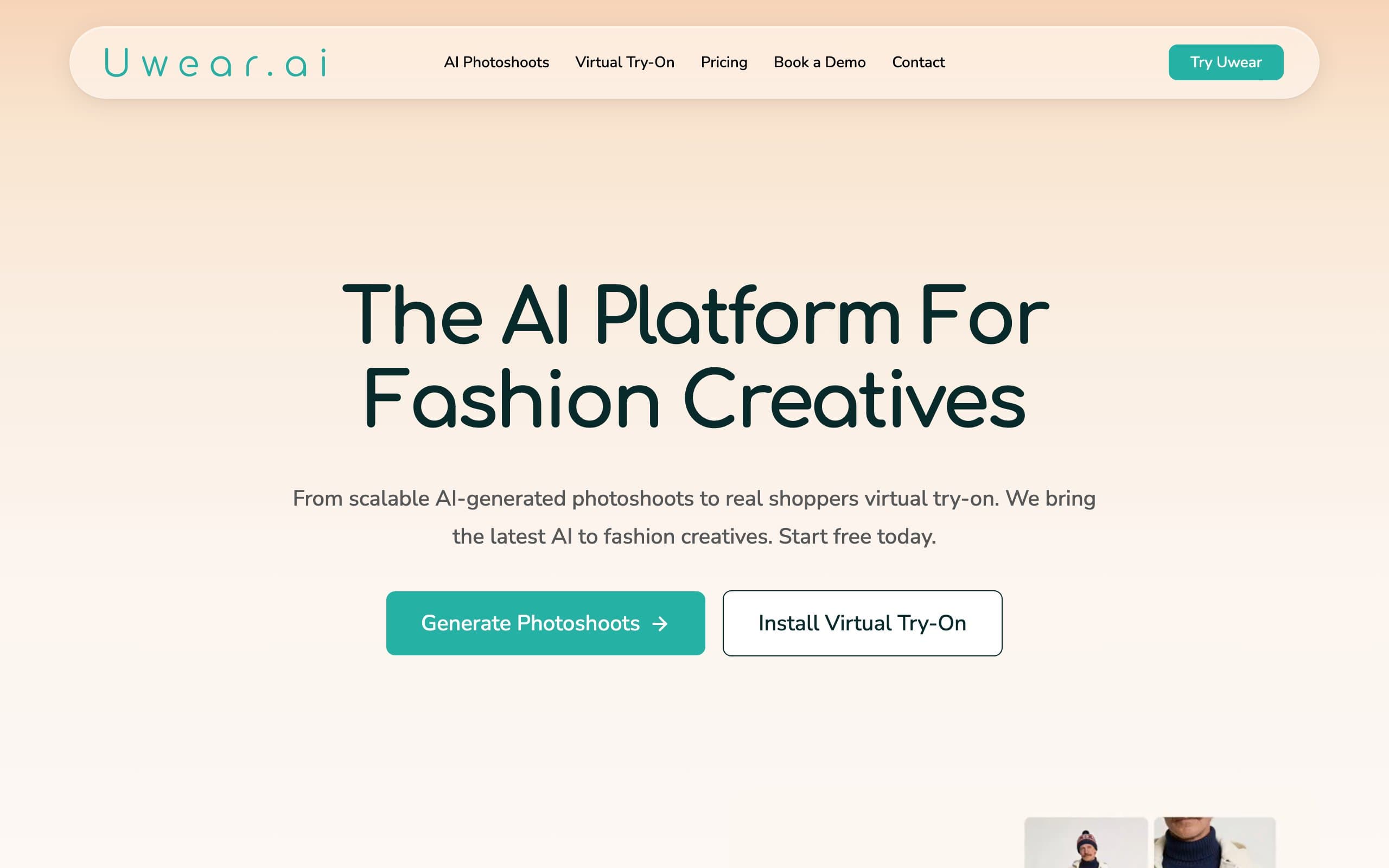
Uwear is a dual-sided AI fashion platform built around Drape2, a proprietary AI model purpose-built for garment rendering. Unlike models that "paint" clothes onto a person, Drape2 regenerates the entire image from scratch, producing more coherent lighting, shadows, and fabric textures with fewer hallucinations. The result is some of the most accurate garment reproduction in the category, especially for detailed prints and textures.
What makes Uwear unique is its flexibility. Pay-as-you-go pricing at $0.10 per credit (with no expiration) means you only pay for what you use. There is also a free consumer mobile app (iOS and Android) where shoppers can try on clothes before buying, complete with a 12-season AI color analysis and social features where friends vote on outfit choices.
Virtual Try On with Uwear
Key features
- Drape2 proprietary AI model built specifically for garment fidelity
- Pay-as-you-go pricing at $0.10 per credit, credits never expire
- Batch generation for processing hundreds or thousands of garments automatically
- Up to 4K resolution with image upscaling (base resolution 704x1024)
- Free consumer mobile app with virtual try-on and 12-season color analysis
- API access for developer integrations and workflow automation
- Video generation from still images (5-second clips)
- Saved AI models for consistent brand imagery across generations
Best for
- Brands that prioritize garment accuracy and want the most realistic fabric rendering
- Agencies and developers needing API access with transparent pay-as-you-go pricing
- Teams with variable monthly volume that benefit from non-expiring credits
Pricing
- Free credits for new users, no credit card required
- Pay-as-you-go at $0.10 per credit (credits never expire)
- Starter plan at $27/month (150 credits)
- Basic plan at $57/month (350 credits, includes batch generation)
- Plus plan at $97/month (700 credits)
- Premium plan at $297/month (2,400 credits)
Pros
- Drape2 model produces highly accurate garment rendering with minimal hallucinations
- Pay-as-you-go pricing with non-expiring credits is the most flexible in the category
- Open-source Drape1 model on Hugging Face builds developer trust
- Consumer mobile app adds a unique B2C dimension
Cons
- Base resolution is 704x1024 (upscaling required for higher quality)
- Saved models are not always 100% consistent between generations (body shape, hair variations)
- Some throwaway images that require regeneration, burning extra credits
- No disclosed funding, which may affect long-term development speed
5. Veesual
Veesual is an enterprise virtual try-on platform that focuses on one goal: increasing conversion rates on fashion product pages. Its "Switch Model" feature lets shoppers pick a model they identify with (by size, ethnicity, age) and see the garment on that model in real time. Veesual reports a 75% average increase in conversion rate and over 20% increase in average order value for engaged shoppers.
Based in Paris with a new NYC office as of 2025, Veesual works with brands like Claudie Pierlot, La Redoute, and EILEEN FISHER. The platform also offers "Mix & Match" for combining garments into outfits and "Multi-Sizing" to show garments on different body types. Backed by a $7.5M seed round, this is the most proven enterprise customer-facing try-on solution on the market.
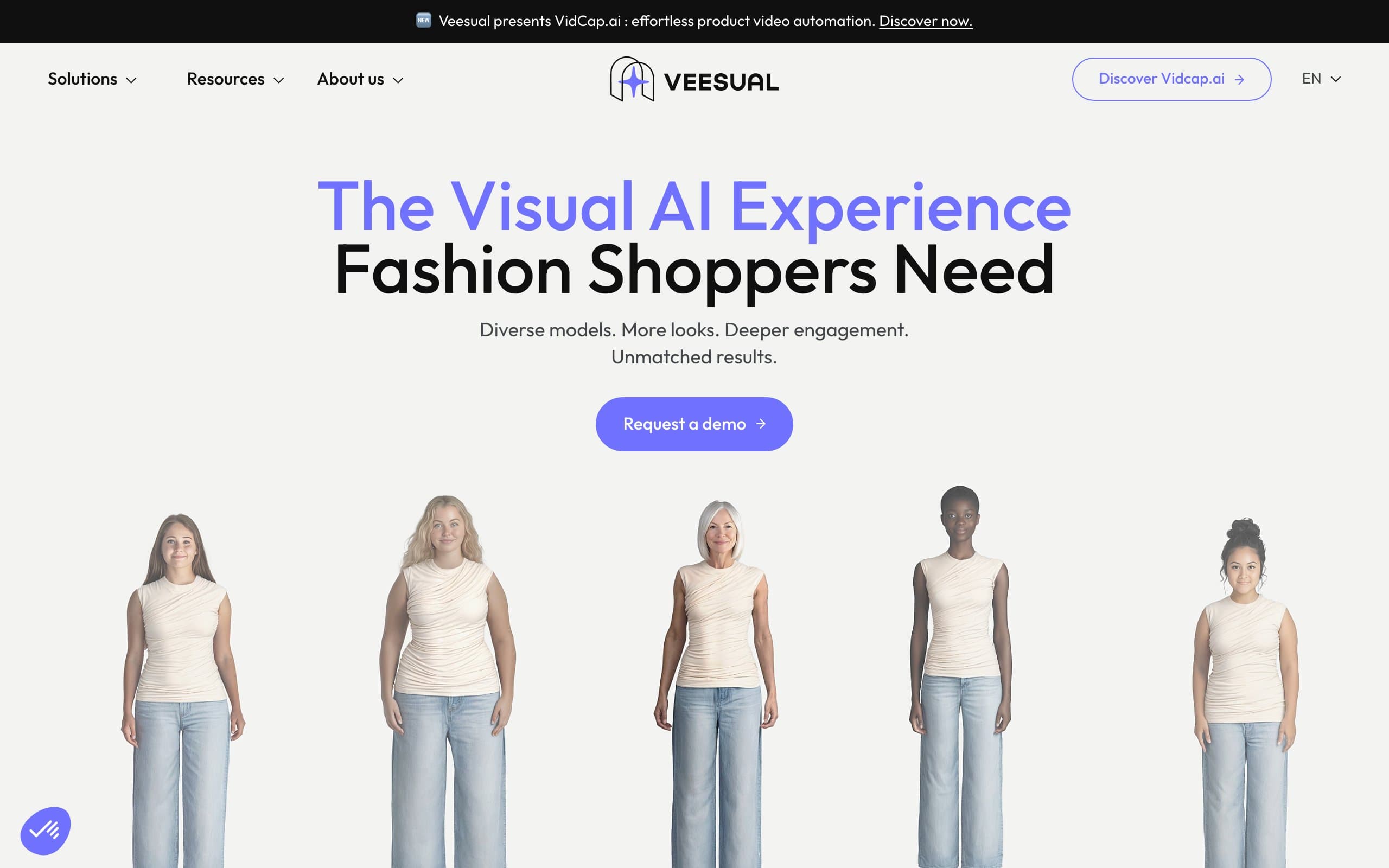
Virtual Try On with Veesual
Key features
- Switch Model: shoppers choose a model they identify with by body type, skin tone, and age
- Multi-Sizing: shows the same garment on different body types and sizes
- Mix & Match: combine multiple garments into complete outfit visualizations
- Look Inspiration: curated outfit suggestions based on the viewed product
- Proprietary 2D Image Generation Engine built specifically for fashion
Best for
- Enterprise fashion brands with $10M+ annual revenue looking for conversion optimization
- Brands prioritizing inclusivity and diverse representation on product pages
- Retailers with large catalogs (1,000+ SKUs) that justify custom integration costs
Pricing
- Custom enterprise pricing (contact sales for a quote)
- No self-serve option or public pricing tiers
- $7.5M in funding (AVP + Techstars) signals long-term viability
Pros
- Strongest reported conversion metrics (75% lift, 20%+ AOV increase)
- True customer-facing experience, not just B2B content generation
- Purpose-built for fashion, not a general-purpose tool repurposed for clothing
Cons
- Enterprise-only pricing makes it inaccessible to small and mid-size brands
- Requires integration work (not plug-and-play)
- US expansion is still early (Paris-founded, NYC office opened in 2025)
6. Genlook
Genlook is a Shopify-native virtual try-on app that adds a "Try It On" button to your product pages. Shoppers upload their own photo and see the garment on themselves, which builds purchase confidence and reduces return rates. Unlike the content generation tools above, Genlook is a customer-facing tool: your shoppers interact with it directly.
As of December 2025, Genlook expanded beyond clothing to support footwear and eyewear try-on, one of several virtual try-on options built for shoes. The app also captures emails from try-on users, syncs with Klaviyo, and provides analytics on which products get the most try-ons. For Shopify sellers who want to give customers a try-before-you-buy experience without enterprise pricing, Genlook is the most accessible option.
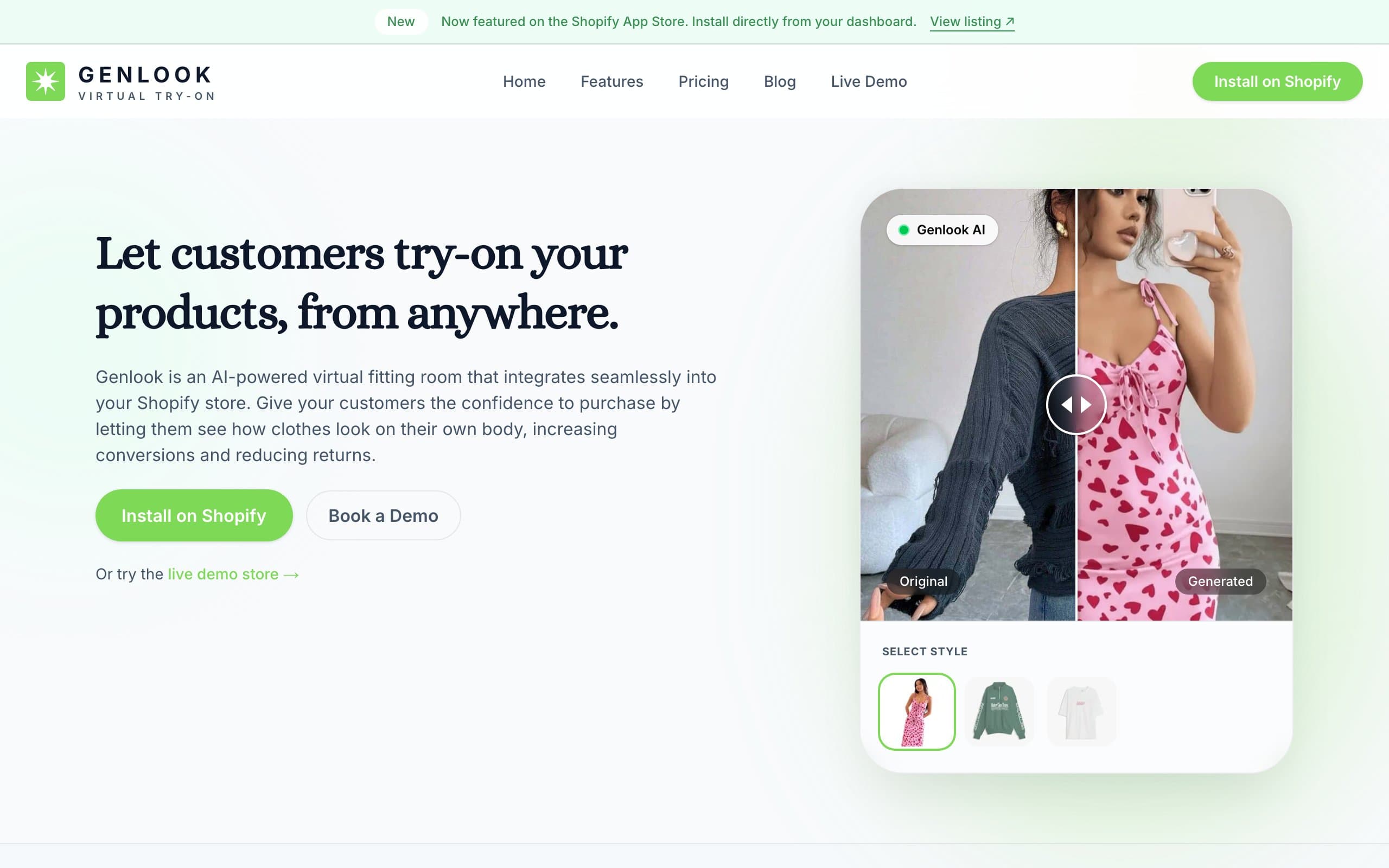
Virtual Try On with Genlook
Key features
- Shopify-native app with "Try It On" button on product pages
- Shoppers upload their own photo for personalized try-on
- Expanded to footwear and eyewear (December 2025)
- Email capture from try-on users with Klaviyo sync
- Analytics dashboard showing try-on engagement by product
- No code required for setup
Best for
- Shopify store owners who want a customer-facing try-on experience (not just catalog images)
- Brands with high return rates looking to improve pre-purchase confidence
- Stores selling clothing, footwear, or eyewear that want a single try-on solution
Pricing
- Starting at $14.99/month for 100 try-ons
- Higher tiers available for more volume (contact for pricing)
- Free trial available through Shopify App Store
Pros
- True customer-facing try-on (shoppers see clothes on themselves, not AI models)
- Native Shopify app with no-code setup
- Built-in email capture and Klaviyo integration add marketing value
- Covers clothing, footwear, and eyewear in one app
Cons
- Shopify-only (not available for WooCommerce, BigCommerce, or custom stores)
- 100 try-ons at $14.99/month can be limiting for high-traffic stores
- Image quality depends on the photo the shopper uploads
- Does not generate catalog-ready product images (customer-facing only)
7. Style.me
Style.me takes a different approach from the AI image generation tools on this list. Instead of producing 2D photos, it creates a 3D virtual fitting room where shoppers build a personalized avatar (adjusting measurements, body shape, skin tone, and hair) and try on clothing in three dimensions. The key differentiator is that Style.me also provides size recommendations, directly addressing the fit uncertainty that drives returns.
The platform uses patented 3D garment scanning in 4K resolution and plugs into Shopify, Magento, and other ecommerce platforms without requiring a developer. A "Try On" button appears on your product pages, opening the 3D fitting experience as an overlay. Boda Skins, a leather jacket brand, reported a 115% increase in customer retention after implementing Style.me.
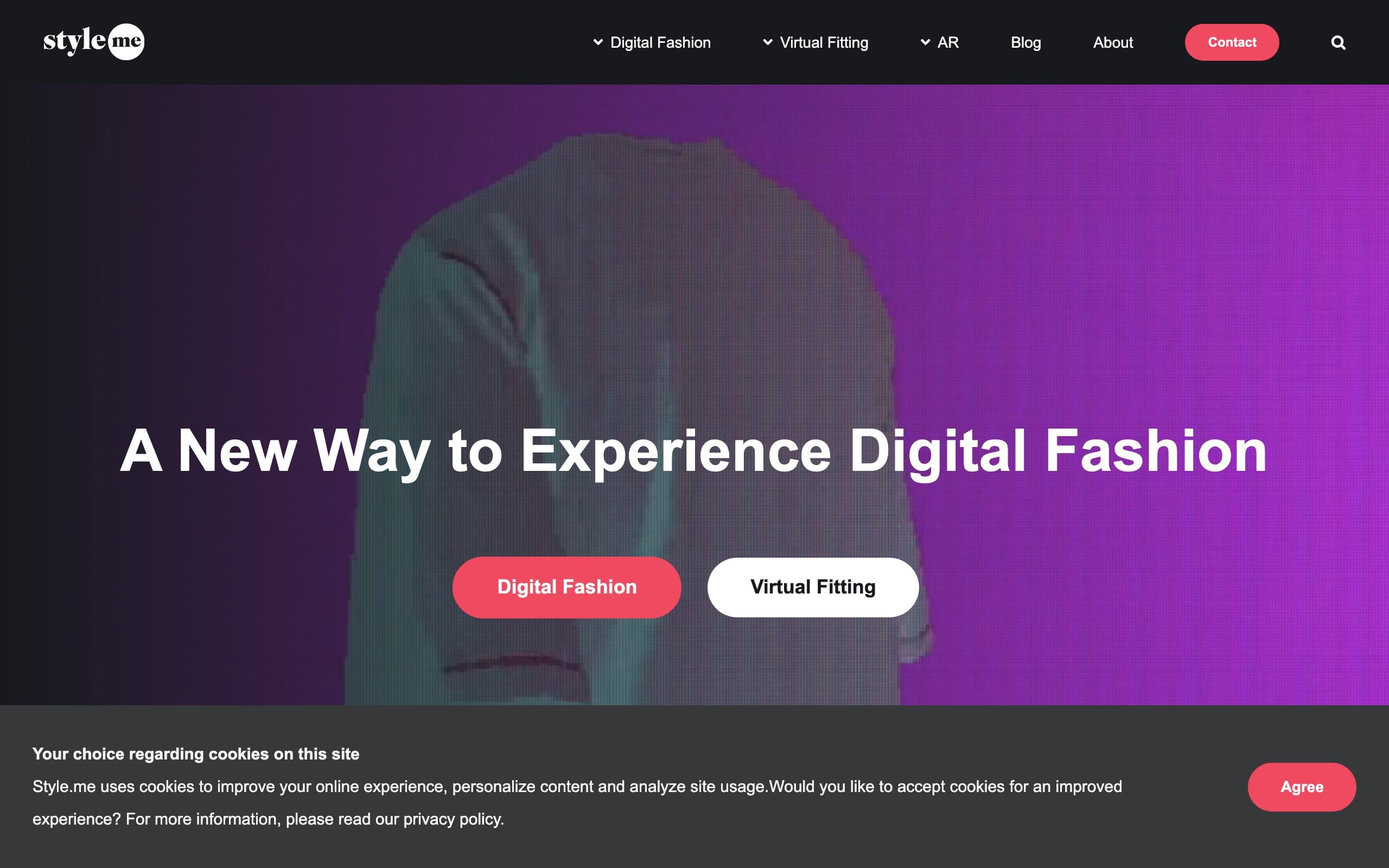
Virtual Try On with Style.me
Key features
- 3D personalized avatars with adjustable measurements, body shape, face, skin tone, and hair
- Patented 3D garment scanning in 4K resolution
- Size recommendation engine based on body measurements and garment data
- Mix-and-match outfit creation in 3D
- No-code plugin for Shopify, Magento, and other platforms
- Fit detail visualization showing how specific areas of the garment will fit
Best for
- Fashion brands with high return rates caused by sizing issues (especially outerwear, jeans, fitted clothing)
- Retailers that prioritize size accuracy over photorealistic imagery
- Brands on Shopify or Magento looking for a no-code fitting room plugin
Pricing
- Custom pricing based on number of digitized garments and traffic volume
- Monthly subscription model (contact for a quote)
- Garment digitization is an additional cost/step
Pros
- Combines try-on with size recommendation in one tool (most others do only one)
- No-code setup for retailers (no developer needed)
- 3D visualization shows fit details that 2D images cannot
- Proven retention results (115% increase for Boda Skins)
Cons
- 3D avatars look less photorealistic than AI-generated 2D model images
- Requires garment digitization, which adds cost and time for each new product
- Custom pricing makes it hard to compare costs upfront
- Less buzz and funding compared to newer AI-native tools
How to choose the best virtual try-on tool
1) Do you need catalog images or a customer-facing experience?
This is the most important decision. If you need on-model product photos for your website, marketplace listings, or social media, you want a content generation tool: WearView or Uwear. If you want shoppers to see clothes on themselves before buying (to reduce returns and increase conversion), you want a customer-facing tool: Genlook, Veesual, or Style.me. General editors like Canva and Photoshop sit alongside either group: they polish and repurpose the images but do not generate try-ons themselves.
Some brands need both. In that case, pair a content generation tool with a customer-facing one. For example, use WearView to produce catalog images and Genlook for the on-site try-on experience. If your main goal is changing outfits on the same person rather than generating catalog try-on images, compare the best AI tools for changing clothes in photos to find the right workflow.
2) What is your monthly volume and budget?
Credit math matters. Here is a rough guide:
- Under 30 images/month: Uwear's pay-as-you-go ($0.10/credit, non-expiring) is the most economical way to generate a handful of images, and Canva's free tier covers any light editing
- 30-100 images/month: WearView Lite ($29/month, 50 credits) or Uwear Starter ($27/month, 150 credits) are the sweet spot
- 100-500 images/month: WearView Pro ($49/month, 200 credits) offers the best value per credit at this volume
- 500+ images/month: WearView Advanced ($99/month, 500 credits) or Uwear's pay-as-you-go ($0.10/credit, non-expiring) are most cost-effective
- Enterprise scale: Veesual for customer-facing, Uwear API for content generation
Always test with 5-10 of your hardest SKUs (detailed prints, sheer fabrics, layered outfits) before committing to a paid plan. Every tool handles edge cases differently.
3) Does platform integration matter?
If you run a Shopify store and want the simplest setup, Genlook has a native Shopify app and Style.me offers a no-code Shopify plugin. WearView and Uwear are standalone platforms where you download images and upload them to your store manually (or through your existing product management workflow). General editors like Canva and Photoshop are also standalone, so images move the same way.
If you are building a custom integration or need programmatic access, Uwear offers a well-documented API with pay-as-you-go pricing at $0.10 per credit.
4) How important is output resolution?
Resolution requirements depend on where you use the images. Marketplace listings and social media are fine at 1080px. Product detail pages on your own store benefit from 2K or higher. Print catalogs and zoom-capable galleries need 4K.
WearView supports up to 4K. Uwear offers up to 4K with its upscaling feature (base resolution 704x1024). If you plan to hand-finish images, Photoshop exports at full print resolution and Canva Pro exports high-resolution PNGs. If resolution is a priority for generated try-ons, WearView offers the highest quality at the most accessible price point.
FAQ
What is virtual try-on for ecommerce? Virtual try-on uses AI to generate images showing how clothing looks on a model or on the shopper themselves. For ecommerce, this means creating on-model product photos from flat-lay images (content generation) or letting customers visualize garments on their own body before purchasing (customer-facing try-on). Both approaches aim to increase conversion and reduce returns.
What is the difference between AI model generation and virtual try-on? AI model generation creates a new image of a model wearing your garment, typically for product pages and marketing. Virtual try-on in the customer-facing sense lets a shopper see a specific garment on themselves or on a model matching their body type. Tools like WearView and Uwear focus on the first use case. Genlook and Veesual focus on the second.
Is there a free virtual try-on tool? Several tools offer free tiers or trials. WearView offers plans starting from $29/month with no long-term commitment required. Uwear provides free credits for new users with pay-as-you-go pricing after that. Genlook offers a free trial through the Shopify App Store. If you only need to edit and repurpose existing product images, Canva has a genuinely usable free tier. These free tiers are enough to test each tool with a few products before committing.
Which virtual try-on tool is best for Shopify? For customer-facing try-on (letting shoppers see clothes on themselves), Genlook is the most accessible Shopify-native option. Style.me also offers a no-code Shopify plugin with 3D fitting and size recommendations. WearView and Uwear work with Shopify stores for generating product images but require manual image upload or custom integration.
Can AI-generated model images be used commercially? Yes. WearView and Uwear both grant commercial usage rights on paid plans. You can use the generated images on your product pages, social media, ads, and marketing materials. Always check each tool's terms of service for specific restrictions, but commercial use is standard across paid plans in this category.
How accurate are virtual try-on images for detailed garments? Modern AI try-on tools handle most garment types well, including solid colors, patterns, and simple prints. Detailed elements like small text, intricate logos, sheer fabrics, and layered outfits remain the hardest to get right. WearView and Uwear specifically emphasize print and text preservation (Uwear's Drape2 model is purpose-built for garment fidelity). Testing with your hardest SKUs during the free trial is the best way to evaluate accuracy for your specific product mix.
Do virtual try-on tools reduce return rates? Customer-facing try-on tools like Genlook, Veesual, and Style.me are designed to reduce returns by helping shoppers make more confident purchase decisions. Veesual reports a 75% increase in conversion rate and 20%+ increase in average order value. Style.me's size recommendation feature directly addresses fit-related returns. Content generation tools (WearView and Uwear) reduce returns indirectly by providing more accurate and representative product images.
What image inputs produce the best virtual try-on results? Clean, well-lit images on plain backgrounds produce the best results across all tools. Flat-lay photos on white or light backgrounds are the most reliable input format. Ghost mannequin shots also work well. Wrinkled, poorly lit, or cluttered images will reduce output quality. Most tools accept JPEG and PNG formats. WearView also accepts on-hanger and on-person photos as inputs.

WearView Team
WearView Content & Research Team
WearView Team is a group of fashion technology specialists focused on AI fashion models, virtual try-on, and AI product photography for e-commerce brands. We publish in-depth guides, case studies, and practical insights to help fashion businesses improve conversion rates and scale faster using AI.


