
May 30, 2026•19 min read
7 best AI swimwear & lingerie photography tools (2026)
Swimwear and lingerie are the hardest apparel categories to shoot well, and the most expensive. AI on-model photography tools now generate catalog-ready swim and intimates imagery without a studio booking. Here are the 7 best AI swimwear and lingerie photography tools for 2026, with pricing and honest use-case framing.
Picture of 7 best AI swimwear & lingerie photography tools (2026) article
Swimwear and lingerie are two of the hardest apparel categories to photograph well, and two of the most expensive. Fit, coverage, stretch, lace detail, and skin tone all have to read correctly, which usually means booking specialist models, a closed set, and a careful retoucher. AI swimwear photography changes that math: you can generate professional on-model swim and intimates imagery from a single garment photo, without scheduling a shoot.
For a swimwear or lingerie brand, the business case is direct. On-model photos lift conversion on the product page. Showing the same suit on virtual models across the full size range, in different skin tones, builds trust with shoppers who want to see how a fit works for them.
This guide compares the seven best AI swimwear and lingerie photography tools for 2026. We cover pricing, the on-model output each tool produces, virtual try-on support, and a decision framework so you can match the tool to your catalog size and workflow.
Best AI swimwear & lingerie photography tools: a brief overview
- WearView: Best overall for on-model swimwear and lingerie photography: generate diverse AI models, run virtual try-on from one garment photo, and convert flat-lays to on-model shots. Lingerie works on WearView's AI models only, not on uploaded photos of your own models.
- Canva: Best for design-led product graphics: turn finished product shots into branded banners, size guides, and social posts with templates, a one-click background remover, and Bulk Create — a design layer to pair with a generation tool, not an on-model generator.
- VModel.AI: Best for developers and pay-as-you-go workflows: API-first virtual try-on and model generation with credits that never expire.
- Higgsfield: Best for an all-in-one creative suite: generate editorial images, cinematic video, and full campaigns from one platform, with virtual try-on and face-swap built in.
- Adobe Express: Best for background removal and quick AI staging: remove backgrounds, drop a suit onto Firefly-generated backdrops, and finish product shots with templates on web or mobile.
- Pixelcut: Best for mobile-first sellers on a budget: unlimited background removal, AI backgrounds, and product photos from your phone.
- Veesual: Best for customer-facing try-on on the product page: a shopper-controlled "switch model" experience built to lift conversion for fashion retailers.
| Tool | Key strength | Pricing | Platforms |
|---|---|---|---|
| WearView | On-model swimwear and lingerie photos (lingerie on AI models only), try-on, and flat-lay conversion in one platform | From $24/month (no free tier) | Web |
| Canva | Design templates, one-click background remover, and Bulk Create for product graphics | Free tier; Pro from ~$15/month | Web, iOS, Android |
| VModel.AI | API-first try-on and model generation, pay-as-you-go | Credit packs from $10; $10 free API credit | Web, API |
| Higgsfield | All-in-one suite for editorial images, video, and campaigns | Free tier; paid from ~$15/month | Web |
| Adobe Express | Background removal, Firefly AI backgrounds, and design templates | Free tier; Premium from ~$9.99/month | Web, iOS, Android |
| Pixelcut | Mobile-first product photos and AI backgrounds | Free tier; Pro from $10/month | Web, iOS, Android |
| Veesual | Customer-facing on-page try-on built to lift conversion | From ~$50/month; mostly custom enterprise quotes | Web, API, Shopify |
1. WearView, best overall for on-model swimwear & lingerie photography
WearView is a complete AI fashion photography platform with a dedicated virtual try-on tool built for exactly this problem. You upload a single garment photo of the swimsuit, bikini, or lingerie set, choose from a diverse range of AI models across different ethnicities, body types, and age groups, and describe the pose, background, or setting you want. The tool generates a professional on-model photo in about a minute and a half, preserving prints, textures, strap placement, and fabric detail.
Important for lingerie brands: use WearView's AI models. Lingerie and intimates generate only on AI-generated models, meaning models from WearView's library or ones you create in WearView. If you upload a photo of a real model (or a model made in another tool) and pair it with a lingerie garment, the image provider's safety filter blocks the generation. This filter sits with the provider, not with WearView, and we cannot switch it off. If your workflow depends on dressing your own model photos in lingerie, WearView is not the right tool for that step.
WearView also handles the rest of the swim and intimates workflow. The flatlay to model tool converts a flat-lay or packshot of a suit into an on-model shot, the AI fashion model generator creates models from a text prompt, and consistent model identity lets you keep the same person across an entire swim collection so your catalog looks cohesive. Beyond on-model photos, the platform includes pose control via reference images, ghost mannequin generation, and AI fashion video, all in one workspace.
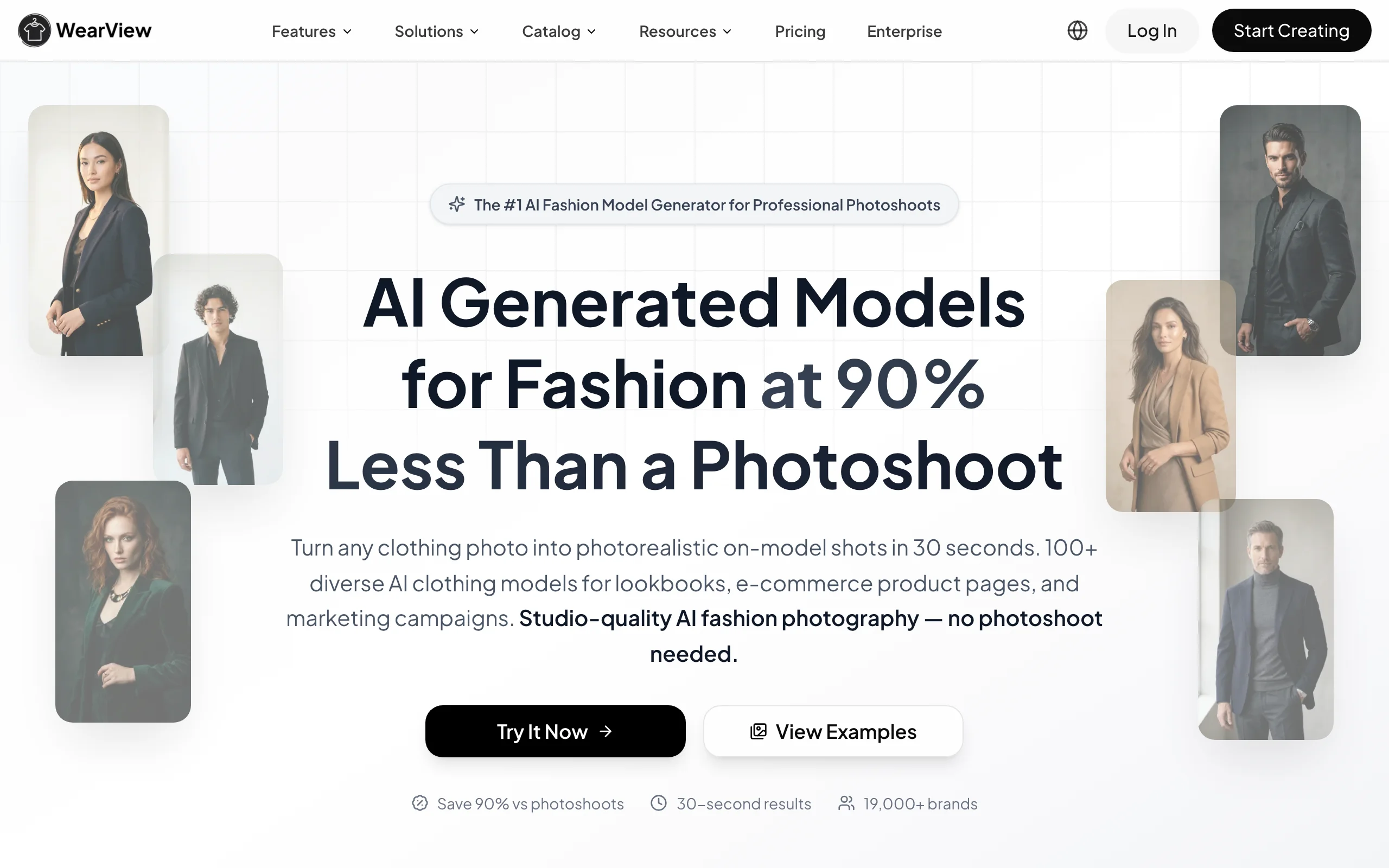
Swimwear Lingerie Photography with WearView
Key features
- Virtual try-on from a single garment photo, preserving prints, lace, and strap detail
- Diverse AI model library across ethnicity, body type, and age, important for swim and intimates fit representation
- Flat-lay and packshot to on-model conversion
- Consistent model identity across a full swimwear or lingerie collection
- Pose control via reference images for varied lookbook angles
- HD, 2K, and 4K output with full commercial usage rights
Best for
- Swimwear and lingerie brands building product pages that show fit on diverse AI models
- Online boutiques refreshing a seasonal swim catalog without a studio booking
- Ecommerce teams that want try-on, model creation, and flat-lay conversion in one tool
Pricing
- Lite: $24/month (regularly $29) — 50 credits per month, virtual try-on, product-to-model
- Pro: $40/month (regularly $49) — 200 credits, premium engine, AI fashion video, up to 5 team members (most popular)
- Advanced: $82/month (regularly $99) — 500 credits, 1080p video, up to 15 team members, VIP support
- Enterprise: custom pricing with API, team management, and dedicated support
- Annual billing adds two months free. Credit usage: HD 2, 2K 3, 4K 5 per image
Pros
- Covers the full swim and lingerie workflow (try-on, model creation, flat-lay conversion) in one platform
- Strong model diversity for representing fit across body types and skin tones
- 4K output with full commercial usage rights on paid plans
Cons
- AI output for intimate apparel still needs a QA pass on fit, coverage, and fine lace or strap detail before publishing
- No free tier, so you cannot test it without committing to a paid plan
- Lingerie works on AI-generated models only: uploaded photos of your own models are blocked by the image provider's safety filter when paired with lingerie
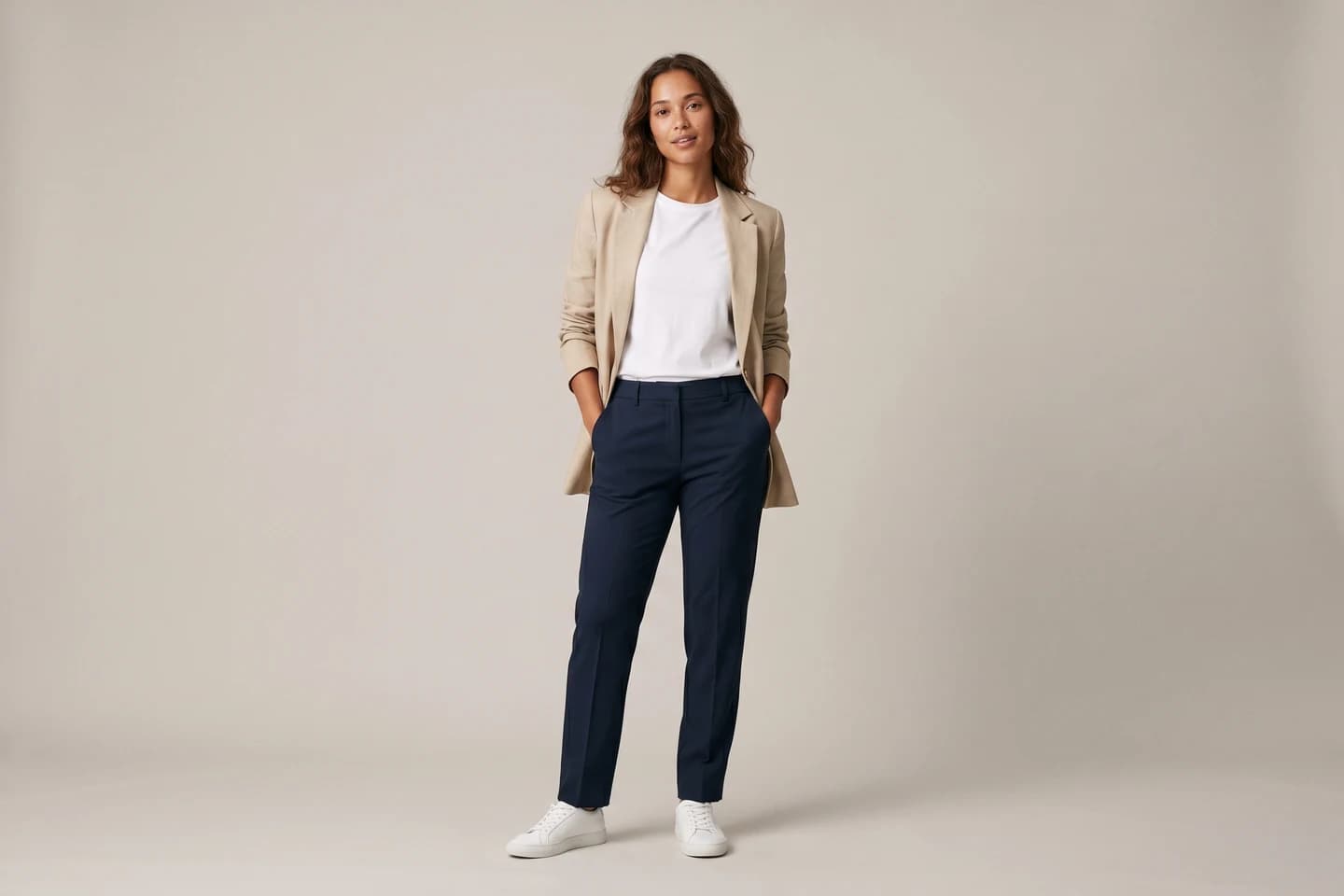
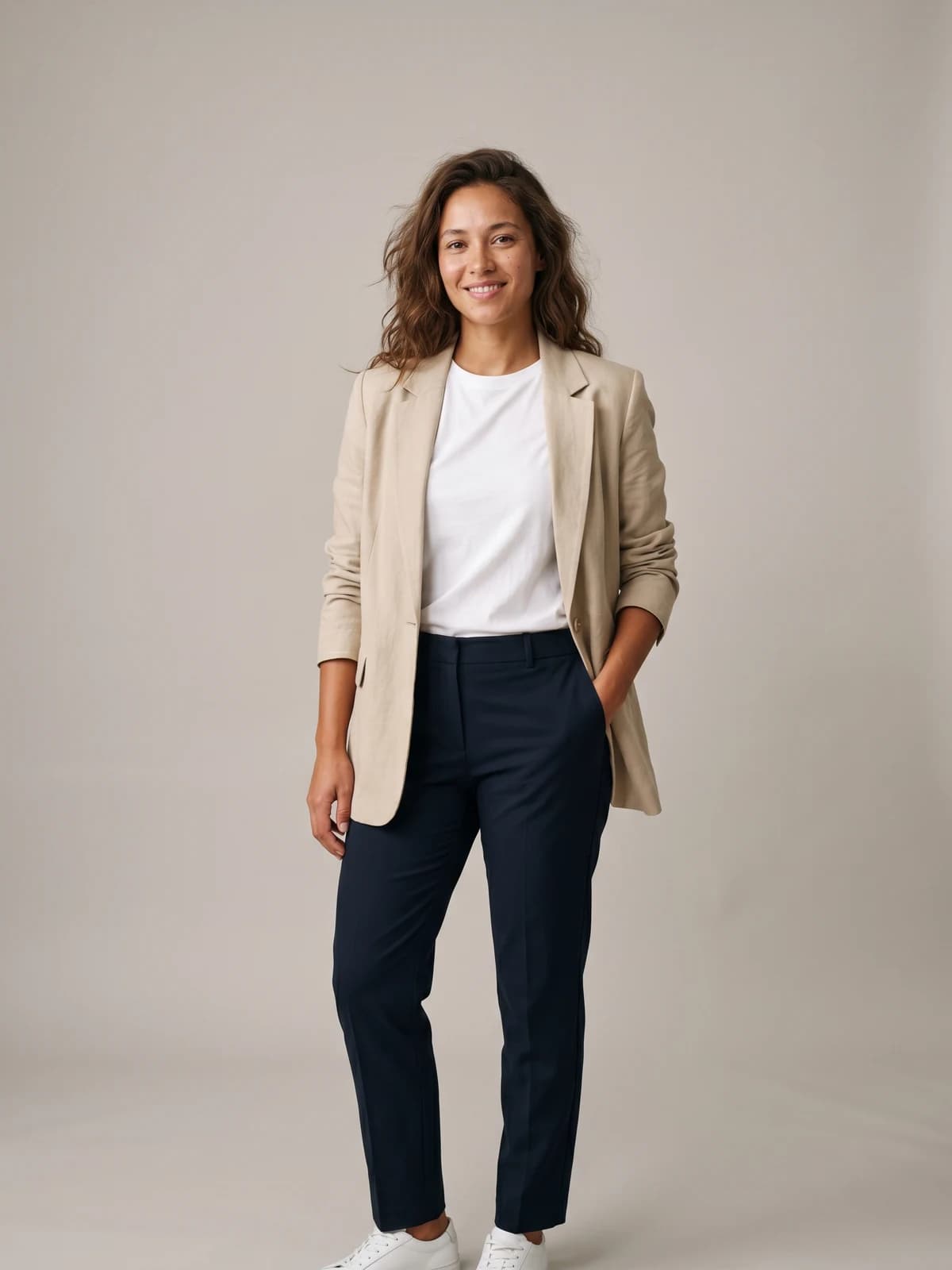
See any swimsuit on a real-looking model
Upload one garment photo and preview swimwear or lingerie on lifelike AI models in seconds — no studio, no samples to ship.
2. Canva, best for design-led product graphics and social content
Canva is a browser-based design platform used by millions to make marketing graphics, and for a swimwear or lingerie brand it is the fastest way to turn finished product photos into branded, on-brand content. You can drop a suit shot into a template, remove its background with one click, place it on a fresh backdrop, and produce product banners, size guides, promo tiles, and social posts without a designer. Its Magic Studio AI tools and Bulk Create feature let you spin up dozens of on-brand variations from a single layout.
Canva is a design tool, not an on-model generator: it will not put your bikini on a diverse AI model the way a fashion-first platform does. The honest way to use it here is as the design and packaging layer on top of your product shots — clean cutouts, branded backgrounds, and social-ready graphics — paired with a dedicated generation tool like WearView for the actual on-model photography. For fast, cheap, repeatable brand assets, few tools match it.
Swimwear Lingerie Photography with Canva
Key features
- Thousands of templates for social posts, banners, and product graphics
- One-click background remover for clean product cutouts
- Magic Studio AI tools, including Magic Media text-to-image for backdrops and elements
- Bulk Create to generate many on-brand variations at once
- Brand Kit to keep colors, fonts, and logos consistent
Best for
- Small swim and lingerie brands making their own marketing graphics
- Social-first teams producing promo tiles, banners, and posts at speed
- Sellers who want a design layer to pair with an on-model generation tool
Pricing
- Free tier: generous templates and editing, no watermark on your own content
- Pro: around $15/month (about $120/year) — background remover, Magic Studio AI, Bulk Create, Brand Kit
- Teams/Business: around $20/user/month with brand controls and admin tools
- Frequent promotions can lower the first-year price
Pros
- Huge template library and an easy, no-learning-curve editor
- One-click background removal and strong brand-consistency tools
- Free tier covers a lot before you ever pay
Cons
- Not an on-model generator, so it can't replace a fashion-first try-on tool
- Best AI features (background remover, Magic Studio) sit behind Pro
- Generic templates can look off-brand without customization
3. VModel.AI, best for developers and pay-as-you-go workflows
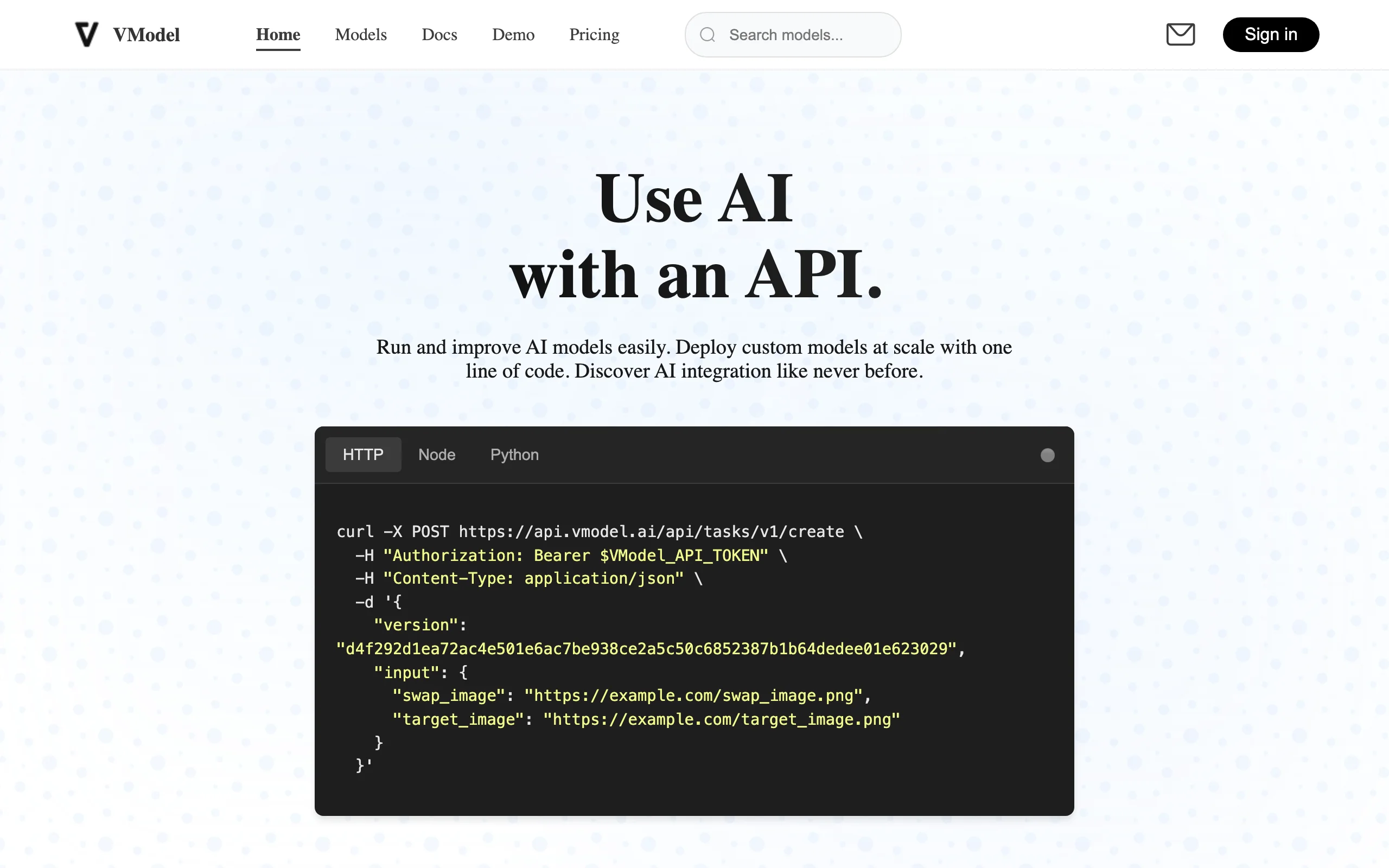
VModel.AI is an API-first platform that exposes AI models for virtual try-on, fashion model generation, and product image creation. Instead of a monthly subscription, it uses a pay-as-you-go credit system: you buy credits once and they never expire, which suits teams with irregular volume or developers integrating try-on into their own app.
For swimwear and lingerie, VModel is best when you have an engineering resource and want to wire try-on or model generation into a custom workflow rather than work in a web UI. The per-model pricing means costs scale with exactly what you use, with no monthly minimum.
Swimwear Lingerie Photography with VModel.AI
Key features
- API-first virtual try-on and AI model generation
- Pay-as-you-go credits that never expire
- Multiple models in one credit system (try-on, image generation, upscaling)
- REST API for custom integration
- Product image generation for ecommerce
Best for
- Developers integrating try-on or model generation into their own product
- Teams with irregular volume who want no monthly commitment
- Brands that prefer per-use billing over subscriptions
Pricing
- $10 of free API credit for new users
- Credit packs from $10, $20, $50, $100, $500, and $1,000
- Per-model cost varies; credits are universal across models and never expire
- No subscription required
Pros
- No subscription or expiration on credits
- Flexible per-use pricing for variable volume
- Clean API for custom integrations
Cons
- API-first, so non-technical teams will want a UI-based tool instead
- Per-model pricing requires planning to estimate spend
- Output quality varies by which underlying model you choose
4. Higgsfield, best for an all-in-one image and video suite
Higgsfield is an AI-native creative suite that bundles photoreal image generation, cinematic video, and campaign tools in one platform. For swimwear and lingerie, its strength is editorial and campaign work: art-directed hero shots, styled lighting, and beach or studio backdrops that read like a produced shoot rather than a flat catalog frame. You drive it with prompts and reference images, and it also includes virtual try-on and face-swap tools alongside its image and video models.
It suits teams that would rather run one suite than stitch together separate apps for photos, video, and social campaigns. Because the on-model output is generative rather than a garment-accurate try-on, it is stronger for lifestyle and campaign imagery than for exact SKU replication, so many brands pair it with a dedicated on-model tool for their straight product shots.
Swimwear Lingerie Photography with Higgsfield
Key features
- Photoreal image generation for editorial and campaign looks
- Cinematic video generation with camera controls
- Marketing Studio to build full campaigns from a single prompt
- Virtual try-on and face-swap tools in the same suite
- Reference-image support for consistent styling
Best for
- Swim and lingerie brands producing editorial and campaign imagery
- Social-first teams that want photos, video, and campaigns in one place
- Creators who want a distinctive look rather than flat catalog frames
Pricing
- Free tier with limited daily credits and watermarked output
- Starter around $15/month, Plus around $39/month, Ultra around $99/month on annual billing
- Credit-based generation shared across image and video models
Pros
- One suite covers image, video, and campaign assets
- Strong editorial and cinematic look for launches and social
- Fast iteration from prompts and reference images
Cons
- Generative output, so exact fabric and print fidelity is not guaranteed
- Not a dedicated garment-upload try-on for straight catalog SKUs
- Credits can add up at high volume
5. Adobe Express, best for background removal and quick AI staging
Adobe Express is Adobe's free-to-start design and photo app, and it now bundles many of Firefly's AI features into a simple editor. For swimwear and lingerie sellers, its strength is the clean-up and staging side: remove a busy background from a suit photo with one click, generate a fresh studio or lifestyle backdrop with Firefly, and finish the shot with templates, text, and brand assets for the product page or an ad.
It runs on web, iOS, and Android, with a free tier for core edits and a Premium tier that unlocks more generative credits, storage, and advanced tools. Firefly's outputs are designed to be commercially safe, which matters for a brand shipping images to a live store. Like most general editors, Adobe Express is a staging and design tool rather than a dedicated on-model generator, so pair it with a fashion-first platform when you need the suit on a real-looking model.
Swimwear Lingerie Photography with Adobe Express
Key features
- One-click background removal for photos (and video on Premium)
- Firefly generative fill and AI-generated backgrounds
- Text-to-image for backdrops and creative elements
- Templates, brand kits, and social scheduling
- Web, iOS, and Android apps with cloud storage
Best for
- Ecommerce teams needing fast background and staging edits
- Sellers who want AI backdrops backed by a big, trusted brand
- Mobile and desktop editing in one free-to-start tool
Pricing
- Free plan: $0 with core editing, templates, and 25 monthly generative credits
- Premium: around $9.99/month — 250 generative credits, background removal, advanced tools, 100GB storage
- Also included with Creative Cloud plans if you already subscribe to Adobe apps
- Commercial-safe Firefly outputs included
Pros
- Strong background removal and Firefly AI backgrounds
- Free tier to test core editing and generative tools
- Commercially safe outputs from a trusted brand
Cons
- More an editor and staging tool than a dedicated on-model generator
- Generative credits are capped per tier and can run out at volume
- Mobile app is less powerful than the desktop and web version
6. Pixelcut, best for mobile-first sellers on a budget
Pixelcut is a mobile-first design and product photo app aimed at small sellers and solo founders. It offers unlimited background removal, AI backgrounds, generative fill, and product photo tools at a low entry price, making it a budget-friendly pick for a swim or lingerie seller producing imagery from a phone.
Like Adobe Express, Pixelcut is primarily an editing and background tool rather than a dedicated AI model generator. For getting a clean, well-staged product shot of a suit onto a branded background quickly and cheaply, it does the job. For true on-model swimwear photography with diverse models, you will want a fashion-first tool.

Swimwear Lingerie Photography with Pixelcut
Key features
- Unlimited background removal and upscaling on paid tiers
- AI backgrounds and generative fill
- Mobile-first apps for iOS and Android
- Batch exports and commercial license on paid plans
- Access to multiple AI image models
Best for
- Solo sellers and small swim or lingerie brands on a budget
- Mobile-first creators producing imagery from a phone
- Teams needing fast background and staging edits
Pricing
- Free tier: $0 with limited tools and watermark-free exports
- Pro: $10/month monthly ($8/month billed annually) — 600 AI credits, unlimited background removal
- Business: $30/month monthly ($24/month billed annually) — 3,600 AI credits, 10-person team
Pros
- Low entry price with a usable free tier
- Unlimited background removal on paid plans
- Strong mobile workflow
Cons
- Not a dedicated on-model swimwear generator
- Less fashion-specific than purpose-built tools
- AI model and try-on features are limited compared to fashion platforms
7. Veesual, best for customer-facing try-on on the product page
Veesual takes a different angle from the rest of this list. Instead of producing catalog imagery for your team, it powers a customer-facing try-on experience on the product page. Its "Switch Model" feature lets shoppers pick a model by size, ethnicity, and age and see the garment on that body in real time, with "Mix & Match" for outfits and "Multi-Sizing" to show fit across body types.
For swimwear and lingerie, where shoppers care deeply about how a fit reads on a body like theirs, this is a powerful conversion tool. Veesual is an enterprise platform: implementation is a multi-week setup, and it works with established fashion retailers rather than small boutiques.
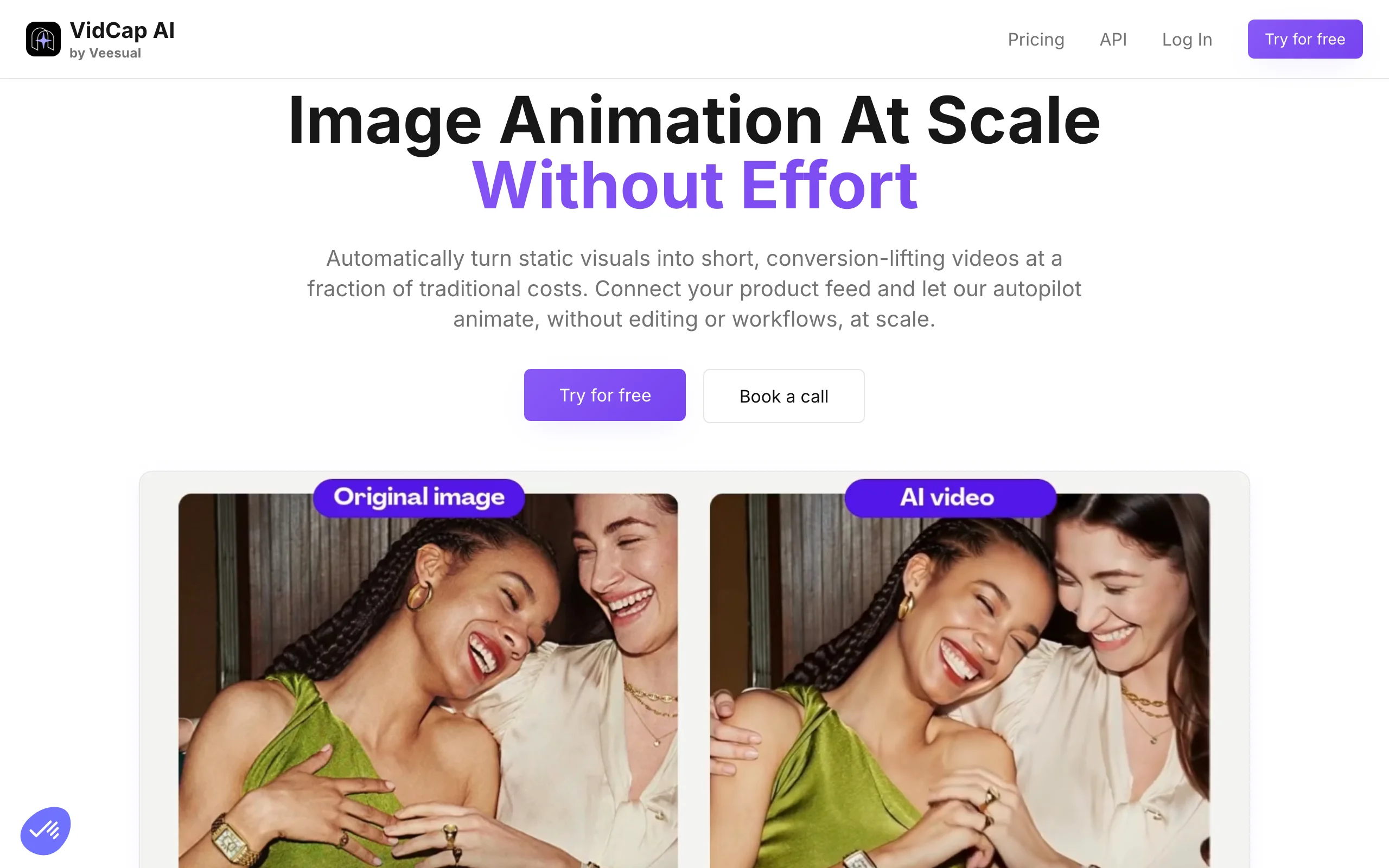
Swimwear Lingerie Photography with Veesual
Key features
- Switch Model: shoppers see garments on a model that matches their body
- Mix & Match for combining garments into outfits
- Multi-Sizing to show fit across body types
- Conversion-focused on-page integration
- API and ecommerce platform integration
Best for
- Established fashion retailers focused on product-page conversion
- Brands wanting a shopper-controlled try-on experience
- Swim and intimates sellers where fit representation drives sales
Pricing
- One-month free trial available
- Starts from around $50/month for smaller brands
- Larger deployments move to custom enterprise quotes
- Implementation typically takes around four weeks
Pros
- Customer-facing try-on built specifically to lift conversion
- Strong fit and sizing representation across body types
- Proven with established fashion retailers
Cons
- Enterprise setup with a multi-week implementation
- Not a tool for quickly producing catalog imagery
- Custom pricing makes it less accessible for small sellers
How to choose the best AI swimwear & lingerie photography tool
1) Catalog imagery or customer-facing try-on?
The first split is what you actually need. If you want to produce on-model swimwear and lingerie photos for your product pages, ads, and lookbooks, you want a generation tool: WearView, Higgsfield, or VModel.AI. If you want shoppers to try garments on a model that matches their body directly on the product page, Veesual is the purpose-built option. Many brands run both: a generation tool for catalog imagery and an on-page try-on widget for conversion.
For a deeper comparison of generation-side tools, see our guide to the best AI on-model photography tools.
2) How big is your catalog and team?
Volume drives the pricing decision. A small swim or lingerie brand testing AI imagery should start with a self-serve tool: WearView Lite ($24/month) for full on-model generation, or Pixelcut and Adobe Express free tiers for staging and background work. Mid-market brands with regular volume fit WearView Pro ($40/month) for on-model generation at scale, with Canva as a low-cost design layer for the surrounding marketing assets. Enterprise retailers processing thousands of SKUs across swim and intimates lines will get the most predictable costs from WearView's higher tiers or VModel.AI's pay-as-you-go credits, while teams that also want editorial and campaign content can add Higgsfield's all-in-one image and video suite.
3) Do you have engineering resources?
If you have a developer and want try-on or model generation inside your own app, VModel.AI's API-first, pay-as-you-go model is the most flexible: credits never expire and you only pay for what you use. If you want a finished web interface where a marketer or merchandiser can work without code, WearView and Higgsfield handle on-model generation, while Canva and Adobe Express cover design and background work. Veesual involves a heavier, sales-led integration.
4) Test fit and coverage on hard SKUs first
Swimwear and lingerie are unforgiving: a bikini tie, a lace edge, or a strap that renders wrong is immediately obvious. Before you commit, run five of your hardest SKUs (a printed bikini, a fine-lace bralette, a high-cut one-piece) through any tool's free trial or lowest tier and judge the output on fit, coverage, and detail fidelity. WearView's virtual clothes try on and diverse model library handle most cases well, but every AI tool needs a QA pass on intimate apparel before the image goes live. Also check which models a tool accepts for lingerie: on WearView, lingerie runs on AI-generated models only, so test with its model library rather than photos of your own models. For more fashion AI options, see WearView; and if your range also includes printed apparel, our guide to the best AI t-shirt design tools covers the design side.
FAQ
What is AI swimwear photography? AI swimwear photography uses generative AI to create professional on-model swim and bikini imagery without a traditional photoshoot. You upload a garment photo or flat-lay, choose or generate an AI model, and the tool renders the suit on the model in a chosen pose and setting. It is used for product pages, lookbooks, and ads, and lets brands show the same suit on diverse body types.
Can AI generate lingerie photography for ecommerce? Yes. Tools like WearView generate on-model lingerie imagery from a single garment photo, preserving lace, strap placement, and fabric detail. On WearView this works with AI-generated models only: a photo of a real model paired with a lingerie garment is blocked by the image provider's safety filter, a restriction WearView does not control. Because intimate apparel is detail-sensitive, you should always QA the output for fit and coverage before publishing. Keep the framing professional and catalog-appropriate, the same standard you would apply to a traditional shoot.
Which AI tool is best for on-model swimwear photos? WearView is the strongest all-round pick for on-model swimwear photos because it combines virtual try-on, flat-lay conversion, and a diverse AI model library in one platform (for lingerie, on its AI models only). VModel.AI is a flexible pay-as-you-go option for developers, and Higgsfield suits teams that also want editorial imagery, video, and campaigns from one suite. The right choice depends on your catalog size and budget.
Is there a free AI swimwear photography tool? Several tools have free tiers for parts of the workflow: Adobe Express and Pixelcut offer free plans for background removal and staging, and VModel.AI gives new users $10 of free API credit. Canva has a free tier for design and templates, and Higgsfield has a free tier with limited daily credits. WearView does not have a free tier; its paid plans start at $24/month. Free tiers are usually limited and best for testing.
How do AI tools handle diverse body types for swimwear? The better fashion-first tools let you generate or select models across different body types, ethnicities, ages, and sizes, which matters for swim and intimates where shoppers want to see how a fit works for a body like theirs. WearView emphasizes a diverse model library across body types, ethnicities, and ages, and Veesual's Multi-Sizing shows the same garment across body types on the product page.
Can I use AI-generated swimwear images commercially? Yes, on paid tiers in most cases. WearView grants full commercial usage rights on all paid plans, and Pixelcut and Adobe Express include commercial-use rights on their plans (Adobe's Firefly outputs are designed to be commercially safe). Always verify the terms for the specific tool and plan before using an image in a paid campaign, and keep the imagery brand-safe and catalog-appropriate.
How long does it take to generate an AI swimwear photo? With a dedicated generation tool, it takes minutes rather than a shoot day. WearView produces an on-model swimwear or lingerie photo in about a minute and a half. Editing and staging tools like Adobe Express and Pixelcut process background and staging edits in seconds. Enterprise platforms like Veesual involve a longer one-time setup (around four weeks) but then run in real time for shoppers.
What inputs produce the best swimwear results? Start with a clean, well-lit garment photo or flat-lay where the print, color, and construction are clearly visible. For product to model AI conversion, a flat-lay or ghost-mannequin shot works well; for try-on, a front-facing garment photo is ideal. Avoid wrinkled or poorly lit source images, since the AI carries through whatever detail it can see.

WearView Team
WearView Content & Research Team
WearView Team is a group of fashion technology specialists focused on AI fashion models, virtual try-on, and AI product photography for e-commerce brands. We publish in-depth guides, case studies, and practical insights to help fashion businesses improve conversion rates and scale faster using AI.


