
May 30, 2026•17 min read
WearView vs Fashn: A complete comparison for AI fashion photography
Fashn is the developer-friendly virtual try-on engine with a generous API and low per-credit pricing. WearView is the broader end-to-end fashion photography platform. Here is how they actually compare on features, pricing, and reviews, and which one fits your workflow.
Picture of WearView vs Fashn comparison article
WearView and Fashn are both well-regarded names in AI fashion imagery, and if you are weighing them against each other in 2026, you have already narrowed your search to two serious tools. Fashn (fashn.ai) is best known for high-fidelity virtual try-on and a developer-friendly API that powers try-on inside other apps and stores. WearView is a broader end-to-end fashion photography platform that covers try-on plus product-to-model, AI model creation, consistent model identity, pose control, ghost mannequin, and AI video in one workspace.
The right pick depends less on which tool is "better" overall and more on whether you need a focused try-on engine to embed and scale, or a full on-model production suite for a brand or agency.
This guide compares WearView and Fashn feature by feature, on the workflows that matter for fashion teams: virtual try-on, flatlay to model, consistent models, and video. You will see real Trustpilot ratings for both, a side-by-side pricing breakdown with per-credit math, and a clear decision framework for which tool fits your situation. WearView is the focus of this blog, so we will be specific about where Fashn is the smarter choice too.
What's the difference between WearView and Fashn?
Fashn is a try-on-first engine with a strong API and a companion app. WearView is a UI-first, end-to-end fashion photography platform built around a brand's full content workflow. That single difference drives almost every pricing, feature, and audience distinction below.
Specialization and surface area
Fashn's center of gravity is virtual try-on. Its proprietary Try-On model is what most users come for, and the rest of the toolkit (Product to Model, Model Create, Model Swap, Edit, Reframe, Image to Video, Background Remove, Face to Model) is built out from that core. Fashn offers this toolkit both as a visual web studio you can operate without code and as a documented developer API, which makes it a natural fit for teams who want to use the tools directly or build try-on into their own product.
WearView ships seven fashion tools in one platform: virtual try-on, product-to-model, AI model creation from text, consistent model identity, pose control, ghost mannequin, and AI fashion video. The interface is built for fashion teams running ongoing production rather than for developers wiring an endpoint into an app.
Two ways in: studio plus API
Fashn runs both a self-serve web studio (app.fashn.ai, plus an iOS app) and a documented developer API, and the two share credits across the account. The studio lets you operate the tools visually without code, while the API, with on-demand and commitment pricing, lets you embed the same models into your own product. Fashn's try-on model is also distributed through third-party platforms like fal. That dual surface is unusual for this space and makes Fashn a strong fit whether you want to run try-on in a browser or ship it inside software.
WearView does not market a public developer API as a named product. It is a platform you log into and operate, tuned for brands, agencies, and sellers producing on-model imagery and video directly. So the practical difference is not studio versus API, since both tools have a usable UI: it is that Fashn additionally exposes a public API for embedding, while WearView concentrates on the in-app production workflow.
WearView vs Fashn: feature-by-feature comparison
| Category | WearView | Fashn |
|---|---|---|
| Best for | Fashion brands, agencies, ecommerce sellers producing on-model content | Developers and teams embedding try-on, plus app users who need try-on first |
| Primary use case | End-to-end on-model photography and video | Virtual try-on (garment on a person) |
| Virtual try-on | Yes | Yes (proprietary Try-On v1.6, core product) |
| Product-to-model (flatlay to on-model) | Yes (under 15 seconds) | Yes (Product to Model endpoint) |
| AI model creation from text | Yes | Yes (Model Create) |
| Ghost mannequin | Yes (named tool) | Handled via Product to Model from ghost-mannequin input |
| Pose control via reference images | Yes (named tool) | Partial (Edit handles pose adjustments; no named reference-pose tool) |
| Consistent model identity | Yes (named feature) | Yes (Face Reference: curated faces on any plan, custom faces on Agency tier and up) |
| Model swap | Via try-on workflow | Yes (named Model Swap endpoint) |
| AI fashion video | Yes (720p and 1080p) | Yes (Image to Video; 720p on Basic, 1080p on Pro and up) |
| Output resolution | Up to 4K | Up to 4K |
| Commercial usage rights | Included on every paid plan | Included on all API endpoints and paid app plans |
| Free tier / free credits | No free tier or free credits | 10 complimentary credits on signup |
| Starting price (monthly) | Lite from $24/mo (reg $29), 50 credits | Basic $19/mo, 200 credits |
| Annual savings | 2 months free (annual billing) | 2 months free (annual billing) |
| Team seats | Up to 5 (Pro), 15 (Advanced) | 2 (Basic), 5 (Pro), 10 (Agency) |
| Public API | Not a named product | Yes (documented, on-demand and commitment pricing) |
| Trustpilot rating | 4.5/5 (89 reviews) | 3.3/5 (3 reviews, too few to be reliable) |
Source: Fashn pricing and product pages, plus WearView product facts, verified May 2026.
How WearView and Fashn compare for fashion teams
The feature table shows substantial overlap. The harder question is which platform produces a faster, cleaner path from your input image to a finished, on-brand fashion asset, and how each one scales.
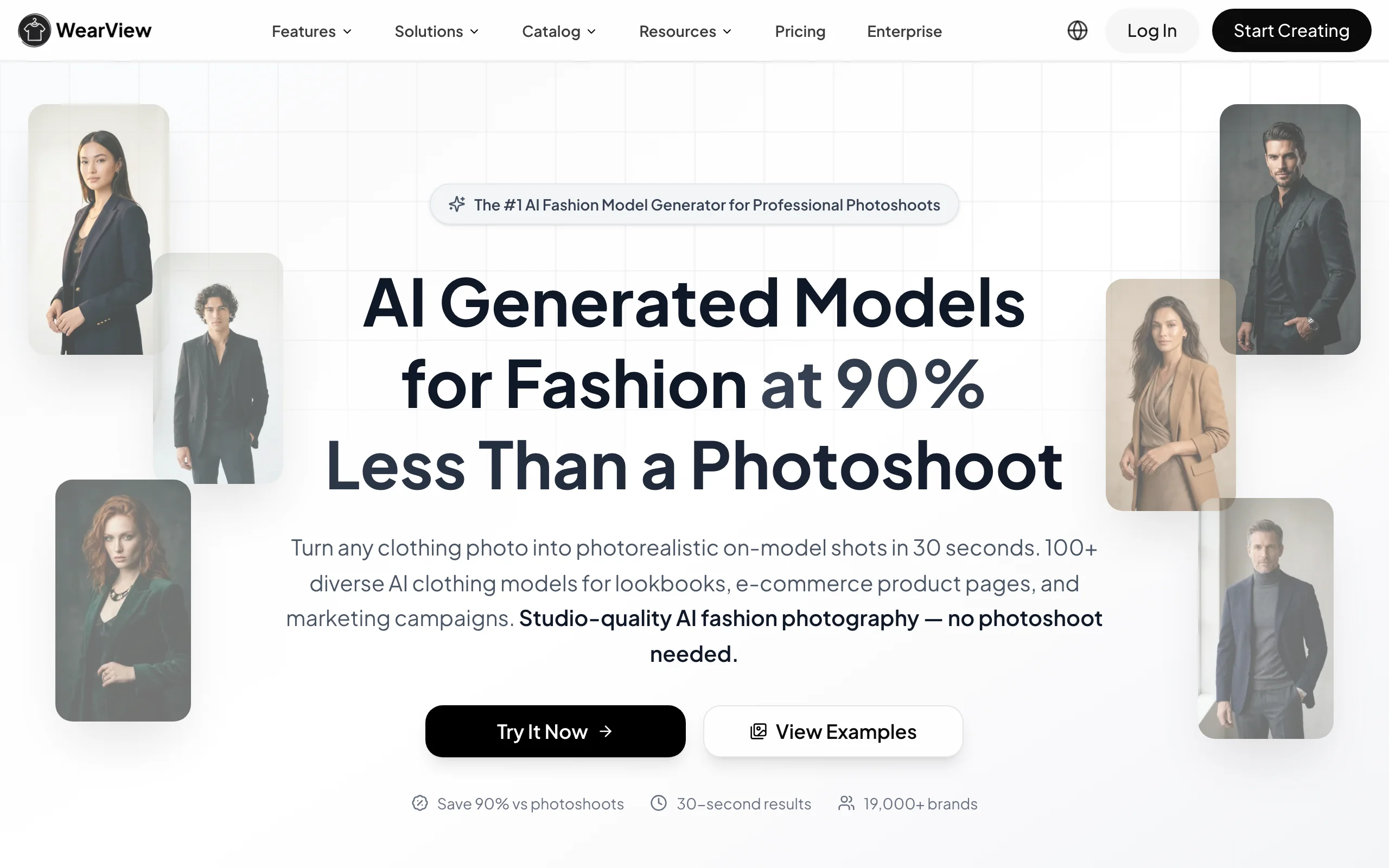
WearView vs Fashn with WearView
1. Virtual try-on quality and control
Fashn's try-on is its strongest asset and the reason most users adopt it. The proprietary Try-On v1.6 model is trained specifically to preserve garment details, prints, and text, and it handles a wide range of poses, categories, and camera angles. Processing runs in roughly 5 to 17 seconds. For a team whose single most important job is putting a garment on a person accurately, this is a focused, mature engine.
WearView's virtual try-on covers the same core job, visualizing a garment on AI models while preserving prints and textures, and sits alongside the rest of the WearView toolkit so you can move from try-on into model creation, pose changes, or video without switching tools.
For pure try-on fidelity, especially print-on-demand detail preservation, Fashn has a strong reputation. For teams who want try-on as one step inside a larger production flow, WearView's single-workspace approach reduces tool switching.
2. Consistent model identity across campaigns
Consistent model identity is one of the clearest workflow differences between the two platforms for brands running ongoing collections.
WearView ships consistent model identity as a named feature, so you can reuse the same model across products, poses, and collections without re-prompting from scratch. That matters when a brand wants one recognizable face across a season or a multi-drop campaign.
Fashn approaches consistency through Face Reference. Every plan can apply a face from Fashn's curated gallery to keep a model looking the same across outputs, and the ability to upload or create your own custom branded faces is reserved for the Agency plan ($99/mo) and above. So Fashn does offer same-face consistency on any tier, but pinning it to your own specific model identity sits on the higher tier, and it is framed as a face reference modifier rather than a full reusable model persona.
If reusing your own specific model across a catalog is central to your brand, WearView's consistent models feature is the closer fit and the custom-identity path is not locked behind the top tier.
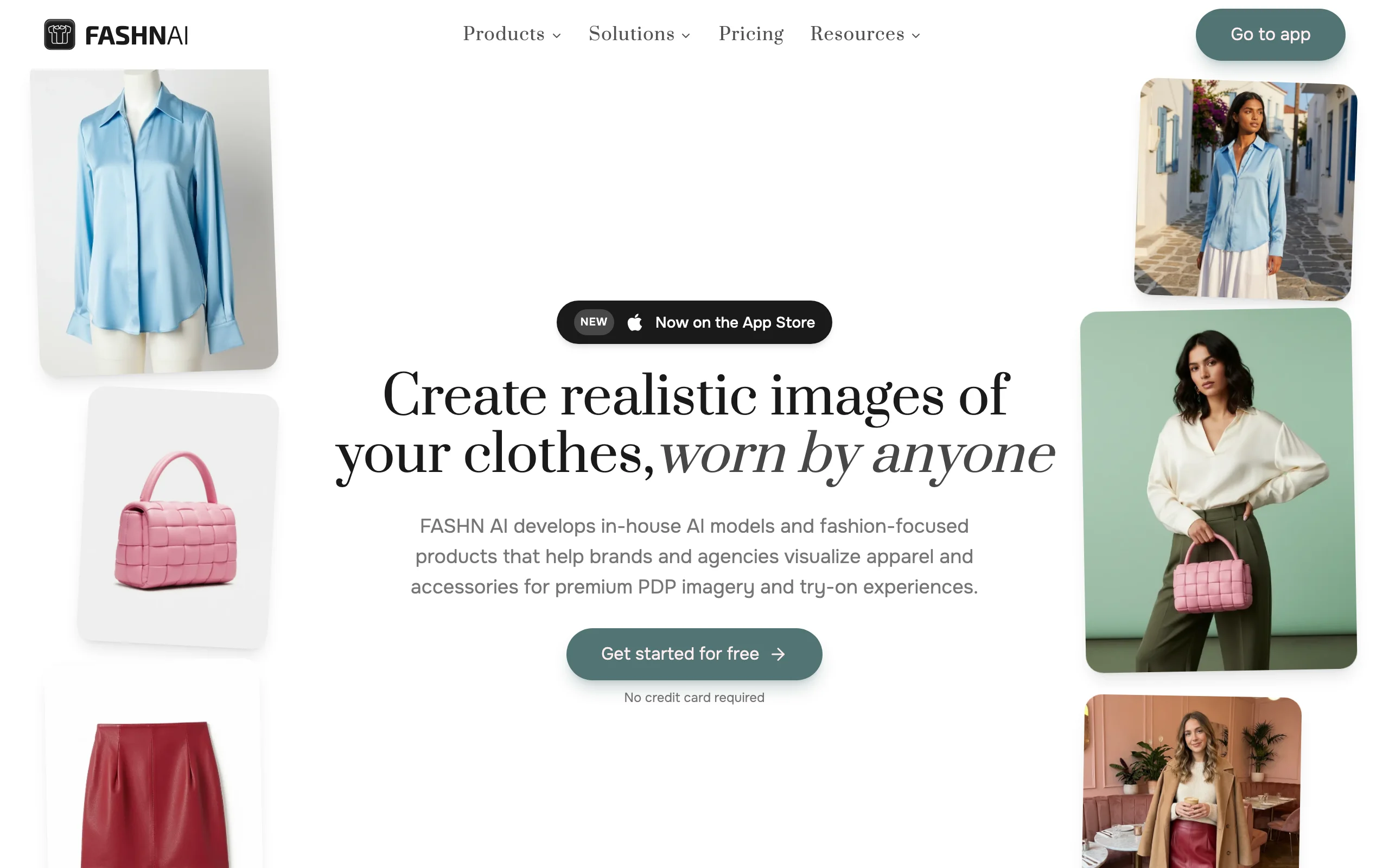
WearView vs Fashn with Fashn
3. Breadth, video, and total workflow
Output resolution is comparable: both cap at up to 4K, and both produce AI video, with Fashn offering 720p on Basic and 1080p from Pro upward, and WearView offering 720p and 1080p video. If short-form social is your channel, we also round up the best AI tools for fashion Reels and TikTok.
The difference is breadth of named, UI-ready tools. WearView puts product-to-model, AI model creation, consistent models, pose control, ghost mannequin, and video in one platform aimed at finished output. Fashn covers most of the same ground (Product to Model, Model Create, Model Swap, Edit, Reframe, Image to Video, Background Remove) and offers it two ways: through a visual web studio at app.fashn.ai (plus an iOS app) that you operate without code, and through a documented developer API for embedding the same models into your own software. The try-on model remains its center of gravity, so the experience is shaped around that core.
For a developer or a team embedding try-on and image generation into their own product, Fashn's endpoint catalog and API pricing are the advantage. For a brand or agency that wants to log in and ship on-model images and video without writing code, WearView's platform shape does more of the work for you.
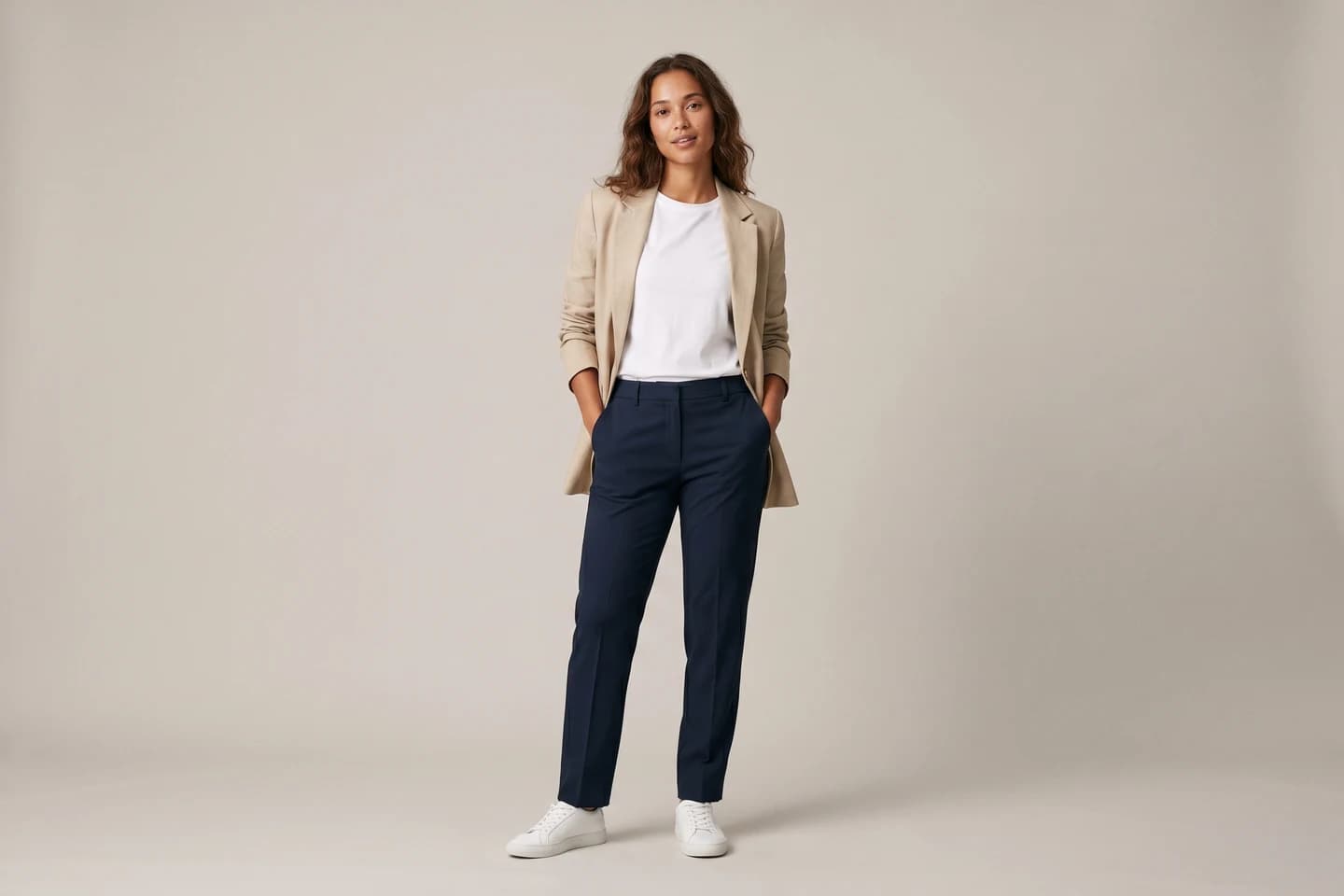
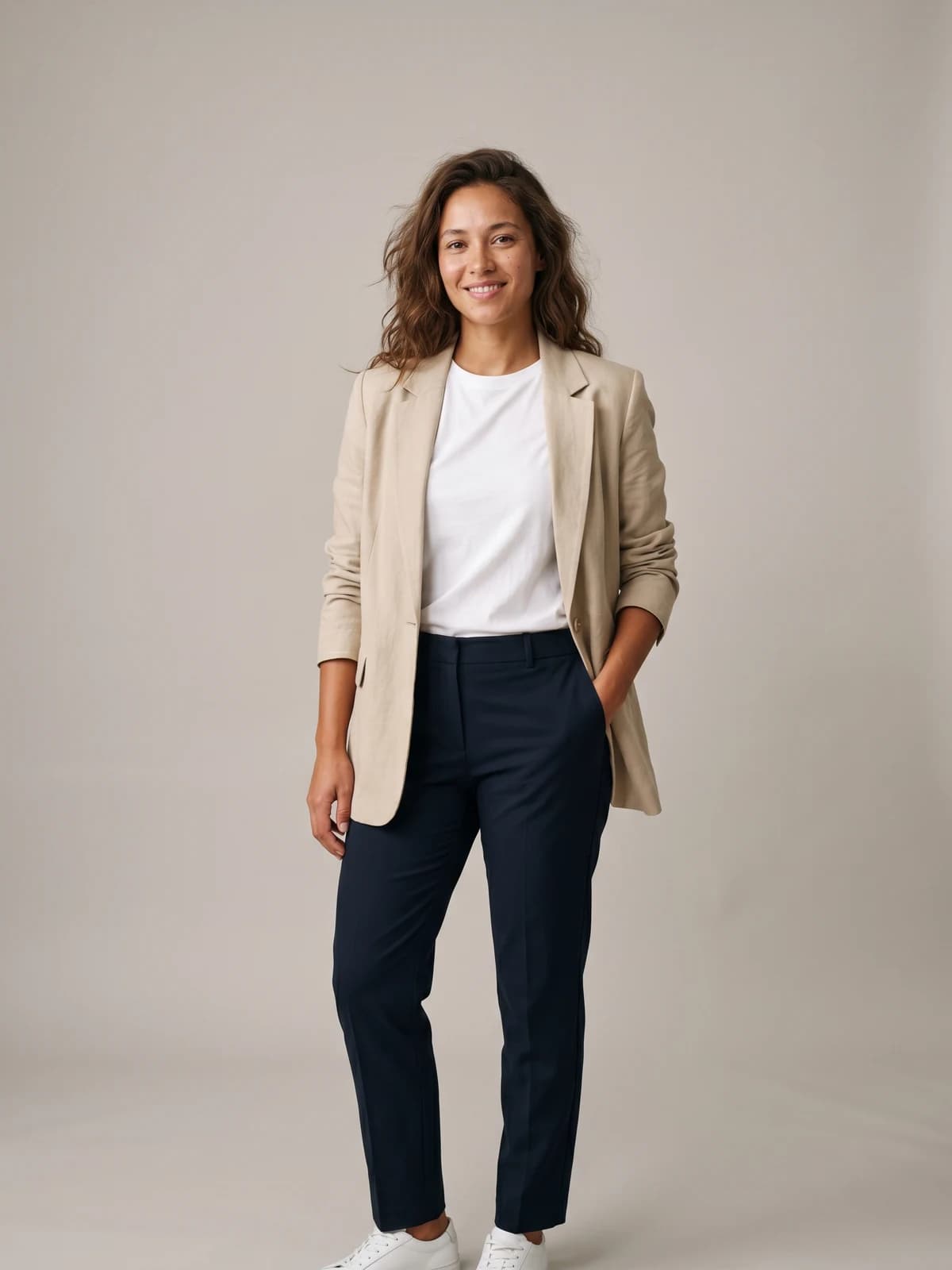
See any outfit on a real-looking model
Upload one garment photo and preview it on lifelike AI models in seconds, with no studio and no samples to ship.
What users say about WearView and Fashn
Both companies hold verified Trustpilot profiles, and Trustpilot is the one platform where they can be compared directly. As of May 2026, WearView sits at 4.5/5 from 89 reviews, while Fashn sits at 3.3/5 from just 3 reviews. On the two signals that matter most here, a higher rating and a far larger review base, WearView has the clear edge. Fashn's review base is thin enough that its score is indicative at best, not statistically meaningful, so individual reviews there carry outsized weight. Treat any rating backed by fewer than roughly 10 reviews as a soft signal rather than a stable verdict.
What users praise
For Fashn, the recurring praise centers on try-on accuracy and detail preservation, especially for print-heavy garments, and on the reliability of the API for developers. Fashn's Trustpilot sample is too small to surface a representative positive review, so this reflects developer community feedback rather than a single quoted user.
For WearView, Trustpilot reviewers consistently highlight output quality, generation speed, and an interface that is easy to learn.
What users complain about
For Fashn, the most pointed public criticism on Trustpilot concerns billing and subscription management rather than image quality, with reviewers reporting difficulty finding how to cancel a subscription. With only three Trustpilot reviews the sample is small, so treat it as indicative rather than conclusive.
Fashn's own pricing page states you can upgrade, downgrade, or cancel at any time, so confirm the cancellation path before you subscribe. Fashn also does not offer refunds on subscriptions or top-ups.
For WearView, the reviews skew strongly positive at 4.5/5, and the most common minor gripe surfaces around occasional generation retries on the rare failed output and a wish for larger credit packs at the entry level. WearView's public Trustpilot responses note ongoing work on stability and credit safeguards.
Pricing breakdown
Both companies publish credit-based pricing, verified May 2026. Fashn runs a separate app subscription and developer API; the table below covers the app plans, with the API summarized underneath.
| Tier | WearView (monthly) | Fashn app (monthly) |
|---|---|---|
| Free | No free tier or free credits | 10 complimentary credits on signup |
| Entry | Lite $24/mo (reg $29), 50 credits | Basic $19/mo, 200 credits, 720p video, 2 seats |
| Mid | Pro $40/mo (reg $49), 200 credits | Pro $49/mo, 750 + 50 daily credits, 1080p video, 5 seats |
| Top | Advanced $82/mo (reg $99), 500 credits | Agency $99/mo, 1,500 + 100 daily credits, Face References, 10 seats |
| Higher | Enterprise (custom) | Agency 2x $199/mo, 3,000 + 200 daily credits |
| Per-credit (entry) | ~$0.48/credit (Lite) | ~$0.095/credit (Basic) |
| Per-credit (top) | ~$0.164/credit (Advanced) | ~$0.066/credit (Agency) |
| Annual discount | 2 months free | 2 months free |
Pricing as of May 2026.
On raw per-credit cost, Fashn is cheaper. Fashn's Basic plan works out to roughly $0.095 per credit ($19 for 200), and a virtual try-on on Fashn's API costs just 1 credit, while higher-resolution image generations cost 1 to 5 credits. WearView's credits run from about $0.48 on Lite down to about $0.164 on Advanced, and WearView charges 2 credits for an HD image, 3 for 2K, and 5 for 4K, with video at 10 credits (720p) or 20 (1080p).
If your only job is high-volume virtual try-on, Fashn is the more economical engine per generation, and its developer API ($0.075 per credit on-demand, dropping to $0.0488 at Tier III) is built for scale. WearView's value is not in being the cheapest per credit; it is in delivering a broader, finished fashion workflow (consistent models, pose control, ghost mannequin, and video) with commercial rights on every paid plan and no per-endpoint assembly required.
When to choose WearView or Fashn
| Factor | Choose WearView | Choose Fashn |
|---|---|---|
| Primary workflow | End-to-end on-model photography and video | Virtual try-on, especially embedded in your own product |
| Delivery model | Log-in platform you operate | Developer API plus a try-on-first app |
| Output priority | Finished on-model images and consistent campaigns | High-fidelity try-on at scale |
| Feature breadth | Broad fashion suite in one workspace | Focused try-on core with a studio and API endpoints around it |
| Pricing fit | Mid-priced, breadth over raw per-credit cost | Lowest per-credit cost and a generous API tier |
| Team needs | Up to 15 seats on Advanced | Up to 10 seats on Agency |
If you are a developer or building try-on into a product
Fashn is the more natural fit. Its documented API, per-endpoint pricing, on-demand credits from $0.075, and distribution through platforms like fal make it straightforward to embed try-on or image generation into your own storefront or app. The 10 free credits let you test before committing, and try-on at 1 credit per output keeps high-volume costs low.
If you are a fashion brand or agency producing finished content
WearView is built for the way you work. The platform keeps product-to-model, model creation, consistent models, pose control, ghost mannequin, and video in one place, so you can take a garment from upload to a publishable on-model image or clip without stitching endpoints together. Commercial rights come with every paid plan and there is no developer setup.
If you mostly need accurate virtual try-on right now
Both tools do this well. Fashn wins on per-generation cost and has a focused, well-reviewed try-on engine. WearView wins if you expect to grow beyond try-on into model creation, consistent identity, and video, since you will not need to add a second tool later.
Key takeaways
- Fashn is try-on-first and developer-friendly; WearView is an end-to-end fashion platform. Pick Fashn to embed or scale try-on. Pick WearView to run a full on-model content workflow without code.
- Fashn is cheaper per credit; WearView leads on breadth. Fashn's Basic is about $0.095/credit and try-on is 1 credit, but WearView bundles seven fashion tools, consistent model identity, and video in one workspace.
- Custom model identity is a baseline feature on WearView. Fashn offers same-face consistency on any plan via curated Face References, but uploading your own custom branded faces is reserved for the Agency tier and up.
- Check Fashn's cancellation flow before subscribing. The loudest Fashn complaint on Trustpilot is about cancelling, though its review base is very small.
- Neither tool has a recurring free tier. Fashn gives 10 one-time credits on signup; WearView has no free credits but offers commercial rights on every paid plan.

Replace your next photoshoot with AI
Professional on-model fashion photography in seconds, at a fraction of the cost of a studio shoot.
FAQ
What's the main difference between WearView and Fashn?
Fashn is a virtual try-on engine with a developer-friendly API and a try-on-first app, while WearView is a broader end-to-end AI fashion photography platform. Fashn is the better fit if you want to embed or scale try-on, especially in your own product. WearView is the better fit if you want one workspace for try-on, product-to-model, model creation, consistent models, pose control, ghost mannequin, and video.
Fashn vs WearView: which is better for fashion brands?
For a brand producing finished on-model content, WearView is the tighter fit because it ships consistent model identity, pose control, ghost mannequin, and video as named tools in one UI. Fashn covers many of the same jobs and offers them both in a visual web studio and via a developer API, though the product is centered on try-on and built out from that core. If your work is mostly accurate try-on at high volume, Fashn remains an excellent and cheaper engine.
Is Fashn cheaper than WearView?
Yes, on a per-credit basis. Fashn's Basic plan is about $0.095 per credit ($19 for 200 credits), a virtual try-on on its API is 1 credit, and on-demand API credits start at $0.075. WearView's credits range from about $0.48 on Lite to $0.164 on Advanced, with images costing 2 to 5 credits depending on resolution. WearView's value is breadth and a finished workflow rather than the lowest per-credit price.
Does Fashn offer consistent model identity like WearView?
Partly. Fashn's Face Reference keeps a model looking the same across outputs using a curated faces gallery on any plan, and uploading your own custom branded faces is reserved for the Agency plan ($99/mo) and above. It is framed as a face reference modifier. WearView offers consistent model identity as a baseline named feature, so you can reuse your own specific model across products and collections without it being locked to the top tier.
Does WearView offer a developer API like Fashn?
No. WearView does not market a public developer API as a named product; it is a platform you log into and operate. Fashn publishes a documented API with on-demand and commitment pricing and is distributed through third-party platforms like fal. If embedding try-on into your own software is the requirement, Fashn is the purpose-built choice.
Can I use both WearView and Fashn?
Yes, and some teams do. A common split is using Fashn's API to power try-on inside a storefront or app, while using WearView to produce finished on-model campaign imagery, AI fashion models, and video for marketing. They are not mutually exclusive, since one is an embeddable engine and the other is a production platform.
Is Fashn well reviewed?
Fashn's public review footprint is small as of May 2026: 3.3/5 on Trustpilot from just 3 reviews, too small to be statistically meaningful. The positive feedback praises try-on accuracy and API reliability; the main criticism concerns subscription cancellation. For comparison, WearView holds 4.5/5 on Trustpilot from 89 reviews. If you sell a specific vertical such as swim or intimates, see WearView's roundup of the best AI tools for swimwear and lingerie photography.

WearView Team
WearView Content & Research Team
WearView Team is a group of fashion technology specialists focused on AI fashion models, virtual try-on, and AI product photography for e-commerce brands. We publish in-depth guides, case studies, and practical insights to help fashion businesses improve conversion rates and scale faster using AI.


