
July 28, 2026•15 min read
25 best AI prompts for clothing product photos in 2026
AI keeps redrawing your product? These 25 copy-paste prompts fix that. Studio shots, on-model scenes, flat lay conversions, background swaps, and lighting presets, each written to preserve your garment's exact colors, prints, and fit.
Picture of 25 best AI prompts for clothing product photos in 2026 article
Most AI edits of clothing product photos fail the same way: the background looks great, and the garment comes back wrong. A crew neck turns into a v-neck, the chest print warps, navy drifts toward black. Nine times out of ten the problem is not the model you used. It's the prompt.
The one rule that matters more than any other: tell the AI what to keep, not just what to change. A prompt that says "put this hoodie on a model in a city street" gives the model permission to redraw the hoodie. A prompt that ends with "keep the garment's exact color, print, and proportions unchanged" usually doesn't.
Below are 25 AI prompts for clothing product photos, grouped by job: studio shots, on-model scenes, flat lay and ghost mannequin conversions, background swaps, lighting, and detail preservation. Copy them, swap the placeholders, and adjust from there.
How to use these AI prompts for clothing product photos
Each prompt uses square-bracket placeholders: [garment] for the item ("oversized cream knit sweater"), [background] for the setting, [color] where color accuracy matters. Replace them with your own specifics. The more concrete you are, the less the AI invents.
These prompts work in two places. In a general image editor or generator (Gemini, Midjourney, Stable Diffusion and the like), paste the full prompt alongside your reference photo. In a purpose-built fashion tool, you usually only need the descriptive half: WearView, for example, keeps the garment pixel-accurate by design, so its model and background describe fields only need the scene part of the prompt ("golden hour rooftop, candid pose"). The garment-preservation lines exist for tools that redraw the whole image.
One habit worth building: write the scene first, then the preservation instruction last, as its own sentence. A closing "do not alter the garment" line stands apart from the scene description instead of getting buried in it, and it is much harder for an instruction-following editor to miss.
Studio product shot prompts
These four cover the standard ecommerce staples: white background, grey seamless, hanger, and floating packshot.
1. Clean white background listing shot
Professional studio product photo of [garment] on a pure white background, soft even lighting, centered composition, gentle shadow beneath the garment, sharp focus on fabric texture. Keep the garment's exact color, print, and proportions unchanged.
The default for marketplace listings. If the result looks flat, swap "soft even lighting" for "large softbox from the front left".
2. Grey seamless catalog shot
Studio photo of [garment] against a light grey seamless paper backdrop, 50mm lens look, true-to-life color, soft directional light with a subtle falloff. Preserve every detail of the original garment including stitching, buttons, and label placement.
Grey reads as more premium than white and hides dust better. Tweak the grey ("warm grey", "charcoal") to match your brand palette.
3. Natural hanger shot
[garment] hanging on a wooden hanger against a plain [color] wall, soft window light from the left, slight natural wrinkles in the fabric, minimal styling. Do not alter the garment's color, pattern, or shape.
Good for knitwear and shirting where drape matters. The "slight natural wrinkles" line stops the AI from ironing your product into plastic.
4. Floating packshot
Front-facing packshot of [garment] floating on a white background with invisible support, filled out as if worn, even studio lighting, no harsh shadows, ecommerce catalog style. Keep the fabric color accurate and the print exactly as in the reference image.
The "filled out as if worn" phrase is doing the real work here. Without it you get a limp, flat garment.
On-model lifestyle prompts for a clothing photoshoot with AI
On-model scenes sell better than packshots, and they're also where AI fails hardest: faces go waxy and hands come out wrong. Every prompt in this group forces natural skin, because that's the difference between an image people trust and one they scroll past. If your results still look waxy, our guide to fixing AI skin texture goes deeper on why that happens.
5. Candid street style
A model wearing [garment], walking down a quiet city street in the early morning, mid-stride, looking away from camera, natural skin texture with visible pores and slight imperfections, 35mm lens, shallow depth of field. The garment must stay identical to the reference: same color, same print, same fit.
The looking-away pose hides the hardest thing for AI to get right (a straight-on face) and reads as editorial anyway.
6. Café lifestyle scene
Candid photo of a model in [garment] sitting by the window of a small café, holding a coffee cup, warm morning light, realistic skin with natural texture, relaxed posture, background softly blurred. Keep the garment's color and details exactly as provided.
Works for knitwear, loungewear, and anything you'd wear on a slow Sunday. Change the prop ("a book", "a phone") to shift the mood.
7. Golden hour outdoor portrait
A model wearing [garment] standing in an open field at golden hour, warm backlight creating a soft rim around the hair, natural unretouched skin, honest catalog pose facing camera, hands relaxed at sides. Preserve the garment's true color despite the warm light.
That last clause matters: golden hour prompts will happily turn a white tee orange unless you tell them not to.
8. Editorial studio on-model
Full-body editorial photo of a model in [garment] against a [color] studio backdrop, confident stance, one hand in pocket, directional key light with soft fill, real skin texture, no airbrushing, shot on medium format. Do not change the garment's cut, length, or print placement.
Use this when you want lookbook energy without leaving the studio. Swap the pose description freely; keep the "no airbrushing" line.
9. Seated at-home scene
A model wearing [garment] seated on a linen sofa in a bright minimal living room, soft diffused daylight, genuine relaxed expression, visible skin texture, slight fabric creasing where the garment folds naturally. Garment color, print, and proportions must match the reference exactly.
The "slight fabric creasing" detail makes seated shots believable. AI defaults to garments that hover unnaturally stiff on the body.
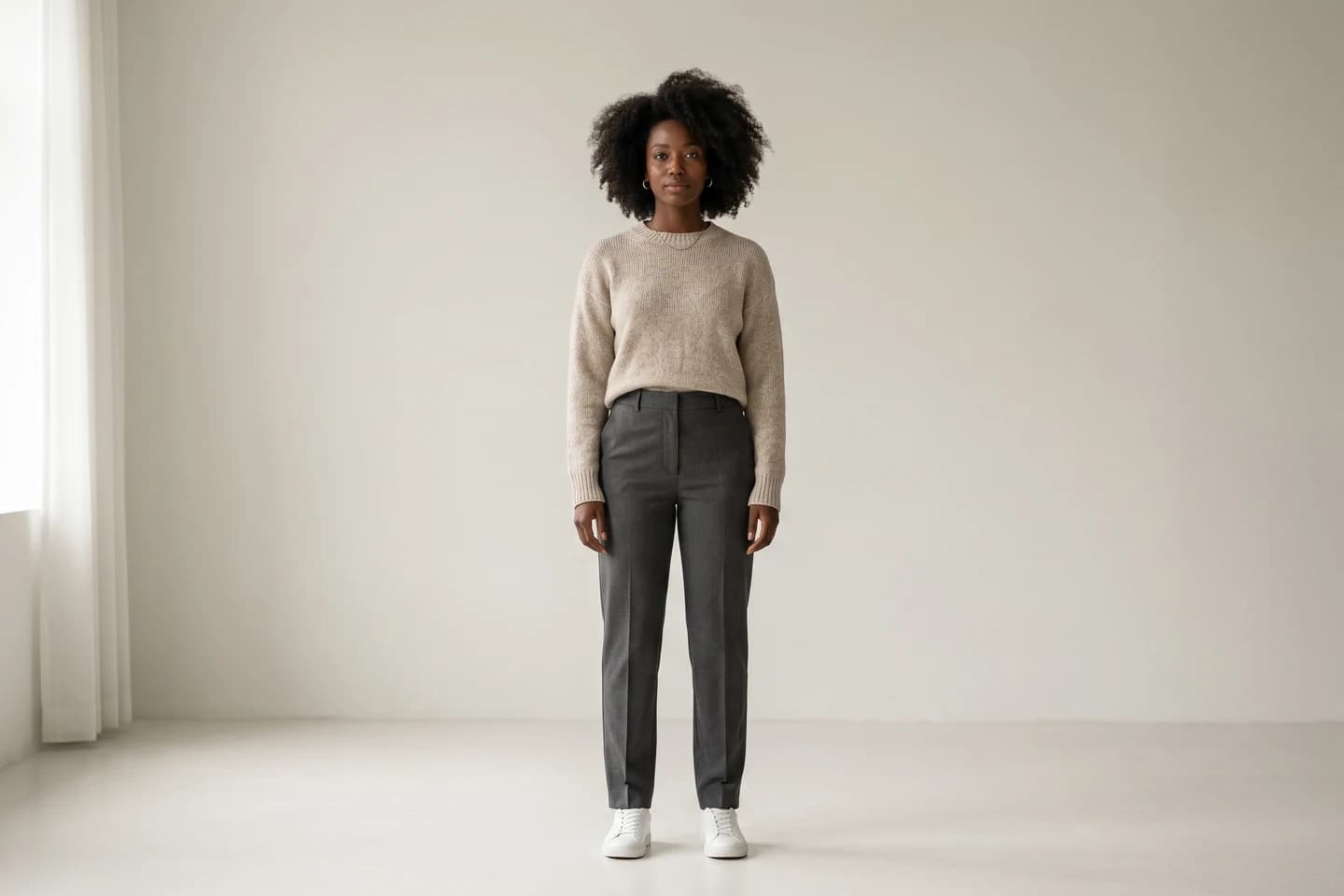
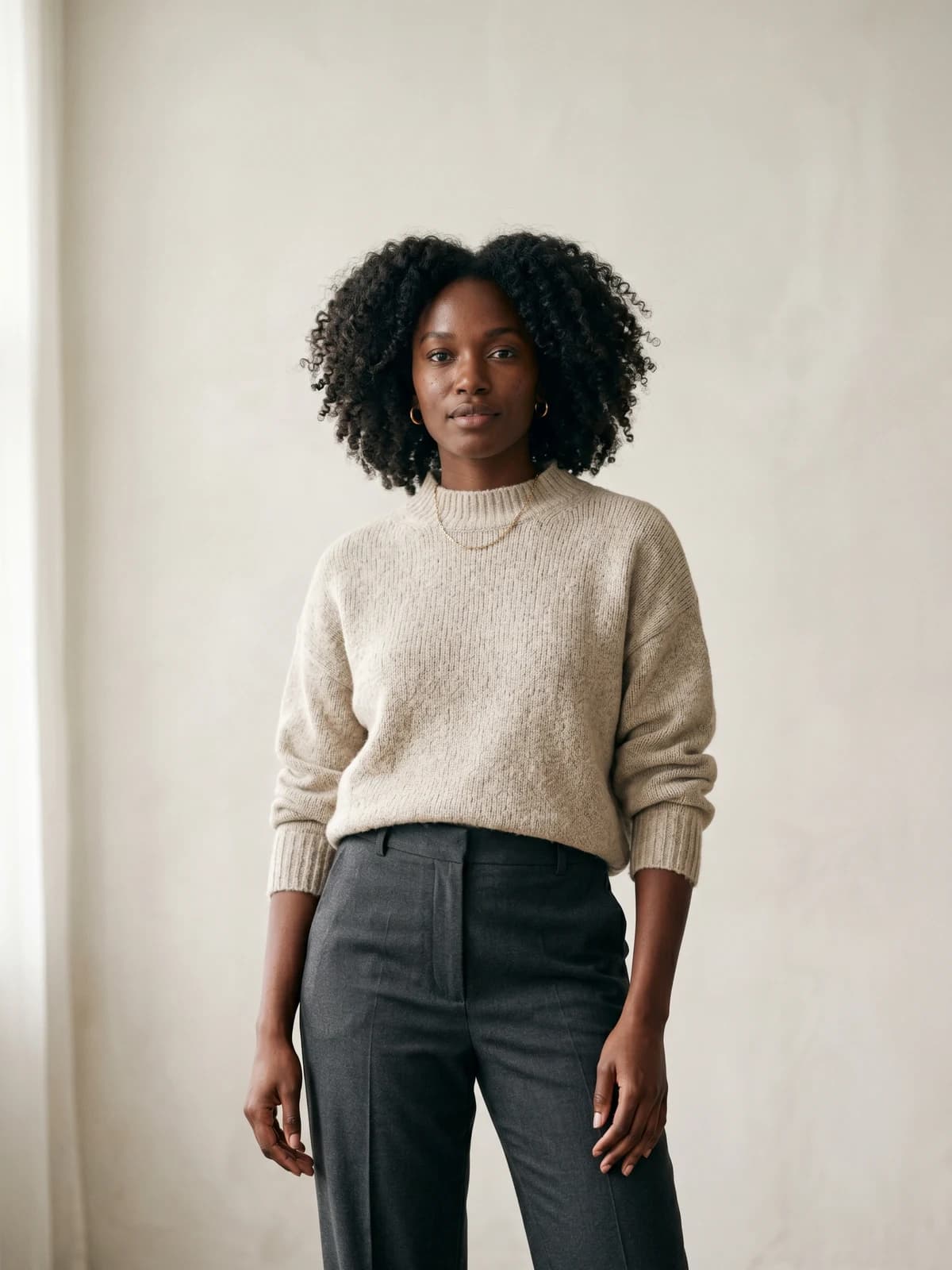
Create your own AI fashion models
Generate diverse, brand-consistent models from a simple prompt and reuse them across every campaign.
Flat lay and ghost mannequin conversion prompts
This is the highest-leverage group for sellers: turning the photos you already have (flat lays, mannequin shots) into the photos you need.
10. Flat lay to on-model
Take this flat lay photo of [garment] and show it worn by a model standing against a neutral studio background, natural fit and drape, realistic skin texture, soft even lighting. Reproduce the garment exactly: same color, same graphic placement, same proportions. Do not redesign any part of it.
The single most-searched conversion. Dedicated flatlay to model tools handle the garment fidelity part automatically; in a general editor, the "do not redesign" line is non-negotiable.
11. Flat lay to ghost mannequin
Convert this flat photo of [garment] into a ghost mannequin product image: the garment appears three-dimensional and filled out as if worn by an invisible person, visible inner neckline, pure white background, even studio lighting. Keep all colors, prints, and construction details identical to the source photo.
The "visible inner neckline" detail is what separates a real ghost mannequin effect from a garment that just looks inflated.
12. Mannequin removal
Remove the mannequin from this photo of [garment] and produce a clean invisible-mannequin shot, preserving the garment's 3D shape, natural drape at the shoulders, and the inner back label area, on a seamless white background. Do not alter fabric color or texture.
For anyone shooting on a physical mannequin today. If the neckline comes out hollow or smeared, add "reconstruct the inner collar naturally".
13. Styled top-down flat lay
Top-down flat lay of [garment] neatly arranged on a [background] surface, styled with two small complementary props in the corner, soft overhead daylight, slight natural fabric folds, Instagram catalog aesthetic. The garment's color and print must remain exactly as in the reference.
Goes the other direction: making a plain product photo feel curated. Keep props to one or two; AI loves to clutter.
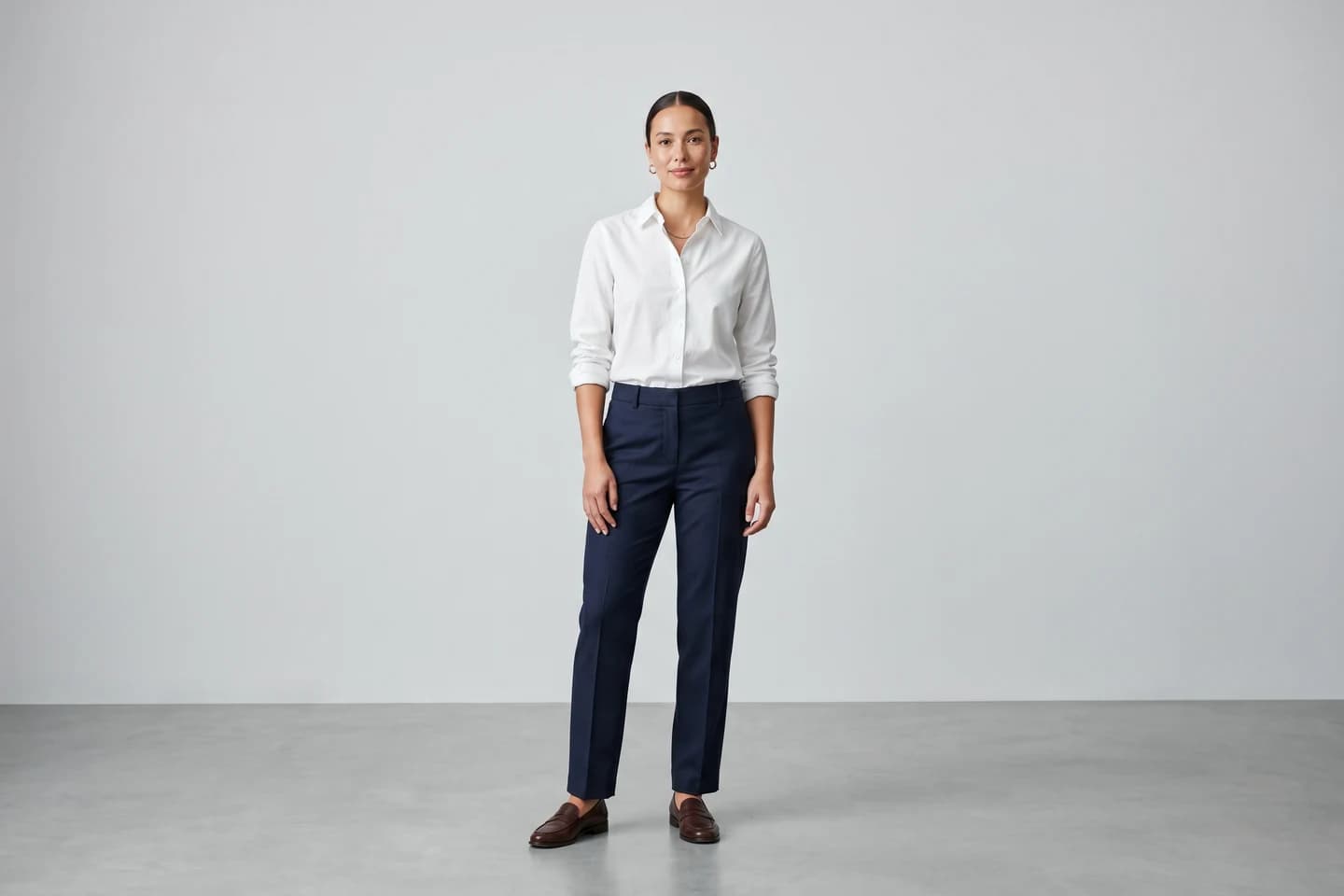
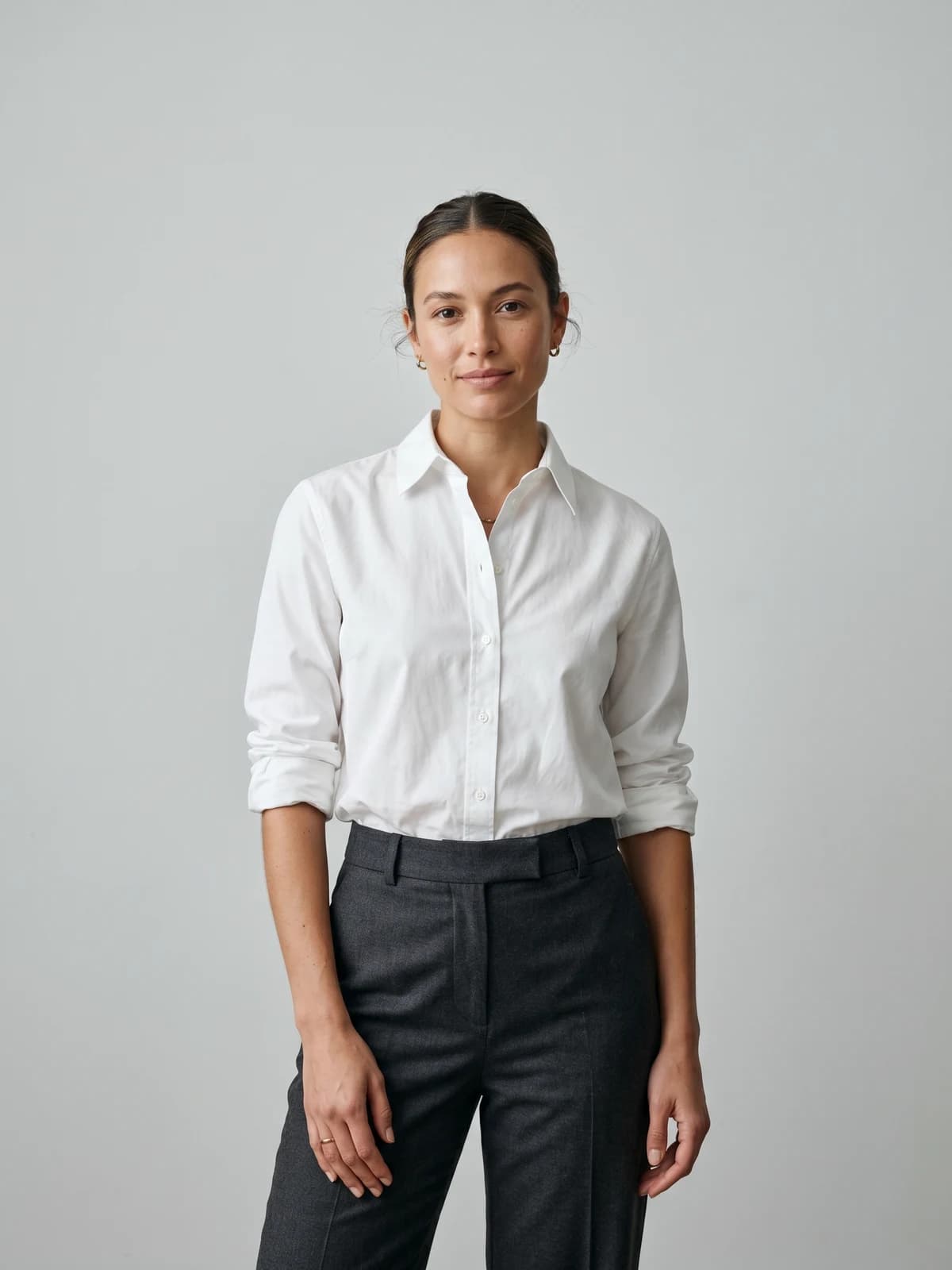
Turn flat-lays into on-model photos
Drop in a flat-lay or product shot and get professional on-model photography ready for your store.
Background and setting swap prompts
Same photo, new context. These prompts change everything around the garment while leaving the product and the person untouched.
14. Any photo to studio
Replace the background of this photo with a clean [color] studio backdrop, keep the model and [garment] completely unchanged, match the new background lighting to the existing light on the subject, add a soft natural shadow at the feet.
The lighting-match instruction is what stops the cut-out-and-pasted look. Without it, subjects float.
15. Studio to outdoor
Move this model wearing [garment] into [background: a sunlit European side street], keep the person, pose, and garment pixel-identical, adjust only the ambient light color to match the new scene, believable ground contact and shadows.
"Pixel-identical" is blunt but effective phrasing. Describe the destination in one specific phrase, not three vague ones.
16. Seasonal refresh
Change the setting of this photo to [season: late autumn], golden leaves, overcast soft light, model and [garment] unchanged, adapt only the background and the color temperature of the light. Do not add or remove any clothing layers.
The last line matters more than it looks. Ask an AI for "winter" and it will cheerfully add a scarf your customer can't buy.
17. Marketplace-compliant white background
Replace this photo's background with pure white (RGB 255,255,255), keep the model and [garment] exactly as they are, crisp clean edges around hair and fabric, no leftover background color bleeding onto the garment, no added shadows or props.
Written for Amazon's main-image rules. The edge and color-bleed instructions target the two most common rejection reasons.
Lighting and mood prompts
Lighting language is the cheapest quality upgrade in AI photography. These four give you a preset for each common mood.
18. Warm golden hour
Relight this photo of a model in [garment] as if shot at golden hour: low warm sun from behind and to the left, soft rim light on the shoulders, gentle lens flare, keep the garment's [color] accurate and unshifted by the warm cast.
Best for lifestyle and outerwear. Always restate the garment color; warm relights are the fastest way to ruin color accuracy.
19. Bright high-key
High-key lighting: bright, airy, almost shadowless photo of a model in [garment], white or near-white environment, even wraparound light, fresh and clean mood, true fabric color, natural skin texture retained despite the bright exposure.
The high-key look flatters basics and activewear. The skin-texture clause stops bright light from turning faces into porcelain.
20. Moody editorial low-key
Low-key editorial lighting: a single hard key light on the model wearing [garment], deep soft shadows, dark [color] background, cinematic contrast, fabric texture clearly visible in the lit areas, skin with natural detail, garment color still readable and accurate.
For streetwear, denim, and campaign teasers. Check the shadowed side of the garment; if detail disappears, add "lift shadow detail slightly".
21. Overcast daylight
Soft overcast daylight, as if shot outdoors under a bright cloudy sky: diffuse even light with no hard shadows, neutral white balance, honest true-to-life color rendering of [garment], natural skin, documentary catalog style.
The most forgiving light there is, and the closest to how customers see clothes in real life. A safe default when nothing else is specified.
Detail and texture preservation prompts
The group that protects your product. Use these as standalone prompts or bolt their key phrases onto any prompt above.
22. Fabric close-up
Macro detail shot of [garment] focusing on the fabric weave, stitching, and hardware, extremely sharp, soft raking light from the side to reveal texture, shallow depth of field, colors exactly matching the reference photo.
Detail shots raise buyer confidence on premium items. Raking light (light skimming across the surface) is the photographer's trick for making texture visible.
23. Print and graphic fidelity
Reproduce the graphic print on [garment] with complete accuracy: exact artwork, exact colors, exact position and scale on the garment, no distortion, no reinterpretation, no added elements. Legible text on the print must remain letter-perfect.
Append this to any prompt when the garment carries a logo, slogan, or artwork. Text on garments is the single most common AI failure, so it earns its own instruction.
24. Color lock
The garment color is [color, e.g. "dusty sage green, Pantone 16-0110"]. Render this color faithfully under the scene's lighting, with no hue shift, no saturation boost, and no darkening in shadow areas. Color accuracy takes priority over stylization.
Color returns are expensive. Naming the color in plain words (and a Pantone reference if you have one) gives the model an anchor that survives relighting.
25. The anti-plastic instruction
Avoid: plastic-looking skin, airbrushed faces, CGI appearance, extra fingers, warped hands, melted fabric, distorted logos, changed garment color, added accessories, altered neckline or sleeve length.
A ready-made negative prompt. In tools with a dedicated negative prompt field, paste it there; in conversational editors, prefix it with "Strictly avoid the following:".
Prompt mistakes that ruin clothing photos
Describing only the change. "Put this on a model at the beach" says nothing about the garment, so the AI treats it as a suggestion. Every prompt needs a preservation clause.
Vague garment language. "The shirt" invites reinterpretation. "The relaxed-fit washed-black cotton tee with the small white chest logo" doesn't. Specific nouns are your cheapest fidelity tool.
Stacking styles. "Editorial, minimalist, vibrant, cinematic, studio quality" reads as decisive but pulls the model in four directions. Pick one look per prompt.
Forgetting light interacts with color. Any prompt that changes lighting or setting will shift garment color unless you explicitly lock it (prompt 24 exists for this reason).
Asking for perfection. "Flawless skin, perfect studio quality" is how you get the plastic look. Real product photography has pores, fabric creases, and slightly uneven light. Prompt for realism, not perfection.
Ignoring the tool's division of labor. In a general image model, the prompt carries all the weight. In dedicated fashion tools the garment is preserved by the pipeline itself, so a long preservation clause is wasted words there; spend your prompt on the scene instead. That's also the practical dividing line for volume. One-off edits can live in a general editor. Store catalogs move faster in a platform built for AI fashion photography: build a model once with AI model creation and reuse the same face across every listing, and get invisible-mannequin shots from a ghost mannequin generator instead of prompting the effect from scratch each time.
FAQ
What is the best AI prompt for clothing product photography?
There is no single best prompt, but there is a best structure: subject, setting, lighting, camera language, then a preservation clause ("keep the garment's exact color, print, and proportions unchanged") at the end. Prompt 1 in this article is the safest starting point for listings; prompt 10 for on-model conversions.
How do I stop AI from changing my garment's print or color?
Name the print and color explicitly in the prompt, put the preservation instruction at the end as its own standalone sentence, and add prompt 23 or 24 from this list when the garment carries artwork or a color-critical fabric. In tools that redraw the full image, also lower the strength or creativity setting if one exists.
Can I use these prompts for an AI clothing photoshoot with models?
Yes. Prompts 5 through 9 are written exactly for that: each one specifies the scene, the pose, and natural skin texture. In WearView you'd paste just the scene half into the describe fields since garment fidelity is handled for you; in a general image model, use the full prompt including the preservation clause.
Which AI tools do these prompts work in?
Any tool with a text field: Gemini and other conversational image editors, Midjourney, Stable Diffusion interfaces, and fashion-specific platforms. The only adjustment is how much preservation language you need. General models need all of it; purpose-built fashion tools need almost none.
Why do my AI clothing photos look plastic or fake?
Because default AI output over-smooths skin and fabric. Add "natural skin texture with visible pores", "slight natural fabric creasing", and the anti-plastic negative prompt (prompt 25), and drop words like "flawless" or "perfect" from your prompts entirely.
How do I prompt AI to put clothes on a model from a flat lay photo?
Use prompt 10: describe the model and scene, then instruct the AI to reproduce the garment exactly with no redesign. Results from general image models vary run to run, so expect to generate several versions. Dedicated flatlay to model tools like WearView's product to model AI skip that lottery because the garment isn't regenerated at all.
Do I need negative prompts for clothing product photos?
If your tool supports them, yes, they're worth the ten seconds. Negative prompts catch the failure modes positive prompts miss: warped hands, melted logos, added accessories. Prompt 25 is a ready-made list you can paste as-is.
Are AI-generated clothing photos allowed on marketplaces like Amazon?
Generally yes, as long as the image accurately represents the physical product; misleading imagery is what policies prohibit, and rules differ by marketplace and change over time, so check your seller guidelines. Prompt 17 targets Amazon's white-background main-image requirements specifically. Accuracy is exactly why the preservation clauses in this article matter: the AI photo must show the garment a customer will actually receive.

WearView Team
WearView Content & Research Team
WearView Team is a group of fashion technology specialists focused on AI fashion models, virtual try-on, and AI product photography for e-commerce brands. We publish in-depth guides, case studies, and practical insights to help fashion businesses improve conversion rates and scale faster using AI.


