
August 1, 2026•18 min read
7 best AI pose transfer and pose editing tools in 2026
Want to change a model's pose after the shot, or copy a pose from a reference photo? We compared 7 AI pose transfer and pose editing tools, from fashion-specific pose control to open-source ControlNet and video motion transfer, with real pricing.
Picture of 7 best AI pose transfer and pose editing tools in 2026 article
AI pose transfer tools let you take a pose from one image and apply it to another: a model photo, an AI-generated character, or a full video. For fashion brands, this solves a specific and expensive problem. You shot a great product photo, but the pose is wrong for the category page, or you need the same outfit in five poses and the model went home weeks ago.
The catch is that most pose transfer AI was built for character art and animation, not for clothing. A tool can copy a skeleton perfectly and still mangle the hem of a dress. So the right pick depends on what you're posing: a garment on a model, a stylized character, or a video.
In this guide, we compare the 7 best AI pose transfer and pose editing tools in 2026, with pricing, strengths, and a short decision framework at the end.
Best AI pose transfer tools: a brief overview
- WearView: Best overall for fashion pose control. Upload a pose reference or describe a pose in text and get your AI model in that exact pose, with the garment kept accurate.
- Krea AI: Best for realtime pose experimentation. Move a 3D primitive or your own body on camera and watch the generated image follow in under a second.
- Stable Diffusion + ControlNet: Best open-source route. The OpenPose model gives you exact skeleton-level control for free, if you can run it.
- RunComfy: Best for ControlNet workflows without a local GPU. Cloud ComfyUI with 200+ prebuilt workflows and hourly GPU pricing.
- PoseMy.Art: Best for building custom pose references. A browser-based 3D poser that exports OpenPose and depth maps straight into any ControlNet pipeline.
- Viggle AI: Best for video motion transfer. Give it a character image and a dance or walk video, and the character performs the motion.
- DomoAI: Best for stylized video pose transfer. Restyles footage and moves photo characters with reference videos, in anime and 18 other styles.
| Tool name | Key strength | Pricing | Platforms |
|---|---|---|---|
| WearView | Garment-accurate pose control inside a full fashion photo workflow | From $29/month | Web |
| Krea AI | Realtime generation that follows pose input as you move it | From $9/month; free tier available | Web, API |
| Stable Diffusion + ControlNet | Free, open-source skeleton-level pose control | Free (your own hardware) | Self-hosted (AUTOMATIC1111, ComfyUI) |
| RunComfy | Hosted ComfyUI for ControlNet pose workflows | GPUs from $0.99/hour; Pro $19.99/month | Web, API |
| PoseMy.Art | 3D pose reference builder with OpenPose and depth export | From $15/month; free tier available | Web |
| Viggle AI | Motion and pose transfer from video to character image | From $4.99/month; free tier available | Web |
| DomoAI | Stylized video-to-video and character motion transfer | From $6.99/month (billed yearly) | Web, Discord, API |
1. WearView, best overall for fashion pose control
WearView is an AI fashion photography platform with a dedicated pose control tool. You upload a model or product photo, then set the pose one of two ways: pick or upload a pose reference image, or just describe the pose in text ("looking over shoulder", "seated with crossed legs"). The tool generates your model in that exact pose, wearing your garment, in about 30 seconds.
The difference from general pose transfer AI comes down to what the model knows about clothing. A skeleton-based tool will happily bend an arm through a jacket seam or invent new fabric where the print used to be. WearView preserves the garment while changing the pose, which is the whole point when the photo exists to sell that garment. And because AI pose control is one tool inside a larger workflow, the pose you pick carries across a campaign: pair it with consistent AI models and the same face appears in every pose across your catalog, or push a posed image into virtual try-on, product-to-model conversion, or AI fashion video. Output goes up to 4K with commercial usage rights on all paid plans.

AI Pose Transfer with WearView
Key features
- Pose transfer from a reference image or a plain-text pose description
- Garment detail preservation while the pose changes (prints, seams, fit)
- Pose template library: standing, sitting, walking, action poses
- Consistent model identity across poses, products, and campaigns
- HD, 2K, and 4K output with commercial rights
- Built-in virtual try-on, product-to-model, ghost mannequin, and video tools
Best for
- Fashion brands and boutiques that need one garment in many poses
- Ecommerce sellers refreshing category pages without a reshoot
- Agencies running multi-product campaigns with one recurring model
Pricing
- Lite: $29/month for 50 credits
- Pro: $49/month for 200 credits, Advanced: $99/month for 500 credits
- Annual billing saves up to $198/year; credit packs for top-ups
Pros
- Pose edits keep the clothing intact, where skeleton-only tools redraw it
- Reference image and text prompt both work, so no 3D rigging to learn
- The posed output plugs into try-on, video, and consistent-model tools in one workspace
Cons
- Built for fashion imagery, so it's not a general character animation tool
- Extreme or acrobatic poses can take a few retries to land cleanly
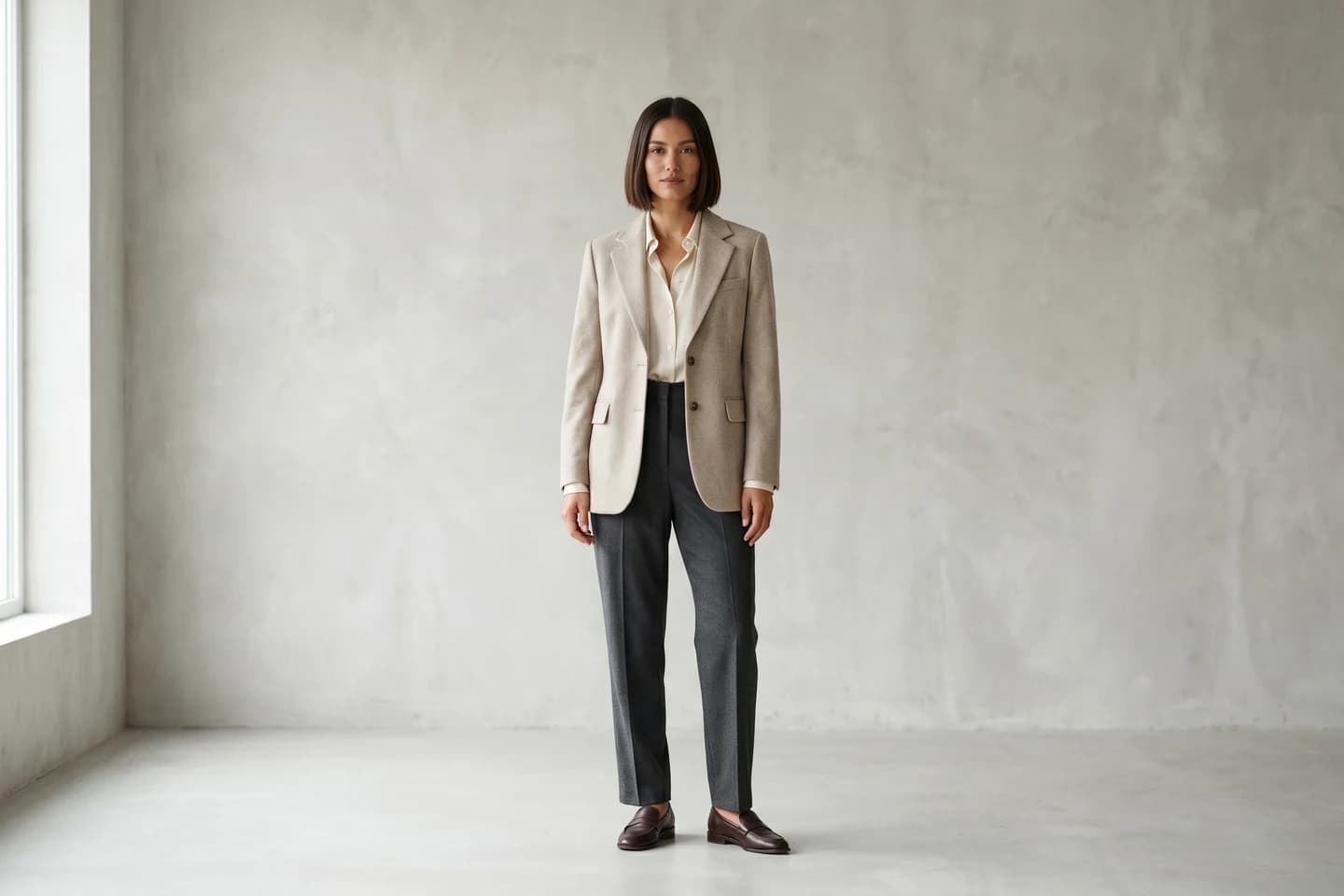
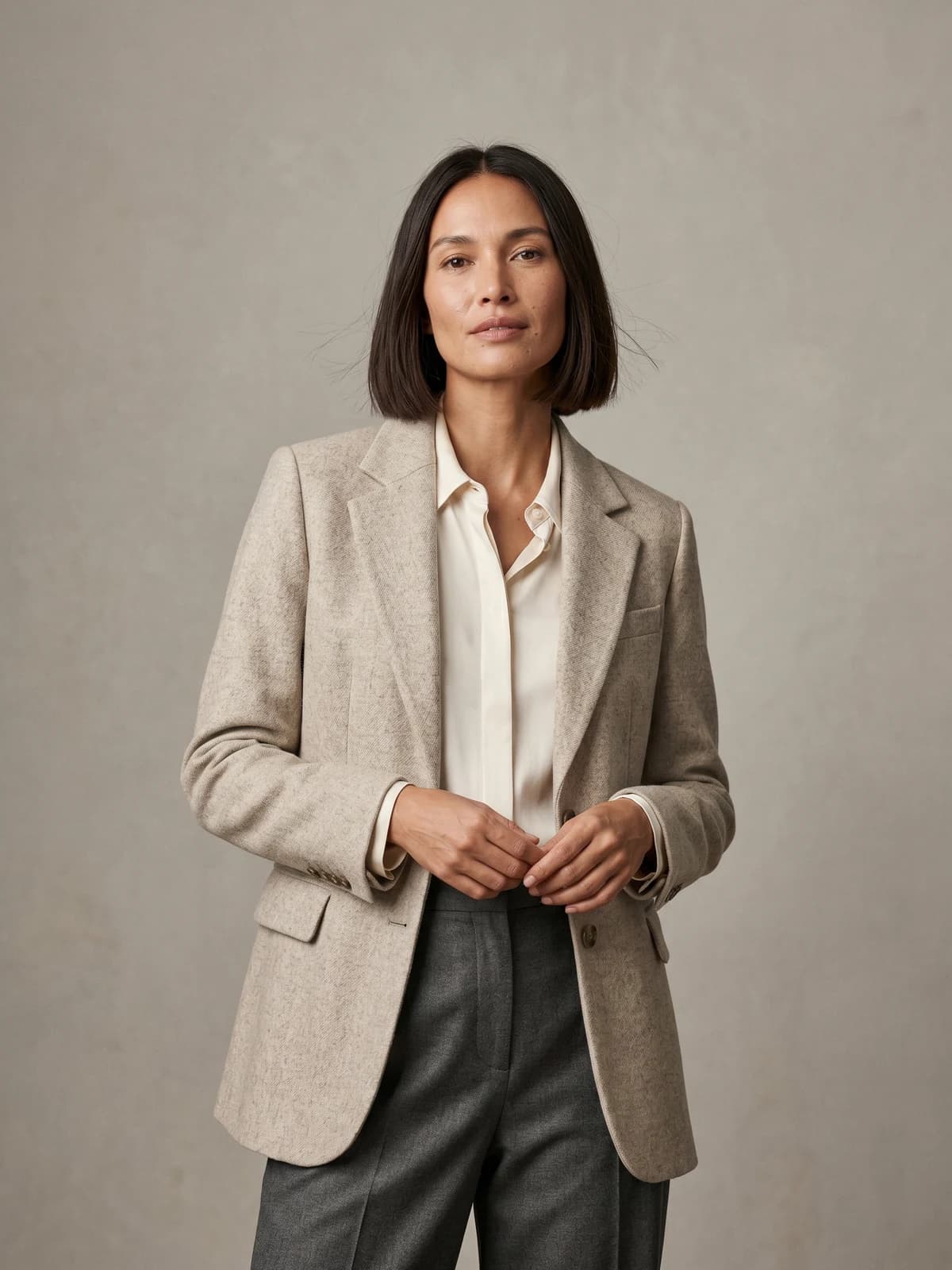
The same model across your whole catalog
Keep one signature model consistent across every product, pose, and collection.
2. Krea AI, best for realtime pose experimentation
Krea is a general creative AI suite covering image, video, and 3D generation. For pose work, the interesting part is Realtime: the canvas regenerates the output as you work, with no render button. Drop in a 3D primitive, rotate and reposition it, and the generated image updates to match in well under a second. You can even use your webcam feed as the pose input and control a character with your own body.
That makes Krea feel closer to a sketching tool than a batch generator. It's a good fit when you don't yet know which pose you want and need to explore fast. The trade-off is that Krea knows nothing about your specific garment. It generates images that match a pose and a prompt, which works for concepts and mood boards but not for showing the actual product you sell.
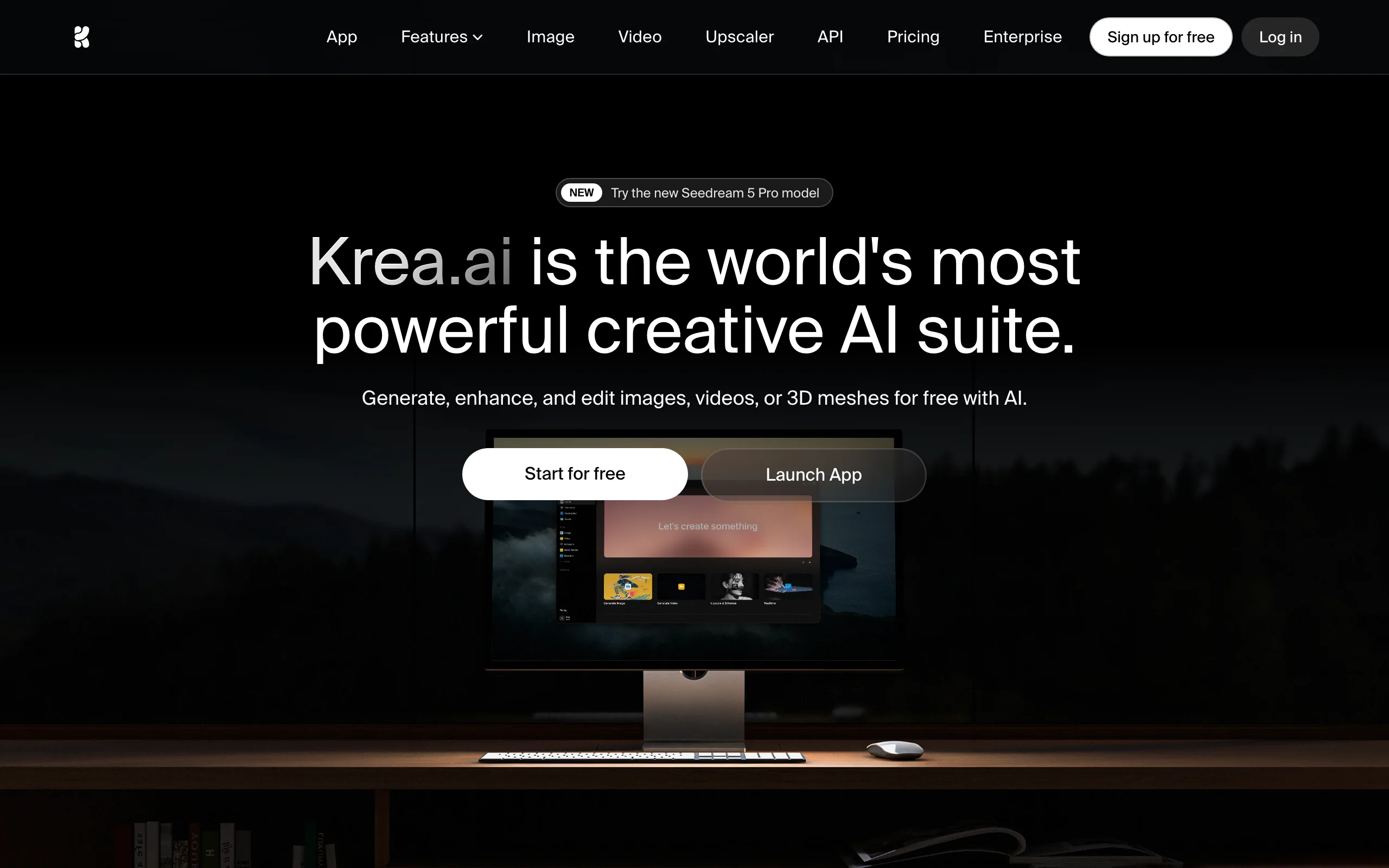
AI Pose Transfer with Krea
Key features
- Realtime generation that follows canvas input in under a second
- 3D primitives and body-tracking webcam input to guide pose and structure
- Access to 60+ image and video models under one subscription
- Upscaling and image editing in the same workspace
- API access for developers
Best for
- Designers and art directors exploring pose and composition ideas quickly
- Creators who want one subscription covering many generation models
Pricing
- Free tier: 100 compute units per day
- Basic: $9/month for 5,000 units (includes commercial license); Pro: $35/month for 20,000 units; Max: $70/month for 60,000 units
Pros
- The fastest feedback loop of any tool on this list
- Body-tracking input is a genuinely useful way to hit a natural pose
- Free daily units make it easy to test before paying
Cons
- No garment awareness, so product accuracy is out of scope
- Compute units drain quickly on video and high-resolution work
3. Stable Diffusion + ControlNet, best open-source pose transfer
ControlNet is the open-source project that made AI pose transfer mainstream. It's a neural network structure that conditions a diffusion model on an extra input, and its OpenPose variant reads a stick-figure skeleton from any reference photo, then forces the generated image to follow that exact skeleton. The code and models are free under an Apache 2.0 license, and the technique now runs in every major Stable Diffusion interface, including AUTOMATIC1111 and ComfyUI.
The control is precise in a way hosted tools rarely expose. You can edit the skeleton joint by joint, combine pose with depth or edge maps, and chain it with any checkpoint or LoRA you like. The cost is setup time and hardware: you need a capable GPU, and getting clothing to survive a pose change usually means extra work with inpainting or garment-specific models. It's a builder's route, not a product.
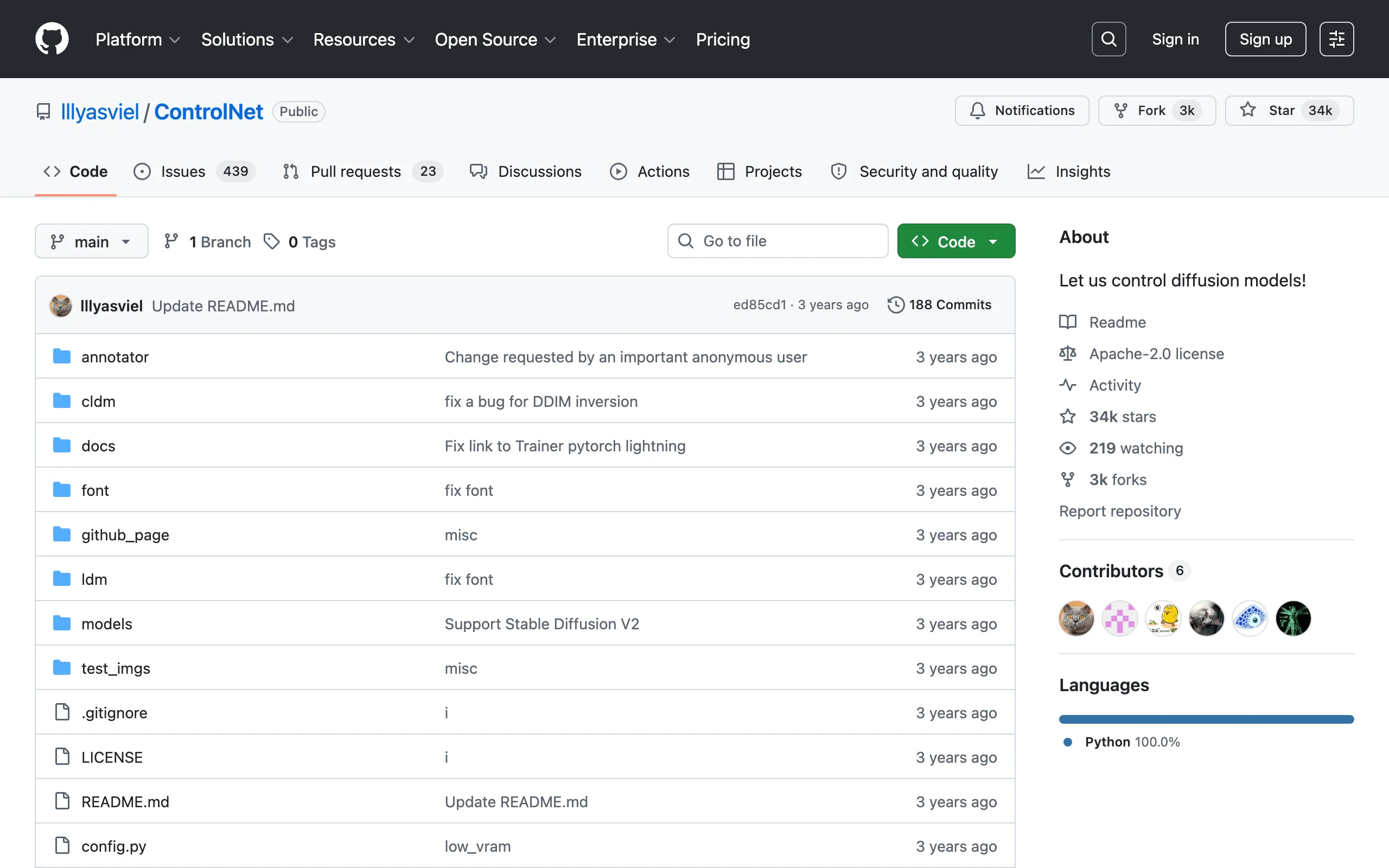
AI Pose Transfer with ControlNet
Key features
- OpenPose conditioning: extract a skeleton from any photo and transfer it
- Editable skeletons for joint-level pose adjustments
- Combines with depth, canny, and normal maps for extra control
- Works with any Stable Diffusion checkpoint, LoRA, or custom model
- Free and open source (Apache 2.0)
Best for
- Technical teams that want full control and zero per-image cost
- Studios building custom pose pipelines with their own fine-tuned models
Pricing
- Free, open source
- Real cost is hardware (a consumer GPU with enough VRAM) and setup time
Pros
- The most precise pose control available anywhere
- No subscription, no credits, no vendor lock-in
- Huge community, tutorials, and prebuilt workflows
Cons
- Steep learning curve and real setup effort
- Garment fidelity is your problem to solve, not the tool's
4. RunComfy, best for ControlNet workflows without a local GPU
RunComfy is cloud-hosted ComfyUI. You get the full node-based interface in a browser, running on rented GPUs, with your models and outputs stored in a persistent workspace. For pose transfer, that means the entire ControlNet OpenPose toolset from the section above, minus the local hardware requirement. The platform ships 200+ ready-to-run workflow templates, several of them pose-focused, so you can load a working OpenPose pipeline instead of wiring one from scratch.
This is the practical middle ground if you want ControlNet's precision but your laptop can't run it, or your team doesn't want to maintain a GPU box. You still deal with ComfyUI's node graph, which has a learning curve of its own, but the infrastructure part disappears.
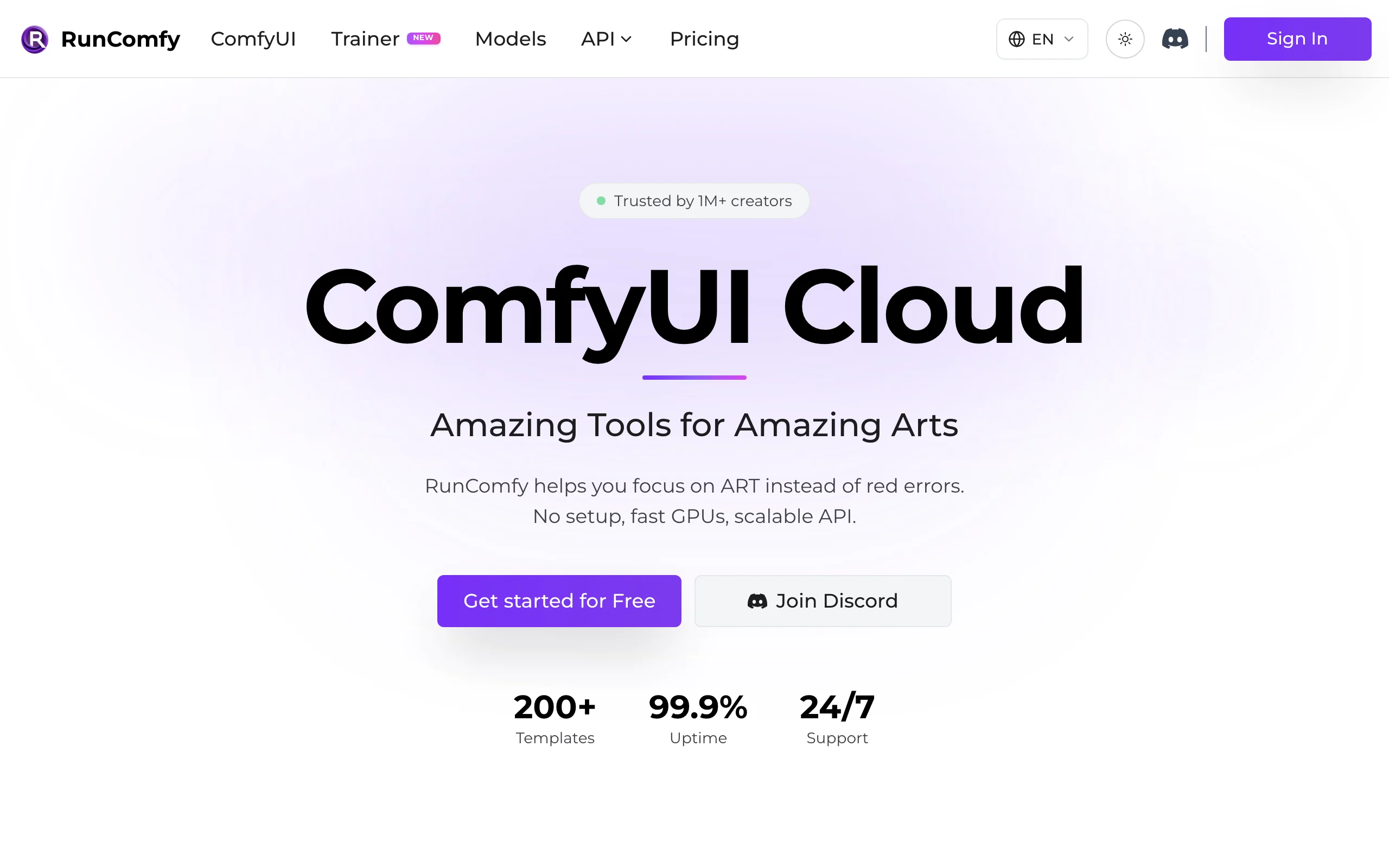
AI Pose Transfer with RunComfy
Key features
- Full ComfyUI in the browser with custom nodes and models supported
- 200+ prebuilt workflow templates, including ControlNet pose pipelines
- GPU options from budget to high-VRAM machines
- Persistent private workspace and storage
- Serverless API for deploying a workflow as an endpoint
Best for
- ComfyUI users without local GPU hardware
- Teams that prototype a pose workflow, then deploy it as an API
Pricing
- Pay as you go: GPU time from $0.99 to $9.59 per hour, no subscription required
- Pro: $19.99/month with 20%+ GPU discounts, a $10 monthly credit, and 200 GB storage
Pros
- ControlNet-grade control with zero installation
- Hourly billing suits occasional or bursty use
- Template library saves hours of node wiring
Cons
- ComfyUI itself still takes time to learn
- Hourly GPU costs add up if you leave sessions running
5. PoseMy.Art, best for building custom pose references
PoseMy.Art attacks the problem from the other end. It doesn't generate final images at all. It's a browser-based 3D posing tool where you drag a mannequin into any position, set the camera and lighting, and export the result as an OpenPose skeleton, depth map, canny, or normal map. Those exports drop directly into ControlNet or any tool that accepts a pose reference image.
The library is the draw: 6,300+ premade poses, 5,500+ scenes, and 2,400+ motion-captured animations you can scrub through frame by frame until you find a natural position. If your pose transfer results keep failing because your reference photos are ambiguous (overlapping limbs, odd camera angles), building a clean reference here fixes the input side of the pipeline cheaply.
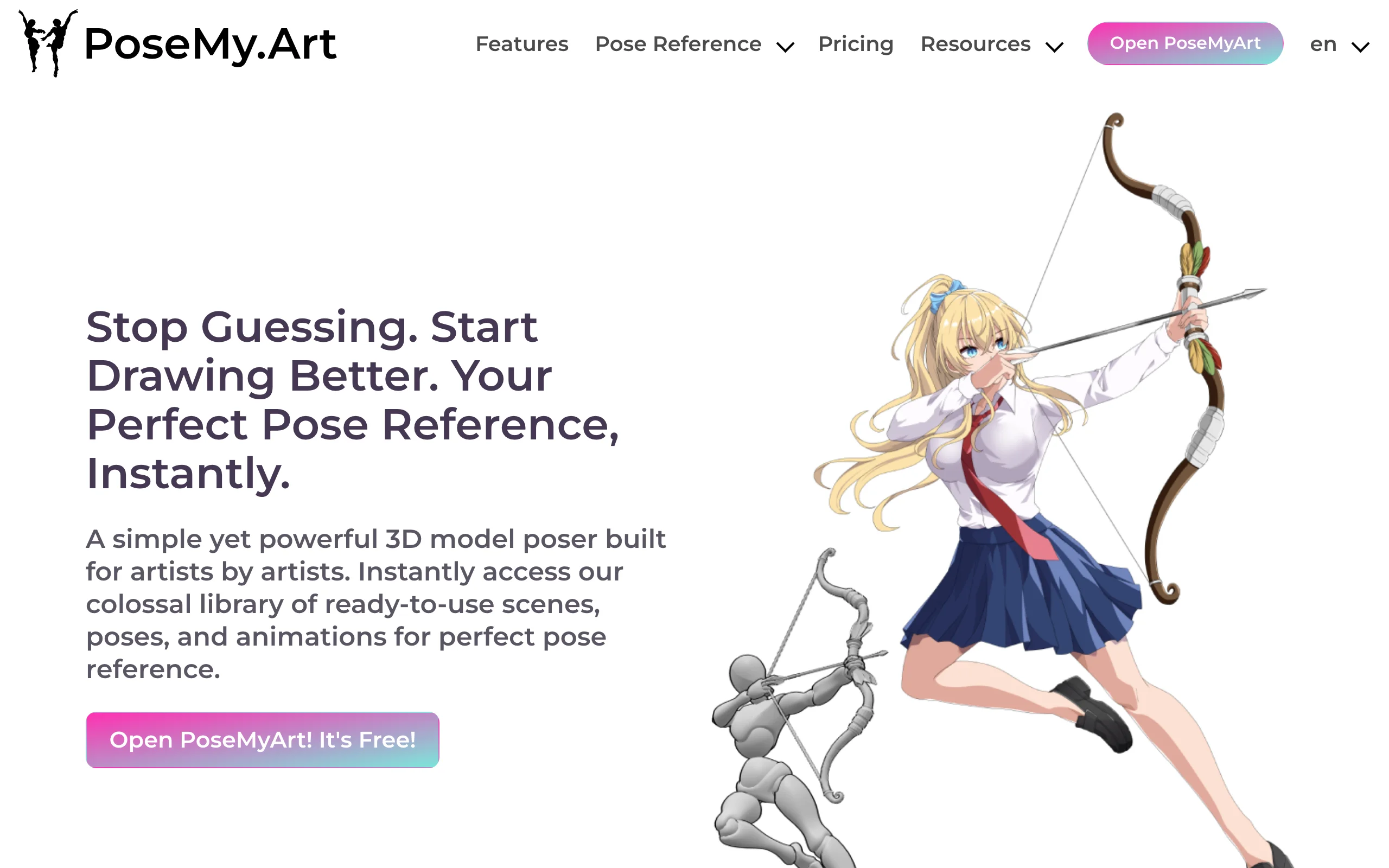
AI Pose Transfer with PoseMy.Art
Key features
- Drag-and-drop 3D posing with inverse kinematics
- Exports OpenPose, depth, canny, and normal maps for ControlNet
- 6,300+ poses, 5,500+ scenes, 2,400+ animations in the Pro library
- Adjustable camera, field of view, and lighting
- Runs in the browser, nothing to install
Best for
- Anyone feeding ControlNet who needs cleaner pose references
- Illustrators and designers who also want traditional drawing references
Pricing
- Free forever tier with basic models and OpenPose export
- Pro: $15/month, $150/year, or a $99.99 lifetime license
Pros
- The free tier already exports OpenPose skeletons
- Lifetime pricing is rare and cheap for what it does
- Fixes the "bad reference" problem that breaks most pose transfers
Cons
- Not a generator; you still need another tool to make the final image
- 3D posing takes a little practice to feel quick
6. Viggle AI, best for video motion transfer
Viggle moves pose transfer into video. Its core trick: upload a still image of a character and a reference video of someone moving, and Viggle animates the character to perform that motion. The result tracks the reference's pose frame by frame, gestures included.
For fashion and creator work, this is a fast way to turn one on-model photo into moving social content. Realism has limits: outputs lean stylized, fabric physics are approximate, and fine garment details drift during fast motion. But nothing else makes motion transfer this accessible, and the free tier lets you test it on your own content in minutes.
Key features
- Motion and pose transfer from a reference video to a character image
- Text-to-motion prompts when you have no reference video
- Mix mode to swap a character into an existing video
- Background and style options on outputs
Best for
- Creators turning static character or model images into short video clips
- Social teams producing trend-based content (dances, memes) quickly
Pricing
- Free tier: 5 videos per day with a watermark
- Pro: $4.99/month for 80 monthly credits; Live: $9.99/month for 200; Max: $31.99/month for 800 (pricing sourced from third-party roundups; the official pricing page blocks automated access)
Pros
- The easiest entry into video pose transfer anywhere
- Free daily generations make testing painless
- Handles complex motion like dance choreography surprisingly well
Cons
- Output skews stylized rather than photorealistic
- Watermark and monetization limits on the free tier
- Garment detail is not preserved reliably during motion
7. DomoAI, best for stylized video pose transfer
DomoAI is an AI animation platform built around restyling. Its video-to-video tool converts existing footage into anime, realistic, or other art styles, and its character-to-video "move" feature does classic pose transfer: upload a photo character plus a motion video (walking, jumping, dancing), and the character performs the action. You can also guide generations with motion and style reference uploads.
Where Viggle centers on meme-speed motion transfer, DomoAI leans into look development, with 18+ named styles and a restyle pipeline aimed at people producing stylized clips. It runs on the web, through Discord, and via an API, and generated content is cleared for commercial use.
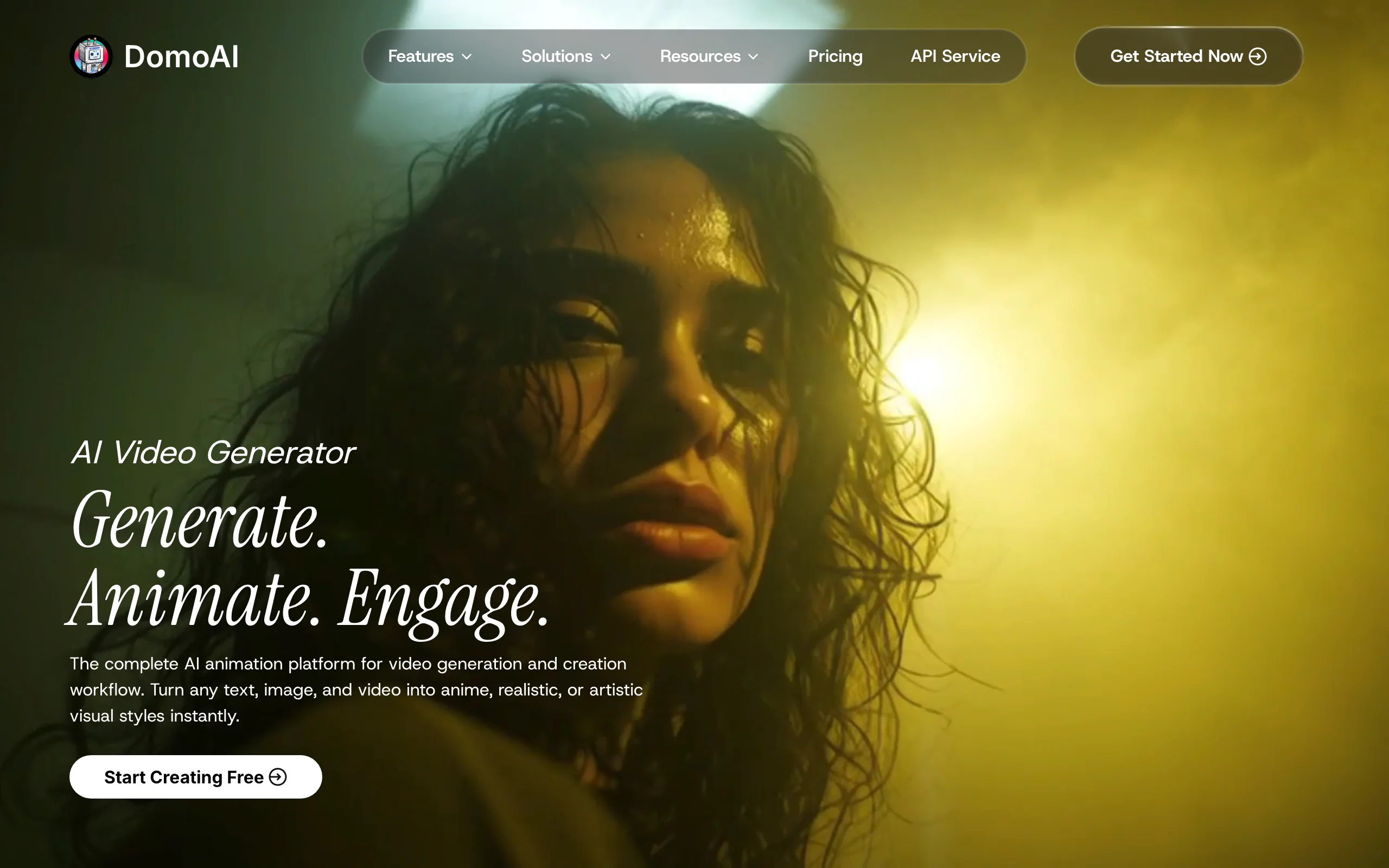
AI Pose Transfer with DomoAI
Key features
- Character-to-video motion transfer from an uploaded reference video
- Video-to-video restyling across 18+ art styles
- Motion and style reference inputs to guide generations
- Web, Discord, and API access
- Slower "relax mode" generation that doesn't consume credits on higher tiers
Best for
- Creators making anime-style or stylized fashion clips for social
- Teams already working in Discord who want generation in-channel
Pricing
- Basic: $6.99/month for 500 credits (billed yearly)
- Standard: $19.59/month for 1,500 credits; Pro: $48.99/month for 4,000 credits, both with unlimited relax-mode generation
Pros
- Strong stylization options that hide typical AI video artifacts
- Relax mode gives high-volume users effectively unmetered output
- Commercial use covered on generated content
Cons
- Stylized output by design; weak fit for photoreal product imagery
- Credit costs on fast mode climb with clip length and resolution
How to choose an AI pose transfer tool
Four questions sort this list quickly.
1) Are you posing a garment or a character?
This is the split that matters most. If the image exists to sell a specific piece of clothing, the pose tool must preserve that garment through the transformation. WearView is the only tool here built around that constraint. If you're posing characters, concepts, or illustrations where the exact fabric doesn't matter, Krea, ControlNet, Viggle, and DomoAI are all fair game.
2) Image or video?
For still images, WearView, Krea, ControlNet, and RunComfy cover the range from product-ready to experimental. For video, it's Viggle for fast motion transfer and DomoAI for stylized restyling. If you want both from one starting photo, generate the posed still first, then animate it; WearView does this in-platform, and for a wider look at photo-based options see our guide to the best AI on-model photography tools.
3) Hosted convenience or open-source control?
ControlNet gives you joint-level precision and costs nothing in software, but you pay in setup time, hardware, and the garment-fidelity work hosted tools do for you. RunComfy softens that by removing the hardware requirement. If your team doesn't include someone who enjoys node graphs, a hosted tool will pay for itself in saved hours. Run the math: a $0.99/hour GPU sounds cheap until a workflow takes 20 hours to build.
4) What does your volume cost?
Credit math beats sticker price. On WearView, $49/month buys 200 credits, which maps to a steady flow of posed, store-ready images. Krea's $9 Basic tier is cheaper but buys generic generations, not your product. Viggle and DomoAI meter video, where costs scale with clip length. Test each tool on your five hardest poses before committing to an annual plan.
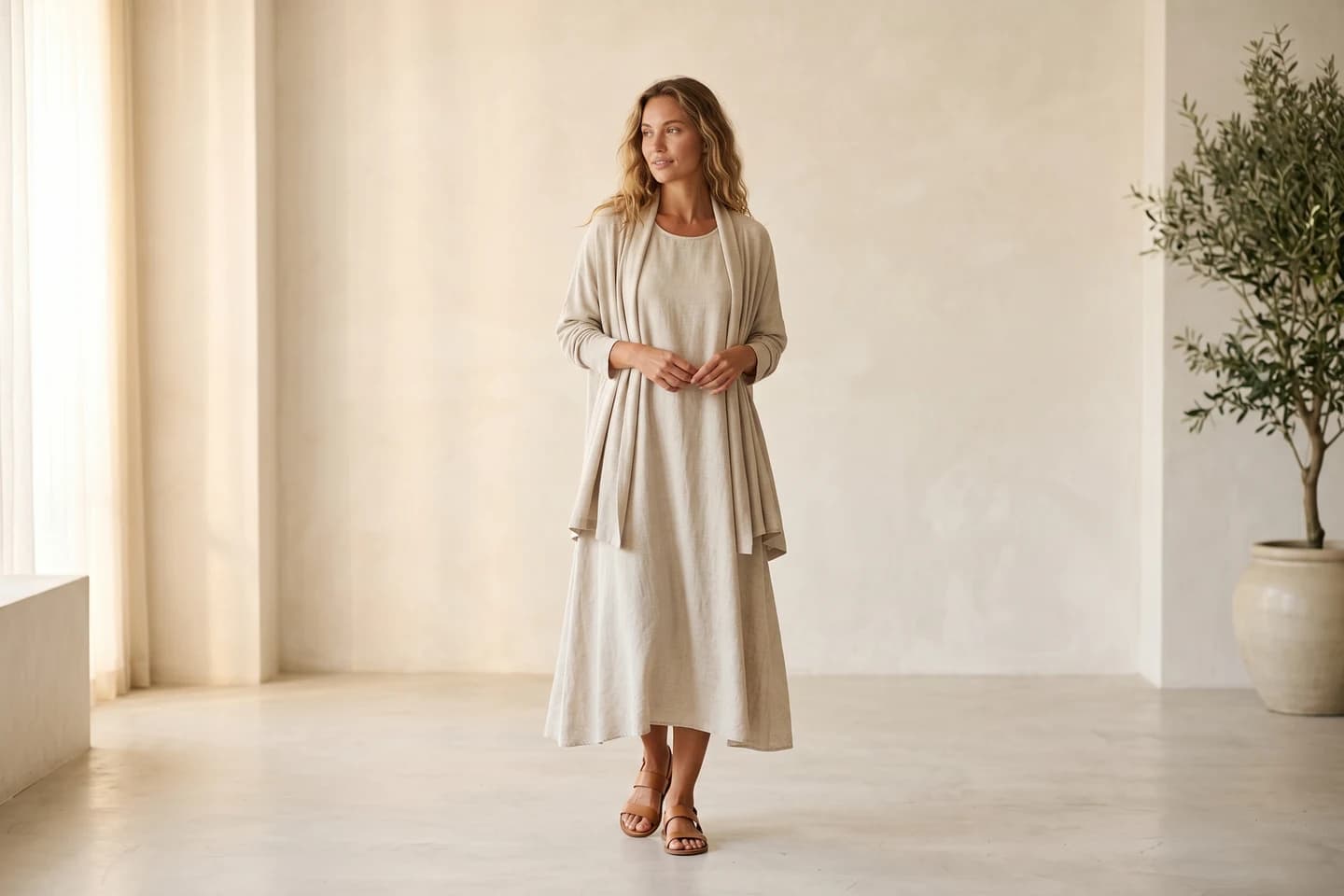
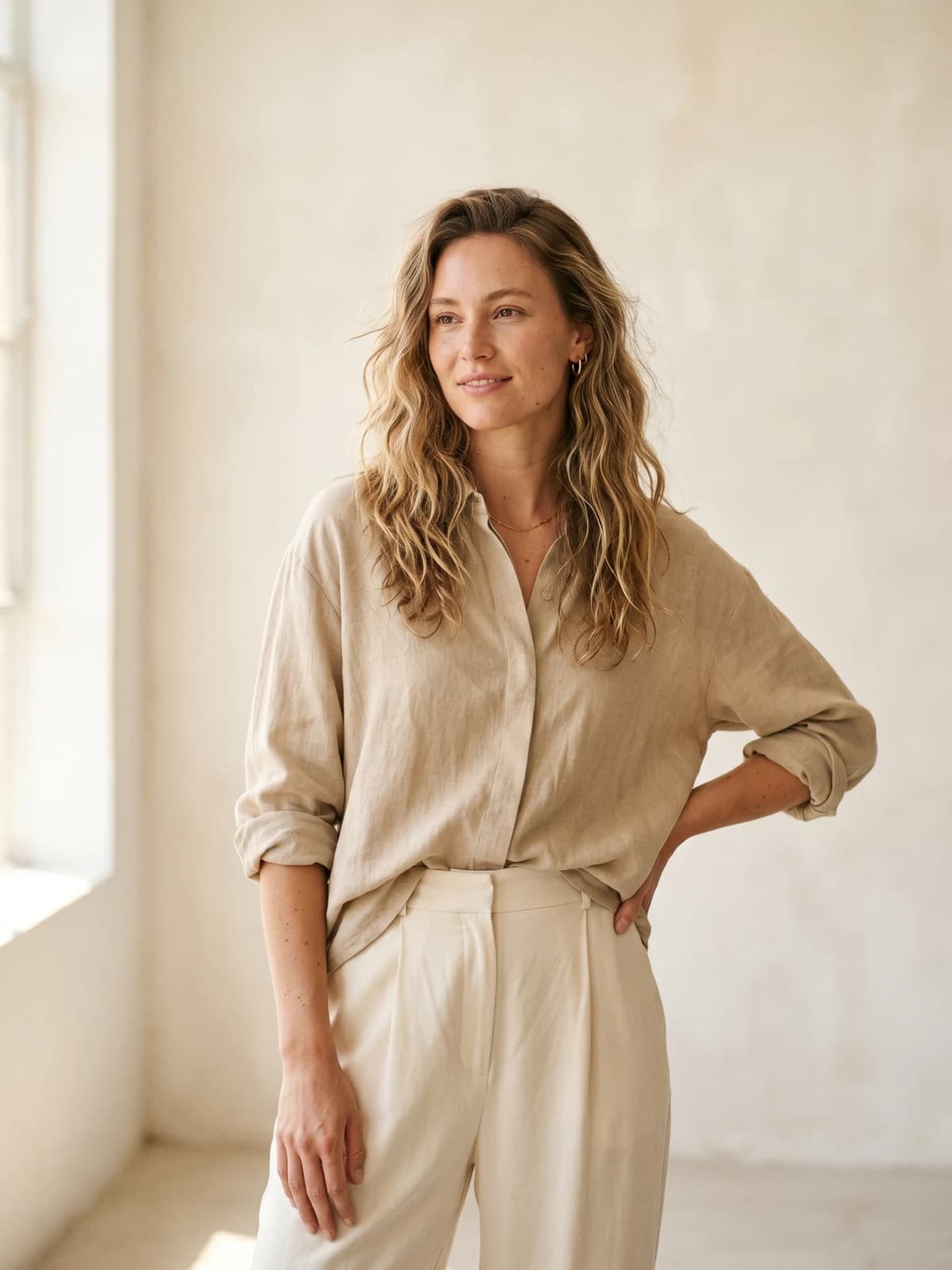
Replace your next photoshoot with AI
Professional on-model fashion photography in seconds — at a fraction of the cost of a studio shoot.
FAQ
What is AI pose transfer?
AI pose transfer takes the body position from one source (a photo, a skeleton, a video) and applies it to a different subject. The model reads the pose as structure, usually a set of joint positions, then generates a new image or video of your subject matching that structure. It's how you get one character or model in any pose without reshooting.
What's the difference between pose transfer and pose editing?
Pose transfer copies a pose from a reference onto your subject. Pose editing changes the pose of a subject in an existing photo, keeping the person, outfit, and scene. Tools like WearView do both: you can upload a pose reference image or simply describe the new pose in text and regenerate the shot.
Can AI change a model's pose in an existing photo?
Yes, within limits. Fashion-focused tools can re-pose a model while keeping the face and clothing consistent, which works well for standard standing, sitting, and walking poses. Very complex poses with heavy limb overlap or extreme foreshortening still fail more often and need retries, whatever tool you use.
Is there a free AI pose transfer tool?
Stable Diffusion with ControlNet is fully free and open source if you have the hardware to run it. Krea offers 100 free compute units per day, Viggle allows 5 watermarked videos per day, and PoseMy.Art's free tier exports OpenPose references. WearView is a paid product, with plans starting at $29/month.
What is ControlNet OpenPose?
OpenPose is a ControlNet model that detects a human skeleton (body, and optionally hands and face) in a reference image, then constrains a diffusion model to generate a new image following that exact skeleton. It's the standard building block for precise pose control in open-source image generation.
Does pose transfer work for video?
Yes. Viggle and DomoAI both animate a still character image using the motion from a reference video, so the subject performs the walk, dance, or gesture frame by frame. Expect stylized rather than photoreal results, and expect garment details to drift during fast movement.
What makes a good pose reference image?
A single person, fully in frame, with limbs clearly separated and a camera angle close to the one you want in the output. Ambiguous references (crossed arms hiding hands, heavy occlusion, unusual perspective) produce broken skeletons and broken results. A 3D posing tool like PoseMy.Art lets you build a clean reference when photos fall short.
Which AI pose transfer tool is best for fashion brands?
WearView, because it treats the garment as the thing that must survive the pose change. General pose tools transfer skeletons but regenerate clothing loosely, which is fine for characters and concepts and useless for a product page. Pairing pose control with AI generated models for fashion also keeps one consistent model identity across every pose in a catalog, in HD to 4K with commercial rights.

WearView Team
WearView Content & Research Team
WearView Team is a group of fashion technology specialists focused on AI fashion models, virtual try-on, and AI product photography for e-commerce brands. We publish in-depth guides, case studies, and practical insights to help fashion businesses improve conversion rates and scale faster using AI.


