June 17, 2026•17 min read
Photoroom vs Canva: A complete comparison for fashion product images
Photoroom is the AI cutout and product-photo specialist. Canva is the all-in-one design platform millions already use. Here is how they actually compare for fashion product images on features, pricing, and reviews, plus where a fashion-only tool like WearView fits when neither generalist gets you on-model shots.
Photoroom vs Canva: A complete comparison for fashion product images
Photoroom and Canva are both popular tools for getting product images and marketing visuals ready to sell, but they were built for different jobs. Photoroom is an AI-first product photography tool: background removal, instant shadows, product staging, and a set of ecommerce editing tools. Canva is a broad all-in-one design platform used for everything from social posts and presentations to product mockups, with AI photo-editing features layered into a much larger creative suite.
If you sell fashion online in 2026 and you are weighing Photoroom vs Canva, the right pick depends less on which tool is "better" overall and more on what you actually do most: clean, automated product cutouts and packshots, or designing finished marketing graphics around your images.
This guide compares Photoroom and Canva feature by feature for fashion product imagery, with a side-by-side pricing breakdown, an honest look at user reviews, and where a fashion-only tool like WearView fits when neither a cutout specialist nor a design suite can actually put your garment on a realistic model.
What's the difference between Photoroom and Canva?
Photoroom is a focused product-photo editor built around AI cutouts and ecommerce-ready images. Canva is a general design platform where photo editing is one feature inside a toolkit that spans graphics, video, docs, and brand assets. That single difference drives almost every pricing, output, and workflow decision below.
Tool focus and depth
Photoroom concentrates its surface area on product images. Its named tools cluster around making a product look sellable: Background Remover, Background Generator (AI Backgrounds), Instant Shadows, Object Removal, Retouch, batch editing, Product Staging, and fashion-adjacent tools like Virtual Model, Ghost Mannequin, and Flat Lay. The depth on cutouts and packshot polish is the reason a lot of sellers reach for it.
Canva is a horizontal design platform. You get templates, a drag-and-drop editor, brand kits, presentations, social graphics, documents, websites, video editing, and a Magic Studio of AI features (Magic Edit, Background Remover, Magic Eraser, Text to Image, and more). Photo editing exists, but it sits inside a much wider creative workflow, and the strength is in turning an image into a finished, on-brand graphic rather than in automated, high-volume product cutouts.
Workflow priorities
Photoroom optimizes for speed from raw product photo to listing-ready image: shoot or upload, cut out, stage, export. Its batch tools are built for processing many SKUs at once, and there are mobile apps for editing on the go.
Canva optimizes for design and layout. You start from a template or blank canvas and assemble text, images, shapes, and brand elements into a finished asset. For a fashion seller, that means Canva shines once you already have good product photos and want to wrap them into ads, lookbook pages, Instagram carousels, or banners, while Photoroom shines earlier in the pipeline, when the product image itself still needs cleaning and staging.
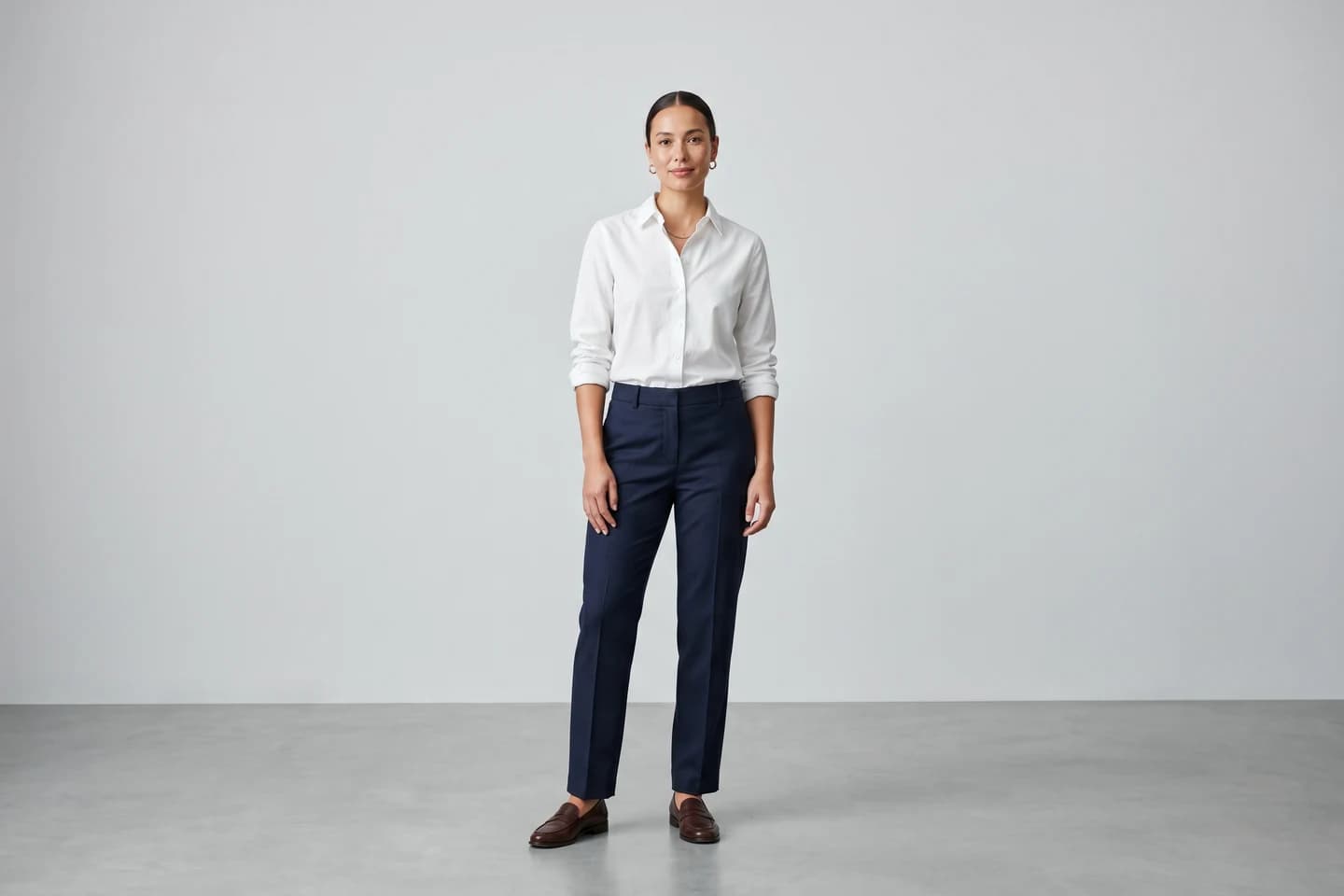
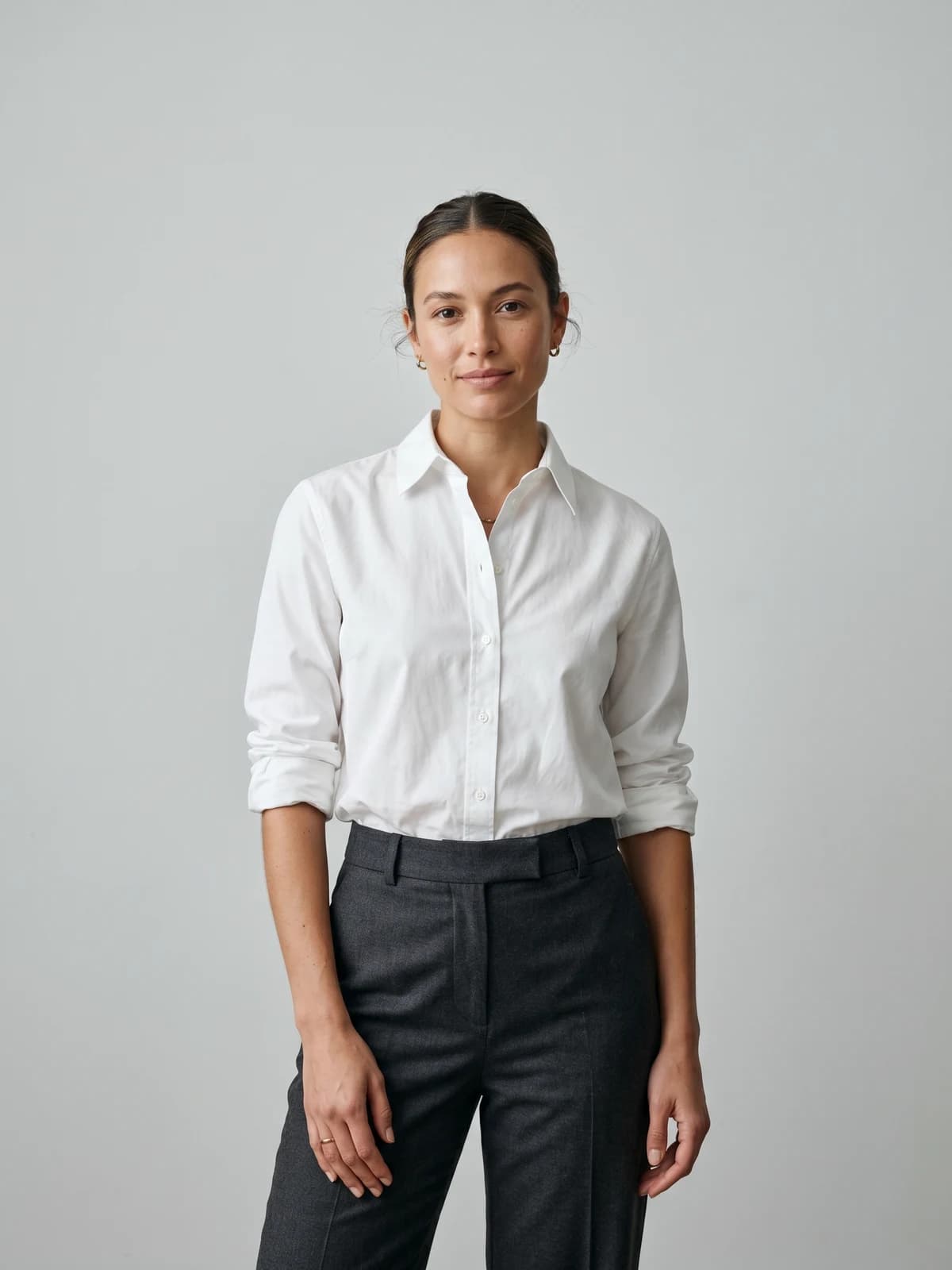
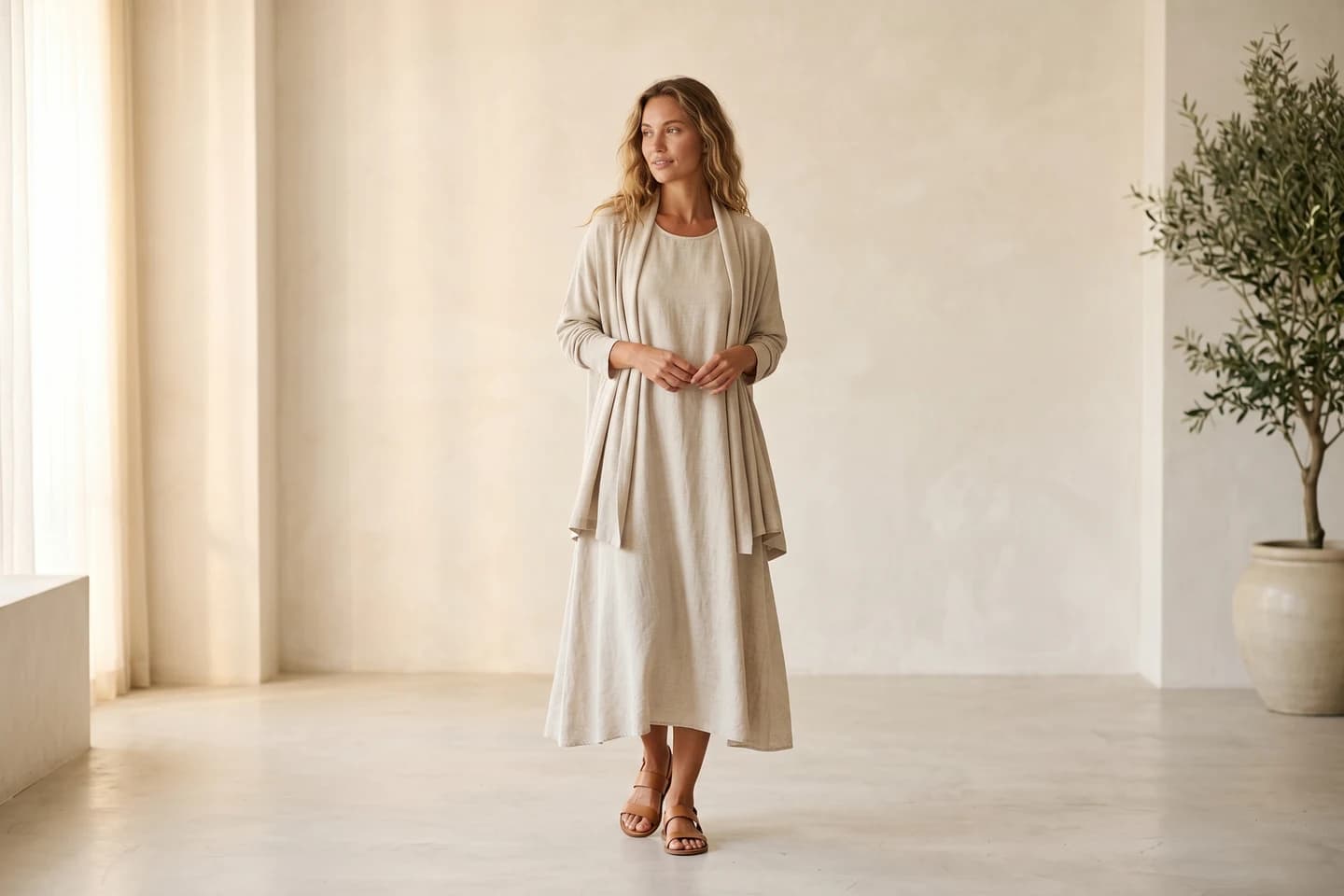
Turn flat-lays into on-model photos
Drop in a flat-lay or product shot and get professional on-model photography ready for your store.
Photoroom vs Canva: feature-by-feature comparison
| Category | Photoroom | Canva |
|---|---|---|
| Best for | Product photo editing and packshots | All-in-one design and marketing graphics |
| Primary use case | AI background removal and product staging | Templates, graphics, social, and video design |
| Background removal | Yes (core product) | Yes (Magic Studio, paid feature) |
| Batch editing | Yes (named batch tools) | Limited (Bulk Create for data merge, not photo batch cutouts) |
| Product staging / scene backgrounds | Yes (Product Staging, AI Backgrounds) | Via templates and AI backgrounds, not a product-staging tool |
| Virtual model / product-to-model | Yes (Virtual Model) | No (not a named feature) |
| Ghost mannequin | Yes (named tool) | No |
| AI text-to-model creation | No (works from a product image) | No |
| Pose control | Yes (pose selection on Virtual Model) | No |
| Consistent model identity | Yes (save custom models in Brand Kit) | No |
| AI fashion video (models in motion) | Limited (animates static product images) | No (video editor, not AI model video) |
| Design templates / layout | Limited | Yes (very large template library) |
| Output resolution | Up to 4K on the Virtual Model tool | High-resolution export on paid plans |
| Commercial usage rights | Yes on paid plans (not on free) | Yes (within Canva content license terms) |
| Free tier | Yes (limited exports, watermark on some output) | Yes (generous free plan) |
| Mobile apps | Yes (iOS, Android) | Yes (iOS, Android) |
Source: Photoroom and Canva product and pricing pages. Verify current details before relying on any single cell.
How Photoroom and Canva compare for fashion sellers
The table makes the surface-area difference clear. The harder question for a fashion seller is which tool moves you faster from a raw product photo to something you can actually publish, and where each one quietly stops short of what fashion imagery needs.

Photoroom screenshot
1. Cleaning and staging product photos
This is Photoroom's home turf. Its Background Remover is the feature it is best known for, and the surrounding tools (Instant Shadows, Object Removal, Retouch, Product Staging) are built to turn a quick phone shot into a clean, listing-ready image. Batch tools let you process many product photos at once, which matters when you are listing dozens of SKUs.
Canva also offers background removal and Magic Edit inside Magic Studio, and they work well for one-off images, but Canva is not designed for high-volume, automated product cutouts. There is no equivalent to Photoroom's dedicated batch product-photo pipeline, and bulk features in Canva are oriented toward merging data into design templates rather than editing many product photos at once.
For a seller whose daily job is cleaning up packshots across a catalog, Photoroom is the more efficient tool. For a seller who edits the occasional image and mostly needs it dropped into a finished design, Canva's editing is good enough without leaving the design app.
2. Designing finished marketing assets
Here the advantage flips to Canva. Once your product image is clean, Canva is built to wrap it into something publishable: an Instagram carousel, a sale banner, a lookbook page, a pitch deck, a short promo video. Its template library, brand kit, and drag-and-drop layout tools are deep, and most teams already know how to use it.
Photoroom includes some templates and a basic design surface, but layout and multi-element design are not its focus. You can export a clean product image from Photoroom and bring it into Canva to finish the graphic, which is exactly how many sellers use the two together.
For brands that produce a steady stream of social and marketing graphics, Canva is the stronger design layer. For brands whose bottleneck is the product photo itself, the design step is secondary.
3. Putting garments on realistic models
This is where both generalists hit the same wall for fashion. A clean cutout or a polished banner still is not an on-model photo of a real-looking person wearing your garment, and that is the image most fashion product pages actually need.
Photoroom does ship fashion-adjacent tools: Virtual Model places a garment on an AI model with preset pose and background choices, outputs in 2K and 4K, and lets you save custom models in its Brand Kit for consistency across collections, and there is a separate Ghost Mannequin tool. It is the closer of the two generalists for fashion. Canva does not list a virtual try-on, product-to-model, or ghost mannequin feature; its AI is built for general image generation and editing, not for putting a specific garment on a model while preserving the real fabric and print.
A fashion-only tool like WearView is built specifically for this gap. Product to model turns a flatlay or product photo into an on-model image, virtual try-on previews a garment on AI models, and the platform adds text-to-model creation, pose control via a reference image, consistent model identity across collections, ghost mannequin, and fashion video. For a brand whose core need is on-model imagery rather than cutouts or layouts, that focus closes the gap neither Photoroom nor Canva fully covers.
Canva screenshot
What users say about Photoroom and Canva
Both Photoroom and Canva maintain verified Trustpilot profiles, the one platform where they can be compared directly. As of mid-2026, Photoroom's Trustpilot score sits low, in the 1.x out of 5 range across roughly 160-200 reviews, with the large majority of recent reviews rated one star. Canva's Trustpilot rating is also on the lower side, weighed down by billing and account complaints, despite Canva being a widely used product. Trustpilot tends to attract dissatisfied consumers for both tools, and B2B review sites paint a more favorable picture, so treat these Trustpilot scores as a soft signal, check each profile for the current figure, and read the underlying complaints before committing to an annual plan.
What users praise
For Photoroom, the recurring positives center on what it has been known for since launch: a fast, accurate background remover and a quick path from raw photo to clean product image. Long-time users frequently describe it as one of the cleanest tools they have used for cutouts, and the mobile apps get credit for letting sellers edit on the go.
For Canva, the praise is about breadth and ease of use. Reviewers consistently highlight how approachable it is for non-designers, the size and quality of its template library, the value of the brand kit for teams, and how much of a marketing workflow lives in one place. For sellers who do not have a dedicated designer, that accessibility is the main draw.
What users complain about
For Photoroom, the loudest criticisms on Trustpilot are concentrated on billing and the credit model rather than image quality: difficulty cancelling during free trials, charges some users report after cancelling, previously included features moving into higher tiers, and slow or bot-only support. Notably, its B2B review-site scores are far higher, so the Trustpilot picture is largely consumer billing pain, not a verdict on the editing engine.
For Canva, recurring complaints include subscription and billing friction (surprise renewals and cancellation difficulty are common themes), confusion over which assets and AI outputs are free versus paid, occasional performance slowdowns in large or complex designs, and content-license questions when using stock and AI elements commercially. For fashion sellers specifically, the bigger limitation is structural rather than a complaint: Canva simply is not built to generate on-model fashion imagery.
To keep this balanced, WearView is worth the same honesty. Its Trustpilot base is much smaller than either generalist, so the sample is modest, and the most common minor gripes are that a strong result can take a few prompt attempts (and a misfire still costs a credit) and that there is no free tier to test the tool before paying. Read all three knowing the review sizes are uneven.
Pricing breakdown
The pricing pages for both tools, plus WearView's published credit packs, look like this side by side. Treat the Photoroom and Canva figures as needing verification against their live pricing pages, since both ship pricing changes often.
| Tier | Photoroom | Canva | WearView |
|---|---|---|---|
| Free | Limited exports, watermark on some output, no commercial rights | Generous free plan with core design tools | No free tier or free credits |
| Entry paid | Pro (low monthly, lower billed annually) | Canva Pro (single user) | Lite from $29/mo (50/100/150 credits) |
| Mid | Max | Canva Teams (per-seat) | Pro $49-$89/mo (200/300/400 credits) |
| Top | Ultra (scales across sub-tiers) | Enterprise (custom) | Advanced $99-$359/mo (500-2,000 credits) |
| Output focus | Product photos and cutouts | Design, graphics, and video | On-model fashion imagery |
| Commercial rights | On paid plans | Within Canva content license | On every paid plan |
Pricing as of June 2026. Verify all Photoroom and Canva figures on their official pricing pages before relying on them.
A few notes on the math. WearView publishes flat credit counts at each plan's entry: roughly $0.58 per credit on Lite (50 credits at $29), $0.245 on Pro (200 at $49), and $0.198 on Advanced (500 at $99), with larger credit packs inside each plan bringing the per-credit cost down further. Annual billing on WearView saves up to $718 per year on the Advanced 2,000 pack.
Photoroom and Canva are not directly comparable to each other on a per-credit basis, because they sell different things: Photoroom sells exports plus AI credits whose exact counts it does not always publish per tier, while Canva sells a flat design subscription with most AI features metered separately. For pure value, Canva's free plan is hard to beat if you mostly design graphics, and Photoroom is strong value for high-volume cutouts. Neither price compares cleanly to a fashion generation tool, because neither produces on-model fashion images the way a fashion-specific platform does.
When to choose Photoroom, Canva, or a fashion-only alternative
| Factor | Choose Photoroom | Choose Canva | Consider WearView |
|---|---|---|---|
| Primary workflow | Background removal and product staging | Designing graphics, social, and video | Putting garments on realistic AI models |
| Core strength | Clean, automated product cutouts at volume | Templates, layout, brand assets | On-model fashion imagery and try-on |
| Business size | Sellers cleaning up many product photos | Teams producing lots of marketing assets | Fashion brands and agencies scaling on-model content |
| Output priority | Listing-ready packshots | Finished marketing graphics | On-model photos, ghost mannequin, fashion video |
| Feature breadth | Focused product-photo suite | Broad design platform | Focused fashion suite (7 tools) |
| Pricing fit | Low entry for cutouts | Strong free plan, per-seat teams | No free tier, predictable per-credit cost |
If your main job is cleaning up product photos
Photoroom is the path of least resistance. Background removal, instant shadows, product staging, and batch editing cover most of what a seller needs to get raw photos listing-ready, and the mobile apps make it usable from a phone. Verify the cancellation flow before subscribing, since billing is the dominant complaint in its reviews.
If your main job is designing marketing assets
Canva is the stronger fit. If your bottleneck is turning images into finished ads, carousels, lookbook pages, and promo videos, Canva's templates, brand kit, and drag-and-drop editor do that better than Photoroom, and most teams already know the tool. Many fashion sellers run both: Photoroom (or a fashion tool) to produce the image, Canva to design around it.
If you need garments on realistic models
Neither generalist is built for this. If the image you actually need is your garment on a believable AI model, a fashion-only tool like WearView is the right shape. It covers product-to-model, virtual try-on, AI model creation from text, pose control, consistent model identity, ghost mannequin, and fashion video, with 4K commercial rights on every paid plan. You can still finish those images in Canva afterward, but the on-model shot itself comes from a tool built for fashion.
Key takeaways
- Photoroom edits photos; Canva designs around them. Pick Photoroom if your bottleneck is cleaning and staging product images at volume. Pick Canva if your bottleneck is turning images into finished marketing graphics.
- Neither generalist puts garments on realistic models well. Photoroom's Virtual Model is the closer of the two, but on-model fashion imagery is not the core job of either tool.
- Watch billing on both. Subscription and cancellation friction is the loudest complaint for Photoroom and a recurring one for Canva. Confirm the cancellation path before going annual.
- Many fashion sellers use two or three tools together. A fashion generator for the on-model shot, Photoroom for cutouts, Canva for the layout.
- For fashion-first teams, a specialist closes the gap. If on-model imagery is your core need, WearView covers the fashion workflows neither Photoroom nor Canva does, with predictable credit packs.
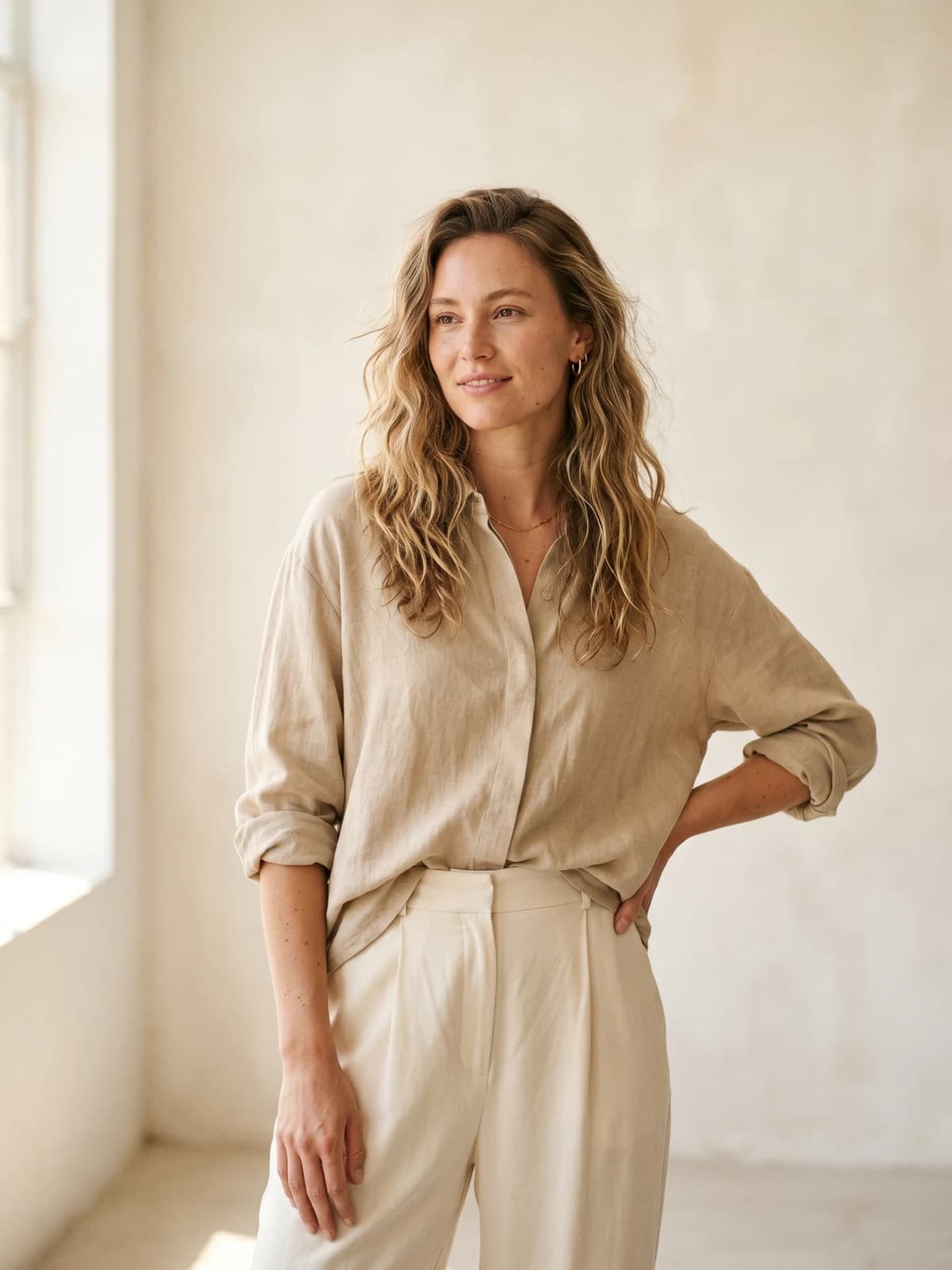
Replace your next photoshoot with AI
Professional on-model fashion photography in seconds, at a fraction of the cost of a studio shoot.
FAQ
What's the main difference between Photoroom and Canva?
Photoroom is an AI product-photo editor focused on background removal, shadows, and product staging. Canva is a broad design platform for templates, graphics, social posts, and video, with photo editing as one feature among many. Use Photoroom to clean and stage product images, Canva to design finished marketing assets. For on-model fashion imagery, neither is purpose-built, and a fashion tool like WearView fits that gap.
Canva vs Photoroom: which is better for fashion sellers?
It depends on the task. For cleaning and staging product photos at volume, Photoroom is the tighter fit thanks to its background remover, product staging, and batch tools. For designing the ads, carousels, and lookbook pages around those photos, Canva is stronger. Neither generates true on-model fashion images, so many fashion sellers add a specialist for that step.
Is Photoroom cheaper than Canva?
They price differently, so a clean comparison is hard. Canva has a generous free plan and a flat paid subscription, while Photoroom has a free tier plus paid plans whose AI credit allowances it does not always publish per tier. For pure design work, Canva's free plan is hard to beat; for high-volume cutouts, Photoroom is strong value. Verify the current numbers on each pricing page before deciding.
Can I use Photoroom and Canva together?
Yes, and many sellers do. A common workflow is to clean and stage the product image in Photoroom, then bring that image into Canva to build the finished graphic, banner, or social post. The two tools sit at different points in the same pipeline rather than fully replacing each other.
Does Canva offer virtual try-on or product-to-model like a fashion tool?
No. Canva does not list a virtual try-on, product-to-model, or ghost mannequin feature; its AI is built for general image generation and editing. Photoroom is the closer of the two generalists, with a Virtual Model tool, but a fashion-specialized platform like WearView is built specifically for putting garments on realistic AI models.
Are Photoroom and Canva well reviewed?
Both maintain Trustpilot profiles where consumer billing complaints drag the scores down, even though both are widely used and rate better on B2B software review sites. Photoroom's Trustpilot complaints cluster around cancellation and the credit model; Canva's around renewals, cancellation, and which assets are free versus paid. Read the underlying reviews and confirm the cancellation path before committing to an annual plan.
What's the best Photoroom or Canva alternative for fashion brands?
For brands whose core need is on-model imagery, a fashion-only tool is the better shape than either generalist. WearView covers product-to-model, virtual try-on, AI model creation, consistent models, pose control, ghost mannequin, and fashion video with 4K commercial rights on every paid plan. You can still use Photoroom for cutouts and Canva for design, but the on-model shot itself comes from a tool built for fashion.

WearView Team
WearView Content & Research Team
WearView Team is a group of fashion technology specialists focused on AI fashion models, virtual try-on, and AI product photography for e-commerce brands. We publish in-depth guides, case studies, and practical insights to help fashion businesses improve conversion rates and scale faster using AI.