
July 27, 2026•19 min read
7 best tools for consistent product images in 2026
Your catalog looked fine at 50 products. At 500, the lighting, models, and crops start to drift. Here are 7 tools that keep product images consistent, from an AI model that never changes to retouching services and batch presets, with pricing for each.
Picture of 7 best tools for consistent product images in 2026 article
Shoppers notice when a product grid looks stitched together from five different photoshoots. One hoodie sits on a model in warm daylight, the next hangs on a mannequin against gray seamless, and a third is cropped tighter than everything around it. This drift is almost unavoidable as a catalog grows: different photographers, different studios, different months. It also costs sales, because a messy grid reads as a less trustworthy store.
This guide compares the best tools for consistent product images in 2026. They work in very different ways: one generates every photo on the same AI model, one is a human retouching service, others rely on presets, templates, or code. For each tool you'll get pricing, strengths, and honest limitations, plus a short framework for choosing between them. If you want the fundamentals of visual uniformity first, start with our consistent product images guide.
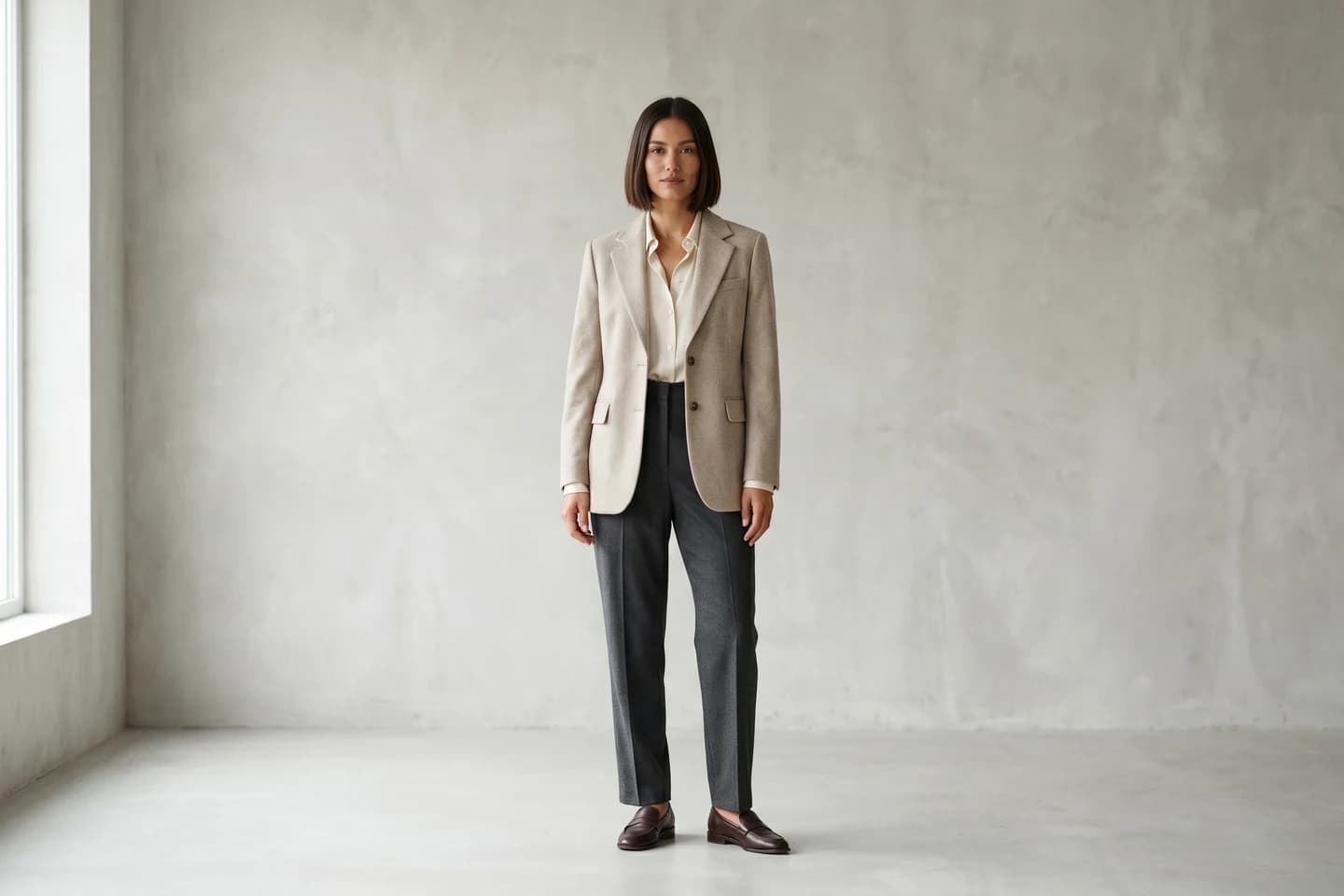
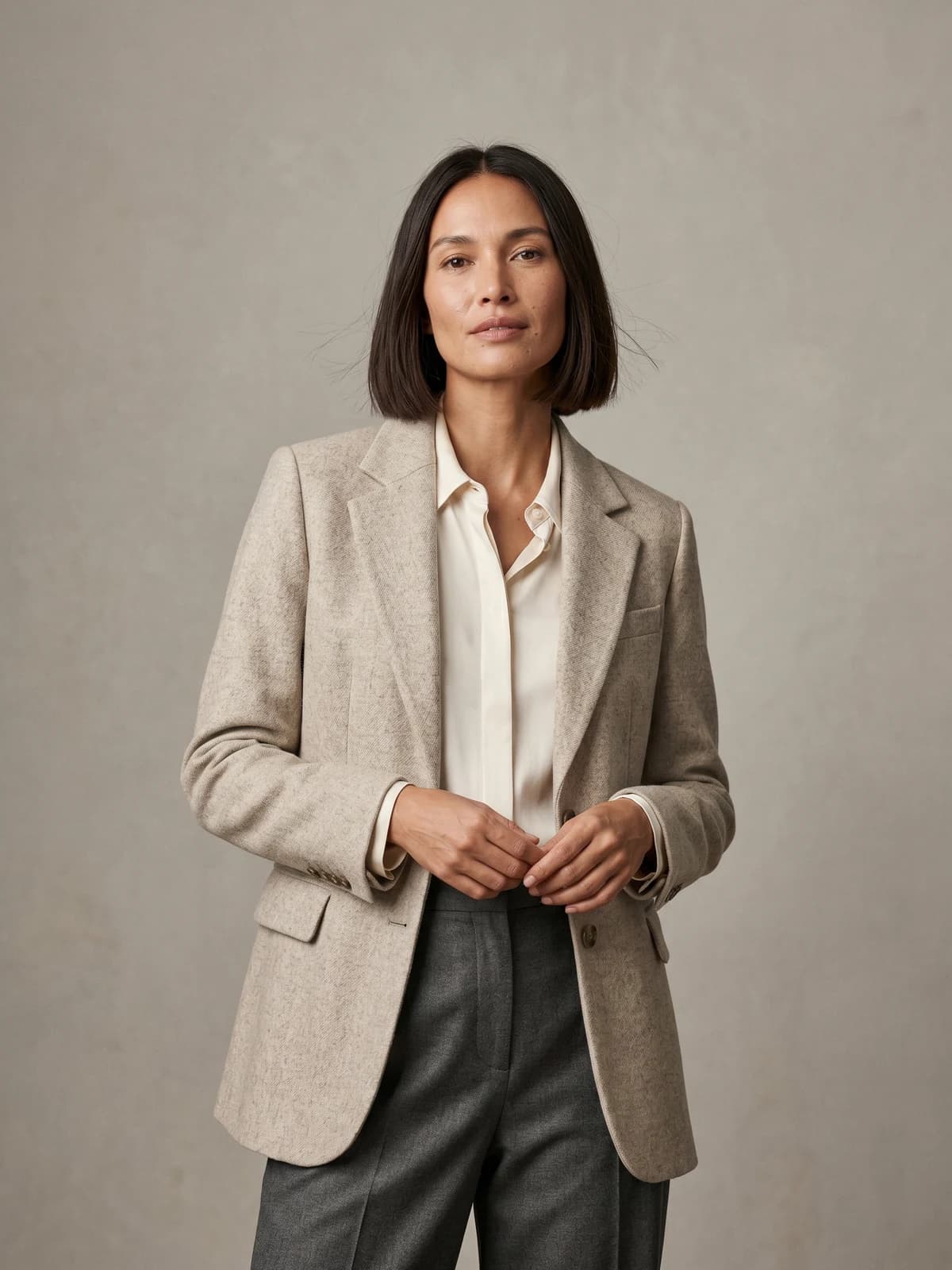
The same model across your whole catalog
Keep one signature model consistent across every product, pose, and collection.
Best tools for consistent product images: a brief overview
- WearView: Best overall for fashion and apparel catalogs: it generates every product photo on the same AI model with the same styling, lighting, and background, so the catalog comes out uniform instead of being corrected later.
- Flair.ai: Best for reusable scene templates: stage a product scene once on a canvas, then drop every new product into the same setup.
- Pixelz: Best for outsourced retouching to a spec: human editors process your photos against a fixed style guide at per-image prices.
- Pebblely: Best budget pick for uniform AI lifestyle backgrounds on simple product shots.
- Adobe Lightroom: Best for teams that shoot their own photos and want preset-driven batch editing to keep color and exposure matched.
- Canva: Best for keeping listing graphics and marketing visuals on brand with a shared Brand Kit.
- Cloudinary: Best for developer teams that enforce crops, sizes, and formats programmatically across huge image libraries.
| Tool name | Key strength | Pricing | Platforms |
|---|---|---|---|
| WearView | Same AI model, styling, and background across every product | From $29/month (50 credits) | Web |
| Flair.ai | Reusable scene templates for product photos and videos | From $8/month; free plan available | Web, API (enterprise) |
| Pixelz | Human retouching that follows your style guide | From $7/month plus $1.45/image | Web platform |
| Pebblely | Fast AI lifestyle backgrounds with bulk generation | From $9/month (30 images) | Web |
| Adobe Lightroom | Presets and batch edits for photos you shoot yourself | From $14.99/month (1TB plan) | Desktop, mobile, web |
| Canva | Brand Kit locks fonts, colors, and logos across designs | From about $15/month; free tier available | Web, desktop, mobile |
| Cloudinary | Programmatic transformations and DAM for large libraries | Free tier (25 credits); paid from $99/month | API, web console |
1. WearView, best overall for consistent catalog images
WearView is an AI fashion photography platform built around a simple idea: if every product is photographed on the same model, in the same styling, lighting, and background, consistency stops being a post-production problem. Its consistent AI models feature lets you define a model once, then reuse that exact face and body for every garment you sell. You upload a product photo (flat lay, packshot, or mannequin shot), apply your saved model, describe the background and pose, and get finished on-model photos back in about 30 seconds.
Because the model and setting are generated rather than photographed, image 400 in your catalog matches image 1. The product to model tool converts flat lays and packshots into on-model shots, virtual try-on previews garments on different models, and the same saved identity carries across all of it. Everything renders in HD up to 4K with commercial usage rights on every paid plan.
Consistent Product Images with WearView
Key features
- Consistent model identity: define a model once, reuse it across every product and campaign
- Flat lay and packshot to on-model conversion in under 15 seconds
- AI model creation from text prompts, plus pose control via reference images
- HD, 2K, and 4K output with commercial usage rights
- Ghost mannequin and AI fashion video (720p and 1080p) in the same workspace
- Team seats: up to 5 on Pro, up to 15 on Advanced
Best for
- Apparel and accessory catalogs where every product page should show the same model, lighting, and backdrop
- Ecommerce teams replacing recurring photoshoots with a repeatable generation workflow
Pricing
- Lite at $29/month (50 credits), Pro at $49/month (200 credits), Advanced at $99/month (500 credits)
- Annual billing saves up to $198 per year; credit packs cover one-off top-ups
- No free tier
Pros
- Fixes consistency at the source: images come out uniform instead of being corrected afterwards
- One saved model across the whole catalog, which presets and retouching services cannot replicate
- 30-second turnaround per image makes a full catalog refresh a day's work, not a quarter's project
Cons
- Built for on-model fashion and accessory imagery; not a fit for electronics, furniture, or other general product categories
- Per-image credits mean very large catalogs need a budget plan (a 1,000-SKU refresh takes multiple billing cycles or credit packs)
2. Flair.ai, best for reusable brand templates
Flair.ai approaches consistency through templates. You stage a product scene once on a drag-and-drop canvas, arranging props, surfaces, and lighting, then reuse that template every time a new product arrives. The result is a catalog where every skincare bottle or sneaker sits in the same staged world. Flair also generates product videos and offers a fashion photoshoot feature that fits clothing and jewelry onto AI-generated models while preserving patterns and logos.
The template mechanism suits brands that sell across categories: the same canvas works for cosmetics, food, furniture, and apparel. Teams collaborate in real time on shared projects, and enterprise plans add API access for automated pipelines.

Consistent Product Images with Flair AI
Key features
- Drag-and-drop canvas for staging product scenes digitally
- Reusable templates so every new product inherits the same setup
- Bulk content generation for batches of products
- On-model generation for clothing and jewelry
- AI product videos alongside stills
Best for
- Multi-category brands that want one staged look across cosmetics, food, home goods, and fashion
- Marketing teams producing ad creative and social content from the same product assets
Pricing
- Free plan includes 1 custom model and 5 generated images
- Paid plans start from $8/month (Pro); Pro+ at $26/month covers 80 generated images, Scale at $38/month covers 150 (prices reflect the annual discount)
- Enterprise adds unlimited API access at custom pricing
Pros
- Templates are genuinely reusable, so the setup cost is paid once per scene
- Works across product categories, from cosmetics to furniture to apparel
- Free plan lets you test the canvas before paying
Cons
- Image quotas at the lower tiers are modest for catalog-scale work
- Custom model slots are capped per tier, so large model libraries need the higher plans
3. Pixelz, best for outsourced retouching to a style guide
Pixelz is not software you operate. It is a retouching service: you upload photos from your own shoots, and a production team of human specialists (with AI-assisted steps in between) processes each one against your written specifications. Background removal, alignment, cropping, color profile, file format, margins: you define the spec once, and every image that comes back follows it. Clients include Zalando, Mango, ASICS, and PacSun.
This is the classic fix for catalogs shot by different photographers over time. The photos go in looking different and come out matching, because the same spec governs every edit. Turnaround is measured in hours or days depending on plan, so it fits scheduled catalog work better than same-hour launches.

Consistent Product Images with Pixelz
Key features
- Human retouching teams working from your fixed style specifications
- Background removal, alignment, cropping, resizing, color profiles, and file formatting as standard
- Add-ons for ghost mannequin (from $0.50/image), color matching, shadows, and clipping paths
- Platform with asset review, markup comments, and order tracking
- Guaranteed daily capacity on Professional (200 images/day) and custom capacity on Enterprise
Best for
- Brands with in-house or agency photography that needs post-production discipline, not new imagery
- Retailers processing hundreds of images per week against a compliance spec (marketplace image rules, for example)
Pricing
- Solo at $7/month plus $1.45 per image, 48-hour turnaround
- Professional at $75/month plus $0.95 per image, next-morning delivery with a 3-hour expedite option
- Enterprise at $1,995/month with custom per-image pricing and turnaround from 3 hours
Pros
- Human review catches edge cases automated tools miss
- The spec system is built exactly for cross-shoot consistency
- Scales to enterprise volumes with guaranteed capacity
Cons
- You still need to run the photoshoots; Pixelz only standardizes what you shot
- Per-image fees plus subscription make it one of the pricier options at high volume
- Hours-to-days turnaround, not seconds
4. Pebblely, best budget pick for uniform lifestyle backgrounds
Pebblely does one job: it takes a product cutout and places it into an AI-generated lifestyle scene. Pick the same background theme for every product in a collection and you get a matched set of lifestyle images without booking a single shoot. The pricing page lists 40+ background themes plus custom prompts, and bulk generation on the Basic and Pro plans handles whole batches with similar or varied backgrounds.
It is deliberately simple. There is no canvas to stage and no spec document to write, which is exactly why smaller sellers like it. The trade-off is control: you choose themes and prompts rather than arranging every prop.
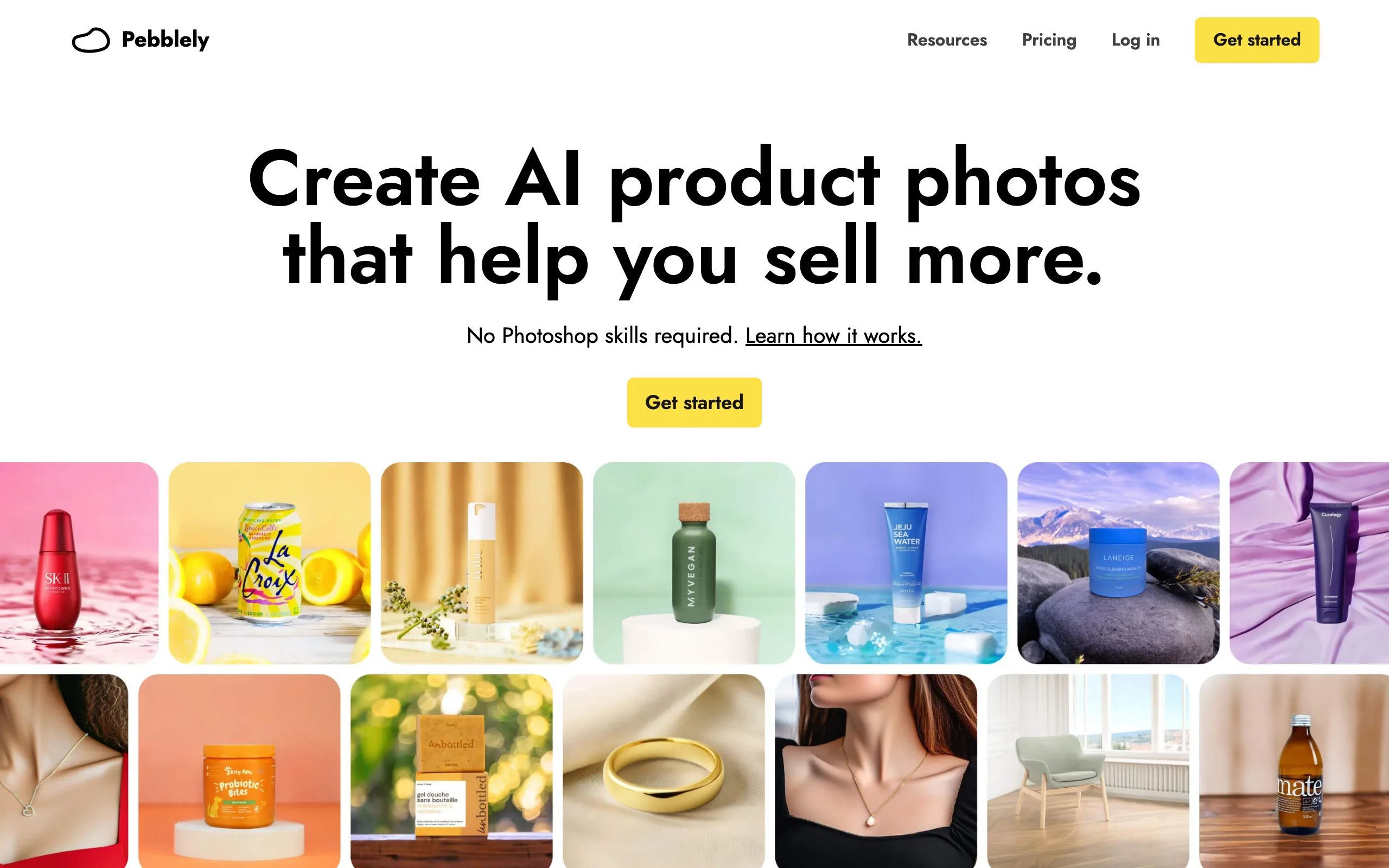
Consistent Product Images with Pebblely
Key features
- 40+ background themes plus custom text prompts
- Bulk generation with similar or varied backgrounds across a batch
- Resize function that turns one image into formats for Instagram, Facebook, Pinterest, and Shopify
- No design or Photoshop skills required
Best for
- Small sellers and marketplace stores that need matched lifestyle shots for accessories, cosmetics, or packaged goods
- Teams that want batch-consistent backgrounds without learning a design tool
Pricing
- Lite at $9/month for 30 images, Basic at $19/month for 200, Pro at $39/month for 500
- Yearly billing adds 2+ months free
Pros
- Cheapest way on this list to get a matched set of lifestyle backgrounds
- Bulk generate keeps a whole collection in the same visual world
- Almost no learning curve
Cons
- Product-only shots; it does not put garments on models
- Less scene control than a template canvas, so intricate art direction is out of reach
5. Adobe Lightroom, best for preset-driven batch editing
If you shoot your own product photos and plan to keep doing so, Lightroom remains the standard way to make them match. You edit one photo, save the adjustments as a preset, and apply it to hundreds of shots in one pass. Exposure, white balance, contrast, and color grading stay identical across the whole session, which is most of what visual consistency means when the same studio shot everything.
Lightroom syncs edits across desktop, mobile, and web, so a preset built at the desk applies to photos taken on a phone. It will not fix a catalog shot in three different studios with three different setups, but it keeps a controlled pipeline tight.
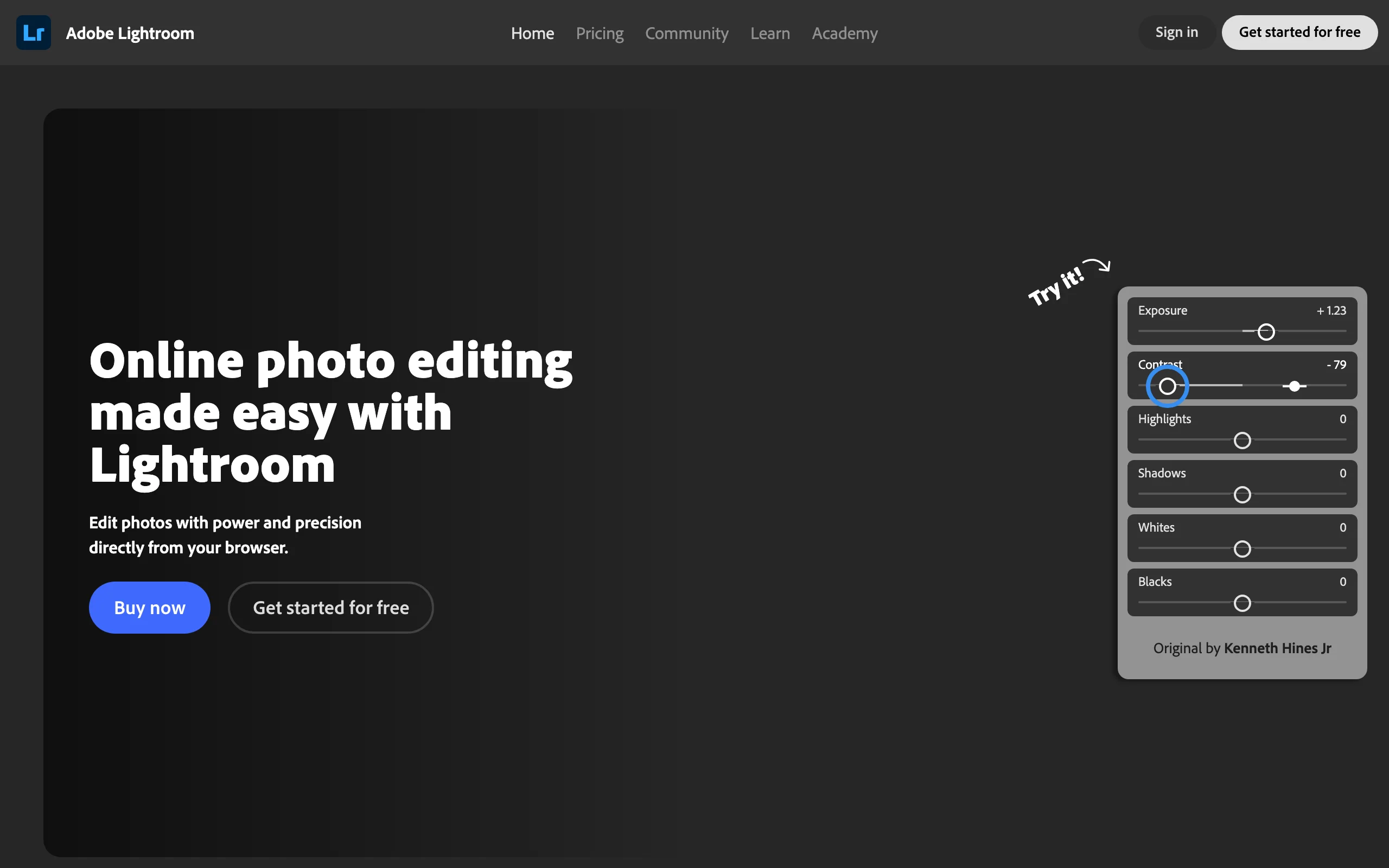
Consistent Product Images with Adobe Lightroom
Key features
- Presets that apply a saved look to any number of photos at once
- Copy and paste edit settings across entire shoots
- Sync across desktop, mobile, and web apps
- Cloud storage (1TB on the standard Lightroom plan)
- AI-assisted masking and removal tools for cleanup work
Best for
- Brands with an in-house photographer and a controlled studio setup
- Photographers delivering matched product sets to ecommerce clients
Pricing
- Lightroom plan (1TB) at $14.99/month, or $149.99/year prepaid (pricing effective March 2026)
- Photography plans that bundle Photoshop are also available
Pros
- Industry-standard editing depth for the money
- Presets make cross-session color matching fast and repeatable
- Works with the photos you already own
Cons
- Only edits what you shoot; it cannot generate models, backgrounds, or missing angles
- Consistency depends on your shooting discipline; presets cannot rescue mismatched lighting setups
6. Canva, best for on-brand listing and marketing graphics
Canva solves a different slice of the problem: the graphics around your product photos. Its Brand Kit stores your logos, fonts, and color palettes so every banner, infographic listing image, and social post pulls from the same system. Bulk create fills a template with data from a spreadsheet, which is how you produce 50 matching promo graphics in an afternoon. A background remover and Magic Resize handle the routine cleanup and reformatting.
For product photography itself Canva is a light touch, but for Amazon listing infographics, sale banners, and lookbook layouts it keeps everything visually related. Most ecommerce teams end up using it alongside a photography tool rather than instead of one.
Key features
- Brand Kit with stored logos, fonts, and color palettes (multiple kits on Pro)
- Bulk create to generate many matching graphics from one template plus a data file
- One-click background remover on paid plans
- Magic Resize to adapt one design to every platform format
- Team plans with shared templates and brand controls
Best for
- Lean teams producing listing infographics, banners, and social graphics that must match the brand
- Stores that need many format variants of the same visual without a designer
Pricing
- Free tier available
- Canva Pro from $15/month (third-party pricing guides list $15 to $18/month as of mid-2026, depending on region and billing)
- Team plans run about $20 to $25 per user per month
Pros
- Brand Kit enforces fonts and colors without anyone thinking about it
- Bulk create is a genuine time-saver for repetitive listing graphics
- Very low training cost; most teams already know it
Cons
- Not a product photography tool; it decorates and formats images rather than creating photorealistic shots
- Brand controls only work if the team actually sticks to the kit
7. Cloudinary, best for programmatic consistency at scale
Cloudinary treats consistency as an engineering problem. Every image lives in a media library, and named transformations (crop, aspect ratio, padding, background normalization, format, compression) are applied through URL parameters or the API. Define a "product-card" transformation once and every image on your product detail pages renders identically, no matter what dimensions the original upload had. The free plan includes 25 monthly credits, and the platform also covers video transcoding and CDN delivery.
This will not make photos look like they came from the same shoot. What it guarantees is that every asset ships at the same size, crop, and quality, automatically, forever. For catalogs with tens of thousands of SKUs and frequent supplier-fed imagery, that guarantee is worth a lot.
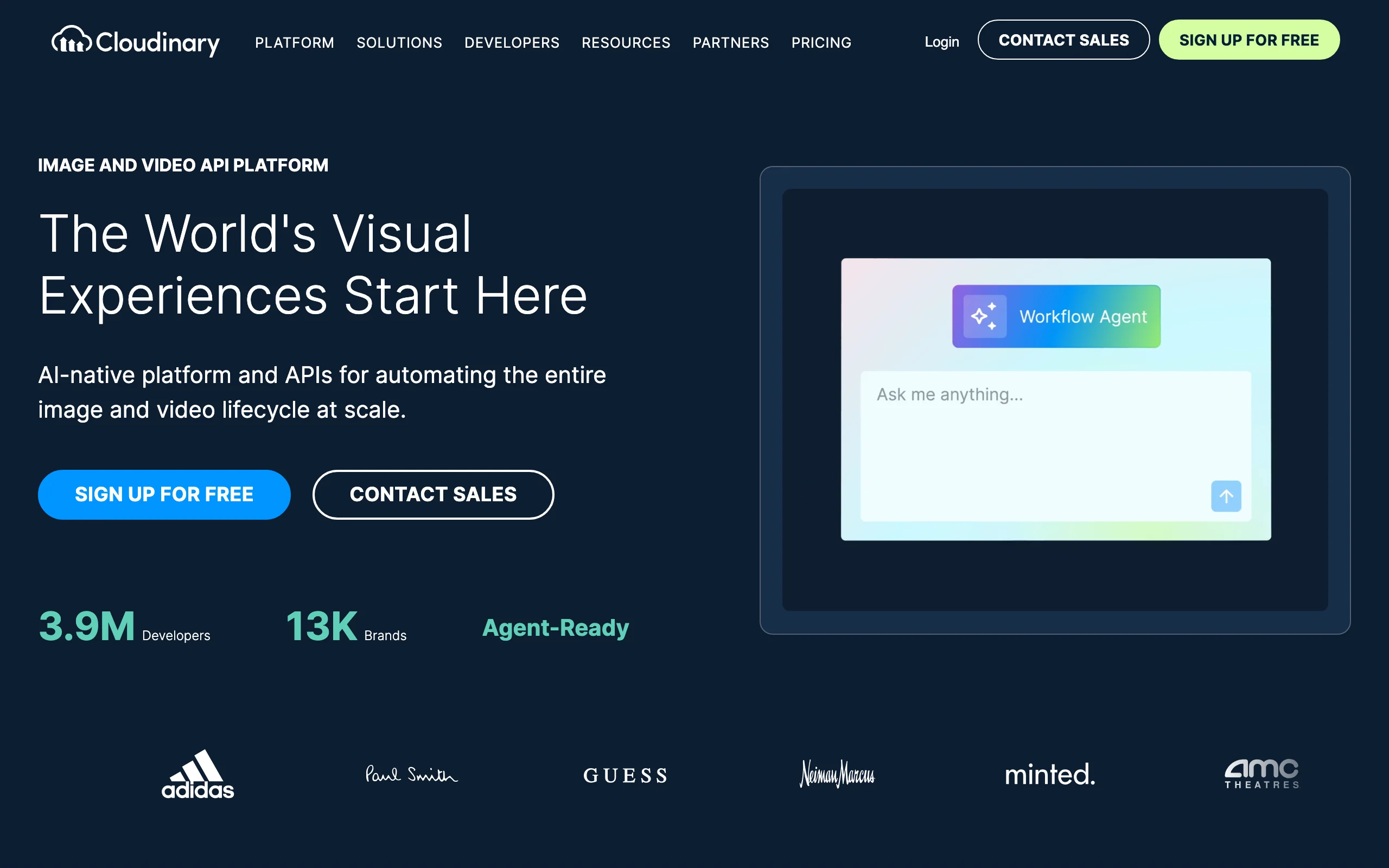
Consistent Product Images with Cloudinary
Key features
- Named transformations that apply identical crops, sizes, and formats via URL or API
- Digital asset management with AI auto-tagging for searchability
- Automatic format and quality optimization per device
- CDN delivery and video transcoding built in
- Preset library for cropping and color adjustments
Best for
- Engineering-led ecommerce teams standardizing supplier and marketplace imagery at scale
- Companies where image specs live in code review, not in a design doc
Pricing
- Free plan with 25 monthly credits and 3 users
- Plus at $99/month (225 credits); Advanced at $249/month (600 credits); yearly billing lowers both
- Enterprise pricing by contact
Pros
- Consistency is enforced by code, so it cannot drift
- One transformation change updates the entire live catalog
- Generous free tier for small sites
Cons
- Requires developer time to set up and maintain
- Normalizes delivery, not content: mismatched lighting and models stay mismatched
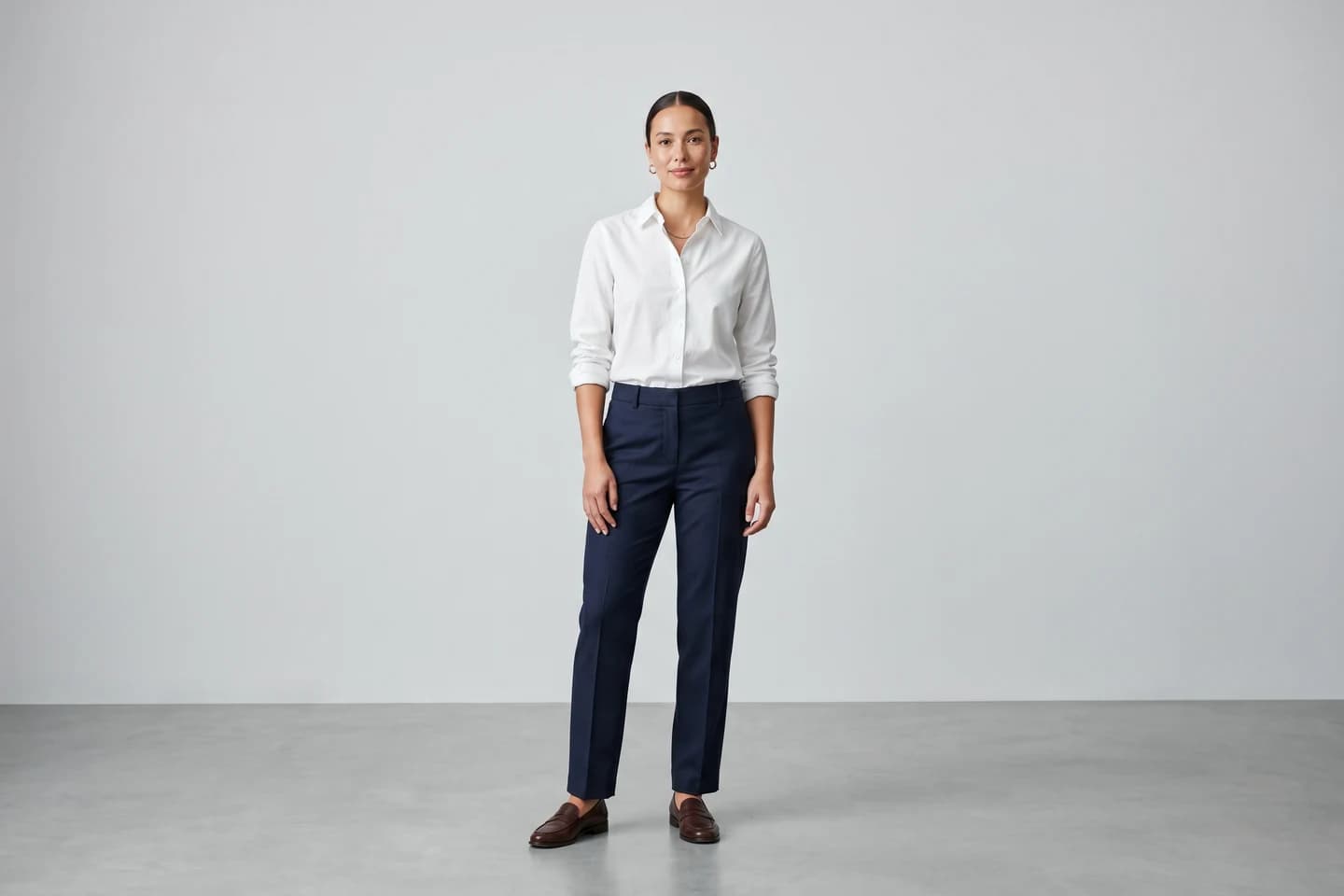
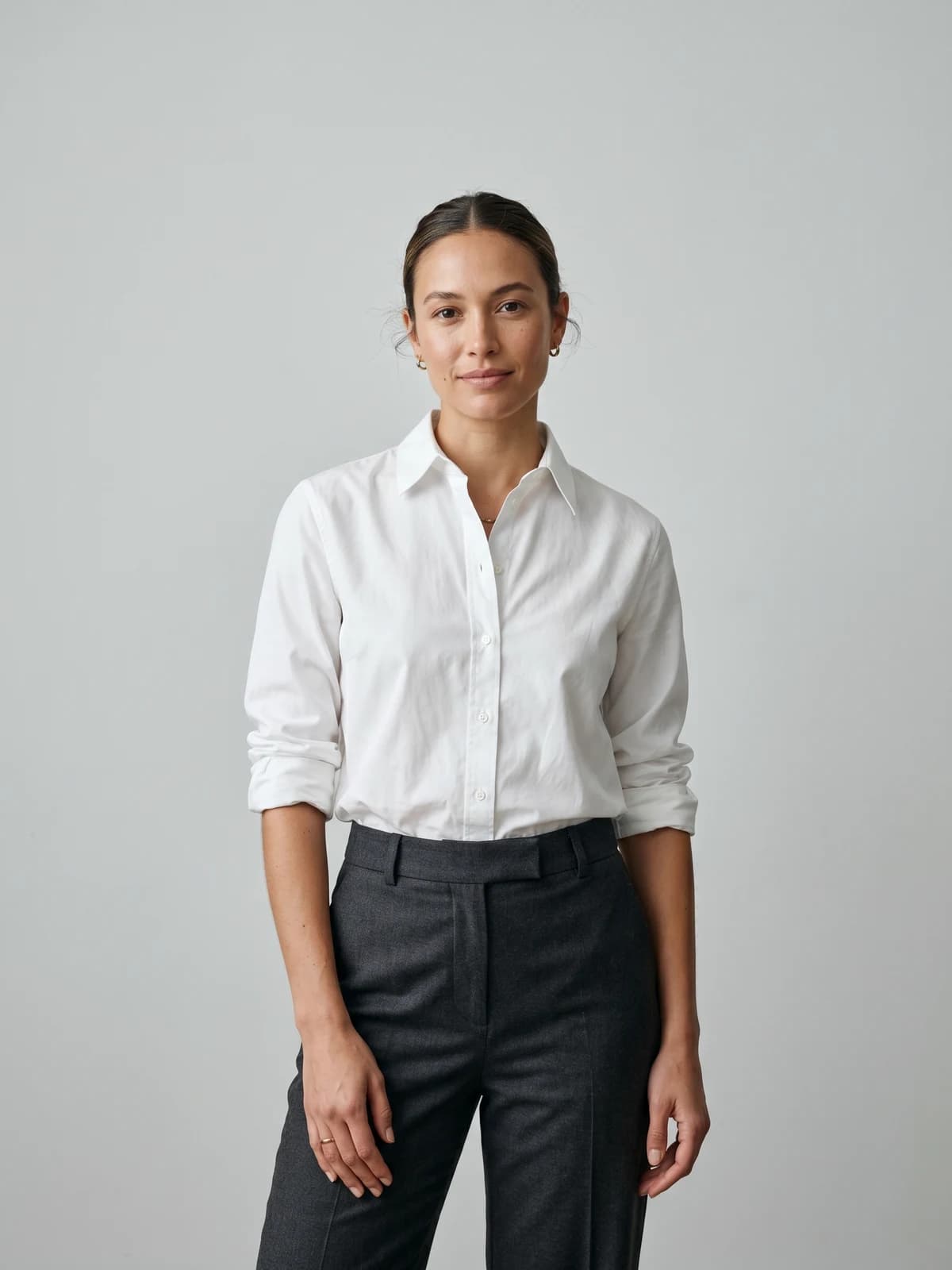
Turn flat-lays into on-model photos
Drop in a flat-lay or product shot and get professional on-model photography ready for your store.
How to choose consistent product photography tools
1) Fix consistency at the source or in post-production?
This is the biggest fork. Generation tools (WearView, Flair.ai, Pebblely) create images uniform from the start, so there is nothing to correct. Post-production tools (Pixelz, Lightroom, Cloudinary) standardize photos you already have.
- If your catalog imagery drifts because shoots happen months apart with different models and studios: generate instead. WearView keeps one saved model across everything.
- If you have a controlled studio and just need edits to match: Lightroom presets or a Pixelz spec will do it for less per image.
2) Do you need on-model imagery or product-only shots?
Apparel converts better on bodies, and that is where consistency is hardest: the same human model is rarely available for every shoot across two years. WearView was built for exactly this case, since the AI model never ages, changes agencies, or books out. Flair.ai handles some on-model work along with staged scenes. Pebblely and Cloudinary stay product-only, and Canva only decorates.
A useful test: pull up your ten best-selling product pages. If most show a person, prioritize a tool that controls who that person is in every image.
3) Do the per-image math before you commit
Every option meters differently, and the totals diverge fast at catalog scale. Rough per-image costs at entry volumes:
- WearView Pro: $49 for 200 credits, about $0.25 per credit; an HD image uses 2 credits, so call it $0.49 per finished image
- Pixelz Professional: $0.95 per image plus the $75/month subscription, plus your original photoshoot cost
- Pebblely Basic: $19 for 200 images, about $0.10, for backgrounds only
- Lightroom: flat $14.99/month regardless of volume, but you pay for the shoots
Run the math on one collection (say 60 SKUs with 3 images each) before subscribing anywhere. And test 5 of your hardest products first: busy prints, reflective fabrics, layered outfits. Every tool looks good on a plain t-shirt.
4) Who will actually run it?
Pixelz needs a person who writes specs and reviews batches. Lightroom needs an editor. Cloudinary needs an engineer. WearView, Pebblely, and Canva are self-serve for non-technical staff. Tools fail most often not on quality but because nobody owns the workflow, so pick the one that matches a job someone on your team already does.
FAQ
What makes product images consistent?
Matched lighting, background, crop, model, color treatment, and framing across every product in the catalog. Shoppers rarely name these elements, but a grid where they all match reads as one professional store, while a mismatched grid reads as a reseller. Consistency comes either from generating images under identical conditions or from enforcing a spec in post-production.
What is the best tool for consistent product images?
For fashion and apparel, WearView, because it generates every image on the same saved AI model with the same styling and background, which removes the main source of drift. For non-fashion products, Flair.ai (templates) or Pebblely (matched backgrounds) fit better, and Pixelz suits teams that keep shooting their own photos.
How does AI keep product photos consistent across a catalog?
Two mechanisms. Identity-based tools like WearView save a model definition and re-render it for every garment, so the person, lighting, and setting repeat exactly. Template-based tools like Flair.ai reuse a staged scene for each new product. Both beat manual correction because uniformity is built into generation rather than approximated afterwards.
Can I use the same model in every product photo without rebooking a photographer?
Yes. WearView's consistent-models feature stores your AI fashion model and applies it to any garment you upload, so a product added next spring shows the same face and body as one added today. Traditional shoots cannot promise that, since human models change agencies, availability, and appearance between bookings.
Is there consistent product images software for electronics or home goods?
Yes, but skip the on-model tools. Pebblely and Flair.ai both place any product into repeatable AI scenes, Cloudinary standardizes crops and formats programmatically, and Pixelz retouches any category to a spec. WearView is the wrong pick here; it is built specifically for garments and accessories on models.
Should I reshoot my catalog or fix the existing photos?
Count the images that fail your standard. If it is under about 20 percent and the problems are color or crop, a Lightroom pass or a Pixelz batch is cheaper. If half the catalog has mismatched models and backgrounds, correction costs more than regeneration: converting existing packshots through an AI on-model tool is usually faster than reshooting and cheaper than editing photo by photo.
How much does it cost to keep product images consistent?
Entry points are low: Pixelz starts at $7/month plus $1.45 per image, Pebblely at $9/month, Lightroom at $14.99/month, WearView at $29/month for 50 credits. The real cost driver is volume. At 500 images a quarter, per-image generation (around $0.49 per HD image on WearView Pro) usually beats shoot-plus-retouch pipelines, which carry photography day rates on top of per-image editing fees.
Do consistent product images improve conversion?
Uniform imagery removes friction: shoppers compare products side by side without visual noise, and the store reads as established rather than improvised. Consistent on-model photos also cut sizing guesswork, which shows up in fewer returns. Treat any specific uplift number you see quoted with suspicion, though; the effect size depends on how bad the starting point was.

WearView Team
WearView Content & Research Team
WearView Team is a group of fashion technology specialists focused on AI fashion models, virtual try-on, and AI product photography for e-commerce brands. We publish in-depth guides, case studies, and practical insights to help fashion businesses improve conversion rates and scale faster using AI.


