November 25, 2026•9 min read
How to Create a Fashion Campaign With AI: A 7-Step Guide (2026)
An AI fashion campaign keeps the creative process and replaces the shoot day. Here are the seven steps, from concept to final exports, and the review every AI campaign needs.

Picture of How to Create a Fashion Campaign With AI: A 7-Step Guide article
You can create a fashion campaign with AI in days instead of weeks, and several of the largest retailers already do. Zalando told Reuters in May 2025 that around 70% of its editorial campaign images in the last quarter of 2024 were AI-generated, with production time down from six to eight weeks to three or four days. Mango released a campaign for its Teen line in July 2024 that it described as generated entirely with AI.
What changed is not the creative work. A campaign still needs a concept, a cast, a look and a set of deliverables. What changed is the production step in the middle: the location, the crew and the shoot day.
This guide walks through the full process in seven steps, from the concept to the final exports, with the checks that keep an AI campaign accurate and on-brand.

AI fashion campaign hero image: a model in a sand linen suit on an empty desert road at golden hour
The example photos in this guide are AI-generated.
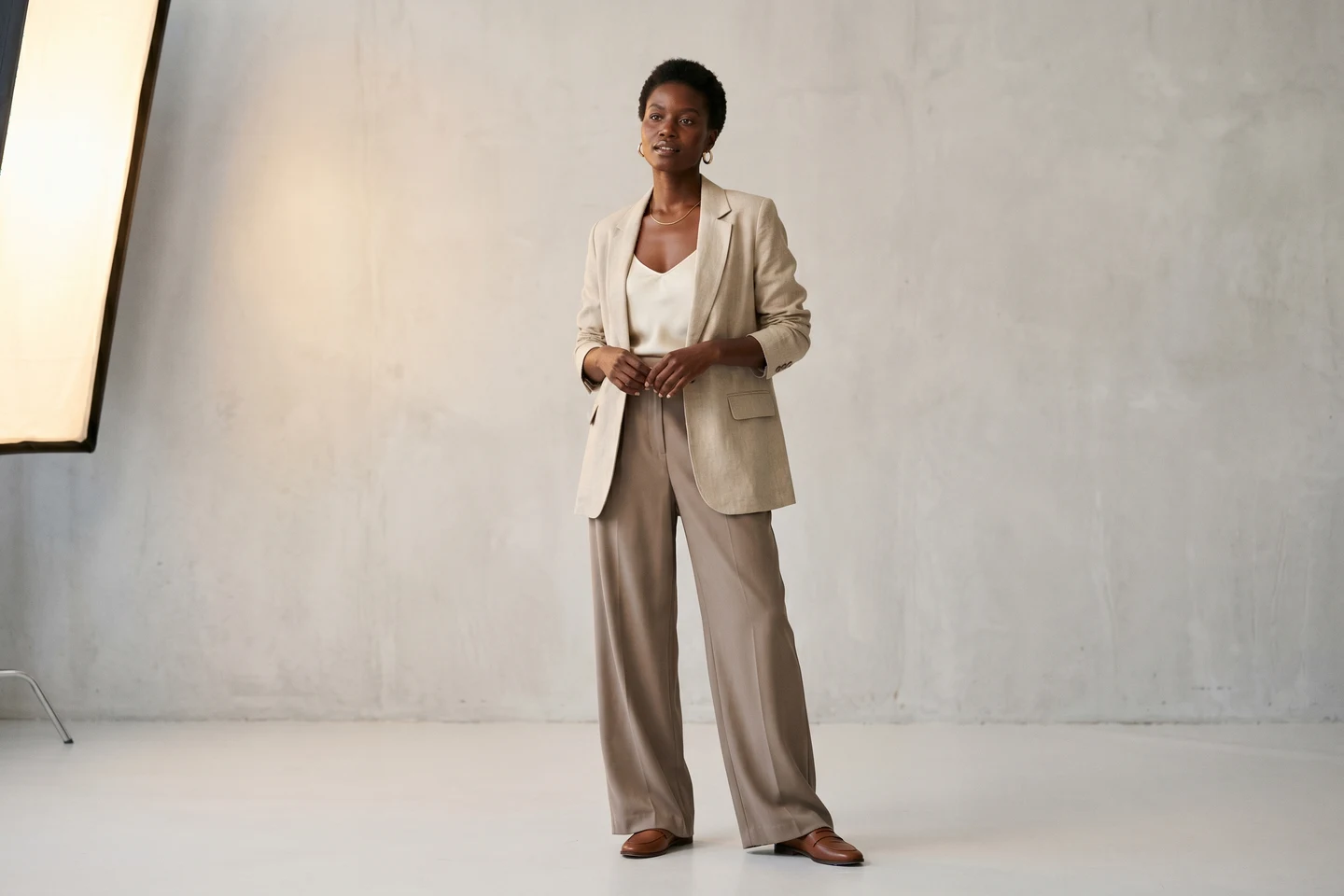
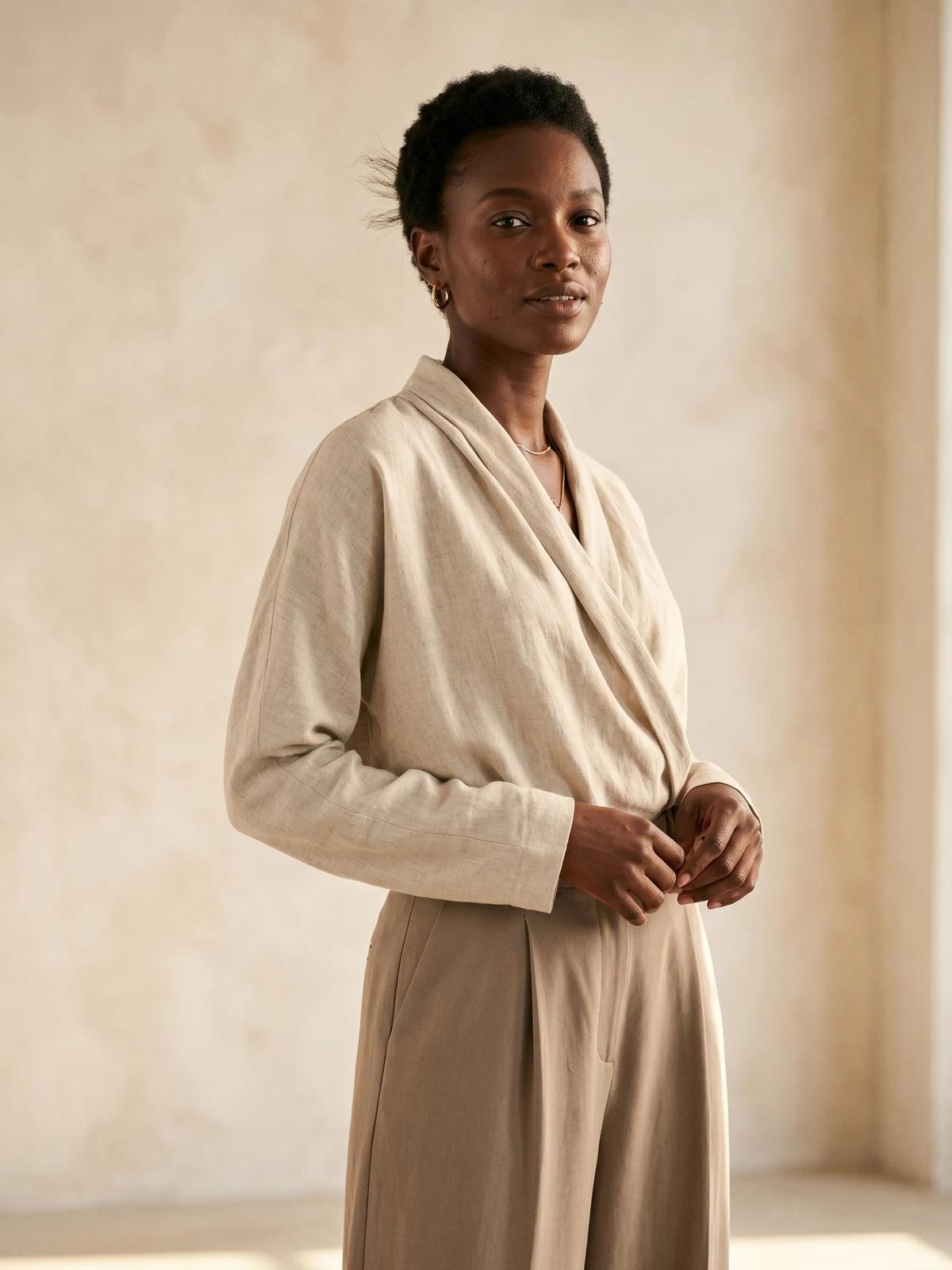
A fashion studio that fits in your browser
Cast the models, set the scene and the light, and shoot a whole collection without booking a room or a crew.
What an AI fashion campaign is
A fashion campaign is a coordinated set of images and video built around one idea, released to launch a collection or a season. An AI fashion campaign is the same thing with the imagery generated instead of photographed.
There are two ways to generate it, and they lead to very different results:
- From text prompts. The model, the scene and the clothes are all invented. Good for concept art and pitches. The garments are not real products
- From your garments. You supply photos of the actual pieces, and the AI renders them on a model in the scenes you direct. The clothes in the campaign are the ones on sale
For a brand selling real products, the second route is the only one that can run as a campaign. The steps below assume it.
AI campaign vs traditional campaign
| Traditional campaign shoot | AI fashion campaign | |
|---|---|---|
| Lead time | Weeks: casting, location, crew, shoot, retouch | Days: concept, generate, select |
| What you need on hand | Samples, model, crew, location, permits | Product photos of each piece |
| Cost drivers | Day rates, travel, usage fees, retouching | Software subscription and team time |
| Changing the scene | A reshoot | A new generation |
| Seasonal or regional versions | Separate shoots | The same garments in new settings |
| Main risks | Weather, schedule, budget overrun | Garment accuracy, model consistency, disclosure |
| Best for | Flagship brand moments, real talent, press | Frequent drops, always-on content, testing |
Many brands now mix the two: a real shoot for the flagship moment, AI for the drops and variations around it. Our breakdown of the return on AI model photoshoots compares the numbers.
How to create a fashion campaign with AI: 7 steps
Step 1: Write the concept in one line
Every decision later depends on this sentence. It names a place, a mood and a reason.
- "Linen tailoring on an empty desert road at golden hour: heat, space, ease"
- "Knitwear in a quiet coastal town in the off season"
Then list the deliverables the campaign needs: a hero image, six to ten supporting images, crops for each channel, and any video.
Step 2: Build the mood board
Collect references for palette, light, location, posing and styling. Twenty to thirty images is enough. The mood board becomes the brief for every scene you generate, so be strict about what stays on it.

Fashion campaign mood board with landscape references, fabric swatches and colour chips
Step 3: Prepare the garment photos
The AI can only keep what it can see. For each piece, take a clear photo with the whole garment visible in even light: a flat lay, a hanger shot or a mannequin photo. Add a back view for pieces with back details. Steam first; creases get rendered.

Garment photos of a linen suit turned into an AI fashion campaign set
Step 4: Cast the model
Choose one or two models who fit the customer and the concept, and use them for the whole campaign. A campaign where the face changes in every frame does not read as a campaign. Tools built for AI model creation store an identity and reuse it, which a text prompt alone cannot do.
Step 5: Direct the scenes
Translate the concept into scene descriptions: place, pose and light. Keep one scene family and vary the framing.
In WearView, the Editorial Photos studio is where this step happens. You add up to four pieces per outfit, pick the model, then choose a scene preset or describe it in your own words. Each image takes about 90 seconds, in HD, 2K or 4K. Saving the scene as a preset means the whole team produces images in the same world.
A scene note can be this short:
Standing in the middle of an empty desert road at golden hour, jacket moving in the wind, hands in pockets, looking into the distance. Low warm sun behind him, long shadow on the asphalt.
For help with wording, see our prompts for editorial and lifestyle fashion photos.
Step 6: Generate the set
Produce the campaign as a series, not as single images.
- Hero frame. Wide, with empty space for a headline
- Full-length looks. One per outfit
- Half-body and detail frames. Fabric, collar, cuff
- Crops per channel. Horizontal for web banners, vertical for stories and ads, square or 4:5 for feeds
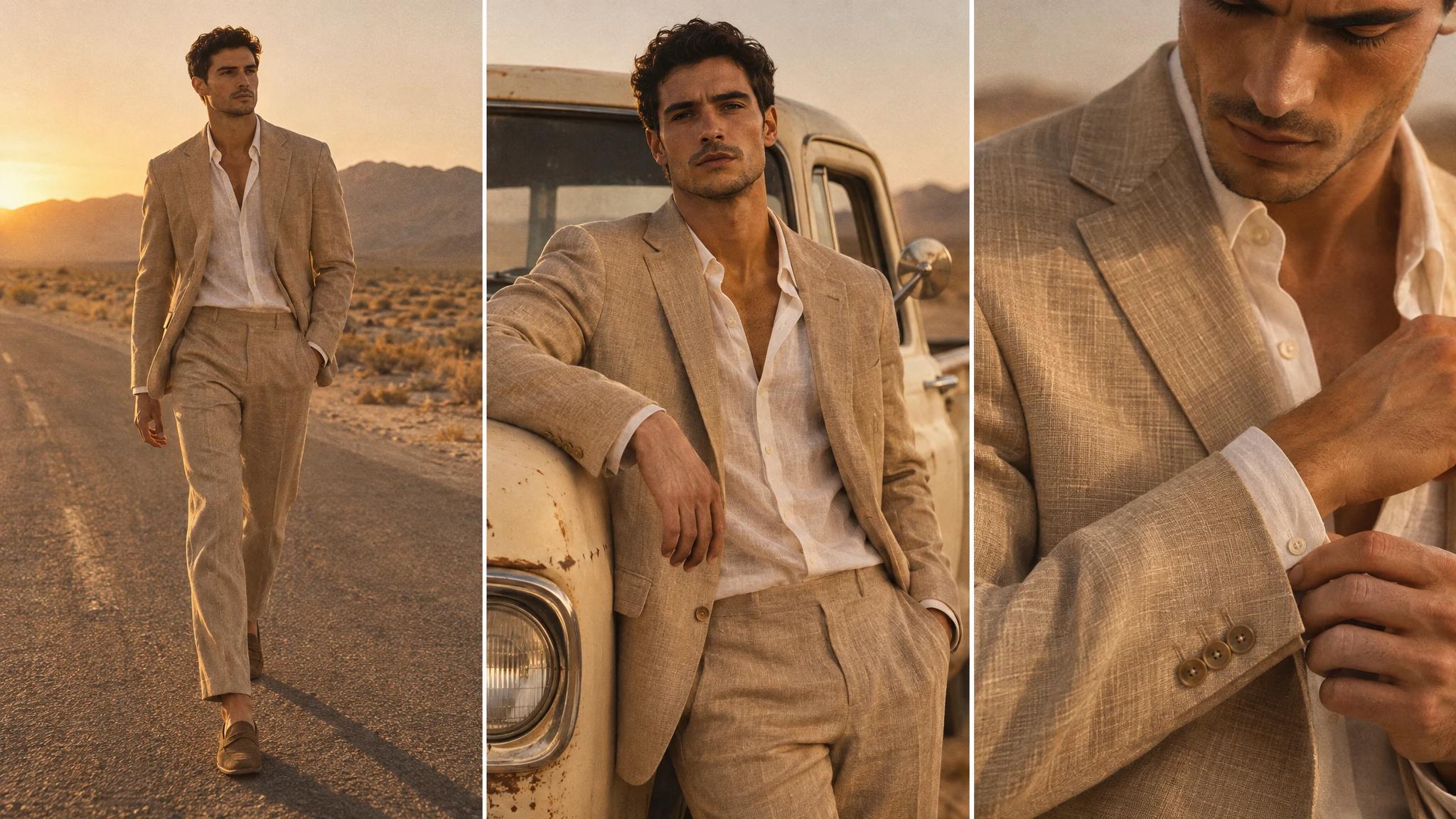
A consistent AI fashion campaign set: full-length, half-body and detail frames of the same model and suit
Generate more than you need and select hard. If you also need a buyer-facing deck, the same images can go through an AI lookbook generator.
Step 7: Add motion
Most campaigns now need video for reels, ads and product pages. A still from the set can be turned into a short clip of the model walking, turning or moving in the scene, which lets you make videos for your clothing brand with AI without a separate shoot.
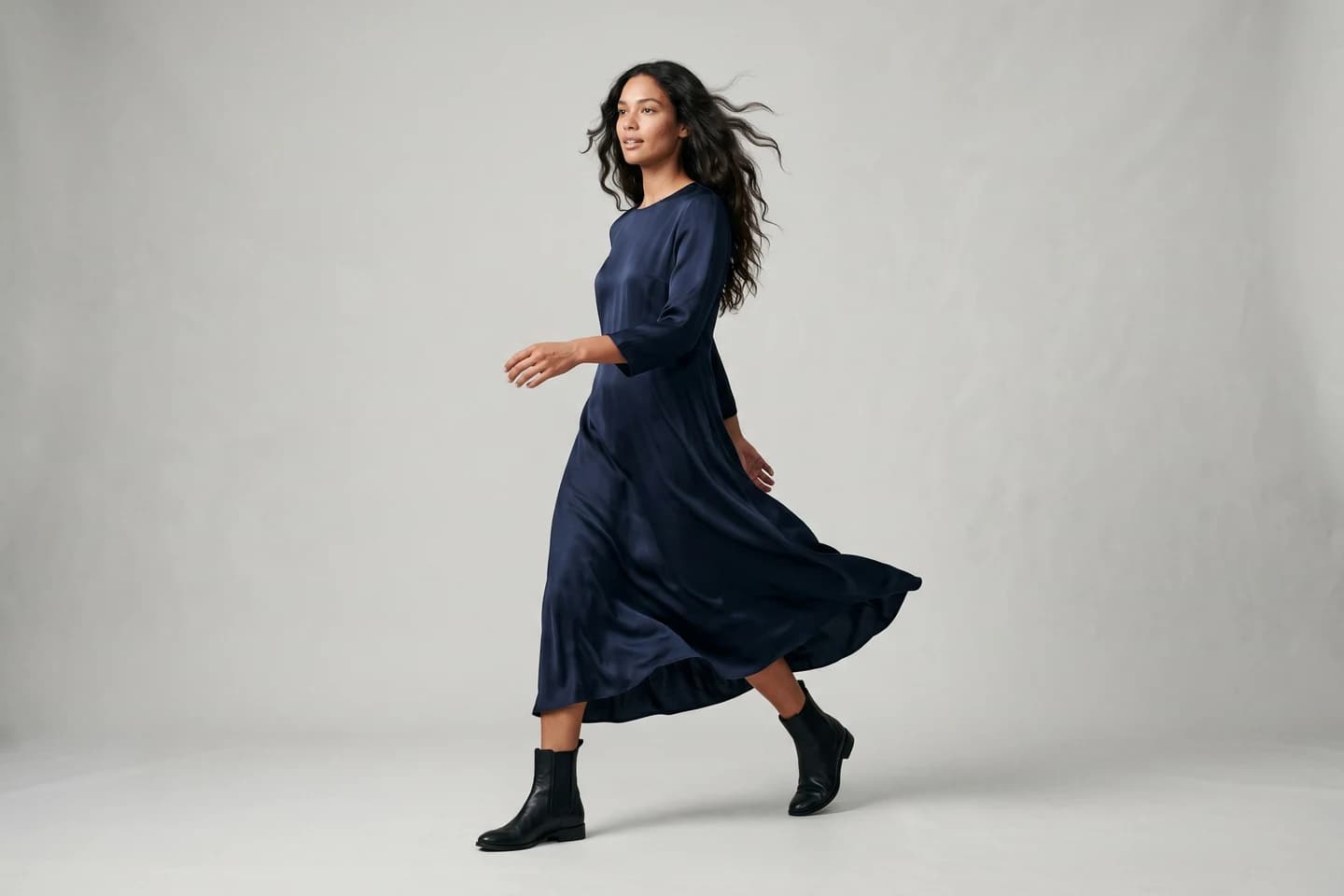
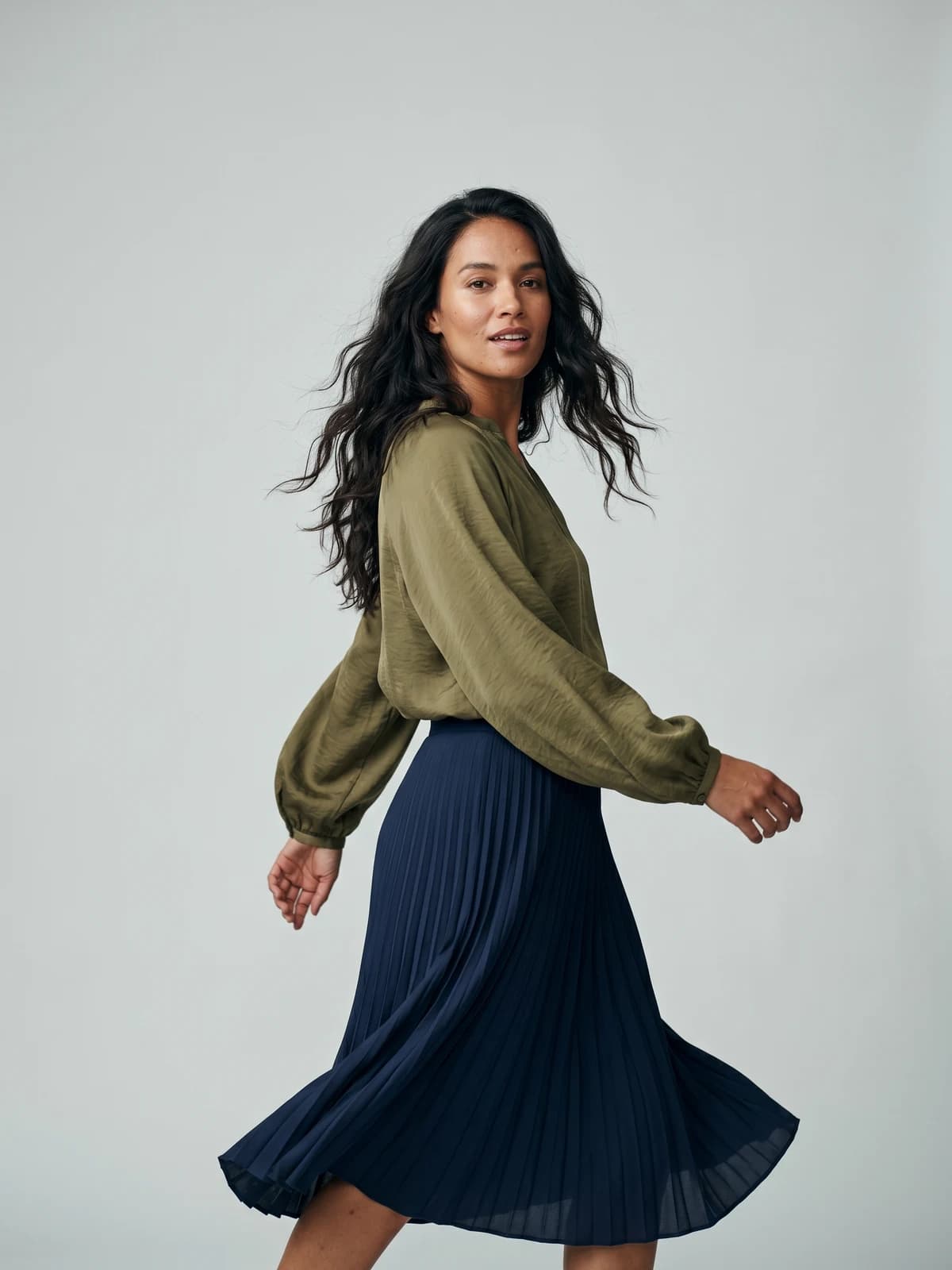
Bring your products to life on video
Turn a single image into a scroll-stopping fashion video for social feeds and product pages.
The review every AI campaign needs
Treat the output like contact sheets from a shoot. Nothing goes out without passing four checks.
- Garment accuracy. Compare each image with the product photo: colour, print scale, hem length, buttons, logos
- Consistency. Same model, same light, same palette across the set
- Artefacts. Hands, jewellery, text in the background, fabric edges
- Rights and disclosure. Confirm commercial usage rights with your tool, and follow the labelling rules of the markets and platforms you publish on
Disclosure is a brand question as well as a legal one. H&M said in March 2025 that it would create AI "digital twins" of 30 models, and that the models keep control over their digital likeness. Levi's drew criticism in 2023 after announcing a test of AI-generated models and later clarified that it was not scaling back live photo shoots. Decide how you will talk about AI in your campaign before it launches, not after someone asks.
For more examples of how brands have handled it, see our roundup of brands already running campaigns on AI fashion models.
Common mistakes
- Starting with the tool. A campaign with no concept is a folder of images
- Text-only generation for real products. The clothes will not match what ships
- A new model in every frame. Fix the cast in step 4
- Too many worlds. Desert, city and beach in one campaign is three campaigns
- Skipping the garment check. One wrong print in a paid ad costs more than the time saved
- No plan for the planning. The concept, mood board and shot list steps are the same as for a traditional editorial photoshoot
Key takeaways
- Keep the creative process. Concept, mood board, cast and shot list still come first
- Start from your garments. Product photos in, campaign images out
- One cast, one world. Consistency is what makes a set a campaign
- Plan deliverables up front. Hero, looks, details, crops, video
- Review like a shoot. Accuracy, consistency, artefacts, rights and disclosure
FAQ
Can you create a fashion campaign with AI? Yes. Brands generate campaign images by supplying photos of their real garments and directing the model, scene and light in an AI tool. Zalando has said around 70% of its editorial campaign images were AI-generated in the last quarter of 2024.
How long does it take to make an AI fashion campaign? Individual images render in about a minute or two, so the timeline is set by the creative work: concept, mood board, selection and review. A small campaign can be produced in a few days. Zalando reported going from six to eight weeks to three or four days.
What do I need to start an AI fashion campaign? A one-line concept, a mood board, clear product photos of every piece, one or two models to use throughout, and a list of deliverables with their sizes.
Which brands have used AI in fashion campaigns? Publicly reported examples include Zalando, Mango (its Teen line campaign in July 2024) and H&M, which announced AI digital twins of 30 models in March 2025.
Will the clothes in an AI campaign match my real products? They will if the images are generated from photos of your garments, and if you check each result against the product photo. Images generated from text prompts alone show invented clothing.
Do I need to label an AI-generated fashion campaign? Requirements differ by market and platform and are changing. Check the current rules where you publish, and decide on a clear disclosure approach before launch.
How much does an AI fashion campaign cost? The main cost is a software subscription plus your team's time. WearView plans start at $29 per month. A traditional campaign adds day rates for a photographer, models and crew, plus location, travel and retouching.
WearView Team
WearView Content & Research Team
WearView Team is a group of fashion technology specialists focused on AI fashion models, virtual try-on, and AI product photography for e-commerce brands. We publish in-depth guides, case studies, and practical insights to help fashion businesses improve conversion rates and scale faster using AI.