
July 15, 2026•16 min read
How to Choose the Right AI Virtual Model for Apparel Marketing
Not every AI model sells clothes equally well. Here is a practical framework for choosing an AI virtual model: match the look to your audience, plan size and diversity, judge realism, and meet each platform's rules.

Picture of How to Choose the Right AI Virtual Model for Apparel Marketing article
You have decided to use AI models for your product photos. Good call: AI image generation can cut product photography costs by up to 80%, according to Ringly.io. But picking any AI virtual model for apparel marketing and hoping it converts is where most brands lose the savings. A model that looks wrong for your buyer, wears your prints badly, or breaks Amazon's rules costs you sales, re-shoots, and sometimes a suspended listing.
The problem is that most guides either sell you a tool or rank ten of them. Almost none walk you through the actual decision: which model look fits your audience, how much size and skin-tone range you need, how realistic the output has to be for each channel, whether you need one repeatable face, and what each platform will and won't accept.
This guide is that decision framework. Work through the five steps below, run the red-flag checklist before anything hits a listing, and you will pick a model that sells clothes instead of one that just looks fine in a preview.
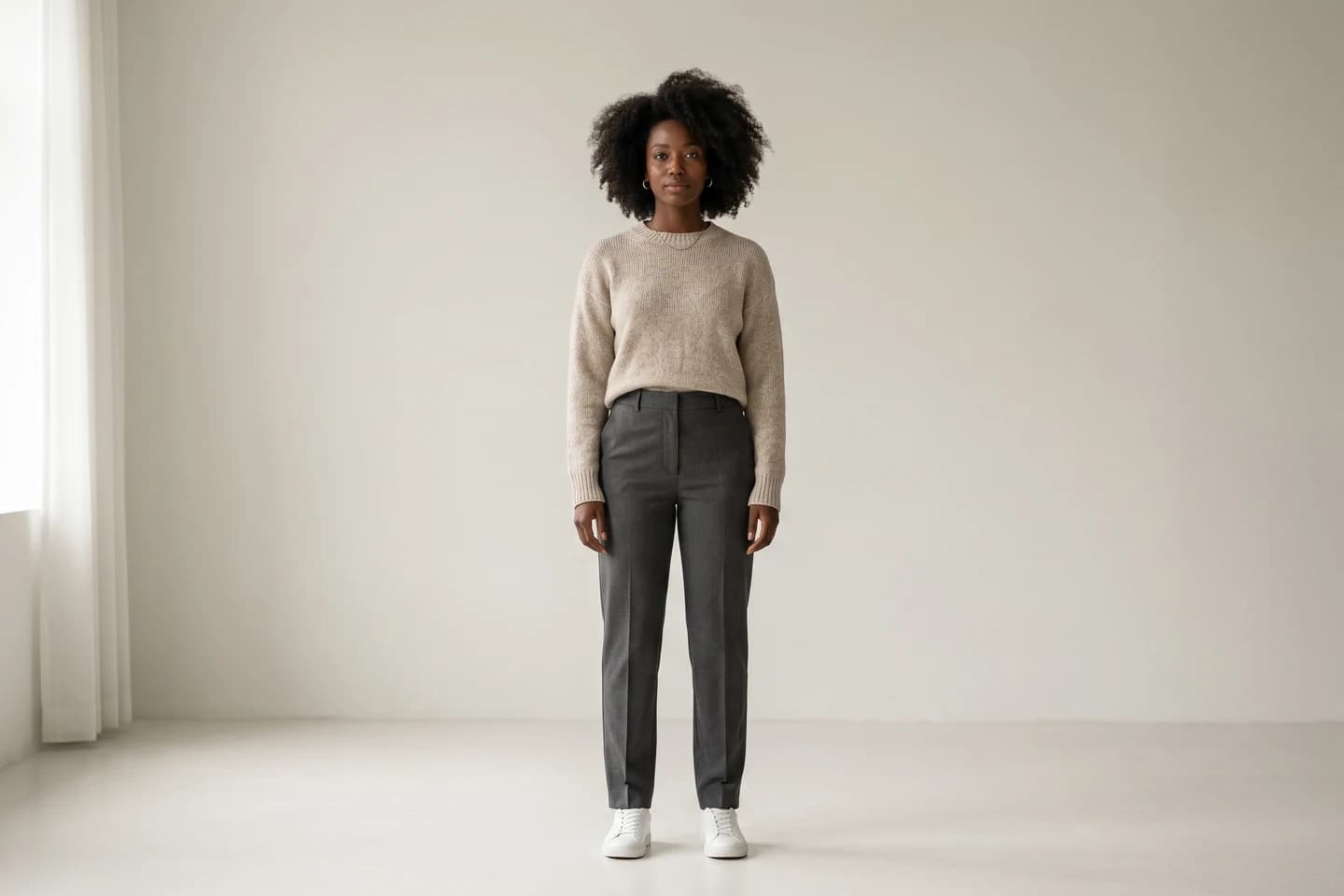
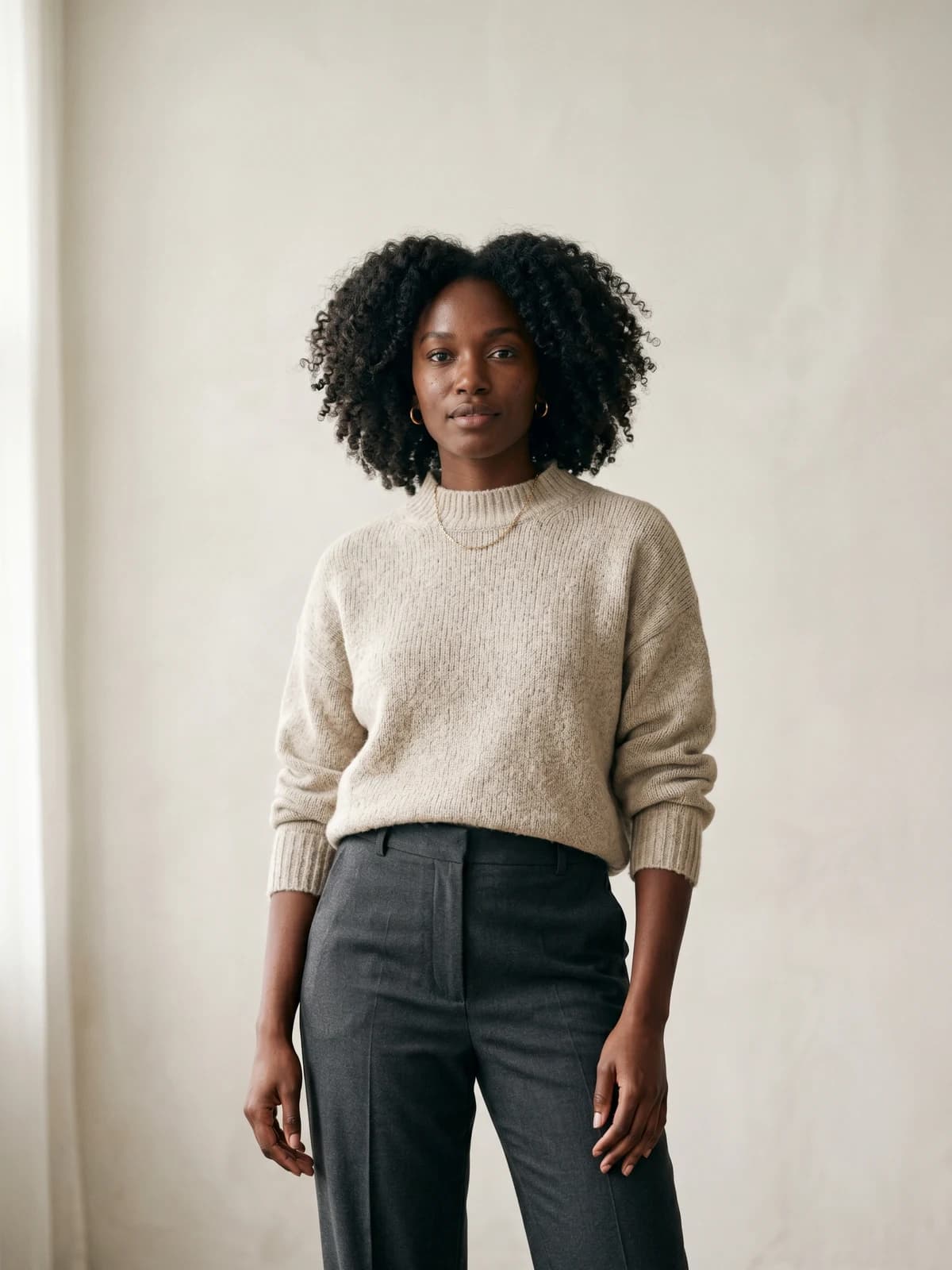
Create your own AI fashion models
Generate diverse, brand-consistent models from a simple prompt and reuse them across every campaign.
Why the right AI virtual model for apparel marketing converts
Photography quality is not a nice-to-have. Products with high-quality photos convert 94% higher than products with low-quality photos, per Ringly.io. An AI model is now part of that quality signal, and shoppers read it fast. If the face looks plastic or the garment warps across the chest, trust drops before the description is even read.
There is real money behind the choice. The AI-generated fashion photography market was worth $1.8 billion in 2025 and is projected to reach $9.4 billion by 2034, a 20.2% CAGR, according to Dataintelo. More brands are moving to virtual models every quarter, which means the bar for "believable" keeps rising and a sloppy model stands out for the wrong reasons.
The right model does three concrete jobs: it looks like someone your buyer identifies with, it shows the garment accurately enough to reduce returns, and it fits the rules of the place it will run. Miss any one of those and the image underperforms no matter how sharp it is. The five steps below cover each job in order.
Step 1: Match the model look to your audience and brand
Start with your customer, not the catalog of faces. The model's age, styling, body language, and setting should read like the person who already buys from you, or the person you want to. A 22-year-old streetwear buyer and a 45-year-old workwear buyer respond to very different models wearing the identical hoodie.
Write down three anchors before you generate anything:
- Who buys this: rough age range, style tribe, and the aspiration they are shopping for
- Brand tone: polished and editorial, or relaxed and everyday
- The setting your buyer pictures the clothes in: studio, street, home, event
Then match the model to those anchors rather than defaulting to the most conventionally attractive face the tool offers. Aspirational-but-relatable usually beats flawless for apparel, because shoppers are estimating how the garment will look on a normal body in a normal room.
If you sell across distinct segments, you will likely need more than one model persona. A brand running both a teen line and a maternity line should not force both onto the same face. This is also where a text-to-model tool earns its keep: with create AI fashion models from a prompt, you can spin up a 20-something and a 40-something version of the same shoot and test which one your audience actually clicks.
Step 2: Plan for diversity and size representation to cut returns
Representation is not only an ethics question. It is a returns question. The average return rate in fashion ecommerce sits around 30% and can climb to 50% right after a holiday period, according to Mirrorsize. A large share of those returns comes from fit surprises, and a single skinny model on every listing gives most of your buyers no way to judge fit before they order.
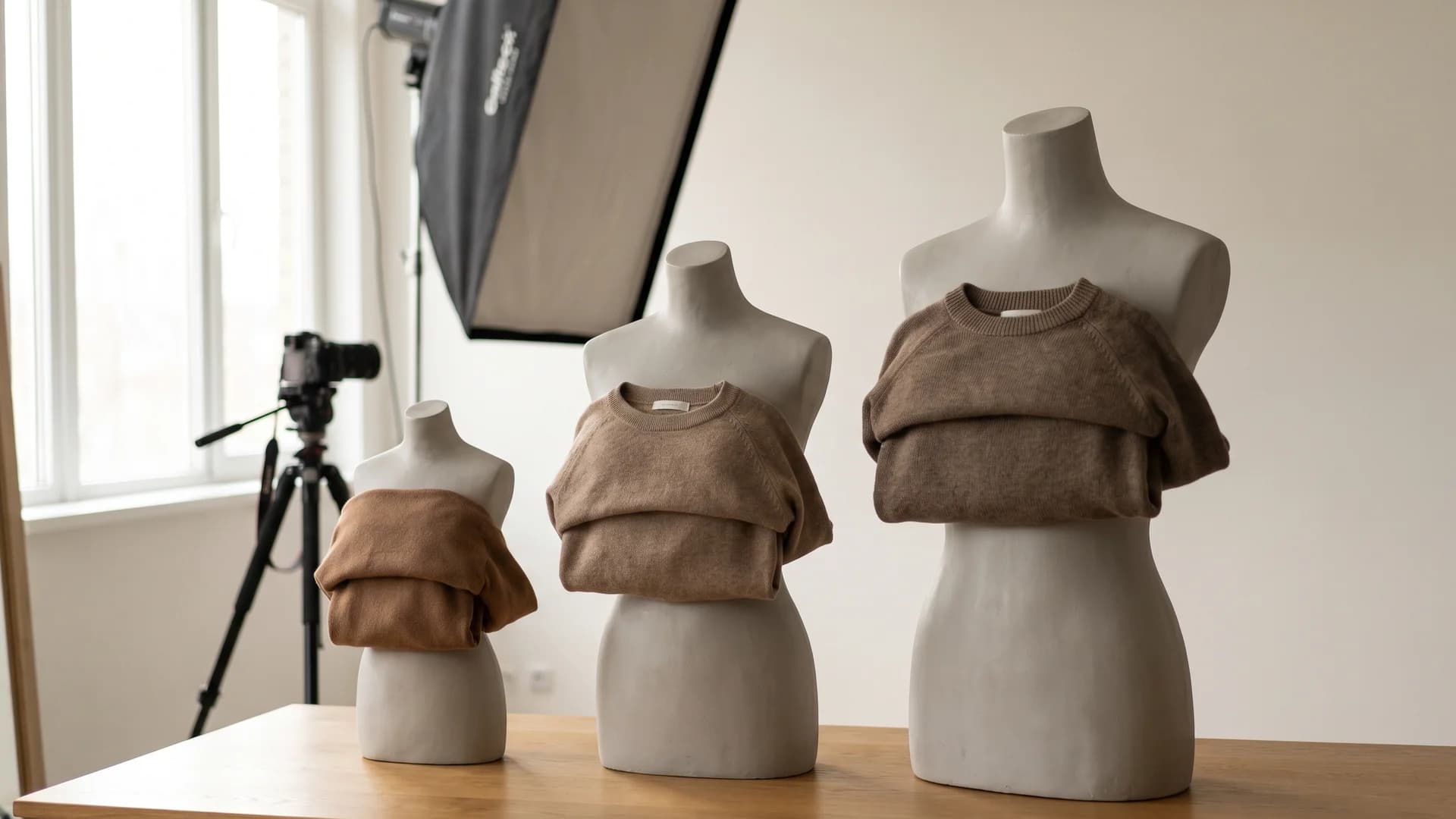
The same garment shown on multiple AI virtual model body types for size-inclusive apparel photography
Showing the garment on a body close to the shopper's own does two things: it lifts add-to-cart because more people picture themselves in it, and it lowers returns because the fit expectation is set correctly. That is the practical case for size and skin-tone range, and it is why brands like Veesual, Refabric, and Lalaland push it hard. We compared how WearView and Lalaland approach exactly this question.
When you evaluate an AI model tool, check that it can actually produce:
- A spread of body types, not just straight-size figures pushed slightly wider
- Genuine size representation from roughly size 0 through size 20, including plus-size proportions that look natural rather than a small model stretched
- A range of skin tones, ages, and hair textures that match your buyer base
- The same garment shown on two or three different bodies for your key products
A tool that only does one body shape well is a red flag for apparel. You want the option to represent your real customer spread, especially on hero products and size-sensitive categories like denim and swimwear.
Step 3: Decide how much realism you actually need per channel
Realism has a cost in generation time, credits, and QA effort, so match it to the channel instead of chasing maximum realism everywhere. A product detail page needs a model that survives a zoom. A fast Instagram Story does not.
Use this rough guide:
| Channel | Realism needed | Why |
|---|---|---|
| Product detail page (own store, Amazon) | High | Shoppers zoom in; skin, hands, and garment detail get scrutinized |
| Category and listing thumbnails | Medium-high | Small size hides minor flaws, but the garment must still read clearly |
| Instagram and TikTok feed | Medium | Movement and styling matter more than pore-level skin |
| Stories, ads, quick social | Medium | Short view time; the hook and product matter more than perfection |
So the rule is simple. Your money shots, the images doing the selling on the product page, deserve your highest-realism output and your closest inspection. Save credits and time on the top-of-funnel social pieces, where a slightly stylized look is fine and often on-brand.
If your realism keeps landing in the uncanny zone, the fix is usually skin texture rather than the whole model. A few generation settings push a face from plastic to believable, which is where most of the "fake" impression comes from.
Step 4: Weigh consistency, one repeatable model versus a fresh face
Here is a question most brands skip until it bites them: do you need the same model across your catalog, or a different face per shot?
A single repeatable model gives your store a signature look. The whole collection feels like one campaign, the brand reads as established, and repeat shoppers start to recognize your face the way they recognize a real brand ambassador. For most apparel stores building a brand, this wins.
A fresh face per shot is fine for marketplaces where each listing stands alone and nobody scrolls your full catalog, or when you deliberately want variety. It is also easier, because you do not have to lock an identity.
The catch: keeping one AI model truly consistent across 50 products, different poses, and different garments is hard for most tools. Faces drift, proportions shift, and by product 30 it is quietly a different person. If a signature model matters to you, test consistency directly. Generate the same model in five poses with five garments and line them up. If the identity holds, you have a real asset. This is exactly what consistent AI models are built to solve, so the same face carries across your entire product line.
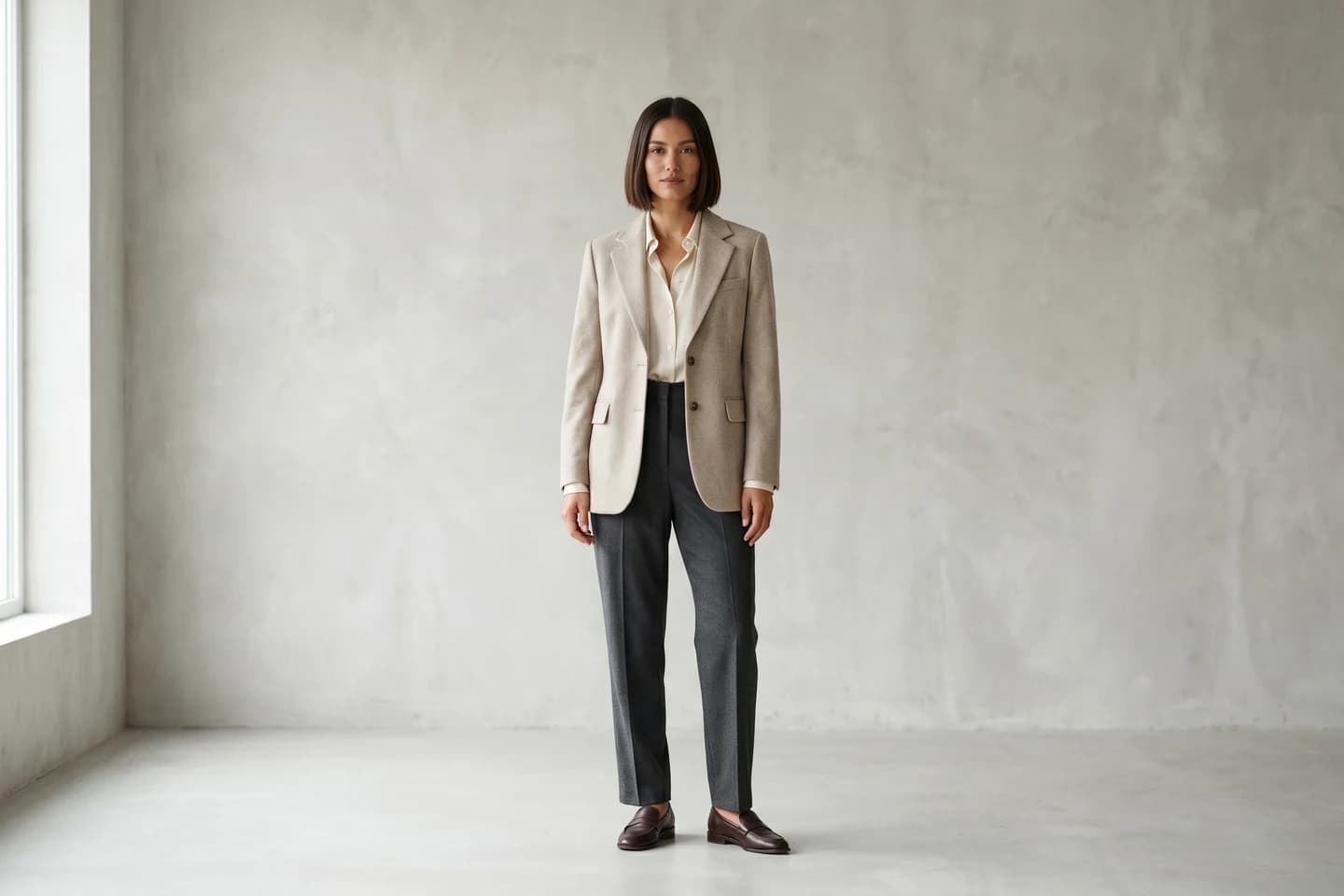
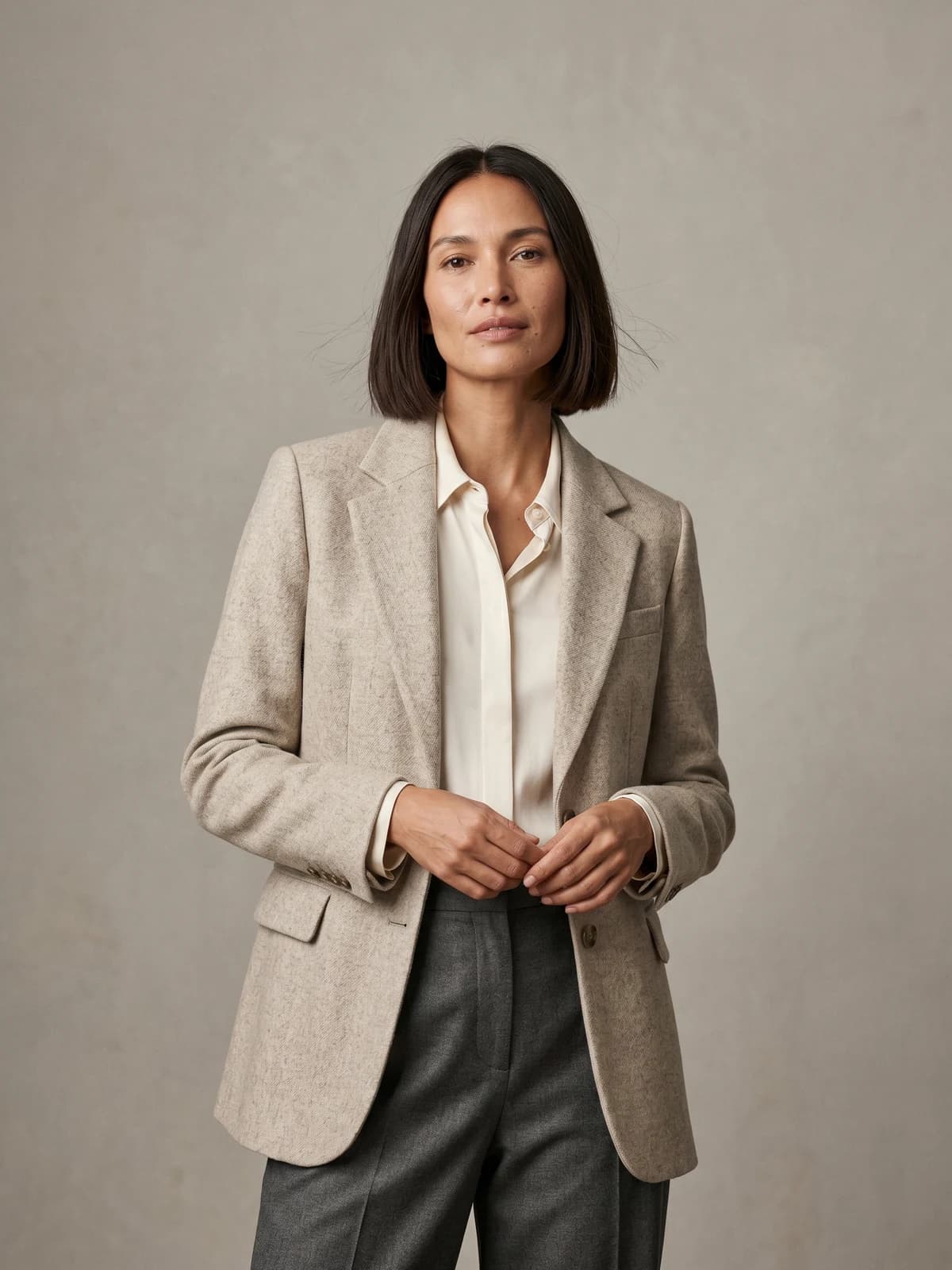
The same model across your whole catalog
Keep one signature model consistent across every product, pose, and collection.
Step 5: Check platform requirements before you generate
This is the step that gets listings rejected. Each channel has its own rules, and Amazon's are strict. Decide where the image will live before you generate, because a model shot that is perfect for Instagram can be non-compliant on an Amazon main image.
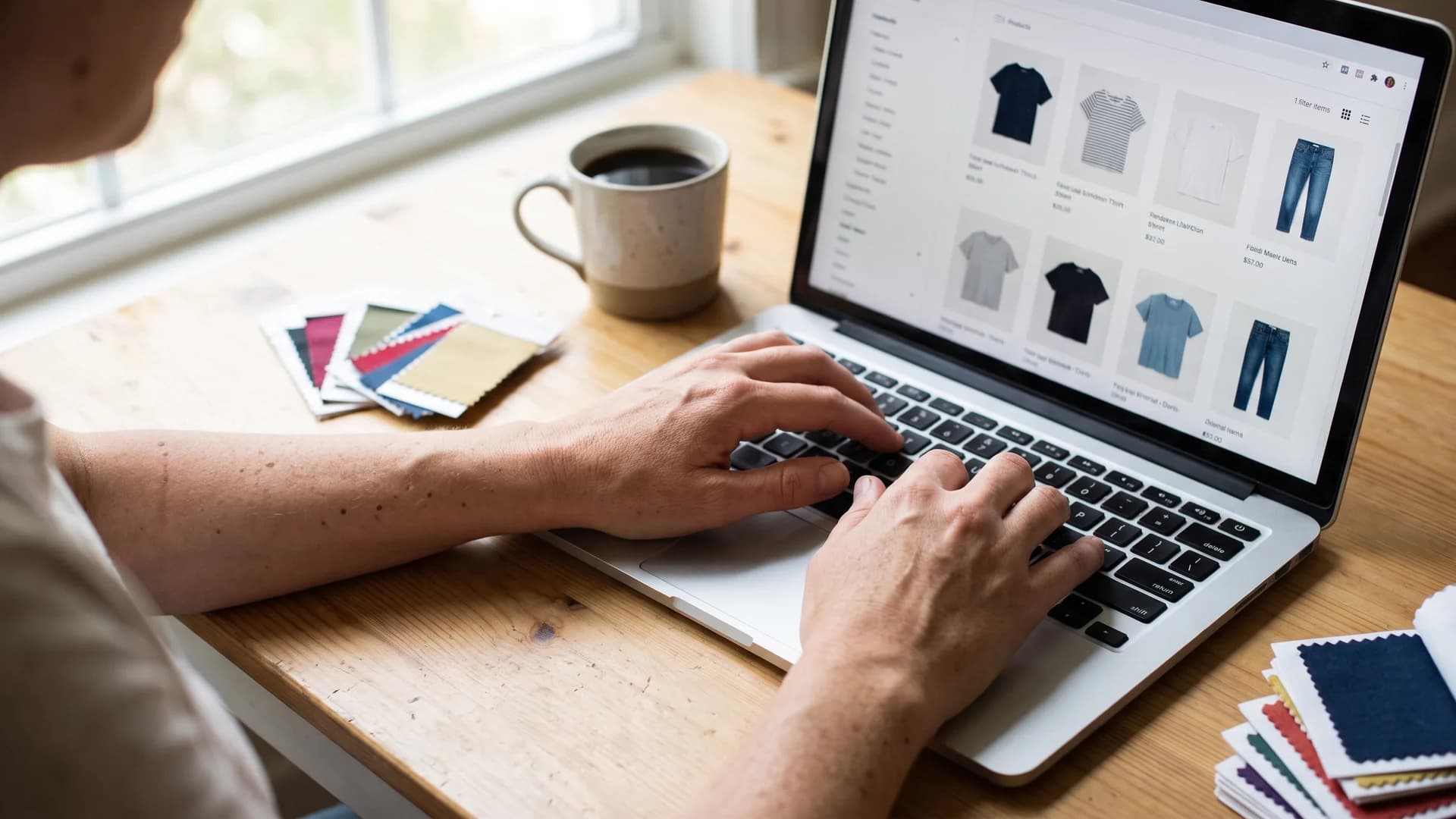
Merchandiser reviewing AI model clothing photos on a laptop against Amazon listing requirements
Amazon main product images must have a pure white background (RGB 255,255,255), the product filling 85% or more of the frame, and be at least 1,000 px on the longest side. For apparel, the product must be shown on a model or laid flat, and mannequins are not allowed, per Seller Labs. An AI model on a clean white background satisfies the on-a-model rule, which is one reason AI works well for marketplace listings.
| Requirement | Amazon main image | Instagram / TikTok | Your own store |
|---|---|---|---|
| Background | Pure white, RGB 255,255,255 | Lifestyle, any scene | Your choice, kept consistent |
| Product frame fill | 85% or more | Loose, styled composition | Flexible |
| Resolution | 1,000 px+ longest side | Platform-optimized, vertical | High-res, zoomable |
| Model allowed | Yes; mannequins not allowed | Yes, lifestyle encouraged | Yes |
| Best-fit look | Clean, standing, catalog | Movement, real settings | On-brand, consistent |
Practical rule: generate a white-background, standing catalog version for Amazon and your product detail pages, then generate lifestyle variations of the same model for social. A product to model workflow that turns a flat-lay into an on-model shot in under 15 seconds makes producing both versions cheap enough to do per SKU.
Red flags: how to spot a low-quality AI model before it hits your listings
Before any image goes live, run it through a quick inspection. Most AI failures show up in the same five places, and they are easy to catch once you know where to look. Zoom to 100% and check each one.
| Area | What to look for | Why it matters |
|---|---|---|
| Hands and fingers | Extra or fused fingers, bent thumbs, wrong count | The fastest giveaway of AI; shoppers spot it instantly |
| Skin | Plastic, airbrushed, waxy look with no pores or texture | Reads as fake and drops trust on the product page |
| Garment fidelity | Warped prints, unreadable text, shifting seams, wrong buttons | Misrepresents the actual product and invites returns |
| Logos and text | Smeared brand marks, gibberish tags, distorted graphics | Legal and trust problem; your product looks counterfeit |
| Background and edges | Melted hands into hips, floating hair, warped straight lines | Signals a rushed generation and undercuts a premium feel |
A few working rules for the QA pass:
- Reject anything with hand problems on a hero image, every time
- If the print, stripe, or logo does not match the real garment, it fails, no matter how good the model looks
- Compare the generated garment against the source photo side by side, not from memory
- For text-heavy pieces (band tees, slogans), read the text on screen; if you cannot read it, neither can a shopper
Skin plastic-ness is the one flaw you can often rescue rather than regenerate. The fix AI skin texture guide walks through it. Warped garments, mangled hands, and broken logos are regenerate-or-reject problems, not touch-up problems.
AI models versus human models: when each still wins
AI is not the right answer for every shot, and pretending otherwise costs you credibility. Here is the honest split.
AI models win when you need volume, speed, and consistency at low cost: large catalogs, frequent product drops, marketplace listings, A/B testing model looks, and showing one garment on several body types without booking five people. This is most day-to-day ecommerce photography.
Human models still win for a few jobs: a flagship brand campaign where a specific real person is the story, complex physical movement and fabric behavior that has to be exactly right, and any situation where you need signed usage rights from a recognizable individual. Some categories with heavy regulation or fine material detail also still lean human for now.
Do AI product photos convert? Early adopter data and the 94% quality-conversion link suggest that a well-made AI model on a clean, high-quality image performs on par with a comparable human shoot, at a fraction of the cost. The deciding factor is quality, not whether a human or an algorithm made it. A bad human shoot loses to a good AI shoot, and vice versa.
How WearView helps you choose an AI virtual model for apparel marketing
Most of the framework above needs a tool that can flex across look, size, realism, consistency, and platform. That range is the point of WearView, which puts the pieces in one place instead of stitching together separate apps.
- Generate diverse models from a text prompt, so you can match age, body type, and skin tone to your buyer
- Turn flat-lays and product shots into on-model images in under 15 seconds for per-SKU coverage
- Keep one signature model consistent across an entire catalog when a recognizable face matters
- Preview a garment on different models with virtual try-on before you commit to a full shoot
- Export in HD, 2K, and 4K with commercial usage rights on every paid plan, and clean white-background versions for Amazon
Pricing is straightforward and there is no free tier: Lite is $29/month for 50 credits, Pro is $49/month for 200 credits, and Advanced is $99/month for 500 credits, with credit packs for one-off top-ups. That maps cleanly onto the realism-per-channel idea in Step 3: spend credits on high-realism product-page hero shots, generate cheaper social variants around them.
Key takeaways
- Start with your buyer, not the face menu. Match the model's age, styling, and setting to the customer you actually sell to before you generate anything.
- Treat size and diversity as a returns lever. Showing the garment on bodies close to your shoppers lifts add-to-cart and cuts the roughly 30% fashion return rate.
- Match realism to the channel. Put your highest-realism output and closest inspection on product-page hero shots; go lighter on quick social.
- Test consistency before you rely on it. Generate one model in five poses and five garments; if the identity holds, you have a brand asset worth building on.
- Check platform rules first. Make a white-background, 85%-fill version for Amazon and your product pages, then lifestyle variants for social.
- Run the red-flag checklist every time. Zoom to 100% and reject bad hands, plastic skin, warped prints, and smeared logos before anything goes live.
FAQ
How do I choose the right AI model for my clothing brand? Work through five checks in order: match the model look to your audience and brand tone, plan for the size and skin-tone range your buyers represent, decide how realistic each channel needs to be, choose whether you want one consistent model or a fresh face per shot, and confirm the platform rules where the image will run. Then inspect every generated image for AI artifacts before publishing.
Are AI-generated models allowed on Amazon product listings? Yes. Amazon's apparel rule is that the product must be shown on a model or laid flat, and an AI-generated model satisfies the on-a-model requirement. The main image still needs a pure white background (RGB 255,255,255), the product filling at least 85% of the frame, and at least 1,000 px on the longest side. Mannequins are not allowed, but AI models are treated as models.
What body types and sizes can AI fashion models represent? Good tools can generate a wide spread, roughly size 0 through size 20, across ages, skin tones, and hair textures. The key is that plus-size and curvy figures look natural rather than a straight-size model stretched. Test this directly by generating the same garment on two or three different body types before you trust a tool for size-sensitive categories.
How realistic do AI fashion models need to be to sell clothes? It depends on the channel. Product detail pages, where shoppers zoom in, need your highest realism because skin, hands, and garment detail get scrutinized. Feed and Story content can be slightly more stylized because view time is short and movement matters more than pore-level skin. Match the realism level to where the image runs instead of maximizing it everywhere.
How can I tell if an AI model image is low quality? Zoom to 100% and check five areas: hands and fingers (extra or fused digits), skin (plastic or waxy with no texture), garment fidelity (warped prints or shifting seams), logos and text (smeared or gibberish), and background edges (melted or floating elements). Any hand problem or garment misrepresentation on a hero image is an automatic reject.
Do AI product photos convert as well as human model photos? Quality decides conversion more than the source. Since products with high-quality photos convert 94% higher than low-quality ones, a well-made AI model on a sharp, accurate image performs comparably to a good human shoot, and at a fraction of the cost. A poor AI image loses to a good human one, and a poor human shoot loses to a good AI one.
Can I use the same AI model across my whole catalog? Yes, if the tool holds identity consistently. A single repeatable model gives your store a signature, campaign-like look and helps repeat shoppers recognize your brand. The challenge is drift, where the face slowly changes across many products, so test consistency by generating one model in several poses and garments before committing your catalog to it.
AI models versus human models, which is better for apparel marketing? AI wins for volume, speed, consistency, and cost: large catalogs, frequent drops, marketplace listings, and showing one garment on multiple body types. Human models still win for flagship campaigns built around a specific real person, complex movement, and cases needing signed usage rights. For most everyday ecommerce photography, AI is the practical choice.
Sources: Ringly.io – Generative AI Ecommerce Statistics, Dataintelo – AI-Generated Fashion Photography Market Report, Seller Labs – Amazon Product Image Requirements 2026, Mirrorsize – How AI is Slashing Fashion Ecommerce Returns (2026)

WearView Team
WearView Content & Research Team
WearView Team is a group of fashion technology specialists focused on AI fashion models, virtual try-on, and AI product photography for e-commerce brands. We publish in-depth guides, case studies, and practical insights to help fashion businesses improve conversion rates and scale faster using AI.


