
July 13, 2026•15 min read
How to Create Consistent AI Human Models Across a Catalog (2026)
The same AI face on every product builds trust; a different one on each SKU breaks it. Here is how to lock one consistent AI model persona and reuse it across a full catalog without identity drift.
Picture of How to Create Consistent AI Human Models Across a Catalog (2026) article
Open any polished online store and scroll the grid. The same woman wears the linen shirt, the wide-leg trousers, and the summer dress. She has the same face in every shot, the same shoulders, the same skin. That repetition is not an accident. It is the clearest signal that a catalog came from one shoot with a single plan behind it, and reproducing that cohesion with consistent AI models is the real challenge once you put the camera down.
Now try the same trick with most AI on-model tools and you hit a wall. Generate 50 product images and you get 50 different people. The face shifts. The body changes. Skin tone drifts by the third or fourth output. A shopper who scrolls your page reads that as 50 unrelated shoots stitched together, which is exactly the impression you do not want. Getting consistent AI models across a whole drop is a different problem from generating a single good image, and it needs a different method.
This guide walks through why AI faces drift, the three ways to lock one persona, and a step-by-step workflow to reuse a single model across an entire catalog. It pairs with our companion piece on styling, so treat this as the "who is wearing it" half of catalog consistency.
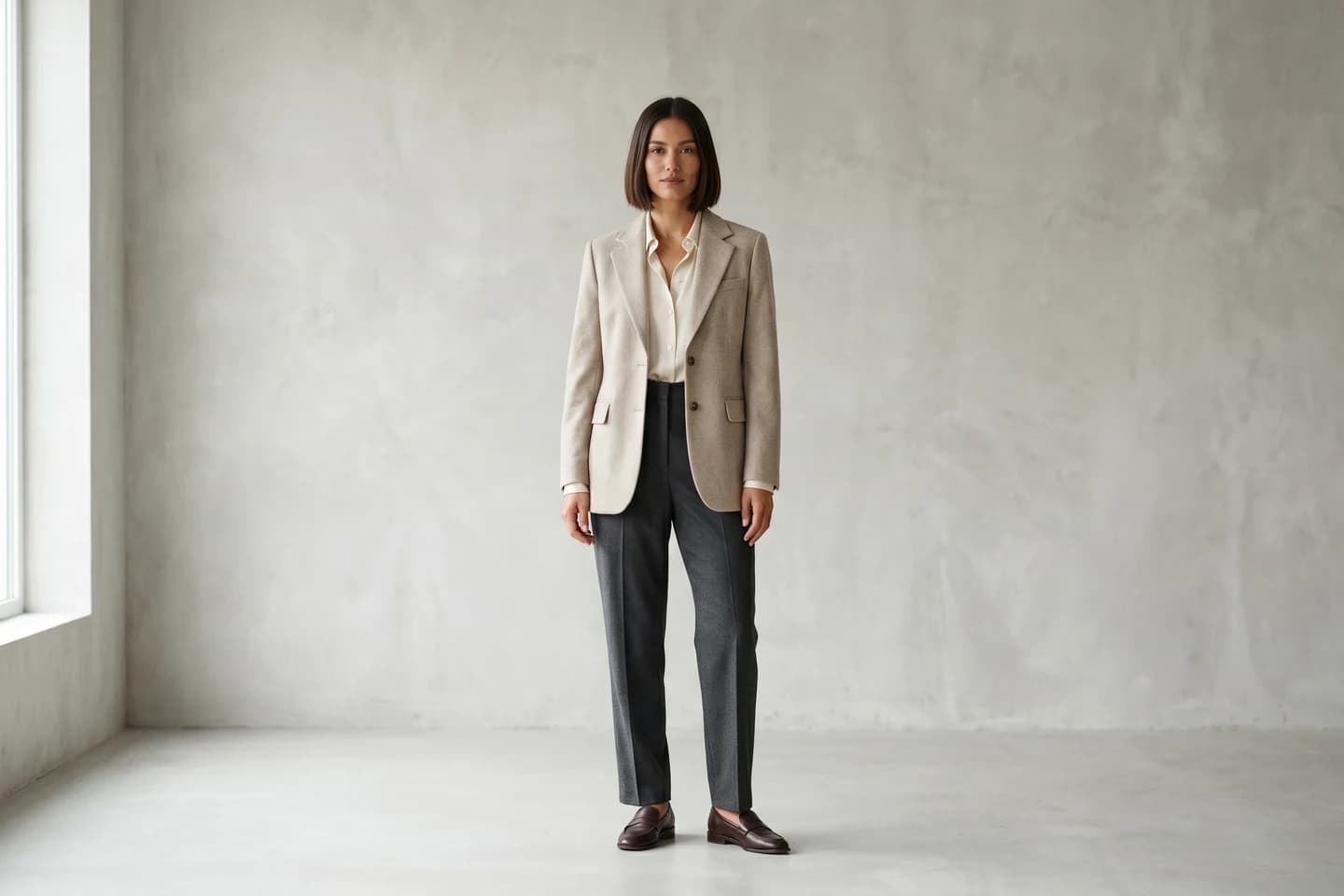
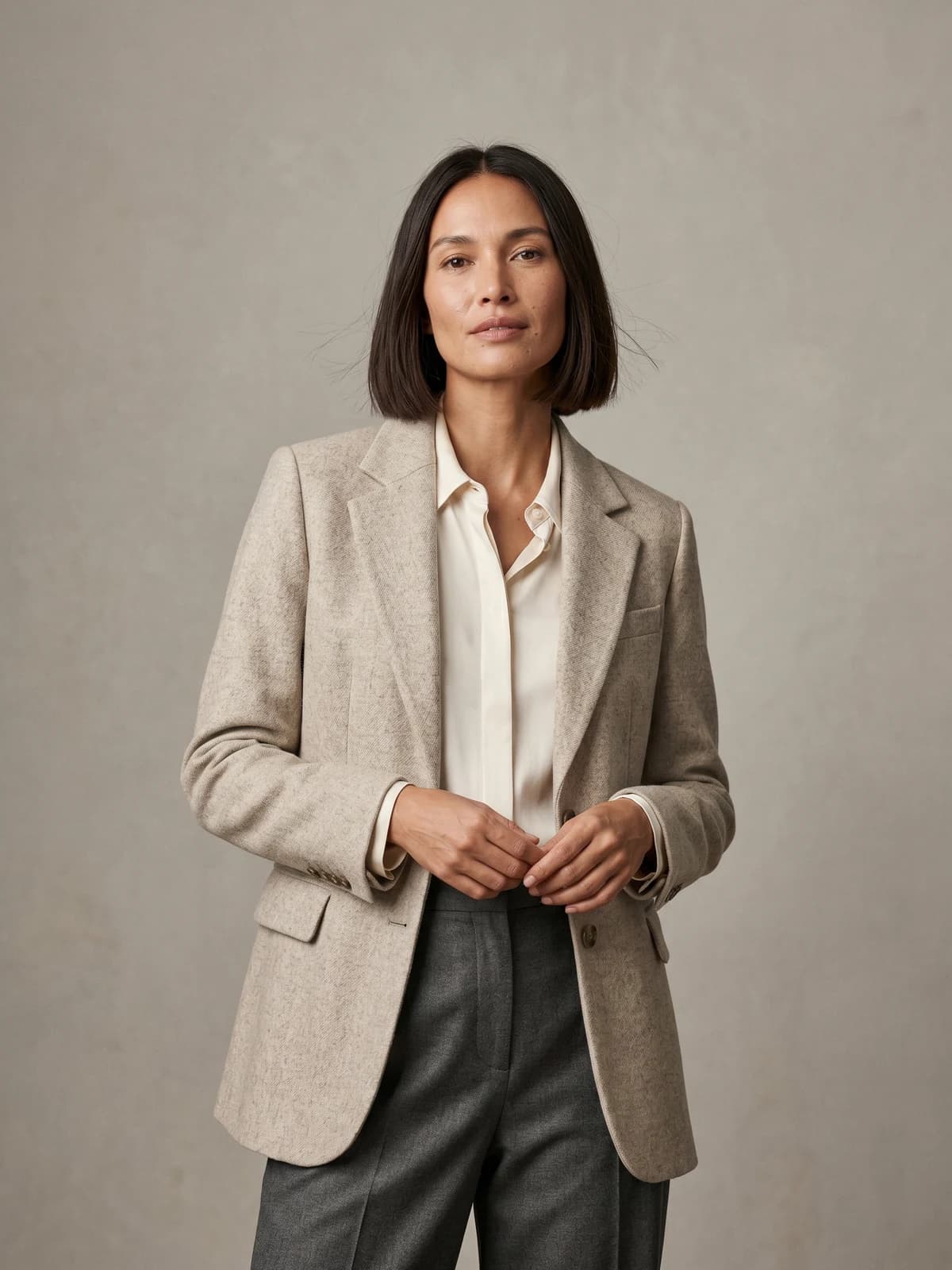
The same model across your whole catalog
Keep one signature model consistent across every product, pose, and collection.
Why the same face across your whole catalog matters
A recurring model is a recognition asset. When the same person shows up on your product pages, your ads, and your social feed, that face starts doing the job of a brand ambassador without a contract, a day rate, or a re-shoot every season. Shoppers stop noticing the model and start trusting the store.
The money side backs this up. Professional ecommerce product photography usually runs $50 to $200 per image, and on-model apparel shoots pile a model day rate of roughly $500 to $2,000 per day on top, plus $150 to $300 per look, according to Razor Creative Labs. A reusable AI persona removes those recurring costs across an entire catalog, because you build the model once and keep casting it.
And photos carry the sale. In one Field Agent survey reported by eMarketer, 83% of US smartphone users called product images "very" or "extremely" influential on their purchase decisions. Separate data from Retail Technology Review puts it at 75% of online shoppers relying on product photography to decide. If those photos look like they came from a dozen different people, the cohesion that reassures a buyer falls apart.
Consistent AI models vs consistent product images: what this guide solves
These two problems get mixed up constantly, so let me draw the line clearly.
Product image consistency is about styling: uniform backgrounds, matched lighting, the same framing and crop, tidy color so the grid looks calm. That is the subject of our guide on keeping product images consistent across your catalog, and it does not touch who is in the photo.
Model identity consistency is about the person: the exact same face, body, and skin across every SKU so the catalog reads as one cast. That is what this guide covers. You can nail your backgrounds and lighting and still ship a page where a different stranger models each item. Both halves have to hold for a catalog to feel like one brand.
| Question | Model identity (this guide) | Product styling (companion guide) |
|---|---|---|
| What stays the same | Face, body, skin tone, hair | Background, lighting, crop, color |
| What breaks it | Identity drift between outputs | Mismatched framing or white balance |
| Core mechanic | Seeds, saved personas, reference images | Templates, presets, editing rules |
| Fails when ignored | 50 SKUs look like 50 people | 50 SKUs look like 50 studios |
Keep both in view. This piece stays on identity from here on.
Why AI models drift: seeds, personas, and reference images
To fix drift you have to know why it happens. Most people reach for a seed first and are surprised when it does not hold a face.
A seed is the starting random number a diffusion model uses. Reuse the same seed with the identical prompt and you get a near-identical image. Change the prompt even slightly, ask for a new pose, or a different garment, and the seed no longer pins the face, because the model is now sampling a different path. Reusing the same random seed with a prompt that spells out exact facial features gets you only about 60% consistency, and with general-purpose AI tools noticeable identity drift usually shows up within 3 to 5 outputs, per Neolemon. Seed-locking alone will not carry a face across a catalog.
Here is how the three mechanisms actually differ:
- Seed. Reproduces one image. Useful for re-rolling the exact same shot, useless the moment you change pose, outfit, or background.
- Reference image. Feeds the model a photo of your target face or body so it copies those features into a new scene. Holds identity far better than a seed because the face is an input, not a lucky draw.
- Saved persona. A locked model profile the tool stores and re-applies on demand, so every new generation starts from the same identity by default. This is the one built for catalog scale.
Think of it this way. A seed is a lottery ticket you photocopy. A reference image is a mugshot you hand the artist. A saved persona is hiring the same person on retainer.
The 3 ways to lock a model identity (and when each one holds)
Every method for keeping one model comes down to those three approaches or a combination. They are not equal, and the right pick depends on how many SKUs you need to cover.
| Method | How it works | Consistency | Best for | Weak spot |
|---|---|---|---|---|
| Seed reuse | Same random seed, same prompt | ~60%, drifts by output 3-5 | Re-rolling one exact shot | Breaks on any pose or garment change |
| Reference image | Feed a target face/body photo into each generation | High per image | Small sets, matching a real muse | Manual, needs a clean reference each time |
| Saved persona | Store one model profile, re-apply automatically | Highest across many outputs | Full catalogs, seasonal reuse | Depends on tool support |
A quick read of the trade-offs:
- Small drops or a single hero look. A strong reference image plus a tight prompt is enough. You are matching a handful of shots, so the manual step is cheap.
- Full catalogs of 30 to 100 SKUs. A saved persona is the only approach that scales without babysitting every frame. You lock the model once and every product inherits it.
- When realism matters most. Combine a persona with a reference image and detailed prompt discipline, and add a skin-texture pass if faces start to look plastic or airbrushed.
For anything catalog-sized, build around a saved persona and use reference images as a top-up, not the whole strategy.
Step-by-step: lock one AI model and reuse it across 50 SKUs
Here is the operational workflow. It assumes you are working in a tool with saved personas, such as WearView's consistent AI models feature, but the sequence maps onto any identity-first setup.
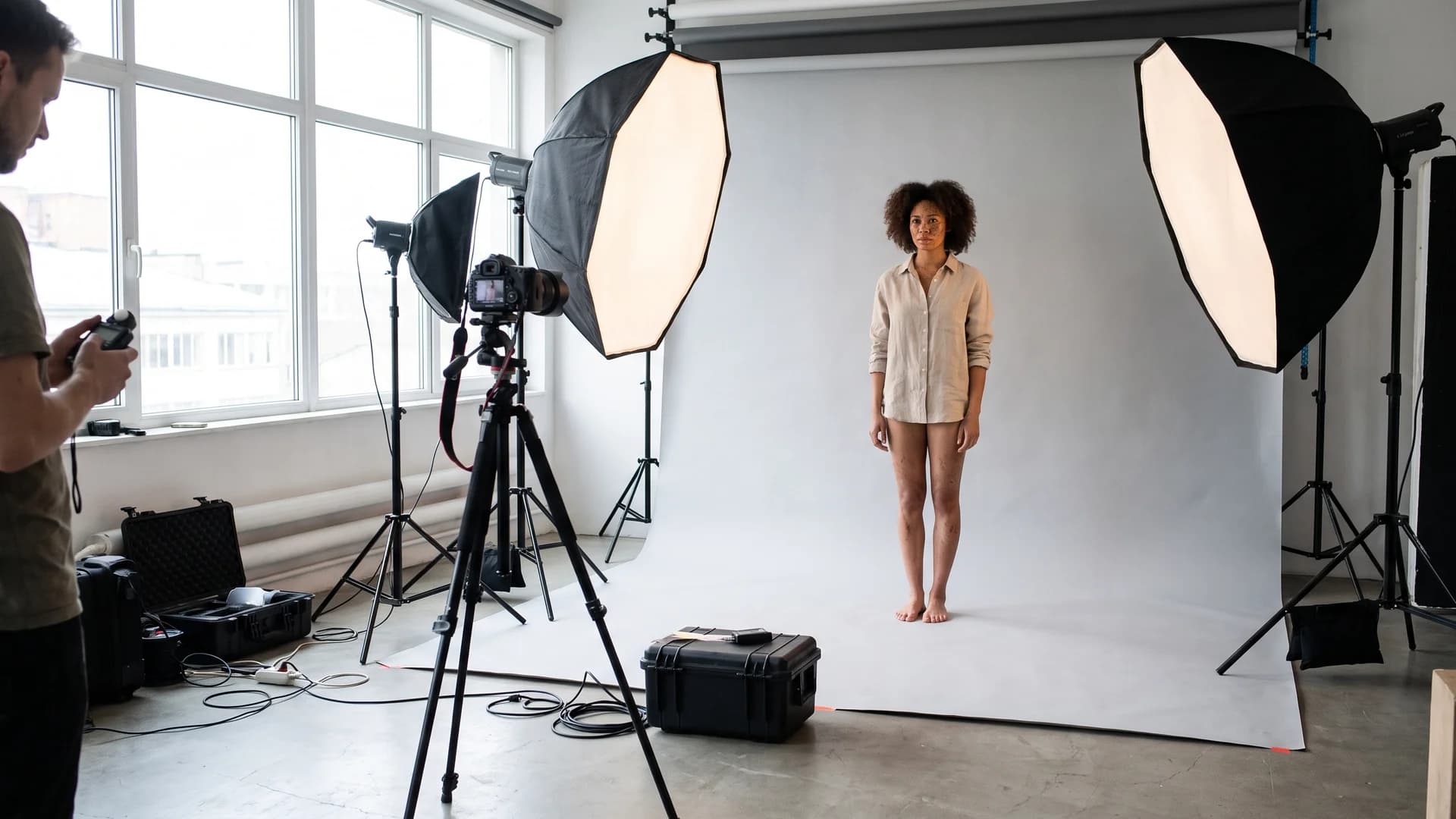
Studio setup for capturing one consistent AI model anchor image
-
Define the persona in writing. Before you generate anything, write a short spec: age range, ethnicity, hair, build, and a face you can describe in one sentence. Vague prompts drift faster, so be concrete. "Late-20s model, warm medium skin, dark shoulder-length hair, relaxed natural expression" beats "a pretty woman."
-
Generate and select the anchor image. Create the model with AI fashion model generation and pick one clean, front-facing, well-lit result as your anchor. This single image becomes the source of truth for the whole catalog. Choose the face you want on 50 products, not the flashiest one-off.
-
Save the persona. Lock that anchor as a reusable model profile. This is the step that separates a repeatable cast from a lucky screenshot. Name it so you can find it next season.
-
Test identity across three scenes. Before you commit, generate the persona in three different setups: a plain studio background, a street scene, and a seated pose. If the face holds across all three, the persona is stable. If it drifts, refine the anchor and re-save.
-
Dress each SKU. Apply the locked persona to product after product. For flat-lay or packshot inputs, product to model places each garment on the same body in under 15 seconds, so a 50-item run stays visually identical from the first shot to the last.
-
Vary pose and background, not the person. Use pose control and scene changes to keep the grid from looking robotic while the identity stays fixed. Same model, new angle, new setting.
The order matters. Lock identity first, then vary everything else around it.
Batch-generating a full drop with one consistent cast
Once the persona holds, a catalog is a production run, not 50 separate creative decisions. This is where the cost math turns in your favor and where a real workflow beats ad-hoc prompting.
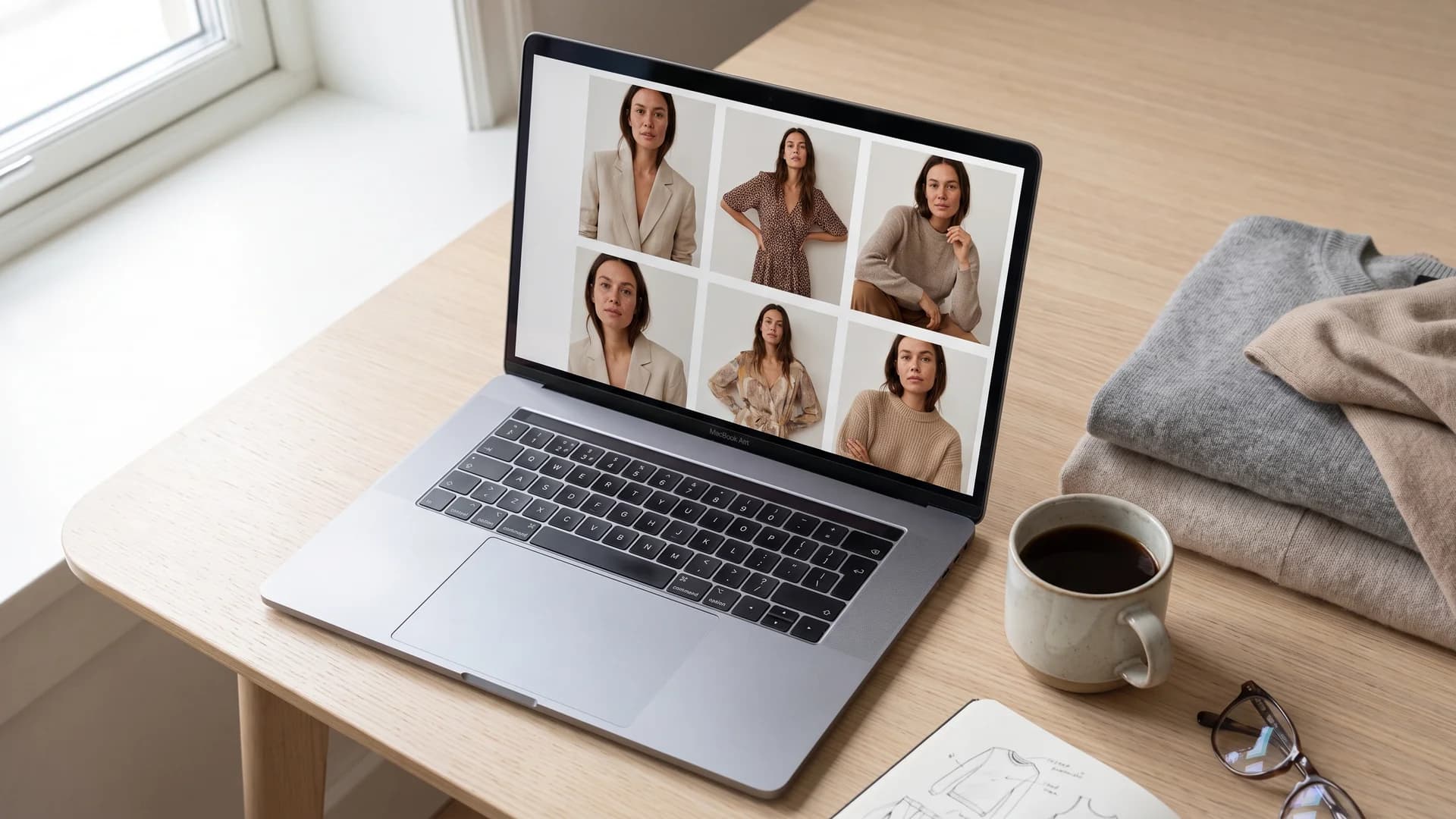
The same consistent AI model shown across a full catalog grid on a store page
Plan your cast before the drop. Most catalogs do not need one model; they need two or three so the range feels human without turning into a crowd. Matching each of those personas to your actual buyer is its own decision, one we walk through in how to choose the right AI virtual model. Lock each persona separately, name them, and assign SKUs to each. A menswear line might run one male persona across all 40 items. A mixed apparel brand might split a women's persona and a men's persona down the middle.
Then batch by category. Group SKUs by garment type and run them through the same persona in sequence so lighting and framing stay matched inside each set. Shoot all the shirts, then all the trousers, then all the dresses. Each SKU still needs coverage: 60% of US digital shoppers said they needed to see three or four images on average when shopping online, and another 13% wanted five or more, again in that eMarketer data. That means every product needs multiple angles, and every one of those angles has to feature the same face.
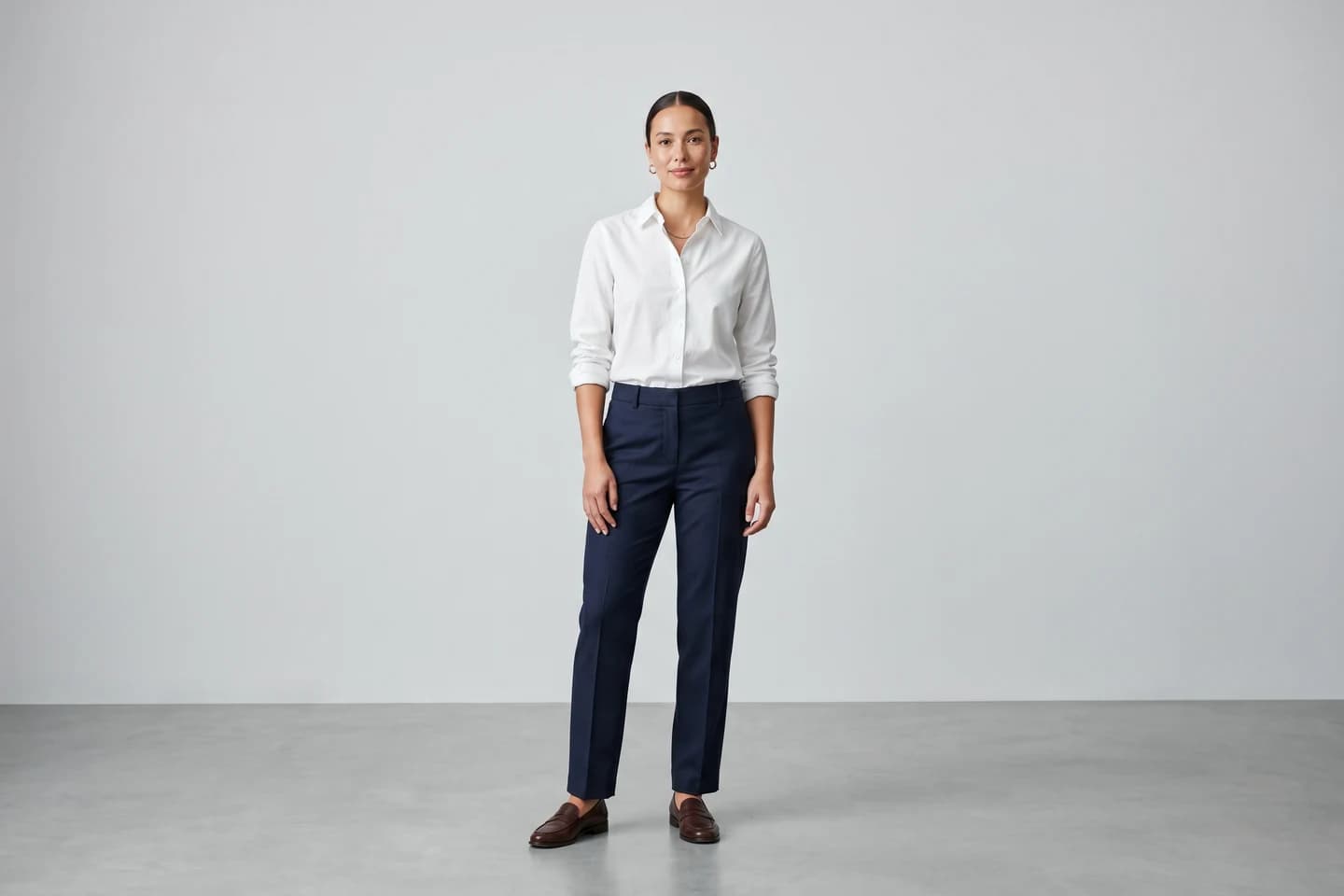
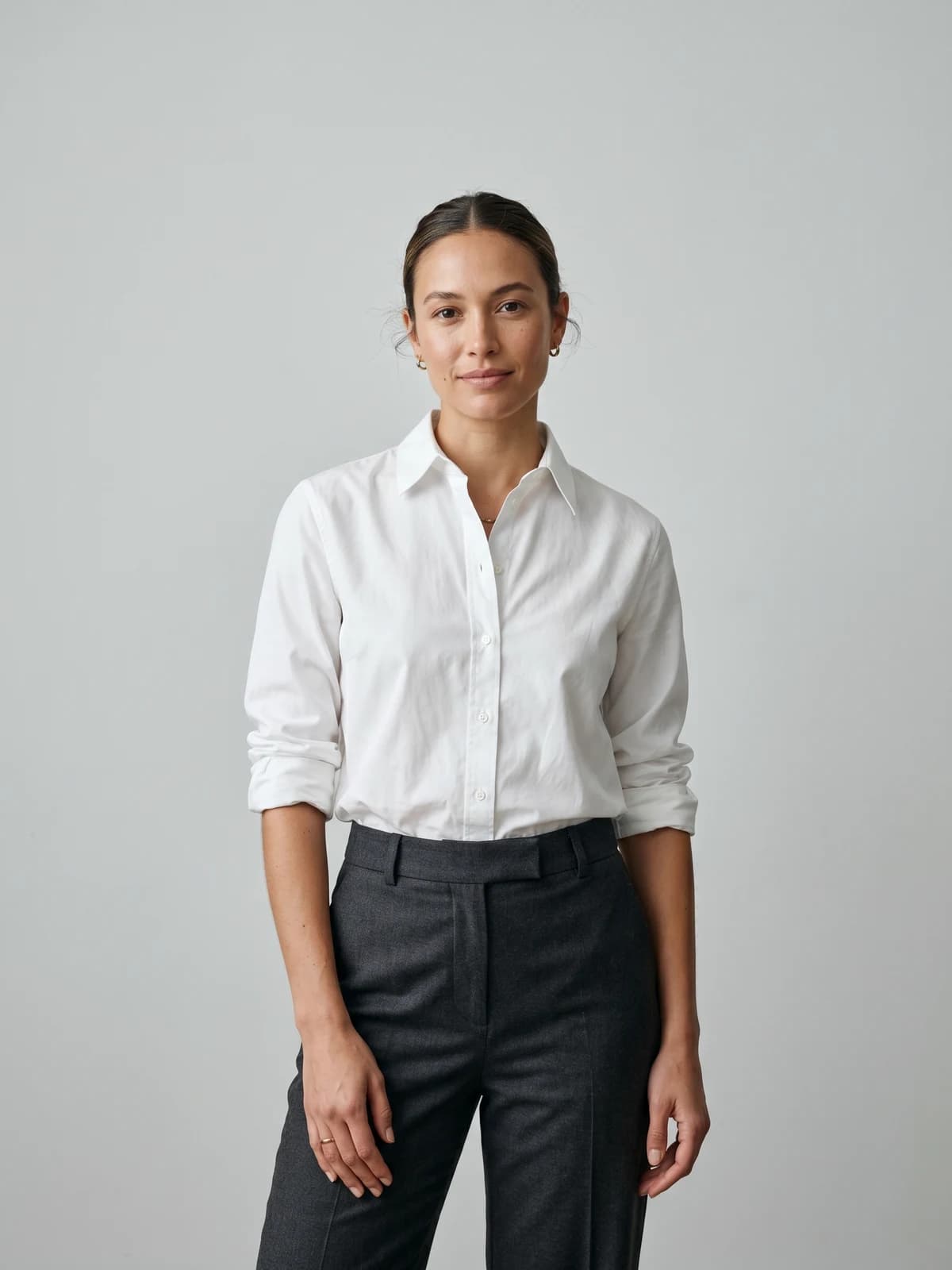
Turn flat-lays into on-model photos
Drop in a flat-lay or product shot and get professional on-model photography ready for your store.
Troubleshooting drift: a QA checklist for consistent AI models
Even with a saved persona, faces slip. Build a quick review pass into every drop and catch drift before it hits the store. Pull all outputs into one grid and scan for these failure signs.
| Drift symptom | Likely cause | Fix |
|---|---|---|
| Face changes shape between shots | Prompt overrode the persona | Simplify the prompt, let the persona lead |
| Skin tone shifts warmer or cooler | Background lighting bled into the render | Match scene lighting, correct color after |
| Age or features wander on later shots | Generated too many variations in one run | Re-anchor from the saved persona, restart the batch |
| Plastic or airbrushed skin | Model over-smoothed the face | Run a skin-texture pass to restore pores |
| Body proportions inconsistent | Pose reference conflicted with the persona | Use lighter pose guidance, keep the body locked |
A practical rule: review in a 3-by-3 grid, not one image at a time. Drift is obvious side by side and invisible in isolation. Reject any shot where you could not swear it was the same person, and regenerate it from the anchor rather than nudging the bad output.
Building a reusable model library for every seasonal drop
The real payoff comes after the first catalog. A saved persona does not expire when the season ends. Keep a small library of locked models and you skip the hardest step every drop: re-establishing who your brand looks like.
Treat it like a roster. Store each persona with its anchor image, a name, and notes on which collections it fronts. When spring lands, you pull the same faces you used in winter, and returning shoppers recognize them. That continuity is the ambassador effect working over months instead of a single campaign.
A few habits keep the library useful:
- Keep anchors clean. Store the front-facing, neutral-expression source image, not a heavily styled shot. You can add wardrobe and mood later; you cannot un-bake them.
- Retire drift-prone personas. If a model keeps slipping across runs, re-anchor it or replace it. A shaky persona costs more in QA than it saves.
- Match the cast to the audience. A virtual try-on flow that shows shoppers your range on a consistent, relatable body outperforms a rotating cast of strangers.
Over a year, the library is what turns AI models from a per-shoot gamble into a stable, recognizable brand face.
How WearView keeps the same model across your entire catalog
WearView is built around identity-first generation rather than one-off images. You create a model once, save it as a persona, and reapply it across every product, pose, and collection, which is the difference between a catalog that reads as one brand and a grid of strangers. The AI models for fashion platform handles the lock-and-reuse workflow this guide describes without manual seed juggling.
Pricing is straightforward and there is no free tier. Lite is $29 a month for 50 credits, Pro is $49 a month for 200 credits, and Advanced is $99 a month for 500 credits, with annual billing saving up to $198 a year. Product-to-model conversions run in under 15 seconds, and every paid plan ships full commercial usage rights on 4K output, so the same persona can carry your store, your ads, and your social feed.
Key takeaways
- Lock identity before you scale. Build one clean anchor image, save it as a persona, and apply it to every SKU rather than generating each product fresh.
- A seed is not a face. Seed reuse holds only about 60% and drifts by the third to fifth output, so lean on saved personas and reference images for catalog work.
- QA in a grid, not one at a time. Drift is obvious side by side. Reject and re-anchor any shot you could not swear is the same person.
- Reuse personas across seasons. Keep a small model library so returning shoppers see the same recognizable faces drop after drop.
- Pair identity with styling. Consistent faces plus consistent backgrounds and lighting are what make a catalog feel like one shoot. Get both halves right.
Sources: Razor Creative Labs, eMarketer, Retail Technology Review, Neolemon, 2026
FAQ
How do I keep the same AI model across different products? Save the model as a reusable persona from one clean anchor image, then apply that persona to each product instead of generating a new model per SKU. Vary the pose, garment, and background while the identity stays locked. This is the core of any consistent AI models workflow.
Why do my AI models keep changing faces between images? Most tools generate a fresh face each run unless you give them a fixed identity input. Prompts alone drift because the model samples a new path every time. Feeding a reference image or reusing a saved persona pins the face so it stops wandering between shots.
What is the difference between using a seed and a reference image for consistency? A seed reproduces one exact image but stops holding the face the moment you change the pose or outfit. A reference image feeds the target features into every new generation, so identity survives across different scenes. For a catalog, a reference image or saved persona beats a seed every time.
Can one AI model persona cover an entire product catalog? Yes, and that is the point of locking a persona. One saved model can front dozens of SKUs across poses and backgrounds. Many brands run two or three personas so the range feels human, but a single persona can carry a focused line on its own.
How do I put the same AI model in different poses and backgrounds? Lock the persona first, then apply pose control and scene changes on top of it. The identity stays fixed while the angle, setting, and lighting vary. That keeps the grid from looking robotic without introducing a new face.
Is seed-locking enough to get a consistent face every time? No. Reusing a seed with a detailed prompt holds only about 60% consistency, and drift usually appears within 3 to 5 outputs. Seed reuse is fine for re-rolling one identical shot but not for a catalog. Use a saved persona for scale.
How many product images can I generate before the model starts drifting? With general-purpose tools, drift often shows up by the third to fifth output. Identity-first tools that store a persona avoid that ceiling because every generation restarts from the same locked model rather than compounding small changes.
How is a consistent AI model different from keeping my product images consistent? Model consistency is about the person, keeping the same face and body across SKUs. Product image consistency is about styling, keeping backgrounds, lighting, and crops uniform. Both matter, and a catalog only reads as one brand when you get both right.

WearView Team
WearView Content & Research Team
WearView Team is a group of fashion technology specialists focused on AI fashion models, virtual try-on, and AI product photography for e-commerce brands. We publish in-depth guides, case studies, and practical insights to help fashion businesses improve conversion rates and scale faster using AI.


