
July 12, 2026•15 min read
Fashion Design Software for Beginners: Complete 2026 Guide
New to designing clothes? This guide skips the top-10 lists and organizes fashion design software by what you actually need: sketching, patterns, 3D, and AI visualization, plus a realistic first-90-days path.
Picture of Fashion Design Software for Beginners: Complete 2026 Guide article
You want to design clothes, and the moment you start searching for fashion design software for beginners you hit a wall of "top 10" lists that all name the same programs and never tell you where to begin. Most of them push you straight toward pro software like CLO 3D or Adobe Illustrator, which is a bit like handing a new driver the keys to a race car.
This guide takes a different route. Instead of ranking products, it sorts the tools by the job each one does: sketching, pattern-making, 3D simulation, and AI visualization. You will get an honest free-versus-paid starter stack, a realistic 90-day learning path, a straight answer on whether you need to draw, and the seven mistakes that trip up almost everyone. By the end you will know which single tool to open first and what to learn next, without wasting money on software you are not ready for.
What fashion design software for beginners actually does (and what it can't)
Fashion design software is a set of digital tools that help you turn an idea in your head into something you can produce and sell. That covers sketching a garment, drawing the technical flats a factory needs, building the flat pattern pieces, simulating how fabric drapes in 3D, and creating the imagery you use to market the finished piece.
Here is the part the listicles skip: software does not design for you. It will not invent a silhouette, choose your fabric, or fix a fit problem you do not understand yet. It speeds up the work and removes the need for expensive physical samples on every iteration, but the taste and the technical knowledge are still on you.
That distinction matters for beginners because it changes what you should buy first. You do not need the most powerful program. You need the one that lets you get an idea out of your head and onto a screen fast, so you can learn by doing.
The 4 types of fashion design software for beginners
Almost every tool in this space fits into one of four categories. Learn the categories first and the individual product names stop being intimidating.
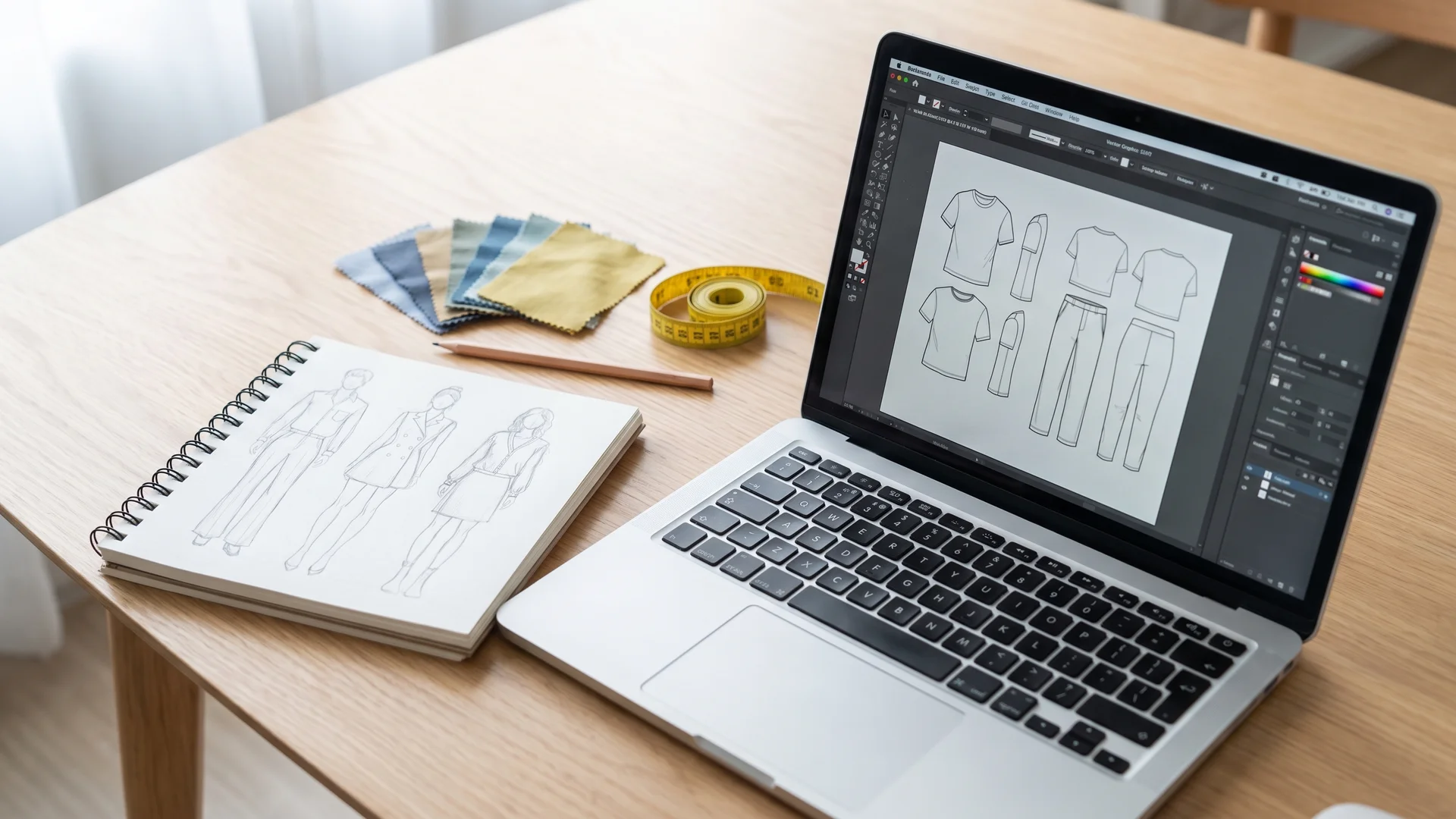
Beginner fashion design software workspace with a laptop showing vector flat sketches beside a paper croquis sketchbook and fabric swatches
1. Sketching and illustration. This is where most people should start. These tools let you draw a croquis (the figure you sketch a garment on) and a flat sketch (the flat, technical drawing of the garment itself). Vector tools like Adobe Illustrator and the free Inkscape live here, along with Procreate on an iPad for looser hand-style sketching.
2. Pattern-making and CAD. Once you have a design, someone has to translate it into flat pattern pieces that get cut and sewn. Pattern software ranges from browser-based made-for-beginners tools to industrial CAD systems like Gerber and Optitex used by factories. This is pattern-making territory, and it is more technical than sketching.
3. 3D garment simulation. These programs (CLO 3D, Browzwear, the free Blender with add-ons) stitch your 2D pattern onto a virtual body and simulate how real fabric falls. They are powerful and genuinely change how brands work, but they have a steep learning curve. Most beginners do not need them in month one.
4. AI visualization. The newest category. Instead of building a garment from scratch, these tools help you generate mood, style, and finished imagery. That includes text-to-image mood exploration and, more usefully for anyone selling, turning a flat garment photo into on-model photography without a shoot. This is where design meets marketing.
| Category | What it does | Beginner-friendly options | Best for |
|---|---|---|---|
| Sketching / illustration | Croquis, flat sketches, tech drawings | Inkscape (free), Procreate, Illustrator | Getting ideas out fast; your first tool |
| Pattern-making / CAD | Flat pattern pieces for cutting and sewing | Seamly2D (free), Tailornova | Actually producing a garment |
| 3D garment simulation | Simulating fabric drape on a virtual body | Blender (free), CLO 3D | Reducing physical samples; advanced |
| AI visualization | Mood, style, on-model imagery | AI text-to-image tools, WearView | Selling and marketing the design |
For a deeper comparison of the 3D category specifically, see our roundup of the best 3D clothing design software.
Free vs paid: building a starter stack that won't overwhelm you
You can start designing clothes for zero dollars. The free tools here are far better than they were five years ago, and for a beginner they cover most of what you need.
The trap is thinking you have to buy the industry-standard version of everything on day one. Adobe Illustrator costs roughly 23 dollars a month. CLO 3D runs on a subscription that adds up fast. Buying both before you have sketched a single flat is how beginners burn money and motivation at the same time.
Here is a sane starter stack, free first, paid only when you hit a real wall.
| Need | Free starting point | Upgrade to (paid) when… |
|---|---|---|
| Sketching / flats | Inkscape or Vectr | You need Illustrator files for a factory or freelancer |
| Pattern-making | Seamly2D | You are producing regularly and need grading and speed |
| 3D simulation | Blender (Simply Cloth add-on) | You sample often and want photoreal drape (CLO 3D) |
| Mood / references | Pinterest, Canva | Never strictly required to start |
| On-model imagery | AI product-to-model tools | You are ready to sell and need catalog-quality photos |
The rule: add a paid tool only when a free one is actively slowing down real work you are already doing. Not before.
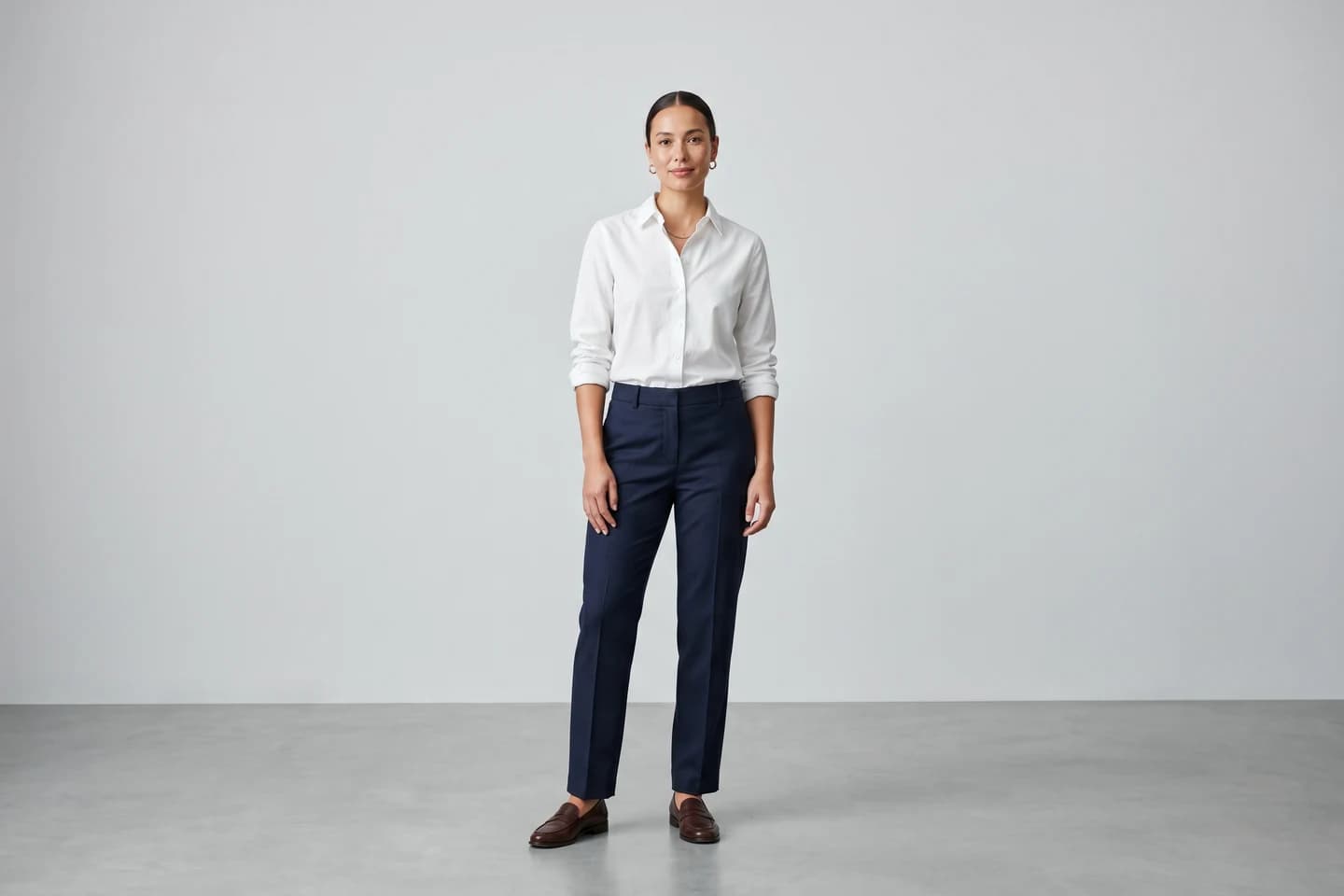
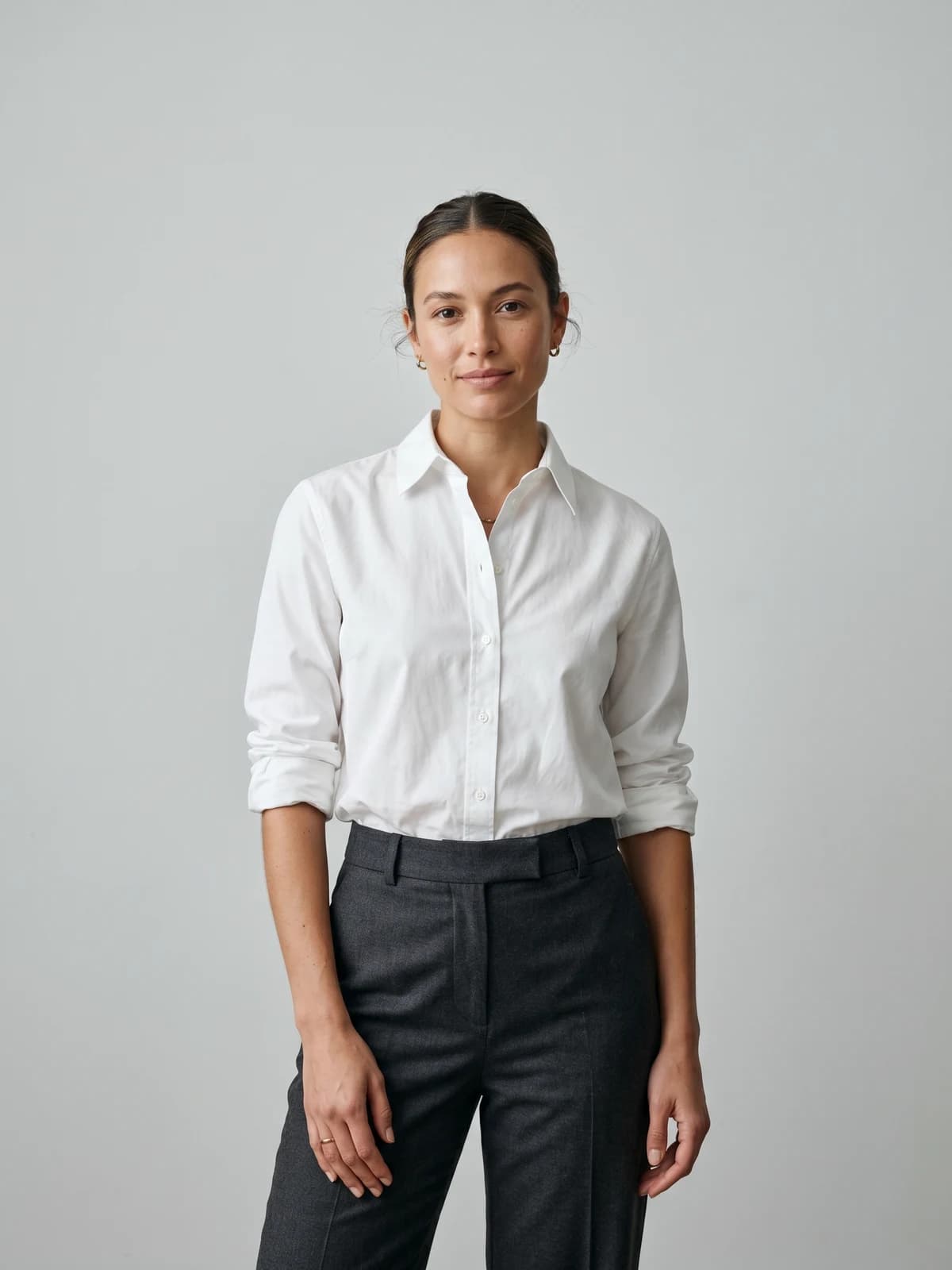
Turn your first design into on-model photos
Drop in a flat-lay or product shot and get professional on-model photography ready for your store, no studio needed.
How to choose your first tool based on what you want to make
Skip the rankings. Pick your first tool by matching it to what you are actually trying to build. Your goal decides the category, and the category decides the tool. If you cannot decide between starting AI-first and learning the traditional CAD stack, our breakdown of where AI design tools beat traditional software compares the two on speed, cost, control, and learning curve.
- "I want to sketch designs and build a portfolio." Start with sketching software. Inkscape if you are on a laptop, Procreate if you have an iPad. Learn to draw clean flats before anything else.
- "I want to actually make and sew a garment." You need pattern-making. A browser-based tool like Tailornova or the free Seamly2D gets you to a cut-and-sew pattern faster than learning industrial CAD.
- "I want to visualize collections and reduce sampling." This is the 3D category. Be honest that it takes weeks to get comfortable, and start with Blender if budget is tight.
- "I have designs and want to sell them online." Your bottleneck is not design software at all. It is imagery. You need a way to show garments on people, which is the AI visualization category.
Most beginners pick one goal and quietly try to do all four. Resist that. Choose the single outcome that matters most in the next three months and learn the one category that serves it.
A realistic beginner learning path: your first 90 days
You do not learn fashion design software by watching tutorials for a month and then starting. You learn by making small, finishable things, ideally by walking the digital design workflow from sketch to 3D sample once on a garment you actually want to make. Here is a paced 90-day plan that assumes a few hours a week, not a full-time schedule.
Days 1 to 30: sketching fundamentals. Pick one sketching tool and stay with it. Learn to draw a croquis and produce ten clean flat sketches of garments you like. Do not touch 3D or pattern software yet. The goal is comfort with the pen and shapes, not a finished product.
Days 31 to 60: your first real garment. Choose one simple design, a boxy tee or an A-line skirt, and take it further. Draw the flats, then move into a beginner pattern tool and build the pattern pieces. Sew a rough version if you can. This is where you learn how a drawing becomes a tech pack, the spec sheet a factory works from.
Days 61 to 90: visualize and share. Now make the work presentable. Explore one 3D or AI visualization tool at a beginner level, then create imagery you would actually post. If you plan to sell, this is where you turn your garment into on-model shots and build a small lookbook.
The point of a schedule like this is finishing things. A beginner who ships one imperfect garment learns more than one who studies CLO 3D for three months and produces nothing.
Do you need to draw? The skills and hardware you actually need
The single most common beginner fear is "I can't draw, so I can't design clothes." You can. Drawing helps, but it is not a gate.
Vector sketching tools work with anchor points and lines, not freehand talent. You place points and drag curves, which is closer to tracing than to fine-art sketching. Plenty of working designers produce clean technical flats without being able to draw a portrait. What you do need is an eye for proportion and enough patience to redo a curve until it looks right.
The skills that matter more than raw drawing ability:
- Understanding garment construction (how a sleeve attaches, what a dart does)
- Reading and building a basic pattern
- A sense of proportion and fit
- Knowing fabric behavior, because a design that ignores drape fails in real life
On hardware, you need less than you think. A mid-range laptop from the last four years handles sketching and most pattern work. The exception is 3D simulation, which leans on your graphics card and RAM. If 3D is your goal, aim for at least 16GB of RAM and a dedicated GPU. A drawing tablet (a basic Wacom or an iPad) helps for sketching but is optional when you are starting with vector tools.
7 common beginner mistakes (and how to avoid them)
Most of the friction beginners hit is self-inflicted. Here are the patterns that show up again and again.
- Buying pro software too early. CLO 3D and Illustrator are not beginner tools. Start free, upgrade when a free tool blocks real work.
- Learning four categories at once. Pick one. Sketching first for almost everyone. Add categories as projects demand them.
- Watching tutorials instead of making things. Tutorials feel productive but do not build skill. Make a finishable thing every week.
- Ignoring pattern-making. A pretty sketch that cannot be turned into a pattern is not a producible design. Learn the boring middle step.
- Skipping fabric knowledge. Software simulates drape, but only if you tell it the right fabric. A design that fights the material will fail off-screen.
- Perfectionism on the first garment. Ship the boxy tee. Learn from what is wrong with it. Iterate.
- Treating imagery as an afterthought. You can design a great garment and still fail to sell it because your photos are weak. Plan for on-model imagery before launch, not after.
That last one is worth sitting with. Professional product photography typically costs 25 to 75 dollars per image for basic listing shots and 100 to 500 dollars or more for lifestyle images, and once retouching, shipping, and reshoots are added the real cost often runs close to double the quoted rate (Nightjar). For a beginner with a handful of designs, that math alone can stall a launch.
From sketch to sale: turning your designs into on-model product photos
Every design tool covered so far ends at the same place: you have a garment, flat on a screen or hanging on a rack, and now you need to show it on a body. This is the step the pure-design roundups never address, and it is where a lot of first collections stall.
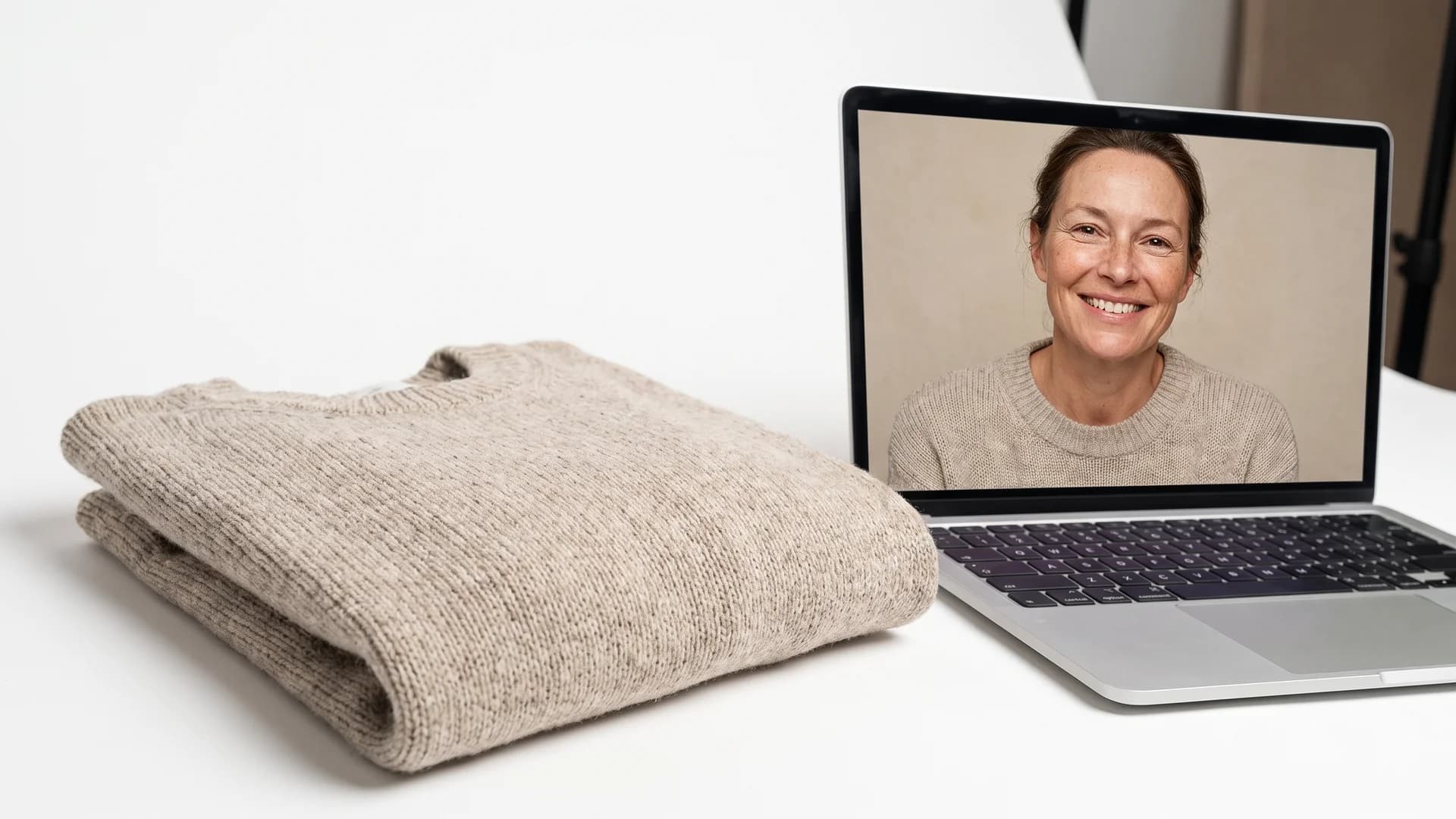
Flat-lay knit sweater beside a laptop previewing on-model product photography of the same garment on a realistic AI model
The stakes are real. Around 22 percent of ecommerce returns happen because the product looked different from its online images (Nightjar). Accurate on-model visuals directly affect whether a sale sticks.
Traditionally that meant booking a model, a photographer, and a studio. AI visualization tools now let you skip that. WearView takes a flat-lay or product photo and places the garment on a realistic AI model, producing on-model imagery in under 15 seconds per image. You can generate product to model shots from your designs, use virtual try-on to preview a garment on different body types, and create your own AI fashion model generator personas so the same model appears across your whole collection.
This connects directly to the wider shift the design category is riding. The AI in fashion design market is projected to reach roughly 43.55 billion dollars by 2034, growing at about 36.2 percent a year (Growth Market Reports). AI-assisted tools that were locked to big brands are now something a beginner can open in a browser. If you want the full picture of the platform, WearView sits at the design-to-sale bridge rather than the sketching stage.
Pricing is straightforward: Lite is 29 dollars a month, Pro is 49 dollars, and Advanced is 99 dollars, with full commercial usage rights on every paid plan. For a beginner who has spent nothing on design software, that is the one paid tool worth budgeting for, because it sits at the point where design turns into revenue.
Key takeaways
- Start with one category, not one ranking. Sketching software is the right first tool for almost everyone. Learn to draw clean flats before touching 3D or CAD.
- Go free first. Inkscape, Seamly2D, and Blender cover the sketching, pattern, and 3D bases at zero cost. Pay for a tool only when a free one blocks real work.
- You do not need to draw well. Vector tools use anchor points, not freehand talent. Garment construction and fit knowledge matter more.
- Finish small things. A shipped boxy tee teaches more than three months of CLO 3D tutorials. Use the 90-day path to force completion.
- Plan imagery before launch. 3D simulation can cut sampling waste by up to 80 percent (Browzwear), and AI on-model tools like WearView turn finished designs into sellable photos without a studio.
FAQ
What is the best fashion design software for beginners? There is no single best tool, only the best tool for your goal. If you want to sketch, start with Inkscape (free) or Adobe Illustrator. If you want to make patterns, start with Tailornova or Seamly2D. Pick the category that matches what you are trying to build first, then choose the beginner-friendly option inside it.
Is there free fashion design software for beginners? Yes, and it is good enough to start a real portfolio. Inkscape and Vectr handle sketching and flats, Seamly2D covers pattern-making, and Blender with a cloth add-on does basic 3D simulation. A beginner can design clothes for zero dollars and only pay once a free tool actively slows down real work.
Do I need to know how to draw to use fashion design software? No. Vector sketching tools work by placing anchor points and dragging curves, which is closer to tracing than freehand drawing. A sense of proportion and patience matters more than artistic talent. Many working designers produce clean technical flats without being able to sketch by hand.
Can I learn fashion design software on my own? Yes. Most beginners are self-taught through free tutorials and, more importantly, by making small finishable projects. The fastest path is to complete one simple garment end to end rather than watching tutorials without producing anything. Structure your first 90 days around shipping, not studying.
What software do professional fashion designers actually use? Adobe Illustrator is the industry standard for flats and technical drawing, CLO 3D and Browzwear dominate 3D garment simulation, and factories run pattern CAD systems like Gerber and Optitex. These are powerful but steep, which is exactly why beginners should not start there.
Which fashion design software is the easiest to learn? Browser-based and template-driven tools are the gentlest entry point. For sketching, Vectr and Inkscape are approachable; for patterns, Tailornova generates a starting pattern from your measurements. Ease of learning should outweigh raw power when you are choosing your first tool.
Do I need Adobe Illustrator to design clothes? No. Illustrator is the professional standard, but the free Inkscape does most of what a beginner needs for flats and technical drawing. You only need Illustrator once you have to hand editable vector files to a factory or freelancer who expects that format.
How long does it take to learn fashion design software? You can produce basic flat sketches within a few weeks of steady practice. Reaching comfort with pattern-making or 3D simulation takes a few months, and mastering industrial tools takes longer. A realistic first milestone is designing and visualizing one complete garment within 90 days.
Sources: Nightjar, Browzwear, Growth Market Reports, Fashion Design Software Landscape (2026)

WearView Team
WearView Content & Research Team
WearView Team is a group of fashion technology specialists focused on AI fashion models, virtual try-on, and AI product photography for e-commerce brands. We publish in-depth guides, case studies, and practical insights to help fashion businesses improve conversion rates and scale faster using AI.


