June 18, 2026•17 min read
Best 3D clothing design software: 8 top tools in 2026
3D clothing design software lets you build, fit, and visualize garments digitally before cutting a single sample. We compare the 8 best tools for designers and brands in 2026, with pricing, strengths, and a quick way to pick the right one for your workflow.
Best 3D clothing design software: 8 top tools in 2026
3D clothing design software lets you build, drape, and fit garments digitally before you ever cut fabric. Instead of sewing a physical sample for every idea, you design on a virtual avatar, see how the cloth falls, and catch fit problems early. That saves sample rounds, cuts material waste, and speeds up the path from sketch to production.
The catch: most 3D garment tools focus on pattern-making and simulation, which is a different job from producing the photorealistic, on-model images you need to actually sell a product online. Some designers want true parametric 3D CAD. Others just want a finished garment to look real on a model for a product page or ad. This guide covers the best 3d clothing design software for both jobs, including pricing, key strengths, and a short framework to help you choose.
Best 3D clothing design software: a brief overview
If you want photorealistic garments on real-looking models (for selling):
- WearView: Best overall for turning designs into sellable on-model photos: generate studio-grade fashion images from a garment or flat-lay in seconds, no 3D rig required.
If you want true 3D garment CAD and simulation (for designing and fitting):
- CLO 3D: Best for professional apparel designers who need accurate drape and pattern-to-3D simulation.
- Browzwear (VStitcher): Best for enterprise brands standardizing 3D across design, fit, and merchandising.
- Marvelous Designer: Best for cloth simulation in games, film, and 3D art pipelines.
- Optitex: Best for technical 2D/3D pattern-making tied to production and grading.
- TUKA3D (by Tukatech): Best for factories and brands that want 3D fit on real production patterns.
- Style3D: Best for digital-first teams that want design, simulation, and rendering in one suite.
- Blender (with cloth sim): Best free option for technical artists comfortable with general 3D software.
| Tool name | Key strength | Pricing | Platforms |
|---|---|---|---|
| WearView | Turns garments and flat-lays into photorealistic on-model images fast | Paid plans only, no free tier; credit-based | Web |
| CLO 3D | Accurate true-to-life garment simulation and pattern-to-3D | Subscription; free trial available | Windows, macOS |
| Browzwear (VStitcher) | Enterprise 3D design-to-merchandising platform | Published plans from ~$75/mo (Freelancer); Enterprise is custom | Windows, macOS |
| Marvelous Designer | Industry-standard cloth simulation for 3D art and animation | Subscription tiers; free trial available | Windows, macOS |
| Optitex | 2D/3D pattern-making linked to production and grading | Custom/enterprise pricing; demo on request | Windows |
| TUKA3D | 3D fit on real production patterns for factories and brands | Custom pricing; demo on request | Windows |
| Style3D | All-in-one digital design, simulation, and rendering | Subscription; free trial/plan options vary | Windows, macOS, Web |
| Blender | Free, open-source 3D suite with built-in cloth simulation | Free (open source) | Windows, macOS, Linux |
1. WearView, best overall for turning designs into sellable on-model photos
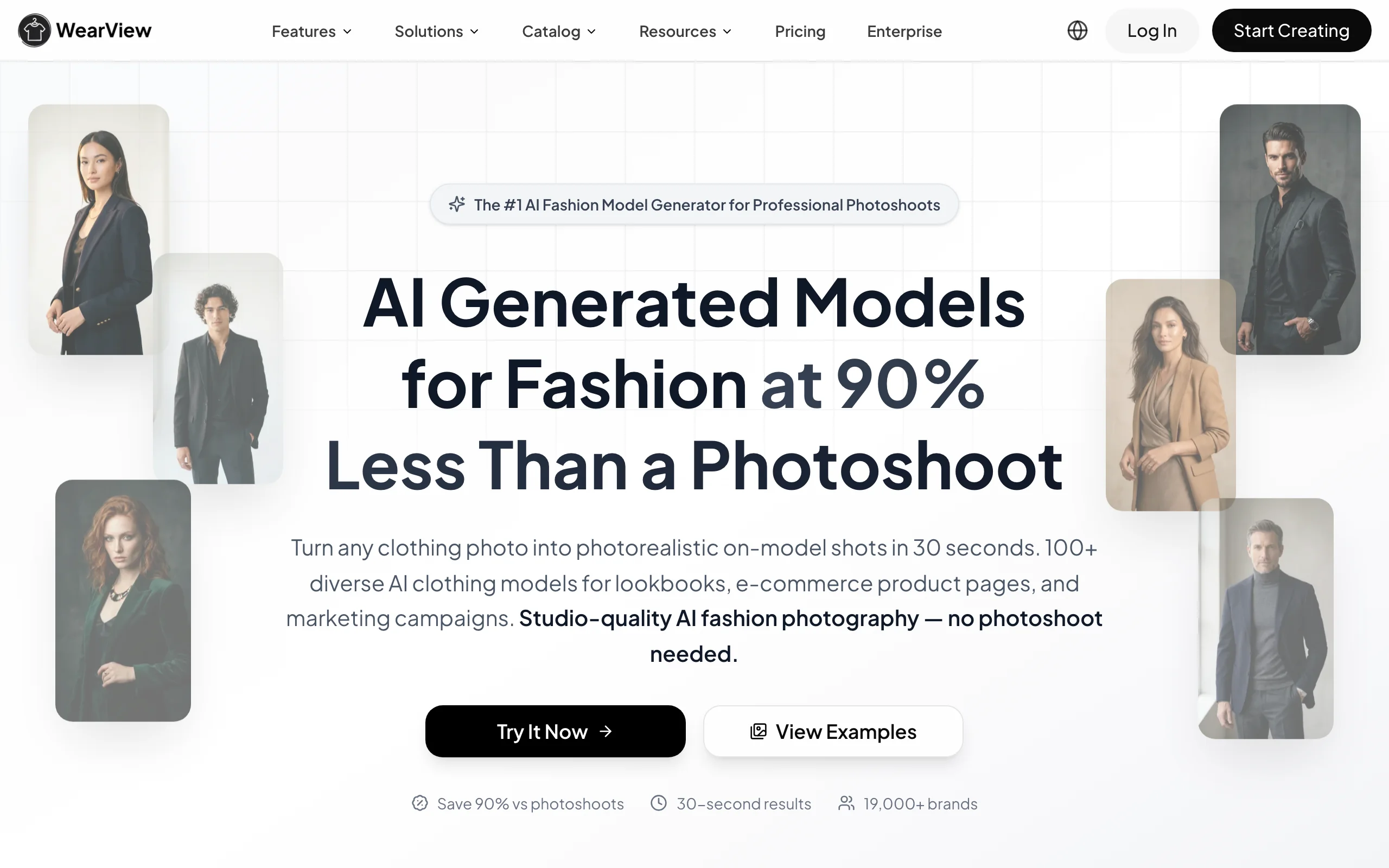
WearView is an AI fashion photography platform built for the step that comes after design: making a garment look real on a model so it can sell. You upload a garment photo, flat-lay, or packshot, choose from a range of AI models across different ethnicities, body types, and ages, and describe the pose, background, and setting you want. The platform generates professional on-model images in under 15 seconds, with no 3D rig, avatar setup, or rendering queue to manage.
It is not a parametric pattern tool, and that is the point. Where CLO 3D or Browzwear help you engineer the garment, WearView helps you visualize and merchandise it. You can run AI virtual try-on on a single garment, convert flat-lays with flatlay to model, keep one signature face across a whole collection with consistent AI models, produce clean ghost mannequin shots, and even generate short fashion video, all in one workspace. For brands and indie designers who need catalog-ready imagery without a photoshoot, it covers the most ground.
3D Clothing Design Software with WearView
Key features
- On-model image generation from a garment photo, flat-lay, or packshot in under 15 seconds
- Diverse AI model library across ethnicities, body types, and age ranges
- Consistent model identity to reuse the same face across a collection
- Ghost mannequin and product-to-model modes for catalog work
- AI fashion video generation at 720p and 1080p
- HD, 2K, and 4K output with commercial usage rights
Best for
- Indie designers and brands who have a finished design and need sellable imagery, not a CAD model
- Ecommerce sellers refreshing PDPs and ad creative across many SKUs
- Marketing teams that want consistent on-model visuals without studio bookings
Pricing
- Paid plans only; no free tier or free credits
- Credit-based plans with monthly and discounted annual billing
- Credit packs available for one-off top-ups; team seats on higher tiers
Pros
- Fastest route from a flat garment to a photorealistic, on-model image
- Breadth: try-on, product-to-model, model creation, consistent models, ghost mannequin, and video in one place
- 4K output with full commercial rights, ready for storefronts and ads
Cons
- Not a true 3D pattern or simulation tool; you cannot draft patterns or check seam-level fit
- No free tier, so there is a cost to test at volume
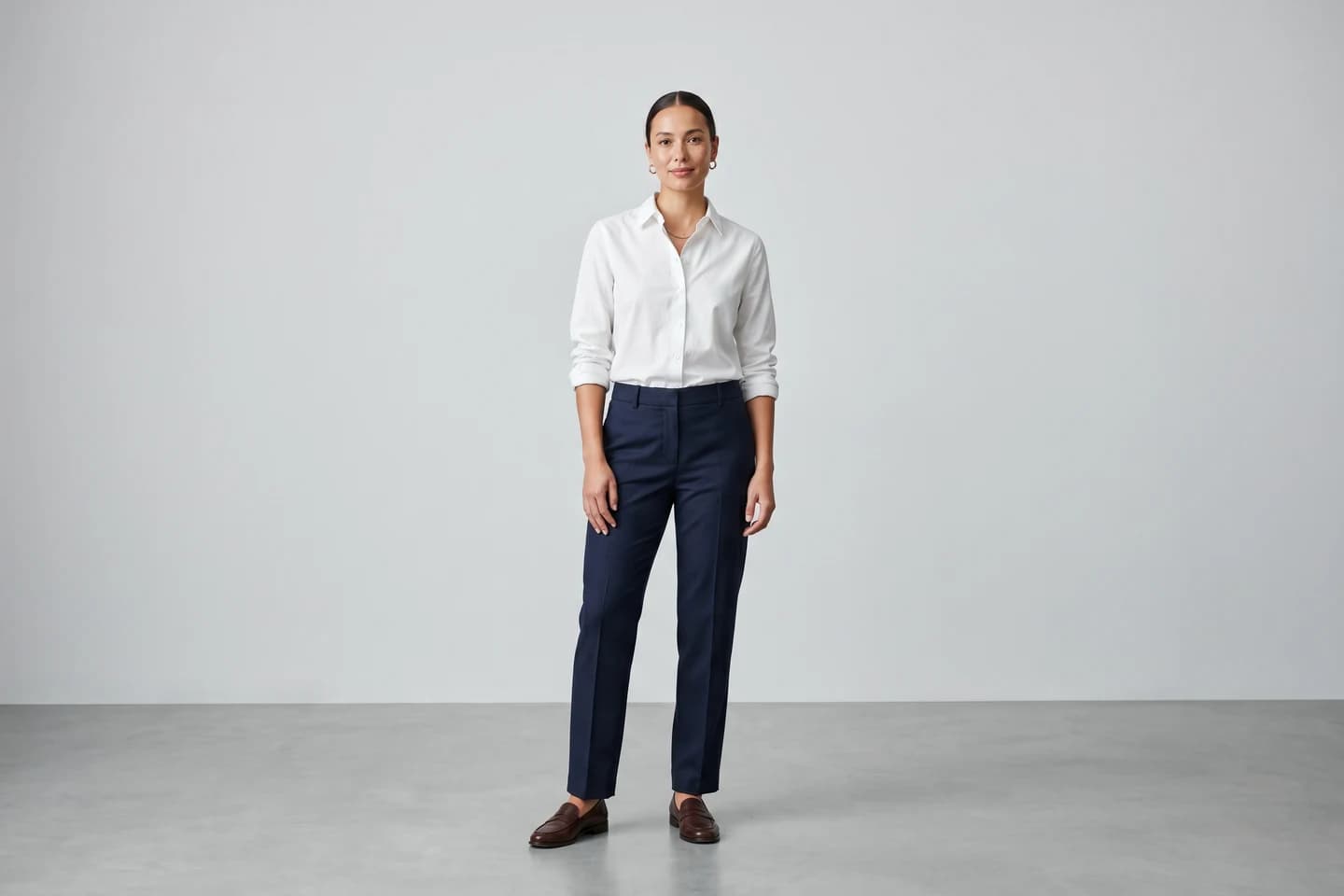
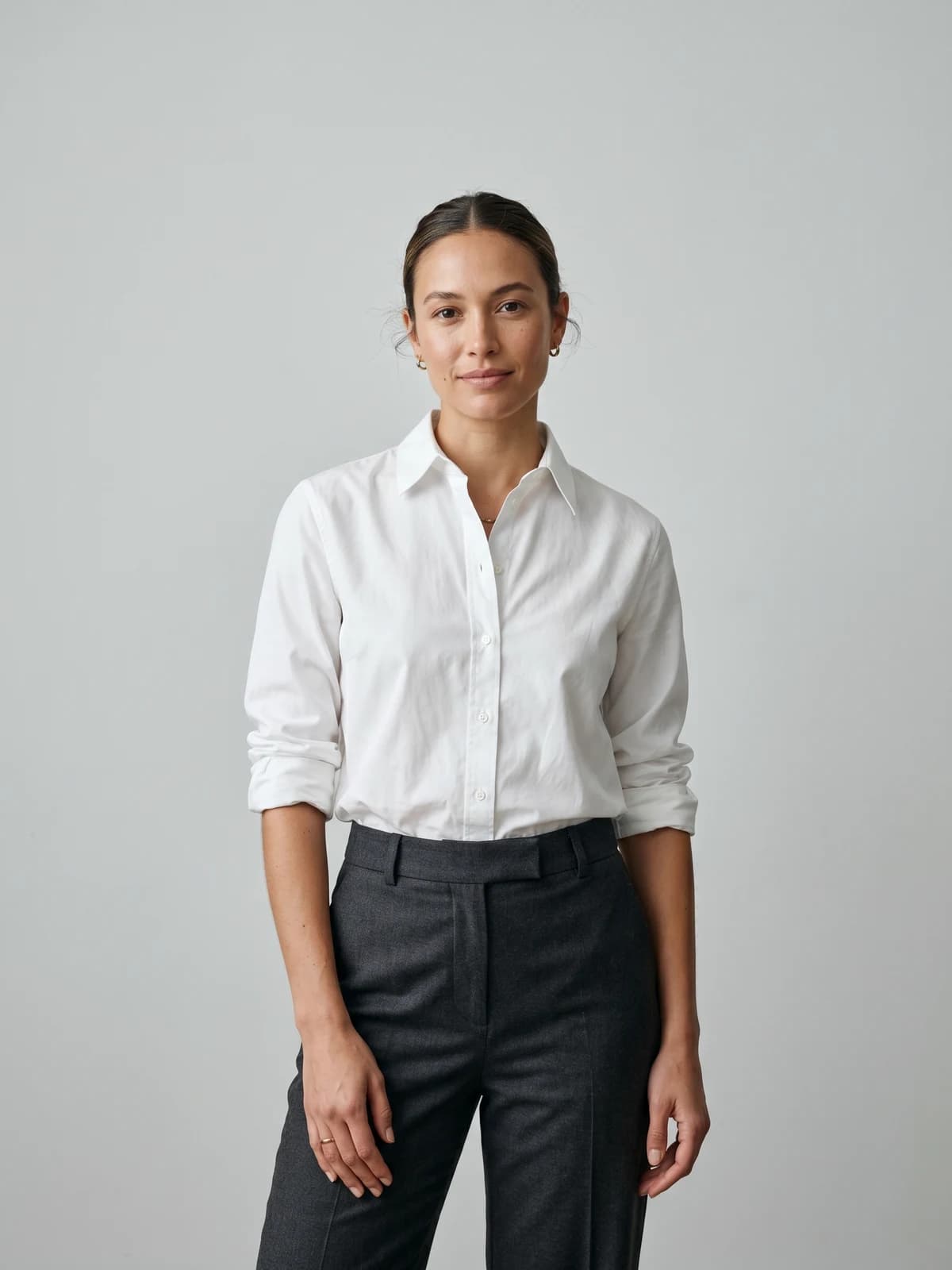
Turn your designs into on-model photos
Drop in a flat-lay or garment shot and get photorealistic on-model images ready for your store in seconds.
2. CLO 3D, best for professional apparel designers
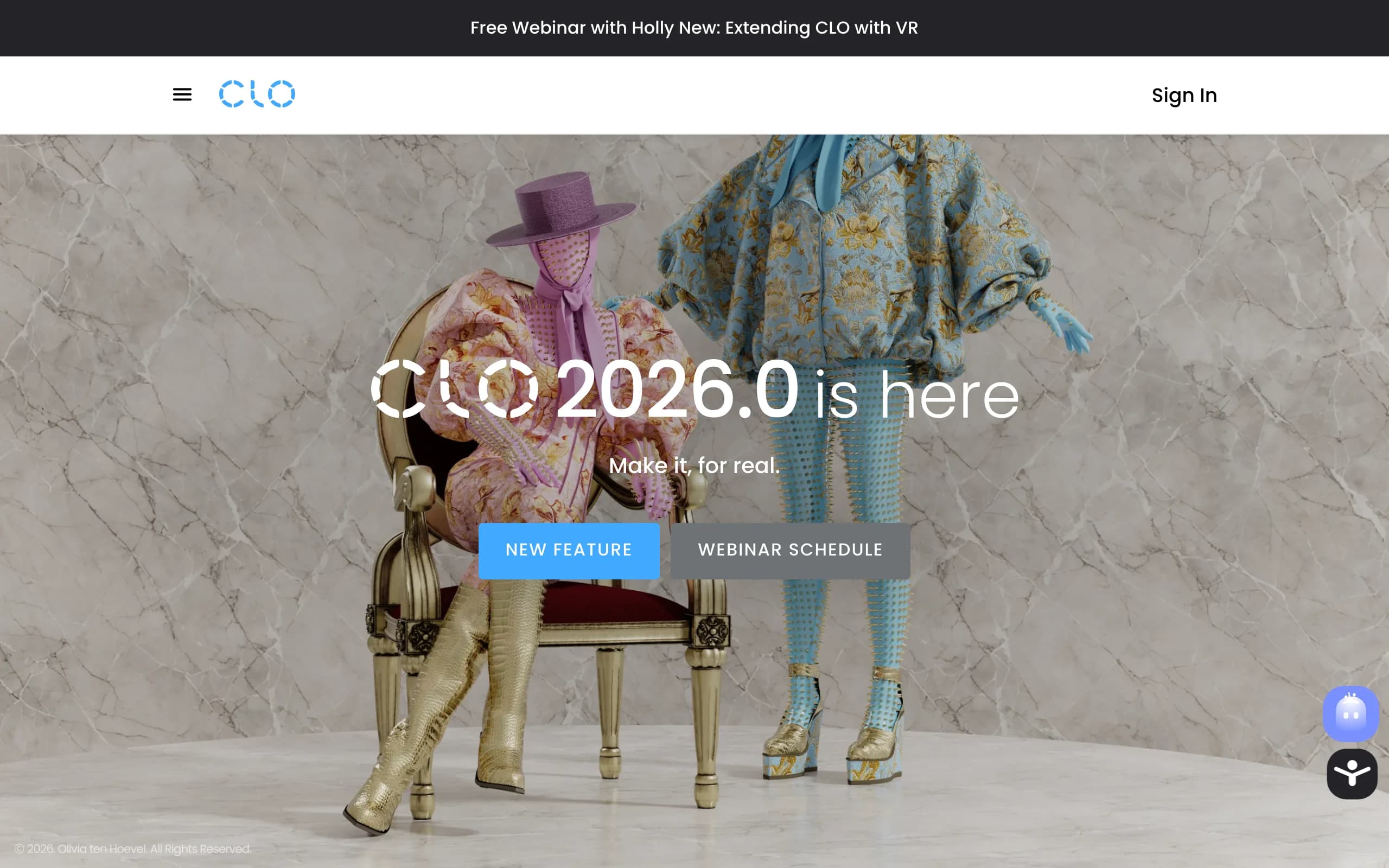
CLO 3D is one of the most widely used true 3D garment design tools in fashion. You import or draft 2D patterns, sew them virtually, and watch the software simulate how the fabric drapes on a parametric avatar in real time. It is built around physically based cloth simulation, so you can judge fit, tension, and silhouette before sampling. Designers use it to iterate on construction and reduce the number of physical prototypes.
CLO shares a file ecosystem with its production-focused sibling Marvelous Designer, and it supports fabric property editing, tech-pack-friendly outputs, and rendering. It has a learning curve, and high-end rendering or animation often happens in other tools, but for hands-on garment construction it is a category leader.
3D Clothing Design Software with CLO 3D
Key features
- Real-time physically based cloth simulation
- 2D pattern drafting sewn into 3D garments
- Fabric property library for realistic drape
- Avatar customization and basic fit assessment
- Export options for tech packs and downstream tools
Best for
- Apparel designers and pattern-makers who want accurate drape before sampling
- Studios that want to cut physical prototype rounds
Pricing
- Subscription model; verify current tier pricing on CLO's site
- Free trial available
Pros
- Strong, realistic cloth simulation trusted across the industry
- Pattern-to-3D workflow mirrors real construction
Cons
- Steep learning curve for non-technical users
- Output is a 3D garment, not a finished photo of it on a real-looking model
3. Browzwear (VStitcher), best for enterprise brands
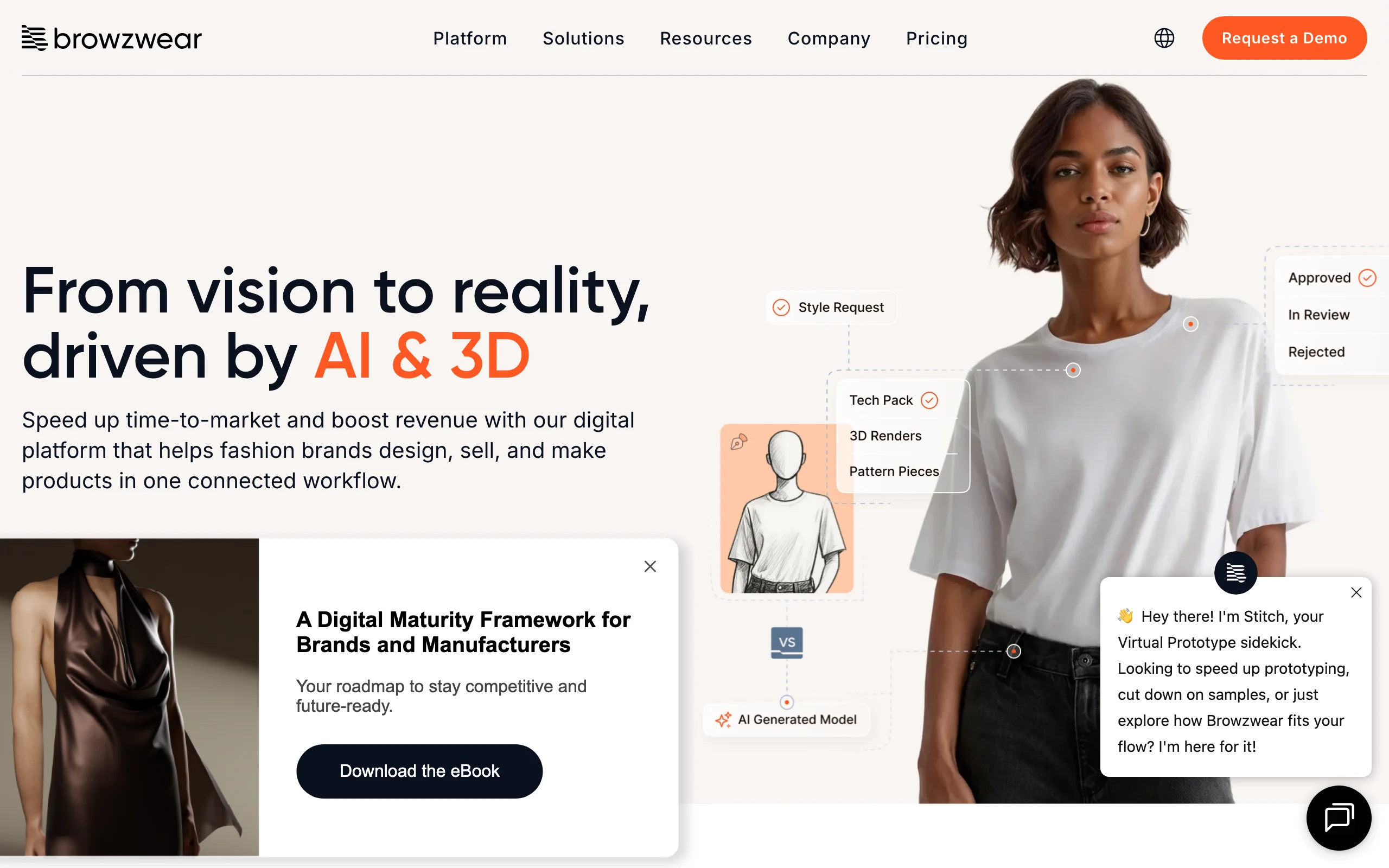
Browzwear's VStitcher is a 3D apparel design platform aimed at brands that want to standardize digital product creation across teams. It covers garment construction, fit simulation, fabric digitization, and merchandising-ready visuals, with an emphasis on connecting design to development and sales workflows. Larger apparel companies adopt it to align designers, technical teams, and merchandisers around a single 3D source of truth.
VStitcher pairs with companion tools (such as fabric digitization and rendering modules) and integrations meant for enterprise pipelines. Browzwear publishes self-serve plans for individuals and small teams, while its full enterprise deployments still come with a sales process and team training.
3D Clothing Design Software with Browzwear
Key features
- 3D garment construction and fit simulation
- Fabric digitization for accurate material behavior
- Merchandising and presentation-ready visuals
- Integrations geared toward enterprise PLM and development workflows
Best for
- Mid-to-large apparel brands rolling out 3D across multiple teams
- Companies that need design, fit, and merchandising in one connected platform
Pricing
- Published self-serve plans from around $75/month for an individual Freelancer license, with higher Freelancer Plus and Teams tiers
- Enterprise deployments use custom pricing; contact Browzwear for a quote and demo
Pros
- Built for team-wide standardization, not just individual designers
- Strong fabric and fit accuracy for production decisions
Cons
- Full enterprise onboarding and custom pricing are aimed at larger teams
- Overkill if you only need product imagery, not full 3D development
4. Marvelous Designer, best for cloth simulation in 3D art
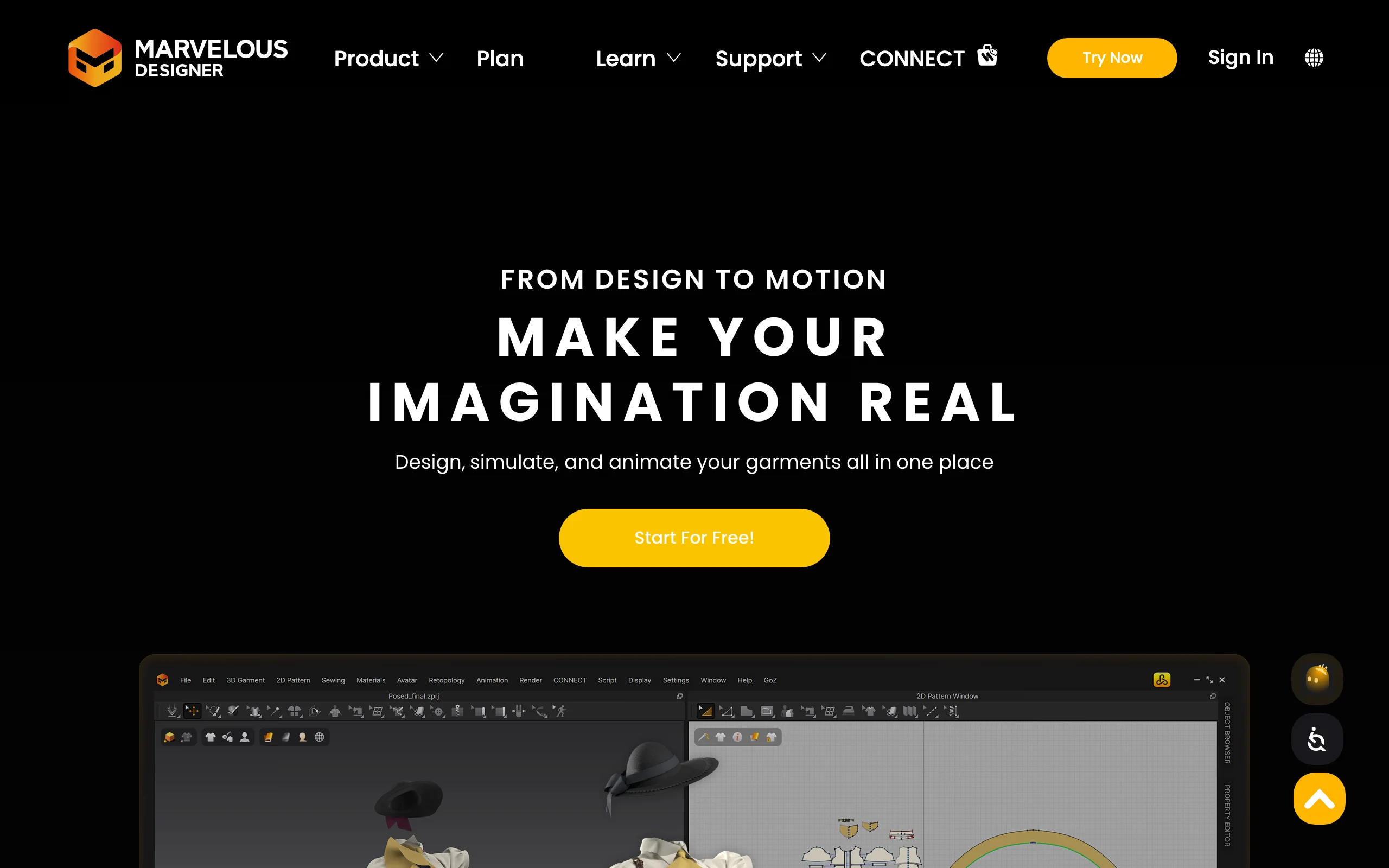
Marvelous Designer is the go-to cloth simulation tool for games, film, and 3D art. It uses the same pattern-sewing approach as CLO 3D but is positioned for digital content creation: dressing characters, simulating drape for animation, and producing high-fidelity cloth for renders. If your garments live inside a larger 3D scene rather than a production tech pack, this is often the pick.
It exports cleanly to 3D pipelines like Blender, Maya, and game engines, and it handles complex folds and dynamic simulation well. It is less focused on apparel manufacturing outputs (grading, production patterns) than tools like Optitex or TUKA3D.
3D Clothing Design Software with Marvelous Designer
Key features
- Pattern-based cloth modeling and sewing
- High-quality dynamic cloth simulation for animation
- Export to major 3D and game-engine pipelines
- Detailed control over folds, pleats, and fabric behavior
Best for
- 3D artists, game studios, and VFX teams dressing characters
- Designers who need realistic cloth inside a broader 3D scene
Pricing
- Subscription tiers; verify current pricing on the Marvelous Designer site
- Free trial available
Pros
- Best-in-class cloth simulation for art and animation
- Plays well with standard 3D content pipelines
Cons
- Built for 3D content, not apparel production or fit grading
- Still produces 3D assets, not photoreal on-model product shots
5. Optitex, best for technical pattern-making
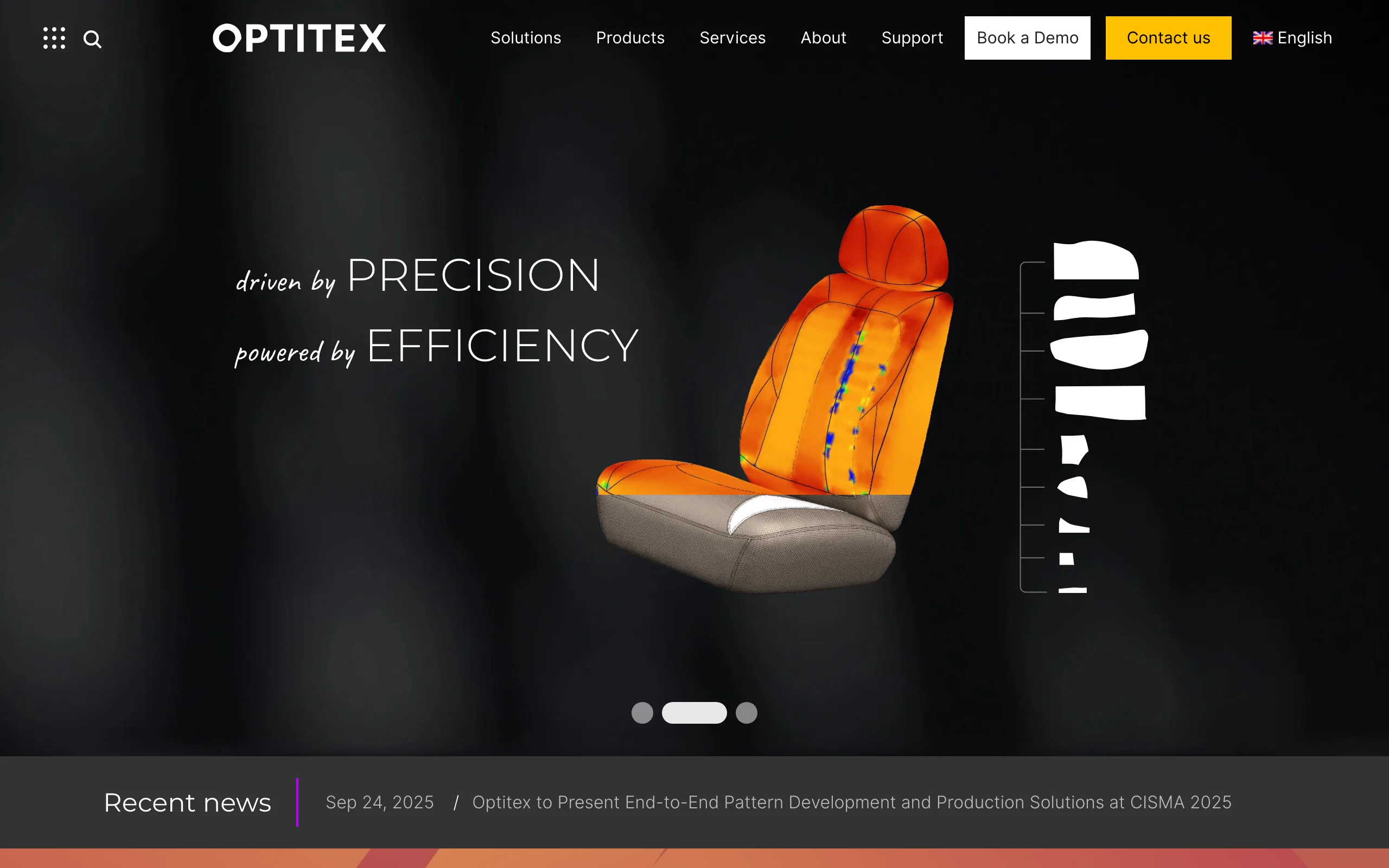
Optitex is a 2D/3D CAD platform with deep roots in apparel manufacturing. Its strength is connecting precise 2D pattern-making, grading, and marker-making to 3D visualization, so technical designers can move from pattern to virtual sample to production with the same data. Brands and factories that care about manufacturability, not just look, lean on it.
The 3D side lets you visualize and check fit, while the 2D side handles the production-grade detail. It is a technical tool with an interface and pricing aimed at professional and enterprise teams rather than hobbyists.
3D Clothing Design Software with Optitex
Key features
- Integrated 2D pattern design, grading, and marker-making
- 3D garment visualization and fit checks
- Production-oriented data that ties design to manufacturing
- Fabric simulation for realistic preview
Best for
- Technical designers and pattern engineers
- Brands and factories that need production-ready 2D/3D workflows
Pricing
- Custom/enterprise pricing; request a quote and demo from Optitex
Pros
- Tight link between pattern-making and production
- Trusted in technical and manufacturing settings
Cons
- Manufacturing focus is more than image-only users need
- Enterprise pricing and a technical interface
6. TUKA3D (by Tukatech), best for factory-ready fit
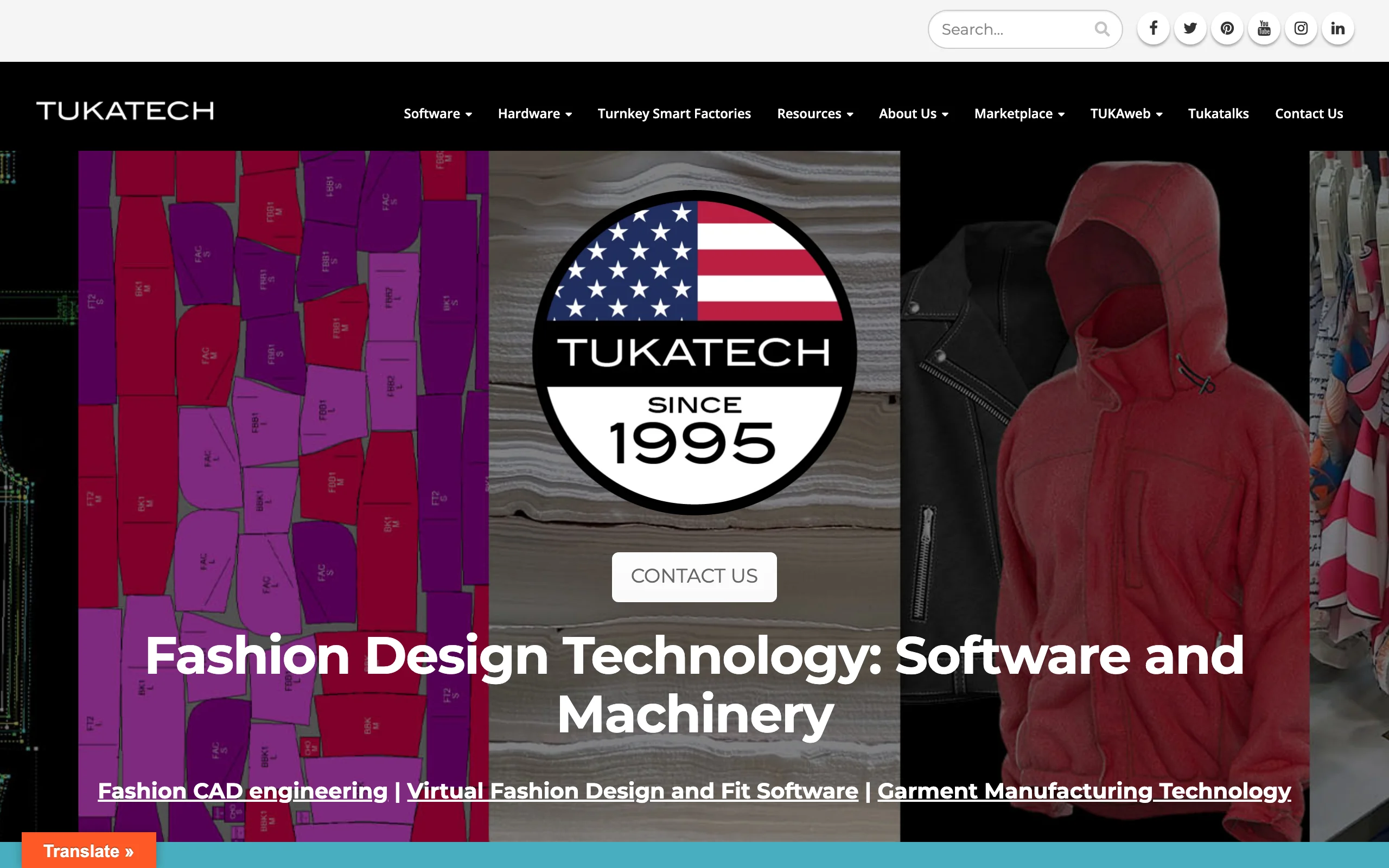
TUKA3D, from Tukatech, is a 3D sample and fit tool designed to work with real production patterns. Instead of decorative 3D, it emphasizes accurate virtual fitting on parametric avatars so brands and manufacturers can reduce physical sample rounds. It connects to Tukatech's broader pattern and grading ecosystem, making it appealing to companies already in that workflow.
The tool focuses on dynamic fit, motion, and true-to-pattern simulation, which is useful for approving fit before production. Like other manufacturing-grade tools, it is sold through demos and tends to suit teams over individuals.
3D Clothing Design Software with TUKA3D
Key features
- 3D virtual sampling tied to real production patterns
- Dynamic fit and motion simulation on avatars
- Integration with Tukatech pattern and grading tools
- Fit approval workflows to cut physical samples
Best for
- Factories and brands focused on virtual fit approval
- Teams already using Tukatech's pattern ecosystem
Pricing
- Custom pricing; contact Tukatech for a demo
Pros
- Strong fit accuracy on production patterns
- Designed to reduce real sampling costs
Cons
- Most valuable inside the Tukatech ecosystem
- Not aimed at imagery or marketing output
7. Style3D, best for all-in-one digital design
Style3D is a digital fashion suite that bundles garment design, cloth simulation, and rendering for teams going digital-first. It targets the full loop from creating a 3D garment to producing presentation visuals, with rendering tools meant to deliver attractive output without leaving the platform. Digital product teams use it to compress design and visualization into one environment.
It positions itself between pure CAD tools and rendering suites, which is convenient if you want both in one place. As with most 3D garment tools, the output is a rendered 3D garment rather than a candid photo of a real-looking person wearing your product.
Key features
- 3D garment design and cloth simulation
- Built-in rendering for presentation visuals
- Fabric and material editing
- Collaboration features for digital product teams
Best for
- Digital-first design teams that want design plus rendering together
- Brands building a digital product workflow
Pricing
- Subscription; free trial or plan options vary, verify on Style3D's site
Pros
- Design, simulation, and rendering in one suite
- Aimed at modern digital product workflows
Cons
- Still a 3D pipeline, not instant photoreal on-model photography
- Rendering quality depends on scene setup and skill
8. Blender (with cloth sim), best free option
Blender is the most capable free, open-source 3D software, and its built-in physics include a cloth simulation system. With effort, you can model garments, simulate drape, and render them in Cycles or Eevee at a professional level. For technical artists who are already comfortable in 3D, it is a powerful and zero-cost entry point into 3D clothing work.
The trade-off is that Blender is general-purpose. It has no fashion-specific pattern-making, grading, or fit tooling out of the box, so apparel-accurate work requires add-ons and real expertise. It is best for artists, not for production pattern-makers.
3D Clothing Design Software with Blender
Key features
- Free, open-source 3D modeling and rendering
- Built-in cloth simulation physics
- Cycles and Eevee renderers for high-quality output
- Large add-on ecosystem and community
Best for
- Technical 3D artists who want garments inside full scenes
- Anyone learning 3D clothing on a zero budget
Pricing
- Free (open source)
Pros
- No cost and no licensing limits
- Extremely flexible across modeling, simulation, and rendering
Cons
- No native fashion pattern-making or fit tools
- Steep learning curve for apparel-accurate results
How to choose the best 3D clothing design software
The right tool depends on what you actually need to produce: a garment you can engineer, or an image you can sell. Walk through these questions.
1) Are you designing the garment or selling it?
This is the core split. If your job is to draft patterns, simulate drape, and approve fit, you need true 3D CAD: CLO 3D for hands-on design, Browzwear or Optitex for enterprise pipelines, TUKA3D for factory fit. If your design is finished and you need photorealistic, on-model images for a store or ad, a 3D pipeline is the slow path. WearView produces sellable photos directly from a garment or flat-lay. Many brands use both: a CAD tool to design, then WearView to merchandise.
2) How technical is your team?
3D garment CAD has a real learning curve. CLO 3D, Marvelous Designer, and Blender reward technical skill and time. If you do not have a 3D artist or pattern engineer, the ramp can stall a project. Image-generation tools sidestep this: with WearView you upload, choose a model, describe the scene, and generate, no rigging or simulation knowledge needed.
3) What is your budget and volume?
Free options exist (Blender), but the cost is your time and expertise. Enterprise tools (Optitex, TUKA3D) carry custom pricing and onboarding that suit teams, not solo designers. Subscription CAD (CLO 3D, Marvelous Designer, Style3D, plus Browzwear's self-serve plans) sits in the middle, with Browzwear's full enterprise tier quoted on request. For imagery at volume, do the credit math: estimate how many on-model shots you need per month and compare that to a single photoshoot. If you only need pictures, paying for a full 3D suite is usually the wrong spend.
4) Do you also need on-model imagery and video?
Even teams committed to 3D CAD still need marketing assets: PDP photos, ad creative, social clips. Most 3D tools render the garment, not a convincing real-world model wearing it. If imagery and video are part of the goal, pair your design tool with WearView for virtual clothes try on, product-to-model, and short fashion videos. For a wider look at imagery tools, see our guide to the best AI tools for clothing brands.
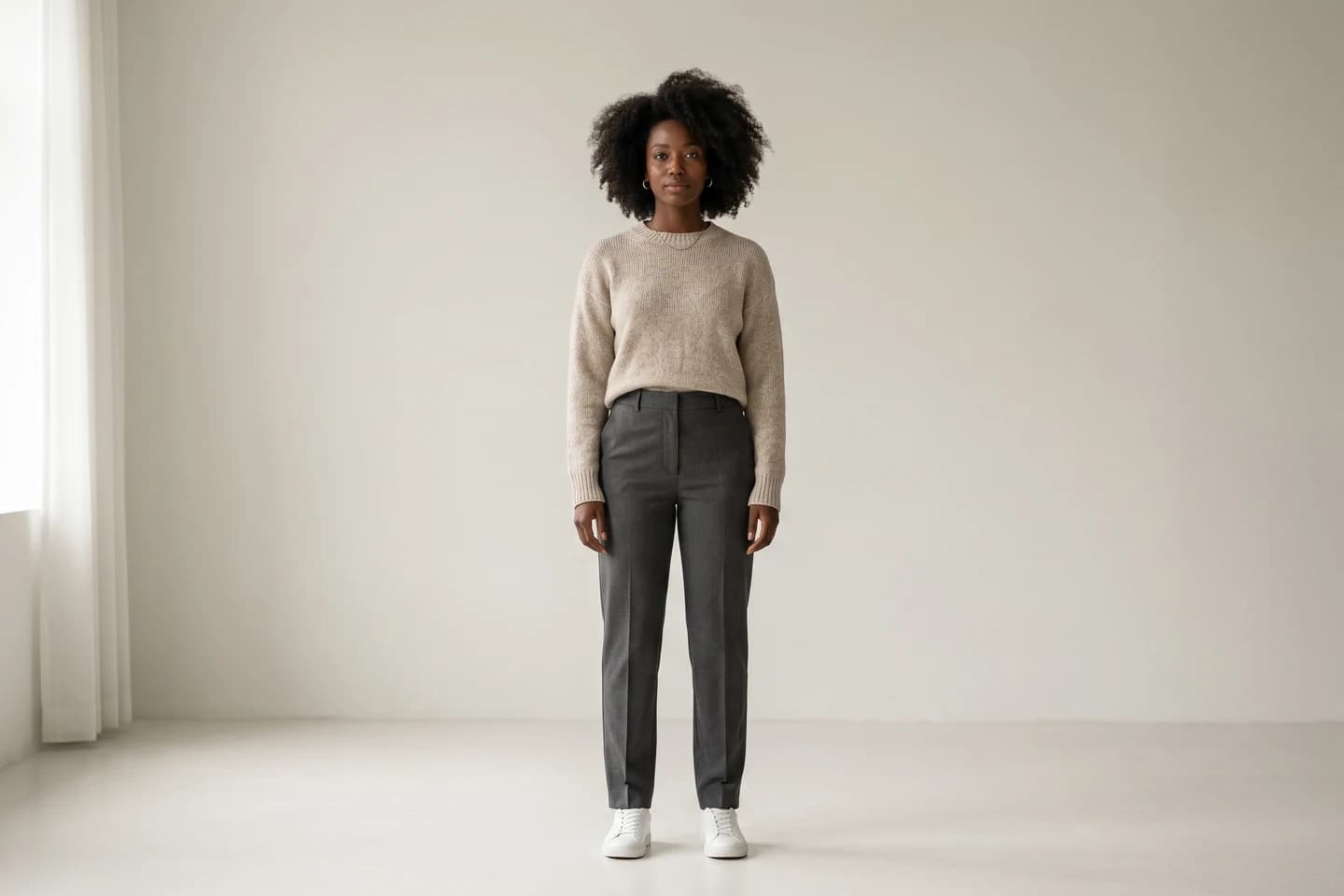
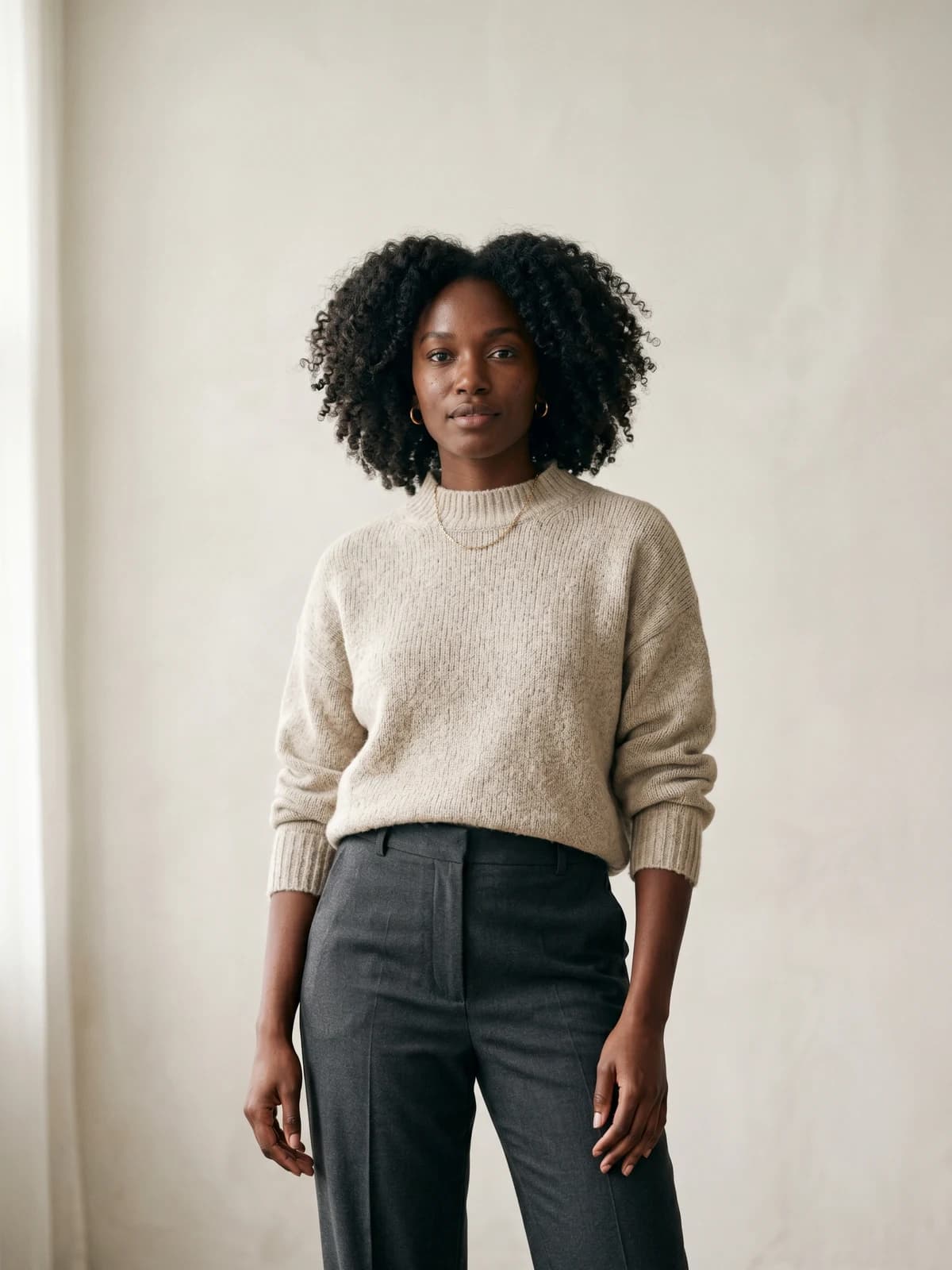
Show your designs on diverse AI models
Generate brand-consistent models from a prompt and reuse them across every product and campaign.
FAQ
What is 3D clothing design software? It is software that lets you create, drape, and fit garments digitally on a virtual avatar instead of sewing physical samples. Most tools combine 2D pattern-making with physics-based cloth simulation so you can judge drape and fit before production. They are widely used to cut sample rounds and material waste.
What is the best 3D clothing design software for beginners? For garment CAD, CLO 3D is a common starting point because it has strong tutorials and a large community, though it still takes practice. Blender is the best free option if you are willing to learn general 3D. If your real goal is sellable product images rather than pattern-making, WearView is far easier: you upload a garment and generate on-model photos without any 3D skills.
Is there free 3D clothing design software? Yes. Blender is free and open source, and its cloth simulation can produce professional results with effort. The trade-off is that it has no fashion-specific pattern or fit tools, so apparel-accurate work needs add-ons and expertise. Most dedicated apparel CAD tools are paid, with free trials.
Can 3D clothing design software create product photos for my store? It can render 3D garments, but those renders often look CGI rather than like a real model wearing your product. For convincing on-model store photos, an AI fashion imagery tool is usually faster and more realistic. WearView turns a garment or flat-lay into photorealistic on-model images and supports try on clothes with AI directly.
What is the difference between CLO 3D and Marvelous Designer? They share core technology, but their focus differs. CLO 3D is built for apparel design, fit, and production-adjacent workflows, while Marvelous Designer targets cloth simulation for games, film, and 3D art. Choose CLO for fashion design and Marvelous for character and scene work.
Do I need 3D software to sell fashion online? No. To sell, you mainly need clear, professional images and, increasingly, short video. 3D CAD helps you design and fit garments, but you can get sellable visuals from photos alone using AI tools. Tools like WearView produce catalog-ready imagery from a single garment shot, which is what a product page and ad actually need.
Which 3D clothing tool is best for enterprise apparel brands? Browzwear and Optitex are both built for scale, with team workflows that connect design, fit, and merchandising to production. TUKA3D is strong for factory-driven virtual fit. The right choice depends on your existing pattern ecosystem and how deeply you integrate with development and PLM.
Can I use AI-generated fashion images commercially? With WearView, paid plans include full commercial usage rights, so the on-model images and videos you generate can go straight onto storefronts and ads. Always confirm the license terms of any tool before publishing. For more context, see our best AI tools for ecommerce guide or explore the full platform at WearView.

WearView Team
WearView Content & Research Team
WearView Team is a group of fashion technology specialists focused on AI fashion models, virtual try-on, and AI product photography for e-commerce brands. We publish in-depth guides, case studies, and practical insights to help fashion businesses improve conversion rates and scale faster using AI.