
July 16, 2026•19 min read
7 best AI video generators for clothing brands (2026 guide)
Your clothing brand needs video for product pages, ads, and social, but filming every drop is slow and expensive. We compared 7 AI video generators on price, output quality, and workflow fit so you can pick one and start publishing this week.
Picture of 7 best AI video generators for clothing brands (2026 guide) article
Video sells clothes. Product pages with video hold shoppers longer, ad platforms hand cheaper impressions to video creative, and social feeds barely surface static images anymore. The problem is on the production side: filming every colorway of every drop means a studio, a model, a videographer, and a few weeks you probably don't have.
An AI video generator for a clothing brand removes that filming step. You start from a product photo or a text prompt and get usable clips for product pages, paid ads, and campaign teasers in minutes. The catch is that most of these tools were built for video in general, not for garments, and they differ a lot in price, output quality, and workflow.
This guide compares seven options, with verified pricing, real strengths and limitations, and a short framework for choosing one for your brand.
Best AI video generators for clothing brands: a quick overview
- WearView: Best overall for clothing brands: it puts your actual garment on a realistic AI model, then animates that image into an on-model video for product pages and ads.
- Creatify: Best for paid ad creative at volume: paste a product URL and get ready-to-run video ads with AI actors, then push them straight to Meta or TikTok.
- Google Veo 3.1: Best for lifelike fashion footage with sound built in: short cinematic clips with native audio, available through the Gemini app and Flow.
- Runway: Best for hands-on control over each fashion shot: reference-driven generation plus a full editing workspace when a clip needs fixing rather than regenerating.
- Kling AI: Best for small video budgets: the cheapest paid entry point on this list, with free daily credits to test before paying.
- Luma Dream Machine: Best for comparing video models in one place: Luma's own Ray models next to Veo, Kling, and Seedance under a single subscription.
- InVideo AI: Best for longer promo videos: a prompt becomes a complete narrated video with script, stock footage, and voiceover included.
| Tool | Key strength | Pricing | Platforms |
|---|---|---|---|
| WearView | Garment photo to on-model fashion video in minutes | From $29/month; video on Pro ($49) and Advanced ($99) | Web |
| Creatify | Product URL to ready-to-run video ad with AI actors | From $39/month; free tier (10 credits, watermarked) | Web, API |
| Google Veo 3.1 | Realistic short clips with native audio | From $19.99/month (Google AI Pro) | Gemini app, Flow, API |
| Runway | Precise generation controls plus an editing timeline | From $15/month; 125 free one-time credits | Web, API |
| Kling AI | Low-cost credits for high clip volume | From about $6.60/month (annual billing); free daily credits | Web, mobile app |
| Luma Dream Machine | Multiple leading video models in one workspace | From $30/month ($25/month annual) | Web, API |
| InVideo AI | Script-to-video with voiceover and stock library | From $25/month; free tier (watermarked) | Web |
1. WearView, best overall AI video generator for clothing brands
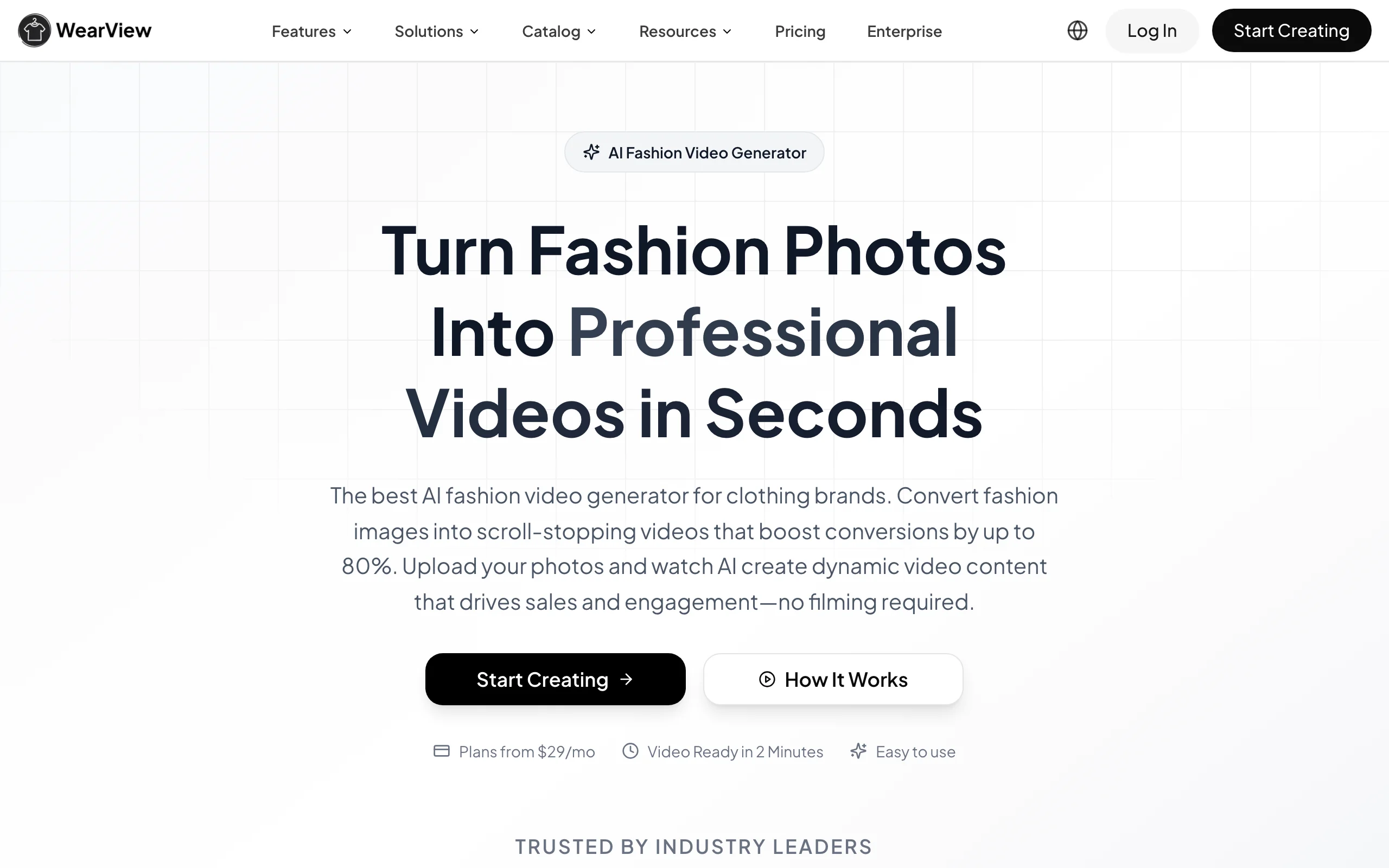
WearView is an AI fashion photography platform with a dedicated AI fashion video generator. For the apparel-specific workflow, see the AI video generator for clothing brand tool page. You upload a fashion image (a model shot, a flat product photo, or an image generated on the platform), then pick a movement template like a catwalk walk or a 360-degree spin, or describe the motion you want in a sentence. The tool renders the clip in about two minutes, with commercial usage rights on every paid plan: 720p video comes with the Pro plan, 1080p with Advanced.
What separates it from the general-purpose tools below is the step before the video. If all you have is a packshot, the product to model tool puts the garment on a realistic AI model first and keeps prints, textures, and label text intact. You can reuse the same model identity across an entire collection, so twenty product-page videos look like one campaign instead of twenty stock clips. The platform also covers AI virtual try-on, model creation from text prompts, ghost mannequin shots, and pose control, all in one workspace.
AI Video for Clothing Brands with WearView
Key features
- Image-to-video from any fashion photo, with catwalk and 360-spin templates or custom text prompts
- 720p and 1080p output with commercial usage rights
- Product-to-model conversion so flat photos become on-model footage sources
- Consistent model identity across a whole collection
- Video ready in about two minutes, no filming or editing skills needed
Best for
- Clothing brands that want product-page and ad video showing their actual garments accurately
- Teams starting from packshots or flat lays rather than existing model footage
- Brands that need one platform for photos and video instead of separate subscriptions
Pricing
- Lite at $29/month (50 credits), Pro at $49/month (200 credits), Advanced at $99/month (500 credits)
- Video generation is included from the Pro plan (720p), with 1080p on Advanced
- Annual billing saves up to $198 per year; credit packs cover one-off spikes
- Team seats: up to 5 on Pro, up to 15 on Advanced
Pros
- Built for garments: prints, embroidery, and text survive the generation process
- Photo and video pipeline in one tool, so the video step starts from an image you already approved
- Predictable per-clip cost, useful when you're pricing out a 40-SKU drop
Cons
- Fashion-only scope: it will not make brand explainer videos or generic lifestyle footage
- Clips are short by design, suited to product pages and social rather than long-form content
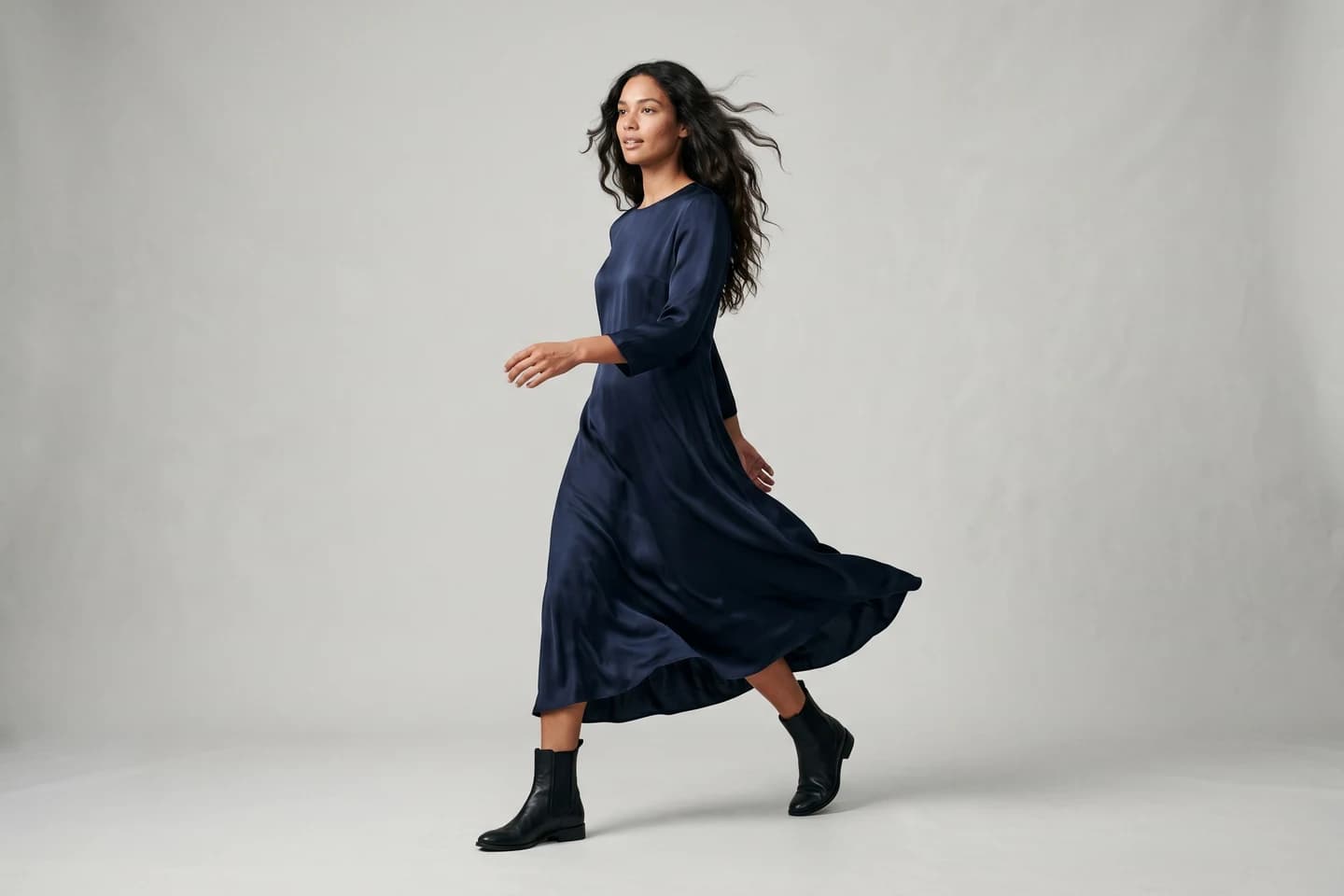
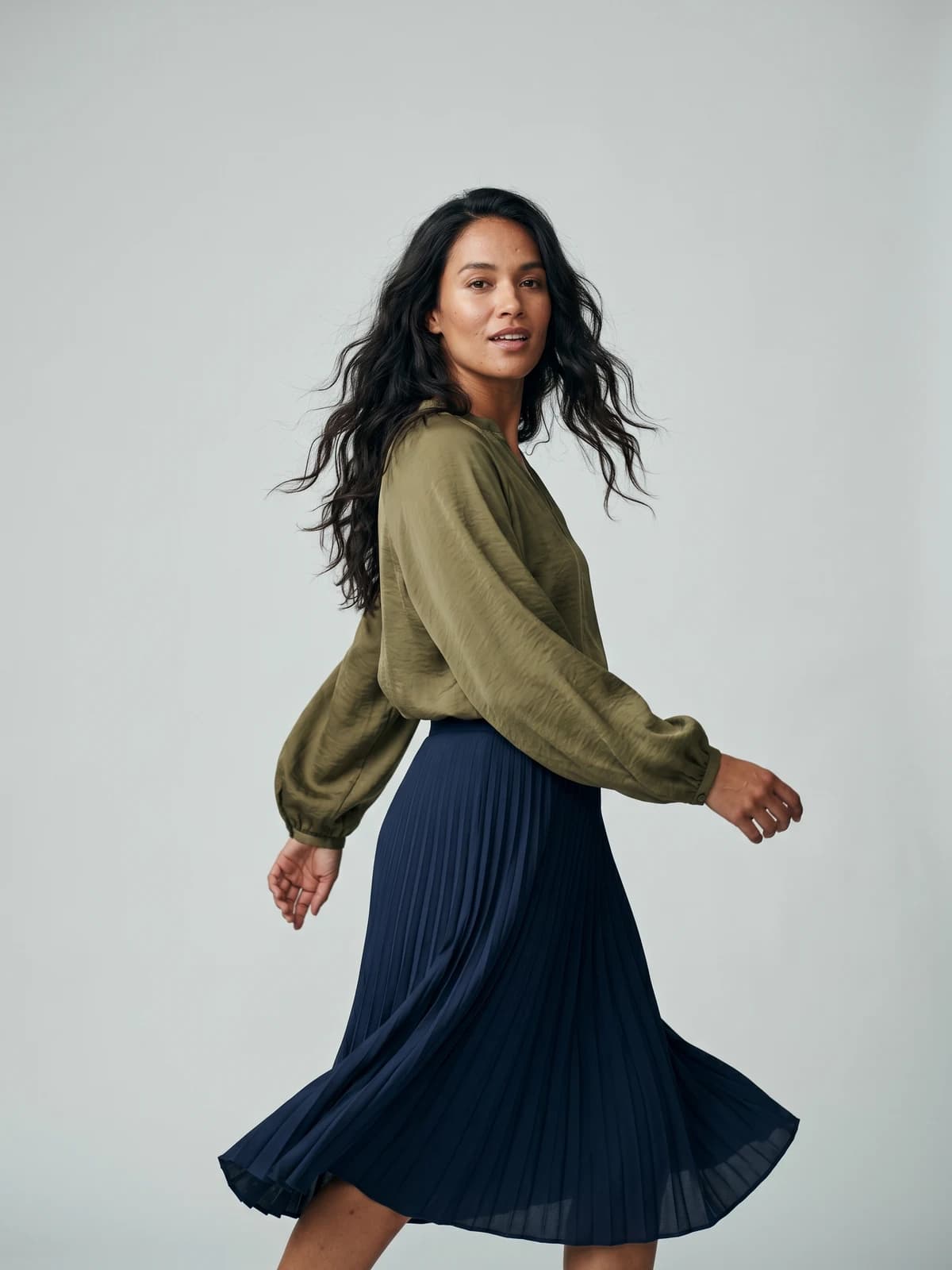
Bring your products to life on video
Turn a single product or model photo into a scroll-stopping fashion video for product pages, ads, and social feeds.
2. Creatify, best for clothing brand video ads at volume
Creatify makes performance ad creative rather than raw video clips. You paste a product page URL, and it pulls your images and copy, writes a script, picks an AI actor, and outputs a ready-to-run video ad in under a minute. For a clothing brand running paid acquisition, that means testing ten ad angles for a new hoodie without briefing a creator once.
The platform leans into the ad workflow end to end. Batch mode generates variants for testing, a competitor tracker surfaces what other brands are running on Meta, and an ad launcher pushes finished creative directly to Meta, TikTok, and AppLovin. The AI actors read scripts to camera in the style of user-generated content, which is the format most fashion ad accounts spend on anyway.
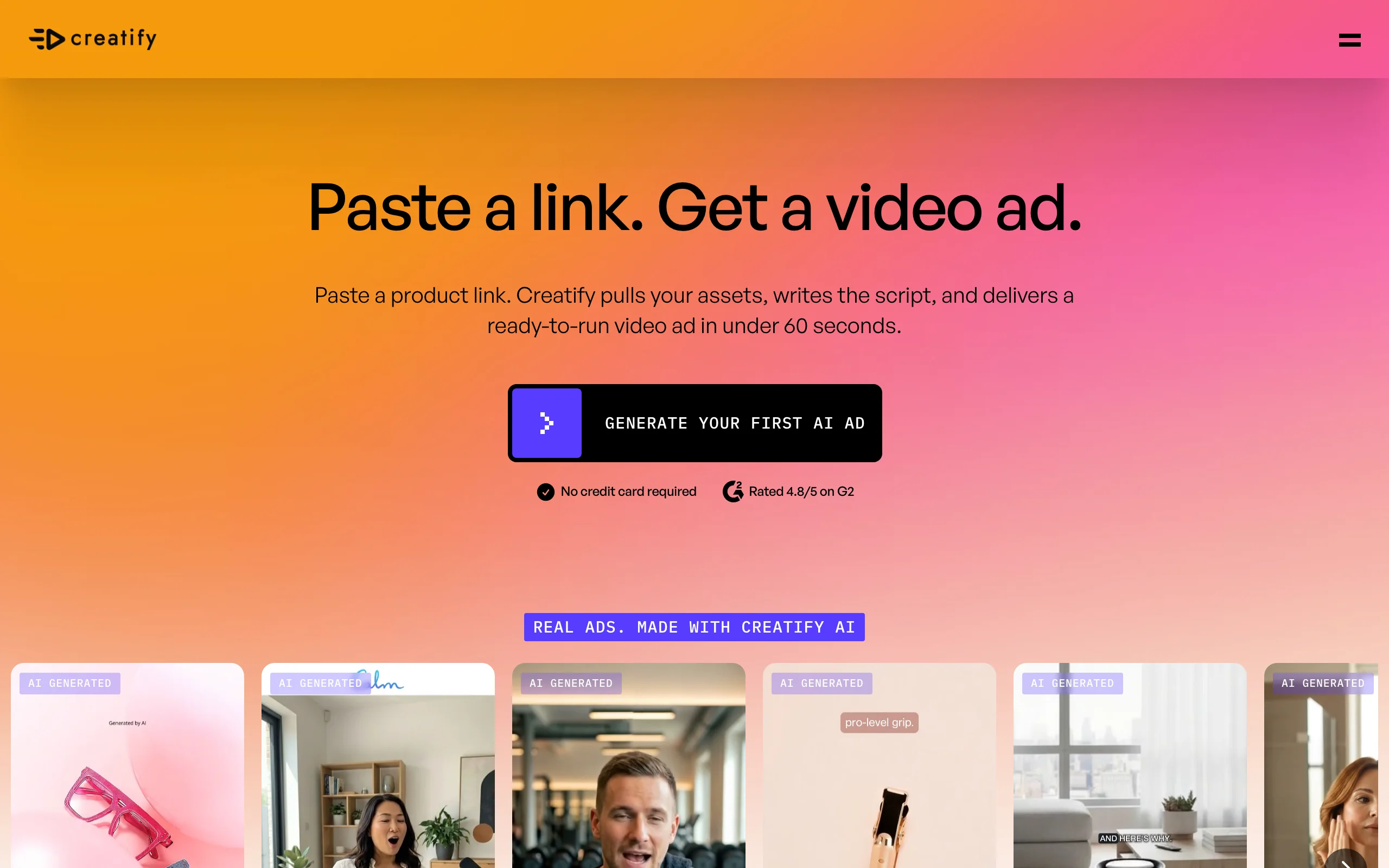
AI Video for Clothing Brands with Creatify
Key features
- URL-to-video: product link in, finished video ad out in under 60 seconds
- Large AI actor library (300 on lower tiers, 1,500 plus custom avatars on Pro)
- Batch mode for generating ad variants at scale
- Ad launcher for Meta, TikTok, and AppLovin plus a competitor ad tracker
- API access for teams automating creative production
Best for
- Clothing brands spending on Meta or TikTok ads that need constant creative refresh
- Marketing teams that want script, actor, and edit handled in one pass
Pricing
- Free tier: 10 credits/month with watermarked exports
- Starter at $39/month (100 credits); Pro at $99/month (300 credits, up to 5 seats)
- Enterprise plans with API volume pricing available
Pros
- Fastest route on this list from product page to running ad
- Ad-specific extras (competitor research, direct publishing) that clip generators lack
- Scales to dozens of variants without extra briefing work
Cons
- Ads are the whole point: it is not built for product-page video or editorial content
- AI actors present the product, so garment detail matters less than the pitch, which suits some brands and not others
3. Google Veo 3.1, best for lifelike fashion footage with native audio
Veo 3.1 is Google DeepMind's video model, and its clips are some of the most physically convincing you can generate right now. Fabric moves like fabric, lighting behaves, and unlike most rivals it generates audio natively, so a beach shot for your swimwear line comes with waves in the background. For a clothing brand, it works best as a source of campaign atmosphere: moody teasers, location b-roll, and seasonal loops that would otherwise mean a location shoot.
Access runs through Google's consumer subscriptions. A Google AI Pro plan includes credits in Flow, Google's filmmaking tool, where you can extend clips into longer scenes and manage ingredients across shots. Clips are short (around eight seconds per generation), so plan on Flow or an editor for anything sequential.
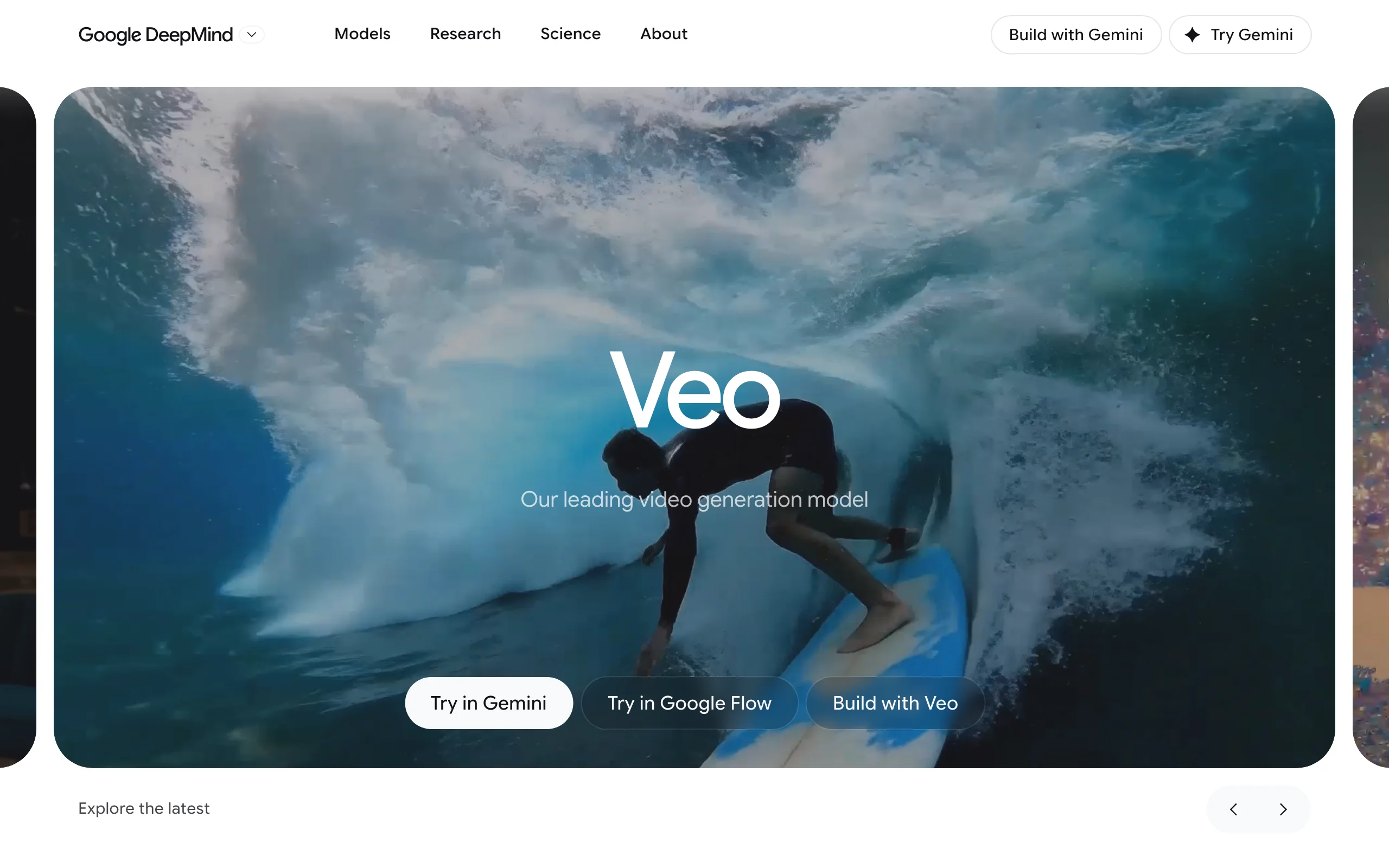
AI Video for Clothing Brands with Google Veo
Key features
- Text-to-video and image-to-video with native audio generation
- Strong physical realism: cloth movement, lighting, and camera behavior hold up
- Flow filmmaking tool for extending clips and keeping scenes consistent
- Available in the Gemini app, Flow, and via API for developers
Best for
- Brands producing campaign teasers and atmospheric social content
- Teams already inside Google's ecosystem who want video without a new vendor
Pricing
- Google AI Pro at $19.99/month includes 1,000 monthly Flow credits (roughly 100 Lite, 50 Fast, or 10 highest-quality Veo generations)
- Google AI Ultra tiers (roughly $200 to $250/month at the top end, restructured mid-2026) raise limits sharply for heavy production
- A cheaper Google AI Plus tier exists with a smaller credit allowance
Pros
- Native audio saves a sound-design pass on social clips
- Realism is high enough for brand-level campaign content
- Cheap entry price relative to the model quality
Cons
- No garment fidelity guarantee: it generates clothing-like fabric, not your SKU, so product accuracy needs an image-to-video workflow starting from your own photo
- Consumer plan credits run out fast at the highest quality setting
4. Runway, best for hands-on control over every fashion shot
Runway treats AI video as a craft tool rather than a slot machine. Its Gen-4.5 and Gen-4 Turbo models take reference images to keep a character or garment consistent between shots, and Aleph lets you edit an existing clip with text instructions (change the lighting, remove an object) instead of regenerating from scratch. Around the models sits an actual editing workspace with timelines, upscaling to 4K, and voice tools.
That control is the pitch for fashion work. If your creative director wants the same AI model walking through three different scenes in the same jacket, Runway's reference system gets you closer than most text-to-video tools. The trade-off is time: expect to iterate, not to get a finished product video on the first prompt.
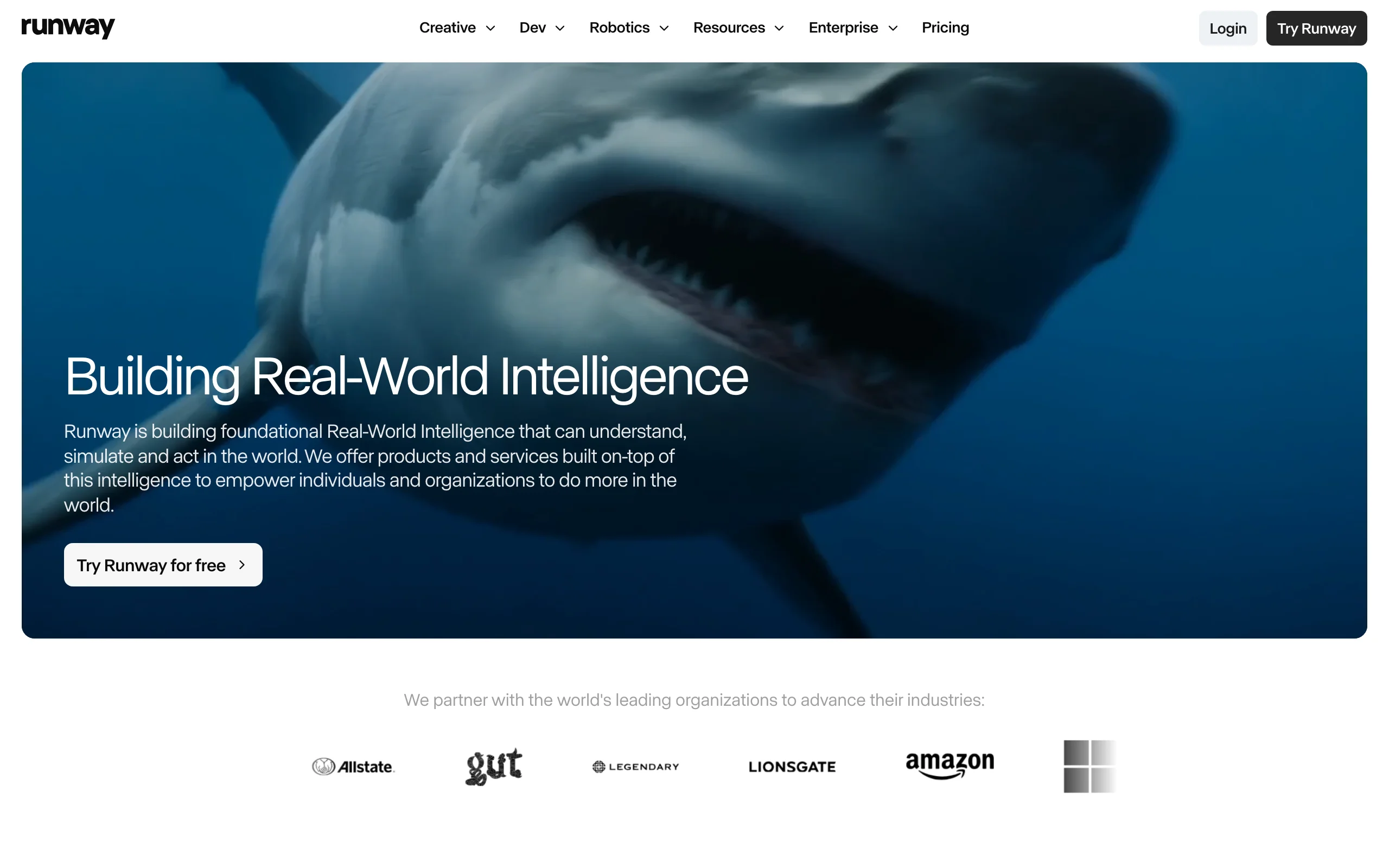
AI Video for Clothing Brands with Runway
Key features
- Gen-4.5 and Gen-4 Turbo generation with reference images for consistency
- Aleph model for editing existing footage with text instructions
- Full editing workspace: timeline, 4K upscaling, text-to-speech, lip sync
- Also hosts third-party models (including Veo 3.1) inside one interface
- API for production pipelines
Best for
- Creative teams making editorial and campaign video who want frame-level control
- Brands with an in-house editor who will finish clips rather than publish raw generations
Pricing
- Free plan with 125 one-time credits
- Standard at $15/month (625 credits/month); Pro at $35/month (2,250 credits); Max at $95/month (9,500 credits)
- Annual billing drops Standard to $12/month
Pros
- The strongest generation-plus-editing combination on this list
- Reference images help maintain model and garment consistency across shots
- Low entry price for a professional-grade toolset
Cons
- Steeper learning curve than template-based tools
- Credits disappear quickly at high resolution once you start iterating
5. Kling AI, best for clothing brand video on a small budget
Kling AI, built by Kuaishou, is the value option. The Standard plan works out to about $6.60 a month on annual billing (around $10 month to month) for 660 credits, and a free tier hands out daily credits so you can evaluate the output before paying anything. The current Kling 3.0 series generates convincing motion and handles image-to-video well, which is the mode clothing brands care about: feed it your on-model photo and ask for a slow camera push or a fabric ripple.
Quality sits below Veo and Runway's top models on hard scenes, and prompt adherence can wobble. But for the price of two coffees a month you get enough credits to keep a small brand's Instagram in motion the whole season, and a professional mode unlocks higher-fidelity generation when a clip is worth more credits.
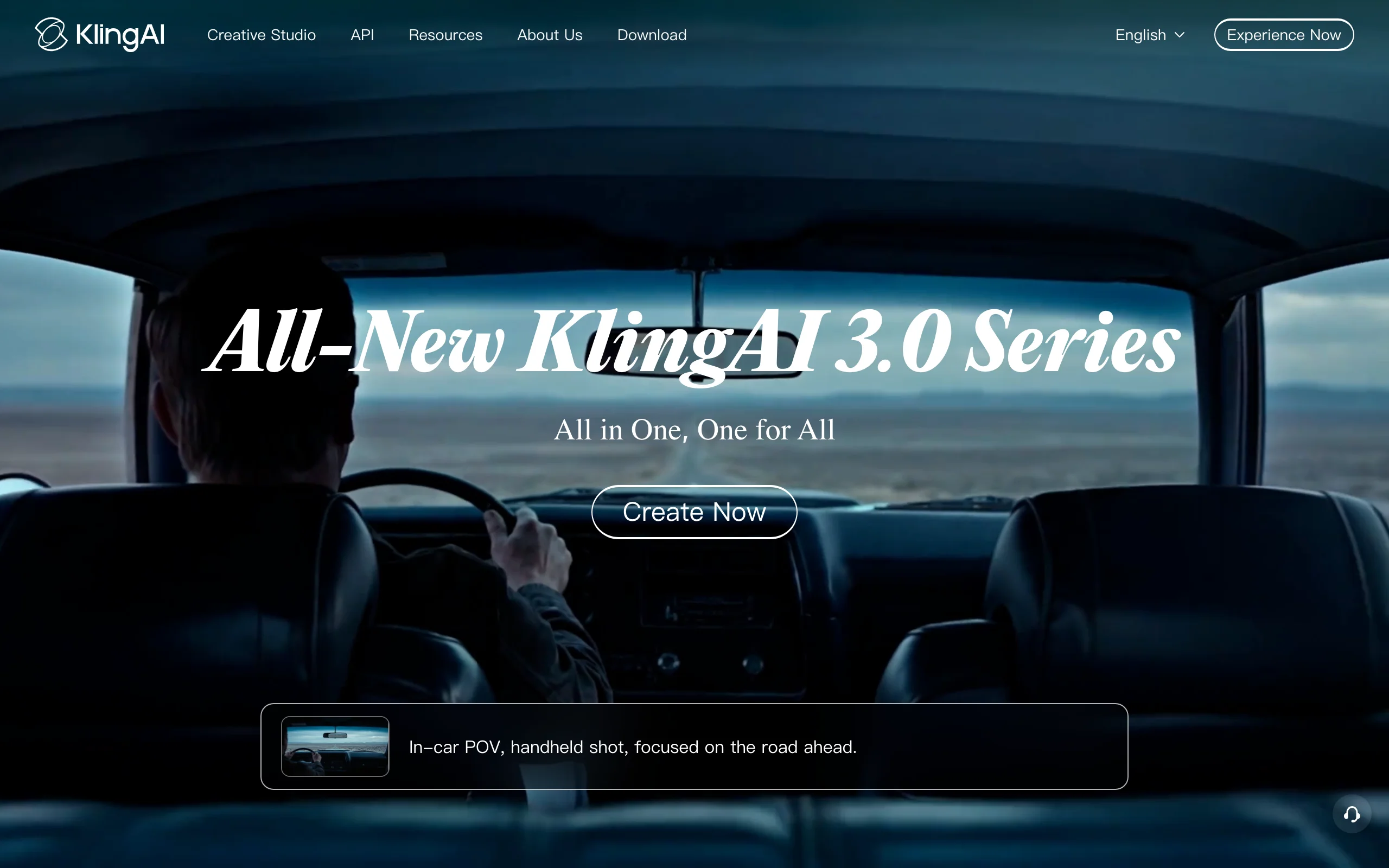
AI Video for Clothing Brands with Kling AI
Key features
- Text-to-video and image-to-video up to 1080p with the Kling 3.0 series
- Free daily credits on the free tier
- Professional mode for higher-quality generation at a higher credit cost
- Mobile app plus web Creative Studio
- API for developers
Best for
- Small brands and solo founders who need steady social video for the least money
- Testing whether AI video moves your metrics before committing a real budget
Pricing
- Free tier with daily credits (commonly reported at 66/day)
- Standard from about $6.60/month on annual billing, about $10 month to month (660 credits/month)
- Pro and Premier tiers (roughly $24 to $92/month depending on billing) for higher volume
Pros
- Lowest paid entry point of any tool here
- Free daily credits make it genuinely testable without a card
- Image-to-video quality is strong for the price bracket
Cons
- Official pricing is only visible inside the app, and regional pricing varies, so verify at checkout
- Less consistent than premium models on complex prompts, so expect more retries
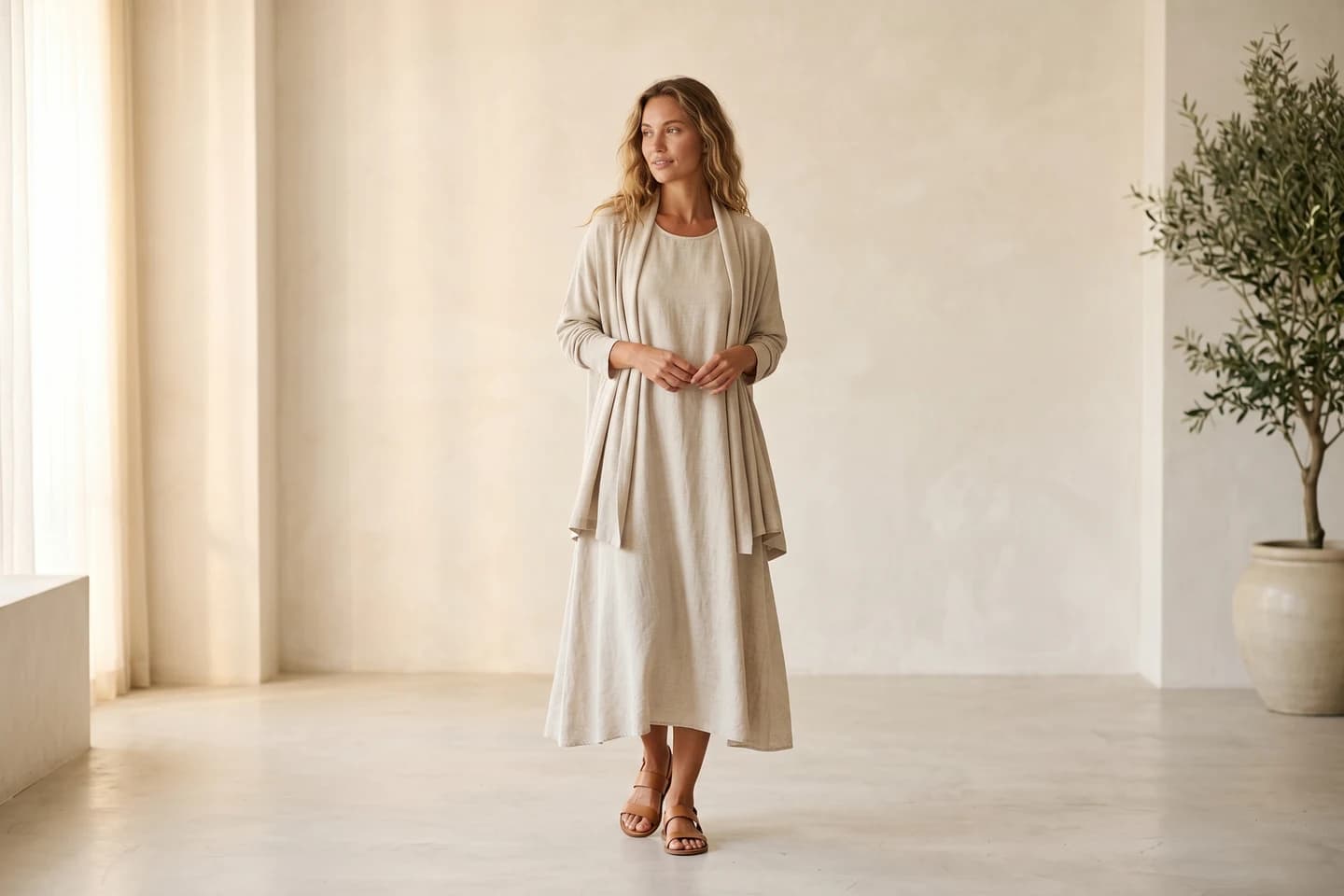
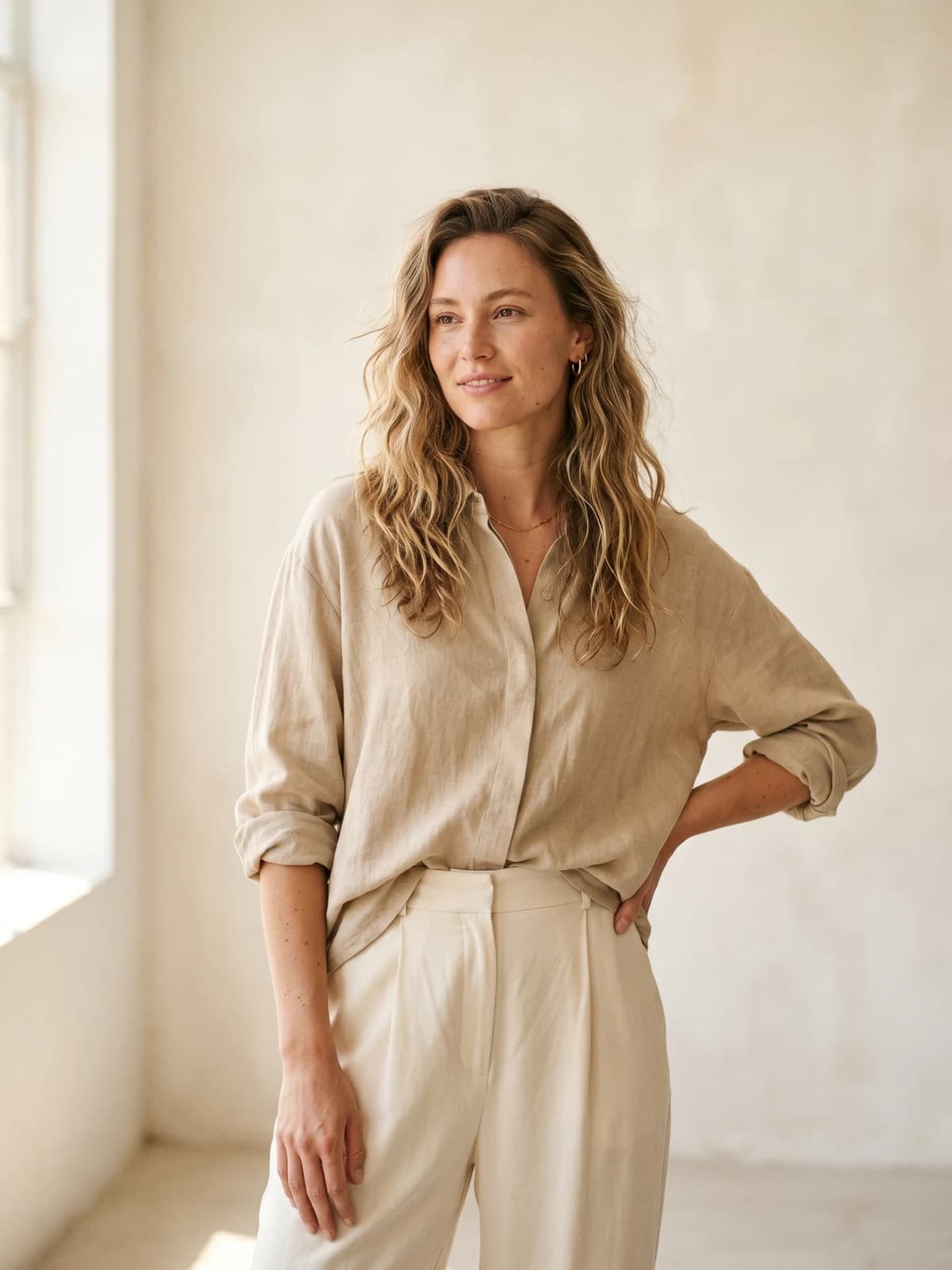
Replace your next photoshoot with AI
Professional on-model fashion photography and video in minutes, at a fraction of the cost of a studio shoot.
6. Luma Dream Machine, best for comparing video models in one place
Luma's Dream Machine started as a single-model product and has become a multi-model workspace. One subscription covers Luma's own Ray 3 models plus third-party engines including Veo 3.1, Kling, and Seedance, so you can run the same jacket prompt through four models and keep whichever clip nails the drape. For a brand still figuring out its AI video look, that side-by-side testing is the main draw.
The workspace is organized around boards, which suits moodboard-driven fashion work: collect stills, animate the keepers, and iterate in threads. Paid plans start at $30 a month (or $25 monthly on the annual plan) for 10,000 credits with commercial use included. There's no meaningful free tier, so budget for at least the Plus plan.
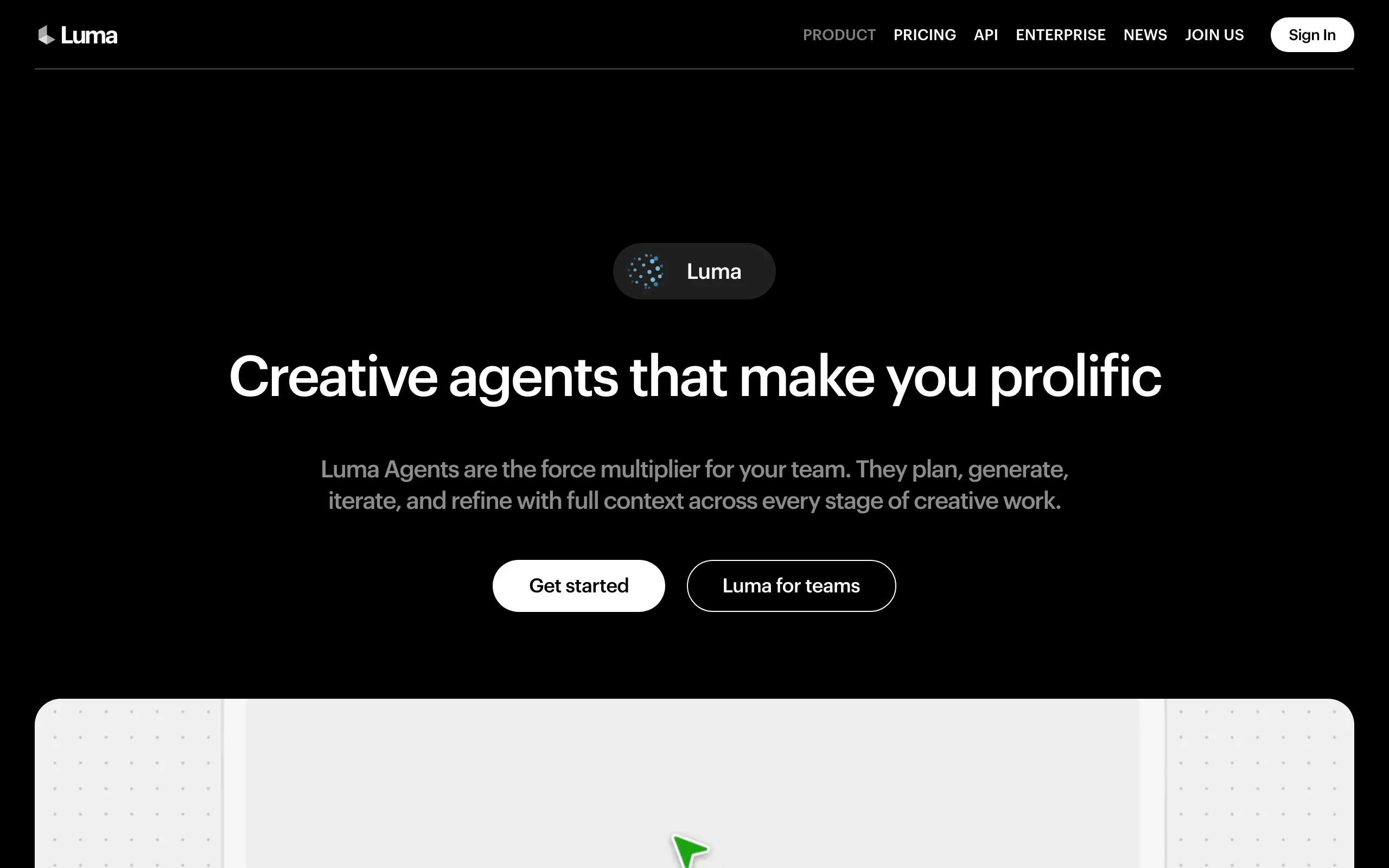
AI Video for Clothing Brands with Luma Dream Machine
Key features
- Luma Ray 3 models plus Veo 3.1, Kling, and Seedance under one subscription
- Image-to-video and text-to-video with resolutions up to 1080p (4K via select models)
- Board-based workspace for organizing campaign explorations
- Commercial use rights on all paid plans
- API for scaled generation
Best for
- Brands and agencies that want to test multiple video models before standardizing on one
- Creative teams that work visually and iterate from moodboards
Pricing
- Plus at $30/month, or $25/month billed annually (10,000 credits)
- Pro at $90/month, or $75/month billed annually (40,000 credits)
- No free tier listed on the current pricing page
Pros
- One bill instead of four for model access
- Model roster stays current as new engines ship
- Clean iteration workflow for visual teams
Cons
- Higher entry price than Runway or Kling
- No fashion-specific features: garment accuracy depends entirely on your input image and prompt
7. InVideo AI, best for longer clothing brand marketing videos
InVideo AI solves a different problem than the clip generators above. Give it a prompt like "a 90-second brand video for a sustainable denim label" and it assembles the whole thing: script, scene structure, stock footage, AI voiceover, subtitles, and music. You edit by typing commands ("make the intro shorter", "change the voice") rather than dragging clips on a timeline.
For a clothing brand, that makes it the pick for content the pure video models can't produce: founder-story videos, lookbook walkthroughs with narration, YouTube pre-roll, seasonal promos. A Generative plan layers in access to premium models like Veo 3.1 for generated footage inside those longer edits. The output leans polished-but-templated, so treat it as a fast production assistant rather than a signature creative voice.
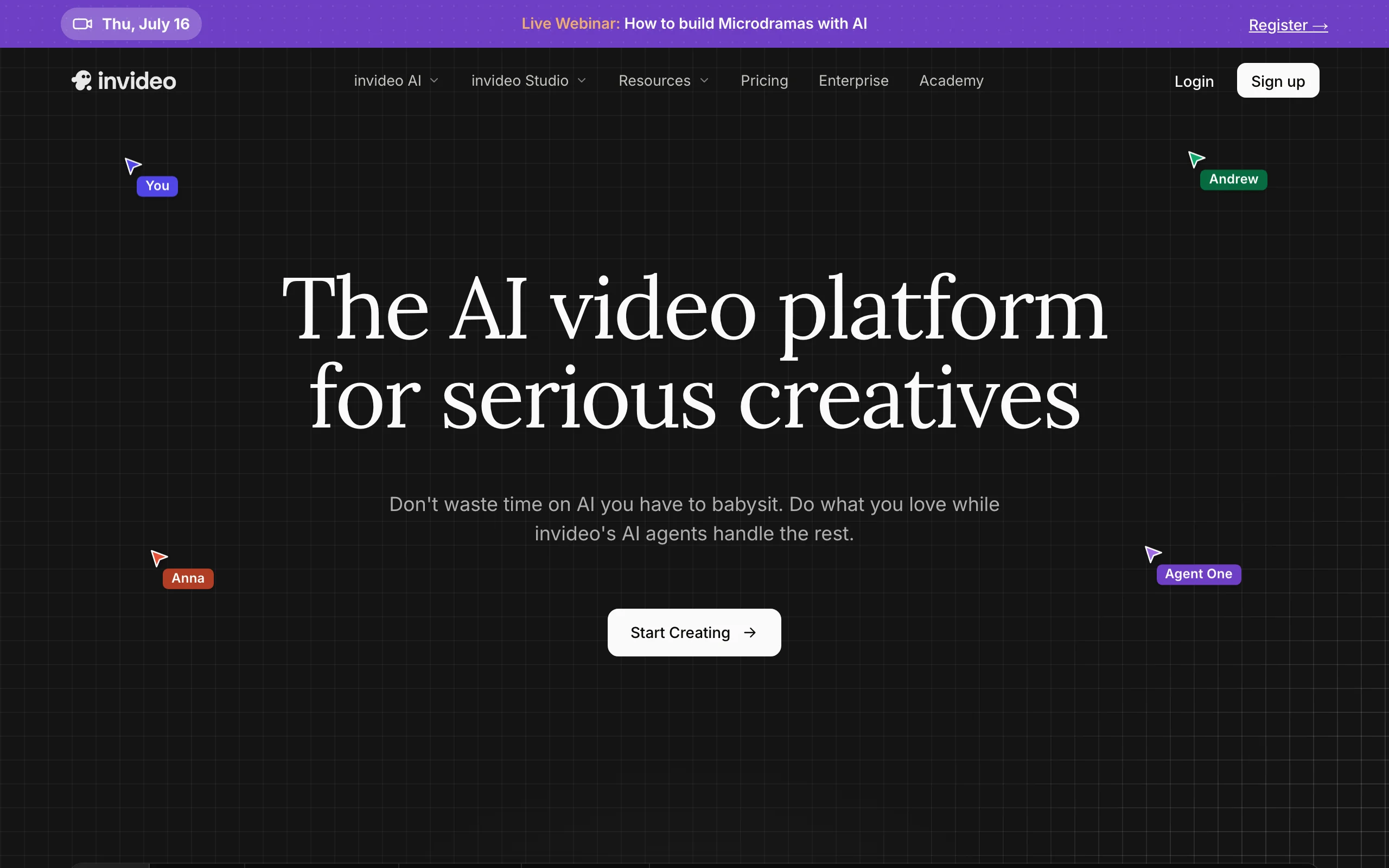
AI Video for Clothing Brands with InVideo
Key features
- Prompt-to-video: script, stock footage, voiceover, and subtitles assembled automatically
- Edit-by-text commands instead of timeline editing
- Access to 200+ AI models and stock providers on paid plans
- Generative tier adds premium video models for AI footage inside edits
- Voice cloning for a consistent brand narrator
Best for
- Brands that need narrated, multi-scene marketing videos without an editor
- Repurposing one campaign into YouTube, email, and landing-page cuts
Pricing
- Free plan with watermarked exports
- Plus at $25/month and Max at $60/month; the Generative tier around $120/month adds premium AI video models (figures from third-party pricing reviews; InVideo's own page loads prices dynamically)
- Credits are split into separate pools (AI minutes, stock, voice) and do not roll over
Pros
- Produces finished long-form videos rather than raw clips
- Text-command editing is fast even if you have never edited video
- Stock library plus AI models covers most footage needs in one place
Cons
- Template DNA shows: distinctive art direction takes effort
- Separate credit pools make real monthly capacity harder to predict than a single number suggests
How to choose an AI video generator for your clothing brand
1) Decide if the video must show your actual garments
This is the split that matters most. General models like Veo 3.1 and Kling generate clothing-like fabric, not your SKU: prints drift, logos smear, and a shopper can tell. If the video sits on a product page or in a catalog ad, use a fashion-specific pipeline (WearView generates the on-model image first, then animates that exact image) or at minimum run image-to-video from an approved photo of your product. If the clip is pure atmosphere, a campaign teaser or a seasonal loop, garment fidelity stops mattering and Veo or Kling are fine.
2) Match the tool to where the video will run
Product pages reward accurate, repeatable on-model clips: WearView. Paid social rewards volume and fast iteration: Creatify for scripted ad formats, Kling for cheap raw clips. Campaign and editorial work rewards control and polish: Runway or Veo 3.1. Long-form (brand stories, YouTube, narrated lookbooks) needs assembly on top of generation: InVideo AI, or one of the template-driven options in our best clothing brand video maker roundup. Most brands end up with two tools, one for product video and one for ads or long-form, rather than forcing everything through one.
3) Do the credit math on your real catalog
Sticker prices mislead because credits per clip vary wildly. Count your quarterly needs (say 40 SKUs plus 20 ad variants), then price that on each tool's credits. A Kling plan under $7 a month that covers your whole season beats a cheaper-looking plan that runs dry in week two, and WearView's fixed tiers ($29/50 credits, $49/200, $99/500) make per-video cost easy to forecast. Before any annual commitment, test five difficult SKUs: lace, plaid, graphic prints, and anything with text on it.
4) Check consistency and rights before you scale
A collection filmed with a different-looking model in every clip reads as cheap. Look for consistency features (WearView's persistent model identity, Runway's reference images) if you plan more than a handful of videos. And confirm commercial usage rights on the exact plan you buy, not just the tool: several free tiers, including Creatify's, watermark exports.
For a broader comparison that covers general ecommerce fashion video tools, see our guide to the best AI fashion video generators. And if Instagram is the channel you are producing for, we ranked the best AI video generators for clothing brand Instagram separately.
FAQ
What is the best AI video generator for a clothing brand?
For product videos that must show your actual garments, WearView is the strongest option because it generates the on-model image first and then animates it, so prints and text stay accurate. For paid ad creative, Creatify is the specialist. Most clothing brands get the best results pairing one product-video tool with one ad or campaign tool.
Can AI really make videos of my actual clothes?
Yes, if you start from a photo. Image-to-video keeps the generation anchored to your real product, and fashion-specific tools preserve garment detail through the process. Pure text-to-video invents a garment from the prompt, which is fine for mood content and wrong for product pages.
How much does AI video for a clothing brand cost?
Entry points range from about $6.60/month (Kling, annual billing) to around $39/month (Creatify), with WearView plans from $29/month. Compare that with traditional video production, where a single professional product video commonly costs four figures. Even a $99/month plan producing dozens of clips undercuts one day of filming.
Do I need existing footage or model photos to start?
No. You can start from a flat product photo: AI generated models for fashion turn a packshot into an on-model image, which then becomes the source frame for a video. Text-to-video tools need no input at all, though you give up product accuracy.
Can I legally use AI-generated video in ads?
On paid plans, the tools in this list grant commercial usage rights, which covers advertising use. Two cautions: check the specific plan (free tiers often exclude commercial use or watermark exports), and keep claims honest, since an AI video showing a garment that differs from the real product invites returns and complaints.
What specs do product-page and social videos need?
1080p covers nearly every placement; 720p is acceptable for small embedded players. For social, generate or crop to vertical 9:16 and keep clips under 15 seconds. Product-page videos work best as short loops, which is why template motions like 360-degree spins and catwalk walks are the default in fashion tools.
Will AI video look obviously fake?
Current models are past the uncanny stage for short fashion clips, but quality control still matters. Watch hands, fabric logos, and text, which fail most often. Plan to generate a few takes per clip and publish the best one, the same way you'd cull a photoshoot.
Should I use one tool or several?
Start with one tool matched to your biggest gap, usually product-page video. Add a second only when a channel demands a format the first can't make, like scripted UGC-style ads or narrated long-form. Two focused subscriptions almost always beat four half-used ones.

WearView Team
WearView Content & Research Team
WearView Team is a group of fashion technology specialists focused on AI fashion models, virtual try-on, and AI product photography for e-commerce brands. We publish in-depth guides, case studies, and practical insights to help fashion businesses improve conversion rates and scale faster using AI.


