
July 20, 2026•18 min read
Best clothing brand video maker: 7 top tools in 2026
No videographer, no editing skills, no problem. We compare 7 video makers for clothing brands, from a tool that turns a garment photo into an on-model fashion clip to free editors and template libraries, with honest pricing for each.
Picture of Best clothing brand video maker: 7 top tools in 2026 article
Video sells clothes. Product pages with video convert better, and Instagram and TikTok barely surface static images anymore. But if you run a small clothing brand, you probably don't have a videographer, an editor, or the hours to learn Premiere.
The good news: the best clothing brand video maker for you probably requires none of that. Some tools turn a single garment photo into a finished on-model fashion clip. Others hand you a template where you drop in your clips and change the text. Others edit footage for you when you type instructions in plain English.
This guide compares 7 video makers for clothing brands: what each one actually does, what it costs, and which one fits the way you work.
Best clothing brand video maker: a quick overview
- WearView: Best overall for clothing brands: it creates the on-model footage itself from a garment photo, so you don't need to film anything or edit anything.
- Canva: Best template library with a built-in brand kit, so every video uses your fonts, colors, and logo without setup each time.
- CapCut: Best free way to turn phone footage into polished social clips, with auto captions and TikTok-ready presets.
- InVideo AI: Best for typing a brief and getting a complete promo assembled for you, script and voiceover included.
- Veed: Best browser-based video maker for captions and quick cleanup of talking-to-camera content.
- Adobe Express: Best budget pick for resizing one clip into every format your channels need.
- Kapwing: Best for small teams who want to make and repurpose videos together in one shared workspace.
| Tool name | Key strength | Pricing | Platforms |
|---|---|---|---|
| WearView | Generates on-model fashion video from a garment photo, no filming | From $29/month | Web |
| Canva | Huge template library plus brand kit for consistent-looking videos | From $15/month; Free plan available | Web, mobile, desktop |
| CapCut | Full free editor with auto captions and social format presets | Free; Pro around $20/month | Mobile, desktop, web |
| InVideo AI | Turns a text brief into a finished video with voiceover | From $25/month; Free plan with watermark | Web |
| Veed | One-click subtitles and simple editing in the browser | From about $10/month (annual); Free plan with watermark | Web |
| Adobe Express | Fast multi-format clips and quick actions at a low price | Premium $9.99/month; Free plan available | Web, mobile |
| Kapwing | Collaborative editing and content repurposing for teams | Pro $16/month (annual); Free plan with watermark | Web |
1. WearView, best clothing brand video maker overall
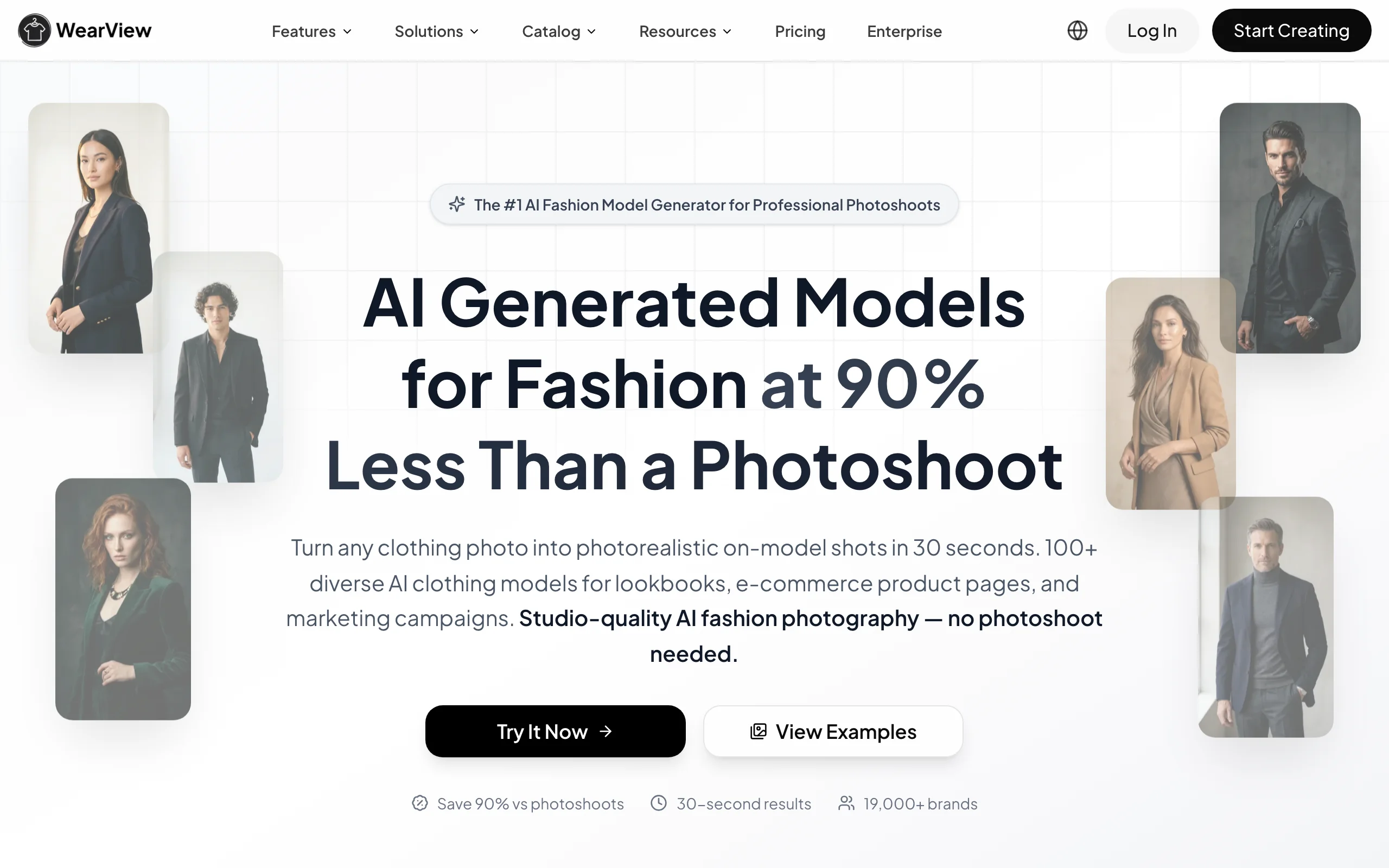
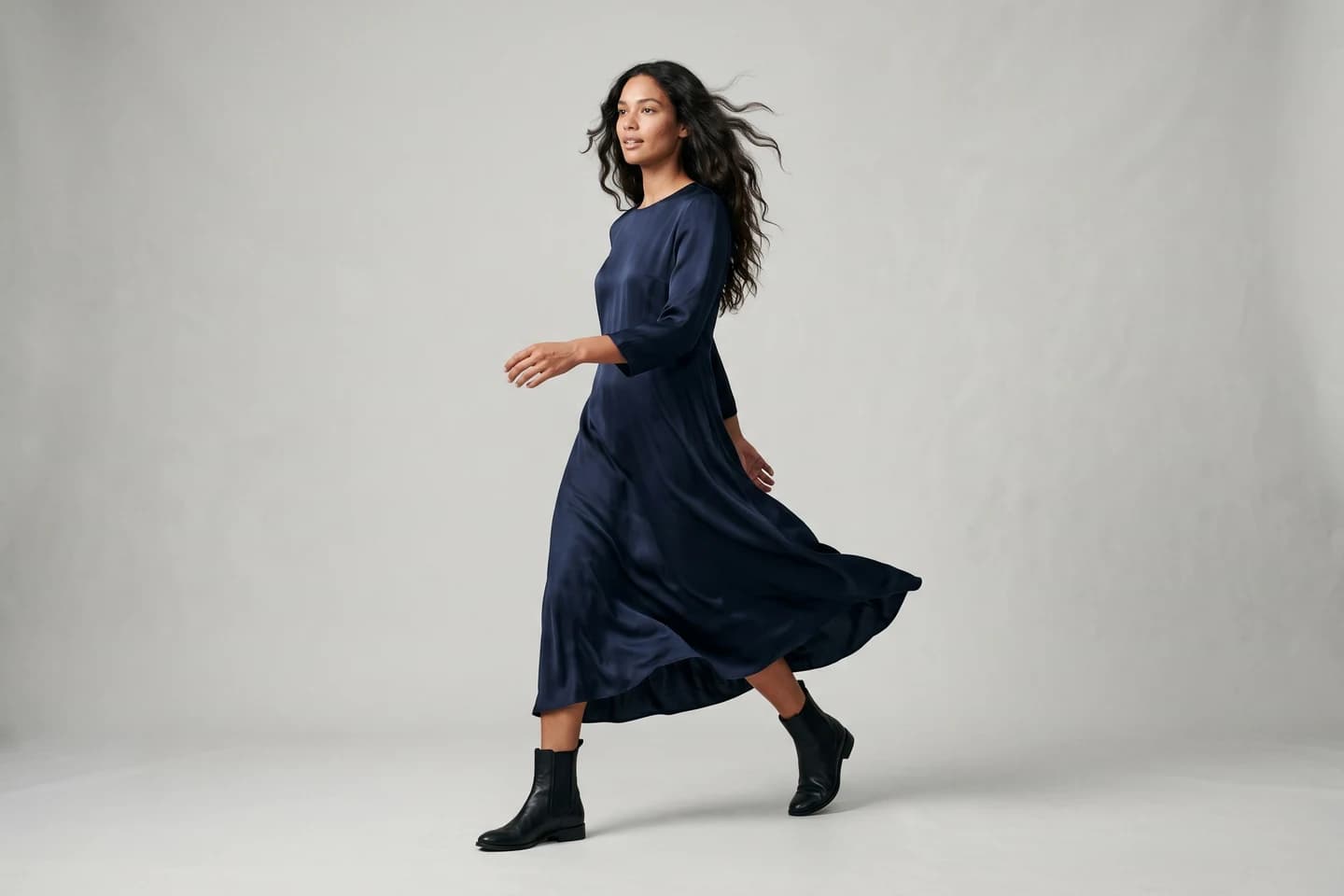
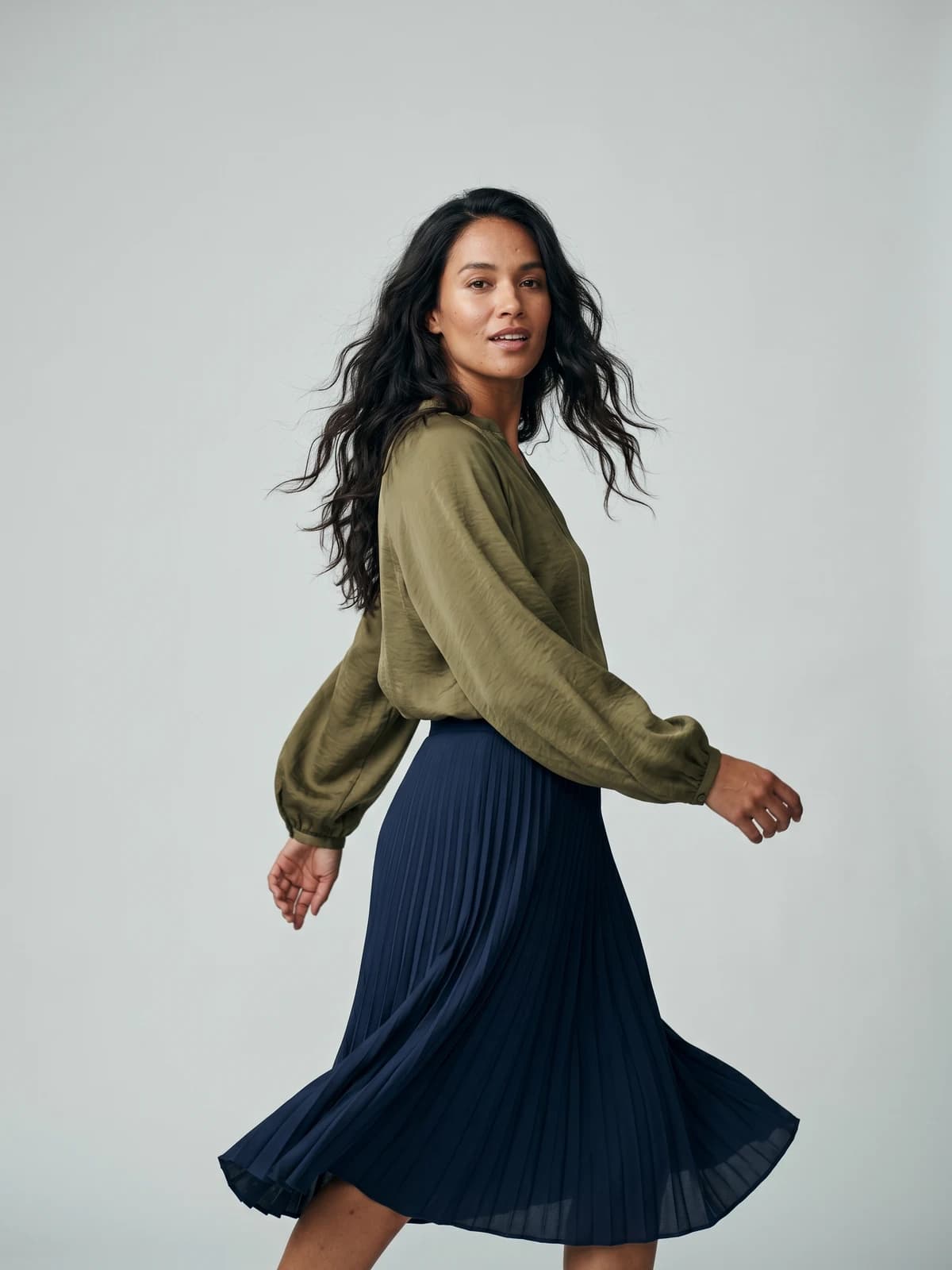
WearView is an AI fashion photography and video platform with a dedicated fashion video tool built for exactly this job. You upload a photo of your garment (a flat-lay, a packshot, or a mannequin shot), put it on a realistic AI model, and describe the scene and movement you want. The tool generates a finished on-model fashion clip in 720p or 1080p, with commercial usage rights on every paid plan.
That workflow is the thing to understand before you compare anything else on this list. Canva, CapCut, and Veed all assume you already have footage of your clothes. WearView creates that footage. You never touch a timeline, and nothing on screen comes from a stock library of someone else's products. You start with the product photo you already have and end with an AI product video of your own garment on a model, ready for a product page or a Reel.
Clothing Brand Video Maker with WearView
The video tool sits inside a wider platform. You can generate still on-model photos from the same garment image using product to model, create your own AI models from a text prompt, keep the same model identity across a whole collection, and generate ghost mannequin shots. One garment photo can become a product page image set and a matching video clip in the same workspace.
Key features
- On-model fashion video generated from a single garment photo
- 720p and 1080p video output with commercial usage rights
- 100+ diverse AI models across ethnicities, body types, and ages
- Consistent model identity across products and campaigns
- Still photo tools in the same workspace: try-on, product-to-model, ghost mannequin, pose control
- On-model photos generate in under 15 seconds
Best for
- Clothing brand owners with product photos but no footage and no desire to film
- Small teams that need product video and product photography from one subscription
- Brands that want the same recognizable model across a whole drop
Pricing
- Lite at $29/month (50 credits), Pro at $49/month (200 credits), Advanced at $99/month (500 credits)
- Video generation is available from Pro (720p); 1080p video comes with Advanced
- Annual billing saves up to $198/year; credit packs cover one-off top-ups
- No free tier
Pros
- Solves the actual bottleneck: getting on-model footage of your clothes without a shoot
- Photos and video of the same garment, same model, in one place
- Commercial rights included, so clips are safe for ads and product pages
Cons
- Not a general-purpose editor: no timeline, text overlays, or music mixing, so pair it with a simple editor like CapCut for captions
- Built for fashion only; if you also sell mugs or cosmetics, you'll need another tool for those
Bring your products to life on video
Turn a single image into a scroll-stopping fashion video for social feeds and product pages.
2. Canva, best template library with a built-in brand kit
Canva is the tool most small brand owners already have open in a browser tab, and its video maker works the same way as everything else in it. Pick a template, swap in your clips and photos, change the text, export. The video editor has a simple timeline with transitions, music, and text animations, but the real draw is the template library: thousands of ready-made promo, sale, and product video layouts sized for Instagram, TikTok, and Stories.
For a clothing brand, the brand kit is what makes Canva stick. Load your logo, fonts, and colors once, and every video template you touch afterward picks them up. That is how a one-person brand keeps 30 posts a month looking like they came from the same company.
Key features
- Thousands of video templates sized for every social platform
- Brand kit applies your logo, fonts, and colors across all designs
- Simple drag-and-drop timeline with music and text animations
- Large stock photo, video, and audio library
- Magic Resize converts one design to other formats (Pro)
- Built-in content scheduler for social posting
Best for
- Brand owners who already design their graphics in Canva and want video in the same place
- Anyone who wants videos to look designed without hiring a designer
Pricing
- Free plan with a large chunk of templates and the basic editor
- Pro at $15/month or $120/year; Business at $20 per user/month
Pros
- One subscription covers social graphics, lookbooks, and video
- Templates make a first video presentable in 20 minutes
- Brand kit keeps everything visually consistent
Cons
- The video editor is shallow for real footage work: fine for assembly, weak for precise cuts
- Popular templates get used by thousands of brands, so yours can look familiar
3. CapCut, best free editor for phone-shot clips
CapCut is the editor most fashion TikTok is actually cut on. It started as ByteDance's companion app for TikTok and grew into a full editor on phone, desktop, and web. If your video plan is "film the new drop on my phone, make it look good, post it," CapCut is the shortest path. The timeline is a real editor with keyframes and speed ramps, but the defaults are tuned so beginners get watchable results fast.
The auto caption tool matters more than it sounds. Most people scroll with sound off, and CapCut generates styled, word-by-word captions in one tap. Add trend templates, beat-synced cuts, and format presets for TikTok, Reels, and Shorts, and one afternoon of phone footage becomes a week of posts.
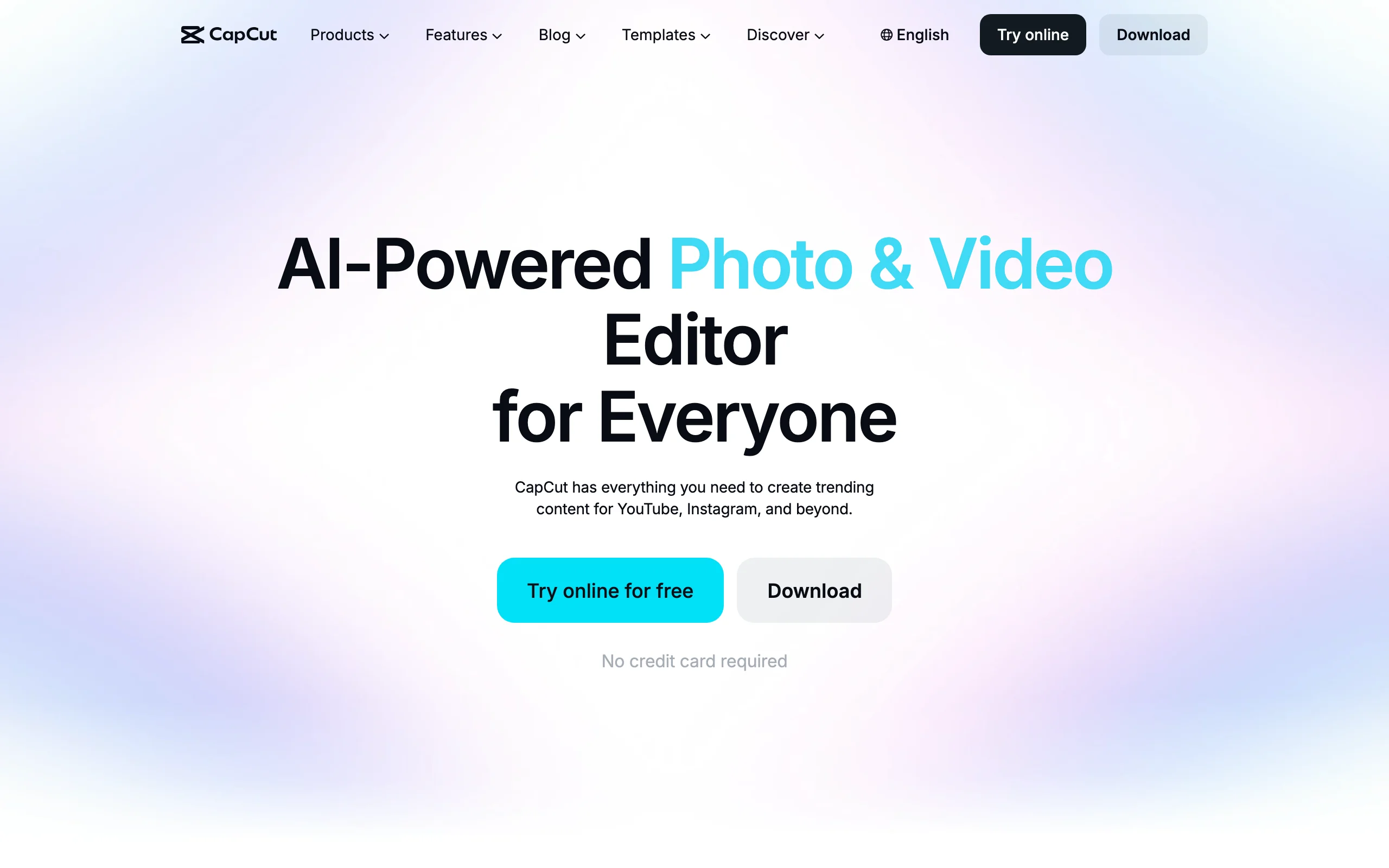
Clothing Brand Video Maker with CapCut
Key features
- Full timeline editor on mobile, desktop, and web
- One-tap auto captions with animated styles
- Trend templates that auto-cut your clips to music
- Background removal and basic AI retouch tools
- Direct export presets for TikTok, Reels, and Shorts
Best for
- Brands whose content is mostly filmed on a phone: fit checks, packing orders, behind the scenes
- Owners who post daily and need speed more than polish
Pricing
- Free version covers the core editor and most everyday features
- Pro runs around $20/month in the US; CapCut doesn't publish fixed global prices, and the cost varies by region, platform, and promotions
Pros
- The free tier is genuinely usable, not a demo
- Fastest route from raw phone footage to a posted Reel
- Huge template ecosystem tied to current TikTok trends
Cons
- You need footage first; it creates nothing from a product photo
- Features occasionally migrate from free to Pro, and pricing is opaque
4. InVideo AI, best for typing a brief and getting a finished promo
InVideo AI works from a text prompt. You type something like "30-second promo for a summer linen collection, warm tone, upbeat music, ends with a discount code" and it writes the script, assembles stock footage, adds a voiceover, and hands you a finished video. Edits work the same way: tell it "make the intro shorter" or "change the voice to female" and it re-renders.
For a clothing brand owner with zero editing skills, this is the closest thing to delegating the job entirely. The catch is the source material. InVideo builds from stock libraries, so the people and garments on screen are not yours. It suits brand-level promos, sale announcements, and ad concepts better than product-specific videos where the viewer needs to see your actual garment.
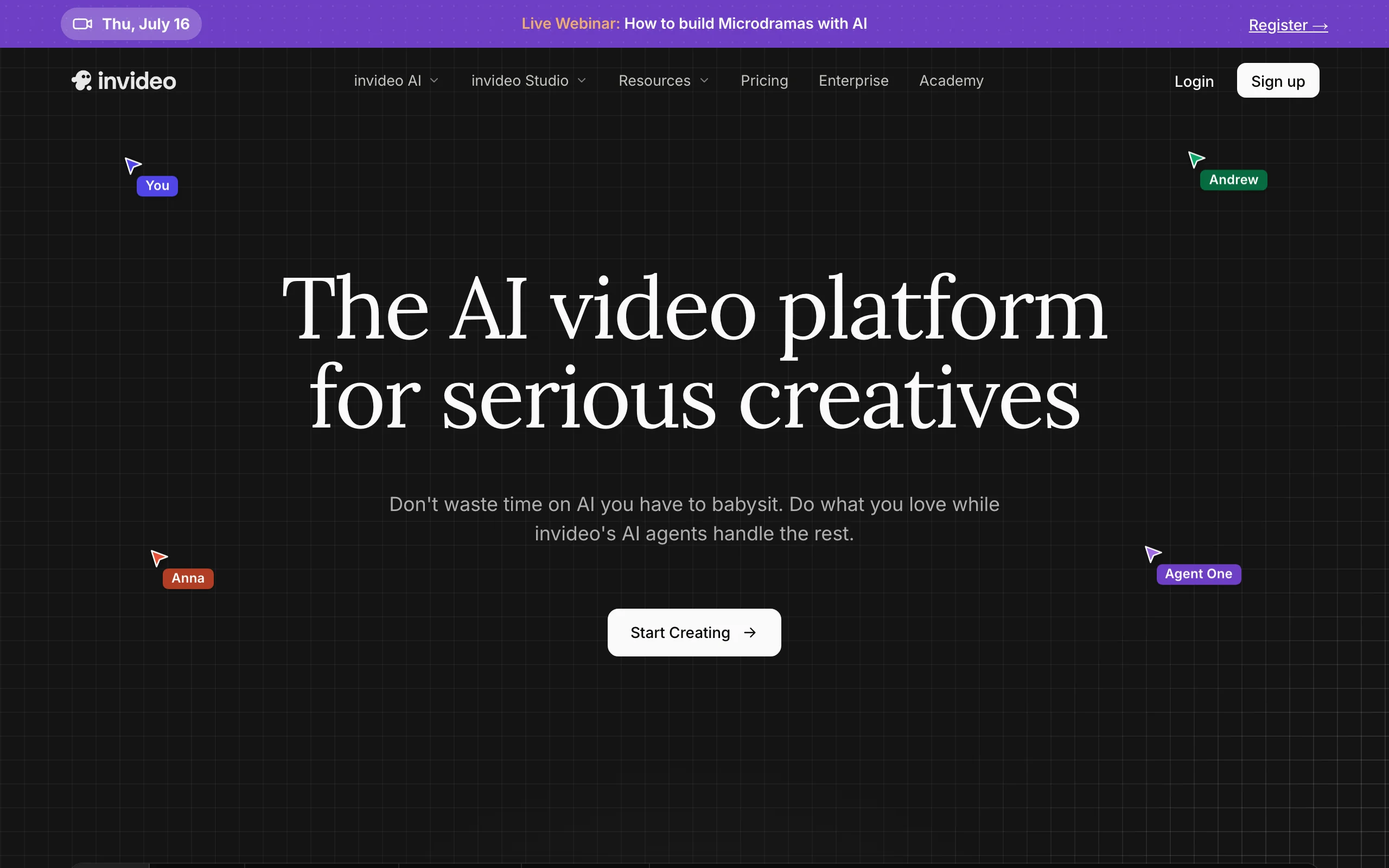
Clothing Brand Video Maker with InVideo AI
Key features
- Full video generated from a text brief: script, footage, voiceover, music
- Edit by instruction instead of timeline ("remove the second scene")
- iStock footage included in paid plans
- AI voiceovers and voice cloning
- Team workspaces on higher tiers
Best for
- Owners who would rather write two sentences than touch an editor
- Sale announcements, brand promos, and ad tests that don't need your exact product on screen
Pricing
- Free plan with a watermark and a weekly export cap
- Plus at $25/month (about $20/month billed annually) with 50 AI generation minutes; Max at $60/month with 200 minutes
- Credits reset monthly and don't roll over
Pros
- Idea to finished video in a few minutes, no skill required
- Iterating by text command is genuinely fast
- Stock footage and voiceover included instead of billed separately
Cons
- Stock visuals mean the clothes on screen aren't yours
- Separate credit pools (AI minutes, stock, voice) are easy to burn unevenly
5. Veed, best browser video maker for captions and cleanup
Veed is an online video editor that runs entirely in the browser, and it has built its reputation on subtitles. Upload a clip, click once, and you get accurate auto-generated captions you can restyle to match your brand. For clothing brands doing founder-story content, styling explainers, or UGC-style hauls, that single feature carries a lot of weight.
Around the captions sits a tidy, simple editor: trim, crop, add music, record your screen or webcam, translate subtitles into other languages for international audiences. It is less trend-driven than CapCut and a little more grown-up, which suits brands that want clean rather than flashy.
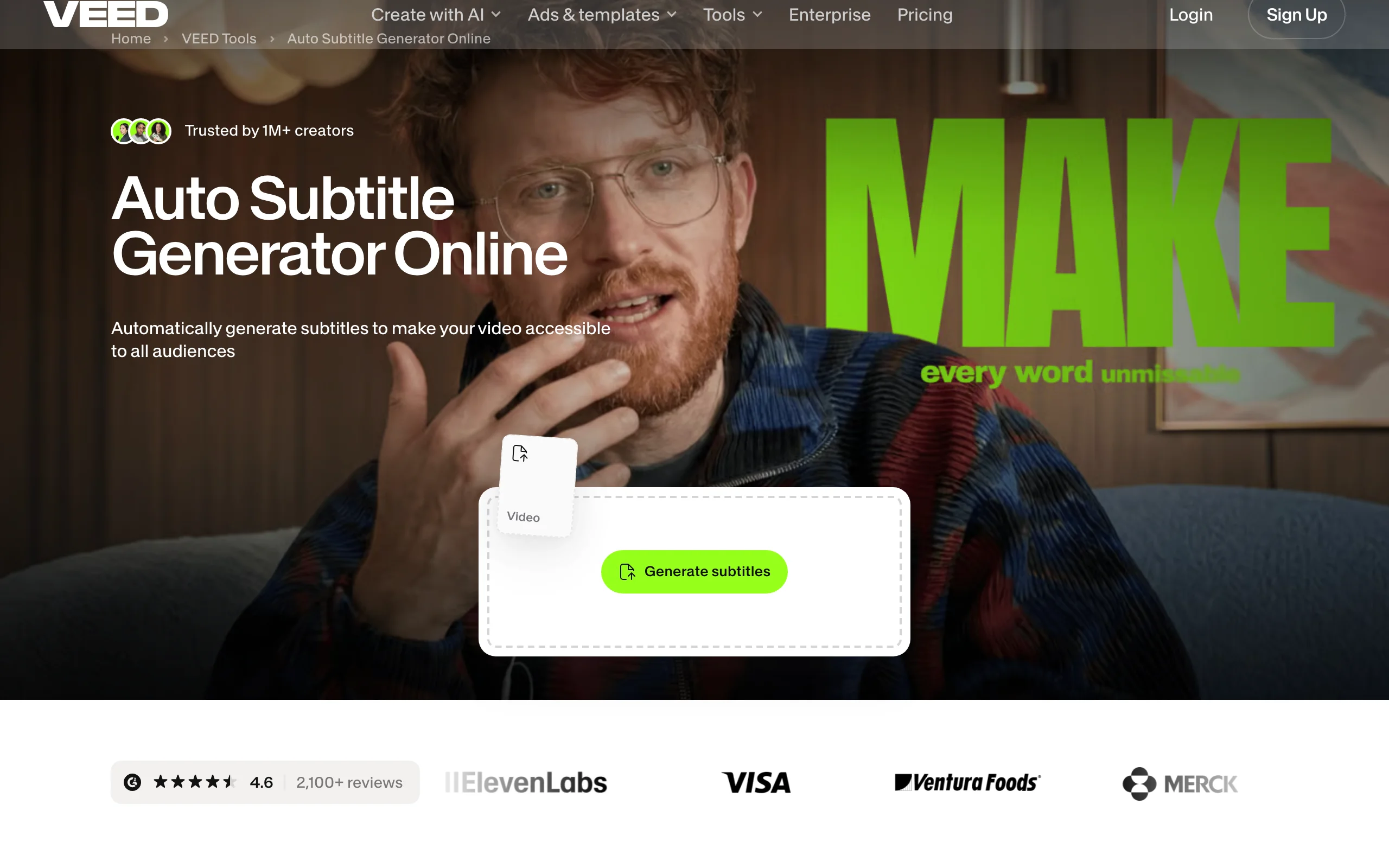
Clothing Brand Video Maker with Veed
Key features
- One-click auto subtitles with brand-styled caption presets
- Simple browser timeline: trim, crop, music, text
- Subtitle translation for selling into other markets
- Screen and webcam recording built in
- Brand kit on paid plans
Best for
- Brands whose videos involve talking: founder stories, styling tips, order packing voiceovers
- Anyone who wants to edit from any computer with nothing installed
Pricing
- Free plan exports 720p with a watermark and a 10-minute cap
- Paid plans start around $10/month billed annually; monthly billing costs noticeably more, and Veed has renamed its tiers recently, so check the live pricing page
Pros
- Best captioning workflow of the editors here
- Nothing to install, works on any laptop
- Easy enough to hand to a virtual assistant without training
Cons
- Per-user pricing adds up once more than one person edits
- The free tier's watermark and 720p cap make it unusable for publishing
6. Adobe Express, best budget pick for multi-format clips
Adobe Express is Adobe's answer to Canva: templates, quick actions, and a light video editor aimed at people who will never open Premiere Pro. Its strength for a clothing brand is speed across formats. Take one clip of your product, and the resize tool re-frames it for a Story, a feed post, a Pin, and a banner in a couple of minutes.
Premium costs $9.99/month, the lowest paid tier in this list, and includes Adobe Stock assets, 100GB of storage, brand kits, a scheduler, and 250 monthly generative AI credits for Firefly features like video background removal. If your brand already lives partly in the Adobe world, Express also opens Photoshop and Illustrator files directly.
Key features
- Quick actions: trim, resize, convert, remove video backgrounds
- Templates for social promos, sales, and product teasers
- One-click resize to every major platform format
- 250 generative AI credits/month on Premium (Firefly)
- Content scheduler and brand kits included
Best for
- Brands that publish the same promo across many channels and hate re-cropping
- Anyone already paying for Adobe apps, since Premium is bundled with many plans
Pricing
- Free plan with basic editing and templates
- Premium at $9.99/month or $99.99/year
Pros
- Cheapest paid plan in this comparison
- Multi-format output is quick and clean
- Stock library and scheduler included at that price
Cons
- The timeline is more limited than CapCut or Veed for real editing
- Heavier AI use runs through the monthly credit allowance quickly
7. Kapwing, best for small teams making videos together
Kapwing is a browser-based video workspace built for teams. Several people can work in the same project at once, comment, and share brand assets, which none of the solo-first tools above handle well. It has leaned into AI over the past couple of years: you can prompt it to assemble a video, generate and translate subtitles, and cut a long video into short clips automatically.
That repurposing angle is the practical win for a clothing brand. Film one 10-minute video about the new collection, and Kapwing's clip tools slice it into shorts with captions for TikTok, Reels, and YouTube. For a founder plus a part-time marketer, the shared workspace beats emailing files back and forth.
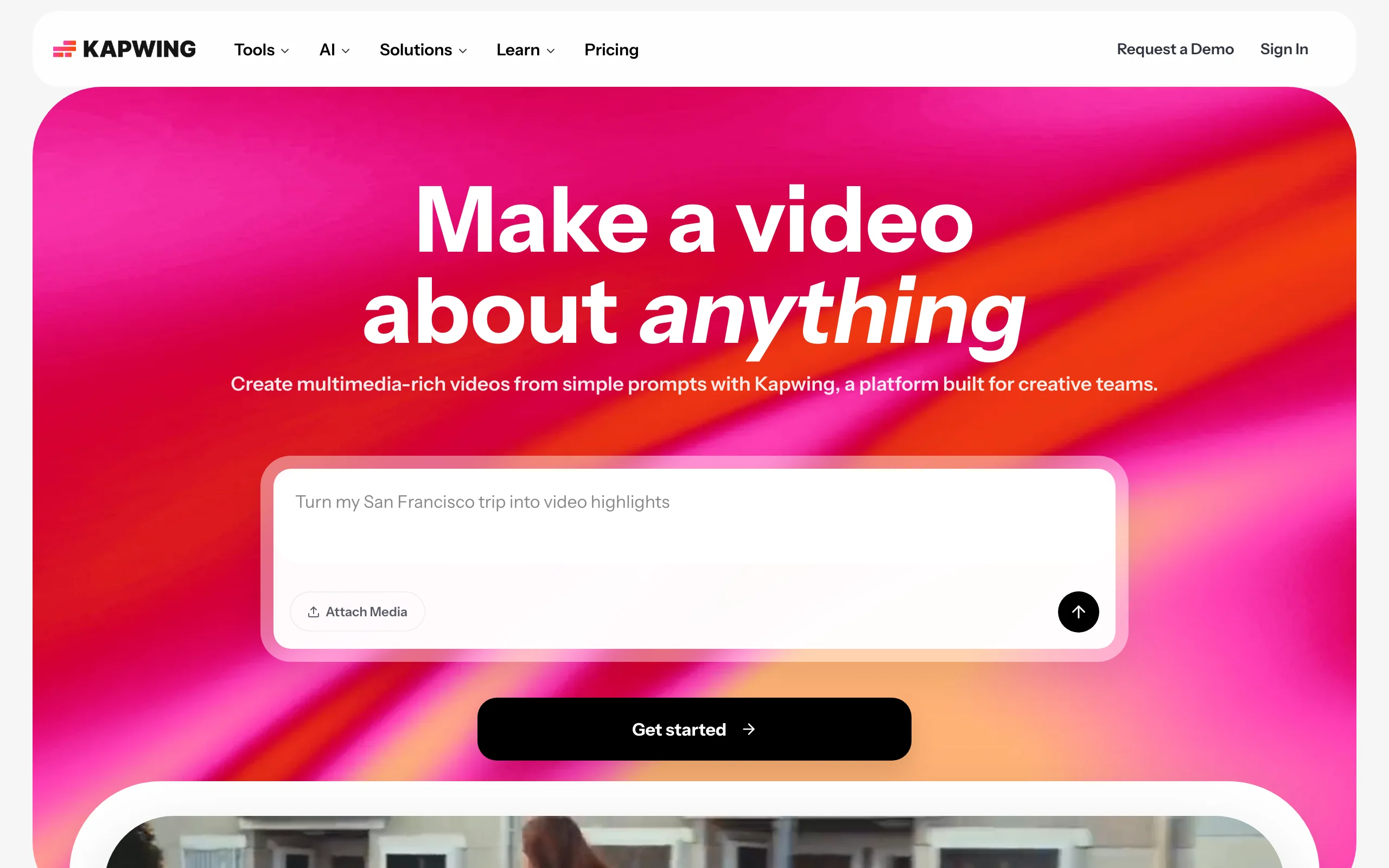
Clothing Brand Video Maker with Kapwing
Key features
- Real-time collaborative editing in the browser
- Prompt-based video creation with attached media
- Auto subtitles with translation into other languages
- Long-video-to-clips repurposing tools
- Brand kit and shared team assets; 4K export on paid plans
Best for
- Two-to-five person teams sharing the content workload
- Brands turning one long video into a month of short clips
Pricing
- Free plan with a watermark, 720p export, and a 1-minute video limit
- Pro at $16/month per member billed annually, or $24/month billed monthly
Pros
- Collaboration works like a shared doc, with edit history
- Strong subtitle and translation tooling
- Repurposing tools stretch a single filming day a long way
Cons
- Per-member pricing climbs as the team grows
- The free plan's watermark and 1-minute cap rule out real publishing
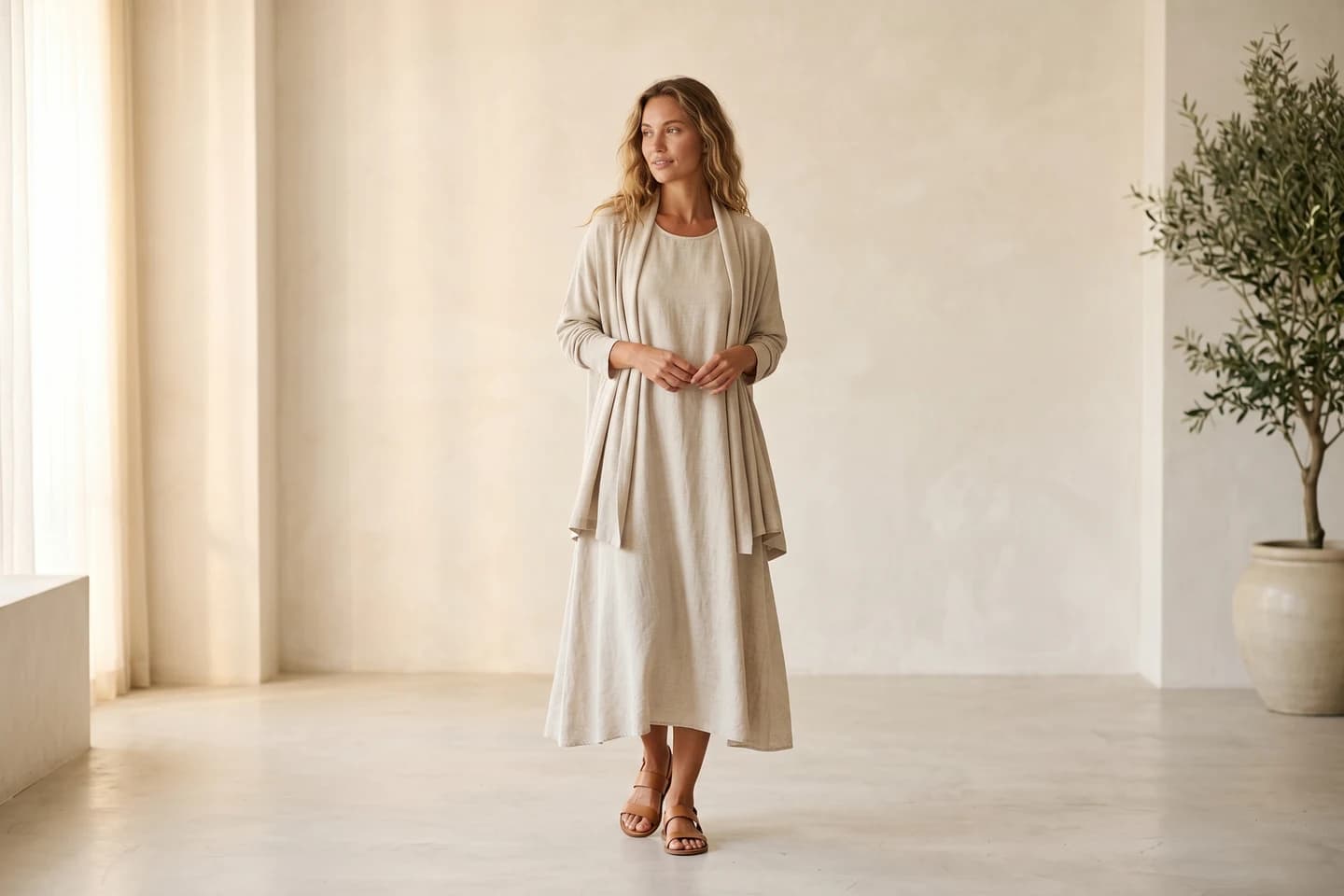
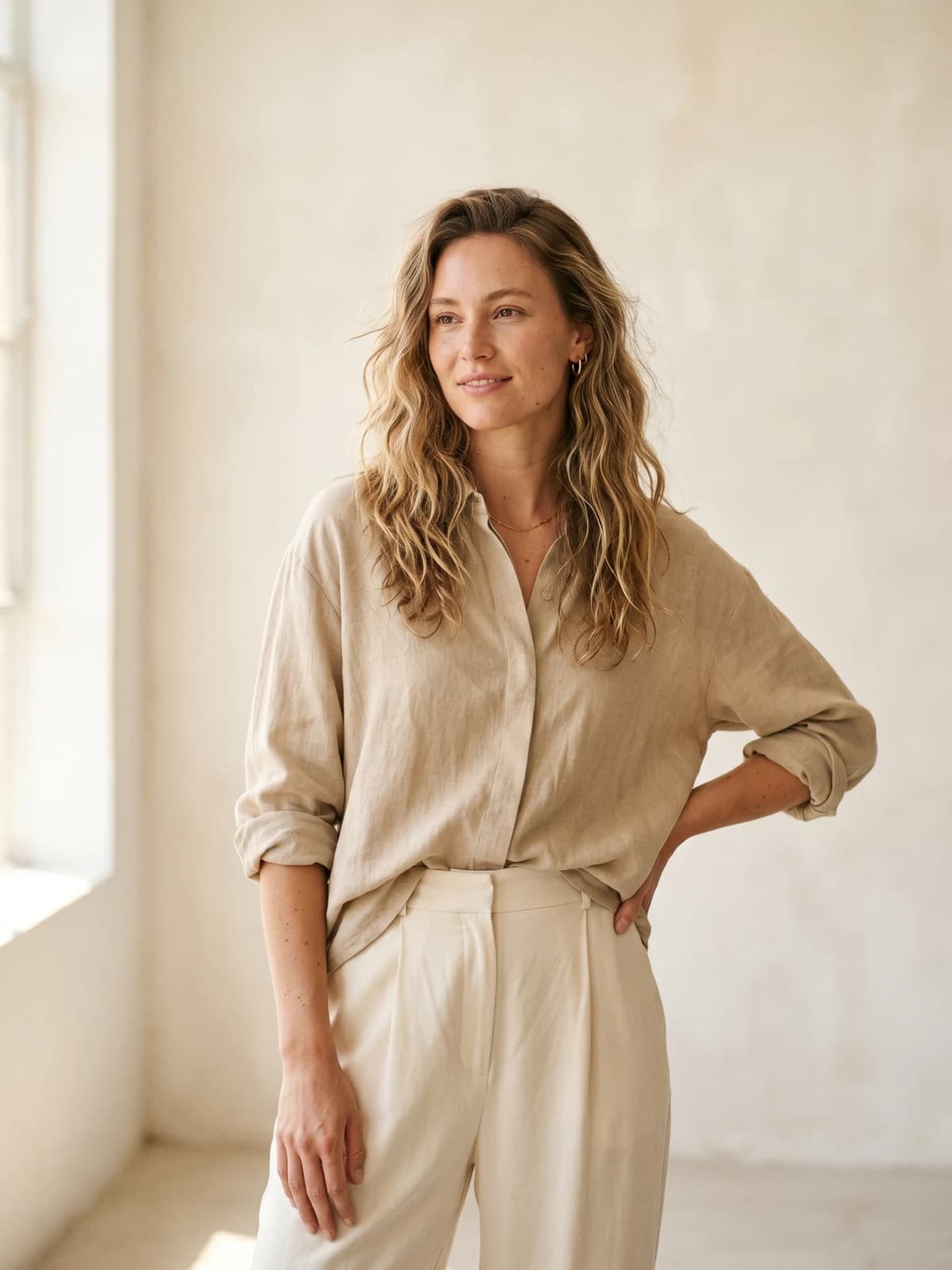
Replace your next photoshoot with AI
Professional on-model fashion photography in seconds — at a fraction of the cost of a studio shoot.
How to choose a clothing brand video maker
1) Do you need footage created, or footage edited?
This one question settles most of the choice. Every template editor and timeline editor on this list assumes video of your clothes already exists. If it doesn't, and you don't want to film, WearView is the only tool here that generates on-model footage of your actual garment from a photo. If you already film regularly on your phone, start with CapCut and add tools from there.
- If you have product photos but no footage: WearView
- If you have phone footage and need it edited: CapCut or Veed
- If you need brand promos where stock visuals are fine: InVideo AI
2) How much of the work do you want to do yourself?
Be honest about this one. Templates still require you to pick clips, trim to music, and fiddle with text. Prompt-based tools remove almost all of it.
- Almost none: WearView for product videos, InVideo AI for promos
- A little, with guardrails: Canva or Adobe Express templates
- Hands-on editing: CapCut or Veed, with Kapwing if a teammate works alongside you
3) Run the monthly math before you commit
Free tiers look tempting until you check what exports with a watermark. CapCut's free version is the only one here you can genuinely publish from. Veed, Kapwing, and InVideo all watermark free exports, so treat those as trials. On the paid side, compare what a month of your real output costs: Adobe Express Premium at $9.99 is the cheapest editor, while per-user tools like Veed and Kapwing double when a second person joins. WearView's plans are credit-based: video generation sits on Pro ($49, 720p) and Advanced ($99, 1080p), while the $29 Lite plan covers photo sets, so a brand producing video content for a full drop should budget from Pro up. For a deeper look at the generation side specifically, our guide to the best AI fashion video generators compares those tools head to head.
FAQ
What is the best video maker for a clothing brand?
It depends on whether you have footage. If you only have product photos, WearView is the strongest pick because it generates on-model video of your garment directly from the photo. If you film your own content, CapCut (free) or Veed handle editing, and Canva covers template-based promos.
Can I make videos of my clothes without filming them?
Yes. Upload a garment photo (flat-lay, packshot, or mannequin shot) to WearView, place it on an AI model, and generate a 720p or 1080p fashion clip. Template editors can't do this; they need existing footage or stock clips, and stock clips show someone else's products.
Is there a completely free video maker for clothing brands?
CapCut's free version is the most usable: it is a full editor, and users widely report standard exports come out without a watermark (check your export, since CapCut's plans shift by region). Canva and Adobe Express have solid free plans for template videos. Veed, Kapwing, and InVideo AI offer free plans, but all three watermark exports, so they work as trials rather than production tools.
What's the difference between a video maker and a video generator?
A video maker is the broader category: any tool that helps you produce a finished video, including template editors and timeline apps. A video generator specifically creates new footage with AI, from a text prompt or an image. WearView and InVideo AI are generators; Canva, CapCut, Veed, Adobe Express, and Kapwing are editors and template makers.
What video sizes does a clothing brand actually need?
Three cover almost everything: 9:16 vertical for Reels, TikTok, and Stories; 1:1 square for feed posts; and 16:9 horizontal for YouTube and your website. Tools with one-click resizing (Adobe Express, Canva Pro) save the most time here, since you make each video once and export it three ways.
How much should a small clothing brand budget for video tools?
You can run a workable stack for under $50/month. A common setup is one generation tool for product content (WearView Lite at $29/month) plus a free editor (CapCut) for captions and trends. If you only edit filmed content, $10 to $16/month covers Adobe Express Premium or an annual Kapwing Pro seat.
Can I use these videos in paid ads?
Check the license on your plan. WearView includes commercial usage rights on all paid plans, and most paid tiers of the editors here allow commercial use of their stock and music libraries. The risky area is music: trending audio inside TikTok and Instagram is licensed for organic posts, not ads, so use each tool's commercial music library for ad creative.
Do AI-generated fashion videos actually look real?
Good ones do, when the input photo is clean and well-lit. AI on-model video has improved fast, and short clips of a model wearing your garment now hold up on product pages and in feeds. Platforms built around AI generated models for fashion are trained specifically on garments, which keeps prints, textures, and fit accurate rather than approximated.

WearView Team
WearView Content & Research Team
WearView Team is a group of fashion technology specialists focused on AI fashion models, virtual try-on, and AI product photography for e-commerce brands. We publish in-depth guides, case studies, and practical insights to help fashion businesses improve conversion rates and scale faster using AI.


