
July 19, 2026•19 min read
7 best AI video generators for clothing brand Instagram (2026)
Your clothing brand's Instagram wants video several times a week, and filming that much is unrealistic. We compared 7 AI video generators that turn product photos into Reels, Stories, and ad creatives, with verified pricing and honest trade-offs for each.
Picture of 7 best AI video generators for clothing brand Instagram (2026) article
Instagram's algorithm hands more reach to Reels than to any other post type, and clothing brands feel that pressure every week. The accounts that grow post video constantly: Reels for reach, Stories for daily touchpoints, feed video for the grid, and video creatives for Instagram ads. Filming all of that means models, a photographer, editing, and a budget most small brands do not have.
This is where an AI video generator earns its keep. The best AI video generators for clothing brand Instagram accounts turn the product photos you already have into on-model clips, ad creatives, and scheduled posts, so a two-person brand can keep a posting cadence that used to require a content team.
In this guide, we compare 7 tools across pricing, output quality, and where each one fits on Instagram, then walk through how to pick the right one for your brand.
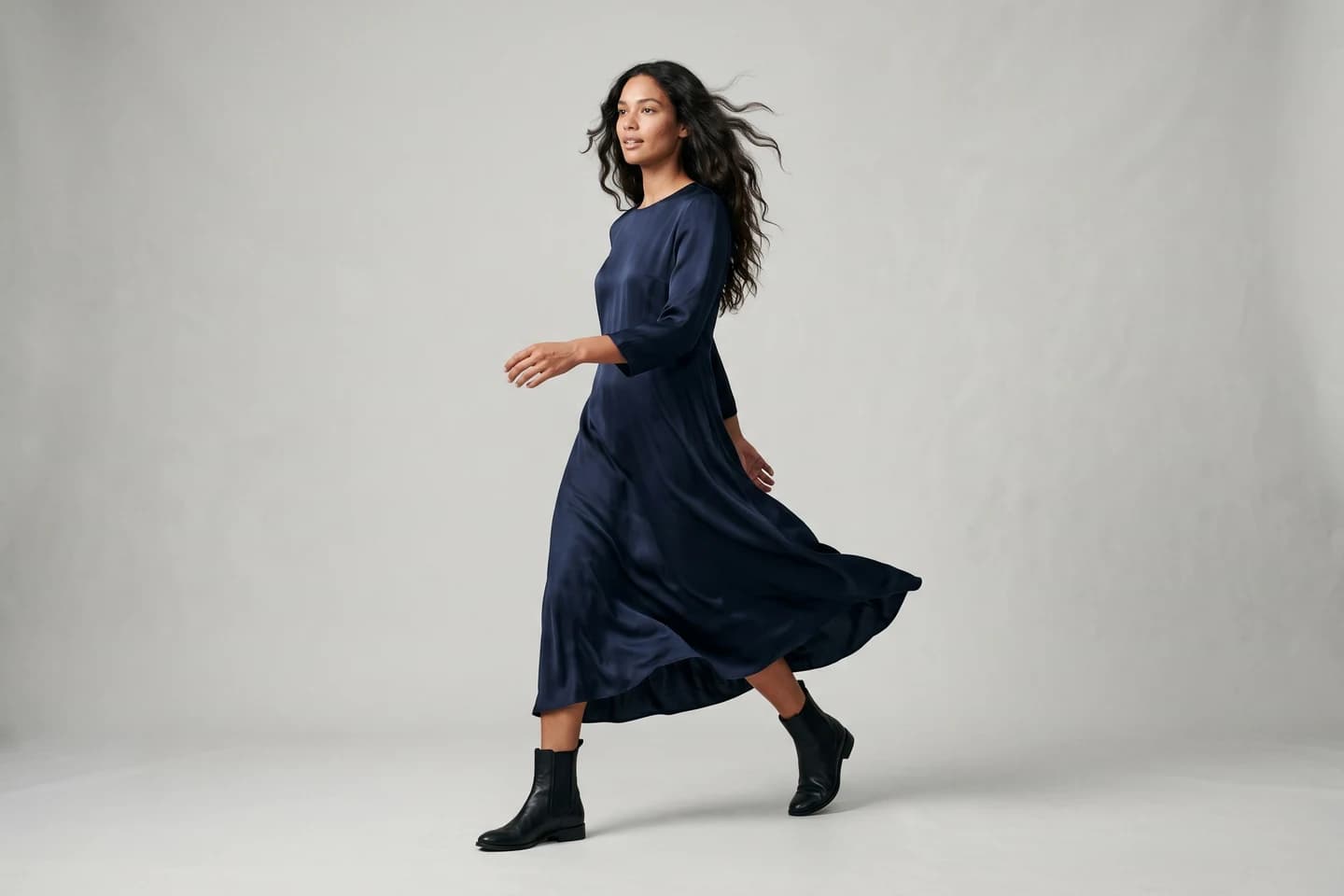
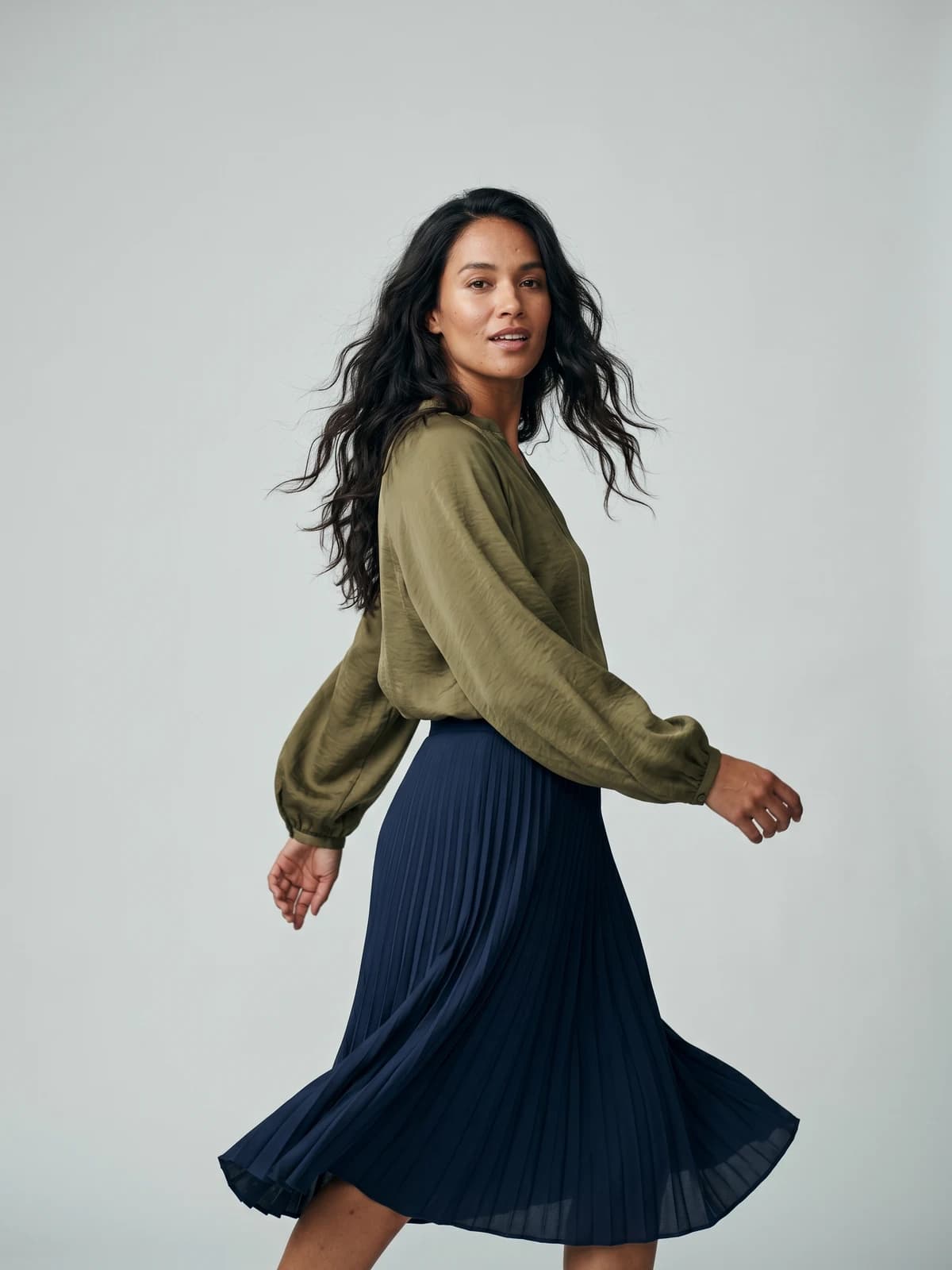
Bring your products to life on video
Turn a single product image into a fashion video ready for Reels, Stories, and your Instagram ads.
Best AI video generators for clothing brand Instagram: a quick overview
- WearView: Best overall for clothing brand Instagram video: turns your garment photos into on-model fashion clips and keeps the same AI model across every post, so the grid looks like one brand.
- Creatify: Best for Instagram video ads: paste a product URL and get ad-ready videos with AI avatars and hooks you can test at volume.
- Arcads: Best for UGC-style Instagram ads: AI actors that talk to camera like creators, useful when you want ad creative that does not look like an ad.
- Predis.ai: Best for filling your Instagram calendar: generates Reels, carousels, and captions from a prompt or product link, then schedules and auto-posts them.
- Kling AI: Best for cinematic Instagram b-roll: a general video model that adds camera movement and atmosphere to campaign shots.
- CapCut: Best for finishing Reels: captions, trending templates, and 9:16 edits on desktop or phone, with a capable free plan.
- Canva: Best for on-brand Stories and feed video: brand-kit templates that keep fonts and colors consistent when several people post.
| Tool | Key strength | Pricing | Platforms |
|---|---|---|---|
| WearView | Garment photos to on-model fashion video with consistent model identity | From $29/month | Web |
| Creatify | Product URL to ready video ads with AI avatars | From $39/month; free plan (10 credits/month) | Web, API |
| Arcads | UGC-style ads from a library of 1,000+ AI actors | Around $110/month (no public pricing page) | Web |
| Predis.ai | Generates and auto-schedules Instagram content | From $19/month billed annually; 7-day free trial | Web |
| Kling AI | High-motion text and image to video up to 1080p | From $10/month; free daily credits | Web |
| CapCut | Template-driven Reels editing with auto captions | Free; Pro at $19.99/month | Web, desktop, mobile |
| Canva | Brand-kit video templates and one-click resizing | Free; Pro at $18/month | Web, mobile |
1. WearView, best overall for clothing brand Instagram video
WearView is an AI fashion photography and video platform with a dedicated fashion video tool. You upload a garment or product photo, place it on one of 100+ realistic AI models across different ethnicities, body types, and ages, describe the scene or movement you want, and generate a short on-model clip in 720p or 1080p. The clips are made for Instagram Reels and Stories, and paid plans include commercial usage rights, so the same clip can run as an Instagram ad.
The part that matters most for Instagram is consistency. WearView lets you reuse the same model across campaigns, so the Reel you post on Monday features the same face as the carousel from last month and the grid reads as one brand, not a stock-photo collage. Because everything starts from a product photo, one hoodie shot can become a studio clip, a street-style clip, and a close-up detail video without a second shoot. Beyond fashion video from photos, the platform includes virtual try-on, AI model creation from text prompts, product-to-model conversion, ghost mannequin generation, and pose control in one workspace.
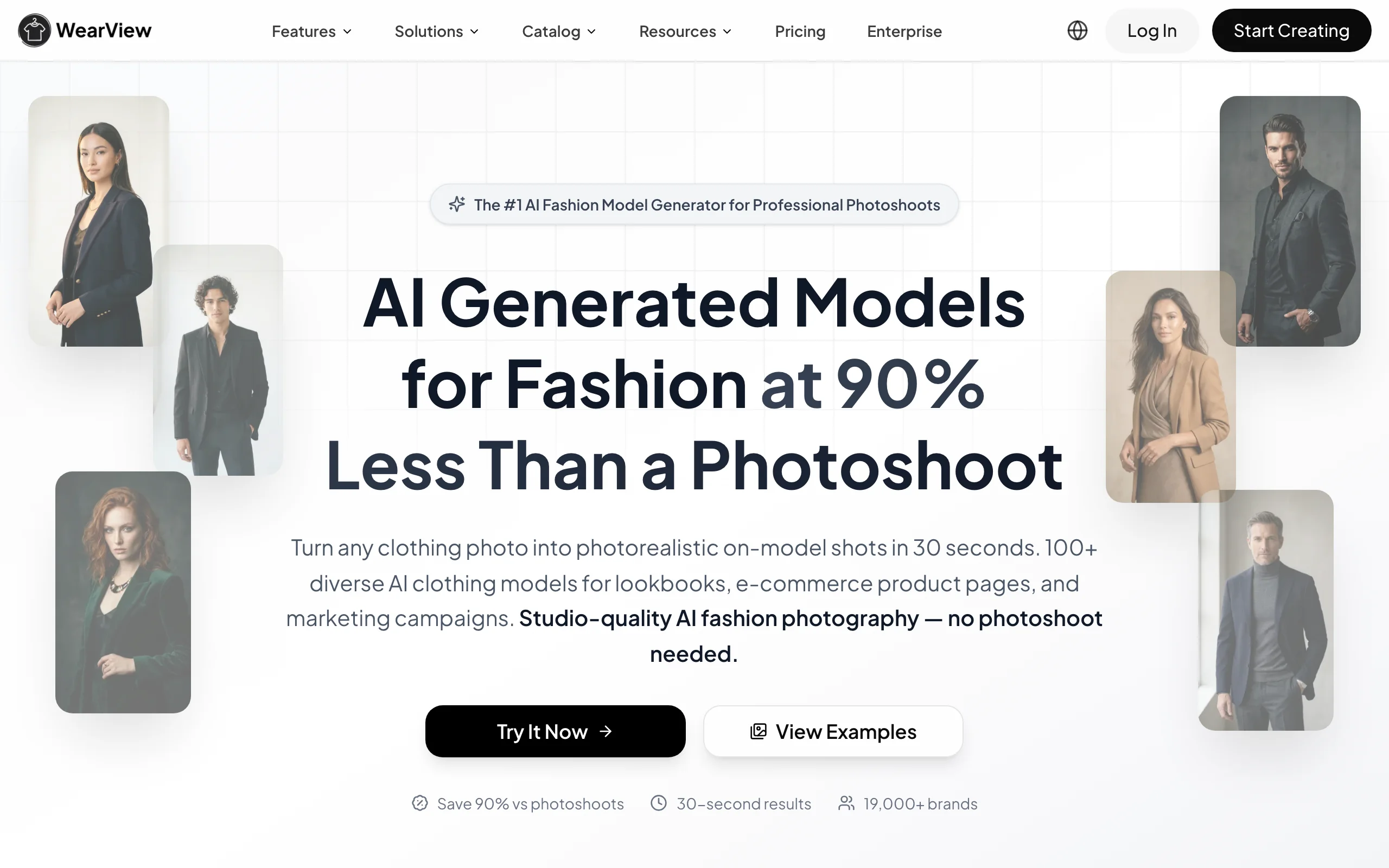
AI Video Clothing Brand Instagram with WearView
Key features
- On-model fashion video in 720p or 1080p from a single product photo
- Consistent model identity across every clip and photo you generate
- 100+ diverse AI models, plus custom models from text prompts
- Pose control and scene descriptions for varied Reels from one garment
- Photo tools (try-on, product-to-model, ghost mannequin) in the same workspace
- Commercial usage rights on all paid plans
Best for
- Clothing brands that need 3 to 5 Reels a week without booking a single shoot
- Small teams that want photos and video for a drop from one set of product images
- Brands that care about a coherent grid and want one recurring "face" for the brand
Pricing
- Lite at $29/month (50 credits), Pro at $49/month (200 credits), Advanced at $99/month (500 credits)
- Annual billing saves up to $198 per year; credit packs cover one-off top-ups
- No free tier
Pros
- Built for garments: prints, textures, and fit carry over from the source photo
- Solves the posting-cadence problem and the brand-consistency problem at once
- One subscription covers the photo side and the video side of a drop
Cons
- It generates the raw fashion clip only: captions, music, and trending audio still happen in Instagram or an editor like CapCut
- Fashion-only scope; no talking AI avatars for script-based ads
2. Creatify, best for Instagram video ads at volume
Creatify is an AI ad platform: you paste a product URL or upload assets, and it scripts, voices, and assembles video ads you can run on Instagram. It ships with 300+ AI actors on entry plans (1,500+ on Pro), more than 200 templates, and text-to-speech in 75+ languages, so a small brand can produce dozens of ad variations in an afternoon and let the ad account decide which hook wins.
For a clothing brand, Creatify is less about showing the garment in motion and more about the sell: an avatar presenting the product, benefit text, and a call to action sized for the Instagram feed and Reels placements. Pro adds an AI Media Buyer and a competitor ad tracker, which points at its real audience: teams spending actively on Meta ads.
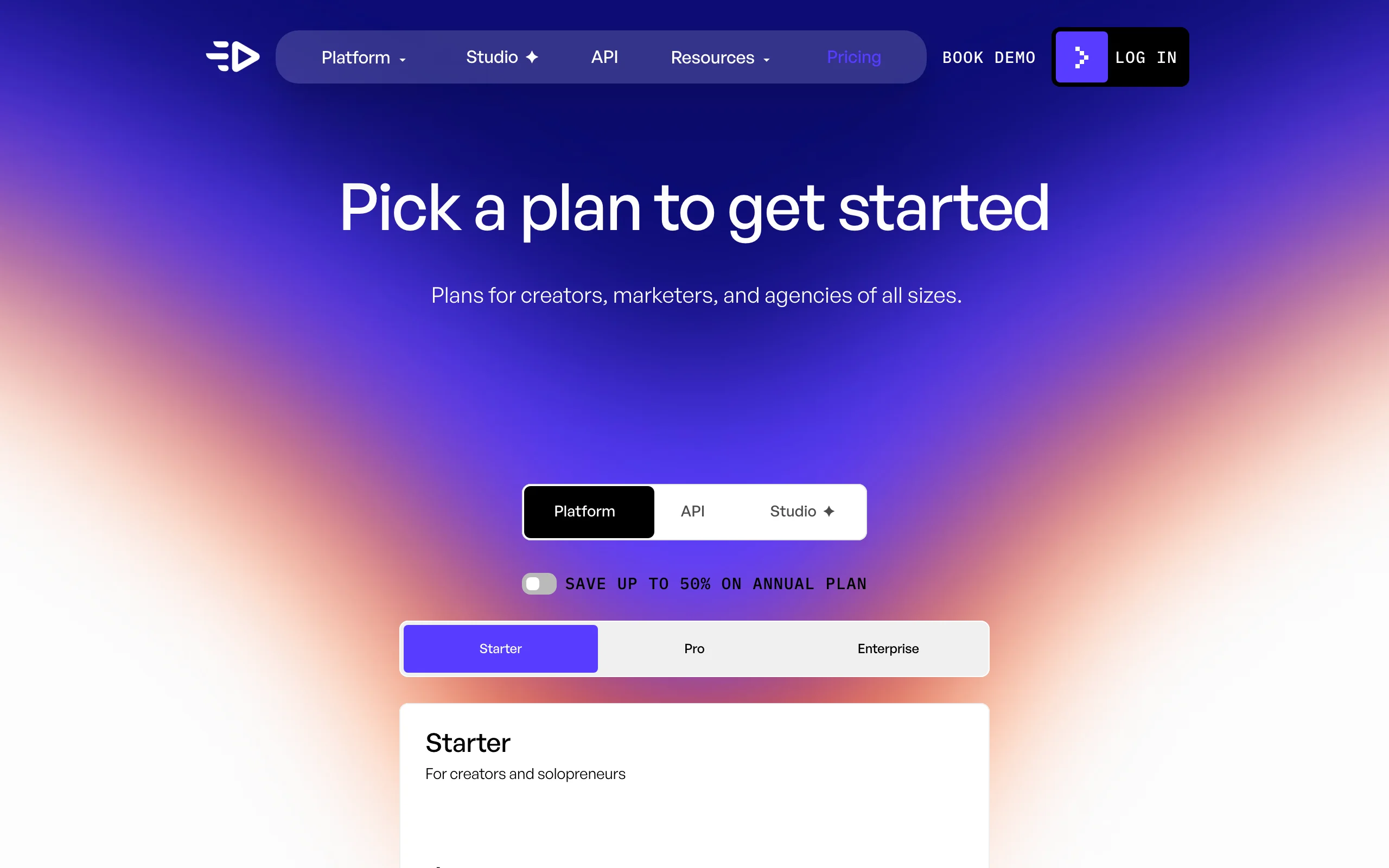
AI Video Clothing Brand Instagram with Creatify
Key features
- Product URL to finished video ad, with script and voiceover generated for you
- 300+ AI actors (1,500+ plus custom avatars on Pro)
- 200+ ad templates and batch variation for creative testing
- 75+ languages for international campaigns
- API access for programmatic ad generation
Best for
- Brands running Instagram ads that need fresh creative every week
- Teams that test many hooks and angles rather than polishing one hero video
Pricing
- Free plan with 10 credits/month (watermarked exports)
- Starter at $39/month with 100 credits; Pro at $99/month with 300 credits
- Enterprise pricing is custom
Pros
- Fast route from product page to running ad creative
- Watermark-free exports from the first paid tier
- Credit system suits burst production before a drop
Cons
- Ad-first output; organic Reels made this way can feel like commercials
- Avatars present your product but do not wear it, so garment fit stays off camera
3. Arcads, best for UGC-style Instagram ads
Arcads generates ads that look like creator content: an AI actor filmed in a car, a kitchen, or a bedroom, talking to camera about your product. You write or generate the script, pick from 1,000+ AI actors, and get a video that reads as user-generated content rather than a produced commercial. For clothing brands, that style regularly outperforms polished creative in Instagram ad placements, because it blends into the feed people came to scroll.
The trade-off is cost and opacity. Arcads has no public pricing page; third-party pricing guides agree the Starter plan sits around $110 per month and Creator around $220, and the commonly reported rate works out to roughly $11 per finished video, though the guides differ on exactly how many videos each tier includes. There is no free trial, so you are committing real budget to test it.
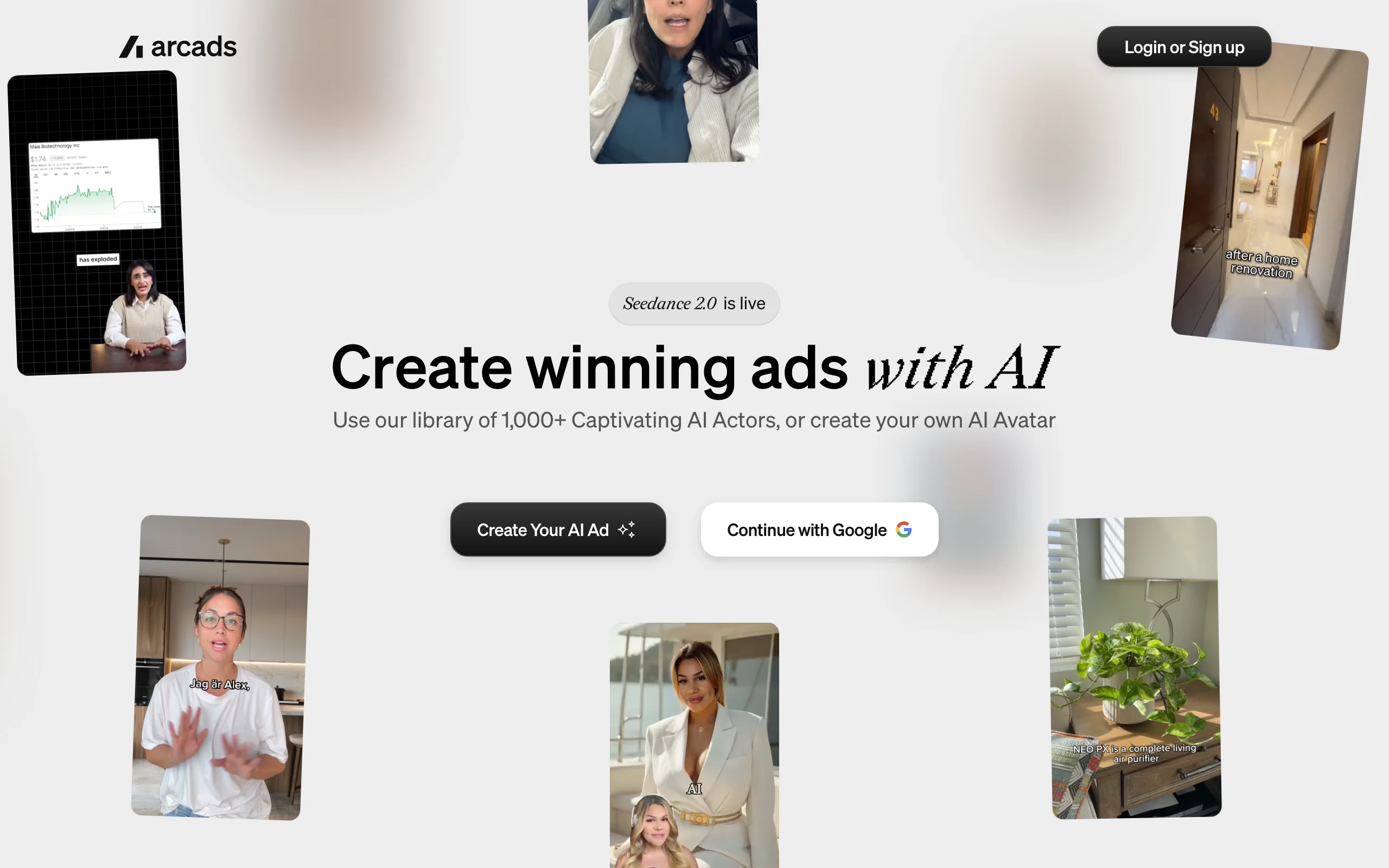
AI Video Clothing Brand Instagram with Arcads
Key features
- 1,000+ AI actors in casual, realistic settings
- Script-to-video with emotion control over delivery
- Translation into 30+ languages for international ad sets
- Product showcase and unboxing-style templates
- Custom AI avatar creation
Best for
- DTC clothing brands scaling Meta ad spend with testimonial-style creative
- Teams that would otherwise brief and pay multiple UGC creators per month
Pricing
- No public pricing page; plans appear after account creation
- Third-party guides report Starter around $110/month and Creator around $220/month, at roughly $11 per finished video; reported video allowances vary by guide
- No free trial documented
Pros
- Convincing creator-style delivery without recruiting creators
- One subscription replaces a recurring UGC briefing workflow
- API and actor cloning available on the top plan
Cons
- Roughly $11 per finished video, and re-generating after small script edits costs another credit
- Actors talk about your clothes; they do not model them
4. Predis.ai, best for filling your Instagram calendar
Predis.ai is a content engine with scheduling built in. You connect your Instagram account, feed it a prompt, a product link, or your catalog, and it generates Reels, carousels, single posts, and captions in your brand colors, then publishes them on a schedule. The Rise plan and up add daily auto-posting per brand, which makes it the closest thing on this list to an Instagram manager you configure once.
The video side is template-driven: product clips and slideshow-style Reels up to 30 seconds on standard tools, assembled from your images, stock footage, and text overlays. You will not get generative on-model motion here. What you get is volume: the Core plan's 1,300 monthly credits translate to roughly 9 videos or 86 images, enough to keep Stories and feed active between your hero Reels.
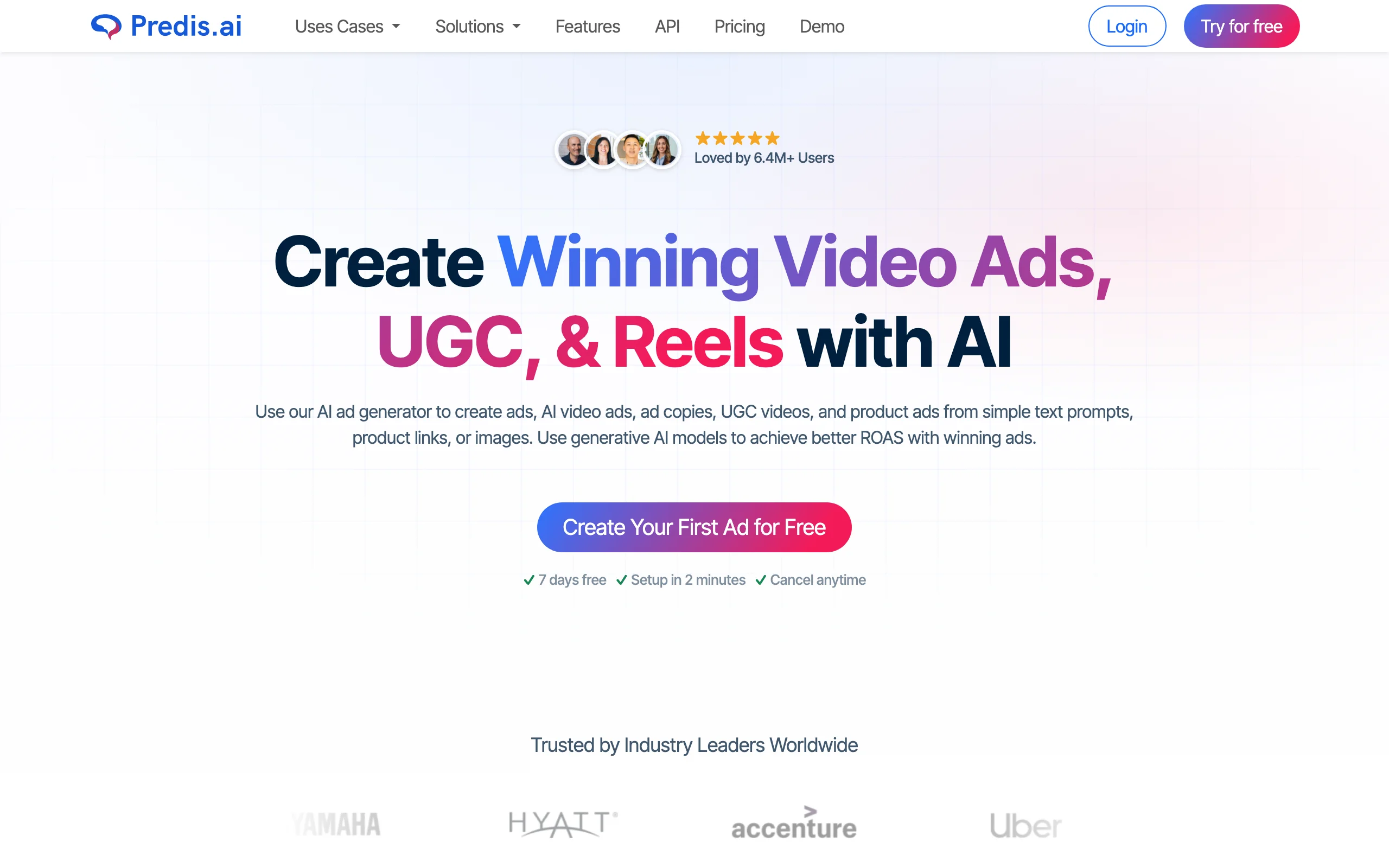
AI Video Clothing Brand Instagram with Predis
Key features
- Generates Reels, carousels, and captions from prompts or product links
- Scheduling to Instagram and other channels, with auto-posting on Rise and up
- Brand palette, fonts, and logo applied automatically
- E-commerce product video generation from catalog items
- Competitor content analysis
Best for
- Solo founders and small teams who miss posting days because content runs out
- Multi-brand operators (the Rise plan covers up to 4 brands from one dashboard)
Pricing
- Core at $19/month billed annually, with 1,300 credits (about 9 videos or 86 images)
- Rise at $40/month billed annually, with 3,200 credits and up to 4 brands
- 7-day free trial
Pros
- Generation and scheduling in one tool removes a whole handoff
- Cheapest reliable way on this list to keep a daily Instagram presence
- Unlimited team members on every plan
Cons
- Template-based videos; the output looks assembled, not filmed or generated
- Heavy Instagram schedules eat the Core plan's credits before the month ends
5. Kling AI, best for cinematic Instagram b-roll
Kling AI is a general-purpose video model that turns text prompts or still images into moving clips with real camera behavior: dolly-ins, handheld drift, wind in fabric. For a clothing brand, its sweet spot is b-roll. Take a campaign photo, prompt for slow motion and atmosphere, and you have a moody 5 to 10 second clip that fills the gap between product Reels, works as a Story background, or opens an ad.
Costs scale with output quality. On the current model generation, a 5-second 1080p clip runs about 40 credits, so the Standard plan's 660 monthly credits cover roughly 16 short clips; the $37 Pro plan raises that to around 75. Free accounts get 66 daily credits, but exports carry a watermark and exclude commercial use, so treat the free tier as a testing ground only.
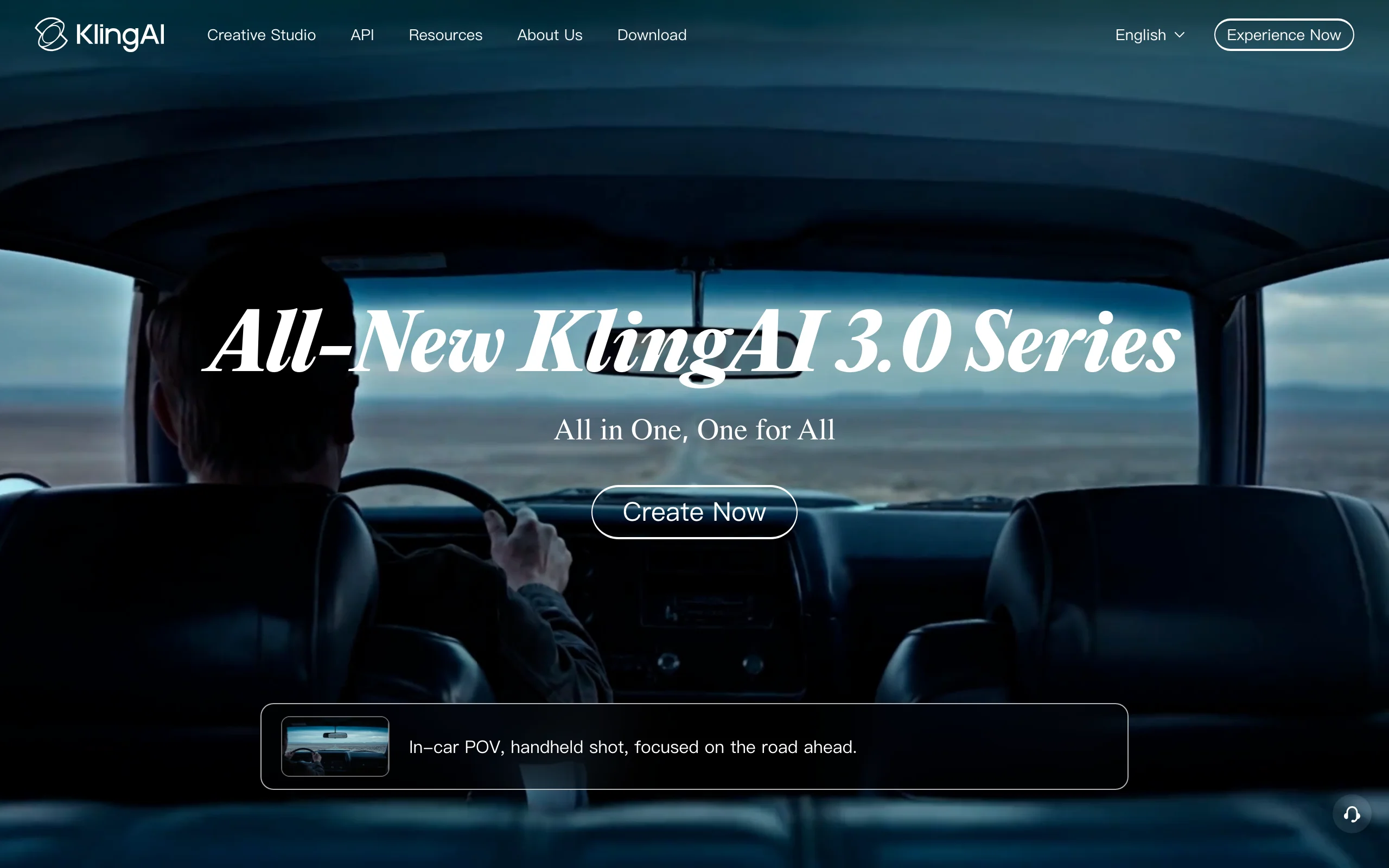
AI Video Clothing Brand Instagram with Kling
Key features
- Text-to-video and image-to-video generation
- 720p and 1080p output, with native audio generation on newer models
- Strong motion realism: fabric, hair, and camera movement hold up
- Credit packs on top of subscriptions for heavy months
Best for
- Brands that want editorial, film-look clips between product-focused Reels
- Social managers comfortable iterating on prompts to hit a look
Pricing
- Free tier with 66 daily credits (watermarked, non-commercial)
- Standard at $10/month with 660 credits; Pro at $37/month with 3,000 credits
- Annual billing saves 34% on Standard through Premier tiers
Pros
- Best motion quality per dollar on this list
- Turns existing campaign stills into usable video, no new shoot
- Cheap entry point at $10/month
Cons
- Not garment-aware: prints, logos, and text on clothing can warp mid-motion
- Credits disappear fast at 1080p, and unused subscription credits expire monthly
- No fashion-specific controls, so results take prompt iteration
6. CapCut, best for finishing Reels with captions and trending audio
CapCut is the editor most Instagram video passes through, whether or not the footage came from AI. It brings auto captions, beat-synced templates, transitions, and a 9:16-first workflow across mobile, desktop, and web. For a clothing brand, the practical pattern is: generate on-model clips elsewhere, then use CapCut to add captions, trim to the hook, and match whatever format is trending that week.
The free plan covers real editing work: multi-track timeline, keyframes, chroma key. In early 2026 CapCut restructured its paid tiers into Standard at $9.99/month and Pro at $19.99/month (or $179.99/year), with Pro carrying 4K export, the full AI toolkit, and cloud storage. CapCut's own help pages note prices vary by region and platform, so check in-app before subscribing.
AI Video Clothing Brand Instagram with CapCut
Key features
- Auto captions with styled presets (most Reels are watched on mute)
- Template library synced to current trends
- Multi-track editing on phone, desktop, and browser
- AI tools for background removal, upscaling, and script-based edits on paid tiers
Best for
- Anyone in this stack: it is the finishing step for clips from WearView, Kling, or your phone
- Brands that jump on trending audio and formats quickly
Pricing
- Free plan with core editing tools
- Standard at $9.99/month; Pro at $19.99/month or $179.99/year
- Regional pricing varies (per CapCut's help pages)
Pros
- The free tier genuinely covers a clothing brand's Reel-finishing needs
- Fastest route from raw clip to caption-ready Reel
- Templates keep output current with Instagram trends
Cons
- It edits footage; it cannot put your garment on a model
- Features have shifted between free and paid tiers over time, which can disrupt a workflow
7. Canva, best for on-brand Stories and feed video
Canva approaches Instagram video from the design side. Its video templates, stock library, and Magic Studio AI tools live inside the same editor your team may already use for carousels and Story graphics, and the brand kit (locked fonts, colors, and logos) is the feature that matters most here: when three people make Stories in the same week, everything still looks like one brand.
Canva Pro runs $18/month or $144/year and includes the full template and stock library plus up to 5 brand kits. It will not generate on-model fashion footage, but for animated price drops, drop announcements, quote Stories, and feed videos assembled from clips you already have, it is the lowest-friction option, especially for teams where "the designer" is whoever has ten minutes.
Key features
- Video templates sized for Reels, Stories, and feed
- Brand kits that lock fonts, colors, and logos across the team
- Large stock video and audio library on Pro
- Magic Studio AI tools for quick edits and resizing
- One-click resize between Instagram formats
Best for
- Teams where non-designers produce Stories and feed video weekly
- Brands that want announcement and promo videos matching their static posts
Pricing
- Free plan with a limited template and asset library
- Pro at $18/month or $144/year; Business at $25 per user/month
- 30-day free trial on Pro
Pros
- Near-zero learning curve for anyone who has used Canva for images
- Brand kit keeps multi-person posting visually consistent
- One subscription covers static posts, carousels, and video
Cons
- Assembles and animates; it does not generate new fashion footage
- Template-heavy output can look like other brands using the same templates
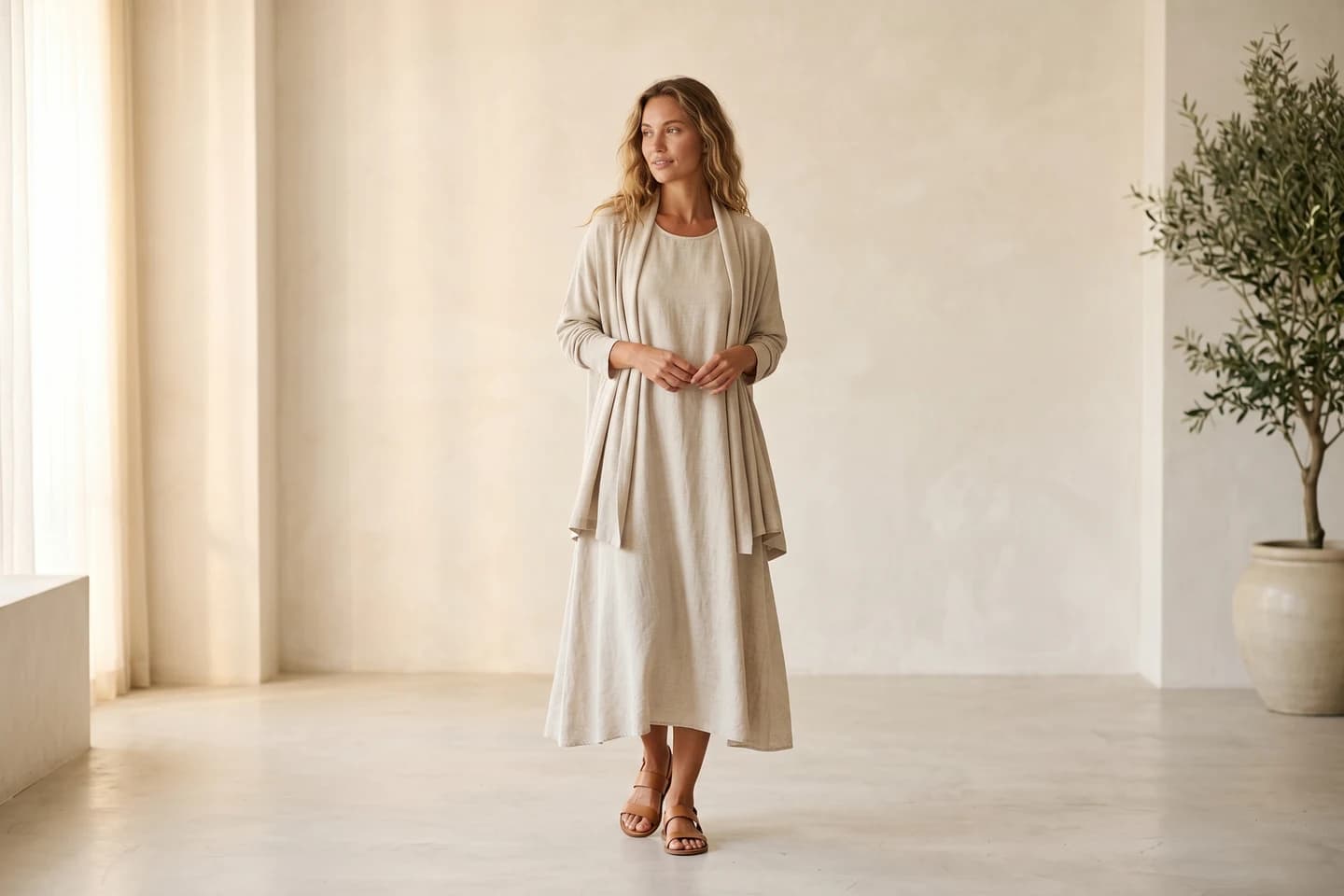
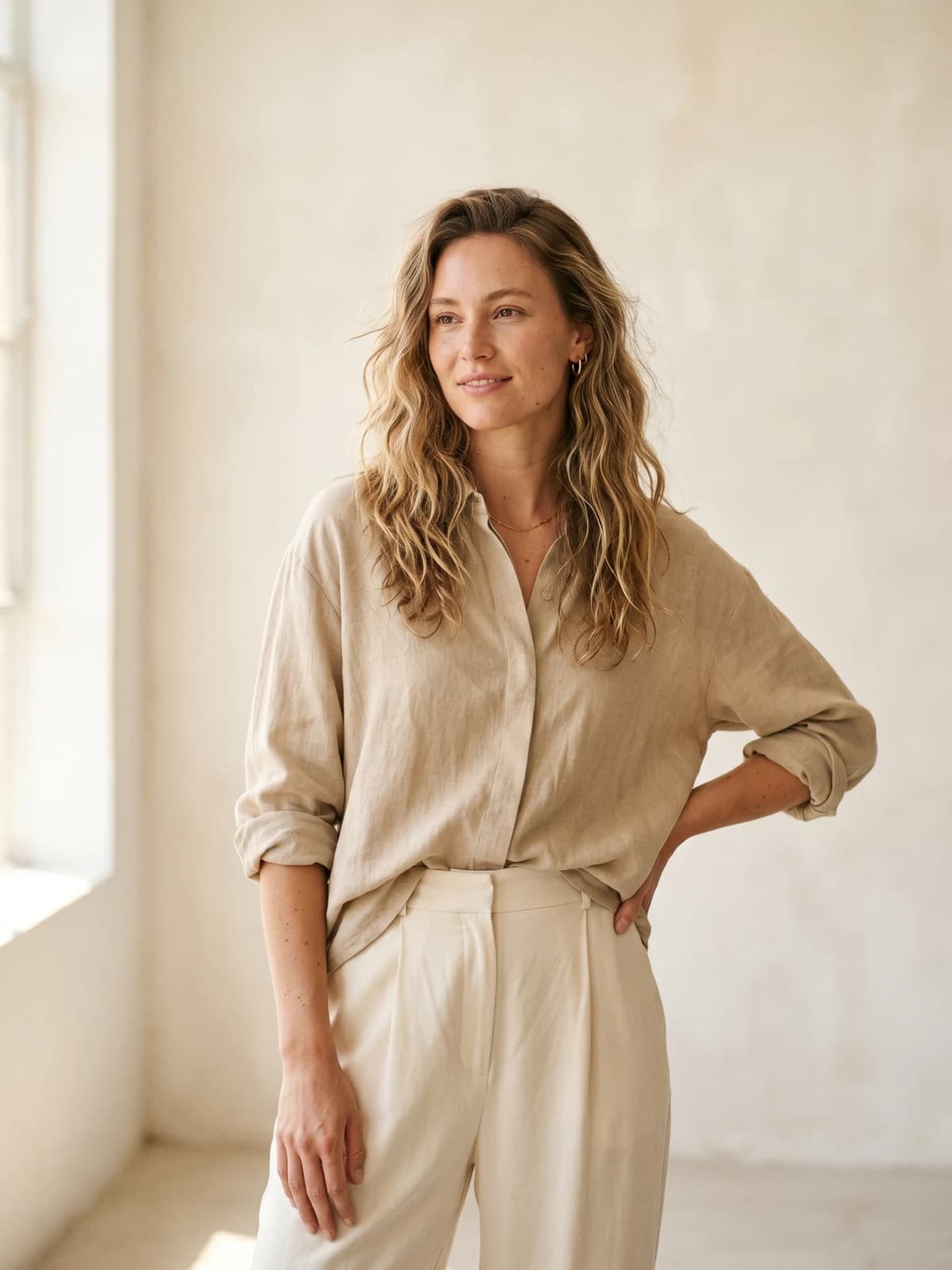
Replace your next photoshoot with AI
Turn product photos into Instagram-ready on-model photos and videos in seconds, at a fraction of studio cost.
How to choose an AI video generator for your clothing brand's Instagram
1) Decide what the video actually shows: your garments, or someone talking about them
This is the cleanest split in the lineup. If the video needs to show your clothes on a body (the thing Instagram shoppers actually want to see before tapping through), you need a fashion-specific generator: WearView for on-model clips from product photos, with Kling as a b-roll companion. If the video is a person selling the product to camera, you want an avatar tool: Creatify for structured ad creative, Arcads for UGC-style delivery.
- If your feed sells the garments themselves: WearView, plus CapCut for finishing
- If your ad account needs talking-head creative: Creatify or Arcads
- If you need both, pair one from each group rather than forcing one tool to do both jobs
2) Match the tool to the Instagram surface you post on most
Reels, Stories, feed video, and IG ads have different quality bars. Reels carry your reach, so put your best on-model content there. Stories tolerate lighter production, which is where Predis and Canva output fits. Ads need commercial usage rights and fresh variations, which points to WearView (rights included on paid plans), Creatify, or Arcads.
If TikTok is on your roadmap too, formats overlap heavily; our guide to the best AI fashion Reels and TikTok generators covers that angle in depth.
3) Do the credit math on your real posting cadence
Count what you actually publish per month, then price it. A brand posting 4 Reels a week needs roughly 16 to 20 clips a month. On WearView's Pro plan that cadence fits inside $49/month with photo generations to spare. The same volume on Arcads runs around $200 a month at its commonly reported $11 per video. On Kling's Standard plan, 660 credits cover around 16 short 1080p clips, cutting it close with zero room for failed generations.
Before subscribing anywhere, run a hard test: your trickiest garment (sheer fabric, busy print, logo text) through a trial or the cheapest month, and check whether details survive. A tool that nails plain tees but melts your signature print is not cheap at any price.
4) Protect the grid: consistency beats any single viral clip
An Instagram profile is judged in about three seconds of scrolling. If every video features a different face, style, and grade, you look like a dropshipper. Two mechanisms fix this: a consistent model identity, where you create AI fashion models once and reuse them in every clip, and a brand kit that locks type and color on text-led video. WearView handles the first; Canva handles the second. Plenty of brands run exactly that pair.
FAQ
What is the best AI video generator for a clothing brand's Instagram?
For most clothing brands, WearView, because it solves the specific problem: turning garment photos into on-model video with a consistent model identity, plus commercial rights for ads. If your bottleneck is ad creative rather than organic content, Creatify or Arcads fits better. Many brands run one generator plus CapCut for finishing.
Can AI really make Instagram Reels for a clothing brand without any filming?
Yes. The fashion-specific route is product photo in, on-model clip out: upload a flat-lay or packshot, place it on an AI model, and generate a short vertical video. You still add captions and audio in Instagram or an editor, but no camera, model, or studio is involved at any step.
Is there a free AI video generator for Instagram?
Partly. CapCut's free plan is a full editor, Kling gives 66 free daily credits (watermarked, no commercial use), and Creatify's free plan includes 10 monthly credits with watermarks. WearView has no free tier; paid plans start at $29/month. For anything you will publish as a brand, watermark-free exports and commercial rights are the real cost floor.
How many Reels should a clothing brand post per week?
There is no magic number, and consistency beats bursts. Three Reels a week is a realistic floor that AI generation makes sustainable for a small team; brands pushing for growth often run five or more. Pick the cadence you can hold for six months, then size your tool subscription to it.
What video specs work best for Instagram Reels?
Vertical 9:16 at 1080x1920 is the standard. Short clips of 5 to 15 seconds perform well for product content because the loop restarts before attention drops. Both 720p and 1080p exports from AI generators work; use 1080p when the garment has fine texture or print detail.
Can I use AI-generated video in Instagram ads?
Yes, if your plan includes commercial usage rights. WearView includes them on all paid plans, and Creatify and Arcads are built for ad use. Watch the free tiers: Kling's free output, for example, excludes commercial use, so it cannot legally run as an ad.
Do AI video tools keep garment details accurate?
Fashion-specific tools are built to preserve prints, textures, and text from the source photo; that is the core engineering problem behind AI fashion photography platforms. General video models like Kling can warp logos and patterns once motion kicks in. Always test with your most detailed garment before committing to a subscription.
What is the difference between an AI video generator and an editor like CapCut?
A generator creates new footage from photos or text; an editor arranges and polishes footage that already exists. CapCut cannot put your hoodie on a model, and WearView does not add trending audio or captions. Most clothing brand workflows on Instagram use one of each.

WearView Team
WearView Content & Research Team
WearView Team is a group of fashion technology specialists focused on AI fashion models, virtual try-on, and AI product photography for e-commerce brands. We publish in-depth guides, case studies, and practical insights to help fashion businesses improve conversion rates and scale faster using AI.


