May 14, 2026•14 min read
8 Best Apps for Clothing Design in 2026 (most recommended)
Compare the 8 best apps for clothing design in 2026. We cover sketching, technical design, and AI visualization tools with pricing, pros, and cons.
Picture of 8 best apps for clothing design in 2026 article
Clothing design has moved far beyond pencil sketches and sewing patterns taped to cork boards. Today's fashion designers use specialized apps at every stage, from initial concept sketches to 3D virtual samples and AI-generated product photography.
This guide compares the 8 best apps for clothing design across four categories: sketching, technical design, 3D prototyping, and AI visualization. For each tool, we cover key features, pricing, and which workflow it fits best so you can build a design stack that matches your needs and budget. If you're new to the craft, start with our guide on designing clothes step by step — it covers the skills you'll be using these apps for. If you want them ranked one by one, see our best app for designing clothes.
Best apps for clothing design: a brief overview
If you need to go from finished designs to marketing-ready visuals:
- Start with WearView to generate photorealistic AI model shots from garment images without booking a photoshoot
- Consider Adobe Fresco or Procreate if your bottleneck is concept visualization and mood boards
If you need production-ready technical designs:
- Start with Adobe Illustrator for factory-accepted tech packs and pattern specifications
- Use Valentina if you need parametric pattern drafting on a zero budget
If you need 3D prototyping before cutting fabric:
- Start with CLO3D for the most realistic fabric simulation and virtual sampling
- Consider Style3D if your team is distributed and needs real-time cloud collaboration
- Go with Browzwear if you manage 100+ SKUs per season and need PLM integration
| Tool | Key strength | Pricing | Best for |
|---|---|---|---|
| WearView | AI model photography from garment images | From $29/mo | Brands needing product shots fast |
| Adobe Illustrator | Industry-standard vector tools for tech packs | From $22.99/mo; 7-day trial | Professional technical designers |
| CLO3D | Realistic 3D fabric simulation | From $50/mo; Free trial | 3D prototyping and fit testing |
| Procreate | Smooth iPad sketching with 200+ brushes | $12.99 one-time | Fashion illustrators and sketchers |
| Browzwear | Enterprise 3D design pipeline | Custom pricing | Large brands and manufacturers |
| Style3D | Real-time 3D with cloud collaboration | From $49/mo; Free trial | Distributed design teams |
| Adobe Fresco | Mixed vector + raster live brushes | Free | Digital fashion painters |
| Valentina | Open-source pattern drafting | Free | Budget-conscious pattern makers |
1. WearView, best for AI-powered product photography
WearView transforms the final and often most expensive step in the clothing design process: getting your garments onto models for marketing photos. Instead of booking photographers, hiring models, and renting studio space, you upload your garment image and WearView generates photorealistic on-model shots using AI, running the whole shoot as an AI fashion studio in your browser.
This is the tool that bridges the gap between finished designs and sellable product listings. It's particularly valuable for independent designers and small brands that can't afford $2,000+ per photoshoot but still need professional-looking imagery to compete on platforms like Shopify, Etsy, and Instagram.
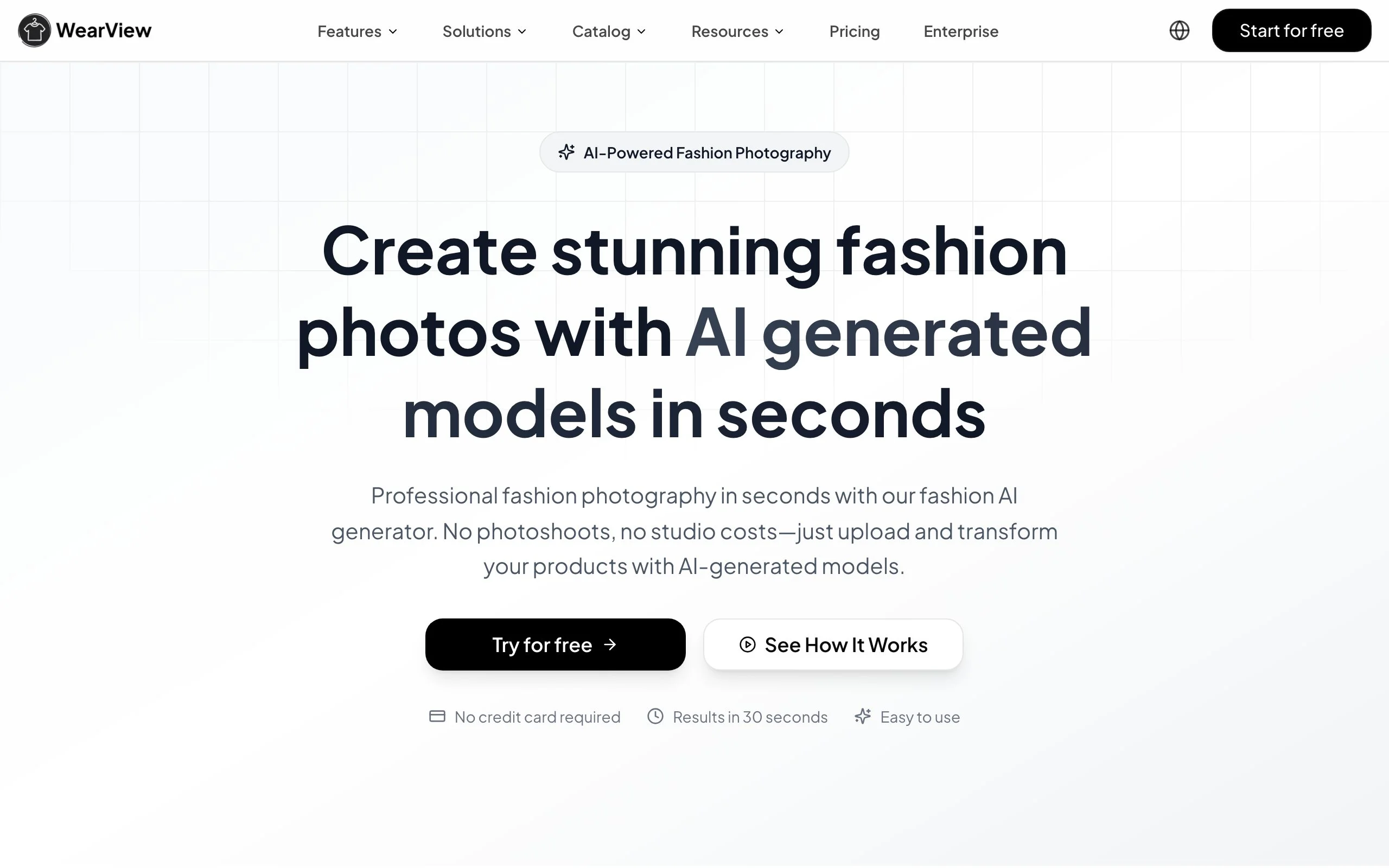
WearView clothing design app showing AI model photography from garment images
Key features
- Virtual try-on: upload garment photos and see them on AI models that preserve fabric details, prints, and textures
- AI model creation: generate diverse AI models from text prompts to match your brand's aesthetic
- AI pose control: customize model stances and angles to showcase garment details
- Product-to-model: transform flat-lay and mannequin shots into lifestyle model photography
- Fast turnaround: generate images in under 15 seconds per output
Best for
- Independent designers and small fashion brands needing product photography on a budget
- Ecommerce sellers managing 50+ SKUs who need consistent model shots at scale
- Content creators and influencers building lookbook content quickly
Pricing
- Plans starting from $29/mo
- Pay-per-use model scales with your catalog size
Pros
- Eliminates the biggest bottleneck in launching a clothing line: product photography
- Maintains fabric detail accuracy including prints, text, and textures
- Generate dozens of variations in the time a traditional shoot produces one look
Cons
- AI-generated images may not fully replace studio photography for high-end editorial campaigns
- Credit-based model means heavy users need higher-tier plans
2. Adobe Illustrator, best for technical flats and production specs
Adobe Illustrator remains the industry standard for creating the technical drawings that factories actually use to manufacture your designs. Every garment that goes into production needs a tech pack, and Illustrator's precision vector tools make it the default choice for creating production-ready flats, detailed construction specifications, and measurement diagrams.
If you work with manufacturers, they expect Illustrator files. That ecosystem lock-in is a drawback, but it's also why knowing Illustrator is essentially a prerequisite for professional clothing design.
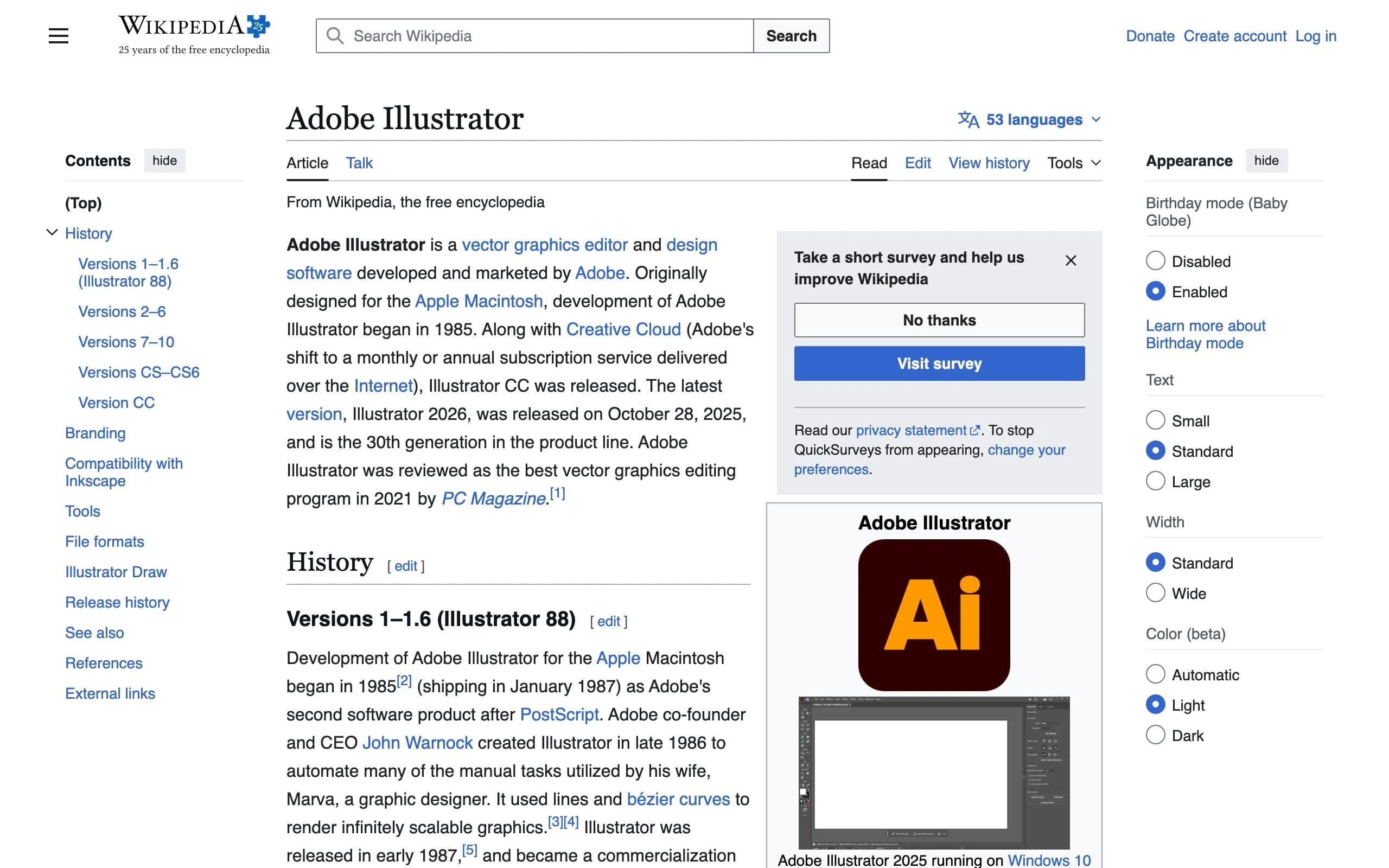
Adobe Illustrator clothing design app showing technical flat garment drawings
Key features
- Precision vector drawing tools for exact garment silhouettes and construction details
- Measurement and annotation tools for factory-ready tech packs
- Seamless integration with other Adobe Creative Cloud apps (Photoshop, InDesign)
- Repeat pattern creation for textile print design
- Extensive template library from the fashion design community
Best for
- Professional fashion designers creating tech packs for manufacturers
- Design teams collaborating through Adobe Creative Cloud
- Designers who need production-ready output accepted globally by factories
Pricing
- 7-day free trial
- Single app: $22.99/month (annual) or $34.49/month (monthly)
- Creative Cloud Standard: $54.99/month, or Creative Cloud Pro at $69.99/month, both include Photoshop, InDesign, and 20+ other apps
Pros
- Universal factory acceptance: manufacturers worldwide expect Illustrator files
- Unmatched precision for technical garment specifications
- Massive community of fashion-specific templates, brushes, and tutorials
Cons
- Steep learning curve, especially for designers without vector software experience
- Subscription model adds up over time compared to one-time purchase alternatives
- Overkill if you only need sketching, not technical production files
3. CLO3D, best for 3D prototyping and virtual sampling
CLO3D lets you build garments in 3D with realistic fabric physics. You can drape virtual fabrics over avatars, test fit across body types, and spot construction problems before making a single physical sample. For brands trying to reduce their sampling costs (physical samples run $200-500+ each), CLO3D pays for itself quickly.
The software simulates how different fabrics behave: how silk drapes versus denim, how a zipper pulls, how a seam sits. This level of fidelity makes it a serious prototyping tool, not just a visualization gimmick.
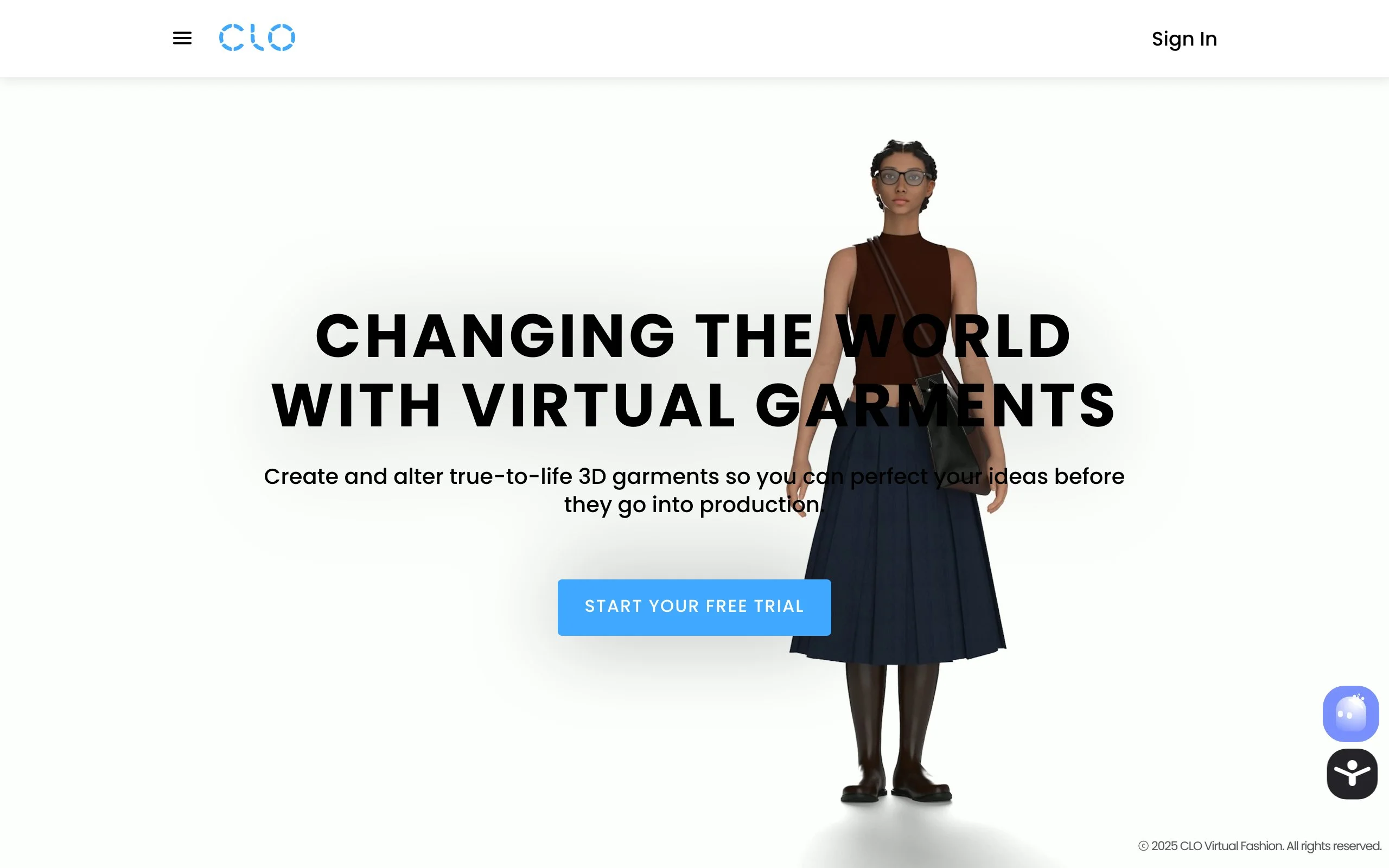
CLO3D clothing design app showing 3D garment simulation with fabric draping
Key features
- True-to-life fabric physics engine with material property customization
- Virtual fit sessions on customizable body avatars
- Pattern import from Illustrator and other 2D CAD tools
- Animation capabilities for runway and presentation renders
- Collaboration tools for sharing 3D designs with remote teams
Best for
- Fashion brands looking to cut physical sample costs by 50-90%
- Designers iterating on fit and construction before committing to fabric
- Sustainable brands minimizing material waste during development
Pricing
- Free trial available
- Individual plans from approximately $50/month
- Enterprise and education pricing available on request
Pros
- Realistic fabric simulation catches fit issues before physical sampling
- Brands report 30-50% reduction in sampling costs
- Exports to standard formats for manufacturing and marketing use
Cons
- Significant learning curve: expect weeks to months to become proficient
- Requires a powerful computer (dedicated GPU recommended)
- Subscription cost may be prohibitive for solo designers just starting out
4. Procreate, best for fashion sketching on iPad
Procreate is the go-to sketching app for fashion designers who want the feel of drawing on paper with the flexibility of digital. Its Apple Pencil integration is the closest thing to a physical sketchbook, and the one-time $12.99 price tag makes it the most accessible professional drawing tool on this list.
Fashion designers use Procreate for everything from quick concept sketches and mood boards to polished fashion illustrations. It's not built specifically for fashion, but its brush customization system means you can replicate any traditional media, from pencil and charcoal to markers and watercolors.
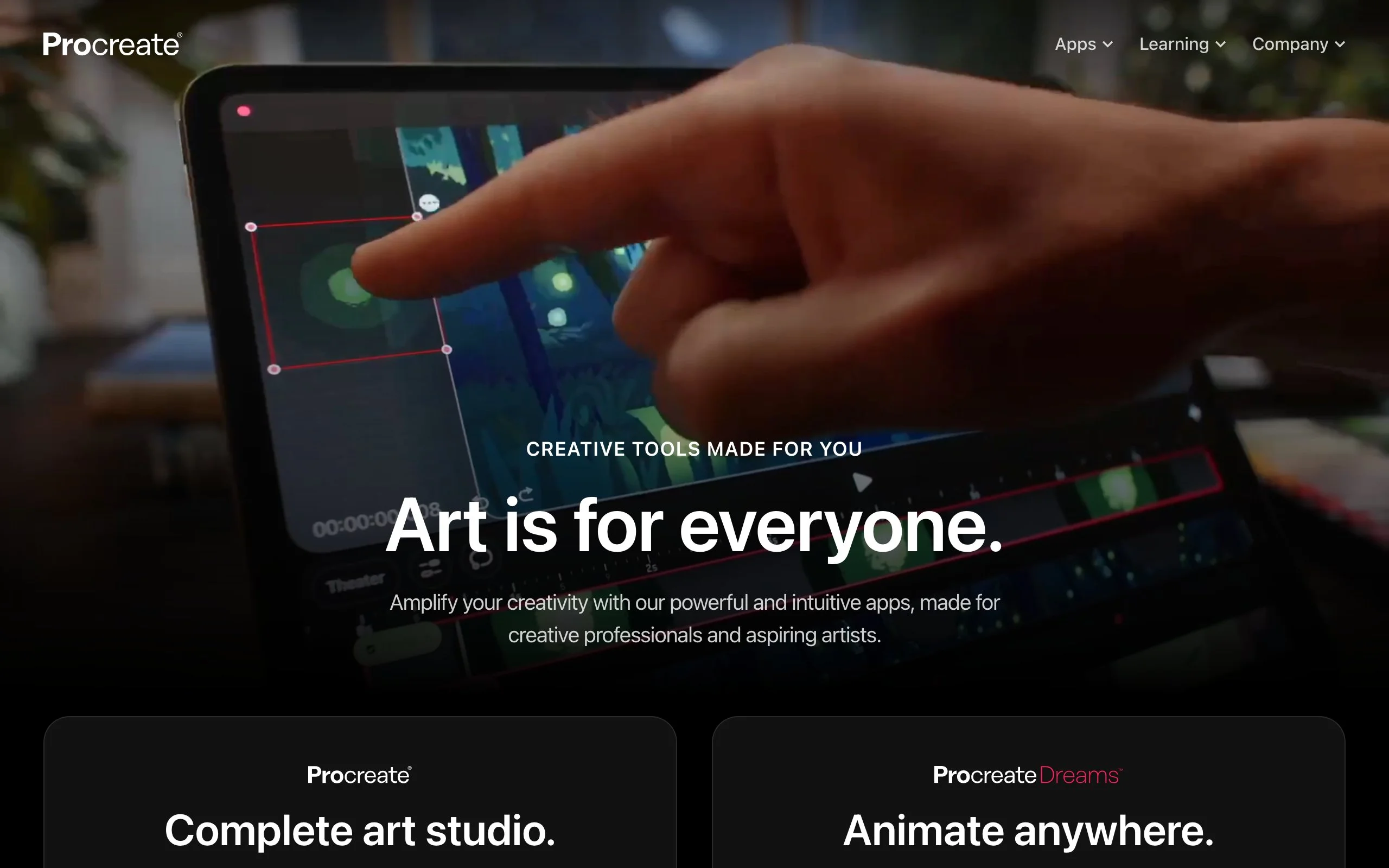
Procreate clothing design app showing fashion sketch illustration on iPad
Key features
- 200+ built-in brushes with full customization for fashion-specific needs
- Apple Pencil pressure and tilt sensitivity for natural drawing
- Layer system for building complex illustrations with editable components
- Time-lapse recording for process documentation and social content
- QuickShape for clean geometric forms and garment silhouettes
Best for
- Fashion illustrators who want a natural, intuitive sketching experience
- Designers creating mood boards, concept art, and presentation-quality illustrations
- Students and beginners who want professional tools at a budget-friendly price
Pricing
- $12.99 one-time purchase (iPad only)
- No subscription, no in-app purchases
- Procreate Dreams (animation) available separately
Pros
- One-time price is unbeatable for professional-grade drawing tools
- Feels natural and responsive, especially with Apple Pencil
- Active community sharing fashion-specific brushes, templates, and tutorials
Cons
- iPad only: no desktop, Android, or web version
- No vector output: not suitable for tech packs or production files
- Limited collaboration features compared to cloud-based alternatives
5. Browzwear, best for enterprise 3D fashion design
Browzwear targets large fashion brands and manufacturers that need a complete 3D design pipeline, from initial concept through production. It integrates with PLM (Product Lifecycle Management) systems, supports high-volume garment libraries, and offers tools purpose-built for multi-department fashion workflows.
This is not a tool for independent designers. It's built for teams of 10+ where multiple departments (design, merchandising, production) need to collaborate on the same 3D garments. If that describes your organization, Browzwear's enterprise features justify the custom pricing.
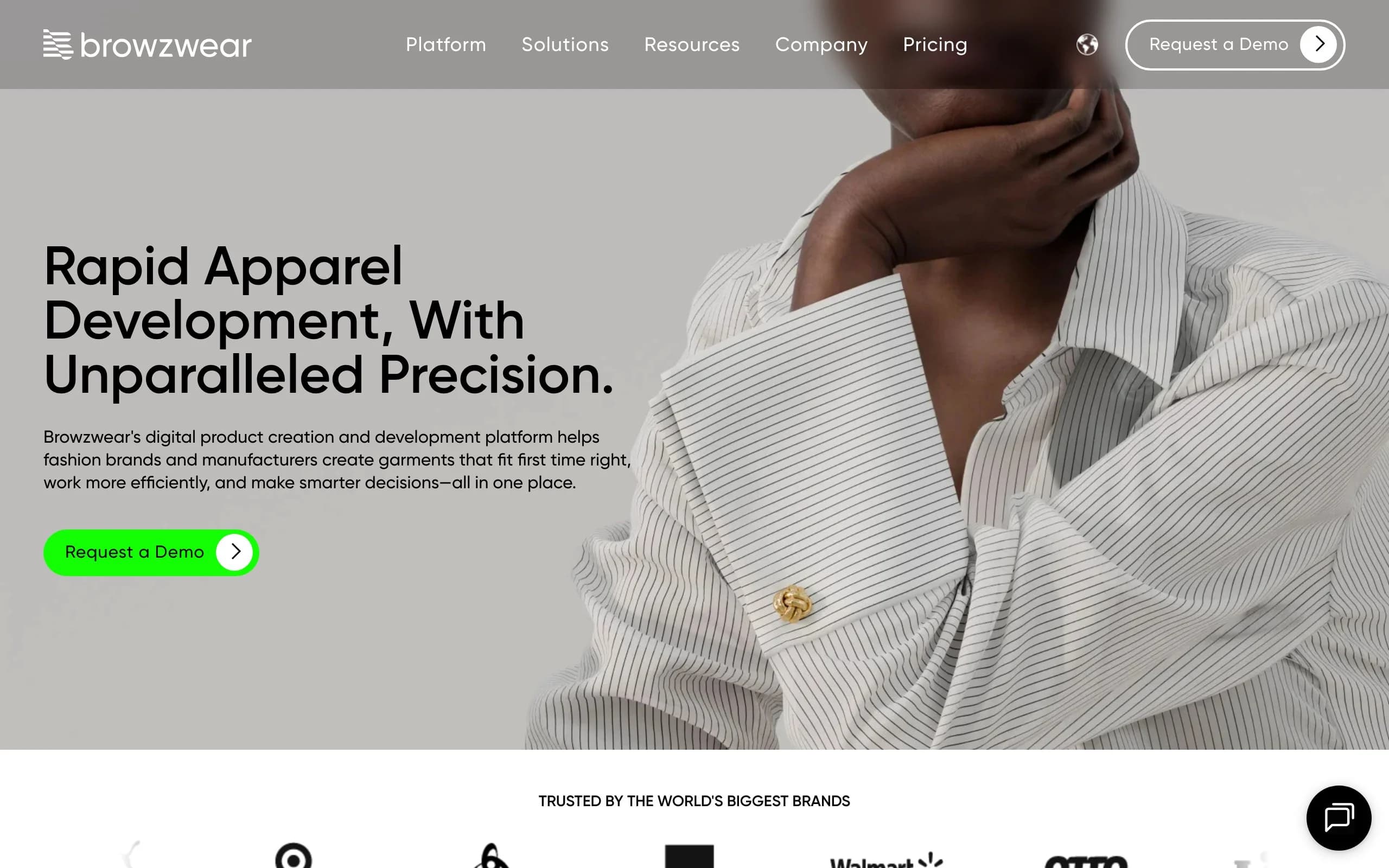
Browzwear clothing design app showing enterprise 3D garment design interface
Key features
- End-to-end 3D design workflow from concept to production-ready output
- PLM integration with platforms like Centric, Bamboo Rose, and others
- VStitcher for detailed 3D garment creation and simulation
- Lotta for rapid 3D design and merchandising visualization
- Fabric library with certified digital material properties
Best for
- Fashion companies managing 100+ SKUs per season
- Manufacturing teams needing PLM-integrated 3D workflows
- Retail brands using 3D for merchandising and buying decisions
Pricing
- Custom enterprise pricing (contact sales)
- Annual contracts typical for enterprise deployments
- No public free tier or self-serve plan
Pros
- Purpose-built for fashion industry at enterprise scale
- Deep PLM and supply chain integrations reduce handoff friction
- Certified fabric digitization ensures 3D renders match physical materials
Cons
- Not accessible for freelancers or small brands (pricing and complexity)
- Requires enterprise sales process: no self-serve trial
- Steep onboarding curve for teams new to 3D fashion design
6. Style3D, best for real-time 3D collaboration
Style3D combines 3D garment design with cloud-based collaboration, making it a strong option for distributed teams that need to work on the same 3D designs simultaneously. The platform covers pattern making, 3D simulation, and rendering in a single cloud-connected environment.
Its strongest selling point versus CLO3D is the real-time collaboration layer. If your design team works across multiple locations or time zones, Style3D's shared workspace reduces the back-and-forth of exporting and re-importing files.
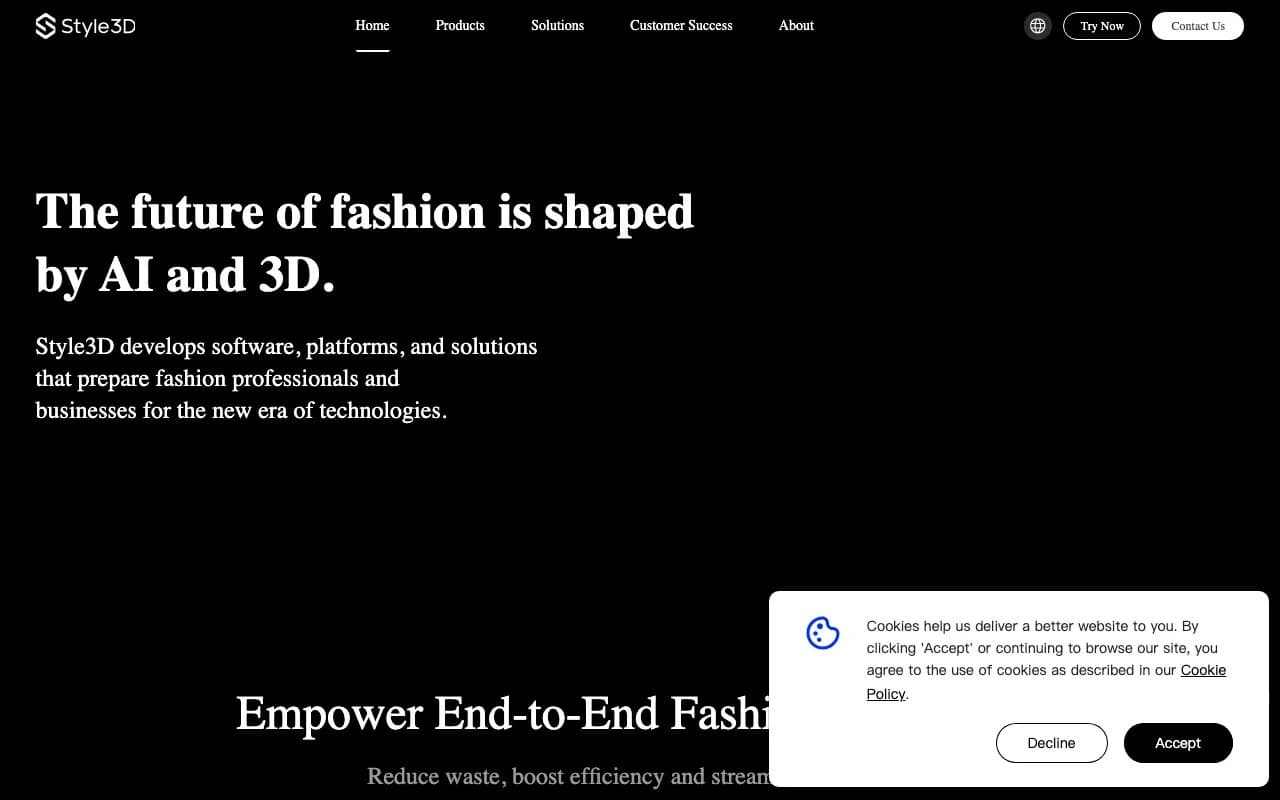
Style3D clothing design app showing cloud-based 3D garment collaboration
Key features
- Cloud-based 3D garment design with real-time multi-user editing
- Pattern making tools integrated with the 3D simulation engine
- Fabric library with physics-accurate material properties
- Rendering engine for marketing-quality 3D garment visuals
- API integrations for connecting with ecommerce platforms
Best for
- Design teams spread across multiple offices or working remotely
- Mid-size brands that need 3D capabilities without enterprise pricing
- Companies looking for 3D design with built-in collaboration tools
Pricing
- Free trial available
- Plans from approximately $49/month
- Enterprise pricing for large teams
Pros
- Real-time collaboration eliminates version-control headaches
- Cloud-based: no heavy local hardware requirements
- Competitive pricing versus established 3D alternatives
Cons
- Smaller user community and fewer third-party resources than CLO3D
- Cloud dependency means you need reliable internet for all design work
- Relatively newer platform, still building out some advanced features
7. Adobe Fresco, best for digital fashion painting
Adobe Fresco bridges the gap between traditional art and digital design with live brushes that simulate real watercolor and oil paint behavior. For fashion designers who create hand-painted illustrations, textile patterns, or artistic mood boards, Fresco delivers a creative experience that pure vector tools can't replicate.
It works alongside Illustrator and Photoshop through Creative Cloud, so you can sketch concepts in Fresco and refine them in Illustrator for production. Adobe has since retired the paid Fresco Premium tier, so the full brush library is free for everyone, which makes it an easy tool to try.
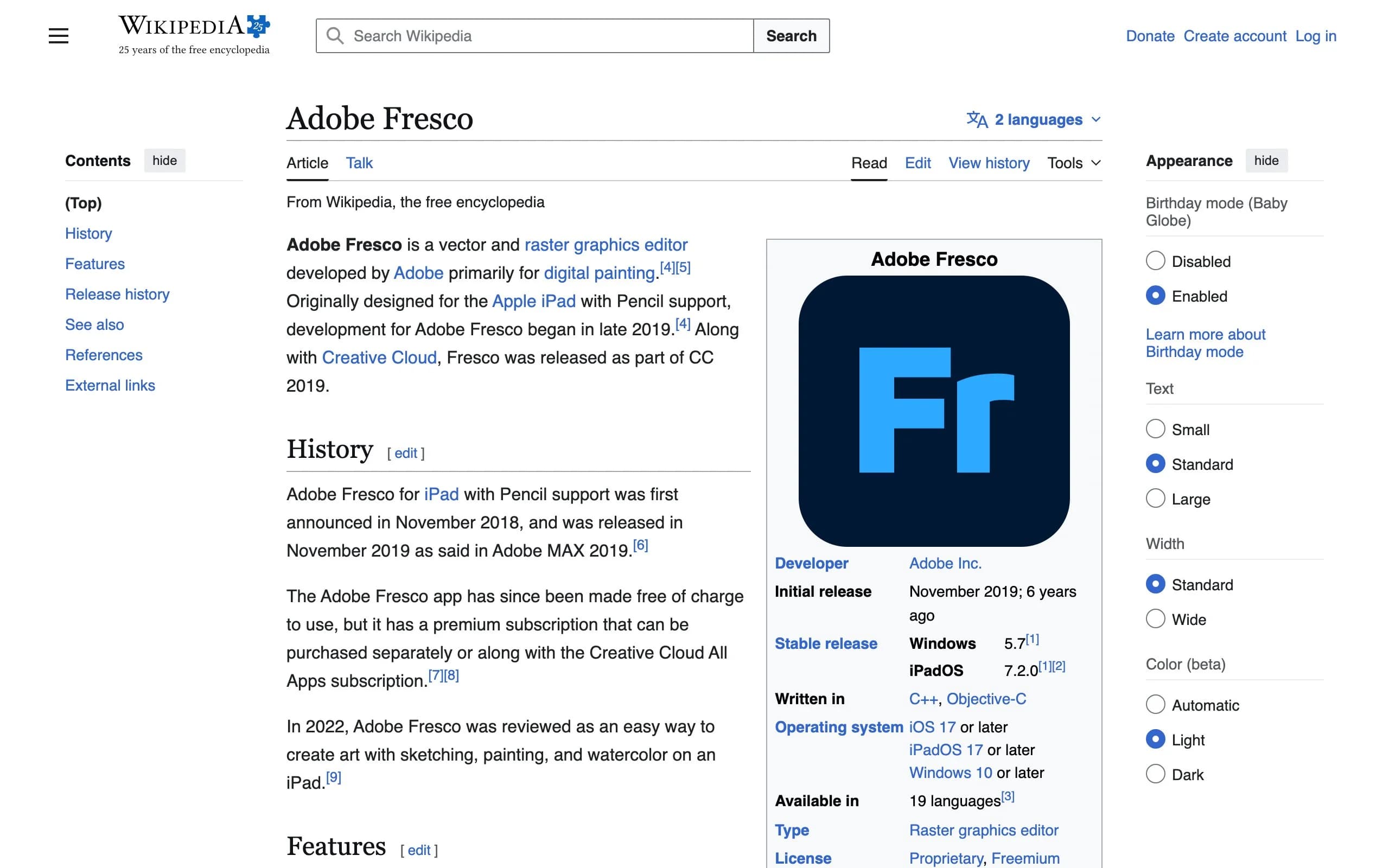
Adobe Fresco clothing design app showing fashion illustration with live watercolor brushes
Key features
- Live Brushes that simulate real watercolor and oil paint physics
- Vector and raster brushes combined in a single canvas
- Seamless round-trip editing with Illustrator and Photoshop
- Touch and Apple Pencil support for natural drawing
- Thousands of community-created brushes available
Best for
- Fashion designers creating hand-painted illustrations and textile prints
- Artists who want realistic traditional media simulation in a digital tool
- Designers already in the Adobe ecosystem looking for a sketching complement
Pricing
- Free: Adobe cancelled the $9.99/month Fresco Premium subscription in late 2024, and the app is now free for everyone
- Premium Adobe Fonts and expanded cloud storage still require a paid Adobe plan
Pros
- Live Brushes are the most realistic digital paint simulation available
- The whole app is free now, full brush library included
- Tight Adobe ecosystem integration saves time on file management
Cons
- Extra fonts still require a Creative Cloud subscription
- iPhone, iPad, and Windows only (no macOS standalone version)
- Not suited for technical design work: it's a painting and illustration tool
8. Valentina, best free open-source pattern-making tool
Valentina is a free, open-source pattern-making application that handles the parametric drafting work typically done in expensive CAD software. It lets you create patterns based on body measurements with automatic grading, meaning one pattern adjusts to multiple sizes automatically.
For designers on a tight budget, or those learning pattern making, Valentina removes the software cost barrier entirely. The trade-off is a less polished interface and smaller community compared to commercial tools.
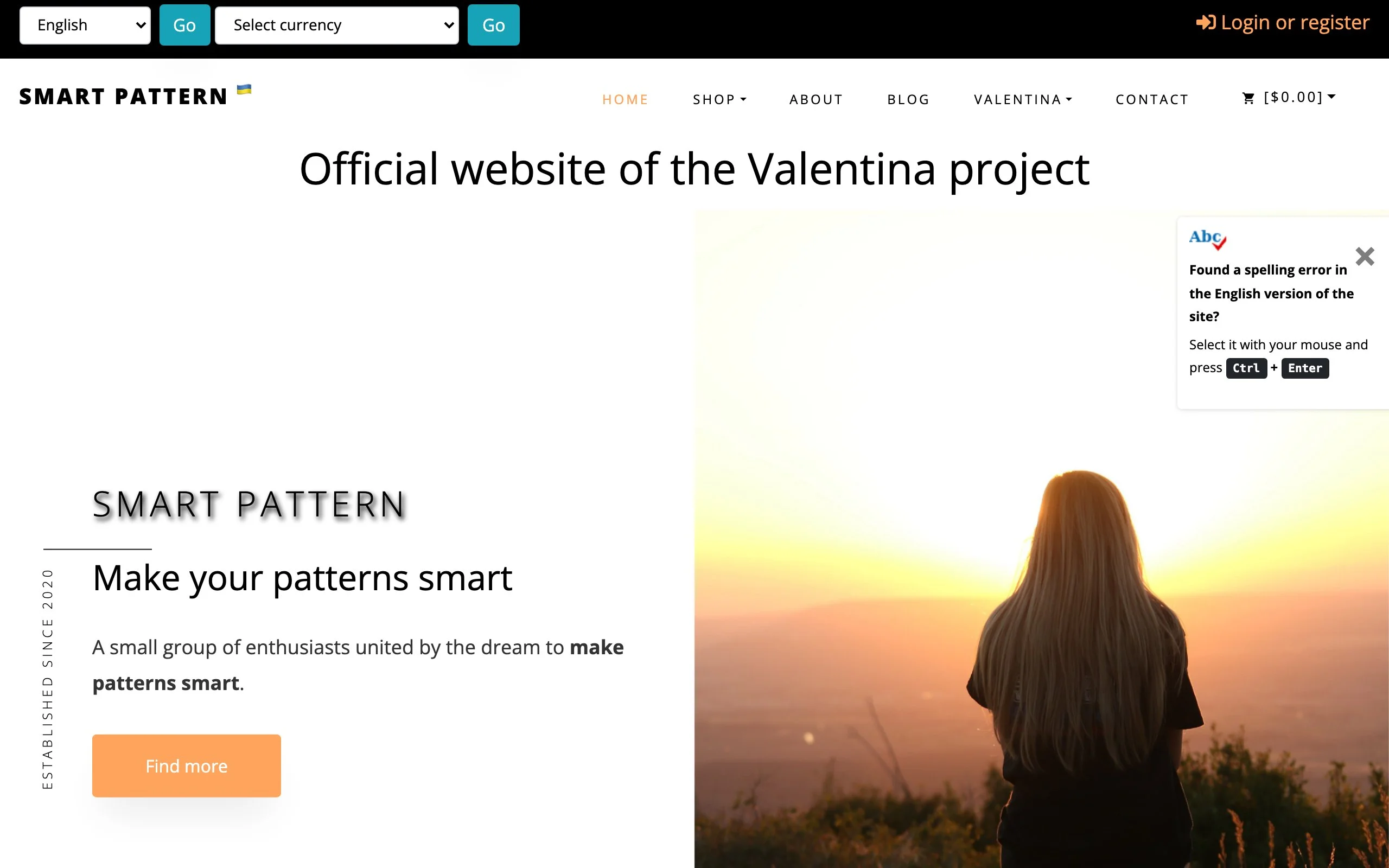
Valentina clothing design app showing open-source pattern drafting interface
Key features
- Parametric pattern drafting based on body measurements
- Automatic size grading across measurement sets
- Multiple layout modes for optimizing fabric usage
- Export to DXF, SVG, and PDF for cutting and production
- Cross-platform: works on Windows, macOS, and Linux
Best for
- Independent designers and students learning pattern making on a budget
- Pattern makers who need parametric sizing without expensive CAD licenses
- DIY clothing makers who want professional-level pattern tools for free
Pricing
- Completely free and open source
- No subscription, no premium tier
- Community-supported development
Pros
- Zero cost removes the barrier to learning professional pattern making
- Parametric system automates multi-size grading efficiently
- Cross-platform support works on any computer you own
Cons
- Interface feels dated compared to commercial alternatives
- Smaller community means fewer tutorials and troubleshooting resources
- No 3D visualization: strictly a 2D pattern drafting tool
How to choose the best clothing design app for your needs
1) Match the tool to your workflow stage
Different apps cover different parts of the clothing design pipeline. There's no single app that handles everything from sketching through manufacturing and marketing.
- If you need to sketch ideas fast: start with Procreate ($12.99 one-time) or Adobe Fresco (free)
- If you need production-ready tech packs: Adobe Illustrator is the industry standard
- If you need to prototype in 3D before sampling: CLO3D or Style3D
- If you need product photography without a photoshoot: WearView
2) Consider your team size and budget
Solo designers have different needs than teams of 20.
- Solo or freelance: Procreate + Illustrator + WearView covers sketch-to-storefront for under $55/month
- Small team (2-5): Add CLO3D or Style3D for 3D sampling, plus shared Adobe Creative Cloud licenses
- Enterprise (10+): Browzwear for end-to-end 3D pipeline with PLM integration, plus WearView for high-volume product photography
3) Prioritize your biggest bottleneck
If you're spending too much time on one stage of the design process, that's where to invest first.
- Spending weeks scheduling photoshoots? WearView eliminates studio dependency
- Burning through sampling budgets? CLO3D cuts physical samples by 50-90%
- Struggling with factory communication? Illustrator's tech pack precision reduces revisions
- Need to visualize concepts faster? Procreate and Fresco speed up the ideation phase
4) Test before committing
Most tools on this list offer free trials or free tiers. Take advantage of them.
- Run a real project through 2-3 tools before subscribing
- Evaluate based on your actual garment types (structured blazers need different tools than flowing dresses)
- Check that exports work with your downstream tools and partners
FAQ
What is the best app for clothing design in 2026? The best app depends on what stage of the design process you're focused on. For sketching, Procreate offers the best value at $12.99 one-time. For production-ready technical designs, Adobe Illustrator is the industry standard. For getting your designs onto AI models for product photography without a photoshoot, WearView is the fastest option.
Can beginners design clothes using these apps? Yes. Procreate and Adobe Fresco are both intuitive enough for beginners, and Fresco is now free for everyone. Valentina provides free pattern-making tools for learning. If you're starting from zero, our full guide on how to learn clothing design lays out a 12-week plan from first sketch to finished garment. Start with sketching, then add technical and 3D tools as your skills develop
How much do clothing design apps cost? Prices range from free (Valentina and Adobe Fresco, both fully free) to $12.99 one-time (Procreate) to $22-50/month for professional subscriptions (Illustrator, CLO3D, WearView). Enterprise platforms like Browzwear use custom pricing. Most paid apps offer free trials.
What's the difference between 2D and 3D clothing design apps? 2D apps like Adobe Illustrator create flat technical drawings, patterns, and specifications used for manufacturing. 3D apps like CLO3D simulate how fabric drapes on a virtual body, letting you test fit and construction before making physical samples. Most professional workflows use both.
Do I need separate apps for designing and photographing clothes? Traditionally, yes: design tools handle creation while photography requires a separate studio shoot. WearView bridges this gap by generating AI model photography directly from your garment images, eliminating the need for traditional photoshoots for product listings and social media content.
Which clothing design app is best for a small fashion brand? A practical stack for small brands: Procreate for sketching ($12.99), Adobe Illustrator for tech packs ($22.99/month), and WearView for product photography ($29/month). This covers the full workflow from concept to storefront-ready images for under $55/month.
Is CLO3D worth the investment for independent designers? CLO3D makes the most financial sense when you're producing physical samples regularly. If you're spending $200-500 per sample and creating 10+ samples per season, CLO3D's $50/month subscription pays for itself by eliminating most physical prototyping. For designers who produce fewer than 5 samples per season, the investment may not justify the learning curve.
Can AI replace traditional fashion photography? AI tools like WearView can handle the majority of product photography needs for ecommerce, social media, and catalog content. For high-end editorial campaigns and brand storytelling that requires specific locations and real human expression, traditional photography still has an edge. Many brands use both: AI for volume product shots and traditional photography for flagship campaigns.

WearView Team
WearView Content & Research Team
WearView Team is a group of fashion technology specialists focused on AI fashion models, virtual try-on, and AI product photography for e-commerce brands. We publish in-depth guides, case studies, and practical insights to help fashion businesses improve conversion rates and scale faster using AI.