
July 25, 2026•16 min read
5 best virtual try-on solutions for footwear in 2026
An AR mirror on your product page, or AI models wearing your shoes? We compare the 5 best virtual try-on solutions for footwear in 2026: what each tool does well, what it really costs, and how to pick the right mix for your store.
Picture of 5 best virtual try-on solutions for footwear in 2026 article
Shoe shoppers return a lot of what they buy. Fit is part of it, but plenty of boxes go back because the pair looked different on-foot than it did in the product gallery. Virtual try-on for shoes attacks that gap from two directions: AR tools that render the shoe on the shopper's own feet through a phone camera, and AI imagery tools that put your footwear on realistic models for product pages and campaigns.
Most roundups blur those two jobs together. This one keeps them separate, because you buy them separately. Below are five footwear try-on solutions worth shortlisting in 2026, what each one actually does, real pricing where it's public, and a short framework for choosing.
Best virtual try-on for shoes: a brief overview
- WearView: Best for on-model footwear content. Upload a product photo of your shoe and get catalog and lifestyle shots (plus short videos) on realistic AI models in under 15 seconds.
- Wanna: Best for luxury footwear AR try-on. This is the technology behind Farfetch's sneaker try-on, now part of Perfect Corp, and it supports the widest range of shoe types, heels included.
- Vyking: Best for AR try-on inside your own site and app. Native iOS and Android SDKs plus a web version, used by Adidas, Crocs, and Timberland.
- Snap AR: Best for social try-on campaigns. Shoppable shoe try-on Lenses reach Snapchat's audience, and building them in Lens Studio costs nothing.
- Fibbl: Best for flat-rate 3D and browser try-on. Public monthly pricing and AR that runs in the browser across Shopify, WooCommerce, Magento, and other platforms.
Worth stating plainly: these tools solve different halves of the same problem. WearView produces the on-model photos and videos shoppers see on your product page. Wanna, Vyking, Snap AR, and Fibbl let shoppers point a camera at their own feet. Plenty of footwear brands end up running one of each.
| Tool name | Key strength | Pricing | Platforms |
|---|---|---|---|
| WearView | On-model footwear photos and videos from one product shot | From $29/month | Web |
| Wanna | Luxury-grade AR shoe try-on across sneakers, boots, and heels | Custom (contact sales) | Web SDK, iOS SDK, desktop 3D viewer |
| Vyking | AR foot tracking used by Adidas, Crocs, and Timberland | Custom (book a demo) | Web, iOS SDK, Android SDK |
| Snap AR | Shoppable shoe try-on Lenses with built-in social reach | Free to build in Lens Studio; media costs extra | Snapchat, Camera Kit |
| Fibbl | Transparent flat-rate 3D viewer plus browser AR try-on | From €999/month; try-on from €1,399/month | Web, 200+ ecommerce platforms |
1. WearView, best for on-model footwear photos and videos
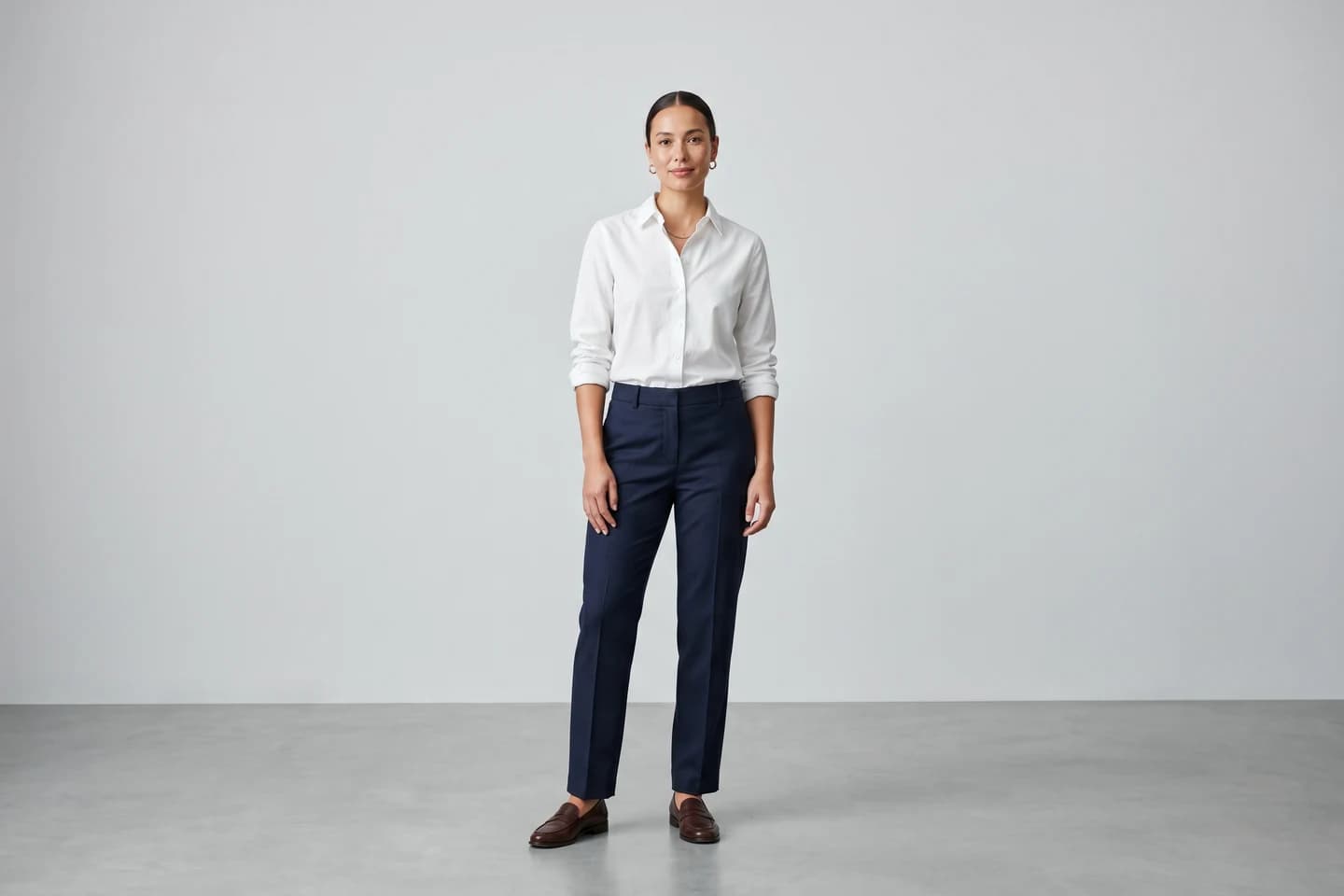
WearView sits on the content side of shoe try-on. It's an AI fashion imagery platform with a dedicated tool for product photography with AI models: you upload a product shot of your shoe (a packshot, a side profile, even a clean phone photo), pick from a diverse roster of AI models, describe the pose and setting you want, and it generates on-model photos in under 15 seconds. You can browse what that output looks like in the AI sneaker photography examples.
From there it stretches into full campaign production. You can style complete outfits around the footwear with AI virtual try-on, keep the same model identity across an entire seasonal drop, and export in HD, 2K, or 4K with commercial usage rights. It also generates short on-model fashion videos at 720p or 1080p for product pages and social. What it does not do is render shoes on your customer's feet. There's no shopper-facing AR widget. WearView replaces the photoshoot, not the fitting room, and this list includes it for exactly that reason: the AR tools below all assume you already have good product imagery to convert with.
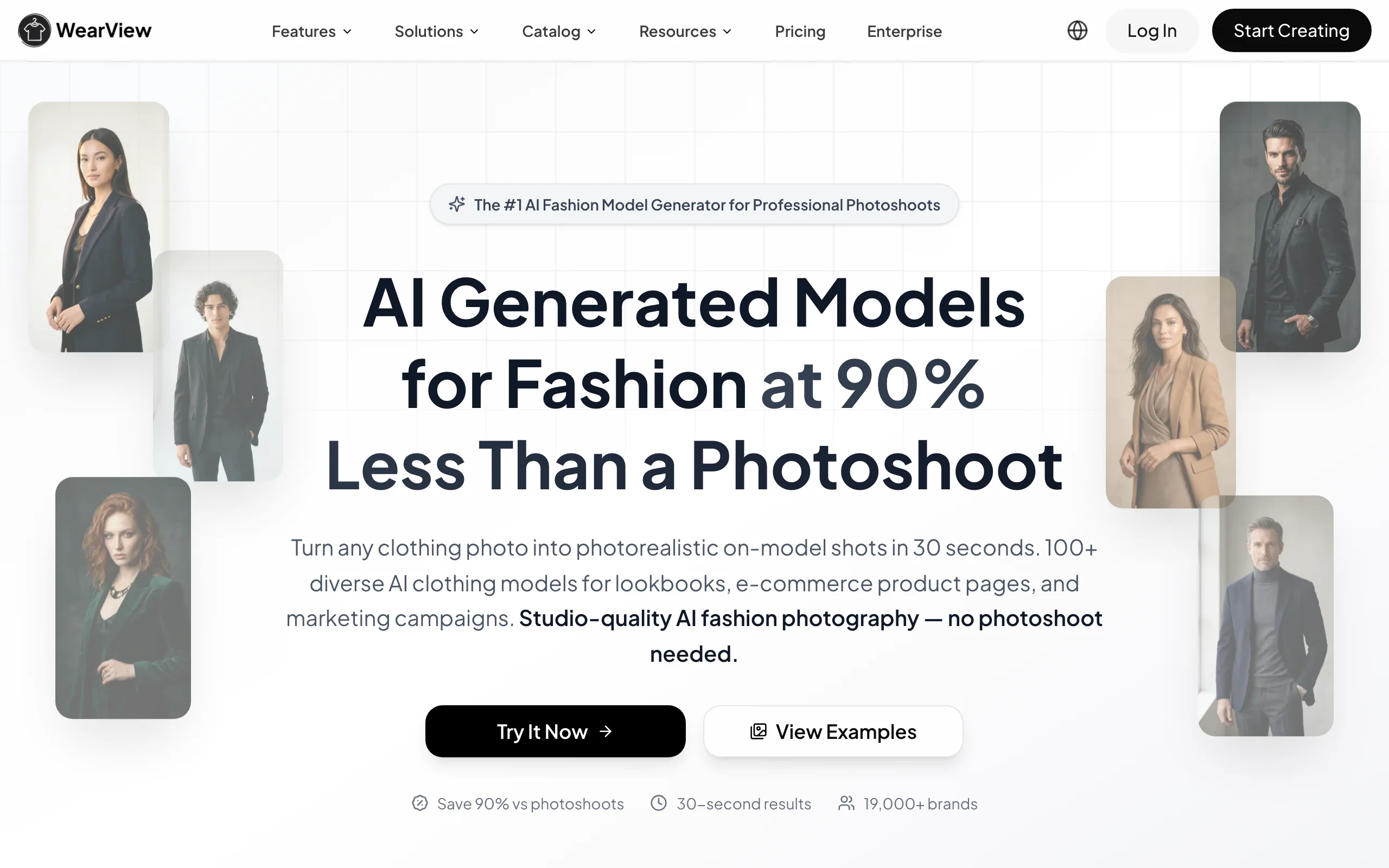
Virtual Try On Shoes with WearView
Key features
- Product photo to on-model shoe imagery in under 15 seconds
- Diverse AI models across ethnicities, body types, and age groups
- Consistent model identity across a whole collection
- Pose control via reference images or plain text prompts
- HD, 2K, and 4K output with commercial usage rights
- AI fashion video generation at 720p and 1080p
Best for
- Footwear brands that need product page and campaign imagery without booking studio time
- Ecommerce sellers refreshing sneaker or boot catalogs every season with the same recurring model
Pricing
- Lite at $29/month (50 credits), Pro at $49/month (200 credits), Advanced at $99/month (500 credits)
- Annual billing saves up to $198 per year; credit packs cover one-off top-ups
- No free tier
Pros
- One workspace covers photos, video, model creation, and catalog consistency
- Fast enough to test several models and scenes per SKU before picking a winner
- Team seats included on Pro and Advanced plans (up to 15 on Advanced)
Cons
- No live AR try-on for shoppers; it creates content rather than a fitting experience
- Scoped to fashion imagery, so it won't help with non-fashion product categories

Turn shoe photos into on-model imagery
Upload one product shot of your footwear and get professional on-model photos ready for your store in seconds.
2. Wanna, best for luxury footwear AR try-on
Wanna (originally Wannaby) built the AR sneaker try-on that Farfetch shipped in its app, and Perfect Corp acquired the company at the end of 2024. The shopper points a phone at their feet and the shoe renders in place, in motion, with convincing materials. Category coverage is the widest of any tool here: sneakers, high boots, heels, sandals, and fitted styles like loafers, driving shoes, and ballerinas. In June 2025 Wanna launched what it calls the first virtual try-on for high-heeled shoes, which matters because heels change the whole geometry of the foot.
The Farfetch numbers give a sense of what AR try-on can do for engagement. In the early Farfetch China pilot, products with Wanna's try-on saw a 580% lift in unique viewers, product page stay time up 300%, and a share rate 4 times higher, according to Wanna's own case study. Integration runs through a web SDK for mobile browsers, a native iOS SDK, and a desktop 3D viewer, and Wanna says the simplest deployment takes about a day.
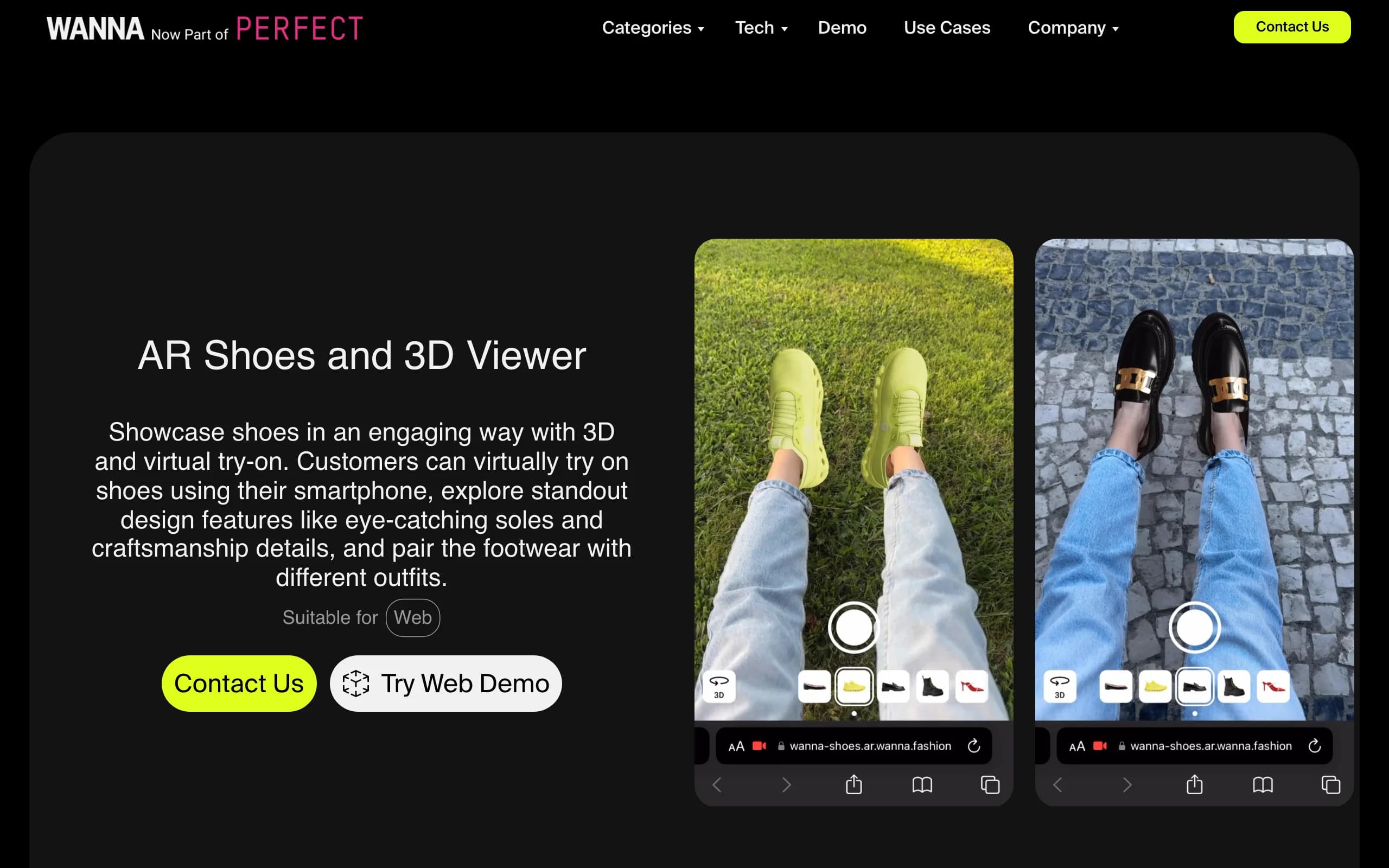
Virtual Try On Shoes with Wanna
Key features
- Real-time AR shoe try-on on web (mobile browsers) and native iOS
- Widest shoe category support, from sneakers to high heels
- 3D viewer for rotating and zooming product details
- 3D assets reusable across Instagram, TikTok, WeChat, and newsletters
Best for
- Luxury and premium footwear brands where material realism sells the shoe
- Retailers with strong app traffic that can justify enterprise integration
Pricing
- Not public; custom contracts through the sales team
- Budget for per-SKU 3D asset production on top of the platform fee
Pros
- Proven at Farfetch scale, with published engagement numbers
- High-heel try-on that competitors don't offer yet
- Fast basic deployment (about one day for the simplest setup)
Cons
- Enterprise sales process with no public pricing
- Every SKU needs a 3D model before it can be tried on
3. Vyking, best for AR try-on inside your own site and app
Vyking is a Berlin and London company that has spent years on one problem: tracking feet accurately through a phone camera. Its virtual try-on for shoes plugs into product pages on the web and ships as native iOS and Android SDKs, so the try-on experience lives inside your own storefront or app rather than on a third-party platform. Adidas, Timberland, and Crocs all use it.
The other half of Vyking's pitch is asset production. Getting a shoe into AR means building a 3D model of it, and Vyking runs 3D scanning, a 3D production studio, and an AI production studio to handle that pipeline for brands. That end-to-end setup is the practical difference from licensing a tracking SDK alone: someone has to make the models, keep colorways current, and retire discontinued styles.
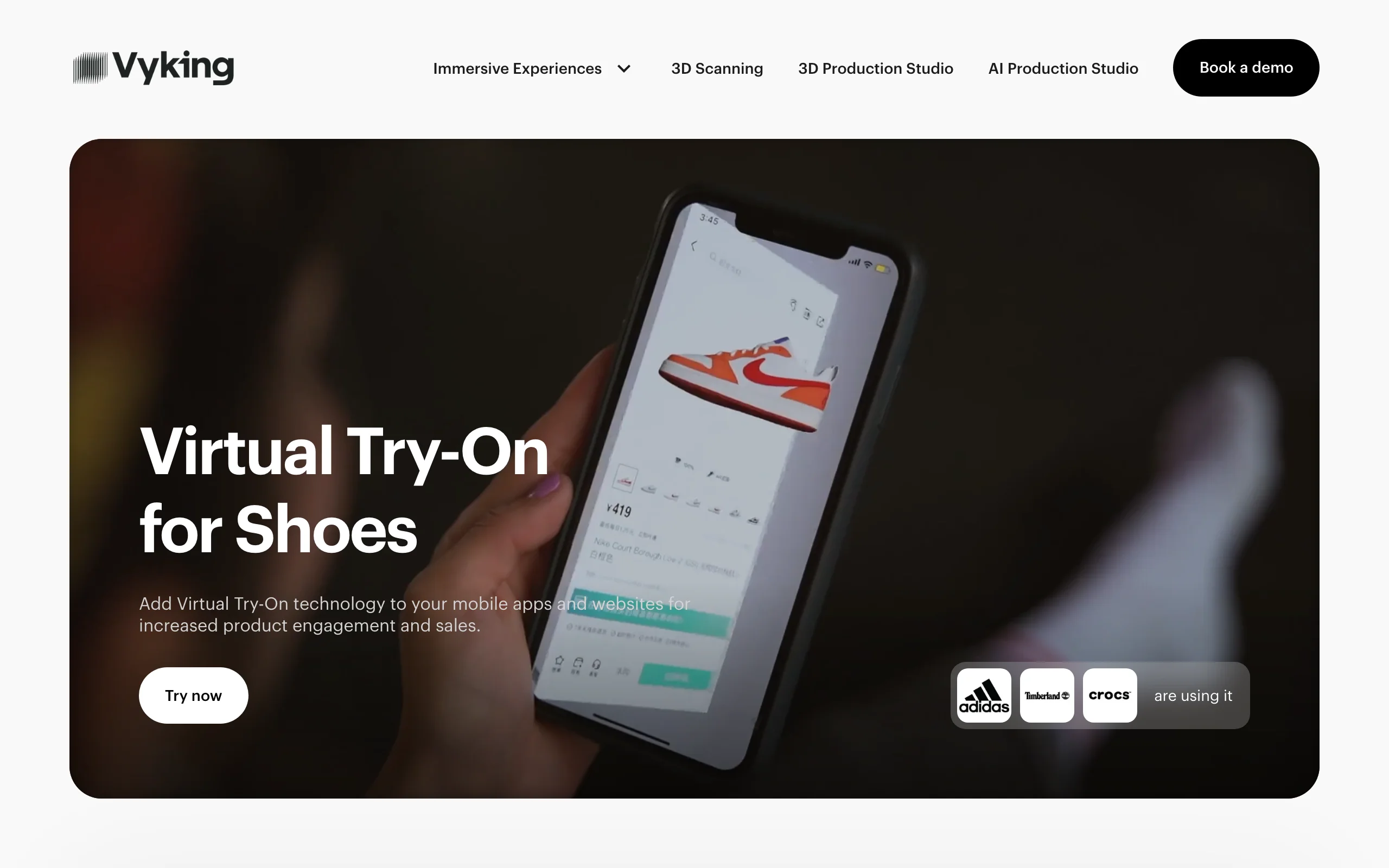
Virtual Try On Shoes with Vyking
Key features
- AR foot tracking for web, iOS, and Android
- Native SDKs so try-on runs inside your own app
- 3D scanning and production services for shoe assets
- AI production studio for faster 3D model creation
Best for
- Sneaker and athletic brands with their own high-traffic apps
- Retailers that want try-on on the product page, not on social
Pricing
- Not public; demo and consultation through a contact form
- Expect per-SKU 3D production costs alongside the license
Pros
- Brand-owned experience with no platform middleman
- Serious client list across athletic and casual footwear
- Covers asset production, not just the tracking tech
Cons
- No public pricing, so budgeting requires a sales conversation
- Overkill for small catalogs or brands without app traffic
4. Snap AR, best for social shoe try-on campaigns
Snap's approach to shoe virtual try-on starts from reach. Brands build footwear try-on Lenses in Lens Studio, Snap's free desktop tool, using its Foot Tracking component: the Lens attaches a 3D shoe to each tracked foot, an "Erase Shoes" option removes the shopper's real sneakers from the camera feed first, and a carousel UI lets people swipe between colorways. Shoppable Lenses add a buy button on top. Gucci ran the first global shoe try-on Lens, and New Balance built a shoppable try-on Lens around a holiday sneaker campaign.
The trade-off is where the experience lives. A Lens reaches Snapchat's audience, which skews young and discovery-driven, and that's ideal for a hype drop and less ideal for a product page. Camera Kit closes part of that gap by letting you embed Snap's lens tech in your own app, though that's a bigger engineering project. Snap's developer platform has also reoriented around its Specs glasses, so Lens tooling now shares a roadmap with a hardware push.
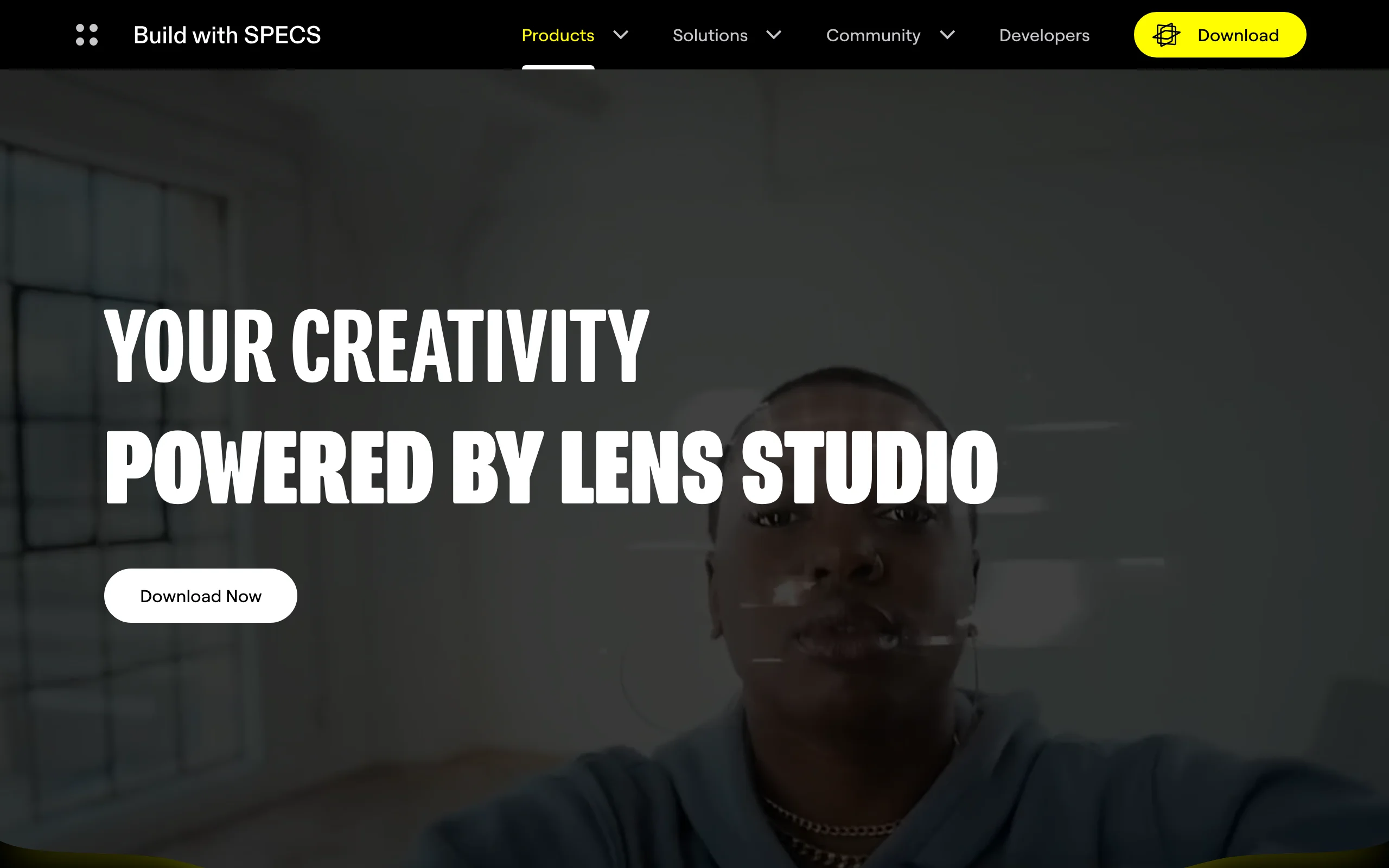
Virtual Try On Shoes with Snap AR
Key features
- Foot Tracking component for shoe try-on Lenses in Lens Studio
- "Erase Shoes" removes real footwear from the camera feed
- Shoe carousel UI for switching styles and colorways
- Shoppable Lenses with direct purchase links
- Camera Kit for embedding Lenses in your own app
Best for
- Brands targeting Gen Z with launch campaigns and limited drops
- Teams that want try-on plus paid social distribution in one channel
Pricing
- Lens Studio is free to download and build with
- Real costs sit in 3D asset production and paid Lens distribution on Snapchat
Pros
- No software cost to build and publish a shoe try-on Lens
- Distribution is built in, which no on-site widget can offer
- Feet erasure and occlusion handling are more advanced than most standalone SDKs
Cons
- Try-on lives on Snapchat unless you take on a Camera Kit integration
- Audience skew means it complements, rather than replaces, on-site try-on
5. Fibbl, best for flat-rate 3D and browser try-on
Fibbl is a Swedish platform that turns footwear into 3D models shoppers can spin, zoom, and try on in AR straight from the browser, with no app download. It integrates with more than 200 ecommerce platforms including Shopify, WooCommerce, Magento, and BigCommerce, and footwear names like GANT, Løci, Joya, Nubikk, and Gaerne run it on their product pages. Nubikk reported a 12% lift in click-through rates after adding Fibbl's 3D content, per Fibbl's published case data.
What sets Fibbl apart in this list is that you can actually see the prices. The Scale plan is €999/month for the interactive 3D viewer and packshots. Virtual try-on and AR arrive on the Excel plan at €1,399/month, which covers up to 500K website sessions and 1,000 try-on activations, with overages at €0.20 per activation. Enterprise pricing is custom. For large catalogs, 3D models are billed at €240 each as a one-time fee, and Fibbl offers a free product scan to get started.
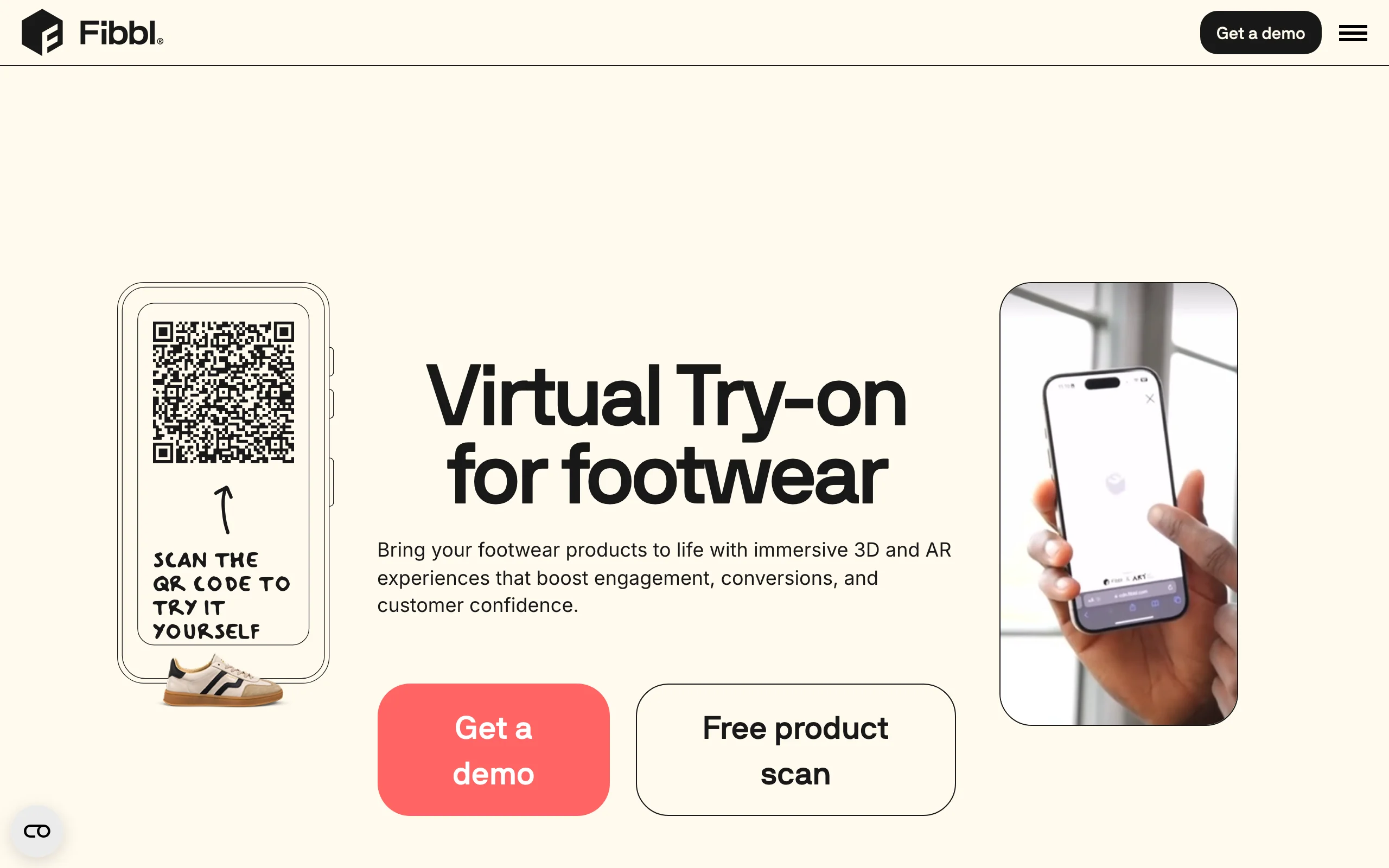
Virtual Try On Shoes with Fibbl
Key features
- Browser-based 3D viewer and AR try-on, no app required
- Integrations for 200+ ecommerce platforms
- 3D assets reusable across marketing channels
- Free product scan to trial the 3D pipeline
Best for
- Mid-size European footwear brands on Shopify or WooCommerce
- Teams that want predictable monthly costs instead of enterprise quotes
Pricing
- Scale at €999/month (3D viewer, no try-on); Excel at €1,399/month with virtual try-on and AR included
- €240 one-time per 3D model for large catalogs; €0.20 per try-on activation above plan limits
Pros
- Public pricing you can budget against without a sales call
- Quick, maintenance-free platform integrations
- Case data published per client, not just aggregate claims
Cons
- Try-on is gated to the €1,399/month tier
- Per-model fees and activation caps add up on big, fast-turning catalogs
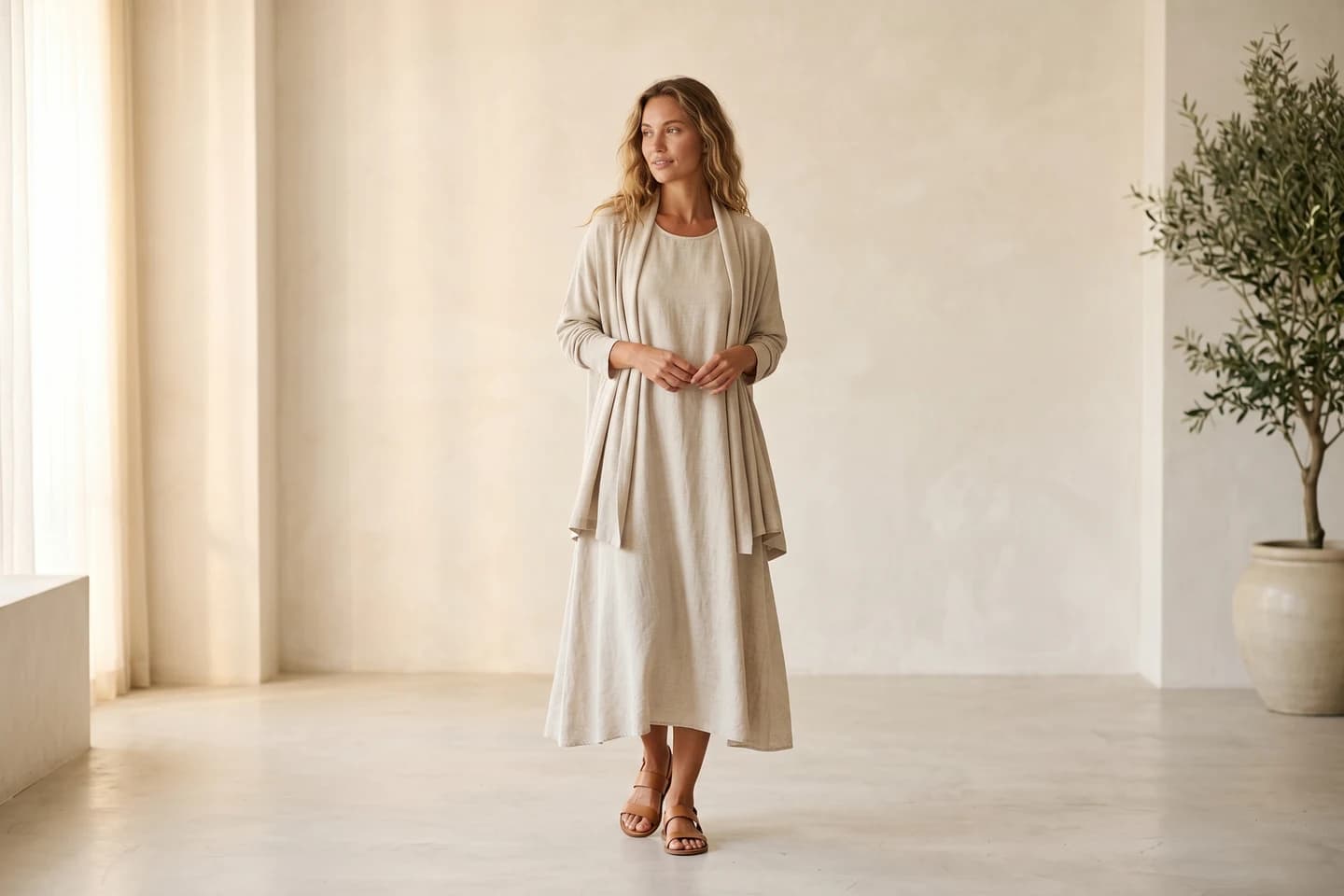

Replace your next footwear shoot with AI
Professional on-model fashion photography in seconds, at a fraction of the cost of a studio shoot.
How to choose the best virtual try-on for shoes
1) Decide which half of the problem you're solving
Be honest about what's weak. If your product pages carry flat packshots and no on-foot context, fix the content first: WearView gets you on-model shoe photos this week for $29 to $99 a month. If your imagery is already strong and the goal is letting shoppers check a shoe against their own feet, that's AR territory: Wanna, Vyking, or Fibbl on your site, Snap AR on social. Many brands need both, and it helps to budget them as two separate line items, because the best AI footwear product photography tools and the AR widgets are priced on completely different models. Pairing an AR widget with AI fashion photography for the content side is a common combination.
2) Match the tool to where your shoppers are
- If most revenue comes through your own site: Fibbl (browser AR, easy platform integration) or Vyking (web plus native SDKs)
- If you run a high-traffic app: Vyking or Wanna, both with native iOS SDKs
- If discovery happens on social and you sell drops: Snap AR Lenses, with paid distribution behind them
- If you're refreshing product page imagery at catalog scale: WearView, since no 3D assets are needed
3) Do the per-SKU math before you commit
AR try-on needs a 3D model of every shoe. Fibbl charges €240 per model for large catalogs; enterprise vendors fold it into custom quotes. On a 200-SKU catalog that's tens of thousands of euros before a single shopper taps the try-on button, plus upkeep as colorways rotate. AI on-model imagery prices per generated image instead: WearView's Pro plan is $49/month for 200 credits, so a full catalog refresh costs less than one enterprise onboarding call. Whichever route you take, test 5 of your hardest SKUs first (patent leather, knit mesh, embellished heels) and judge the output before signing anything.
4) Run a pilot and measure against control products
Pick 10 to 20 products, turn try-on or new imagery on for those only, and compare engagement, add-to-cart rate, and returns against similar products left alone. Wanna's Farfetch data and Fibbl's client cases both came from exactly this kind of scoped rollout. A 90-day pilot with clean control groups tells you more than any vendor deck.
FAQ
What is virtual try-on for shoes?
Virtual try-on for shoes covers two related technologies. Shopper-facing AR try-on renders a 3D shoe on a person's feet in real time through their phone camera. Content-side AI try-on places footwear on realistic AI-generated models to produce product page and campaign imagery. Both aim at the same outcome: shoppers who can picture the shoe on-foot before buying.
How does AR shoe try-on work?
The software detects and tracks the position of each foot through the camera, then anchors a 3D model of the shoe to it frame by frame. Good implementations handle occlusion (trouser hems covering the shoe) and some, like Snap's, can erase the shopper's real shoes from the feed first. It requires a production-quality 3D model of every shoe you want to offer.
Do I need 3D models of my shoes for virtual try-on?
For AR try-on, yes: every SKU needs its own 3D asset, which is the largest hidden cost. Fibbl prices them at €240 each for large catalogs, while Wanna and Vyking handle production within custom contracts. AI on-model photography skips this entirely; WearView works from a single regular product photo.
Can AI create on-model shoe photos without a photoshoot?
Yes. You upload a product photo of the shoe, choose a model and setting, and tools like WearView generate the on-model shot in under 15 seconds, at resolutions up to 4K with commercial usage rights. For footwear brands, this replaces studio time for product page, lookbook, and ad imagery.
Does virtual shoe try-on reduce returns?
It helps with style-driven returns, since shoppers see how the shoe actually looks on a foot before ordering. Sizing-driven returns need a different fix, like the fit and sizing recommendations Snap has been building into its commerce tools. Treat vendor return-rate claims as directional and validate them on your own pilot.
Which virtual try-on for shoes is best for a small footwear brand?
If you need better product imagery, WearView's $29/month Lite plan is the cheapest entry in this list. If you specifically want AR on your product page, Fibbl is the only option here with public pricing, though try-on starts at €1,399/month, which assumes meaningful traffic. Enterprise AR (Wanna, Vyking) rarely fits early-stage budgets.
Is there a free virtual shoe try-on tool?
Snap's Lens Studio is genuinely free to download and build shoe try-on Lenses with, and reach on Snapchat can be organic or paid. Fibbl offers a free product scan to test its 3D pipeline. The enterprise platforms offer demos rather than free tiers, and WearView is a paid product with plans from $29/month.
Should I choose AR try-on or on-model photography first?
Look at your funnel. If shoppers bounce from product pages without engaging, imagery is usually the weak link, and on-model photos are cheaper and faster to fix. If pages convert visitors who engage but returns stay high on style grounds, AR try-on earns its cost sooner. Brands with both problems typically fix imagery first because the per-SKU cost is a fraction of building a 3D catalog.

WearView Team
WearView Content & Research Team
WearView Team is a group of fashion technology specialists focused on AI fashion models, virtual try-on, and AI product photography for e-commerce brands. We publish in-depth guides, case studies, and practical insights to help fashion businesses improve conversion rates and scale faster using AI.


