
June 11, 2026•16 min read
WearView vs Pixelz: A complete comparison for fashion product imagery
Pixelz retouches the photos you already shot. WearView generates on-model fashion images without a shoot at all. See how the two stack up on workflow, output, pricing, and which one fits your store.

WearView vs Pixelz: A complete comparison for fashion product imagery
If you sell fashion online, you have probably looked at both WearView and Pixelz while trying to fix the same problem: getting clean, professional product images without burning your whole budget on shoots and editing. Both are credible options in 2026, but they solve the problem from opposite ends of the workflow. This wearview vs pixelz comparison lays out exactly where each one fits.
Pixelz is a managed photo-editing and retouching service that has expanded into AI content. At its core, you shoot your products, send the files, and trained editors hand them back retouched: background removed, color corrected, ghost-mannequin cleaned, and ready for your store. More recently, Pixelz added AI-generated content (its Digital Twins and AI Models offering, plus image-to-video), but these are run as managed, brief-based campaign services rather than a self-serve generation tool. WearView sits earlier in the pipeline and is fully self-serve. It is an AI fashion photography platform that generates on-model and product imagery from a garment photo or a flat-lay, so you often skip the shoot entirely.
Below you will get a feature-by-feature table, a use-case breakdown, an honest look at ratings and pricing, and a decision framework so you can tell which tool (or which combination) fits your store.
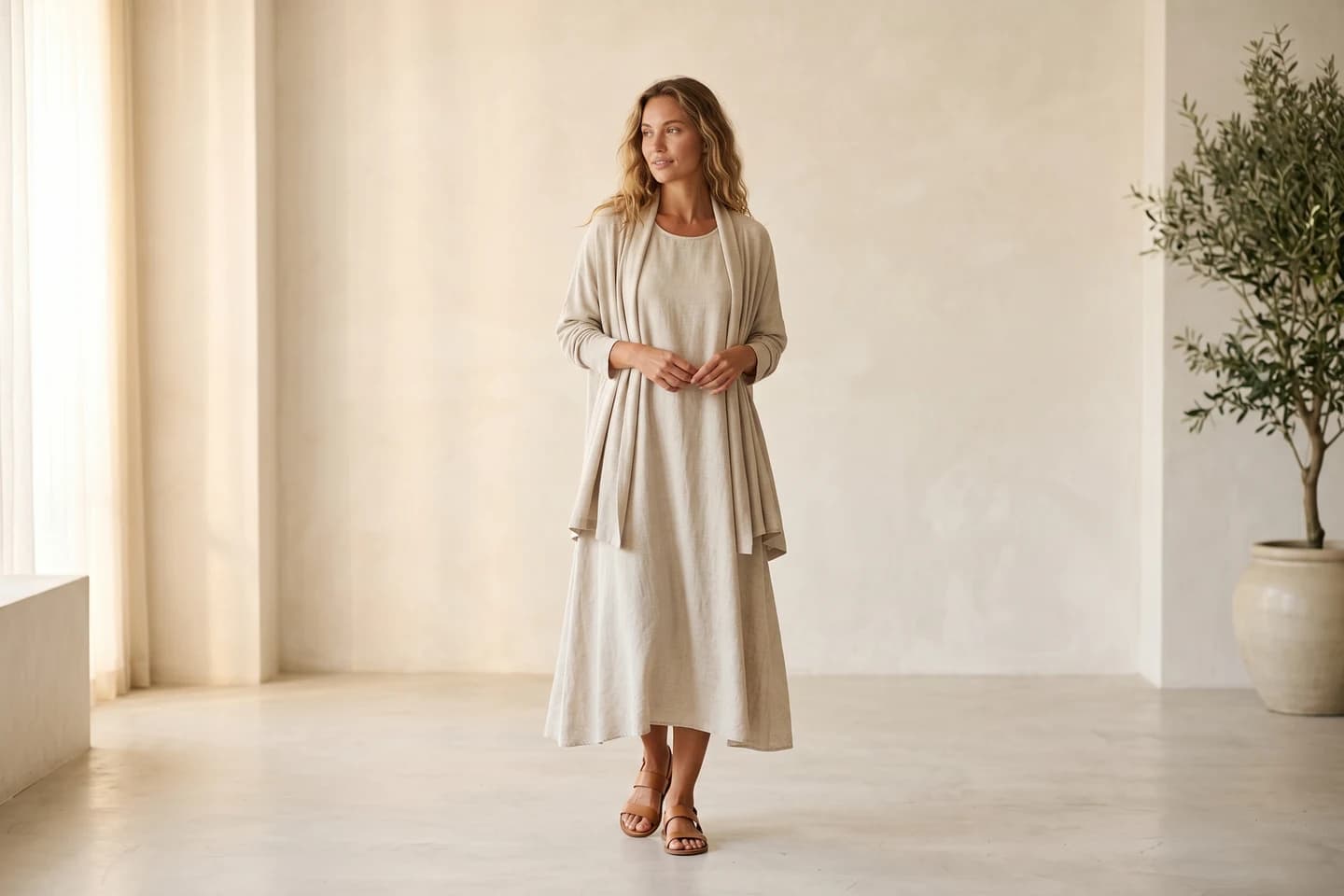

Replace your next photoshoot with AI
Professional on-model fashion photography in seconds, at a fraction of the cost of a studio shoot.
What's the difference between WearView and Pixelz?
The core difference is simple: Pixelz is built primarily around editing images you have already captured, while WearView generates new images so you do not have to capture them. Pixelz has added AI-generated model content on top of its editing service, but it runs that as a managed, done-for-you campaign offering. WearView is a self-serve creation platform you operate directly.
Workflow priorities
Pixelz is built around a post-production workflow. The assumption is that you (or a photographer) already ran a shoot, and you need those raw files turned into clean, consistent, store-ready images at scale. That covers background removal, color and exposure correction, retouching, and ghost-mannequin editing on garments you photographed on an invisible mannequin or form.
WearView is built around a pre-production and production workflow. You upload a garment image or a flat-lay, and the platform produces an on-model shot, a product-to-model conversion, or a ghost-mannequin result without a camera, a model booking, or a studio. The output is generated, not retouched, and you control it yourself in seconds. For a brand drowning in new SKUs, that difference compounds fast.
Human editing vs AI generation
Pixelz has historically positioned itself on human-powered editing quality, with editors and quality-control steps in the loop, and even its newer AI work runs through a managed, human-refined process. That tends to appeal to brands that want a person making the final call on every image and have already invested in photography. Its AI Models and Digital Twins are licensed from real people via a talent agency and delivered brief-by-brief, typically over hours to several days.
WearView is self-serve AI-first. It creates models, poses, and scenes algorithmically, on demand, which means you can invent a model that does not exist, keep that same model consistent across an entire catalog, and turn a flat garment into an on-body shot in seconds without submitting a brief and waiting. The trade-off is that AI generation requires you to review and curate outputs, where a managed service hands you a finished file.
WearView vs Pixelz: feature-by-feature comparison
| Category | WearView | Pixelz |
|---|---|---|
| Best for | Brands and sellers who want on-model images without a shoot | Brands that already shoot and need professional retouching at scale |
| Primary use case | AI on-model and product imagery generation | Managed photo editing and retouching |
| Core method | Self-serve AI image generation | Human-led photo editing (with AI-assisted steps) |
| AI model creation | Yes, self-serve | Yes, but managed Digital Twins / AI Models (brief-based, real-model licensed) |
| Virtual try-on | Yes | Not offered as a feature |
| Product-to-model (flat-lay to model) | Yes | Not offered as a feature |
| Ghost mannequin | Yes (generated) | Yes (editing service) |
| Background removal | Yes (within generation) | Yes (core service) |
| Photo retouching / color correction | Limited | Yes (core service) |
| Pose control | Yes | Not offered as a feature |
| Consistent model identity | Yes | Not a self-serve feature |
| AI fashion video | Yes (720p and 1080p) | Image-to-video offered (managed) |
| Output resolution | HD, 2K, and 4K | Depends on your source files |
| Commercial usage rights | Included on paid plans | You own your supplied photos; confirm AI-content licensing terms |
| Free trial / free tier | No free tier or free credits | 14-day trial, up to 10 images free (Professional plan) |
| Starting price | Lite from $29/mo (credit packs) | Subscription + per-image; Professional from ~$95/mo, images from ~$0.95 |
| Turnaround | Seconds per image | From ~3 hours (expedite) to next-morning |
| API access | Not a public self-serve API | API and FTP integrations available |
The honest takeaway: Pixelz is stronger anywhere the task is editing real photographs, and for high-end managed AI campaigns built on licensed real models. WearView is stronger anywhere the task is producing new imagery yourself, on demand, without a shoot or a brief-and-wait cycle.
How WearView and Pixelz compare for fashion brands and ecommerce sellers

WearView vs Pixelz with WearView
1. Producing imagery without a photoshoot
This is the clearest dividing line for everyday catalog work. Pixelz's core retouching service improves photos you supply; it does not turn a flat-lay into an on-model shot on its own. Its newer Digital Twins service can produce AI model imagery, but it is a managed, brief-based campaign offering with hours-to-days turnaround, not a self-serve tool for routine product-to-model work. If you have no shoot budget, no samples in hand, or a flat-lay-only catalog, the retouching side does not solve your problem on its own.
WearView is designed for exactly that gap, self-serve. With product to model, you drop in a flat-lay or packshot and get an on-model image, typically in well under a minute. For garment visualization, you can preview a single garment on lifelike models using virtual try-on. For brands launching dozens of SKUs a season, generating the base imagery yourself on demand is often the bottleneck that Pixelz's editing workflow does not address.
If your real problem is "my existing photos look unpolished," Pixelz is the right tool. If your real problem is "I do not have on-model photos at all," WearView is.
2. Quality and the human-in-the-loop question
Pixelz leans on human editors and quality control, which many brands trust for nuanced retouching: skin tones, fabric texture cleanup, and consistent editing standards across a large order. A skilled editor catches things automation can miss.
WearView produces studio-grade output up to 4K, with AI handling models, lighting, and scene. The trade-off is curation: you generate, review, and pick the best result rather than receiving a single finished file. For high-volume catalog work where speed matters more than per-image hand-finishing, that is usually a win. For hero images where every pixel is scrutinized, some brands still want a human editor in the loop, and that is a fair reason to keep Pixelz (or a retoucher) in the mix.

WearView vs Pixelz with Pixelz
3. Consistency across a catalog
Keeping a brand look consistent across hundreds of images is hard with traditional photography, because models, lighting, and shoot days vary. Pixelz's retouching can standardize editing, and its Digital Twins can reuse a licensed model for managed campaigns, but for routine catalog work the model and pose are still baked into the source photos you supply.
WearView gives you that consistency self-serve. With consistent model identity across campaigns, you reuse the same AI model across every product, pose, and collection, which gives a catalog a uniform feel that editing alone cannot reproduce. Pose control via reference images extends that further. If model and scene consistency at scale, on demand, is your goal, this is a structural WearView advantage.
4. Total cost and turnaround
Pixelz's editing pricing combines a monthly subscription with a per-image charge, and it scales largely with volume: more images, more cost, plus you still pay for the underlying shoot. WearView's credit-based pricing front-loads a monthly cost but removes the shoot expense entirely, so the comparison is not just tool-vs-tool, it is "AI generation vs shoot plus editing."
| Cost factor | WearView | Pixelz |
|---|---|---|
| You still need a photoshoot | No | Yes, for the editing service (you supply photos) |
| Pricing model | Credit packs (monthly/annual) | Monthly subscription + per-image editing |
| Speed per asset | Seconds | From ~3 hours to next-morning |
| Scales by | Credits | Number of images edited |
For a brand without an existing photography pipeline, WearView usually wins on total cost because it eliminates the shoot. For a brand that already shoots professionally and just needs polish, Pixelz can be the more economical add-on.
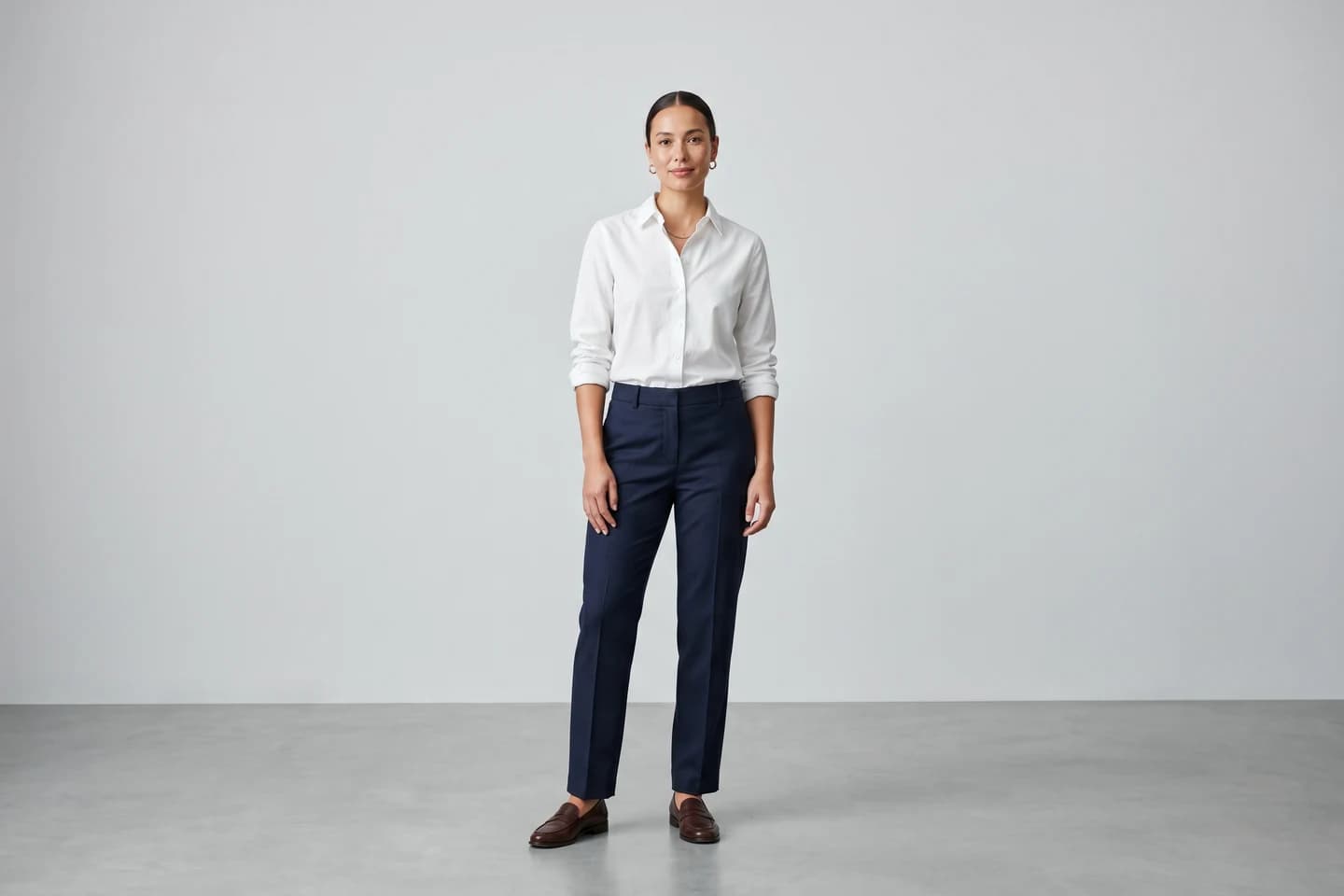
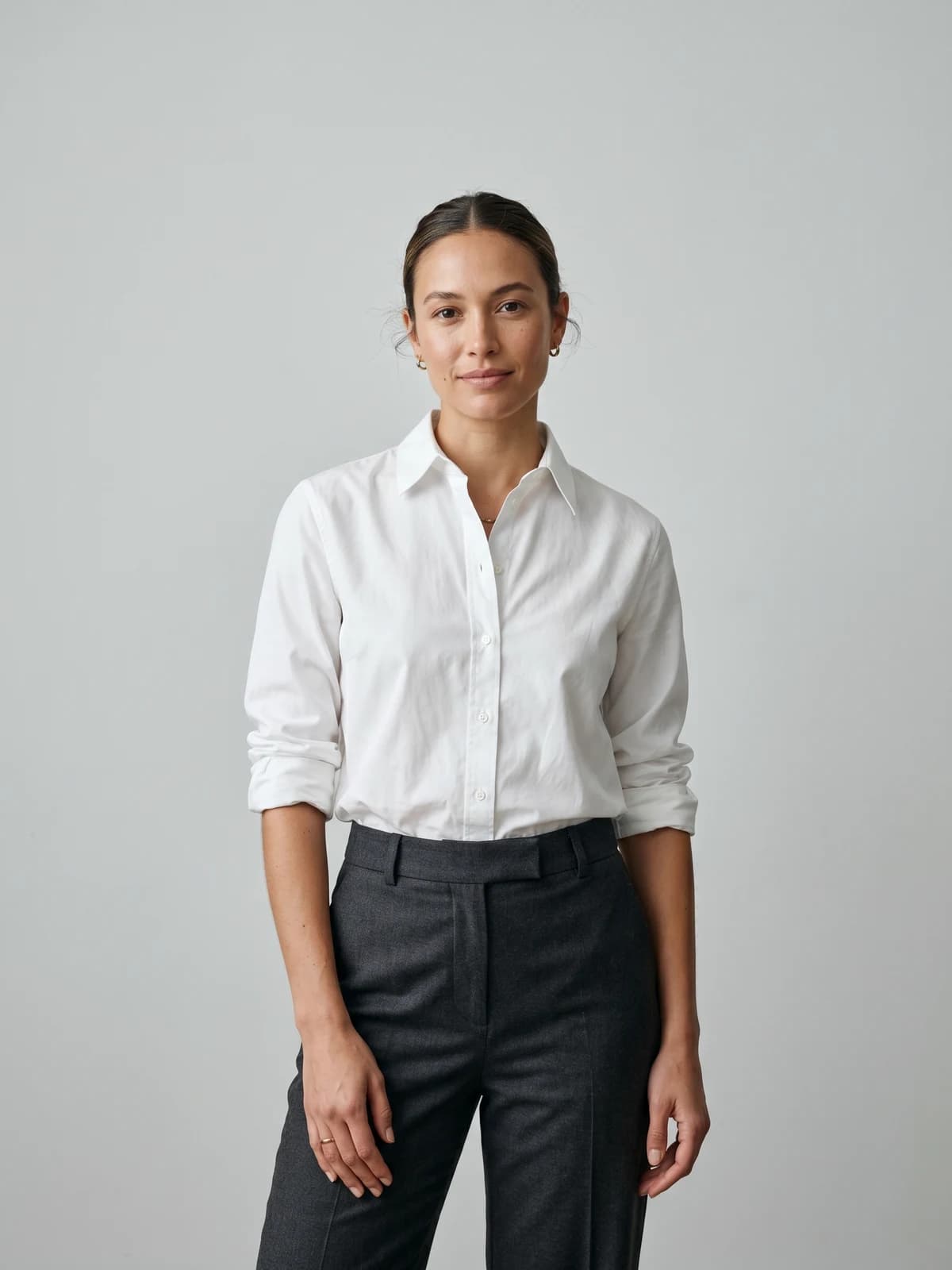
Turn flat-lays into on-model photos
Drop in a flat-lay or product shot and get professional on-model photography ready for your store.
What users say about WearView and Pixelz
Ratings as of June 2026. On Trustpilot, Pixelz holds roughly 4 stars across about 1,000 reviews, reflecting more than a decade in the product-editing space and feedback from established ecommerce and photography teams. WearView also sits around 4 stars on Trustpilot, from a smaller and growing sample of around 50 reviews as a newer AI platform. Ratings move over time, so check both Trustpilot pages for the current numbers before quoting them.
What users tend to praise. Pixelz reviewers commonly point to editing quality, fast turnaround, and responsive customer service for retouching and background removal. WearView users commonly highlight the speed of generating on-model images, the ability to skip shoots entirely, and the breadth of tools in one platform.
What users tend to complain about. For Pixelz, recurring criticism for this category of service tends to center on cost adding up at high volume and the dependency on supplying your own photos. For WearView, the most common minor gripe is that AI generation requires reviewing and curating outputs to find the best result, and that you need to be specific with prompts. Always read the latest reviews directly before relying on these themes.
Pricing breakdown
Pricing as of June 2026. WearView figures are current; Pixelz combines a monthly subscription with a per-image charge, and the exact rates vary by plan, volume, service level, and turnaround, so confirm them on their live pricing page.
| Plan | WearView | Pixelz |
|---|---|---|
| Free tier | No free tier or free credits | 14-day trial, up to 10 images free |
| Entry | Lite from $29/mo (50 credits) | SOLO from ~$7-9/mo + per-image (images ~$1.45-1.90) |
| Mid | Pro from $49/mo (200 credits) | Professional from ~$95/mo + per-image (images from ~$0.95) |
| Top | Advanced from $99/mo (up to 2,000 credits) | Enterprise from ~$1,995/mo + custom per-image |
| Pricing model | Credit-based, monthly or annual | Monthly subscription + per-image editing |
| Annual savings | Up to $718/year (Advanced 2,000) | Annual billing available on Professional |
| Team seats | Up to 5 (Pro), up to 15 (Advanced) | Not publicly itemized; varies by plan |
WearView's per-credit cost drops as you buy larger packs (roughly $0.58 down to $0.30 on Lite, and as low as about $0.18 on the largest Advanced pack). Because Pixelz layers a monthly subscription on top of per-image editing and assumes you already shot the product, a like-for-like price comparison is not apples to apples: with WearView you are also removing the photoshoot cost. Run your own math on a representative month of SKUs before deciding, and confirm Pixelz's current rates directly.
When to choose WearView or Pixelz
| Factor | Choose WearView | Choose Pixelz |
|---|---|---|
| Primary workflow | Generating on-model imagery without a shoot | Retouching photos you already shot |
| You already shoot products | Optional | Yes, that is the input |
| Output priority | New on-model and product images | Polished versions of existing photos |
| Model and pose consistency | Same AI model across the catalog | Standardized editing, not the model |
| Feature breadth | Self-serve try-on, model creation, product-to-model, video | Editing, retouching, ghost-mannequin cleanup, plus managed AI campaigns |
| Output type | Still images and AI video, self-serve | Edited still images, plus managed AI model content and image-to-video |
| Best fit | Brands without a photography pipeline | Brands with an established photo pipeline |
For fashion brands and boutiques that do not have a reliable photography operation, WearView is the stronger starting point because it produces the imagery itself with AI fashion model creation and product-to-model conversion. You go from garment to store-ready image without booking a model or studio.
For ecommerce sellers and photography teams that already run shoots and want professional, consistent retouching at scale, Pixelz is a sensible choice. It is purpose-built for turning raw captures into clean, store-ready files, and a human-in-the-loop process is reassuring for hero imagery.
For larger brands and agencies, the two are not mutually exclusive. Some teams generate base imagery with WearView and still send select hero shots through a retoucher for final polish. Choose based on where your actual bottleneck is: capturing images, or finishing them.
What this means for you
- No shoot, no samples? Start with WearView. If you cannot photograph products yet, a retouching service like Pixelz has nothing to edit. Generate the imagery first with virtual try-on or product-to-model.
- Already shooting and just need polish? Pixelz fits. If your pipeline is mature and your only gap is consistent, professional editing, a managed service is the cleaner answer.
- Need catalog-wide consistency? Lean AI. Editing standardizes pixels, not models. WearView keeps one model consistent across every SKU.
- Run the real math. Compare "AI generation" against "shoot plus per-image editing," not tool against tool. The shoot is the hidden cost.
- Consider both for hero images. High-volume on WearView, hand-finished hero shots through a retoucher, is a legitimate hybrid for bigger teams.
For a wider view of the category, see our roundup of the best AI fashion photography tools and our best virtual try-on tools comparison.
FAQ
What's the main difference between WearView and Pixelz? WearView generates new on-model and product images with AI, while Pixelz retouches and edits photos you have already shot. One creates imagery, the other improves existing imagery. If you have no photos to start with, Pixelz has nothing to edit; if your photos just need polish, WearView is solving a different problem.
Which is better for fashion brands without a photography setup? WearView, because it produces on-model imagery from a garment photo or flat-lay without a shoot, model, or studio. A retouching service like Pixelz assumes you already have product photos to send in. Brands building a catalog from scratch usually get more value from generation than from editing.
Is Pixelz cheaper than WearView? It depends on whether you include the cost of the photoshoot. Pixelz charges a monthly subscription plus a per-image fee and assumes you already shot the product, so the true comparison is "shoot plus editing" versus WearView's all-in generation. Confirm Pixelz's current subscription and per-image rates and compare them against WearView's credit packs for a representative month of SKUs.
Can I use both WearView and Pixelz together? Yes, and some larger teams do. A common hybrid is generating high-volume catalog imagery with WearView and sending select hero shots to a retoucher for final hand-finishing. Use WearView where the bottleneck is creating images and a retouching service where it is polishing existing ones.
Does Pixelz offer AI model creation or virtual try-on? Pixelz now offers AI model imagery through its managed Digital Twins service, where models are licensed from real people and you submit a creative brief to receive campaign images over hours to a few days. It does not, however, offer self-serve virtual try-on or product-to-model generation as features. WearView offers both, self-serve, plus consistent model identity, in seconds. Confirm Pixelz's latest feature list before relying on this.
Does WearView offer human photo retouching like Pixelz? Not as a core service. WearView is an AI generation platform, so it produces studio-grade images algorithmically rather than offering a managed human-editing workflow. If your priority is hand-retouching of existing photographs, a dedicated editing service is a better fit for that specific task.
How do WearView and Pixelz handle commercial rights? WearView includes commercial usage rights on all paid plans, so images you generate can be used commercially. With Pixelz, you own the photos you supply and they return the edited versions, but confirm the exact licensing and ownership terms on their site. Always verify current terms before launching a campaign.
What is the best Pixelz alternative for fashion brands that do not want a photoshoot? WearView is a strong fit because it removes the shoot from the equation, generating on-model and product imagery directly from garment photos or flat-lays, all self-serve. It also adds self-serve AI fashion video, virtual try-on, and consistent model identity in seconds, where Pixelz's comparable AI content runs as a managed, brief-based service. Pair it with our best AI fashion model generators guide to compare options.

WearView Team
WearView Content & Research Team
WearView Team is a group of fashion technology specialists focused on AI fashion models, virtual try-on, and AI product photography for e-commerce brands. We publish in-depth guides, case studies, and practical insights to help fashion businesses improve conversion rates and scale faster using AI.


