
June 10, 2026•11 min read
Ghost Mannequin Photography Without a Studio: 4 Home Methods That Work
The ghost mannequin look does not require a photo studio anymore. This practical guide walks home sellers through four realistic ways to get it: the DIY mannequin setup, the stuffed flat-lay trick, two-photo compositing, and the AI shortcut, plus the mistakes that quietly ruin most home attempts.
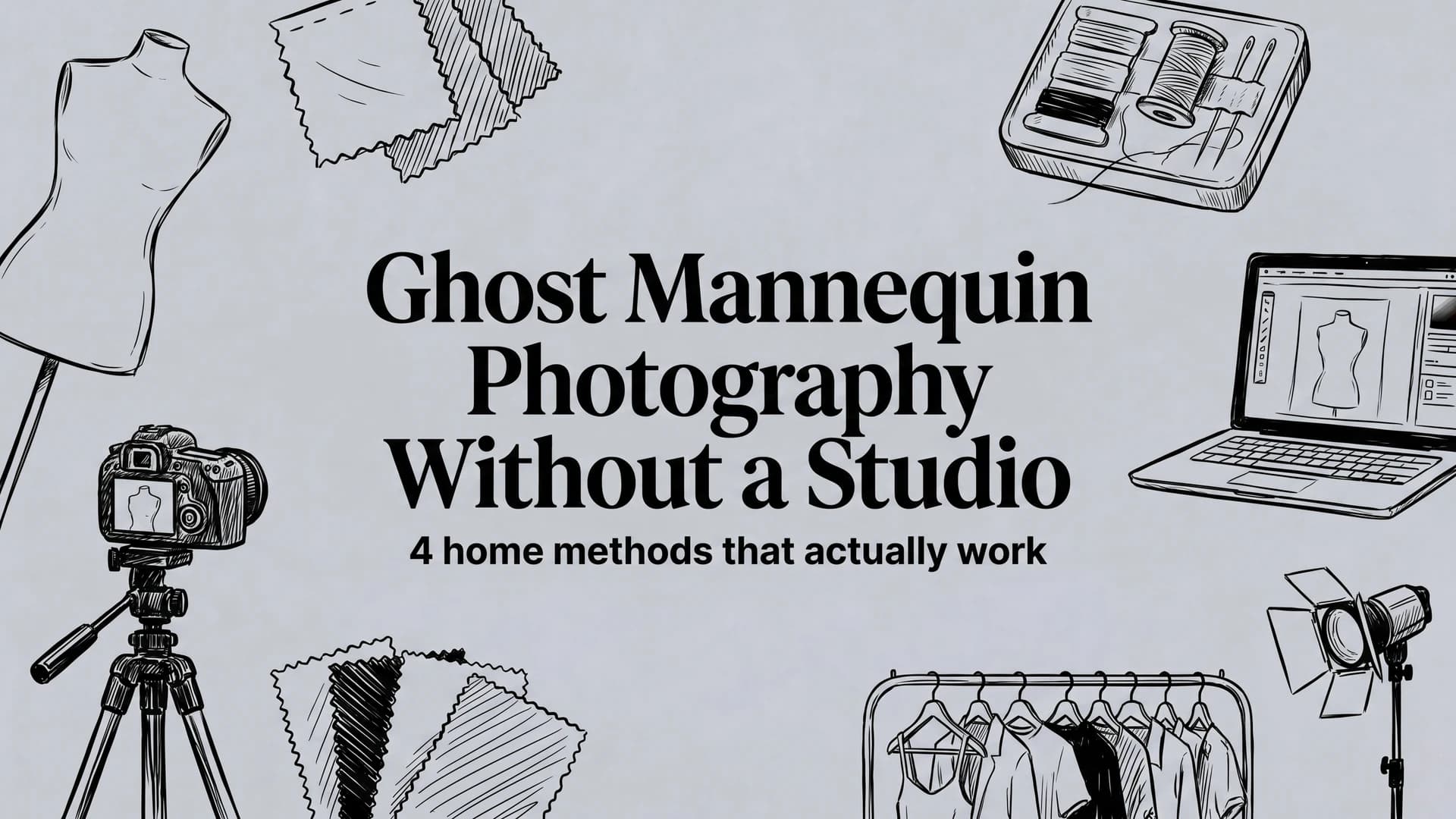
Picture of Ghost Mannequin Photography Without a Studio article
The ghost mannequin effect, also called the invisible mannequin, is one of the most reliable ways to make apparel sell online. It shows a garment with the natural shape of a body, but with no model and no distracting mannequin. The result looks clean and professional, and it lets shoppers focus entirely on the product.
The catch? Most sellers believe ghost mannequin photography requires a studio, expensive lighting, and hours in Photoshop. For years, that was mostly true. But if you run a small clothing brand or resell from home, you do not need a studio to get there.
Below are the realistic ways to produce ghost mannequin photos without a studio, from the classic DIY method to the faster AI shortcut, plus the mistakes that quietly ruin most home attempts.
Why ghost mannequin photos are worth the effort
Before the how-to, it helps to know why this style earns its place. Flat-lay photos (a garment laid flat on the floor) are easy to shoot, but they flatten the garment and hide how it actually drapes. On-model photos look great but require a model, a shoot, and usage rights. The ghost mannequin sits neatly in between:
- It shows true shape and fit. Shoppers can see how a collar sits, how a sleeve falls, and how the garment is cut. These are the details that drive buying decisions and reduce returns.
- It keeps the focus on the product. No model's face, pose, or styling competing for attention.
- It looks consistent across a catalog. Every item photographed the same way reads as a trustworthy, professional store.
That consistency is exactly what marketplaces like eBay, Etsy, Poshmark, and your own Shopify store reward with better conversion. If you want the full studio workflow, including the Photoshop compositing steps, our step-by-step ghost mannequin photography guide covers it in depth. This article focuses on the no-studio versions.
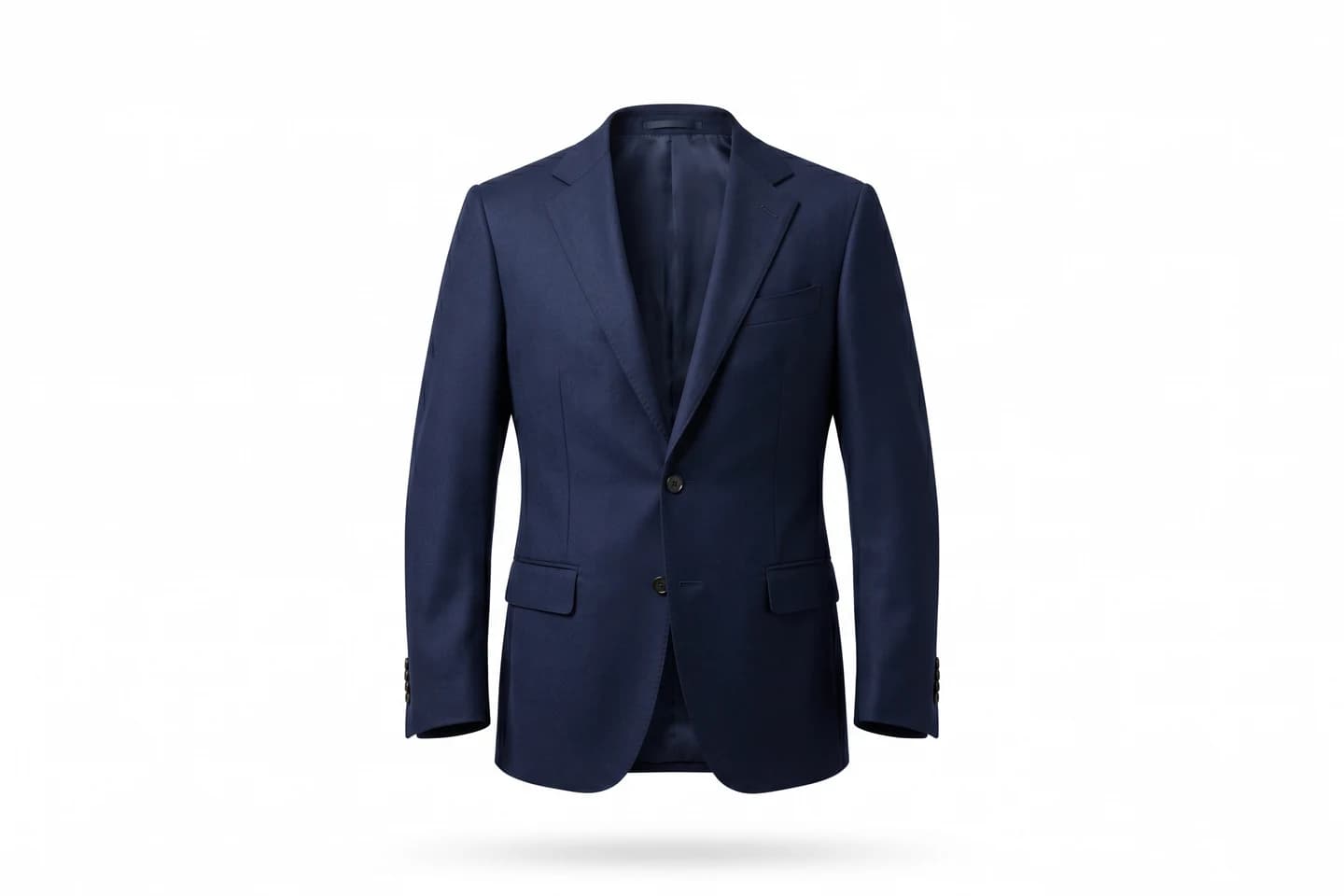
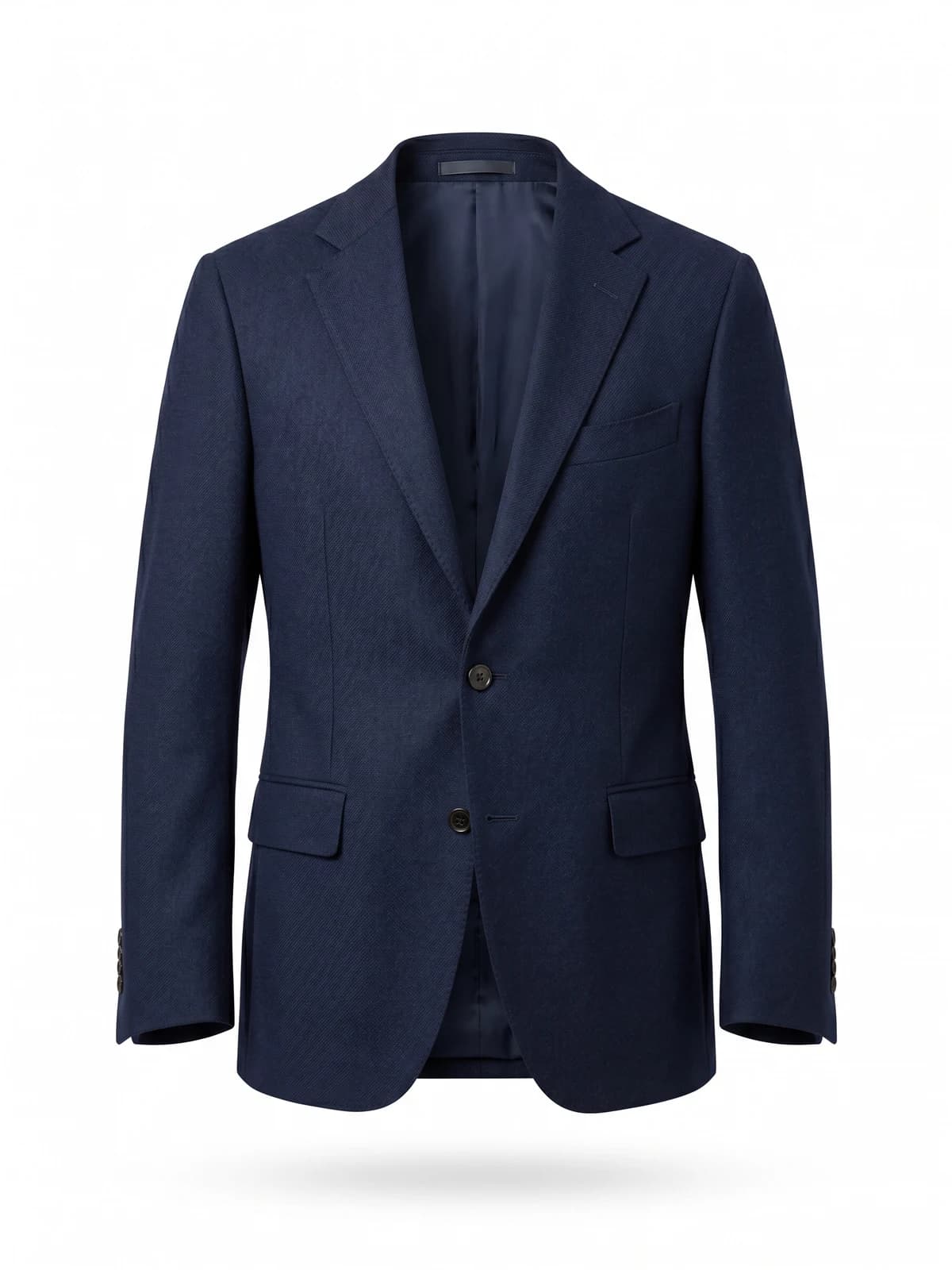
Clean ghost-mannequin shots, instantly
Remove the mannequin and get crisp invisible-model product images that look studio-shot.
Method 1: The DIY mannequin setup at home
This is the classic approach, scaled down to a bedroom or garage. You photograph the garment on a mannequin, then edit out the mannequin afterward.
What you need
- An inexpensive dress form or full mannequin. Even a secondhand one works, and there are plenty of places to get free mannequins if you know where to look.
- A plain backdrop: a clean white wall, a roll of seamless paper, or a pressed bedsheet.
- Soft, even light. A large window during daylight hours is genuinely good enough to start.
- Your phone on a tripod or propped steady at a consistent height.
The neckline trick
The signature challenge of the ghost mannequin look is the back of the neck. When you remove the mannequin in editing, you want to see the inside back collar of the garment, as if it's floating. To capture this, take a second photo of just the inside neckline. Either lay the garment flat and shoot the collar, or drape it so the inner label and back collar are visible. You'll composite this into the final image so the neck reads as hollow, not empty.
How to shoot it
- Dress the mannequin neatly. Steam or iron out every wrinkle first, because wrinkles are the number-one giveaway of an amateur listing.
- Tuck and pin the garment from behind so it sits cleanly, with no clips visible from the front.
- Shoot straight on, at chest height, with the full garment in frame and a little space around it.
- Take your separate neckline shot.
- In your editor, remove the mannequin and background, then drop the inner-collar shot behind the neck opening.
Method 2: The flat-lay-to-shape technique
If you don't own a mannequin, you can fake dimension with careful folding. Lay the garment on a clean surface and use small rolls of tissue paper or a folded towel underneath to give the shoulders, chest, and sleeves a gentle three-dimensional shape. Shot from directly above with even light, a well-stuffed flat-lay can read surprisingly close to a ghost mannequin, especially for knitwear and structured tops.
It won't match a true hollow-man shot for tailored items, but it's free, fast, and far better than a limp flat garment on the floor. If you go this route, our flat lay clothing photography guide covers the styling and framing details that make the difference.
Method 3: The two-photo compositing method
This is the professional studio technique, done at home. You shoot the garment twice on the mannequin: once normally, and once flipped or rearranged to expose the parts the mannequin hides (inner collar, back, sometimes the inside hem). Then you combine the two shots in editing software so the garment looks complete and hollow from every angle.
It produces the cleanest results of any manual method, but it's also the most time-consuming and requires comfort with layers and masking in Photoshop or GIMP. For a handful of hero products, it's worth it. For a catalog of fifty items, it becomes a real bottleneck, which is what pushes most sellers toward the next option.
Method 4: The AI shortcut
The newest option skips the mannequin and the manual editing entirely. AI tools built for apparel can take an ordinary flat-lay photo and generate a clean ghost mannequin result: adding natural body shape, opening up the neckline, and removing the background automatically. For sellers who don't own a mannequin or aren't comfortable in Photoshop, this collapses a multi-step process into a single upload.
AI tools in this space fall into two camps. Some are broader fashion-imaging platforms where the ghost mannequin effect is just one feature among many. WearView, for instance, includes it alongside a wider set of apparel-imaging tools. Others are built specifically around clean product shots: you upload a flat-lay or hanger shot of your clothing, and they produce the hollow-man effect with a consistent, catalog-ready look. Because these tools are built for apparel specifically, they handle the tricky parts (collars, sleeves, drape) that generic background removers get wrong. Many also process images in batches, which is the real time-saver when you're listing dozens of items.
AI isn't a magic replacement for good source photos. A blurry, wrinkled, badly lit original will still produce a mediocre result. But fed a clean, well-lit flat-lay, it gets most sellers to a professional ghost mannequin image in seconds rather than an afternoon. Most tools in this category offer a few free credits, so it's worth testing on your own product before deciding whether it fits your workflow. For a wider look at the category, see our roundup of the best AI ghost mannequin tools.
How the four methods compare
| Method | Upfront cost | Time per item | Skills needed | Best for |
|---|---|---|---|---|
| DIY mannequin + editing | Cheap or secondhand mannequin | 20-40 min | Basic photo editing | Small catalogs, structured garments |
| Stuffed flat-lay | Nothing | 10-15 min | None | Knitwear, tops, tight budgets |
| Two-photo compositing | Mannequin + editing software | 30-60 min | Photoshop layers and masking | Hero products, tailored pieces |
| AI ghost mannequin tool | Free credits to start, then credits or a subscription | Under a minute | None | Volume listings, consistent catalogs |
The mistakes that ruin home ghost mannequin shots
Whichever method you choose, these are the errors that separate an amateur listing from a clean one:
- Skipping the steamer. Wrinkles and fold lines are the most common reason home photos look cheap. Press everything first.
- Harsh or uneven light. Direct overhead bulbs or on-camera flash create ugly shadows. Diffused daylight or a softbox gives the even light the effect depends on.
- Inconsistent framing. If every item is shot from a slightly different distance or angle, your catalog looks messy. Lock your camera height and distance and keep them the same for every product.
- A dirty or busy background. The whole point of ghost mannequin is a clean, distraction-free image. A wrinkled sheet or visible clutter undermines it.
- Over-editing the shape. Whether by hand or with AI, an unnaturally puffed-out or distorted garment looks fake and erodes trust. Aim for natural, believable body shape.
Which method should you use?
It comes down to volume and comfort level:
- A few special products and you enjoy editing? The two-photo compositing method gives you full control and the cleanest result.
- No mannequin and a tight budget? Start with the stuffed flat-lay technique. It costs nothing.
- Listing in volume, or not confident in Photoshop? An AI tool like our ghost mannequin service will save you the most time and keep your catalog consistent.
Many sellers end up combining them: AI for the bulk of the catalog, and a careful manual shot for hero products that deserve extra attention.
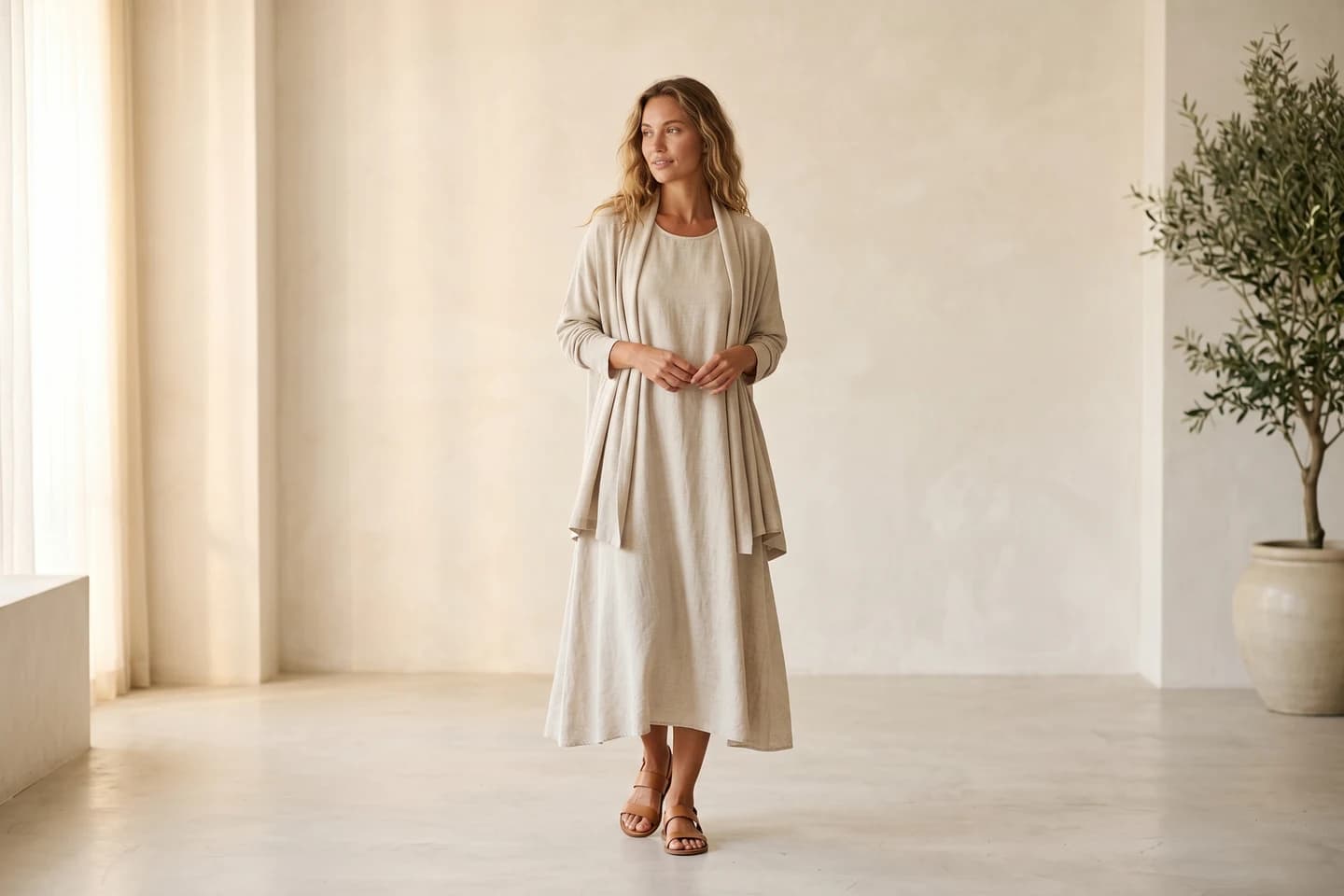

Replace your next photoshoot with AI
Professional on-model fashion photography in seconds — at a fraction of the cost of a studio shoot.
The takeaway
Ghost mannequin photography stopped being studio-only a while ago. With a sunny window, a clean backdrop, and either a cheap mannequin or an AI tool, you can produce the same professional hollow-man look that big brands use, from your own home, at a fraction of the cost. The shoppers scrolling past your listings won't know how you did it. They'll just see a clean, trustworthy product image and be more likely to buy.
FAQ
What is the ghost mannequin effect? The ghost mannequin effect (also called the invisible mannequin or hollow-man effect) is a product photography style where a garment appears to be worn by an invisible body. It's created by photographing clothing on a mannequin and removing the mannequin in editing, or by generating the effect with AI from a flat-lay photo.
Can I do ghost mannequin photography without a mannequin? Yes. You can stuff a flat-lay with tissue paper or a folded towel to fake body shape, or use an AI ghost mannequin tool that generates the effect directly from a flat-lay or hanger shot. The AI route is the only one that produces a true hollow neckline without a mannequin.
What equipment do I need to shoot ghost mannequin photos at home? At minimum: a plain backdrop, soft window light, and a phone held steady at a consistent height. If you're shooting the traditional way, add an inexpensive dress form and a steamer. Photo editing software is only needed for the manual methods.
Why does the neckline matter so much in ghost mannequin photography? The hollow neckline is what sells the illusion. If the inside back collar isn't visible, the garment looks cut off rather than worn by an invisible body. That's why manual methods require a second inner-collar shot, and why apparel-specific AI tools handle necklines better than generic background removers.
Is there a faster way to get the invisible mannequin effect than editing it myself? Yes. If you'd rather not shoot or edit at all, an AI invisible mannequin service turns your existing flat-lay or mannequin photos into finished ghost mannequin images automatically — you upload a photo and the AI removes the mannequin in seconds. This makes the most sense for larger catalogs, where it keeps your images consistent at a low per-image cost.
Does the ghost mannequin effect work for all clothing types? It works best for structured garments: shirts, jackets, dresses, hoodies, and knitwear. Very floppy or sheer items can be harder to shape convincingly on a mannequin, and accessories like scarves usually look better styled flat or on a model.

WearView Team
WearView Content & Research Team
WearView Team is a group of fashion technology specialists focused on AI fashion models, virtual try-on, and AI product photography for e-commerce brands. We publish in-depth guides, case studies, and practical insights to help fashion businesses improve conversion rates and scale faster using AI.


