
June 29, 2026•18 min read
7 best fashion business automation tools in 2026
Running an online fashion brand means juggling photos, listings, inventory, email, social, and support. These 7 automation tools each take one workflow off your plate, so a small team can run like a big one.
Picture of "7 best fashion business automation tools in 2026" article
Running an online fashion brand is rarely one job. You are shooting product images, writing listings, syncing inventory across channels, sending email and SMS, posting to social, and answering customer questions, often as a team of one or two. Each of those is a separate workflow, and each one quietly eats hours every week.
Fashion business automation means handing those repeatable workflows to software so your time goes to merchandising and growth instead of busywork. The payoff is real: faster product launches, fewer oversells, and consistent marketing without a marketing department.
This guide covers the 7 best fashion business automation tools for 2026, organized by the part of the business each one automates: visual content, listings, inventory and orders, marketing, social, customer support, and the glue that connects them. For each tool you get pricing, key strengths, who it fits, and honest trade-offs, plus a framework to assemble your own stack.
Best fashion business automation tools: a brief overview
Pick one tool per workflow rather than chasing an all-in-one that does everything poorly.
- WearView: Best for automating visual content: turns flat-lays and garment photos into on-model imagery and video in seconds, replacing repeat photoshoots.
- Shopify: Best storefront and order backbone: the operational hub where products, checkout, inventory, and apps live.
- Sellbrite: Best for multichannel listings and inventory sync: pushes products to Amazon, eBay, and Etsy and keeps stock counts aligned.
- Klaviyo: Best for email and SMS marketing automation: behavior-triggered flows like abandoned cart and post-purchase, built for ecommerce.
- Later: Best for social content scheduling: plan and auto-publish Instagram, TikTok, and Pinterest posts from one visual calendar.
- Gorgias: Best for customer support automation: a help desk that unifies email, chat, and social and auto-handles repetitive tickets.
- Zapier: Best connective glue: links the apps above so data flows between them without manual copy-paste.
| Tool name | Key strength | Pricing | Platforms |
|---|---|---|---|
| WearView | Automates on-model photos and video from flat-lays | From $29/month (no free plan) | Web |
| Shopify | Store, checkout, orders, and inventory backbone | From $39/month ($29 annual); 3-day trial | Web, app ecosystem |
| Sellbrite | Multichannel listing and inventory sync | From $29/month; free plan up to 30 orders | Web, Shopify, marketplaces |
| Klaviyo | Ecommerce email and SMS flows | From $20/month; free up to 250 profiles | Web, Shopify, API |
| Later | Visual social scheduling and auto-publish | From $25/month ($18.75 annual); 14-day trial | Web, mobile |
| Gorgias | Ecommerce help desk with ticket automation | From $10/month; ticket-based | Web, Shopify, API |
| Zapier | Connects your apps and automates data flow | From $19.99/month annual; free 100 tasks | Web, API |
1. WearView, best for automating visual content
WearView is the tool that automates one specific slice of your operations stack: producing the visual content every listing, channel, and campaign needs. Instead of booking a recurring photoshoot for each drop, you generate on-model and product imagery on demand. It features a dedicated product to model AI tool where you upload a flat-lay, ghost mannequin, or packshot image, choose from AI models across different ethnicities, body types, and age groups, and describe the background you want, and it returns professional on-model photos in under 15 seconds. Visual production stops being the manual step that holds up everything downstream.
In an automated stack, WearView sits at the front of the pipeline: it makes the images that then flow into the rest of the tools here. The on-model shots and clips you generate become the product images on your Shopify storefront, the listing photos Sellbrite pushes to Amazon, eBay, and Etsy, the visuals in your Klaviyo emails, and the posts you schedule in Later. You can style outfits by pairing garments with models or by describing the look in a prompt, generate AI virtual try-on previews, and keep one signature face across a whole catalog with consistent AI models. Beyond stills, the platform covers AI model creation from text, ghost mannequin generation, pose control, and AI fashion video, all in one workspace, so visual content stops being the bottleneck in your catalog and listing workflow.
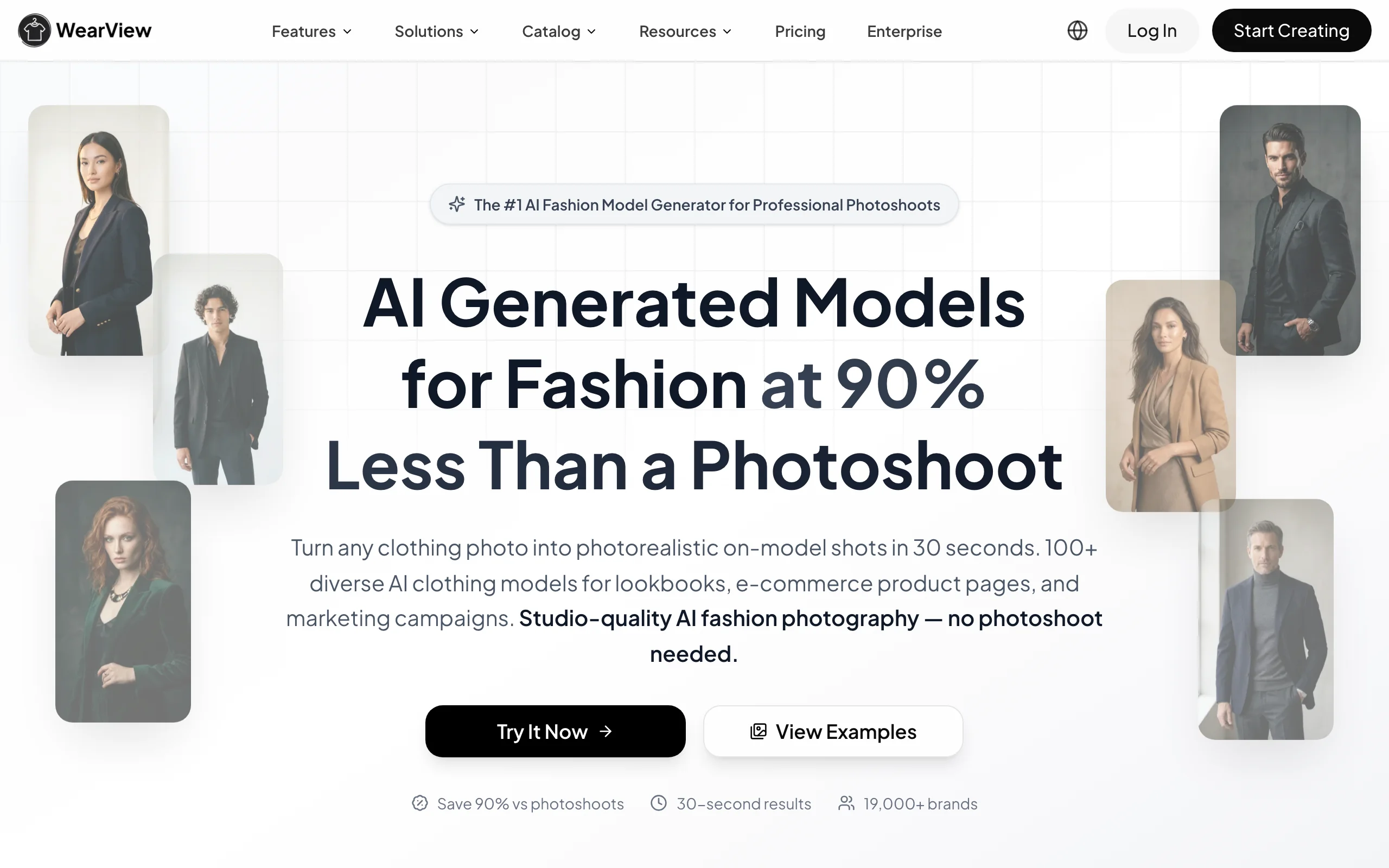
Fashion Business Automation with WearView
Key features
- Product-to-model conversion from flat-lays in under 15 seconds
- Virtual try-on to preview garments on AI models
- Consistent model identity reused across products and collections
- Ghost mannequin generation and pose control from reference images
- AI fashion video output at 720p and 1080p
- HD, 2K, and 4K exports with commercial usage rights
Best for
- Brands and boutiques refreshing catalogs faster than studio shoots allow
- Solo founders and small teams with no in-house photographer
- Marketing agencies producing visuals for multiple fashion clients
Pricing
- Lite: $29/month for 50 credits
- Pro: $49/month for 200 credits, up to 5 team seats
- Advanced: $99/month for 500 credits, up to 15 team seats
- Annual billing saves up to $198/year; credit packs available for top-ups; no free plan
Pros
- Removes recurring photoshoots from the launch workflow, so imagery no longer gates listings and campaigns
- Output feeds straight into the rest of the stack: store, marketplace listings, email, and social
- Consistent model identity keeps a catalog looking cohesive across launches and channels
Cons
- Automates visual content only, not orders, inventory, or support, so it sits alongside the other tools here rather than replacing them
- Credit-based plans mean very high-volume catalogs should map out usage before scaling
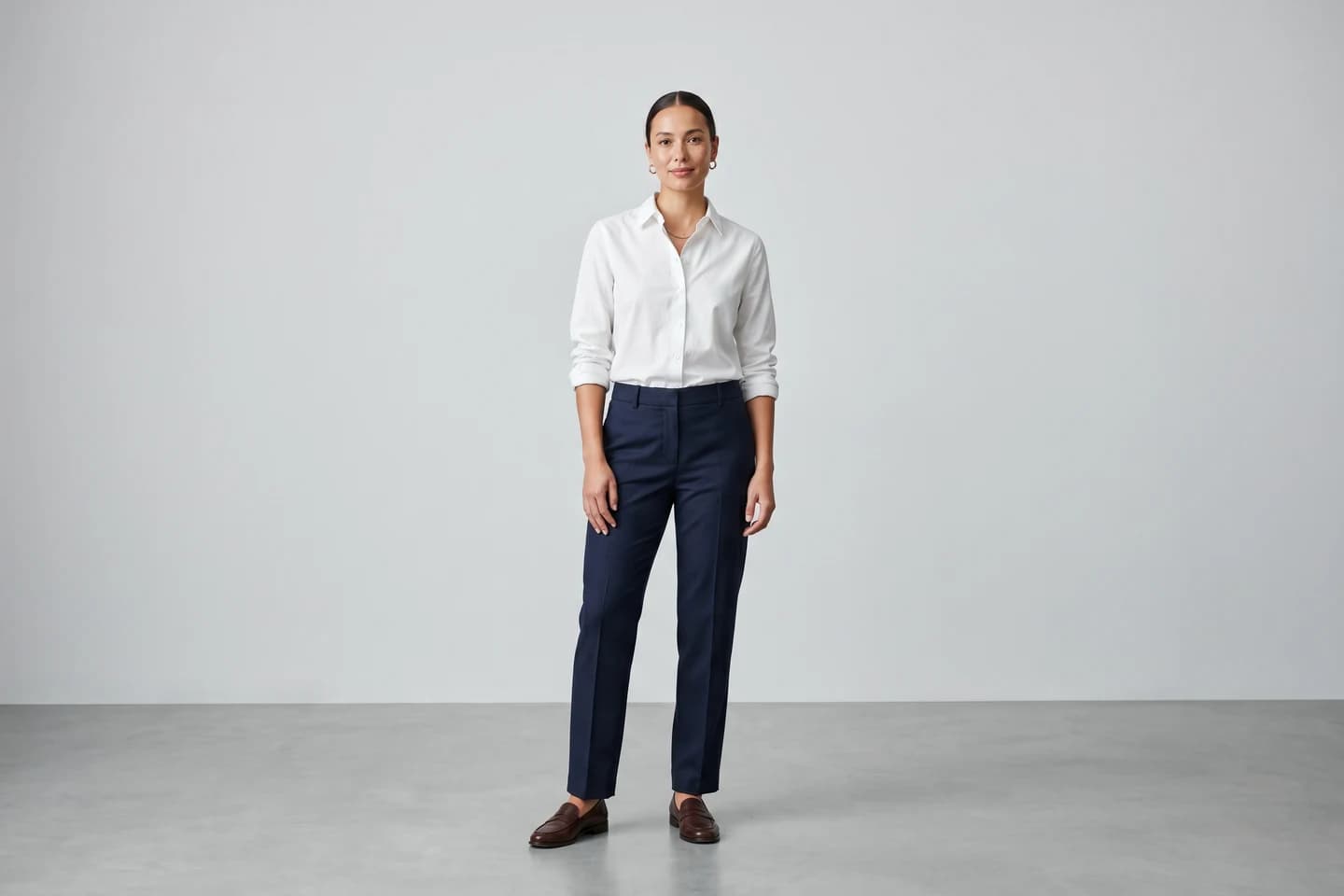
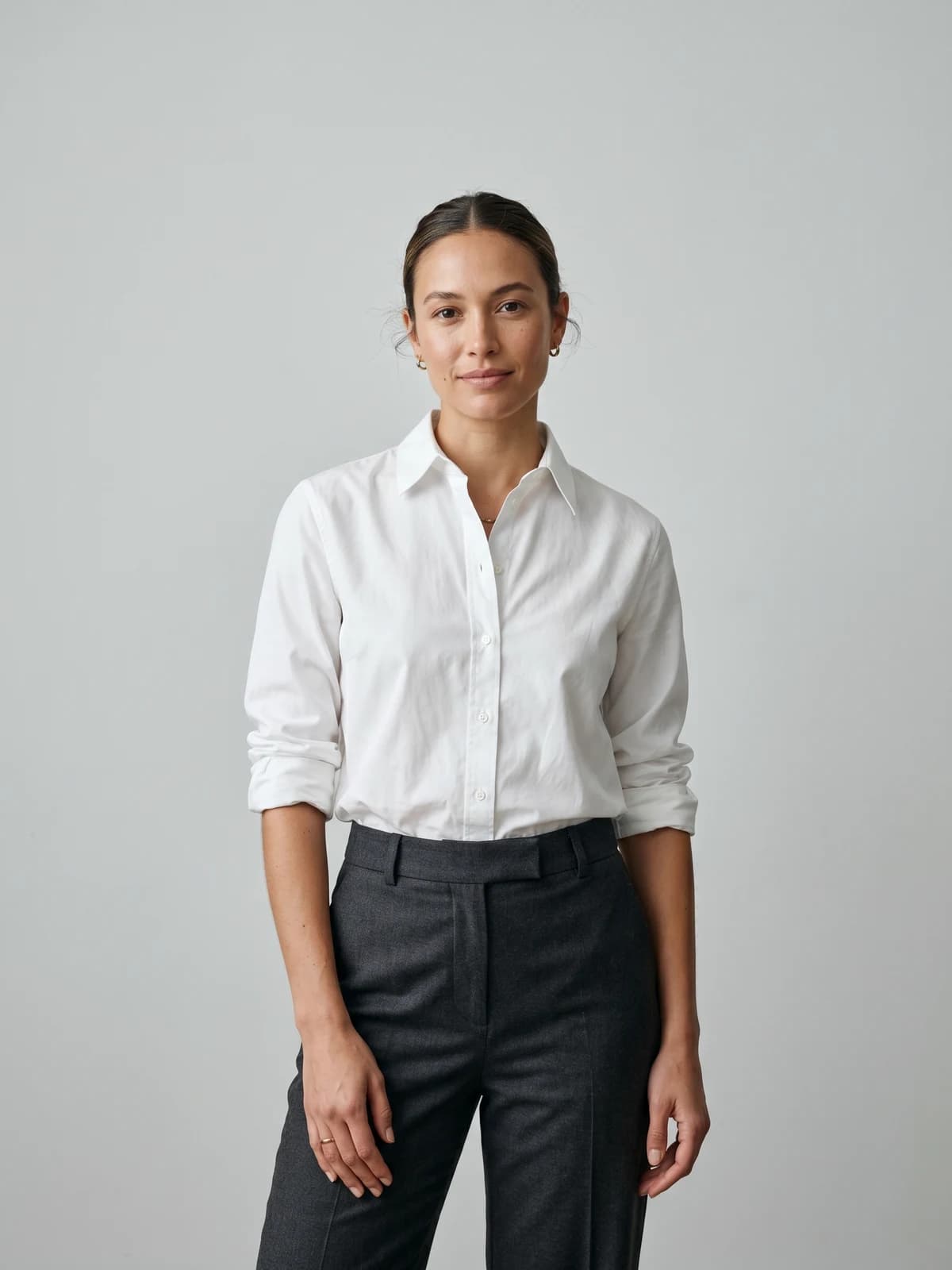
Turn flat-lays into on-model photos
Drop in a flat-lay or product shot and get professional on-model photography ready for your store.
2. Shopify, best storefront and order backbone
Shopify is the operational hub most online fashion brands build on. It is not an automation tool in the narrow sense, but it is where automation happens: products, checkout, payments, orders, and inventory live here, and its app ecosystem and built-in Flow automation let you trigger actions like tagging high-value customers or flagging low stock without code.
For a fashion business, Shopify matters because almost every other tool on this list integrates with it. Your email platform reads order events from it, your support help desk pulls order data from it, and your listing tool syncs inventory back to it. Treat Shopify as the system of record and connect the specialist tools around it.
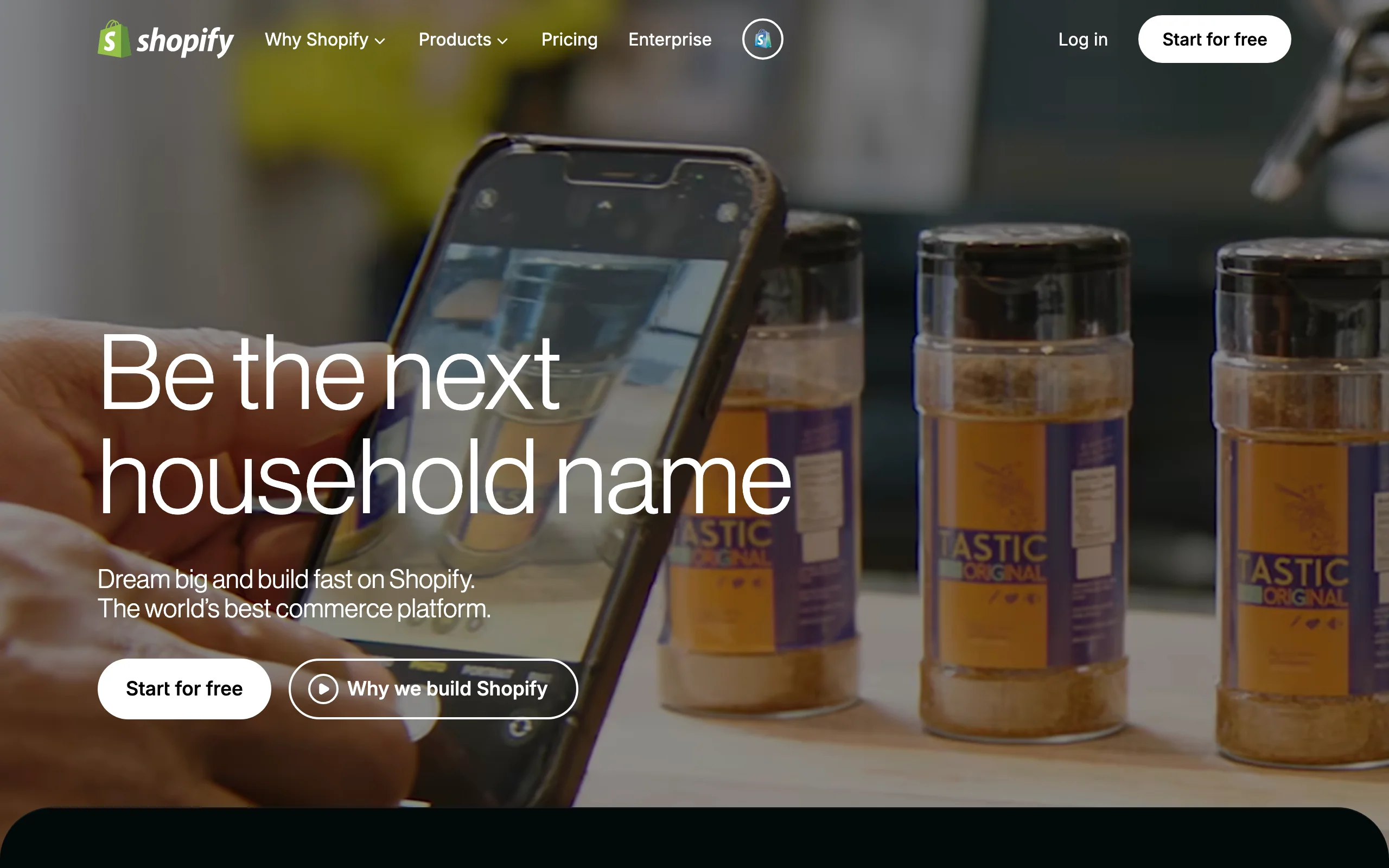
Fashion Business Automation with Shopify
Key features
- Hosted storefront, checkout, and payment processing
- Centralized product, order, and inventory management
- Shopify Flow for no-code workflow automation on paid plans
- Large app ecosystem covering nearly every adjacent workflow
- Built-in discount, gift card, and abandoned-checkout tools
Best for
- Brands that want one operational hub other tools plug into
- Stores selling primarily through their own site plus a few channels
- Teams that prefer apps over custom development
Pricing
- Basic: $39/month, or $29/month billed annually
- Higher Shopify and Advanced tiers add lower transaction fees and reporting
- 3-day free trial, then a discounted first month is typically offered
Pros
- The integration target almost every fashion tool supports first
- Flow automation handles operational rules without code
- Scales from first sale to high-volume brand on the same platform
Cons
- Transaction fees apply unless you use Shopify Payments
- Deep automation often requires paid apps, which add to monthly cost
3. Sellbrite, best for multichannel listings and inventory sync
Sellbrite automates the listing and inventory headache that hits the moment you sell on more than one channel. It lets you create and publish product listings to Amazon, eBay, Etsy, and your Shopify store from a single catalog, then keeps inventory counts synced across all of them so a sale on Etsy decrements stock on Amazon. For fashion sellers juggling marketplaces, that sync is what prevents overselling a one-of-a-kind or last-size item.
It is the right fit when marketplaces are a real part of your revenue, not an afterthought. Instead of logging into four dashboards to update a price or pull a sold-out variant, you manage it once in Sellbrite and let it propagate.

Fashion Business Automation with Sellbrite
Key features
- Bulk listing creation across Amazon, eBay, Etsy, and Shopify
- Automatic inventory sync to prevent overselling
- Centralized order management from all channels in one view
- Inventory updates on a regular sync schedule on paid plans
- Templates to speed up repeated listing work
Best for
- Fashion sellers active on marketplaces alongside their own store
- Resellers and vintage shops managing single-quantity SKUs
- Small teams that cannot watch four channel dashboards at once
Pricing
- Forever Free: up to 30 orders per month
- Pro 100: $29/month (or $24 annual) for up to 100 orders
- Pro 500 and Pro 2K scale to higher order volumes
- 14-day trial of paid features with no card required
Pros
- One catalog drives listings on every connected channel
- Free tier lets very small sellers start without cost
- Order-based pricing aligns cost with how much you actually sell
Cons
- Channel coverage is marketplace-focused; not every niche platform is supported
- Listing automation still needs clean, well-structured product data to work well
4. Klaviyo, best for email and SMS marketing automation
Klaviyo automates the marketing that drives repeat fashion purchases. It connects to your store, watches customer behavior, and triggers flows: abandoned-cart reminders, browse-abandonment nudges, post-purchase sequences, back-in-stock alerts, and win-back campaigns. Because it segments on real shopping data, you can send a new-arrivals email only to people who bought a similar category, which matters when fashion buying is so taste-driven.
It fits brands ready to treat email and SMS as a revenue channel rather than an occasional newsletter. The flows run on their own once built, so a small team gets enterprise-style lifecycle marketing without manual sends.
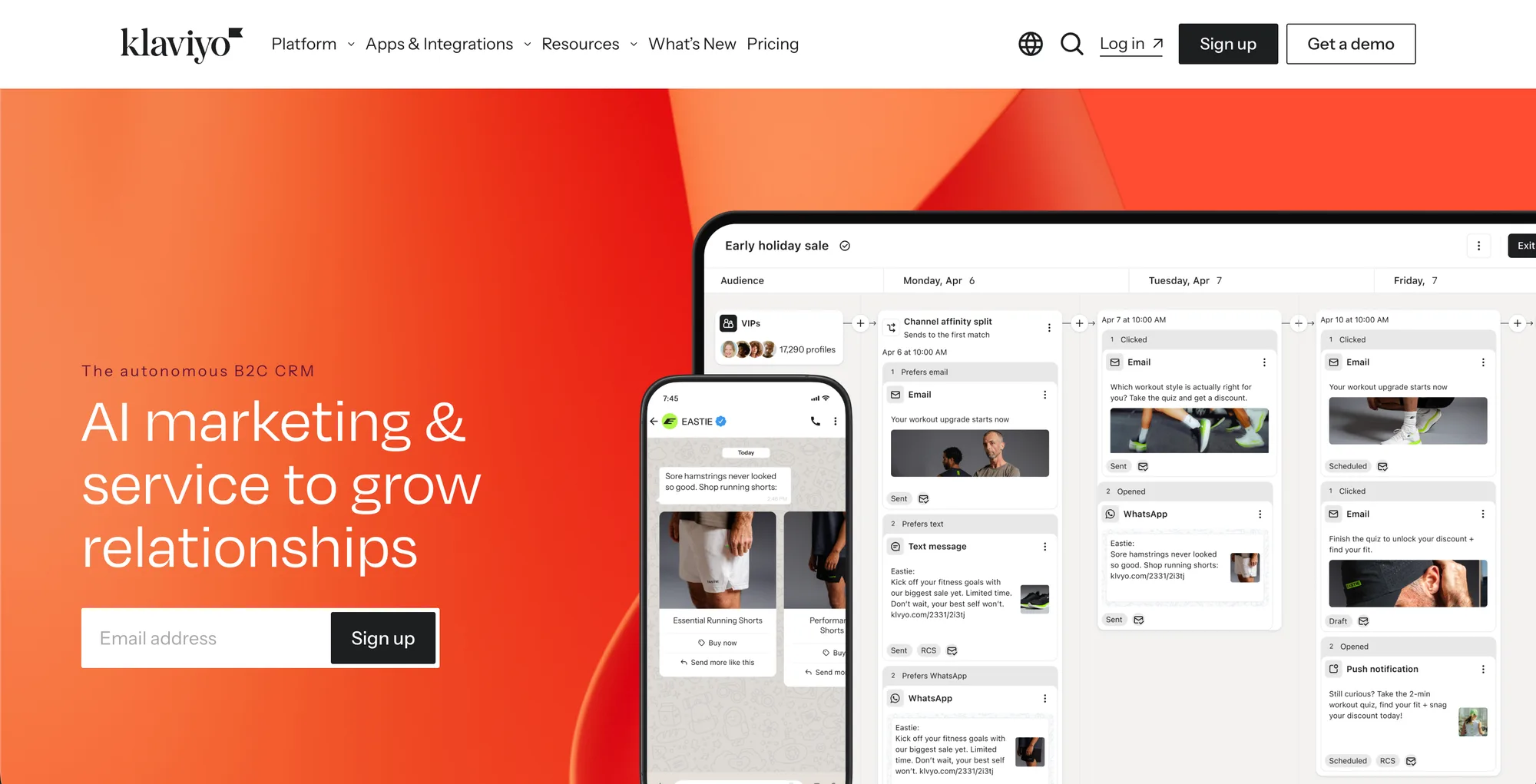
Fashion Business Automation with Klaviyo
Key features
- Behavior-triggered email and SMS flows
- Segmentation on purchase history, browse, and engagement data
- Prebuilt ecommerce flows like abandoned cart and post-purchase
- A/B testing and revenue attribution per flow and campaign
- Deep Shopify integration with real-time event syncing
Best for
- Fashion brands building repeat-purchase and loyalty revenue
- Stores with enough traffic to fuel segmented flows
- Teams that want email and SMS managed in one platform
Pricing
- Free plan: up to 250 active profiles and 500 monthly email sends
- Email plan starts around $20/month at 500 contacts and scales with list size
- SMS billed separately through a monthly credit system
Pros
- Purpose-built ecommerce flows, not a generic email tool
- Pricing starts free, so you can grow into it
- Strong revenue reporting tied to each automation
Cons
- Profile-based pricing climbs quickly as your list grows
- The depth of features has a learning curve for first-time users
5. Later, best for social content scheduling
Later automates the publishing side of fashion social media. You upload your visuals, drag them onto a calendar, and Later auto-publishes to Instagram, TikTok, Pinterest, Facebook, and LinkedIn at scheduled times. Its visual-first planner suits fashion because the grid preview lets you art-direct how a feed will look before anything goes live, and its Link in Bio page routes social traffic to product pages.
It is best for brands that post consistently and want to batch a week or month of content in one sitting instead of posting live every day. Pair it with the on-model images and clips you generate in your visual tool, and your content pipeline runs from creation to publish with minimal touch.
Fashion Business Automation with Later
Key features
- Visual content calendar with grid preview for Instagram
- Auto-publishing to Instagram, TikTok, Pinterest, Facebook, and LinkedIn
- Link in Bio page to drive traffic to products
- Bulk scheduling to batch content ahead of time
- AI caption and content assists with monthly credits on paid plans
Best for
- Visually driven fashion brands planning feeds in advance
- Creators and boutiques batching a week of content at once
- Teams that want to schedule across several networks from one place
Pricing
- Starter: $25/month, or $18.75/month billed annually
- Growth: $50/month, or $37.50/month annually
- Scale: $110/month, or $82.50/month annually
- 14-day trial; no permanently free plan
Pros
- Visual planning fits how fashion brands think about their feed
- One calendar covers the major social networks
- Annual billing meaningfully lowers the monthly cost
Cons
- Built around Instagram first; TikTok features are less mature
- Higher-tier features like full analytics sit on the Growth plan and up
6. Gorgias, best for customer support automation
Gorgias is a help desk built for ecommerce that automates the repetitive half of customer support. It unifies email, live chat, and social messages into one inbox, pulls each customer's order data alongside the ticket, and uses rules and AI to auto-answer common questions like "where is my order" or "what is your return policy." For fashion, where sizing, returns, and exchange questions dominate the queue, that automation clears the easy tickets so your team handles only the ones that need a human.
It fits brands whose support volume has outgrown a shared Gmail inbox. Because it reads order context directly, agents resolve issues without switching tabs, and macros turn repeat answers into one click.
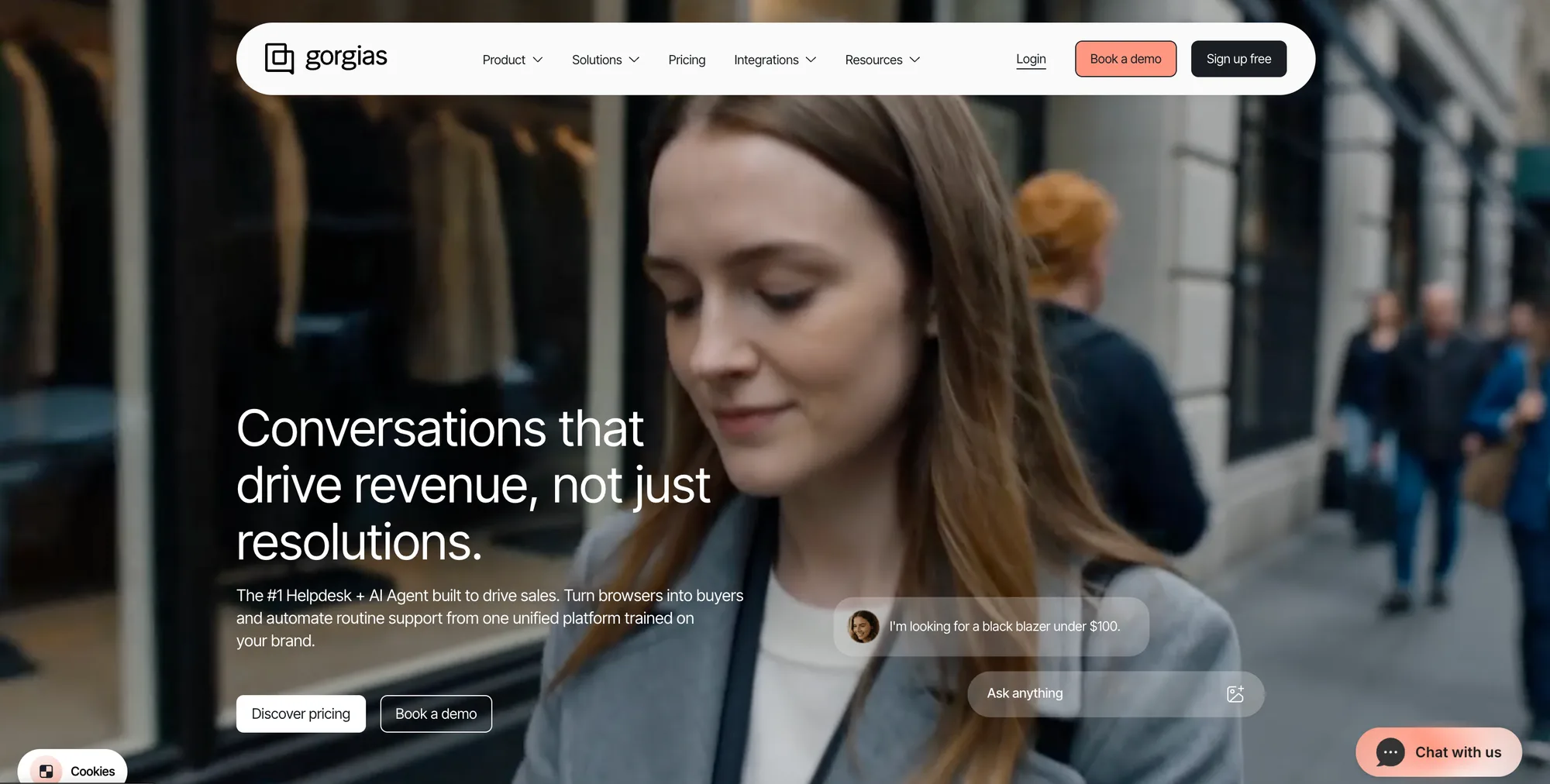
Fashion Business Automation with Gorgias
Key features
- Unified inbox for email, chat, and social messages
- Order and customer data shown next to every ticket
- Rules and macros to auto-tag, route, and reply
- AI Agent to fully resolve common repetitive questions
- Unlimited agent seats on paid plans
Best for
- Fashion brands with steady ticket volume around sizing and returns
- Shopify stores that want order context inside support
- Teams scaling support without adding headcount per ticket
Pricing
- Plans start at $10/month (Starter) and scale by monthly ticket volume
- Higher tiers add automation, integrations, and analytics
- AI Agent resolutions are billed per interaction on top of the plan
Pros
- Order context inside each ticket speeds resolution
- Automation removes the most repetitive fashion support questions
- Unlimited seats avoid per-agent cost growth
Cons
- Ticket-based pricing can spike in busy sale periods
- AI Agent and overage fees add cost beyond the base plan
7. Zapier, best connective glue
Zapier is the automation layer that ties the rest of your stack together. It connects thousands of apps and lets you build no-code workflows where a trigger in one app fires an action in another: a new Shopify order adds the customer to a Klaviyo segment, a new product creates a Later draft post, or a tagged support ticket logs a row in a spreadsheet. For a fashion business running six specialized tools, Zapier removes the manual copy-paste that otherwise glues them.
It is best once you have more than two or three tools that need to talk to each other and you do not have a developer to build integrations. Start with one or two high-value automations rather than trying to wire everything at once.
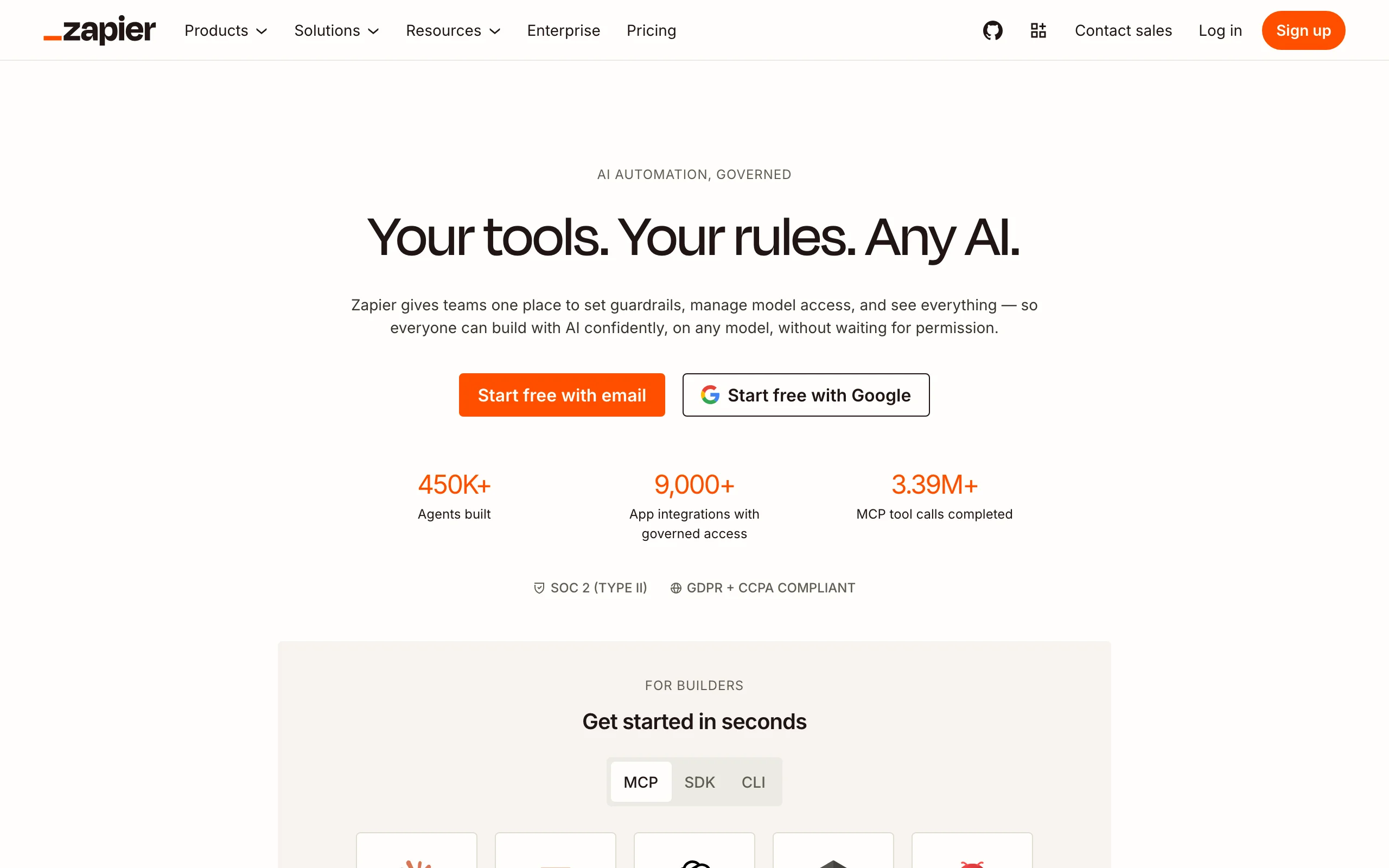
Fashion Business Automation with Zapier
Key features
- No-code workflows (Zaps) connecting thousands of apps
- Multi-step automations with filters and formatting
- Triggers from Shopify, Klaviyo, Gorgias, and most tools here
- Scheduled and event-based runs
- Templates for common ecommerce automations
Best for
- Brands running several tools that need to share data
- Non-technical teams without developer resources
- Anyone automating repetitive cross-app handoffs
Pricing
- Free: 100 tasks per month, two-step Zaps only
- Professional: from $19.99/month billed annually for 750 tasks
- Team and Enterprise tiers add seats and higher task volumes
Pros
- Connects nearly any combination of tools without code
- Free tier is enough to test a first automation
- Scales from one Zap to a fully wired stack
Cons
- Task-based pricing can add up as workflows multiply
- Complex multi-step logic takes time to design and maintain
How to choose the best fashion business automation tools
You do not need every tool at once. Add automation where the manual work hurts most, then expand. Here is how to sequence it.
1) Start with your single biggest time sink
Audit where your week actually goes. If you are constantly reshooting or waiting on photoshoots, automate visual content first with WearView, since imagery gates every launch and ad. If you are buried in customer messages, start with Gorgias. If marketing is an afterthought you never get to, Klaviyo's flows pay back fastest. Fix the loudest bottleneck before adding anything else.
2) Decide your channel footprint
If you sell only on your own site, Shopify plus a marketing tool may be enough, and you can skip multichannel listing software. If marketplaces drive real revenue, Sellbrite earns its place by preventing oversells across Amazon, eBay, and Etsy. Match the tool to where you actually sell, not where you might someday.
3) Match pricing models to your stage
Watch the value metric behind each tool: Klaviyo charges by profiles, Sellbrite and Gorgias by volume, WearView by credits, Zapier by tasks. Early on, lean on free tiers (Klaviyo, Sellbrite, Zapier) and low entry plans. Before scaling, project the cost at your expected volume so a tool that is cheap today does not become your largest line item at 10x the orders.
4) Add the glue last
Only wire tools together once each one is working on its own. Once you have two or three core tools settled, use Zapier to remove the manual handoffs between them. Connecting tools before they earn their keep just automates a process you have not validated. For a broader view of the software landscape, see our guide to the best AI tools for ecommerce.
FAQ
What is fashion business automation? Fashion business automation is using software to handle the repeatable workflows of running an online clothing brand: producing product imagery, listing items across channels, syncing inventory, sending marketing, scheduling social posts, and answering support tickets. The goal is to let a small team operate like a larger one by removing manual, repetitive work.
Which fashion business tasks are easiest to automate first? Visual content, marketing flows, and customer support typically give the fastest payback. On-model imagery with a tool like WearView removes photoshoot delays, behavior-triggered email flows in Klaviyo run on their own once built, and a help desk like Gorgias clears repetitive sizing and return questions. Start with whichever currently consumes the most of your week.
Can one tool automate my entire fashion business? No single tool does visual content, multichannel listings, inventory, marketing, social, and support equally well. The reliable approach is one specialist tool per workflow, with Shopify as the operational hub and Zapier connecting them. All-in-one platforms tend to be average at everything rather than strong where it counts.
Is there a free fashion business automation tool? Several tools here offer free tiers: Klaviyo (up to 250 profiles), Sellbrite (up to 30 orders), and Zapier (100 tasks per month). They are enough to start. WearView does not have a free plan; its lowest tier is Lite at $29/month for 50 credits. Free tiers usually cap volume, so most growing brands move to paid plans.
How do I automate fashion product photos? Use an AI fashion photography tool that converts flat-lays or garment shots into on-model images. With WearView you upload a flat-lay, pick an AI model, describe the setting, and get on-model photos in under 15 seconds, plus virtual try-on and AI fashion video. This replaces repeat studio shoots for catalog and campaign visuals. For a wider comparison, see our top AI fashion photography tools guide.
Which automation tools work with Shopify? Every tool in this list integrates with Shopify. Klaviyo reads order and browse events, Gorgias pulls order data into support tickets, Sellbrite syncs inventory back to your store, and Zapier connects Shopify to almost anything else. Shopify acts as the system of record that the specialist tools plug into.
Do I need Zapier if my tools already integrate with Shopify? Not always. Many tools have direct Shopify integrations that cover the common cases. Zapier earns its place when you need a connection that does not exist natively, or want to chain several apps together, for example creating a social draft when a new product is published. Add it once you have a specific handoff to automate.
How much should a small fashion brand budget for automation? A lean starting stack on entry tiers, for example WearView Lite at $29/month, Shopify Basic at $29/month annual, plus free tiers of Klaviyo, Sellbrite, and Zapier, can run roughly $60 to $120/month before adding social scheduling and support tools. Costs rise with volume, so review your value metrics quarterly. You can build AI fashion model imagery into that budget from day one.

WearView Team
WearView Content & Research Team
WearView Team is a group of fashion technology specialists focused on AI fashion models, virtual try-on, and AI product photography for e-commerce brands. We publish in-depth guides, case studies, and practical insights to help fashion businesses improve conversion rates and scale faster using AI.


