
June 1, 2026•17 min read
7 Best AI Image-to-Video Tools for Fashion in 2026
Turning a product photo into a moving on-model clip is now a few credits, not a film crew. We compare 7 AI image-to-video tools for fashion brands in 2026: pricing, clip limits, garment fidelity, and which one fits a catalog workflow.
Picture of "AI image-to-video: 7 best tools for fashion in 2026" article
AI image-to-video turns a single still, like a product shot, a model photo, or a flat-lay, into a short moving clip. For fashion brands, that means a static PDP image can become a catwalk loop, a fabric-in-motion close-up, or a scrollable social ad without booking a videographer.
The catch: most general video models were not built for apparel. They animate scenes well but can warp prints, soften logos, or break garment fit the moment motion starts. The right tool depends on whether you need catalog-accurate product video or cinematic brand content. If your priority is garments that stay true to the photo, start with a purpose-built AI clothing video generator.
This guide compares the 7 best AI image-to-video tools for fashion in 2026. We cover pricing, free tiers, clip length and resolution limits, the features that matter for product video, and a decision framework so you can match a tool to your actual workflow.
Best AI image-to-video tools for fashion: a brief overview
- WearView: Best overall for fashion product video: animates flat-lays, ghost mannequins, and model shots while keeping the same model and garment consistent across clips.
- DeeVid AI: Best for fast fashion social clips and ad creative: turns product and model stills into scroll-ready Reels, TikTok, and ad videos in a low-friction workflow.
- Runway: Best for cinematic creative control: keyframes, camera moves, and character animation for brand and campaign content.
- Google Veo 3.1: Best for photoreal output with native audio: synchronized sound and strong prompt adherence for finished social spots.
- Kling AI: Best for motion realism on a budget: strong physics and start-and-end frame control at the lowest paid entry price.
- Luma Dream Machine: Best for smooth camera motion: natural dolly and orbit moves with 4K up-res on higher tiers.
- Pika: Best for social-first effects and transitions: keyframe morphs, object swaps, and creative effects with mobile apps.
| Tool name | Key strength | Pricing | Platforms |
|---|---|---|---|
| WearView | Fashion-specific model and garment consistency across clips | From $29/month | Web |
| DeeVid AI | Fast image-to-video for fashion socials and ad creative | Free start; paid from $14/month | Web, iOS, Android |
| Runway | Cinematic keyframe and camera control for brand content | From $15/month | Web, API |
| Google Veo 3.1 | Photoreal video with native synchronized audio | From ~$8/month (consumer); API $0.40/sec | Web, API, Gemini app |
| Kling AI | Strong motion physics at a low entry price | From $6.99/month | Web, API |
| Luma Dream Machine | Smooth, natural camera motion with 4K up-res | From $30/month | Web, iOS, API |
| Pika | Effects, transitions, and object swaps for social | From $8/month | Web, iOS, Android |
1. WearView, best overall for fashion product video
WearView is a complete AI fashion platform with a dedicated AI fashion video generator built for apparel rather than general scenes. You upload a product photo, model shot, or AI-generated image, including flat-lay, hanger, or ghost mannequin shots, choose a template like catwalk or 360° spin (or describe the motion in a prompt), and the tool returns a short clip in one to two minutes. Because it is purpose-built for fashion, it keeps the garment's print, fabric, and fit readable while showing how the clothing drapes and moves.
The platform's real advantage is consistency. WearView maintains the same model persona and the same garment across multiple clips, so a collection looks like one shoot rather than seven unrelated AI renders. The same workspace also covers product to model conversion, virtual try-on, AI model creation, pose control, and ghost mannequin generation, so the still images you feed into video can be produced in the same tool.
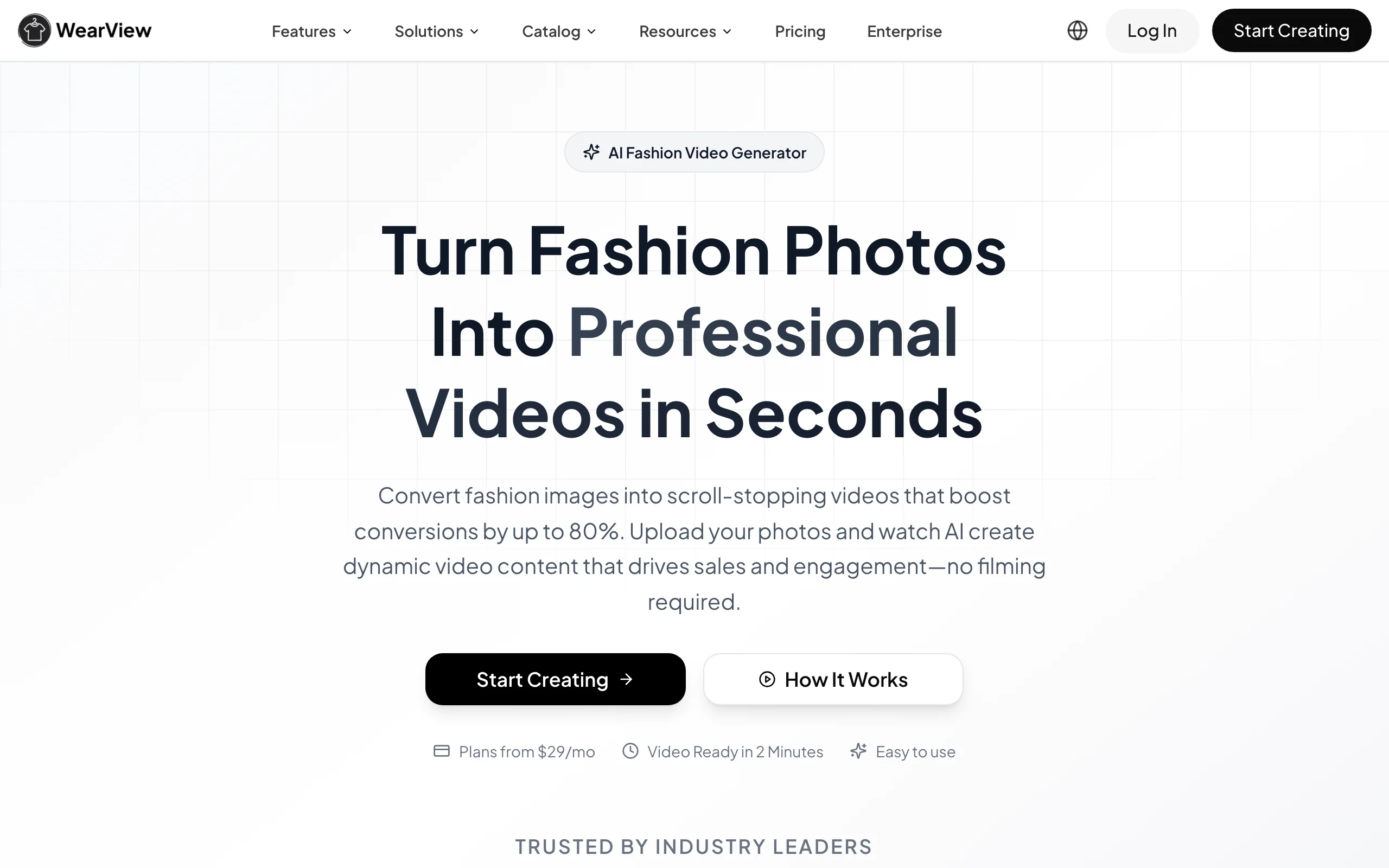
AI Image To Video with WearView
Key features
- Image-to-video from product, model, ghost mannequin, or flat-lay photos
- Consistent model identity and garment fidelity across multiple clips
- Pre-built motion templates (catwalk, 360° spin) plus text-prompt custom motion
- Fabric-movement rendering tuned for apparel drape and flow
- 720p and 1080p output with commercial usage rights
Best for
- Fashion brands and boutiques producing repeatable catalog and PDP video
- Ecommerce sellers who need the same model across an entire collection
- Teams that already generate stills in WearView and want video without exporting
Pricing
- Lite: $29/month (50 credits)
- Pro: $49/month (200 credits, up to 4 team seats)
- Advanced: $99/month (500 credits, up to 15 team seats)
- Annual billing includes two months free; Enterprise is custom
Pros
- Built for fashion, so garments and models stay consistent across a set
- One platform covers still generation and video, removing export round-trips
- Predictable per-clip output aimed at catalog work, not one-off demos
Cons
- Purpose-built for fashion, so it is not a general scene-animation tool
- No free tier to test before committing
- Web only, with no standalone mobile app
2. DeeVid AI, best for fast fashion social clips and ad creative
DeeVid AI is an all-in-one AI video and image creation platform with a simple image to video ai workflow for creators, ecommerce sellers, and marketing teams. You upload a product photo, model shot, campaign still, or AI-generated image, add a motion prompt, and generate a short video that can be used for Reels, TikTok, Shorts, ads, or product storytelling.
For fashion, DeeVid works best when speed and creative iteration matter. It is not a dedicated apparel simulation tool like WearView, so detailed prints, logos, and garment fit still need a QA pass. But for turning lookbook images, product shots, flat-lays, and model photos into scroll-ready clips, it offers a low-friction workflow with image-to-video, text-to-video, templates, effects, and broader AI creation tools in the same workspace.

AI Image To Video with DeeVid AI
Key features
- Image-to-video and text-to-video generation from product, model, or campaign images
- Fast prompt-based motion for social clips, product teasers, and ad hooks
- 100+ AI video templates and effects for faster creative testing
- 720p output on Lite and 1080p output on Pro and Premium plans
- Web, iOS, and Android access with commercial usage on paid plans
Best for
- Fashion marketers creating short-form social ads from still images
- Ecommerce teams testing product videos before committing to a larger shoot
- Creators who want image-to-video plus AI image, avatar, music, and ad tools in one place
Pricing
- Free start: new users receive free credits to test generation
- Lite: $14/month or $120/year, includes 200 credits and 720p output
- Pro: $35/month or $300/year, includes 600 credits and 1080p output
- Premium: $159/month or $1,428/year, includes 3,000 credits and 1080p output
Pros
- Easy upload-to-video workflow for beginners and small teams
- Strong fit for social-first fashion content, ads, and quick product teasers
- Broader creative suite covers video, image, avatar, music, and ad generation
- Paid plans remove watermarks and allow commercial use
Cons
- Not built specifically for garment fidelity or fashion catalog consistency
- Detailed prints, logos, and fabric textures may still need manual review
- Best results require clean source images and simple motion prompts
3. Runway, best for cinematic creative control
Runway is one of the most established general AI video tools, now on the Gen-4.5 and Gen-4 model family. Its image-to-video mode pairs well with directors and brand teams who want fine control: keyframes, camera moves, and Act-Two character performance let you choreograph a shot rather than accept whatever the model produces. For fashion, that makes it strong for editorial and campaign films where mood matters more than catalog accuracy.
It is a creative suite, not a fashion tool. There is no garment-consistency model, so prints and logos can warp under heavy motion, and you will do QA on apparel-specific shots. But for storytelling content, lookbook teasers, and ad creative, the control surface is among the best available.
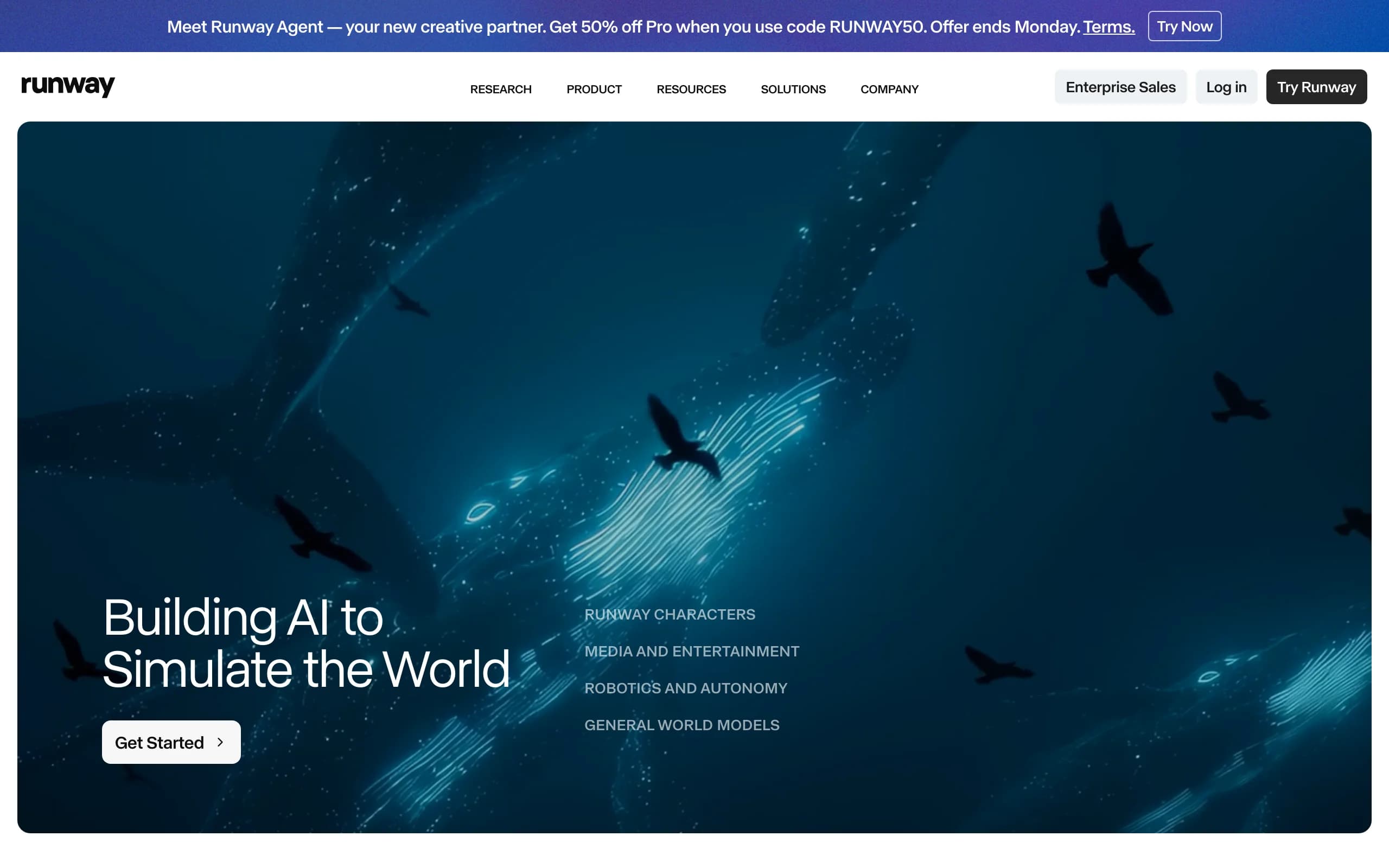
AI Image To Video with Runway
Key features
- Gen-4.5 / Gen-4 / Gen-4 Turbo image-to-video
- Keyframes and camera-motion controls for directed shots
- Act-Two character performance and animation
- Lip sync with custom voices on Pro and above
- 4K export on Pro tiers; full API available
Best for
- Brand and campaign teams making cinematic, narrative fashion content
- Creative directors who want shot-level control over motion and camera
- Studios already running a Runway production pipeline
Pricing
- Free: 125 one-time credits (about 25 seconds), watermarked
- Standard: $15/month ($12/user/month annual)
- Pro: $35/month, adds 4K export and custom lip-sync voices
- Unlimited: $95/month; Enterprise is custom
Pros
- Deep creative control via keyframes and camera direction
- Access to multiple third-party models (Veo, Kling) in one interface
- Mature API for production pipelines
Cons
- No fashion-specific garment or model consistency
- Credit burn is steep at high quality (625 credits is roughly 52 seconds)
- Free credits are one-time, not refreshing, and watermarked
4. Google Veo 3.1, best for photoreal output with native audio
Google's Veo 3.1 is the realism leader among general models, and its standout feature for fashion social content is native synchronized audio: clips come out with sound, not silent. It supports image-to-video, first-and-last-frame interpolation, scene extension, and up to three reference images for subject consistency. For a brand that wants a finished, postable spot from a product image, that end-to-end output is compelling.
Clips are short (8 seconds maximum), so longer pieces require chaining extensions, which can let garment detail drift between segments. There is no apparel-specific fitting, but prompt adherence and photorealism are excellent for lifestyle and ad-style fashion video.
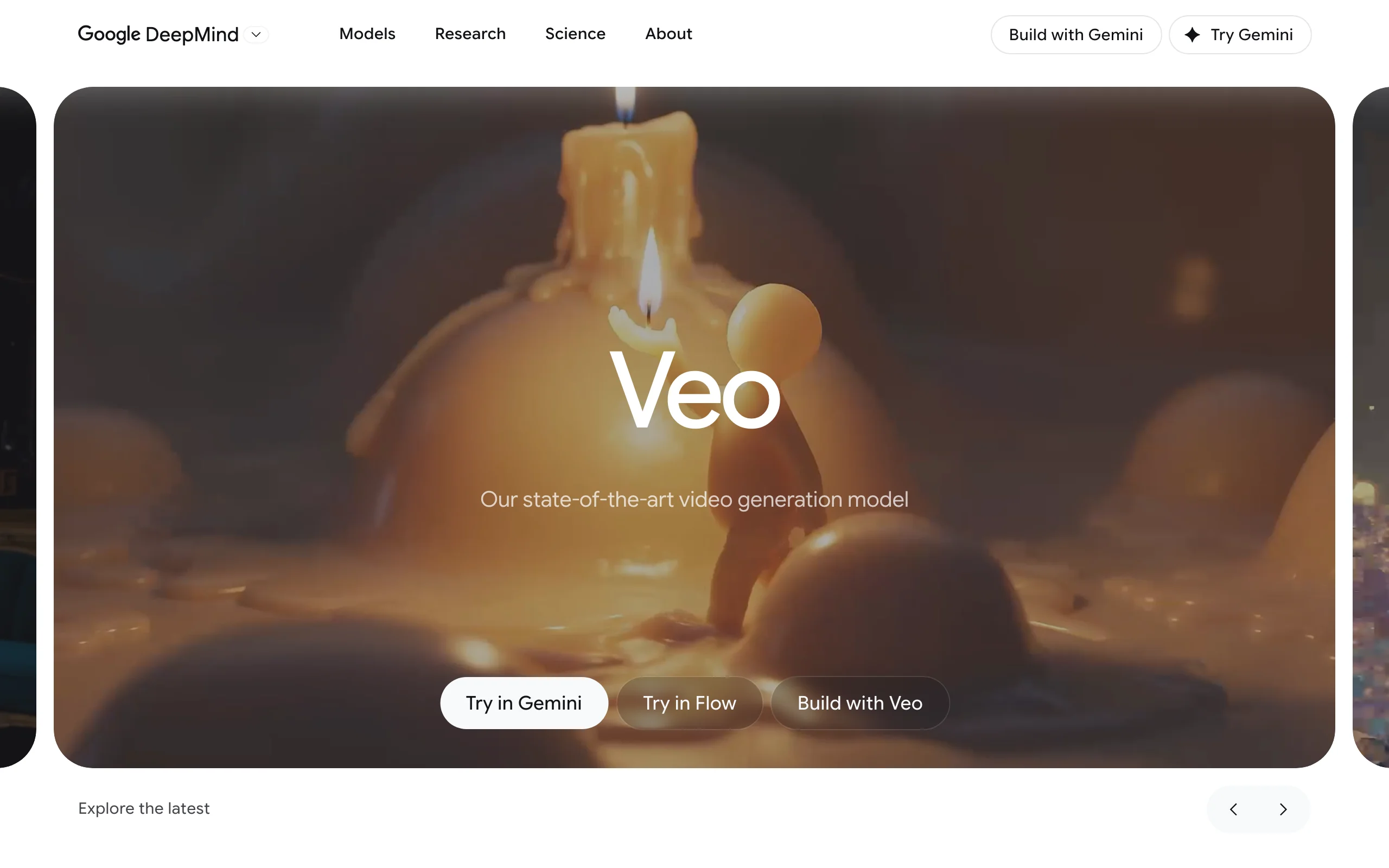
AI Image To Video with Google Veo
Key features
- Veo 3.1 image-to-video with native synchronized audio
- First-and-last-frame interpolation and scene extension
- Up to 3 reference images for subject consistency
- 720p, 1080p, and 4K (at 8s); strong prompt adherence
- Available via Gemini app, Google AI Studio, Vertex AI, and API
Best for
- Brands wanting finished social spots with sound, not silent clips
- Teams comfortable in Google's ecosystem (Gemini, Flow, Vertex)
- Developers building video into an app via the Gemini API
Pricing
- Consumer: free tier; Google AI Plus ~$8/month; Pro $19.99/month; Ultra $249.99/month
- API: Veo 3.1 Standard $0.40/sec (720p/1080p), $0.60/sec (4K); Fast from $0.10/sec
- US consumer dollar prices vary by region; see sources
Pros
- Native synchronized audio, rare among image-to-video tools
- Top-tier photorealism and prompt adherence
- Flexible access from consumer app to production API
Cons
- 8-second native clips; long-form needs chained extensions
- No garment-specific fidelity; reference images help people, not exact products
- Highest consumer quality is gated behind the $249.99/month tier
5. Kling AI, best for motion realism on a budget
Kling AI (Kling 2.5 Turbo and 2.6) is known for physically convincing motion: bodies, fabric, and camera language behave believably, which is why it shows up often in fashion experiments. Its image-to-video supports start-and-end frame control, so you can define where a shot begins and ends. It has the lowest paid entry point in this list, which makes it a popular value pick.
The credit math is the catch. A single 1080p clip costs a large slice of a monthly allowance, so real throughput is lower than the headline price suggests, and the free tier is watermarked, 720p, and explicitly non-commercial. There is no fashion-consistency layer, so garment detail still needs QA.
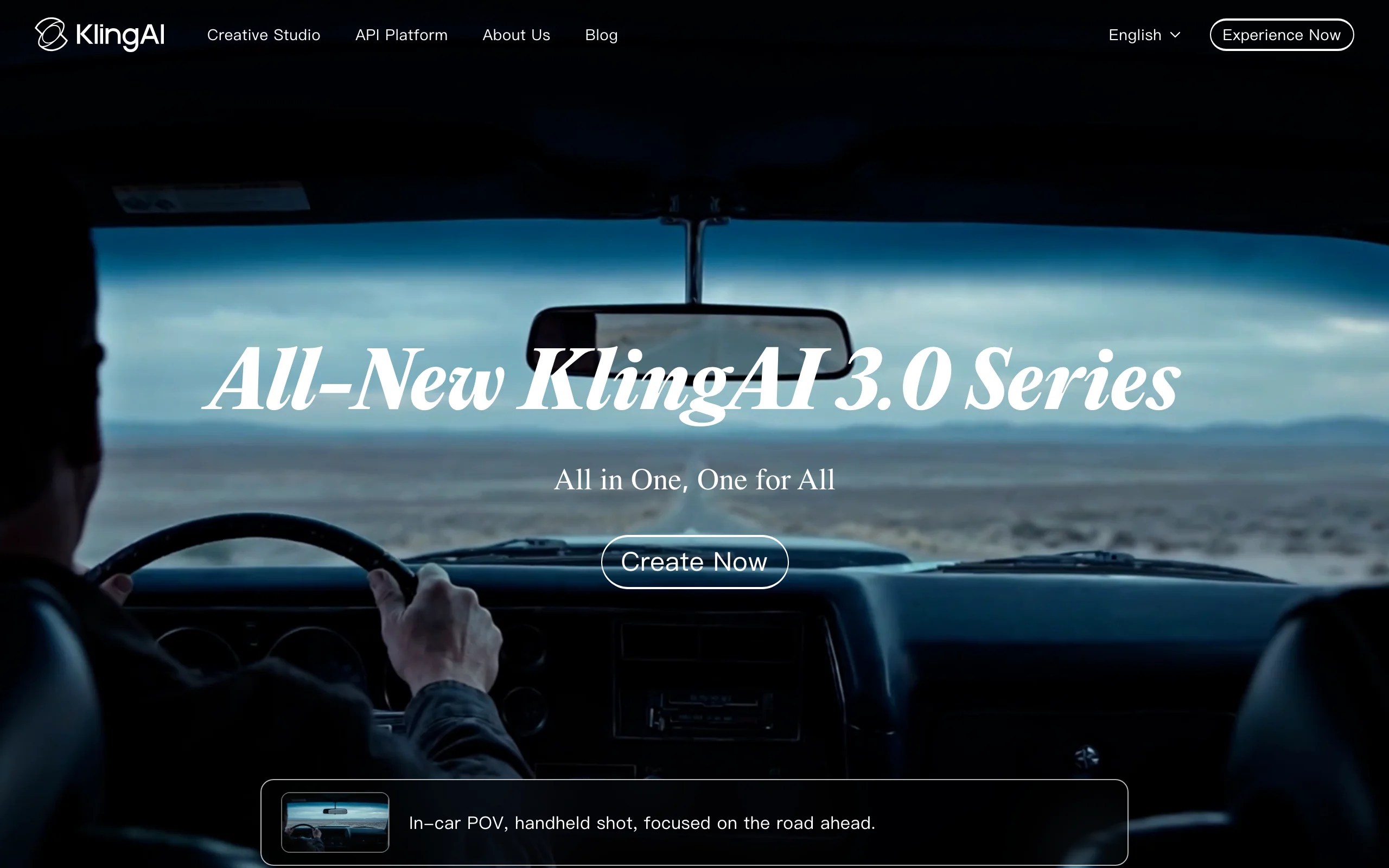
AI Image To Video with Kling AI
Key features
- Kling 2.5 Turbo / 2.6 image-to-video
- Start-and-end frame control for directed shots
- Strong physics and camera-language responsiveness
- Native audio and lip sync on Kling 2.6 Pro
- Up to 1080p, 5s or 10s clips, extendable; API available
Best for
- Teams testing motion realism at the lowest possible entry price
- Creators producing short, high-motion fashion clips
- Experimenters who want start-and-end frame control on a budget
Pricing
- Free: about 66 credits/day, 720p, watermarked, non-commercial
- Standard: $6.99/month; Pro: $25.99/month; Premier: $64.99/month
- Higher Ultra tier around $128/month and up
Pros
- Lowest paid entry price among general video tools here
- Convincing physics and motion realism
- Start-and-end frame control for repeatable shots
Cons
- High credit burn per 1080p clip limits real throughput
- Free tier is non-commercial and watermarked
- No fashion-specific garment consistency; queue times on lower tiers
6. Luma Dream Machine, best for smooth camera motion
Luma Dream Machine (Ray3) specializes in natural, coherent camera movement: dolly, orbit, and push-in shots that feel filmed rather than warped. It supports image-to-video, keyframes, and extend/loop, with 4K up-res and HDR on higher tiers. For fashion, it shines when you want a still product or model image to come alive with a smooth, premium camera move.
Ray3 does not currently generate native audio, so social clips need sound added afterward. Commercial use starts at the $30/month Plus tier, and there is no apparel-consistency model, so high-detail fabrics can soften under motion. Higher tiers are expensive for volume catalog work.
AI Image To Video with Luma Dream Machine
Key features
- Ray3 image-to-video with natural camera motion
- Keyframes plus extend and loop
- 4K up-res and HDR on top tiers
- Commercial rights from the Plus tier up
- Separate Dream Machine API; iOS app available
Best for
- Brands wanting premium, filmed-looking camera moves from stills
- Teams that need 4K up-res for hero placements
- Creators who add their own audio in post
Pricing
- Free: limited monthly credits (iOS free plan 250/month), watermarked, non-commercial
- Plus: $30/month (commercial use)
- Pro: $90/month; Ultra: $300/month; annual saves 20%
Pros
- Smooth, natural camera motion that looks filmed
- 4K up-res and HDR on higher tiers
- Clear commercial rights from Plus up
Cons
- No native audio on Ray3
- Commercial use starts at $30/month
- Expensive for high-volume catalog production; no garment consistency
7. Pika, best for social-first effects and transitions
Pika (Pika 2.5) leans creative and social. Its Pikaframes feature drives image-to-video from keyframes with 5 to 25 second durations, and Pikaffects, Pikascenes, Pikadditions, and Pikaswaps let you add objects, swap items, and apply stylized effects. For a fashion creator making scroll-stopping TikTok or Reels content, that effect toolkit is the draw, and it has both iOS and Android apps.
It is not built for catalog-accurate product rendering. Free and Basic tiers cap at 480p with a watermark and no commercial rights, so usable output starts at the $28/month Standard plan. The effects-driven workflow is fun for social but imprecise for true product fidelity.
AI Image To Video with Pika
Key features
- Pika 2.5 image-to-video via Pikaframes (5-25s)
- Pikaffects, Pikascenes, Pikadditions, Pikaswaps
- Object add/swap for creative transitions
- Up to 1080p on Standard and above; rollover credits on Pro
- iOS and Android apps plus web
Best for
- Creators making effect-heavy social fashion content
- Teams that want object swaps and stylized transitions
- Mobile-first workflows on iOS or Android
Pricing
- Free: 80 credits/month, 480p, watermarked, non-commercial
- Basic: $8/month (still 480p); Standard: $28/month (1080p, commercial)
- Pro: $76/month with rollover credits; annual saves 20%
Pros
- Strong creative effects and transition toolkit
- Mobile apps for on-the-go social production
- Rollover credits on Pro reduce waste
Cons
- Usable, commercial 1080p output starts at $28/month
- Effects-led workflow is imprecise for product accuracy
- No fashion-specific garment consistency; API undocumented
How to choose the best AI image-to-video tool for fashion
The seven tools above split into two camps: fashion-purpose-built and general-purpose. Use these steps to decide.
1) Catalog video or brand film?
This is the first fork. If you need repeatable, on-brand product video, the same model and garment across a whole collection for PDPs and ads, a fashion-specific tool wins because general models do not guarantee the print, logo, or fit stays accurate under motion. WearView is built for this, and it pairs with virtual try-on and consistent AI models so a collection looks like one shoot.
If you need a one-off cinematic brand film or editorial teaser where mood beats catalog accuracy, a general tool like Runway or Luma gives you more directorial control.
2) Do you need sound, and how long are the clips?
Most image-to-video models output silent clips. If you want a finished, postable spot with audio, Google Veo 3.1 generates native synchronized sound; Kling 2.6 Pro adds audio too. Note the length limits: Veo caps at 8 seconds natively, Kling and Luma around 10 seconds. Long-form pieces require chaining extensions, which is where garment detail tends to drift on general models.
3) Run the credit math before you subscribe
Headline prices mislead. A single 1080p clip can eat a large share of a monthly credit allowance on Kling and Runway, so divide the monthly credits by the per-clip cost to get true throughput, then compare to your real volume. Test five hard SKUs first: a bold print, a logo tee, a sheer fabric, a structured jacket, and a fine-knit. Whichever tool keeps those readable in motion is your answer. For a wider look at video specifically, see our best AI fashion video generators guide.
4) Where does the still come from?
If you are already generating product stills with AI, choose a tool that keeps the workflow in one place. Exporting a still from one tool and re-uploading to another loses model and garment consistency at every hop. Platforms like WearView that produce the still and the video in the same workspace avoid that drift, which matters most at catalog scale.
FAQ
What is AI image-to-video? AI image-to-video is a generative technique that takes a single still image and produces a short moving clip from it, adding motion, camera movement, and sometimes audio. In fashion, it turns a product or model photo into a catwalk loop, a fabric-in-motion shot, or a social ad without filming.
What is the best AI image-to-video tool for fashion brands? For catalog and product video, WearView is the strongest pick because it is purpose-built for apparel and keeps the same model and garment consistent across clips. For cinematic brand films, Runway and Luma Dream Machine offer more directorial control, and Google Veo 3.1 is best when you need native audio.
Is there a free AI image-to-video tool? Several offer limited free tiers: Kling (66 daily credits, 720p, non-commercial), Pika (80 monthly credits, 480p), Luma (limited credits, non-commercial), and Runway (125 one-time credits). All of these free tiers are watermarked or non-commercial, so they suit testing rather than store-ready assets.
Why do general AI video tools distort clothing? General models like Runway, Kling, and Veo are trained on broad video data, not apparel specifically. They animate scenes convincingly but have no constraint that keeps a print, logo, fabric texture, or garment fit accurate once motion starts, so high-detail clothing can warp or soften. Fashion-specific tools add that constraint.
Can I turn a flat-lay or ghost mannequin photo into video? Yes. WearView accepts flat-lay, hanger, and ghost mannequin images and animates them with motion templates like 360° spin or catwalk. General tools can technically animate these too, but without fashion-aware constraints the garment can deform during the move.
How long are AI-generated video clips? Most image-to-video clips are short: Google Veo caps at 8 seconds natively, Kling and Luma around 5-10 seconds, and Pika's Pikaframes range 5-25 seconds. Longer videos are built by chaining or extending clips, which can introduce visual drift between segments.
Is AI-generated fashion video safe for commercial use? It depends on the plan. Free tiers on Kling, Pika, and Luma are typically non-commercial and watermarked. Commercial rights start on paid plans (Luma from $30/month, Pika from $28/month). WearView includes commercial usage rights on all paid plans.
What input produces the best image-to-video results? Start with a clean, high-resolution still: sharp focus, even lighting, and the garment clearly visible without heavy occlusion. For product video, a well-lit on-model or ghost mannequin shot animates more reliably than a cluttered lifestyle image, because the model has a clear subject to move.

WearView Team
WearView Content & Research Team
WearView Team is a group of fashion technology specialists focused on AI fashion models, virtual try-on, and AI product photography for e-commerce brands. We publish in-depth guides, case studies, and practical insights to help fashion businesses improve conversion rates and scale faster using AI.


