
May 17, 2026•12 min read
CLO3D vs Browzwear: A complete comparison for 3D fashion design (2026)
CLO3D and Browzwear are the two go-to 3D fashion design tools, but they are built for very different teams. Here is how they compare on design approach, pricing, and learning curve, plus where AI photography fits to turn finished designs into the product images you actually publish.
Picture of CLO3D vs Browzwear comparison article
CLO3D and Browzwear are two of the most established names in 3D fashion design software in 2026, and they are the pair apparel teams most frequently compare when evaluating digital product creation. Both replace physical sampling with physics-based 3D garments, both shorten time-to-market, and both are used by serious brands and manufacturers. The CLO3D vs Browzwear decision rarely comes down to "which is better" in the abstract.
The core difference is who they are built for. CLO3D leans toward individual designers, students, and small studios who want fast, photorealistic 3D visualization. Browzwear leans toward production and development teams who need 3D garments tied into tech packs, BOMs, and a connected cloud workflow. Neither tool, however, produces the on-model marketing imagery brands actually publish, which is where a separate AI photography layer like WearView enters the picture.
This comparison covers the design approach, a feature-by-feature table, how the two tools differ for fashion brands and designers, pricing, a decision framework, and where AI fashion photography fits once your 3D samples are approved.
What's the difference between CLO3D and Browzwear?
CLO3D is a designer-first 3D visualization tool; Browzwear is a development-first 3D production platform. Both simulate real fabric on a 3D avatar, but they optimize for different ends of the apparel pipeline.
Design approach and workflow
CLO3D is built around fast, visual iteration. You can drape, edit, and adjust garments directly in the 3D window in real time, which makes it forgiving for designers who are not pattern-cutting experts. Renders are photorealistic, and the workflow rewards quick prototyping and presentation-ready visuals.
Browzwear's VStitcher is built around 2D-pattern-driven development. Changes are made on the pattern and reflected in the 3D view, which mirrors how technical and production teams actually work. Around it sit Lotta (a design configurator), Stylezone (cloud collaboration), and the Fabric Analyzer for digitizing physical fabric properties. The result is less about a single render and more about a connected design-to-production workflow.
Audience focus
CLO3D is accessible to one-person studios and freelancers because it sells affordable individual licenses and has the larger creator community, with a noticeably bigger search and social presence than Browzwear. Browzwear has historically been the corporate and manufacturer choice, with VStitcher embedded in development teams at large brands and factories, though its February 2026 self-serve plans opened it up to freelancers and small teams for the first time.
CLO3D vs Browzwear: feature-by-feature comparison
This is a head-to-head on what each tool does for 3D design and development.
| Category | CLO3D | Browzwear |
|---|---|---|
| Best for | Designers, freelancers, small studios | Development and production teams |
| Primary use case | Real-time 3D garment design and rendering | 3D development tied to tech packs and production |
| 3D garment simulation | Yes (edit in 3D) | Yes (2D-pattern driven) |
| Pattern making | Yes | Yes |
| Photorealistic rendering | Yes, strong | Yes, production-oriented |
| Tech pack / BOM integration | Limited | Yes (core strength) |
| Cloud collaboration | CLO-SET (separate) | Stylezone (included on plans) |
| Free option | 14-day trial | 6-month Learner License (students) |
| Starting price | ~$50/mo individual (third-party listings) | $75/mo Freelancer |
| Enterprise | Custom quote (not published) | Custom quote |
Use these cells as guidance, not gospel: CLO does not publish enterprise pricing, and a few rows reflect the tools' design intent rather than a hard yes or no.
How CLO3D and Browzwear compare for fashion brands and designers
1. Learning curve and speed to first result
CLO3D is the easier on-ramp. Its drag-and-drop, edit-in-3D approach lets designers without a deep pattern-making background produce a believable draped garment quickly, and that is the single most cited reason individuals and small studios pick it. Reviewers consistently praise the intuitive interface and the realism of the renders.
Browzwear (specifically VStitcher) has a steeper initial learning curve because it is pattern-led and built for repeatable development rather than fast exploration. That same rigor is why production teams prefer it: changes flow through the pattern the way they do in a real tech pack. For a solo designer the curve can feel heavy; for a development team it is the point.
If your goal is a fast portfolio render or a design concept, CLO3D wins on time-to-first-result. If your goal is a production-accurate sample that survives handoff to a factory, Browzwear's discipline pays off later in the process.
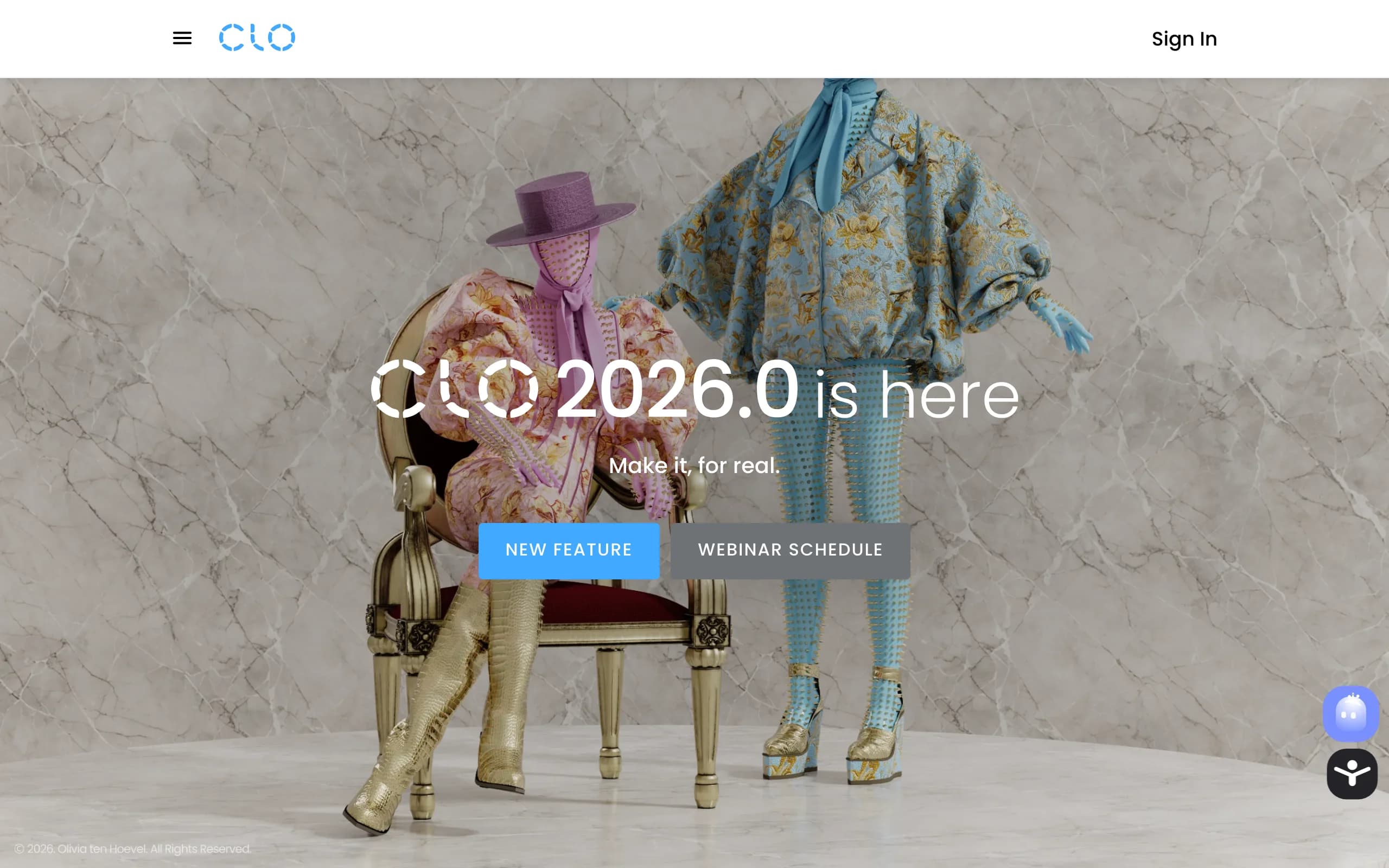
CLO3D 3D fashion design software homepage
2. Production integration and team workflow
This is where Browzwear vs CLO3D separates most clearly. Browzwear is a connected platform: VStitcher for development, Lotta for design variation, Stylezone for cloud review and collaboration, and the Fabric Analyzer for accurate digital fabric. It is designed so a brand, its developers, and its factory can work from the same 3D source of truth, which is why it has been the default for many corporate and manufacturer teams.
CLO3D is primarily a design application. It has a collaboration layer (CLO-SET) but it is sold and adopted more as an individual or studio tool than as an enterprise production backbone. For a freelancer or a small brand that does its own development, this is fine and often preferable. For a multi-team organization aligning design, development, and production, Browzwear's integration is the stronger fit.
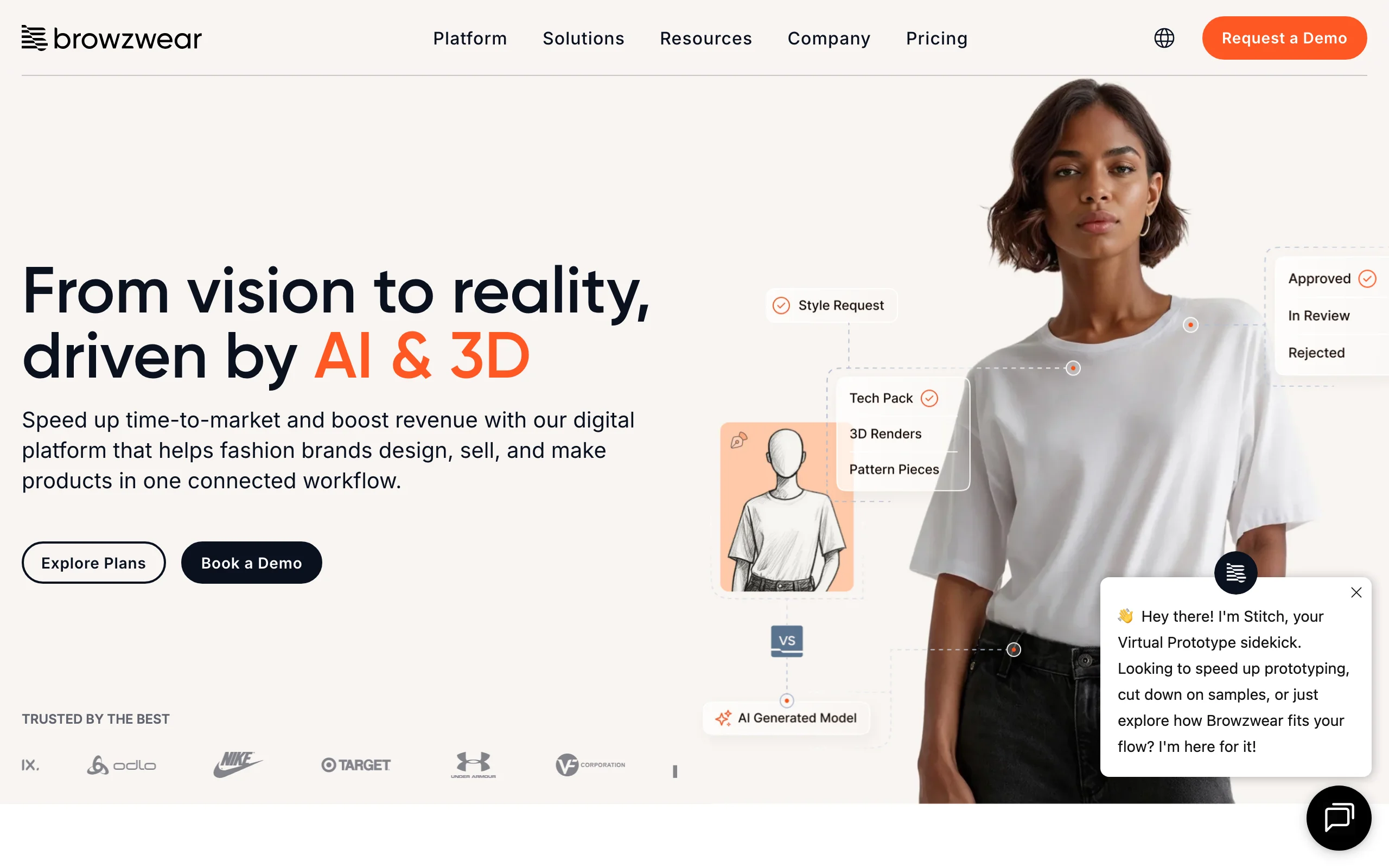
Browzwear 3D fashion design platform homepage
3. From 3D sample to published photography
Here is the gap neither tool closes. CLO3D and Browzwear both produce 3D renders, and both are excellent at validating fit, silhouette, and fabric before a physical sample exists. But a 3D CAD render is not the on-model campaign image, PDP photo, or social asset a brand publishes. Getting there traditionally still means a photoshoot.
It is worth weighing this when you choose, because it affects the rest of your visual pipeline regardless of which 3D tool wins for you. CLO3D and Browzwear answer "does this garment work?" Something else has to answer "what does the published catalog look like?" We come back to how to close that gap after the decision.
Pricing breakdown
Browzwear publishes clear self-serve pricing as of February 2026. CLO does not publish exact figures on its own site (the pricing page is gated), so CLO3D figures below are drawn from third-party listings and should be confirmed on CLO's plan page before you commit.
| Tier | CLO3D | Browzwear |
|---|---|---|
| Free | 14-day trial | Free 6-month Learner License (students/grads, non-commercial) |
| Entry (individual) | ~$50/mo, or ~$225/yr (≈$19/mo effective, third-party listings); | Freelancer: $75/mo or $750/yr (1 user, community support) |
| Mid | Not separately published | Freelancer Plus: $150/mo or $1,500/yr (2 latest versions, guest invites) |
| Team | Not separately published | Teams: $3,950/yr, up to 3 named users (cloud render, 50 AI/render credits) |
| Enterprise | Custom quote (not published) | Custom quote (24h SLA, integrations, AWS/Azure) |
Pricing as of May 2026. On raw individual entry cost, CLO3D is cheaper than Browzwear's Freelancer plan, and CLO3D's annual billing reportedly drops the effective monthly rate further. Browzwear's value is not in being the cheapest seat; it is in the connected development-to-production workflow that justifies the higher team and enterprise spend. Neither tool's pricing includes the photography stage, so the realistic budget for a brand that publishes on-model imagery is a 3D design tool plus a separate photography tool, not one or the other.
When to choose CLO3D or Browzwear
| Factor | Choose CLO3D | Choose Browzwear |
|---|---|---|
| Primary need | Fast 3D design and renders | Production-accurate development |
| Team size | Solo, freelance, small studio | Multi-team brand or manufacturer |
| Workflow priority | Visual iteration and portfolio | Tech pack, BOM, factory handoff |
| Learning curve | Lower, designer-friendly | Steeper, development-oriented |
| Pricing fit | Cost-sensitive individuals | Teams investing in DPC at scale |
| Output type | 3D garment renders | 3D development assets |
For a freelance designer or small studio that mostly needs to visualize and present garments, CLO3D is usually the right call: lower cost, faster to learn, strong renders. For a brand or manufacturer running real digital product creation across design, development, and factory teams, Browzwear's connected platform earns its premium and is the safer long-term backbone.
The step after CLO3D or Browzwear: from approved sample to published photos
Whichever tool wins for you, the workflow ends at a 3D render that proves the garment works. That render is not the on-model image that goes on the product page or in the campaign. Getting there has traditionally meant booking a photoshoot once samples are approved, which puts back the cost and lead time 3D design was meant to remove.
An AI fashion photography tool closes that loop. WearView turns an approved flat-lay or product photo into on-model images and video in seconds and keeps the same model across a collection, so the pipeline stays digital from 3D design through to the published catalog. It does not replace CLO3D or Browzwear for fit and construction; it handles the photography stage they were never built to cover.
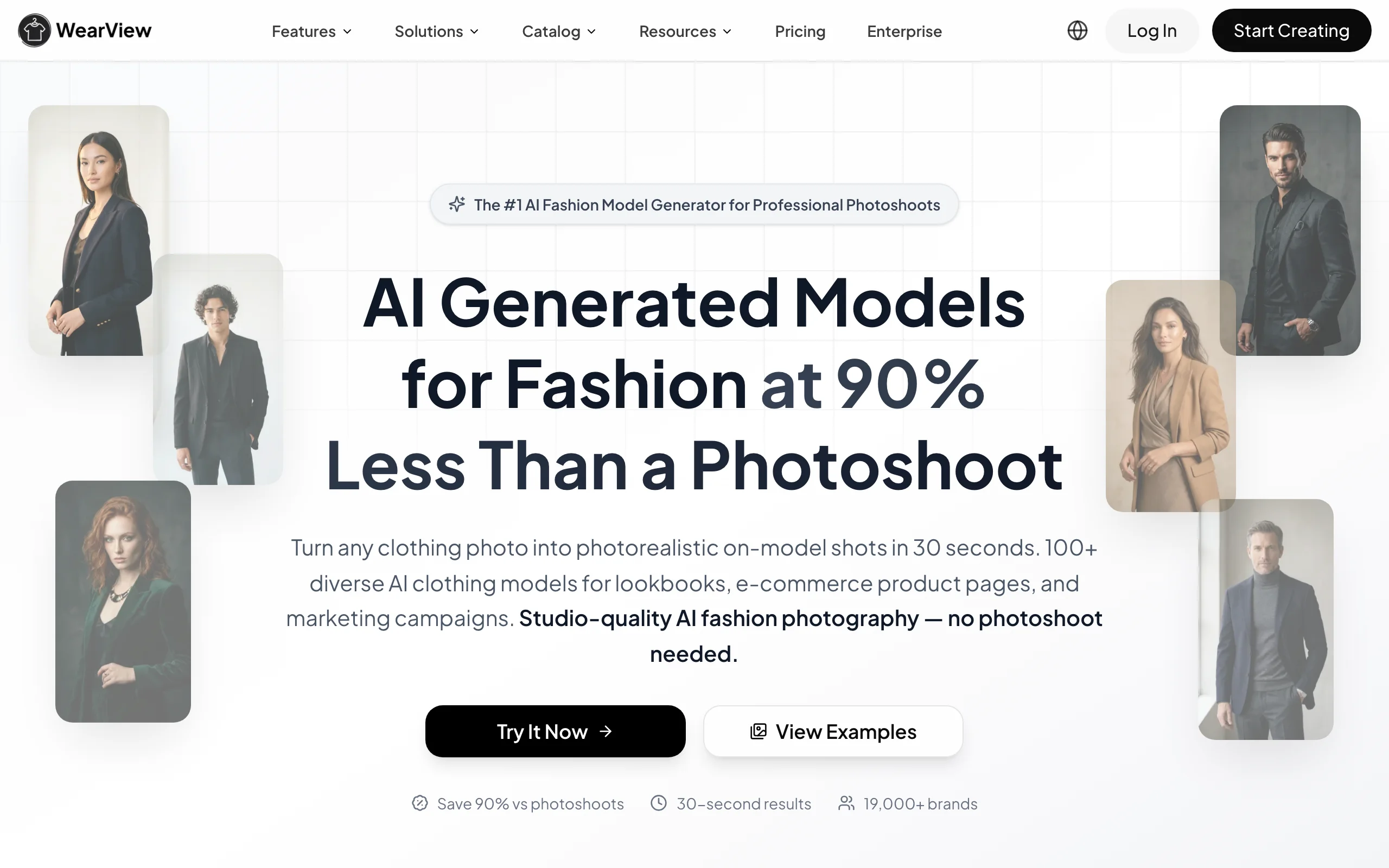
WearView turns an approved product into on-model photography
What WearView covers once a sample is approved
Where CLO3D and Browzwear stop at the validated 3D garment, WearView handles the imagery a brand actually publishes. The features map cleanly onto the post-design stages a fashion team would otherwise outsource to a studio:
- Product-to-model. A flat-lay or packshot of the approved sample becomes an on-model image in seconds, so the same product shot you would have couriered to a photographer becomes the catalog image directly.
- Virtual try-on. Garments are visualized on AI models, useful for previewing a colorway or fit story before committing a sample to a full shoot.
- AI model creation. Models are generated from text prompts, so you are not limited to whoever is available for a booking and can match a model to the collection's target customer.
- Pose control. A reference image drives the pose, so a brand can keep a consistent art-direction look across hundreds of SKUs.
- Ghost mannequin. Hollow-form product shots are generated without the photography and retouching a ghost mannequin setup normally requires.
- AI fashion video. Short motion clips (720p and 1080p) are produced from the same product, covering PDP video and social formats.
- Resolution and rights. Output runs up to HD, 2K, and 4K, with full commercial usage rights on paid plans, so the assets are publishable rather than draft-only.
None of this replaces the fit, fabric, and construction work CLO3D or Browzwear do. It is the photography layer that turns the approved 3D design into the assets that go live, keeping the whole pipeline digital instead of ending it at a render.
What this means for you
- If you are an individual or small studio, start with CLO3D. It is the cheaper, faster, more forgiving way to get from idea to a convincing 3D render.
- If you are a brand or manufacturer with development and production teams, evaluate Browzwear seriously. The VStitcher, Lotta, and Stylezone workflow is built for the handoffs you actually do.
- Do not expect either tool to produce your published photos. Both stop at the 3D render; campaign and PDP imagery is a separate step.
- Add an AI photography layer for the final assets. Use WearView to turn approved samples into on-model images and video, keeping the visual pipeline fully digital from design through publishing.
- Budget for two tools, not one. The realistic stack for a modern brand is a 3D design tool for sampling plus an AI photography tool for catalog output.
FAQ
What's the main difference between CLO3D and Browzwear? CLO3D is a designer-first tool optimized for fast, photorealistic 3D visualization and is popular with freelancers and small studios. Browzwear is a development-first platform optimized for production workflows, tech packs, and team collaboration, and is more common in corporate and manufacturer environments. Both simulate real fabric in 3D; they differ in who the workflow is built for.
Which is better for fashion brands and designers? For solo designers and small studios, CLO3D is usually better because it is cheaper, easier to learn, and faster to a finished render. For brands with separate design, development, and production teams, Browzwear's connected platform is the stronger long-term fit. There is no universal winner; it depends on team size and where the tool sits in your pipeline.
Is CLO3D cheaper than Browzwear? On individual entry pricing, yes. CLO3D's individual license is listed by third parties at around $50/month (lower billed annually), while Browzwear's Freelancer plan is $75/month. Browzwear's higher tiers cost more because they include cloud collaboration and production workflow features rather than a single design seat.
Can I use CLO3D or Browzwear and WearView together? Yes, and many brands do. CLO3D and Browzwear validate fit, fabric, and silhouette in 3D before a physical sample exists. WearView then turns the approved product into on-model photography and video. They cover different stages of the pipeline, so they complement rather than replace each other. Our breakdown of how AI compares with traditional CAD on speed, cost, and control sets out where the split usually lands.
Does CLO3D or Browzwear create on-model marketing photos? No. Both produce 3D CAD renders for design and development, not the campaign or product-detail-page photography a brand publishes. For published imagery you need a separate photography step, which is what WearView handles.
Does CLO3D or Browzwear offer a free version? Neither offers a permanent free commercial tier. CLO3D provides a 14-day free trial, and Browzwear offers a free 6-month Learner License for enrolled students and recent graduates for non-commercial use only. For ongoing commercial work, both require a paid subscription.

WearView Team
WearView Content & Research Team
WearView Team is a group of fashion technology specialists focused on AI fashion models, virtual try-on, and AI product photography for e-commerce brands. We publish in-depth guides, case studies, and practical insights to help fashion businesses improve conversion rates and scale faster using AI.


