
September 4, 2026•17 min read
6 best AI furniture product photography tools in 2026
Staged furniture shots used to mean renting a studio and hauling sofas. These six AI tools turn a single packshot into styled room scenes and listing-ready images. We compare verified pricing, real strengths, and the trade-offs that matter before you commit to a plan.

Picture of 6 best AI furniture product photography tools in 2026 article
Furniture is one of the hardest product categories to photograph. Pieces are heavy, staging a single living room set costs real money, and every colorway multiplies the work. For most home-goods sellers, a proper lifestyle shoot for one collection runs into thousands of dollars before a single listing goes live.
AI furniture product photography closes that gap. You upload a photo of a sofa, armchair, or lamp, and the software places it in a styled interior with realistic lighting and shadows, no studio required. The results are ready for product pages, marketplaces, and ads in minutes instead of weeks.
In this guide, we compare six tools that genuinely handle furniture and home goods well, with verified pricing, honest pros and cons, and a decision framework to help you choose.
Best AI furniture product photography tools: a brief overview
- Flair.ai: Best overall for staged furniture scenes: a drag-and-drop canvas with 3D props gives you the most control over how each room composition looks.
- Caspa AI: Best for complete marketplace listing packages: turns one upload into lifestyle scenes, extra angles, infographics, and Amazon A+ content.
- Pebblely: Best budget pick for backdrop staging: paid plans start at $9 per month with themed backgrounds and bulk generation.
- Mokker: Best for one-click background replacement at volume: 500 photos per month for $13, with furniture as a dedicated category.
- CGDream: Best for brands with 3D furniture models: uses your 3D files to lock camera angle and composition before the AI renders the scene.
- Pixelcut: Best for mobile-first marketplace sellers: shoot, edit, and stage furniture photos from your phone with batch tools.
| Tool name | Key strength | Pricing | Platforms |
|---|---|---|---|
| Flair.ai | Drag-and-drop scene staging with 3D props and templates | From $8/month; free tier with 5 images | Web + API |
| Caspa AI | Full listing packages: angles, infographics, A+ content, video | From $39/month; 10 free credits | Web + API (Scale plan) |
| Pebblely | Cheapest paid entry with themed backdrops and bulk generation | From $9/month | Web |
| Mokker | 500 background swaps per month at the lowest per-photo cost | From $13/month; 20 free photos | Web + API |
| CGDream | 3D-model-guided generation for exact angles | Free (100 daily credits); paid from $10/month | Web |
| Pixelcut | Mobile editing suite with batch exports | From $10/month; free plan available | Web, iOS, Android + API |
1. Flair.ai, best overall for staged furniture scenes
Flair.ai is an AI design tool for ecommerce product content with a workflow that suits furniture better than most one-click generators. Instead of typing a prompt and hoping, you stage the scene yourself: drop your furniture cutout onto a canvas, arrange 3D props like plants, rugs, and side tables around it, and let the AI render the whole composition into a photorealistic interior. The platform lists AI furniture as a dedicated product category alongside fashion and beauty.
That canvas approach matters for home goods because furniture buyers judge scale and context. A floating armchair on an abstract backdrop looks wrong; the same chair beside a floor lamp and a coffee table reads like a room. Flair also covers templates, brand asset management, bulk generation across product variations, video generation, and an AI editing suite for erasing backgrounds, upscaling, and generating variations.

AI Furniture Product Photography with Flair AI
Key features
- Drag-and-drop scene staging with 3D props for realistic room compositions
- Reusable templates and brand kits for consistent catalog styling
- Bulk content creation across product variations
- AI editing suite: background erase, upscales, and image variations
- Product video generation from the same canvas
- API access (early access on Scale, unlimited on Enterprise)
Best for
- Furniture and decor brands that want art-direction control instead of random one-click results
- Teams producing a consistent styled look across a whole collection
- Sellers who also need short product videos without a separate tool
Pricing
- Free tier: 5 generated images, 1 custom model, and 1 video generation
- Paid plans start from $8 per month (Pro); Pro+ is $26 per month with 80 images and a commercial license
- Scale starts at $38 per month with 150 images and API early access; Enterprise is custom
Pros
- The most compositional control in this list, which shows in furniture scenes
- Real-time team collaboration on shared canvases
- Video and image workflows in one place
Cons
- The free tier is small (5 images), so real evaluation needs a paid month
- Mid-tier image allocations are modest for catalogs with hundreds of SKUs
- More setup per image than one-click tools like Mokker or Pebblely
2. Caspa AI, best for complete marketplace listing packages
Caspa AI approaches furniture photography from the listing outward. Upload a single product photo and it generates studio-quality lifestyle images, and it can also produce the rest of a product detail page: additional angles, infographics, and Amazon A+ content. Furniture product photography is one of its named use cases, with sofas and home decor in its example galleries.
Caspa also generates scenes with realistic human models, which matters for furniture more than sellers expect. A reading chair with someone curled up in it communicates comfort and scale in a way an empty room never does. The platform preserves product details like textures, patterns, and logos across generations, includes magic erase and background removal, and upscales output to 4K.
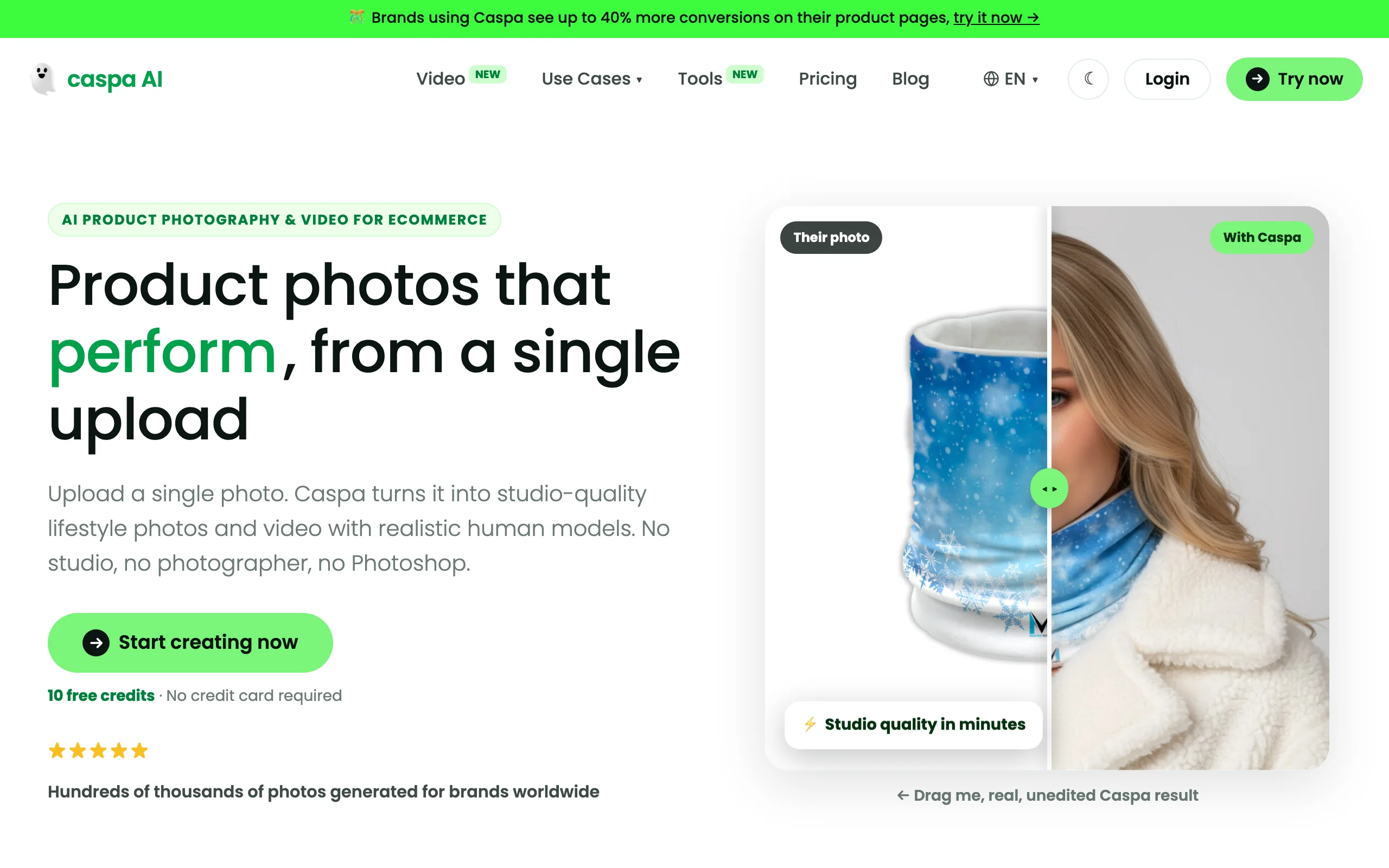
AI Furniture Product Photography with Caspa AI
Key features
- One upload to a full listing set: lifestyle scenes, extra angles, infographics, and A+ content
- AI human models for scale and lived-in context around furniture
- Detail preservation for fabrics, patterns, and branding
- Magic erase and background removal built in
- 4K upscaling with a commercial license on all plans
- Video generation on Growth and Scale plans
Best for
- Amazon and multi-marketplace furniture sellers who need the whole image stack, not just a hero shot
- Home-goods brands that want people in their lifestyle scenes
- Teams that would rather buy one listing pipeline than stitch together three tools
Pricing
- Free trial: 10 credits, no credit card required
- Starter is $39 per month for 500 credits (images only)
- Growth is $66 per month for 1,000 credits and adds video; Scale is $166 per month for 2,500 credits, up to 3 users, and API access; annual billing saves 33%
Pros
- Strongest listing-package focus in this list, including infographics and A+ content
- Human models plus furniture staging in one workflow
- 30-day money-back guarantee on unused credits
Cons
- Highest entry price in this comparison at $39 per month
- Video is locked behind the Growth plan
- Credit-based pricing needs careful math for large catalogs
3. Pebblely, best budget pick for backdrop staging
Pebblely is the simplest way in this list to get styled furniture backdrops without spending much. Upload a product photo and it removes the background, then places the piece into themed settings with matching lighting, reflections, and shadows. Furniture is one of its showcase categories, alongside skincare, candles, and jewelry, and its homepage examples include staged armchair shots.
The workflow is deliberately minimal: pick from 40+ background themes or describe your own scene with a custom prompt, generate, and download. Basic and Pro plans add bulk generation, so you can run a whole collection of chairs through the same living room look in one pass. There is no canvas, no 3D props, and no video, which is exactly why it stays cheap and fast.

AI Furniture Product Photography with Pebblely
Key features
- Automatic background removal with realistic lighting, reflections, and shadows
- 40+ background themes plus custom text prompts
- Bulk generation on Basic and Pro plans for catalog-scale batches
- Image resizing for marketplaces, social, and email formats
Best for
- Small furniture and decor sellers who need presentable staged shots on a tight budget
- Stores refreshing large catalogs where per-image cost matters more than art direction
- Sellers who want results in minutes with no learning curve
Pricing
- Lite is $9 per month for 30 images; Basic is $19 per month for 200 images
- Pro is $39 per month for 500 images
- Annual billing gives 2+ months free; the pricing page currently lists no free plan
Pros
- Lowest paid entry point in this comparison
- Bulk generation makes catalog refreshes genuinely fast
- Near-zero learning curve
Cons
- No free plan is currently listed, so testing starts at $9
- Limited control over composition compared with Flair.ai or CGDream
- Images only: no video, models, or infographics
4. Mokker, best for one-click background replacement at volume
Mokker does one thing and does it at scale: AI background replacement for product photos. Upload a furniture shot and it swaps the background for a realistic interior from 100+ templates, keeping your product pixels intact. Furniture is a dedicated use-case category in its navigation, and the tool adds moodboard styling, resizing for different formats, and color customization on top.
The economics are the headline. The Starter plan includes 500 photos per month for $13, the lowest per-photo cost in this list by a wide margin. One thing to know before committing: Mokker was acquired by soona, the product photography company, and its site carries a "joining forces with soona" banner. Existing accounts keep working and soona subscribers get Mokker in their dashboard, but long-term standalone plans could evolve.

AI Furniture Product Photography with Mokker
Key features
- One-click AI background replacement that preserves the original product pixels
- 100+ ready-made templates with a dedicated furniture category
- Moodboard styling, color customization, and format resizing
- Developer API for automated pipelines
Best for
- High-volume sellers who need hundreds of staged furniture images per month at minimal cost
- Marketplace sellers standardizing backgrounds across a large catalog
- Teams that value speed and consistency over per-image art direction
Pricing
- Free plan: 20 one-time photos with full studio access (the homepage currently promotes 40 free photos on signup)
- Starter is $13 per month for 500 photos; the pricing page displays annual-billing rates, which save up to 35%
- Team is $29 per user per month with unlimited photos and 3 seats; Organization is $83.25 per user per month with a 5-seat minimum
Pros
- Best price-to-volume ratio in this comparison
- Compositing approach means the furniture itself is never redrawn
- Free photos to test before paying
Cons
- The soona acquisition leaves some uncertainty about the standalone product's roadmap
- Background replacement only: no human models, angles, or video
- Template-driven scenes can look samey across a big catalog without prompt work
5. CGDream, best for brands with 3D furniture models
CGDream is a different kind of tool from the rest of this list. Built by the team behind the CGTrader 3D marketplace, it generates images by combining text prompts, reference photos, and 3D models. For furniture brands that already have 3D files (and many manufacturers do), that solves the biggest weakness of prompt-based generation: you load the 3D model, set the exact camera angle and composition, then let the AI apply materials, lighting, and a styled environment around it.
It also runs in the other direction: text-to-furniture generation for concept work, and image-to-3D conversion that turns product photos into editable 3D models. Generations take about 90 seconds, and the free tier of 100 daily credits is generous enough for real testing. Commercial usage rights and private mode require a paid plan.

AI Furniture Product Photography with CGDream
Key features
- 3D-model-guided generation for precise control over angle and composition
- Text-to-furniture and image-to-3D workflows for concept and prototyping work
- Style filters, prompt guidance control, and inpainting for refinements
- Exportable 3D models in multiple file formats
Best for
- Furniture brands and manufacturers with existing 3D assets
- Product designers exploring finishes, materials, and variants before production
- Teams that need repeatable camera angles across a whole product line
Pricing
- Free: 100 daily credits for standard generation
- Basic is $10 per month for 10,000 monthly credits; Pro is $30 per month for 40,000
- Premium is $60 per month for 90,000 credits; commercial use and private mode require a paid plan
Pros
- Unmatched angle and composition control when you work from a 3D model
- Genuinely usable free tier
- Doubles as a design-exploration tool, not just a photo generator
Cons
- Far less useful if you have no 3D assets and only product photos
- General-purpose interface with a steeper learning curve than listing-focused tools
- Commercial rights sit behind the paywall
6. Pixelcut, best for mobile-first marketplace sellers
Pixelcut is the practical pick for sellers who photograph furniture on a phone and list it the same day. The iOS and Android apps (plus a web version) bundle background removal, AI-generated backgrounds, a magic eraser, and an upscaler into a fast editing flow. For flippers, vintage dealers, and marketplace sellers, that means shooting a dresser in the garage and posting a clean staged image minutes later.
It scales further than its mobile roots suggest. Paid plans include batch exports (1,000 per month on Pro, 2,000 on Business), team seats, and an API for automated processing. What it does not offer is furniture-specific scene staging: backgrounds are generic rather than composed rooms, so it competes on speed and convenience rather than art direction.

AI Furniture Product Photography with Pixelcut
Key features
- Background removal and AI backgrounds on mobile and web
- Magic eraser for cleaning up rooms, cords, and clutter around furniture
- Image upscaler for low-resolution phone shots
- Batch exports for processing whole catalogs
- API access for automated workflows
Best for
- Furniture flippers and secondhand sellers listing from a phone
- Marketplace sellers on Facebook Marketplace, eBay, or Etsy who need speed over styling
- Small teams cleaning up large volumes of phone photography
Pricing
- Free plan: limited background removal and upscales with watermark-free export
- Pro is $10 per month (or $8 per month billed yearly) with 600 AI credits and 1,000 batch exports
- Business is $30 per month (or $24 per month billed yearly) with 3,600 credits and 10 team seats
Pros
- Fastest phone-to-listing workflow in this comparison
- Free plan is enough for occasional sellers
- Batch tools and API give it headroom beyond casual use
Cons
- Backgrounds are generic rather than styled furniture scenes
- Fine compositional work is awkward on a small screen
- Less detail preservation focus than listing-first tools like Caspa
How to choose the best AI furniture product photography tool
1) Compositing or full re-generation?
The six tools split into two camps. Compositing tools (Mokker, Pebblely, Pixelcut) cut out your furniture and build a new background around the original pixels, so the product itself is never redrawn. Generative tools (Caspa, CGDream, and Flair.ai when it renders a staged canvas) re-render the scene, which produces more natural light and context but demands QA on every image.
- If accuracy is non-negotiable (exact fabric, exact wood grain): start with a compositing tool and check results on your most detailed SKUs
- If you need scenes that look genuinely lived-in, with models or complex rooms: accept the QA overhead and use Caspa or Flair.ai
2) How much creative control do you need?
One-click tools trade control for speed. Mokker and Pebblely give you templates and prompts; Flair.ai gives you a canvas with props; CGDream gives you a 3D viewport with exact camera angles.
- If you have a brand look to protect: Flair.ai, or CGDream if you own 3D models
- If you just need clean, plausible interiors at scale: Mokker or Pebblely
- If the photo is taken on a phone in a garage: Pixelcut
3) What does your listing actually need?
A furniture product detail page rarely needs one image. Marketplaces reward multiple angles, context shots, and infographics. Caspa is the only tool here that treats the full listing package as the product, generating angles, infographics, and A+ content from one upload. If you mostly need hero-image backdrops, the cheaper tools cover you, and for staging beyond furniture our comparison of AI lifestyle photo generators covers scene-focused tools in more depth.
4) Run the volume math before you commit
Per-image cost varies wildly here. Mokker's Starter works out to about $0.026 per photo (500 for $13). Pebblely's Lite is $0.30 per image (30 for $9). Caspa's Starter is $39 for 500 credits, but one finished listing may consume multiple credits. Before subscribing anywhere, test 5 of your hardest SKUs (glass tables, tufted fabric, thin-legged chairs) on free credits or the cheapest month, then multiply your real monthly image volume by the effective per-image price.
FAQ
What is AI furniture product photography?
AI furniture product photography is the use of AI image tools to create staged, listing-ready photos of furniture from simple source images. Instead of renting a studio and staging rooms, you upload a packshot or phone photo and the software generates styled interiors, lifestyle scenes, or clean backdrops around the piece.
Can AI really replace a furniture photoshoot?
For standard listing imagery (hero shots, styled room scenes, background swaps) the tools in this guide produce results most buyers cannot distinguish from studio work. Real shoots still have an edge for complex campaigns, precise fabric close-ups, and shots where exact scale relationships matter. Most sellers land on a hybrid: one clean real photo per SKU, AI for everything else.
What input photos give the best results?
Clean, well-lit, high-resolution photos with the whole piece visible and minimal clutter. A neutral background helps the AI separate the product cleanly. If your source photos are weak, fixing them first pays off across every generated image; our guide to shooting product photos yourself covers the basics with a phone and daylight.
Is there a free AI furniture product photography tool?
CGDream offers 100 free daily credits, the most generous ongoing free allowance in this list, though commercial rights require a paid plan. Pixelcut and Flair.ai have permanent free tiers with limits, and Mokker includes free photos on signup. Caspa gives 10 trial credits. Pebblely currently lists no free plan.
Which tool is best for Amazon furniture listings?
Caspa AI, because it generates the parts of an Amazon listing beyond the hero shot: additional angles, infographics, and A+ content. High-volume Amazon sellers standardizing backgrounds across hundreds of ASINs may prefer Mokker for cost, with Caspa reserved for top sellers.
Are AI-generated furniture photos allowed on marketplaces?
Generally yes, with one consistent rule: images must accurately represent the physical product. Background replacement is uncontroversial because the product pixels are untouched. With generative tools, check every image for drifted proportions, altered fabric texture, or invented details before publishing, and review each marketplace's current image policy.
Will AI keep my furniture's exact fabric and proportions?
Compositing tools (Mokker, Pebblely, Pixelcut) preserve the original product exactly because they only replace the background. Generative tools re-render the scene and can subtly change weave, grain, or proportions, which is why detail QA on every image should be part of the workflow, especially for tufted, patterned, or glass pieces.
What if I sell more than furniture?
Most tools here handle other product categories too, but their strengths differ outside home goods. For a category-by-category view, see our roundup of AI product photography tools, which covers the wider field beyond furniture.

WearView Team
WearView Content & Research Team
WearView Team is a group of fashion technology specialists focused on AI fashion models, virtual try-on, and AI product photography for e-commerce brands. We publish in-depth guides, case studies, and practical insights to help fashion businesses improve conversion rates and scale faster using AI.


