June 24, 2026•16 min read
6 best AI fashion photoshoot generators in 2026
Want full editorial campaign shots, not just a model headshot or a flat cutout? These 6 AI fashion photoshoot generators build the whole scene: model, styling, background, lighting, and mood. We compare pricing, strengths, and which one fits your workflow.
Picture of "6 best AI fashion photoshoot generators in 2026" article
A finished fashion photoshoot is more than a model standing on white seamless. It is a full scene: the right model, styled outfit, a believable background, considered lighting, and a mood that matches the brand. Booking all of that, a photographer, a studio, a stylist, a location, is what makes campaign shoots slow and expensive.
A new class of AI tools now generates the entire scene at once instead of just the model or a flat product cutout. You describe the look you want, drop in your garment or product, and get a complete campaign-style image: model, styling, set, and lighting together.
This guide compares the 6 best AI fashion photoshoot generators for full-scene, editorial-style output. We cover what each one does well, real pricing, honest trade-offs, and a framework to pick the right one for your catalog or campaign.
Best AI fashion photoshoot generators: a brief overview
- WearView: Best overall for full fashion campaigns: build the model, outfit, background, and mood in one workspace and keep the same model across a whole shoot.
- Flair AI: Best for art-directed scene composition: a drag-and-drop canvas where you stage props and set the scene around your product.
- Higgsfield AI: Best for cinematic, editorial aesthetics: a fashion-tuned image model for moody, magazine-style campaign frames.
- Pebblely: Best for fast, budget product scenes: drop a product in and swap in themed backgrounds in seconds.
- Mokker AI: Best for templated lifestyle sets: ready-made scene templates organized by product category.
- ArtSmart AI: Best for prompt-driven photoreal scenes: text-to-image with pose control for custom editorial setups.
| Tool name | Key strength | Pricing | Platforms |
|---|---|---|---|
| WearView | Full fashion campaign scenes with consistent models | From $29/month; no free tier | Web |
| Flair AI | Drag-and-drop scene canvas for staged shots | From $8/month; free plan available | Web, API |
| Higgsfield AI | Cinematic, editorial-style image generation | From $5/month (annual); limited free access | Web |
| Pebblely | Quick themed backgrounds for products | From $9/month; free trial credits | Web, API |
| Mokker AI | Category-based lifestyle scene templates | From $13/month; 20 free photos | Web |
| ArtSmart AI | Prompt-based photoreal scenes with pose control | From $19/month; no free trial | Web |
1. WearView, best overall for full fashion campaigns
WearView is a complete AI fashion photography platform built for whole-scene generation, not just a face or a flat cutout. You upload your garment, flat-lay, or product image, choose a model from a diverse range of ethnicities, body types, and ages, then describe the background, setting, and mood you want. The platform generates a finished campaign-style frame, model, styling, set, and lighting together, in under 15 seconds. Because it handles campaign photography end to end, you are not stitching together three separate tools to assemble one shot.
Where WearView pulls ahead for full shoots is consistency and breadth. You can lock one model identity and reuse it across an entire collection so a campaign looks like a real shoot day, not a pile of unrelated AI images. Beyond building scenes, the platform includes virtual try-on, AI model creation from text prompts, flatlay to model conversion, pose control via reference images, ghost mannequin, and AI fashion video, all in one workspace. Output runs up to 4K with full commercial usage rights.
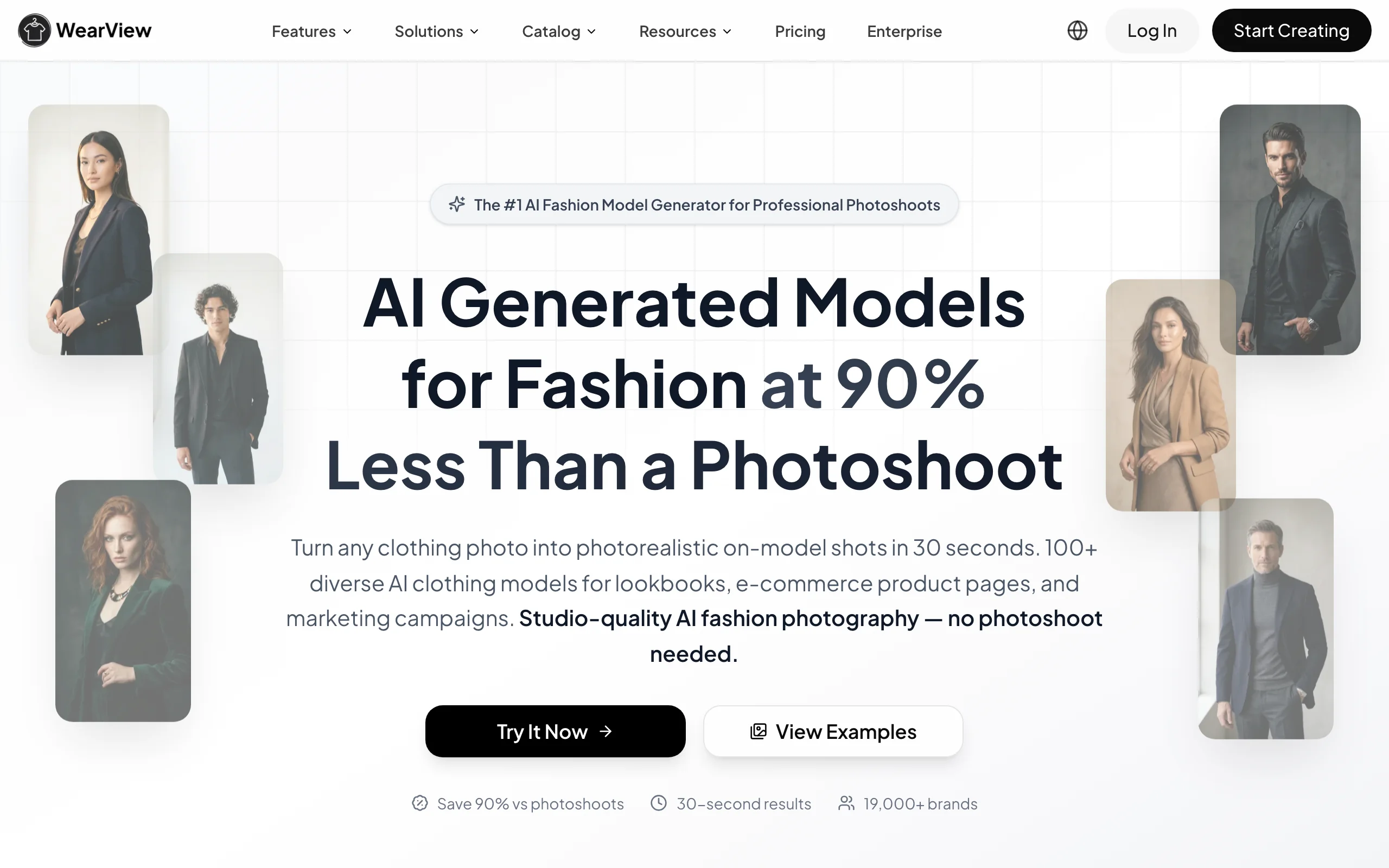
AI Fashion Photoshoot with WearView
Key features
- Full-scene generation: model, outfit, background, lighting, and mood in one pass
- Consistent model identity reusable across a whole campaign or collection
- Diverse model library across ethnicities, body types, and age ranges
- Pose control from reference images plus text-described poses and settings
- Up to 4K output with commercial rights on all paid plans
- Broader toolkit: try-on, model creation, product-to-model, ghost mannequin, video
Best for
- Fashion brands producing full campaigns and seasonal lookbooks
- Ecommerce teams that need a consistent model across an entire catalog
- Agencies handling multiple fashion clients from one workspace
Pricing
- Lite: $29/month for 50 credits
- Pro: $49/month for 200 credits
- Advanced: $99/month for 500 credits
- Annual billing saves up to $198/year; no free tier or free credits
Pros
- Generates the complete scene, not just the model or the background
- Consistent identity keeps a multi-shot campaign visually coherent
- One platform covers stills, video, try-on, and ghost mannequin
Cons
- No free tier, so you commit to a paid plan to test at volume
- Credit-based, so very high-volume catalogs need the Advanced plan or top-ups
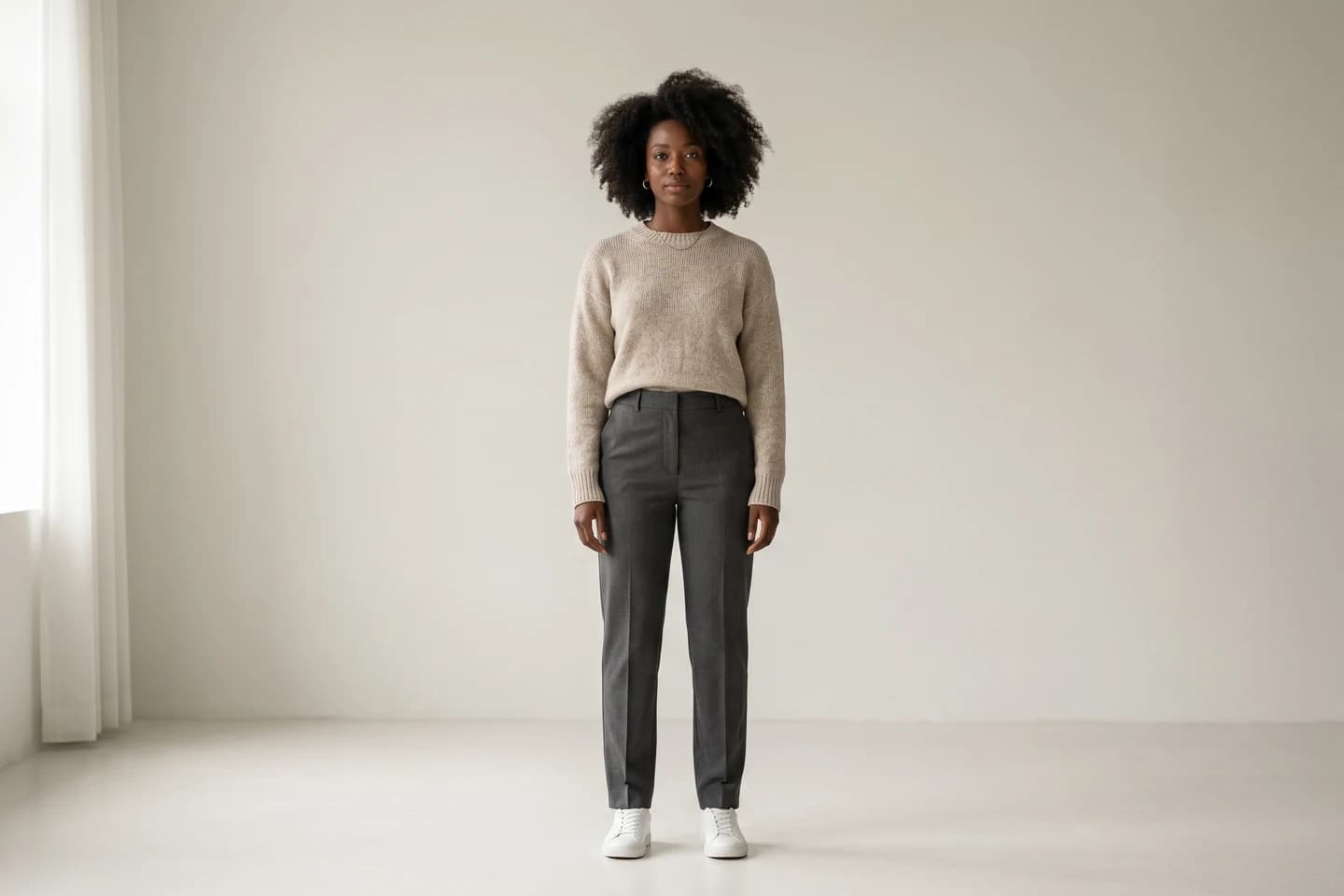
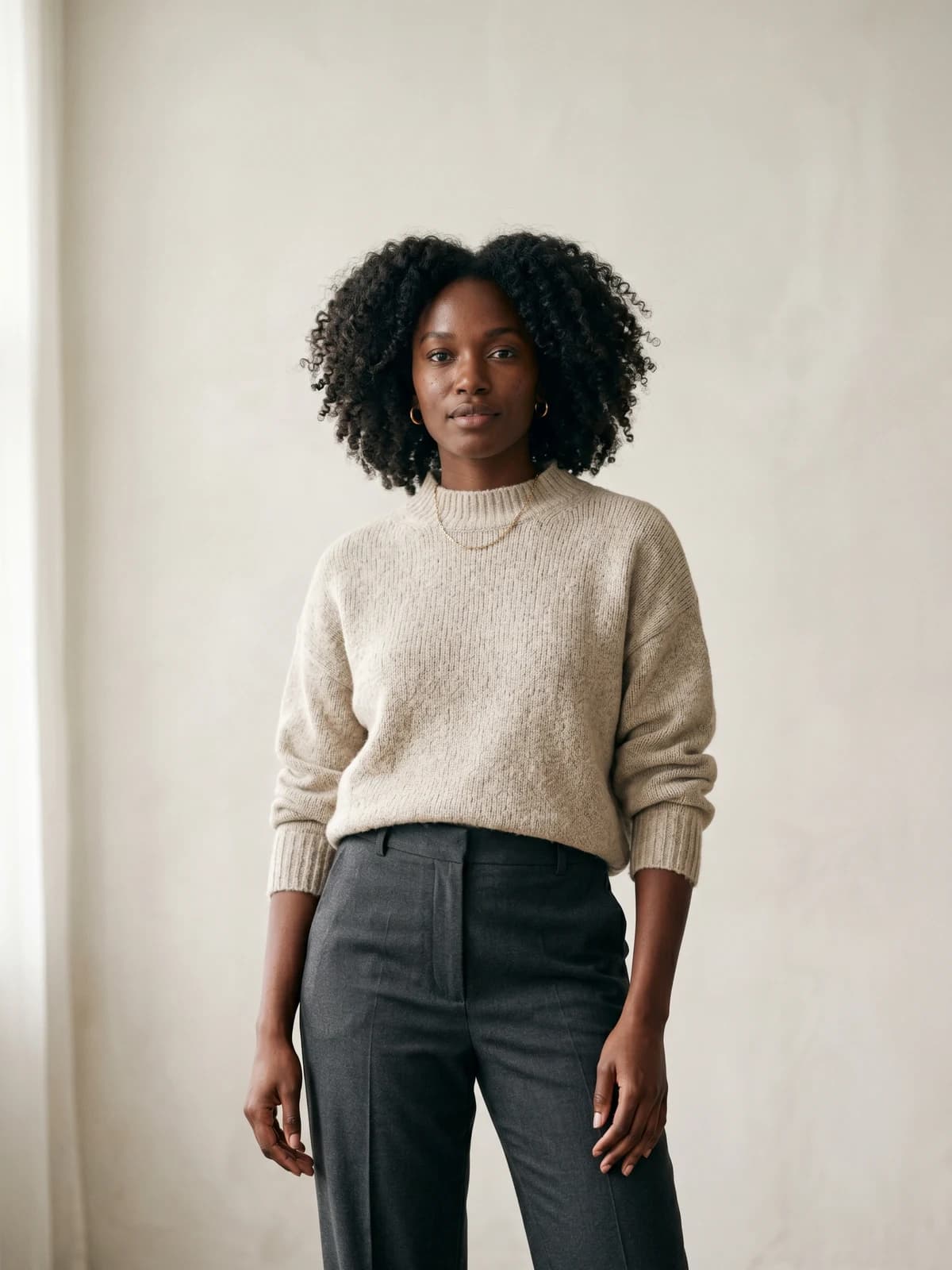
Create your own AI fashion models
Generate diverse, brand-consistent models from a simple prompt and reuse them across every campaign.
2. Flair AI, best for art-directed scene composition
Flair AI is a design-led product photography tool built around a drag-and-drop canvas. Instead of typing one prompt and hoping, you stage the scene visually: place your product, drag in props and 3D assets, arrange the composition, then let the AI render it into a finished photo. For fashion, you can fit garments and jewelry onto AI human models with patterns and logos preserved, then build the surrounding set. This visual control makes it a strong fit for teams that want art direction over the frame, not just a one-click background swap.
The trade-off is that the canvas approach has a learning curve, and its strongest workflows lean toward styled product and accessory scenes rather than large model-driven editorial. It is best when you have a clear creative vision and want to compose it yourself.
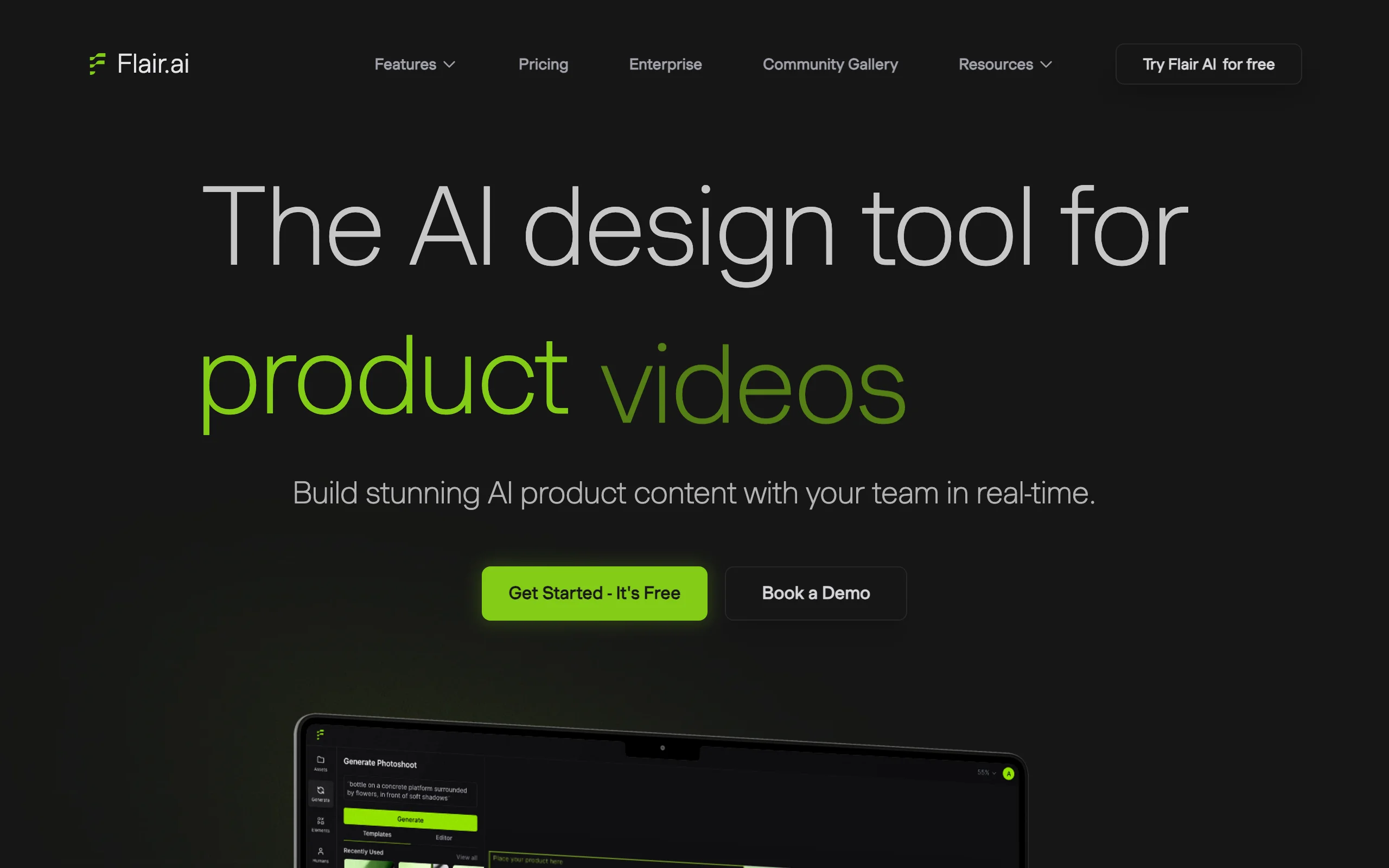
AI Fashion Photoshoot with Flair AI
Key features
- Drag-and-drop canvas to stage products, props, and 3D assets
- On-model fashion shots with patterns and logos preserved
- Customizable AI human models (hair, body type, and more)
- Template library to mix and match products into scenes
- API access on higher tiers for scaled generation
Best for
- Brands and creators who want hands-on art direction of the scene
- Styled product and accessory shoots with composed sets
- Teams comfortable with a canvas-based editor
Pricing
- Free plan: 1 custom model, 5 images, 1 video; no commercial license
- Pro: $8/month
- Pro+: $26/month with commercial license and 80 images
- Scale: $38/month with 150 images; annual discount available
Pros
- Real compositional control over the whole frame
- Free plan to test the workflow before paying
- Commercial license included from Pro+ up
Cons
- Canvas workflow takes time to learn compared with prompt-only tools
- Commercial license requires Pro+ or higher, not the entry Pro plan
3. Higgsfield AI, best for cinematic, editorial aesthetics
Higgsfield AI is an image and video generation platform with a fashion-tuned image model (its in-house Soul model) built for editorial and culture-native looks rather than generic stock-photo aesthetics. For full-scene work, that matters: it tends to produce moody lighting, considered styling, and magazine-style framing out of the box, which is exactly the vibe campaign shots aim for. It also offers character consistency tools so an AI subject can hold its look across multiple frames of a campaign.
Higgsfield is the most "creative studio" option here, and it leans toward concept and editorial imagery over packshot-accurate ecommerce. Note that its checkout has defaulted to annual billing in the past and free access is watermarked, so read the billing terms before subscribing.
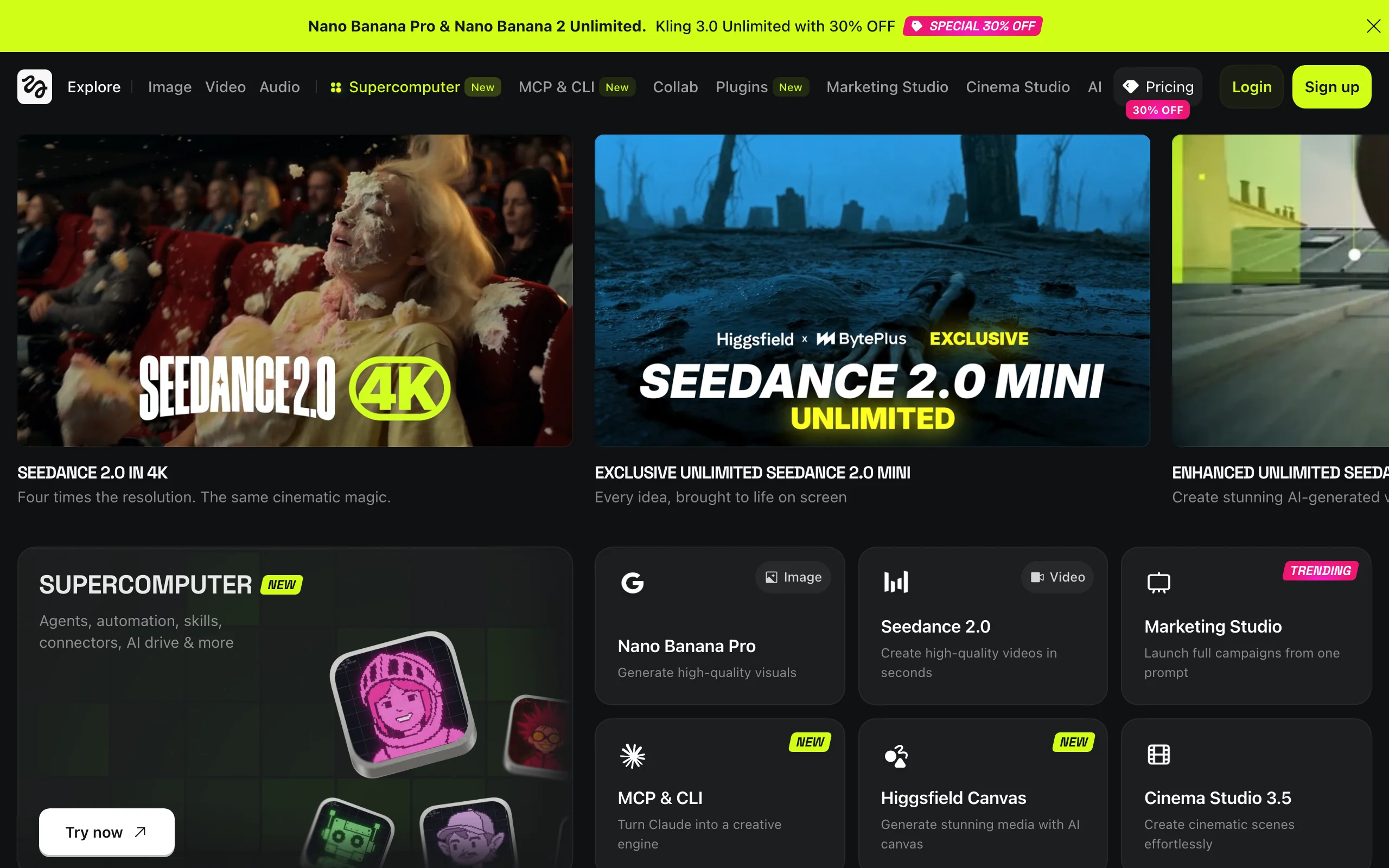
AI Fashion Photoshoot with Higgsfield AI
Key features
- Fashion-tuned in-house image model for editorial-style frames
- Access to multiple third-party image models alongside it
- Character consistency tools for multi-shot campaigns
- Cinematic lighting and styling presets
- Image and video generation in one platform
Best for
- Brands chasing a cinematic, editorial campaign mood
- Creators producing concept imagery and ad creative
- Teams that also want AI video alongside stills
Pricing
- Basic: $5/month (annual) with 70 monthly credits
- Plus: $39/month (annual) with 1,000 credits
- Ultra: $99/month (annual) with 3,000 credits
- Limited free access with watermarked outputs; credits do not roll over
Pros
- Strong editorial and cinematic aesthetic by default
- Image plus video in a single subscription
- Credit top-ups available for busy months
Cons
- Checkout has defaulted to annual billing; verify terms first
- Less suited to exact-garment ecommerce packshots than dedicated fashion tools
4. Pebblely, best for fast, budget product scenes
Pebblely is a lightweight tool focused on putting products into believable scenes quickly. You upload a product photo, it removes the background automatically, then drops the item into a generated set, either from a text prompt or one of 40+ ready-made themes. For fashion accessories, footwear, and styled product shots, it is one of the fastest ways to get a lifestyle photography backdrop without a studio, and the entry pricing is among the lowest in this list.
The limitation for full fashion campaigns is that Pebblely is built around the product and its background, not around generating and styling a model. It is excellent for product-in-scene shots and a good budget on-ramp, but it is not the tool for large model-led editorial.
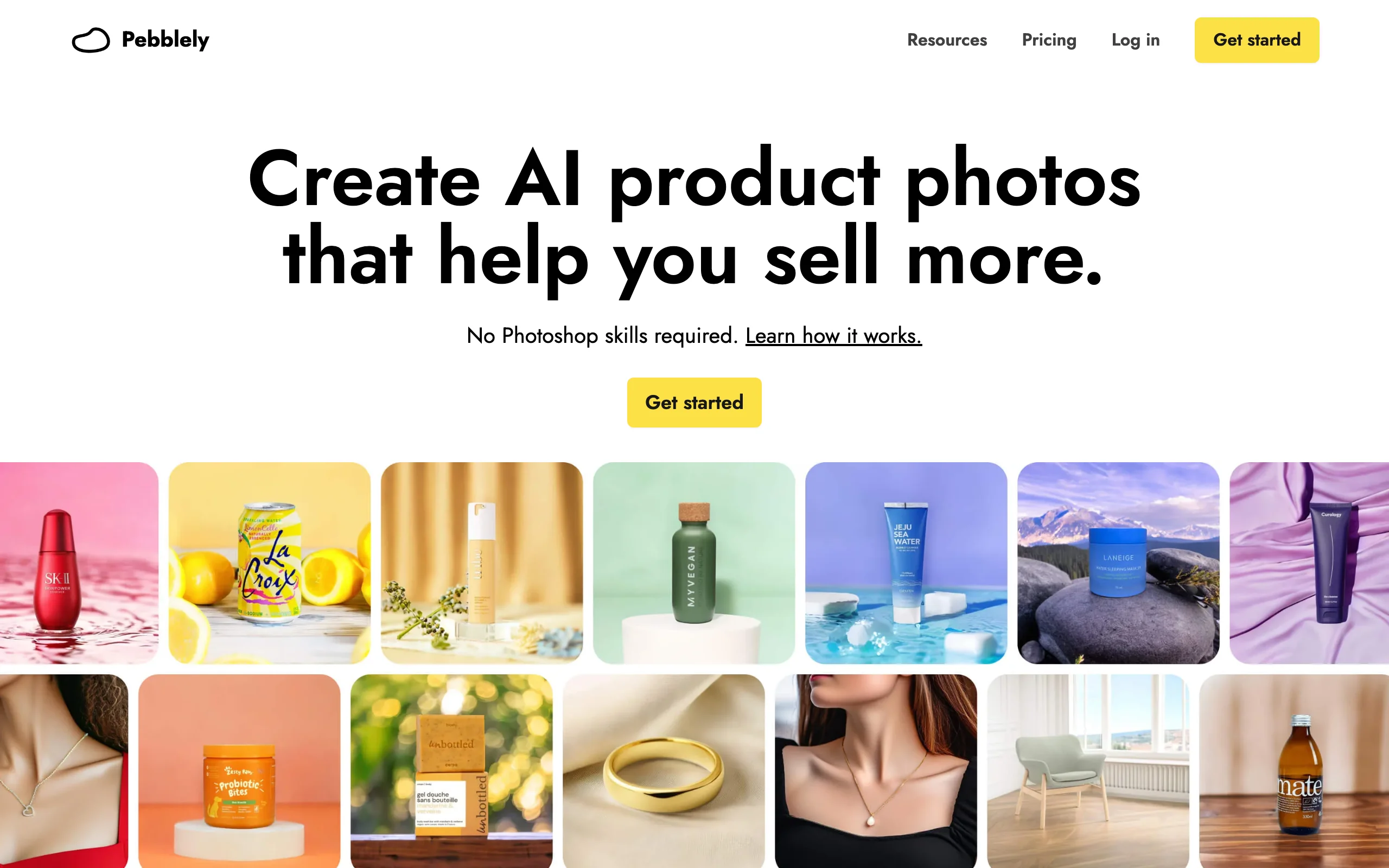
AI Fashion Photoshoot with Pebblely
Key features
- Automatic background removal on upload
- 40+ pre-built scene themes plus custom text prompts
- Bulk generate for multiple products at once
- Commercial use on paid plans
- API access for integration into workflows
Best for
- Accessory, footwear, and styled product shots on a budget
- Sellers who need scene backgrounds fast, not full model shoots
- Small teams testing AI photography cheaply
Pricing
- Lite: $9/month for 30 images
- Basic: $19/month for 200 images
- Pro: $39/month for 500 images
- Annual billing adds 2+ months free; trial credits to start
Pros
- Very low entry price for AI product scenes
- Bulk generation speeds up catalog work
- Simple enough to use in minutes
Cons
- Centered on product and background, not model generation or styling
- Not built for large editorial or campaign-led shoots
5. Mokker AI, best for templated lifestyle sets
Mokker AI generates lifestyle and studio scenes around your product using a large library of templates organized by product category. You upload an item, pick a scene template (or write a prompt), and it composes the product into a contextual set with realistic shadows and lighting. The template-by-category approach makes it fast to get on-brand backgrounds without describing every detail, which suits sellers refreshing many SKUs at once.
Like the product-scene tools above, Mokker is strongest for product-in-context imagery rather than full model-driven fashion editorials. It is a practical choice when you want consistent, repeatable scene styles across a catalog with minimal prompt work.
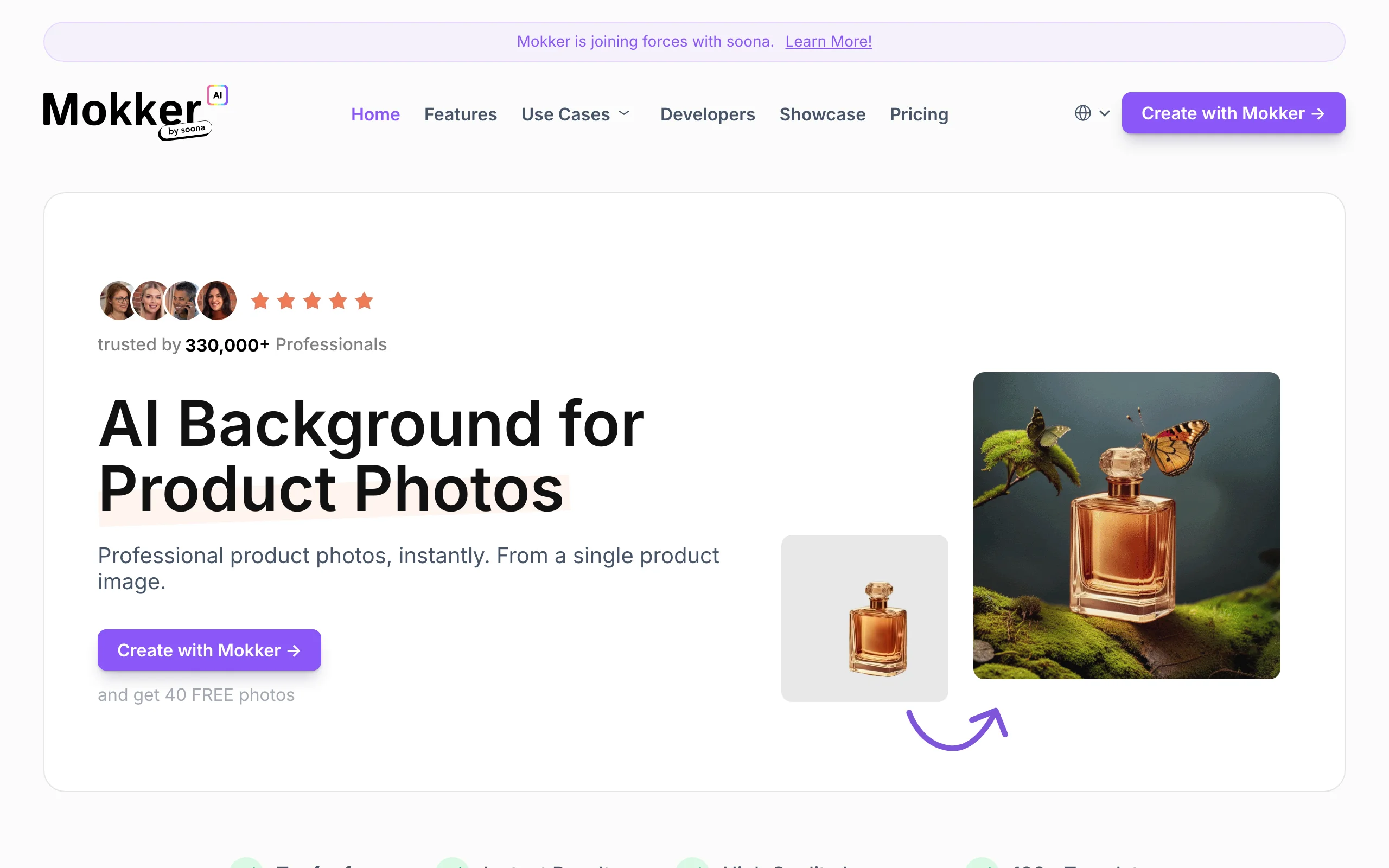
AI Fashion Photoshoot with Mokker AI
Key features
- 100+ scene templates organized by product category
- Automatic background removal and scene composition
- Realistic shadow and lighting integration
- Custom prompts on paid tiers
- Team seats on higher plans
Best for
- Sellers refreshing many product photos with consistent scene styles
- Catalog work where templates beat one-off prompting
- Small teams needing repeatable lifestyle backgrounds
Pricing
- Free: 20 photos once with full studio and template access
- Starter: $13/month for 500 photos with high-quality export and custom prompts
- Team: $29/user/month for unlimited photos and 3 seats
- Annual billing offers up to 35% savings
Pros
- Large template library speeds up batch work
- A real free allotment to test before paying
- Realistic shadows make products sit naturally in scenes
Cons
- Product-and-scene focus, not model generation or styling
- Free allotment is one-time, not recurring
6. ArtSmart AI, best for prompt-driven photoreal scenes
ArtSmart AI is a general text-to-image generator with a strong photorealistic mode and pose control, which makes it usable for custom editorial fashion scenes when you want full creative freedom. Describe the model, outfit, set, lighting, and mood in a prompt, use text-to-image plus ControlNet-style pose control to direct the figure, and you can build a styled frame from scratch. It also includes inpainting, outpainting, upscaling, and a background remover for cleanup.
The trade-off is that ArtSmart is not fashion-specific, so it will not preserve your exact garment the way a dedicated try-on or product-to-model tool does. It rewards good prompt engineering and is best for conceptual or moodboard imagery rather than catalog-accurate product shots.
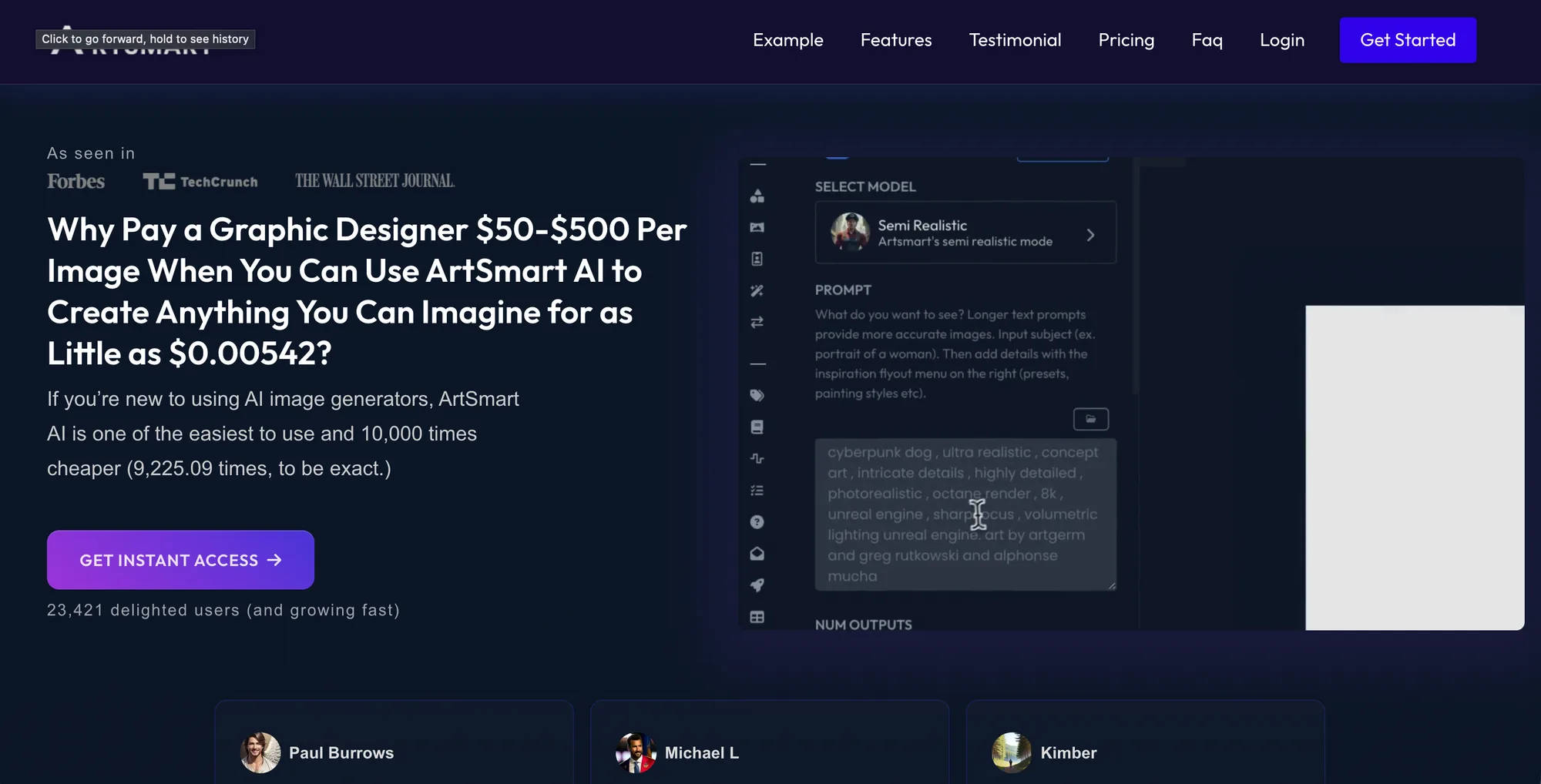
AI Fashion Photoshoot with ArtSmart AI
Key features
- Photorealistic text-to-image generation
- ControlNet-style pose control for directing the figure
- Inpainting and outpainting for edits and scene extension
- Built-in upscaler and background remover
- Custom model fine-tuning on higher tiers
Best for
- Concept, moodboard, and editorial-style imagery from scratch
- Creators comfortable with detailed prompting
- Teams that want general image generation plus fashion use
Pricing
- Basic: $19/month ($192/year) with 1,000 credits
- Standard: $29/month ($294/year) with 2,500 credits
- Business: $39/month ($390/year) with 6,000 credits
- No free trial; 30-day money-back guarantee
Pros
- Full creative control over the entire scene via prompts
- Pose control and inpainting for fine direction
- Annual plans cut the monthly cost meaningfully
Cons
- Not fashion-specific, so it will not preserve your exact garment
- Strong results depend on prompt-writing skill
How to choose the best AI fashion photoshoot generator
The right tool depends on what kind of scene you need and how much control you want over it. Work through these three questions.
1) Do you need the model and styling, or just the background?
This is the biggest split in the list. If you need a finished campaign frame with a styled model in a set, choose a tool that generates the whole scene: WearView for fashion-specific output with garment fidelity, Higgsfield for cinematic editorial mood, or ArtSmart if you want to prompt everything from scratch. If you already have product shots and just need a believable backdrop, Pebblely and Mokker are faster and cheaper because they focus on the product-in-scene job, not the model.
2) How much art direction do you want?
If you want to compose the frame yourself, Flair AI's drag-and-drop canvas gives the most hands-on control. If you want to describe a look in words and iterate, ArtSmart and Higgsfield reward prompting. If you want speed and consistency without fiddling, WearView and the template-driven tools (Mokker, Pebblely) get you to a finished shot with less setup.
3) Do you need a consistent model across many shots?
A real campaign uses the same face across multiple looks. Most general image generators drift between frames. WearView is built around consistent model identity, so a multi-shot campaign or full catalog stays coherent. Higgsfield offers character consistency tools as well. If you only need one-off scenes, this matters less and a prompt-based tool is fine.
On budget and volume: Pebblely (from $9/month) and Mokker (from $13/month) are the cheapest entry points for product scenes, while WearView (from $29/month) and ArtSmart (from $19/month) cost more because they generate and style the full figure. Test 5 hard looks first, a printed garment, a tricky pose, a dark editorial set, before committing a catalog to any one tool.
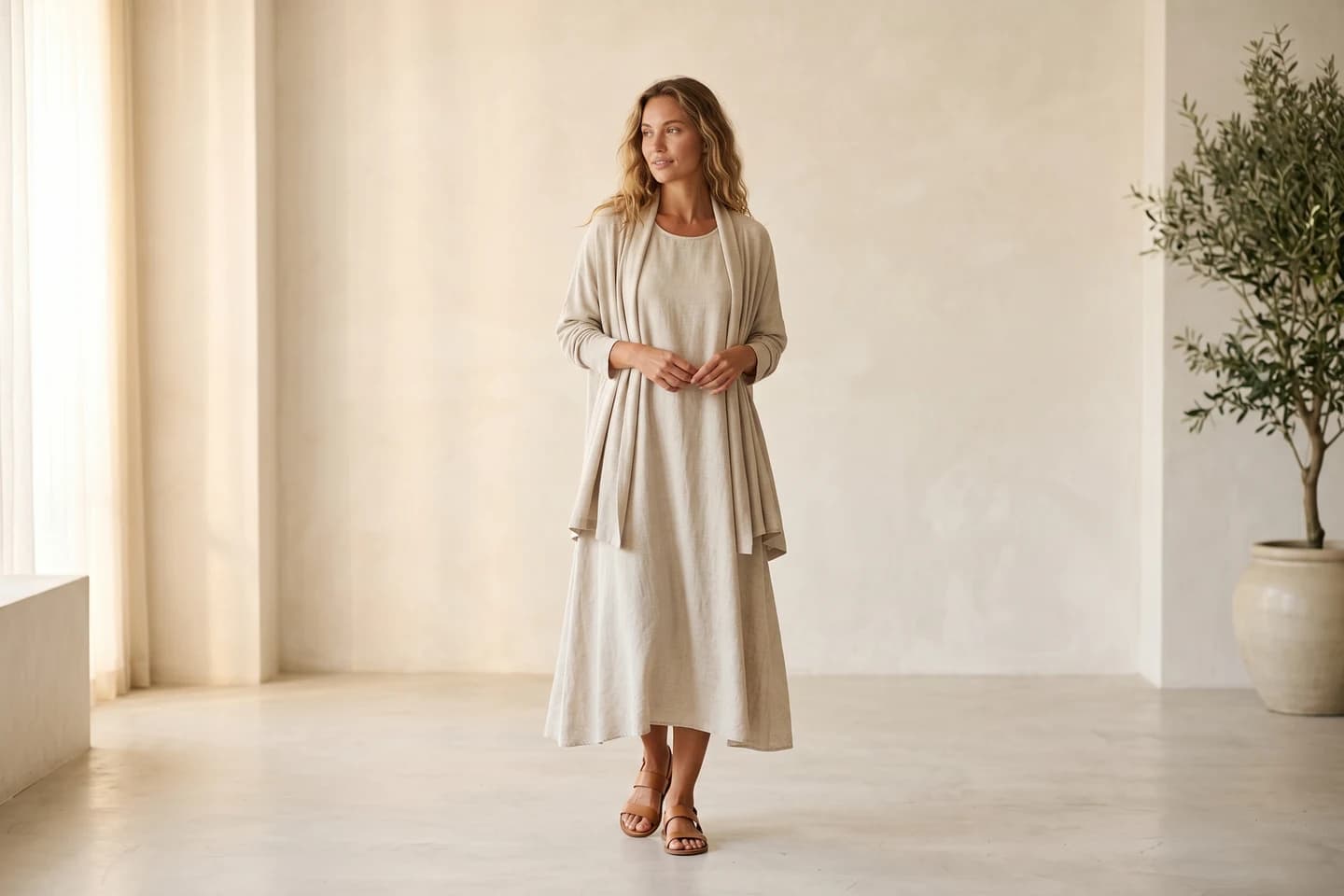
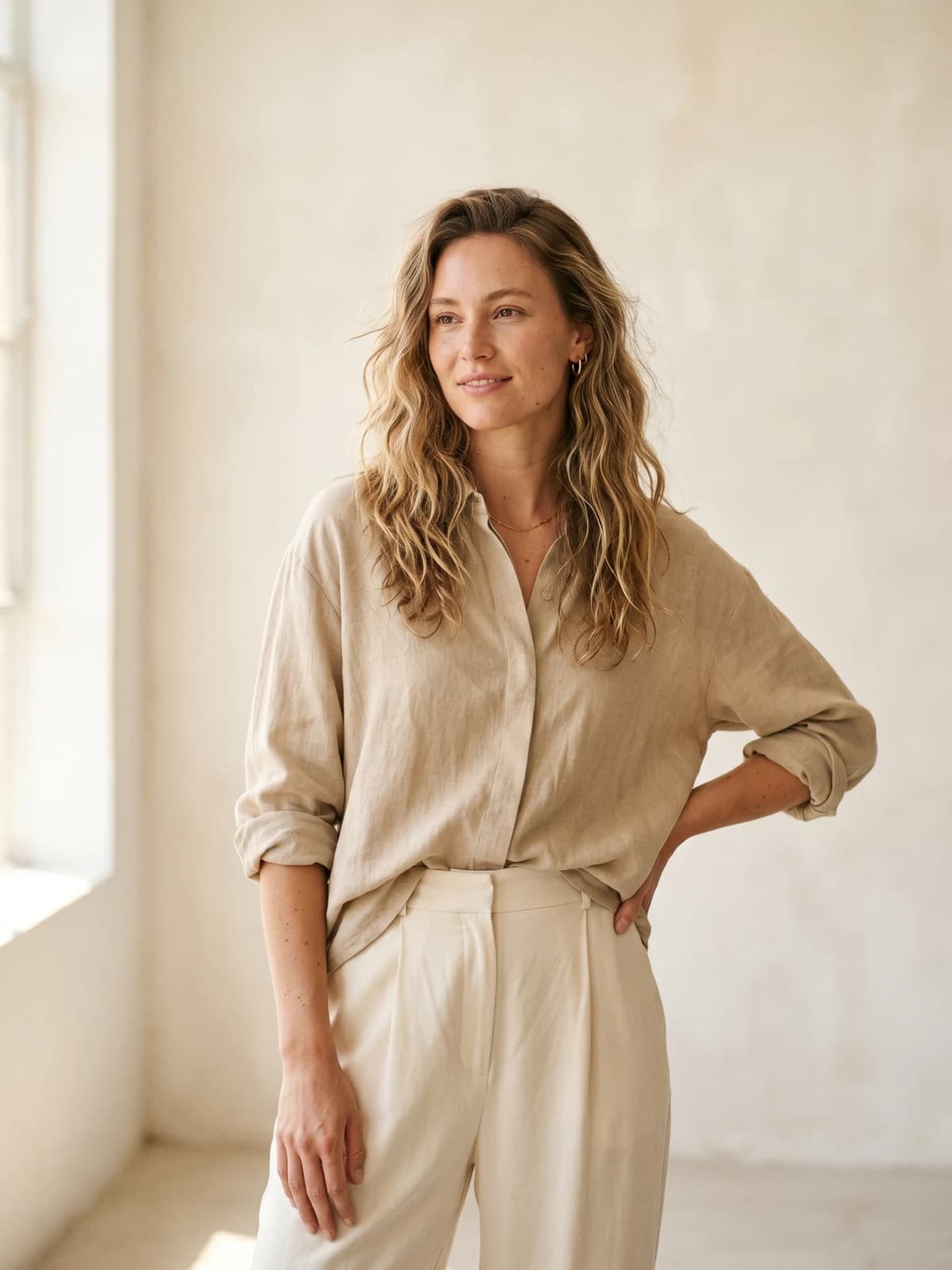
Replace your next photoshoot with AI
Professional on-model fashion photography in seconds — at a fraction of the cost of a studio shoot.
FAQ
What is an AI fashion photoshoot generator? It is a tool that creates complete fashion images, model, outfit, background, lighting, and mood, from inputs like a garment photo or a text prompt, instead of requiring a physical photoshoot. Unlike a simple background remover or model headshot tool, a full-scene generator assembles the entire campaign frame. WearView, for example, builds the model and set together in under 15 seconds.
How is this different from a virtual try-on or a product cutout tool? A try-on tool puts a garment on a model; a cutout tool isolates a product on white. A photoshoot generator goes further and produces the whole styled scene around the subject. Many platforms (WearView included) bundle try-on, flatlay to model, and full-scene generation so you can move from a flat product shot to a finished campaign image in one place.
Can AI generate a full editorial campaign, not just one image? Yes, but coherence is the challenge. A campaign needs the same model and a consistent look across multiple frames. Tools with consistent model identity, like WearView, or character consistency features, like Higgsfield, keep a multi-shot set visually unified. General image generators tend to drift between frames, which breaks the campaign feel.
Which tool keeps my exact garment accurate? Fashion-specific tools preserve garment details, prints, textures, and logos, far better than general image generators. WearView and Flair AI are built to keep the product faithful while generating the scene. General text-to-image tools like ArtSmart create convincing looks but will reinterpret rather than reproduce your exact item, so they suit concept work more than catalog accuracy.
Is there a free AI fashion photoshoot tool? Some tools offer free access: Flair AI has a free plan (5 images, no commercial license) and Mokker gives 20 free photos once. Higgsfield has limited, watermarked free access. WearView does not have a free tier, but all paid plans include a money-back guarantee so you can test risk-free. For commercial use, check the license, free tiers often exclude it.
Are AI-generated fashion photos safe to use commercially? On paid plans, most of these tools grant commercial usage rights, but the terms differ. WearView includes full commercial rights on all paid plans; Flair includes a commercial license from Pro+ up; Pebblely licenses paid-plan images for commercial use. Always confirm the license tier before publishing, and disclose AI use where your market or platform requires it.
Which AI fashion photoshoot generator is best for ecommerce catalogs? For catalog work you want garment fidelity, consistent models, and volume pricing. WearView fits best because it preserves the product, keeps one model across the catalog, and outputs up to 4K with commercial rights. For budget product-in-scene shots, Pebblely and Mokker are cheaper but focus on backgrounds rather than full styled model shoots. For a wider view, see our best AI tools for editorial fashion images and best AI tools for fashion lookbooks guides.
What inputs give the best results? Start with a clean, well-lit garment or product image and a clear prompt describing model, setting, lighting, and mood. Reference images for pose and a defined moodboard help the tool match your brand. Generate a few variations, pick the strongest, then refine, treat it like directing a shoot, not a single click.

WearView Team
WearView Content & Research Team
WearView Team is a group of fashion technology specialists focused on AI fashion models, virtual try-on, and AI product photography for e-commerce brands. We publish in-depth guides, case studies, and practical insights to help fashion businesses improve conversion rates and scale faster using AI.