
August 31, 2026•19 min read
8 best AI background removal tools for ecommerce (2026)
From one-click standards like remove.bg to budget pay-as-you-go processors and manual-precision editors, background removal tools vary widely in price and workflow fit. Here are the eight best AI background removal tools for ecommerce product photos in 2026, with verified pricing.

Picture of 8 best AI background removal tools for ecommerce (2026) article
Clean, consistent backgrounds are one of the quiet drivers of ecommerce conversion. Marketplaces expect main images on plain white, ad platforms favor uncluttered product shots, and a rough cutout makes even a great product look amateur. AI background removal tools cut that job from minutes of manual masking per image down to a few seconds per photo.
The category has matured, and the tools now differ less on whether they can find a product's edges and more on pricing models, batch workflows, and what happens after the cutout. Picking the wrong one either overcharges you at volume or leaves you fixing edges by hand every week.
This guide compares the eight best options for ecommerce product photos in 2026, from one-click standards and pay-as-you-go processors to manual-precision editors and full design suites. For each tool you get verified pricing, key strengths, honest trade-offs, and a decision framework to match a tool to your catalog size and workflow.
Best AI background removal tools: a brief overview
- remove.bg: Best for one-click accuracy and integrations: the long-standing category standard, with plugins, bulk editing, and an API that slot into almost any workflow.
- Pixelcut: Best for marketplace sellers on mobile: batch removal with consistent sizing and padding, solid iOS and Android apps, and one of the cheapest capable paid plans.
- Slazzer: Best for high-volume automation: per-image cost falls toward 6 cents at scale, with an API, desktop apps, and a Photoshop extension all sharing the same credits.
- Clipping Magic: Best for tricky cutouts: an AI first pass plus a manual smart editor that rescues the images pure automation gets wrong.
- Pixian.ai: Best pay-as-you-go value: no subscription, credit packs from $5, and a genuinely usable free tier.
- Adobe Express: Best free option inside a design suite: background removal on the free plan, plus templates that turn cutouts into finished creative.
- Canva Magic Studio: Best for going from cutout to finished listing: one-click removal on Pro feeding straight into store, ad, and social templates.
- PhotoScissors: Best no-subscription license: a desktop app that processes unlimited images offline for a flat yearly fee.
| Tool name | Key strength | Pricing | Platforms |
|---|---|---|---|
| remove.bg | Industry-standard one-click removal with deep integrations | From $9/month (40 credits); free low-res previews | Web, API, plugins, bulk tools |
| Pixelcut | Batch editing and mobile-first workflow for sellers | Pro from $8/month billed yearly; free tier available | Web, iOS, Android, API |
| Slazzer | Lowest serious per-image cost at volume | From $13.20/month (100 credits); 2 free credits | Web, API, Windows/Mac/Linux, Photoshop extension |
| Clipping Magic | Manual smart editor for pixel-level refinement | From $2.74/month (15 images) | Web, API |
| Pixian.ai | Cheapest pay-as-you-go, no subscription | Packs from $5 (250 credits); free at 0.25MP | Web, API |
| Adobe Express | Free background remover inside a full design suite | Free plan; Premium $9.99/month | Web, iOS, Android |
| Canva Magic Studio | Cutouts flow straight into listing and ad templates | Pro $18/month or $144/year | Web, mobile, desktop |
| PhotoScissors | No-subscription desktop license and offline processing | Credits from $4.99; desktop license $29.99/year | Web, Windows, Mac, iOS |
1. remove.bg, best for one-click accuracy and integrations
remove.bg has been the reference point for automatic background removal since the category existed, and it is still the tool most ecommerce teams try first. You upload a product photo, the AI isolates the subject in seconds, and you download a transparent PNG or drop in a new background. Accuracy on typical product shots, including hair and fur on model images, is among the most consistent in this list.
The real advantage for ecommerce teams is distribution. An API, bulk editing, and plugins mean the removal step can live inside the tools and pipelines you already use rather than in another browser tab.
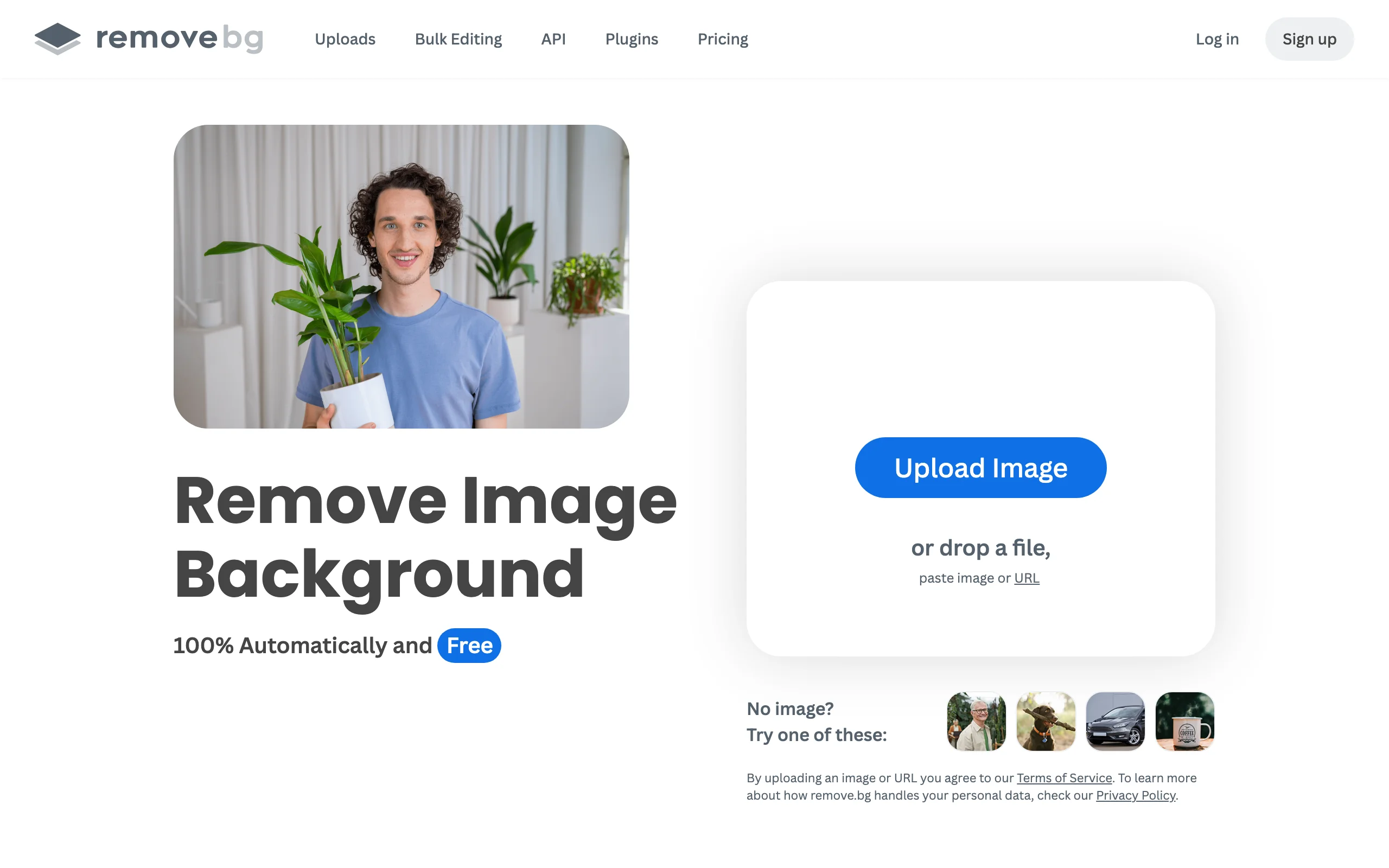
AI Background Removal with Remove.bg
Key features
- One-click automatic subject detection with strong edge handling on hair and fur
- Bulk editing workflow for processing large photo sets
- API plus plugins for design tools such as Photoshop
- Erase and restore controls to correct the automatic cutout
- Output up to 50 megapixels on paid options
- Unlimited free low-resolution previews at 0.25MP
Best for
- Teams that want the safest default choice with minimal setup
- Stores that need removal inside existing pipelines via the API and plugins
Pricing
- Free previews at 0.25MP, plus one free full-resolution credit to test
- Subscriptions from $9 per month for 40 credits ($39 for 200, $89 for 500), with roughly 10 percent off on annual billing
- Pay-as-you-go packs start around $1 per image and get cheaper in bulk; 1 credit equals 1 full-resolution image
Pros
- The most battle-tested engine in the category, consistent on hard edges
- Integrations cover nearly every workflow: API, plugins, bulk editing
- Unused subscription credits roll over while you stay subscribed, up to a cap
Cons
- Per-image cost runs higher than budget rivals like Pixian.ai or Slazzer at volume
- Banked credits are forfeited if you cancel the subscription
- Free downloads are preview resolution only; every full-resolution export costs a credit
2. Pixelcut, best for marketplace sellers and mobile batch workflows
Pixelcut is a mobile-first product photo editor used heavily by marketplace and social sellers. The background remover is free to try on the web with no signup, and the paid plan unlocks unlimited removal plus the workflow around it: batch editing with consistent sizing and padding, an AI upscaler for weak supplier photos, and AI-generated photorealistic backgrounds.
Because it ships polished iOS and Android apps, it suits sellers who list from a phone rather than a desktop. The batch pipeline outputs marketplace-ready images sized for Amazon, eBay, or Shopify listings in one pass.

AI Background Removal with Pixelcut
Key features
- Free web background remover with no signup or watermark
- Batch removal for up to 10,000 images with consistent sizing and padding
- Transparent PNG, white, or AI-generated background exports at original resolution
- AI upscaler for low-resolution source photos
- iOS and Android apps plus a background remover API
Best for
- Marketplace sellers on Amazon, eBay, or resale apps who edit on mobile
- Small teams that want batch processing without per-image credit math
Pricing
- Free tier with limited background removal and upscaling
- Pro from $8 per month billed yearly ($10 monthly): 600 AI credits, unlimited background removal, 1,000 batch exports per month, 3 team seats
- Business at $24 per month billed yearly ($30 monthly): 3,600 credits, 2,000 batch exports per month, 10 seats
Pros
- Unlimited single-image removal on Pro, so no credit anxiety for the core job
- Batch pipeline outputs consistently padded, listing-ready images
- One of the cheapest full-featured paid plans in this list
Cons
- Batch exports are capped monthly even on paid plans
- Fewer manual refinement controls than a dedicated editor like Clipping Magic
3. Slazzer, best for high-volume automation
Slazzer is a background removal engine built around volume economics. The web app works like remove.bg, but pricing runs meaningfully cheaper as quantity grows: subscription rates fall from about 13 cents per image on the smallest plan to roughly 6 cents at ten thousand images per month, with custom enterprise rates below that.
Beyond the browser, Slazzer ships an API, desktop apps for Windows, macOS, and Linux with drag-and-drop bulk processing, and a Photoshop extension, so the same credits work across every surface. For stores processing hundreds of SKUs a month it is one of the most cost-effective serious options.
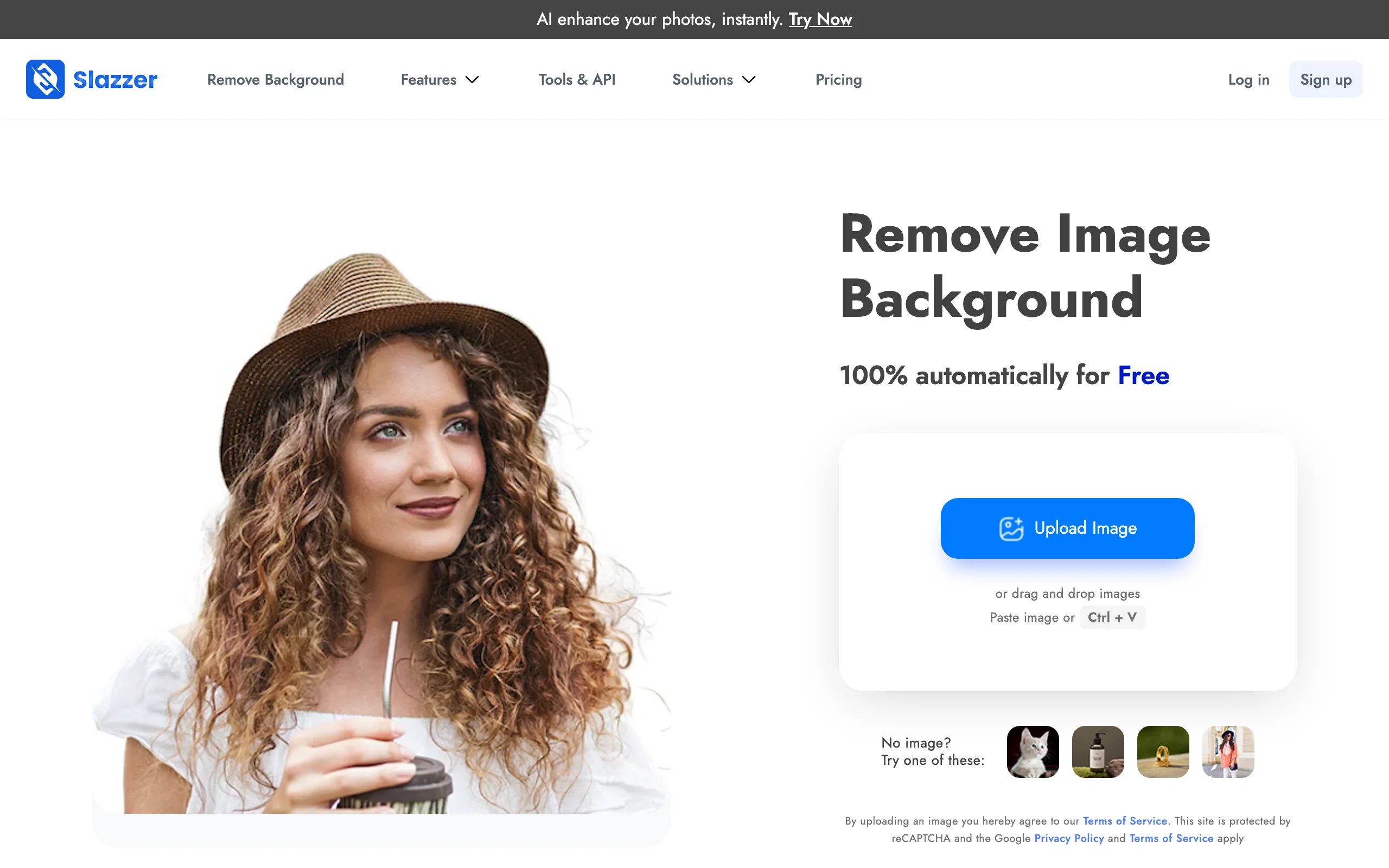
AI Background Removal with Slazzer
Key features
- Automatic removal with unlimited free low-resolution previews (0.25MP)
- API access plus desktop apps for Windows, macOS, and Linux
- Photoshop extension for in-editor cutouts
- Extra AI tools billed in fractional credits: upscaling, shadows, photo cataloging
- Credit rollover while subscribed, up to six times the monthly allowance
Best for
- High-volume stores and studios automating removal through the API
- Teams that want desktop bulk processing without per-seat pricing
Pricing
- 2 free credits on signup, plus unlimited low-resolution previews
- Subscriptions from $13.20 per month for 100 credits, scaling to $621.60 for 10,000 (about 6 cents per image)
- Pay-as-you-go top-up packs from $7.20 for 10 credits; top-up credits stay valid for 2 years
Pros
- Among the lowest per-image costs of any dedicated tool at volume
- Full platform coverage: web, API, desktop, Photoshop
- Generous rollover protects unused monthly credits
Cons
- Entry subscription costs more than Clipping Magic or Pixelcut for small catalogs
- Difficult edges such as mesh or fine jewelry can still need a manual pass elsewhere
4. Clipping Magic, best for manual precision on tricky cutouts
Clipping Magic takes the opposite approach to one-click tools: it pairs an Auto-Clip AI with a smart editor built for correcting the result by hand. You mark regions to keep and remove, and the editor refines the cutout precisely where the AI guessed wrong.
For product photos this matters on the SKUs where pure automation fails: translucent packaging, jewelry chains, mesh fabrics. At $5.49 per month for 100 images it is also one of the cheapest ways to get guaranteed-usable cutouts, as long as you accept a little manual attention per tricky image.
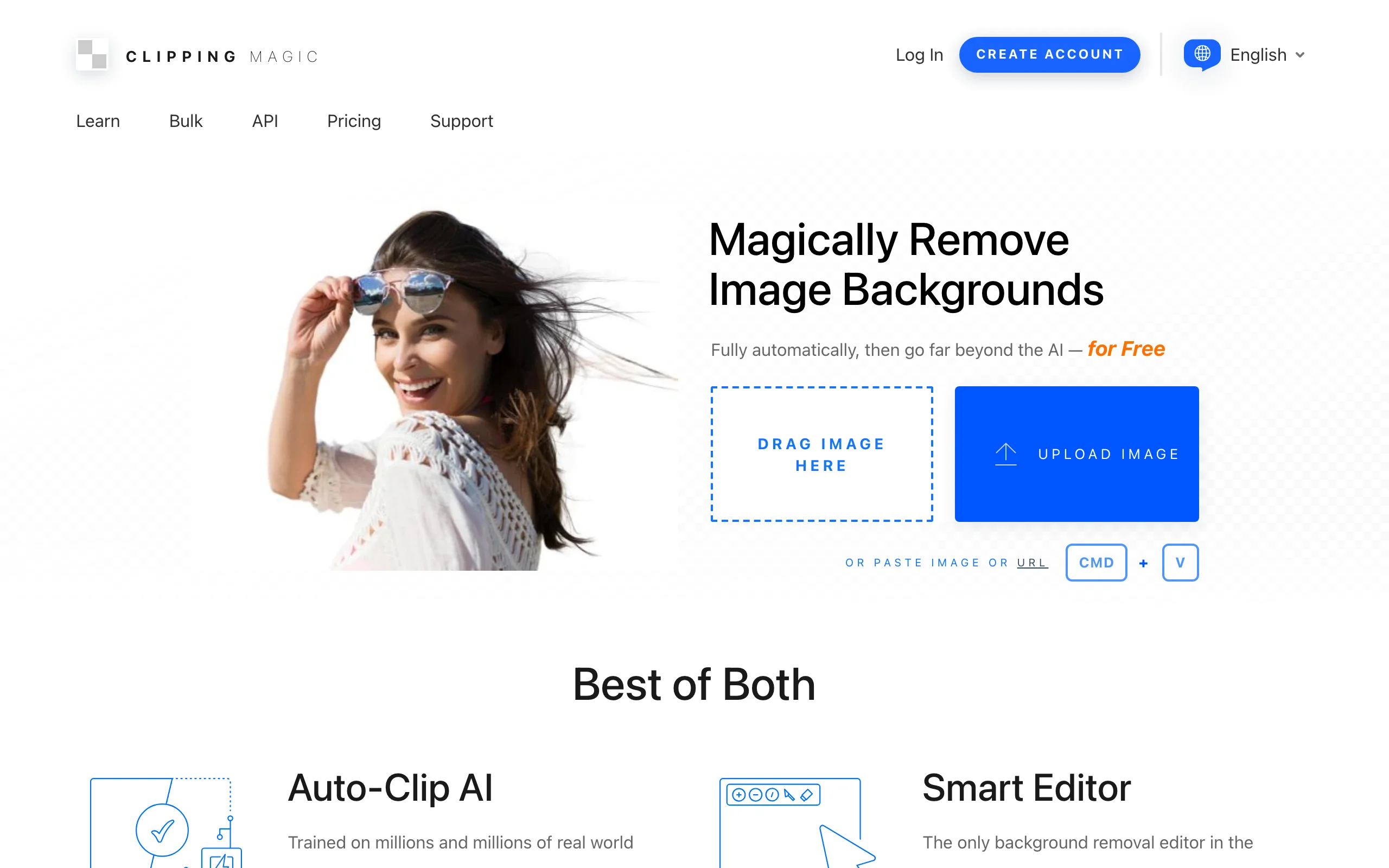
AI Background Removal with Clipping Magic
Key features
- Auto-Clip AI first pass, then full manual refinement in the smart editor
- Keep and remove markers guide the cutout exactly
- Bulk clipping available on Standard plans and above
- Credits roll over monthly, with caps that vary by plan
- Separate API for automated clipping
Best for
- Catalogs with hard subjects: jewelry, mesh, translucent products
- Sellers who want pixel-level control without full Photoshop
Pricing
- Subscriptions from $2.74 per month for 15 images; Standard at $5.49 for 100; up to 4,000 images for $49.99
- Yearly plans cut the effective rate further (1,200 images per year at $54.84)
- No pay-as-you-go option; 1 credit equals 1 image
Pros
- Manual control rescues images automatic tools get wrong
- Very low entry price for small catalogs
- Cheap at mid volumes compared with remove.bg
Cons
- Getting full value means hands-on editing time per image
- Subscription only, with no pay-as-you-go packs
5. Pixian.ai, best pay-as-you-go value
Pixian.ai is the budget pick, and unusually transparent about it. There is no subscription: you use the web app free at 0.25 megapixels with no signup, or buy credit packs when you need full resolution. Pricing is megapixel-based, so a full 25-megapixel image costs one credit (about 2 cents at the smallest pack) and smaller images cost fractions of a credit.
For a store that processes photos in bursts, such as a seasonal catalog or a one-time platform migration, the math beats every subscription in this list. The trade-off is a bare-bones feature set: removal, basic output options, and an API.
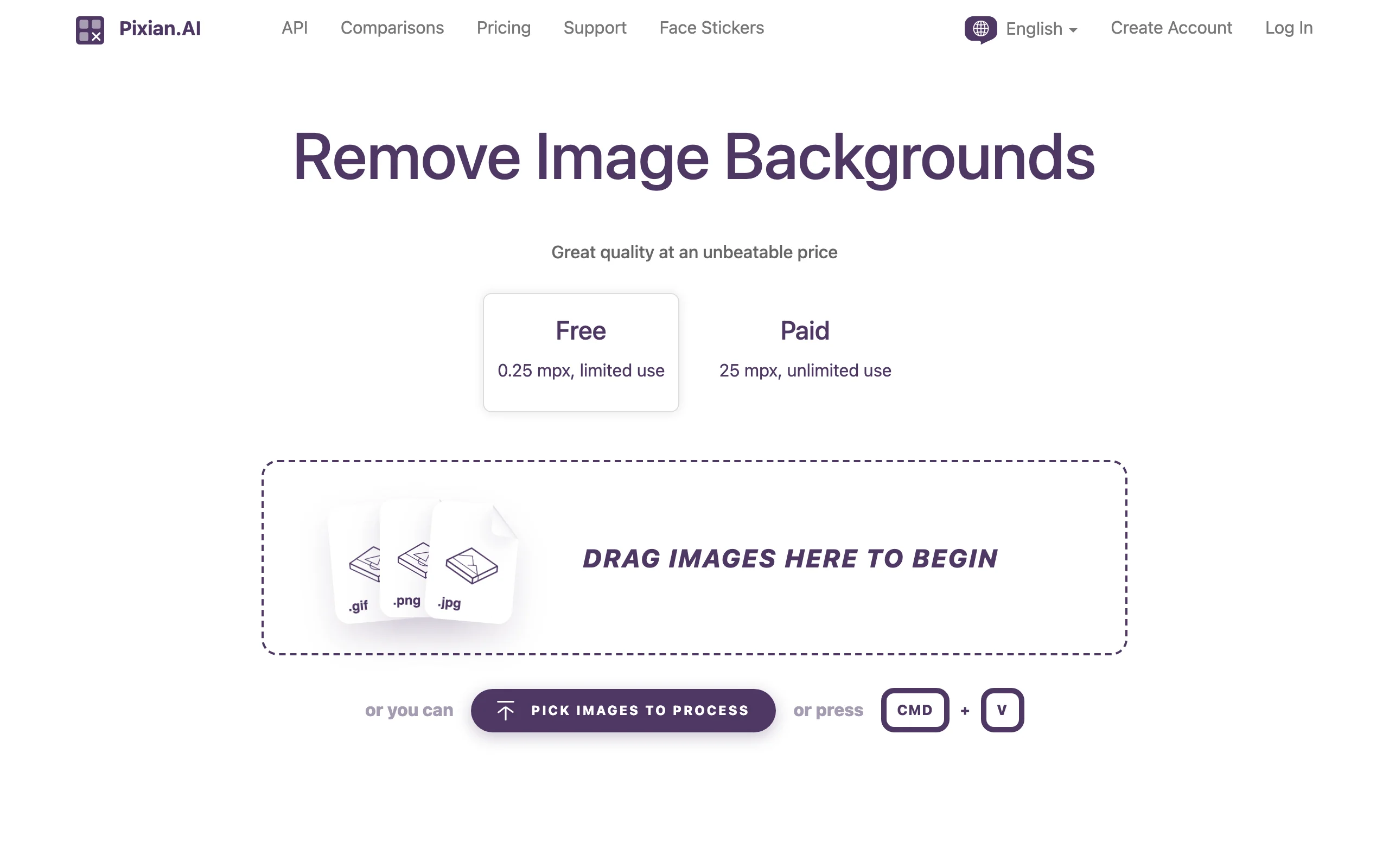
AI Background Removal with Pixian.ai
Key features
- Free web use at 0.25MP with no account required
- Megapixel-based credits: a 25MP image costs 1 credit, smaller images cost less
- Credit packs from $5 for 250 credits, with no subscription
- Drag and drop multiple images at once in the web app
- API that is free to integrate and test
Best for
- Budget-conscious sellers with bursty, project-based volume
- Developers who want a cheap removal API without monthly minimums
Pricing
- Free at 0.25MP with limited, lower-priority processing
- Packs from $5 for 250 credits, scaling to $166 for 10,000
- Roughly 2 cents per full-resolution image, and less for smaller photos
Pros
- Lowest realistic per-image cost in this list
- No subscription to manage or cancel
- Credits stay valid for around two years
Cons
- Bare-bones tooling: it removes backgrounds and does little else
- 25MP ceiling sits below remove.bg's 50MP for very large files
- No mobile apps
6. Adobe Express, best free option inside a design suite
Adobe Express is Adobe's template-driven design app, and its one-click background remover is included on the free plan. That makes it one of the most capable no-cost options for low-volume sellers.
The draw is what surrounds the cutout: your product drops straight into listing banners, social posts, and ad creative built on Adobe's template library, with brand fonts and colors applied. Premium adds video background removal, 250 monthly generative credits for Adobe's AI design tools, brand kits, and Adobe's stock library, at a price competitive with the dedicated removers in this list.
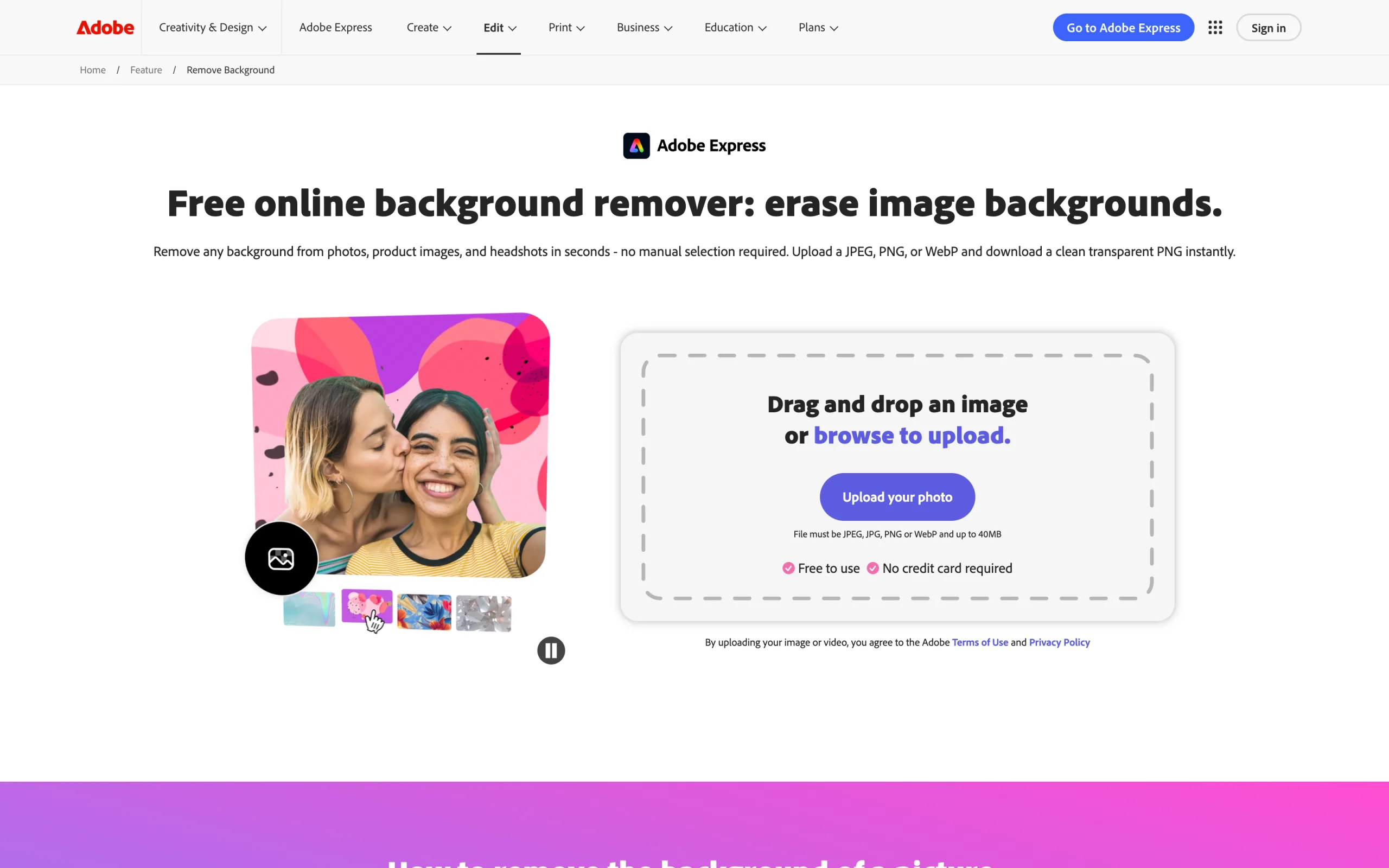
AI Background Removal with Adobe Express
Key features
- One-click background removal included on the free plan
- Video background removal on Premium
- Cutouts flow straight into templates for banners, listings, and social posts
- Brand kits keep fonts, colors, and logos consistent
- 200M+ stock photos, videos, and design assets on Premium
Best for
- Sellers who want removal plus finished marketing creative in one app
- Teams already working inside Adobe tools
Pricing
- Free plan includes the background remover; it also carries roughly 25 generative credits per month for Adobe's generative AI features
- Premium at $9.99 per month (about $8.33 per month billed yearly) with 250 monthly generative credits, 100GB storage, and brand kits
Pros
- Genuinely useful free tier for low-volume sellers
- Strong template ecosystem turns cutouts into finished assets
- Video background removal at a low price point
Cons
- One-at-a-time editing makes it a poor fit for high-volume catalog processing
- Geared to one-at-a-time design work rather than batch catalog runs
7. Canva Magic Studio, best for going from cutout to finished listing
Canva approaches background removal from the design side. The one-click remover is a Pro feature, and unlike Canva's generative tools it does not draw down your monthly AI credits: it is included at fair use. The reason to choose Canva is everything after the cutout: thousands of listing, banner, and social templates, brand kits, bulk resize, and an editor your team probably already knows.
For a small brand producing store banners, marketplace content, and social ads from the same product shots, Canva can replace three or four single-purpose tools. As a pure background remover, though, you are paying for a whole suite.
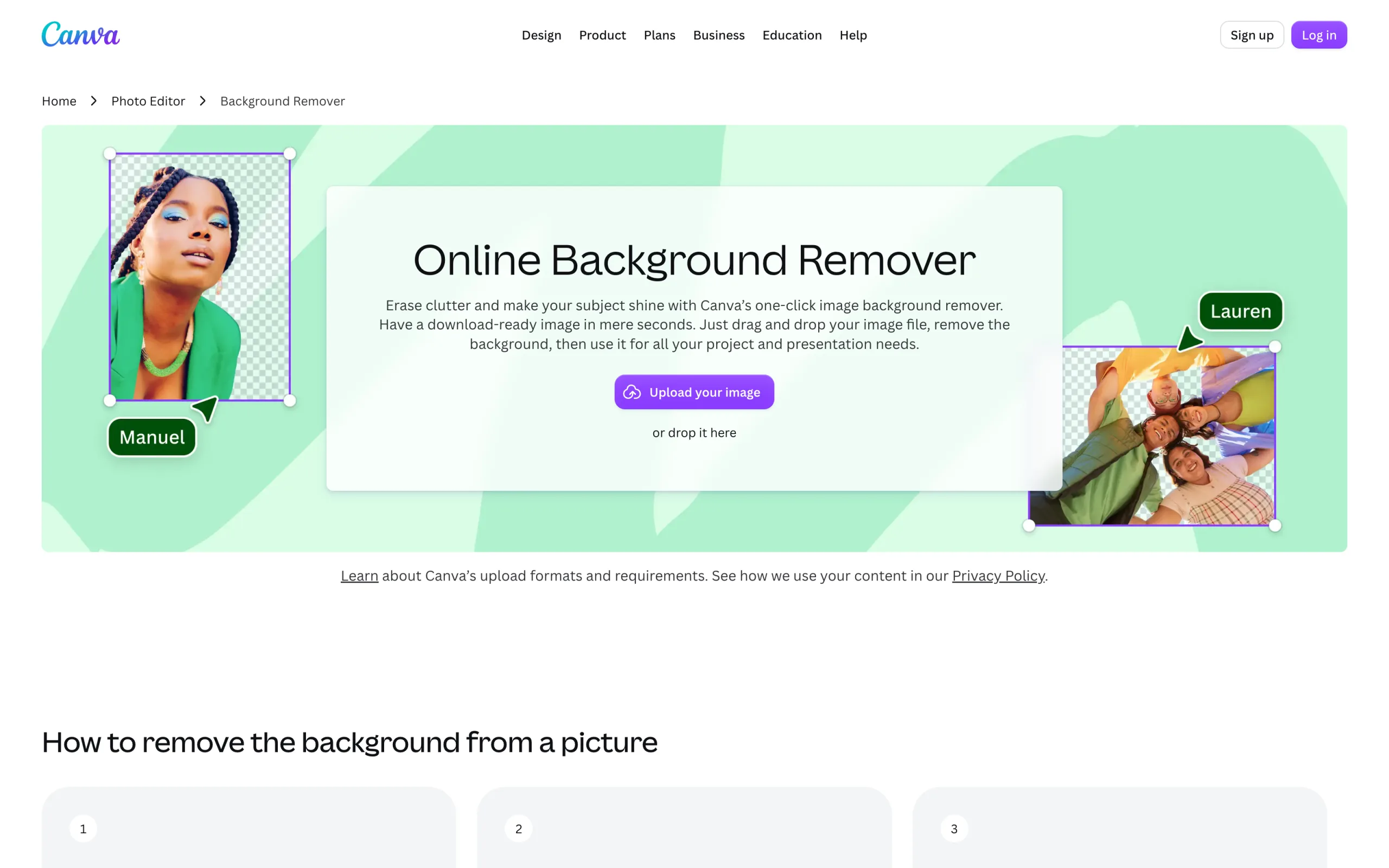
AI Background Removal with Canva Magic Studio
Key features
- One-click background remover on Pro, unlimited at fair use
- Magic Eraser and Magic Expand for removing props and extending scenes
- Tiered monthly AI credits for generative tools on top
- Store, ad, and social templates plus brand kit
- Web, mobile, and desktop apps with team collaboration
Best for
- Small brands turning product cutouts into complete marketing creative
- Teams already standardized on Canva for design work
Pricing
- Canva Pro at $18 per month, or $144 per year billed annually
- Business at $25 per user per month ($250 per user per year)
- A free plan exists, but it does not include the background remover
Pros
- Background removal does not consume AI credits on Pro
- Fastest path from cutout to finished listing or ad creative
- Familiar tool with minimal training cost for teams
Cons
- The remover is locked behind Pro, so the free plan cannot do the core job here
- Designed around single designs, not batch catalog processing
- The priciest subscription in this list if background removal is all you need
8. PhotoScissors, best no-subscription desktop license
PhotoScissors is the veteran of this list, an online remover with a desktop sibling that has been running since 2014. The web version is free for standard-definition downloads, with inputs up to 10MB and 4.2 megapixels, and credit packs unlock high-resolution output.
The distinctive offer is the desktop license: a flat $29.99 for a one-year license, with no subscription, that processes unlimited images offline on Windows or Mac. For studios with confidentiality requirements around unreleased products, or unreliable connections, local processing is something no cloud tool in this list matches.
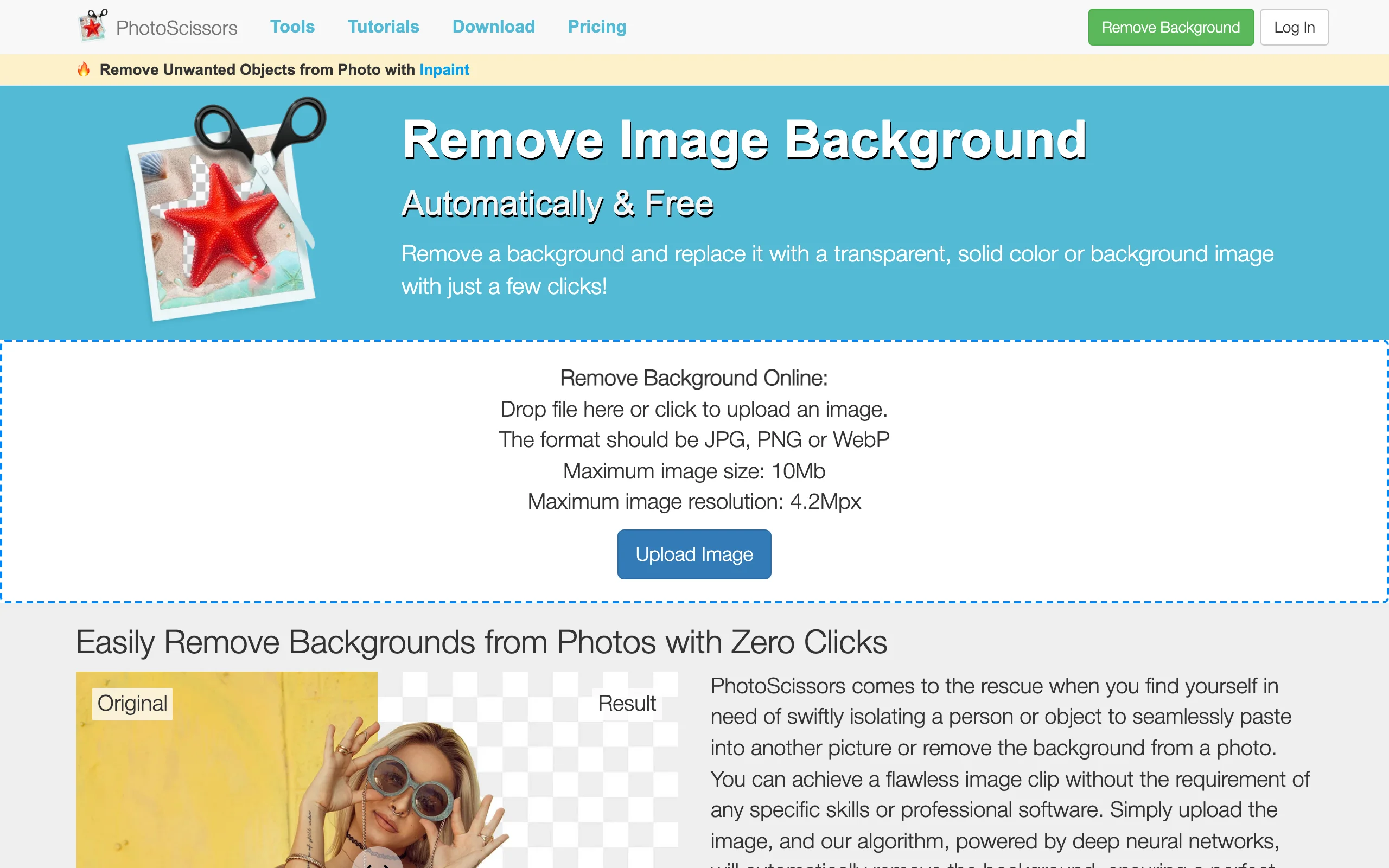
AI Background Removal with PhotoScissors
Key features
- Free online removal with standard-definition downloads
- Dedicated handling for transparent and semi-transparent objects
- Credit packs for high-resolution downloads
- Desktop app for Windows and Mac with unlimited offline processing
- iOS app available
Best for
- Sellers who prefer a flat license fee over another subscription
- Workflows that need offline, local processing
Pricing
- Free standard-definition downloads on the web (10MB and 4.2MP input limits)
- Credit packs from $4.99 for 10 credits up to $29.99 for 1,000, valid for one year
- Desktop license currently $29.99 for one year of unlimited offline use
Pros
- Cheapest unlimited-volume option if the desktop app fits your workflow
- Offline processing keeps unreleased products off third-party servers
- Simple pricing with no subscription
Cons
- The interface feels dated next to newer tools
- The desktop license covers one year, so long-term use still recurs
- No API or ecommerce integrations are advertised
How to choose the best AI background removal tool for your product photos
1) One-click automation or manual control?
Most product photos shot on clean backdrops sail through any one-click tool. remove.bg, Pixelcut, Slazzer, and Pixian.ai will all return a usable cutout in seconds. The failure cases are predictable: jewelry chains, mesh and lace, translucent packaging, and stray hair on model shots.
- If your catalog is mostly solid products on plain backdrops: pick on price and workflow. Pixian.ai or Slazzer for volume, remove.bg for integrations
- If a meaningful share of SKUs have hard edges: add Clipping Magic as the rescue pass, or budget QA time into every batch
- Practical test: run five of your hardest SKUs through the free tiers before committing to any plan
2) Standalone remover or full design suite?
A dedicated remover produces a clean transparent PNG and stops there. That is the right shape if your listings and ads are assembled elsewhere, because dedicated tools are cheaper per image and batch better. If the same person removes backgrounds and then builds the creative, Adobe Express or Canva collapse two subscriptions into one.
Remember that removal cannot fix a badly shot source photo. Even lighting and clean framing at capture time make every tool in this list more accurate; our guide to clothing product photography covers how to get that right before the editing stage. And if you want AI to go beyond removal and generate complete scenes or on-model shots, see our roundup of AI product photography tools.
3) Subscription, pay-as-you-go, or flat license?
Do the credit math against your real monthly volume before choosing:
- Steady monthly volume: a subscription wins. Slazzer lands near 6 cents per image at scale, and Clipping Magic's 100 images for $5.49 is hard to beat for small catalogs
- Bursty, project-based volume: pay-as-you-go wins. Pixian.ai packs cost about 2 cents per full-resolution image and stay valid for around two years
- Heavy, predictable, unlimited volume: PhotoScissors' $29.99 desktop license removes per-image cost entirely for a year
Watch the expiry rules. remove.bg forfeits banked credits when you cancel, Slazzer top-ups last two years, PhotoScissors credits last one year, and Clipping Magic caps rollover by plan. Buying a big pack you will not use inside the window is the most common way to overpay in this category.
FAQ
What is an AI background removal tool?
An AI background removal tool uses a trained segmentation model to detect the subject of a photo and separate it from everything behind it. Instead of tracing a clipping path by hand, you upload an image and receive a cutout in a few seconds, usually as a transparent PNG or on a plain white background. Ecommerce teams use them to produce clean listing images, marketplace-compliant main photos, and assets for ads and banners.
What is the best AI background removal tool for ecommerce product photos?
There is no single winner; the best fit depends on volume and workflow. remove.bg is the safest all-round default, Pixelcut offers the best value for mobile and batch work, Slazzer and Pixian.ai win on cost at volume, and Clipping Magic is the pick when precision matters more than speed.
Is there a completely free AI background remover?
Several tools here are free within limits. Pixian.ai is free at 0.25 megapixels with no signup, PhotoScissors offers free standard-definition downloads, Adobe Express includes the remover on its free plan, and remove.bg gives unlimited low-resolution previews. The pattern is consistent: previews and small sizes are free, and full-resolution output is paid everywhere.
How do I remove backgrounds from hundreds of product photos at once?
Use a tool with a real batch pipeline. Pixelcut processes up to 10,000 images per batch with consistent sizing, Slazzer's desktop apps handle drag-and-drop bulk jobs, remove.bg offers bulk editing plus an API, and Clipping Magic includes bulk clipping on Standard plans and above. For recurring jobs, an API integration removes the manual step entirely.
Should product images have a white background or a transparent PNG?
Keep a transparent PNG as your master file and export from it. Major marketplaces generally require main listing images on a plain white background, while the same transparent cutout can be reused for lifestyle composites, ads, and seasonal banners without re-editing.
Can these tools remove the mannequin inside a garment, not just the background?
No. Background removal deletes what is behind the product, but a mannequin inside a jacket is part of the subject, so it survives the cutout. That hollow, invisible-model look is a separate edit; our step-by-step ghost mannequin tutorial for Photoshop shows how it is done.
Do background removal credits expire?
Policies vary widely and are worth checking before a large purchase. remove.bg subscription credits roll over while you stay subscribed but vanish on cancellation, Slazzer pay-as-you-go credits last two years, Pixian.ai packs stay valid for around two years, and PhotoScissors credits expire after one year.
How do AI background removers handle hair and fine details?
Hair on model shots is largely solved; remove.bg in particular is consistent on it, and most modern engines come close. The genuinely hard cases are semi-transparent materials, glass, and thin repeating patterns like mesh, where automatic edges turn mushy. For those SKUs, a manual editor such as Clipping Magic, or PhotoScissors' transparent-object handling, is the reliable fallback.

WearView Team
WearView Content & Research Team
WearView Team is a group of fashion technology specialists focused on AI fashion models, virtual try-on, and AI product photography for e-commerce brands. We publish in-depth guides, case studies, and practical insights to help fashion businesses improve conversion rates and scale faster using AI.


