
June 5, 2026•22 min read
8 best AI product photography tools for ecommerce in 2026
Compare the best AI product photography tools for ecommerce in 2026. Find the right tool for you with detailed pricing, features, and honest pros and cons.
Picture for AI product photography tools for ecommerce in 2026 article
Product photography is the single biggest driver of conversion in ecommerce. But traditional shoots are expensive, slow, and hard to scale when you're managing hundreds of SKUs across seasons. AI product photography tools now handle everything from background removal to full on-model fashion shoots, often in seconds per image.
In this guide, we compare the 8 best AI product photography tools for ecommerce, covering what each does well, how pricing works, and which fits your specific workflow. Whether you sell apparel, beauty, electronics, or home goods, there's a tool here that matches your needs. And if fashion is your main focus, we also compare the best AI fashion photoshoot generators for studio-style model shots in a dedicated roundup.
Best AI product photography tools: a brief overview
If you need fashion-specific product photography:
- Start with WearView for the most complete fashion photography workflow: virtual try-on, AI model creation, product-to-model, and video in one platform.
- Use Rawshot if you're an agency or brand producing fashion content at scale with collaborative approval workflows.
- Use SellerPic if you need fashion model swaps combined with video content for social selling.
If you need a general-purpose product photography suite:
- Use Adobe Express for fast, versatile photo editing and social-ready design across all product types, especially if you work across web and mobile.
- Use Pixelcut if you primarily edit product photos on your phone and need a mobile-first experience.
- Use MagicShot for marketplace-ready listing images, with white-background catalog shots and lifestyle scenes plus video and editing in one subscription.
If you need AI product staging and backgrounds:
- Use Flair.ai if you want precise creative control over product composition using a drag-and-drop canvas.
If you need Shopify-native product content:
- Use CreatorKit for unlimited product photo and video generation directly inside your Shopify admin.
| Tool name | Key strength | Pricing | Platforms |
|---|---|---|---|
| WearView | Complete fashion AI suite: try-on, model creation, product-to-model, and video | From $29/month | Web |
| MagicShot | Marketplace-ready listing photos: white-background catalog shots and lifestyle scenes | From $9/month | Web |
| Adobe Express | Versatile AI photo editing and design with one-tap background removal and 100k+ templates | Free plan; Premium $9.99/month | Web, iOS, Android |
| Flair.ai | Drag-and-drop canvas for precise creative control over product composition | From $8/month; 5 free images | Web |
| CreatorKit | Unlimited generations with pay-per-download model, deep Shopify integration | From $39/month; 5 free downloads | Web + Shopify app |
| Rawshot | Fashion photography studio with 600+ models, 150+ camera styles, 1,500+ backgrounds | From $9/month; Free trial with 30 tokens | Web |
| SellerPic | Fashion model swap with AI video and lip-sync for social selling | From $29/month; 20 free credits | Web + Shopify app |
| Pixelcut | Mobile-first AI photo editor with batch background removal and 4K upscaling | From $9.99/month; Free tier available | Web, iOS, Android + API |
1. WearView, best overall for fashion product photography
Fashion is the hardest product photography category. Garments need to look right on a body, and details like prints, textures, logos, and stitching need to survive the AI generation process. WearView is built specifically for this challenge, with a workflow that covers the full fashion photography pipeline.
The core features work together: create an AI model from a text prompt, use AI virtual try-on to place garments on that model, convert flat-lay photos to on-model shots with flat-lay to model conversion, and then animate the result into short video. The same model persona stays consistent across all outputs, which matters for brands building a visual identity. Resolution options go up to 4K for high-quality product page imagery.
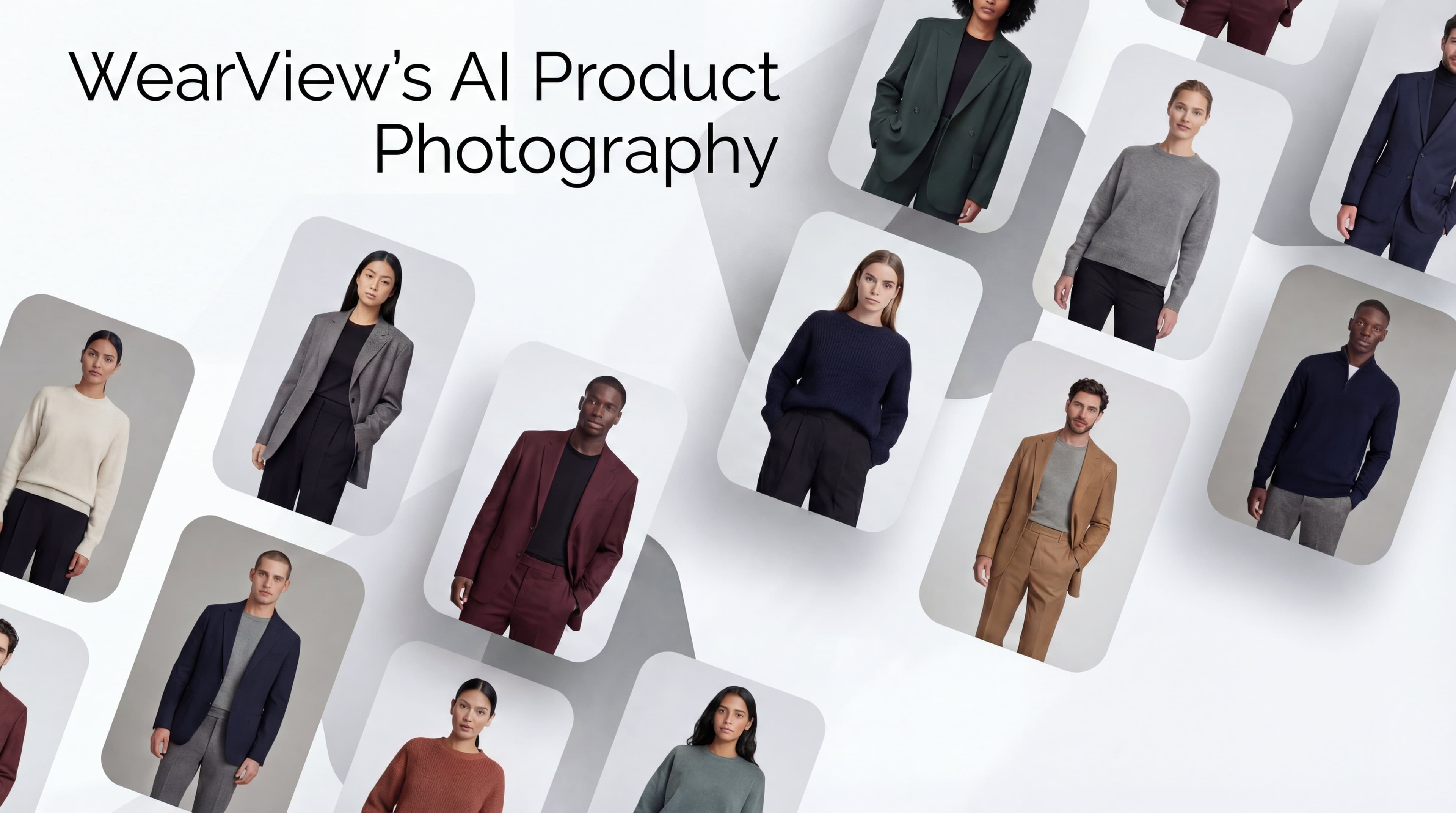
AI Product Photography with WearView
Key features
- Virtual try-on with garment detail preservation (prints, textures, logos, text)
- AI model creation from text prompts with 100+ pre-built diverse models
- Product-to-model conversion from flat-lay and mannequin shots
- Consistent model personas across products and campaigns
- AI pose control with reference-based generation
- AI fashion video generation at 720p and 1080p
Best for
- Fashion and apparel brands that need studio-quality on-model product photos at scale
- Content creators producing product imagery and social content for clothing brands
- Teams that want try-on, model creation, and video in one platform without switching tools
Pricing
- Lite: $29/month (50 credits)
- Pro: $49/month (200 credits)
- Advanced: $99/month (500 credits)
- Add-on credit packs: $10 for 25 credits (never expire)
Pros
- Most complete fashion photography toolkit: try-on, model creation, product-to-model, and video
- Strong garment detail preservation across prints, textures, and logos
- Multiple resolution options up to 4K
- Credit packs that never expire for flexible top-ups
Cons
- Fashion-focused, less useful for non-apparel product categories
- No native Shopify app or public API
- No batch processing for high-volume catalog workflows
2. MagicShot, best for marketplace-ready product photos
MagicShot's Product Photos takes a single product shot, even one snapped on your phone, and turns it into listing-ready images in minutes. Pick a clean white background that meets Amazon and Etsy standards, or describe a lifestyle scene (marble countertop, seasonal set, sunlit outdoor table) and it stages your product inside it.
What makes MagicShot stand out is that product photography is just one tool in a full creative studio. The same subscription also covers AI video, photo editing, and voiceovers, so a small brand can shoot a catalog, spin up UGC-style ads, and retouch images without paying for three separate tools. For sellers and DTC founders who need volume before a professional shoot, it is a fast, affordable way to fill out a listing.
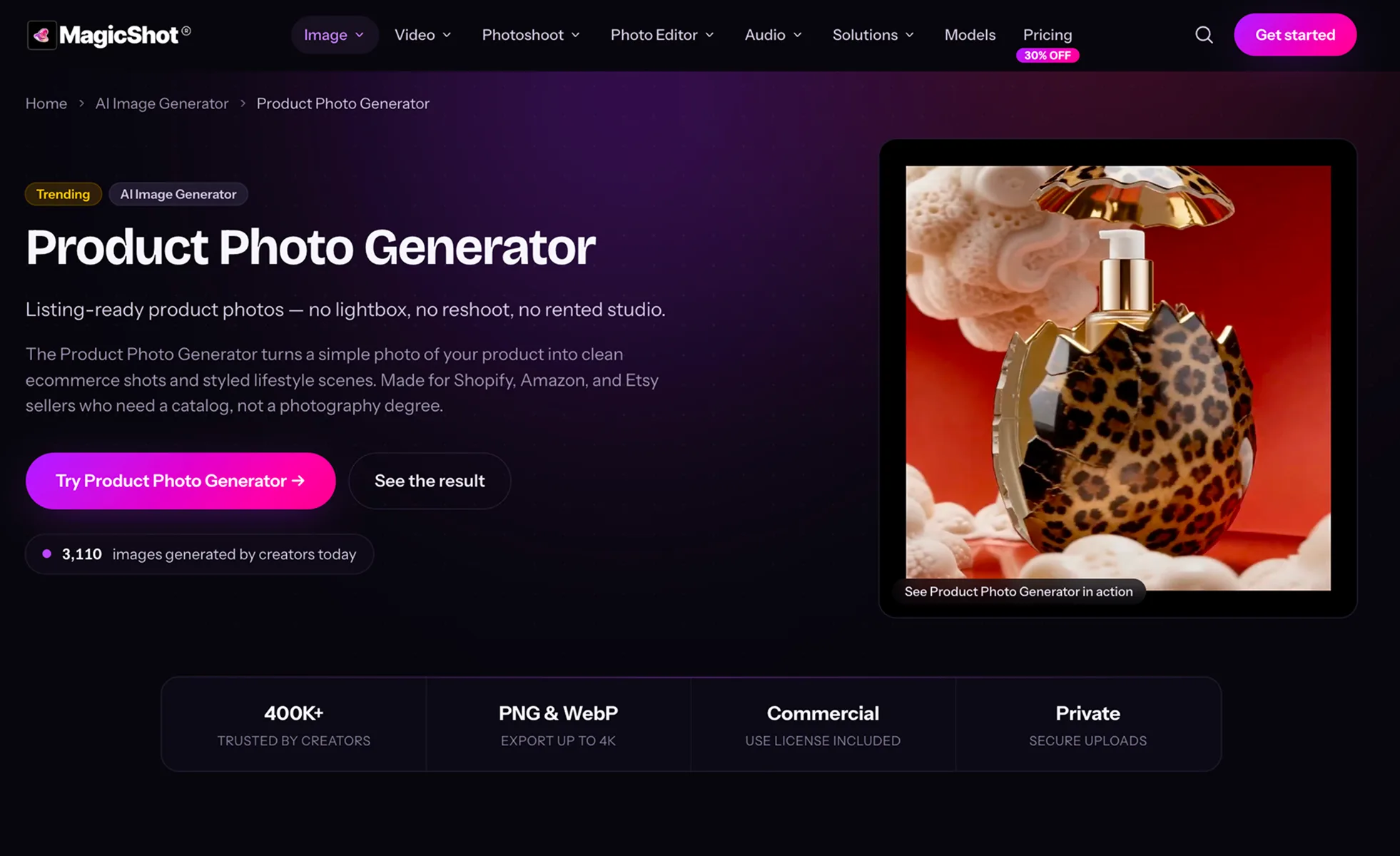
AI Product Photography with MagicShot
Key features
- Exports up to 4K in PNG or WebP, above most marketplace and ad requirements
- Clean white-background catalog shots that pass Amazon, Etsy, and Shopify standards
- Custom lifestyle scenes generated from a simple text description
- Keeps product shape, label, and color accurate; only the background changes
- Built on GPT Image 2 for realistic, high-fidelity results
- Commercial license included on paid plans for listings, ads, and social
Best for
- Amazon, Etsy, and Shopify sellers who need consistent listing images
- DTC founders launching before they can afford a professional photoshoot
- Agencies mocking up campaign visuals and client concepts quickly
Pricing
- Essential: $9/month
- Premium: $19/month (most popular, often discounted to around $13/month)
- Premium+: $35/month
- Every plan unlocks all 85+ MagicShot tools, not just product photos, and yearly billing lowers the price further
Pros
- Up to 4K output that clears marketplace and ad-platform requirements
- Accurate product preservation, so labels and colors do not warp
- Both clean catalog shots and custom lifestyle scenes from one tool
- One subscription covers video, editing, and audio, not just product images
Cons
- Credit-based plans mean very large catalogs can use up limits quickly
- Lifestyle scenes need a clear prompt to nail the exact look
3. Adobe Express, best for versatile photo editing
Adobe Express is a general design and editing tool from Adobe, built for quick edits and content creation rather than fashion-specific generation. Its standout for product sellers is one-tap AI background removal, paired with a deep library of 100,000+ templates and Quick Actions (resize, crop, convert) that cover most day-to-day catalog editing. Layer on Adobe Firefly generative AI for swapping backgrounds and adding effects, and you get a versatile editor that handles nearly any general product photography touch-up.
Availability is a real strength: Adobe Express runs on the web plus polished iOS and Android apps with cloud sync, so you can edit product shots at your desk or on the go. The free plan is genuinely usable for background removal and templates, with generative AI capped by a monthly credit allowance, which makes it easy to test thoroughly before paying for Premium.
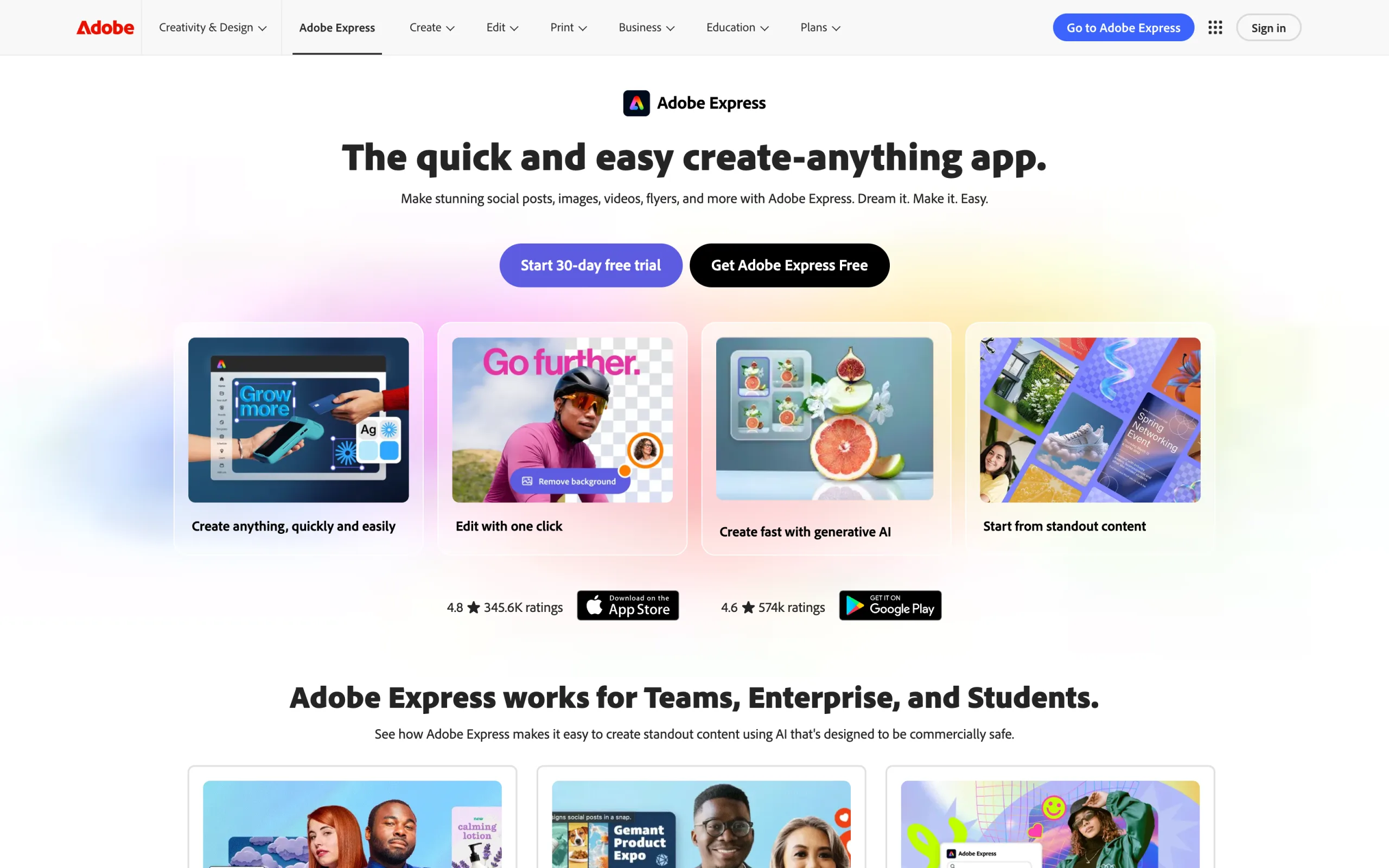
AI Product Photography with Adobe Express
Key features
- One-tap AI background removal for clean product cutouts
- 100,000+ templates for social, ads, and marketplace listings
- Quick Actions: resize, crop, convert, and bulk resize
- Adobe Firefly generative AI for backgrounds, generative fill, and effects
- Brand Kit for consistent colors, fonts, and logos (Premium)
- Access to Adobe Stock photos and design elements
Best for
- Sellers who want quick photo edits and social-ready designs across all product categories
- Solopreneurs and marketers who already work in the Adobe ecosystem
- Teams that need background removal, resizing, and templates in one free-to-start editor
Pricing
- Free: background removal, 100,000+ templates, and 25 monthly generative AI credits
- Premium: $9.99/month (unlimited background removal, bulk resize, Brand Kit, 250 generative credits)
- Teams and Enterprise: custom pricing with admin controls
Pros
- Trusted Adobe brand with a polished, easy-to-learn interface
- Available on web, iOS, and Android with cloud sync
- Generous free plan covers background removal and templates
- Adobe Firefly generative AI built in for backgrounds and effects
Cons
- No fashion-specific features (no on-model, try-on, or model generation)
- A general design tool, not built for catalog-scale ecommerce automation
- Generative AI is limited by monthly credits, even on Premium
- No dedicated developer API for high-volume product image processing
4. Flair.ai, best for creative control
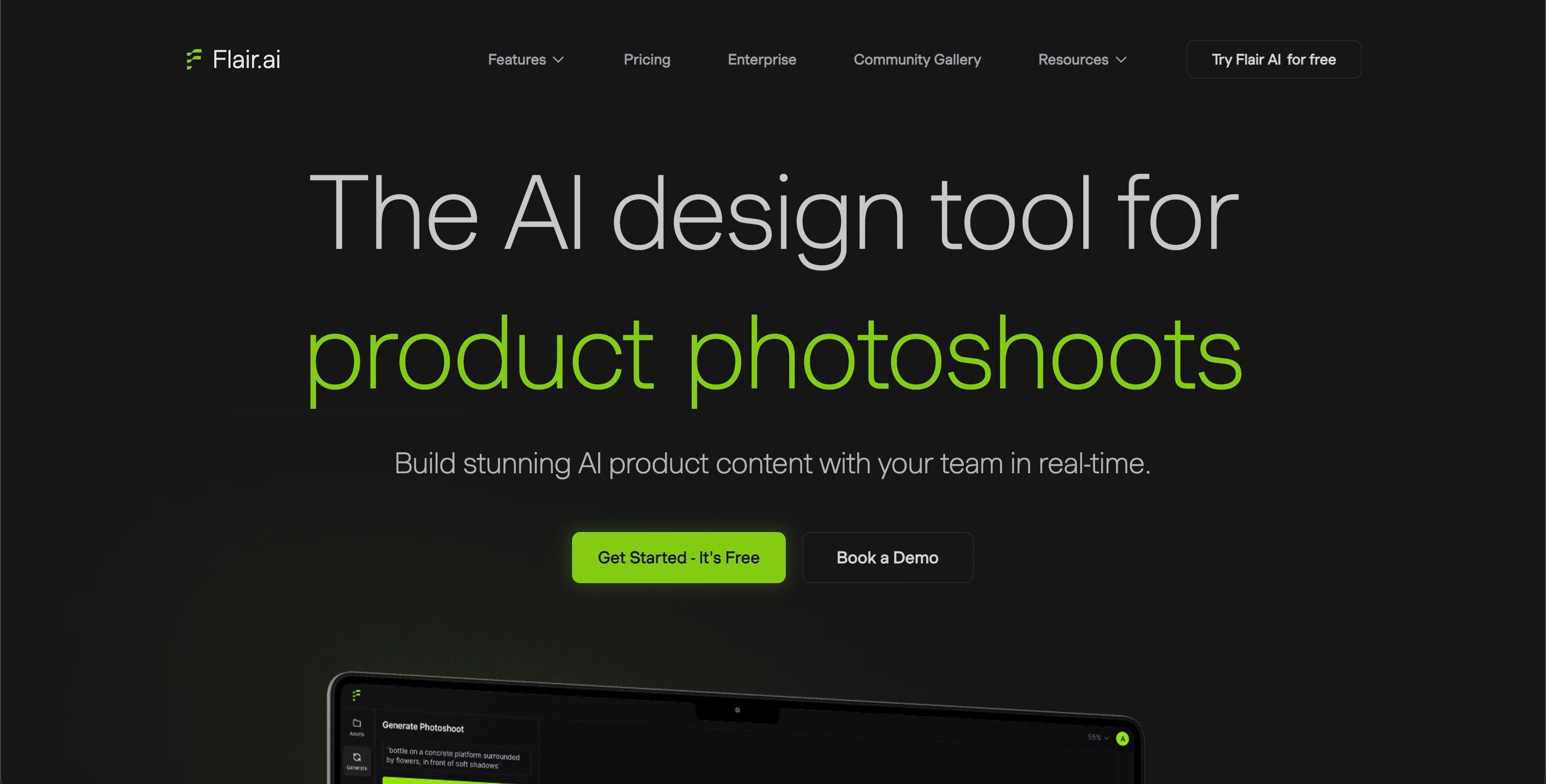
Flair.ai takes a different approach from every other tool on this list. Instead of uploading a photo and clicking generate, you work on a drag-and-drop canvas where you place your product, add props, 3D assets, and lighting elements, then generate the final image. Think of it as Canva meets AI product photography. The result is precise control over composition before the AI fills in the scene.
This canvas-based workflow is particularly valuable for marketing teams and agencies that need specific compositions for ads, social posts, or campaign materials. You can build reusable templates that enforce brand consistency across products and campaigns.
AI Product Photography with Flair.ai
Key features
- Drag-and-drop canvas for visual product composition before generation
- Reusable templates for brand-consistent outputs across products
- AI fashion photoshoots with pattern and logo preservation
- Real-time collaboration for teams editing the same canvas
- Custom model training on your brand aesthetic
- AI ad generation with brand consistency built in
Best for
- Marketing teams and agencies that need precise composition control for ad creatives
- DTC brands that want hands-on control over product staging and scene design
- Creative teams that iterate on visual concepts before committing to final generation
Pricing
- Free: 5 generated images
- Pro: $8/month (increased generation quota)
- Pro+: $26/month (80 images, up to 8 custom models)
- Scale: $38/month (150 images, up to 15 custom models)
- Enterprise: custom pricing
Pros
- Unique drag-and-drop canvas gives unmatched creative control
- Most affordable entry point at $8/month
- Real-time collaboration is great for teams
- Template system enables brand consistency at scale
Cons
- Very limited free tier (only 5 generated images)
- AI can distort fine product details and text on complex items
- Inconsistent results quality on complex scenes
- 4x credit cost for instant and ad generation burns through quotas quickly
5. CreatorKit, best for Shopify product content
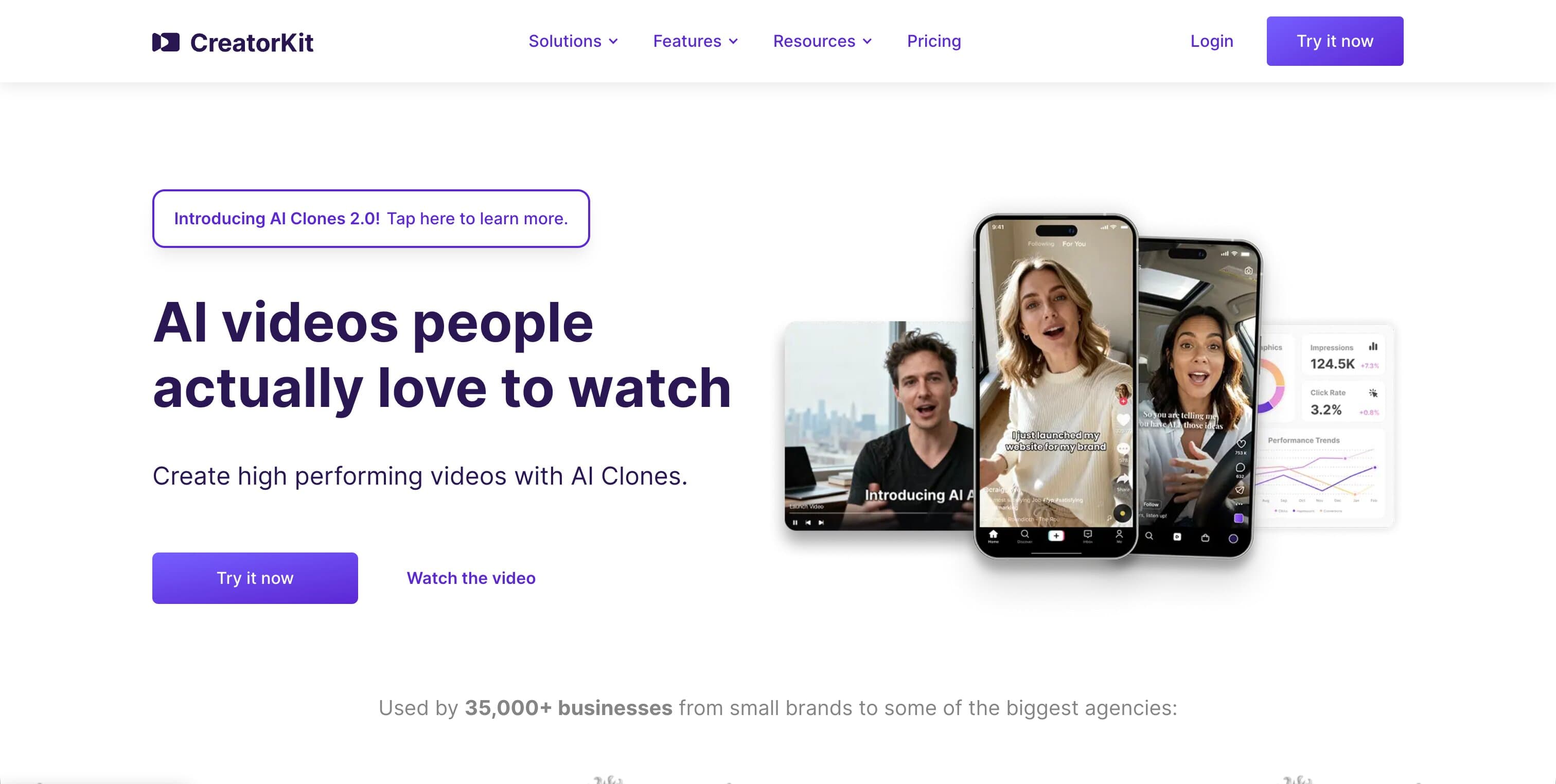
CreatorKit's model is unique: generate unlimited product photos and videos for free, and only pay when you download the ones you like. This "try before you buy" approach removes the risk of wasting credits on bad generations. The deep Shopify integration means you can generate, preview, and publish product images without leaving your store admin.
The video capabilities are a strong differentiator. Beyond product photos, CreatorKit generates AI video ads with AI actors and lip-sync, which is unusual for a product photography tool. For Shopify merchants who need both product imagery and video ads, it covers both from one dashboard.
AI Product Photography with CreatorKit
Key features
- Unlimited free generations with pay-per-download model
- Deep Shopify integration (generate and publish from admin panel)
- AI video ads with AI-generated actors and lip-sync
- Brand Kit system for consistent colors, fonts, and style
- Category-specific templates (beauty, furniture, jewelry, apparel)
- Meta Advantage+ integration for catalog ads
Best for
- Shopify merchants who want product photos and video ads from one platform
- Stores that need to test many variations before committing to downloads
- Brands running Meta catalog ads who want generated content to flow directly into campaigns
Pricing
- Free: 5 image downloads, 5 video downloads
- Pro: $39/month (10 downloads each, 1 custom AI actor)
- Business: $99/month (50 downloads each, 10 AI actors)
- Business Plus: $134/month (100 downloads each, 15 AI actors)
- Per-image pricing also available at $2.99/image
Pros
- "Try before you buy" model eliminates wasted credits
- Best-in-class Shopify integration among all tools
- Combined photo + video + ad creation in one platform
- AI actors with lip-sync is a unique differentiator for video ads
Cons
- Download-gated model gets expensive at scale ($39/month for only 10 downloads)
- Locked into the Shopify ecosystem, no standalone use
- Some users report blurry outputs and inconsistent prompt adherence
- Higher effective price per usable image than competitors
6. Rawshot, best for fashion content at scale
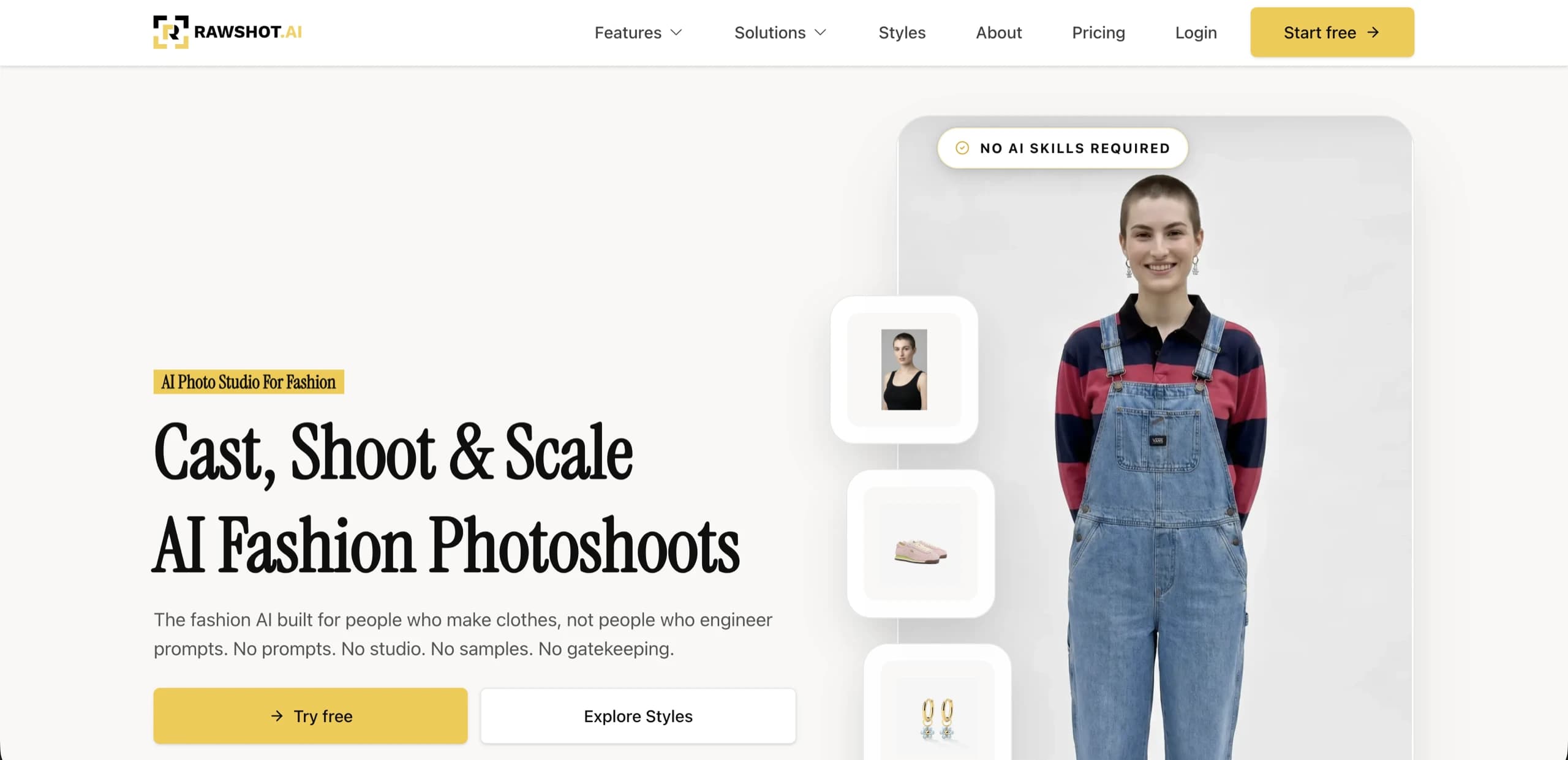
Rawshot is a dedicated AI fashion photography studio designed for volume production. The platform offers 600+ synthetic models, 150+ camera styles, and 1,500+ backgrounds, giving brands and agencies a level of creative variety that other tools can't match. Collaborative workspaces with approval workflows make it practical for teams with structured review processes.
A notable feature is C2PA content authentication, which embeds provenance metadata in AI-generated images. This is increasingly relevant for brands selling in the EU, where AI Act compliance requirements go into effect in August 2026.
AI Product Photography with Rawshot
Key features
- 600+ synthetic AI models with diverse body types
- 150+ camera styles and 1,500+ background templates
- Multi-item shoots (up to 4 items per scene)
- AI video and ad generation
- Collaborative workspaces with approval workflows
- C2PA content authentication for EU AI Act compliance
Best for
- Fashion brands and agencies producing large volumes of on-model content
- Teams with review and approval processes that need collaborative workflows
- Brands selling in the EU who need AI content provenance tracking
Pricing
- Free trial: 30 tokens (~10 images)
- Starter: $9/month (80 tokens, ~16 images)
- Growth: $39/month (400 tokens, ~80 images)
- Pro: $89/month (960 tokens, ~192 images)
- Business: $179/month (2,000 tokens, ~400 images)
Pros
- Largest selection of models, camera styles, and backgrounds
- EU AI Act compliant with C2PA content authentication
- Full commercial rights on all generated content
- Tokens never expire while subscription is active
Cons
- Relatively high cost per image (~$0.56 per image on Starter)
- No Shopify app or direct API integration
- Fashion-only, not suitable for non-apparel product categories
- Premium "human model" feature costs 9 tokens per generation
7. SellerPic, best for fashion model swaps and social video
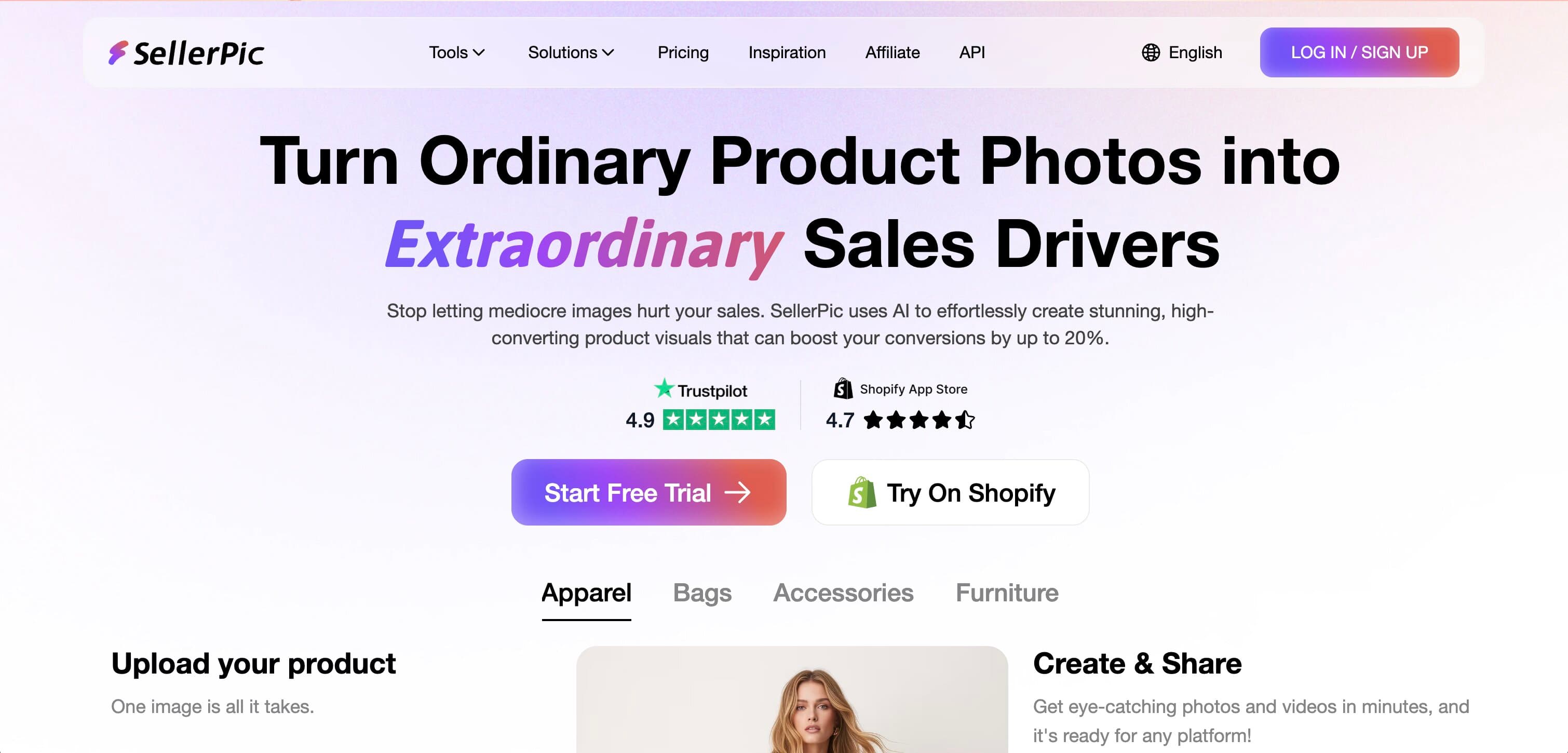
SellerPic combines fashion model swaps with AI video generation, making it a good fit for social sellers who need both product images and video content from the same tool. Upload a flat-lay or ghost mannequin photo, select from a diverse library of AI models, and generate on-model product shots. Then turn those same images into 10-second product videos with 20+ templates.
The lip-sync video feature (Growth plan and above) lets you generate spokesperson-style videos for product ads, which is unusual for a fashion photography tool. With 30,000+ users and a 4.8-star rating, the platform has proven reliability for fashion-focused sellers.
AI Product Photography with SellerPic
Key features
- Fashion model swap with diverse body types, ethnicities, and ages
- AI video generation with 20+ templates (10-second clips)
- Lip-sync video creation for product spokesperson ads (Growth plan)
- Smart background removal and replacement
- Virtual try-on for customer-facing visualization
- Native Shopify integration
Best for
- Fashion and apparel sellers who need on-model shots from flat-lay photos
- Social sellers producing content for TikTok, Instagram, and marketplace listings
- DTC brands that want both product images and video from one tool
Pricing
- Free: 20 credits (~20 images)
- Starter: $29/month (200 credits; $14.50/month billed annually)
- Growth: $79/month (600 credits; $39.50/month annually)
- Advanced: $99/month (3,000 credits; $49.50/month annually)
Pros
- Combined image + video generation covers the full social selling workflow
- Strong model diversity across ethnicities, body types, and ages
- 50% annual billing discount makes it competitive ($14.50/month for Starter)
- 4.8-star rating from 30,000+ users
Cons
- Monthly pricing is high relative to credit allotment ($29/month for 200 credits)
- No custom model creation, limited to the existing model library
- Fashion-only, no non-apparel product photography features
- Video generation costs 10 credits per clip, which depletes credits fast
8. Pixelcut, best mobile-first product photo editor
Pixelcut is the go-to option if you primarily edit product photos on your phone. With 70M+ users, the iOS and Android apps are polished and fast. Core capabilities include batch background removal, AI product backgrounds, 4K upscaling, and product mockups. No fashion-specific features like model generation or try-on, but for quick, professional product edits on the go, nothing else matches the mobile experience.
The free tier is genuinely usable (no watermarks), and the Pro plan at $10/month ($8/month billed annually) is one of the most affordable paid options on this list. For individual sellers on eBay, Poshmark, Depop, or Etsy who photograph and list products from their phone, Pixelcut fits naturally into that workflow.

AI Product Photography with Pixelcut
Key features
- Mobile-first AI photo editor optimized for smartphone use
- Batch background removal across multiple images simultaneously
- AI product backgrounds and lifestyle scene generation
- 4K image upscaling for low-resolution product photos
- Pre-built product mockup templates
- Team collaboration with shared credit pools (3 seats on Pro, 10 on Business)
Best for
- Individual sellers and resellers who edit product photos on mobile
- Marketplace sellers (eBay, Poshmark, Depop, Etsy) who need quick, professional edits
- Side-hustlers and small operators who want the most affordable option
Pricing
- Free: limited background removal and upscaling, no watermark
- Pro: $10/month ($8/month billed annually, 600 AI credits, 3 seats)
- Business: $30/month ($24/month billed annually, 3,600 AI credits, 10 seats)
Pros
- Best mobile app in the category by far
- Affordable paid entry at $8/month (billed annually)
- No watermark on free tier
- 70M+ user base proves reliability and polish
Cons
- No on-model or fashion-specific capabilities at all
- Template-heavy outputs can look generic across sellers
- Struggles with complex product details (lace, jewelry, reflective surfaces)
- No video generation
- Requires good base photos, limited ability to transform poor-quality inputs
How to choose the best AI product photography tool
1) What product categories do you sell?
This is the most important decision. Fashion and apparel have unique requirements (on-model shots, garment detail preservation, pose variety) that general-purpose tools handle less well.
- Fashion, apparel, and jewelry: WearView, Rawshot, or SellerPic give you fashion-specific capabilities like try-on, model swaps, and garment-aware generation. If your main need is generating AI models wearing your garments, see our AI fashion model generator comparison
- Multiple categories, general editing: Adobe Express handles quick edits, background removal, and design across apparel, electronics, and home goods
- Non-fashion categories: MagicShot, Flair.ai, Pixelcut, or CreatorKit work well for beauty, food, electronics, and home goods
2) Do you need generation or editing (or both)?
Some tools generate entirely new product images from scratch. Others focus on enhancing and editing photos you already have. Most do some of both, but the emphasis differs.
- Primarily generation (new images from product photos): WearView, MagicShot, Flair.ai, CreatorKit, Rawshot, SellerPic
- Primarily editing (enhance existing photos): Adobe Express, Pixelcut
- Both generation and editing: Adobe Express (background removal and editing plus Firefly generative AI for backgrounds and effects)
3) What's your platform and workflow?
- Shopify stores: CreatorKit (deepest admin integration), SellerPic (Shopify app)
- Marketplace sellers (Amazon, eBay, Etsy): MagicShot for listing-ready shots, Adobe Express or Pixelcut for fast edits
- Mobile-first workflow: Pixelcut (best mobile app), Adobe Express (strong mobile apps)
- API/automation needed: Pixelcut (developer API)
- Team with review process: Rawshot (approval workflows), Flair.ai (real-time collaboration)
4) What's your volume and budget?
Run the math on cost per usable image before committing:
- Most affordable entry: Flair.ai ($8/month), Pixelcut ($8/month billed annually)
- Best value at volume: MagicShot ($9/month with all 85+ tools included), Adobe Express (free plan with background removal and templates)
- Highest per-image cost: SellerPic ($0.15-$0.17/image), Rawshot (~$0.45-$0.56/image), CreatorKit ($2.99/image on per-download pricing)
For any tool, test with 5-10 of your hardest products first. Items with complex patterns, text, reflective surfaces, or transparent packaging are the best stress test.
That test works for any AI tool you bring into a small business: it should take a repetitive job off your plate without lowering what customers see. Allied-health clinics, for example, now hand after-hours calls and bookings to an AI receptionist like Chimehill instead of staffing a front desk around the clock. For ecommerce brands, product photography is the same trade: the shoot becomes something you run on demand.
FAQ
What is AI product photography? AI product photography uses artificial intelligence to generate, enhance, or transform product images for ecommerce. This includes background removal and replacement, lifestyle scene generation, on-model fashion photos from flat-lay images, image upscaling, and batch editing. Most tools work from a single product photo and generate multiple variations for different channels.
How much does AI product photography cost compared to traditional shoots? Traditional product photography costs $20-$150+ per image depending on complexity. AI tools range from $0.03 to $2.99 per image. Most ecommerce teams see 80-95% cost reduction. For a 500-SKU catalog, you might spend $10,000-$75,000 on traditional photography versus $500-$2,000 with AI tools.
Can AI product photography tools handle fashion and apparel? Yes, but quality varies significantly. Fashion-specific tools (WearView, Rawshot, SellerPic) are trained to preserve garment details like prints, textures, and logos on AI-generated models. General-purpose editors like Adobe Express handle background removal and design but do not offer on-model fashion generation. For fashion brands, always test with your most detailed garments before committing.
Which tool is best for Shopify stores? CreatorKit has the deepest Shopify integration, letting you generate and publish product photos directly from your admin panel. SellerPic also offers a Shopify app. Adobe Express works with Shopify through export-and-upload workflows.
Is there a free AI product photography tool? Several tools offer genuinely useful free tiers. Adobe Express offers a free plan with background removal and 100,000+ templates, and Pixelcut offers basic editing with no watermark. SellerPic offers a smaller free tier (20 credits) for testing. CreatorKit lets you generate unlimited images for free, charging only when you download.
Can AI-generated product photos be used on Amazon and other marketplaces? Yes. Most marketplaces accept AI-generated product images as long as they meet the platform's image requirements (white background, minimum resolution, no watermarks). Tools like Adobe Express include social and marketplace-ready templates and export presets. Always check your specific marketplace's current image guidelines.
What image quality do I need for ecommerce product photos? For most marketplaces and product pages, 1000-2000px on the longest edge is sufficient. Most tools in this guide output at 1024x1024 to 2048x2048 by default. WearView offers up to 4K, and Pixelcut includes 4K upscaling. For zoom-enabled product pages, aim for at least 2000px.
Do I need different tools for product photos and product videos? Not necessarily. Several tools now combine photo and video generation: WearView (fashion video), CreatorKit (AI video ads with lip-sync), SellerPic (10-second product videos), and Rawshot (fashion video and ads). If video is a secondary need, these combined tools are more efficient than maintaining separate subscriptions.
What inputs produce the best AI product photography results? Clean, well-lit photos on white or neutral backgrounds consistently produce the best results across all tools. For fashion, ghost mannequin or flat-lay shots at 1000px or wider work well. Avoid wrinkled garments, cluttered backgrounds, heavy shadows, or low-resolution source images. The better your input, the less work the AI has to do.
Ready to turn your product photos into professional on-model imagery without a photoshoot? WearView's AI product photography suite converts flat-lays into studio-quality model shots in seconds, saving you thousands on traditional product photography. Try AI product photography with WearView today.

WearView Team
WearView Content & Research Team
WearView Team is a group of fashion technology specialists focused on AI fashion models, virtual try-on, and AI product photography for e-commerce brands. We publish in-depth guides, case studies, and practical insights to help fashion businesses improve conversion rates and scale faster using AI.


