
June 12, 2026•19 min read
7 best AI footwear product photography tools (2026 guide)
Sneakers, heels, and boots are some of the hardest products to shoot well. Compare the 7 best AI footwear product photography tools for 2026, with pricing, strengths, and a decision framework to pick the right one for your store.
7 best AI footwear product photography tools (2026 guide)
Footwear is one of the hardest categories to photograph well. Reflective patent leather, mesh uppers, sole detail, and the difference between a flat product shot and an on-foot lifestyle image all matter to buyers, and shooting all of it on real models is slow and expensive. AI footwear product photography tools shorten that workflow: upload a packshot or studio shot of a shoe, and the platform produces clean catalog images, styled scenes, or on-foot model shots in seconds.
In this guide, we compare the 7 best AI footwear product photography tools for 2026. We cover pricing, key strengths, ideal user profiles, and a practical decision framework so you can match the right tool to your shoe catalog, whether you need clean studio packshots, lifestyle scenes, or shoes worn on AI models.
Best AI footwear product photography tools: a brief overview
- WearView: Best overall for footwear brands: a complete AI fashion photography platform that puts shoes on AI models, generates on-foot lifestyle shots, and keeps one consistent model across the whole catalog.
- Fotor: Best for fast marketplace packshots: one-click AI background removal plus AI-generated product backgrounds for clean shoe images on white or styled backdrops.
- Pebblely: Best for budget-friendly scene staging: a library of scene templates to drop shoes into lifestyle and studio backgrounds at the lowest entry price here.
- Adobe Photoshop: Best for hands-on multi-category editing: the industry-standard editor with Generative Fill, Generative Expand, and upscaling to retouch and enhance shoe shots across any product type.
- Flair.ai: Best for branded compositions: a drag-and-drop canvas to art-direct shoe scenes, props, and surfaces with a permanent free plan.
- VModel.ai: Best for API-first developer workflows: pay-as-you-go endpoints for AI models and image edits to build custom footwear pipelines.
- Canva: Best for finishing footwear photos into marketing assets: the design platform most ecommerce teams already use to turn shoe shots into ads, social posts, and email banners.
| Tool | Key strength | Pricing | Platforms |
|---|---|---|---|
| WearView | Fashion-tuned platform with on-foot model shots, consistent models, and video | From $29/month; no free tier | Web |
| Fotor | One-click background removal and AI product backgrounds | Free tier; Pro from ~$8.99/month | Web, desktop, iOS, Android |
| Pebblely | Scene templates at a low entry price | From $9/month; free tier | Web |
| Adobe Photoshop | Deep manual editing with Generative Fill, Expand, and upscaling | Free trial; from ~$19.99/month | Web, desktop, iPad, API |
| Flair.ai | Drag-and-drop canvas for branded scene composition | Free plan; paid tiers | Web |
| VModel.ai | Pay-as-you-go API for AI models and edits | Free starter credits; pay-per-use | Web, API |
| Canva | Magic Studio AI inside the most-used design tool | Free; Pro paid plan | Web, iOS, Android |
1. WearView, best overall for AI footwear product photography
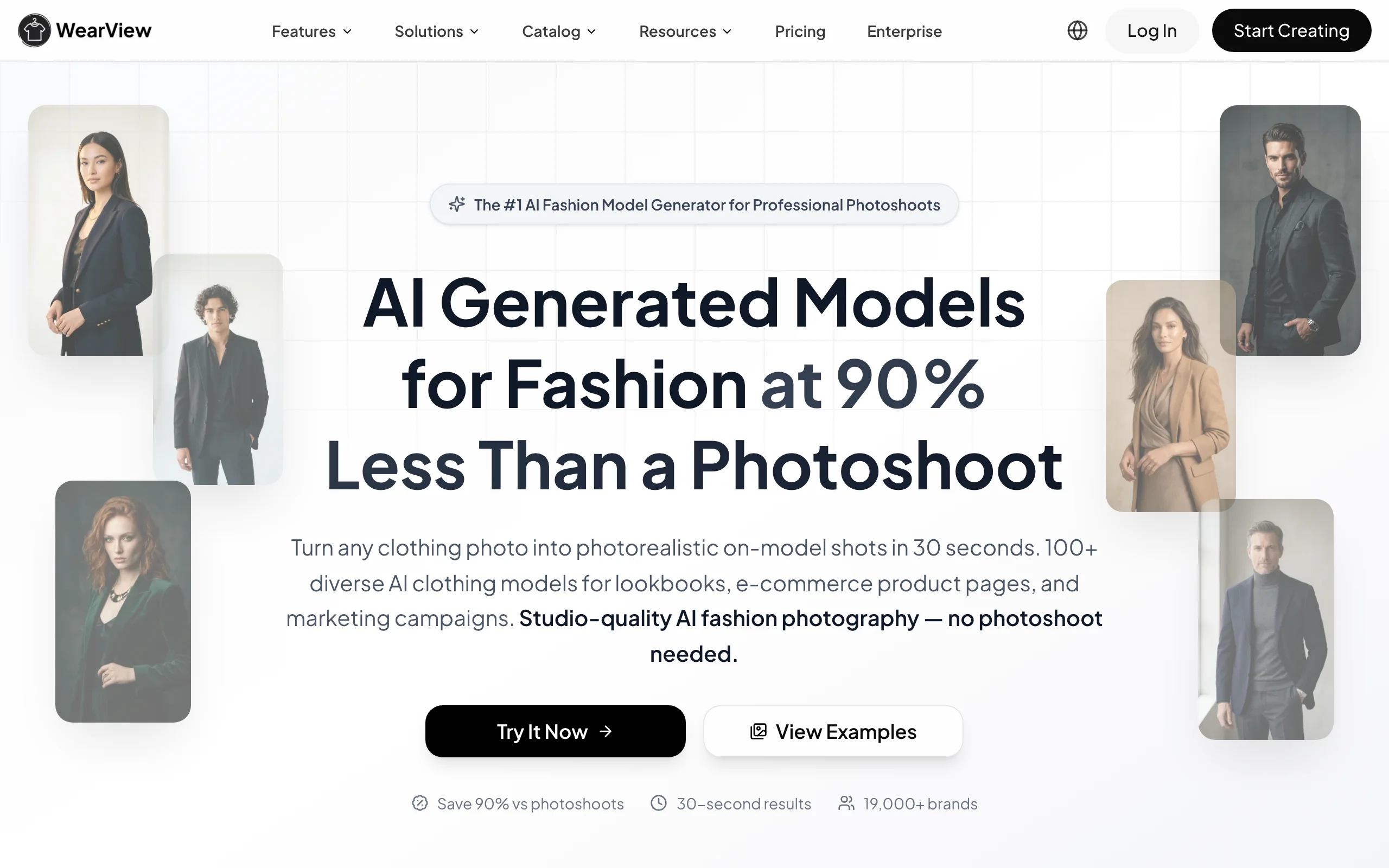
WearView is a complete AI fashion photography platform that handles footwear from clean studio packshots all the way to on-foot lifestyle imagery. The dedicated product to model AI tool takes a packshot or flat product shot of a shoe and places it on an AI model, so you can show sneakers, heels, boots, or sandals worn in a real-looking setting. You upload the source image, choose an AI model from a library spanning different ethnicities, body types, and age groups, and describe the pose, background, or scene you want. The result comes back in under 15 seconds.
WearView lets you build a full footwear campaign from one set of product shots. You can keep the same model across campaigns so every shoe in a collection is shown on a recognizable persona, control angles and stances with the AI model pose control feature using reference images, and animate a hero shoe into a short clip with AI fashion video for ads and social. Beyond footwear, the platform covers virtual try-on, AI model creation from text prompts, and ghost mannequin generation, all in one workspace.
Ai Footwear Product Photography Tools with WearView
Key features
- Product to Model: place shoes on AI models for on-foot and lifestyle shots in under 15 seconds
- Diverse AI model library with control over ethnicity, body type, age, and pose
- Consistent model identity to show a whole shoe collection on the same persona
- Pose control via reference images for multiple angles and stances per SKU
- AI fashion video to animate a hero shoe into short clips for ads and social
- HD, 2K, and 4K output with full commercial usage rights
Best for
- Footwear brands replacing studio and on-foot shoots with AI-generated images from existing packshots
- Ecommerce teams managing full shoe catalogs across PDP, hero, lifestyle, and video formats
- Agencies producing footwear content for several fashion or sneaker clients at once
Pricing
- Lite plan starts at $29/month with a set monthly credit allocation
- Higher tiers add a premium AI engine, AI fashion video, team seats, and priority support
- Annual billing offers a discount versus paying monthly
- No free tier or free credits
Pros
- Most complete footwear feature set here: product-to-model, consistent models, pose control, and video in one platform
- Built to preserve material detail, prints, and texture so reflective leather and mesh uppers stay faithful
- 4K output with full commercial rights, suitable for PDPs, paid ads, and print
- Consistent model identity keeps a full shoe collection visually coherent
Cons
- Credit-based pricing means very high-volume catalogs may need a top-tier plan or credit packs
- No native Shopify app or public self-serve API yet for fully automated catalog workflows
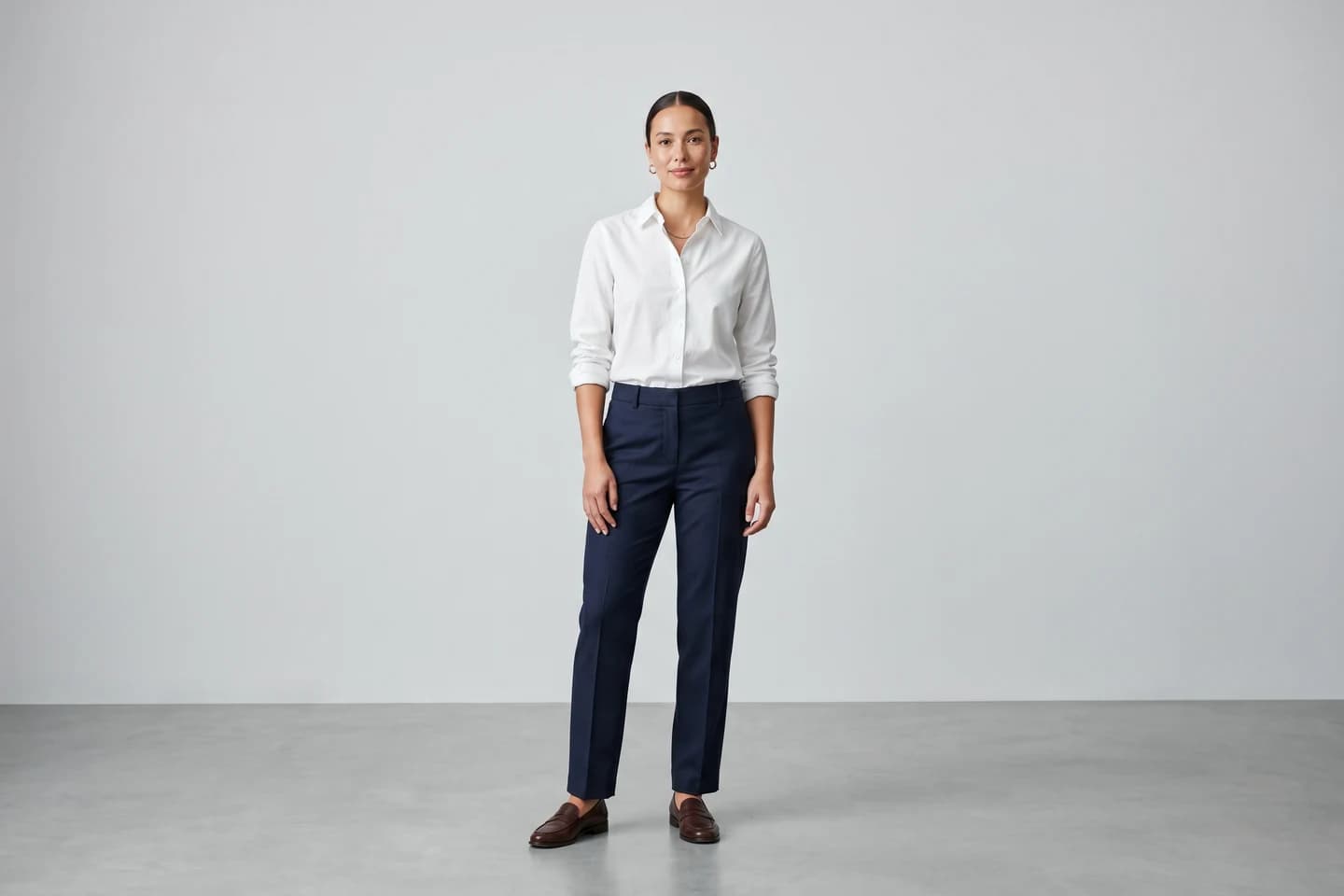
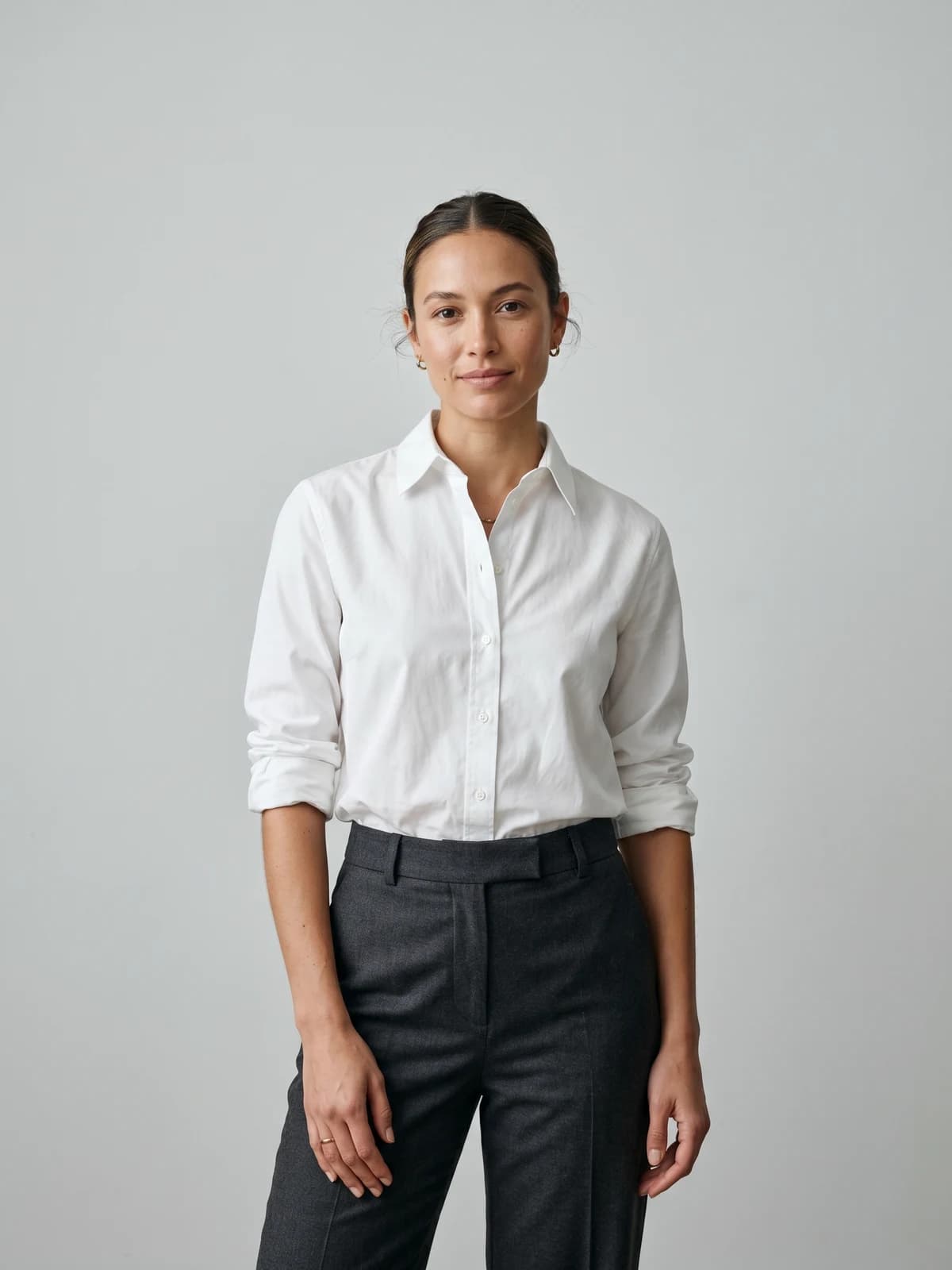
Turn flat-lays into on-model photos
Drop in a flat-lay or product shot and get professional on-model photography ready for your store.
2. Fotor, best for fast marketplace packshots
Fotor is a general AI photo editor and design app built around one-click background removal and AI-generated backgrounds. For footwear, it shines at the high-volume basics: snap a shoe on your phone, cut it out cleanly with the one-click AI background remover, and drop it onto a white background or an AI-generated studio scene. The automatic cutout handles tricky edges like laces, straps, and heel shapes, which makes it a practical pick for marketplace sellers who shoot many SKUs quickly.
Fotor's AI product photography studio can also generate studio-quality backgrounds and lifestyle scenes for a shoe, and Pro exports are commercial-ready without watermarks. It works well as the first step in a footwear workflow: clean and stage the packshot in Fotor, then move to a fashion-focused tool when you need on-foot imagery. For footwear, Fotor is strongest as a packshot cleaner and product-background generator rather than a dedicated on-foot shoe-model tool.
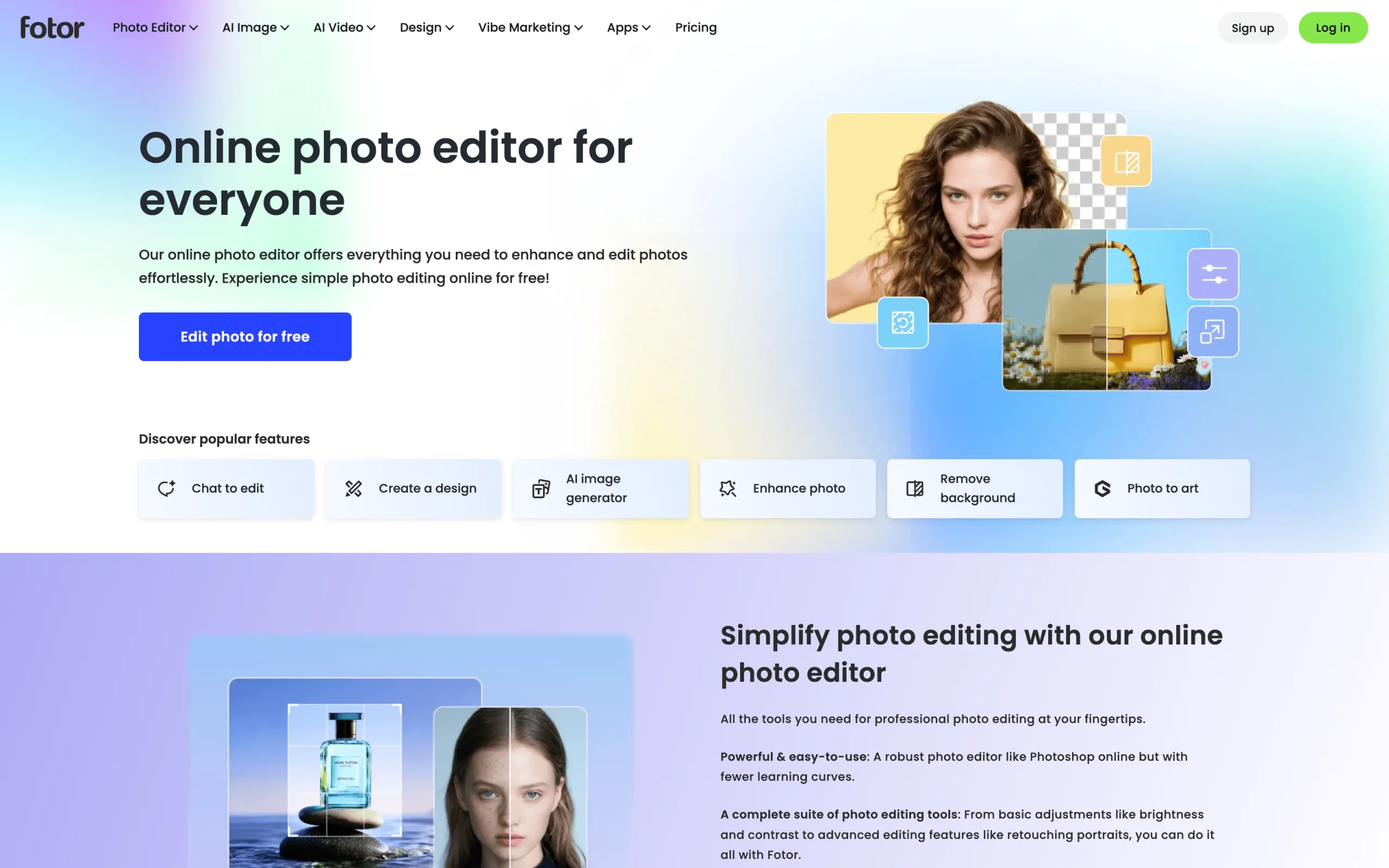
Ai Footwear Product Photography Tools with Fotor
Key features
- One-click AI background removal tuned for clean product cutouts
- AI product background and scene generation for studio and lifestyle looks
- Batch background removal to process many shoe SKUs at once on Pro
- Templates sized for marketplace and social listings
- Web and desktop apps plus mobile apps for iOS and Android
Best for
- Marketplace sellers listing footwear on Amazon, eBay, Etsy, Poshmark, or Depop
- Solo sellers and small teams shooting shoes on a phone
- Brands that want clean packshots and styled product backgrounds fast
Pricing
- Free tier available with daily limits and watermarks on some exports
- Pro plan from ~$8.99/month (billed annually) unlocks batch and watermark-free exports
- Higher Pro+ tier adds more AI credits and storage
- Confirm current tiers and prices on the Fotor pricing page
Pros
- Very fast for high-SKU packshot and background workflows
- Strong one-click cutout on laces, straps, and reflective soles
- Works on web, desktop, and mobile, so you can edit anywhere
Cons
- Not a dedicated on-foot shoe-model tool (best for packshots and backgrounds)
- Core output is general product editing, not fashion-tuned styling
- Free tier adds watermarks and daily caps on lower usage
3. Pebblely, best for budget-friendly scene staging
Pebblely turns product shots into styled scenes. Upload a shoe image, pick from its library of background themes spanning lifestyle, studio, seasonal, and minimalist looks, and Pebblely generates a styled background in seconds. You can also describe a custom scene via text prompt. For footwear, this is an easy way to give a plain packshot a context, such as a sandal on a sunlit surface or a boot in an autumn scene.
Pebblely does not generate on-foot model imagery, so it sits best as the staging half of a footwear catalog. It is the cheapest credible companion to a model-focused tool: use a fashion AI platform for the on-foot shots, and Pebblely for the styled product variants and lifestyle backgrounds.
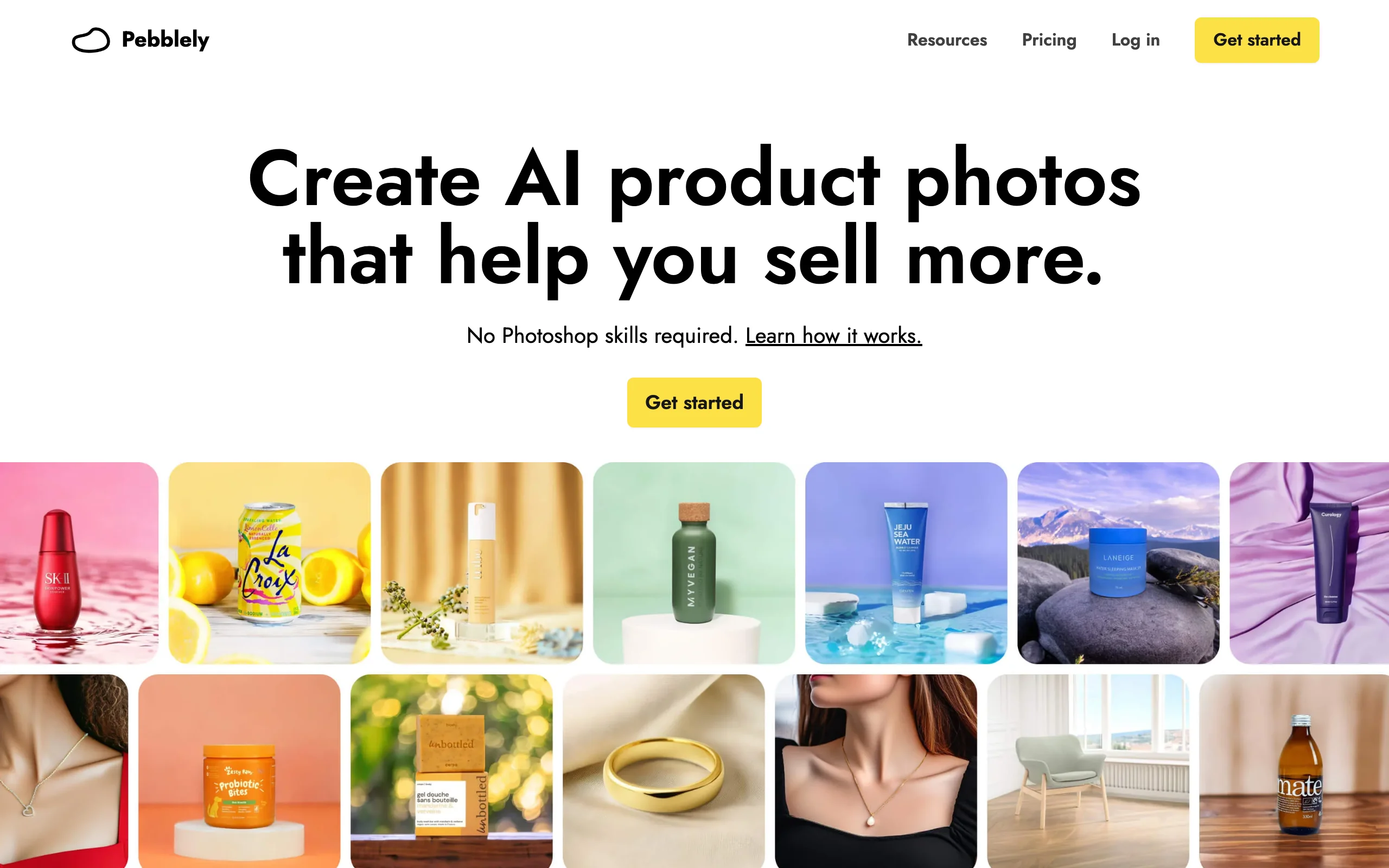
Ai Footwear Product Photography Tools with Pebblely
Key features
- 40+ scene templates for lifestyle and studio backgrounds
- Custom scene generation via text prompts
- Built-in background removal before scene generation
- Bulk generation for processing multiple products at once
- Yearly plans include extra months free
Best for
- Small footwear sellers running packshot catalogs on marketplaces
- Brands that pair on-foot imagery from another tool with styled scenes
- Sellers who want low-cost staging before committing to a fashion AI platform
Pricing
- Lowest paid tier starts around $9/month with a set monthly image allowance
- Higher tiers add more images and bulk generation
- A free tier with a monthly image cap is available (no credit card required)
- Yearly billing offers a discount
Pros
- One of the lowest paid entry prices in this list
- Ready-made templates make scene selection fast and intuitive
- Bulk generation suits catalogs of dozens to hundreds of products
Cons
- No on-foot model generation: only packshot and scene staging
- Limited customization compared to canvas-based tools like Flair.ai
- Best results need clean, well-lit source images
4. Adobe Photoshop, best for hands-on multi-category editing
Adobe Photoshop is the industry-standard image editor, and it works across every product category, from footwear to apparel, beauty, and home goods. That makes it a practical hub for multi-category stores that want one tool for the whole catalog. Its AI features have grown quickly: Generative Fill can replace backgrounds and add or remove objects, Generative Expand extends the canvas (the equivalent of outpainting), and Super Resolution plus camera raw handle upscaling, relighting, and color.
For footwear specifically, Photoshop gives you full manual control rather than a one-click product photoshoot. It is not fashion-tuned and will not put a shoe on a model, but the depth of retouching, masking, and generative tools makes it the most capable editor here for cleaning up, expanding, and enhancing shoe shots. Teams with developer resources can automate edits at scale through Adobe's Firefly Services and Photoshop APIs.
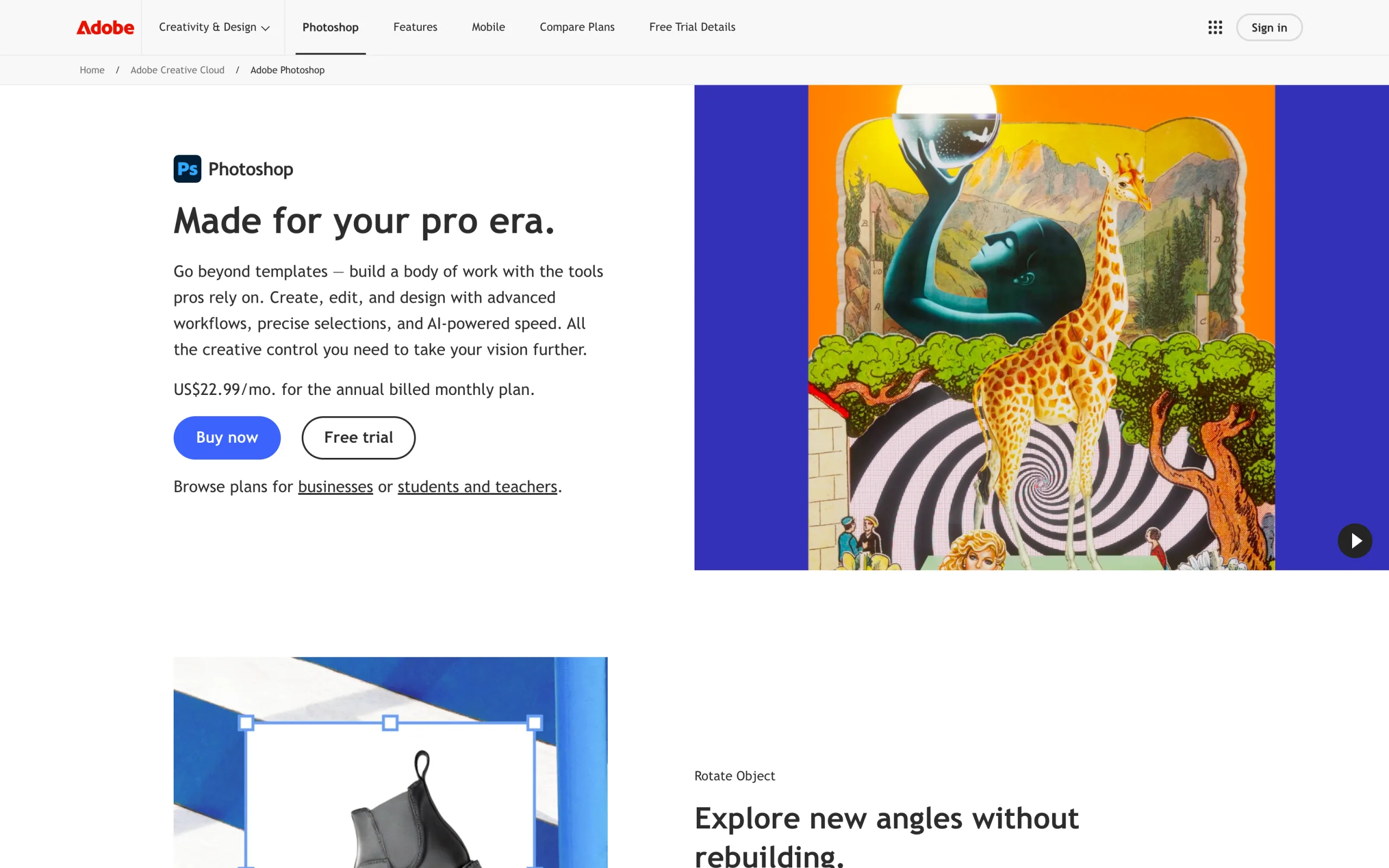
Ai Footwear Product Photography Tools with Adobe Photoshop
Key features
- Generative Fill for background replacement and object add or remove
- Generative Expand for extending the canvas, the equivalent of outpainting
- Super Resolution upscaling plus camera raw relighting and color grading
- Masking and retouching automation via the Adobe Firefly Services Photoshop API
- Works on any product category, not just footwear
Best for
- Multi-category stores editing footwear plus apparel, accessories, or home goods
- Retouchers who want pixel-level control over shoe imagery
- Teams with developer resources automating edits through the Photoshop API
Pricing
- Free trial to test before subscribing
- Photoshop single-app and Photography plans from ~$19.99/month, region-dependent
- Monthly generative credits included; heavy AI use may queue at lower priority
- Firefly Services API priced separately for enterprise automation
Pros
- Works across every product category, not limited to footwear
- Deepest editing and generative toolkit here (Generative Fill, Expand, upscaling)
- Enterprise API supports batch automation of edits
- Exports at 4K and beyond with full manual control
Cons
- Manual editing, not a one-click product-photo generator
- Will not place shoes on models or produce fashion-tuned styling
- Steeper learning curve and higher price than lightweight editors
5. Flair.ai, best for branded compositions
Flair.ai is a canvas-based AI design tool: drag your product onto a workspace, position it where you want, add AI-generated props and surfaces, and Flair generates a styled composition. For footwear, that control is the draw, since you can art-direct exactly where a sneaker or heel sits, what surface it rests on, and what props surround it, rather than relying on a single text prompt.
For brands building footwear lookbooks, editorial flat-lays, and styled product scenes, Flair covers more art-direction range than one-click generators. The permanent free plan makes it easy to test, and higher tiers unlock commercial licensing and faster rendering.

Ai Footwear Product Photography Tools with Flair.ai
Key features
- Drag-and-drop canvas for precise composition control
- AI-generated props, surfaces, and styling elements
- Custom Models trained on your own dataset
- Image and video generation in the same workflow
- Commercial licensing on higher tiers
Best for
- Brand marketing teams producing styled footwear lookbook content
- Sneaker and accessory brands that want fine control over scene composition
- Creative agencies pairing branded product assets with art-directed scenes
Pricing
- Permanent free plan with limited generations
- Paid tiers add faster rendering, more generations, and commercial licensing
- Higher tiers add more Custom Models and API early access
- Custom pricing for enterprise
Pros
- Permanent free plan to test before paying
- Canvas interface gives precise control that prompt-only tools cannot match
- Custom Model training is unusual at this price point
Cons
- Canvas workflow takes more time than one-click generators for simple jobs
- Not focused on placing shoes on models for on-foot imagery
- Lower tiers may not include commercial licensing
6. VModel.ai, best for API-first developer workflows
VModel.ai is a unified AI model API platform that hosts many image endpoints, including AI fashion model generation, face swap, upscaling, and style transfer. The pricing is pay-as-you-go credits with no monthly subscription, which fits developer teams building custom footwear pipelines, agencies running variable-volume projects, and brands that do not generate enough volume to justify a SaaS plan.
For footwear photography, VModel.ai is most useful as a building block rather than a finished app. You wire its endpoints into your own workflow to generate model imagery or process product shots at scale, paying only for what you run.
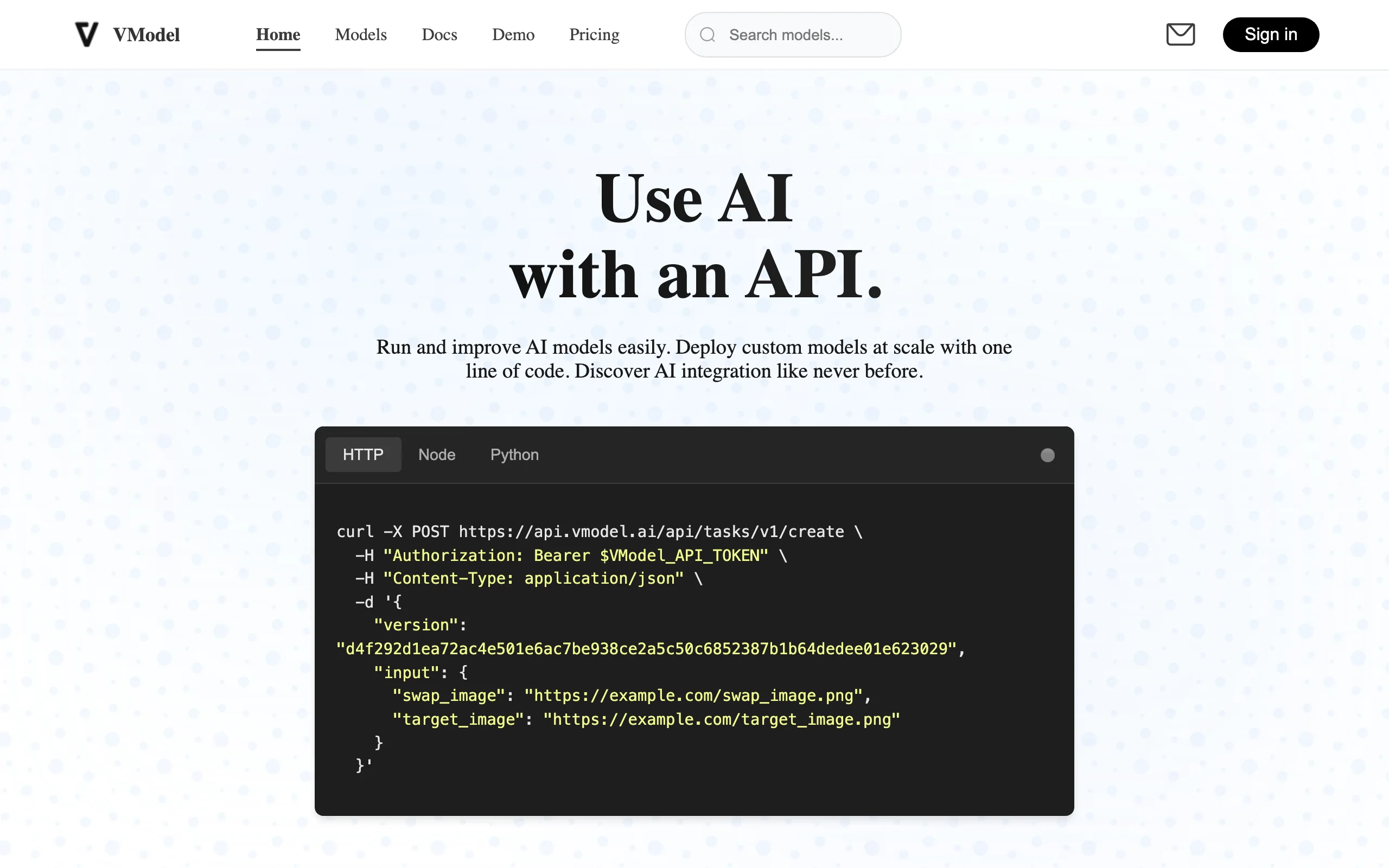
Ai Footwear Product Photography Tools with VModel.ai
Key features
- Unified REST API for many AI models and image edits
- Pay-as-you-go credit model with no subscription requirement
- Credits that do not expire
- Each model priced individually (per use or per second)
- Web interface for non-technical team members
Best for
- Developers building custom footwear photography pipelines
- Agencies running one-off projects with variable volume
- Brands that want AI imagery without monthly subscription overhead
Pricing
- Free starter credits to test
- Per-use or per-second pricing on individual models
- Universal credit system across the library
- No monthly subscription
Pros
- No subscription lock-in: pay only for what you use
- Strong API documentation for developer integration
- Universal credits work across the entire model library
Cons
- Less polished web interface than dedicated subscription tools
- Output quality varies by underlying model
- Limited brand consistency features
7. Canva, best for finishing footwear photos into marketing assets
Canva is not built for footwear generation, but most ecommerce and DTC teams already use it for everything that comes after the product shot. The Magic Studio AI suite (Magic Edit, Magic Eraser, Magic Expand, Dream Lab image generation, Magic Write) lets you take a shoe image from another tool on this list and turn it into finished marketing assets: Instagram posts, Pinterest pins, Facebook ads, email banners, and lookbook PDFs.
For footwear brands, the practical use is the last step of the workflow: generate the on-foot or packshot image elsewhere, then bring it into Canva for typography, brand kit elements, and platform-specific resizing. The Background Remover and Magic Edit can also handle light touch-ups without leaving the canvas.
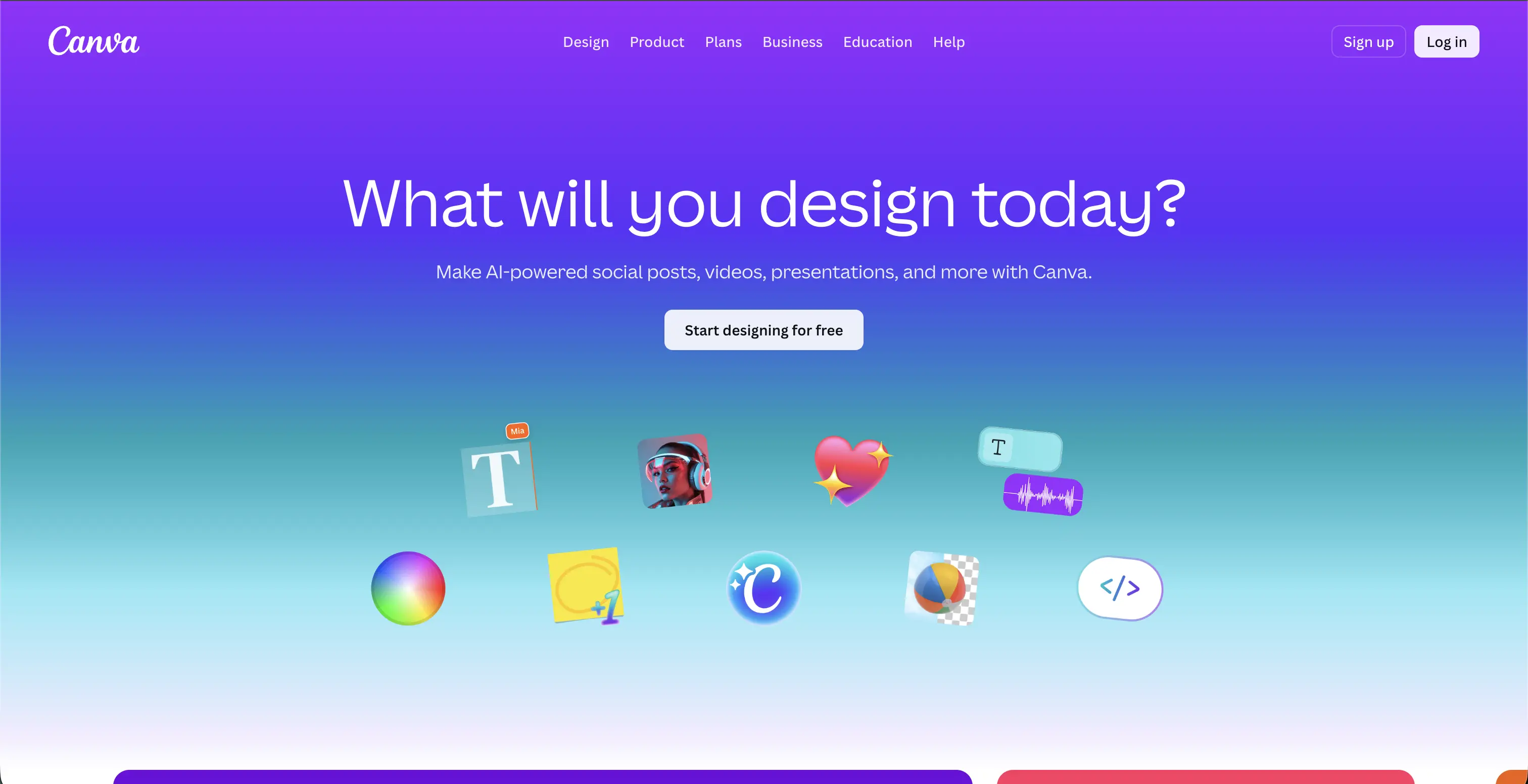
Ai Footwear Product Photography Tools with Canva
Key features
- Magic Studio AI suite: Magic Edit, Magic Eraser, Magic Expand, Dream Lab, Magic Write
- Brand Kit for consistent fonts, colors, and logos
- Background Remover built into the canvas
- Platform-specific resizing for social, ads, and email
- Templates for social posts, ad creative, and lookbooks
Best for
- Footwear brands turning shoe shots into finished social, ad, and email assets
- DTC teams who want design and light AI editing in one tool
- Small brands without a dedicated designer
Pricing
- Free tier with limited templates and basic editing
- Paid Pro plan with monthly AI credits, Brand Kit, and premium templates
- Teams and enterprise pricing available
- Pricing can vary by region
Pros
- Most widely used design tool here, so teams already know it
- Magic Studio gives basic AI photo edits without a separate subscription
- Brand Kit keeps every asset on-brand
Cons
- Not built for footwear or on-foot generation
- Monthly AI credits cap heavy AI users on the standard paid plan
- You still need a dedicated tool for the actual product imagery
How to choose the best AI footwear product photography tool
1) Do you need packshots, styled scenes, or shoes on models?
Footwear photography splits into three jobs. For clean catalog packshots at scale, Fotor and Pebblely are fast and inexpensive. For styled product scenes (a shoe in a setting, not on a person), Pebblely's templates and Flair.ai's canvas give you the most control. For on-foot imagery (shoes worn by a model in a pose and setting), you need a model-focused tool, and WearView is the most complete option here with product to model AI and pose control.
If you sell multiple product categories, Adobe Photoshop can edit footwear alongside apparel and accessories in one tool, though it is manual retouching rather than a one-click generator.
2) How important is material fidelity and brand consistency?
Footwear has unforgiving surfaces: glossy patent leather, suede nap, mesh, and metallic hardware all reveal AI artifacts quickly. A fashion-tuned tool that preserves texture and material detail matters more here than in many other categories. WearView is built to keep material and texture faithful and to hold one consistent model across a whole collection, which keeps a shoe range visually coherent. General-purpose tools like Canva and Adobe Photoshop handle the basics but are less specialized for footwear detail.
3) What is your volume and pricing profile?
Run the unit economics for your catalog size. For variable or low volume, VModel.ai's pay-as-you-go API means you only pay per generation. For high-SKU packshot work, Fotor and Pebblely keep per-image cost low. For dedicated on-foot fashion imagery, WearView starts at $29/month, with higher tiers for larger catalogs and team seats. Test five hard SKUs first (a reflective heel, a mesh sneaker, a strappy sandal) before committing to any plan.
4) What platform and workflow do you sell on?
Most tools here work through manual or batch upload, which fits Shopify, marketplace, and custom storefronts alike. If you need automation, VModel.ai's API is the most flexible for developer-built pipelines, and Adobe Photoshop offers enterprise automation through Adobe's Firefly Services APIs. For the simplest path to fashion-specific footwear imagery without engineering work, WearView is the most direct. For a wider view of catalog tools, see our best AI tools for ecommerce guide, and for general fashion imagery, our best AI fashion photography tools roundup. You can also explore the full WearView platform.
FAQ
What are AI footwear product photography tools? They are software platforms that use generative AI to create or improve footwear images. Depending on the tool, that can mean removing backgrounds from shoe packshots, dropping shoes into styled scenes, or placing them on AI models for on-foot lifestyle shots. The goal is to produce catalog and campaign imagery faster and cheaper than a traditional photoshoot.
Can AI put shoes on a model instead of just editing the packshot? Yes. Model-focused tools like WearView take a shoe packshot and generate on-foot imagery with the shoe worn by an AI model in a chosen pose and setting. Editing-first tools like Fotor and Pebblely focus on backgrounds and product staging rather than dedicated on-foot shoe-model generation, so check whether a tool supports placing products on models if that is what you need.
Are AI footwear photos good enough for product pages and ads? For most catalog and ad use cases, yes. Tools like WearView output up to 4K with full commercial usage rights, which is suitable for PDPs and paid social. The key is testing your hardest shoes first (reflective leather, mesh, metallic hardware) because those surfaces reveal AI artifacts fastest.
What input produces the best AI footwear images? Clean, well-lit packshots on a neutral background give the AI the best starting point. Avoid cluttered backgrounds, low resolution, and extreme angles. Sharp detail on the upper, sole, and hardware helps the tool preserve material and texture accurately.
Is there a free AI footwear product photography tool? Fotor, Pebblely, Flair.ai, and Canva all offer free tiers, though free plans often limit resolution, image counts, watermark exports, or restrict commercial use. Adobe Photoshop offers a free trial, and VModel.ai offers free starter credits. WearView does not have a permanent free tier; it starts at $29/month, while Pebblely's paid plans start around $9/month.
Which tool is best for marketplace sellers like Amazon or Etsy? For high-volume packshots on a budget, Fotor and Pebblely are the most practical because they are fast and inexpensive per image. If you also want on-foot lifestyle shots to stand out on a listing, pair them with a model-focused tool like WearView. None of these tools require a marketplace-specific integration; you upload and download images manually or in batches.
How long does AI footwear image generation take? Most tools deliver an image in roughly 10 to 30 seconds. WearView's Product to Model averages under 15 seconds. Background removal in editing-first tools like Fotor is near-instant. Compared to a real shoe shoot, which can take days to weeks from booking to delivery, every option here is dramatically faster.
Can I keep the same model across my whole shoe collection? Yes, with a tool that supports consistent model identity. WearView lets you reuse the same AI model across products and campaigns so an entire footwear range looks coherent. Most editing-first and general-purpose tools do not offer this, which is worth noting if brand consistency matters to you.

WearView Team
WearView Content & Research Team
WearView Team is a group of fashion technology specialists focused on AI fashion models, virtual try-on, and AI product photography for e-commerce brands. We publish in-depth guides, case studies, and practical insights to help fashion businesses improve conversion rates and scale faster using AI.


