
July 23, 2026•18 min read
7 best AI jewelry product photography tools in 2026
Jewelry is brutal to photograph: tiny, reflective, and lifeless on a white table. These 7 AI tools turn plain product shots into on-model and lifestyle photos, from $8 a month. Here's how they compare for Etsy, Amazon, and Shopify jewelry sellers.
Picture of 7 best AI jewelry product photography tools in 2026 article
Jewelry might be the hardest product category to photograph. Metal reflects everything in the room, stones blow out under direct light, and a chain that looks delicate in person turns into a limp line on a white table. AI jewelry product photography tools now handle a big part of that work: some generate clean lifestyle scenes around your existing photos, and a few can put your pieces on realistic AI models.
That second part matters more than most sellers realize. A necklace photographed flat tells a shopper nothing about scale or drape. The same necklace on a model answers both questions in one glance.
This guide compares 7 AI tools that generate jewelry product photos, with verified pricing, what each one does best, and a short framework for choosing. It's written for Etsy, Amazon, and Shopify sellers who need catalog-ready images without renting a studio.
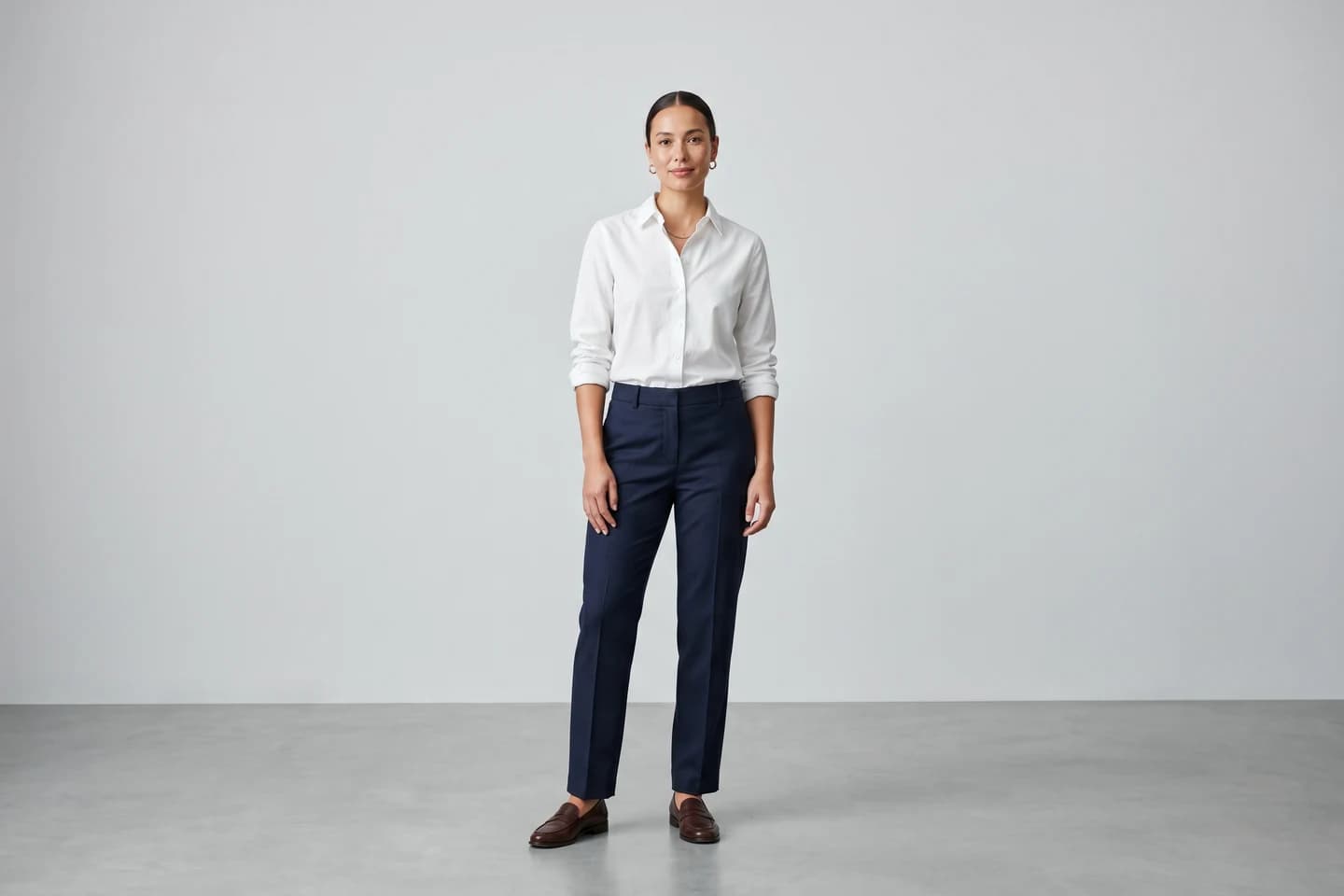
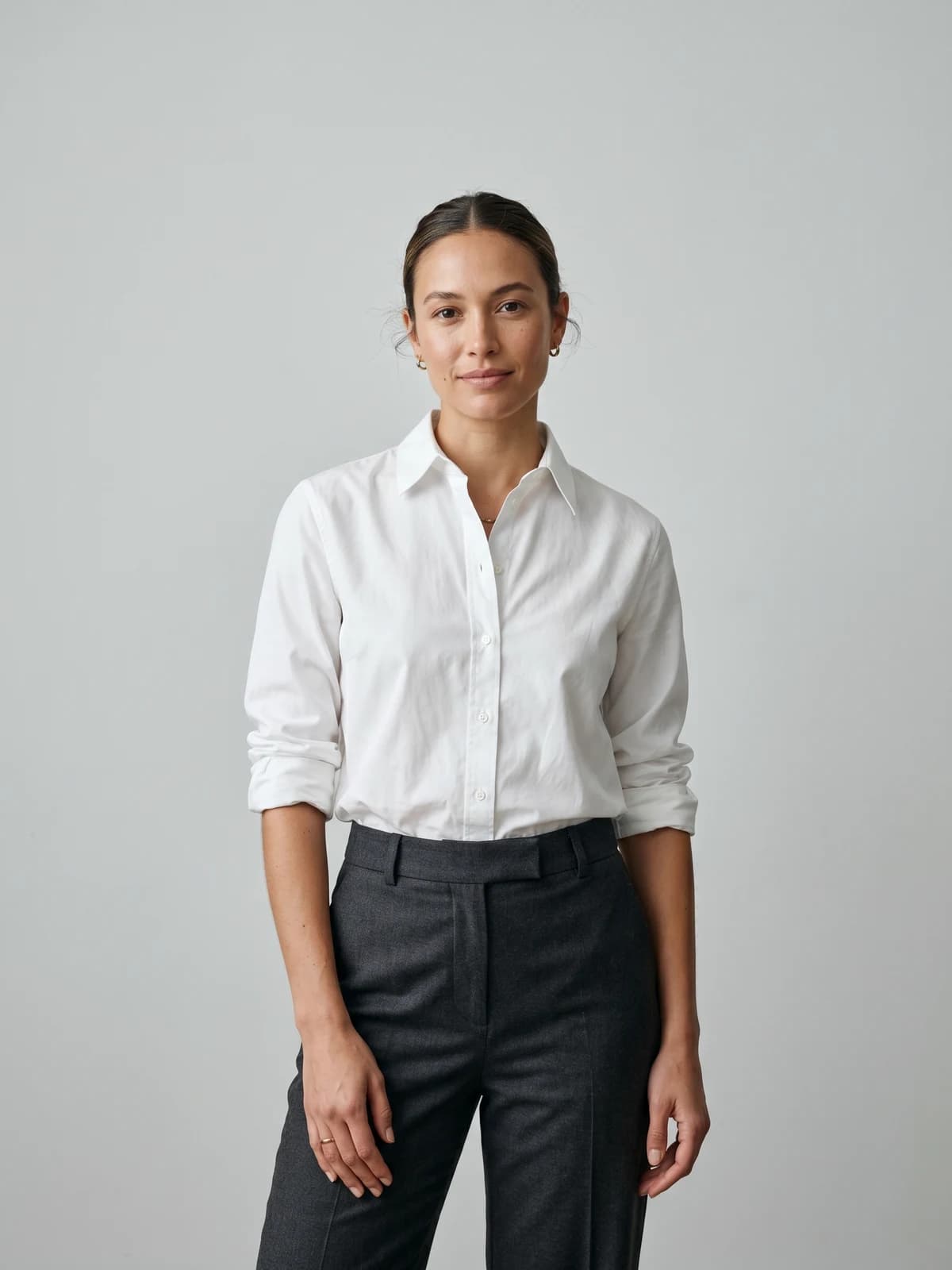
Put your jewelry on a real-looking model
Upload one product photo and get on-model jewelry shots ready for your store. No studio, no model booking.
Best AI jewelry product photography tools: a brief overview
- WearView: Best overall for on-model jewelry photos: upload a product shot, pick an AI model, and get the piece worn on a person in under 15 seconds, in HD up to 4K.
- Flair.ai: Best for art-directed scenes: a drag-and-drop canvas with digital props gives you control over every surface and shadow.
- Pebblely: Best budget pick for background generation, starting at $9 per month.
- Caspa AI: Best for sellers who want listing photos and short videos from one credit pool.
- Mokker AI: Best free way to test AI backgrounds on your own pieces before paying anything.
- Pixelcut: Best mobile option for marketplace sellers who shoot and edit from a phone.
- CreatorKit: Best for Shopify stores that want product photos and video ads in the same tool.
| Tool name | Key strength | Pricing | Platforms |
|---|---|---|---|
| WearView | On-model jewelry photos with a consistent AI model, up to 4K | From $29/month | Web |
| Flair.ai | Drag-and-drop scene staging with reusable templates | From $8/month; free tier available | Web, API on higher plans |
| Pebblely | Cheap background themes for product-only shots | From $9/month | Web |
| Caspa AI | Photos and video generation from one credit pool | From $39/month | Web, API on Scale plan |
| Mokker AI | Instant background replacement with free photos to start | From $13/month; free photos to start | Web, API |
| Pixelcut | Mobile-first editing with batch export | From $10/month; free tier available | Web, iOS, Android |
| CreatorKit | Product photos plus AI video ads inside Shopify | From $39/month; free plan available | Web, Shopify app |
1. WearView, best overall for on-model jewelry photos
WearView is an AI fashion photography platform with a dedicated Product to Model studio for product photography with AI models. You upload a photo of your piece (a packshot, a shot on white, even a decent phone photo), choose an AI model, and describe the setting you want. Skin tone, age, body type, and styling are all controllable, and the tool returns on-model photos in under 15 seconds. For jewelry, that's the shot most listings are missing: a pendant at its actual drape on a neckline, earrings framed by a face, a bangle sitting on a wrist. Most AI photo tools stop at backgrounds. WearView's whole point is the model.
The second thing it does that background tools can't: keep the same AI model across your entire collection. Generate your rings, pendants, and earrings on one consistent face and your shop starts to look like a brand campaign instead of forty mismatched stock photos. Outputs come in HD, 2K, and 4K with commercial usage rights, and you can turn any generated photo into a short AI video (720p or 1080p) for product pages and Reels. Sellers who mix apparel with accessories also get AI virtual try-on in the same workspace, and the jewelry catalog shows what the output looks like for this exact category.
AI Jewelry Photography with WearView
Key features
- Product to Model studio: product photo in, on-model jewelry photos out in under 15 seconds
- Model control: skin tone, age, body type, and styling picked per shot
- Consistent model identity across a whole collection
- HD, 2K, and 4K output with commercial usage rights
- AI video generation (720p and 1080p) from the same product photo
- Pose control via reference images, backgrounds described in plain text
Best for
- Etsy, Amazon, and Shopify jewelry sellers who need on-model photos without booking models
- Brands shooting a whole collection that should read as one campaign
Pricing
- Lite starts at $29 per month with 50 credits; Pro is $49 per month with 200 credits
- Advanced is $99 per month with 500 credits; annual billing saves up to $198 per year
- Credit packs available for one-off top-ups; no free tier
Pros
- Generates the on-model context most jewelry listings lack, where competitors mostly do backgrounds
- One consistent model across the catalog, which no background tool can offer
- 4K output and commercial rights on every paid plan
Cons
- Extremely fine details (pave stones, tiny engravings) still need a QA pass on each generation
- Built for fashion and accessories, so it won't replace a general-purpose photo editor
- No free tier
2. Flair.ai, best for art-directed jewelry scenes
Flair.ai is an AI design tool for product photoshoots built around a drag-and-drop canvas. Instead of typing a prompt and hoping, you stage the scene yourself: place your ring photo on a digital marble slab, add props around it, set the framing, and let the AI render the composition into a photo. The pricing page lists AI Jewelry as its own product category, and the fashion tooling can fit jewelry onto AI-generated models, though scene staging is the real reason to pick it. Templates are reusable, so a look you build once can run across every SKU in a drop.

AI Jewelry Photography with Flair AI
Key features
- Drag-and-drop canvas: stage scenes digitally with props, then render with AI
- Reusable templates you can apply across a product line
- On-model generation for clothing and jewelry
- AI product video generation
- Real-time team collaboration; API access from the Scale plan up
Best for
- Brands with a specific art direction that one-click background tools can't hit
- Teams that want repeatable scene templates instead of one-off generations
Pricing
- Free plan: 1 custom model, 5 generated images, 1 video generation
- Pro at $8 per month; Pro+ at $26 per month with 80 images and a commercial license
- Scale at $38 per month: 150 images, 5 videos, early API access
Pros
- The most creative control of any tool on this list
- Cheap paid entry at $8 per month
- Its site lists Amazon, Shein, and Samsonite among users
Cons
- Staging a scene takes longer than one-click generation
- The free plan's 5 images run out before you've tested a second SKU
- Commercial license starts at Pro+, not the cheapest paid tier
3. Pebblely, best budget pick for jewelry backgrounds
Pebblely does one job well: it takes your product photo, isolates the piece, and generates a new scene around it. You get 40+ background themes plus custom prompts, and the gallery leans noticeably into jewelry, with rings on silk, earrings among gemstones, and pearl necklaces in lifestyle settings. At $9 per month for 30 images it's one of the cheapest paid entries here, and higher tiers add bulk generation for working through a full catalog in one sitting.
What it won't do is put your necklace on a person. Pebblely generates surroundings, so treat it as the fast, cheap answer for product-only shots rather than a full photoshoot replacement.
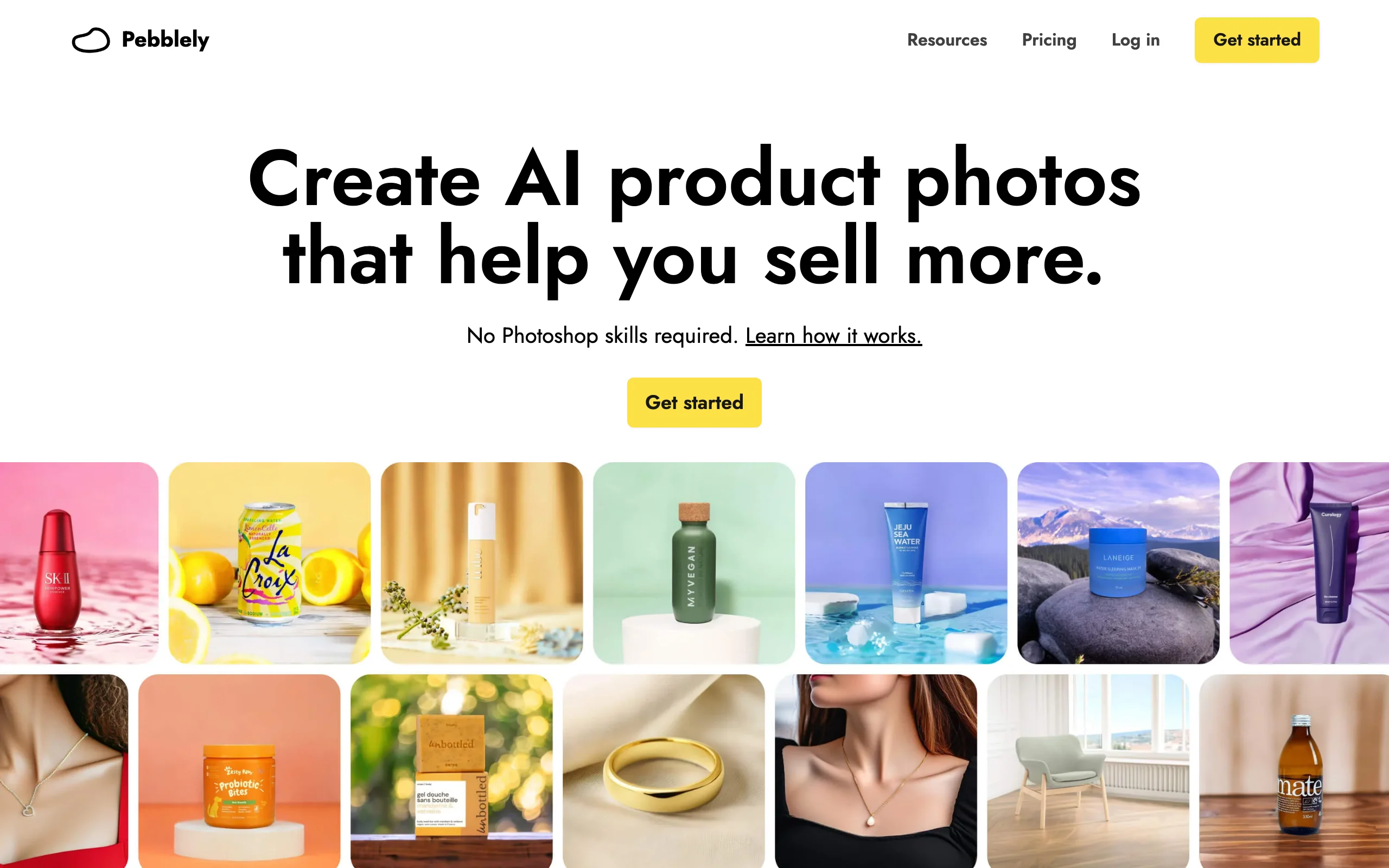
AI Jewelry Photography with Pebblely
Key features
- 40+ background themes plus custom text prompts
- Bulk generation on Basic and Pro plans
- Resizing for social, email, and marketplace formats
- Gallery templates aimed at jewelry, beauty, and food products
Best for
- Sellers who need lots of clean product-only shots on a small budget
- Etsy and Amazon listings where the piece, not a model, is the hero image
Pricing
- Lite at $9 per month for 30 images; Basic at $19 per month for 200 images
- Pro at $39 per month for 500 images
- Yearly billing gives 2+ months free; no free tier shown on the current pricing page
Pros
- One of the lowest-priced paid plans in this roundup at $9
- Simple enough to learn in one session
- Bulk mode suits catalog refreshes
Cons
- Backgrounds only, no on-model generation
- 30 images on Lite disappear fast once you generate variations
- No API for automating a larger pipeline
4. Caspa AI, best for photos and video from one credit pool
Caspa AI sells itself as AI product photography and video for ecommerce brands, and it runs dedicated use-case pages for jewelry photography and for Amazon and Shopify sellers. You upload product images and spend credits on new backgrounds, lifestyle scenes, upscales, and (on the mid tier and up) video generation. That single credit pool is the draw: one subscription covers the listing photo and the short clip for the product page.
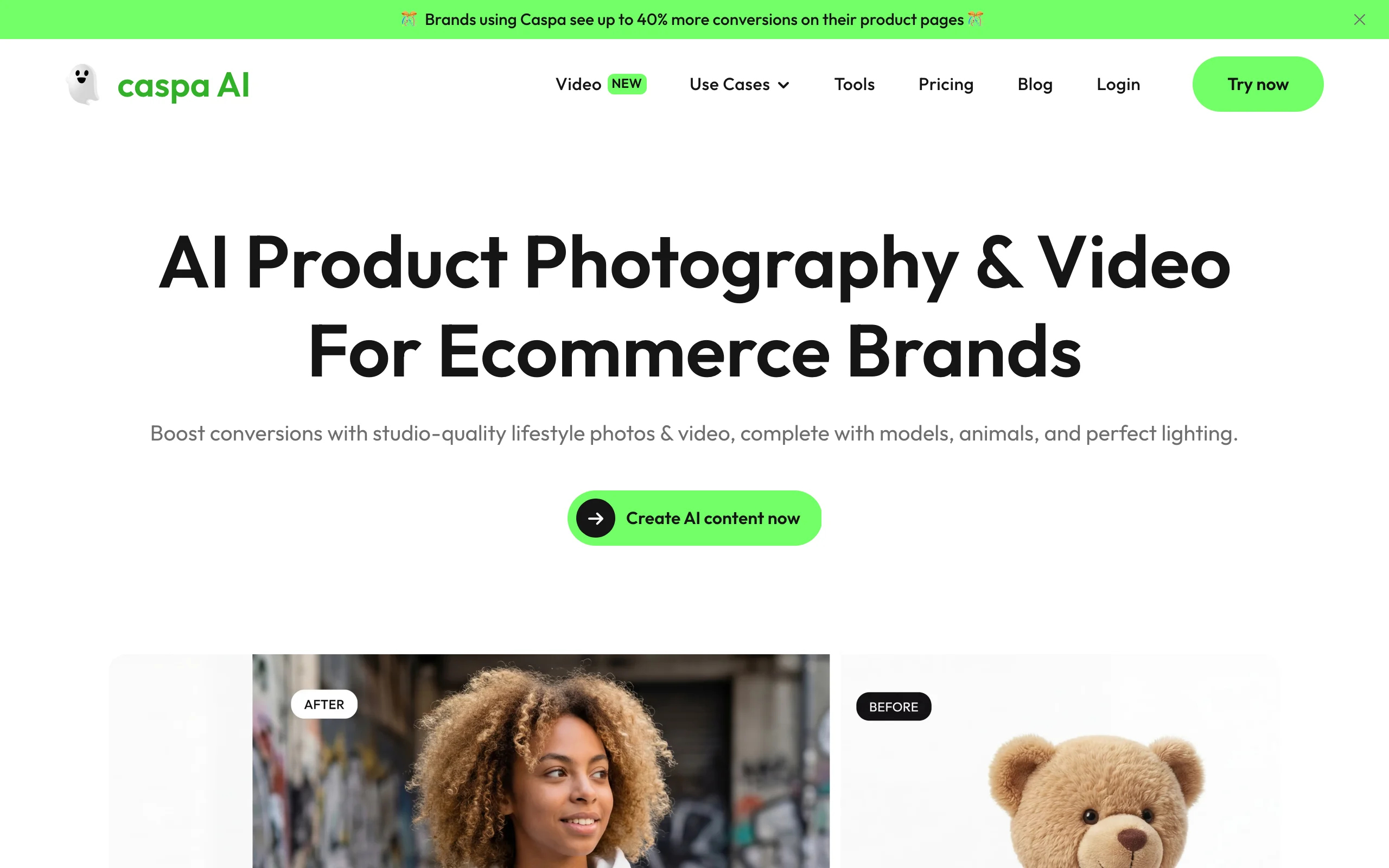
AI Jewelry Photography with Caspa AI
Key features
- Product photo generation with lifestyle scenes and custom AI stock imagery
- Video generation from the Growth plan up
- Dedicated jewelry, Amazon, and Shopify use cases
- Up to 3 users and API access on the Scale plan
Best for
- Amazon and Shopify sellers who want photos and product-page videos billed together
- Small teams that need a couple of seats without enterprise pricing
Pricing
- Starter at $39 per month: 500 credits, images only
- Growth at $66 per month: 1,000 credits including video generation
- Scale at $166 per month: 2,500 credits, 3 users, API access; money-back guarantee instead of a free tier
Pros
- One credit pool across images and video simplifies budgeting
- Jewelry is a documented use case, not an afterthought
- API access for automation at the top tier
Cons
- No free tier, and video sits behind the $66 plan
- Pricier entry than the background-only tools it overlaps with
5. Mokker AI, best free way to test AI backgrounds
Mokker AI (now part of soona, per the banner on its own site) is instant background replacement: upload a product photo, pick from 100+ templates, and get a new scene in seconds. It runs a dedicated jewellery page pitching itself as the AI alternative to expensive jewelry photography, and the free allocation is the most generous starting point in this list. The pricing page offers 20 free photos with full studio access, while the homepage promises 40, so expect at least 20 to test with.
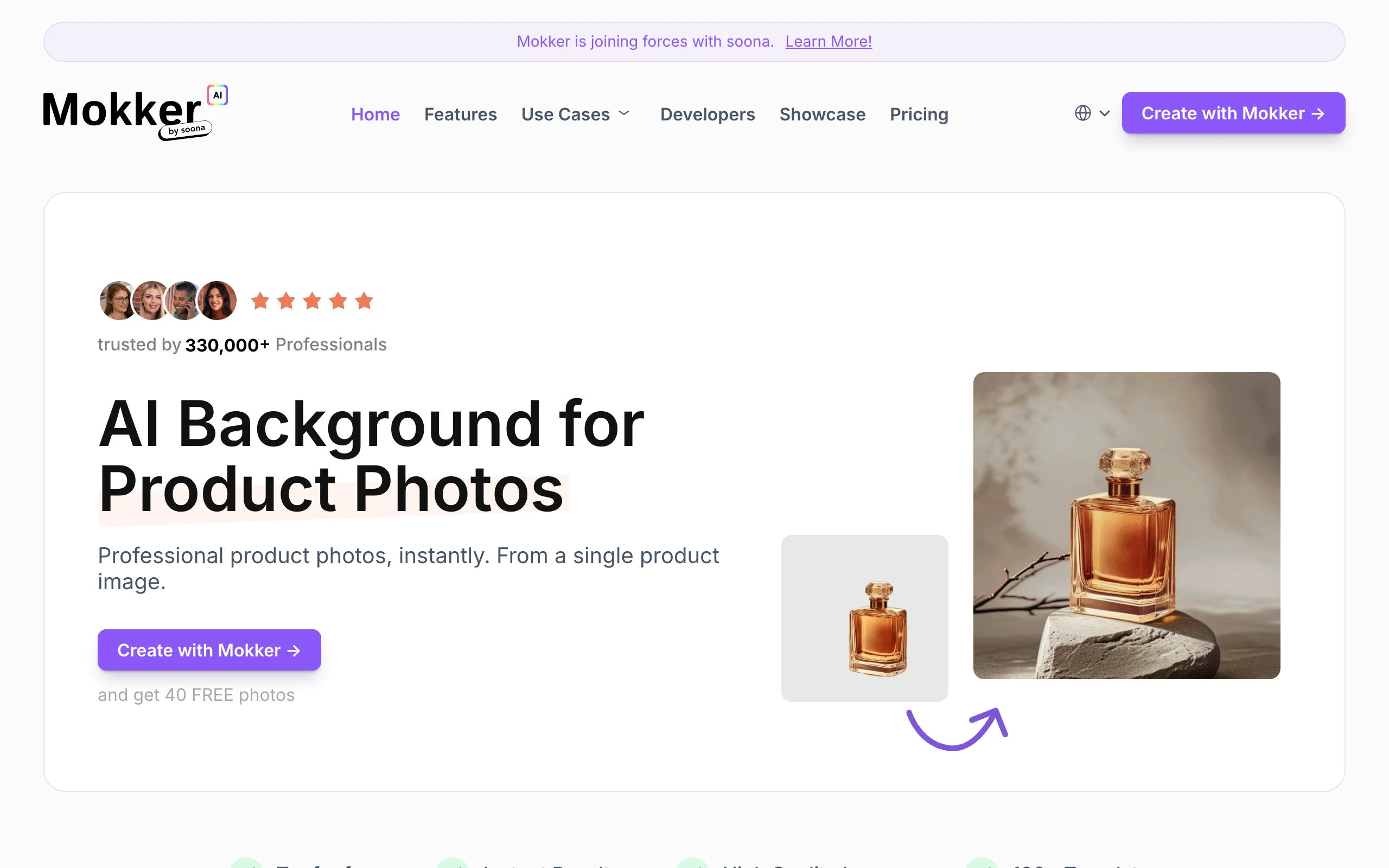
AI Jewelry Photography with Mokker AI
Key features
- Instant background replacement with 100+ templates
- Custom prompts on paid plans
- Dedicated jewelry vertical alongside cosmetics, furniture, and electronics
- Developer API
Best for
- Sellers who want to see AI results on their own pieces before spending anything
- Solo shops that need volume: 500 photos per month at the entry price
Pricing
- Free: a one-time batch of free photos (20 listed on the pricing page) with full template access
- Starter at $13 per month for 500 photos
- Team at $29 per user per month for unlimited photos and 3 seats; annual billing saves up to 35%
Pros
- Real free trial with full studio access, no card required
- Around 2.6 cents per photo on Starter, the best per-image price here
- Template library covers most standard ecommerce looks
Cons
- Backgrounds only, no on-model or scene-staging tools
- The soona acquisition means the product's direction could shift
- Unlimited generation requires per-user Team pricing
6. Pixelcut, best mobile option for marketplace sellers
Pixelcut is a product photo editor that runs on web, iOS, and Android, and the mobile apps are the point. If you photograph rings on your phone and manage Etsy or eBay listings from the couch, Pixelcut keeps the whole workflow on one device: background removal, AI-generated backgrounds, upscaling, and batch exports. The free tier includes limited background removal and upscaling with watermark-free exports, which is enough to judge the quality on your own pieces.

AI Jewelry Photography with Pixelcut
Key features
- Background removal and AI backgrounds on mobile and web
- Image upscaling for low-resolution phone shots
- Batch exports (1,000 per month on Pro) for larger catalogs
- Team access for up to 3 people on Pro
Best for
- Marketplace sellers who shoot, edit, and list entirely from a phone
- Sellers cleaning up big backlogs of listing photos in batches
Pricing
- Free tier: limited background removal and upscaling, watermark-free export
- Pro at $10 per month: 600 AI credits, unlimited background removal and upscaling, commercial license
- Business at $30 per month: 3,600 credits and 10 team seats; yearly billing saves 20%
Pros
- A free tier you can actually list products with
- Phone-first design fits how most small sellers actually work
- Cheap at $10 per month for the feature set
Cons
- General-purpose editor with nothing jewelry-specific
- No on-model generation
- Upscaling can sharpen a soft phone photo but won't recover stone detail that was never captured
7. CreatorKit, best for Shopify stores that also want video ads
CreatorKit covers AI product photos and AI video in one workspace. The product photo tool ships category templates including jewelry-specific ones (velvet backdrops, circular podiums, glass shelf displays), and its Shopify app generates photos directly from your store admin. The free plan is unusual: unlimited generations with 5 downloads, so you can iterate as much as you want and only pay for images you actually take away. Worth knowing before you commit: the company's homepage now leads with AI avatar and clone videos, so photos are one part of a broader ad-creative product.
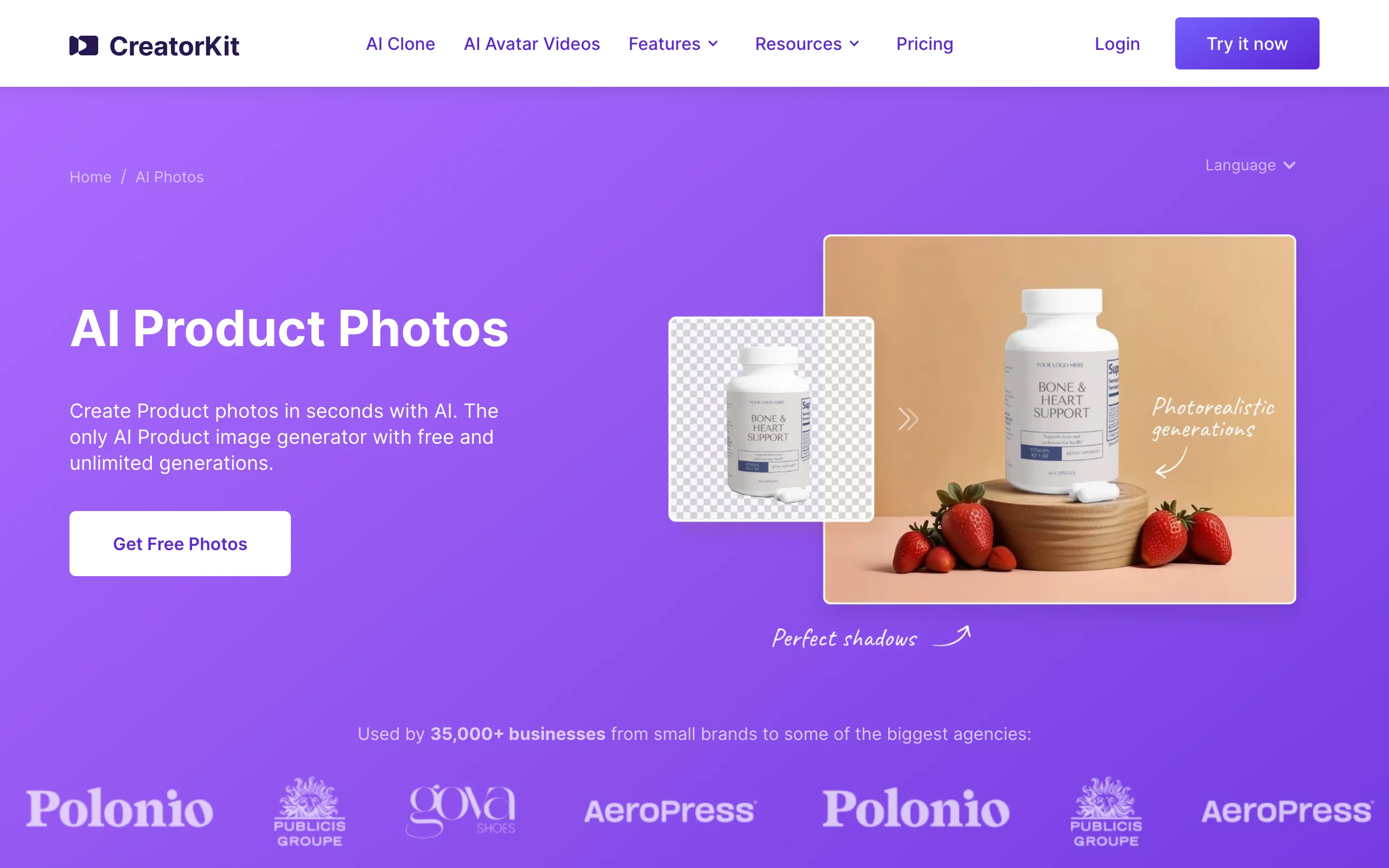
AI Jewelry Photography with CreatorKit
Key features
- AI product photos with jewelry-specific scene templates
- Prompt-based backgrounds plus a drag-and-drop editor
- Shopify app: generate photos from the store admin
- AI product videos and ad creative in the same workspace
Best for
- Shopify jewelry stores that want listing photos and video ads from one subscription
- Sellers who prefer paying per kept image over burning monthly credits
Pricing
- Free plan: unlimited generations, 5 downloads
- Pro at $39 per month ($32 on annual billing): 10 downloads and watermark removal
- Business at $99 per month: 50 downloads (human editing requests start on Business Plus at $134 per month)
Pros
- Unlimited generation before you pay makes testing cheap
- Jewelry templates are tuned for the category, not generic podium shots
- Deep Shopify integration saves an export-import loop
Cons
- Download caps make high-volume catalogs expensive
- The product's center of gravity has moved toward AI avatar video, so photo features share the roadmap
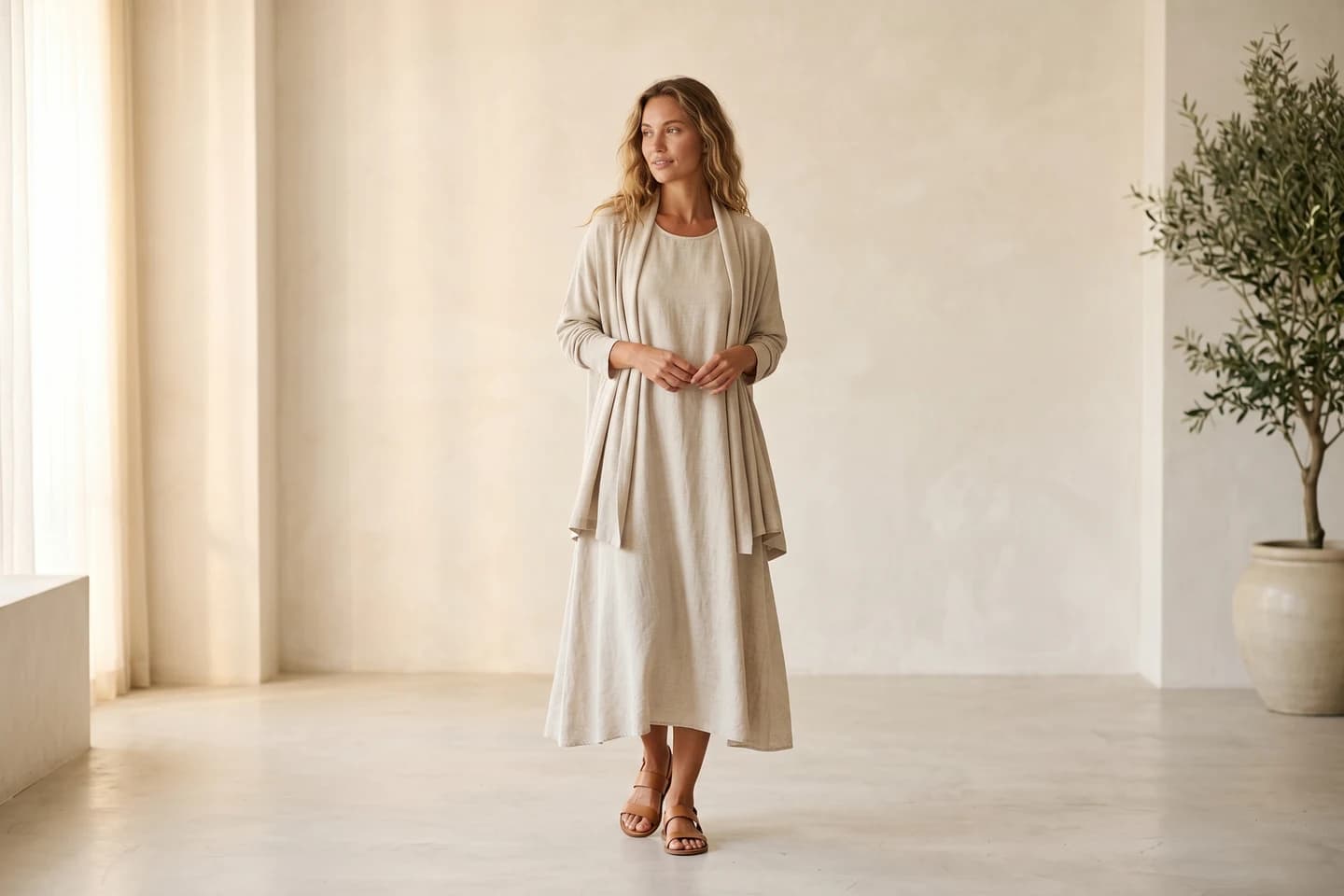
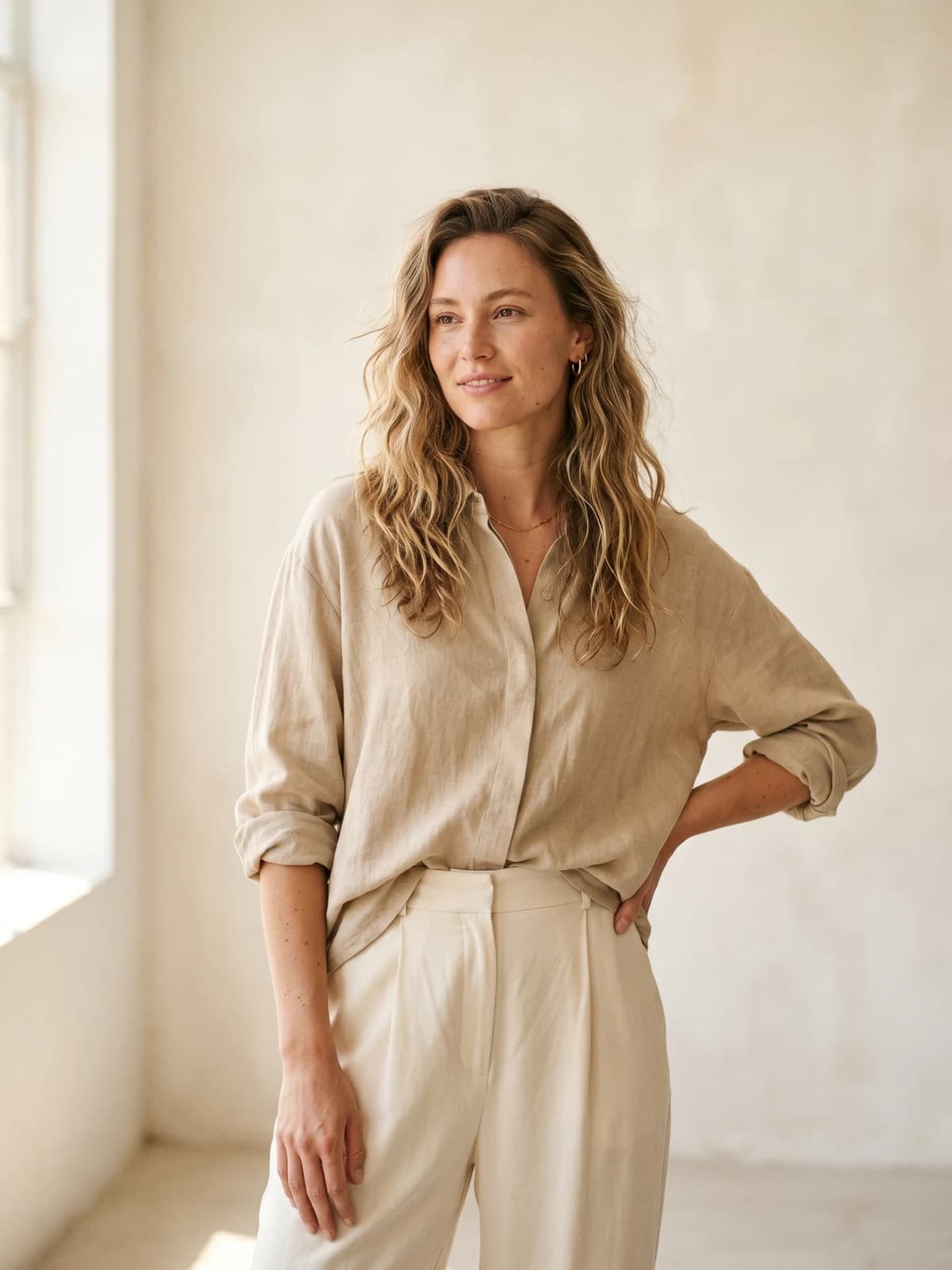
Replace your next jewelry shoot with AI
Professional on-model jewelry photography in seconds, at a fraction of the cost of a studio session.
How to choose an AI jewelry product photography tool
1) Decide whether you need on-model shots or just better backgrounds
This is the split that matters most. A ring can sell from a beautiful product-only shot on marble. A necklace, a pair of drop earrings, or a bangle usually needs a body to communicate scale and drape. If your listings already convert with product-only images, a background tool like Pebblely or Mokker AI covers you for under $15 a month. If shoppers keep asking "how long does it hang?", you need on-model photos, and that points to WearView, with Flair.ai as the option when you want staged scenes and occasional model shots from the same canvas.
2) Match the tool to where you sell
Etsy and eBay sellers working from a phone get the most from Pixelcut, since the entire edit happens in the app they already list from. Shopify stores should look at CreatorKit for its admin integration or Caspa AI for the photo-plus-video credit pool. If you sell across several channels and want the catalog to look like one brand, WearView's consistent model identity is the feature the others don't have: the same face wearing your whole collection, everywhere.
3) Do the credit math before you subscribe
Per-image prices vary by an order of magnitude here. Mokker AI's Starter works out to roughly 2.6 cents per photo, Pebblely's Lite to 30 cents, and download-capped plans like CreatorKit's can run to several dollars per kept image. None of those numbers matter if the output doesn't sell your product, but once two tools pass your quality bar, the cheaper pool of generations wins. Also check what a "credit" buys: one image, one variation, or one upscale, since tools count differently.
4) Test your five hardest SKUs before committing
Every AI tool demos well on a plain gold band. The failures show up on pave settings, engraved bands, thin chains, and multi-stone pieces, and hands and faces near jewelry are hard for AI across the board, whichever tool you pick. So run your five most difficult pieces through a trial before subscribing: check prong counts, stone color, earring posts, and how a chain sits against skin. If your input photos are the weak link, our guide on how to photograph jewelry covers the lighting and macro basics that give any AI tool better raw material. And if you're weighing categories rather than single tools, compare how an AI fashion photography platform and a background generator each render the same piece; the difference is usually obvious within ten generations.
FAQ
What is AI jewelry product photography?
It's using AI image generation to produce listing-ready jewelry photos from a simple product shot, instead of a studio session. Depending on the tool, that means generating a new background around your piece, staging it in a lifestyle scene, or rendering it worn on an AI-generated model.
Can AI put my jewelry on a model?
Yes, though most AI photo tools can't. Background generators like Pebblely and Mokker AI only replace the scene around the piece. WearView generates the model itself: you upload the product photo, pick the model's look, and get on-model shots in under 15 seconds. Flair.ai can also fit jewelry onto AI models as part of its fashion tooling.
Is there a free AI jewelry photography tool?
Several tools have free tiers: Mokker AI gives a one-time batch of free photos, Pixelcut has a usable free plan, Flair.ai includes 5 free images, and CreatorKit allows unlimited generations with 5 downloads. WearView is paid only, starting at $29 per month. Free tiers are best treated as quality tests rather than production plans.
Are AI product photos allowed on Etsy and Amazon?
Staged and edited photos are standard on both platforms; the rule that matters is that the product shown must accurately represent what the buyer receives. Keep the piece itself unedited and let AI change the context around it, and check each marketplace's current image policy before uploading, since the rules keep evolving.
What input photo gives the best AI results?
A sharp, evenly lit photo on a plain background, at the highest resolution you can manage. The AI can only work with the detail it receives: a blurry chain stays blurry, and a blown-out stone stays blown out. One good macro shot per piece beats five mediocre angles.
How do AI tools handle reflective metal and gemstones?
Better than they did a year ago, but not perfectly. Generated scenes sometimes produce reflections that don't match the environment, and small stones can shift color or lose facets. This is why per-generation QA matters for jewelry more than for most categories: zoom in on every image before it goes live.
Do AI-generated ring shots on hands look realistic?
Hands are the hardest case, for every tool. Finger positioning, nail rendering, and the way a band sits against skin are exactly where AI models still slip. Test ring-on-hand shots specifically during a trial, and expect to discard more generations there than for necklaces or earrings.
Which tool is best for a Shopify jewelry store?
CreatorKit generates photos directly inside the Shopify admin, which is the smoothest workflow if you live in that dashboard. For on-model imagery across a whole collection, WearView's outputs drop into any Shopify product page, and Caspa AI is the middle path if you want photos and product-page videos billed together.
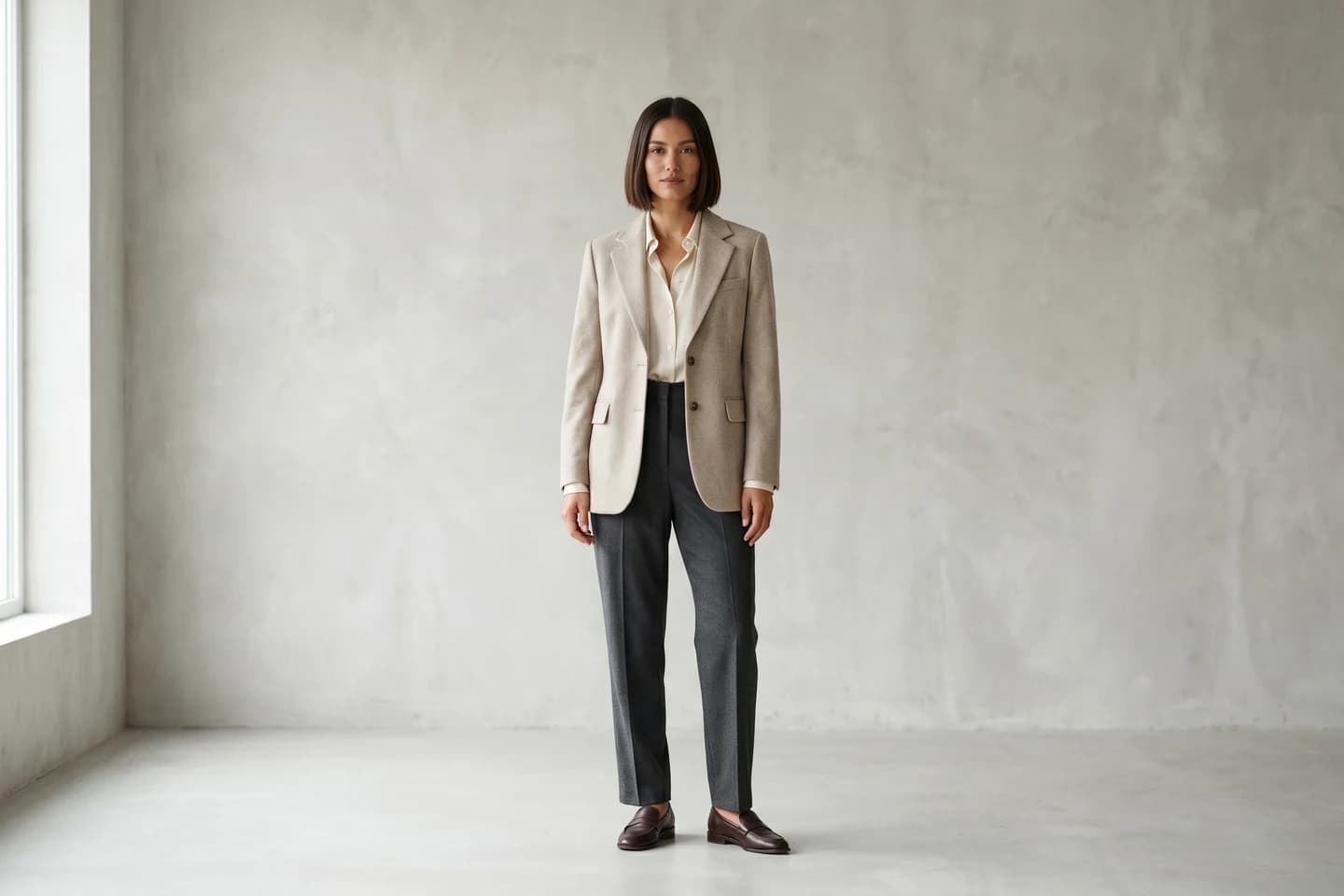
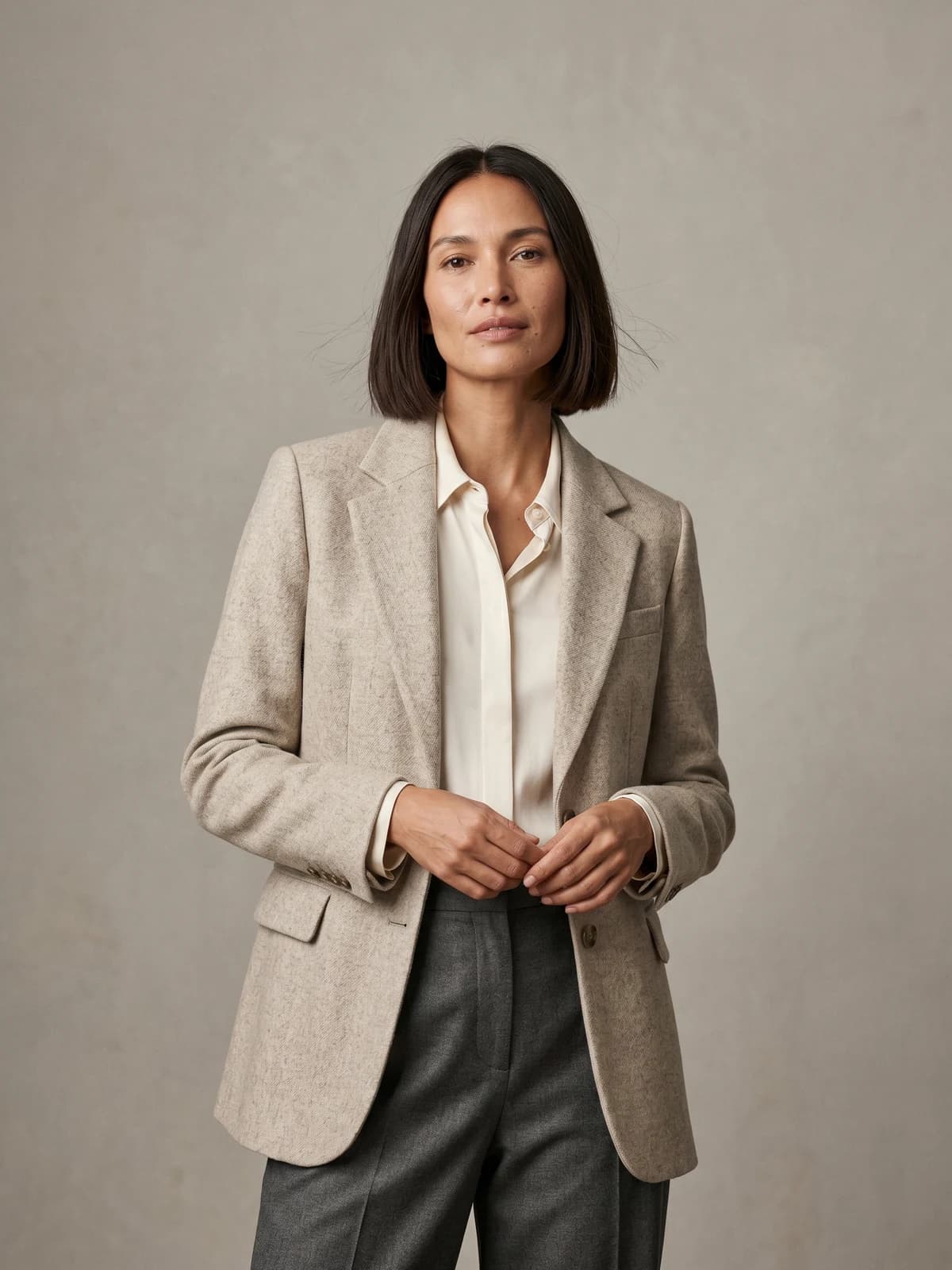
The same model across your whole collection
Keep one signature model consistent across every ring, pendant, and drop, so your shop reads as one brand.

WearView Team
WearView Content & Research Team
WearView Team is a group of fashion technology specialists focused on AI fashion models, virtual try-on, and AI product photography for e-commerce brands. We publish in-depth guides, case studies, and practical insights to help fashion businesses improve conversion rates and scale faster using AI.


