May 1, 2026•17 min read
7 best tools to put clothes on models in 2026
Putting clothes on models used to mean booking a studio, hiring talent, and waiting weeks. AI tools now do it in seconds from a single garment photo. Here are the 7 best tools for fashion brands and ecommerce teams in 2026, with pricing, strengths, and a clear decision framework.
Picture of 7 best tools to put clothes on models in 2026 article
Putting clothes on models is one of the most expensive parts of running a fashion brand or online store. Studio time, model fees, retouching, and reshoots add up fast, and the timeline can stretch from days to weeks. AI tools have changed the math. You can now upload a flat-lay, ghost mannequin shot, or packshot and get a professional on-model image in under a minute.
In this guide, we compare the 7 best tools to put clothes on models in 2026. We cover pricing, key strengths, ideal use cases, and a decision framework so you can pick the right tool for your catalog, your budget, and your team.
Best tools to put clothes on models: a brief overview
- WearView: Best overall for ecommerce catalogs: a full AI fashion platform that turns flat-lays into on-model photos in under 15 seconds and pairs that with virtual try-on, AI model creation, and consistent model identity across campaigns.
- Higgsfield: Best for an all-in-one creative suite: generate editorial on-model imagery, cinematic video, and full campaigns from one platform, with virtual try-on built in.
- OnModel: Best for bulk Shopify catalog conversion: turns large catalogs of flat-lays and packshots into on-model PDP imagery with a Shopify-native workflow.
- Photta: Best for affordable custom brand models: includes a Model Maker for saving reusable brand personas at the lowest entry price in this list.
- Uwear.ai: Best for combining catalog generation with shopper-facing try-on: covers both the studio side and the storefront side of try-on.
- Pincel: Best for quick one-off clothes-swap edits: a lightweight image editor with AI clothing swap built into a familiar retouching workflow.
- VModel.ai: Best for pay-as-you-go credit workflows: a credit-based model with no monthly subscription pressure, suitable for seasonal and small-volume teams.
| Tool name | Key strength | Pricing | Platforms |
|---|---|---|---|
| WearView | All-in-one fashion platform with on-model conversion in under 15 seconds | From $24/month | Web |
| Higgsfield | All-in-one suite for editorial imagery, video, and campaigns | Free tier; paid from ~$15/month | Web |
| OnModel | Bulk Shopify catalog conversion with native PDP write-back | Subscription pricing; Free trial available | Web, Shopify app |
| Photta | Reusable brand model presets at the lowest entry price | From $14/month; Free trial available | Web |
| Uwear.ai | Catalog generation paired with shopper-facing try-on | From $19/month; Free credits on signup | Web, API |
| Pincel | AI clothing swap inside a fast image-editing workspace | From $9/month; Free tier available | Web |
| VModel.ai | Credit-based, no-subscription pricing | From $9 credit pack; Free credits on signup | Web, API |
1. WearView, best overall for ecommerce catalogs
WearView is a complete AI fashion photography platform that features a dedicated product to model AI tool. There, you upload your flat-lay, ghost mannequin, or packshot image (or several at once), choose from a diverse set of AI models across different ethnicities, body types, and age groups, and describe the background or setting you want. The tool generates professional on-model photos in under 15 seconds.
WearView lets you create full fashion campaigns from studio shots to lifestyle imagery. You can style complete outfits by manually pairing garments with models or by describing the look in a prompt. Each model can be customized with specific poses using reference images through the AI pose changer, but you can also describe any pose and background via text. Beyond product-to-model, the platform includes AI virtual try-on, an AI fashion model generator that builds models from text prompts, consistent model identity for brand campaigns, ghost mannequin generation, and AI fashion video, all in one workspace.
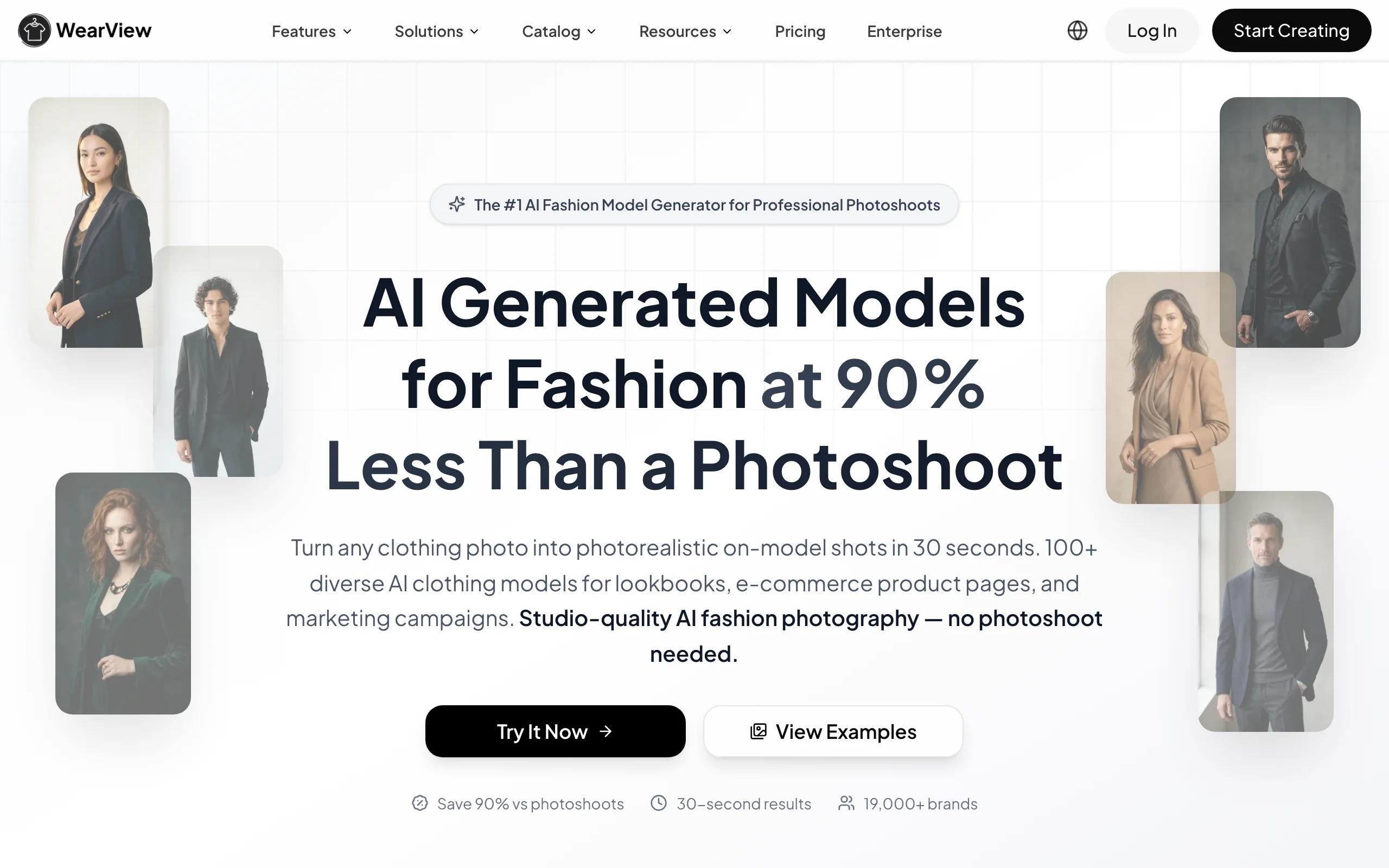
Put Clothes On Models with WearView
Key features
- Product-to-model conversion in under 15 seconds
- Diverse AI model library across ethnicities, body types, and ages
- Consistent model identity across product lines and seasons
- Pose control using reference images or text prompts
- HD, 2K, and 4K output with full commercial usage rights
- Team seats included on Pro and Advanced plans
Best for
- Fashion brands and ecommerce stores running 100+ SKU catalogs
- Marketing agencies managing multiple fashion clients
- Teams that already have packshots and want fast on-model images at studio quality
Pricing
- Lite: $24 per month (50 credits)
- Pro: $40 per month (200 credits, up to 5 team seats)
- Advanced: $82 per month (500 credits, up to 15 team seats)
- Annual billing saves up to 40% per year
Pros
- Seven AI tools in one platform, not just on-model conversion
- Consistent model identity across campaigns is a unique strength
- 4K studio-grade output with commercial rights on every paid tier
- Built for catalog consistency, not one-off demos
Cons
- No free tier, only a money-back guarantee on paid plans
- Credit-based pricing means very high-volume teams should plan around the Advanced tier or annual billing
2. Higgsfield, best for an all-in-one creative suite
Higgsfield is an AI-native creative suite that bundles photoreal image generation, cinematic video, and campaign tools in one platform. Rather than a straight garment-on-model try-on, it is built for editorial output: campaign hero shots, lookbook frames, and social content with an art-directed, cinematic look. Its image models and reference support let brand teams place AI fashion models in styled scenes that match a season's mood, and the suite also includes virtual try-on and face-swap tools.
It fits teams that would rather run one platform than juggle separate apps for images, video, and social campaigns. A Marketing Studio assembles full campaigns from a single prompt, so a small team can produce a cohesive launch set quickly. Because results are generative, brands that need exact print and fit reproduction usually pair it with a dedicated try-on tool for their core PDP shots.
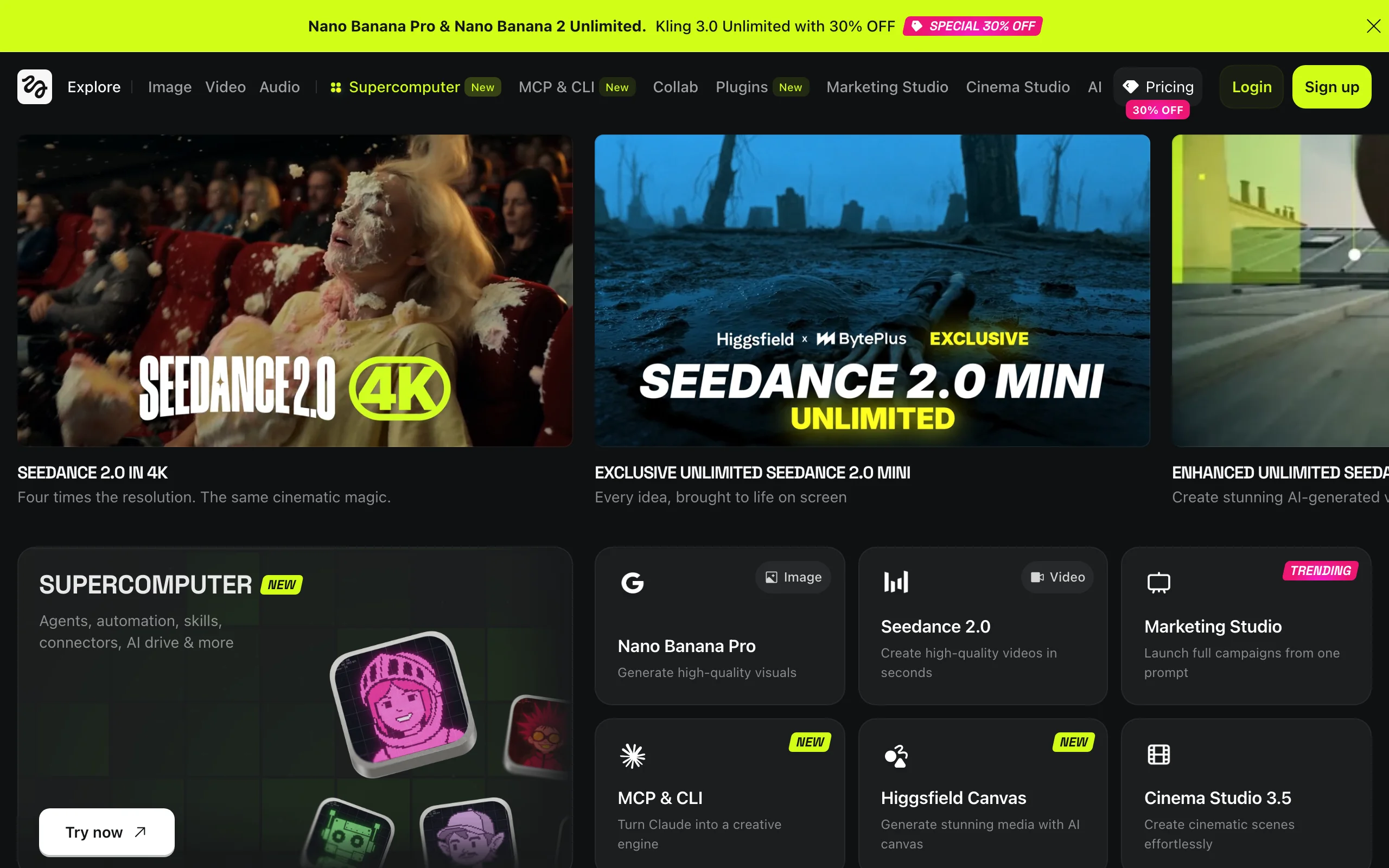
Put Clothes On Models with Higgsfield
Key features
- Photoreal image generation for editorial and campaign looks
- Cinematic video generation with camera controls
- Marketing Studio to build full campaigns from a single prompt
- Virtual try-on and face-swap tools in the same suite
- Reference-image support for consistent model and styling
Best for
- Brands producing editorial, lookbook, and campaign on-model imagery
- Social-first teams that want photos, video, and campaigns in one place
- Small teams assembling a full launch set from one platform
Pricing
- Free tier with limited daily credits and watermarked output
- Starter around $15/month, Plus around $39/month, Ultra around $99/month on annual billing
- Credit-based generation shared across image and video models
Pros
- One suite covers image, video, and campaign assets
- Distinctive cinematic and editorial output
- Fast to produce a cohesive seasonal set
Cons
- Generative output, so exact garment fidelity is not guaranteed
- Not a dedicated garment-upload try-on for core catalog SKUs
- Credits can add up at high volume
3. OnModel, best for bulk Shopify catalog conversion
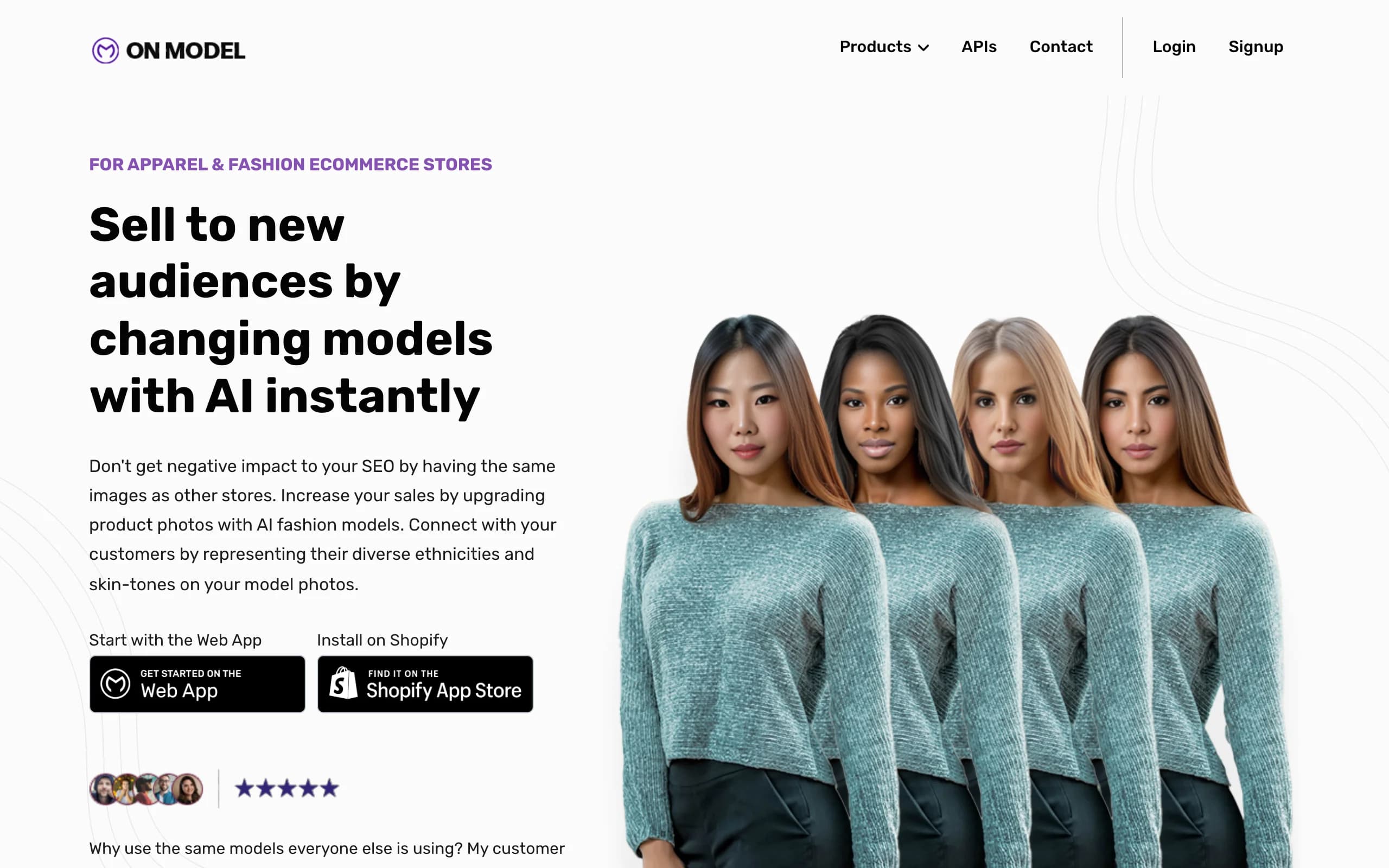
OnModel is built around one specific job: turning a large catalog of flat-lay or packshot images into on-model PDP photos at scale. The Shopify integration is the differentiator: you connect the store, pick which products to convert, and the generated images write back to your product listings without manual upload. For brands running 200+ SKU storefronts, the time savings on the upload step alone can justify the subscription.
OnModel is less flexible than broader platforms when it comes to creative variations or editorial scenes. The model library is curated for catalog work rather than ad creative, and you trade some flexibility for the bulk-processing speed. For DTC brands that already have a standardized packshot pipeline and just want to automate the on-model step, that trade-off is the right one.
Put Clothes On Models with OnModel
Key features
- Shopify-native catalog conversion with PDP write-back
- Bulk batch processing for hundreds of SKUs
- Curated AI model library across demographics
- Background and setting customization
- Reusable model presets for visual consistency
Best for
- DTC brands with 200+ SKUs running on Shopify
- Catalog teams that want minimal manual touch per image
- Stores that have already standardized their packshot pipeline
Pricing
- Free trial available
- Subscription tiers based on catalog volume
- Custom pricing for enterprise catalogs
Pros
- Shopify-native workflow saves hours of manual upload
- Bulk processing handles hundreds of SKUs in a single run
- Reusable model presets keep PDPs visually consistent
Cons
- Less flexible for one-off creative campaigns
- Editorial and lifestyle scenes are limited compared to broader platforms
4. Photta, best for affordable custom brand models
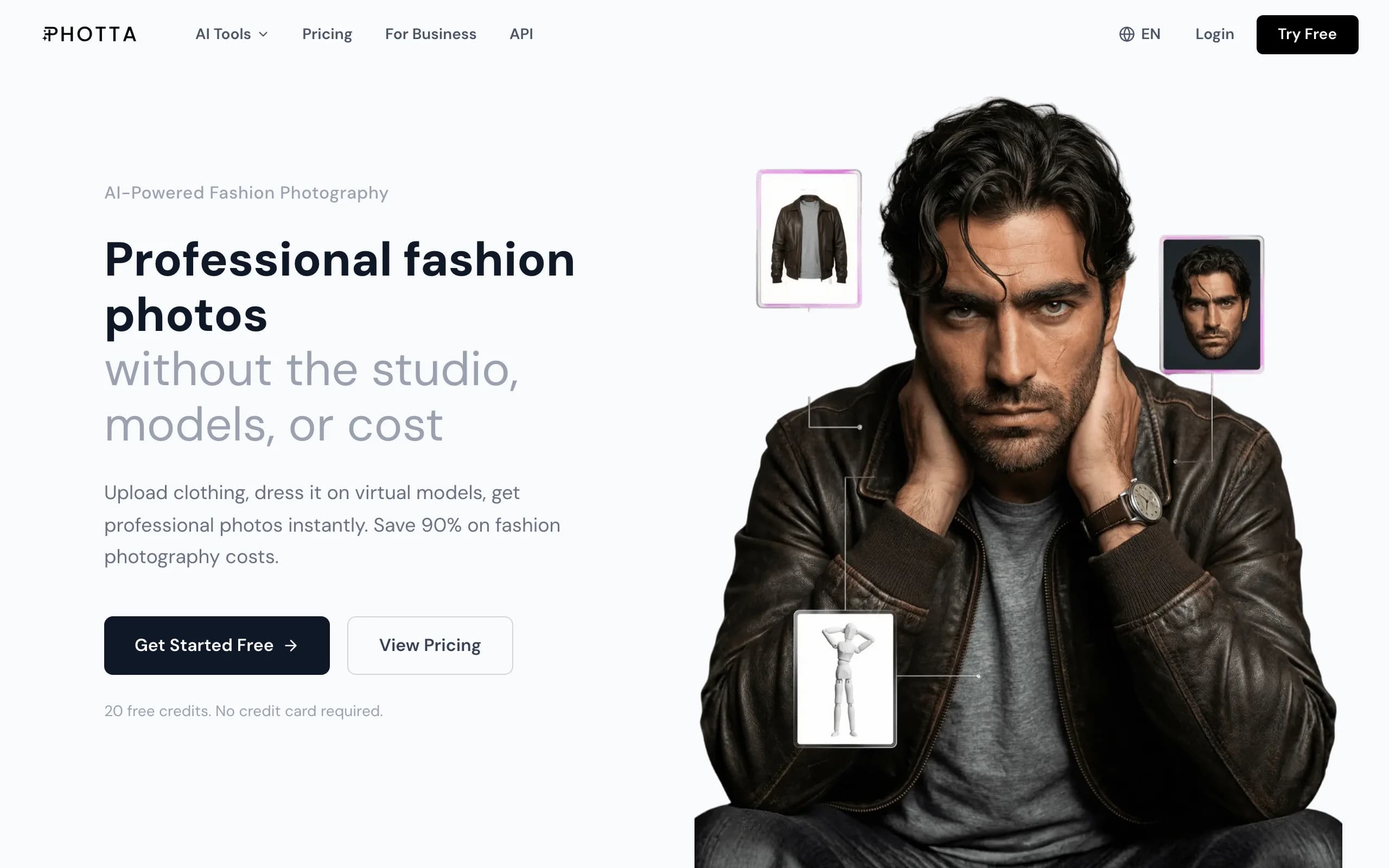
Photta is the lowest entry-price tool in this list. The platform is built around a Model Maker that lets you save reusable AI models as part of your brand's persona, then dress them with new garments across product launches. For brands that want a recognizable AI face but cannot stretch to premium platforms, Photta hits a useful price point.
The toolkit covers AI clothing swap, on-model conversion from flat-lays, and a pose changer, plus video generation on higher tiers. The output is competitive in the mid-tier rather than editorial-grade, but for solo founders, capsule brands, and small Etsy or Shopify stores that need consistent branded imagery on a tight budget, Photta is one of the most cost-efficient picks.
Put Clothes On Models with Photta
Key features
- Model Maker for saving reusable brand personas
- AI clothing swap and pose changer
- Flat-lay to on-model conversion
- Video generation on higher tiers
- Batch processing on Seller and higher plans
Best for
- Solo founders and capsule brands on a tight budget
- Etsy and small Shopify stores wanting custom branded models
- Teams that want consistent models without a premium subscription
Pricing
- Free trial available
- Hobby: $14 per month (around 30 photos)
- Higher tiers unlock more poses, batch processing, and video
Pros
- Lowest entry price in this list
- Reusable Model Maker is unusual at this price point
- Covers swap, pose, and on-model conversion in one tool
Cons
- Lower credit ceilings on Hobby and Seller tiers limit high-SKU catalog work
- Output is solid mid-tier rather than editorial-grade
5. Uwear.ai, best for combining catalog generation with shopper try-on
Uwear.ai covers both sides of putting clothes on models: the catalog side, where brands generate on-model imagery from flat-lays, and the storefront side, where shoppers can virtually try on garments with their own photo. This dual positioning is unusual in the category and makes Uwear.ai attractive to brands that want to consolidate vendors.
The catalog tool is straightforward: upload a garment, pick a model, and generate. The shopper try-on integrates with ecommerce stores via embed code, so customers can preview fits before buying. The combined workflow can reduce return rates while filling out the brand's marketing assets at the same time.
Put Clothes On Models with Uwear AI
Key features
- Catalog generation from flat-lays and packshots
- Shopper-facing virtual try-on widget
- Embed code for ecommerce stores
- API access for both sides of the workflow
- Multiple model options across demographics
Best for
- Brands focused on reducing return rates
- Stores that want to combine marketing and conversion tools
- Teams managing both catalog and storefront experiences
Pricing
- Free credits on signup
- Paid plans start from $19 per month
- Virtual Try-On priced separately based on usage
Pros
- One vendor for both catalog and storefront try-on
- Free signup credits make trialing low-friction
- Storefront widget is easy to install on Shopify
Cons
- Two pricing dimensions (catalog and try-on) can complicate budgeting
- Catalog output is solid but not differentiated for editorial work
6. Pincel, best for quick one-off clothes-swap edits
Pincel is a lightweight AI image editor with a clothing swap feature built into a familiar retouching interface. Instead of a dedicated catalog workflow, Pincel feels more like an AI-powered photo editor: you mask the area you want to change, type a prompt for the new garment, and the tool replaces the clothing while preserving the rest of the image. For one-off edits, ad creative variations, and quick fixes to existing on-model photos, the workflow is fast.
Pincel is not built for bulk catalog production. The strength is the editor-style flexibility, which lets you run quick experiments or tweak a single image without setting up a full pipeline. The free tier is functional enough for occasional edits, and the paid entry point is among the cheapest in the category.
Put Clothes On Models with Pincel
Key features
- Mask-and-prompt clothing swap
- Familiar image-editor interface
- Background swap and object removal in the same tool
- Web-based with no install
- Free tier with watermark
Best for
- Solo creators making ad variations or one-off edits
- Marketing teams tweaking existing on-model photos
- Brands that want a flexible editor rather than a catalog pipeline
Pricing
- Free tier available with watermark
- Paid plans start from $9 per month
- Pro plan available for higher volume
Pros
- Editor-style flexibility for one-off edits
- Among the cheapest paid entry points
- Useful free tier for occasional users
Cons
- Not built for bulk catalog production
- Output is good for ads but less consistent for premium PDP work
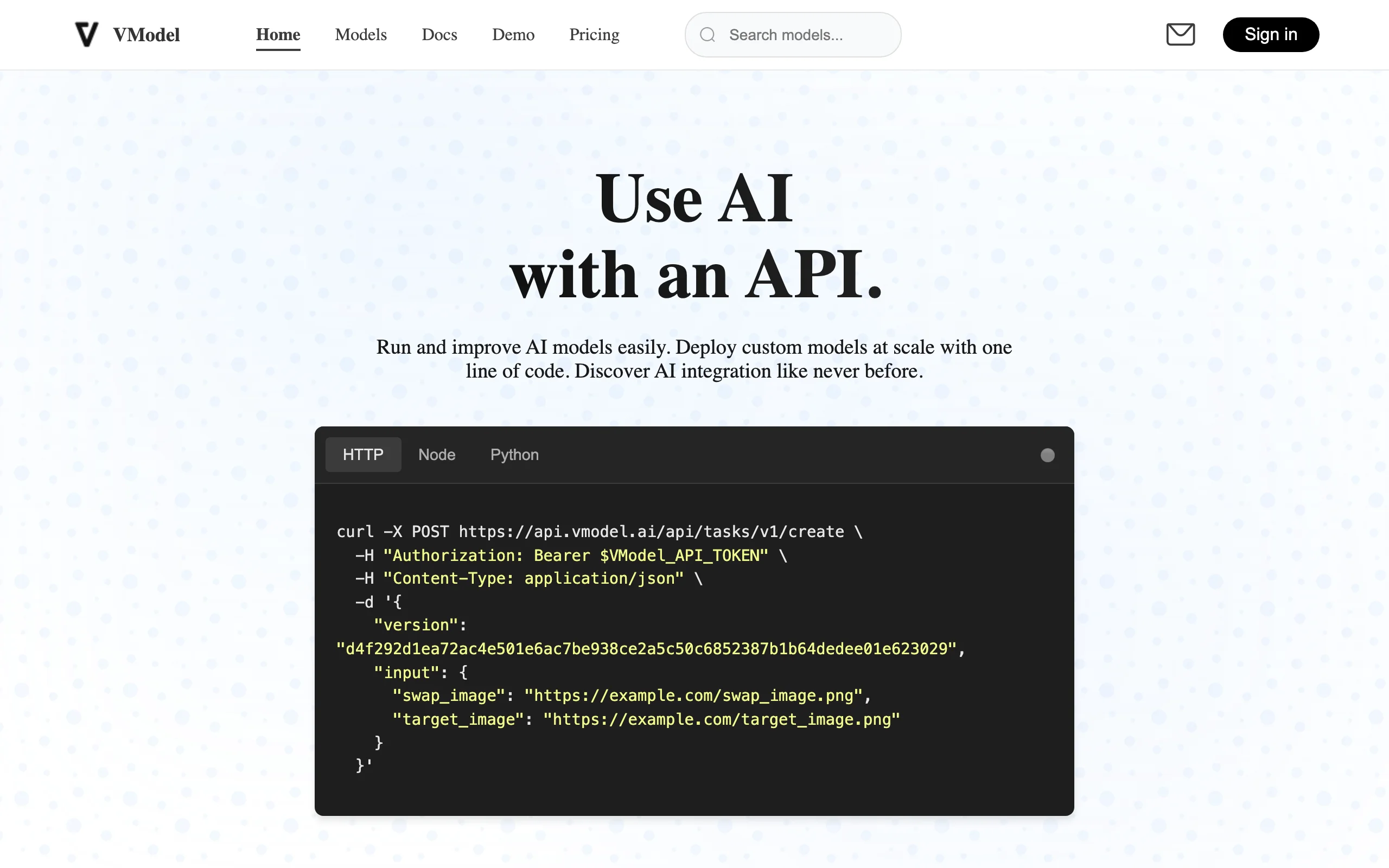
7. VModel.ai, best for pay-as-you-go credit workflows
VModel.ai is a credit-based platform that lets you skip the monthly subscription. You buy credits, use them when you need them, and they roll over. For seasonal brands, freelance product photographers, or anyone running occasional shoots, this pricing model removes the pressure to "use it or lose it" each month.
The toolset covers the essentials for putting clothes on models: AI model generation, clothing swap on existing photos, and on-model conversion from flat-lays. The output quality is competitive in the mid-tier, and the lack of subscription pressure makes VModel.ai attractive for smaller teams that do not generate hundreds of images every month.
Put Clothes On Models with VModel AI
Key features
- Credit-based pricing with no monthly subscription
- AI model generation and garment swap
- API access for batch workflows
- Multiple output sizes
- Free credits on signup
Best for
- Seasonal and capsule fashion brands
- Freelance photographers running occasional shoots
- Small teams that do not need monthly recurring volume
Pricing
- Free credits on signup
- Credit packs start from $9
- Pro plan available for higher volume
Pros
- No-subscription pricing fits irregular workflows
- Credits roll over so unused balance is not lost
- Clear per-credit cost makes budgeting predictable
Cons
- No bundled team features at the entry level
- Heavy users will spend more than they would on a flat subscription
How to choose the best tool to put clothes on models
1) Decide whether you need a catalog tool, a shopper-facing tool, or a quick editor
If your goal is to produce on-model PDP images at scale, you want a catalog tool: WearView, OnModel, Photta, or VModel.ai are the strongest picks. If you also want shoppers to try on garments before buying, Uwear.ai is the most direct option. If your need is more occasional, Pincel gives you editor-style flexibility for one-off edits and ad variations, and Higgsfield leans editorial, bundling image, video, and campaign tools for teams that want a distinctive campaign look. WearView covers catalog production plus a wider creative toolkit, including consistent model identity and AI fashion video, which makes it the right call when you want one platform for both marketing and merchandising.
2) Match the tool to your catalog volume
Volume changes the right answer significantly:
- Under 50 images per month: Pincel (one-off edits), VModel.ai (credit-based), Photta Hobby, or WearView Lite are the most cost-efficient.
- 50 to 300 images per month: WearView Pro, Photta higher tiers, or Uwear.ai give you the right capacity without per-image costs spiraling.
- 300+ images per month: WearView Advanced or OnModel for Shopify-native bulk runs become the most predictable options.
Test 5 to 10 hard SKUs first (complex prints, layered garments, unusual silhouettes) before committing to any plan. The numbers on a pricing page mean less than how the tool handles your actual catalog edge cases.
3) Decide if you need a dedicated workspace or an API
If your team works in a browser and uploads images manually, you want a workspace with a clean UI: WearView, Photta, Pincel, and OnModel are the strongest workspaces. If you have engineering capacity and want to embed on-model generation into a product feed, PIM, or storefront, VModel.ai and Uwear.ai give you cleaner API surfaces. WearView also offers an API alongside its workspace, which is useful if you want both a designer-friendly tool and a developer integration.
4) Consider whether you need consistent models across campaigns
This is the most underrated criterion. If you plan to use the same AI model across multiple product lines, seasons, or ad campaigns, you need a tool that supports persistent model identity, not one that generates a new face every time. WearView is the only platform in this list with consistent AI models as a first-class feature, with Photta's Model Maker as a budget alternative. If your brand wants a recognizable AI face across your storefront, this is the deciding factor.
For a deeper look at how virtual try-on tools compare specifically, see our best virtual try-on tools guide.
FAQ
What does it mean to put clothes on models with AI? It means using an AI tool to take a garment image, such as a flat-lay, ghost mannequin shot, or packshot, and generate a realistic photo of an AI-generated person wearing that garment. The output looks like a professional on-model photoshoot, but is produced from a single source image in seconds.
Can I use AI on-model photos for commercial purposes? Most paid tools, including WearView, grant full commercial usage rights on their paid plans. Always check the specific tool's licensing terms, especially for free tiers. AI-generated models are not real people, so model release issues do not apply, but you should still keep records of which tool generated which image.
What input image works best for putting clothes on AI models? A clean, well-lit packshot or ghost mannequin image gives the best results. Flat-lays work, but the AI has to infer how the garment drapes when worn, which can introduce small errors on complex silhouettes. Higher resolution inputs, especially of prints and patterns, produce better fidelity. WearView accepts flat-lays, ghost mannequins, and packshots, and you can run AI fashion model generator workflows from any of them.
Is there a free tool to put clothes on AI models? Pincel has a free tier suitable for occasional edits. OnModel, Photta, Uwear.ai, and VModel.ai offer free trials or signup credits. WearView does not have a free tier, but offers a money-back guarantee on its paid plans so you can test it on your real catalog before committing.
Which tool is best for Shopify stores? OnModel has the most direct Shopify integration with native PDP write-back, which makes it the right pick for stores running large catalogs. WearView and Uwear.ai integrate with Shopify-friendly workflows through APIs and embed codes and give you a broader creative toolkit. For smaller Shopify stores on a budget, Photta gives you reusable branded models at a low entry price.
How long does it take to put clothes on a model with AI? Most modern tools generate an image in 10 to 30 seconds. WearView is at the faster end, typically under 15 seconds. Bulk runs of 100+ images take longer overall but parallelize well.
Will AI-generated on-model photos look as good as real photoshoots? For PDP-style images on neutral backgrounds, AI tools now produce photos that are difficult to distinguish from professional studio shoots. For complex editorial scenes with multiple subjects, motion, or unusual lighting, real photography still has an edge. The right test is to generate 10 images of your hardest SKUs and put them in your store next to your existing PDPs to see if they hold up.
Can I keep the same AI model across different products and campaigns? Yes, but only with tools that support persistent model identity. WearView's consistent model feature lets you build a brand persona once and reuse it across product lines, seasons, and ad campaigns. Photta offers a budget version of this through its Model Maker. Most other tools generate a new face every session, which can break visual continuity if you rely on a recognizable AI face.

WearView Team
WearView Content & Research Team
WearView Team is a group of fashion technology specialists focused on AI fashion models, virtual try-on, and AI product photography for e-commerce brands. We publish in-depth guides, case studies, and practical insights to help fashion businesses improve conversion rates and scale faster using AI.